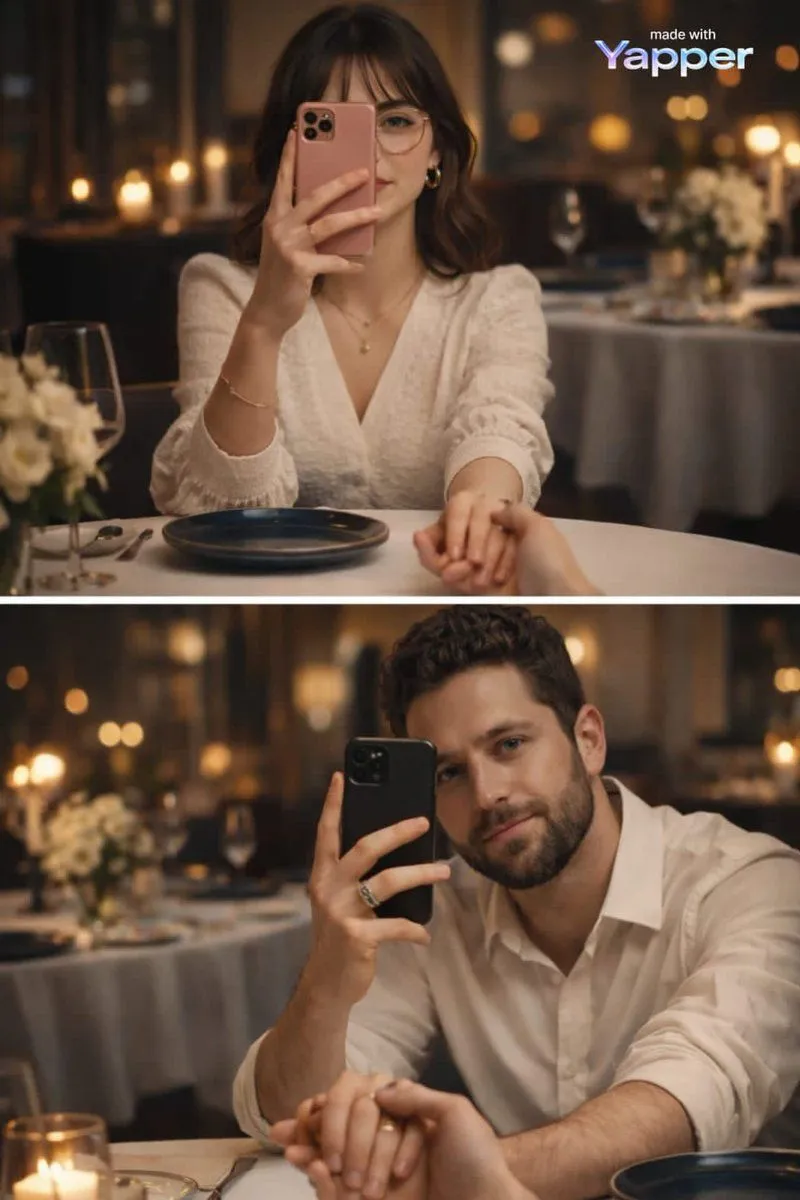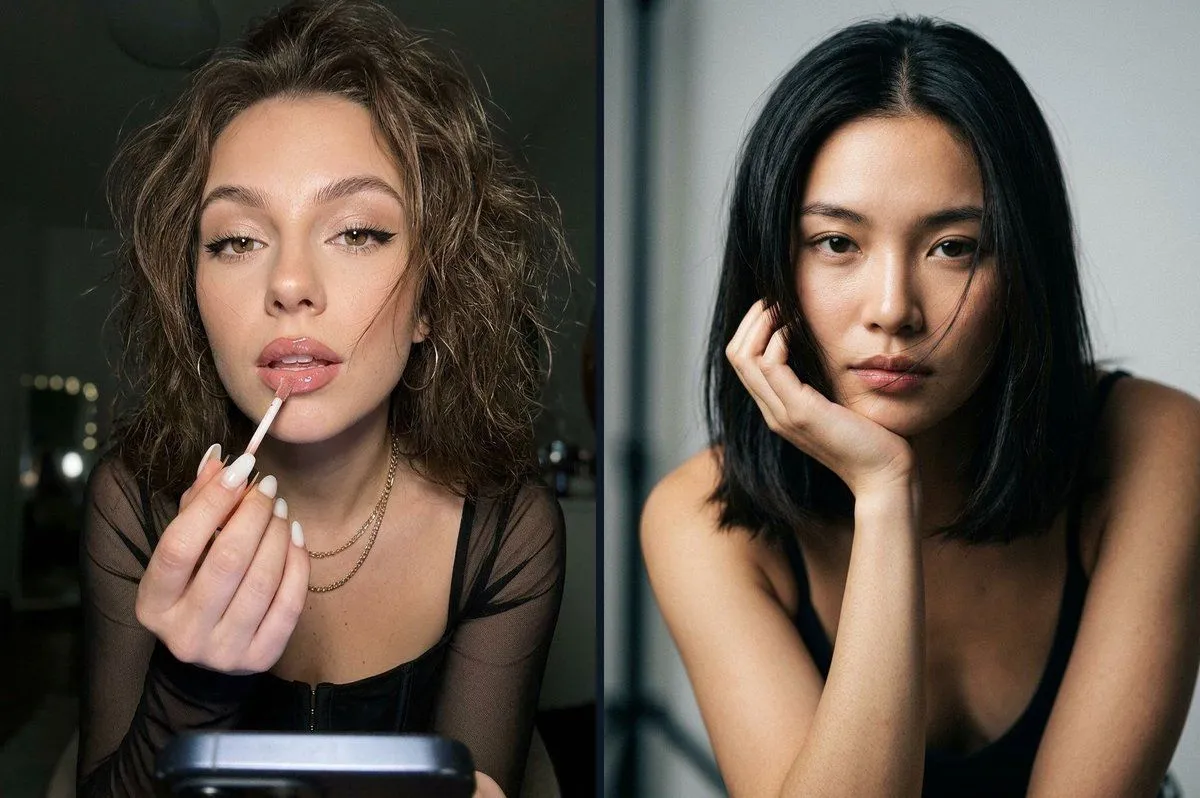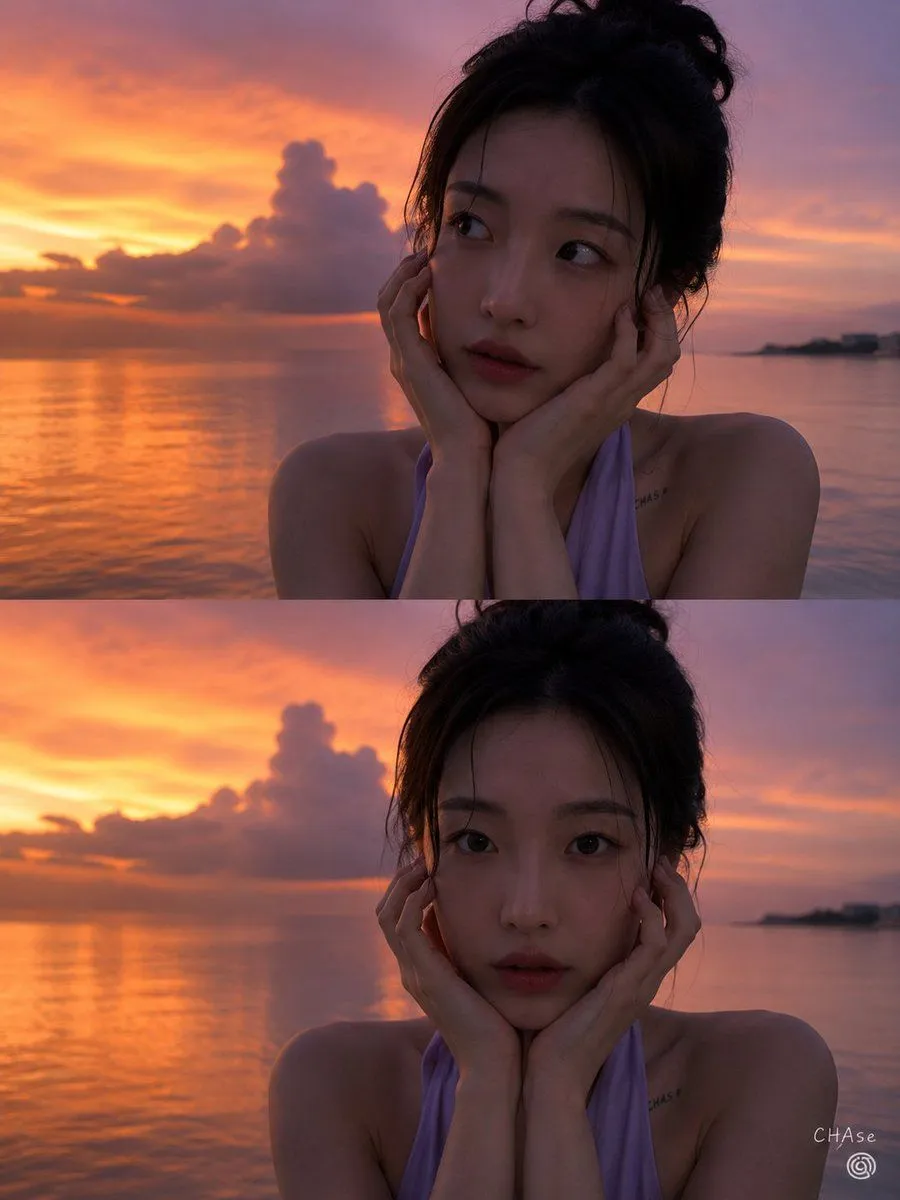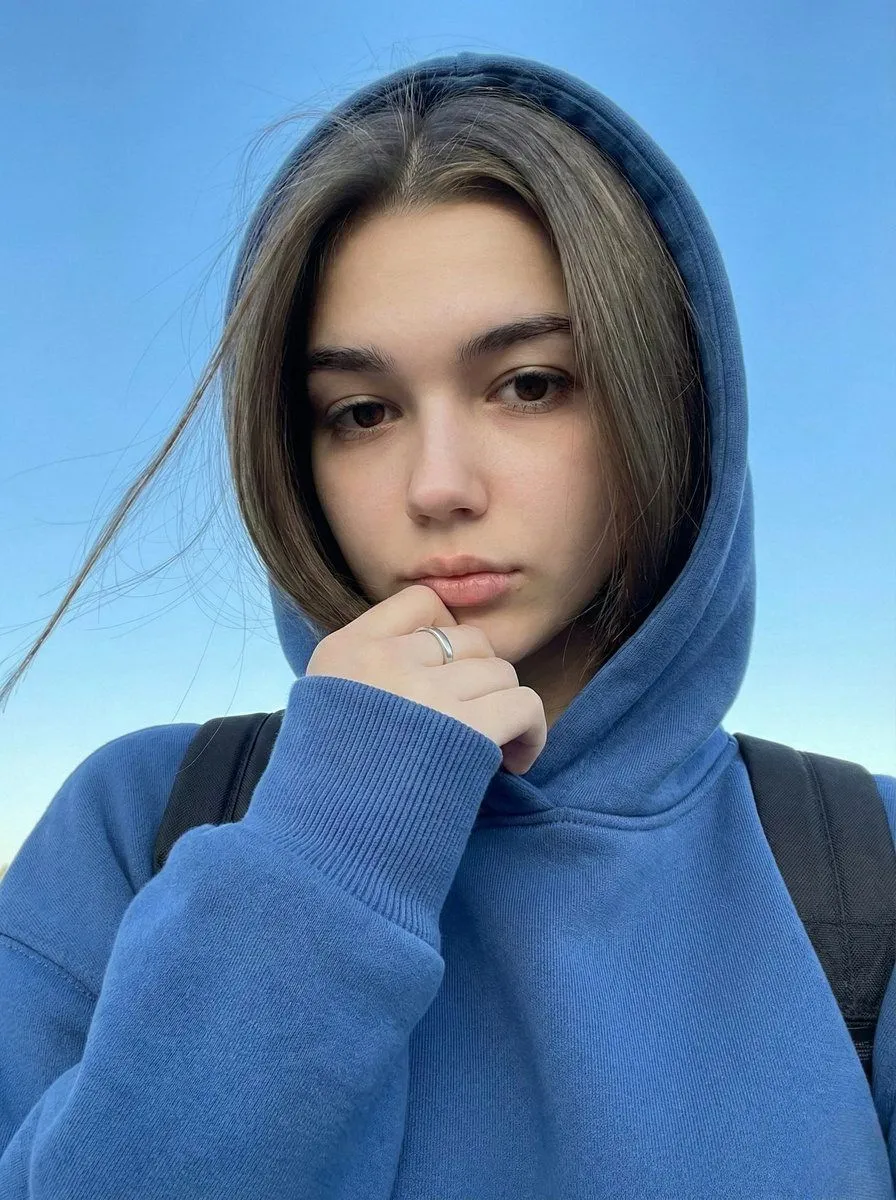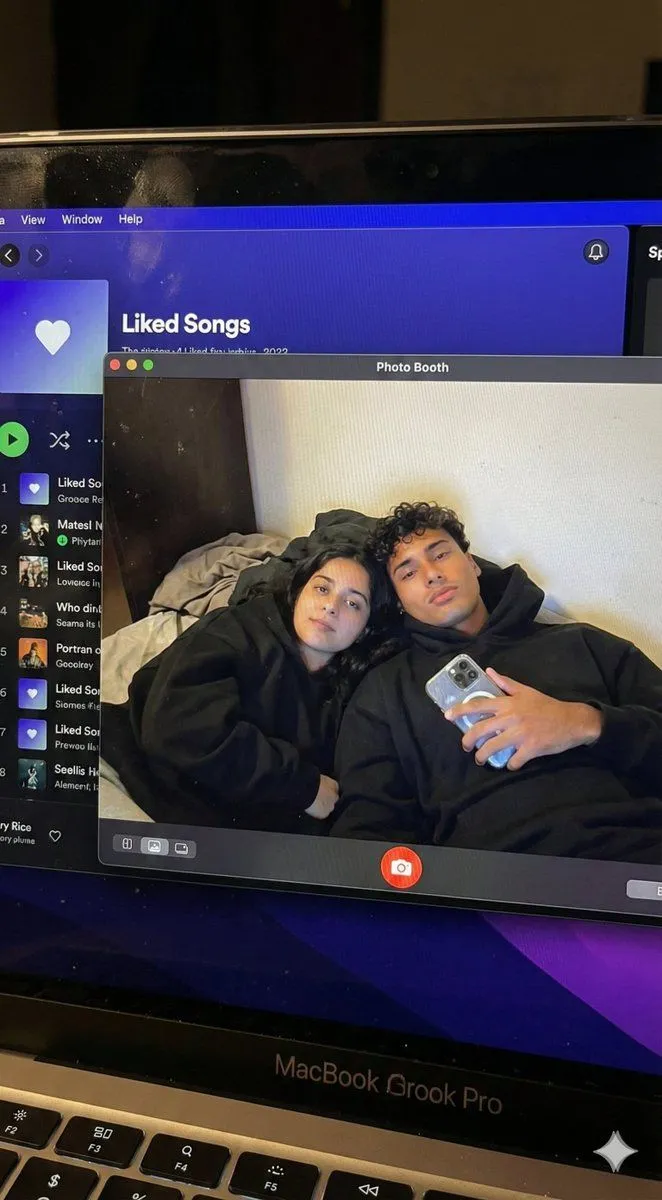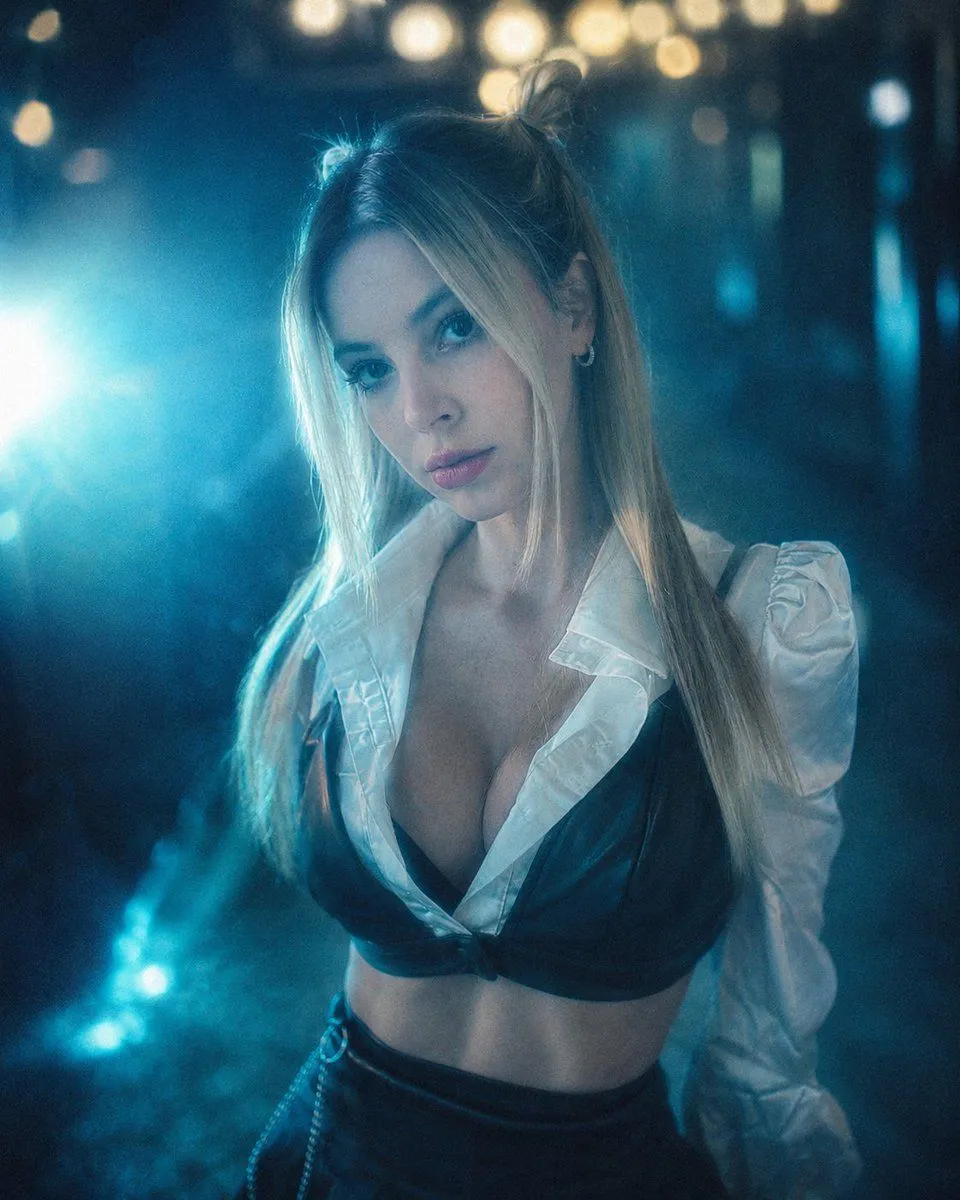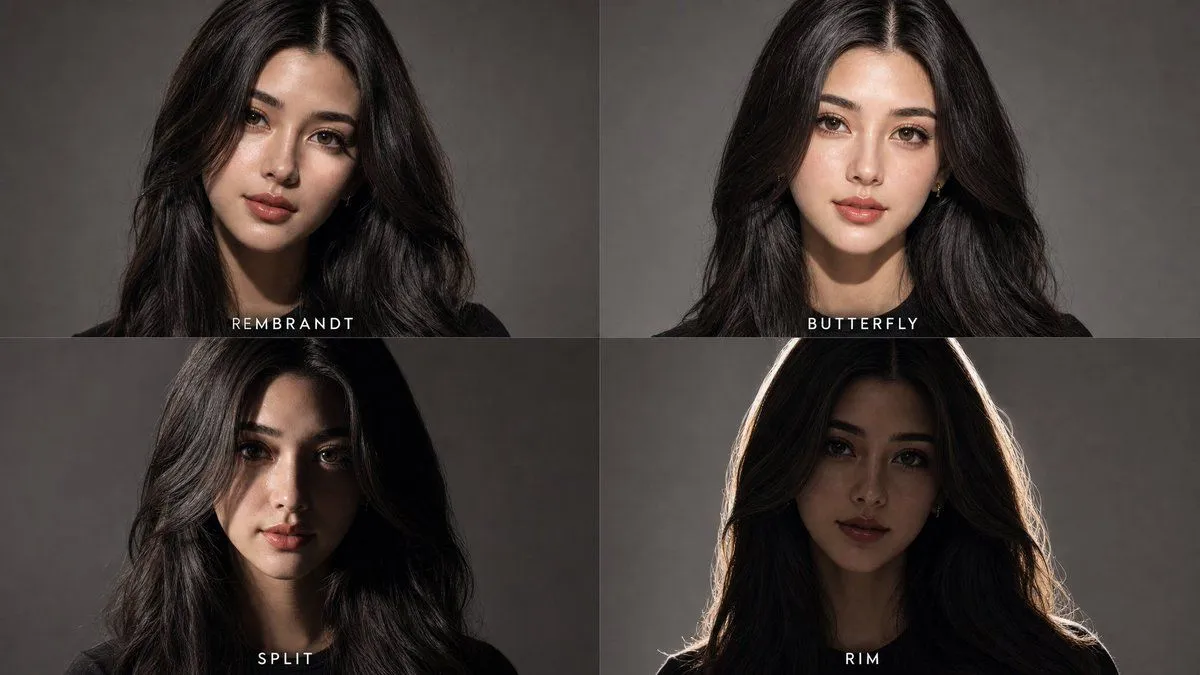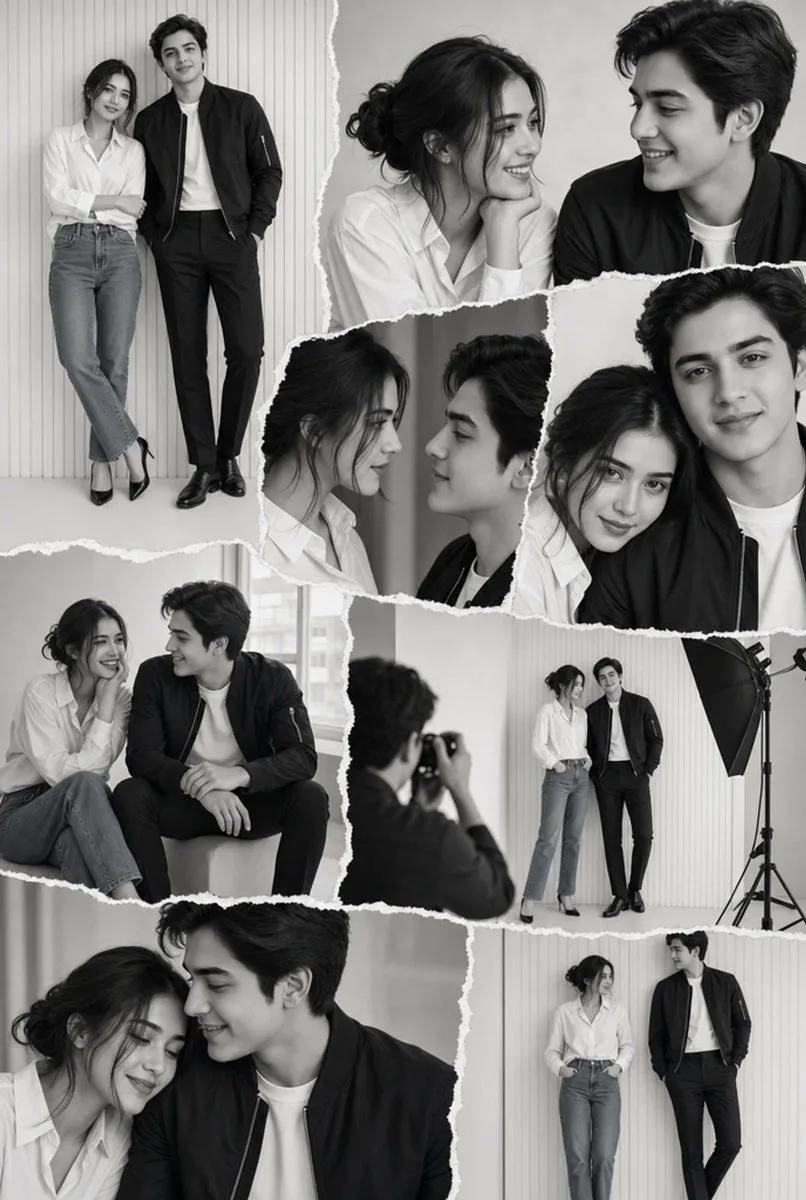
Made with Nano Banana Pro in Gemini by Library Social. Promptclay never generates images.
Did it work?
No reports yet. Tell others if it worked for you.
Cinematic Portrait Prompt in Luxury Cinema Lobby with Movie Poster
Prompt
1 blank to fill{ "aspect_ratio": "3:4", "main_subject": { "description": "A stylish young man standing confidently inside a modern cinema lobby, same pose as reference image.", "pose": { "hand": "One hand casually inside jeans pocket", "body": "Body slightly tilted", "head": "Head turned to the side with a confident expression", "face": "Face must remain 100% identical to the reference photo", "additional": "Standing casually beside a movie poster frame, holding the Border 2 movie ticket with both hands" }, "appearance": { "sunglasses": "Rectangle black sunglasses", "jawline": "Sharp jawline", "beard": "Well-groomed beard", "hairstyle": "Voluminous hairstyle" }, "outfit": { "shirt": "White short-sleeve casual shirt, loose fit", "jeans": "Dark grey wide-leg jeans", "shoes": "White Adidas-style sneakers with black stripes", "accessories": "Silver bracelet and ring on hand, black apple smart watch, no extra accessories" } }, "background_environment": { "location": "Luxury cinema hall lobby", "flooring": "Marble flooring with warm reflections", "lighting": "Soft yellow indoor lighting", "details": "Food counter visible in background, movie poster frame clearly visible beside the subject" }, "poster_details": { "title": "{movie_title}", "release_date": "23 January 2026", "actors_visible": [ "Sunny Deol", "Varun Dhawan", "Ahan Shetty", "Diljit Dosanjh" ], "style": "Cinematic, official, high-detail", "lighting": "Poster lighting matches indoor ambience" }, "lighting_details": { "type": "Warm indoor cinematic lighting", "face_outfit": "Even light on face and outfit", "shadows": "Soft shadows", "look": "Natural mall lighting look", "highlights": "No harsh highlights" }, "camera_composition": { "shot": "Full body shot", "quality": "DSLR quality", "focus": "Sharp focus", "placement": "Subject placed slightly off-center", "poster": "Poster clearly readable beside him" }, "image_quality": { "resolution": "Ultra HD", "sharpness": "Extremely sharp", "skin_texture": "Natural skin texture", "motion": "No blur, no motion blur", "look": "Clean, realistic look" }, "color_grading": { "tones": "Natural cinematic tones", "highlights": "Warm highlights", "contrast": "Balanced contrast", "aesthetic": "Luxury mall aesthetic" }, "style_mood": { "vibe": "Confident, stylish, movie premiere vibe", "moment": "Fan moment with cinema culture" }, "negative_prompt": [ "blur", "low quality", "cartoon", "anime", "over-smooth skin", "extra fingers", "distorted face", "watermark", "logo", "noise", "cinematic blur" ] }
Preview of your prompt
{ "aspect_ratio": "3:4", "main_subject": { "description": "A stylish young man standing confidently inside a modern cinema lobby, same pose as reference image.", "pose": { "hand": "One hand casually inside jeans pocket", "body": "Body slightly tilted", "head": "Head turned to the side with a confident expression", "face": "Face must remain 100% identical to the reference photo", "additional": "Standing casually beside a movie poster frame, holding the Border 2 movie ticket with both hands" }, "appearance": { "sunglasses": "Rectangle black sunglasses", "jawline": "Sharp jawline", "beard": "Well-groomed beard", "hairstyle": "Voluminous hairstyle" }, "outfit": { "shirt": "White short-sleeve casual shirt, loose fit", "jeans": "Dark grey wide-leg jeans", "shoes": "White Adidas-style sneakers with black stripes", "accessories": "Silver bracelet and ring on hand, black apple smart watch, no extra accessories" } }, "background_environment": { "location": "Luxury cinema hall lobby", "flooring": "Marble flooring with warm reflections", "lighting": "Soft yellow indoor lighting", "details": "Food counter visible in background, movie poster frame clearly visible beside the subject" }, "poster_details": { "title": "BORDER 2", "release_date": "23 January 2026", "actors_visible": [ "Sunny Deol", "Varun Dhawan", "Ahan Shetty", "Diljit Dosanjh" ], "style": "Cinematic, official, high-detail", "lighting": "Poster lighting matches indoor ambience" }, "lighting_details": { "type": "Warm indoor cinematic lighting", "face_outfit": "Even light on face and outfit", "shadows": "Soft shadows", "look": "Natural mall lighting look", "highlights": "No harsh highlights" }, "camera_composition": { "shot": "Full body shot", "quality": "DSLR quality", "focus": "Sharp focus", "placement": "Subject placed slightly off-center", "poster": "Poster clearly readable beside him" }, "image_quality": { "resolution": "Ultra HD", "sharpness": "Extremely sharp", "skin_texture": "Natural skin texture", "motion": "No blur, no motion blur", "look": "Clean, realistic look" }, "color_grading": { "tones": "Natural cinematic tones", "highlights": "Warm highlights", "contrast": "Balanced contrast", "aesthetic": "Luxury mall aesthetic" }, "style_mood": { "vibe": "Confident, stylish, movie premiere vibe", "moment": "Fan moment with cinema culture" }, "negative_prompt": [ "blur", "low quality", "cartoon", "anime", "over-smooth skin", "extra fingers", "distorted face", "watermark", "logo", "noise", "cinematic blur" ] }
DetailsVersions, settings and questions
Written for
What's in the prompt
- Subject
- Model
- Nano Banana Pro
If your face changes
keep my face exactly the sameQuestions
- Does this work in the Gemini app?
- Yes. Gemini runs Nano Banana, so paste the prompt and attach your photo if it uses one.
- It changed my face. What do I do?
- Add "keep my face exactly the same" to the end and run it again.
- Can I use the images I make?
- Check the terms of the app you use. Promptclay never generates images and claims nothing you make.