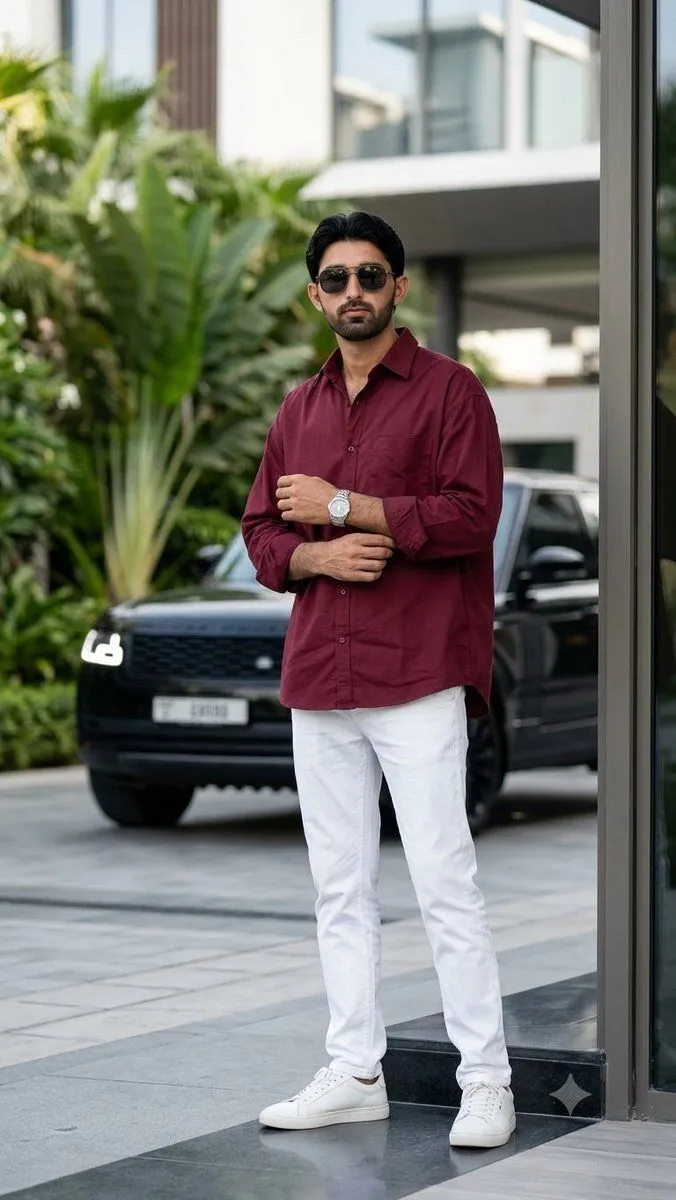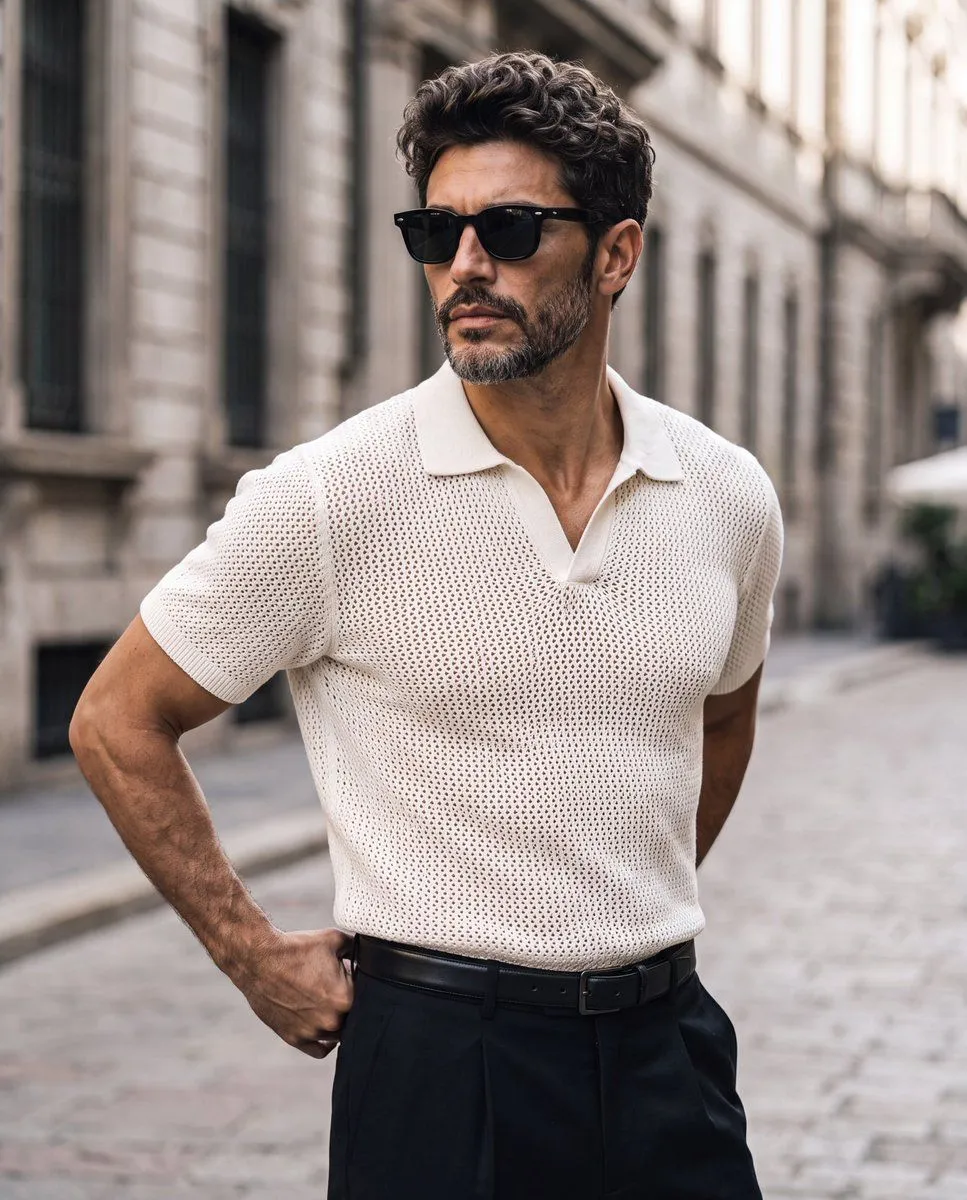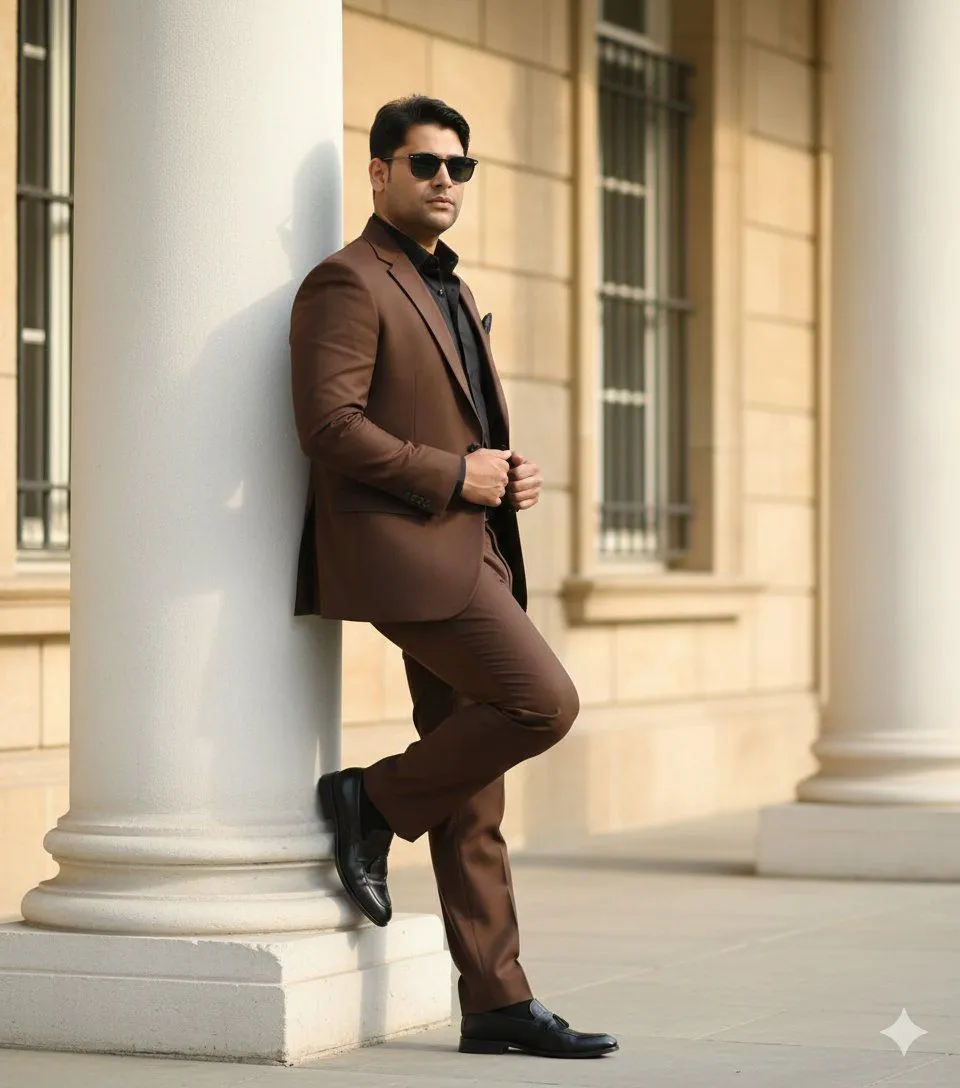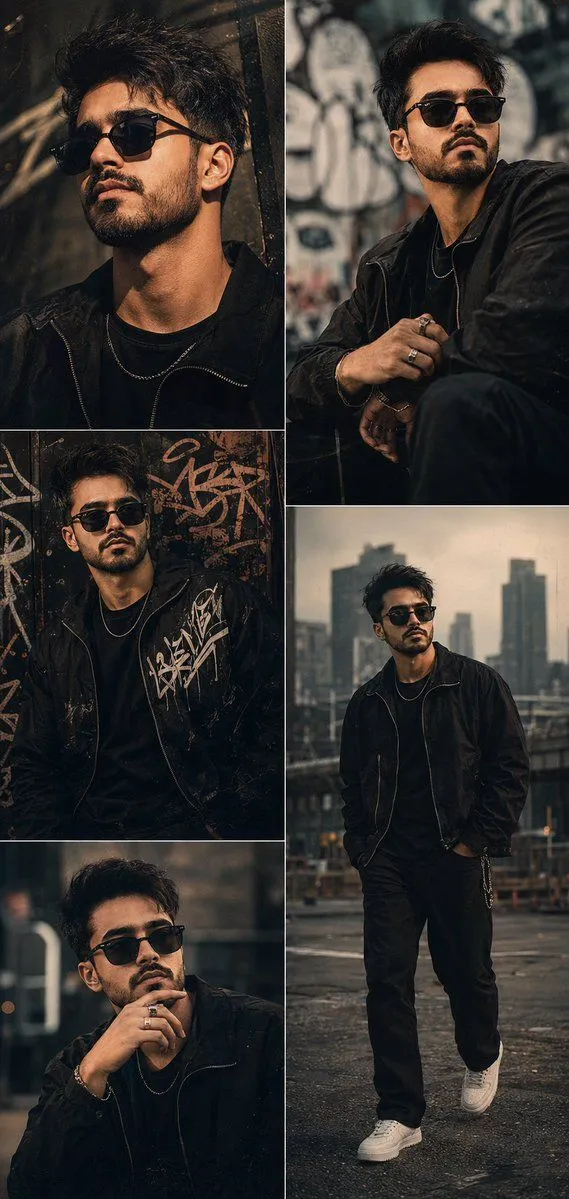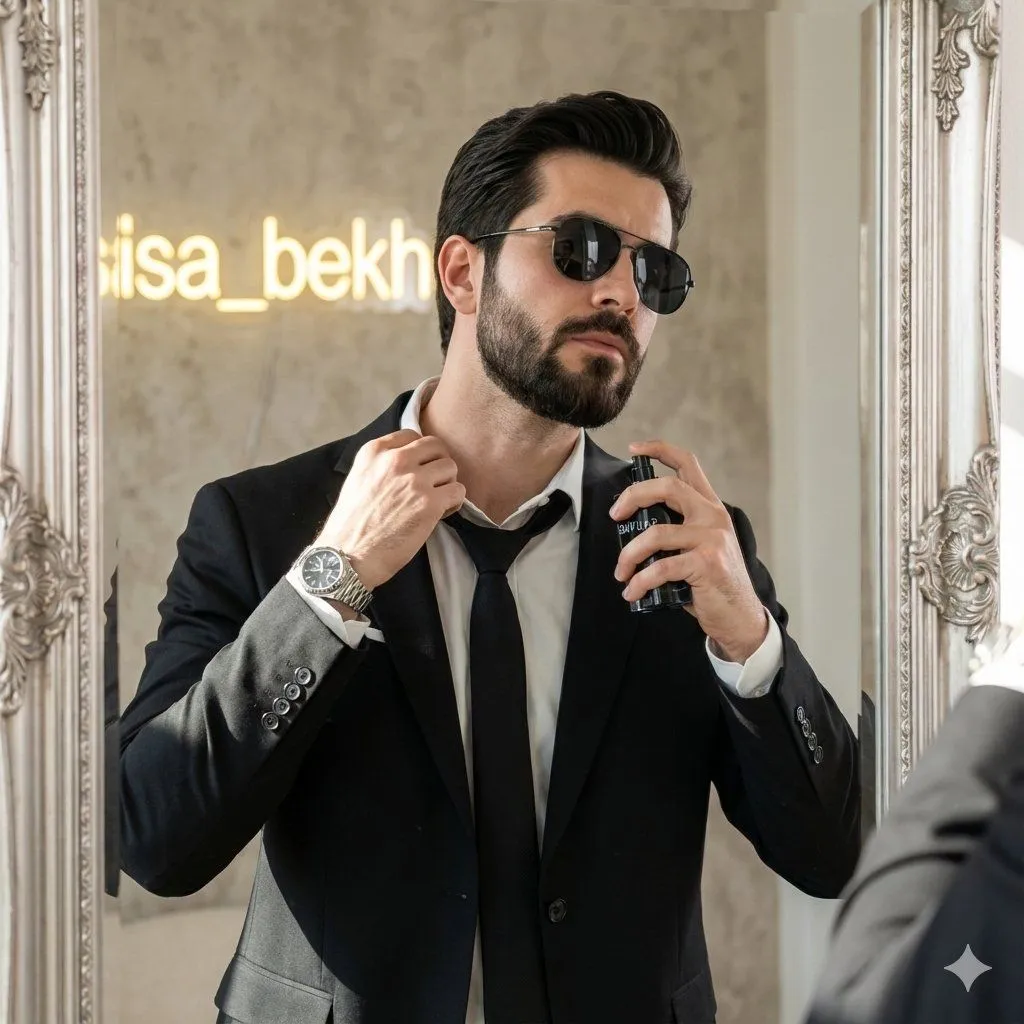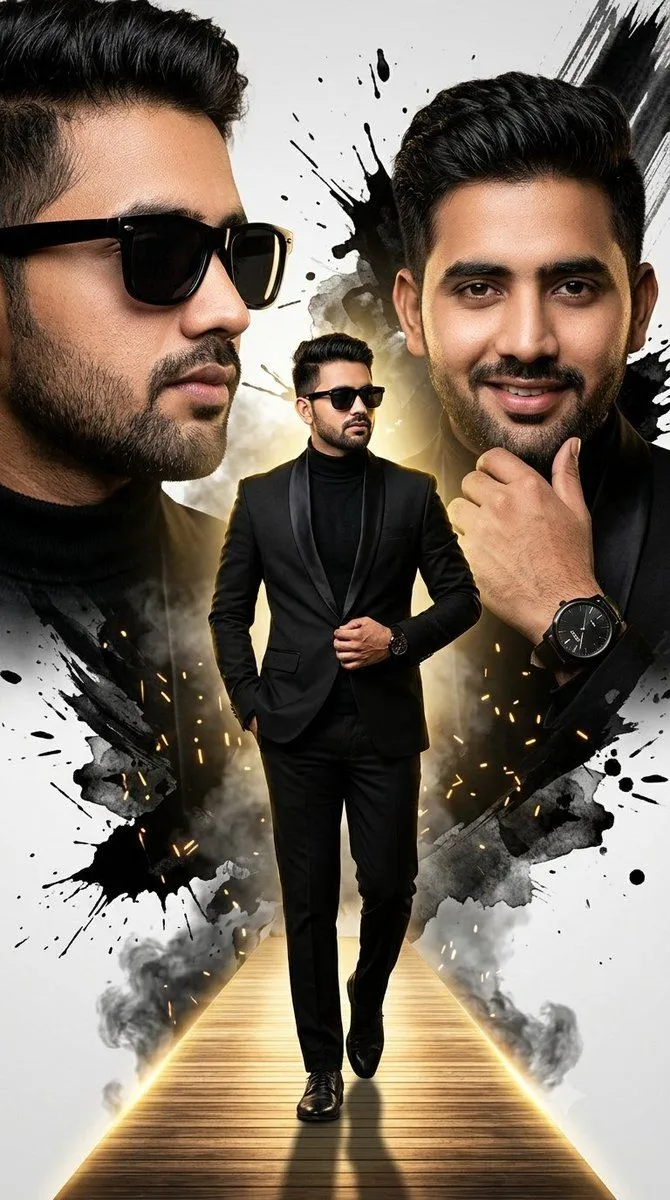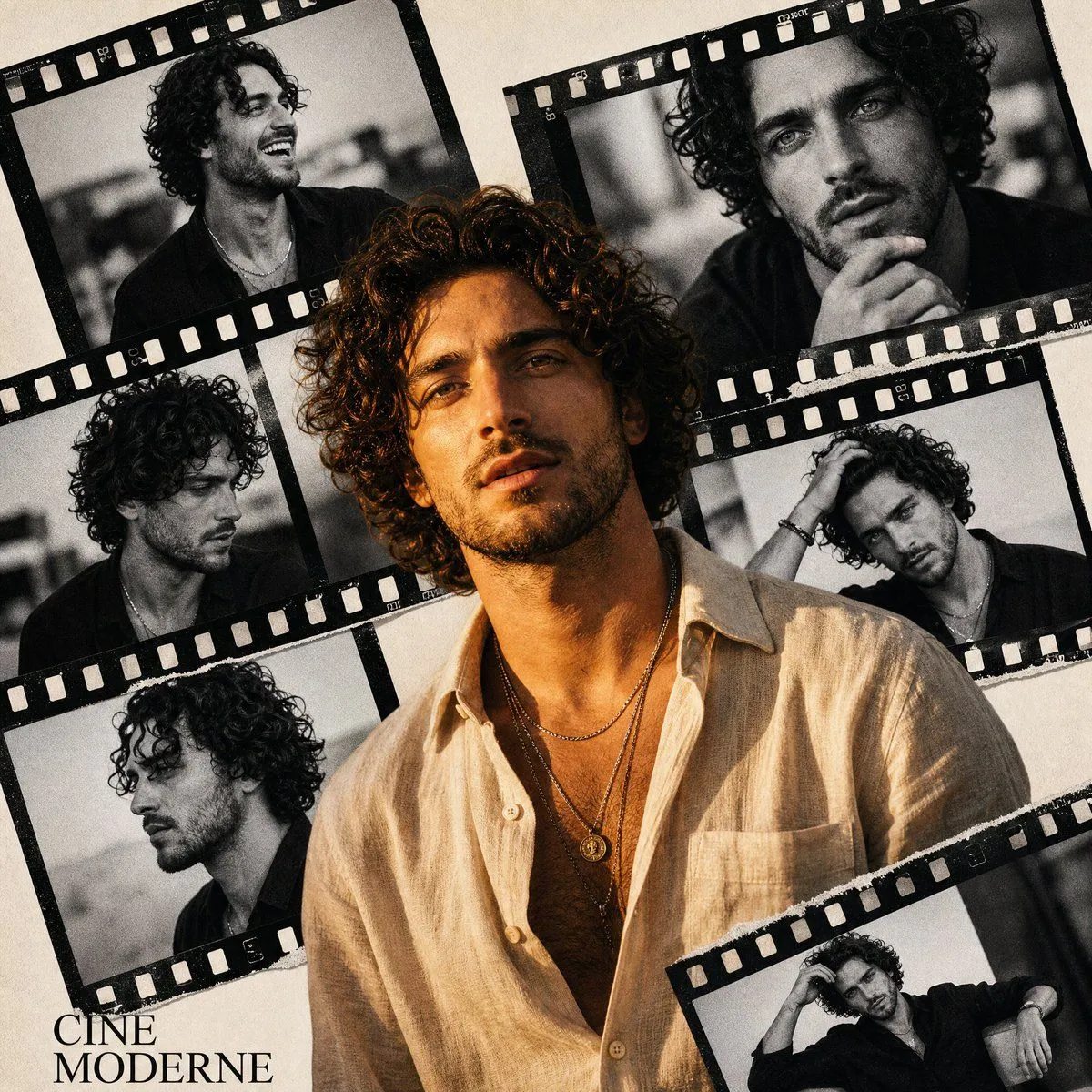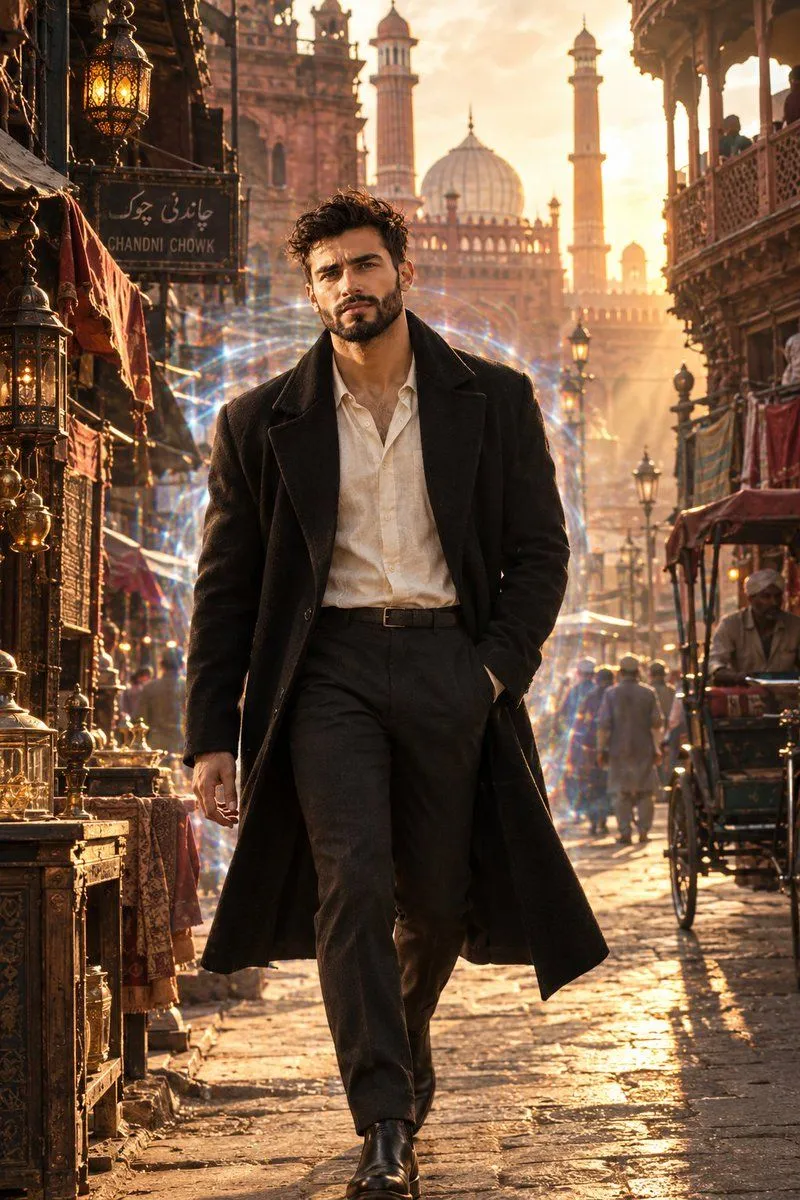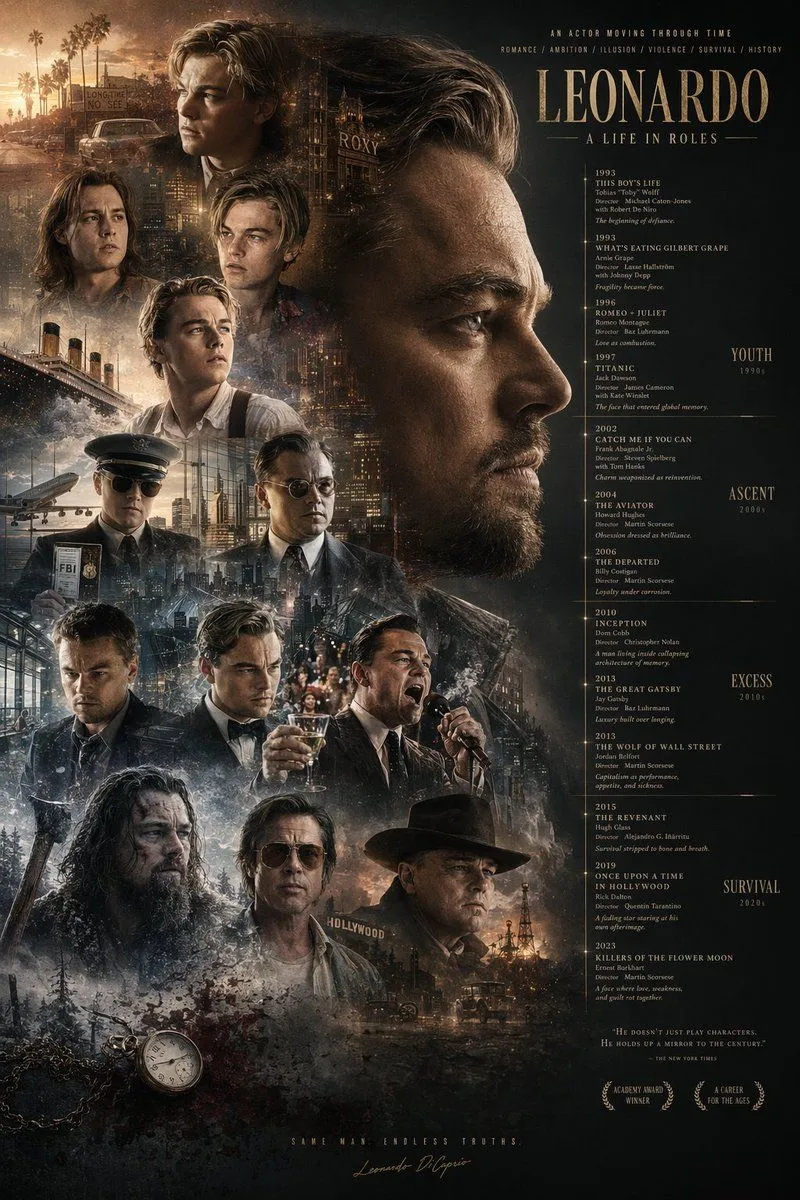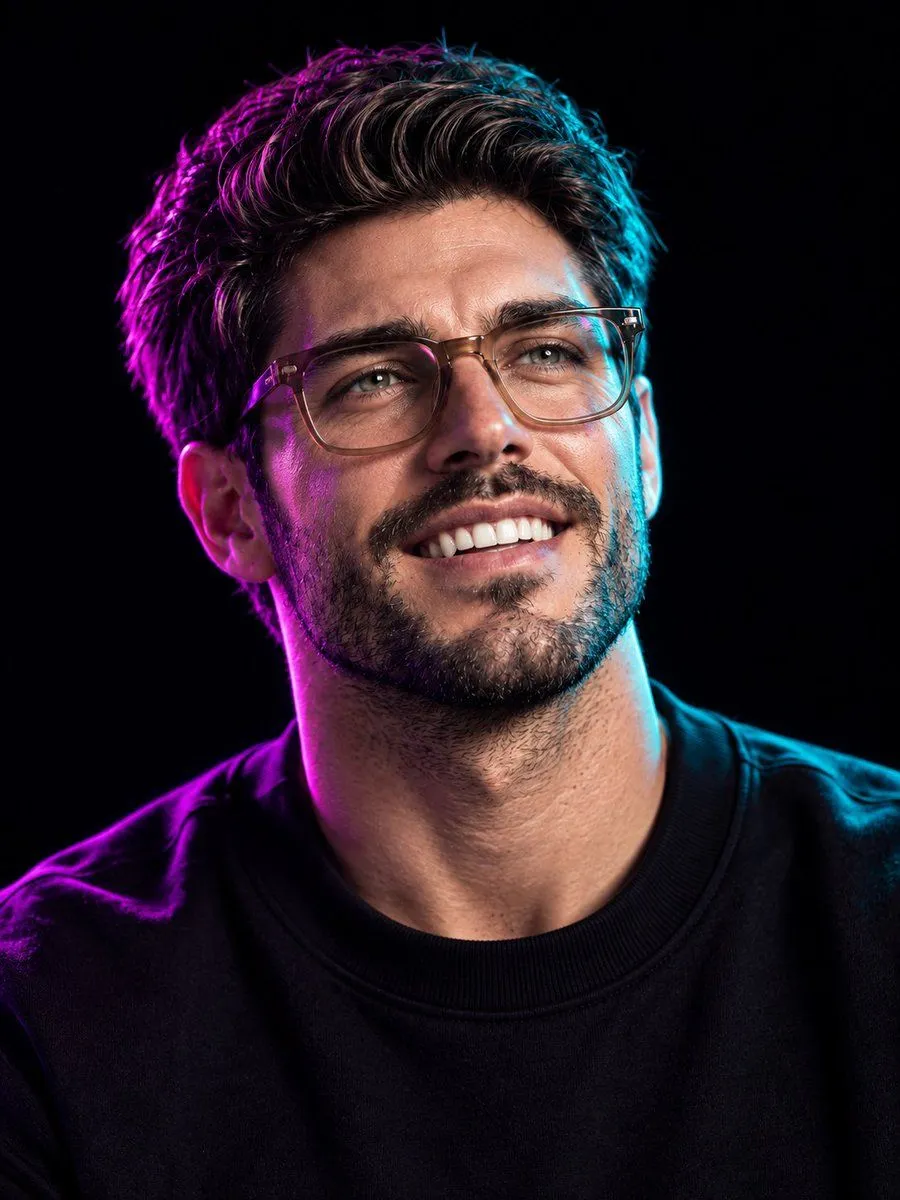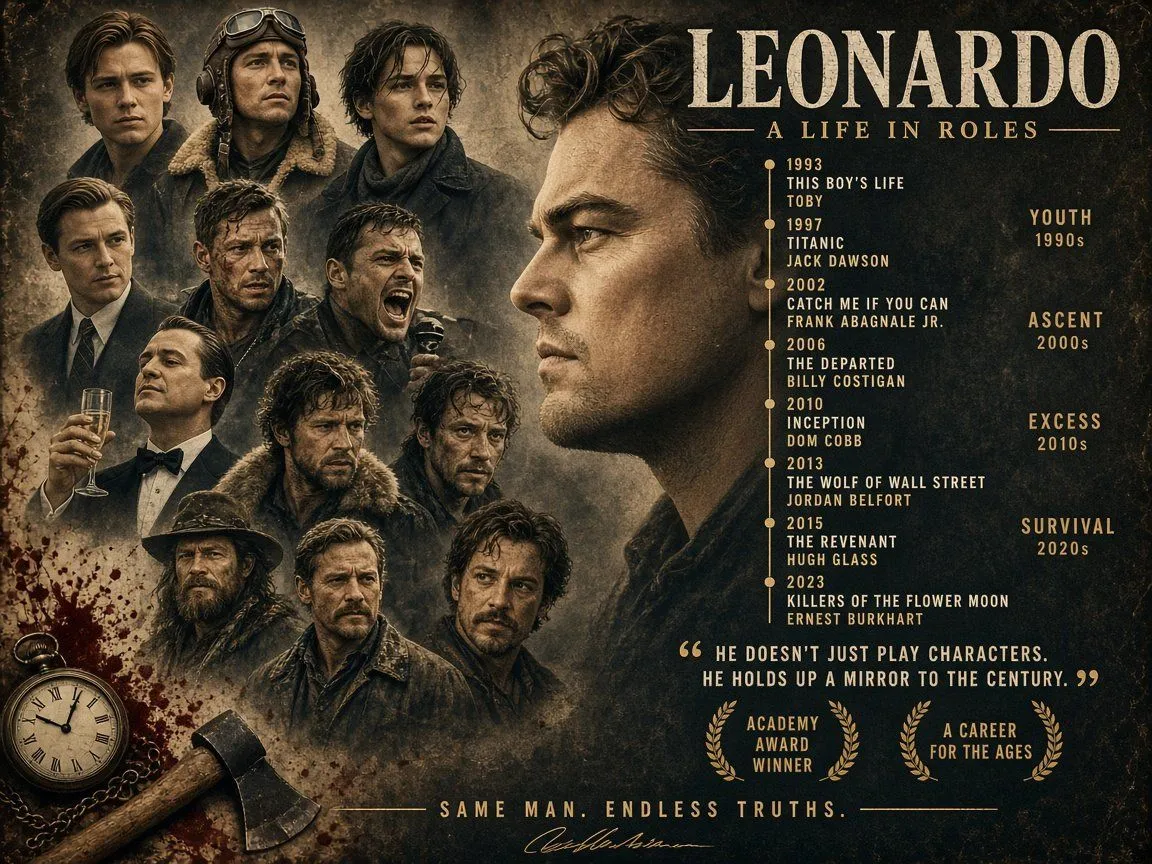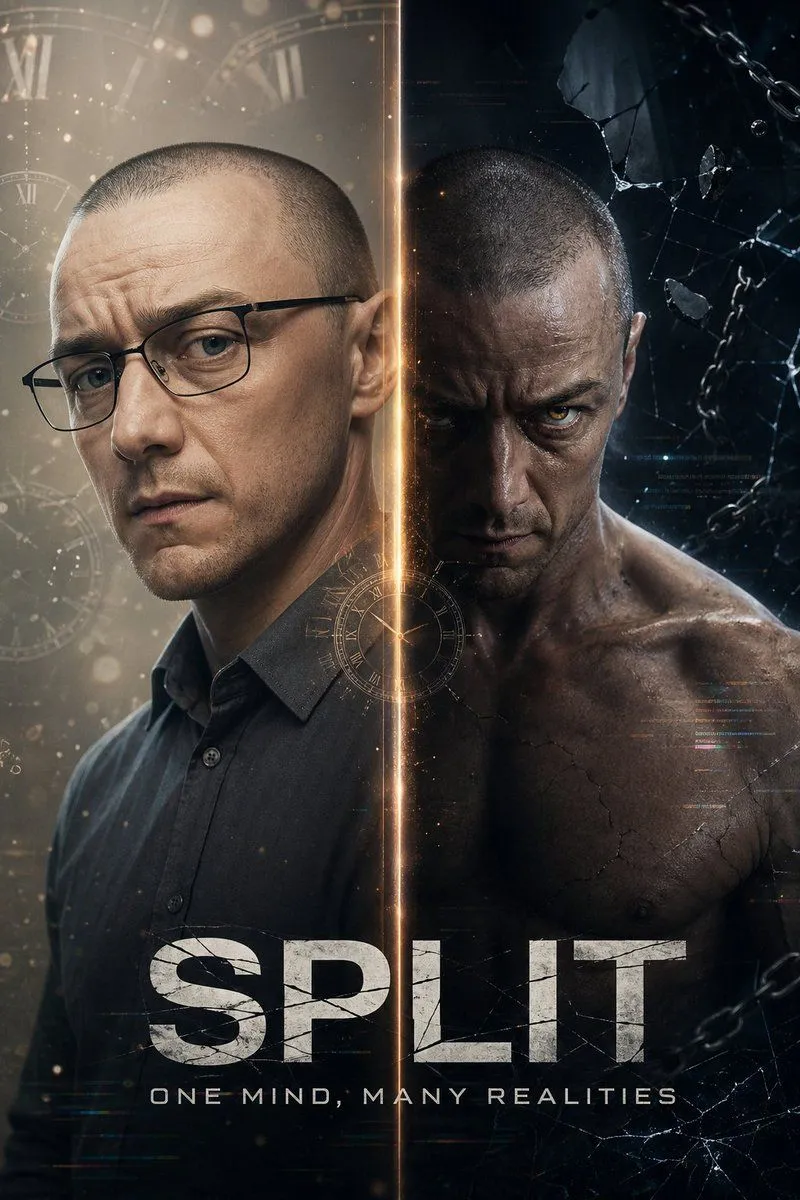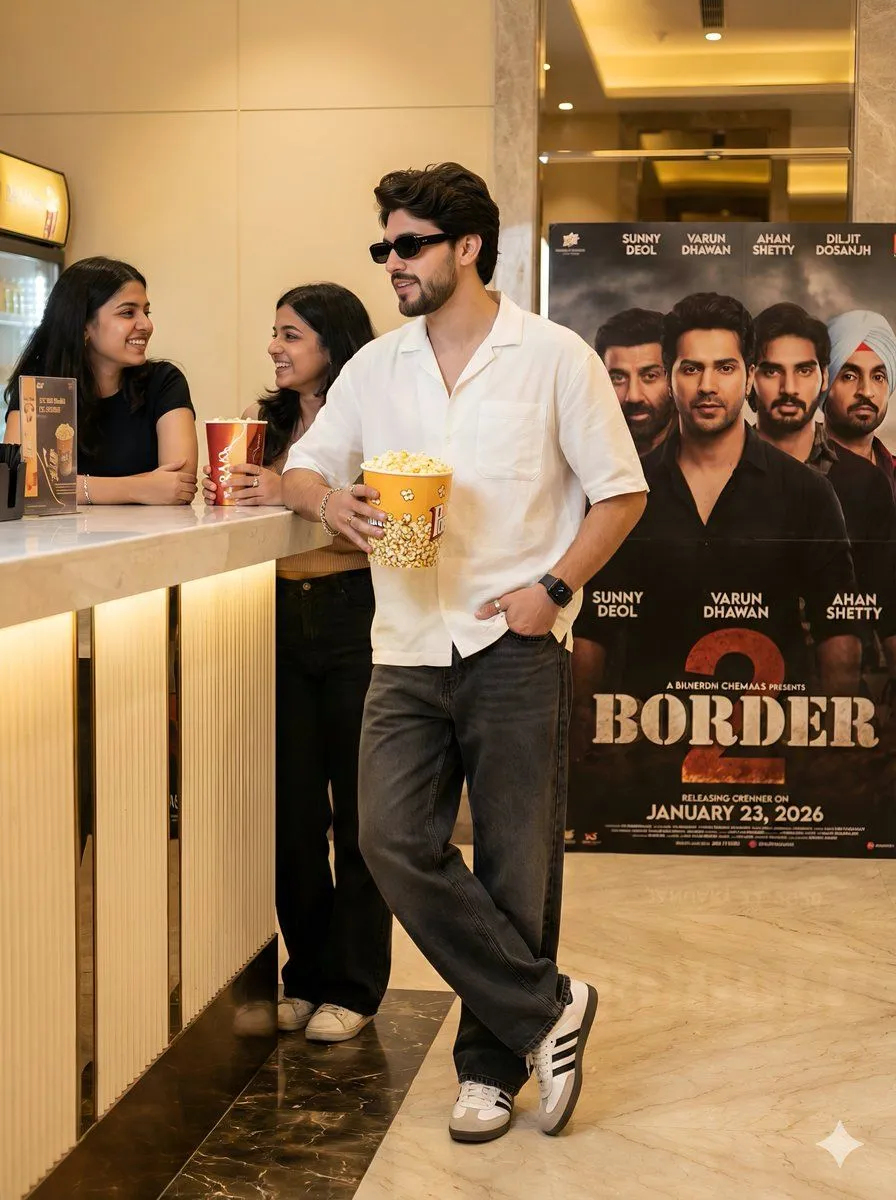
Made with Nano Banana Pro in Gemini by Library Social. Promptclay never generates images.
Cinematic Portrait in a Luxury Cinema Lobby
Prompt
1 blank to fill{ "aspect_ratio": "3:4", "main_subject": { "description": "A stylish young man standing confidently inside a modern cinema lobby, same pose as reference image.", "pose": { "hand": "One hand casually inside jeans pocket", "body": "Body slightly tilted", "head": "Head turned to the side with a confident expression", "face": "Face must remain 100% identical to the reference photo", "additional": "Standing casually beside a movie poster frame, holding the Border 2 movie ticket with both hands" }, "appearance": { "sunglasses": "Rectangle black sunglasses", "jawline": "Sharp jawline", "beard": "Well-groomed beard", "hairstyle": "Voluminous hairstyle" }, "outfit": { "shirt": "White short-sleeve casual shirt, loose fit", "jeans": "Dark grey wide-leg jeans", "shoes": "White Adidas-style sneakers with black stripes", "accessories": "Silver bracelet and ring on hand, black apple smart watch, no extra accessories" } }, "background_environment": { "location": "Luxury cinema hall lobby", "flooring": "Marble flooring with warm reflections", "lighting": "Soft yellow indoor lighting", "details": "Food counter visible in background, movie poster frame clearly visible beside the subject" }, "poster_details": { "title": "{movie_title}", "release_date": "23 January 2026", "actors_visible": [ "Sunny Deol", "Varun Dhawan", "Ahan Shetty", "Diljit Dosanjh" ], "style": "Cinematic, official, high-detail", "lighting": "Poster lighting matches indoor ambience" }, "camera_composition": { "shot": "Full body shot", "quality": "DSLR quality", "focus": "Sharp focus", "placement": "Subject placed slightly off-center", "poster": "Poster clearly readable beside him" }, "image_quality": { "resolution": "Ultra HD", "sharpness": "Extremely sharp", "skin_texture": "Natural skin texture", "motion": "No blur, no motion blur", "look": "Clean, realistic look" }, "color_grading": { "tones": "Natural cinematic tones", "highlights": "Warm highlights", "contrast": "Balanced contrast", "aesthetic": "Luxury mall aesthetic" }, "style_mood": { "vibe": "Confident, stylish, movie premiere vibe", "moment": "Fan moment with cinema culture" }, "negative_prompt": [ "blur", "low quality", "cartoon", "anime", "over-smooth skin", "extra fingers", "distorted face", "watermark", "logo", "noise", "cinematic blur" ] }
Preview of your prompt
{ "aspect_ratio": "3:4", "main_subject": { "description": "A stylish young man standing confidently inside a modern cinema lobby, same pose as reference image.", "pose": { "hand": "One hand casually inside jeans pocket", "body": "Body slightly tilted", "head": "Head turned to the side with a confident expression", "face": "Face must remain 100% identical to the reference photo", "additional": "Standing casually beside a movie poster frame, holding the Border 2 movie ticket with both hands" }, "appearance": { "sunglasses": "Rectangle black sunglasses", "jawline": "Sharp jawline", "beard": "Well-groomed beard", "hairstyle": "Voluminous hairstyle" }, "outfit": { "shirt": "White short-sleeve casual shirt, loose fit", "jeans": "Dark grey wide-leg jeans", "shoes": "White Adidas-style sneakers with black stripes", "accessories": "Silver bracelet and ring on hand, black apple smart watch, no extra accessories" } }, "background_environment": { "location": "Luxury cinema hall lobby", "flooring": "Marble flooring with warm reflections", "lighting": "Soft yellow indoor lighting", "details": "Food counter visible in background, movie poster frame clearly visible beside the subject" }, "poster_details": { "title": "BORDER 2", "release_date": "23 January 2026", "actors_visible": [ "Sunny Deol", "Varun Dhawan", "Ahan Shetty", "Diljit Dosanjh" ], "style": "Cinematic, official, high-detail", "lighting": "Poster lighting matches indoor ambience" }, "camera_composition": { "shot": "Full body shot", "quality": "DSLR quality", "focus": "Sharp focus", "placement": "Subject placed slightly off-center", "poster": "Poster clearly readable beside him" }, "image_quality": { "resolution": "Ultra HD", "sharpness": "Extremely sharp", "skin_texture": "Natural skin texture", "motion": "No blur, no motion blur", "look": "Clean, realistic look" }, "color_grading": { "tones": "Natural cinematic tones", "highlights": "Warm highlights", "contrast": "Balanced contrast", "aesthetic": "Luxury mall aesthetic" }, "style_mood": { "vibe": "Confident, stylish, movie premiere vibe", "moment": "Fan moment with cinema culture" }, "negative_prompt": [ "blur", "low quality", "cartoon", "anime", "over-smooth skin", "extra fingers", "distorted face", "watermark", "logo", "noise", "cinematic blur" ] }
DetailsVersions, settings and questions
Written for
What's in the prompt
- Subject
- Model
- Nano Banana Pro
If your face changes
keep my face exactly the sameQuestions
- Does this work in the Gemini app?
- Yes. Gemini runs Nano Banana, so paste the prompt and attach your photo if it uses one.
- It changed my face. What do I do?
- Add "keep my face exactly the same" to the end and run it again.
- Can I use the images I make?
- Check the terms of the app you use. Promptclay never generates images and claims nothing you make.