Tell us anything

An idea, a bug, something you love. We read every note.

⌘↵ to send. The page you're on comes along.

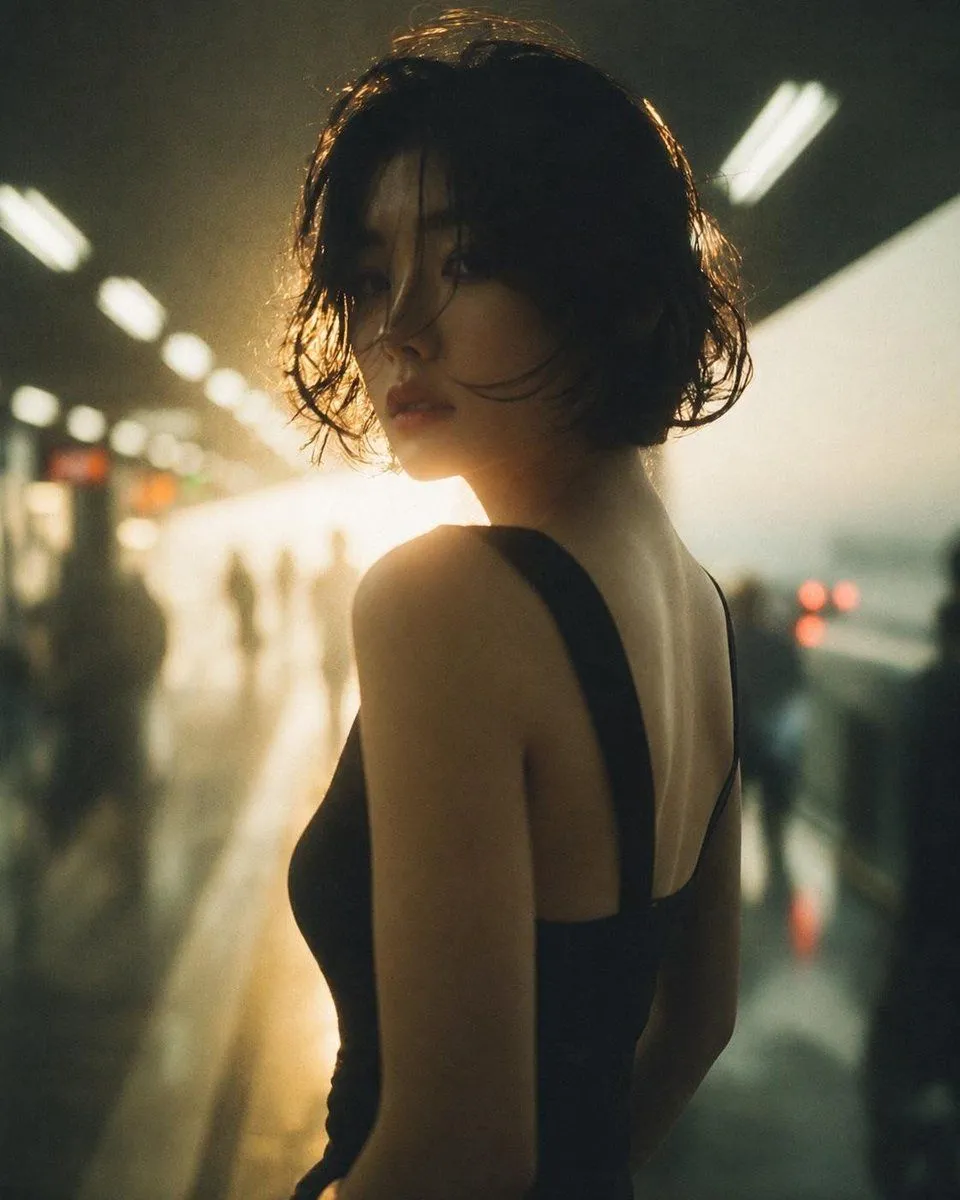
Cinematic Photo Restoration

Made with GPT Image 2 in ChatGPT by Library Avatars. Promptclay never generates images.

Did it work?

No reports yet. Tell others if it worked for you.

No comments yet. Be the first.

    Cinematic Photo Restoration

    GPT Image 24:5AI-generated

    Prompt

    Using the provided reference image, restore and enhance it into a clean, realistic cinematic portrait while preserving the same subject, pose, composition, wet-hair look, black sleeveless outfit, backlit subway-platform setting, and moody atmosphere. Remove the dirty glass/reflection overlay, stains, haze, and visual noise from the reference. Reconstruct obscured facial and body details naturally, making the face, skin, hair strands, shoulder, back, and clothing clearer and more lifelike without changing the identity or framing. Slightly sharpen the image, improve contrast, and apply natural color correction with warm golden backlight and subdued green-black shadows. Keep the background softly blurred and atmospheric, with the platform lights and distant silhouettes remaining out of focus. The final result should look like a realistically restored, high-quality editorial photo rather than an overprocessed image.

    Works in
    ChatGPT, Gemini
    Status
    Free to copy
    0
    DetailsVersions, settings and questions

    Written for

    What's in the prompt

    Subject
    Model
    GPT Image 2

    If your face changes

    keep my face exactly the same

    Questions

    Does this work in the ChatGPT app?
    Yes. Paste the prompt and attach your photo if it uses one.
    It changed my face. What do I do?
    Add "keep my face exactly the same" to the end and run it again.
    Can I use the images I make?
    Check the terms of the app you use. Promptclay never generates images and claims nothing you make.
    Similar prompts

    See more
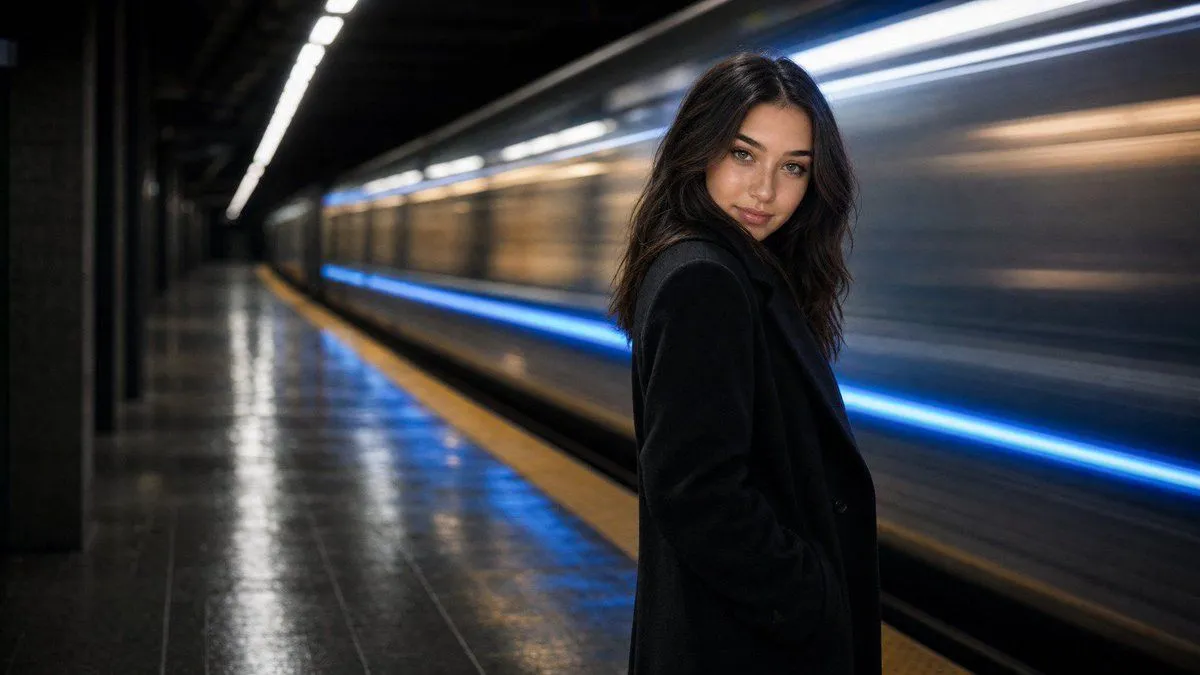
    • Cinematic Subway Editorial Portrait
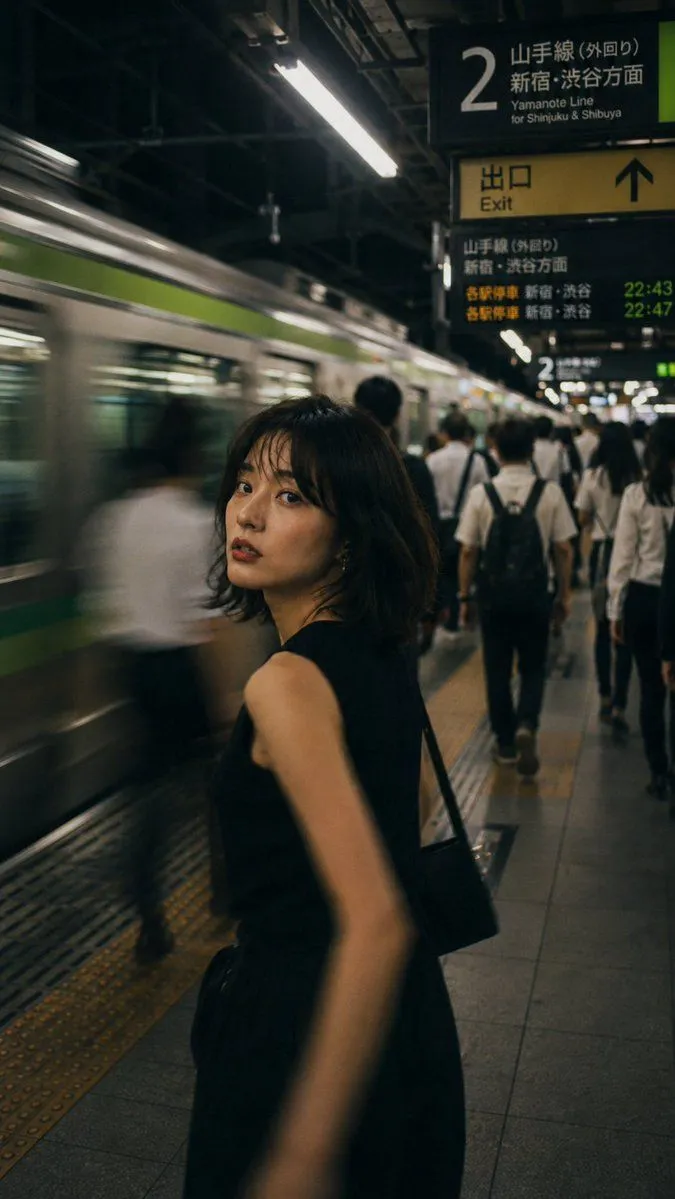
    • Japanese Night Station Snap Portrait
    • Ultra-Realistic Cinematic Portrait
    • Moody Cinematic Portrait Prompt for AI Image Generation
    • Midnight Manhattan Luxury Scene
    • Cinematic Night City Street Portrait
    • Melancholic Rainy Night Bus Portrait
    • Cinematic Rainy City Portrait
    • Modern Beauty to Ancient Warrior Transformation PromptVideo, 0:25
    • Anonymous Night Bus Portrait
    • Cinematic portrait of woman in heavy rain at night
    • Ethereal Long Exposure Cinematic Portrait Prompt
    • Ethereal Bloom Immersion Macro Portrait Prompt
    • Ultra-Detailed Night City Portrait with Flash Photography Style
    • Cinematic 35mm Analog Film Photo Series
    • Submerged Underwater Skin Portrait
    • Editorial Fashion Portrait with Wind Motion
    • Editorial Fashion Portrait with Black Sweater
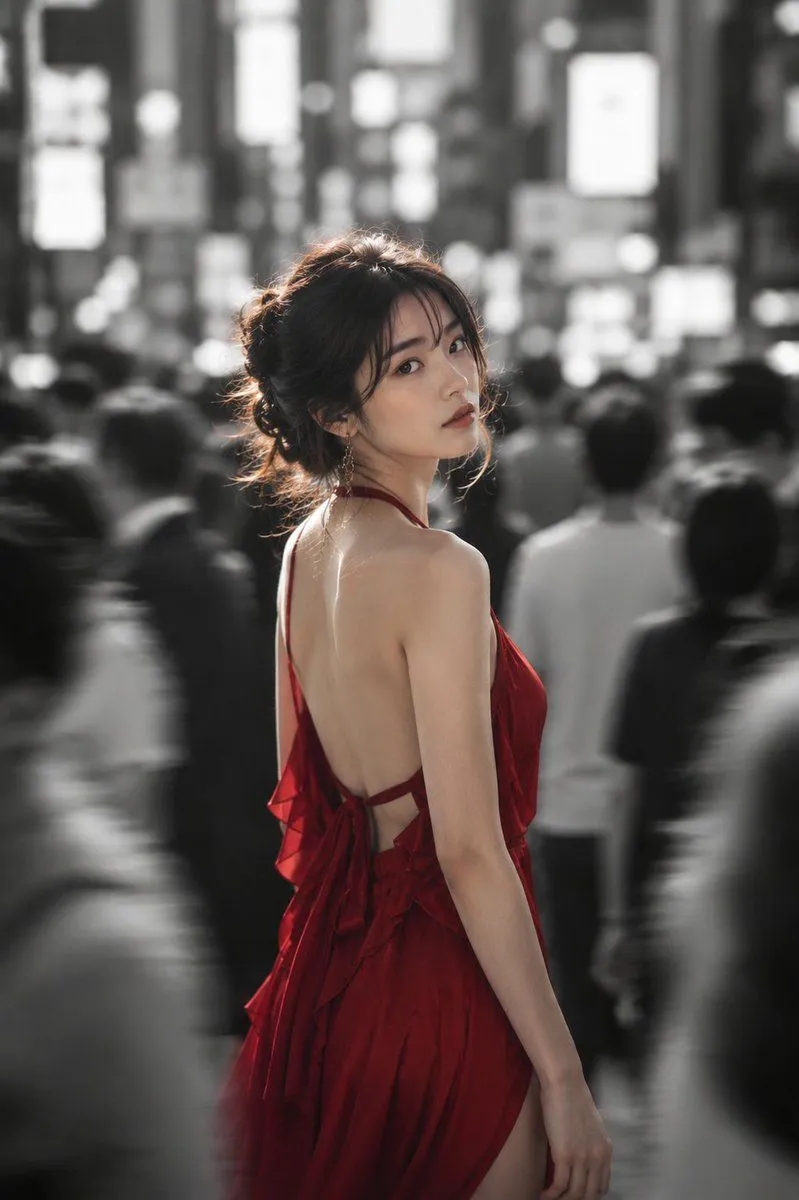
    • Woman in Red Dress in Monochrome City
    • AI Chat Screenshot With Censored Women
    • Cinematic Dark Movie Poster
    • Japanese Creator Branding Poster
    • Live-Streaming App Interface Mockup
    • Melancholic Storm Editorial Fashion

    Show more

    Run it on your phone

    1. Prompt copiedRead it

      Using the provided reference image, restore and enhance it into a clean, realistic cinematic portrait while preserving the same subject, pose, composition, wet-hair look, black sleeveless outfit, backlit subway-platform setting, and moody atmosphere. Remove the dirty glass/reflection overlay, stains, haze, and visual noise from the reference. Reconstruct obscured facial and body details naturally, making the face, skin, hair strands, shoulder, back, and clothing clearer and more lifelike without changing the identity or framing. Slightly sharpen the image, improve contrast, and apply natural color correction with warm golden backlight and subdued green-black shadows. Keep the background softly blurred and atmospheric, with the platform lights and distant silhouettes remaining out of focus. The final result should look like a realistically restored, high-quality editorial photo rather than an overprocessed image.

    2. Open your app

    3. Paste and run

      Press and hold the message box, then tap Paste. Add your photo first if the prompt uses one. You may need to sign in.

    Cinematic Photo Restoration