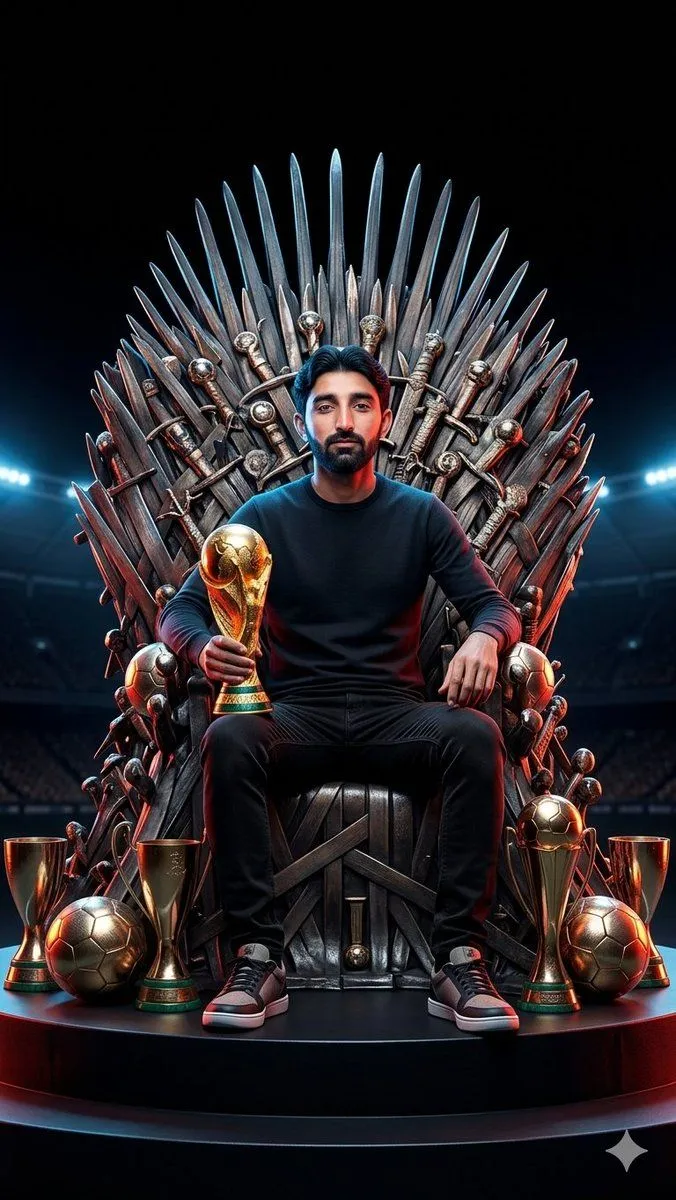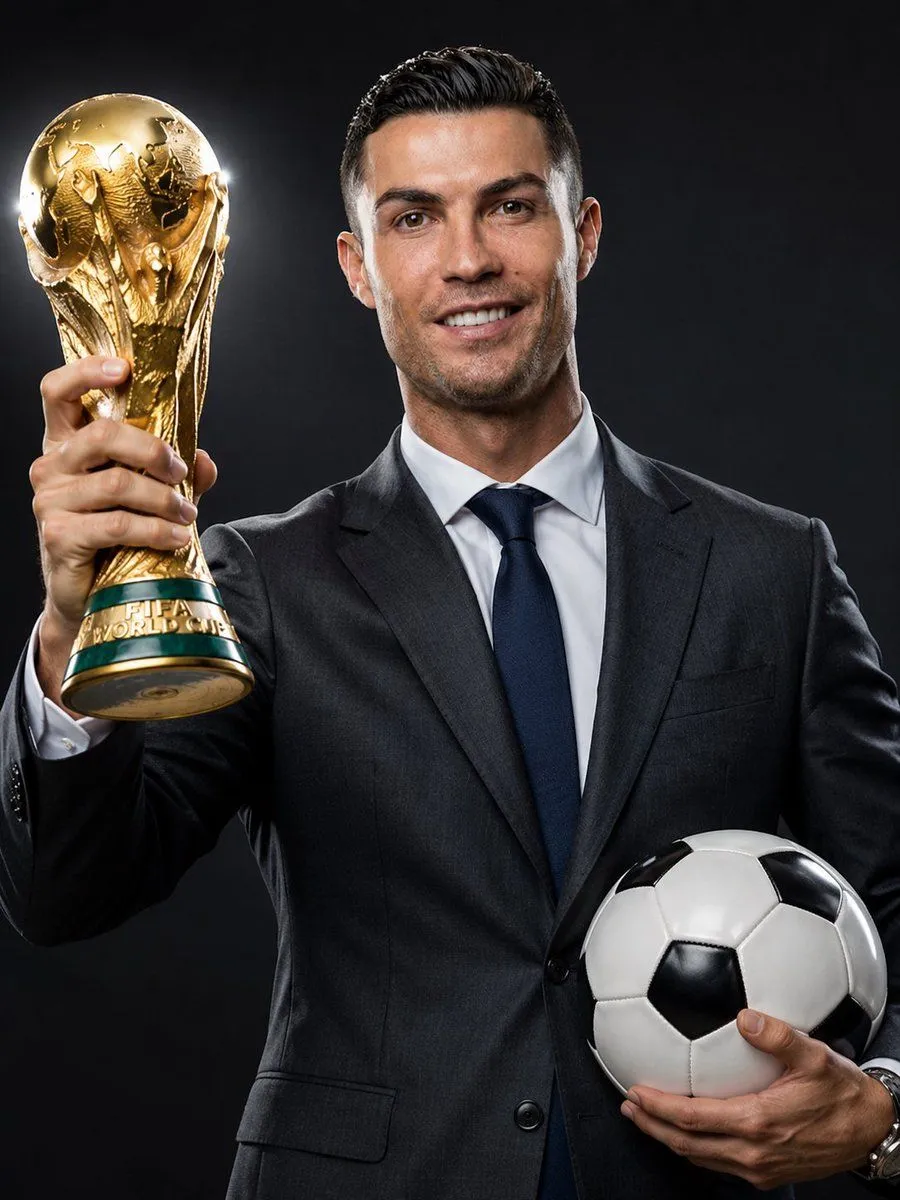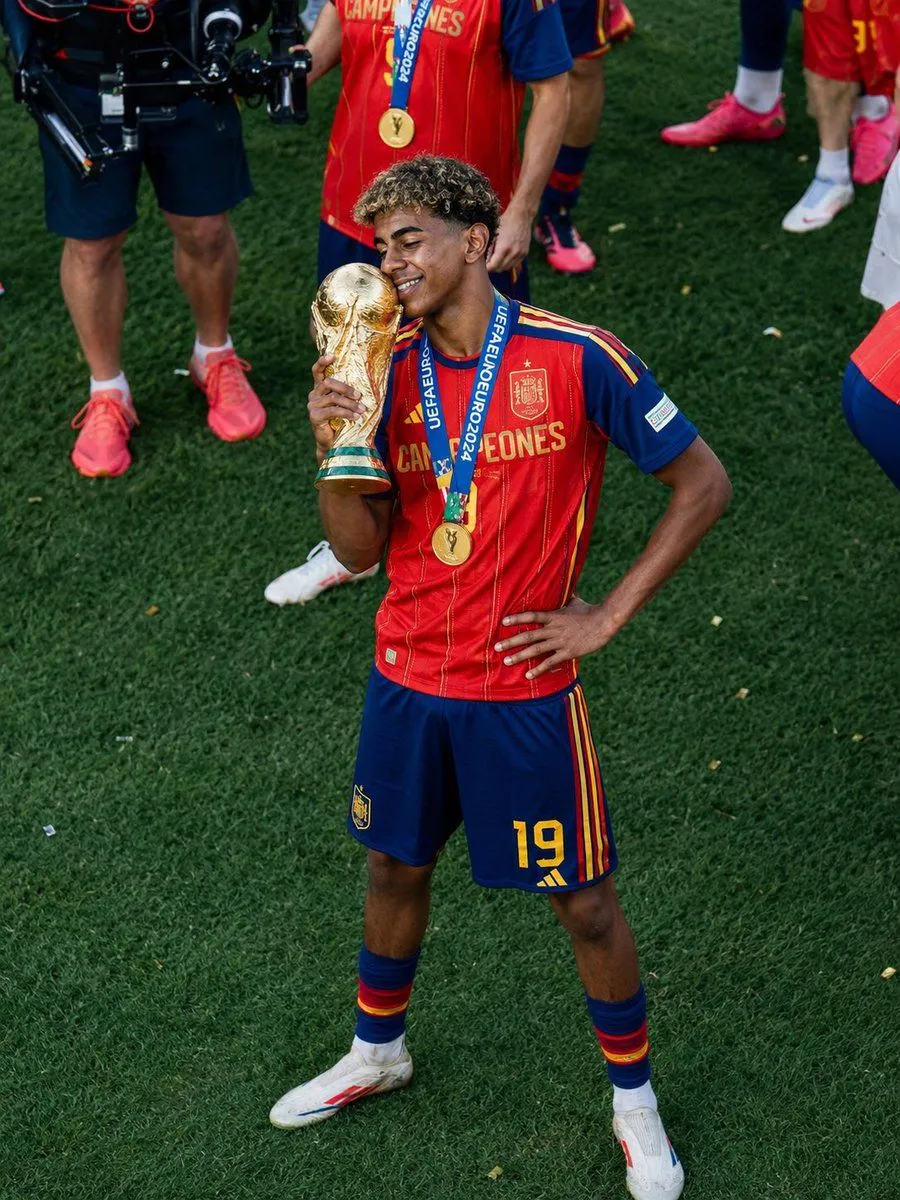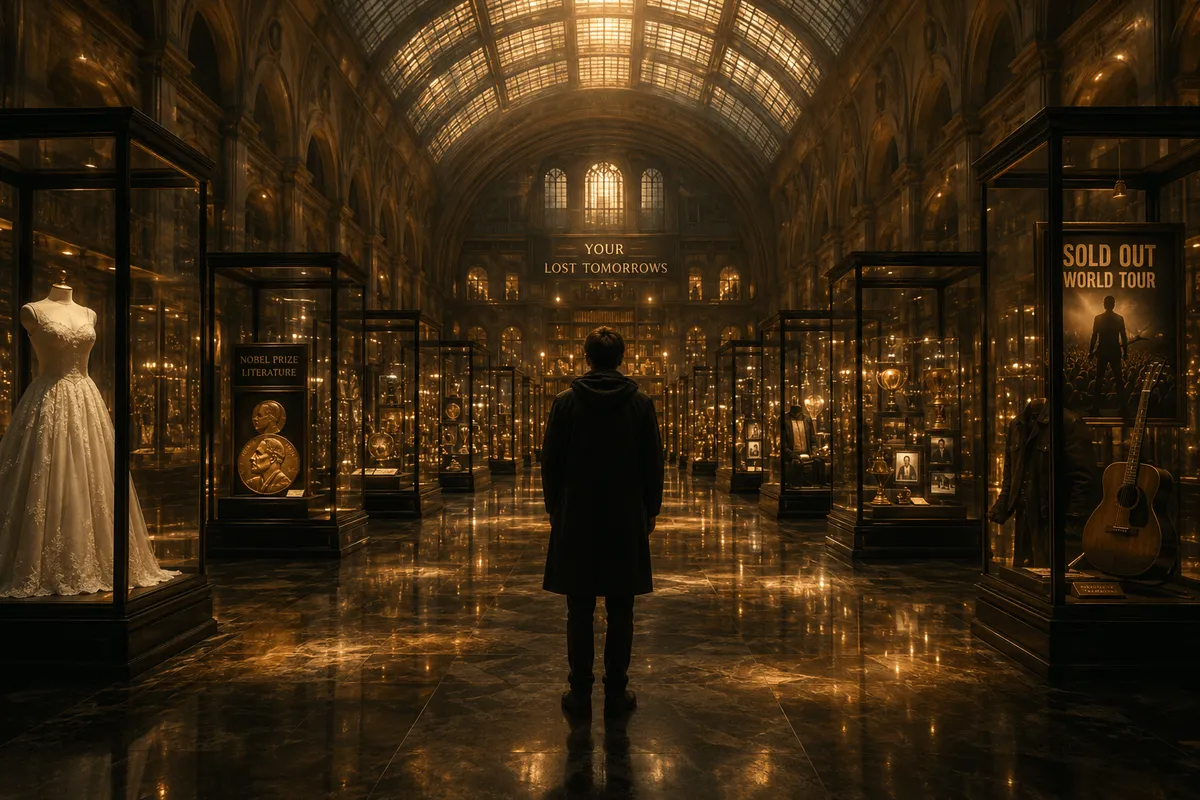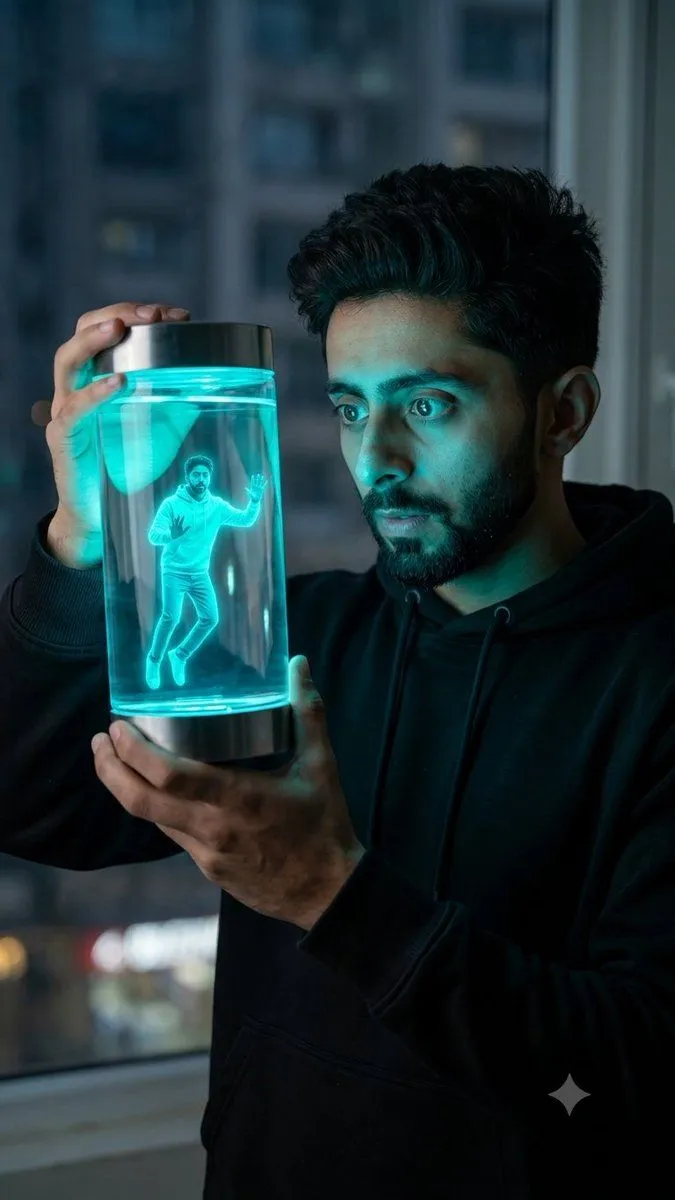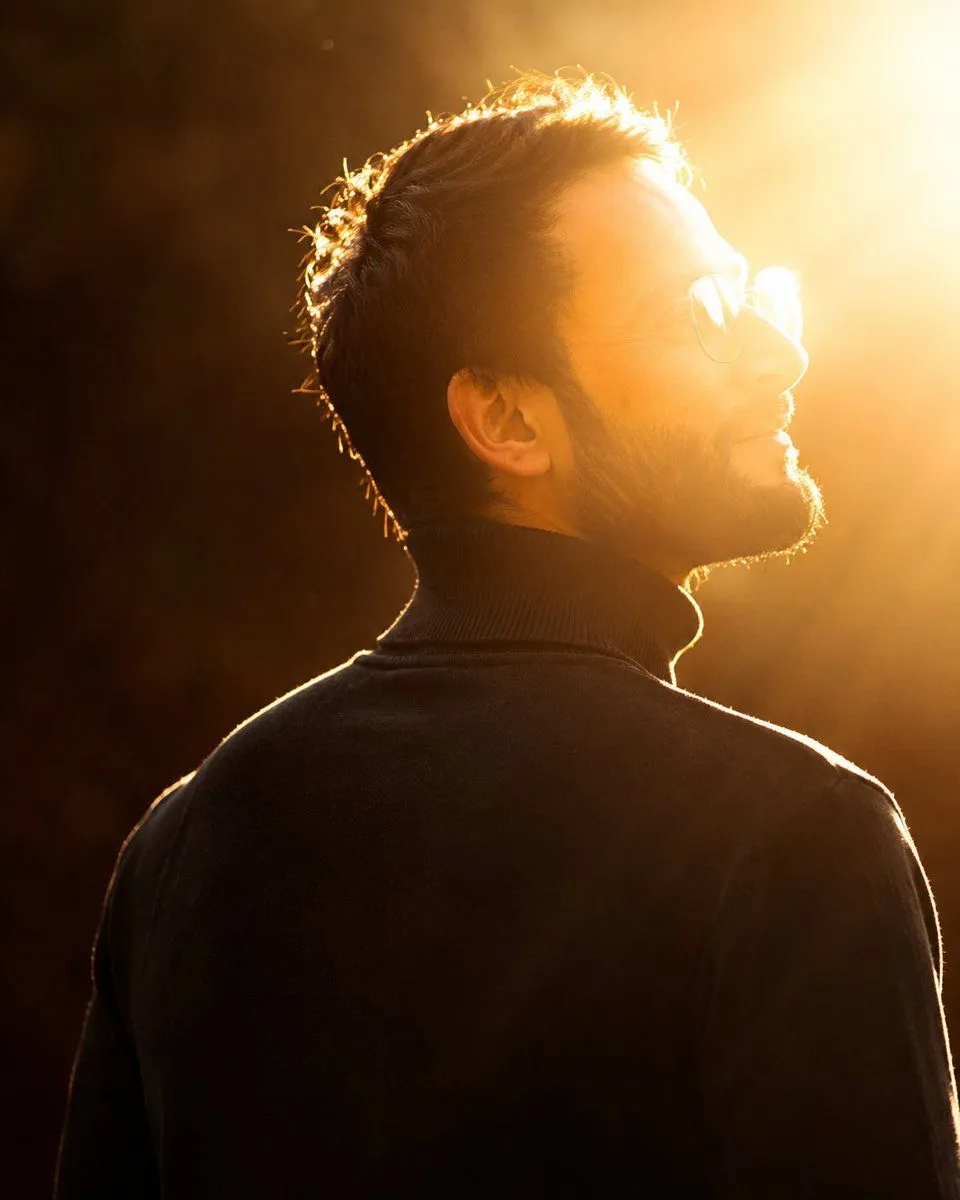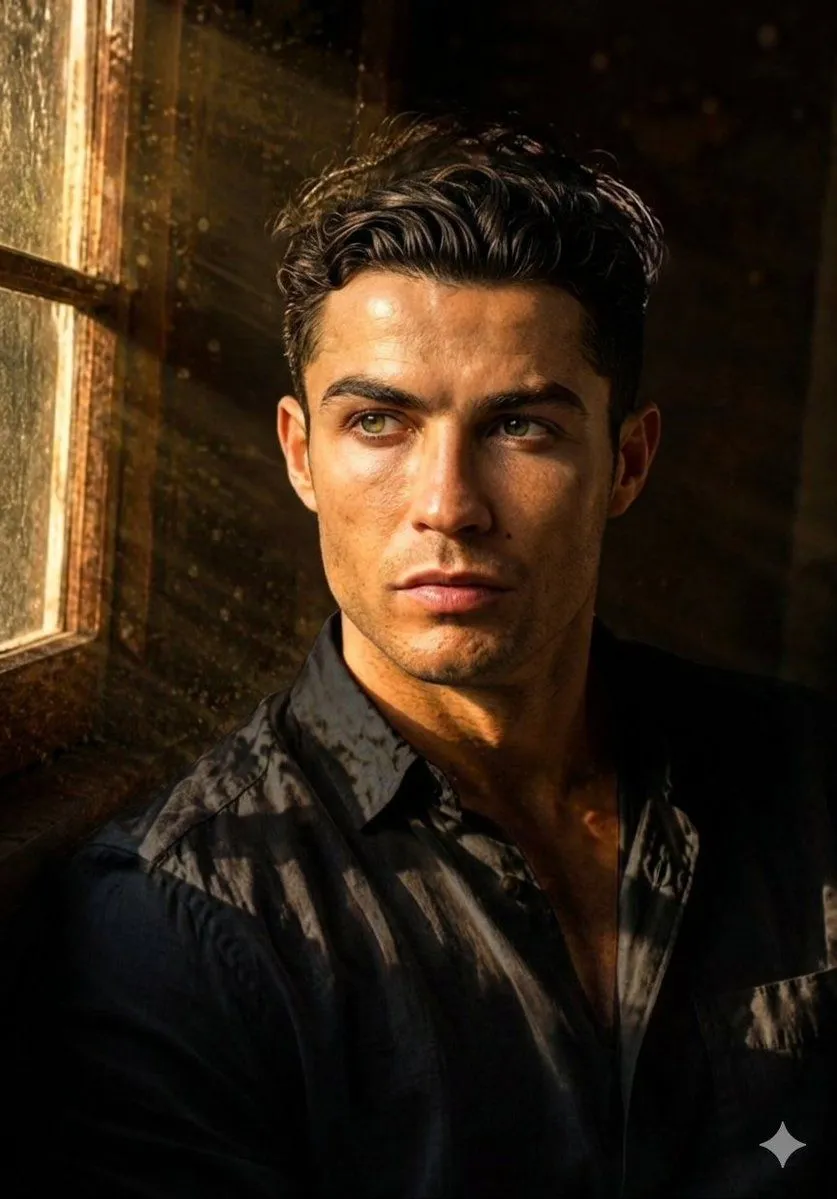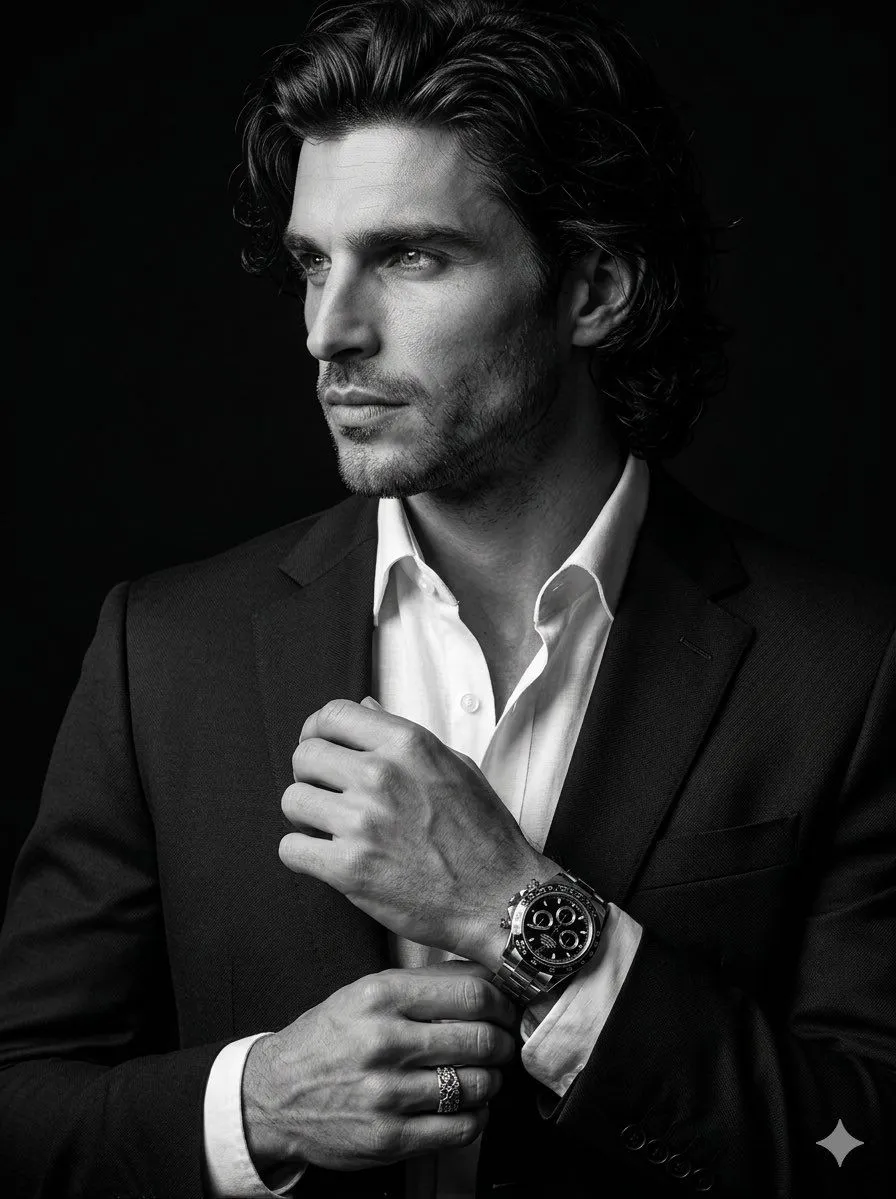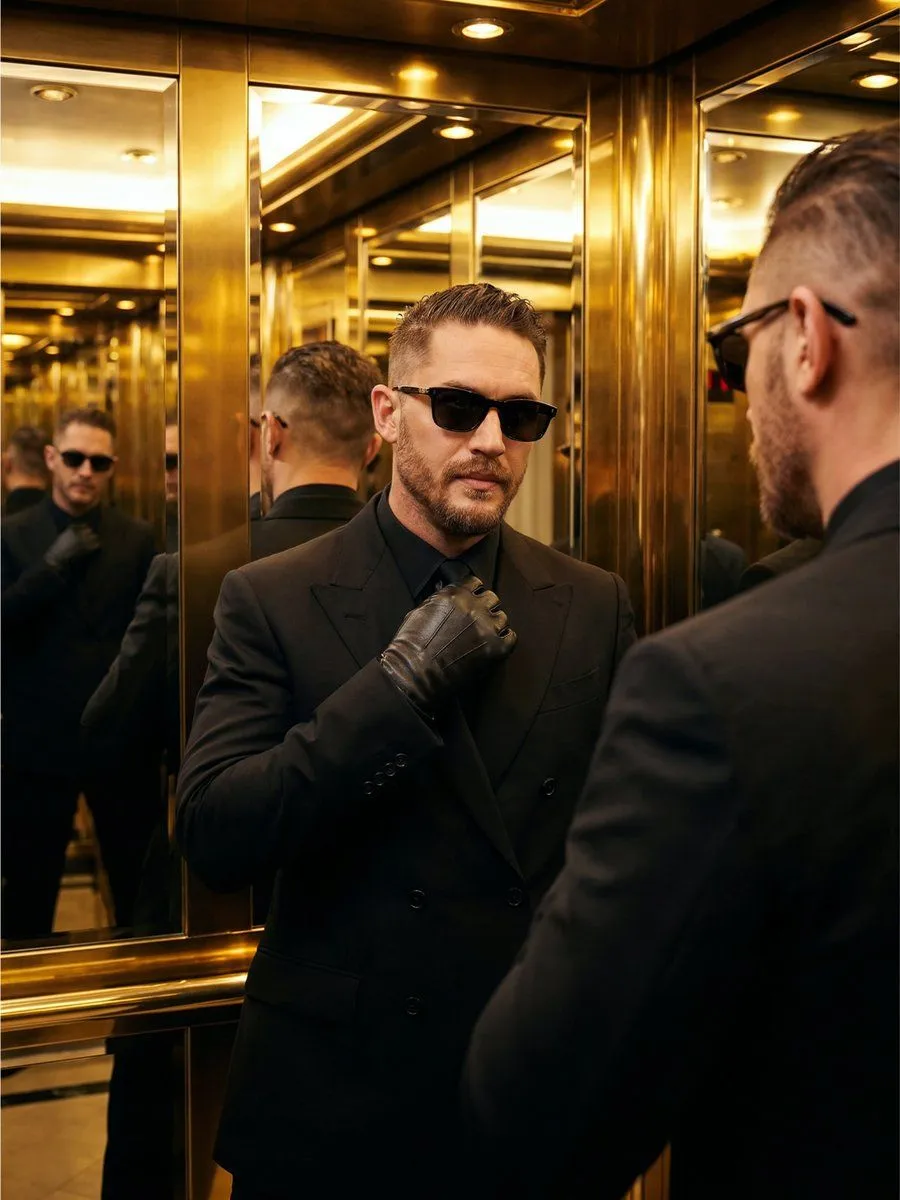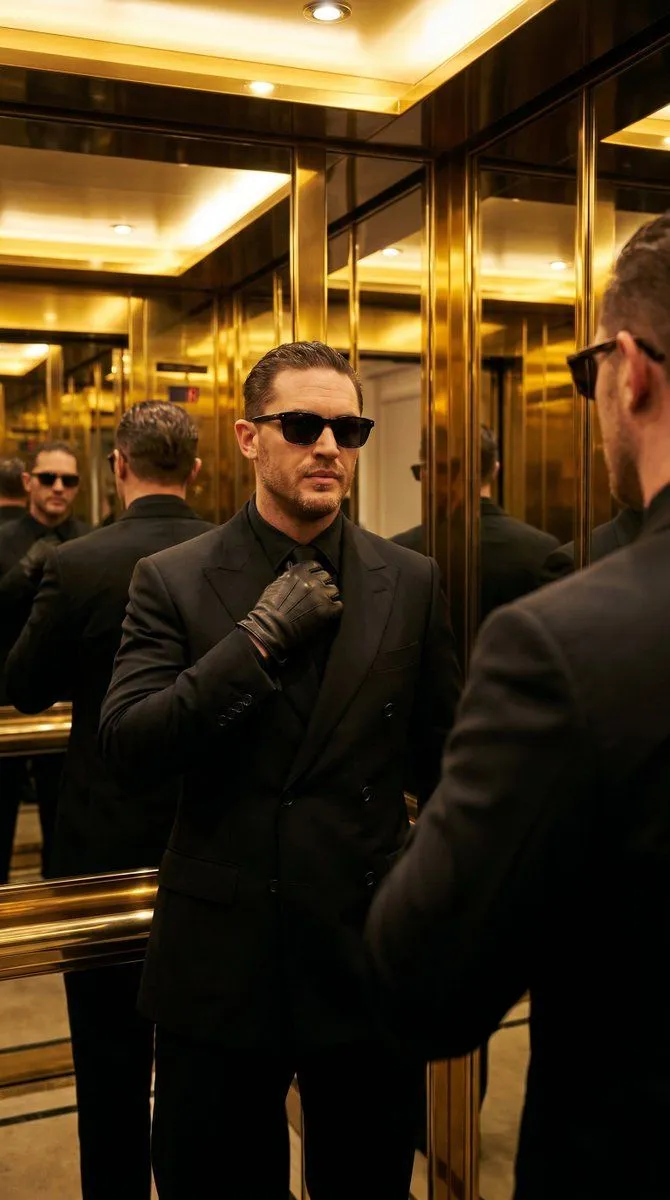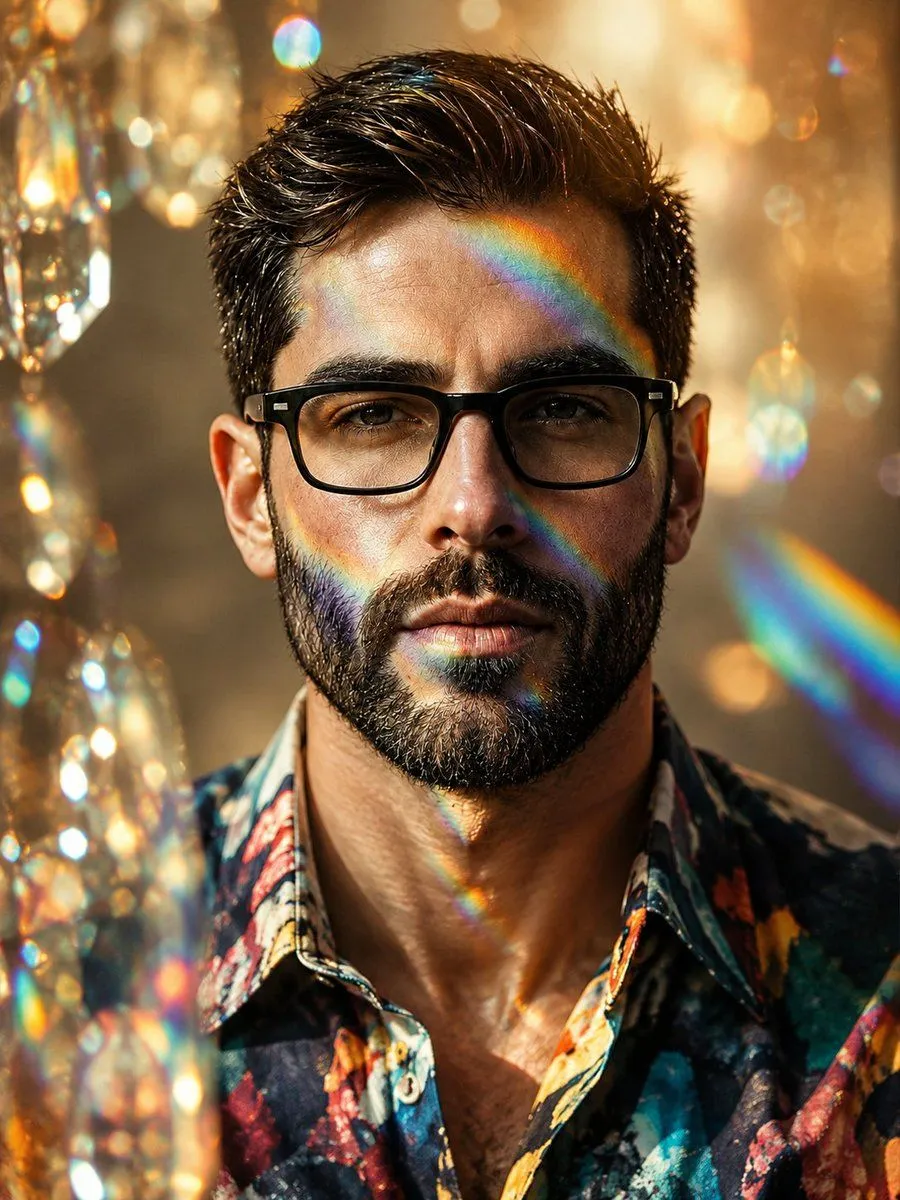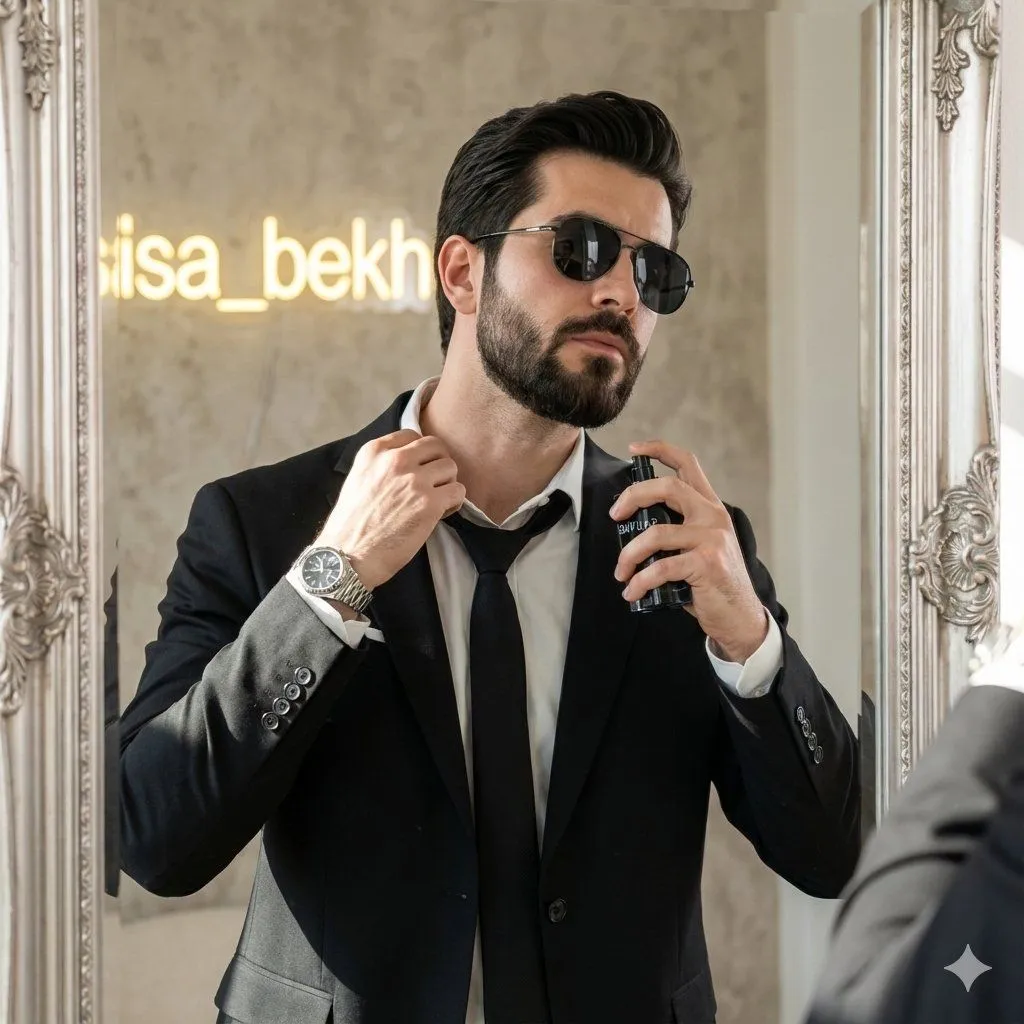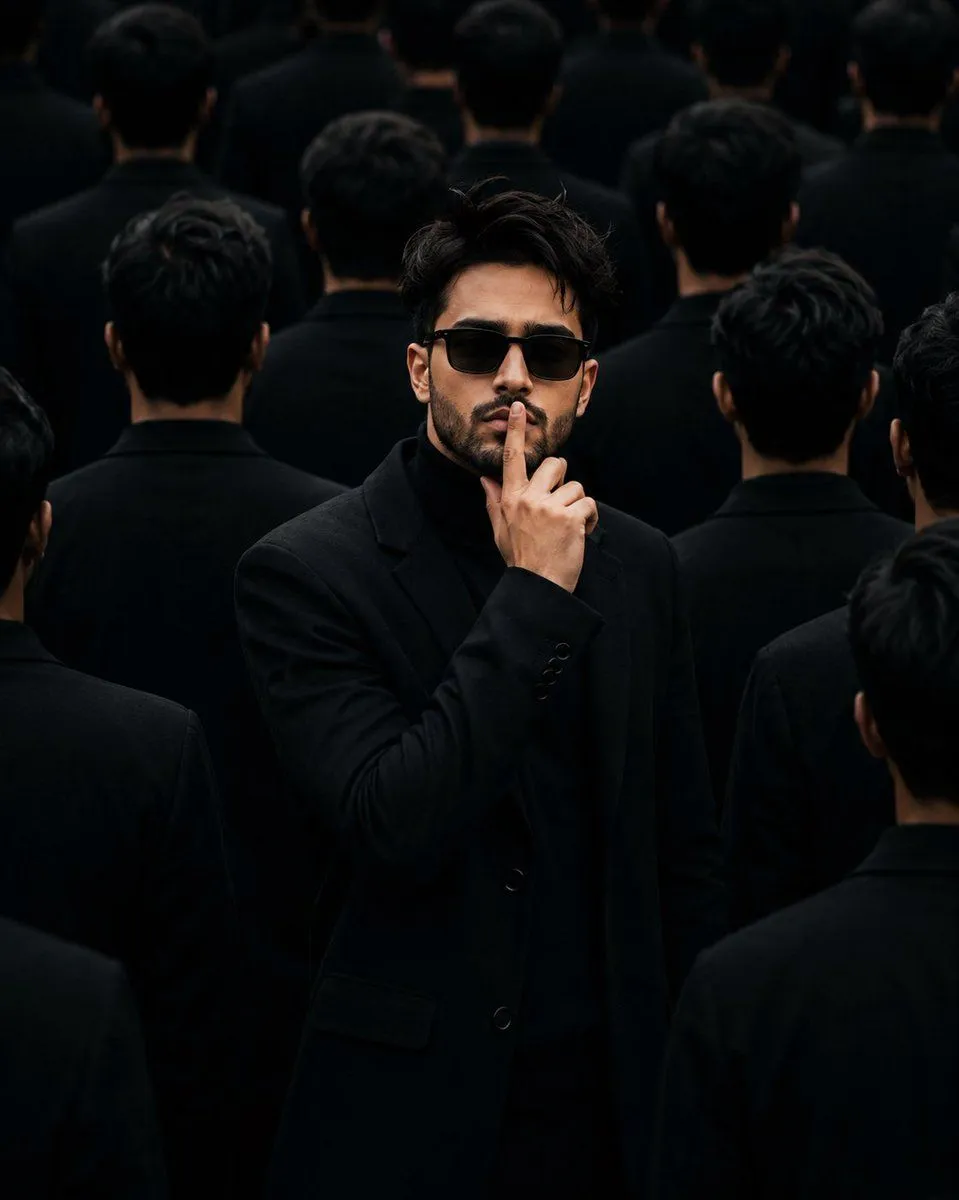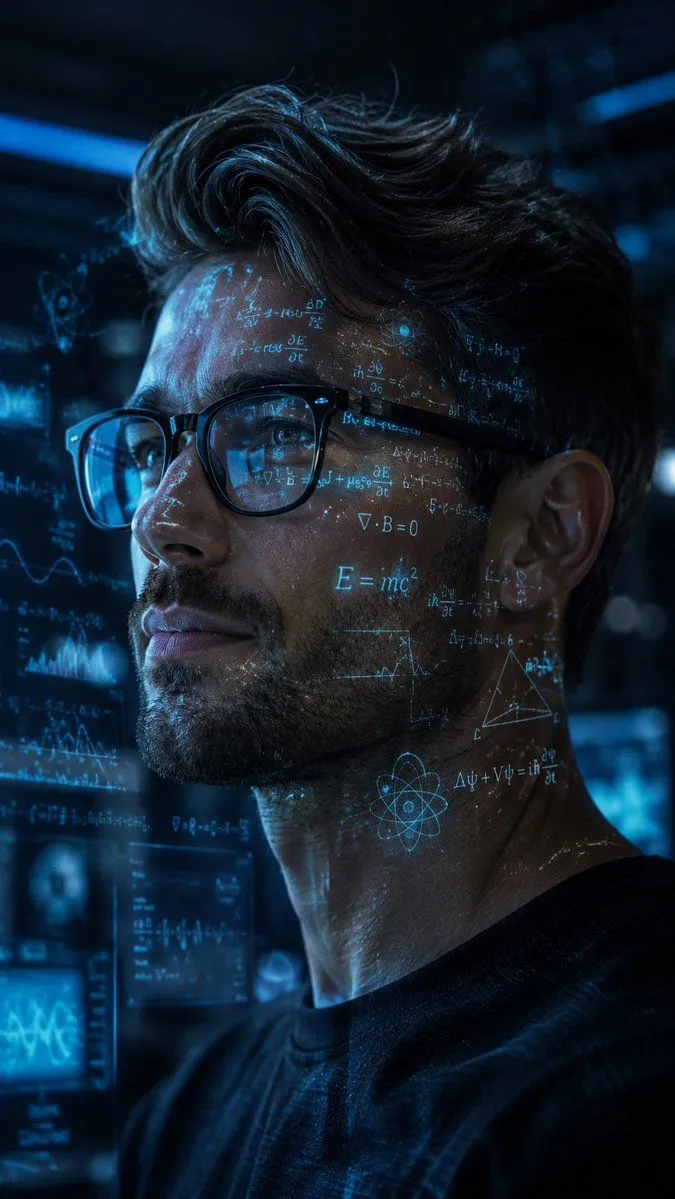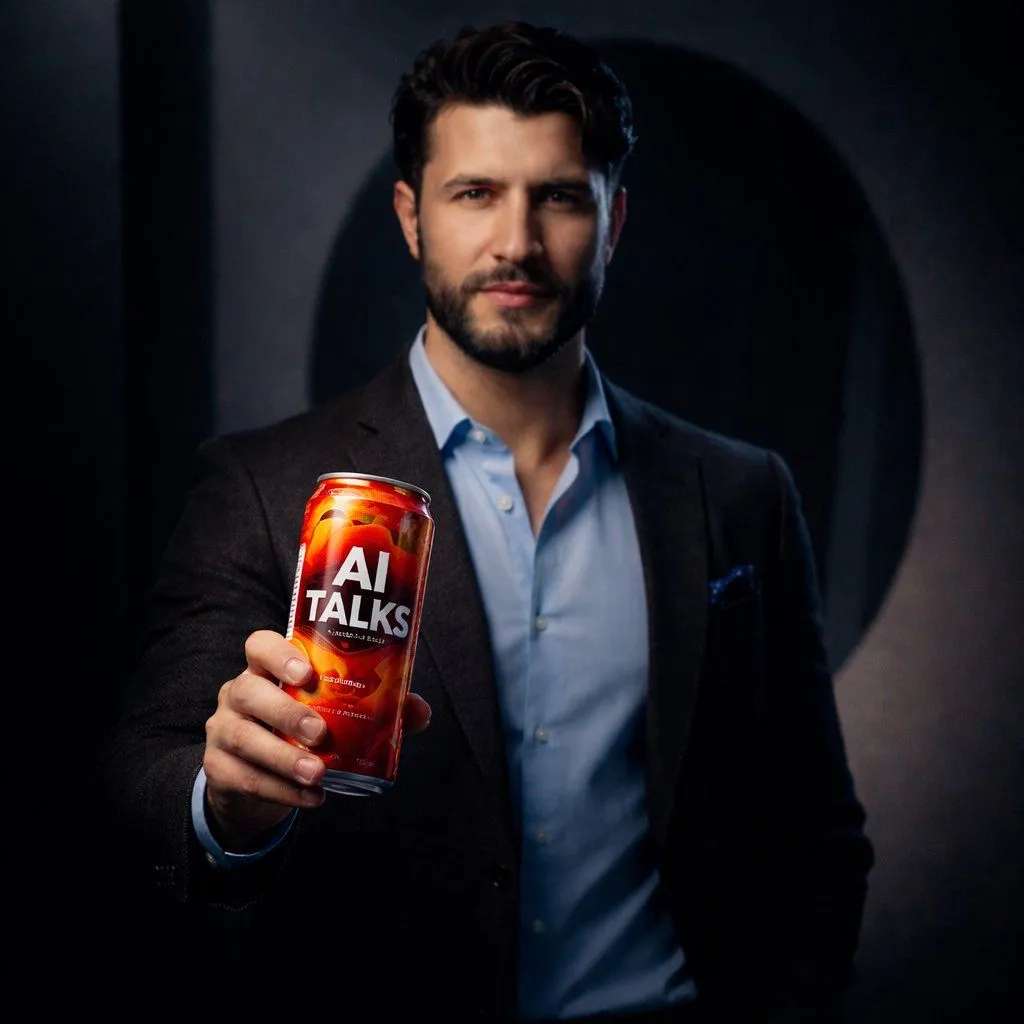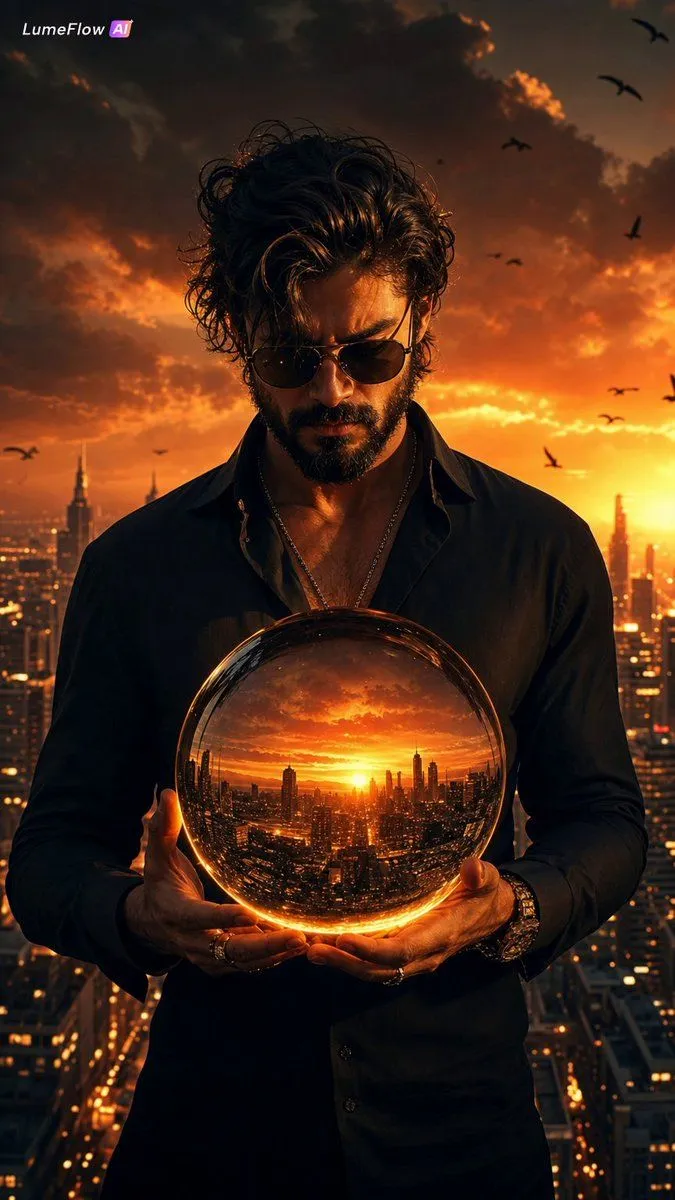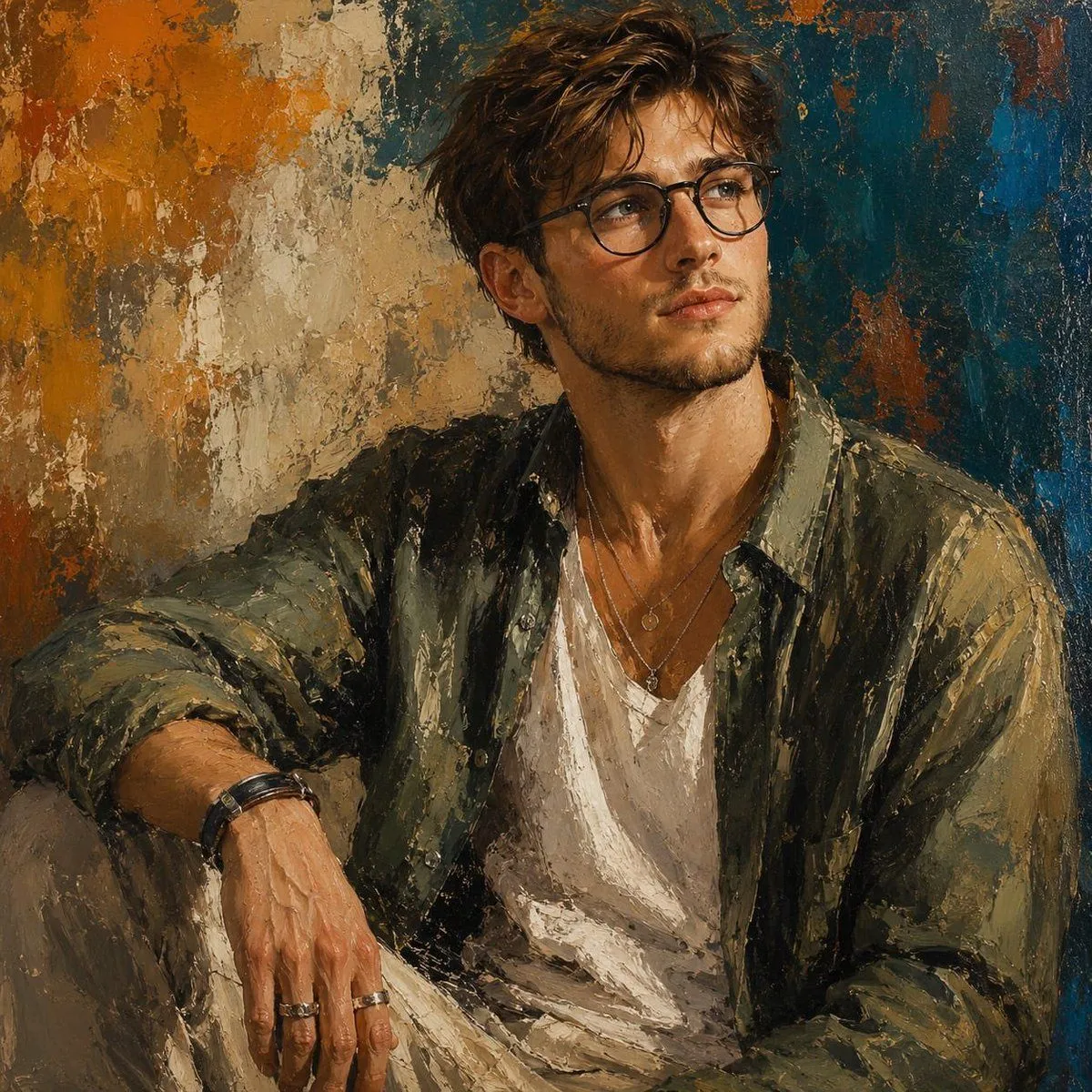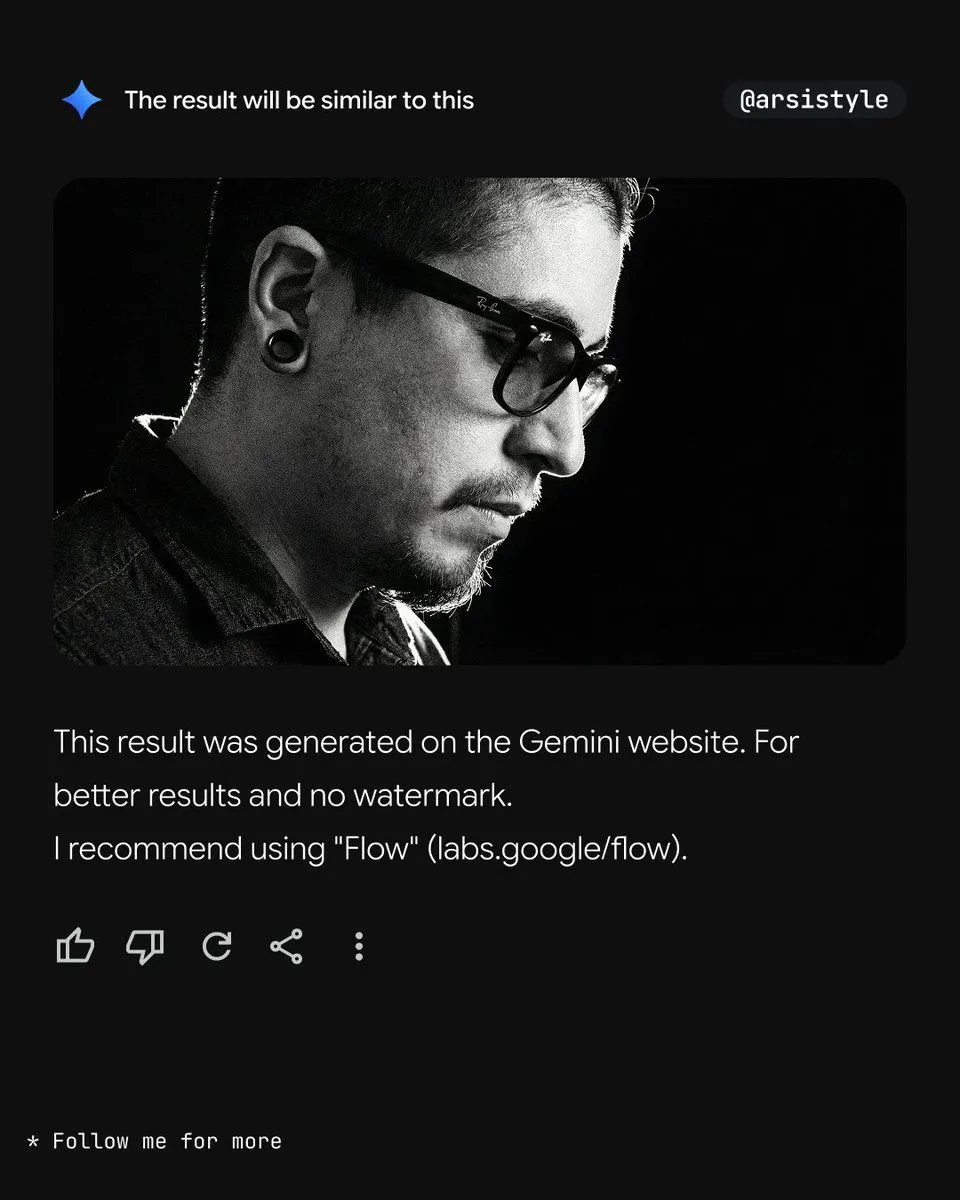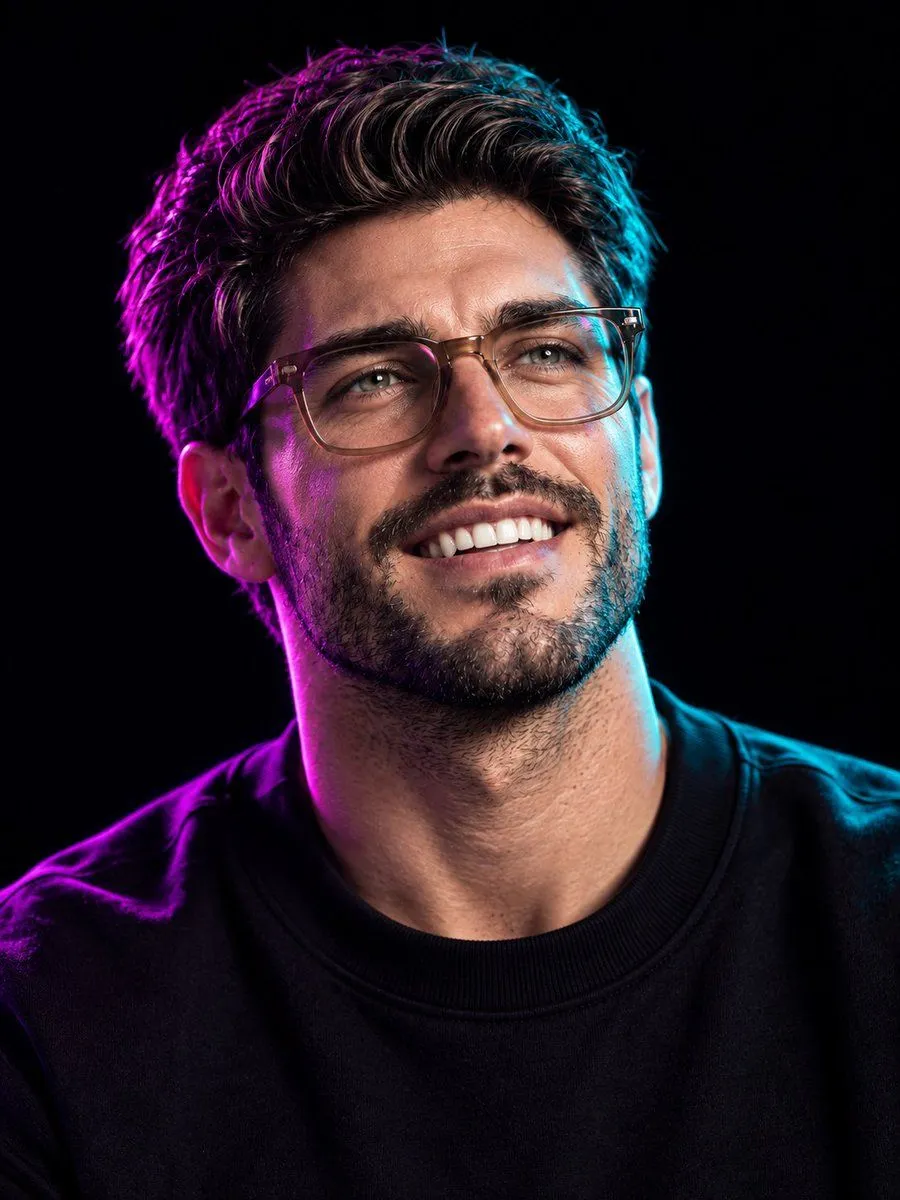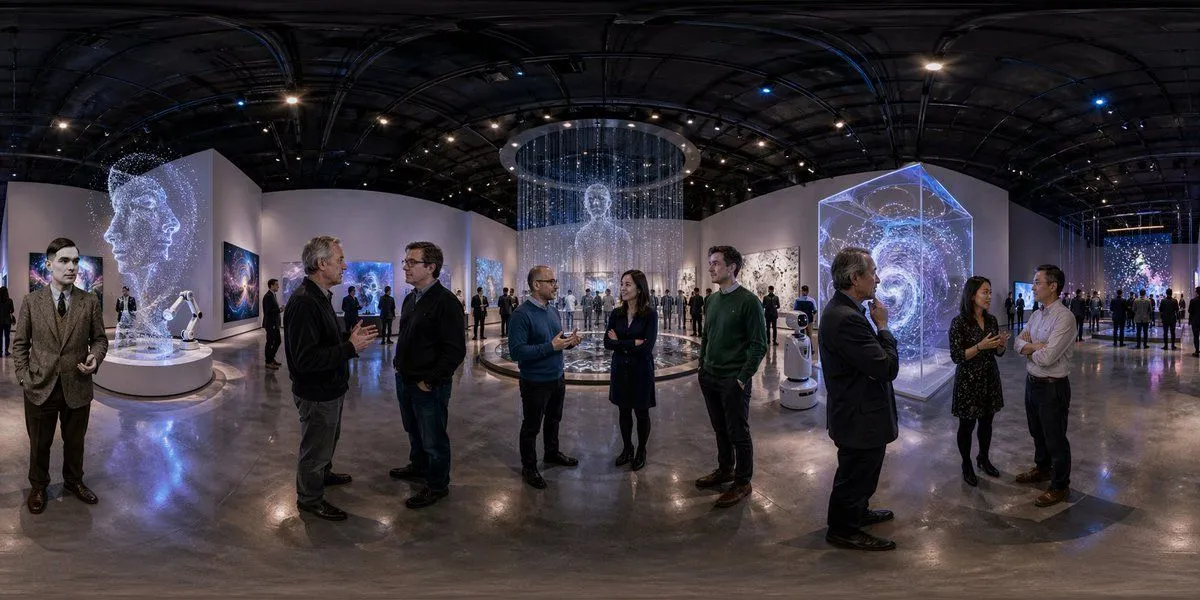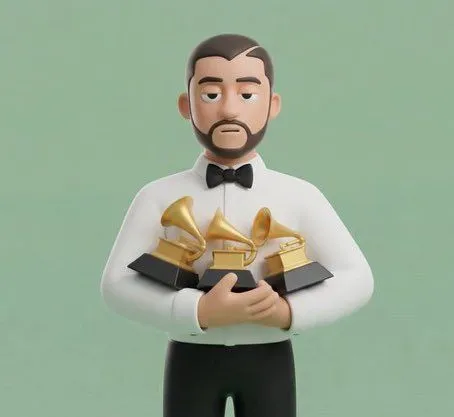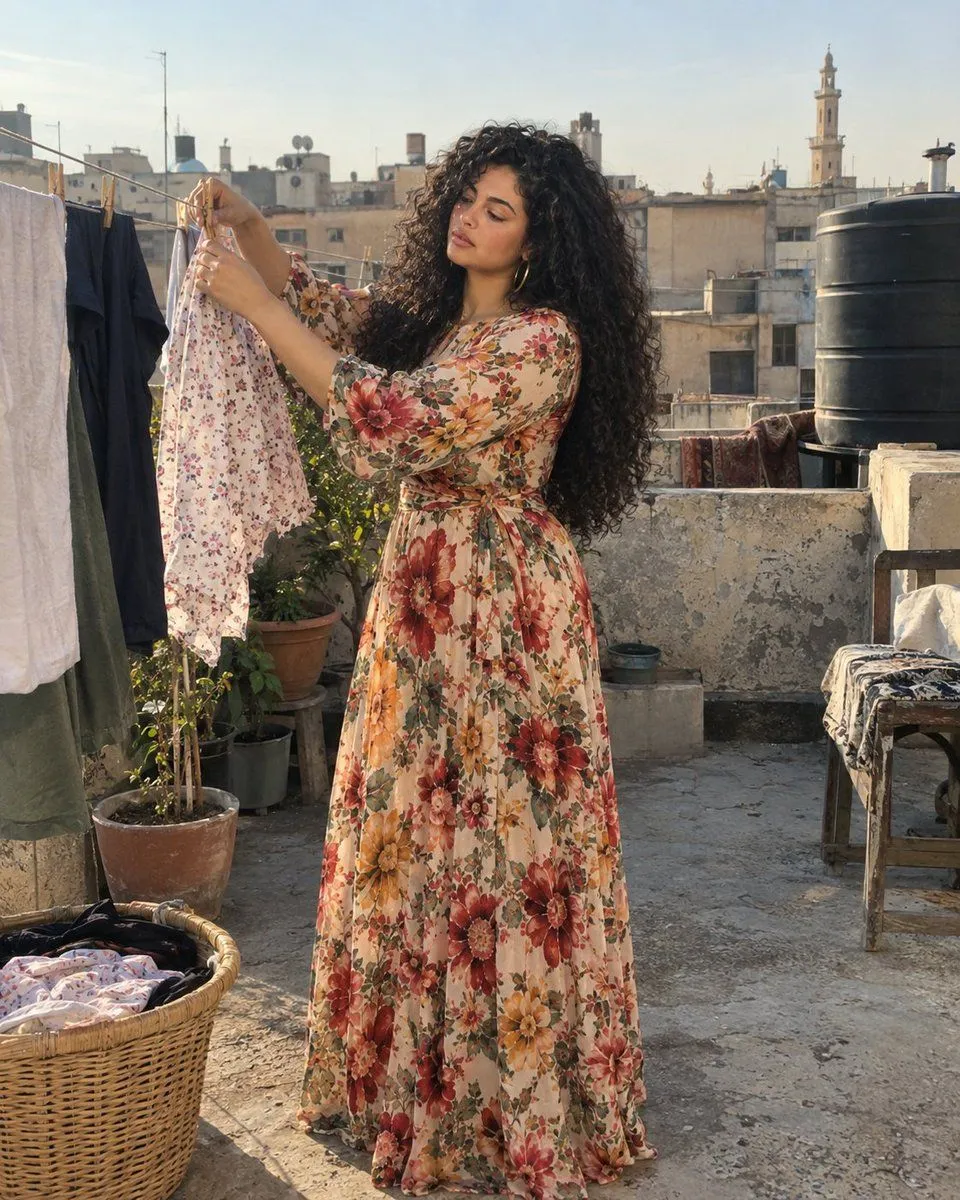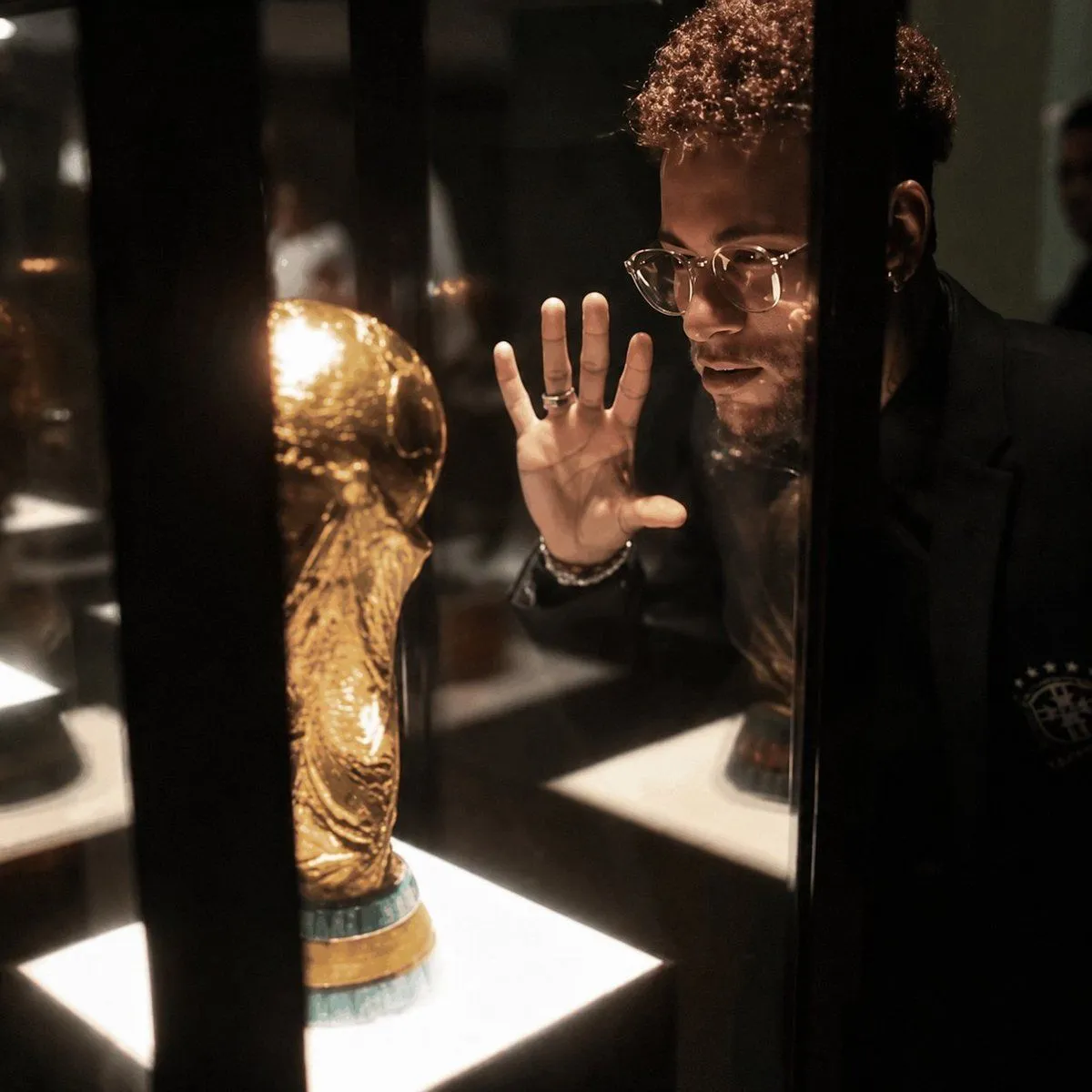
Made with GPT Image 2 in ChatGPT by Library Avatars. Promptclay never generates images.
Did it work?
No reports yet. Tell others if it worked for you.
Cinematic Photo Enhancement
Prompt
1 blank to fillUsing the provided reference image, enhance it into {output_quality}. Preserve 100% of the original identity, pose, objects, framing, composition, lighting direction, and the existing face-obscuring block exactly as in the reference. Recover realistic micro-details throughout the scene: sharper eyes/glasses edges where visible, crisp hand and ring detail, natural skin texture, defined hair curls, clearer trophy surface texture, cleaner glass reflections, and richer shadow detail. Make it photorealistic with studio-grade contrast, cinematic depth, warm museum-display lighting, no pixelation, no blur, no artifacts, and no invented changes to the scene.
Preview of your prompt
Using the provided reference image, enhance it into ultra-premium 8K cinematic quality. Preserve 100% of the original identity, pose, objects, framing, composition, lighting direction, and the existing face-obscuring block exactly as in the reference. Recover realistic micro-details throughout the scene: sharper eyes/glasses edges where visible, crisp hand and ring detail, natural skin texture, defined hair curls, clearer trophy surface texture, cleaner glass reflections, and richer shadow detail. Make it photorealistic with studio-grade contrast, cinematic depth, warm museum-display lighting, no pixelation, no blur, no artifacts, and no invented changes to the scene.
DetailsVersions, settings and questions
Written for
What's in the prompt
- Subject
- Model
- GPT Image 2
If your face changes
keep my face exactly the sameQuestions
- Does this work in the ChatGPT app?
- Yes. Paste the prompt and attach your photo if it uses one.
- It changed my face. What do I do?
- Add "keep my face exactly the same" to the end and run it again.
- Can I use the images I make?
- Check the terms of the app you use. Promptclay never generates images and claims nothing you make.