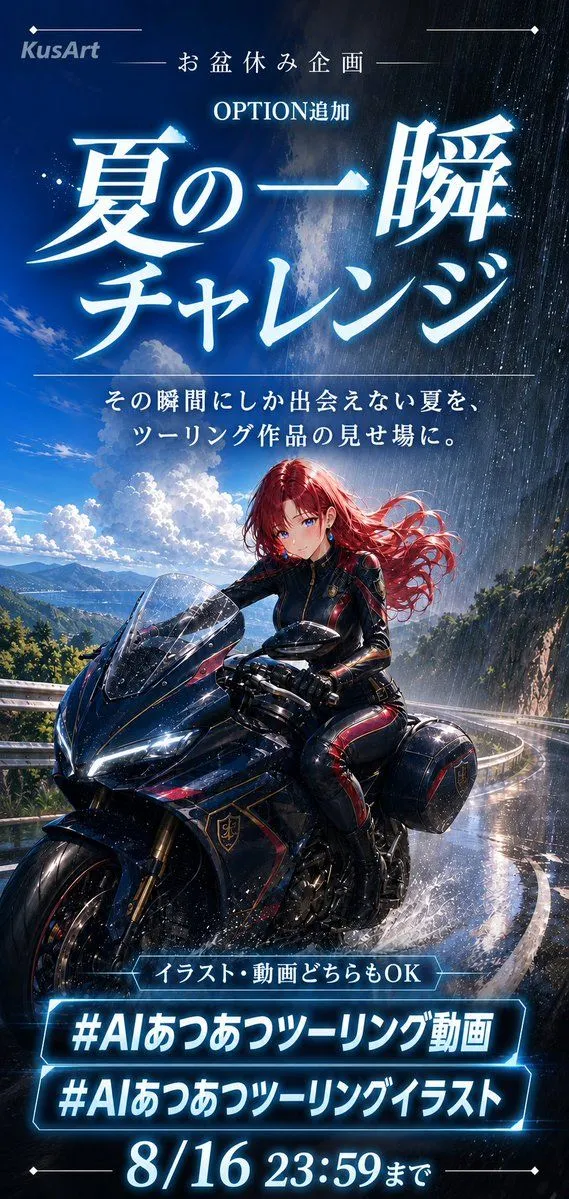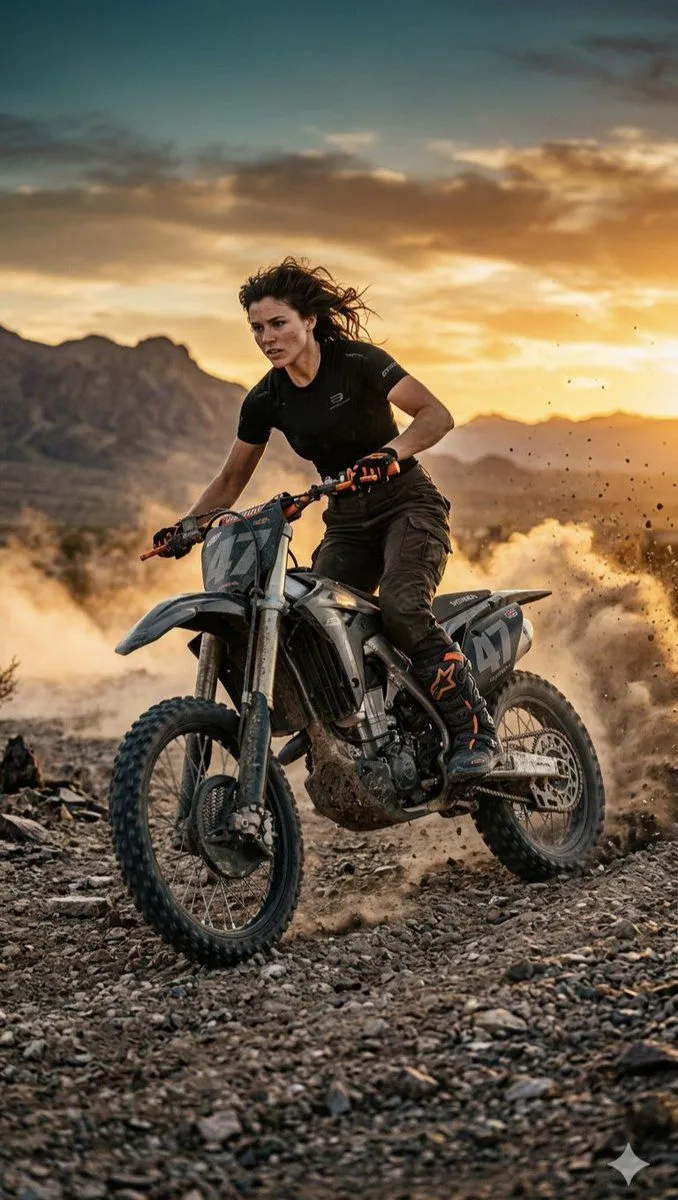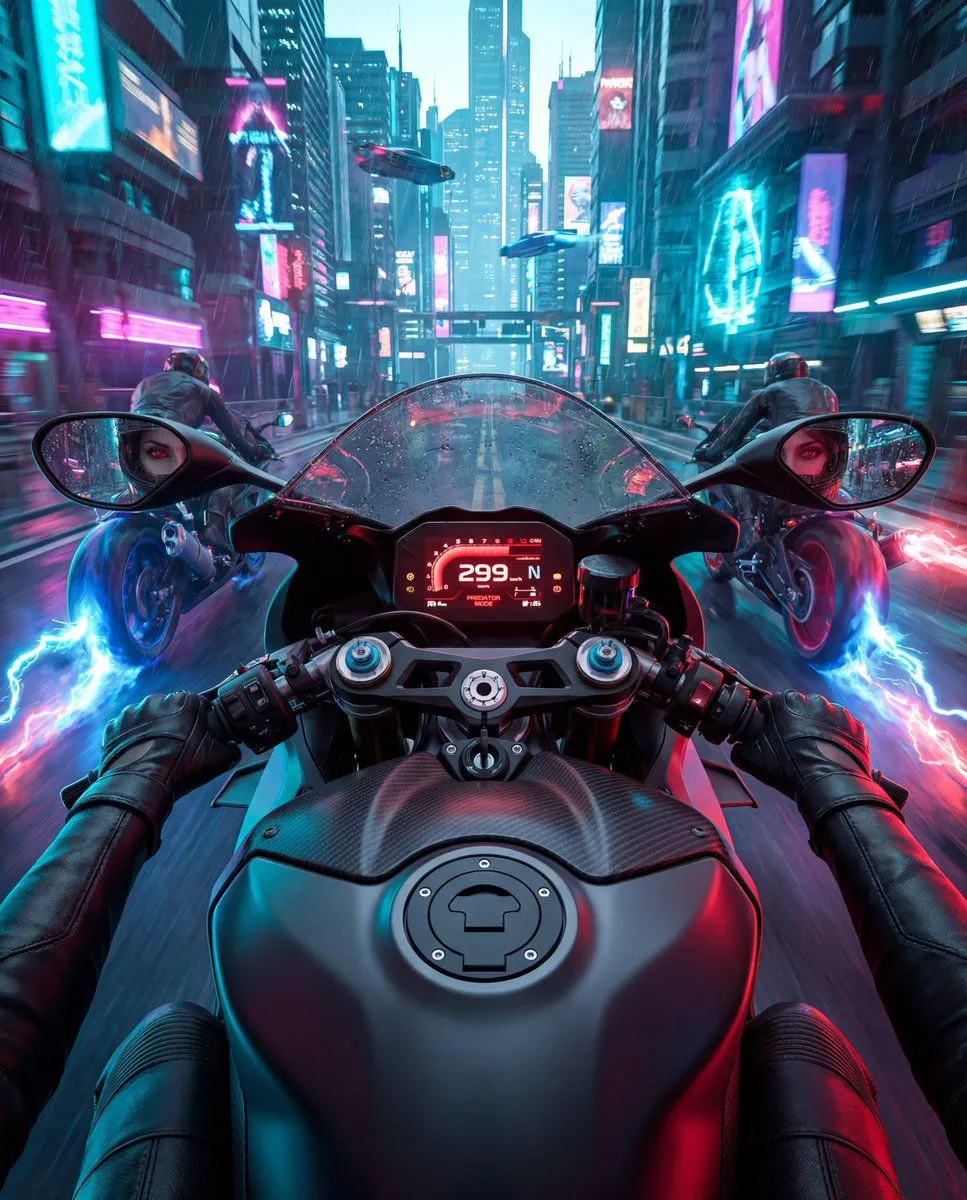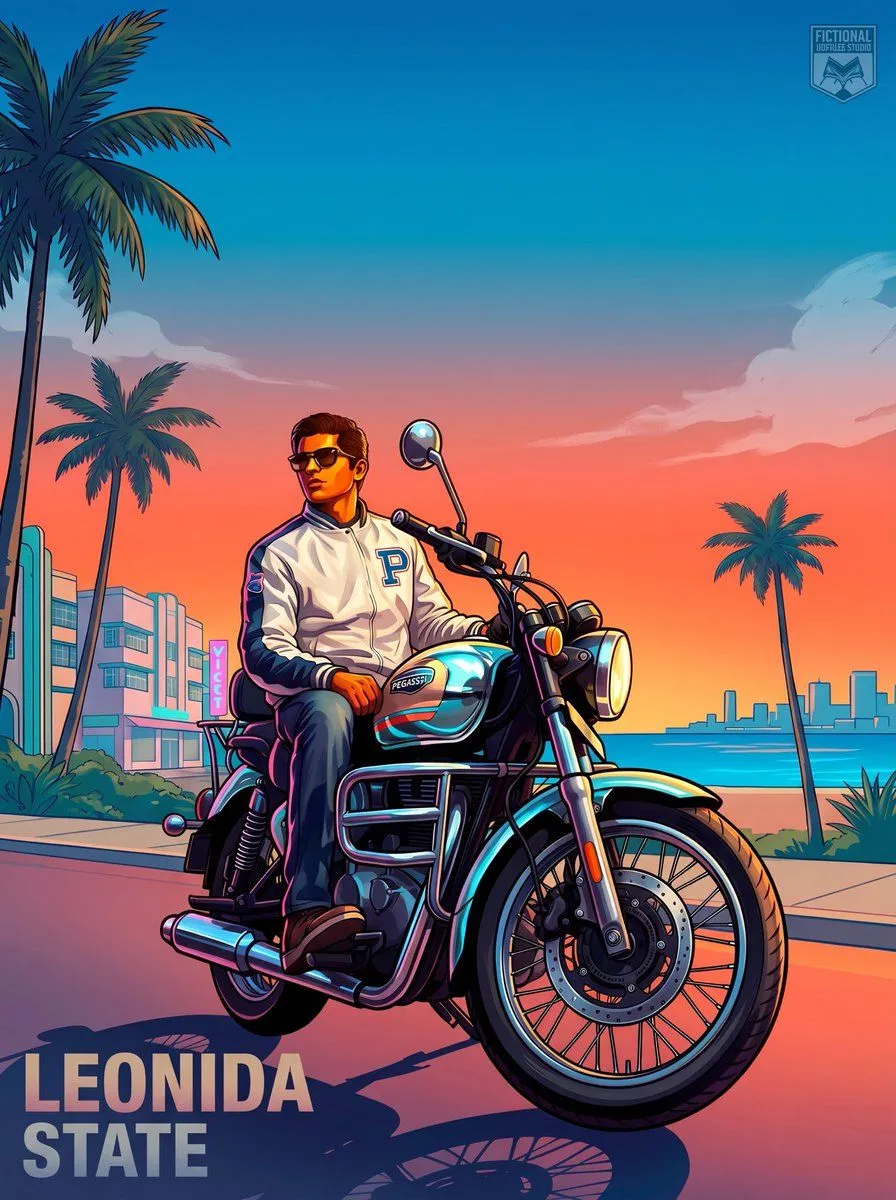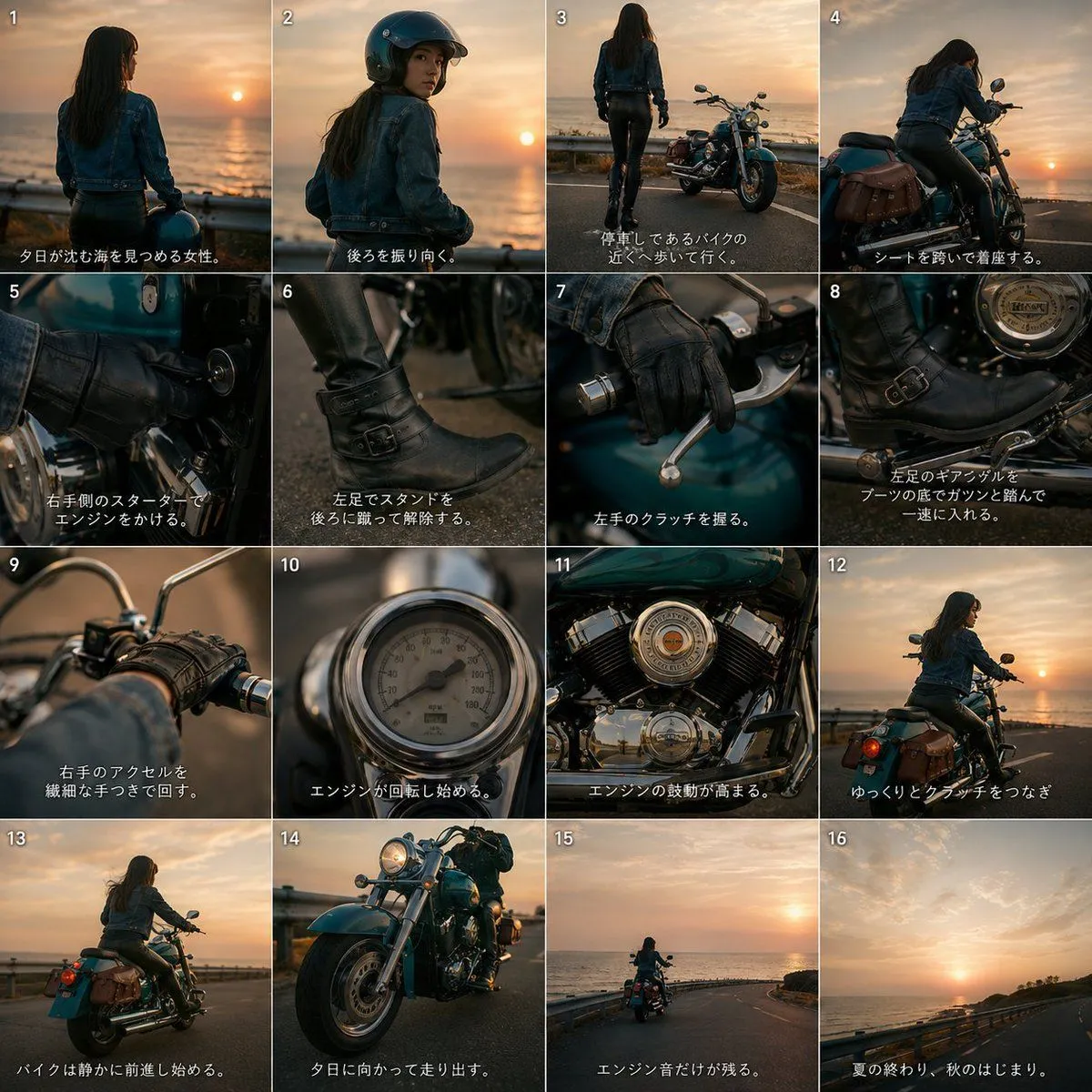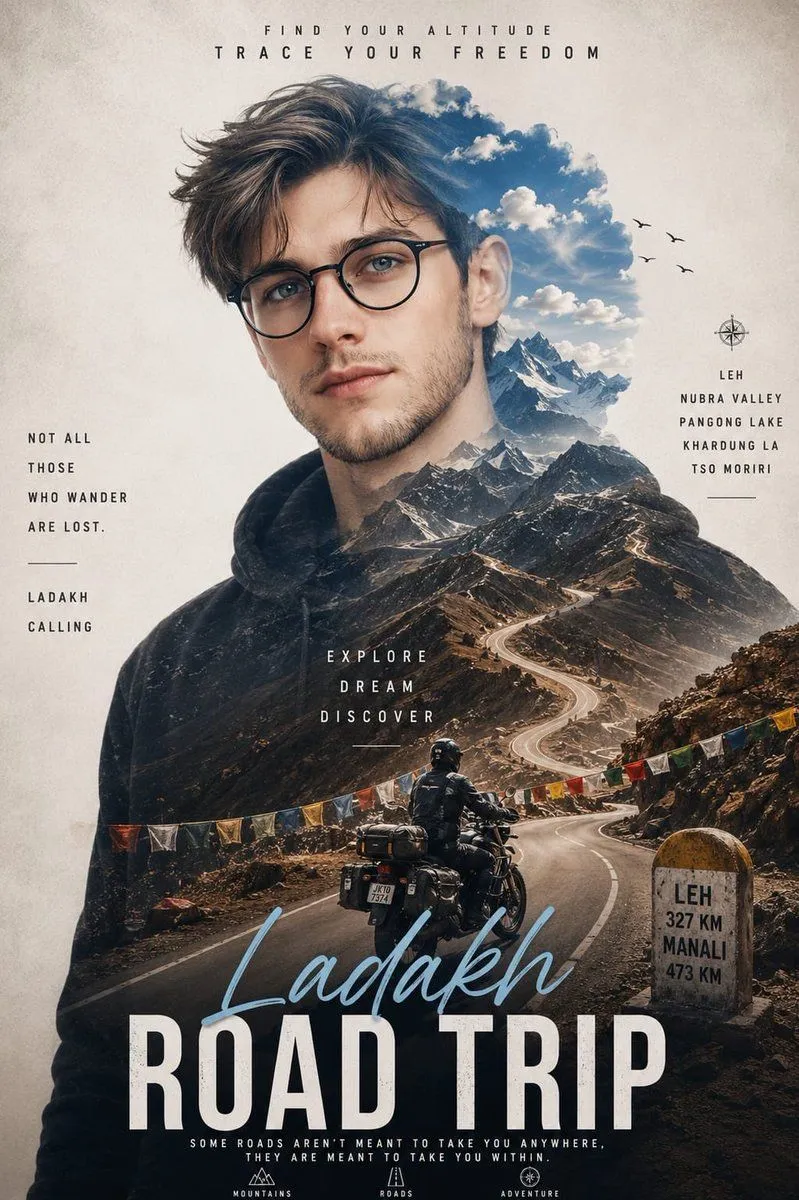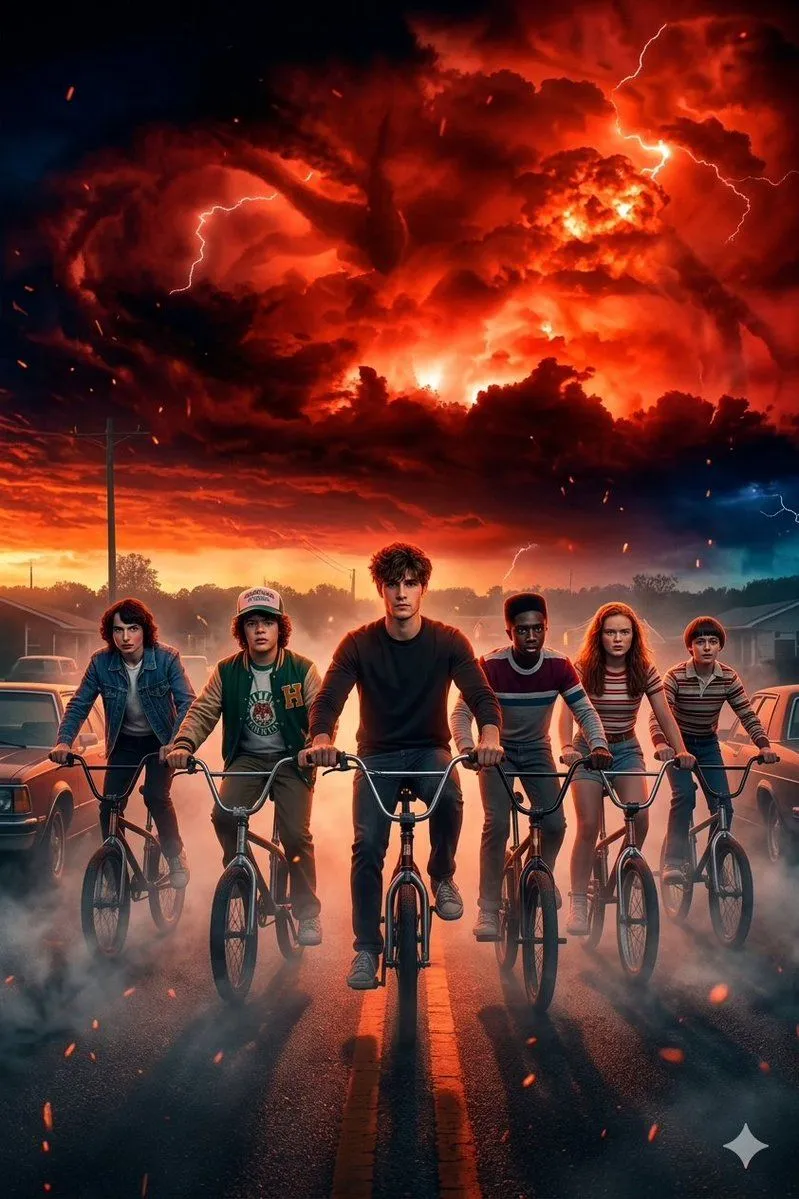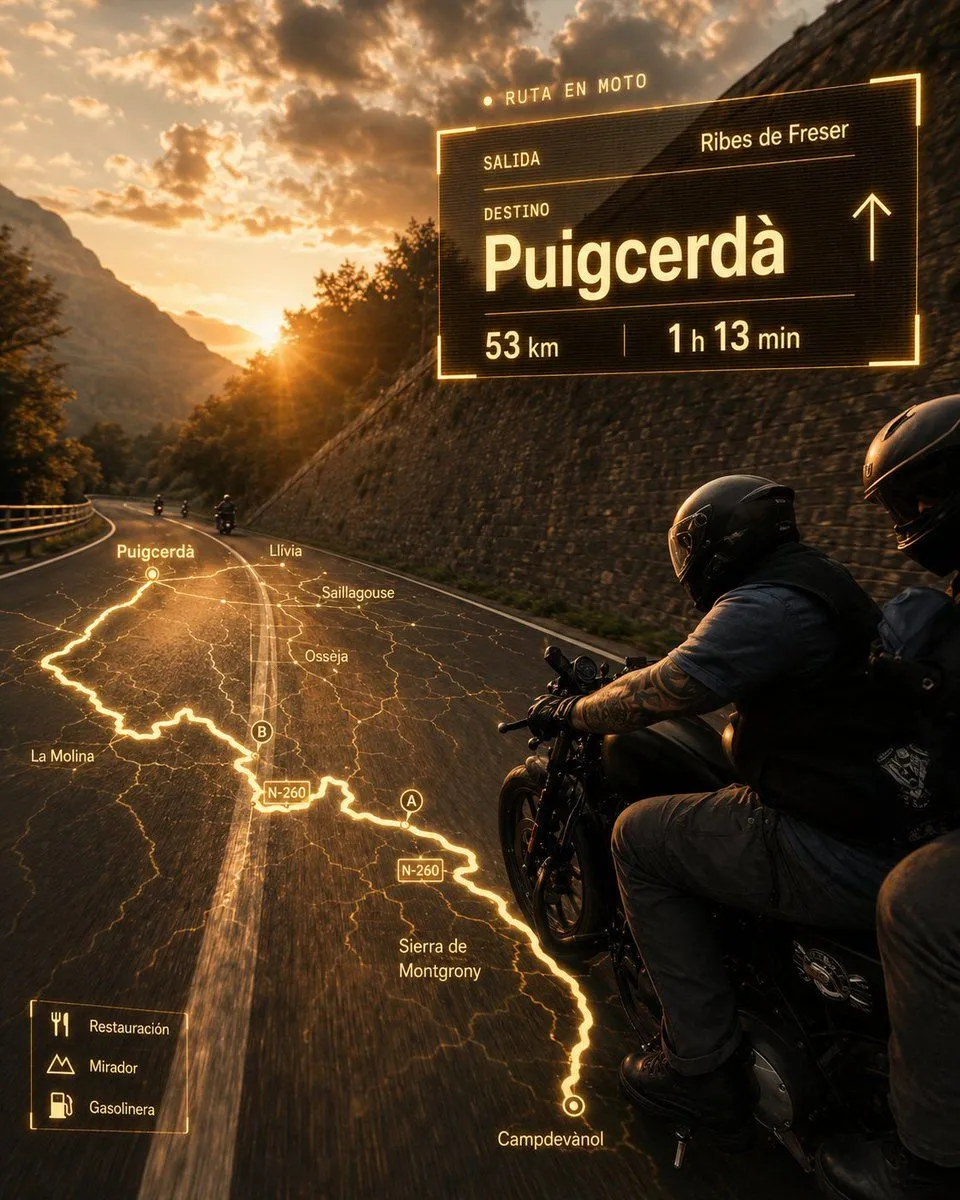
Made with GPT Image 2 in ChatGPT, collected by Library Brand. Promptclay never generates images.
Did it work?
No reports yet. Tell others if it worked for you.
Cinematic Motorcycle Route Poster
Prompt
4 blanks to fillCreate an ultrarealistic cinematic motorcycle travel poster at golden hour. A black touring/cruiser motorcycle with exactly 2 riders appears in the right foreground, seen from slightly behind and beside them as they ride on a curving two-lane mountain road; both wear glossy black full-face helmets, dark biker clothing, gloves, and backpacks, with the front rider’s tattooed forearm visible. The road bends left into a dramatic Pyrenees-style valley with a stone retaining wall on the right, guardrail on the left, distant small motorcycles ahead, steep mountains, trees, orange sunset light, lens flare, and heavy glowing clouds. Overlay a futuristic amber navigation interface as if projected onto the road and air, with warm neon-yellow lines, thin HUD typography, subtle transparency, scanline texture, and a cinematic movie-poster finish. On the upper right, place one large rectangular route panel with glowing border and these exact visible labels: top label “RUTA EN MOTO”; row label “SALIDA” with departure {starting_point}; row label “DESTINO” with very large destination {destination}; bottom metrics showing {distance} and {travel_time}; include a simple upward arrow on the right side of the panel. On the road surface, project exactly 1 glowing route map, a bright winding line following the perspective of the asphalt from the lower right foreground toward the left distance, with fine terrain-map lines and place labels: “Campdevànol”, “Sierra de Montgrony”, “N-260” shown twice, “A”, “B”, “Osseja”, “Saillagouse”, “Llívia”, “Puigcerdà”, and “La Molina”. In the lower left, add exactly 1 small legend box with 3 icon rows labeled “Restauración”, “Mirador”, and “Gasolinera”. Use a warm amber-and-black color grade, high contrast, realistic motion blur on the road, detailed motorcycle reflections, no extra UI panels, no watermark, and keep all overlay text crisp and legible.
Preview of your prompt
Create an ultrarealistic cinematic motorcycle travel poster at golden hour. A black touring/cruiser motorcycle with exactly 2 riders appears in the right foreground, seen from slightly behind and beside them as they ride on a curving two-lane mountain road; both wear glossy black full-face helmets, dark biker clothing, gloves, and backpacks, with the front rider’s tattooed forearm visible. The road bends left into a dramatic Pyrenees-style valley with a stone retaining wall on the right, guardrail on the left, distant small motorcycles ahead, steep mountains, trees, orange sunset light, lens flare, and heavy glowing clouds. Overlay a futuristic amber navigation interface as if projected onto the road and air, with warm neon-yellow lines, thin HUD typography, subtle transparency, scanline texture, and a cinematic movie-poster finish. On the upper right, place one large rectangular route panel with glowing border and these exact visible labels: top label “RUTA EN MOTO”; row label “SALIDA” with departure Ribes de Freser; row label “DESTINO” with very large destination Puigcerdà; bottom metrics showing 53 km and 1 h 13 min; include a simple upward arrow on the right side of the panel. On the road surface, project exactly 1 glowing route map, a bright winding line following the perspective of the asphalt from the lower right foreground toward the left distance, with fine terrain-map lines and place labels: “Campdevànol”, “Sierra de Montgrony”, “N-260” shown twice, “A”, “B”, “Osseja”, “Saillagouse”, “Llívia”, “Puigcerdà”, and “La Molina”. In the lower left, add exactly 1 small legend box with 3 icon rows labeled “Restauración”, “Mirador”, and “Gasolinera”. Use a warm amber-and-black color grade, high contrast, realistic motion blur on the road, detailed motorcycle reflections, no extra UI panels, no watermark, and keep all overlay text crisp and legible.
DetailsVersions, settings and questions
Written for
What's in the prompt
- Subject
- Model
- GPT Image 2
If your face changes
keep my face exactly the sameQuestions
- Does this work in the ChatGPT app?
- Yes. Paste the prompt and attach your photo if it uses one.
- It changed my face. What do I do?
- Add "keep my face exactly the same" to the end and run it again.
- Can I use the images I make?
- Check the terms of the app you use. Promptclay never generates images and claims nothing you make.