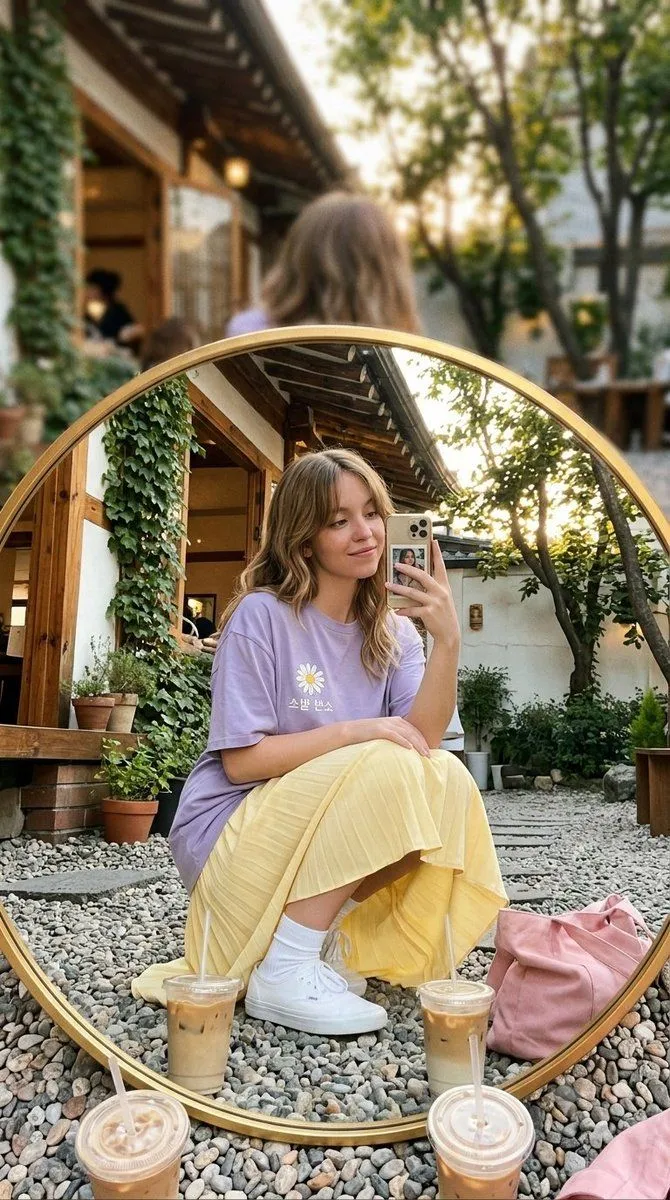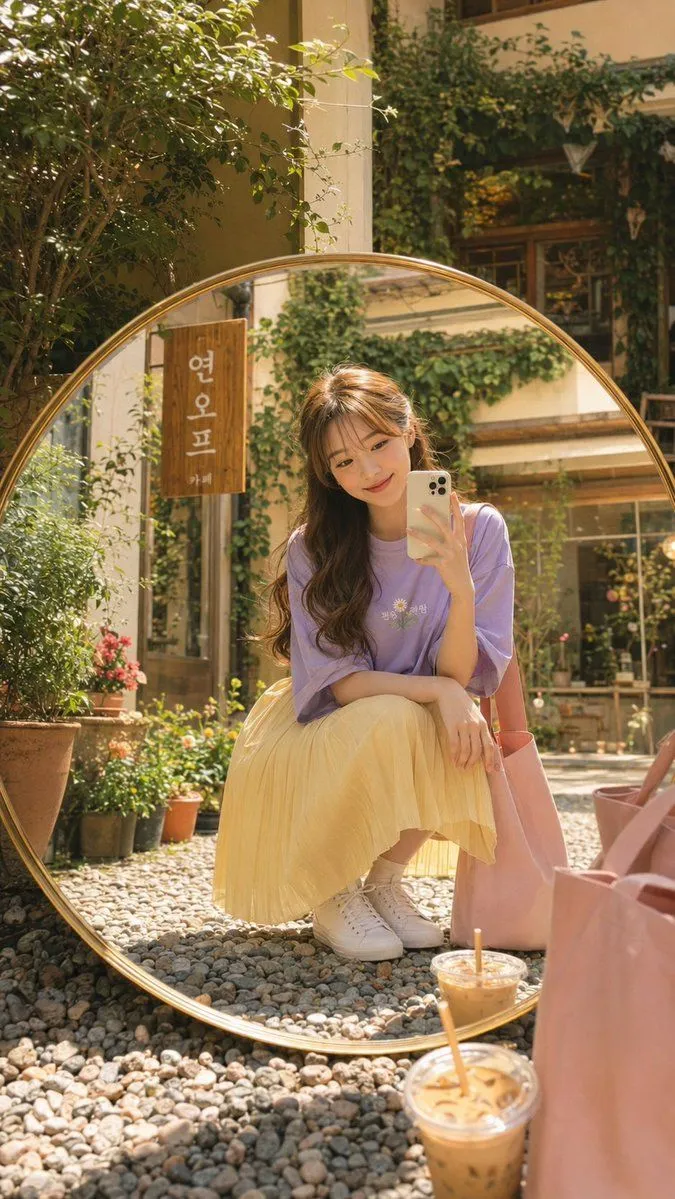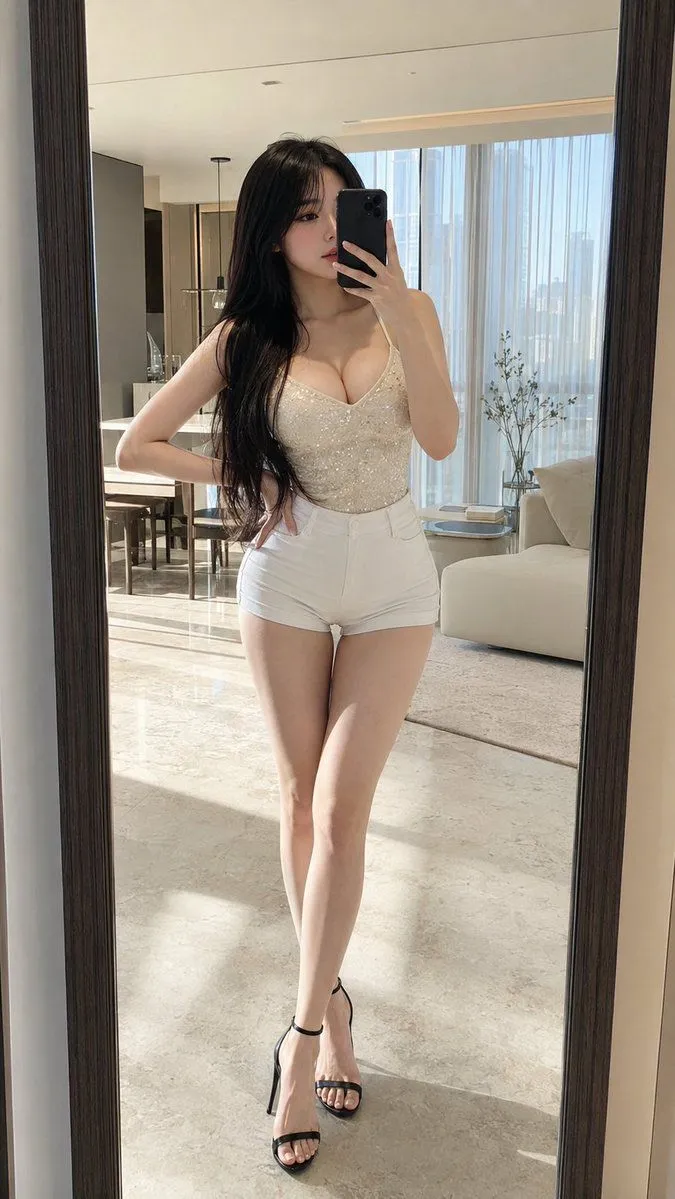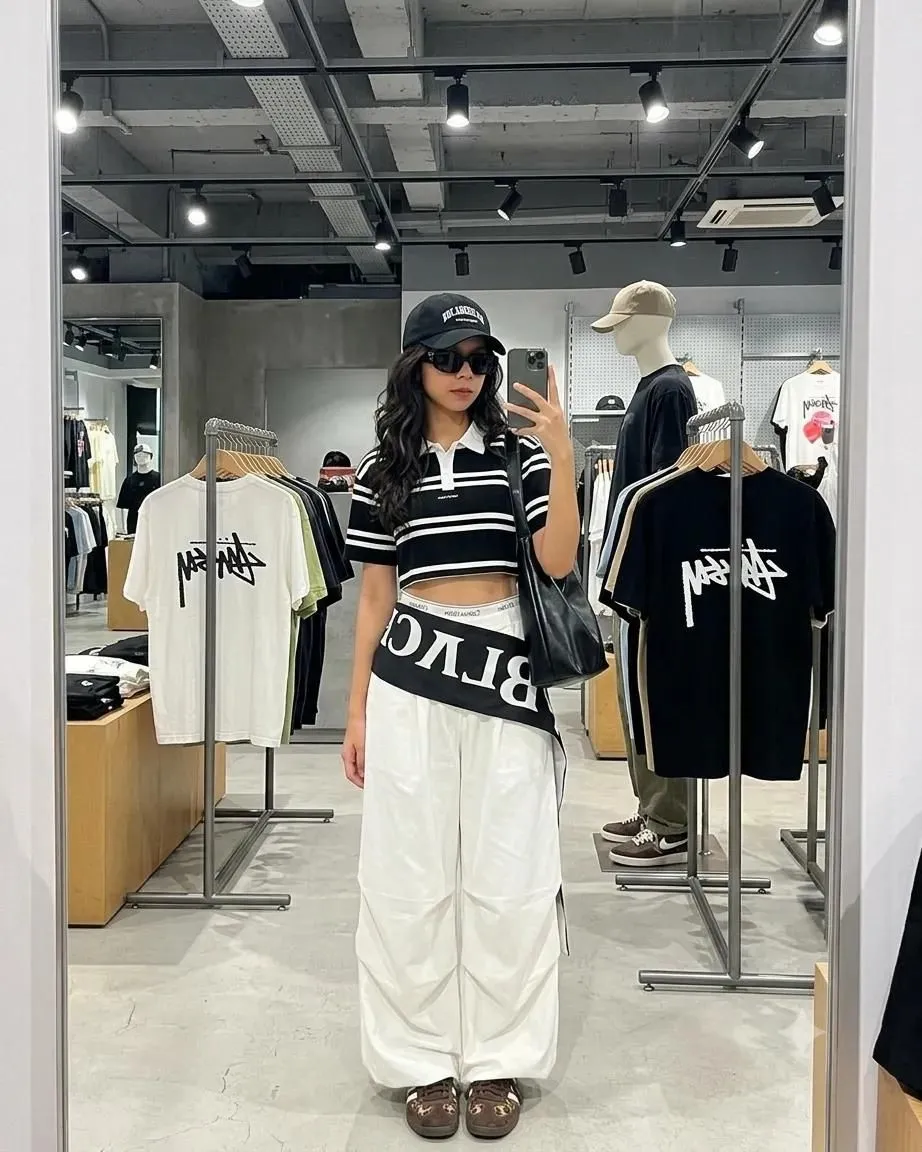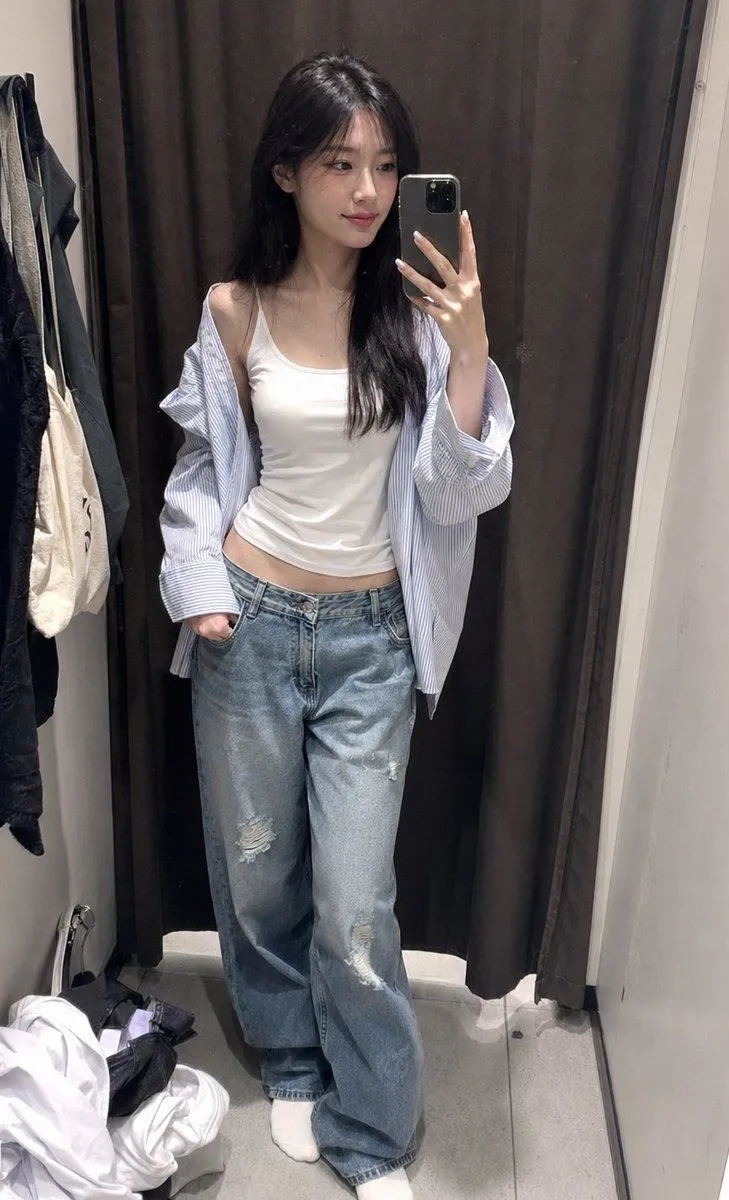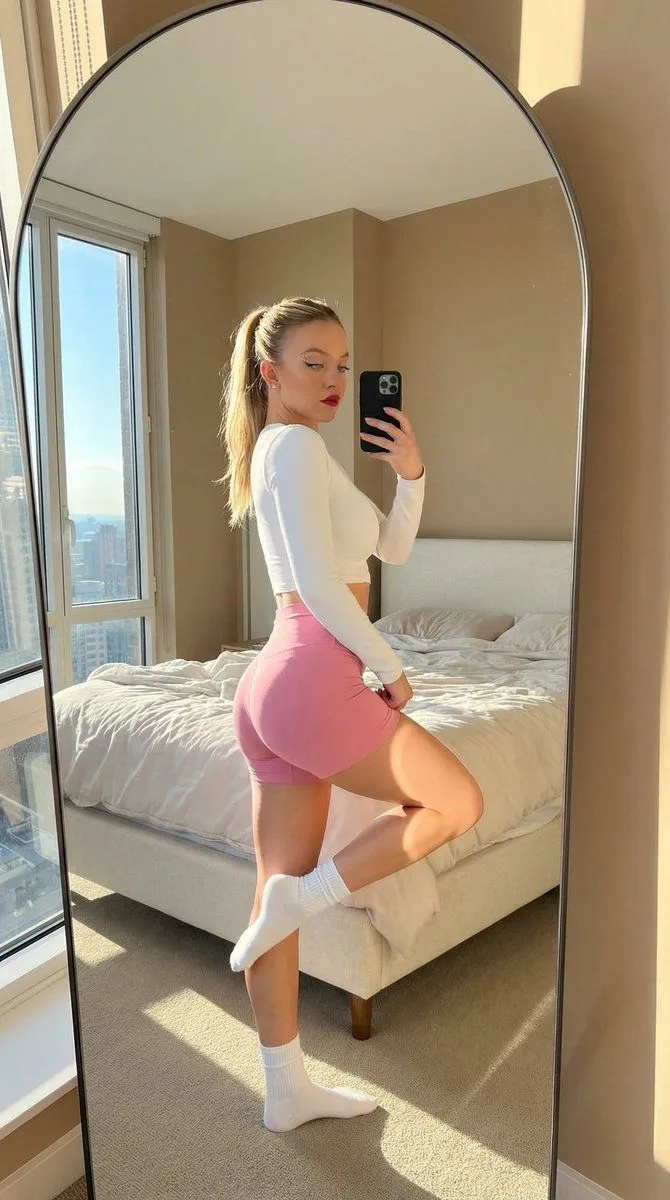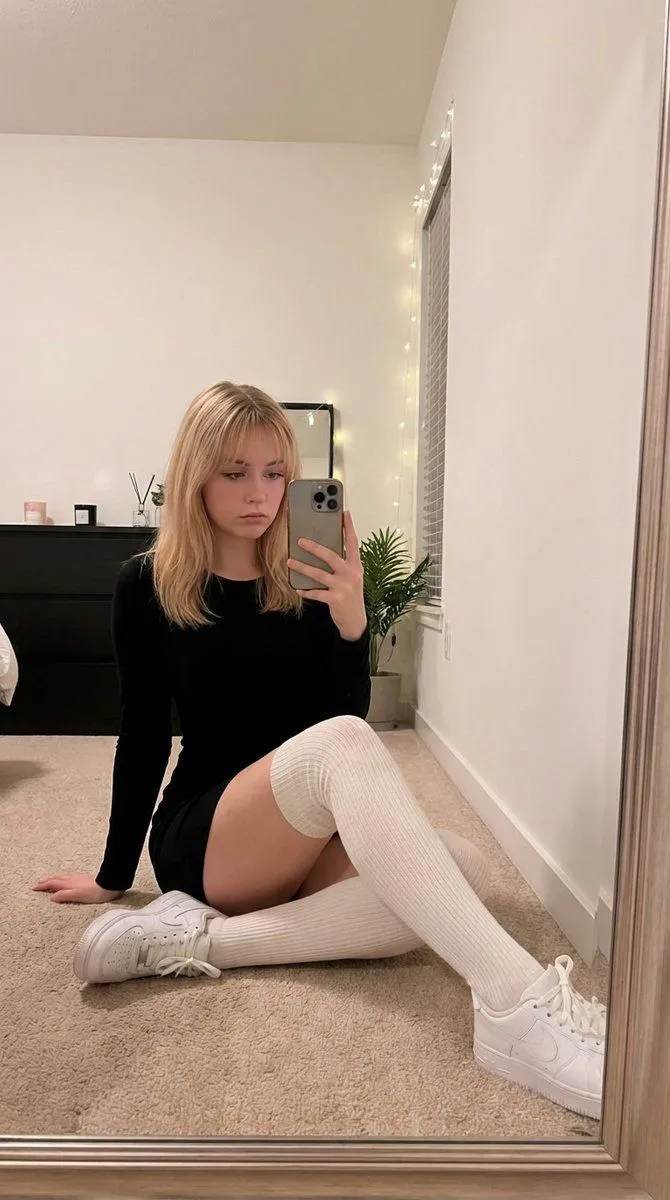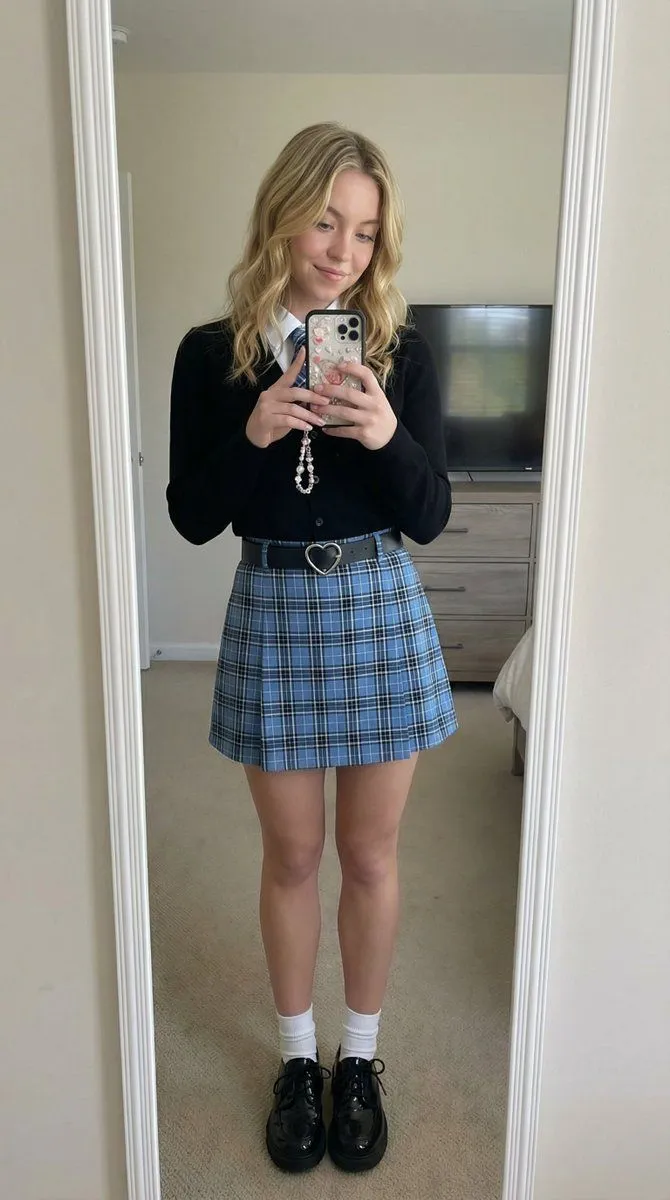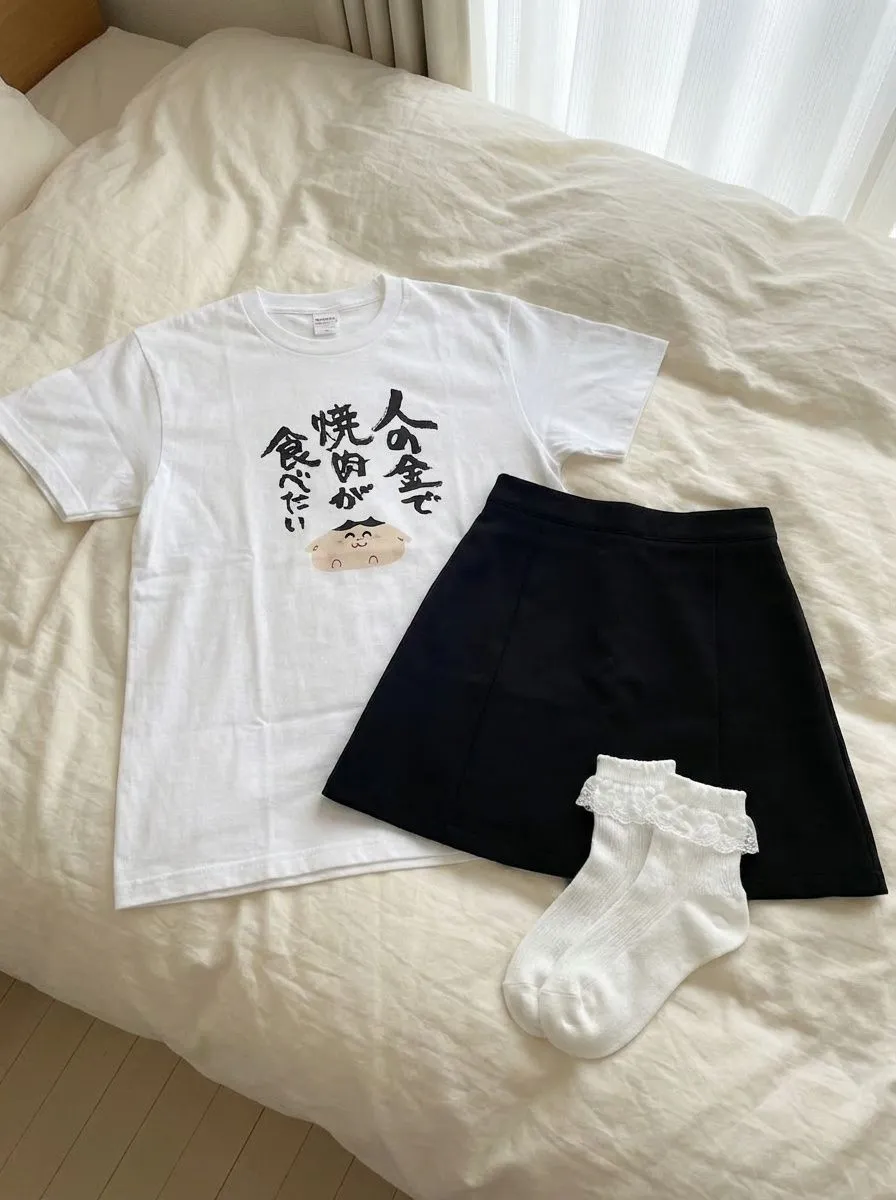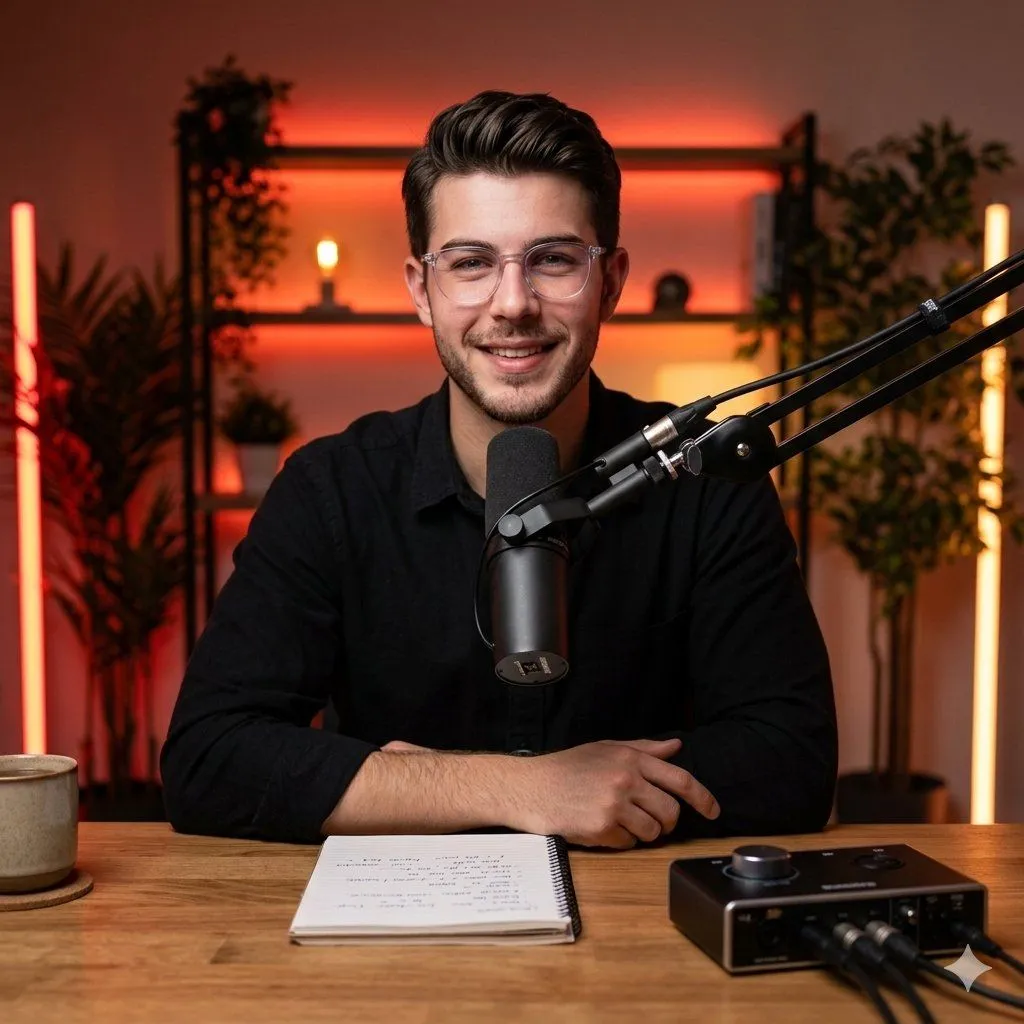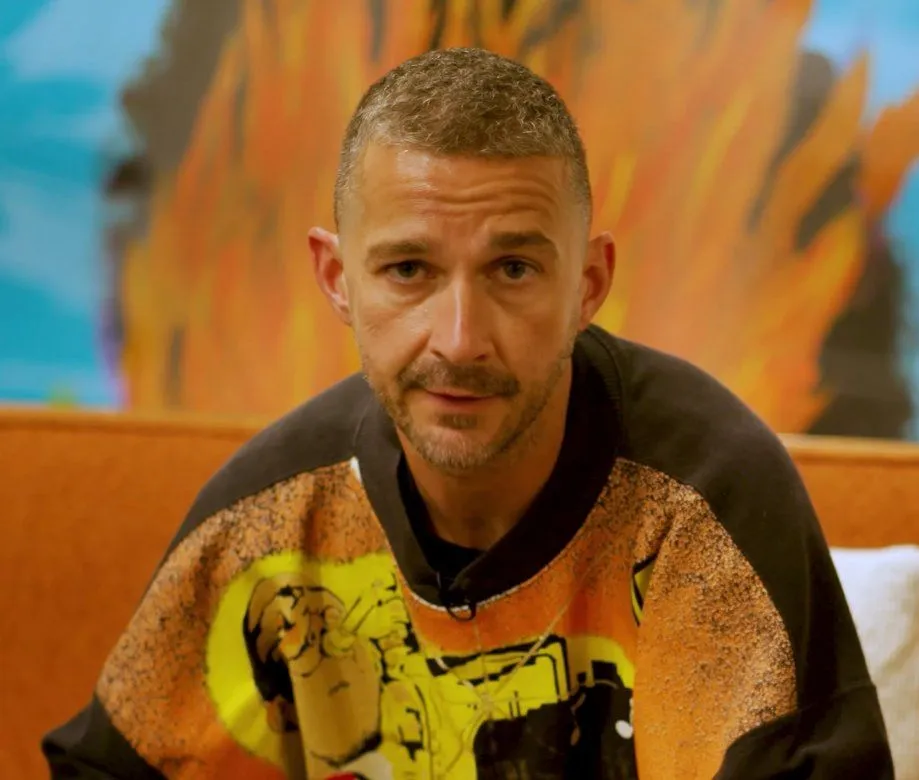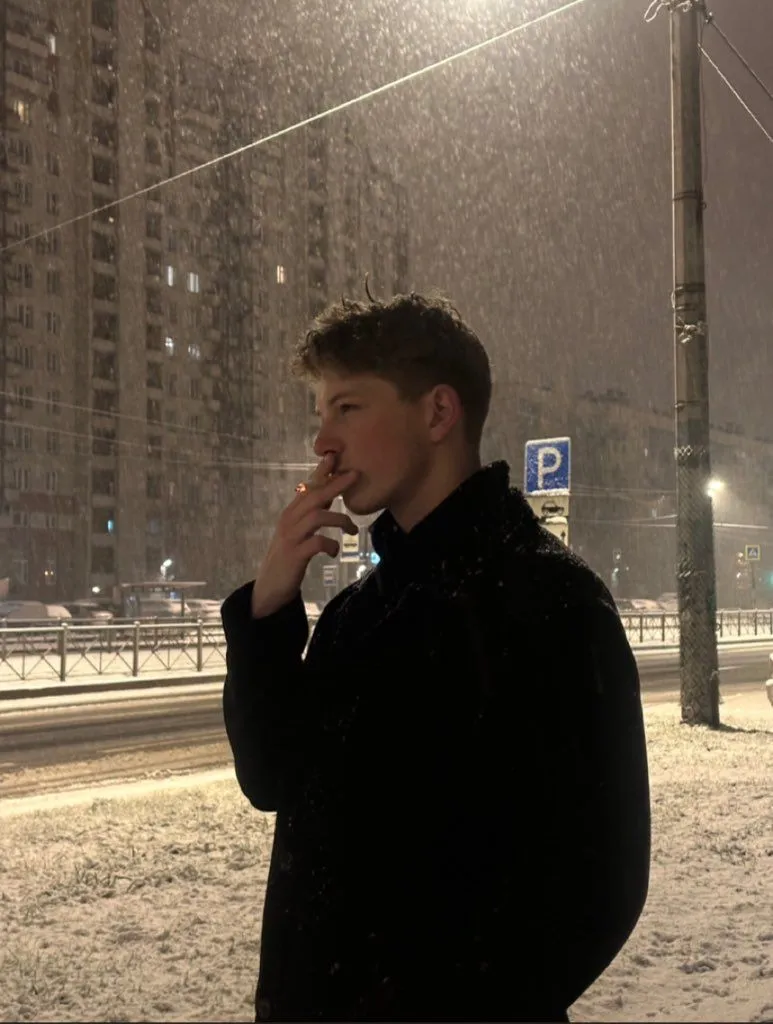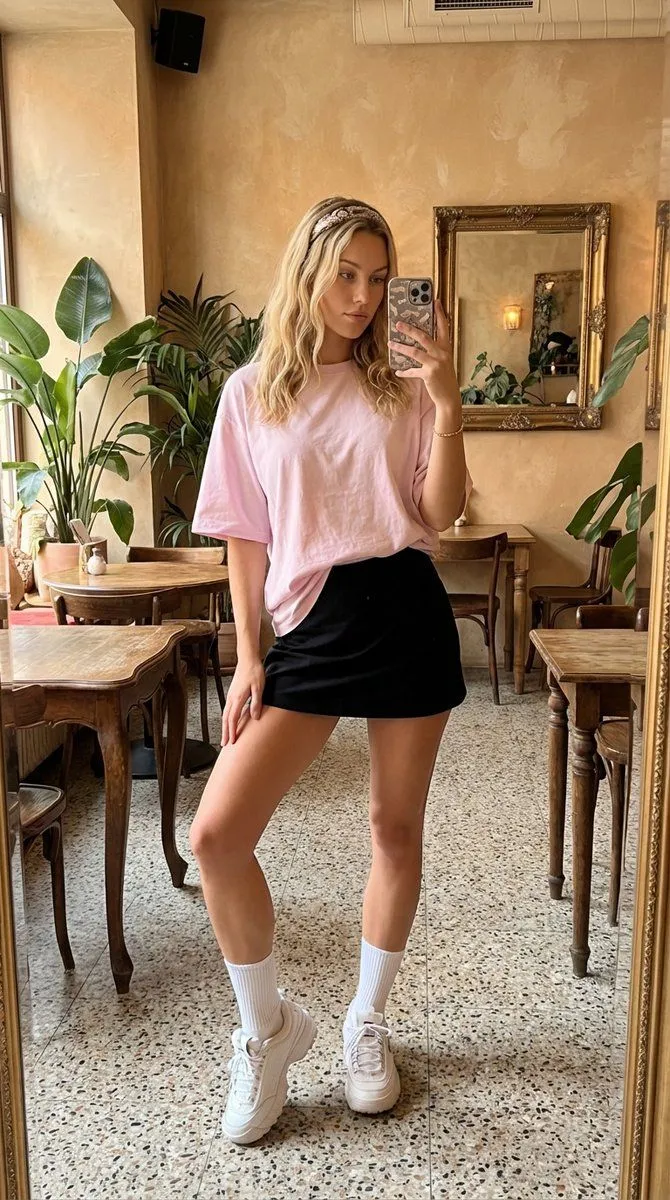
Made with Nano Banana Pro in Gemini by Library Social. Promptclay never generates images.
Did it work?
No reports yet. Tell others if it worked for you.
Cinematic Lifestyle Portrait Prompt for Stylish Restaurant Scene
Prompt
{ "scene_description": { "setting": "stylish cozy restaurant interior", "location_type": "indoor", "environment_details": [ "wooden shelving unit behind subject", "decorative objects including miniature ship, plants, and vintage items", "warm ambient restaurant lighting", "tables and seating visible in background", "dark ceiling contrasting with warm interior tones" ], "mood": "intimate, warm, relaxed, elegant" }, "subject": { "gender": "female", "framing": "upper body portrait", "pose": { "body_position": "seated at a table", "arms": "one arm resting on the table, other hand gently touching opposite shoulder", "shoulders": "slightly angled toward camera", "head": "slightly tilted forward" }, "facial_expression": "soft smile, calm and confident", "gaze": "direct eye contact with camera", "hair": { }, "makeup": { "style": "natural glam", "details": [ "defined eyeliner", "soft blush", "natural skin finish", "warm coral lipstick" ] }, "outfit": { "top": "white sleeveless textured halter-style top", "accessories": [ "metal wristwatch", "minimal jewelry" ] } }, "composition": { "shot_type": "close-up to medium portrait", "camera_angle": "eye-level", "subject_placement": "centered", "background_blur": "moderate bokeh with visible detail", "foreground_elements": [ "table setting", "glass", "plate", "small boxed items" ] }, "lighting": { "type": "warm indoor ambient lighting", "key_light": "soft frontal light", "fill_light": "ambient restaurant lighting", "shadows": "soft and natural", "color_temperature": "warm yellow-orange tone" }, "color_palette": { "dominant_colors": [ "warm beige", "wood brown", "soft gold", "cream white", "dark green accents" ], "overall_tone": "warm, cozy, cinematic" }, "camera_settings": { "camera_type": "DSLR or mirrorless camera", "lens": "50mm portrait lens", "aperture": "f/1.8", "iso": "400", "shutter_speed": "1/100" }, "style": { "photography_style": "cinematic lifestyle portrait", "aesthetic": "restaurant portrait, cozy luxury", "realism_level": "highly realistic", "detail_level": "high detail, sharp facial focus" }, "post_processing": { "contrast": "slightly increased", "highlights": "soft", "shadows": "lifted", "saturation": "natural with warm emphasis", "skin_retouch": "subtle and natural", "clarity": "medium" }, "quality_tags": [ "ultra realistic", "high resolution", "cinematic lighting", "professional portrait", "Instagram aesthetic" ], "negative_prompt": [ "blurry", "overexposed", "harsh flash lighting", "distorted face", "unnatural skin texture", "extra fingers", "low resolution", "over-sharpened" ] }
DetailsVersions, settings and questions
Written for
What's in the prompt
- Subject
- Model
- Nano Banana Pro
If your face changes
keep my face exactly the sameQuestions
- Does this work in the Gemini app?
- Yes. Gemini runs Nano Banana, so paste the prompt and attach your photo if it uses one.
- It changed my face. What do I do?
- Add "keep my face exactly the same" to the end and run it again.
- Can I use the images I make?
- Check the terms of the app you use. Promptclay never generates images and claims nothing you make.