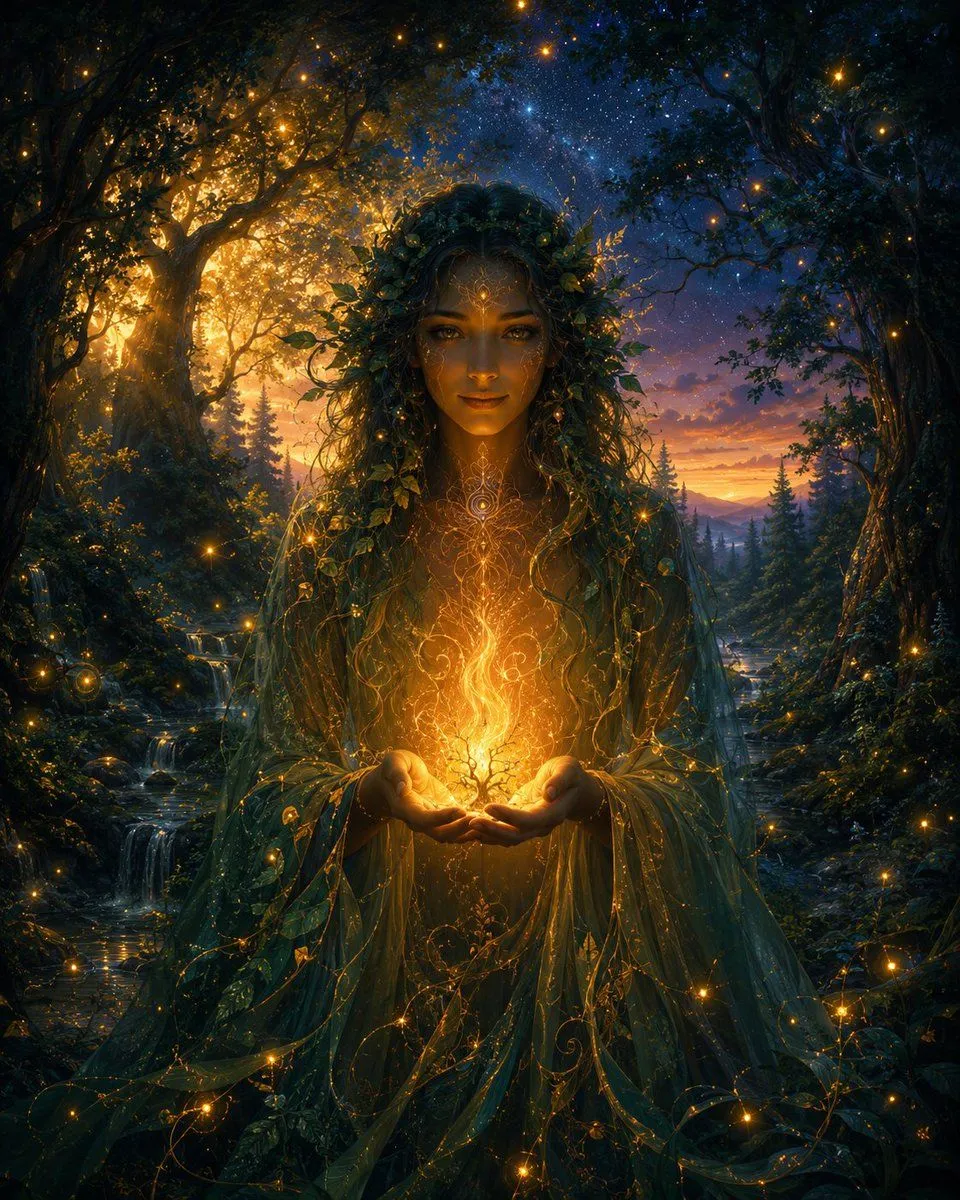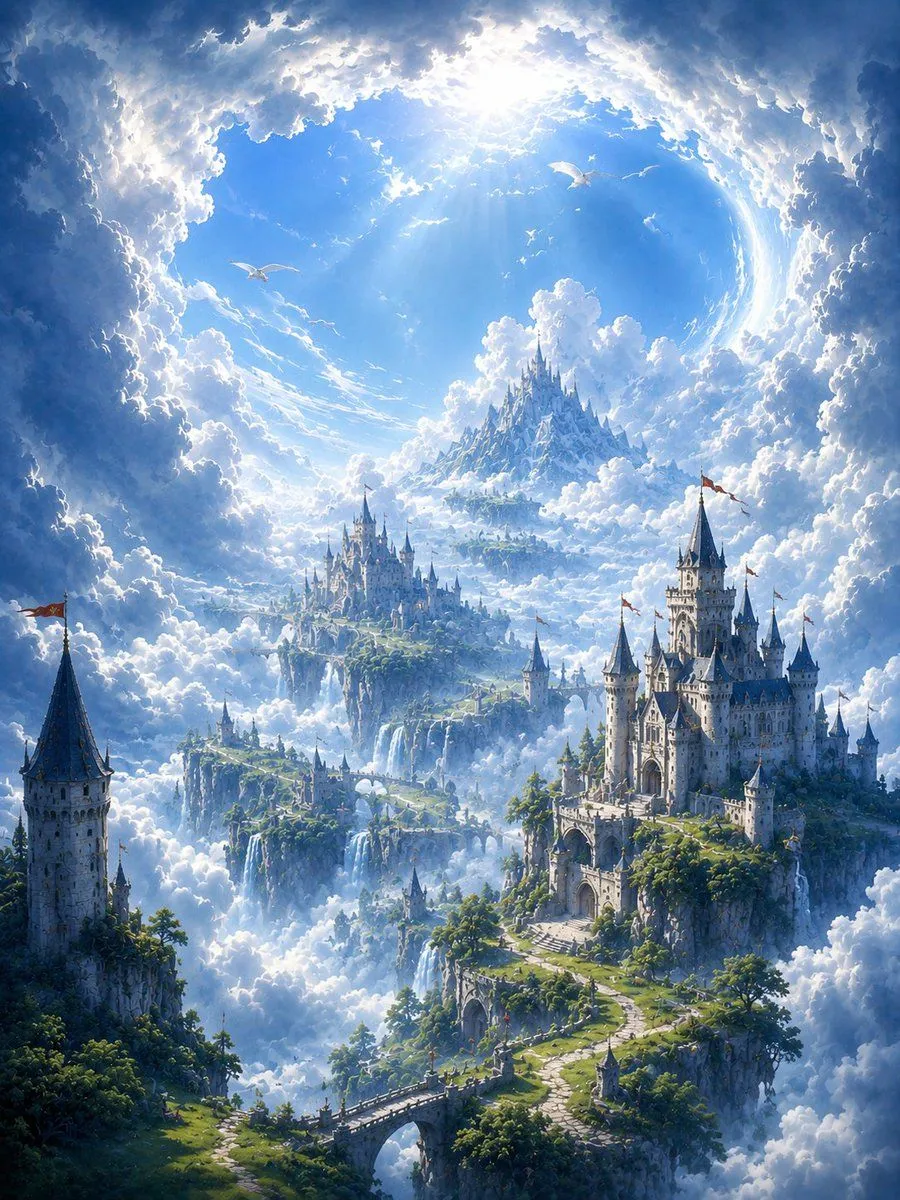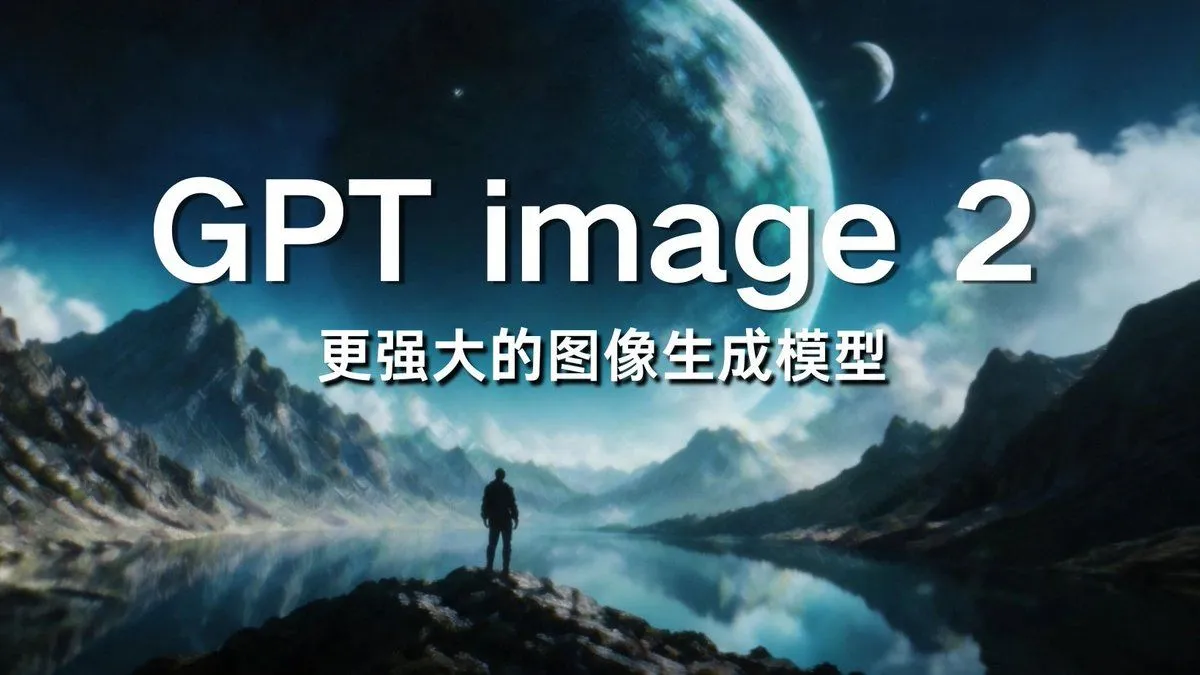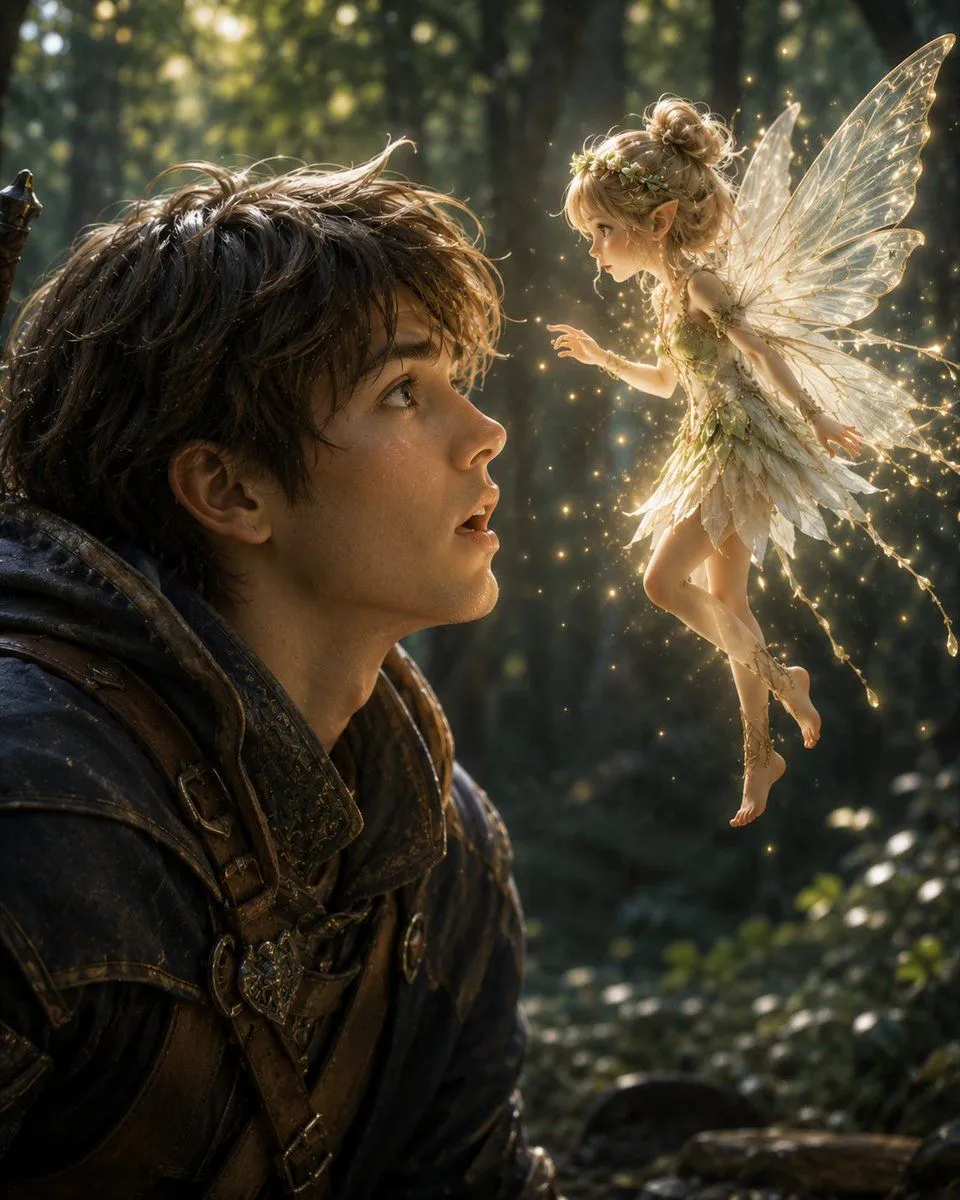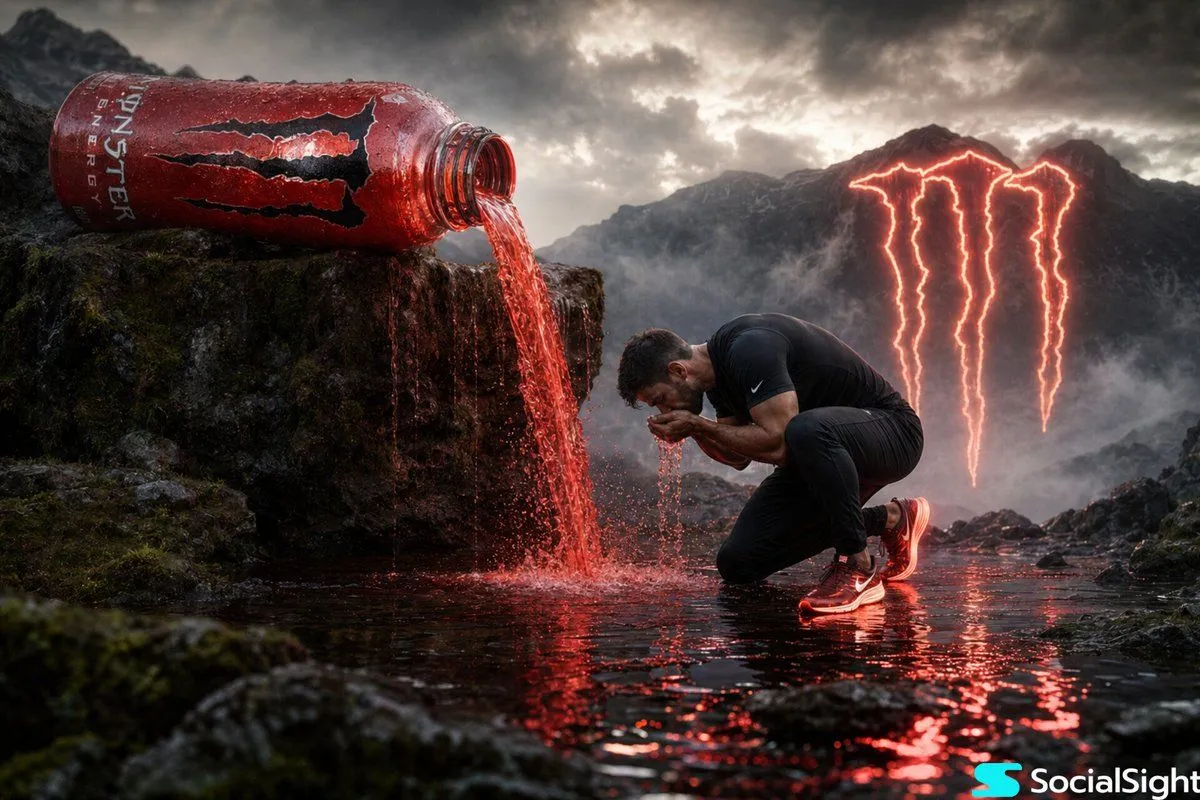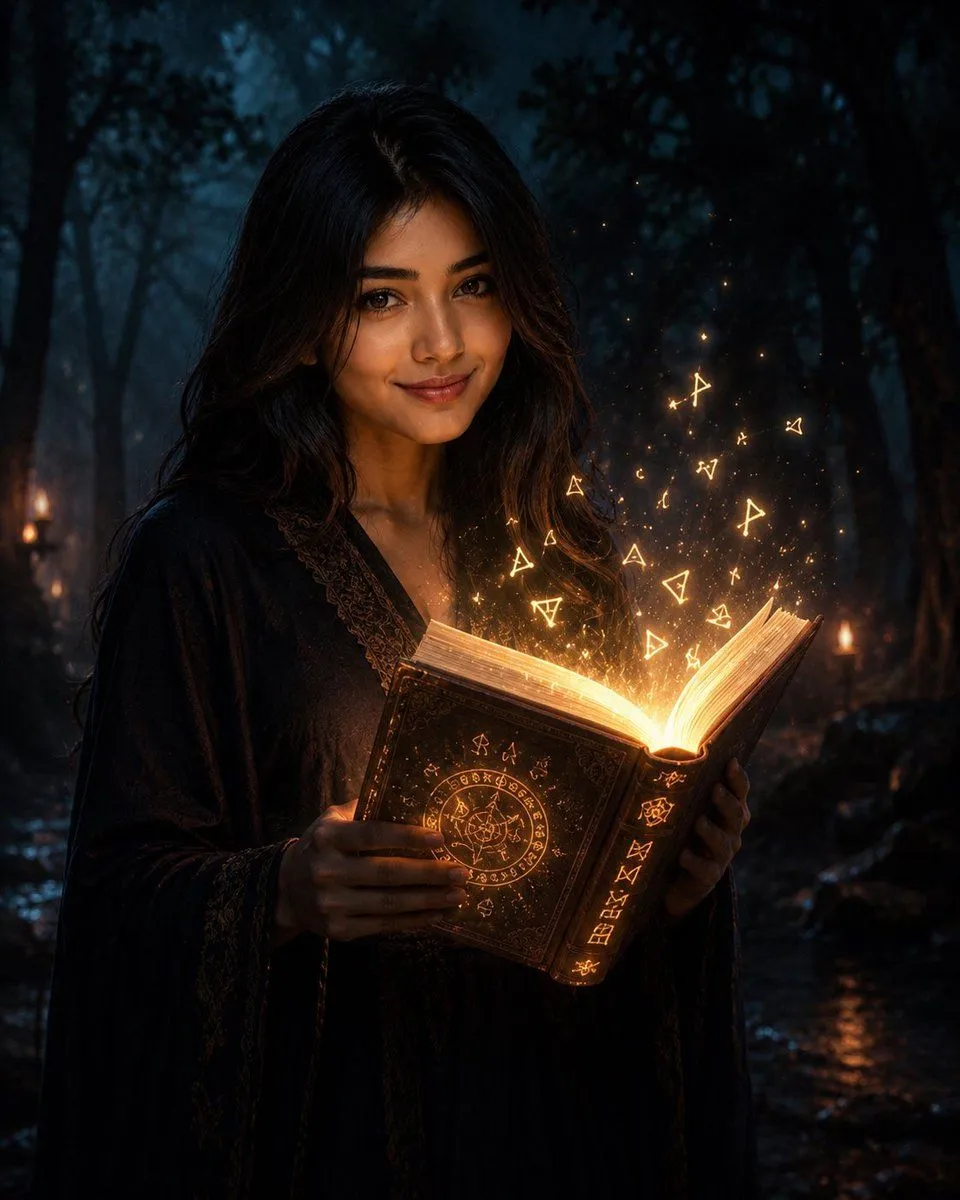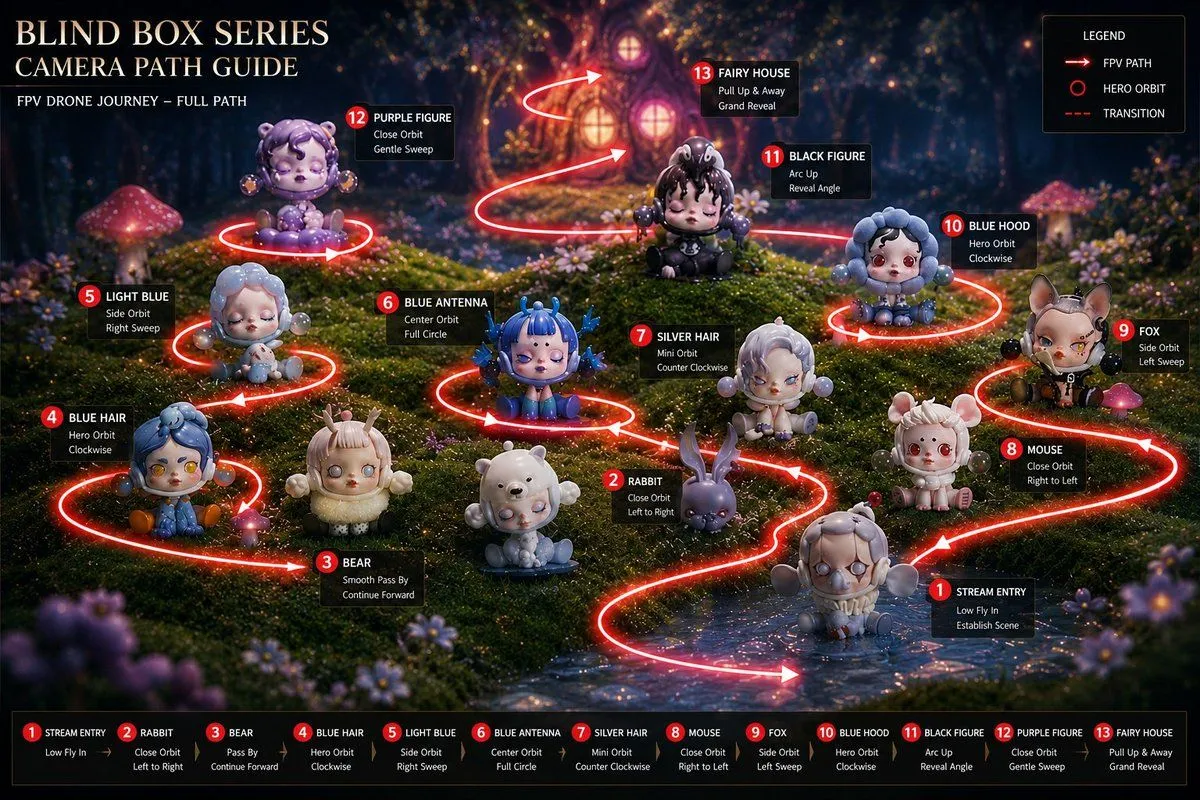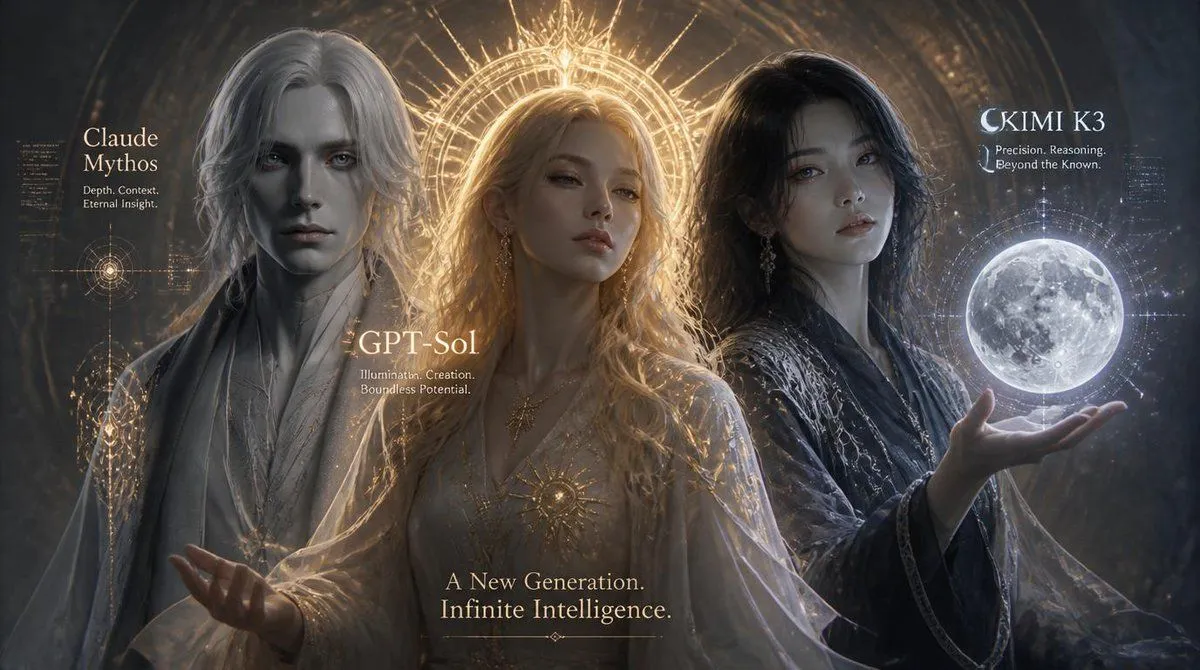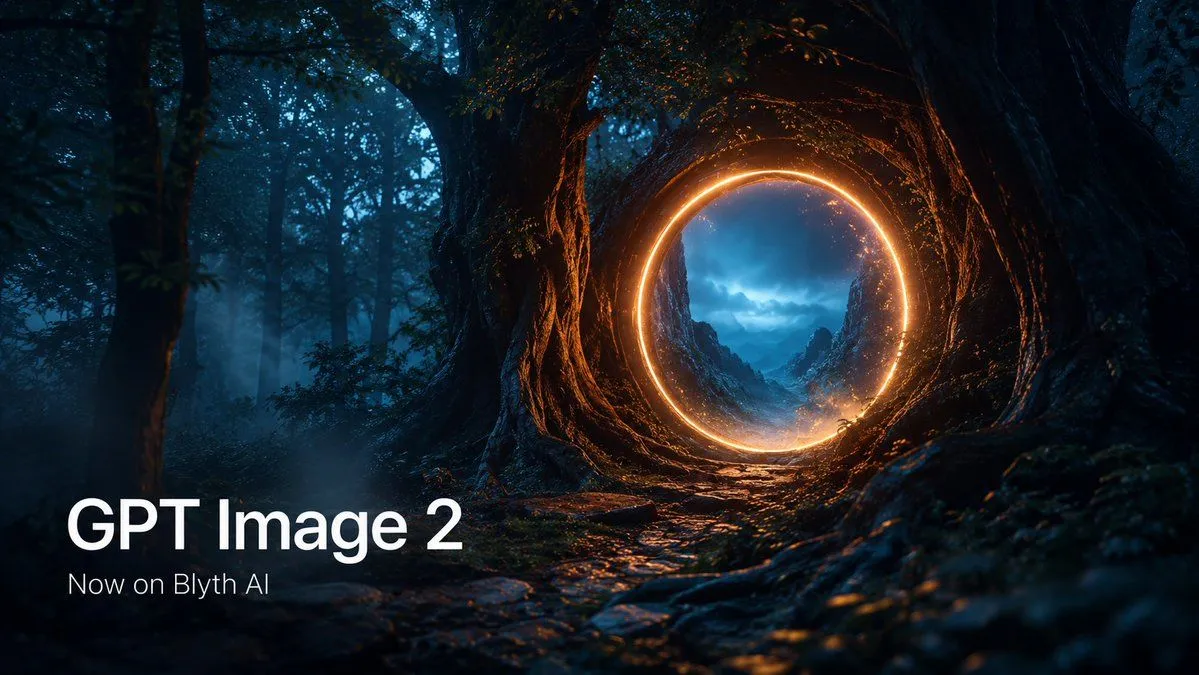
Made with GPT Image 2 in ChatGPT by Library Brand. Promptclay never generates images.
Did it work?
No reports yet. Tell others if it worked for you.
Cinematic GPT Image 2 Forest Portal Banner
Prompt
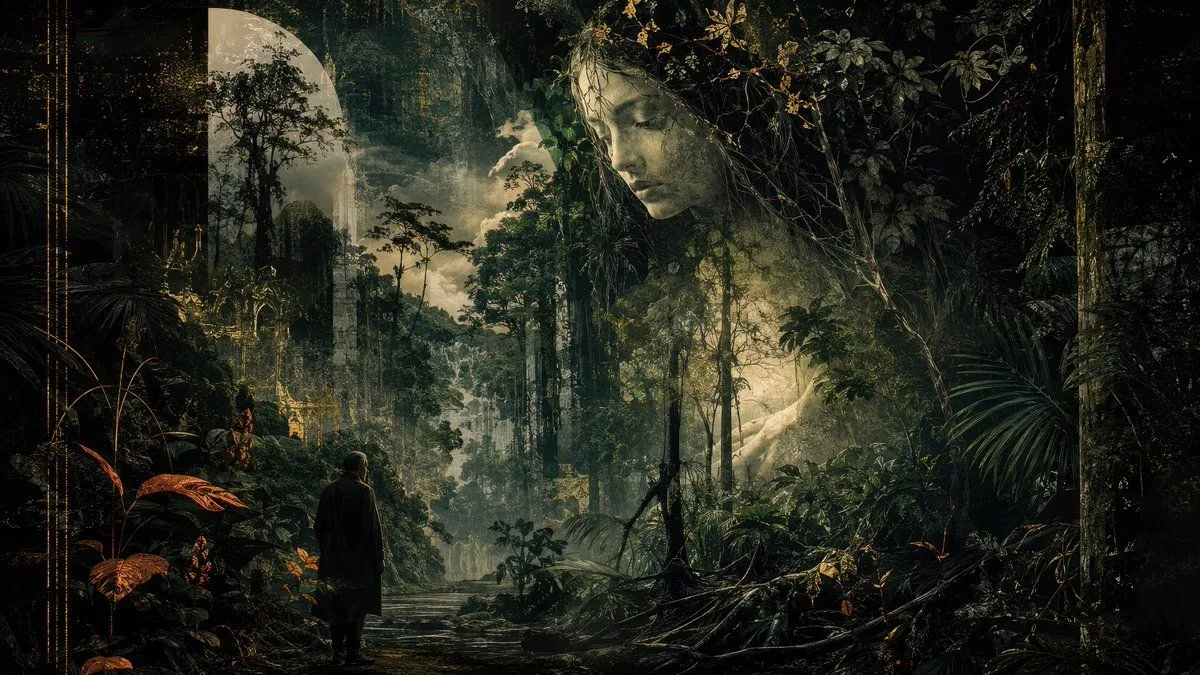
3 blanks to fillCreate a cinematic wide promotional banner for {product_name} set in a dark enchanted forest at night. The scene shows one massive ancient tree trunk on the right with a hollow opening transformed into one glowing circular orange portal; through the portal is a misty blue mountain valley under stormy clouds. Surround the portal with warm sparks and amber rim light reflecting on twisted roots, wet stones, moss, and the forest floor. The left side should remain darker with tall tree silhouettes, blue fog, and negative space for typography. Add exactly 2 visible text elements in the lower-left corner: a large white headline reading “{headline_text}” and a smaller white subtitle below reading “{subtitle_text}”. Use a 16:9 landscape canvas, high-contrast teal-and-orange color grading, photorealistic fantasy environment, volumetric mist, shallow depth of field, dramatic cinematic lighting, crisp readable typography, no extra logos, no watermark, and no additional text.
Preview of your prompt
Create a cinematic wide promotional banner for GPT Image 2 set in a dark enchanted forest at night. The scene shows one massive ancient tree trunk on the right with a hollow opening transformed into one glowing circular orange portal; through the portal is a misty blue mountain valley under stormy clouds. Surround the portal with warm sparks and amber rim light reflecting on twisted roots, wet stones, moss, and the forest floor. The left side should remain darker with tall tree silhouettes, blue fog, and negative space for typography. Add exactly 2 visible text elements in the lower-left corner: a large white headline reading “GPT Image 2” and a smaller white subtitle below reading “Now on Blyth AI”. Use a 16:9 landscape canvas, high-contrast teal-and-orange color grading, photorealistic fantasy environment, volumetric mist, shallow depth of field, dramatic cinematic lighting, crisp readable typography, no extra logos, no watermark, and no additional text.
DetailsVersions, settings and questions
Written for
What's in the prompt
- Subject
- Model
- GPT Image 2
If your face changes
keep my face exactly the sameQuestions
- Does this work in the ChatGPT app?
- Yes. Paste the prompt and attach your photo if it uses one.
- It changed my face. What do I do?
- Add "keep my face exactly the same" to the end and run it again.
- Can I use the images I make?
- Check the terms of the app you use. Promptclay never generates images and claims nothing you make.