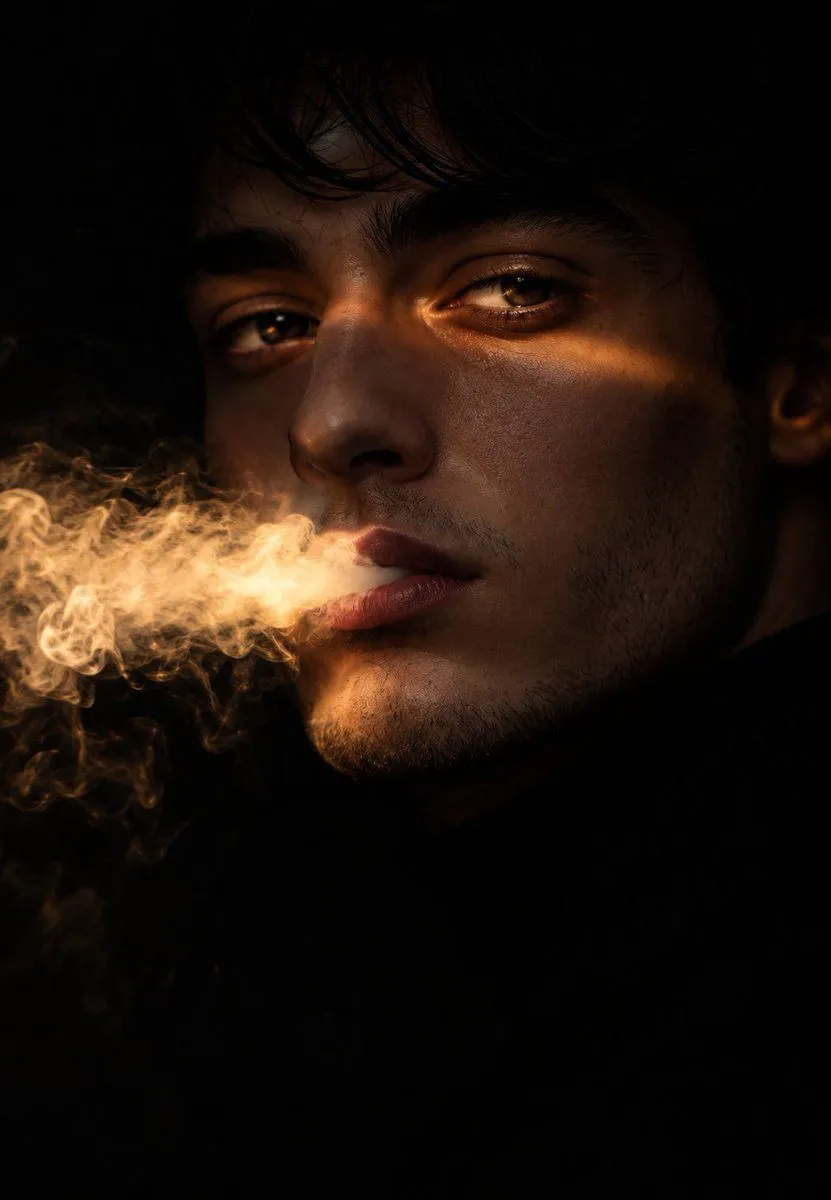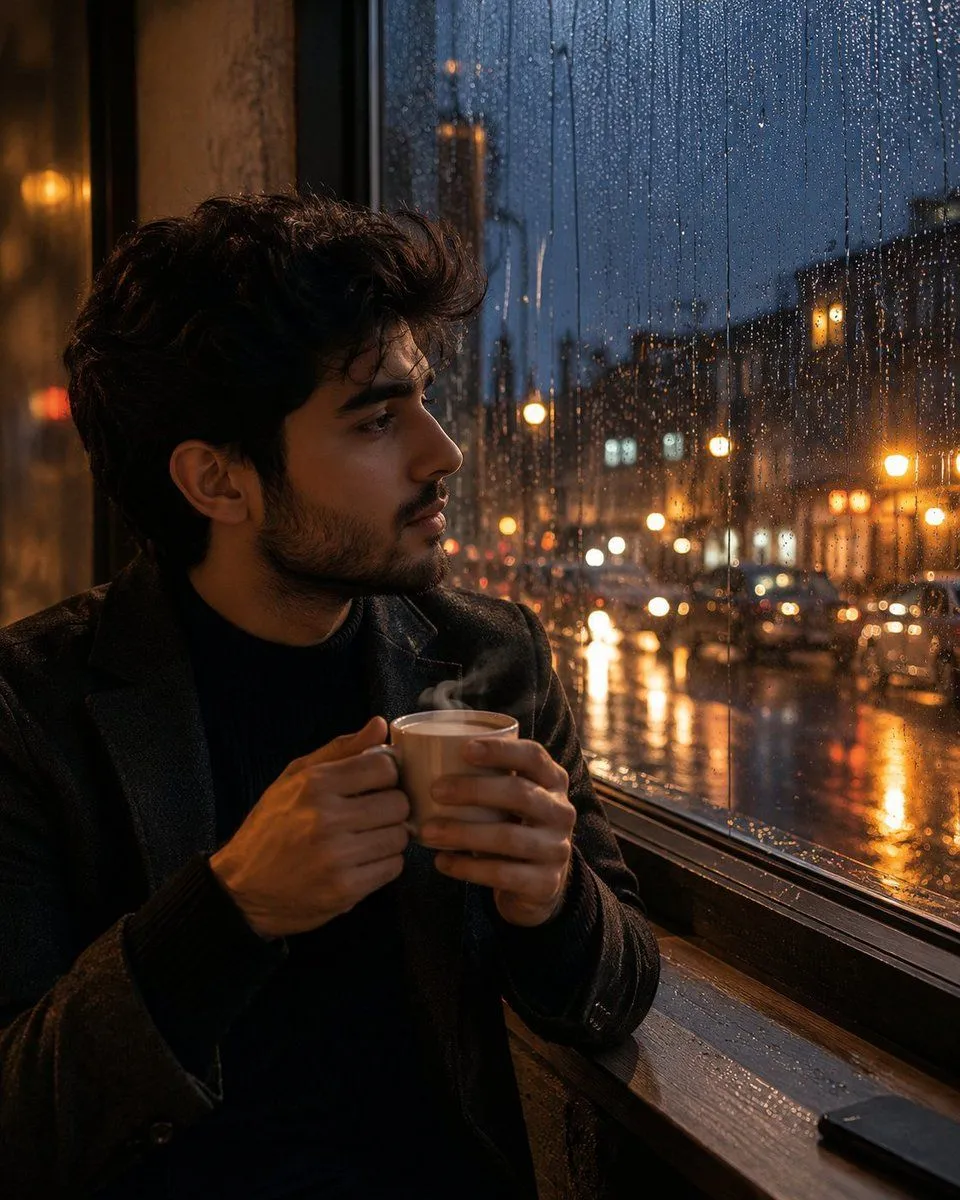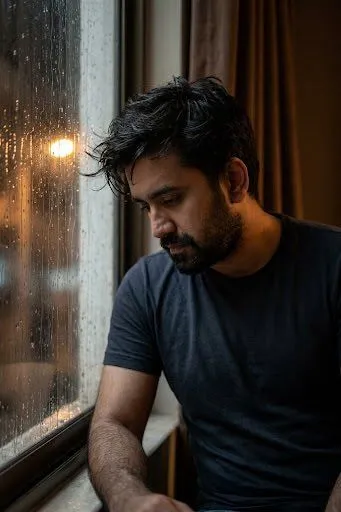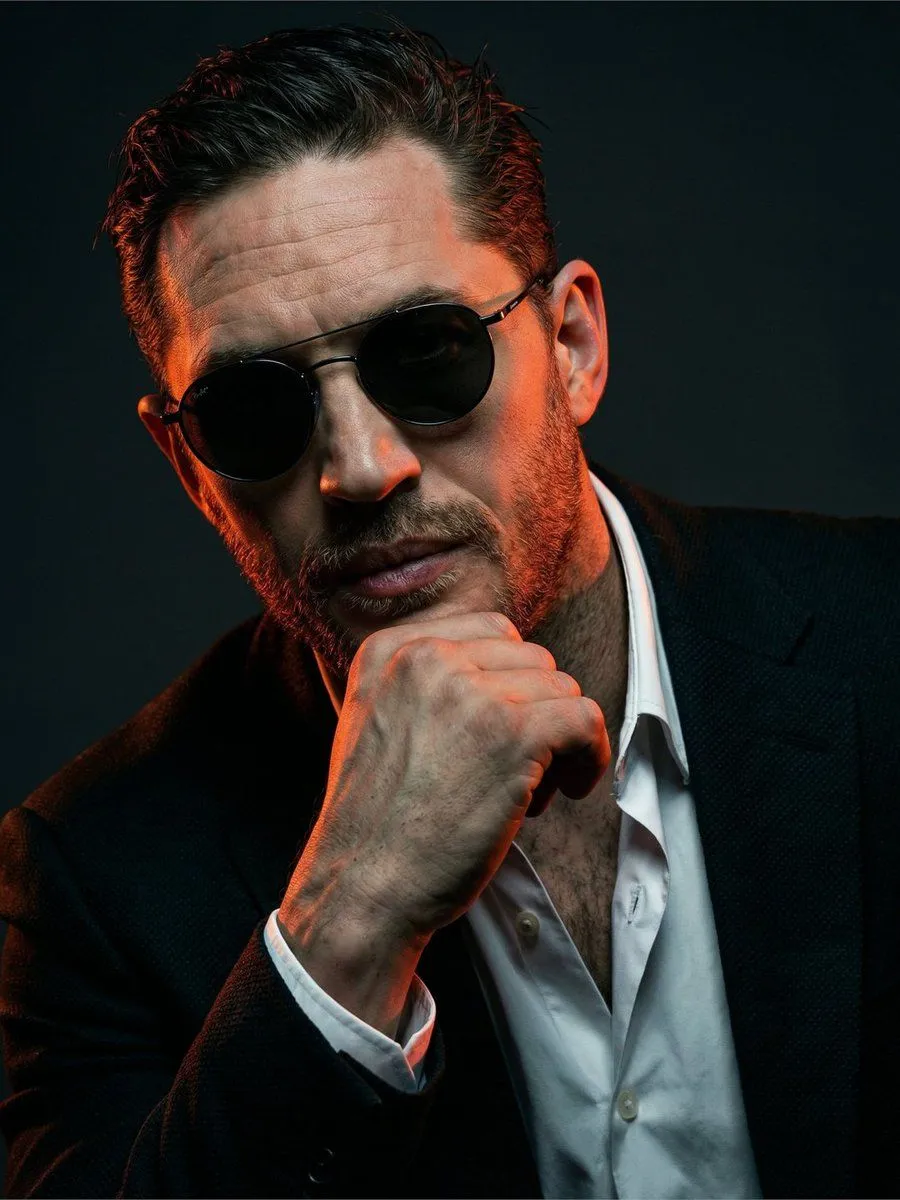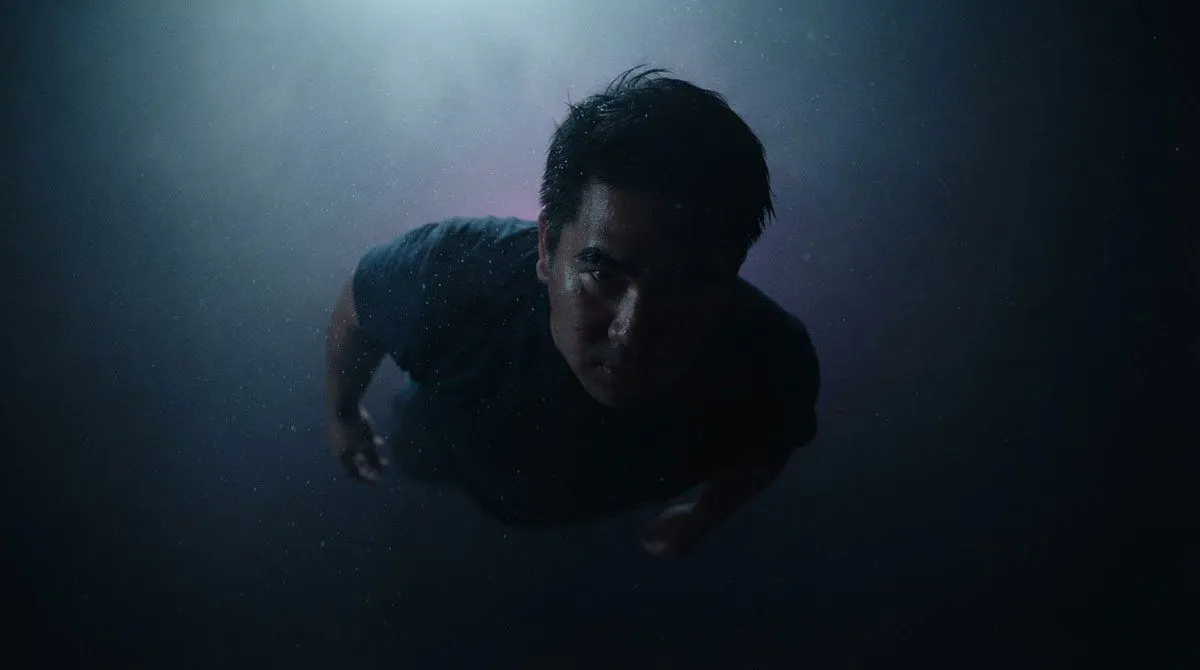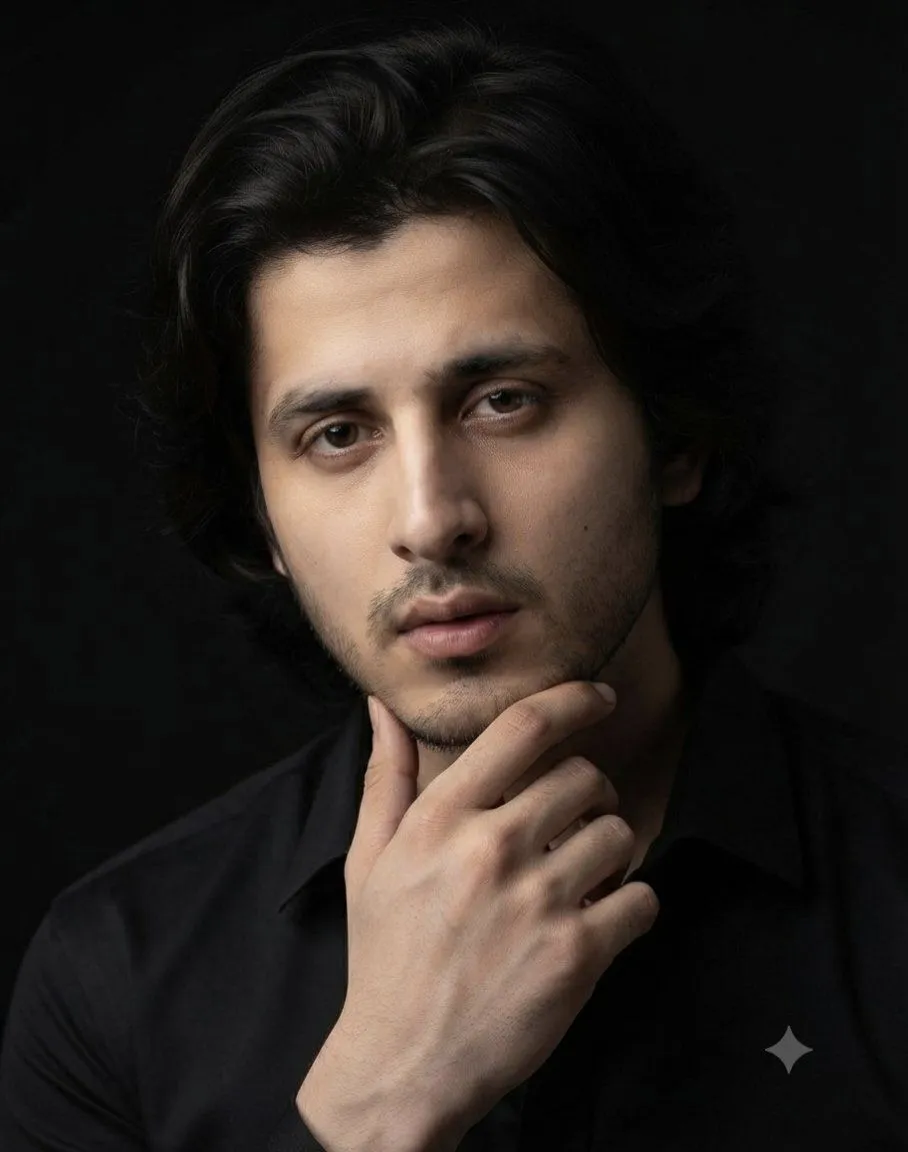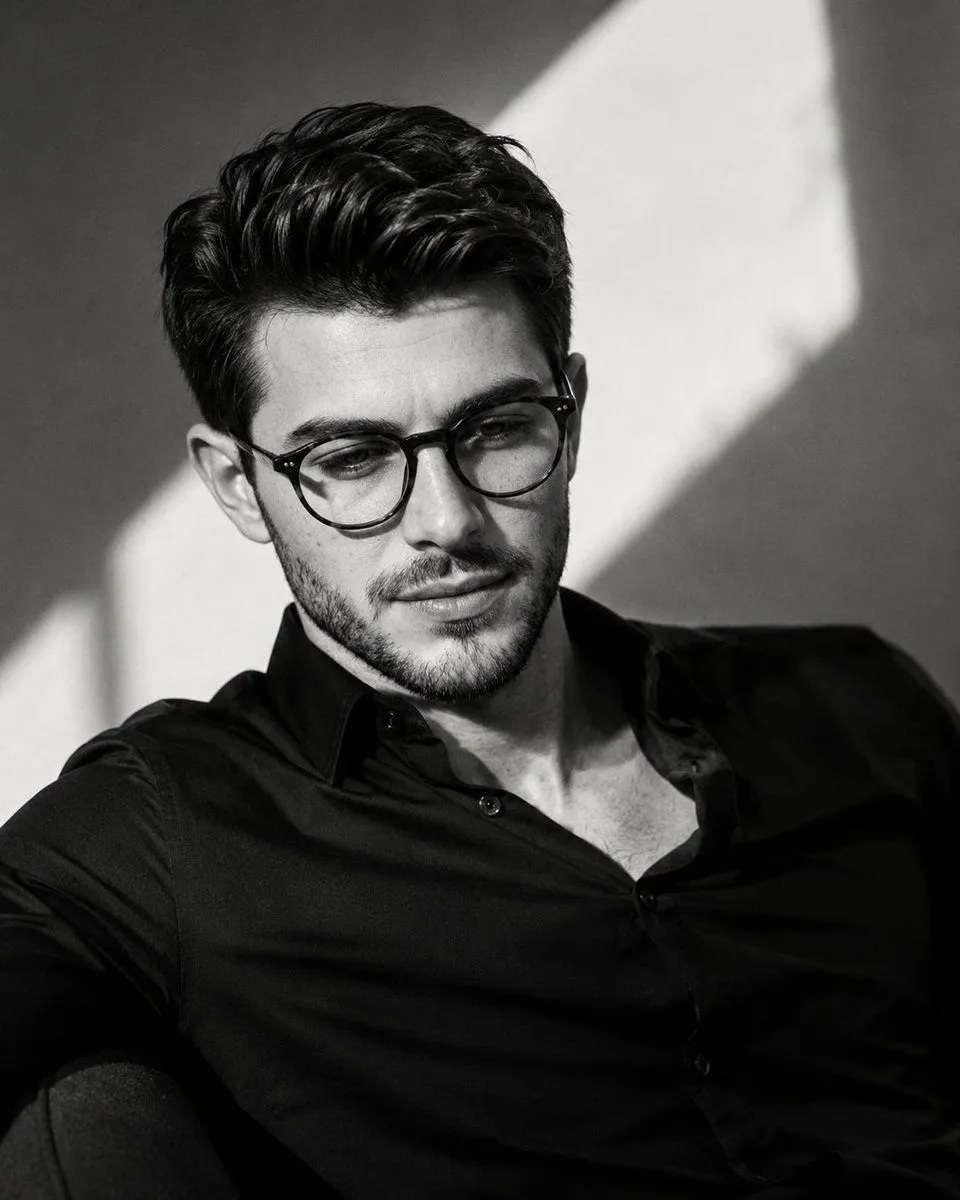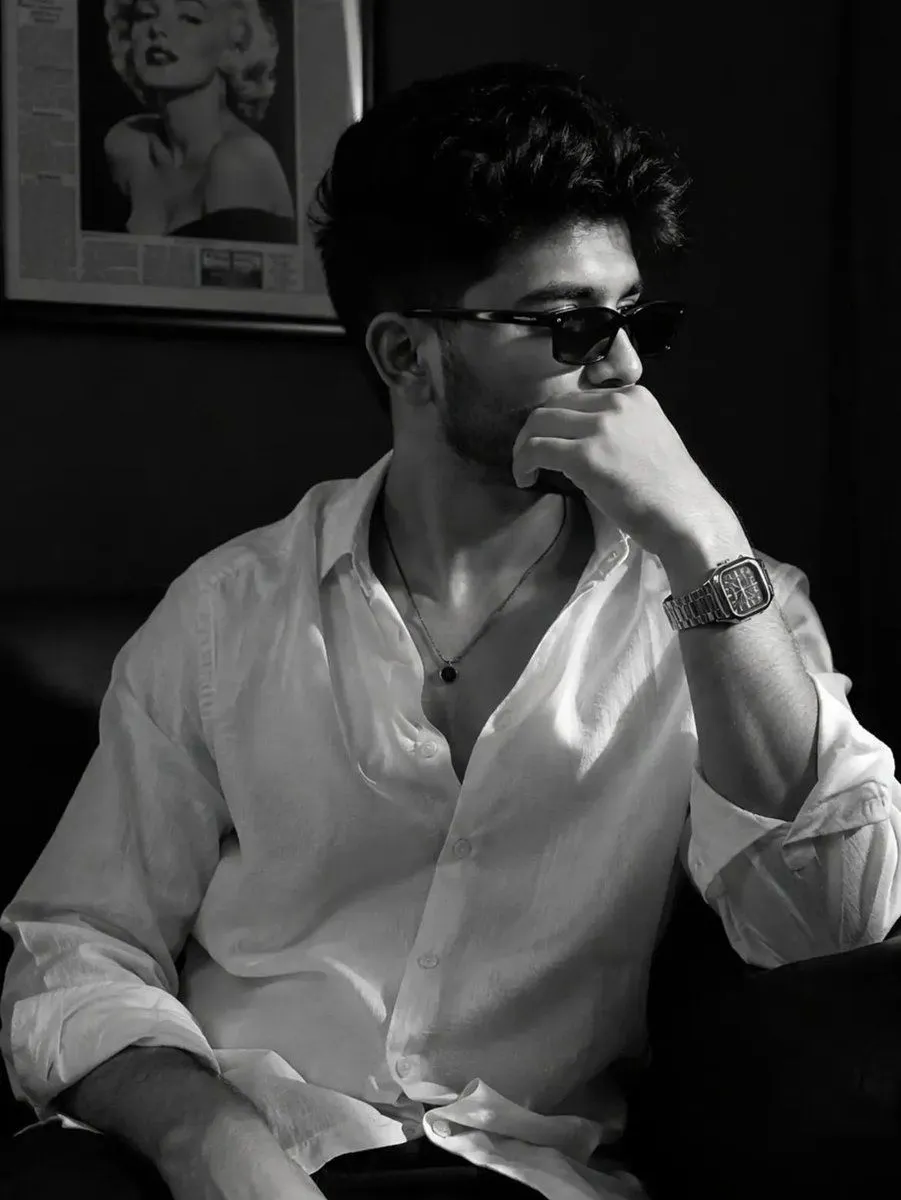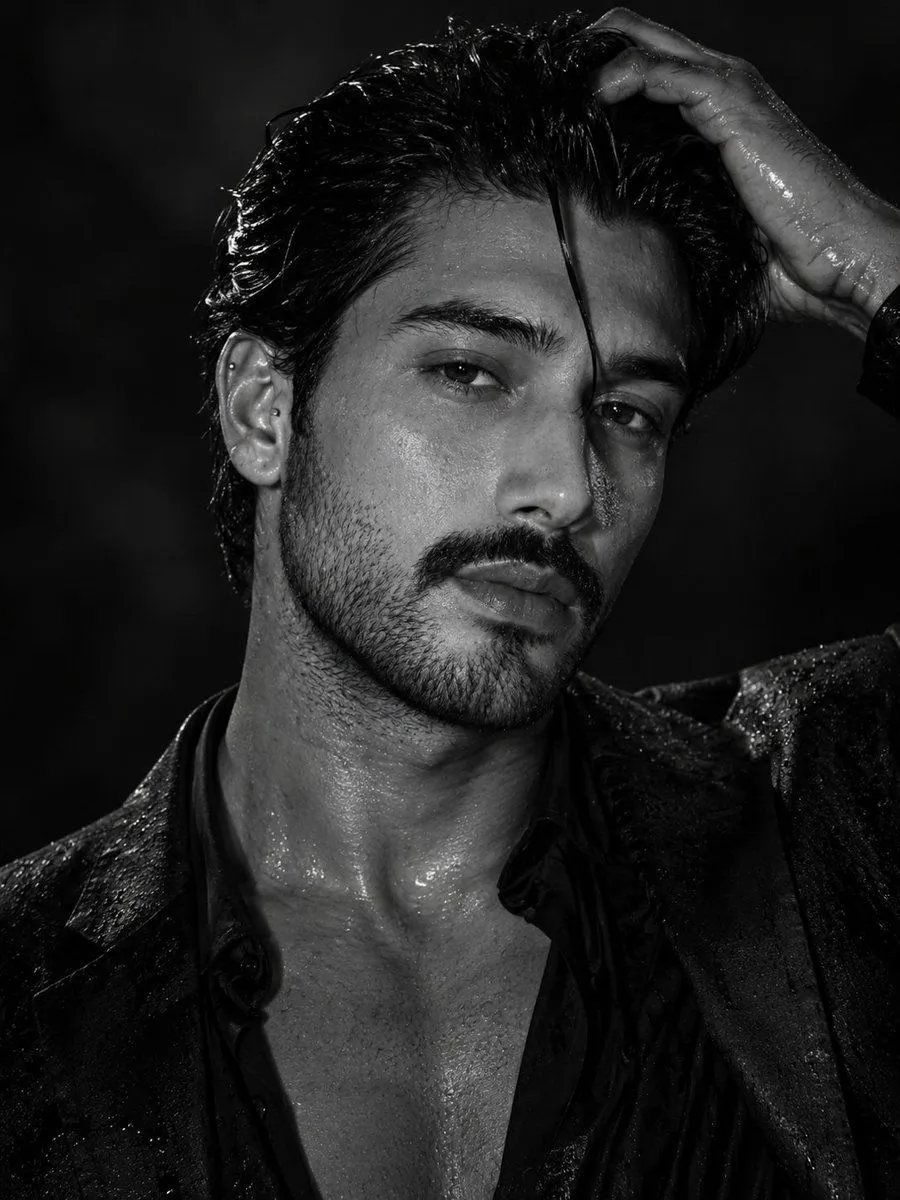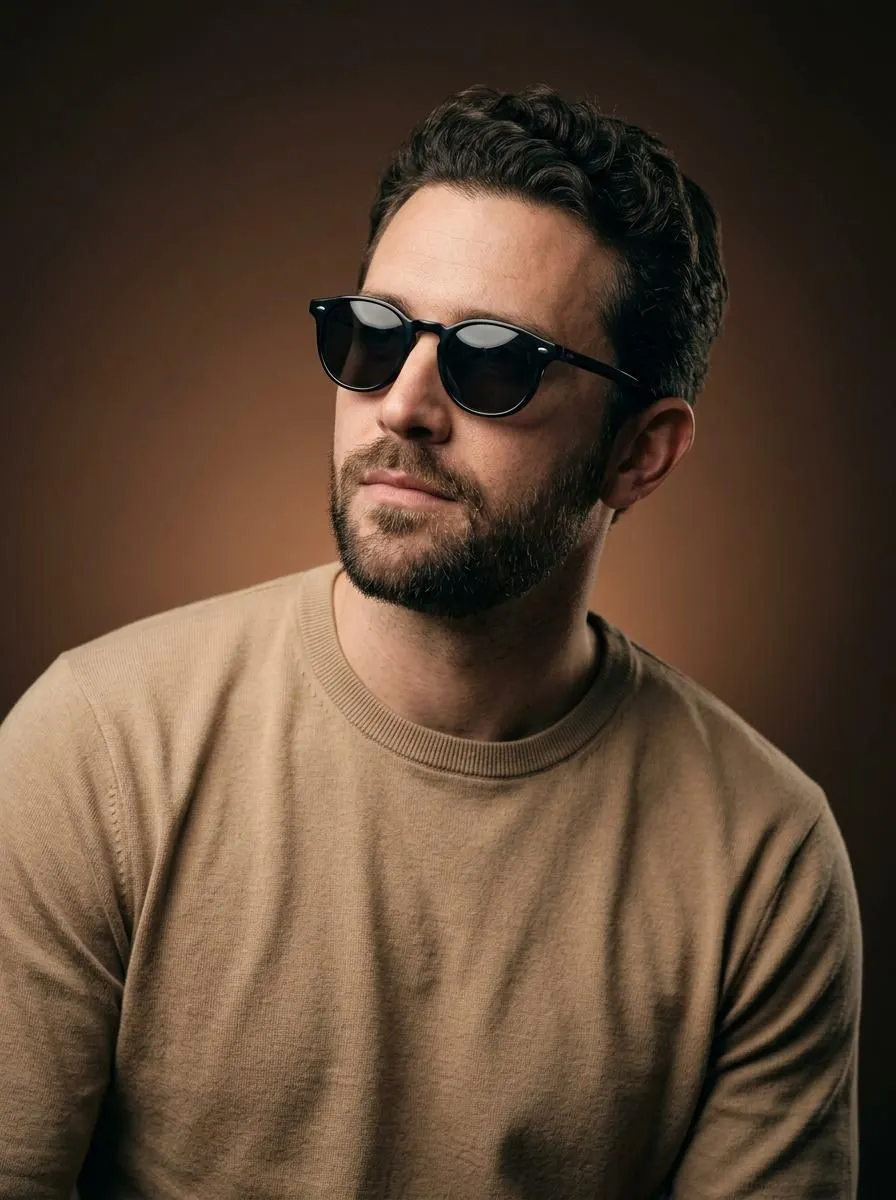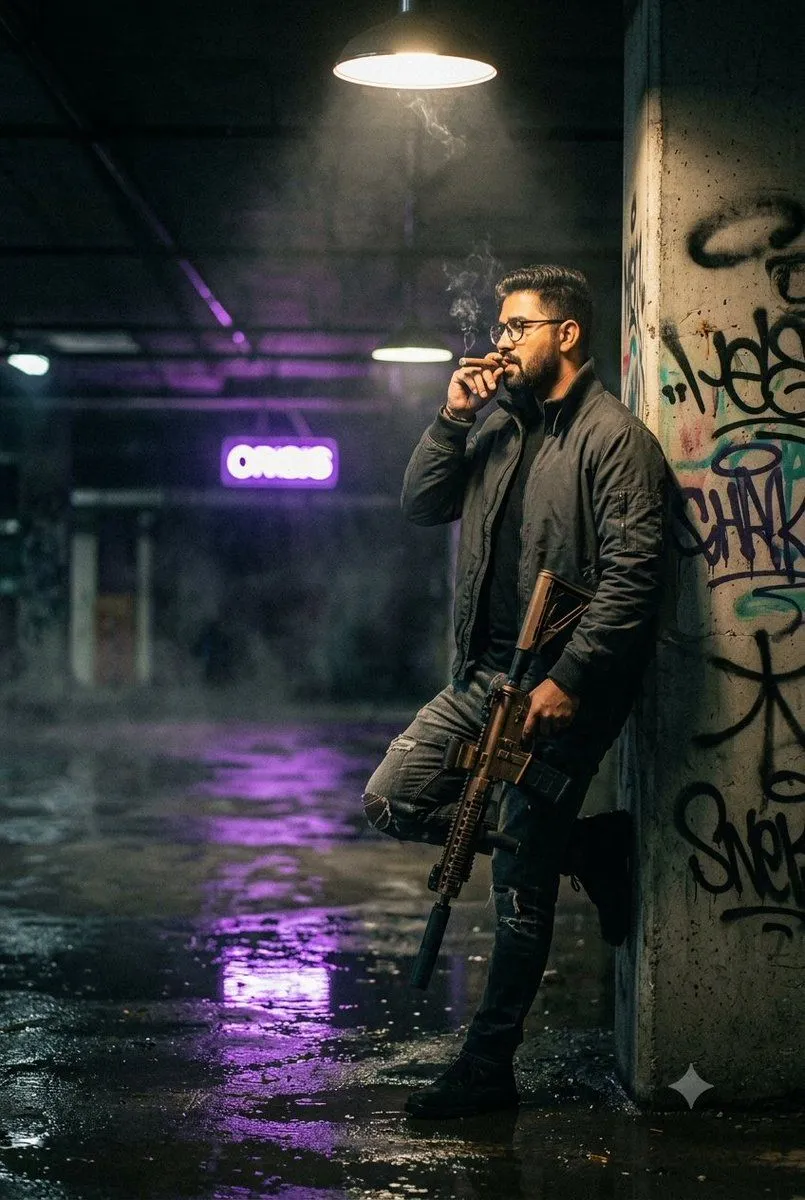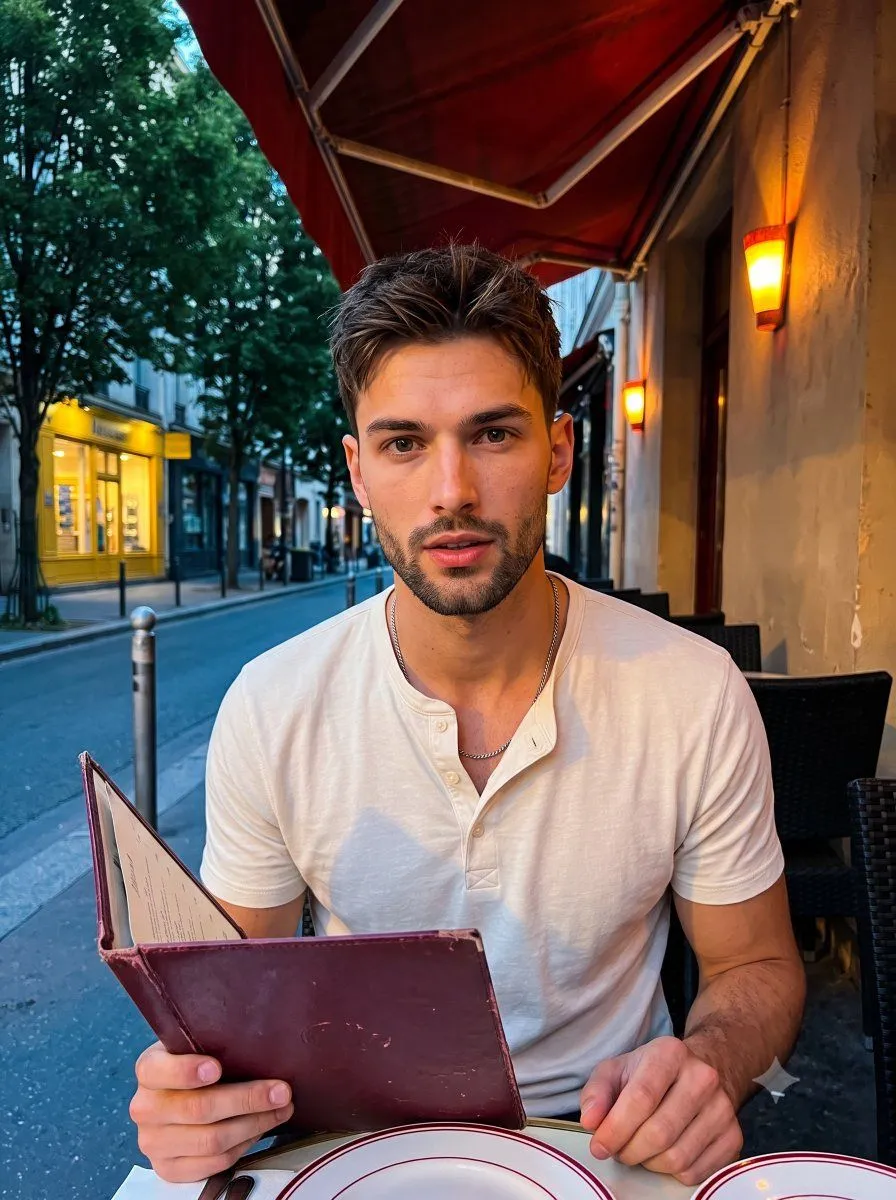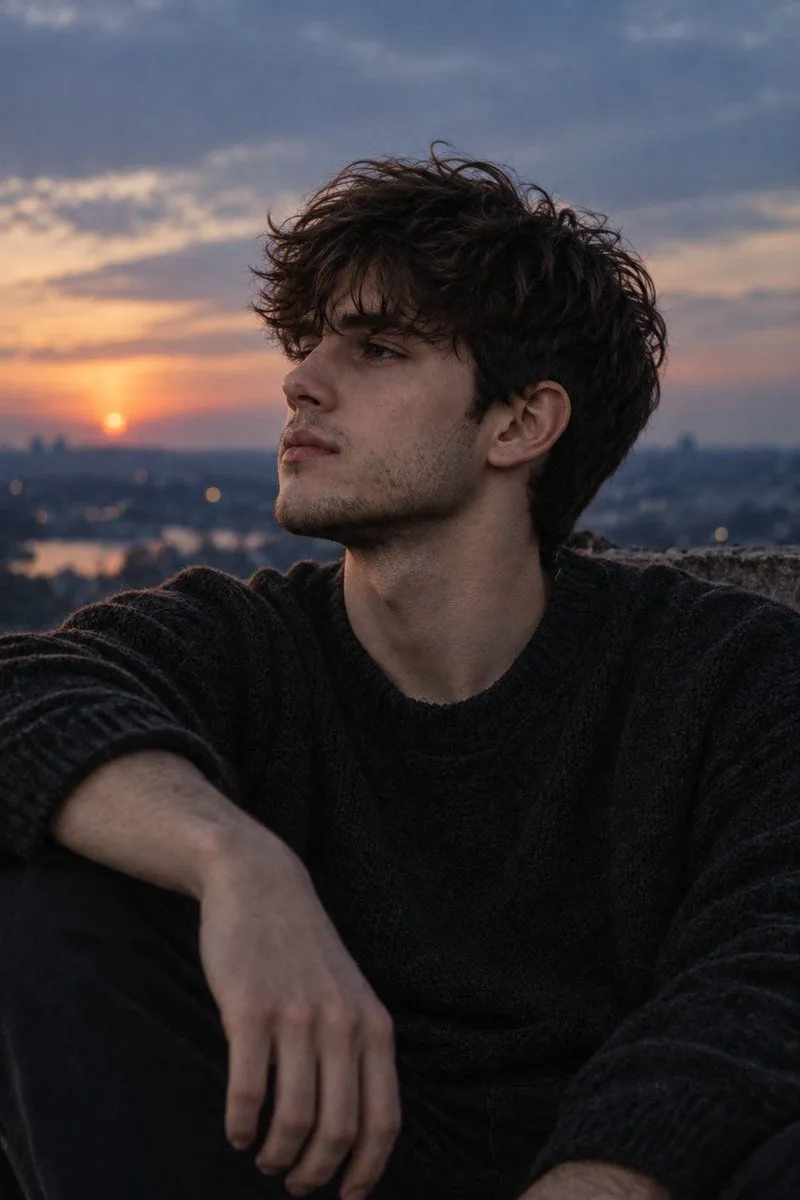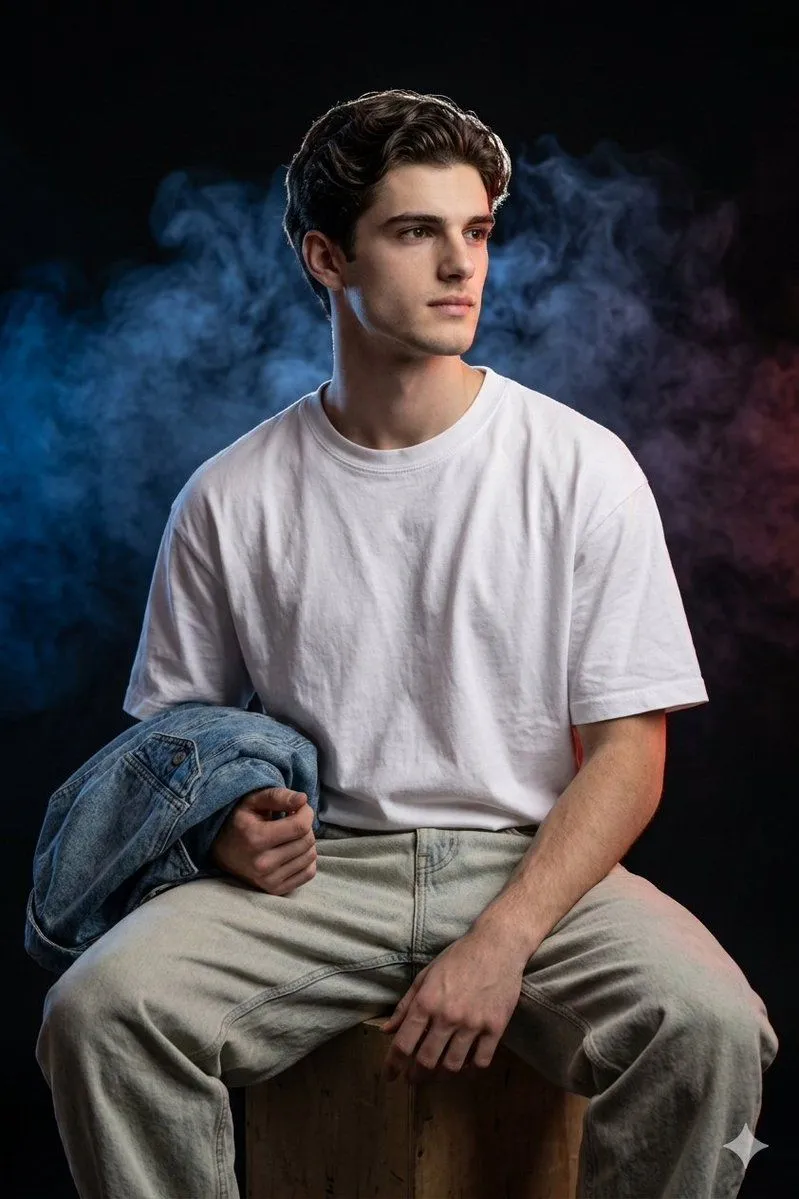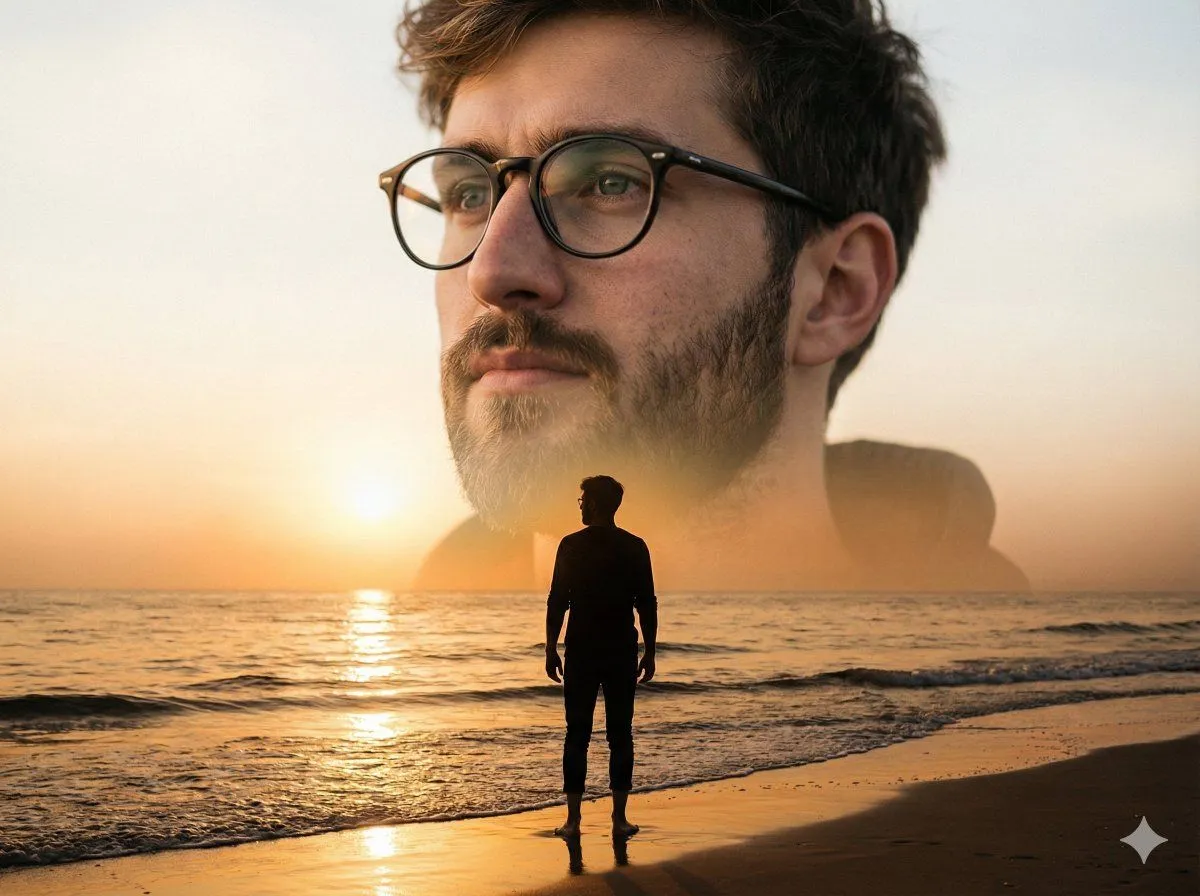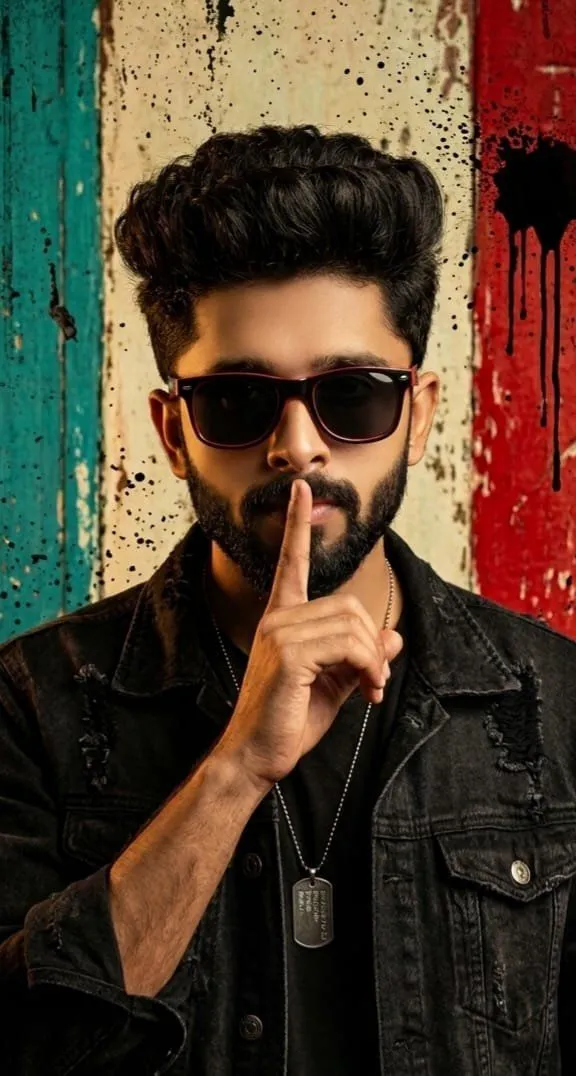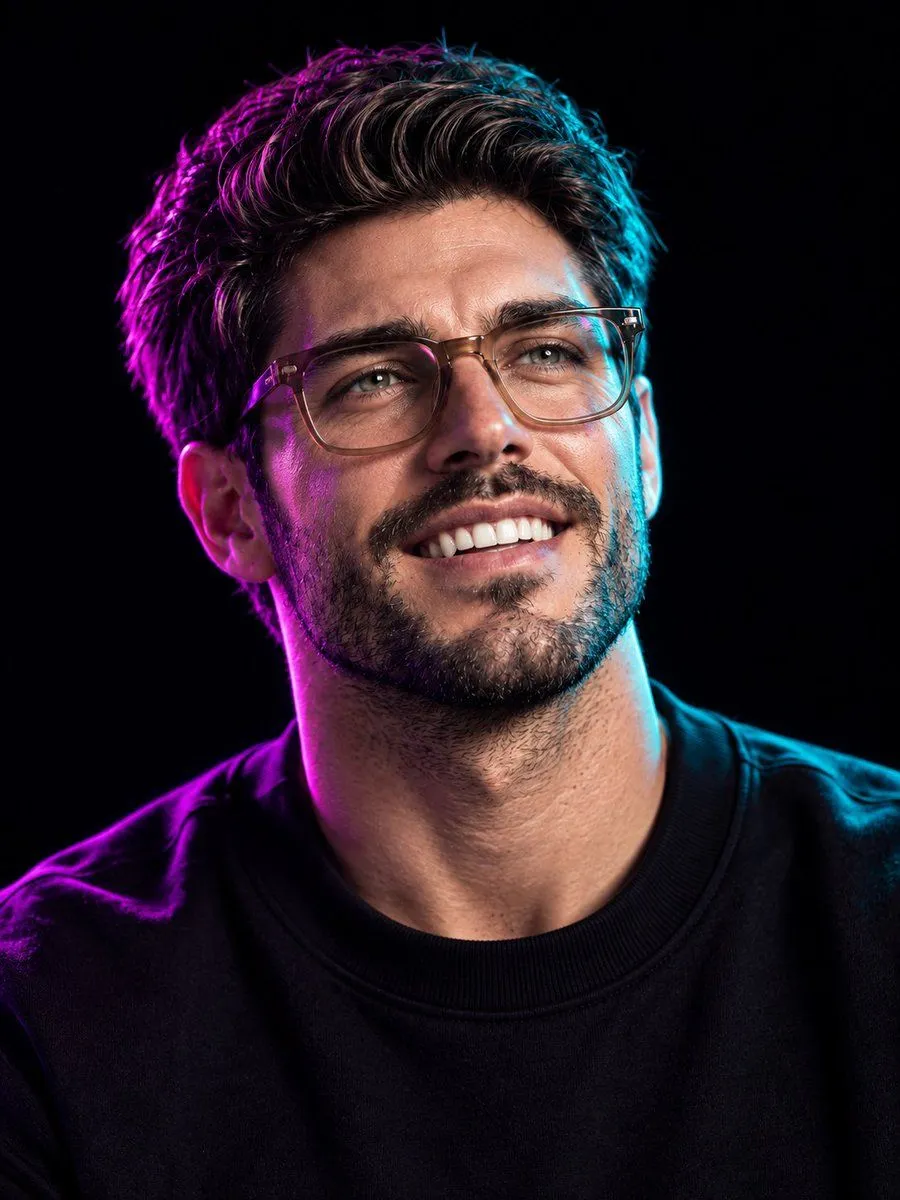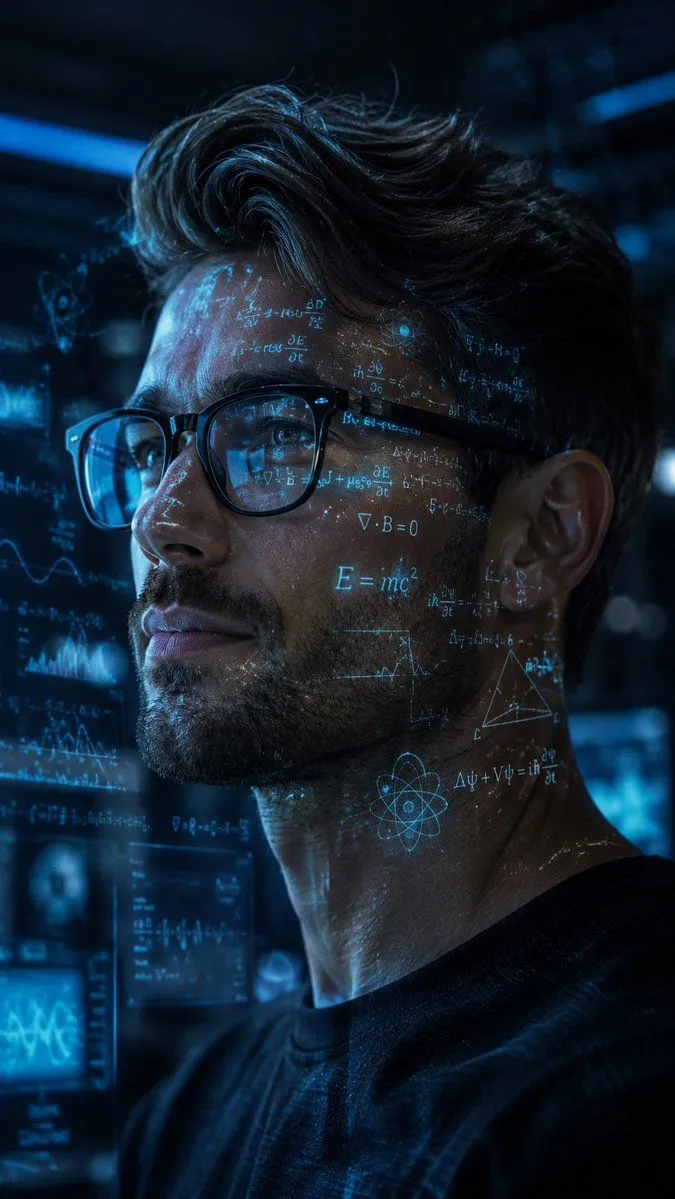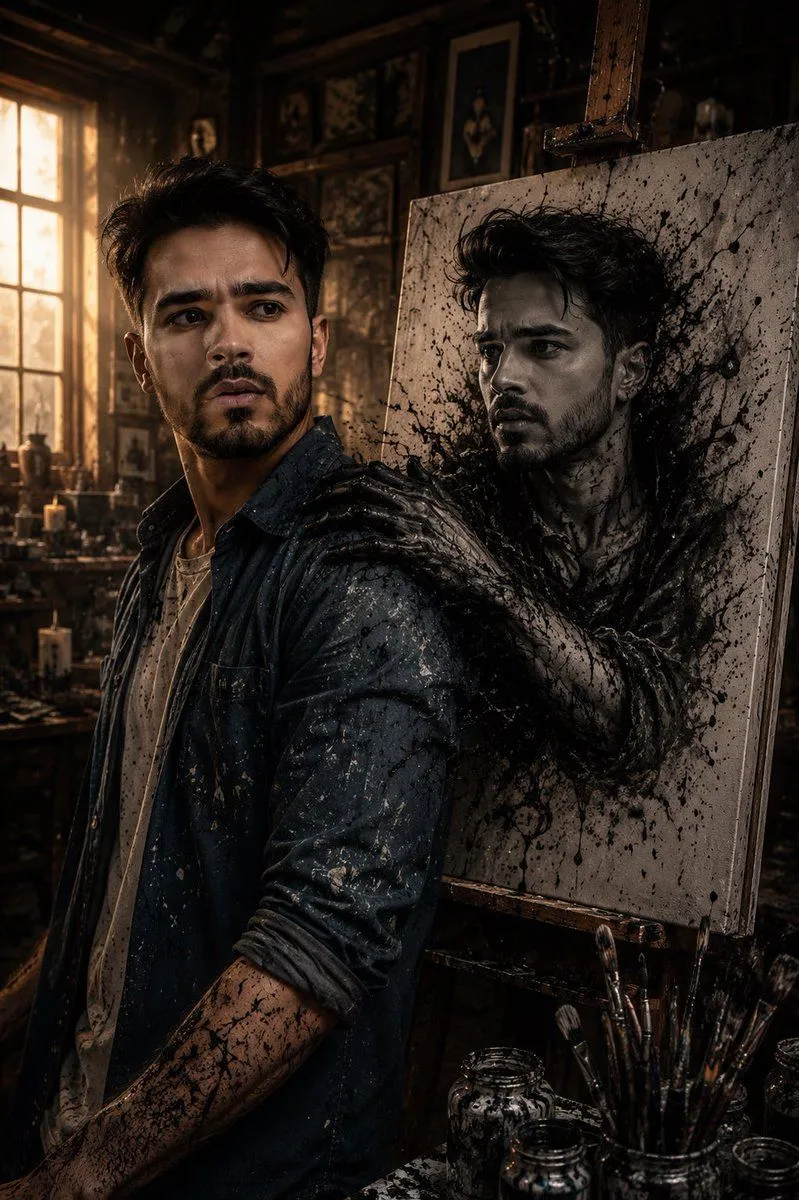
Made with GPT Image 2 in ChatGPT, collected by Library Lifestyle. Promptclay never generates images.
Cinematic Firelit Portrait Transformation
Prompt
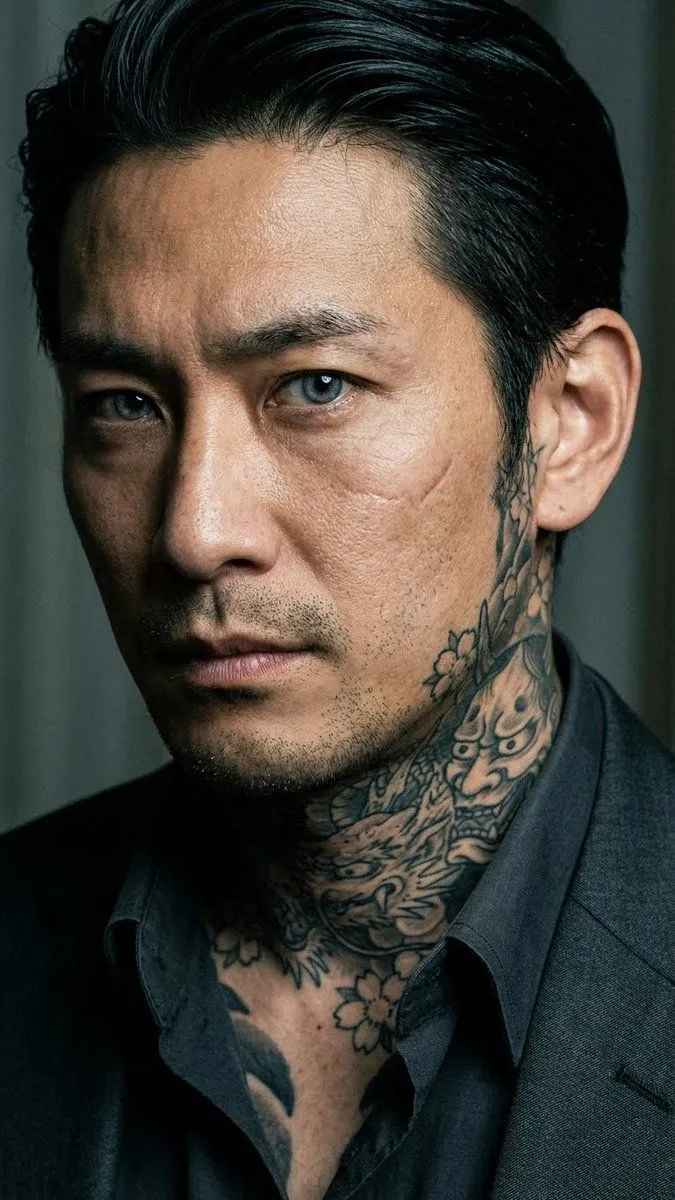
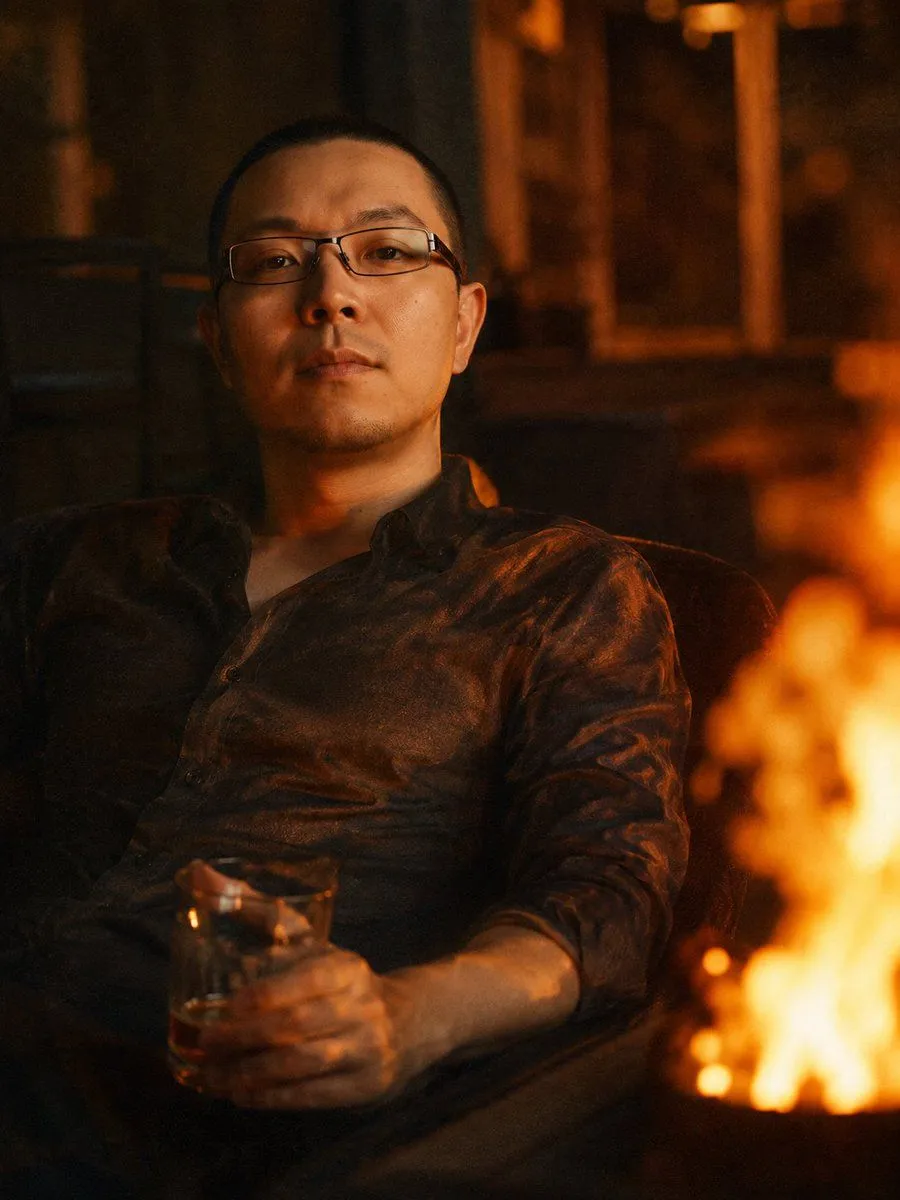
2 blanks to fillUsing the provided reference image as the identity source, regenerate the same man with his facial features matching the reference as closely as possible. Transform the portrait into a warm, low-angle cinematic night photo: the man is leaning back in a chair in a relaxed pose, wearing a thin, slightly wrinkled dark shirt instead of the formal suit, with one hand holding a glass of {drink}. Add a large soft, blurry orange flame on the right side of the frame, occupying the foreground and casting flickering warm highlights across his face and shirt. Replace the studio background with a dim, slightly out-of-focus interior or nighttime setting in amber and brown tones, creating a {mood} atmosphere. Make it look like a modern digital camera or smartphone photo shot at high ISO: visible film-like grain, low contrast, shallow depth of field, and subtle chromatic aberration for atmosphere.
Preview of your prompt
Using the provided reference image as the identity source, regenerate the same man with his facial features matching the reference as closely as possible. Transform the portrait into a warm, low-angle cinematic night photo: the man is leaning back in a chair in a relaxed pose, wearing a thin, slightly wrinkled dark shirt instead of the formal suit, with one hand holding a glass of amber drink. Add a large soft, blurry orange flame on the right side of the frame, occupying the foreground and casting flickering warm highlights across his face and shirt. Replace the studio background with a dim, slightly out-of-focus interior or nighttime setting in amber and brown tones, creating a melancholic, intimate, slightly nostalgic atmosphere. Make it look like a modern digital camera or smartphone photo shot at high ISO: visible film-like grain, low contrast, shallow depth of field, and subtle chromatic aberration for atmosphere.
DetailsVersions, settings and questions
Written for
What's in the prompt
- Subject
- Model
- GPT Image 2
If your face changes
keep my face exactly the sameQuestions
- Does this work in the ChatGPT app?
- Yes. Paste the prompt and attach your photo if it uses one.
- It changed my face. What do I do?
- Add "keep my face exactly the same" to the end and run it again.
- Can I use the images I make?
- Check the terms of the app you use. Promptclay never generates images and claims nothing you make.