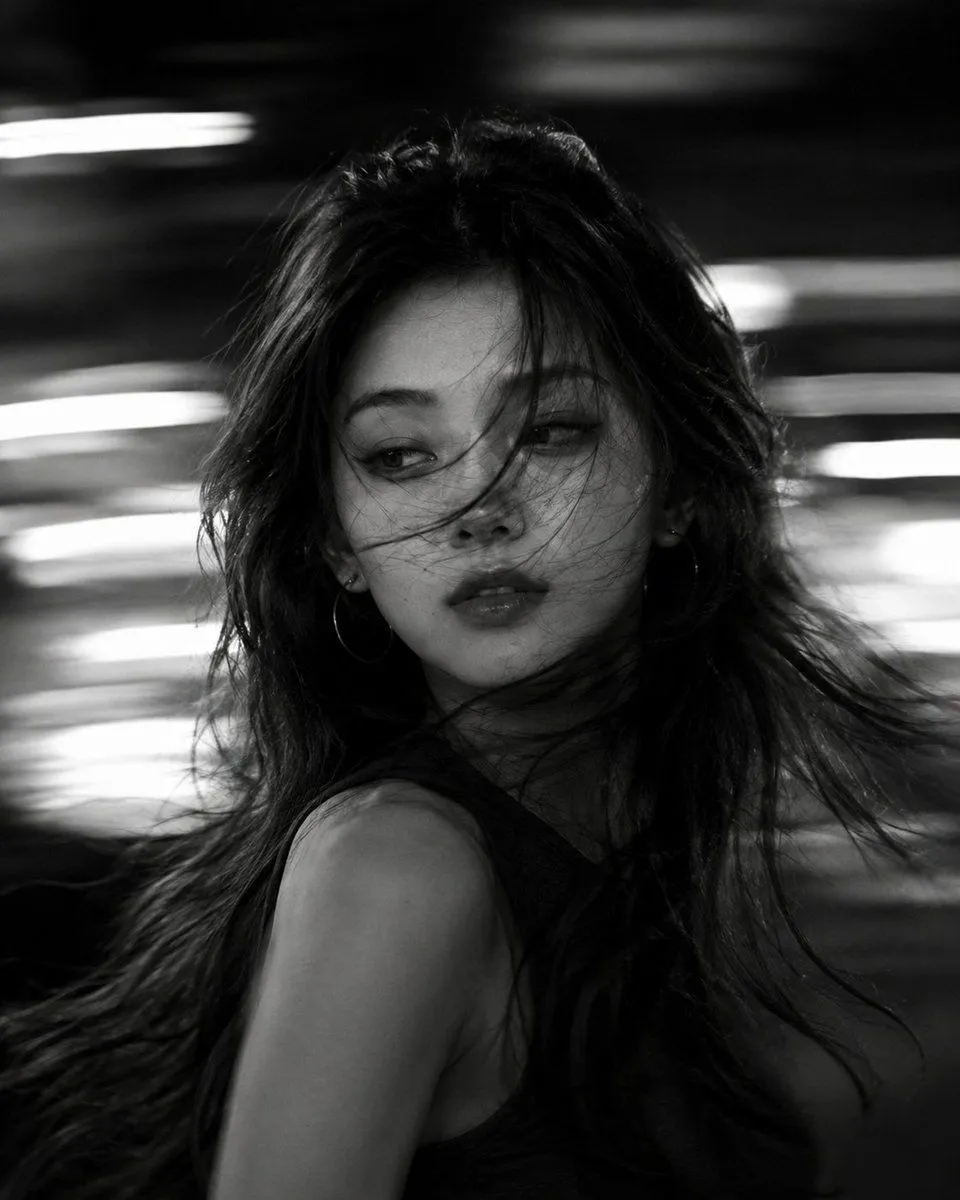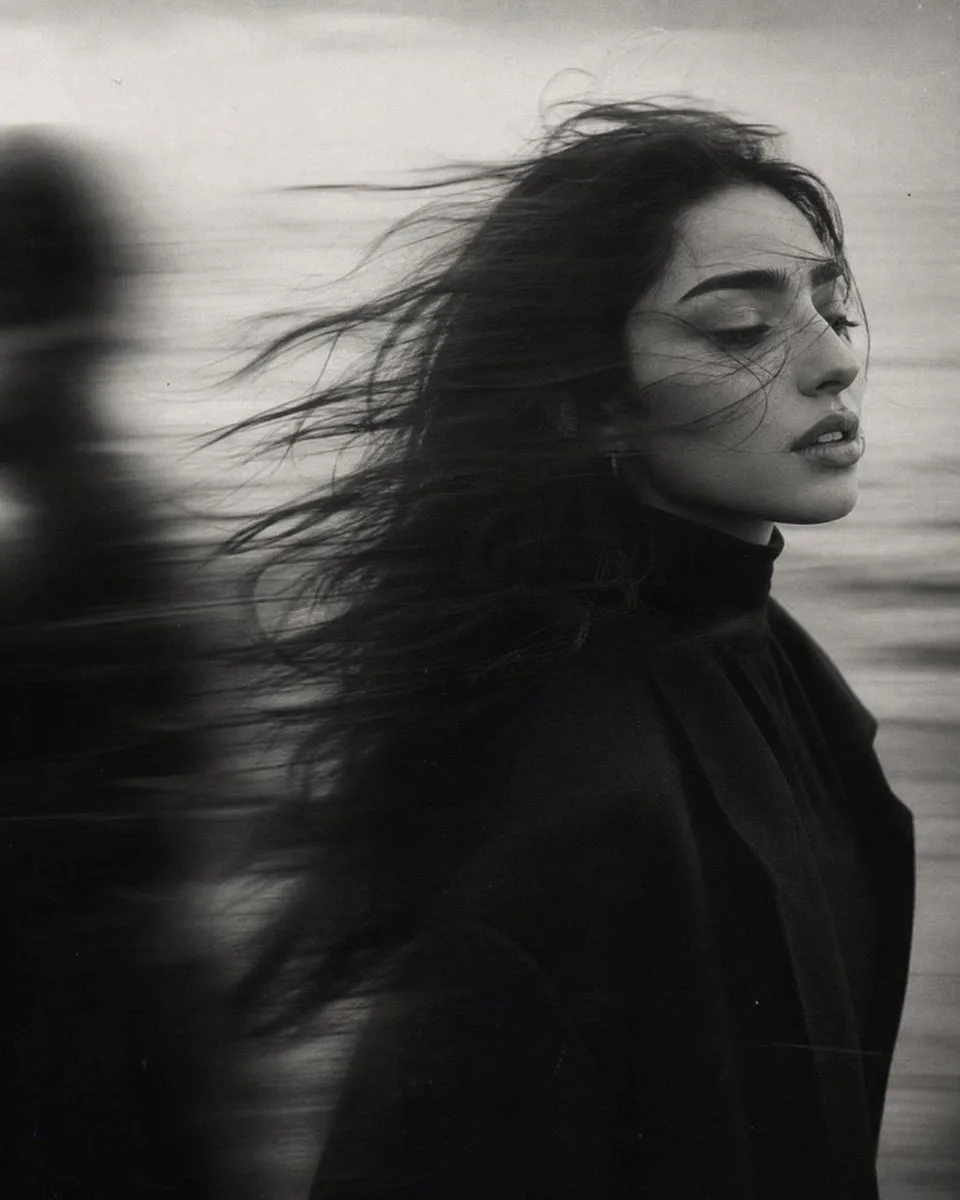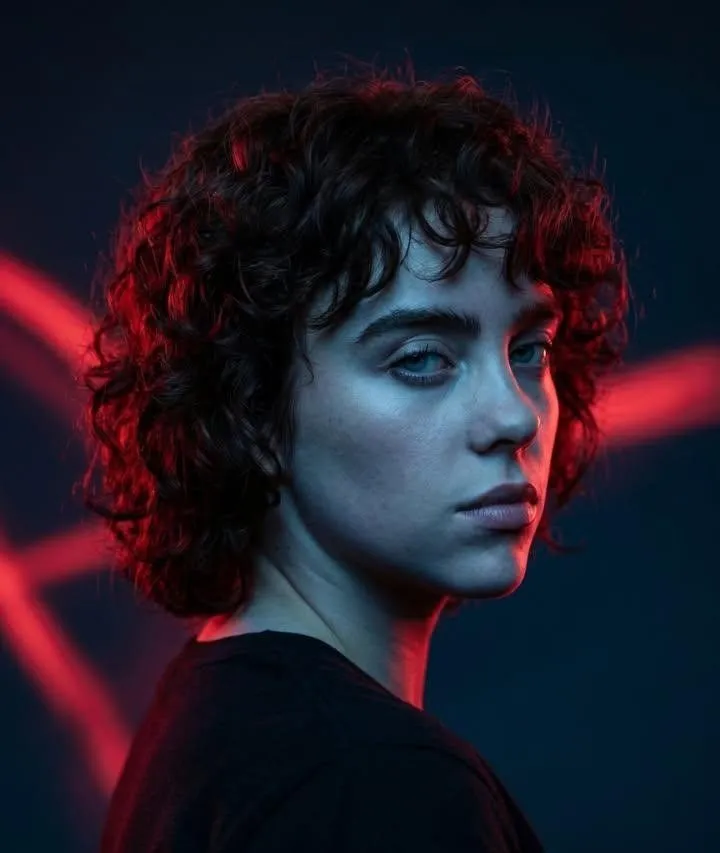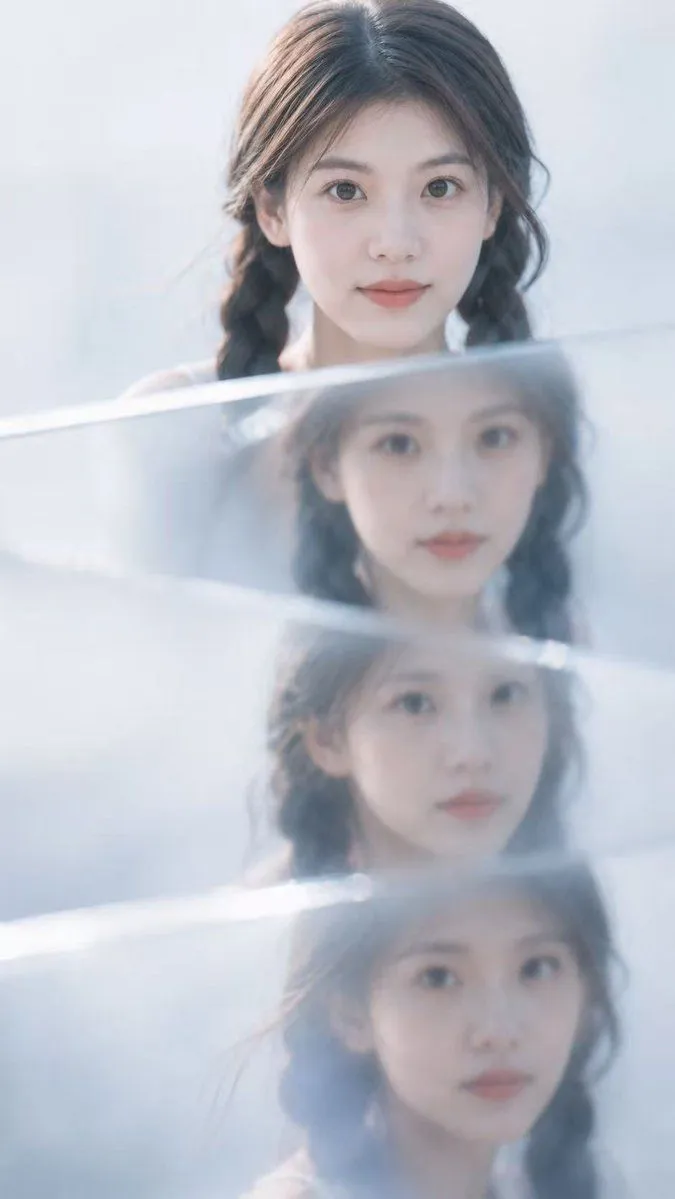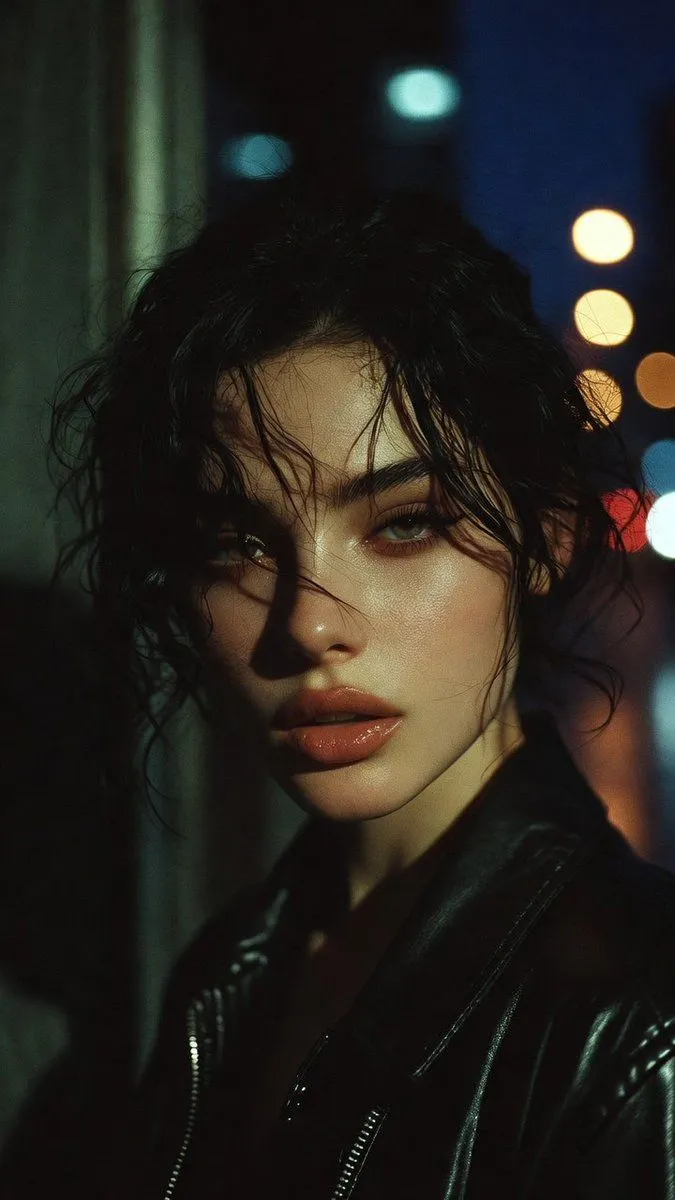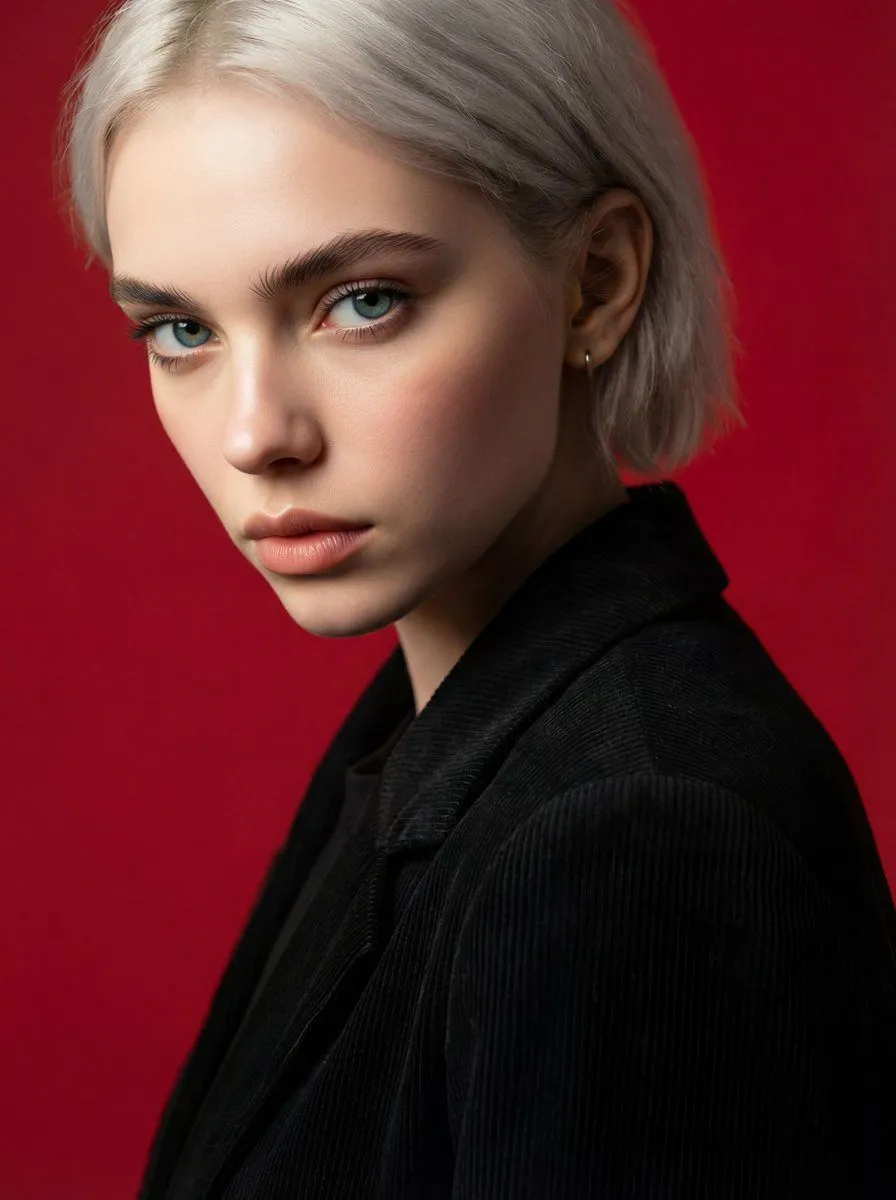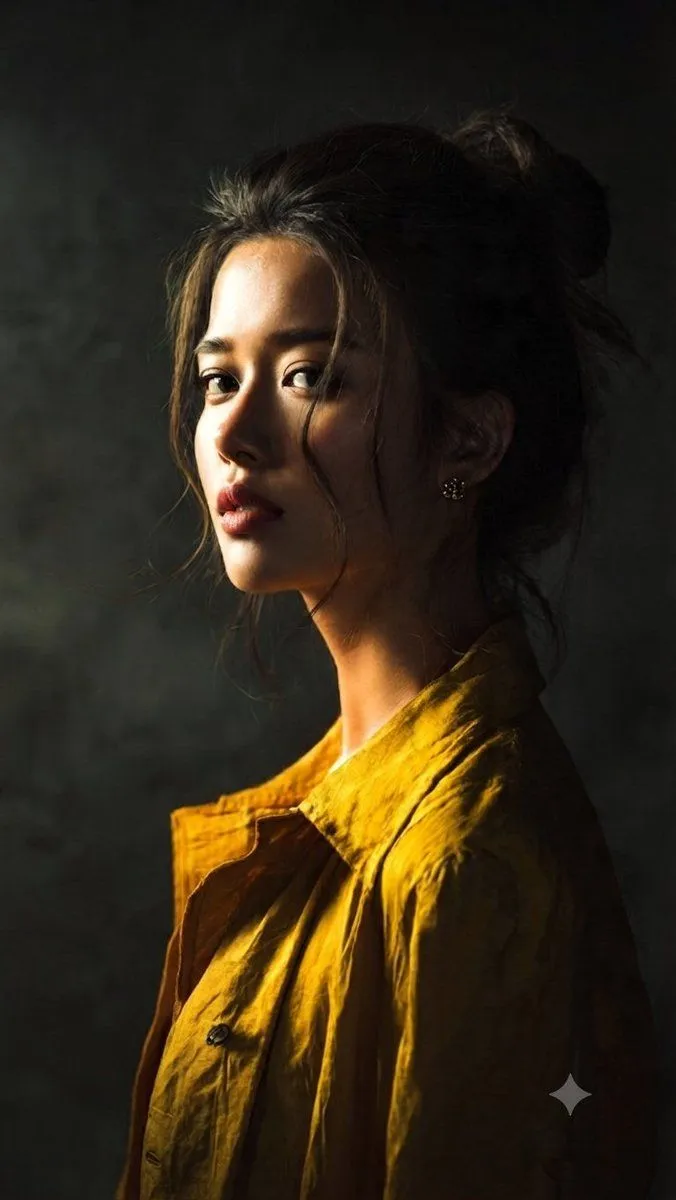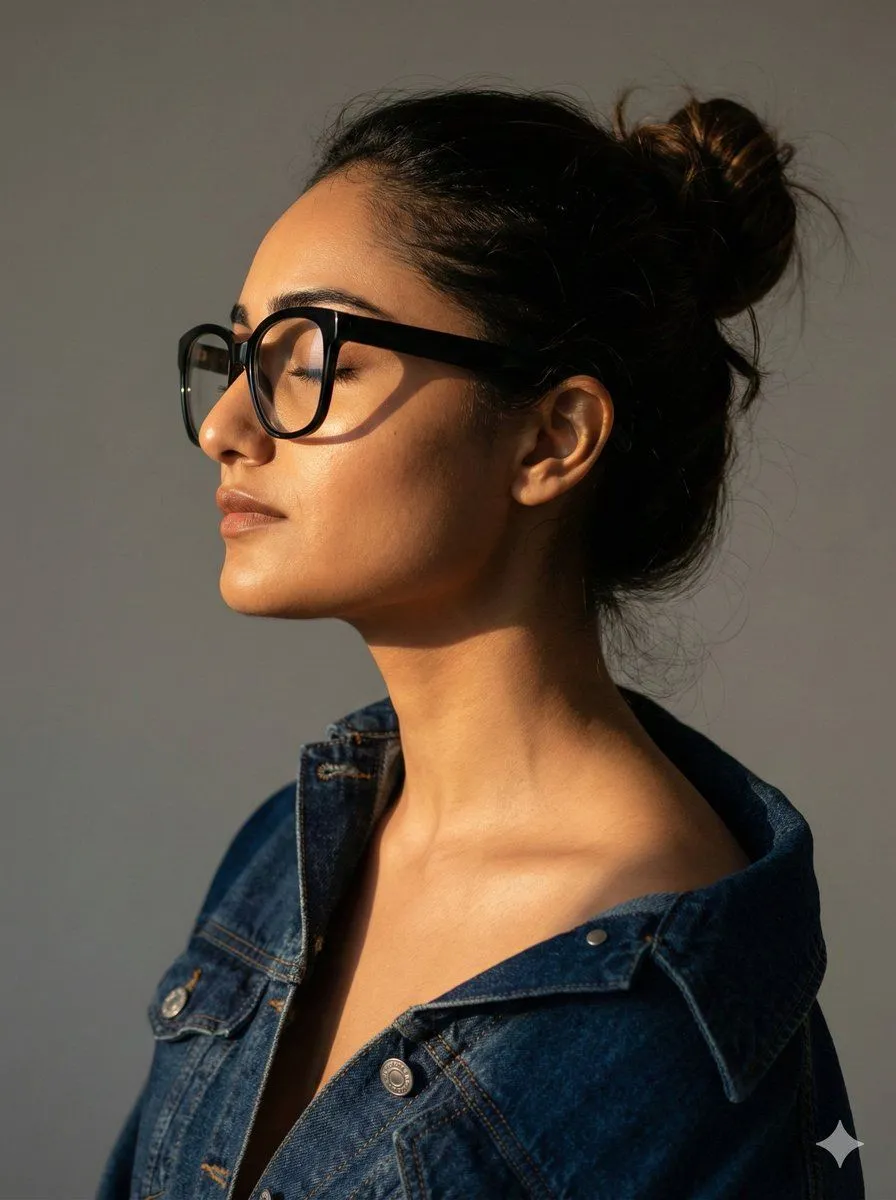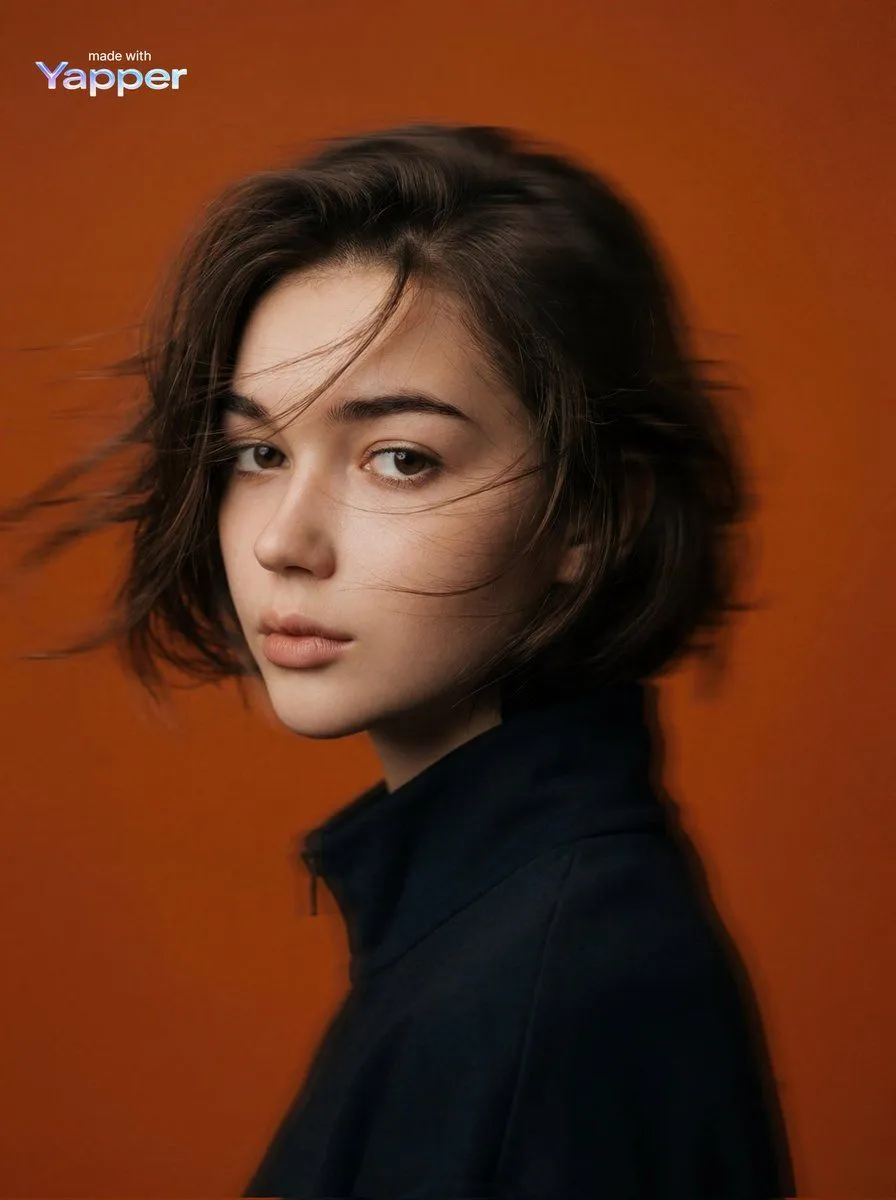
Made with Nano Banana Pro in Gemini, collected by Library Social. Promptclay never generates images.
Cinematic Editorial Portrait Prompt
Prompt
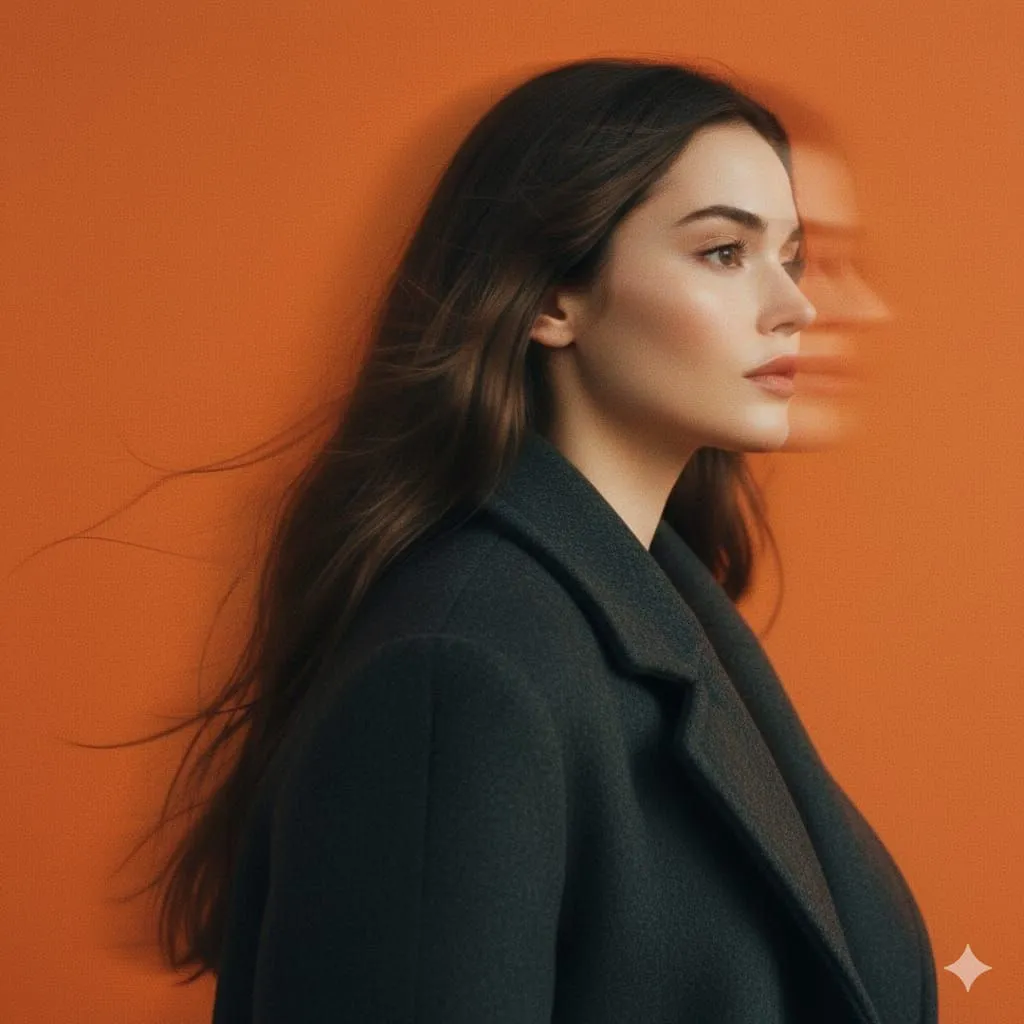
1 blank to fill{ "image_generation": { "subject": { "description": "mysterious young woman portrait", "pose": "side profile portrait with head slightly turned forward", "expression": "calm, serious, mysterious mood", "gaze": "looking forward into the distance" }, "appearance": { "hair": { "color": "dark brown", "style": "short, wind-blown hair with motion blur" }, "skin": { "tone": "soft natural tone", "texture": "smooth cinematic skin texture" } }, "outfit": { "top": "dark minimal coat or jacket with high collar" }, "environment": { "background": "solid {background_color} studio background", "setting": "minimal studio environment with clean backdrop" }, "lighting": { "type": "studio lighting", "style": "soft diffused light with cinematic contrast", "effect": "subtle glow and smooth shadow gradients" }, "camera": { "angle": "side profile portrait shot", "framing": "medium portrait", "effect": "panning motion blur creating dynamic movement" }, "aesthetic": { "style": "cinematic editorial portrait", "vibe": "mysterious, modern, artistic", "color_palette": "vivid orange background with muted dark clothing" }, "effects": { "motion_blur": "horizontal motion blur", "film_style": "matte faded film look", "grading": "cinematic color grading" }, "quality": { "resolution": "high resolution", "render": "photorealistic", "detail": "soft film grain with smooth lighting" } } }
Preview of your prompt
{ "image_generation": { "subject": { "description": "mysterious young woman portrait", "pose": "side profile portrait with head slightly turned forward", "expression": "calm, serious, mysterious mood", "gaze": "looking forward into the distance" }, "appearance": { "hair": { "color": "dark brown", "style": "short, wind-blown hair with motion blur" }, "skin": { "tone": "soft natural tone", "texture": "smooth cinematic skin texture" } }, "outfit": { "top": "dark minimal coat or jacket with high collar" }, "environment": { "background": "solid orange studio background", "setting": "minimal studio environment with clean backdrop" }, "lighting": { "type": "studio lighting", "style": "soft diffused light with cinematic contrast", "effect": "subtle glow and smooth shadow gradients" }, "camera": { "angle": "side profile portrait shot", "framing": "medium portrait", "effect": "panning motion blur creating dynamic movement" }, "aesthetic": { "style": "cinematic editorial portrait", "vibe": "mysterious, modern, artistic", "color_palette": "vivid orange background with muted dark clothing" }, "effects": { "motion_blur": "horizontal motion blur", "film_style": "matte faded film look", "grading": "cinematic color grading" }, "quality": { "resolution": "high resolution", "render": "photorealistic", "detail": "soft film grain with smooth lighting" } } }
DetailsVersions, settings and questions
Written for
What's in the prompt
- Subject
- Model
- Nano Banana Pro
If your face changes
keep my face exactly the sameQuestions
- Does this work in the Gemini app?
- Yes. Gemini runs Nano Banana, so paste the prompt and attach your photo if it uses one.
- It changed my face. What do I do?
- Add "keep my face exactly the same" to the end and run it again.
- Can I use the images I make?
- Check the terms of the app you use. Promptclay never generates images and claims nothing you make.