Tell us anything

An idea, a bug, something you love. We read every note.

⌘↵ to send. The page you're on comes along.

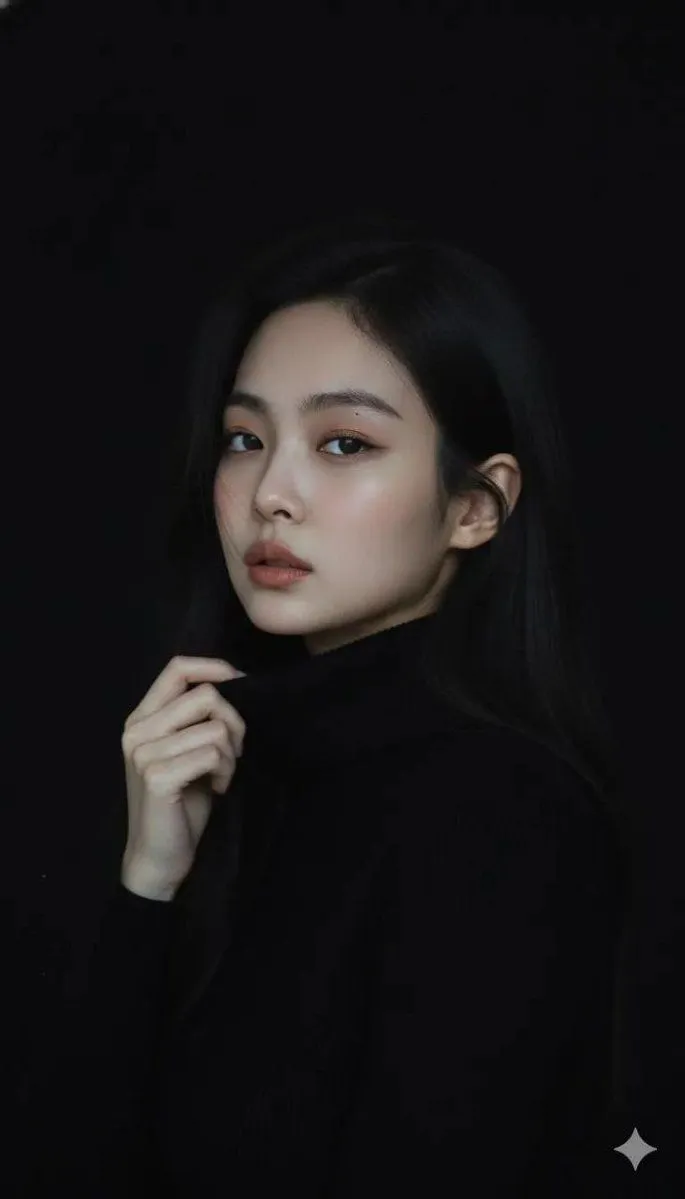
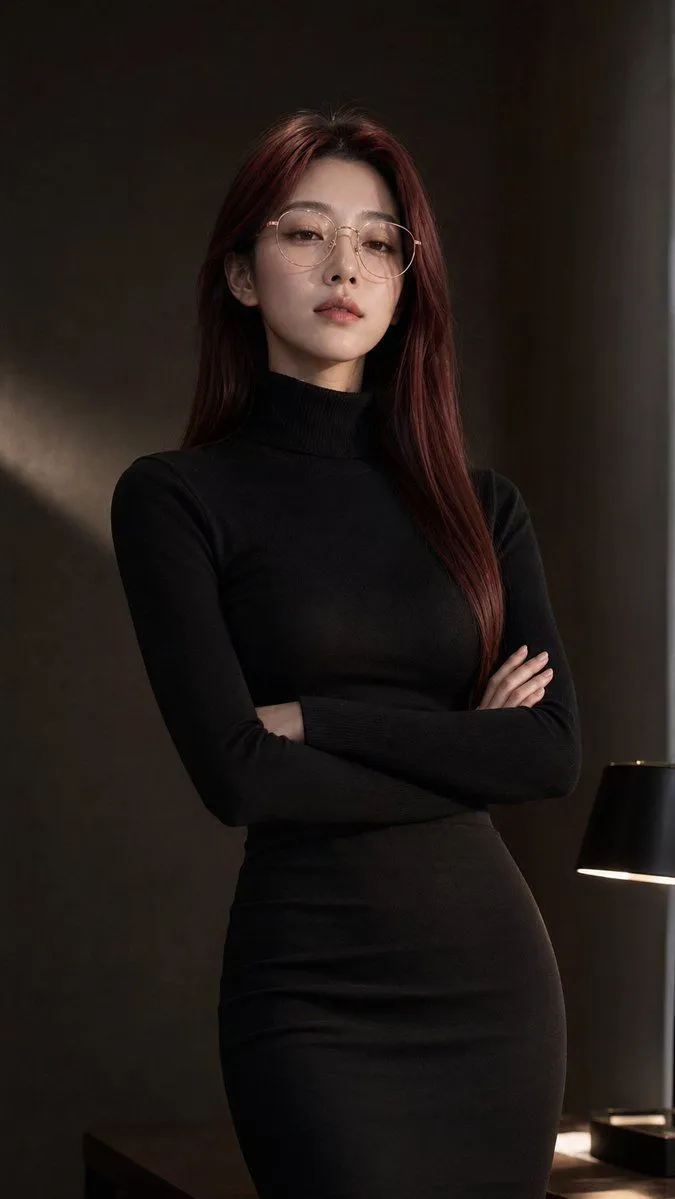
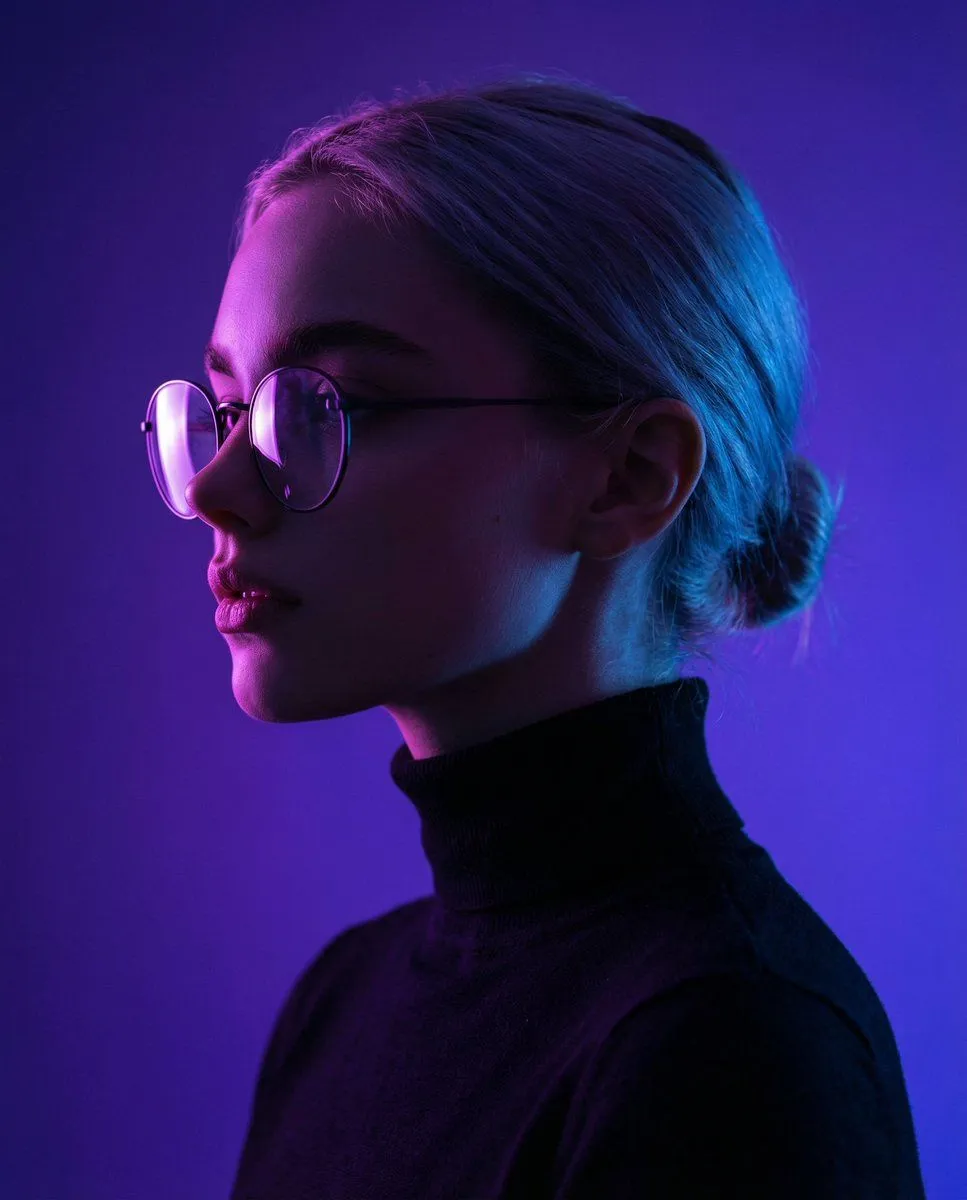
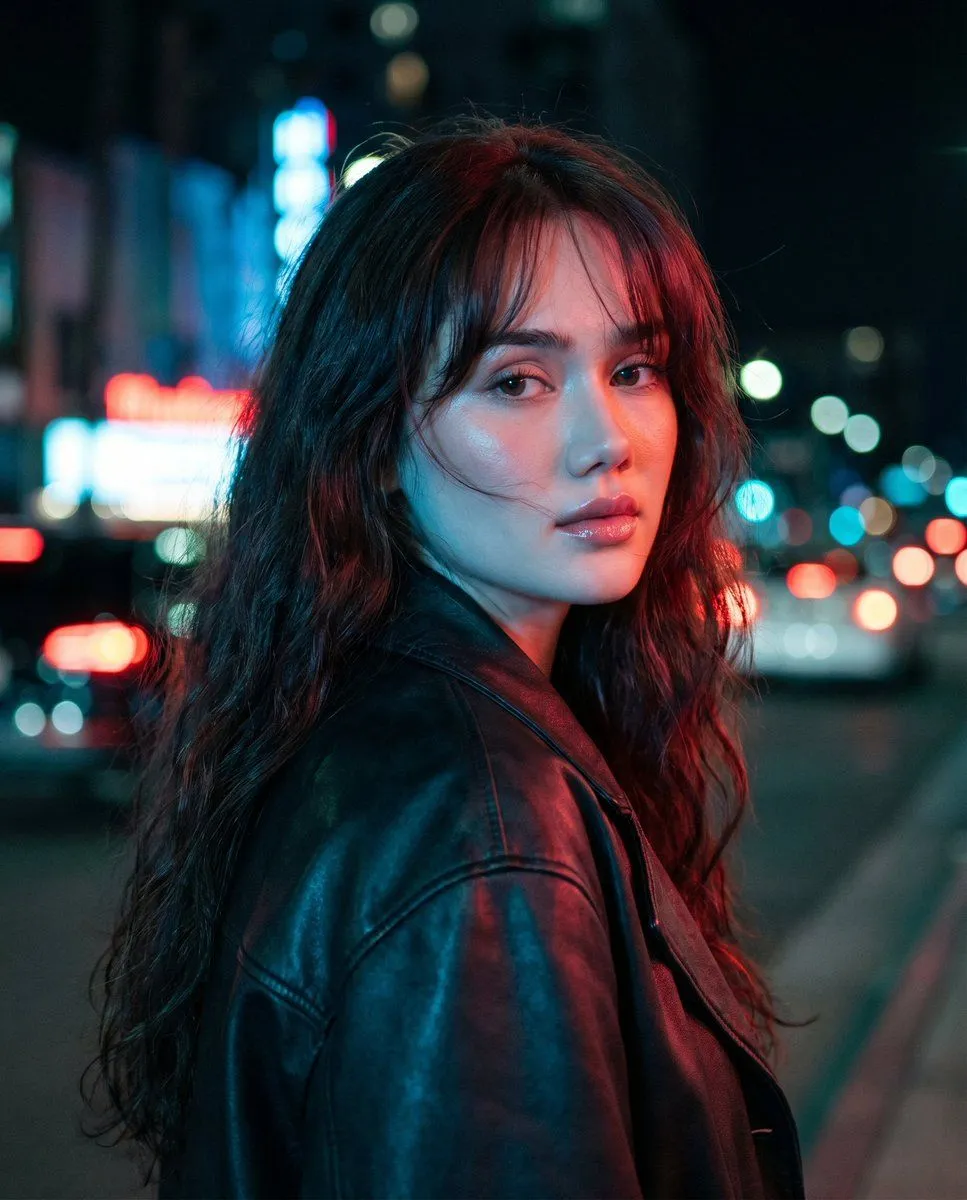
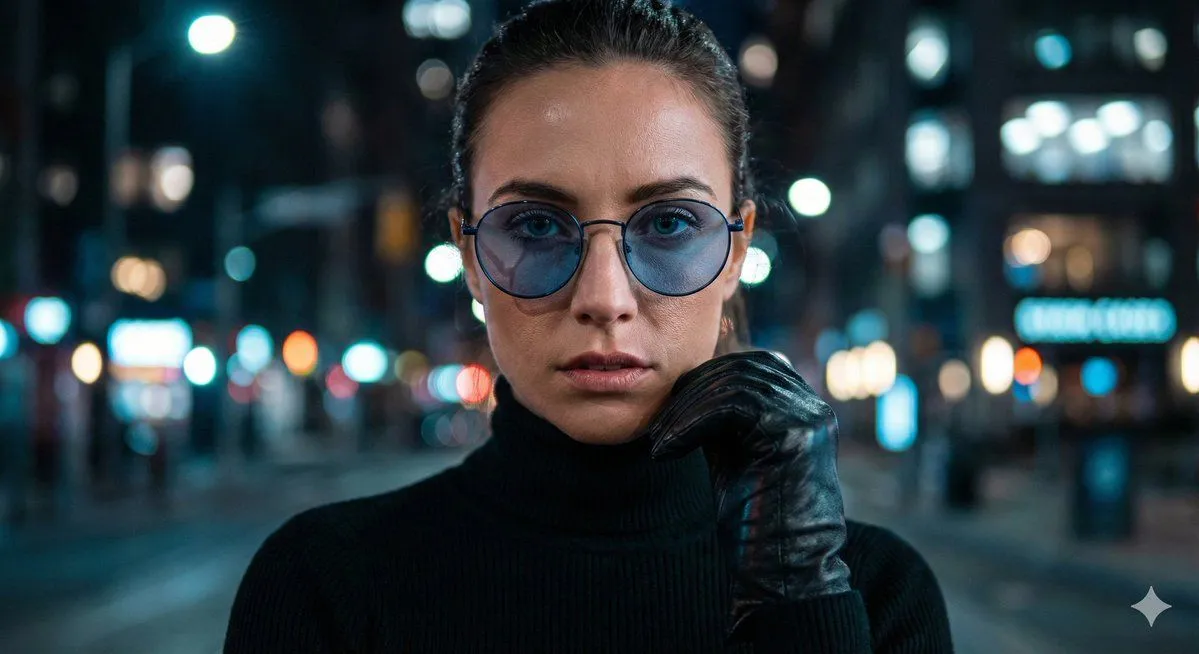
Cinematic Close-Up Portrait Prompt with Dark Luxury Aesthetic

Made with Nano Banana Pro in Gemini by Library Portraits. Promptclay never generates images.

Did it work?

No reports yet. Tell others if it worked for you.

No comments yet. Be the first.

    Cinematic Close-Up Portrait Prompt with Dark Luxury Aesthetic

    Nano Banana Pro11:6AI-generated

    Prompt

    { "Objective": "Create an ultra-realistic cinematic close-up portrait description suitable for image generation models.", "Persona_Details": { "Subject": "women", "Appearance_Elements": { "Eyewear": "Round blue-tinted glasses", "Clothing": [ "Black turtleneck", "Leather gloves" ], "Expression": "Intense gaze directly at camera" } }, "Scene_Description": { "Environment": "Moody city at night", "Lighting": "Dramatic contrast lighting", "Background": "Bokeh city lights", "Aesthetic": "Dark luxury, highly detailed and sharp texture" }, "Camera_and_Lens_Details": { "Camera": "Sony A7R IV", "Lens": "85mm f/1.2", "Shot_Type": "Cinematic close-up", "Depth_of_Field": "Shallow" }, "Task_Instructions": { "Use_Case": "Image generation or visual prompt building", "Requirements": { "Retain all high-detail realism cues", "Preserve cinematic and luxury tone", "Emphasize sharpness and texture"}

    Works in
    Gemini, ChatGPT
    Status
    Free to copy
    0
    DetailsVersions, settings and questions

    Written for

    What's in the prompt

    Subject
    Model
    Nano Banana Pro

    If your face changes

    keep my face exactly the same

    Questions

    Does this work in the Gemini app?
    Yes. Gemini runs Nano Banana, so paste the prompt and attach your photo if it uses one.
    It changed my face. What do I do?
    Add "keep my face exactly the same" to the end and run it again.
    Can I use the images I make?
    Check the terms of the app you use. Promptclay never generates images and claims nothing you make.
    Similar prompts

    See more
    • Urban Night Glasses Portrait
    • Cinematic Close-Up Portrait Prompt with Red-Tinted Glasses
    • Moody Cinematic Portrait in Black Turtleneck
    • Moody Censored Fashion Portrait
    • Minimalist Cinematic Portrait Prompt for Nano Banana 2
    • Neon Night Shoulder-Look Portrait
    • Cinematic Rainy City Portrait
    • Cinematic Glass Reflection Portrait
    • Reflective Urban Cafe Window Portrait
    • Double Exposure City Portrait
    • Cinematic Golden Hour Portrait in a City Crosswalk
    • Elegant African Woman Studio Portrait Prompt
    • Photoreal Claire Face Restoration
    • Consistent Character Image Editing Banner
    • Structured Prompting Guide for Nano Banana Pro
    • Cinematic Winter Portrait with Teal and Orange Grading
    • Glasses Glare Removal Comparison
    • Experimental Editorial Portrait Prompt (Selective Focus)
    • Hand-Carved Wooden Miniature Figure
    • Hyperrealistic Tattooed Elf Couple
    • Multi-Angle Scene Generation Prompt (Oshi no Ko Style)
    • Nano Banana Pro Thumbnail Generation Example
    • Newspaper Collage Shadow Portrait
    • Stylized Wicker Caricature Figurine

    Show more

    Run it on your phone

    1. Prompt copiedRead it

      { "Objective": "Create an ultra-realistic cinematic close-up portrait description suitable for image generation models.", "Persona_Details": { "Subject": "women", "Appearance_Elements": { "Eyewear": "Round blue-tinted glasses", "Clothing": [ "Black turtleneck", "Leather gloves" ], "Expression": "Intense gaze directly at camera" } }, "Scene_Description": { "Environment": "Moody city at night", "Lighting": "Dramatic contrast lighting", "Background": "Bokeh city lights", "Aesthetic": "Dark luxury, highly detailed and sharp texture" }, "Camera_and_Lens_Details": { "Camera": "Sony A7R IV", "Lens": "85mm f/1.2", "Shot_Type": "Cinematic close-up", "Depth_of_Field": "Shallow" }, "Task_Instructions": { "Use_Case": "Image generation or visual prompt building", "Requirements": { "Retain all high-detail realism cues", "Preserve cinematic and luxury tone", "Emphasize sharpness and texture"}

    2. Open your app

    3. Paste and run

      Press and hold the message box, then tap Paste. Add your photo first if the prompt uses one. You may need to sign in.

    Cinematic Close-Up Portrait Prompt with Dark Luxury Aesthetic