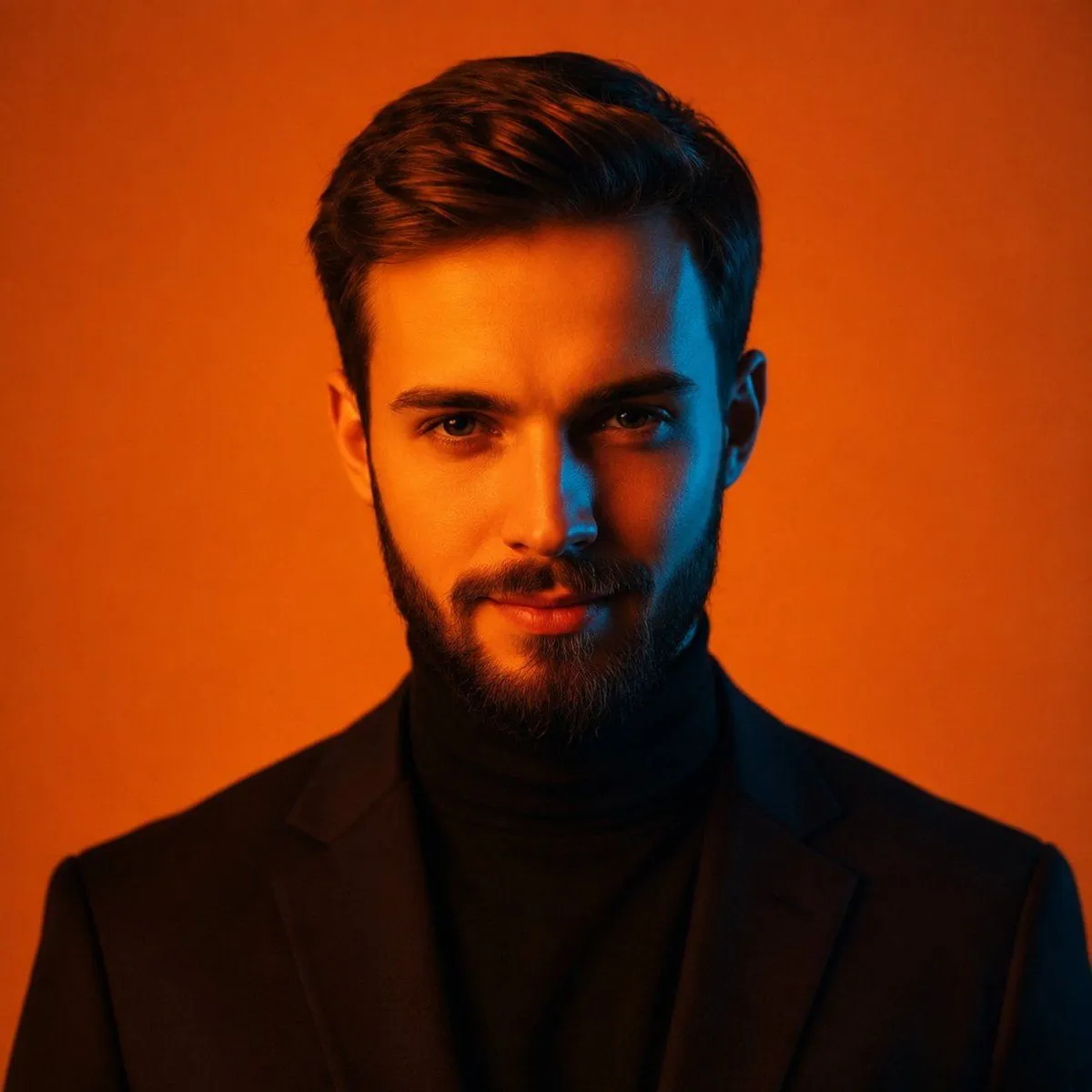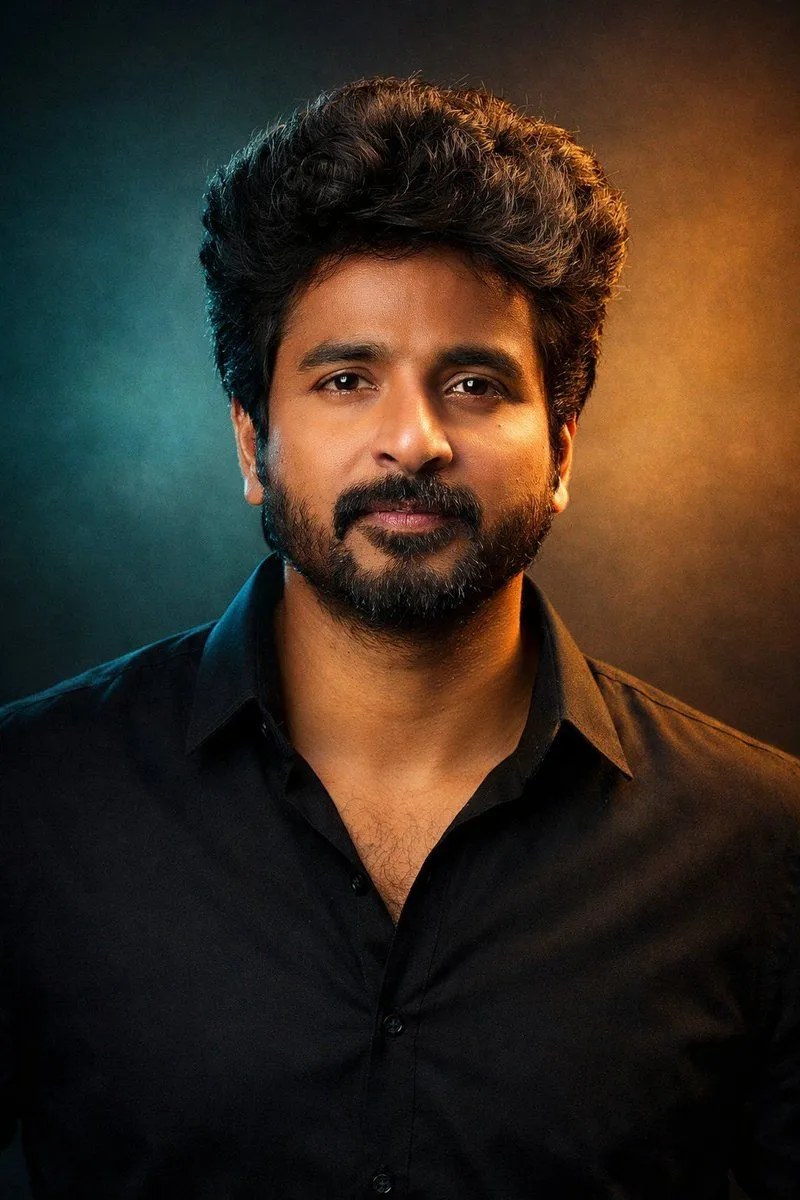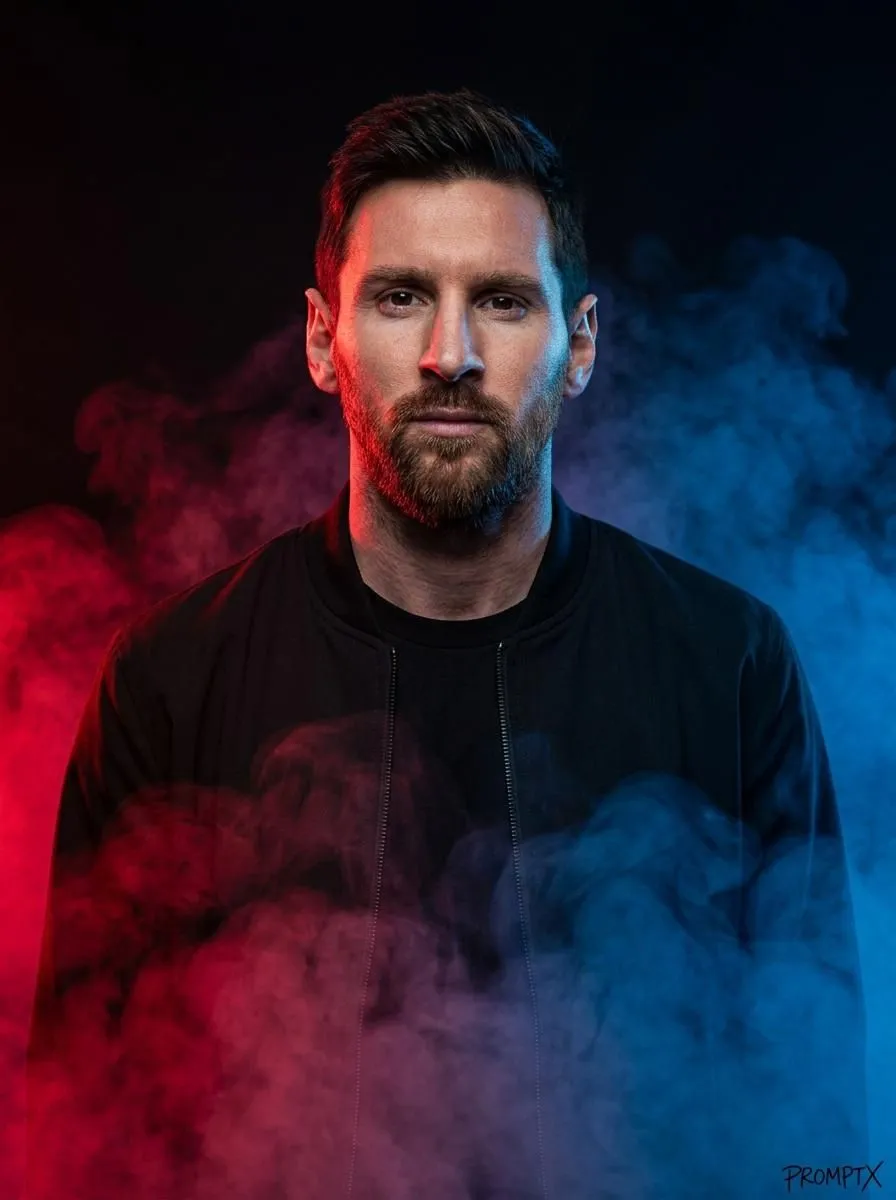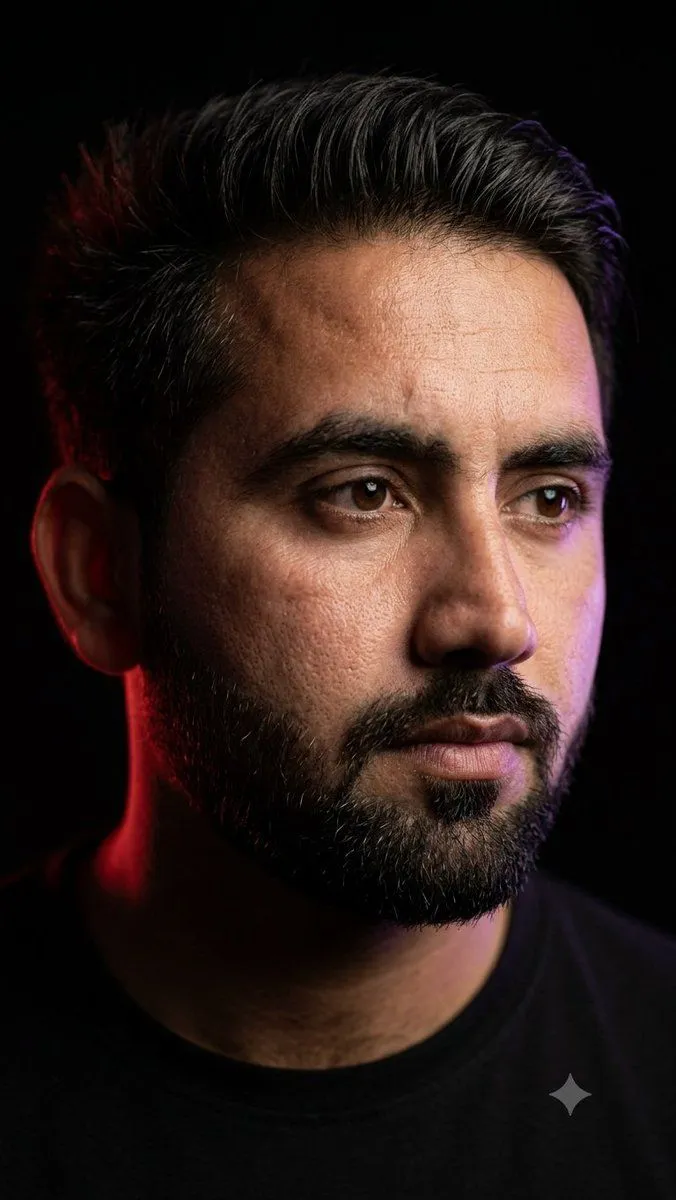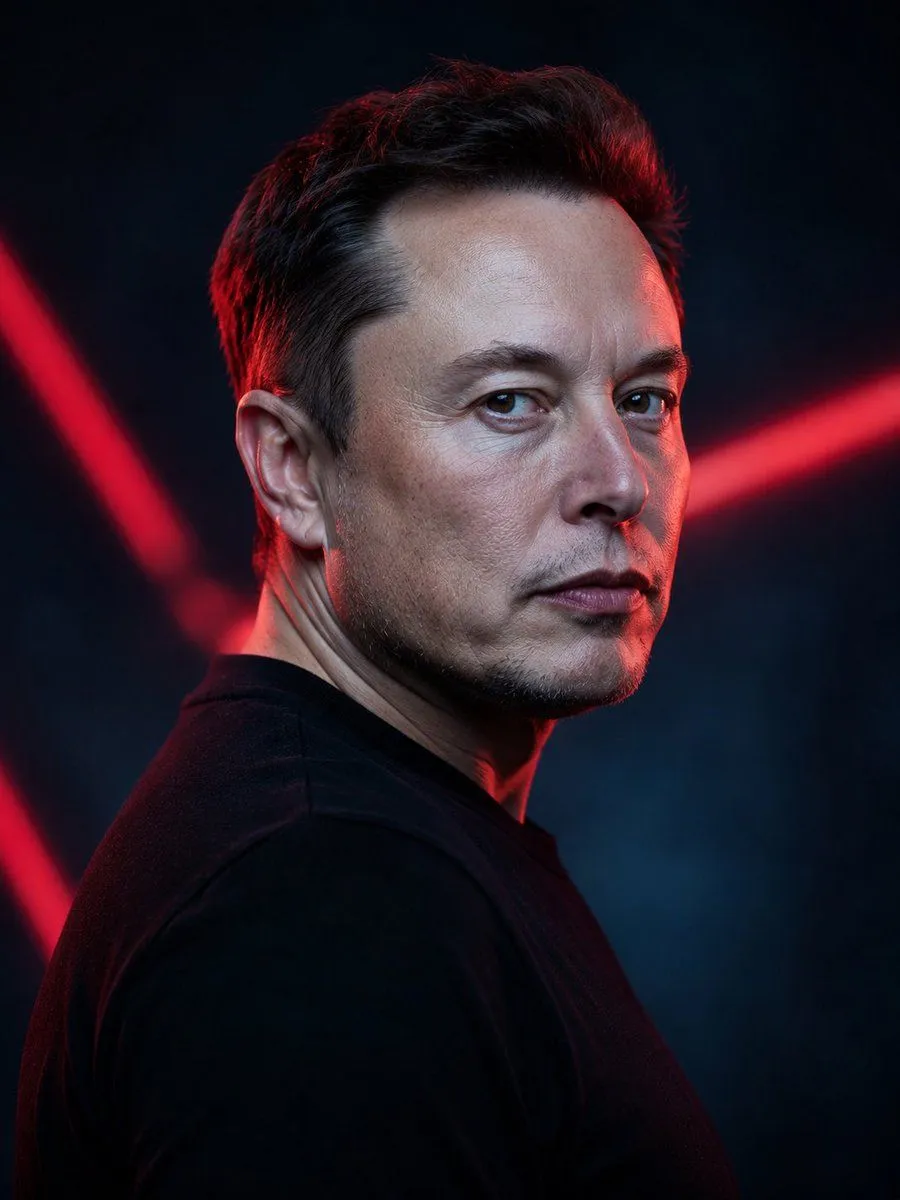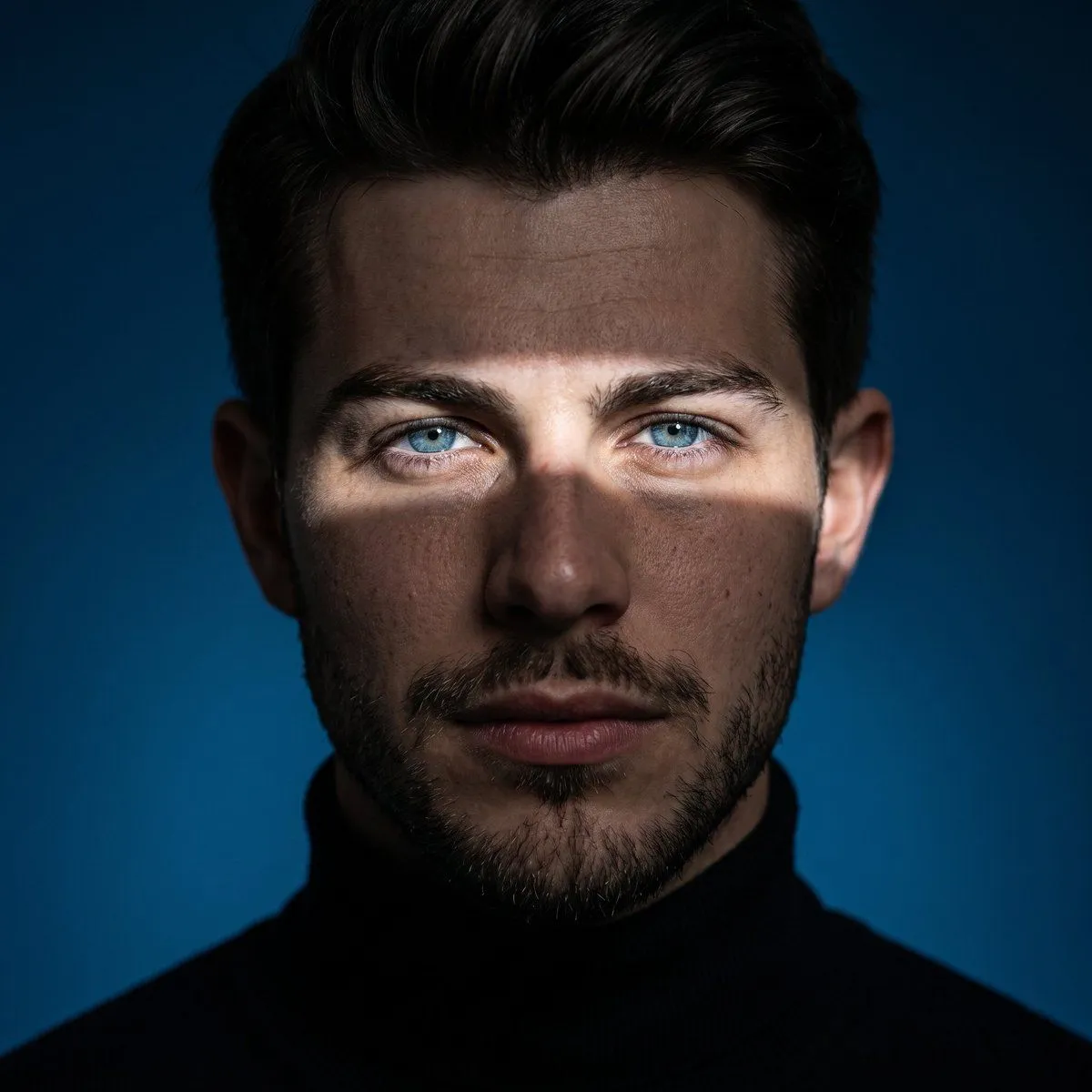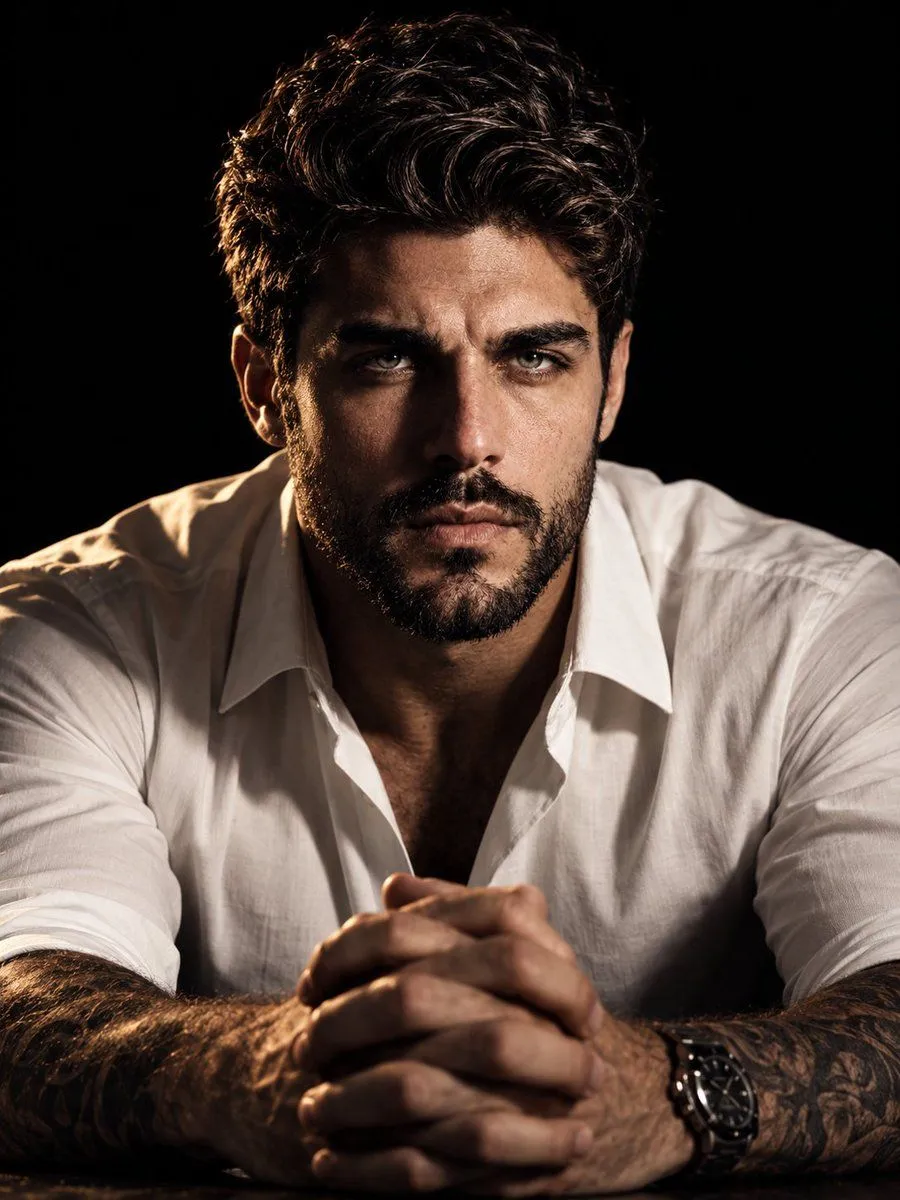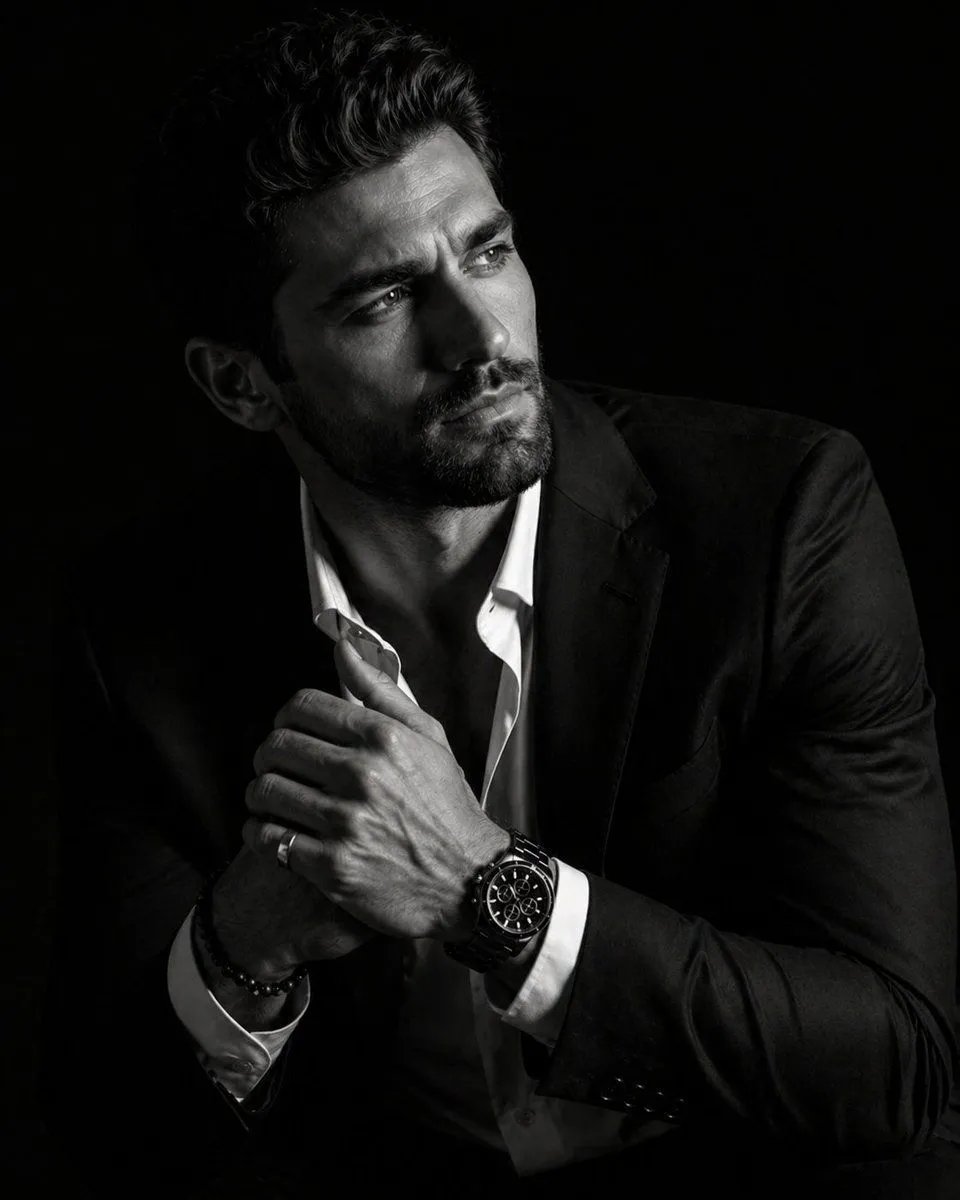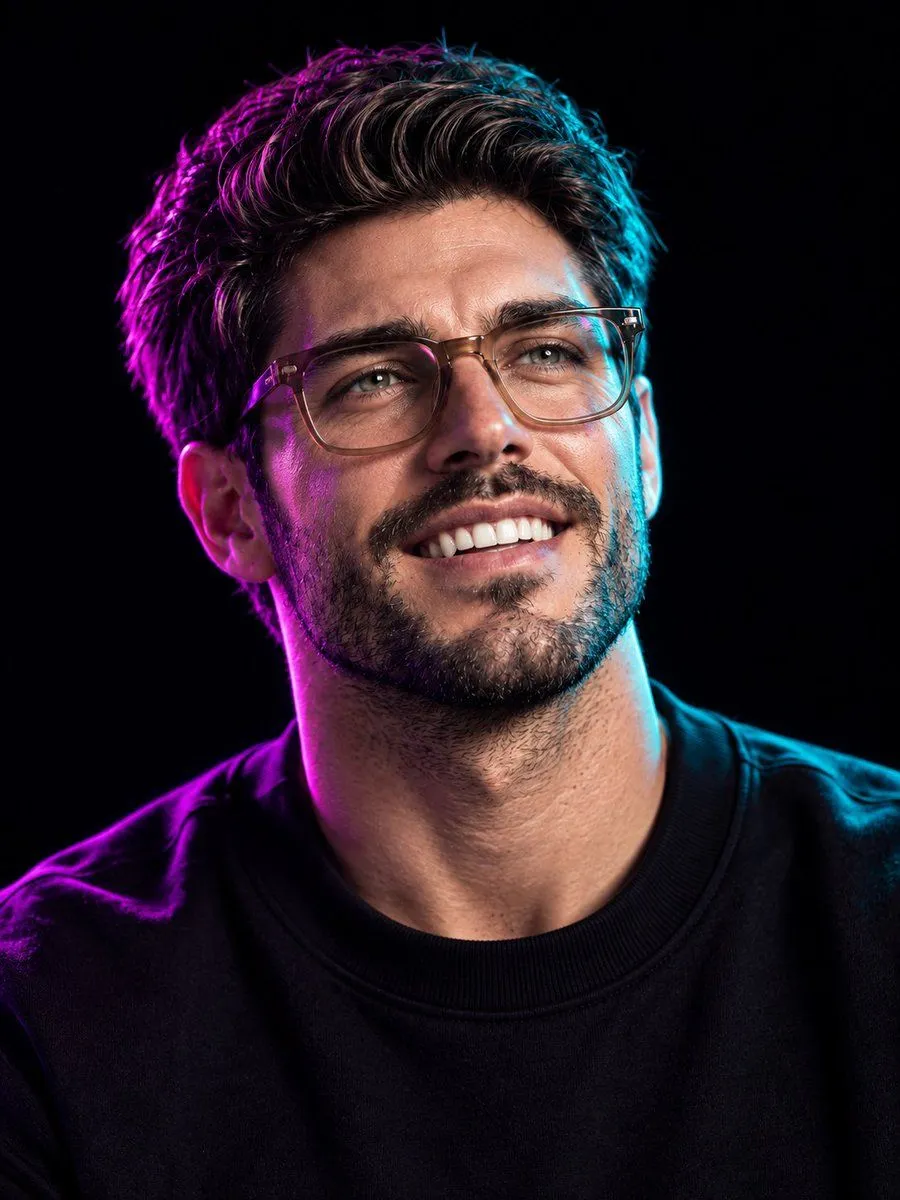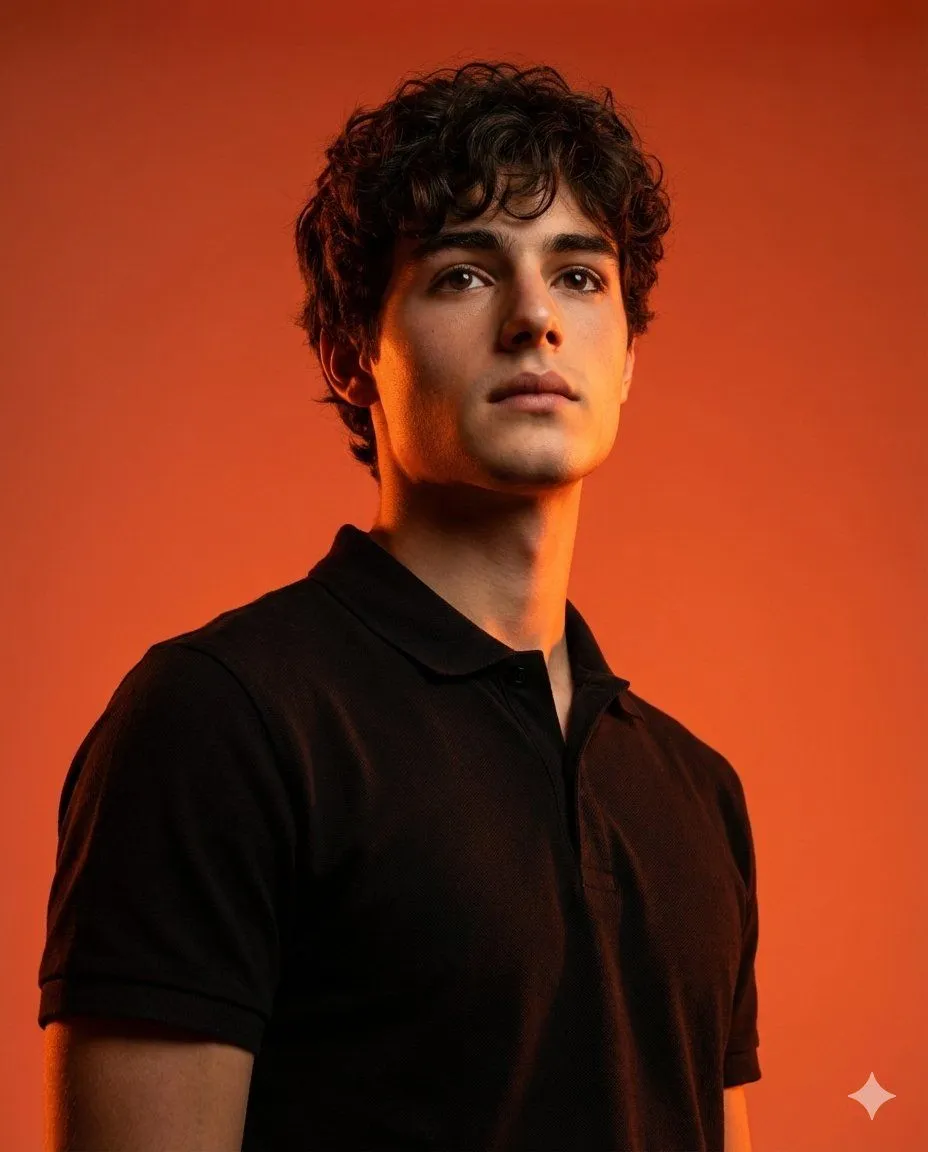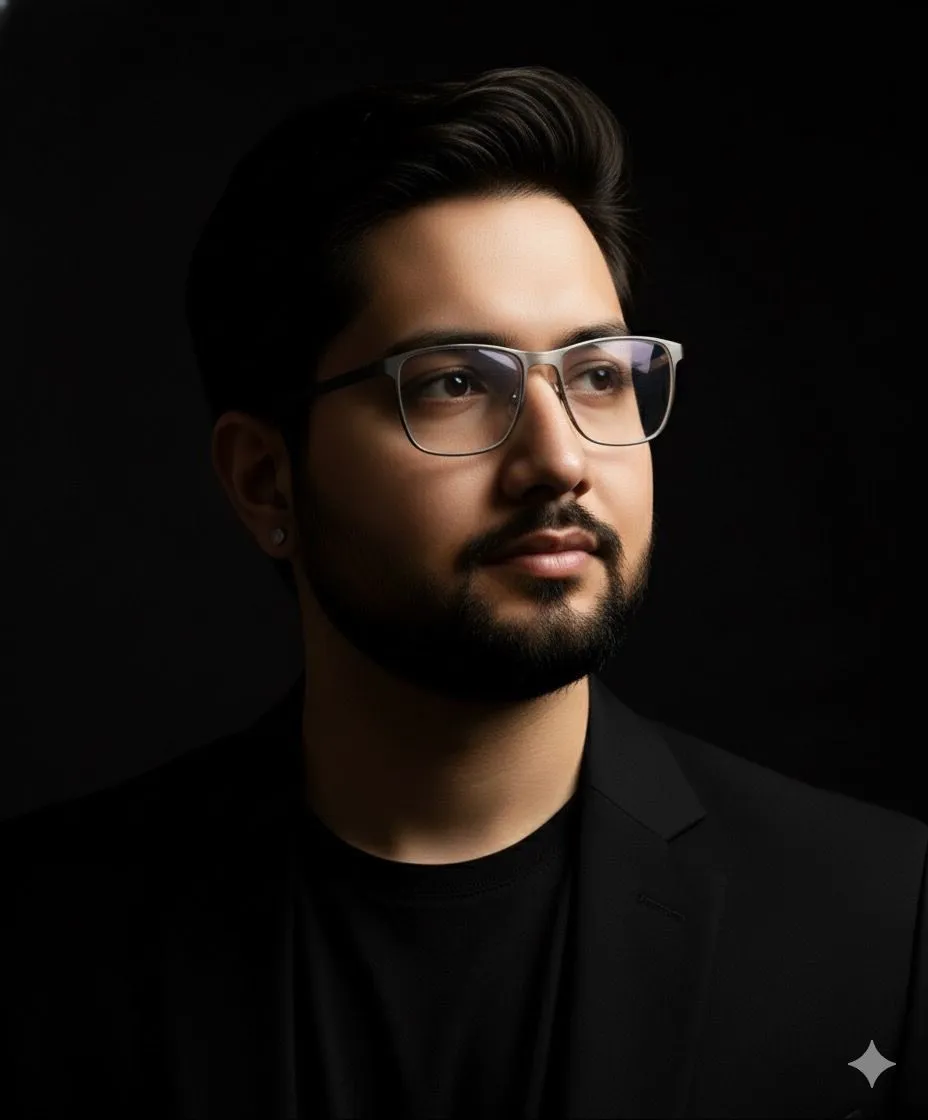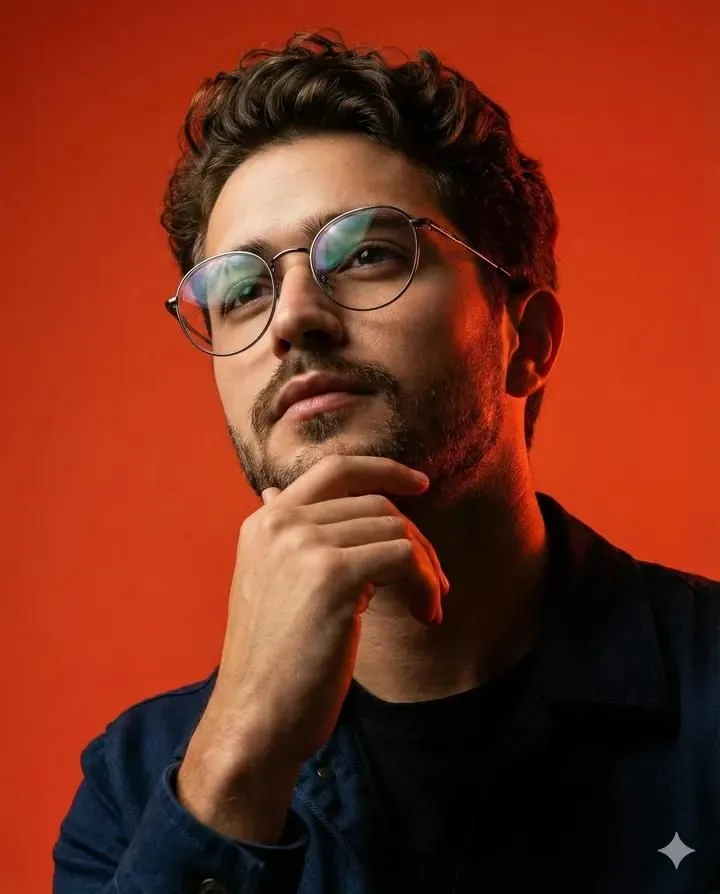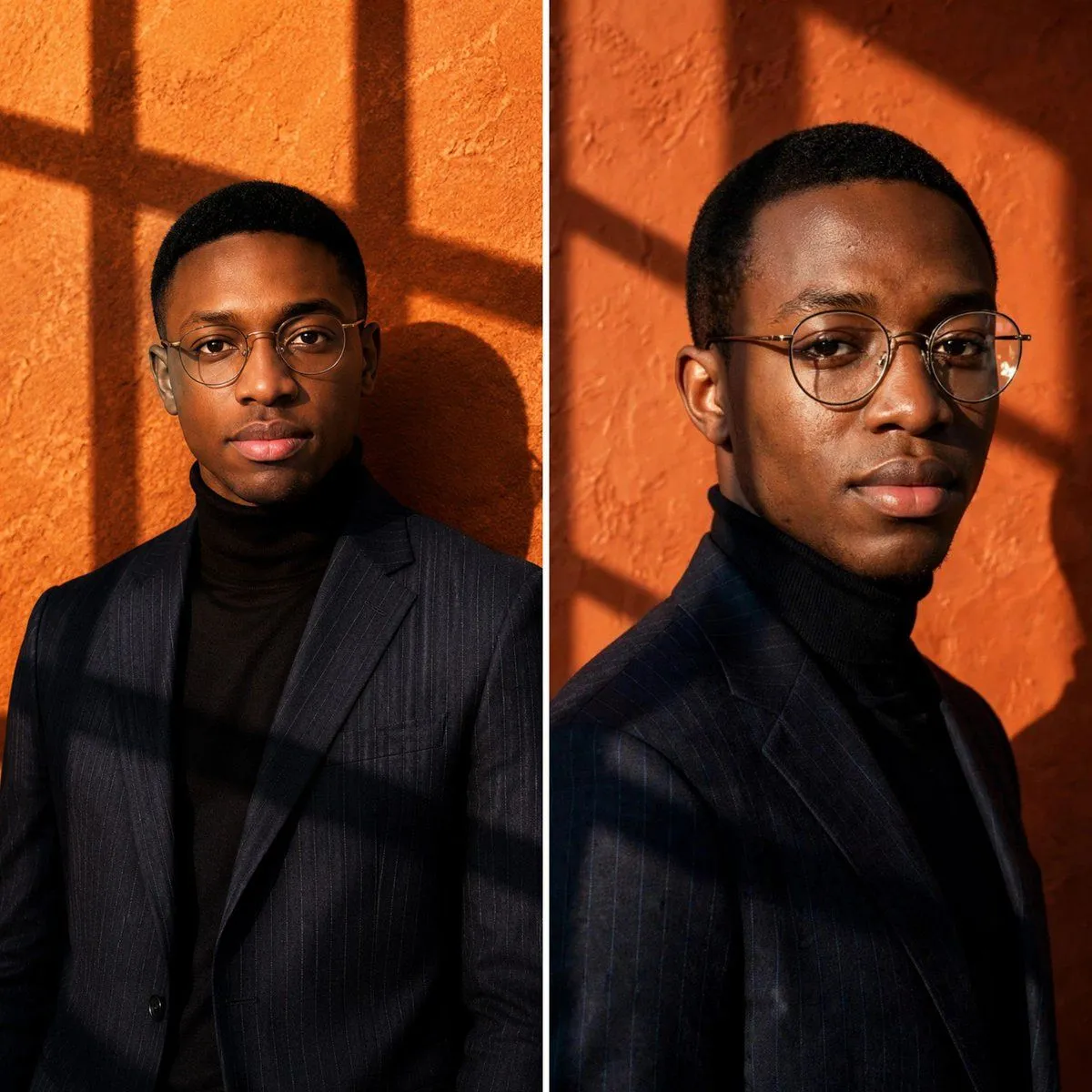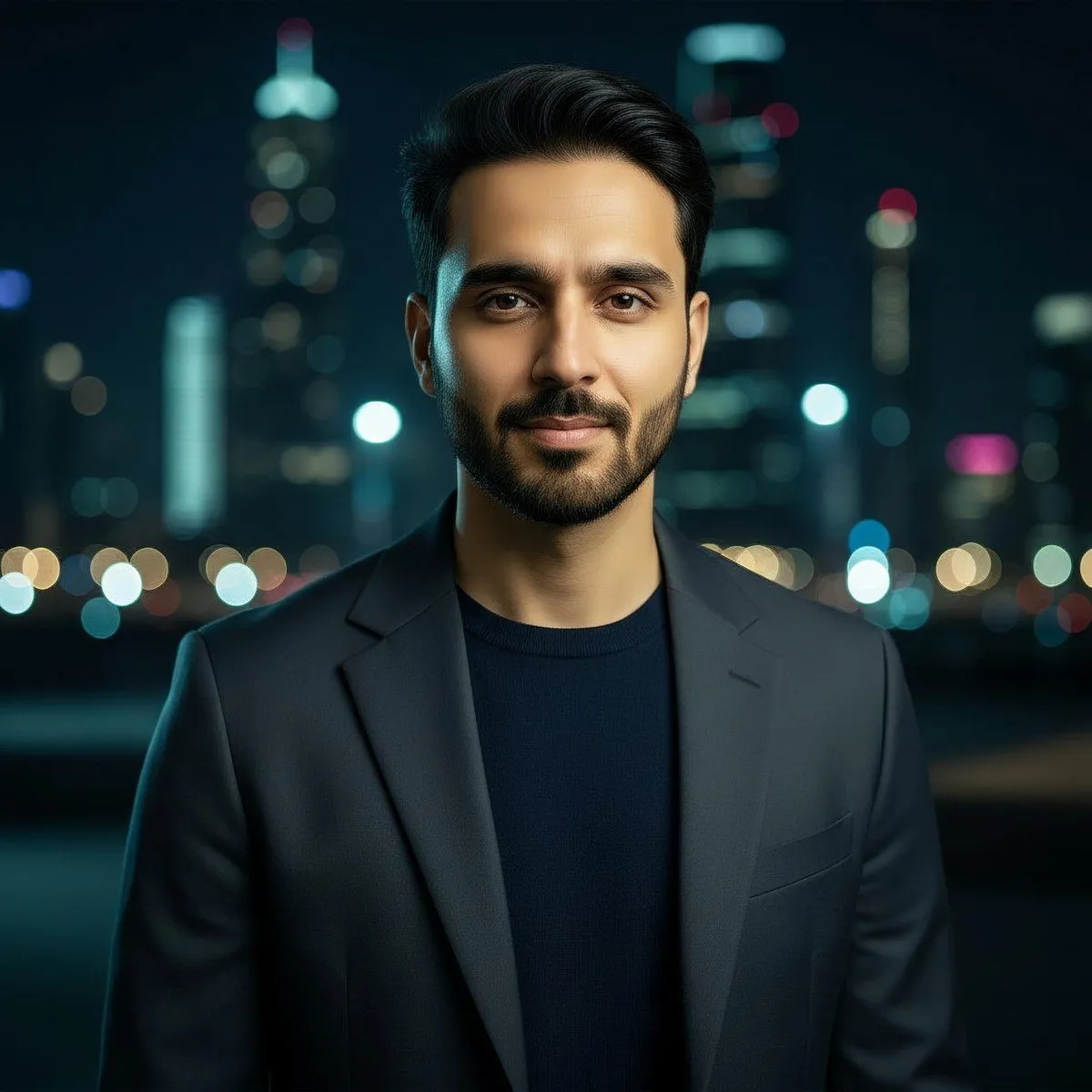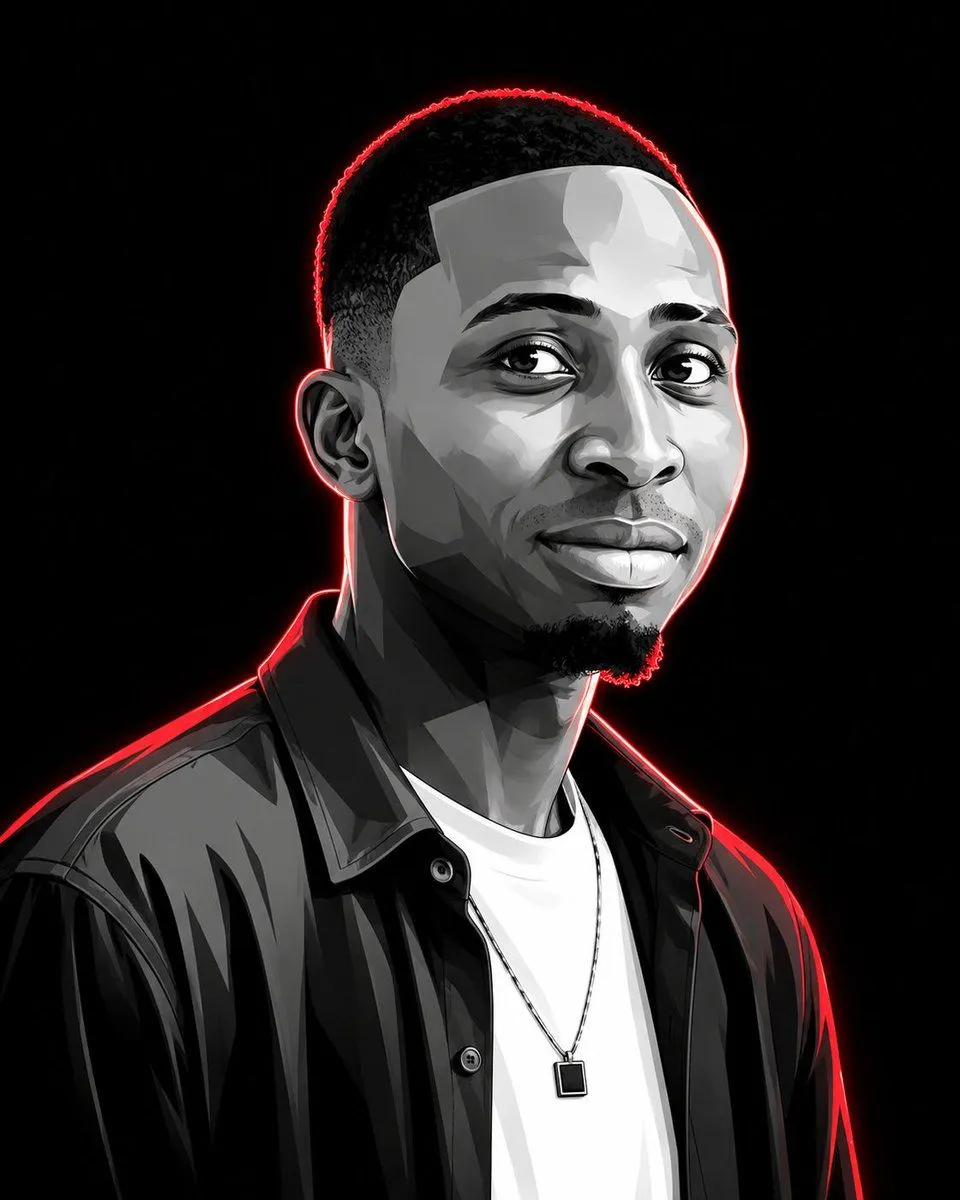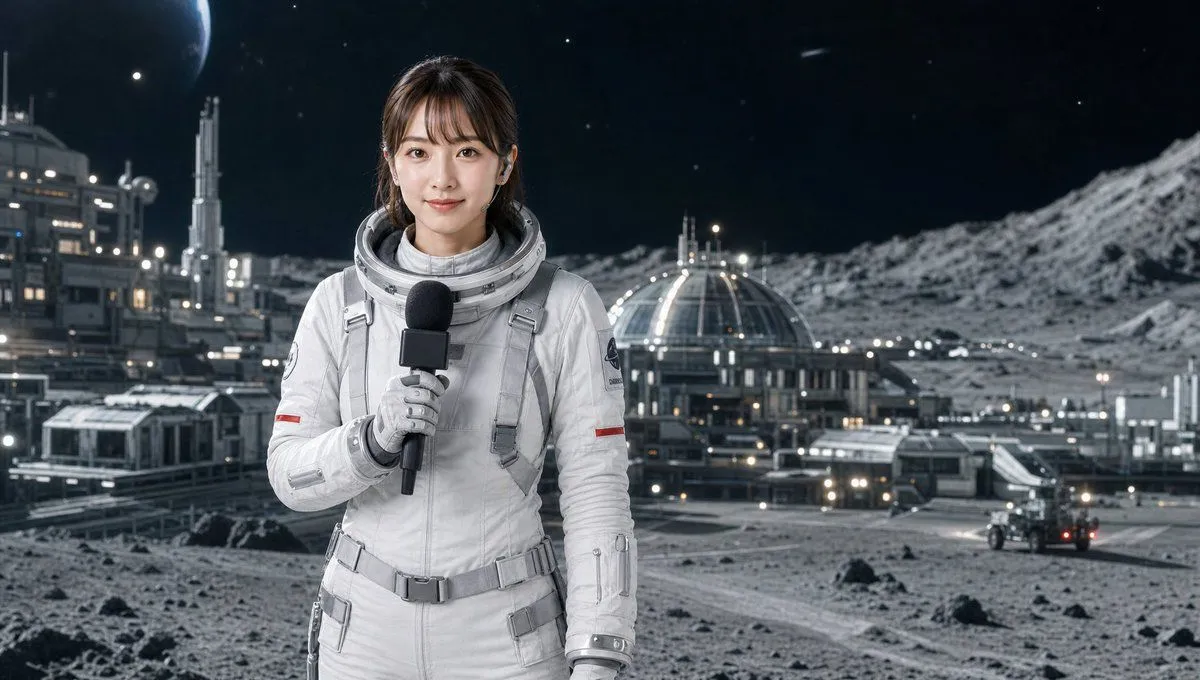
Made with GPT Image 2 in ChatGPT, collected by Library Avatars. Promptclay never generates images.
Cinematic Censored Portrait
Prompt
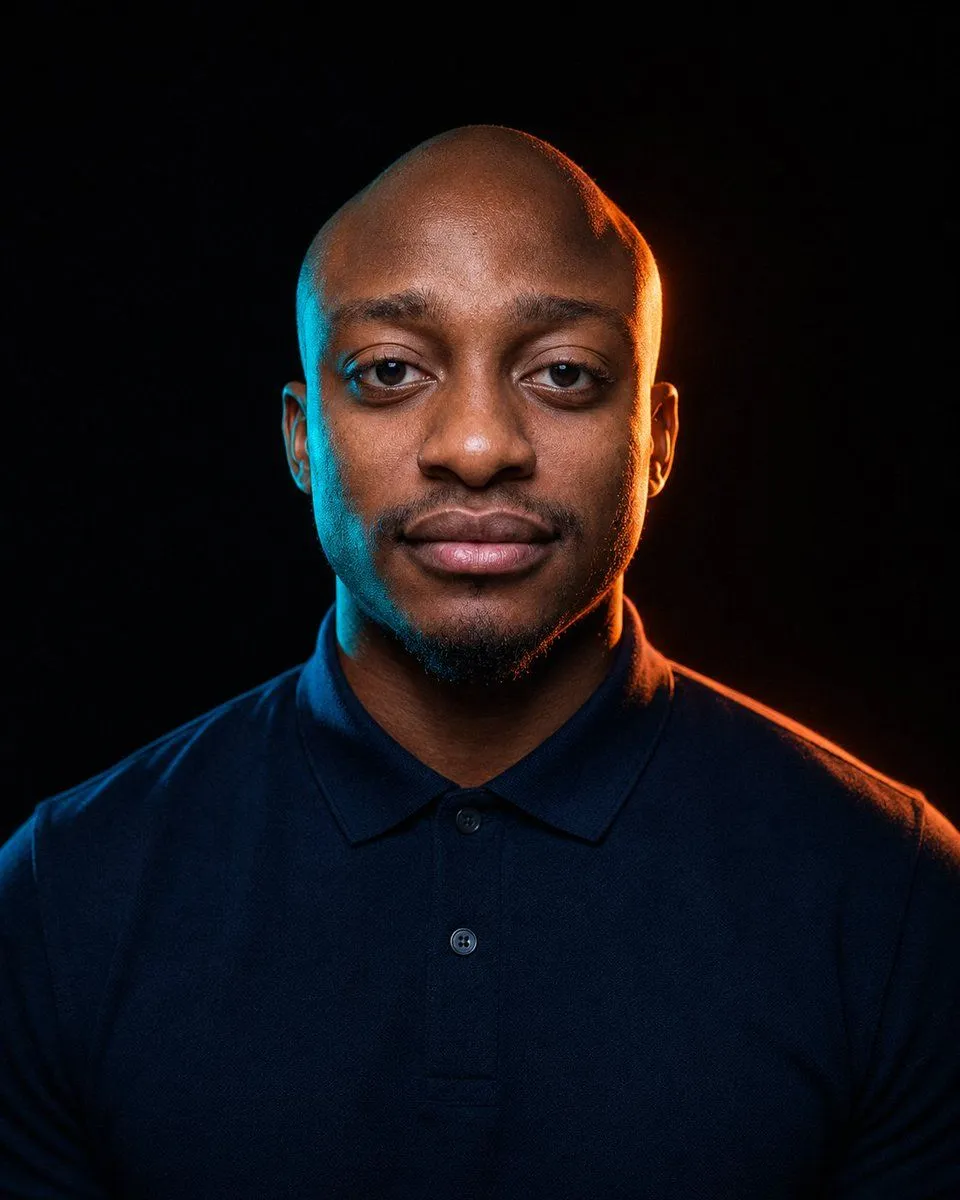
2 blanks to fillCreate a dramatic studio portrait of {subject} facing straight toward the camera, framed from upper chest to just above the head against a nearly black background. The subject wears {shirt_color} polo shirt with a collar and two visible buttons, shoulders broad and centered, posture upright and still. Use cinematic low-key lighting with strong colored rim lights: cool cyan-blue light along the left side of the head, ear, neck, and shoulder, and warm orange light along the right side, ear, neck, and shoulder, creating a high-contrast moody look. Place one large opaque square censor block directly over the center of the face, covering the forehead, eyes, nose, mouth, and most facial features while leaving the top of the bald head, ears, beard edge, neck, shirt, and shoulders visible; the square should have a muted dark gray-to-warm brown gradient matching the surrounding lighting. Make the image vertical, photorealistic, sharp, with subtle skin texture and fabric detail, no text, no watermark, no additional objects.
Preview of your prompt
Create a dramatic studio portrait of a bald adult man with a short dark beard facing straight toward the camera, framed from upper chest to just above the head against a nearly black background. The subject wears a dark navy blue polo shirt with a collar and two visible buttons, shoulders broad and centered, posture upright and still. Use cinematic low-key lighting with strong colored rim lights: cool cyan-blue light along the left side of the head, ear, neck, and shoulder, and warm orange light along the right side, ear, neck, and shoulder, creating a high-contrast moody look. Place one large opaque square censor block directly over the center of the face, covering the forehead, eyes, nose, mouth, and most facial features while leaving the top of the bald head, ears, beard edge, neck, shirt, and shoulders visible; the square should have a muted dark gray-to-warm brown gradient matching the surrounding lighting. Make the image vertical, photorealistic, sharp, with subtle skin texture and fabric detail, no text, no watermark, no additional objects.
DetailsVersions, settings and questions
Written for
What's in the prompt
- Subject
- Model
- GPT Image 2
If your face changes
keep my face exactly the sameQuestions
- Does this work in the ChatGPT app?
- Yes. Paste the prompt and attach your photo if it uses one.
- It changed my face. What do I do?
- Add "keep my face exactly the same" to the end and run it again.
- Can I use the images I make?
- Check the terms of the app you use. Promptclay never generates images and claims nothing you make.