Tell us anything

An idea, a bug, something you love. We read every note.

⌘↵ to send. The page you're on comes along.

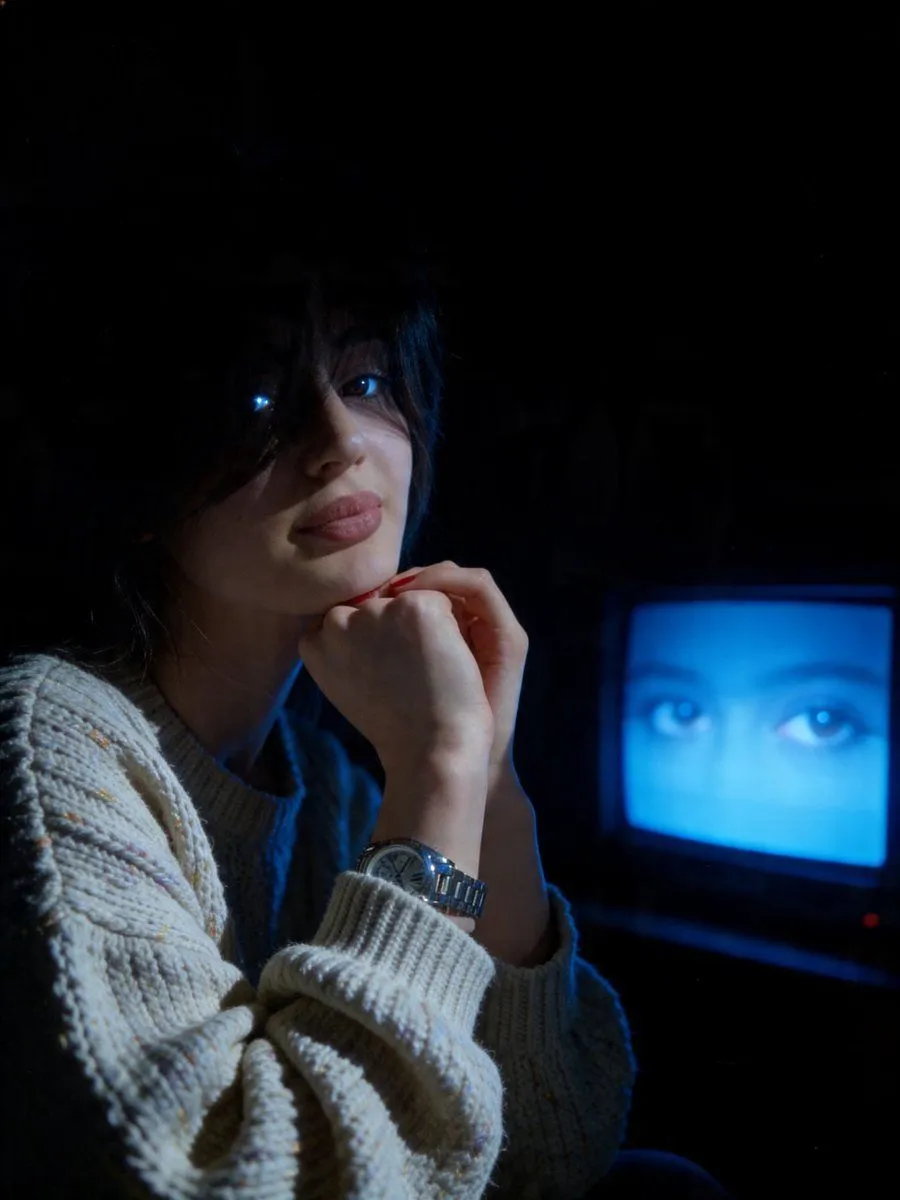
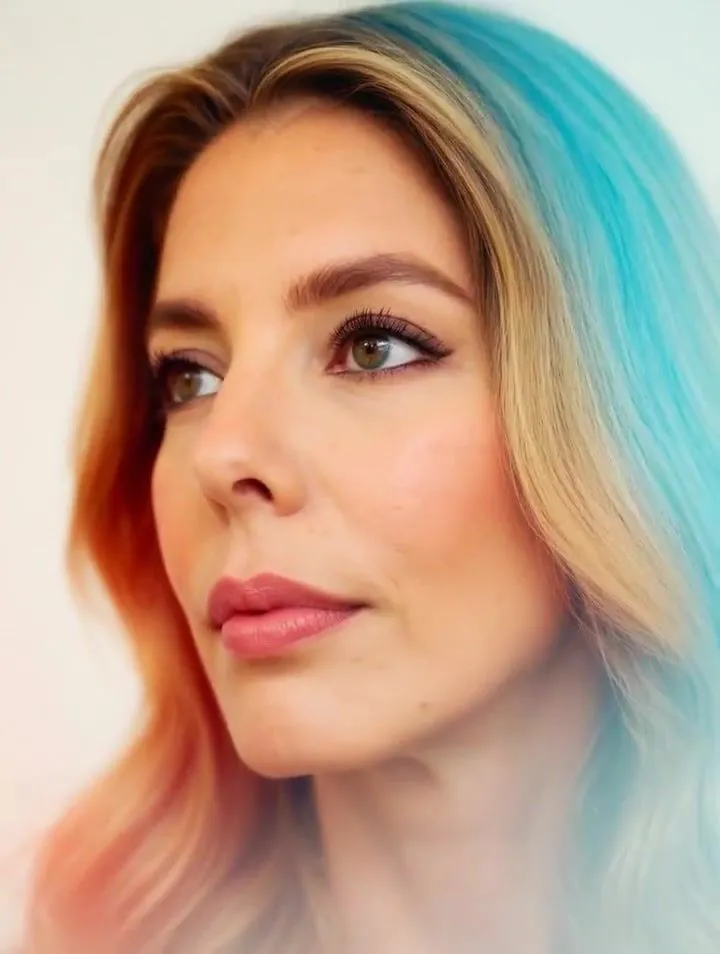
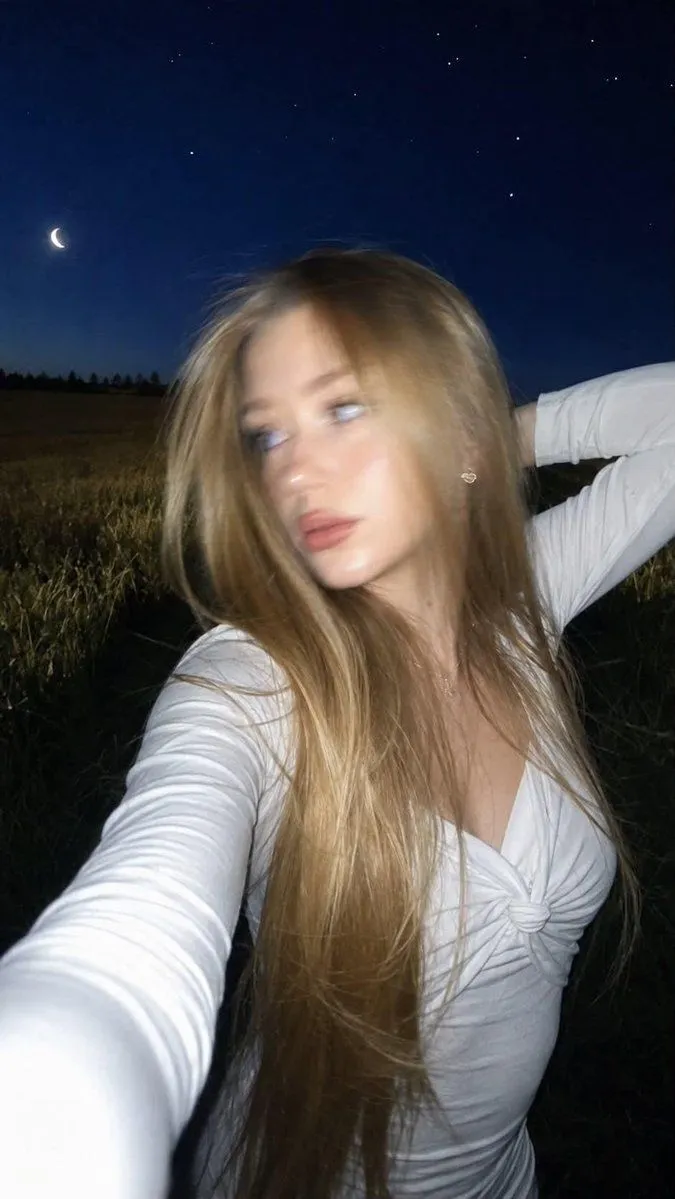
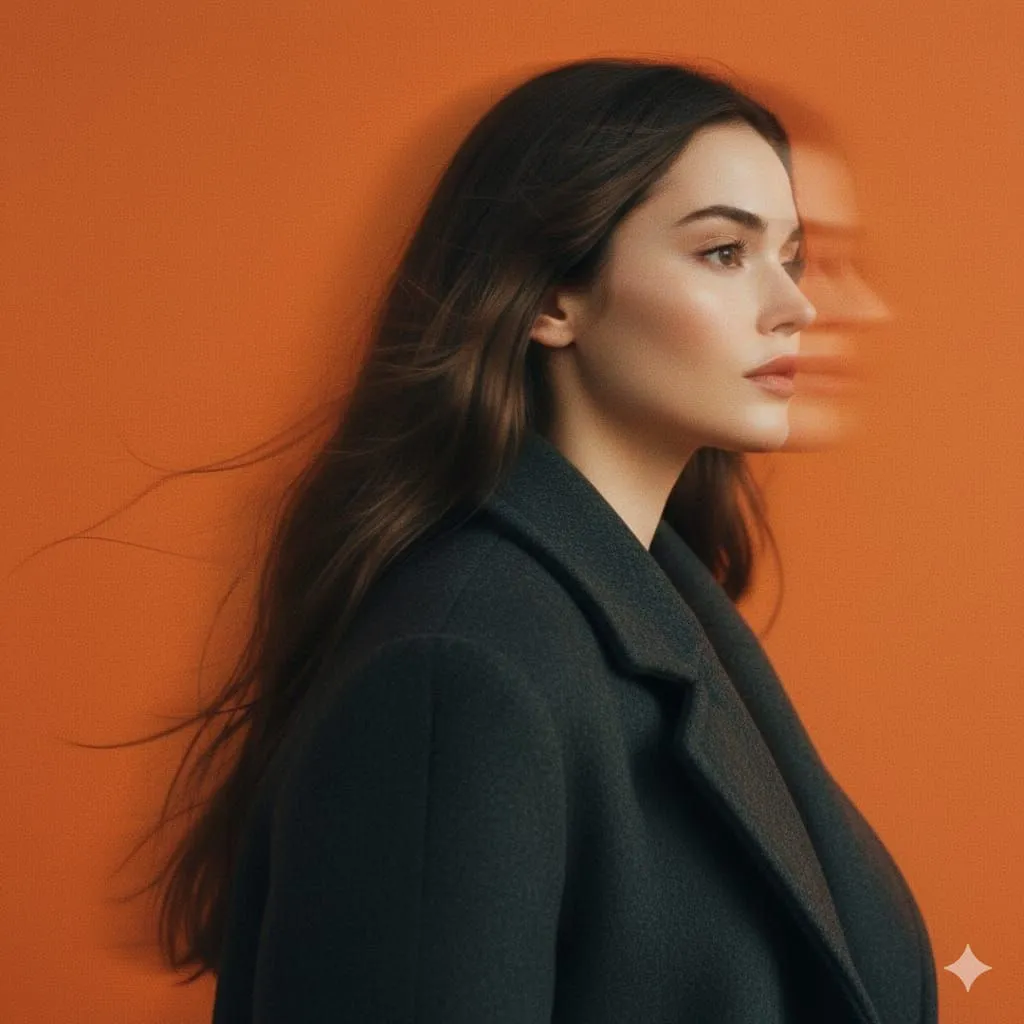
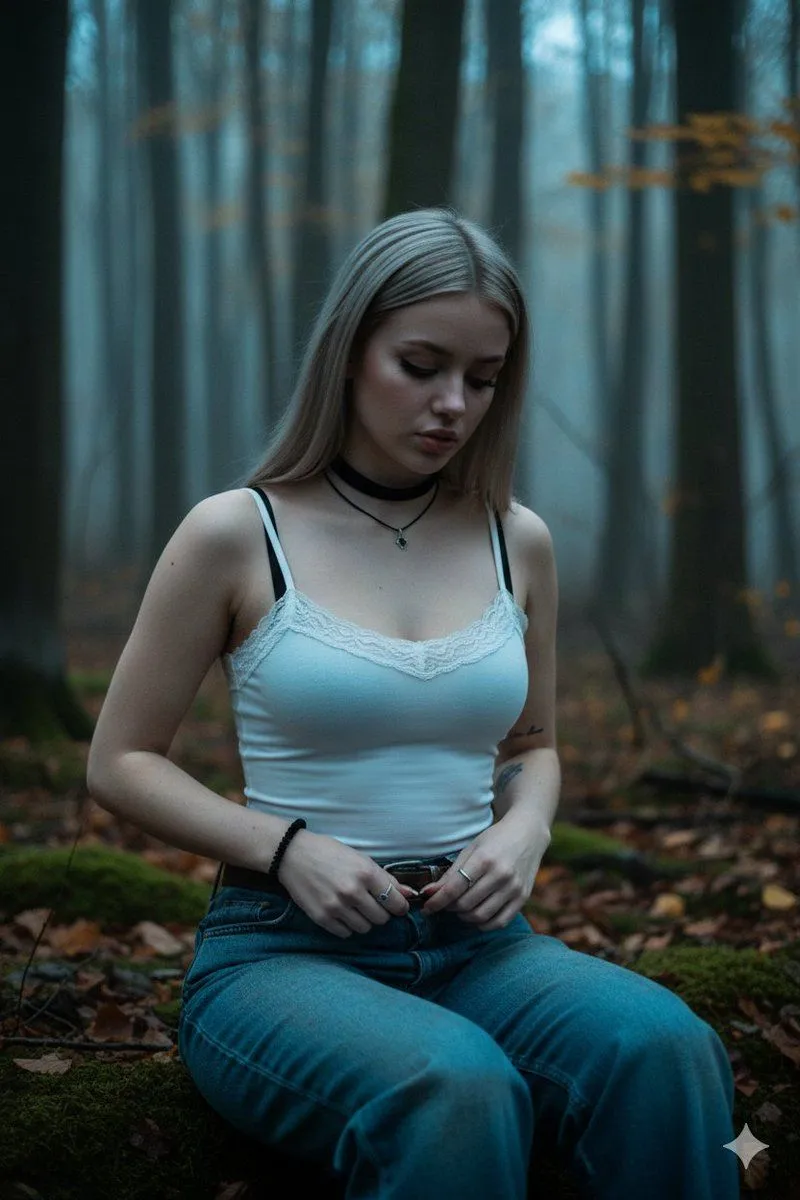
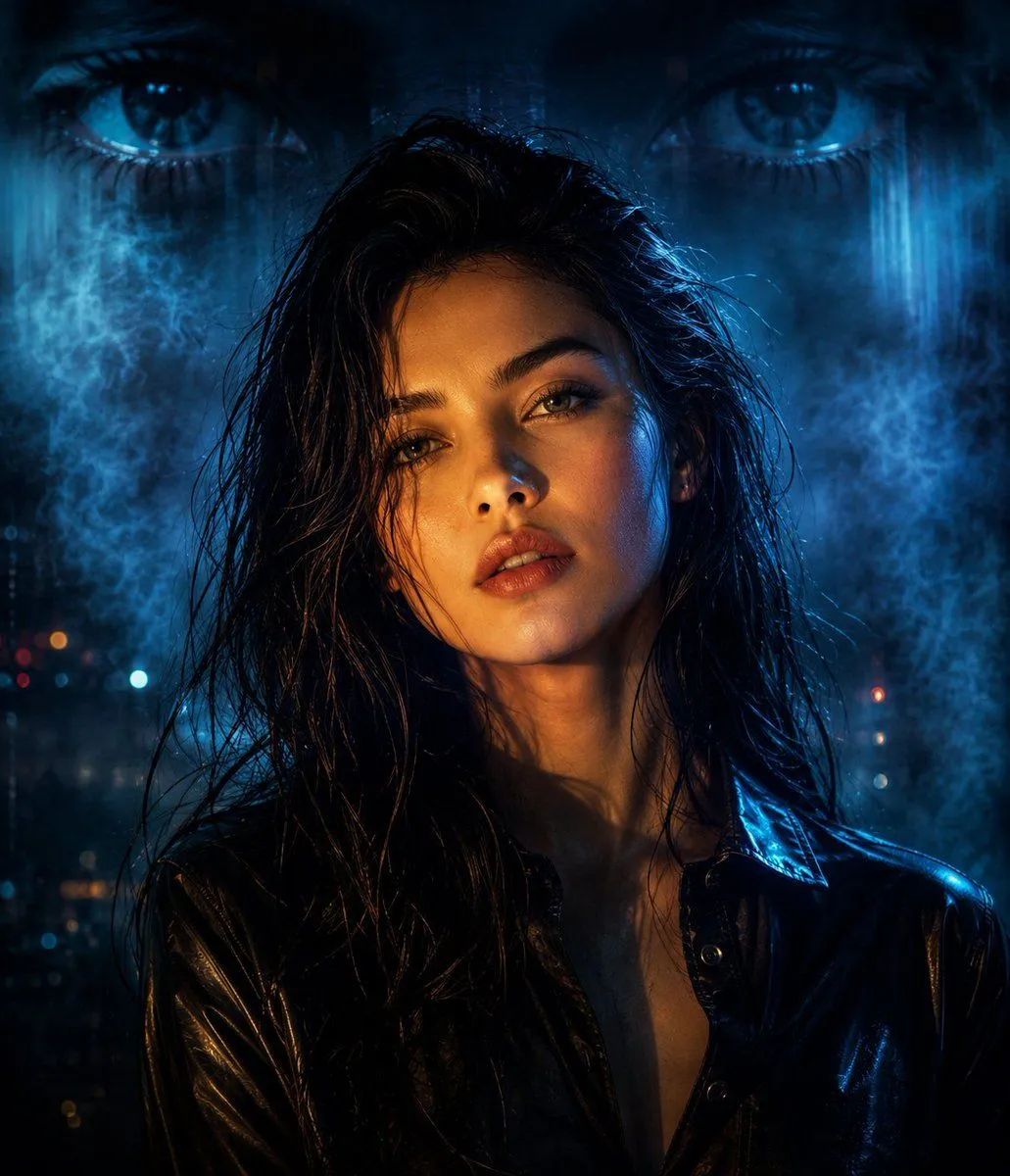
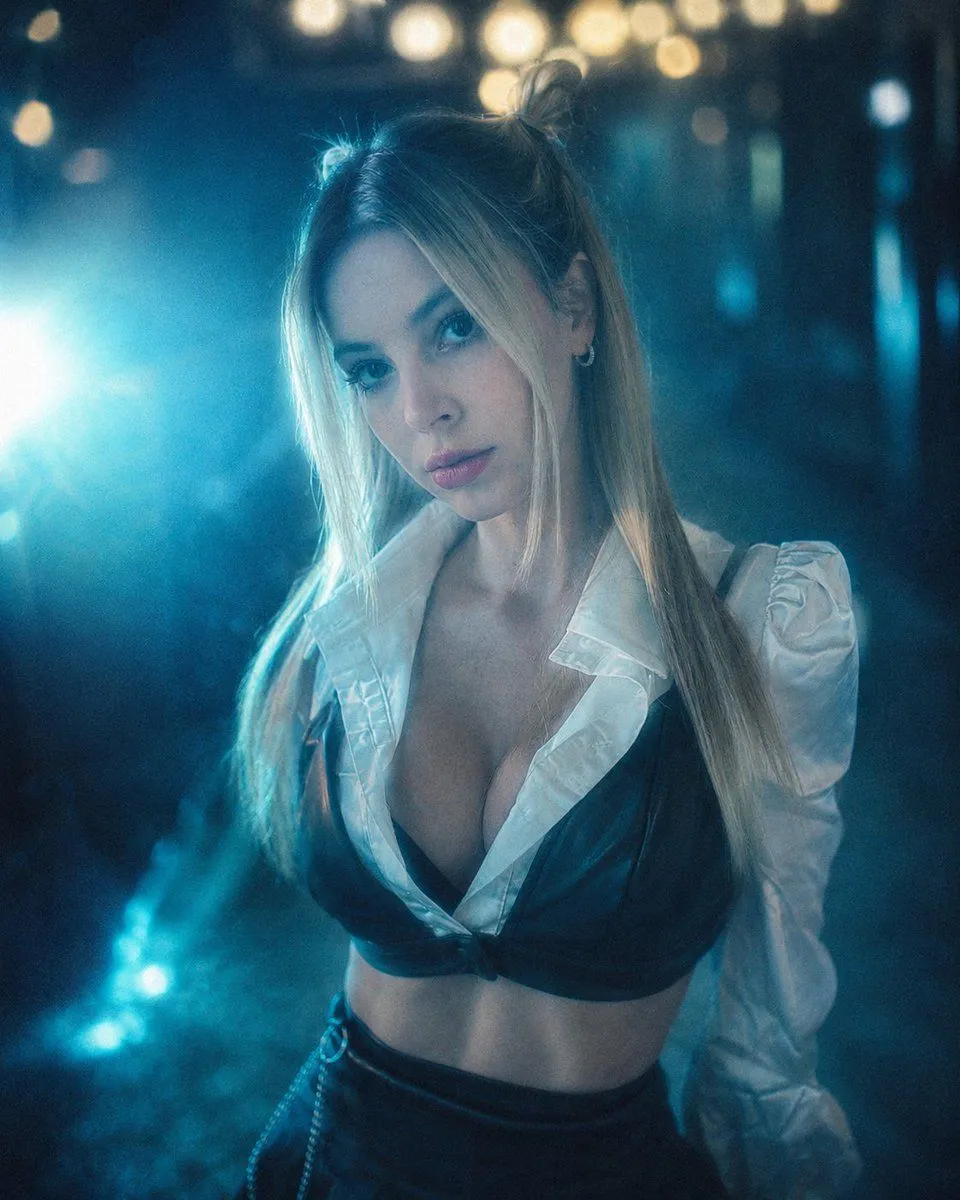
Cinematic Analog Portrait Transformation

Made with GPT Image 2 in ChatGPT by Library Lifestyle. Promptclay never generates images.

Did it work?

No reports yet. Tell others if it worked for you.

No comments yet. Be the first.

    Cinematic Analog Portrait Transformation

    GPT Image 24:5AI-generated

    Prompt

    3 blanks to fill

    Create a cinematic portrait from the attached image. The scene has a pronounced {color_filter} color filter, with a soft haze effect and a {light_flare_color} light flare on the left. A blurred night background features {bokeh_color} bokeh lights at the top. The style is analog photography, with subtle grain, a dreamy feel, soft lighting, and low saturation of warm tones.

    Works in
    ChatGPT, Gemini
    Status
    Free to copy
    0
    DetailsVersions, settings and questions

    Written for

    What's in the prompt

    Subject
    Model
    GPT Image 2

    If your face changes

    keep my face exactly the same

    Questions

    Does this work in the ChatGPT app?
    Yes. Paste the prompt and attach your photo if it uses one.
    It changed my face. What do I do?
    Add "keep my face exactly the same" to the end and run it again.
    Can I use the images I make?
    Check the terms of the app you use. Promptclay never generates images and claims nothing you make.
    Similar prompts

    See more
    • Melancholic Cinematic Portrait Prompt for Nano Banana Pro
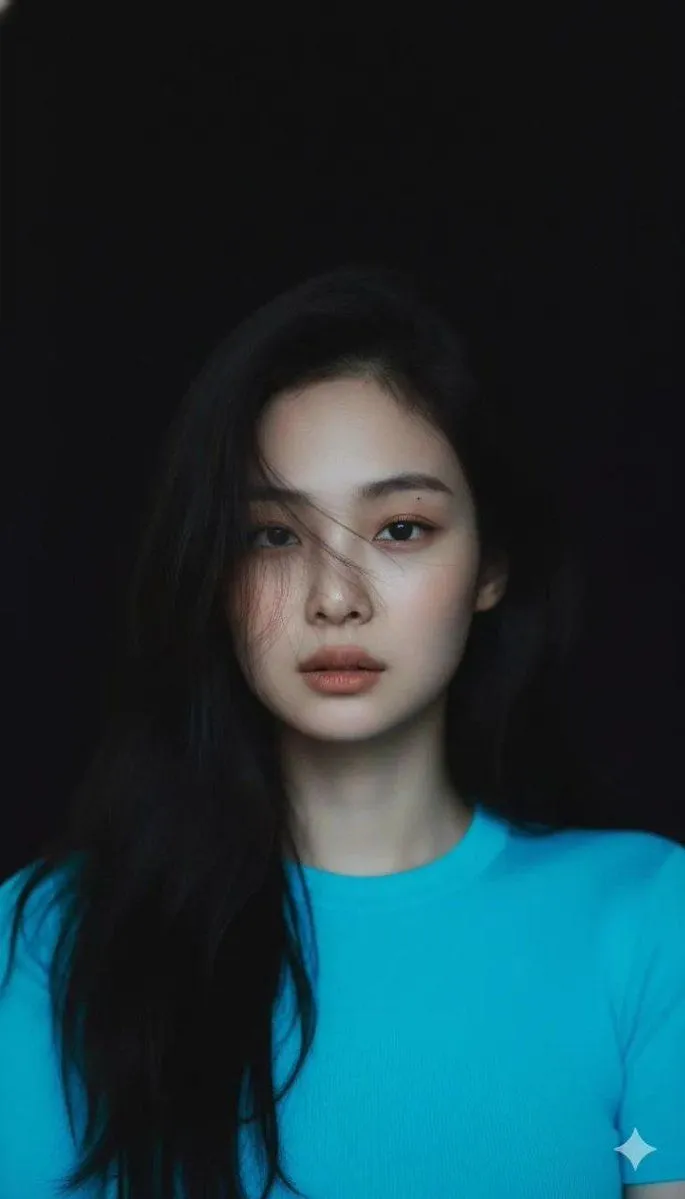
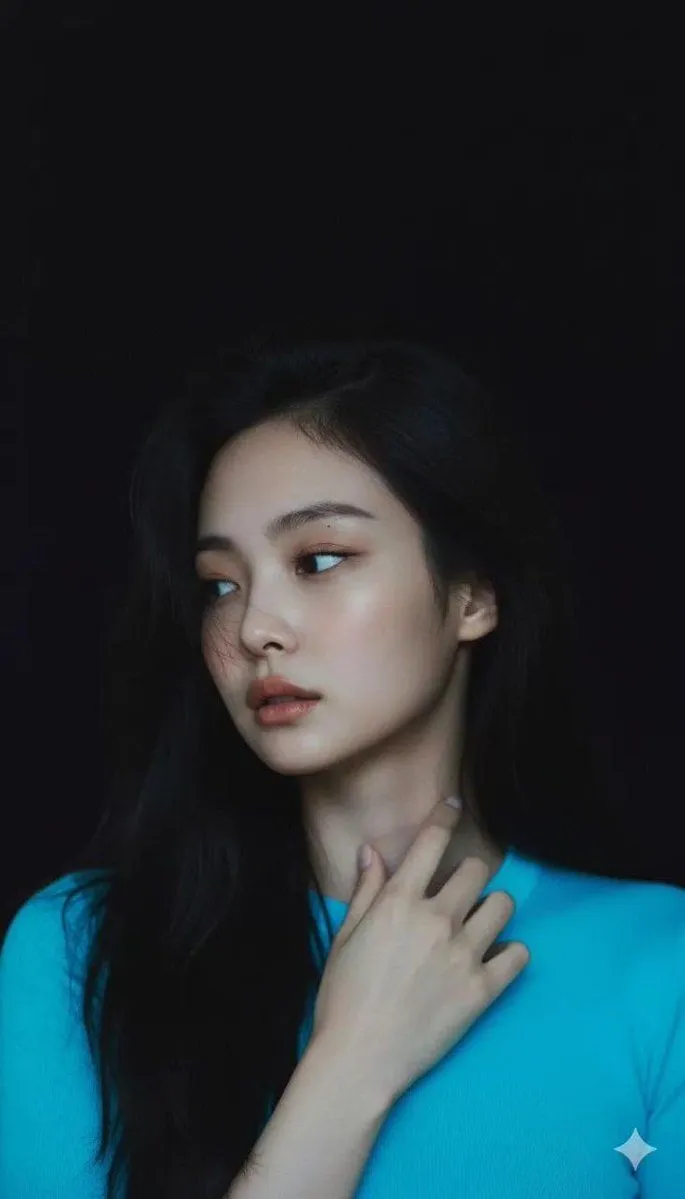
    • Moody Cinematic Portrait with Neon Blue Top Prompt
    • Cinematic Late-Night Portrait
    • Image-to-video transformation promptVideo, 0:10
    • Urban Night Glasses Portrait
    • Cinematic Double Exposure Fashion Portrait
    • Authentic iPhone Night Flash Selfie
    • Cinematic Panning Studio Portrait with Motion Blur
    • Goth/Emo Forest Portrait
    • Cyberpunk Split Lighting Portrait
    • Cinematic B&W Motion Portrait
    • Monochrome Urban Street Portrait
    • Black-and-White Fine Art Studio Portrait Prompt
    • Cinematic Monochrome Studio Portrait
    • Moody cinematic portrait from a photo
    • Kamen Rider Transformation SequenceVideo, 0:15
    • Sabrina Carpenter Pop Star Stage Glam Portrait
    • Anime Character to Neon Street Photo
    • Cinematic Dark Movie Poster
    • Convenience Store Fight Scene
    • Futuristic Fashion in Neon Seoul
    • Pop Idol Typography Cover Art
    • Skyscraper Climbing Action Shot
    • Victorian Railroad Ceremony Scene

    Show more

    Run it on your phone

    1. Prompt copiedRead it

      Create a cinematic portrait from the attached image. The scene has a pronounced {color_filter} color filter, with a soft haze effect and a {light_flare_color} light flare on the left. A blurred night background features {bokeh_color} bokeh lights at the top. The style is analog photography, with subtle grain, a dreamy feel, soft lighting, and low saturation of warm tones.

    2. Open your app

    3. Paste and run

      Press and hold the message box, then tap Paste. Add your photo first if the prompt uses one. You may need to sign in.

    Cinematic Analog Portrait Transformation