Tell us anything

An idea, a bug, something you love. We read every note.

⌘↵ to send. The page you're on comes along.

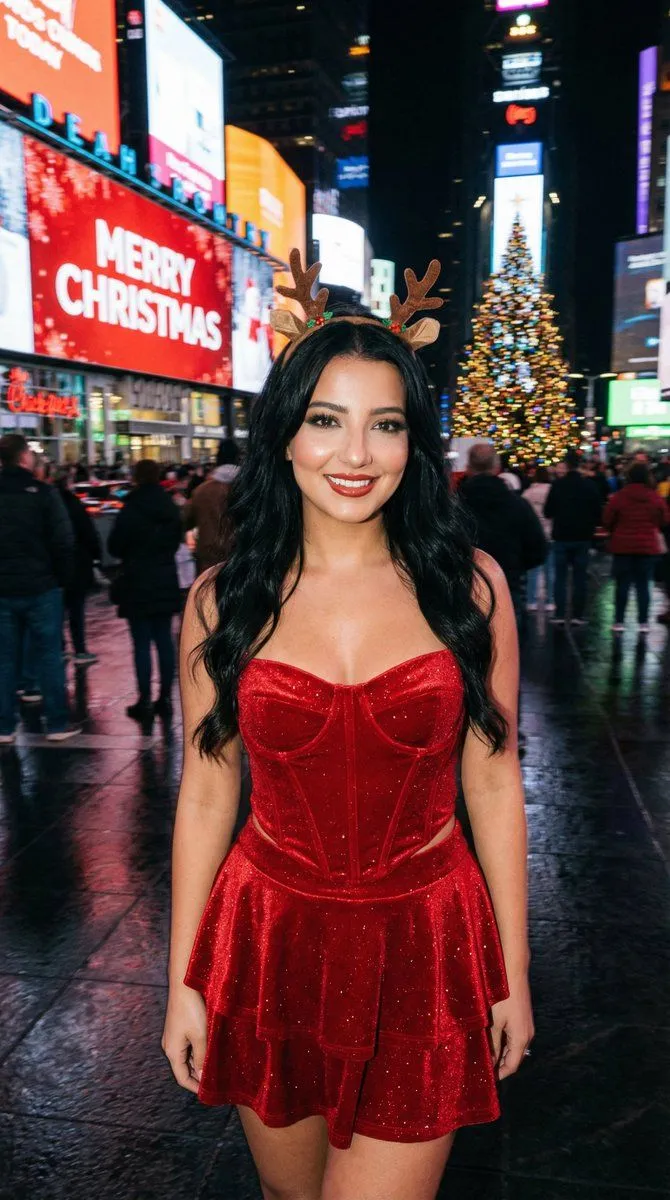
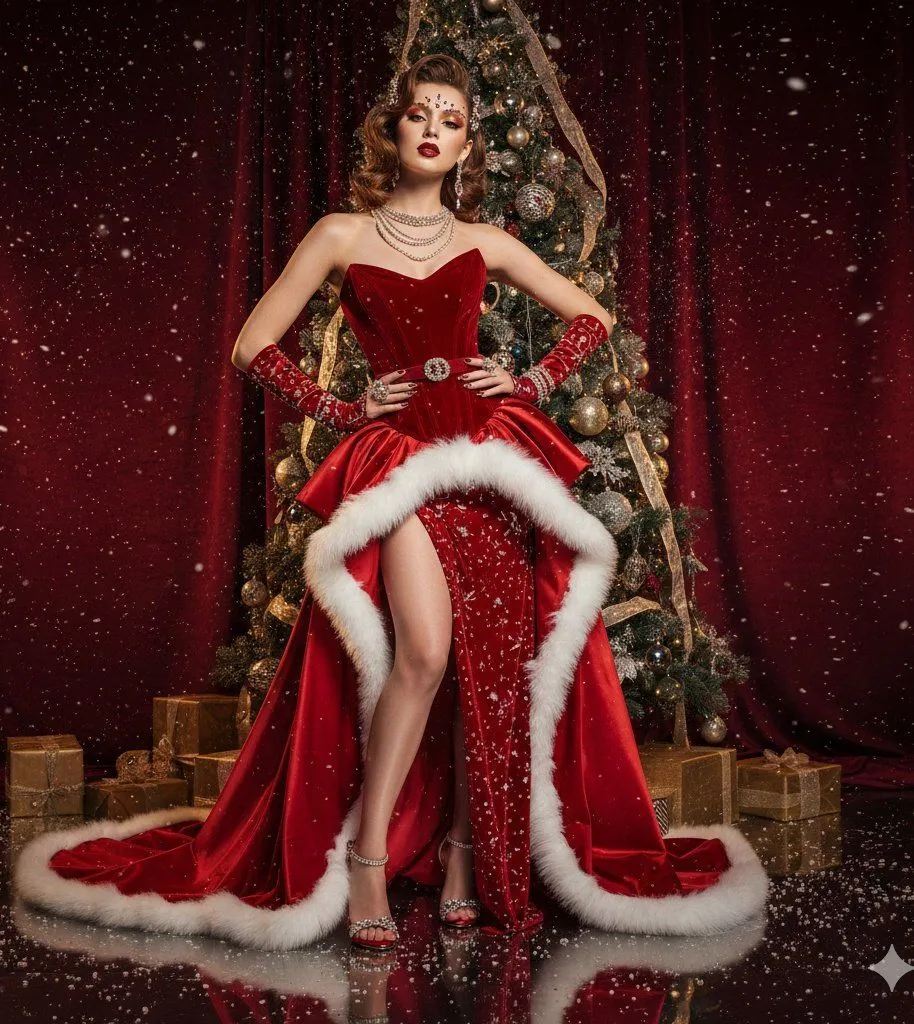
Christmas Flash Photo in Times Square with Motion Blur

Made with Nano Banana Pro in Gemini by Library Social. Promptclay never generates images.

Did it work?

No reports yet. Tell others if it worked for you.

No comments yet. Be the first.

    Christmas Flash Photo in Times Square with Motion Blur

    Nano Banana Pro9:16AI-generated

    Prompt

    { "aspect_ratio": "3:4", "style_and_setting": "A candid on-camera flash photograph taken at night in New York City's Times Square during the Christmas season. Real smartphone/compact-camera flash vibe, high realism, natural grain, authentic nightlife atmosphere.", "subject_appearance": "The central subject is a young woman with long wavy BLACK hair (glossy, healthy volume). She wears a sparkling red velvet corset top with a pointed hem, a matching tiered mini skirt, and a small stylish reindeer antler headband.", "pose_and_expression": "She holds a natural, fun pose with a warm, closed-mouth smile, looking directly into the camera. Confident, attractive, model-like presence while staying photoreal (no uncanny beauty filter).", "makeup": { "style": "SOFT SMOKY GLAM (NOT heavy)", "eyes": "soft charcoal-brown smoky eyeshadow with a gentle gradient, lightly blended (not blown out too far), subtle shimmer optional", "liner": "thin-to-medium black eyeliner with a small refined wing, tightlined upper lash line", "lashes": "defined lashes with mascara (optional light wispy falsies, not dramatic)", "brows": "natural-clean shaping, softly defined", "skin": "flash-friendly glow with real texture (no plastic smoothing), subtle highlight on cheekbones", "lips": "warm red lips (satin to soft gloss), clean edges but not overdrawn" }, "background_elements": "The background features giant LED screens and holiday signage. One prominent screen displays bright 'MERRY CHRISTMAS' text against a red background. Other surrounding screens display Christmas themes heavily weighted with red, blue, and green colors. A large, brilliantly illuminated Christmas tree with ornaments is visible in the scene.", "lighting_and_atmosphere": "The overall atmosphere is darker with heavy cinematic motion blur in the background, turning LED screens, traffic, and crowds into streaking lines of color. The on-camera flash freezes the subject perfectly: face and outfit tack-sharp, clean flash catchlights in the eyes, soft flash highlights on skin. Wet pavement reflects the blurred streaks of light. Colors remains harmonious and believable.", "camera_notes": { "capture_style": "handheld candid flash photo", "focus": "subject perfectly sharp; background strongly motion-blurred", "grain": "natural low-light grain", "no_ai_look": "avoid overly clean studio look" }, "strict_rules": [ "Photoreal flash realism", "Hair must be BLACK and wavy", "Makeup must be SOFT smoky glam (NOT heavy)", "Subject sharp; background heavy motion blur", "No watermark, no extra text overlay beyond the existing Times Square screen content" ], "negative_prompt": [ "watermark", "logo", "extra overlay text on the image", "cartoon", "anime", "cgi look", "plastic skin", "over-smoothed face", "beautify filter", "identity drift", "blond"

    Works in
    Gemini, ChatGPT
    Status
    Free to copy
    0
    DetailsVersions, settings and questions

    Written for

    What's in the prompt

    Subject
    Model
    Nano Banana Pro

    If your face changes

    keep my face exactly the same

    Questions

    Does this work in the Gemini app?
    Yes. Gemini runs Nano Banana, so paste the prompt and attach your photo if it uses one.
    It changed my face. What do I do?
    Add "keep my face exactly the same" to the end and run it again.
    Can I use the images I make?
    Check the terms of the app you use. Promptclay never generates images and claims nothing you make.
    Similar prompts

    See more
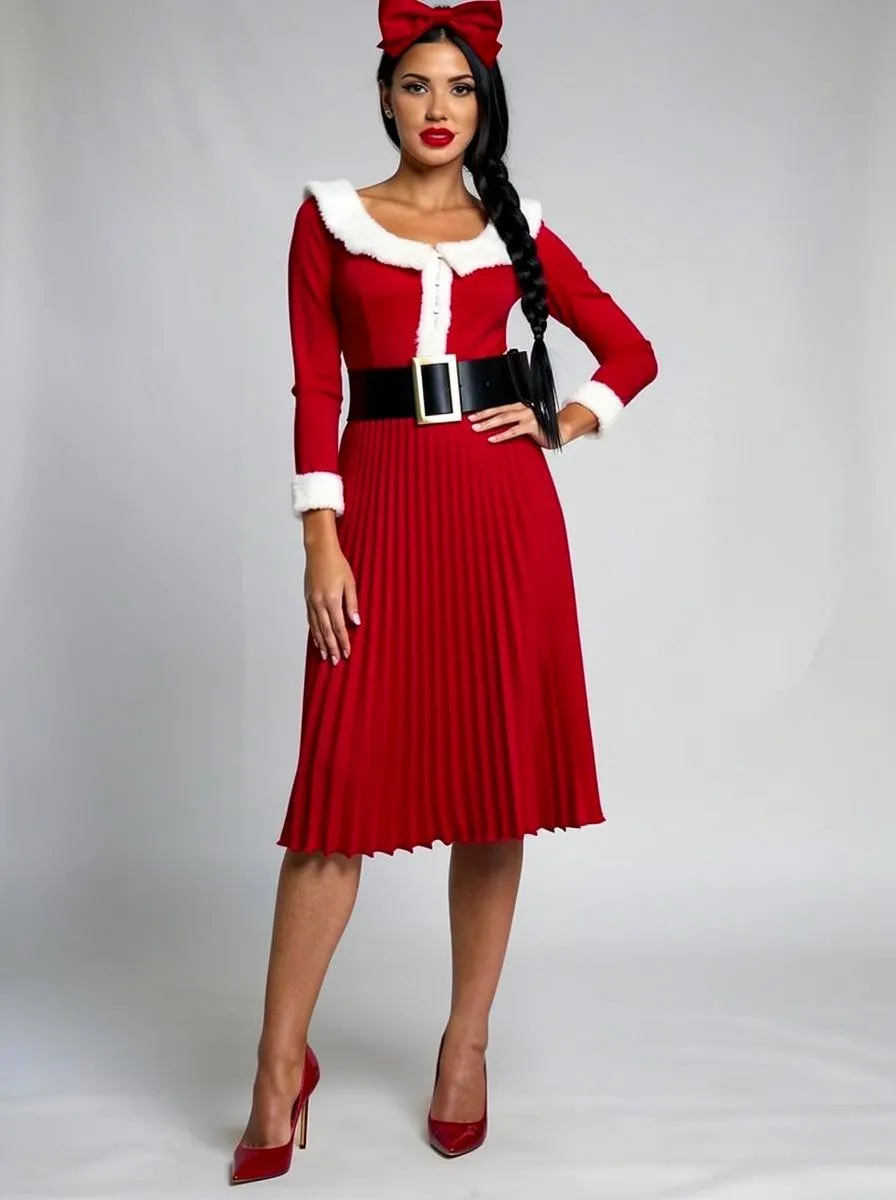
    • Times Square Christmas Flash Portrait Prompt
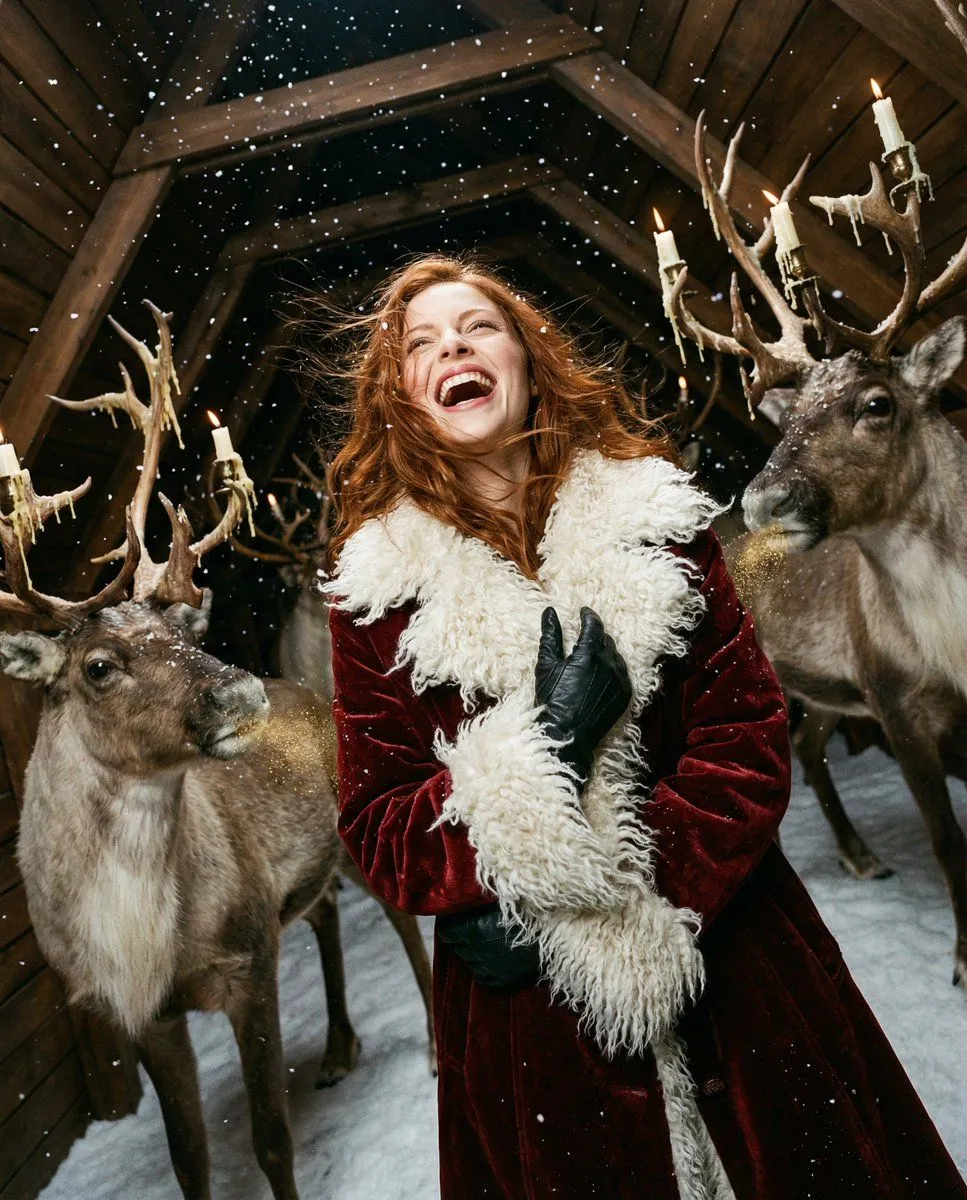
    • High-Fashion Christmas Editorial Prompt
    • Outfit Style Edit: Santa-Inspired Dress
    • Christmas Vertigo: Surreal Avant-Garde Mrs. Claus
    • Rainy Alley Glamour Portrait
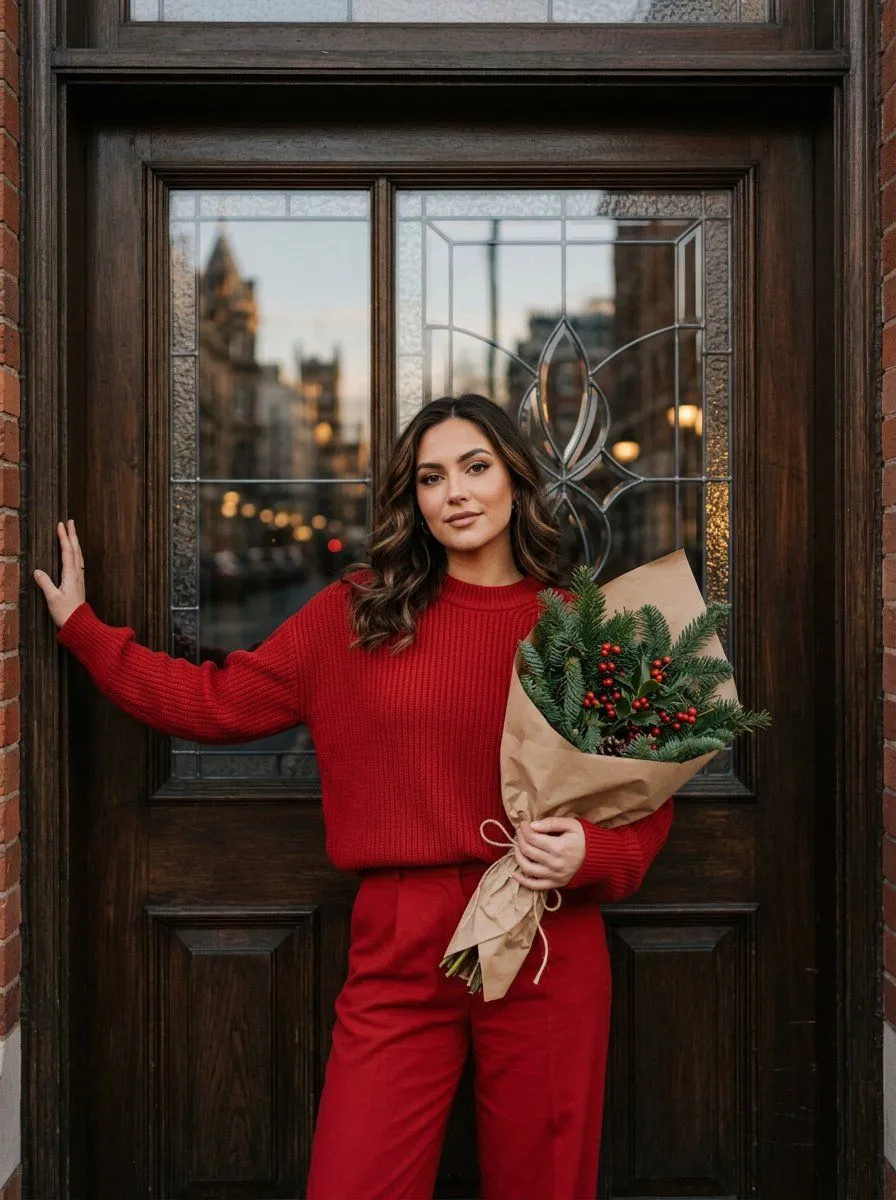
    • Woman in Festive Red Sweater Portrait
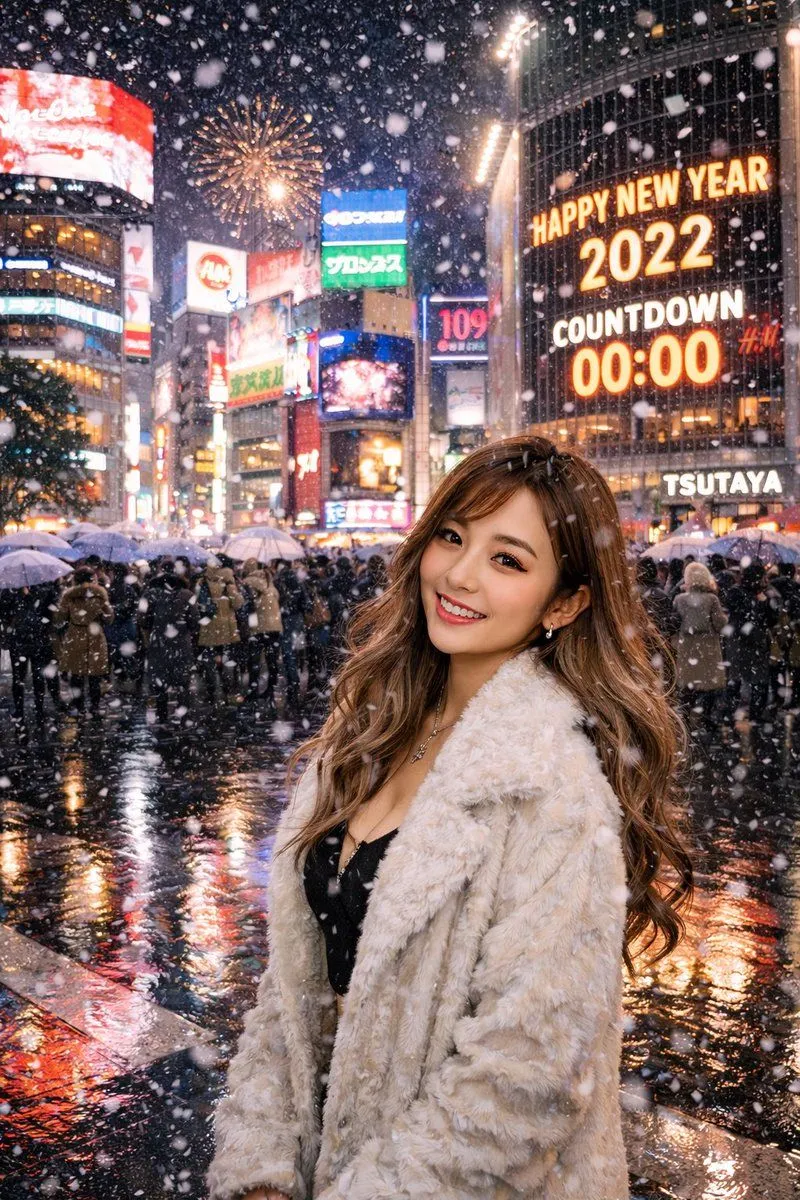
    • Beautiful Japanese woman at Shibuya crossing on New Year's Eve
    • Structured nightlife fashion photography prompt
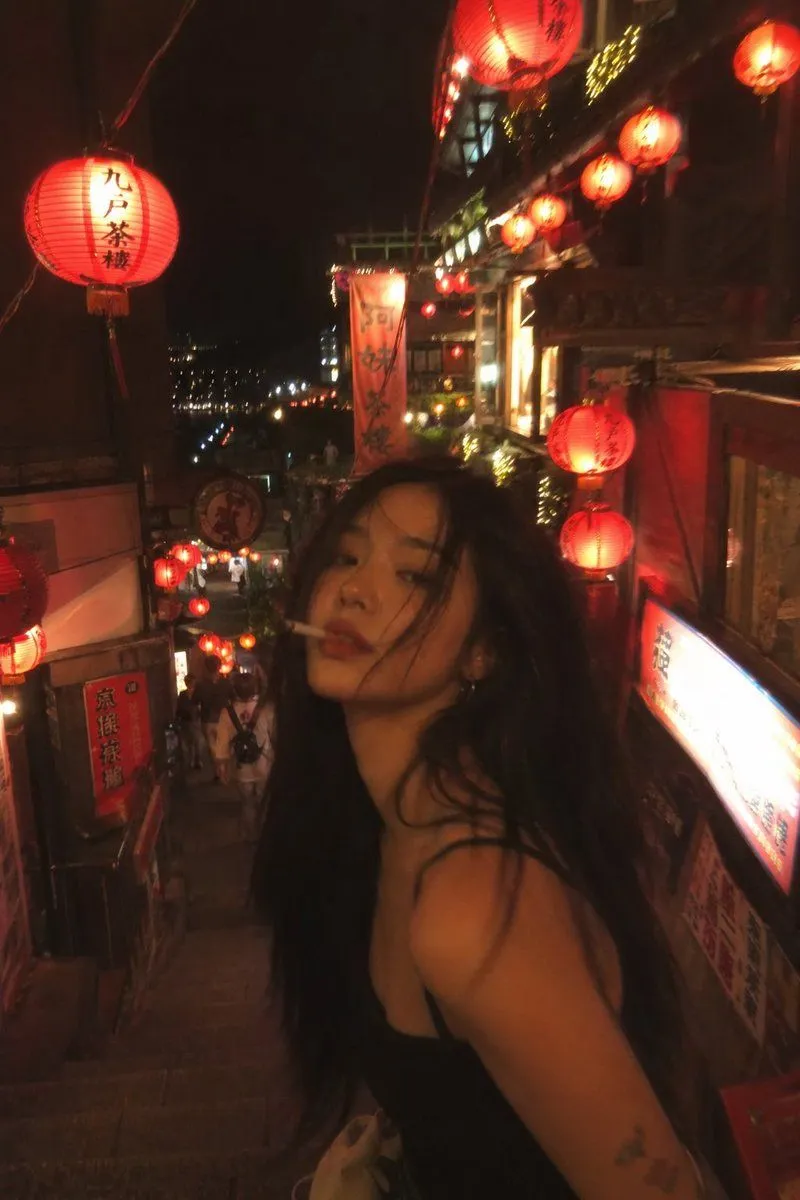
    • Asian Fashion Model in Taipei Night Scene
    • Urban Selfie Superhero Fashion
    • Glamorous Santa Holiday Studio Portrait
    • Vintage Old Lens Aesthetic
    • Santa Claus Fireworks over City Skyline
    • Raw High-Contrast Night Photo with Hard Flash
    • Cyber-Urban Subway Fashion Shot
    • Early 2000s Rom-Com Movie Poster
    • Imagination Coming to Life
    • Man with Zootopia Characters in Alpine Cable Car
    • Multi-Angle Scene Generation Prompt (Oshi no Ko Style)
    • RPG Status Screen Overlay
    • Hand-Carved Wooden Miniature Figure
    • Hyperrealistic Tattooed Elf Couple
    • Nano Banana Pro Thumbnail Generation Example
    • Stylized Wicker Caricature Figurine

    Show more

    Run it on your phone

    1. Prompt copiedRead it

      { "aspect_ratio": "3:4", "style_and_setting": "A candid on-camera flash photograph taken at night in New York City's Times Square during the Christmas season. Real smartphone/compact-camera flash vibe, high realism, natural grain, authentic nightlife atmosphere.", "subject_appearance": "The central subject is a young woman with long wavy BLACK hair (glossy, healthy volume). She wears a sparkling red velvet corset top with a pointed hem, a matching tiered mini skirt, and a small stylish reindeer antler headband.", "pose_and_expression": "She holds a natural, fun pose with a warm, closed-mouth smile, looking directly into the camera. Confident, attractive, model-like presence while staying photoreal (no uncanny beauty filter).", "makeup": { "style": "SOFT SMOKY GLAM (NOT heavy)", "eyes": "soft charcoal-brown smoky eyeshadow with a gentle gradient, lightly blended (not blown out too far), subtle shimmer optional", "liner": "thin-to-medium black eyeliner with a small refined wing, tightlined upper lash line", "lashes": "defined lashes with mascara (optional light wispy falsies, not dramatic)", "brows": "natural-clean shaping, softly defined", "skin": "flash-friendly glow with real texture (no plastic smoothing), subtle highlight on cheekbones", "lips": "warm red lips (satin to soft gloss), clean edges but not overdrawn" }, "background_elements": "The background features giant LED screens and holiday signage. One prominent screen displays bright 'MERRY CHRISTMAS' text against a red background. Other surrounding screens display Christmas themes heavily weighted with red, blue, and green colors. A large, brilliantly illuminated Christmas tree with ornaments is visible in the scene.", "lighting_and_atmosphere": "The overall atmosphere is darker with heavy cinematic motion blur in the background, turning LED screens, traffic, and crowds into streaking lines of color. The on-camera flash freezes the subject perfectly: face and outfit tack-sharp, clean flash catchlights in the eyes, soft flash highlights on skin. Wet pavement reflects the blurred streaks of light. Colors remains harmonious and believable.", "camera_notes": { "capture_style": "handheld candid flash photo", "focus": "subject perfectly sharp; background strongly motion-blurred", "grain": "natural low-light grain", "no_ai_look": "avoid overly clean studio look" }, "strict_rules": [ "Photoreal flash realism", "Hair must be BLACK and wavy", "Makeup must be SOFT smoky glam (NOT heavy)", "Subject sharp; background heavy motion blur", "No watermark, no extra text overlay beyond the existing Times Square screen content" ], "negative_prompt": [ "watermark", "logo", "extra overlay text on the image", "cartoon", "anime", "cgi look", "plastic skin", "over-smoothed face", "beautify filter", "identity drift", "blond"

    2. Open your app

    3. Paste and run

      Press and hold the message box, then tap Paste. Add your photo first if the prompt uses one. You may need to sign in.

    Christmas Flash Photo in Times Square with Motion Blur