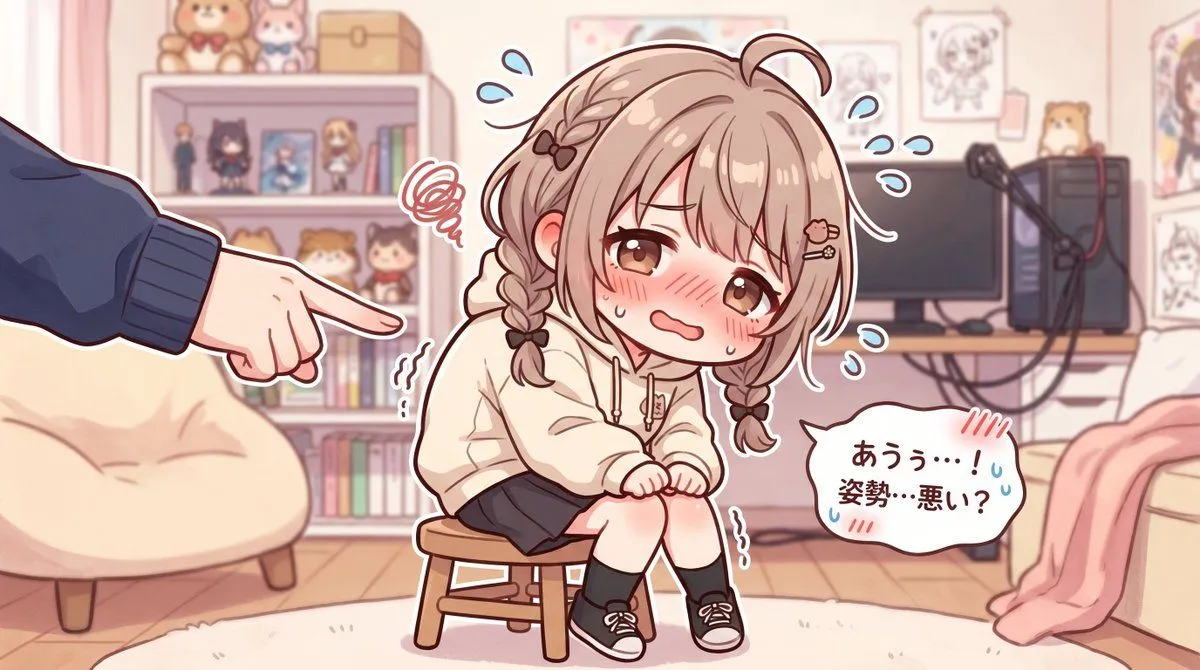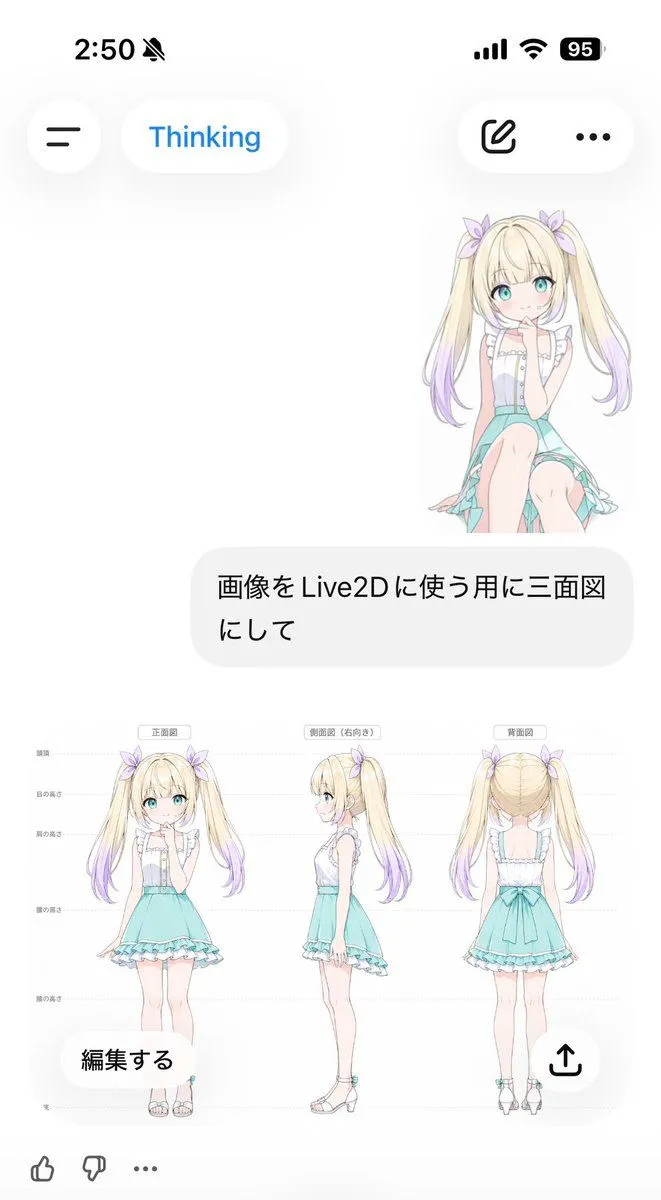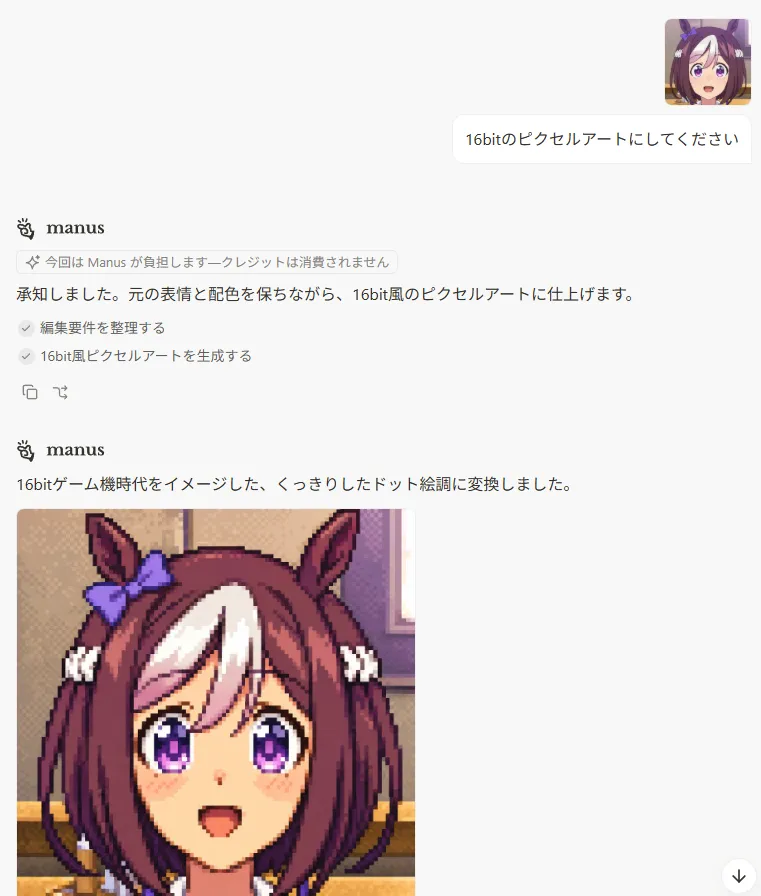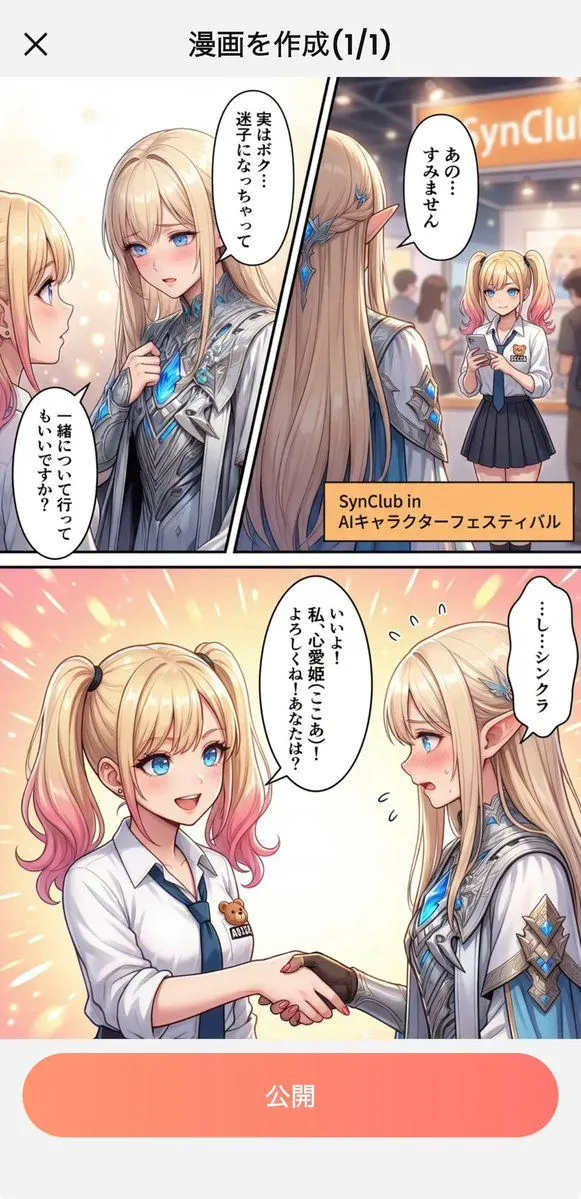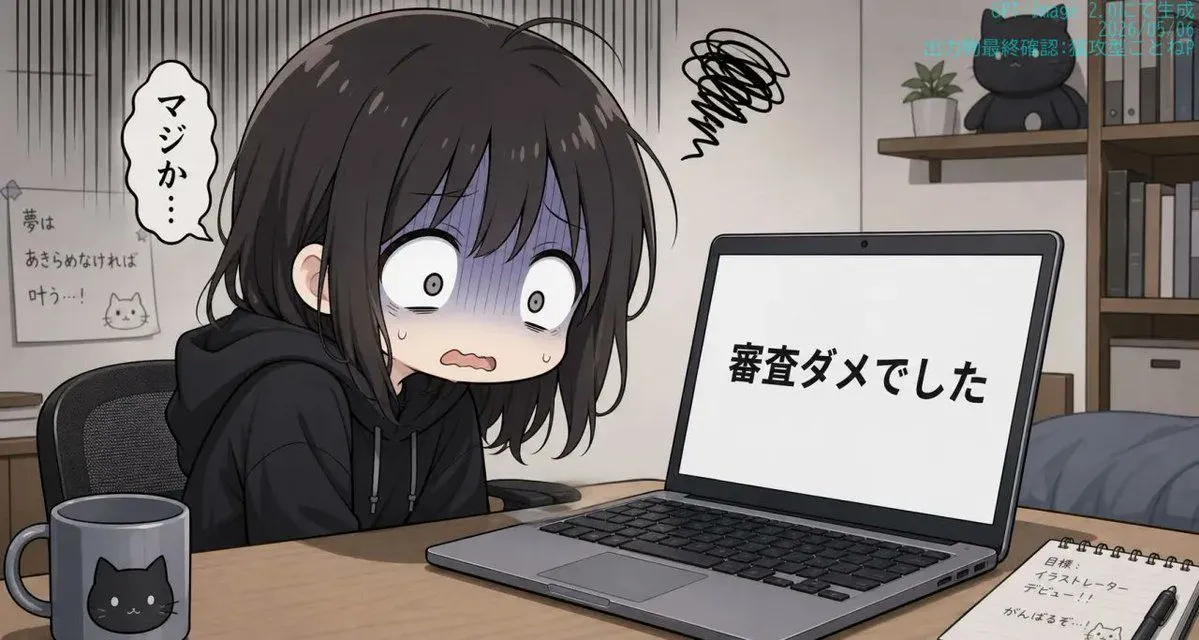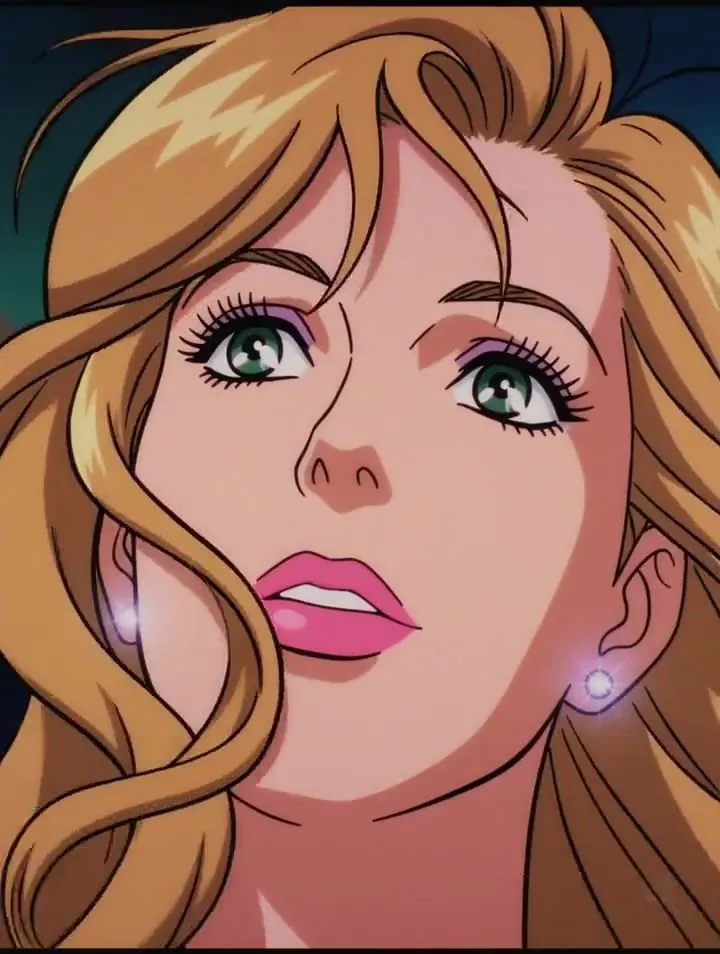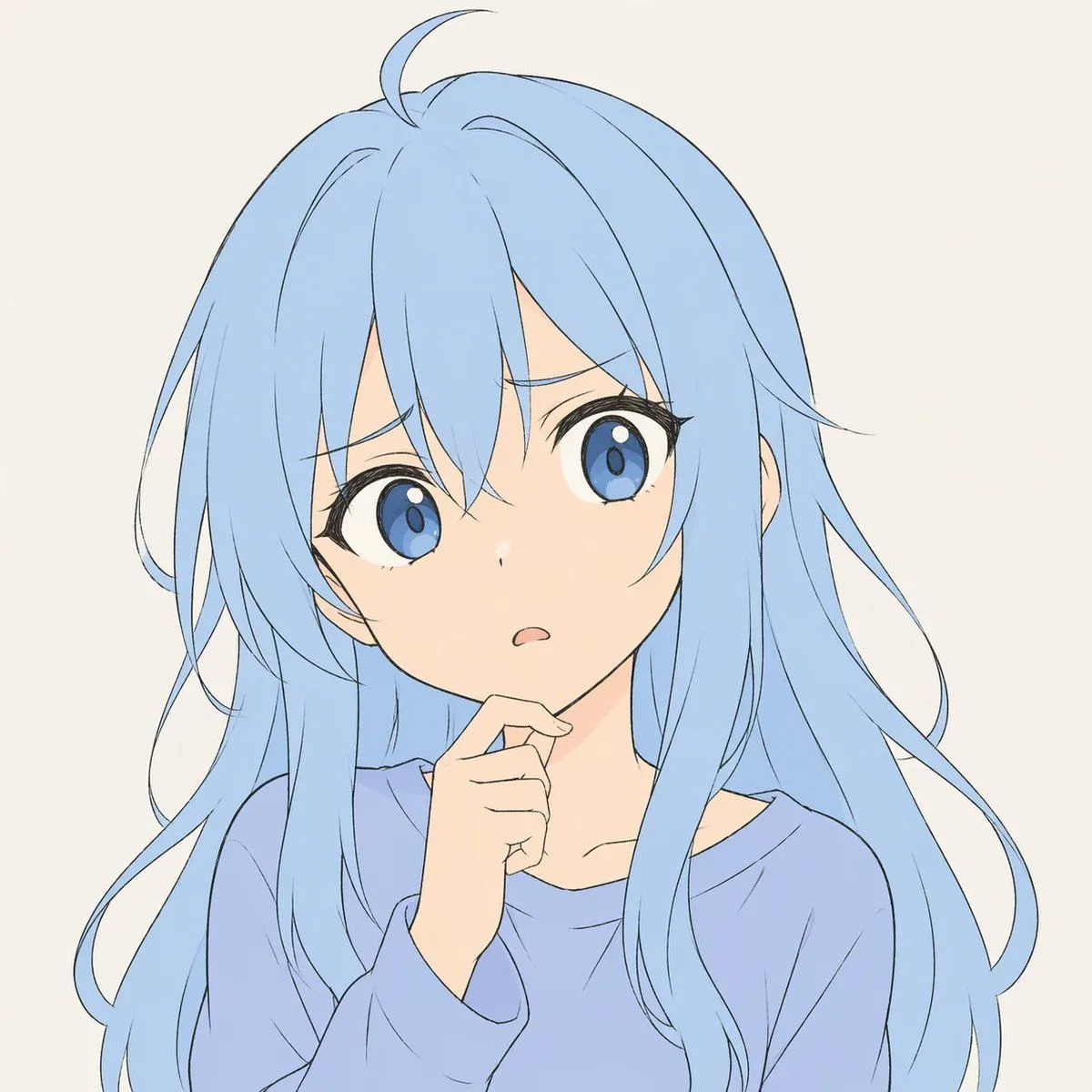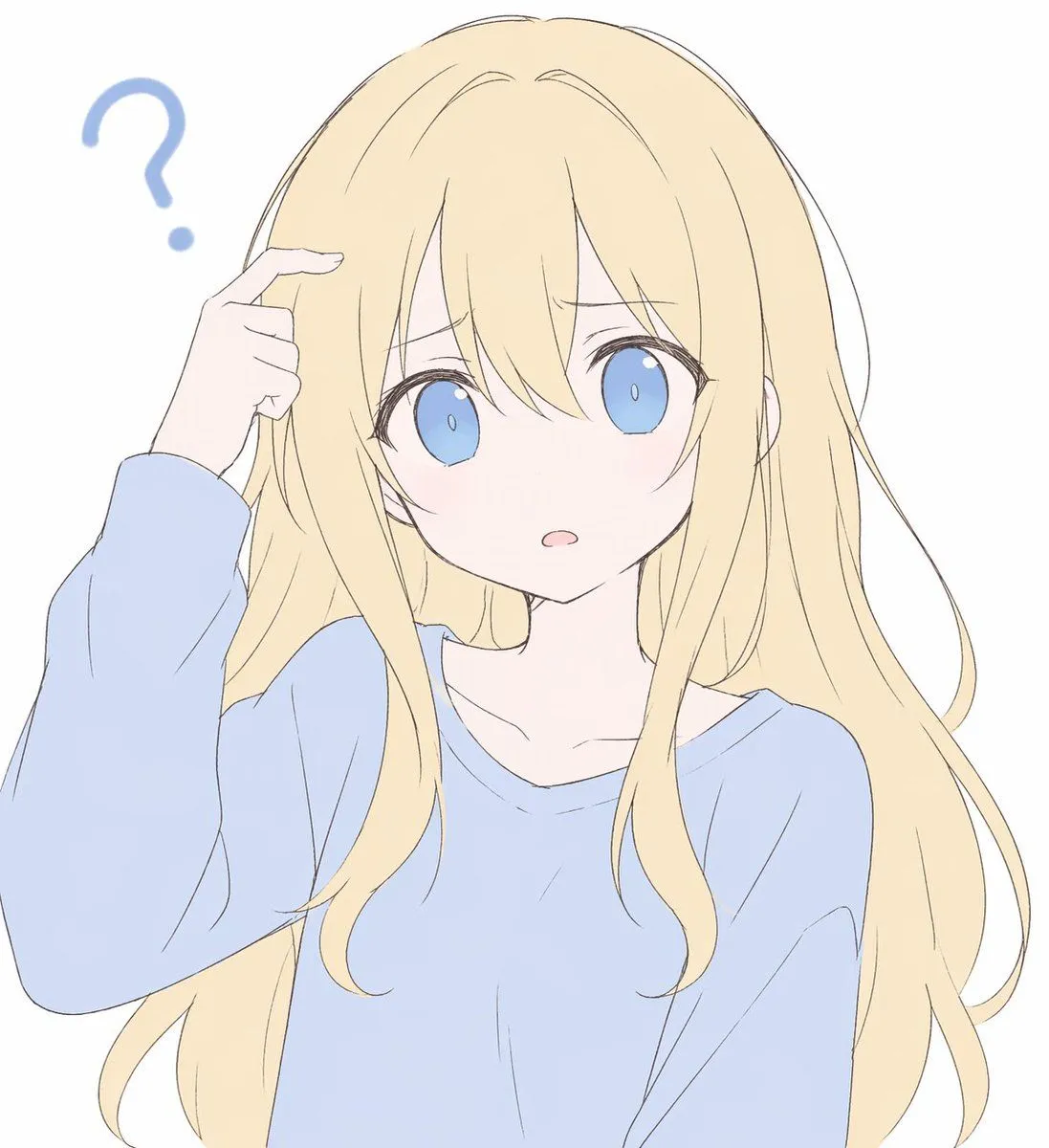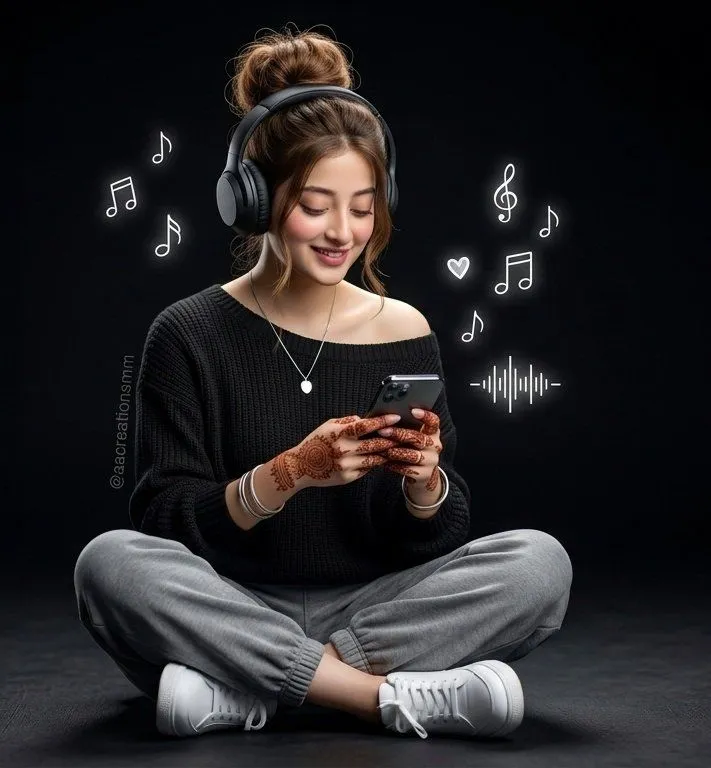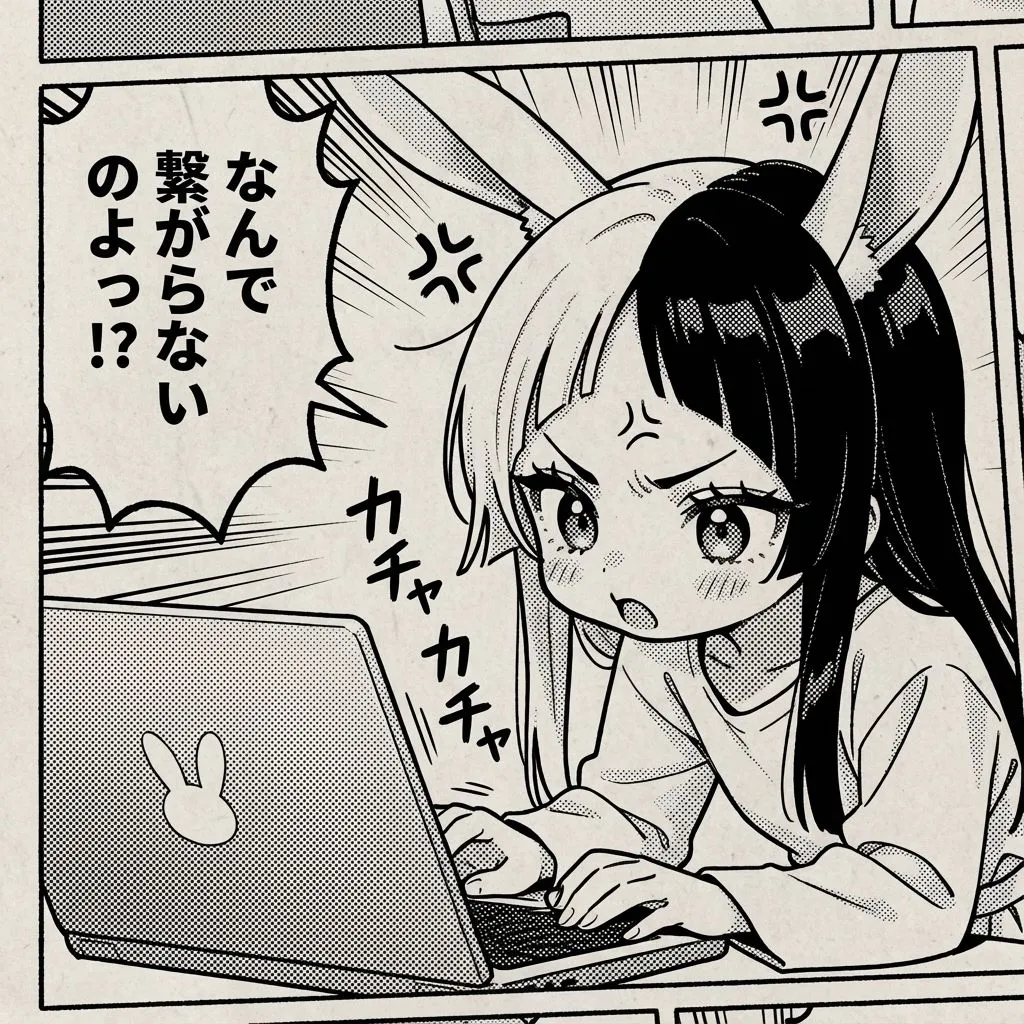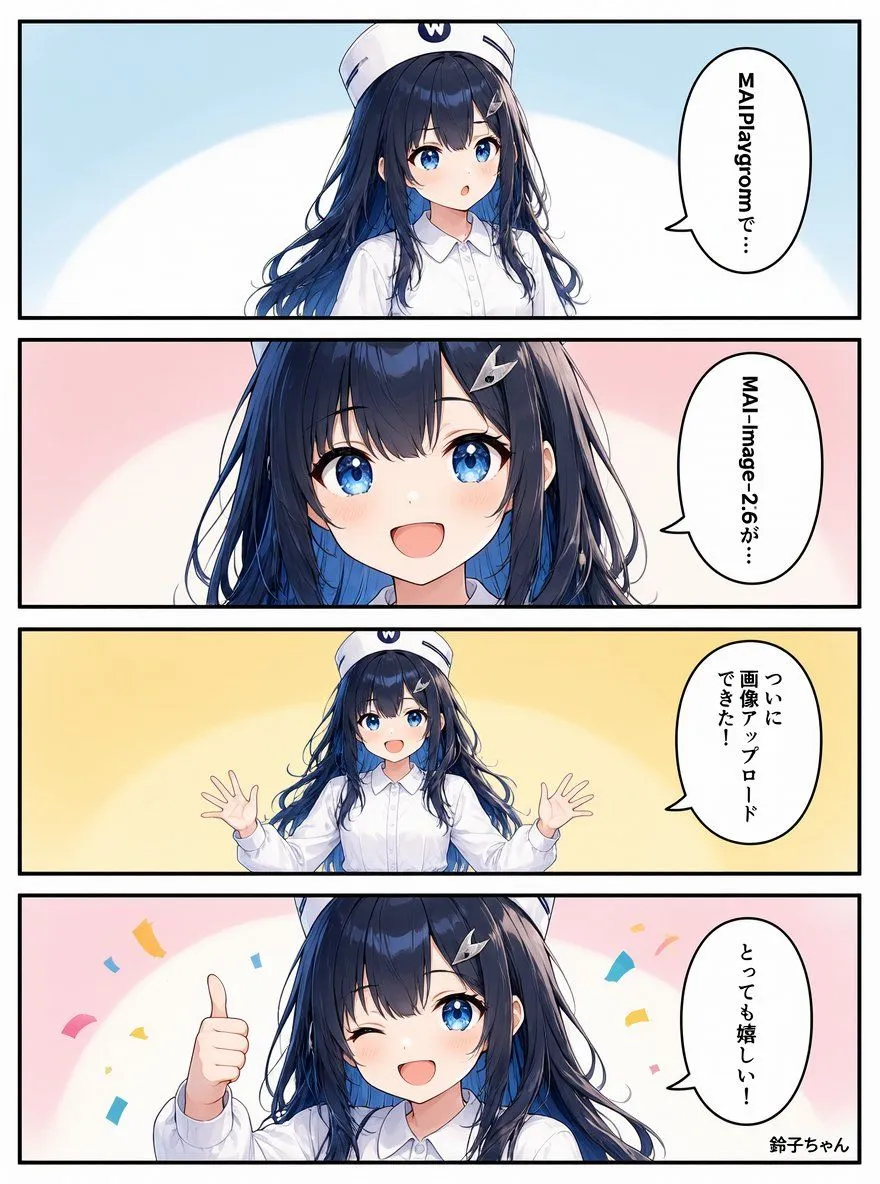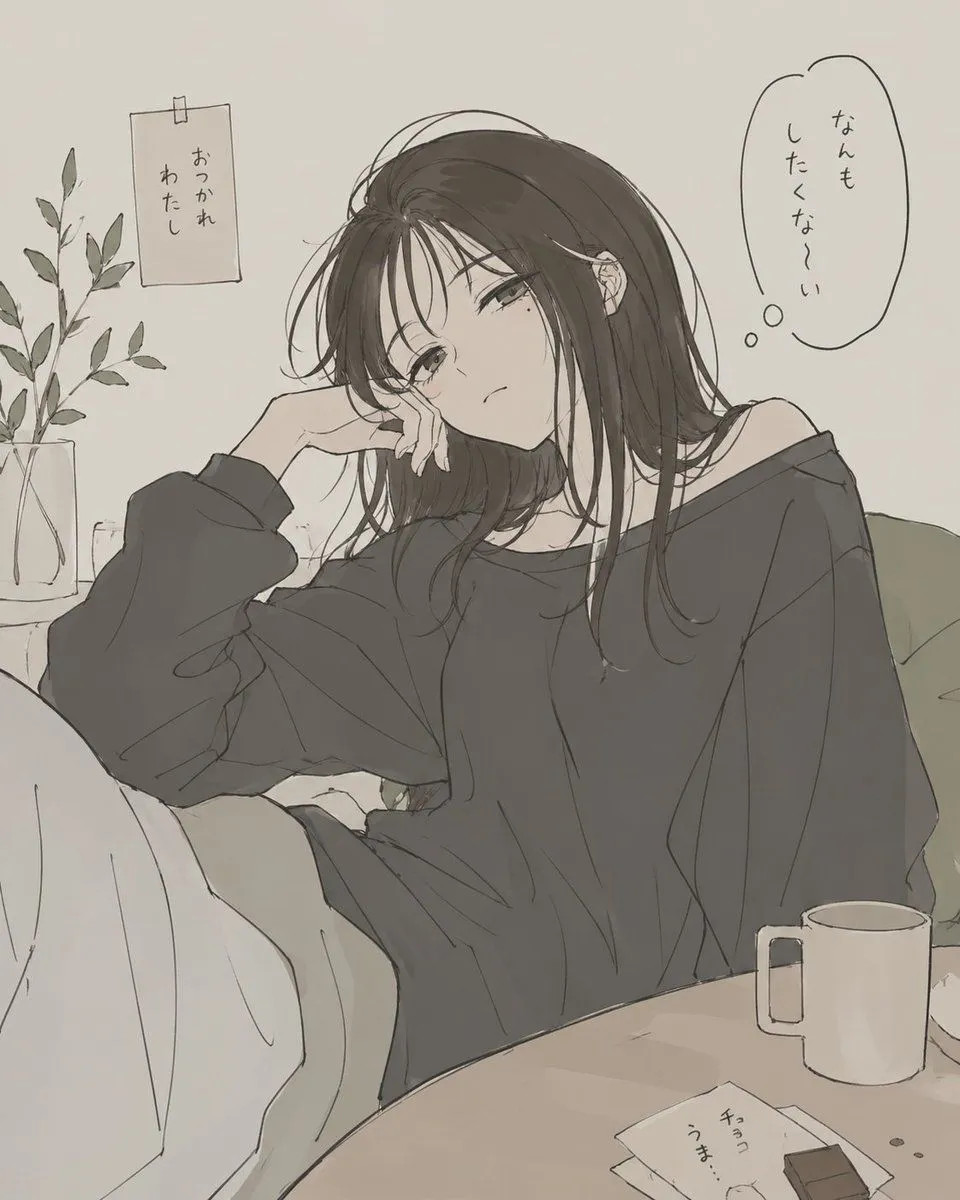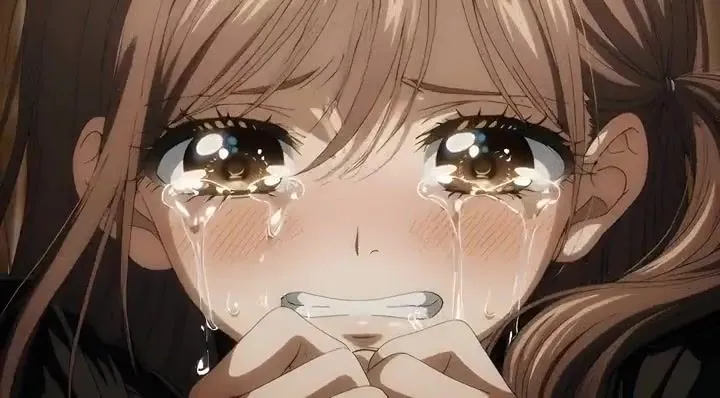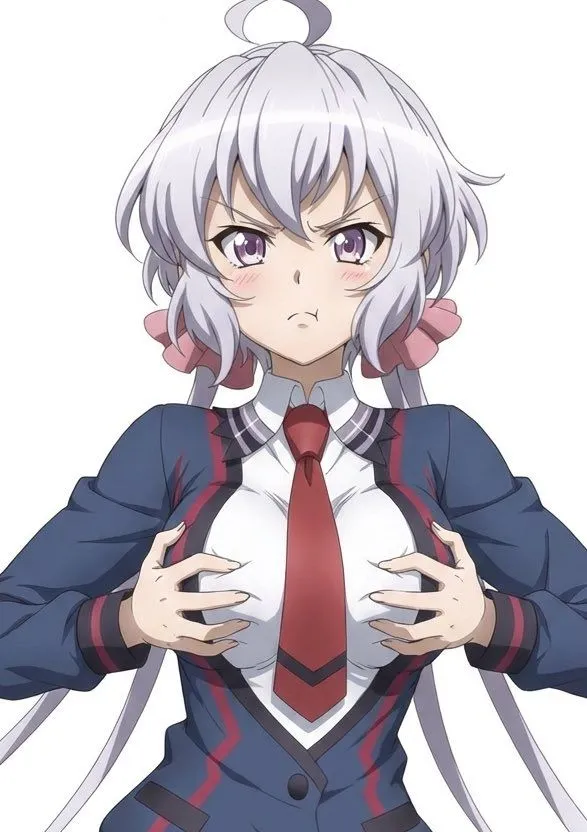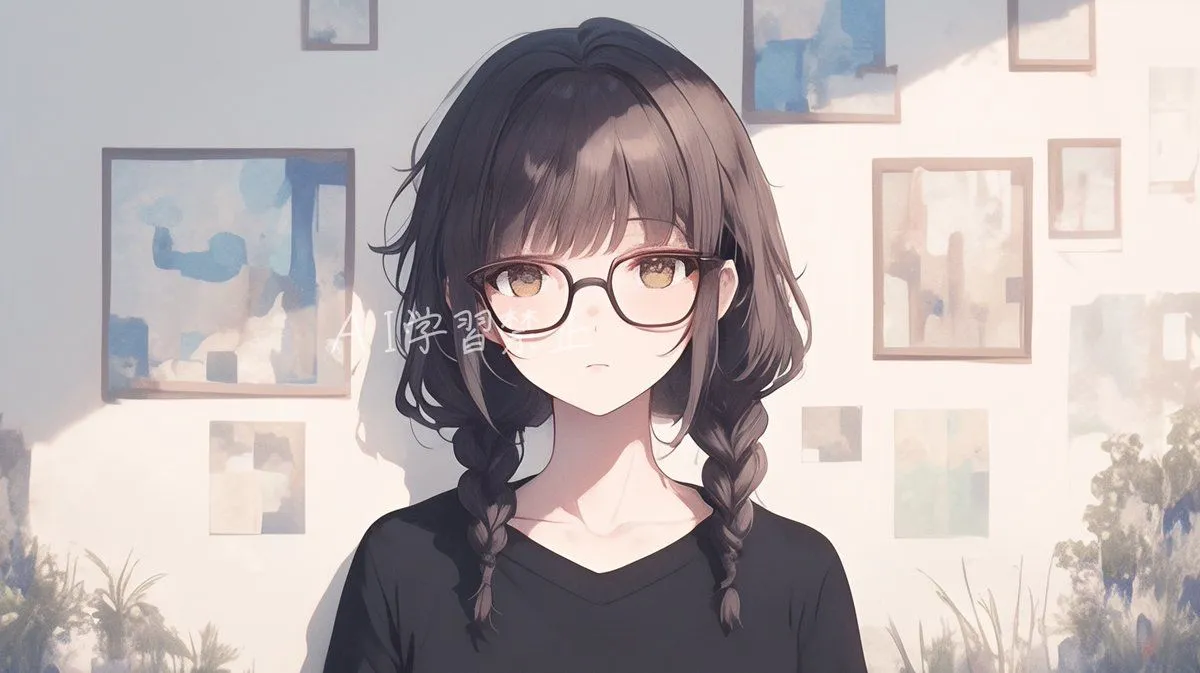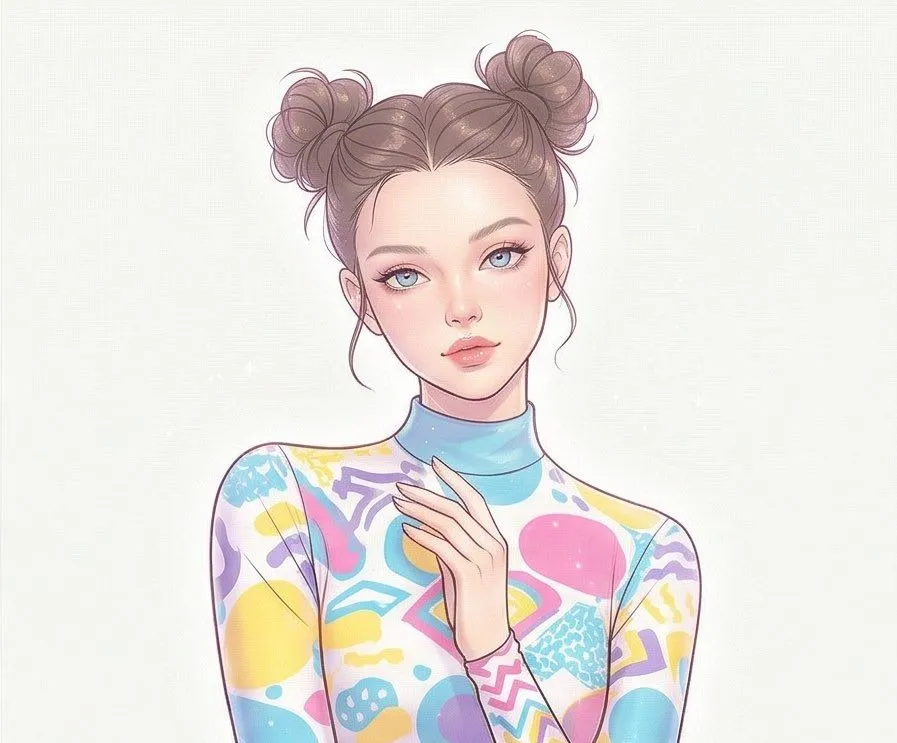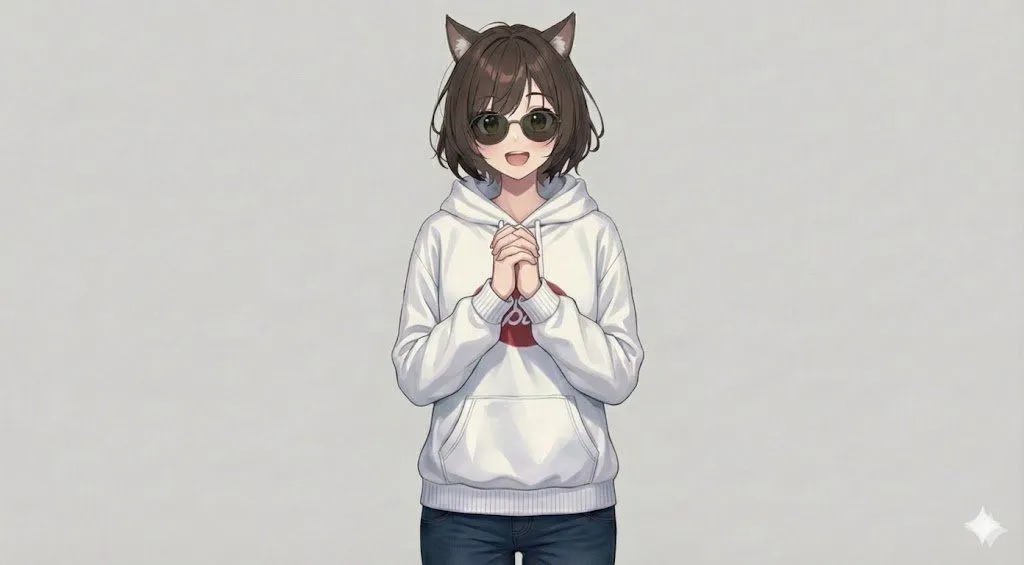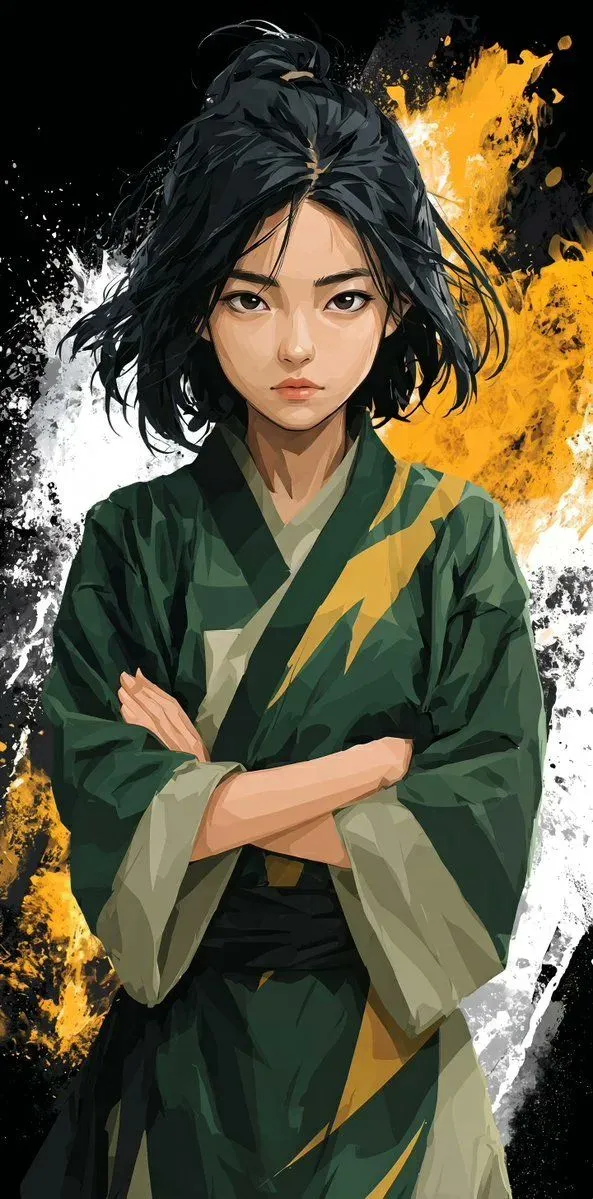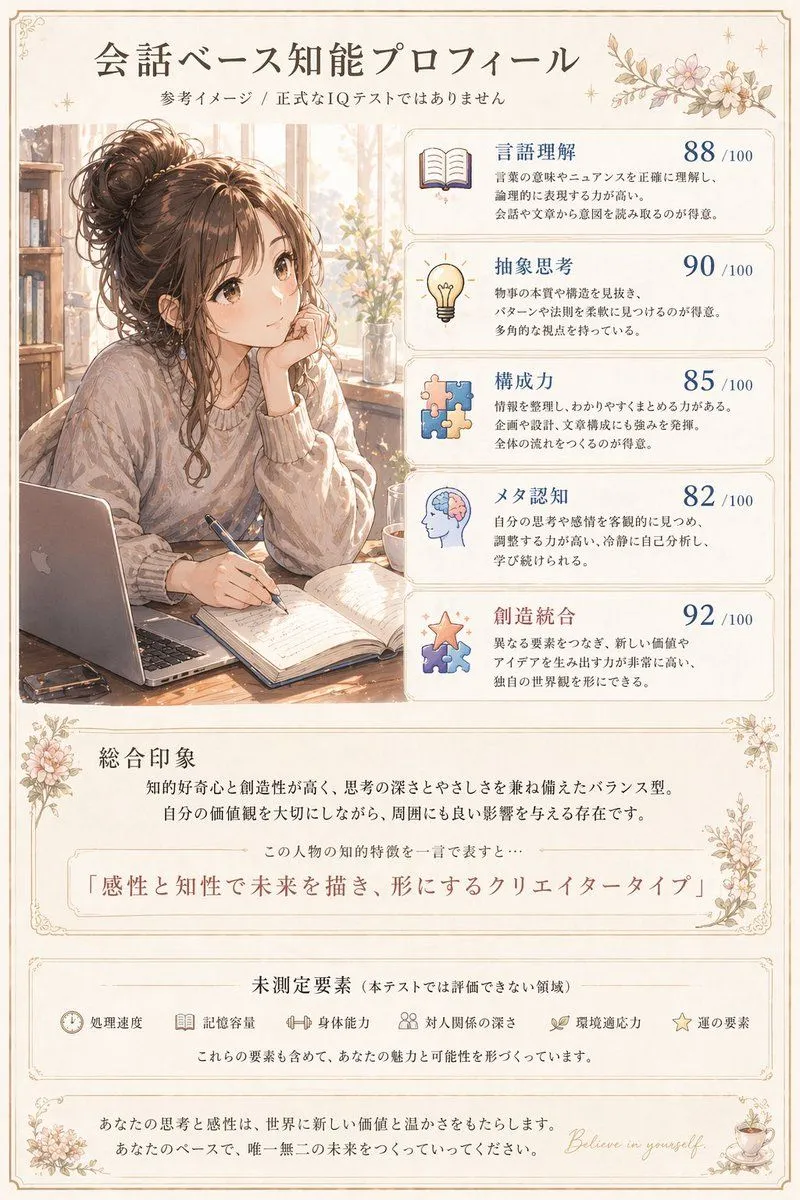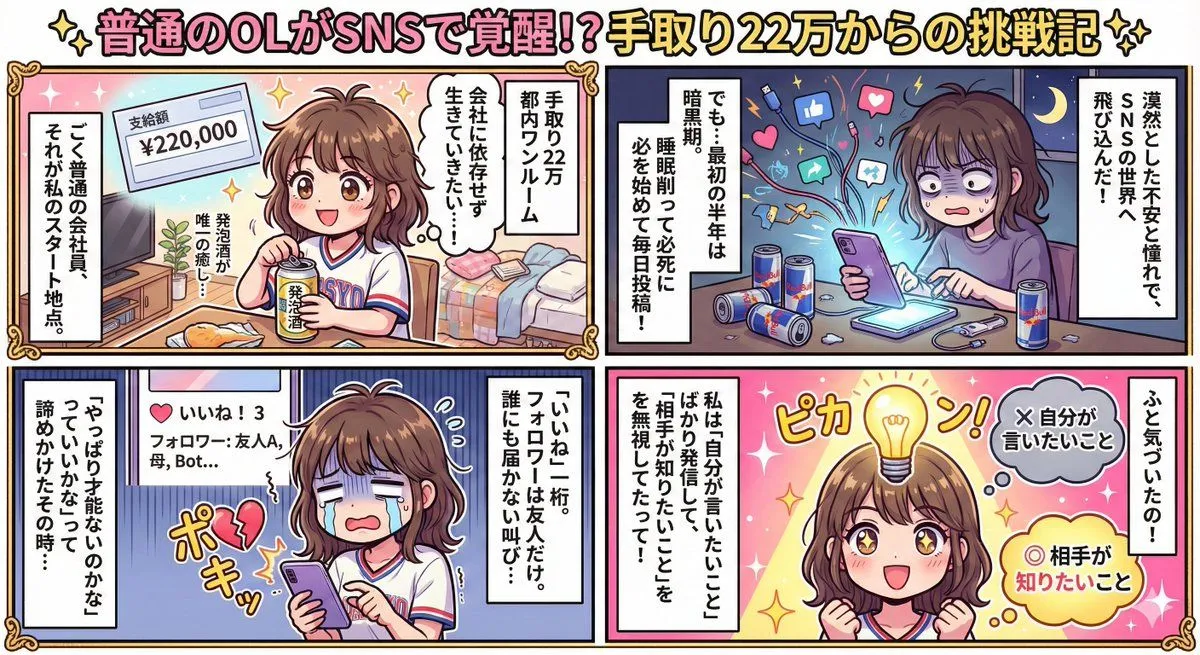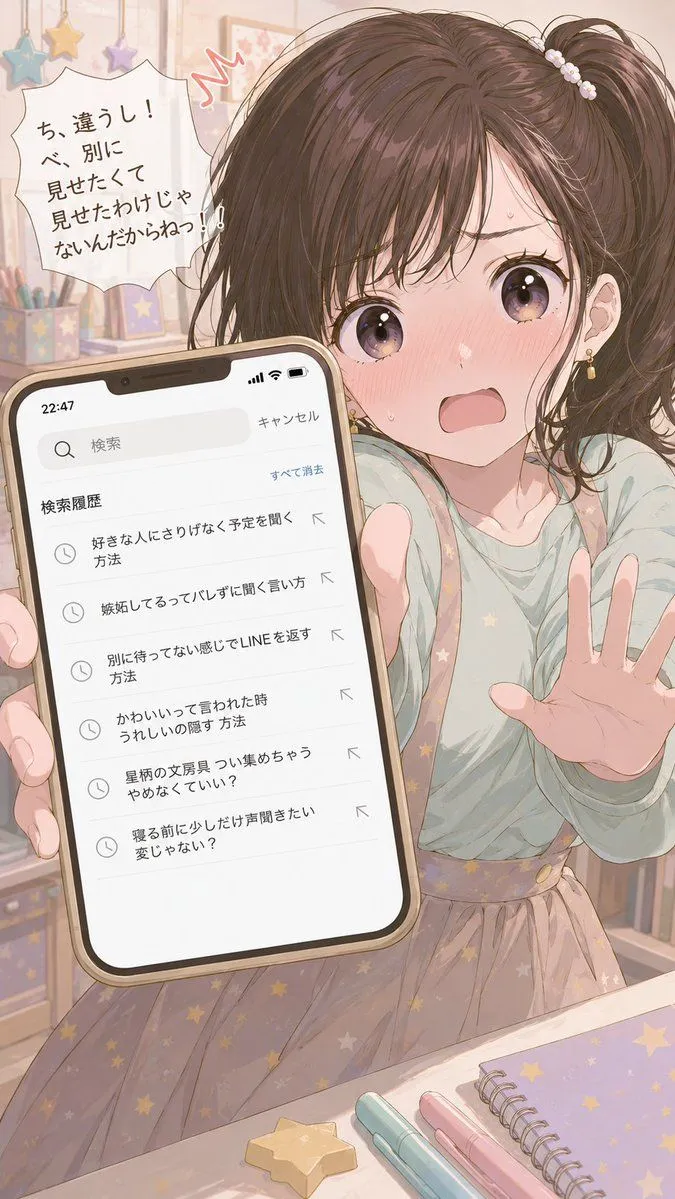
Made with GPT Image 2 in ChatGPT by Library Lifestyle. Promptclay never generates images.
Did it work?
No reports yet. Tell others if it worked for you.
Character Search History UI
Prompt
3 blanks to fillAnalyze the character in the attached image and create an image of the moment someone accidentally peeks at their smartphone search history, which they absolutely didn't want anyone to see. [Search History] - {count} in Japanese - {theme} - Content that reveals their inner thoughts (vanity, jealousy, desire for approval, secret hobbies, etc.) despite their efforts to hide them - Each item must have a different emotion or role - Write using the character's specific tone and word choice - No extreme content required. [UI] Smartphone search history screen style (with search bar, time, and icons). Legible information density. [Character Reaction] Draw a reaction typical of that character the moment their history is seen (e.g., getting angry to cover it up if they are strong-willed, hiding agitation if they are cool, laughing it off if they are calculating). [Composition] - A sense of distance as if peeking - Both the search history and the character's reaction are the main focus - Aspect ratio {ratio}
Preview of your prompt
Analyze the character in the attached image and create an image of the moment someone accidentally peeks at their smartphone search history, which they absolutely didn't want anyone to see. [Search History] - 5 to 7 items in Japanese - probing into romance - Content that reveals their inner thoughts (vanity, jealousy, desire for approval, secret hobbies, etc.) despite their efforts to hide them - Each item must have a different emotion or role - Write using the character's specific tone and word choice - No extreme content required. [UI] Smartphone search history screen style (with search bar, time, and icons). Legible information density. [Character Reaction] Draw a reaction typical of that character the moment their history is seen (e.g., getting angry to cover it up if they are strong-willed, hiding agitation if they are cool, laughing it off if they are calculating). [Composition] - A sense of distance as if peeking - Both the search history and the character's reaction are the main focus - Aspect ratio 9:16
DetailsVersions, settings and questions
Written for
What's in the prompt
- Subject
- Model
- GPT Image 2
If your face changes
keep my face exactly the sameQuestions
- Does this work in the ChatGPT app?
- Yes. Paste the prompt and attach your photo if it uses one.
- It changed my face. What do I do?
- Add "keep my face exactly the same" to the end and run it again.
- Can I use the images I make?
- Check the terms of the app you use. Promptclay never generates images and claims nothing you make.