Tell us anything

An idea, a bug, something you love. We read every note.

⌘↵ to send. The page you're on comes along.

Character Figure Product Photography Setup

Made with Nano Banana Pro in Gemini by Library Product. Promptclay never generates images.

Did it work?

No reports yet. Tell others if it worked for you.

No comments yet. Be the first.

    Character Figure Product Photography Setup

    Nano Banana Pro16:9AI-generated

    Prompt

    1 blank to fill

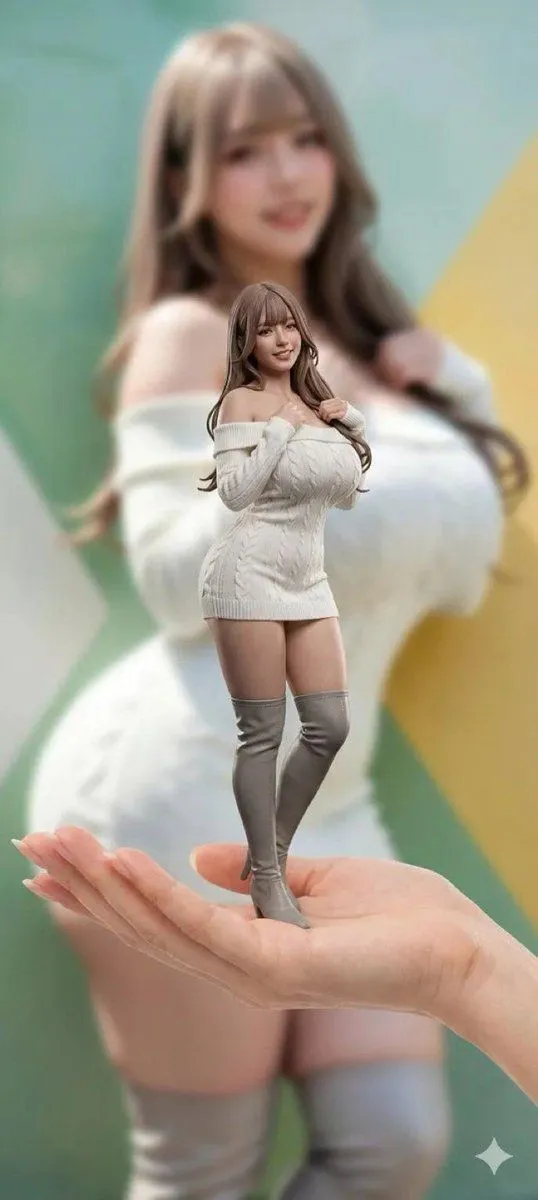
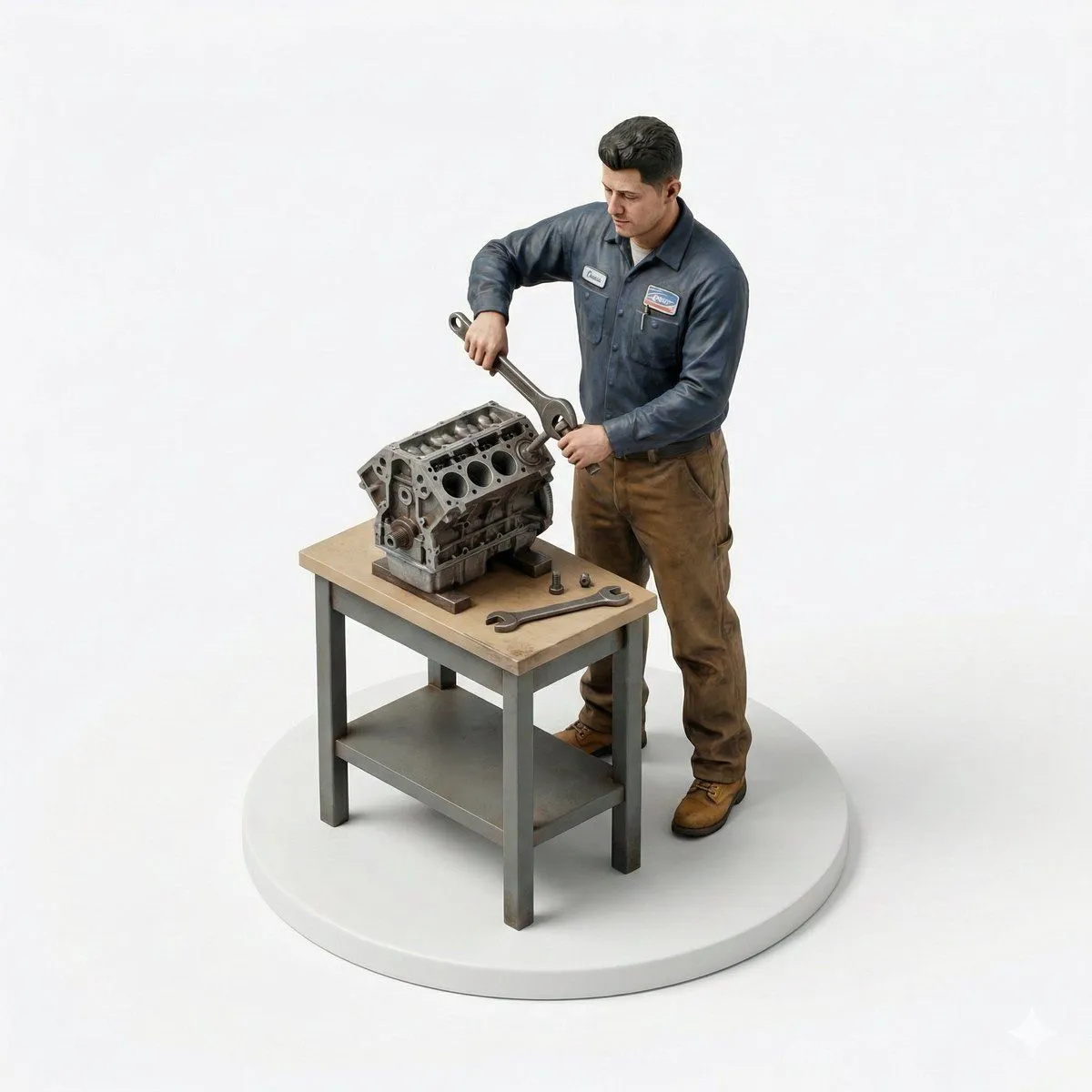
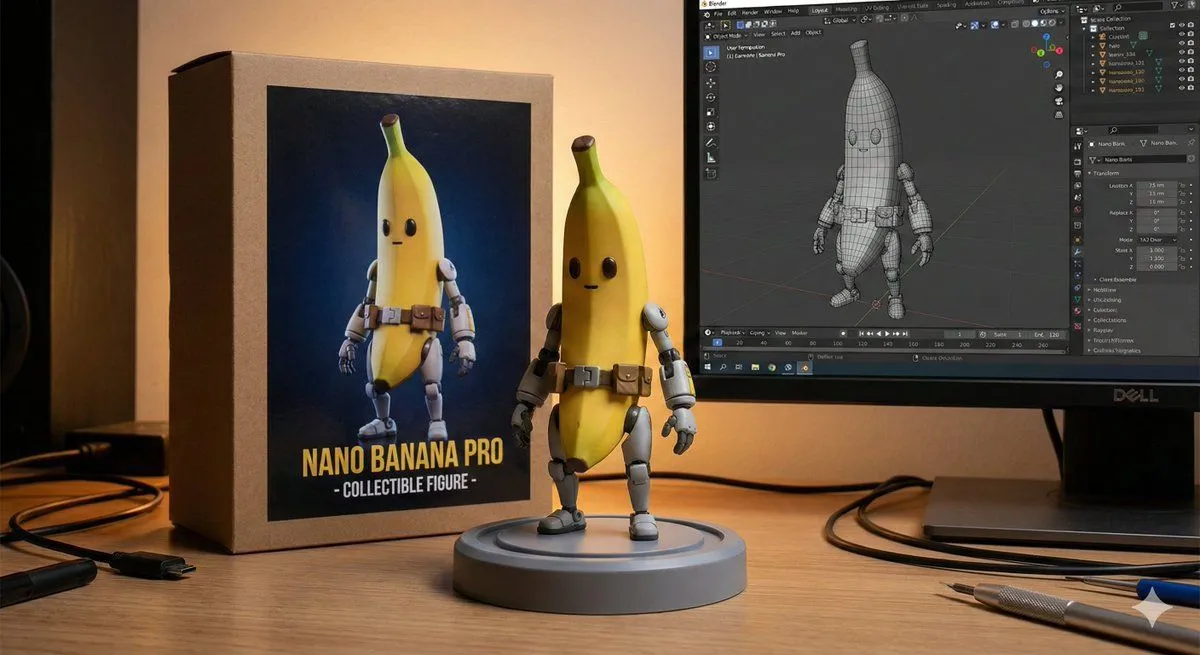
    8K ultra-realistic cinematic. Turn this photo into a {target}. Behind it, place a box with the character's image printed on it, and a computer showing the blender modeling process on its screen. In front of the box, and a round plastic base with the character figure standing on it. Set the scene indoors

    Works in
    Gemini, ChatGPT
    Status
    Free to copy
    0
    DetailsVersions, settings and questions

    Written for

    What's in the prompt

    Subject
    Model
    Nano Banana Pro

    If your face changes

    keep my face exactly the same

    Questions

    Does this work in the Gemini app?
    Yes. Gemini runs Nano Banana, so paste the prompt and attach your photo if it uses one.
    It changed my face. What do I do?
    Add "keep my face exactly the same" to the end and run it again.
    Can I use the images I make?
    Check the terms of the app you use. Promptclay never generates images and claims nothing you make.
    Similar prompts

    See more
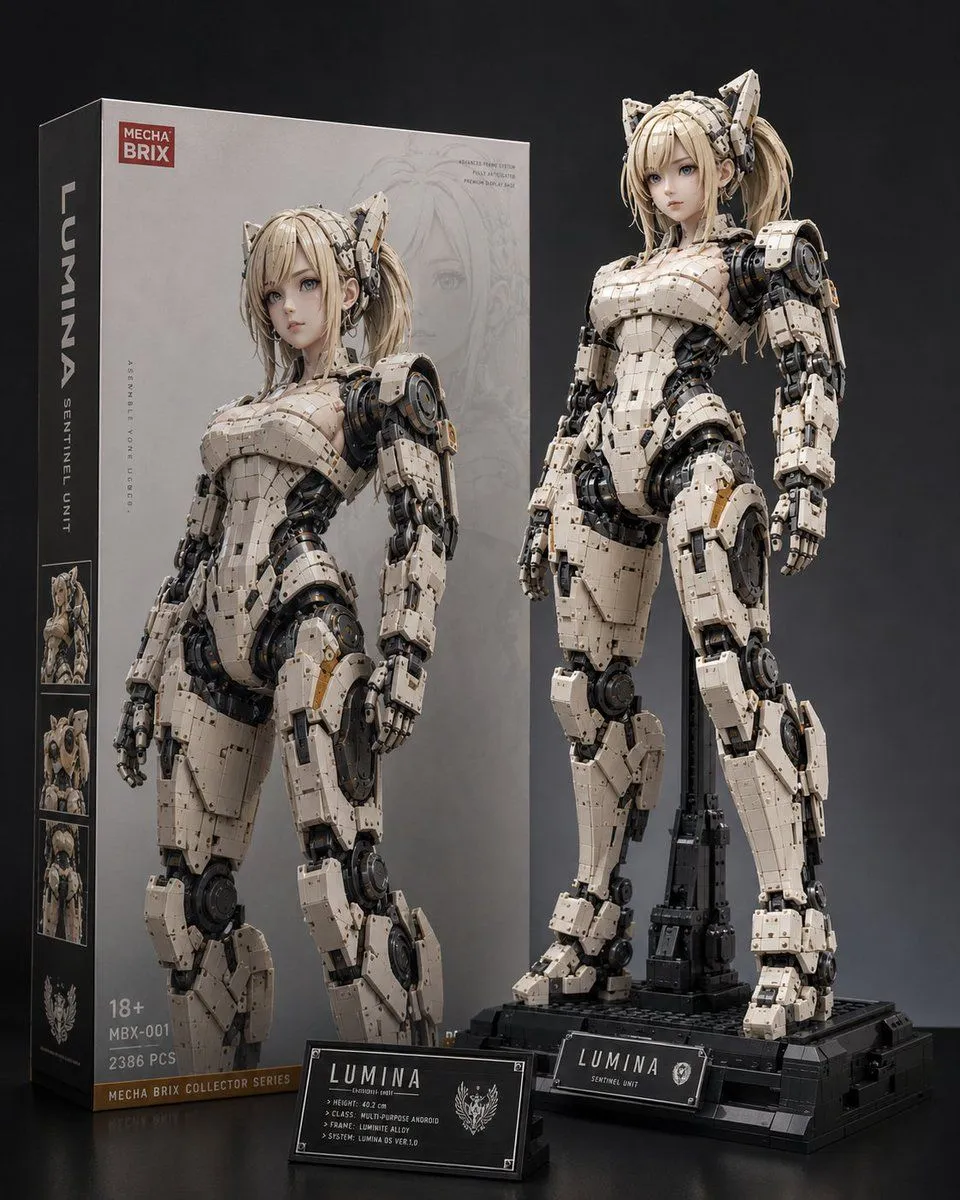
    • Lumina Mecha Figure Product Shot
    • Basic Product Shot Prompt for Moving Parts
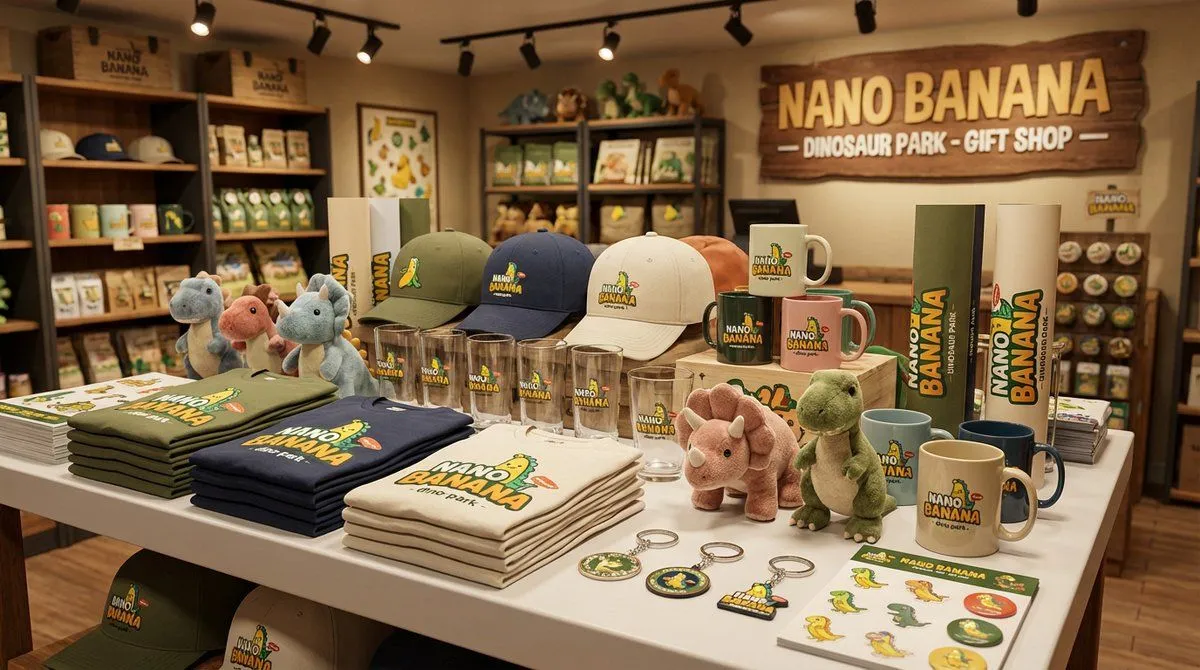
    • Dinosaur Park Gift Shop Merchandise Display
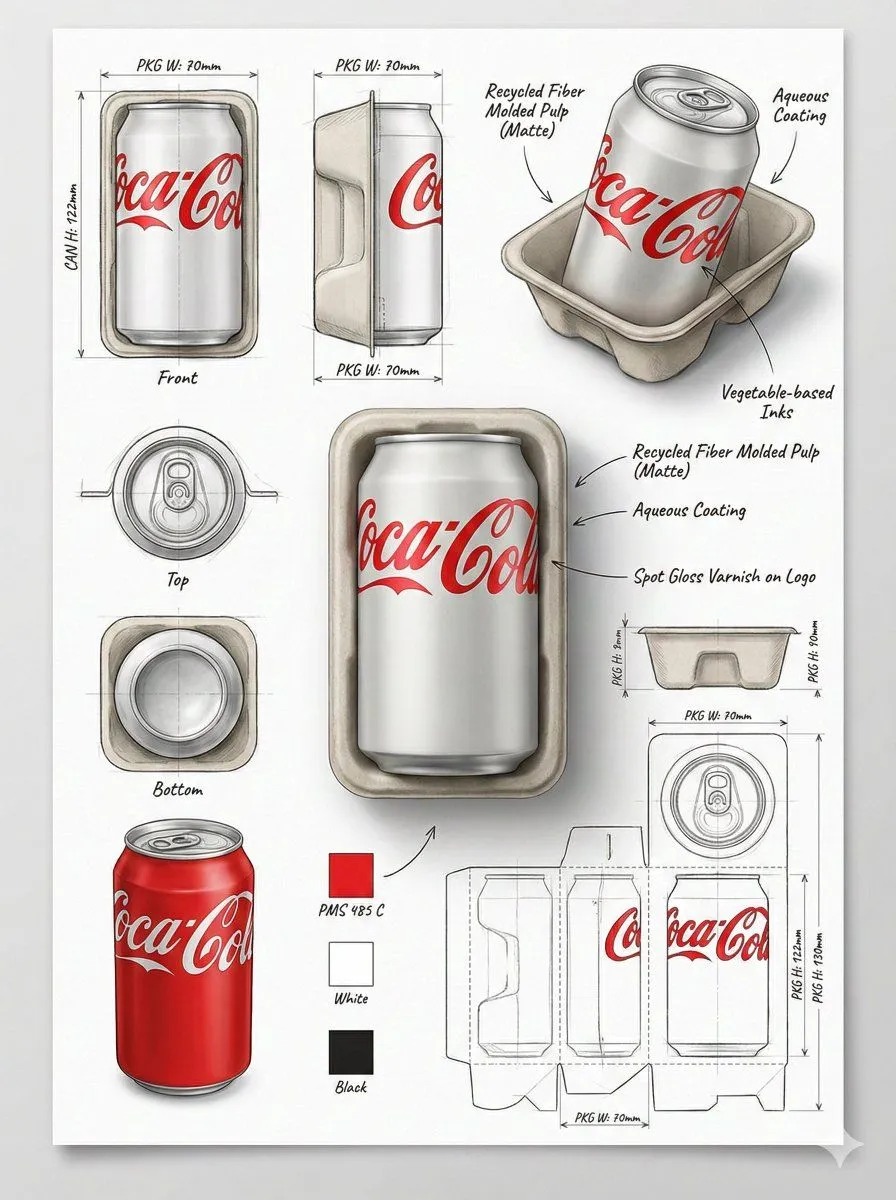
    • Industrial Packaging Design Illustration Sheet
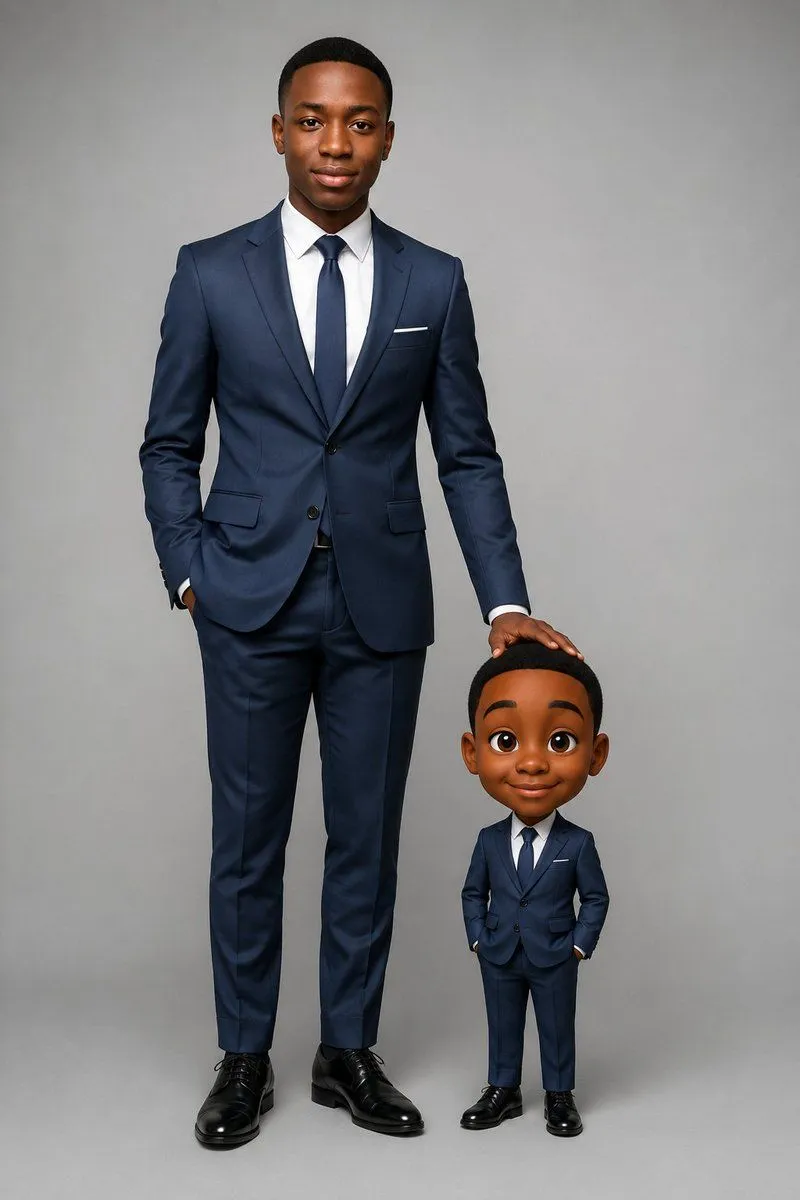
    • Executive Portrait With Mini Caricature
    • 3D Miniature Action Figure Transformation
    • Realistic Miniature Sports Figurine Transformation
    • Selfie to Isometric Figurine Prompt Template
    • Cohesive Product Instagram Feed Layout
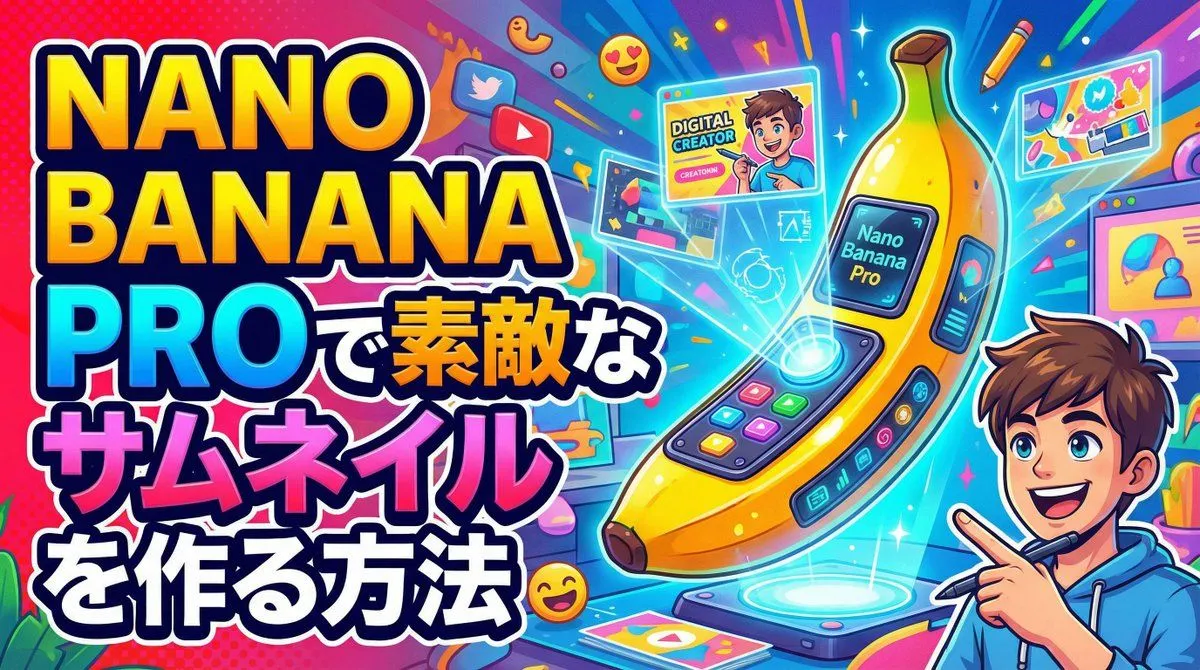
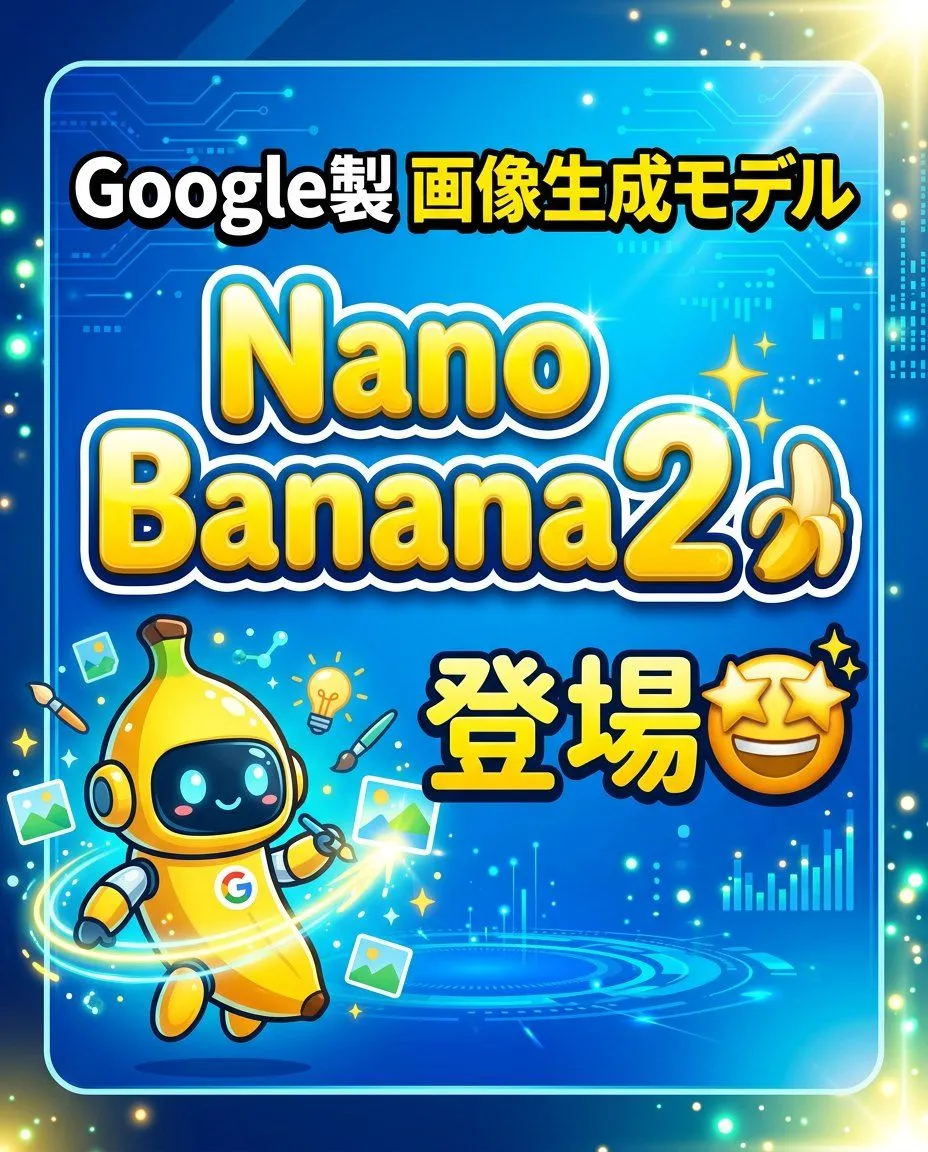
    • YouTube thumbnail introducing Nano Banana Pro
    • CEO Press Conference Prompt
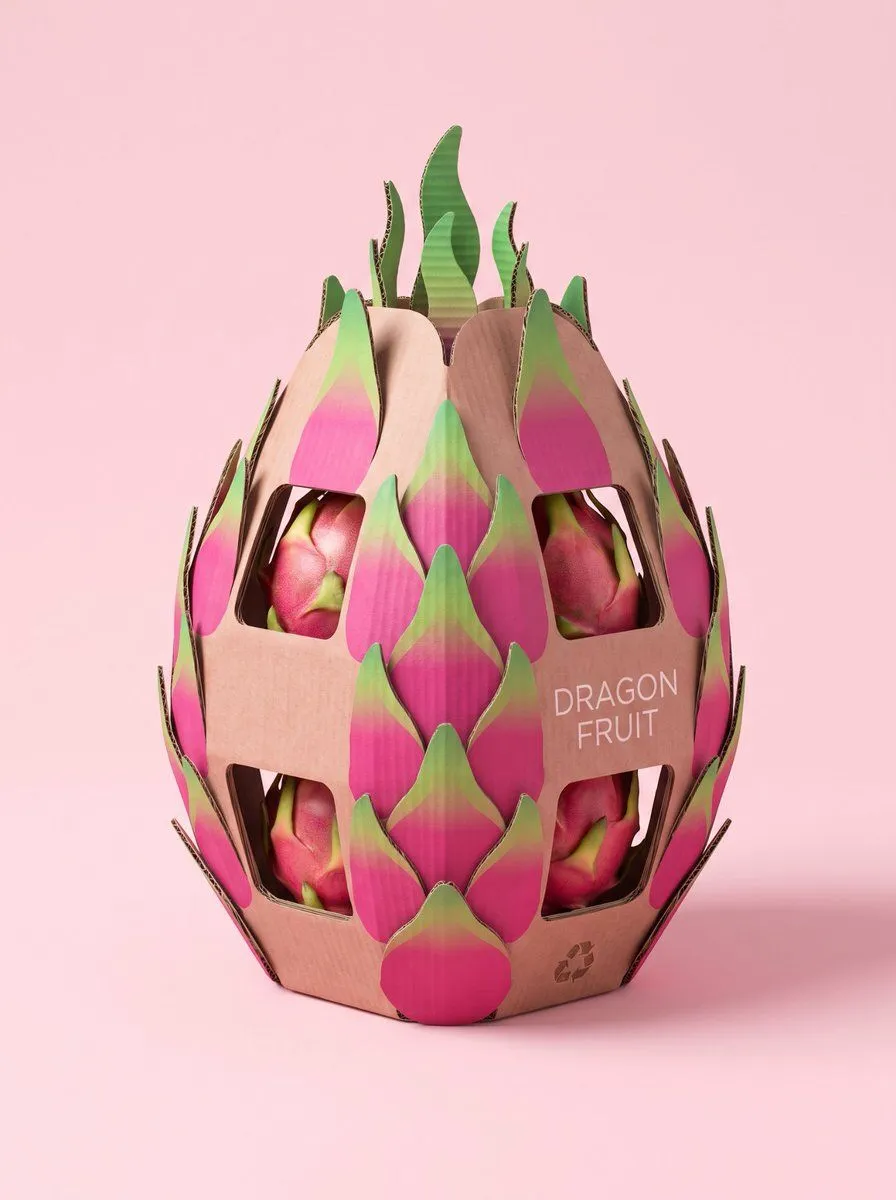
    • Structural Cardboard Packaging Design
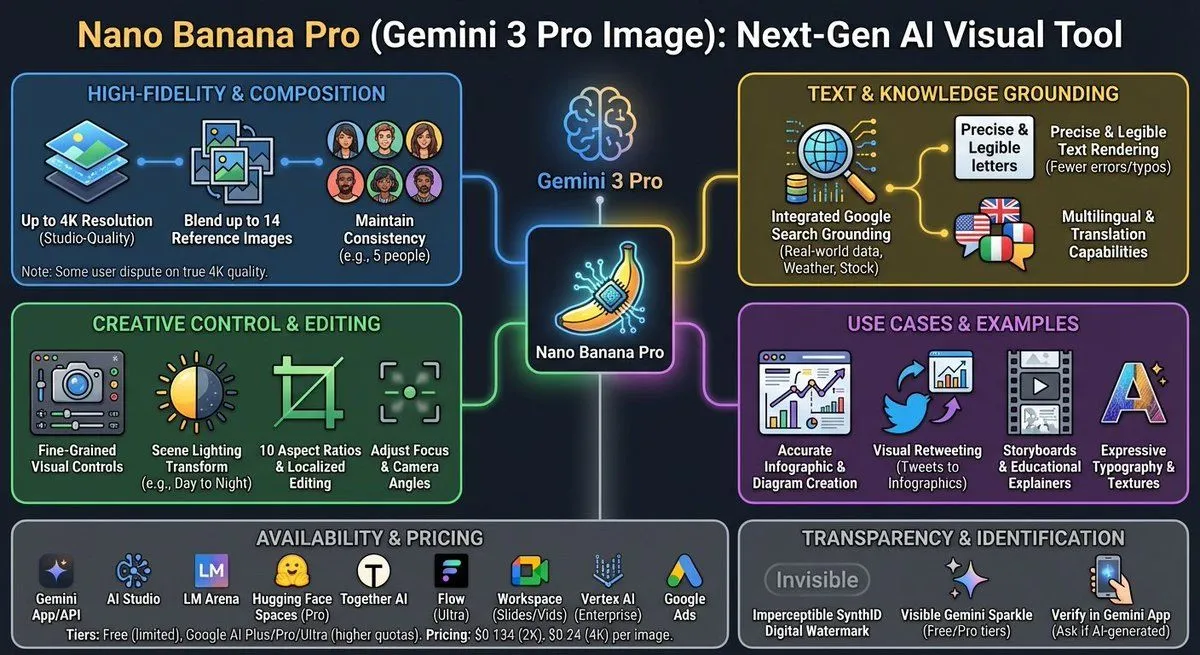
    • Nano Banana Pro Tesla FSD infographic
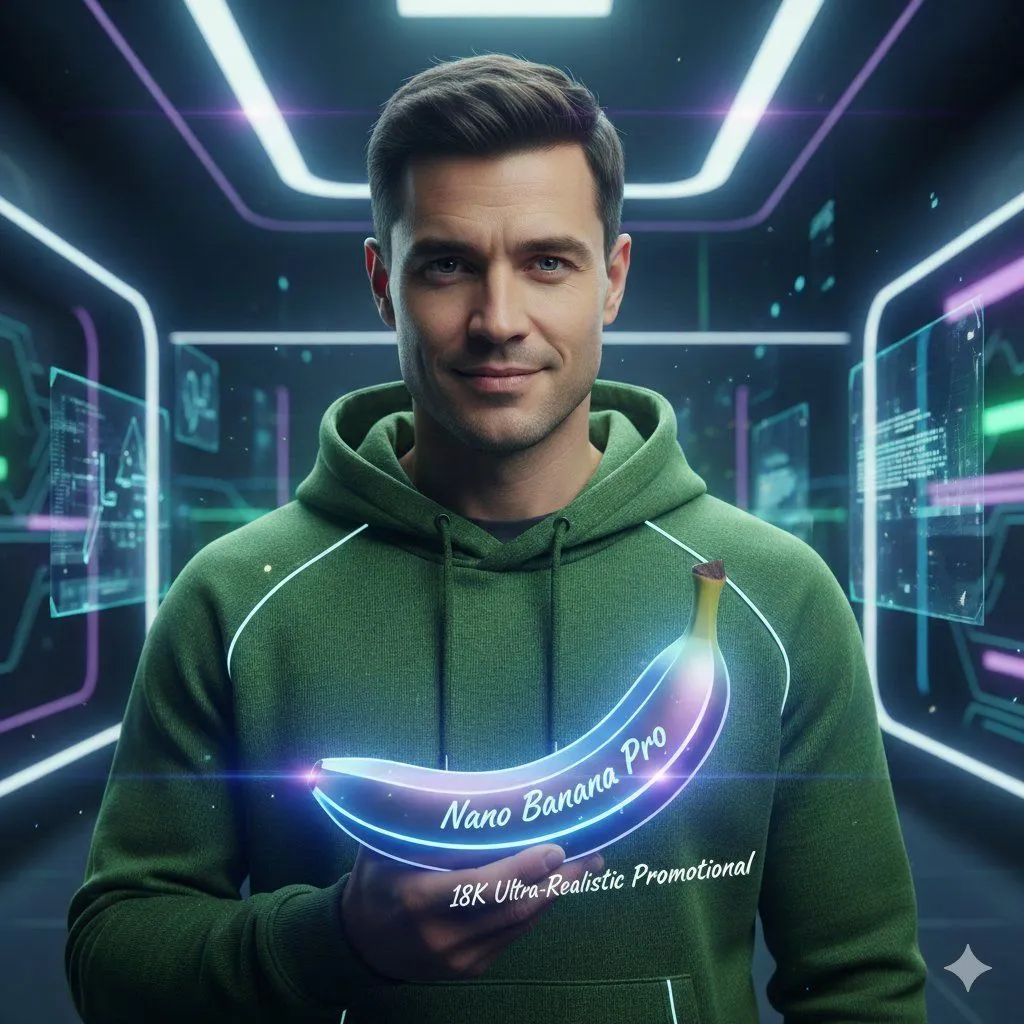
    • Ultra-Realistic Studio Portrait of Man in Green Hoodie
    • Simple YouTube Thumbnail Generation Prompt
    • Knolling-style exploded flat-lay photo
    • Fisheye Product Photo with Forced Perspective
    • Anthropomorphized apple and banana couple
    • Nano Banana Pro Edit Tutorial
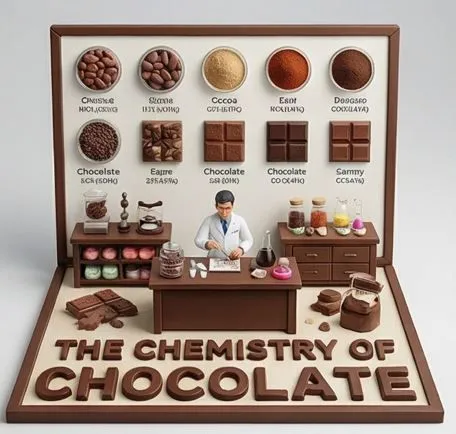
    • Culinary Science Diorama: The Chemistry of Chocolate
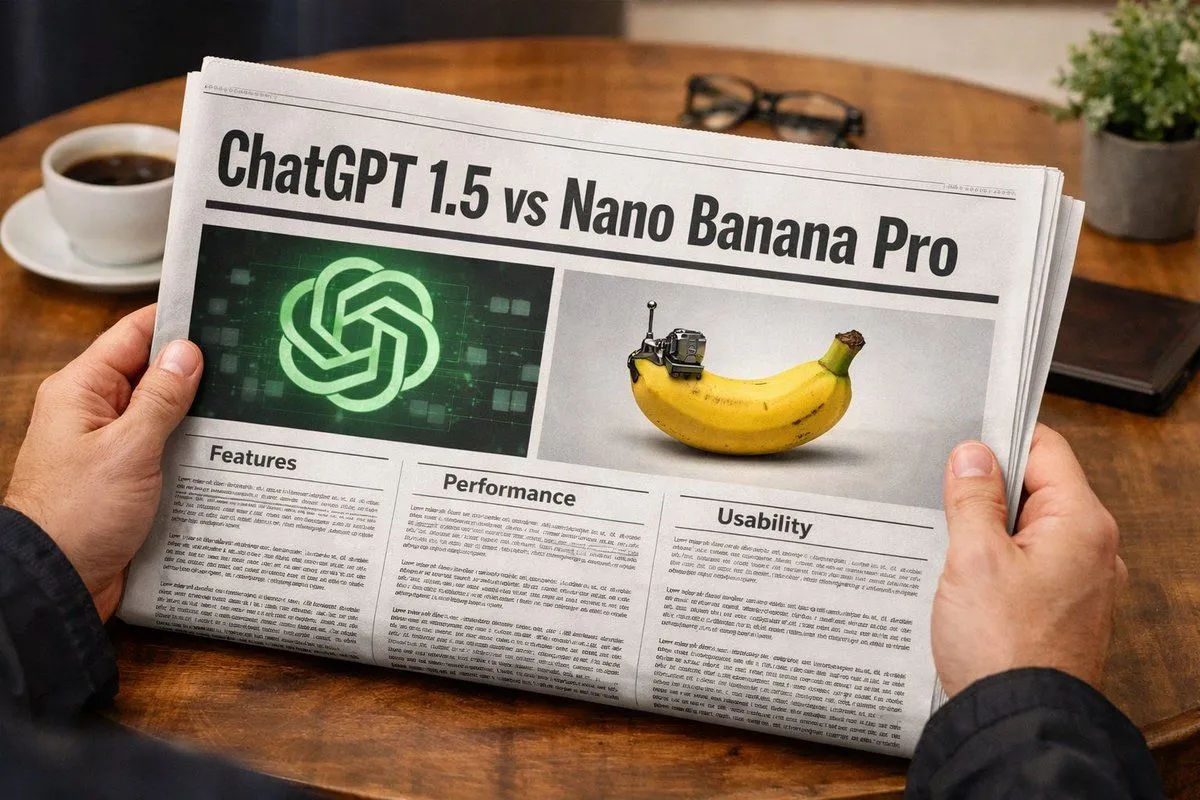
    • Banner Generation Prompt for Model Comparison
    • Person Holding a Newspaper with Specific Headline
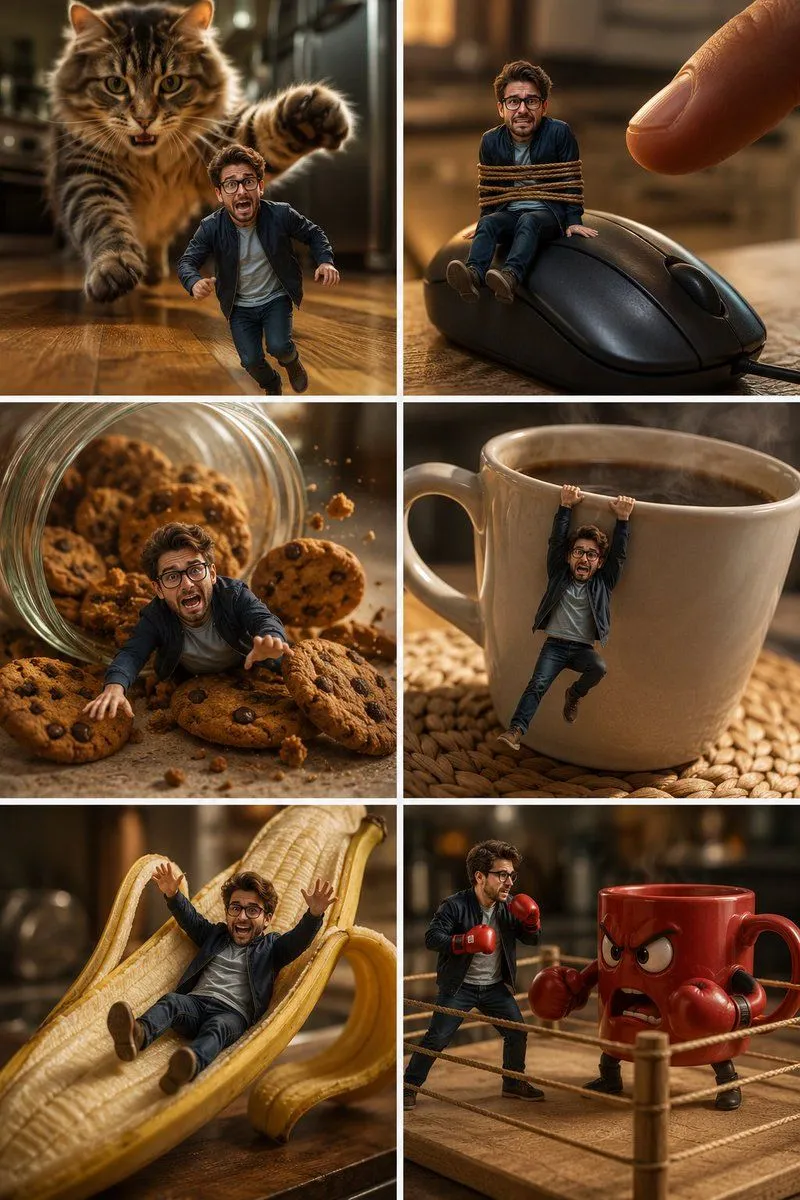
    • Miniature Man Kitchen Comedy Collage
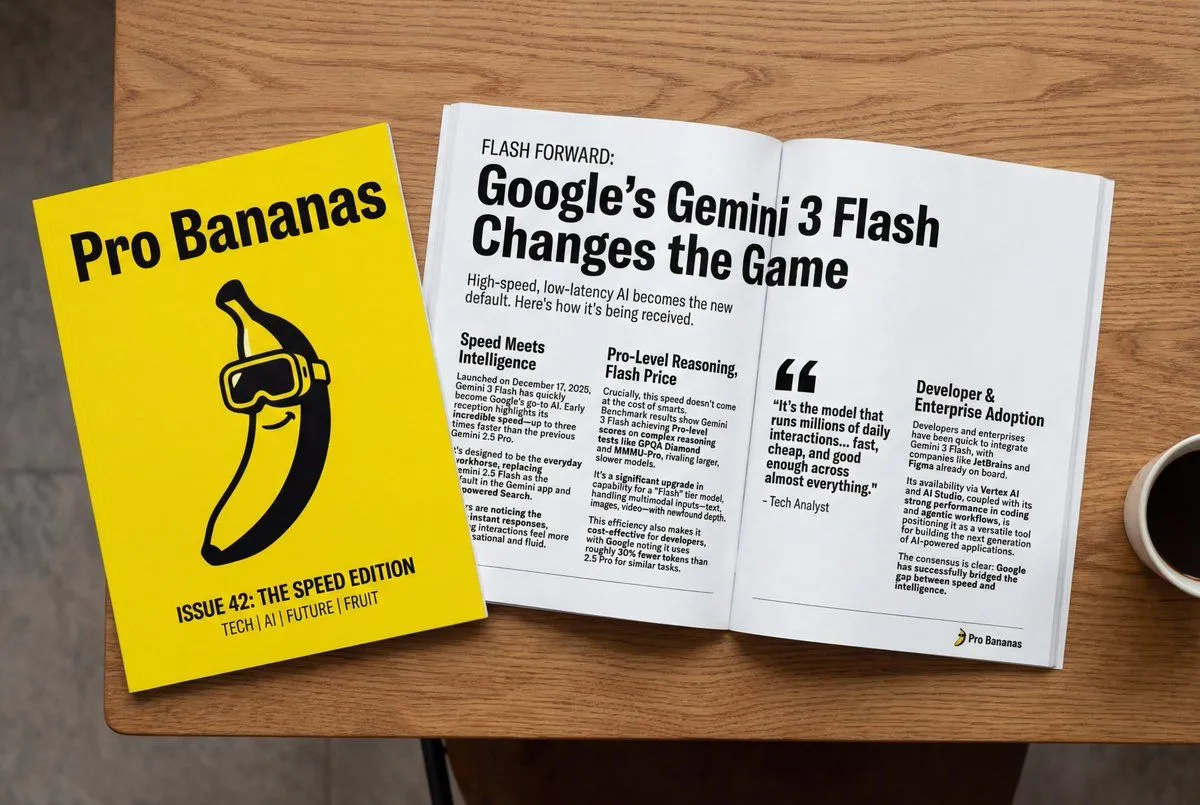
    • Generate Magazine Article and Cover (LLM/Image)

    Show more

    Run it on your phone

    1. Prompt copiedRead it

      8K ultra-realistic cinematic. Turn this photo into a {target}. Behind it, place a box with the character's image printed on it, and a computer showing the blender modeling process on its screen. In front of the box, and a round plastic base with the character figure standing on it. Set the scene indoors

    2. Open your app

    3. Paste and run

      Press and hold the message box, then tap Paste. Add your photo first if the prompt uses one. You may need to sign in.

    Character Figure Product Photography Setup