Tell us anything

An idea, a bug, something you love. We read every note.

⌘↵ to send. The page you're on comes along.

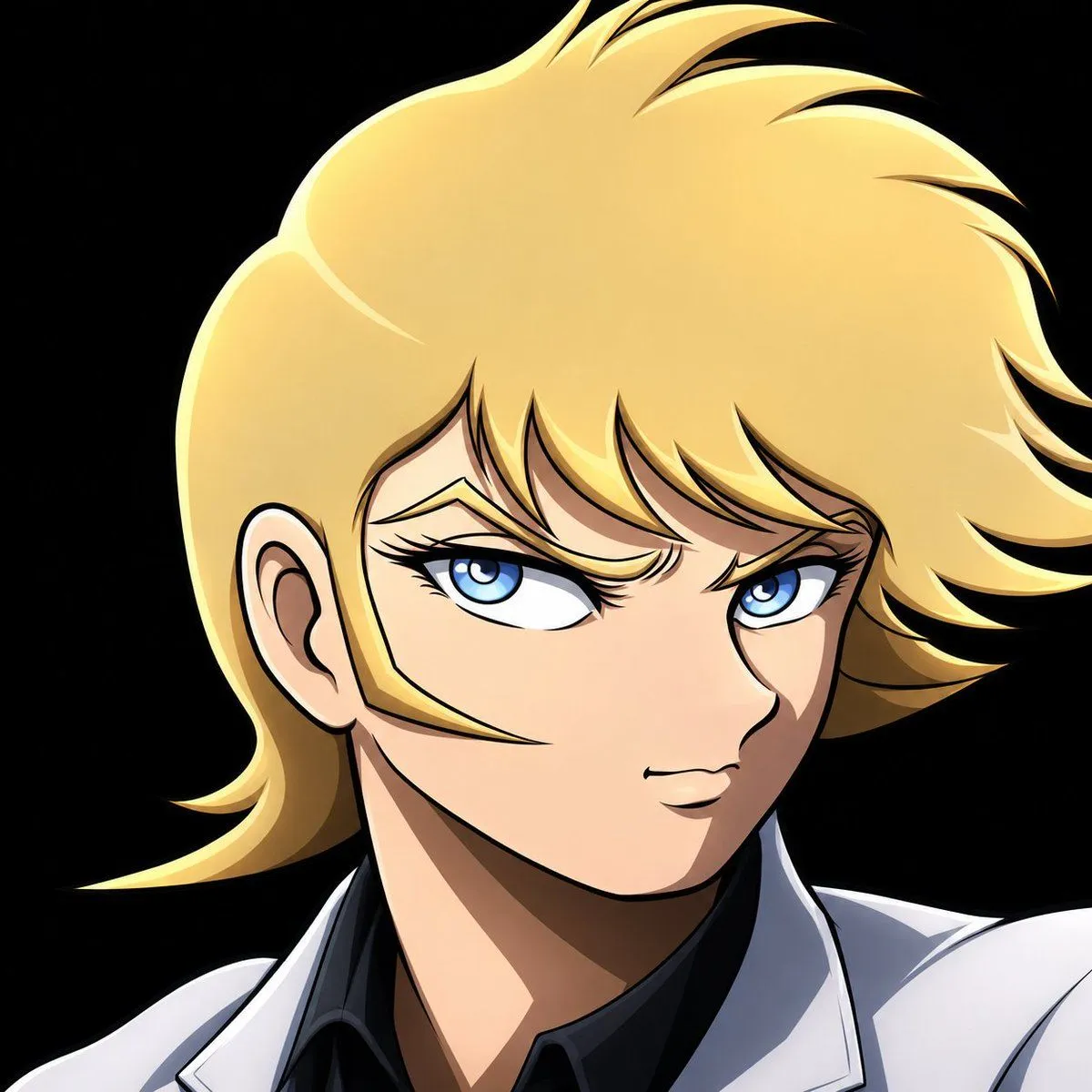
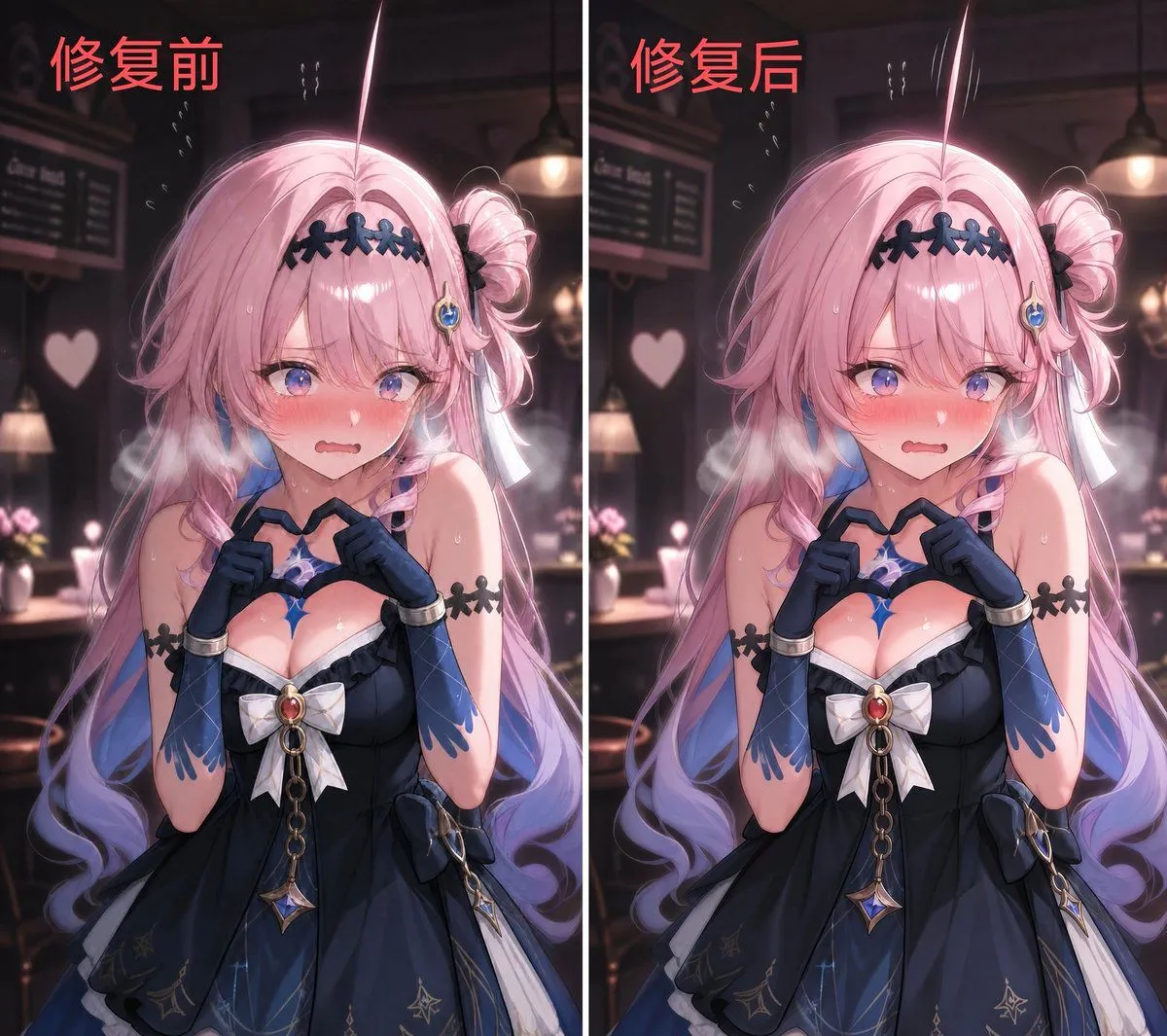
Character Background and Lighting Adjustment

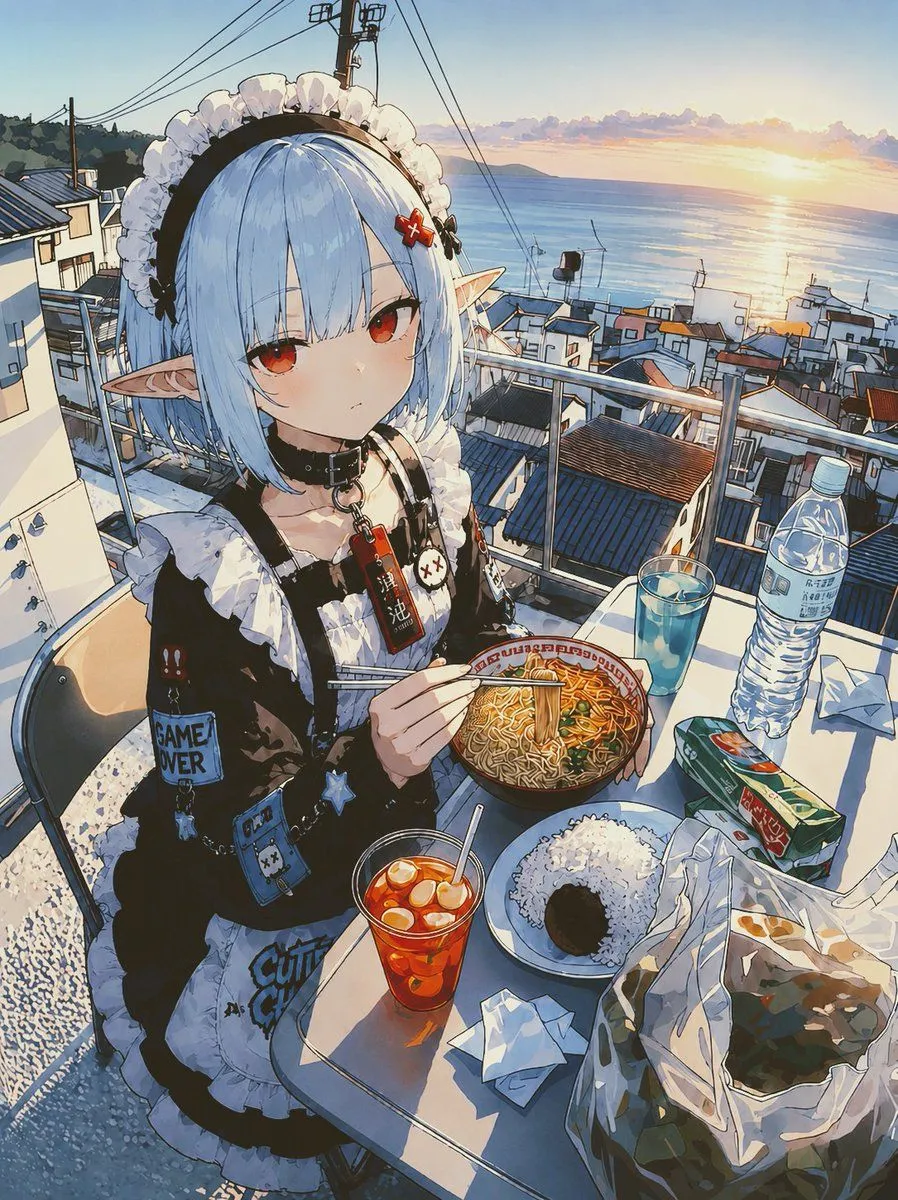
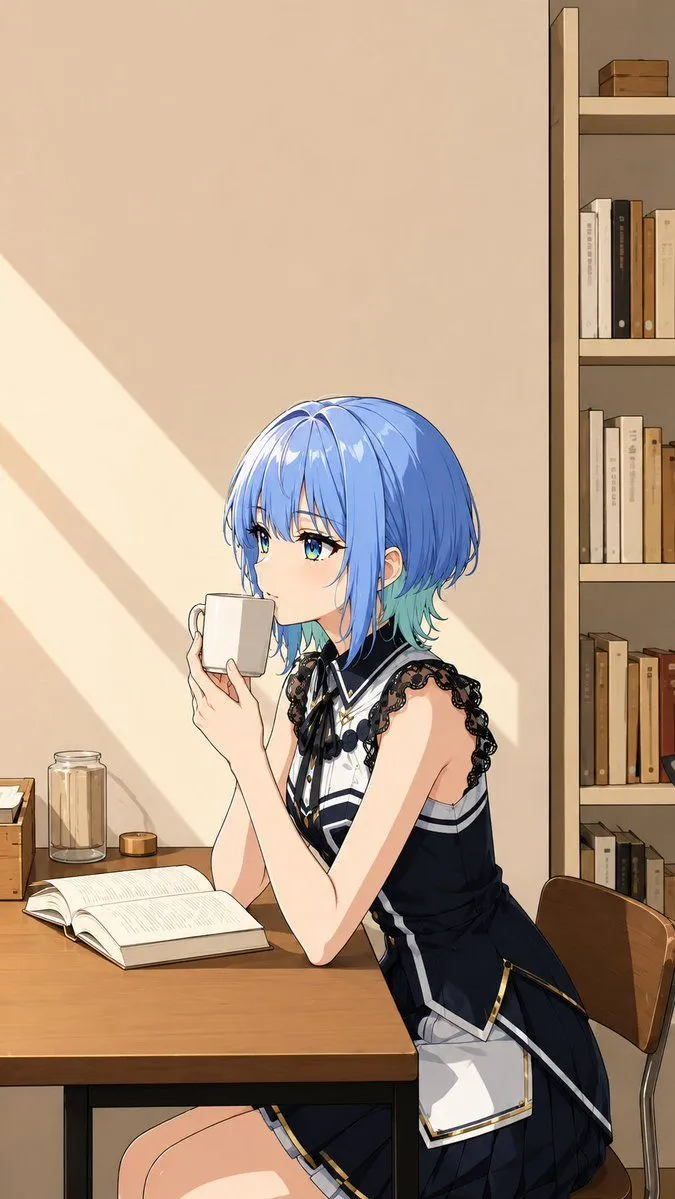
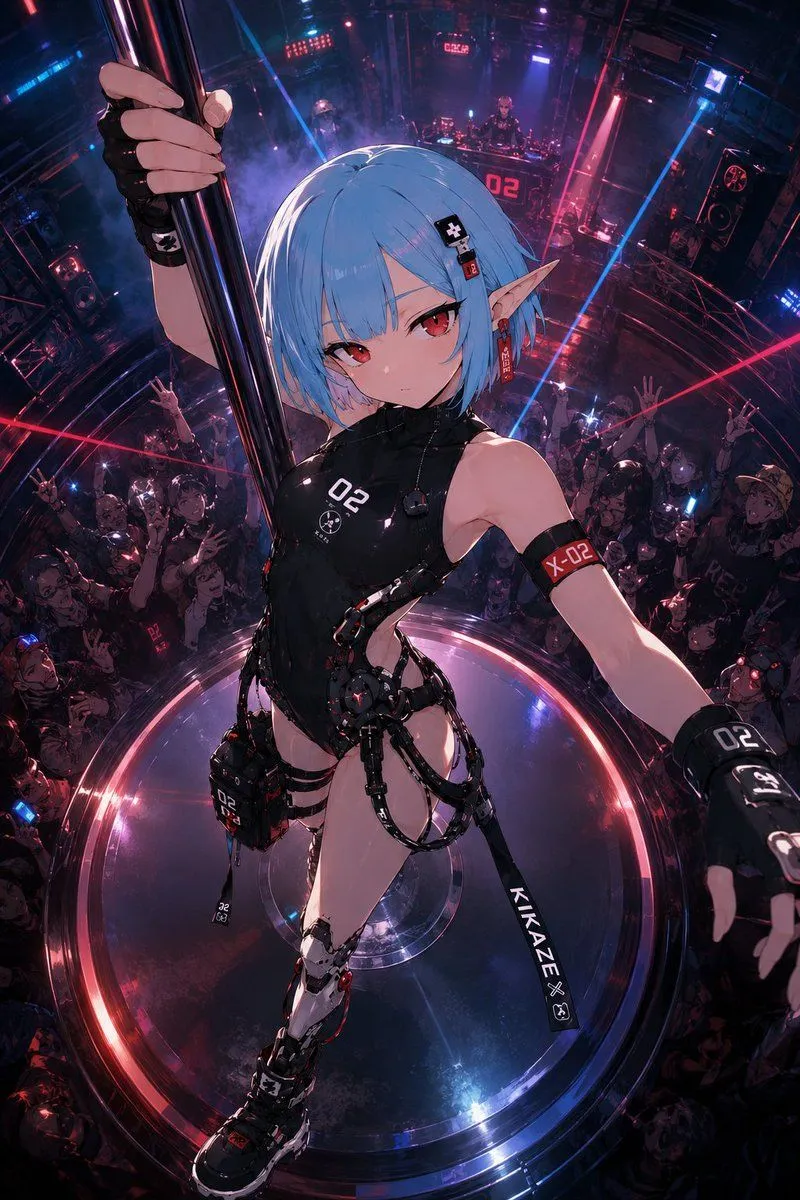
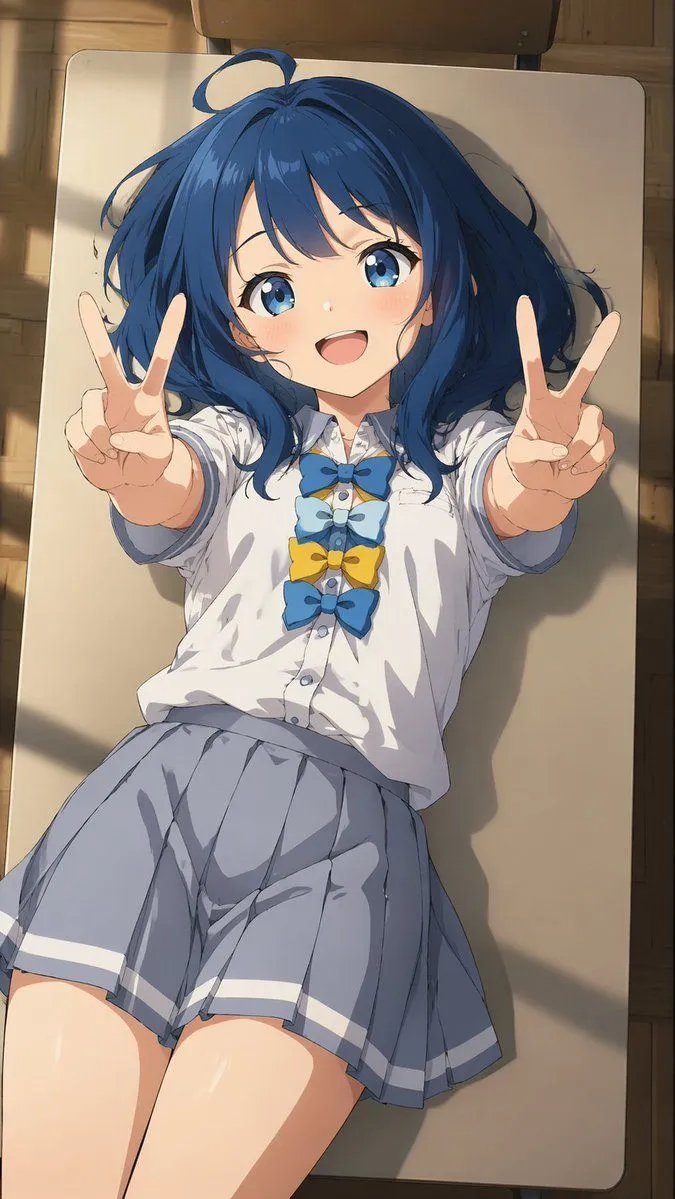
Made with GPT Image 2 in ChatGPT by Library Game Art. Promptclay never generates images.

Did it work?

No reports yet. Tell others if it worked for you.

No comments yet. Be the first.

    Character Background and Lighting Adjustment

    GPT Image 22:3AI-generated

    Prompt

    1 blank to fill

    Add a background that matches the character in the illustration to a {background_state} background, and adjust the lighting

    Works in
    ChatGPT, Gemini
    Status
    Free to copy
    0
    DetailsVersions, settings and questions

    Written for

    What's in the prompt

    Subject
    Model
    GPT Image 2

    If your face changes

    keep my face exactly the same

    Questions

    Does this work in the ChatGPT app?
    Yes. Paste the prompt and attach your photo if it uses one.
    It changed my face. What do I do?
    Add "keep my face exactly the same" to the end and run it again.
    Can I use the images I make?
    Check the terms of the app you use. Promptclay never generates images and claims nothing you make.
    Similar prompts

    See more
    • Pastel Squid Maid Bedroom Illustration
    • 3D CG Pink Maid Illustration
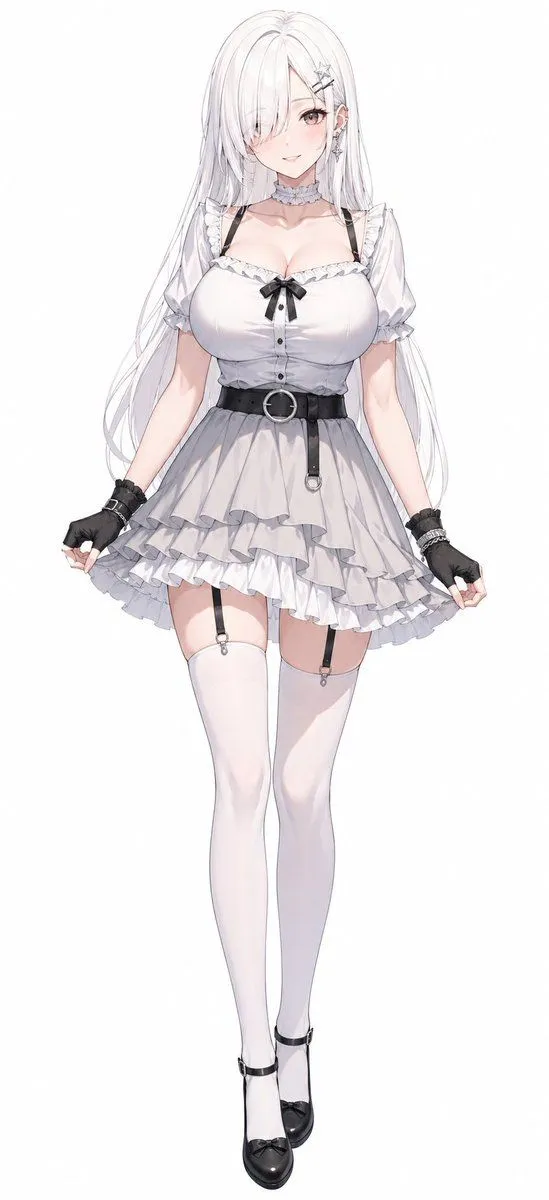
    • Monochrome Anime Gothic Dress Girl
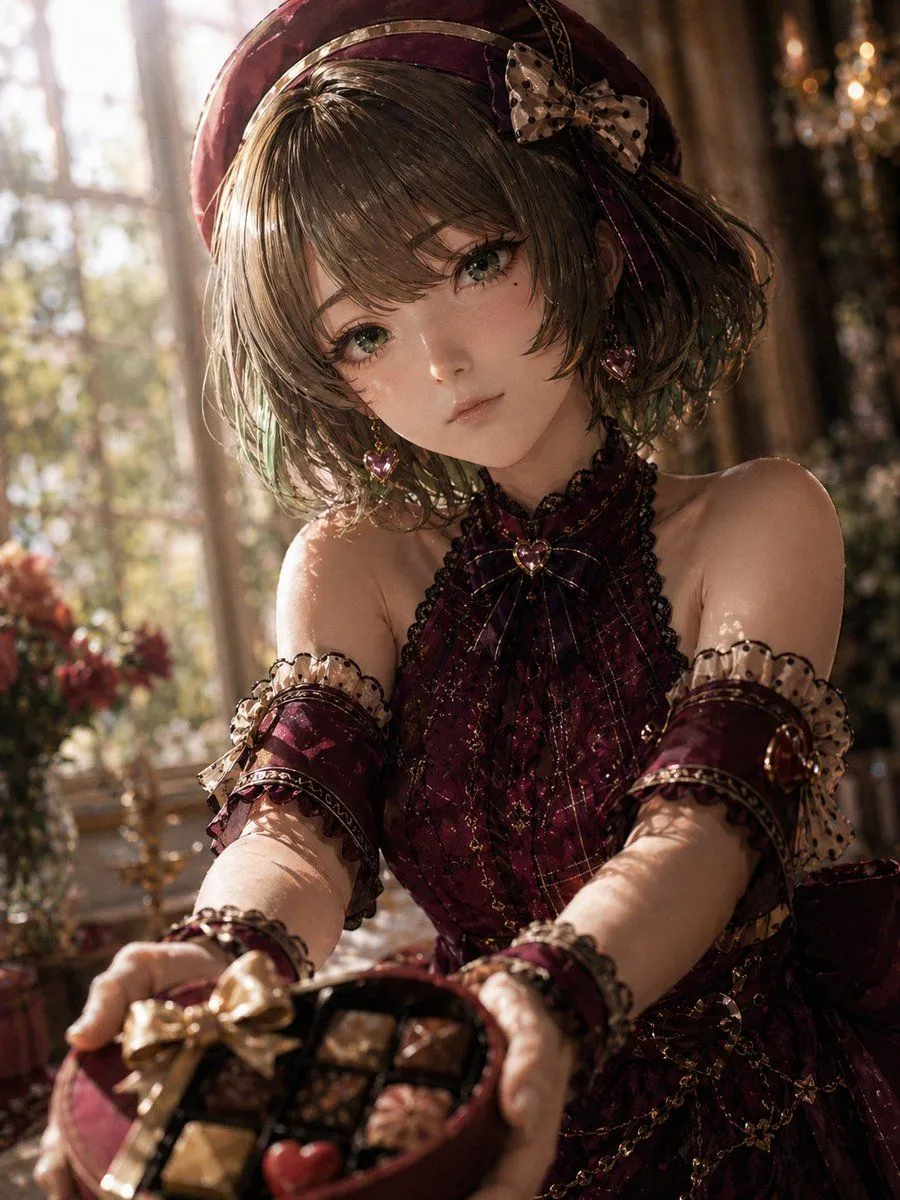
    • Photoreal Valentine Idol Portrait
    • Style Transfer from Midjourney to Nanobanana
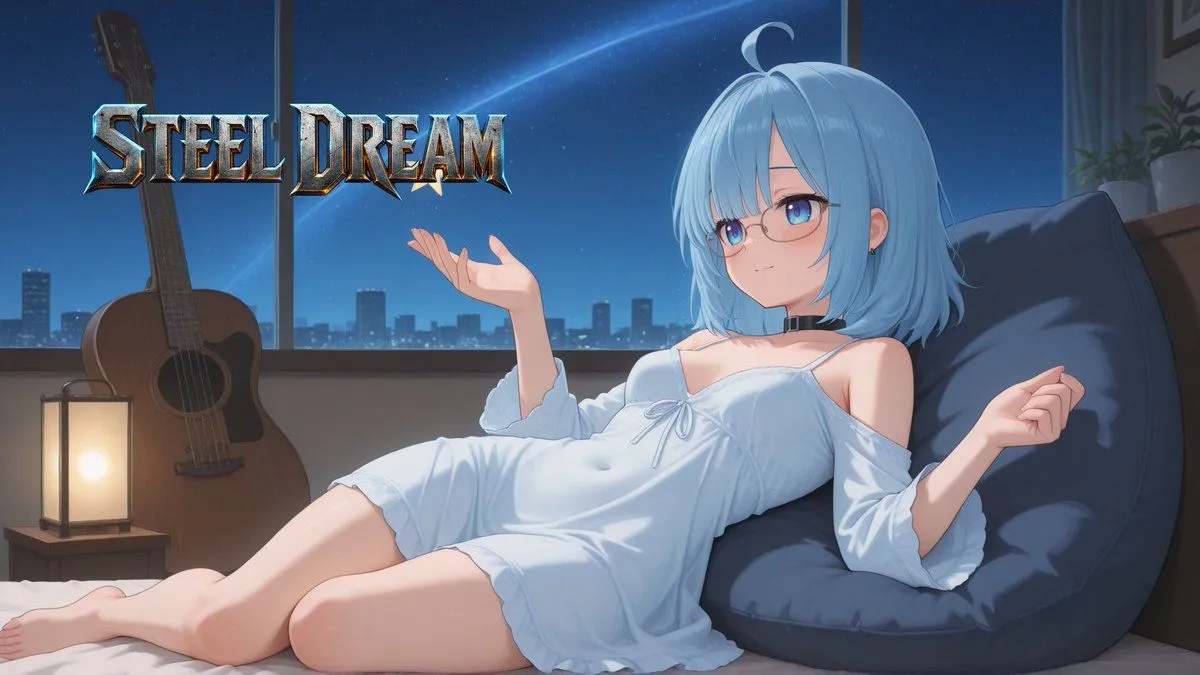
    • Anime Steel Dream Cover
    • POV Seaside Elf Maid Dinner
    • Photo to Anime Reading Scene
    • Character Consistency Reference Instruction
    • Overhead Anime Girl Peace Sign Portrait
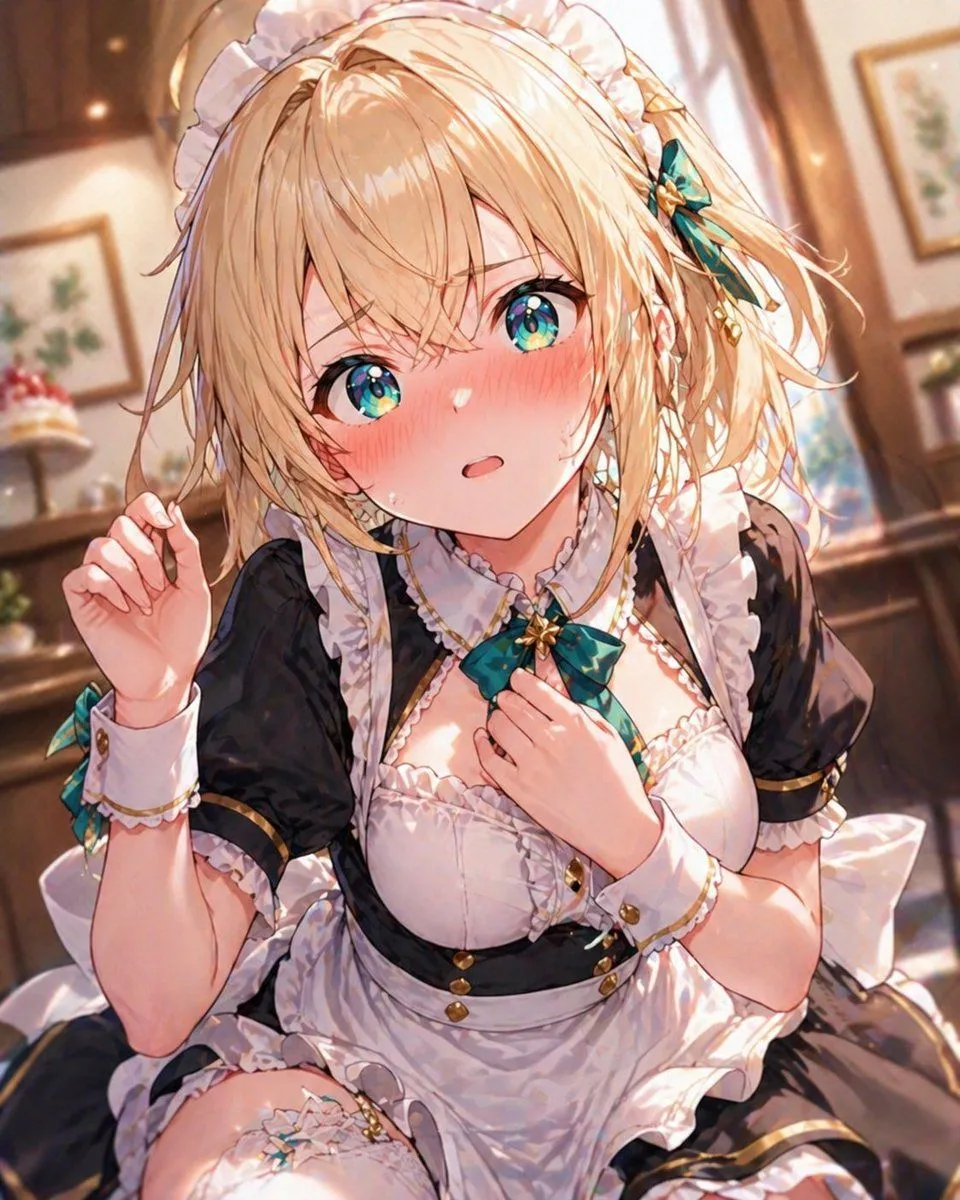
    • Blonde Maid in Warm Cafe
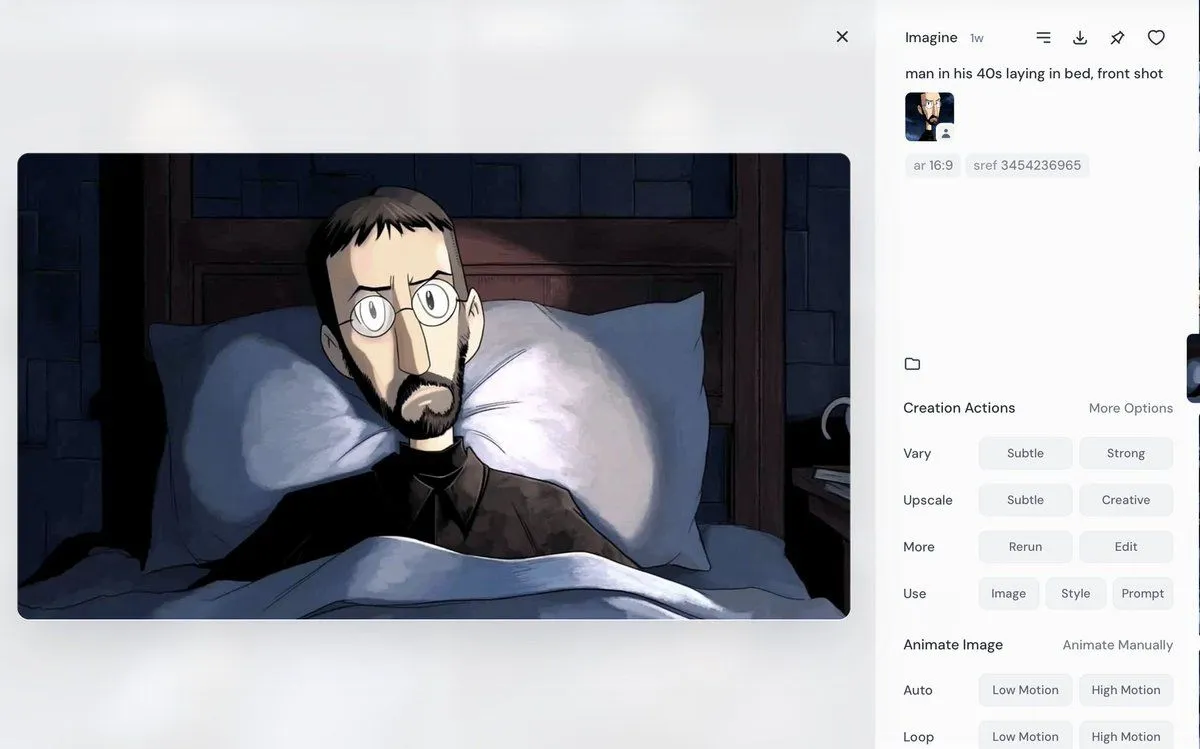
    • Portrait of a Middle-Aged Man Lying Down
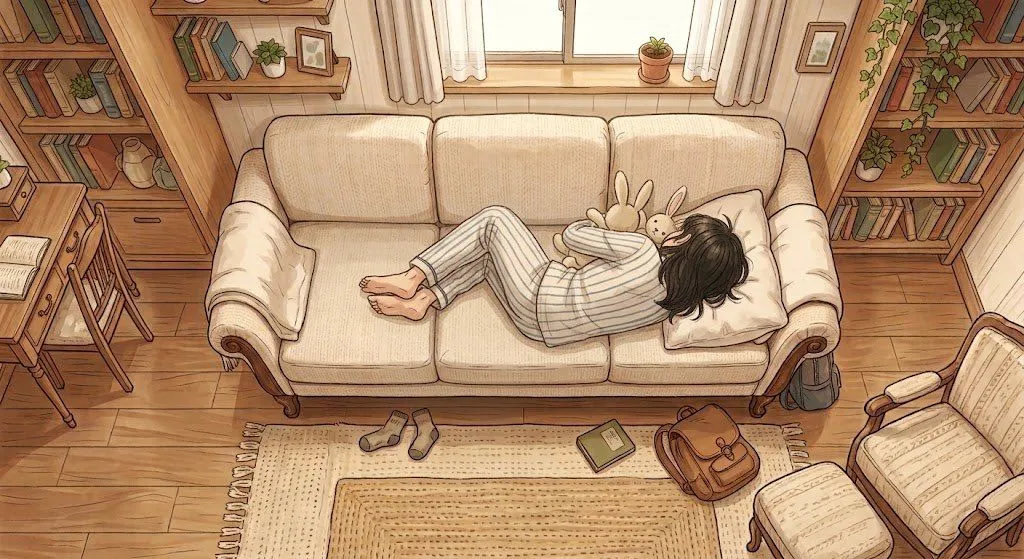
    • Cozy Anime Reading Room Nap
    • High-Quality Anime Style Colorization
    • Converting Images to Cute Paper Crafts with Grok and Nano Banana Pro
    • Post-Apocalyptic Desert Night Scene
    • Cute Chaos Cyberpunk Maid Elf
    • 2.5D Illustration Cleanup and Enhancement
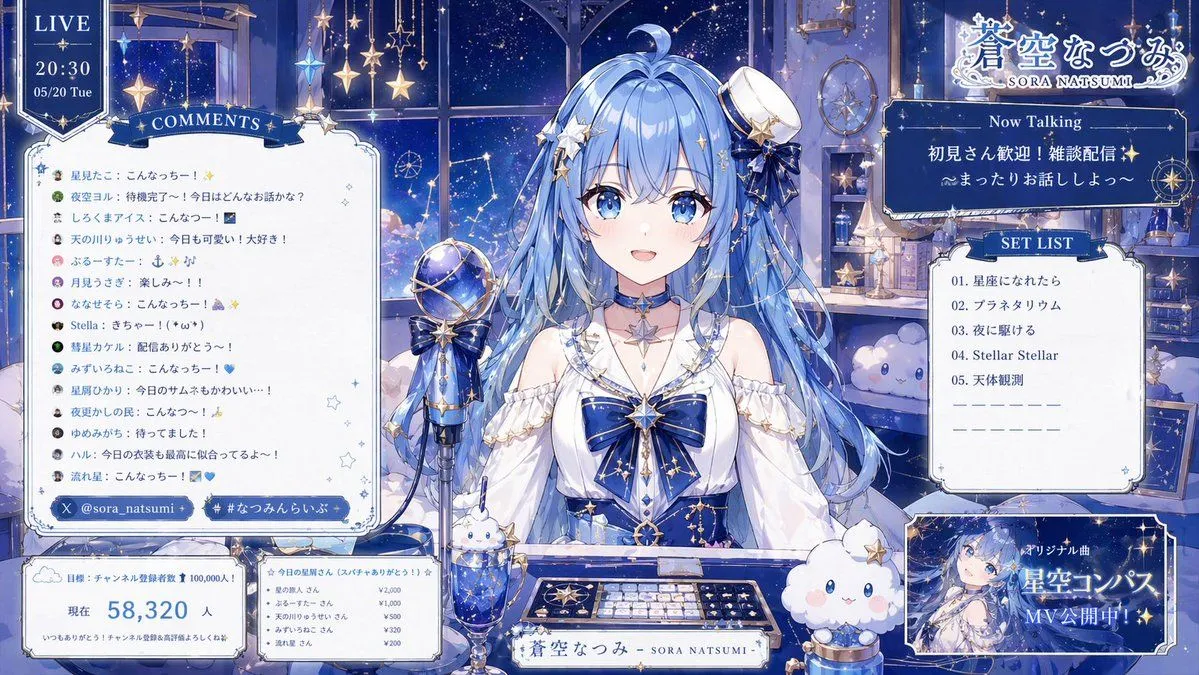
    • Celestial VTuber Livestream Overlay
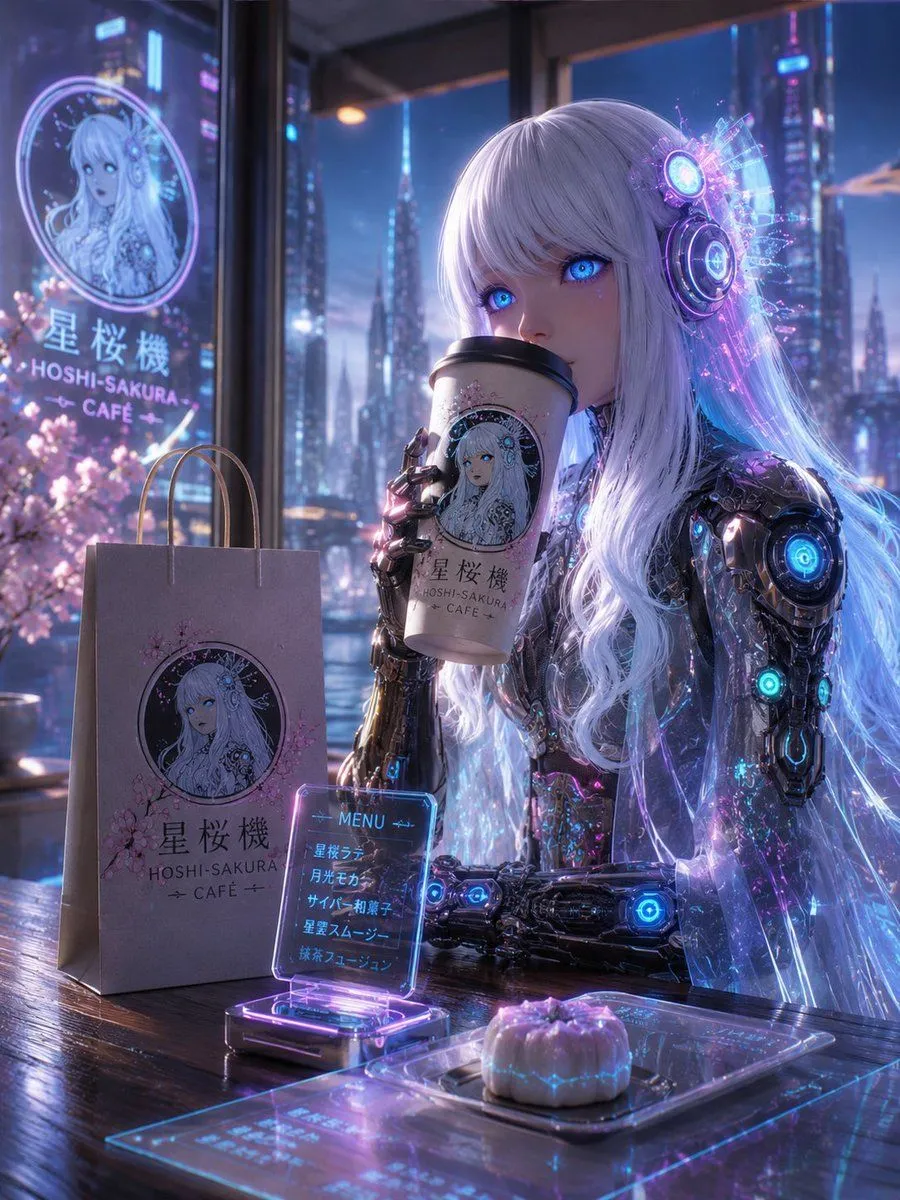
    • Cyberpunk Hoshi-Sakura Cafe
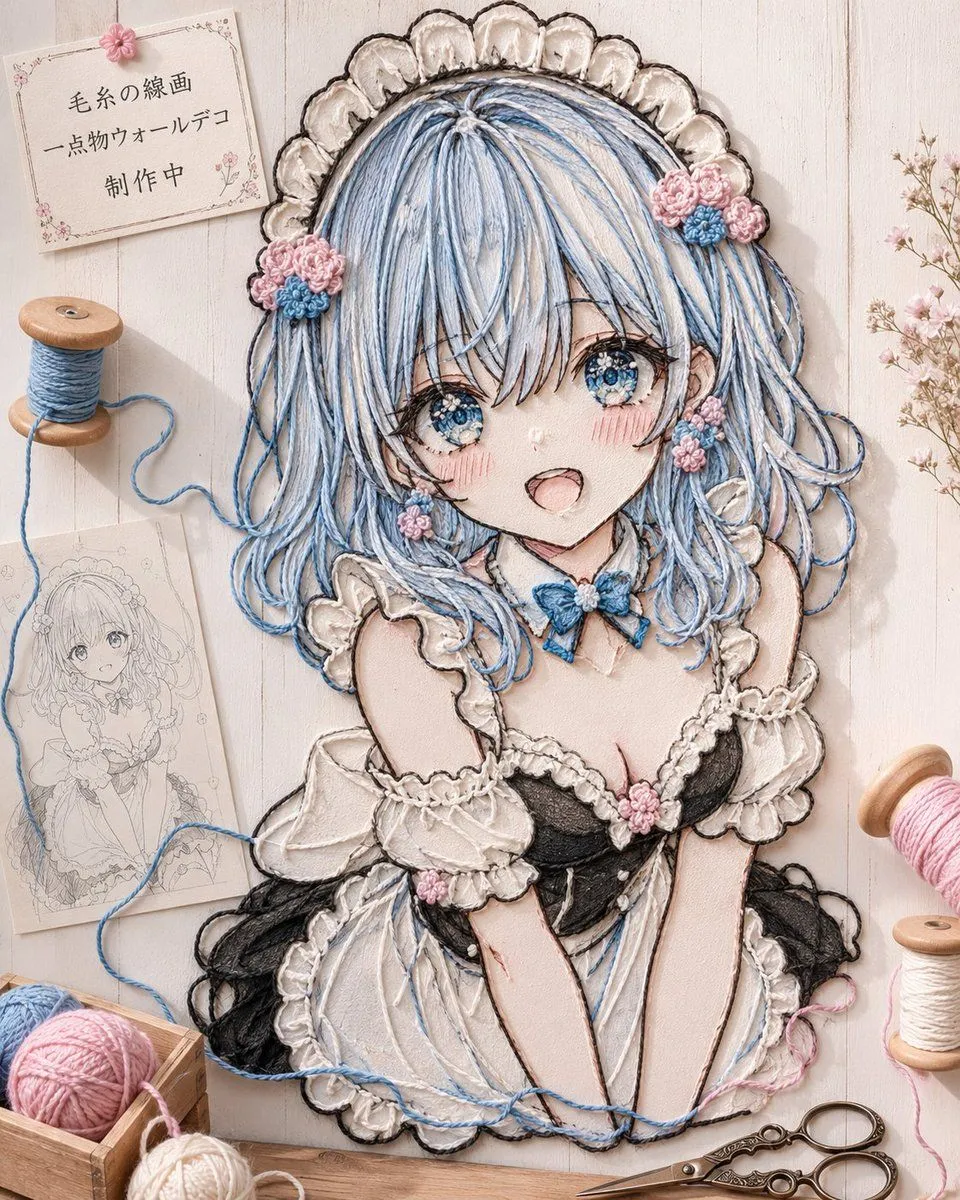
    • Anime Yarn Wall Art Portrait
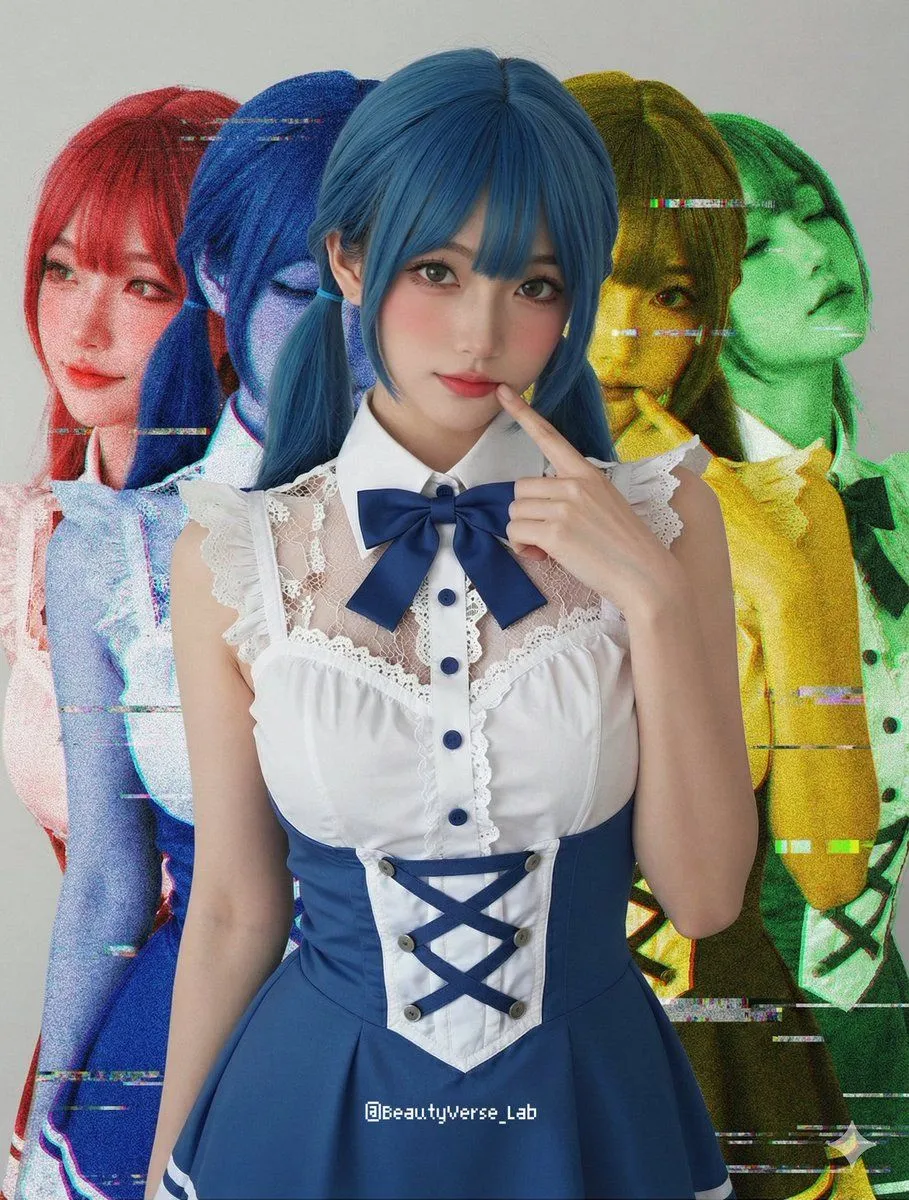
    • Shadow and Glitch Effect Prompt with Color Separation
    • Anime VTuber Livestream Thumbnail
    • Anime Floral Personality Poster

    Show more

    Run it on your phone

    1. Prompt copiedRead it

      Add a background that matches the character in the illustration to a {background_state} background, and adjust the lighting

    2. Open your app

    3. Paste and run

      Press and hold the message box, then tap Paste. Add your photo first if the prompt uses one. You may need to sign in.

    Character Background and Lighting Adjustment