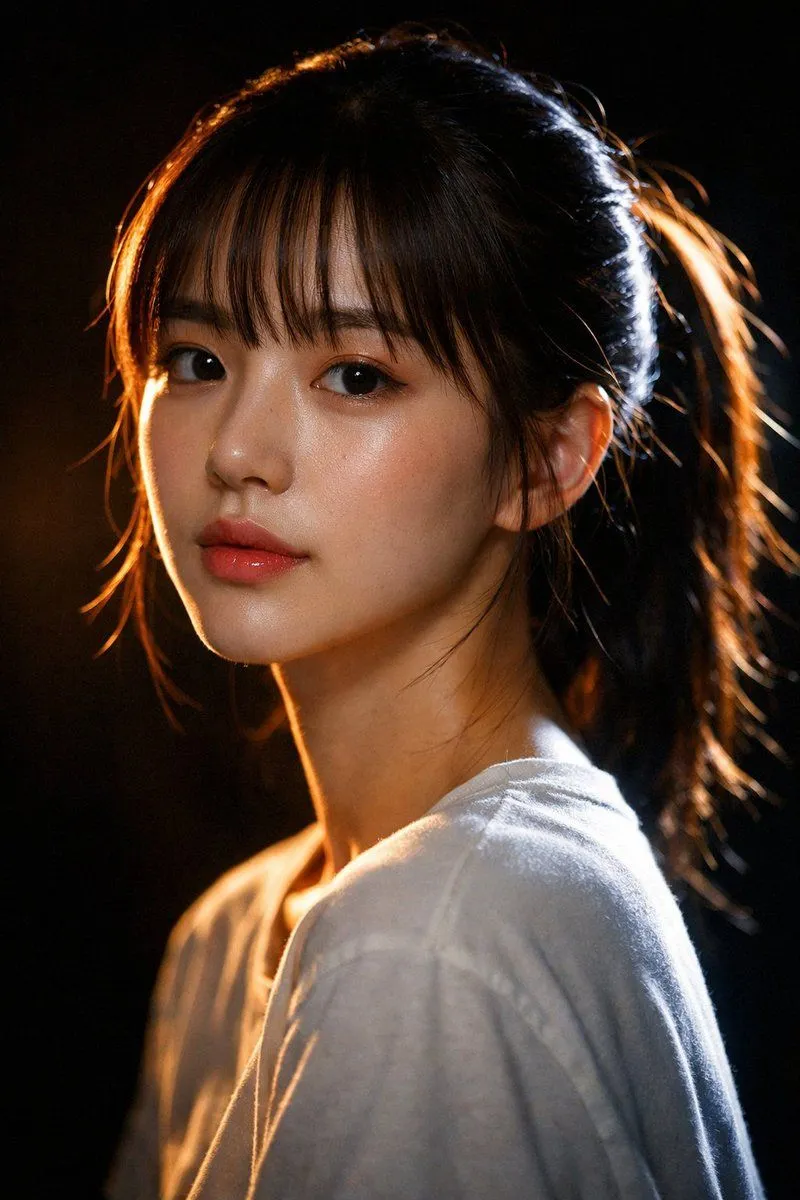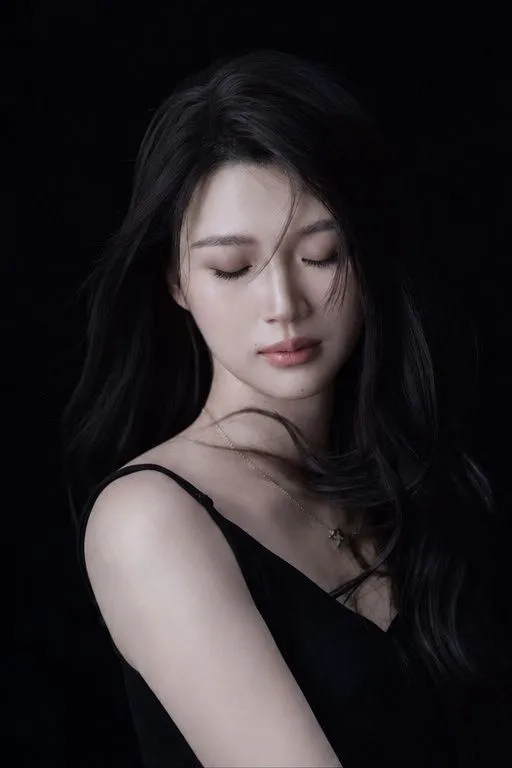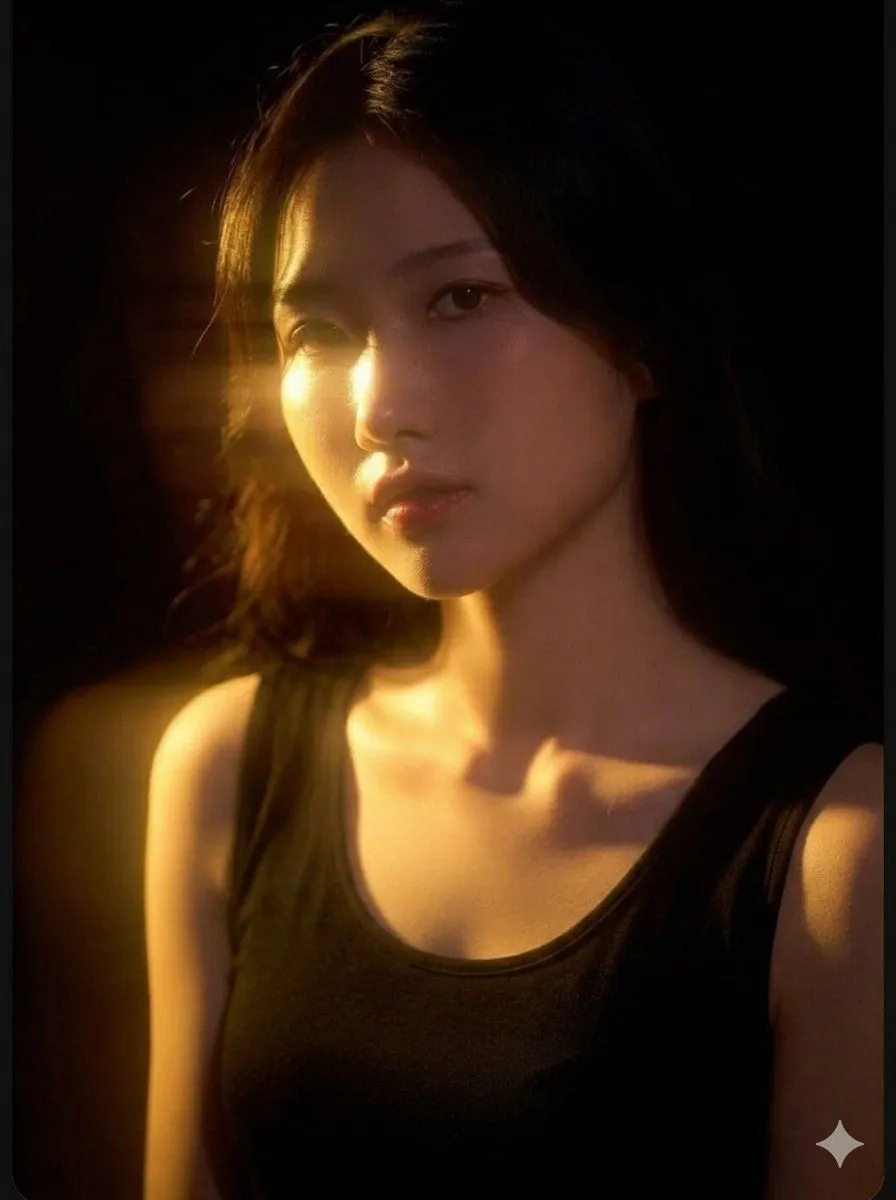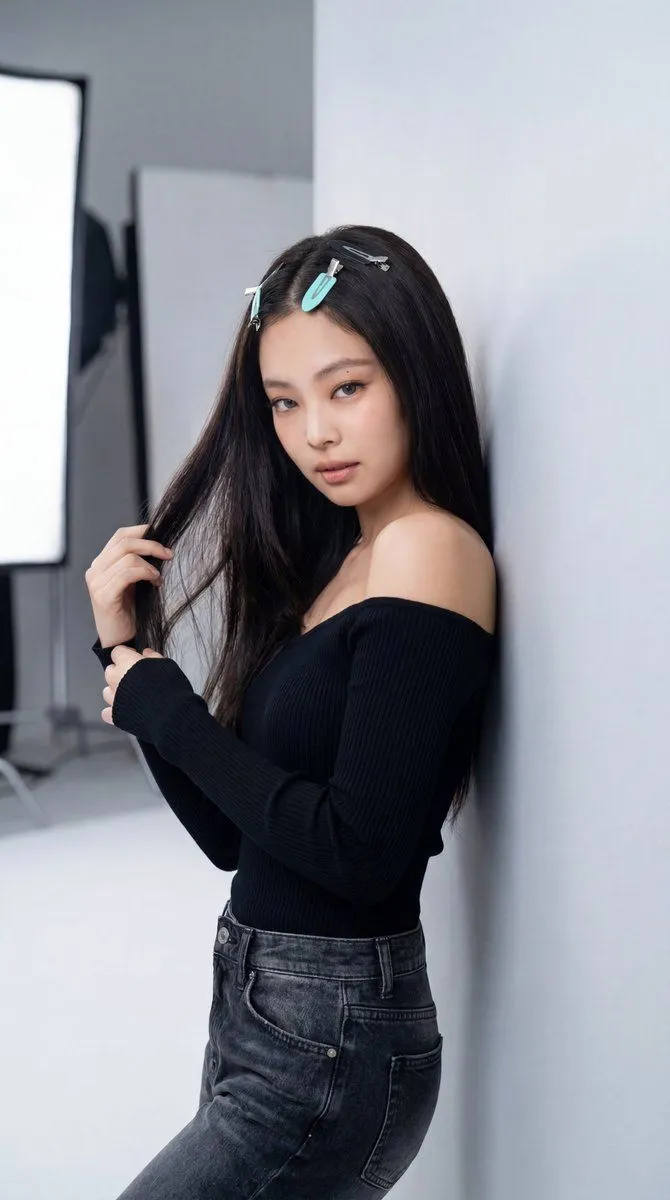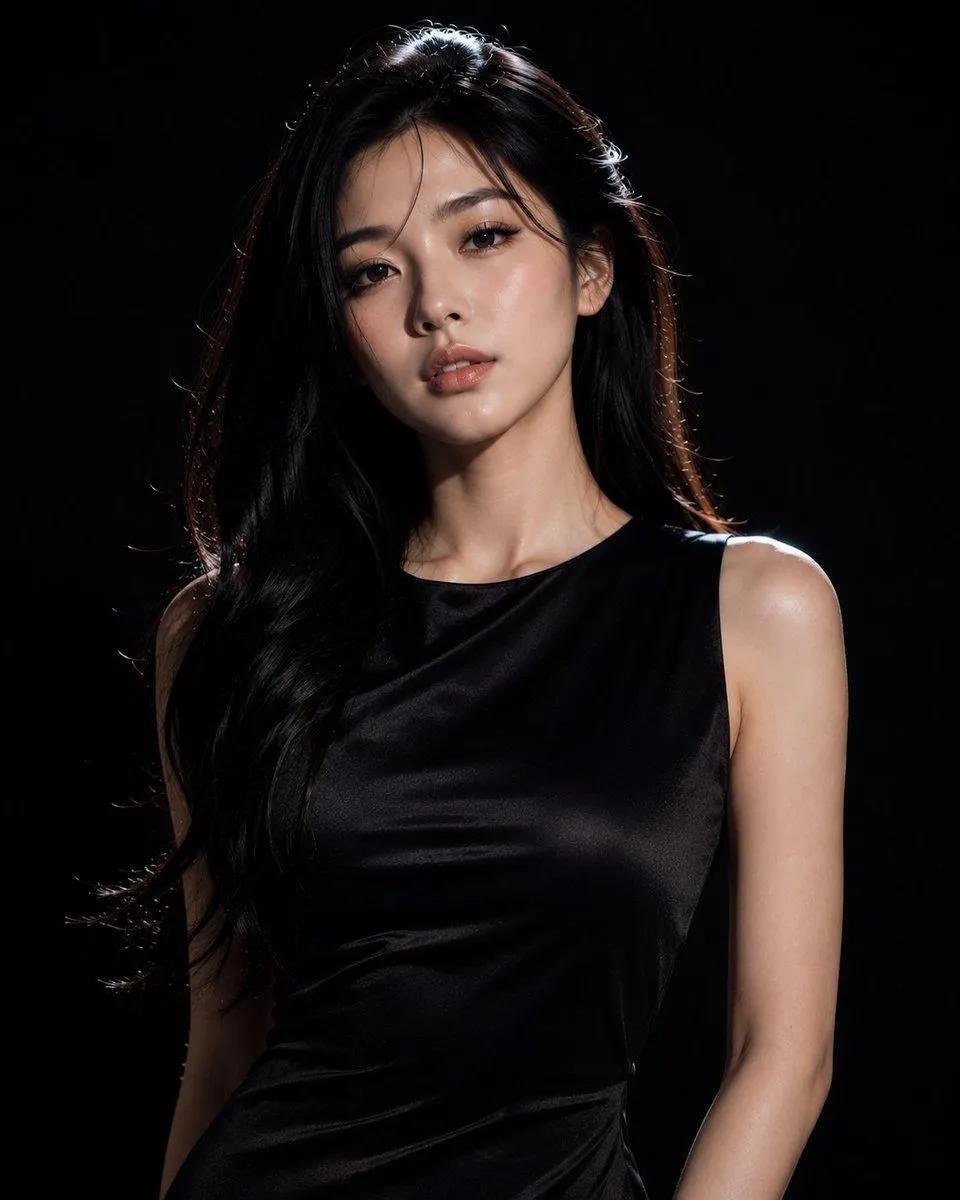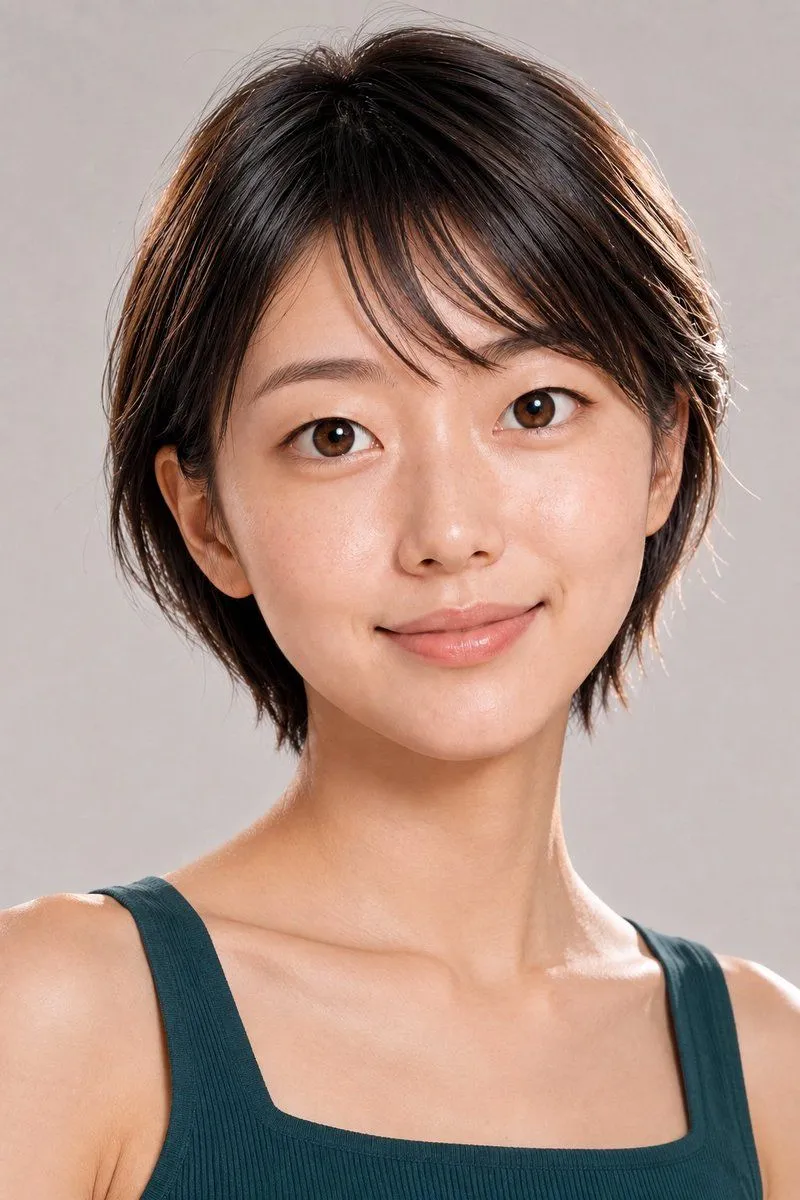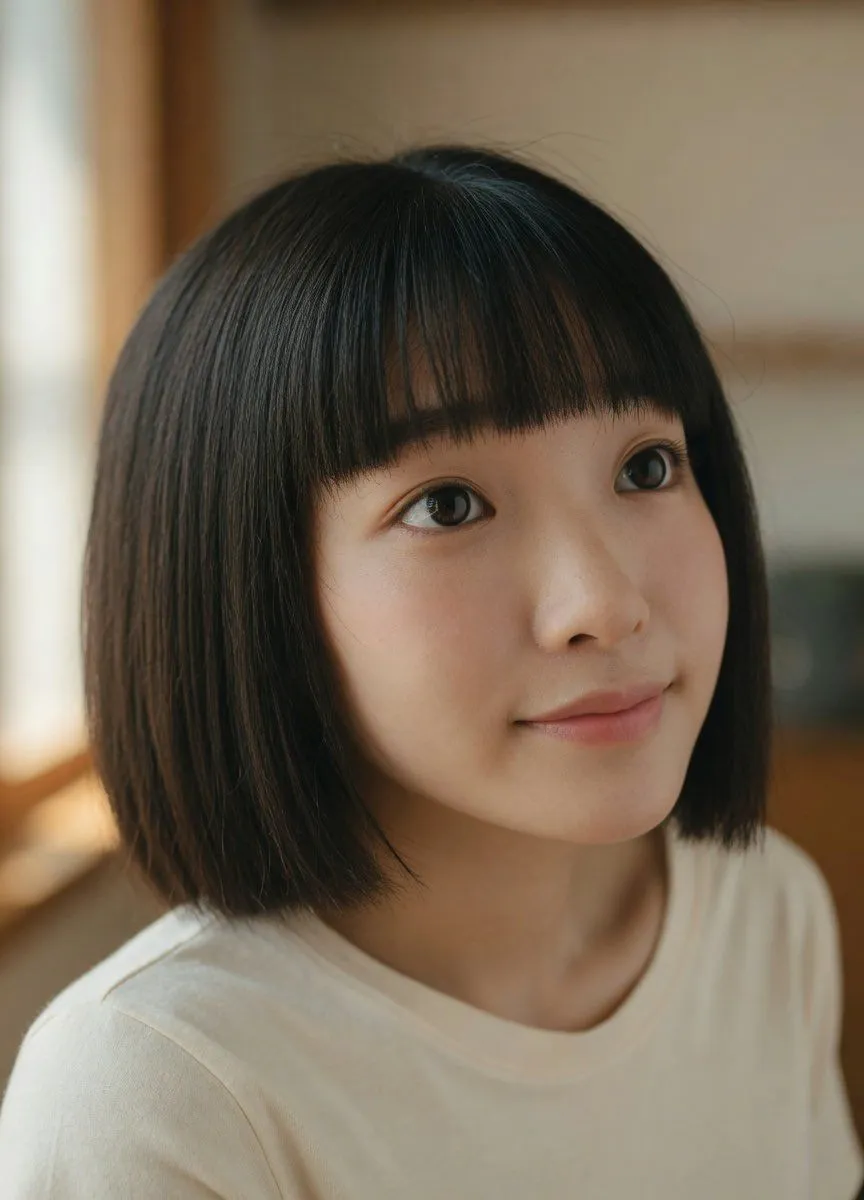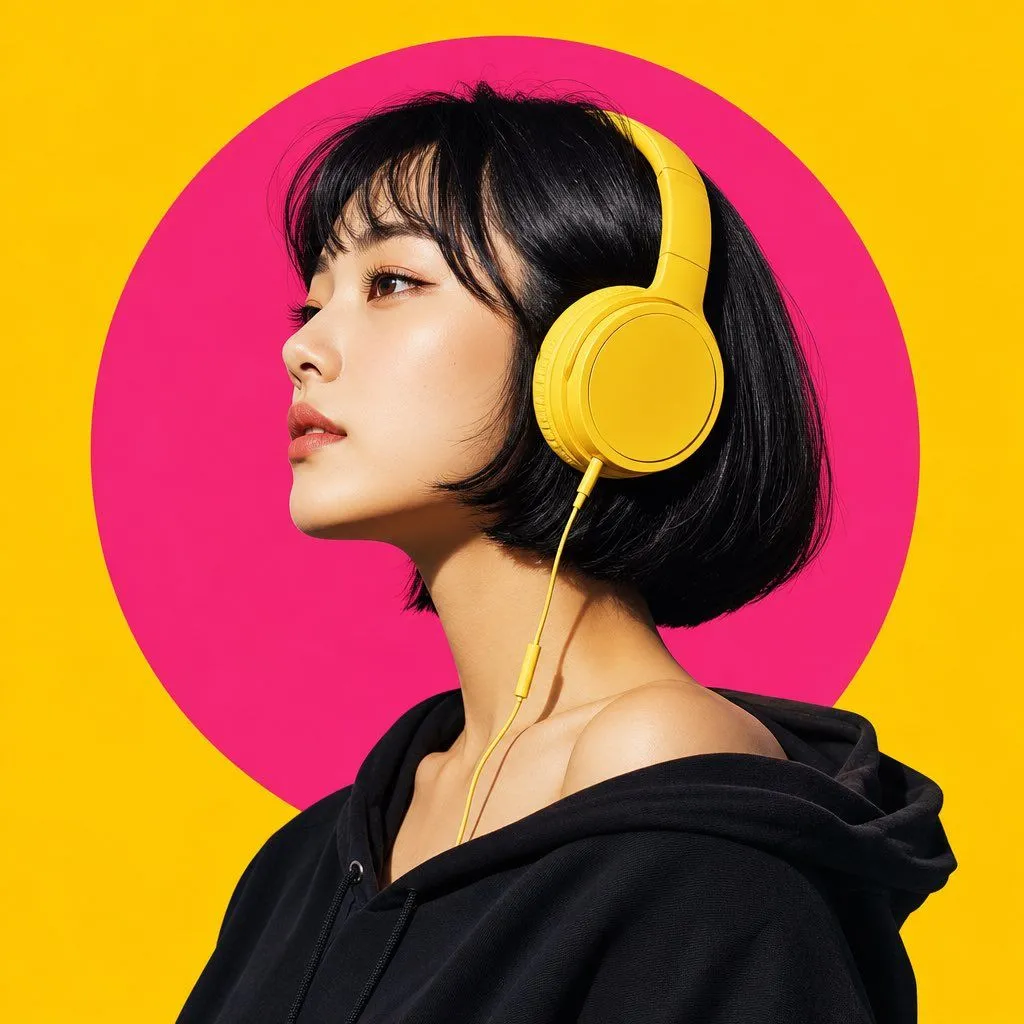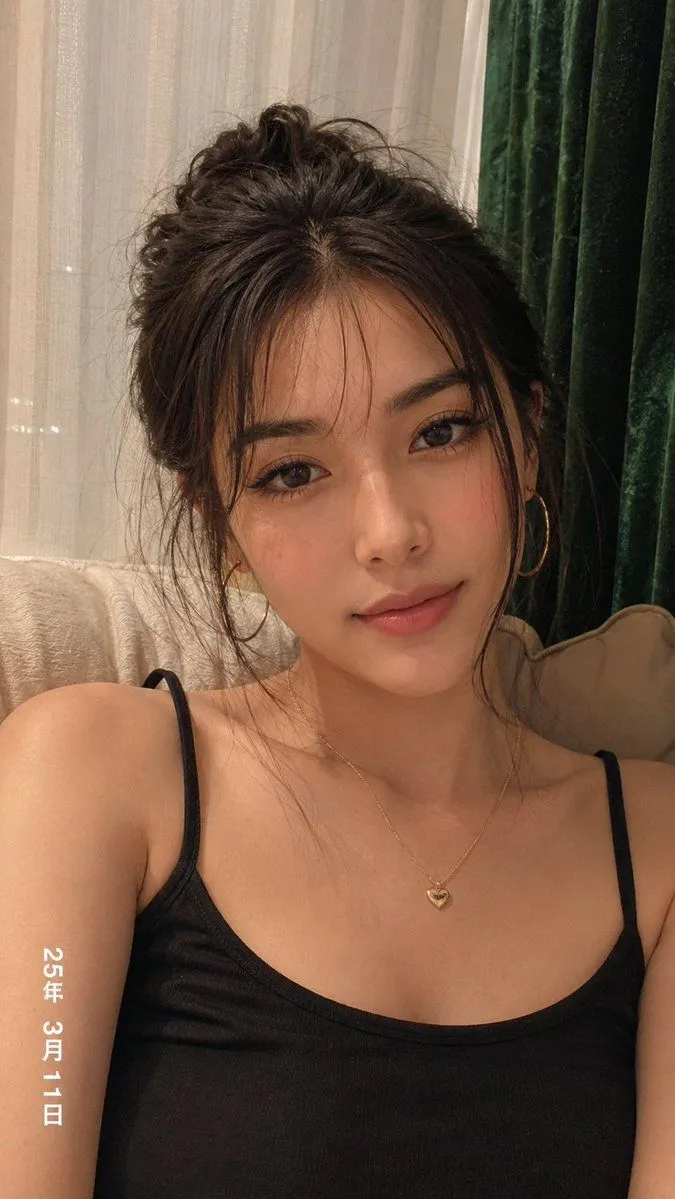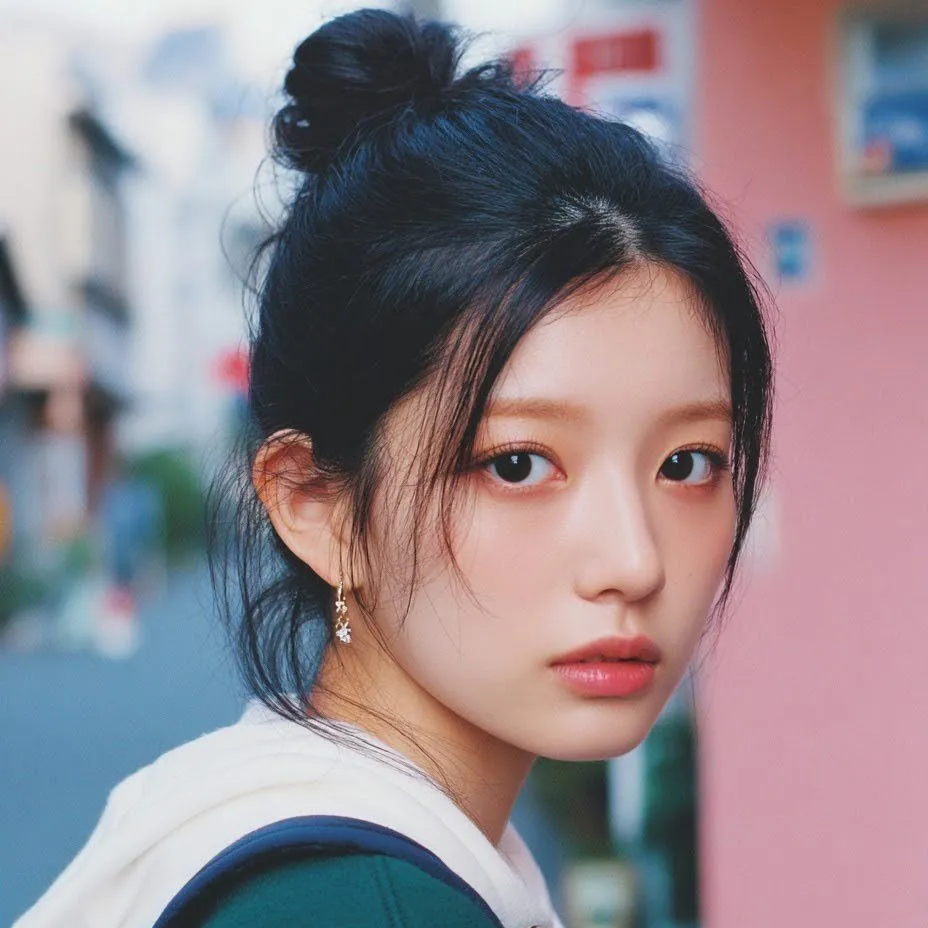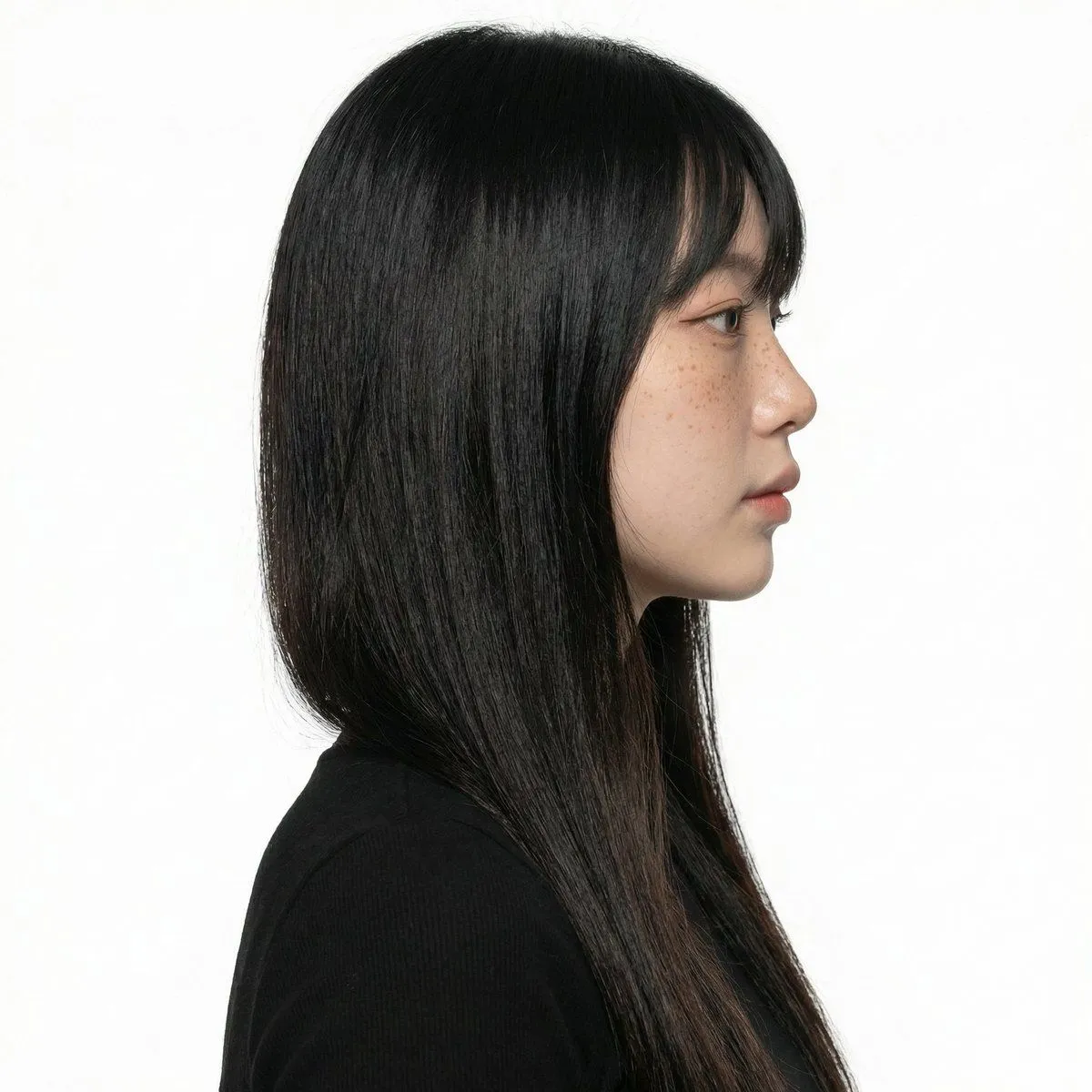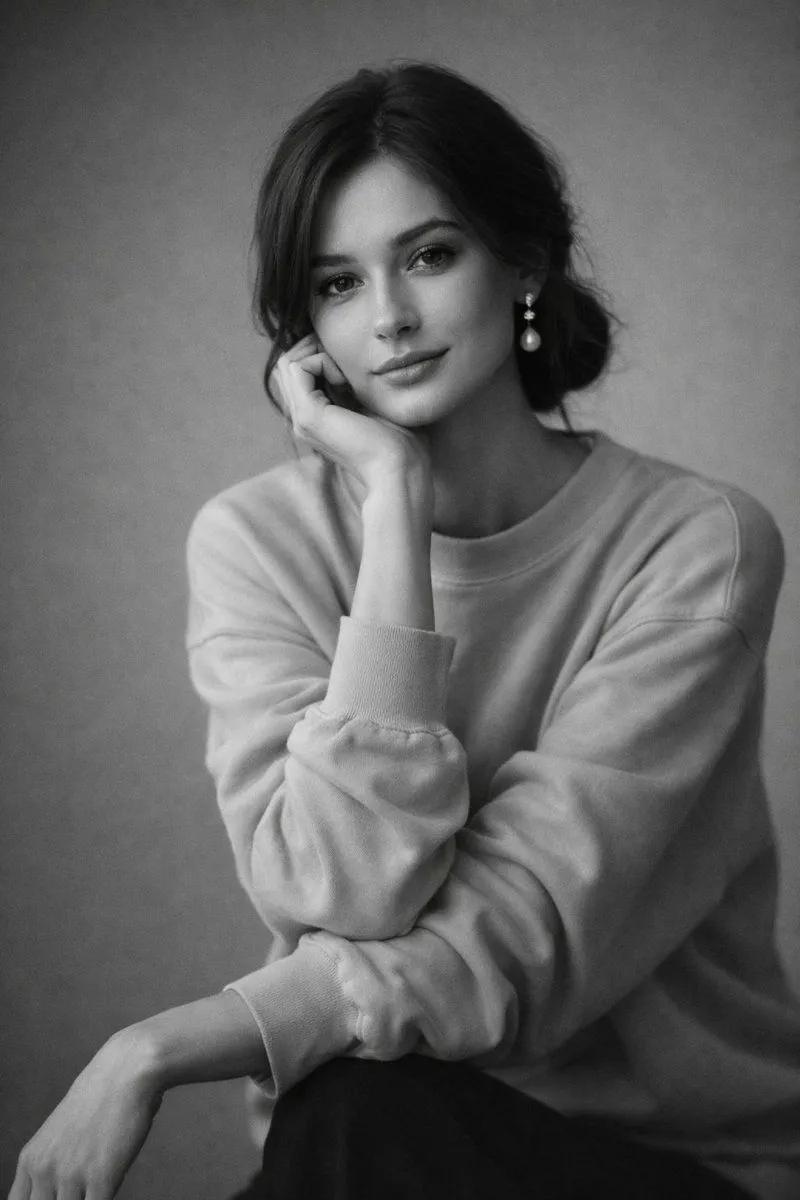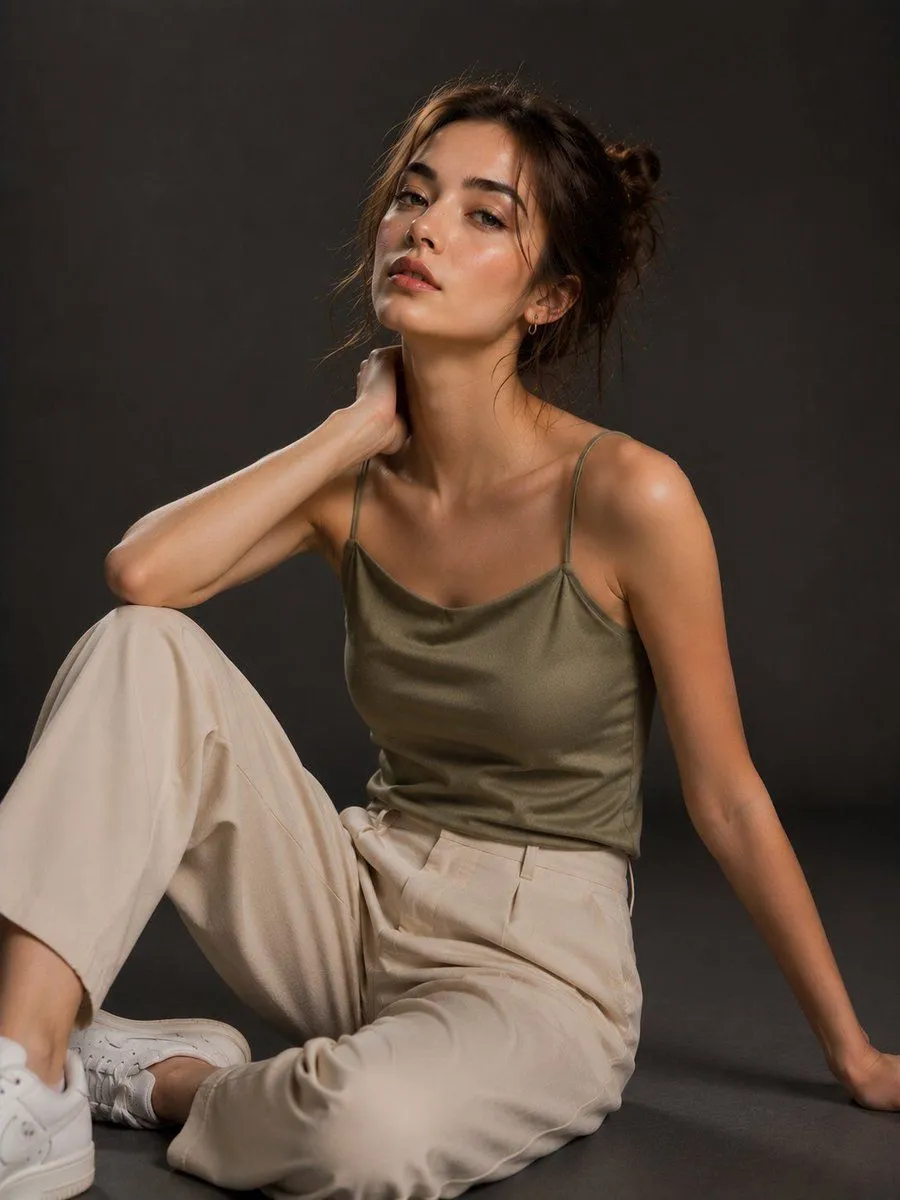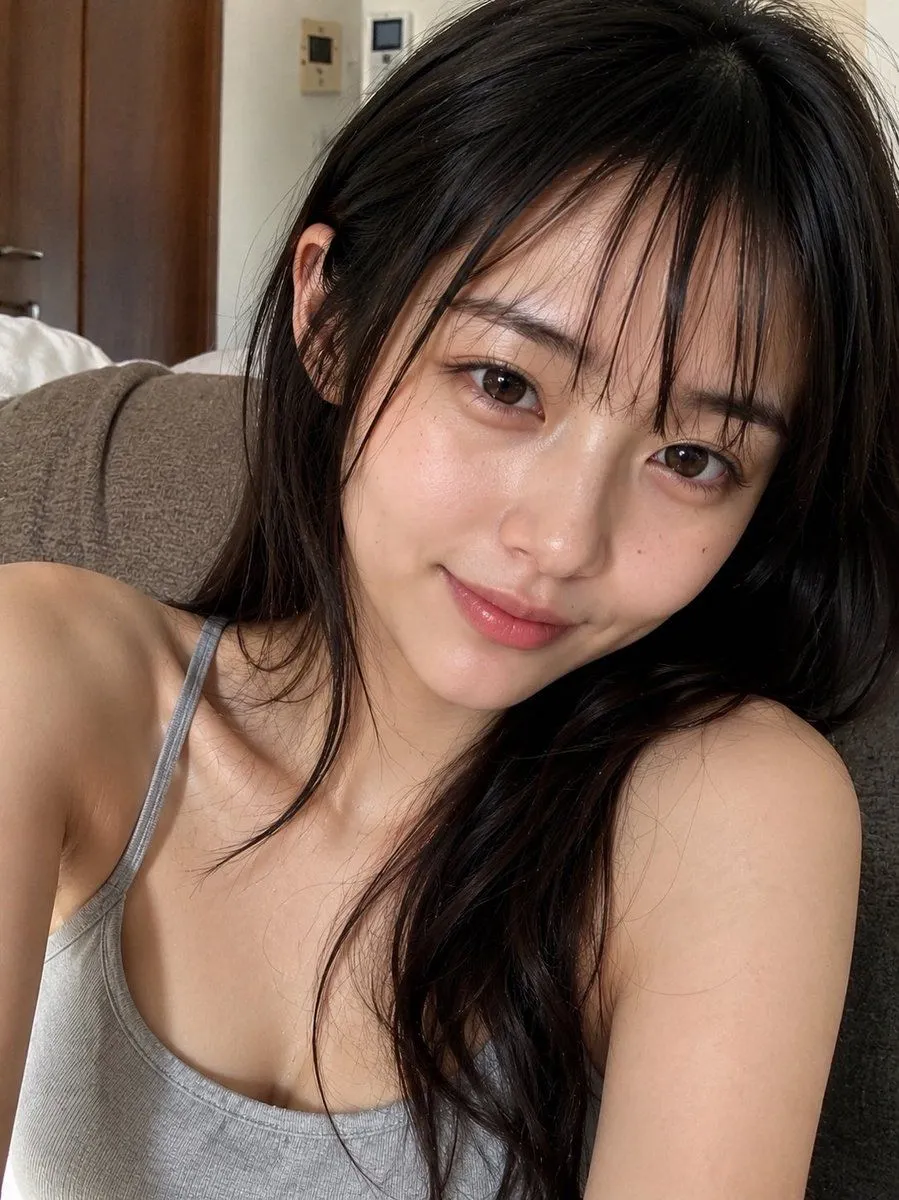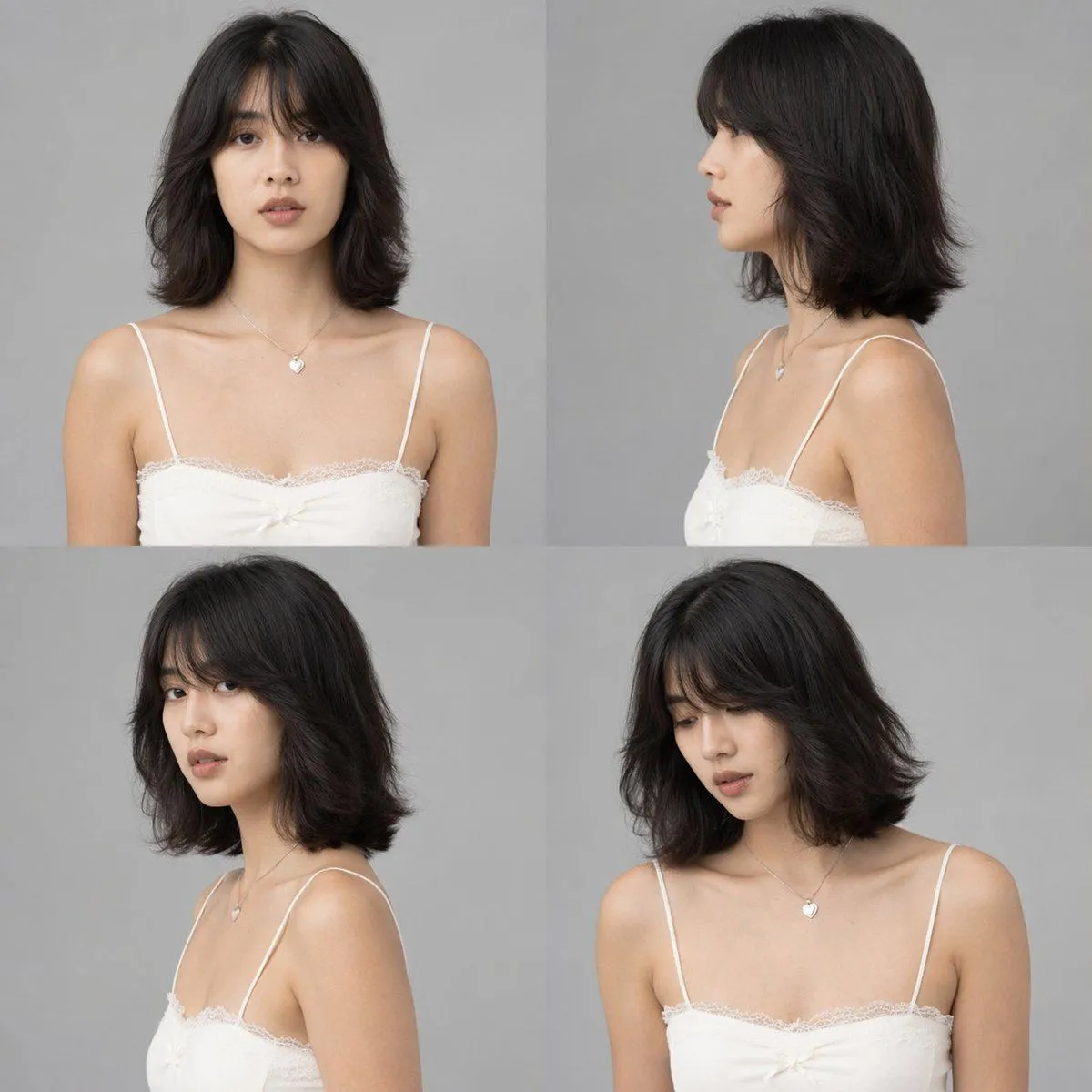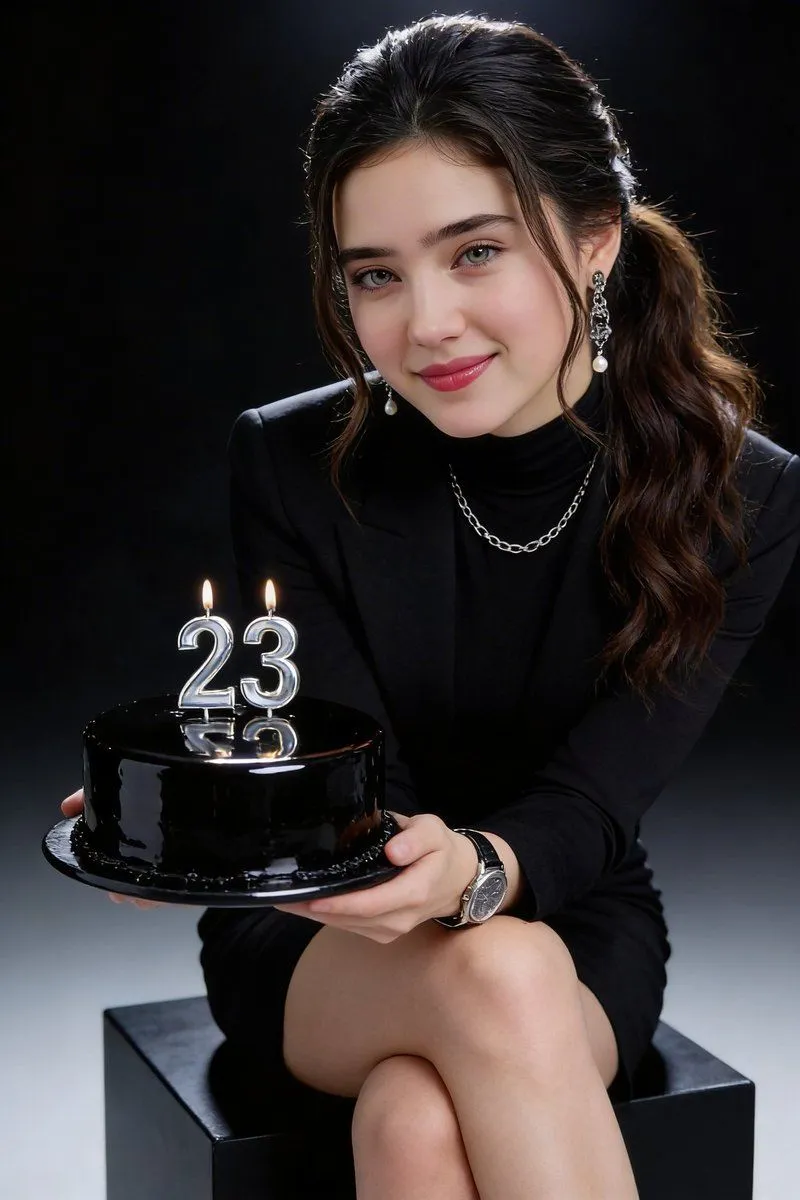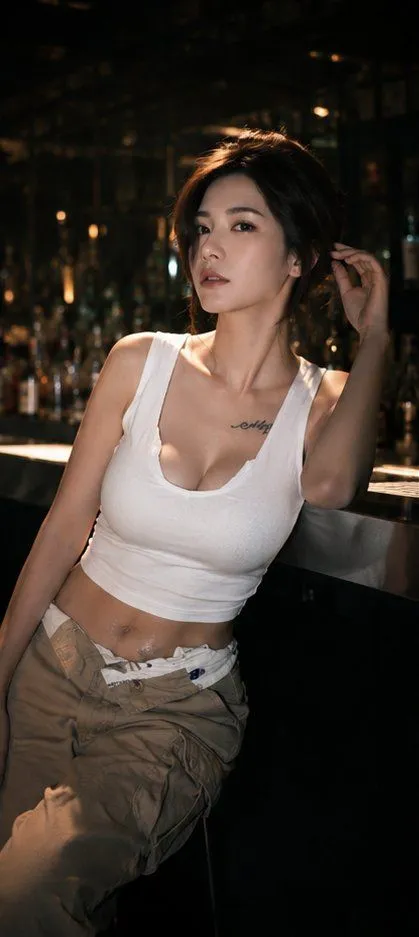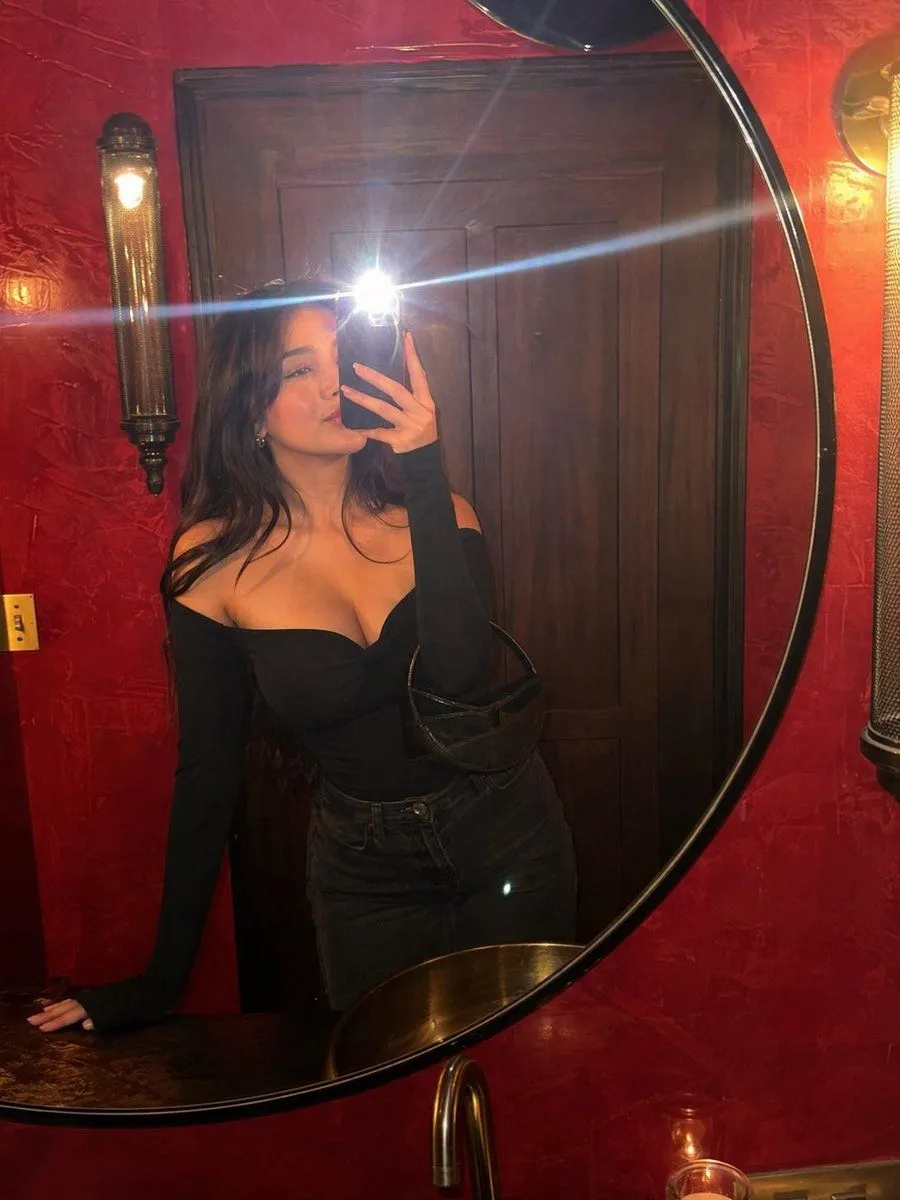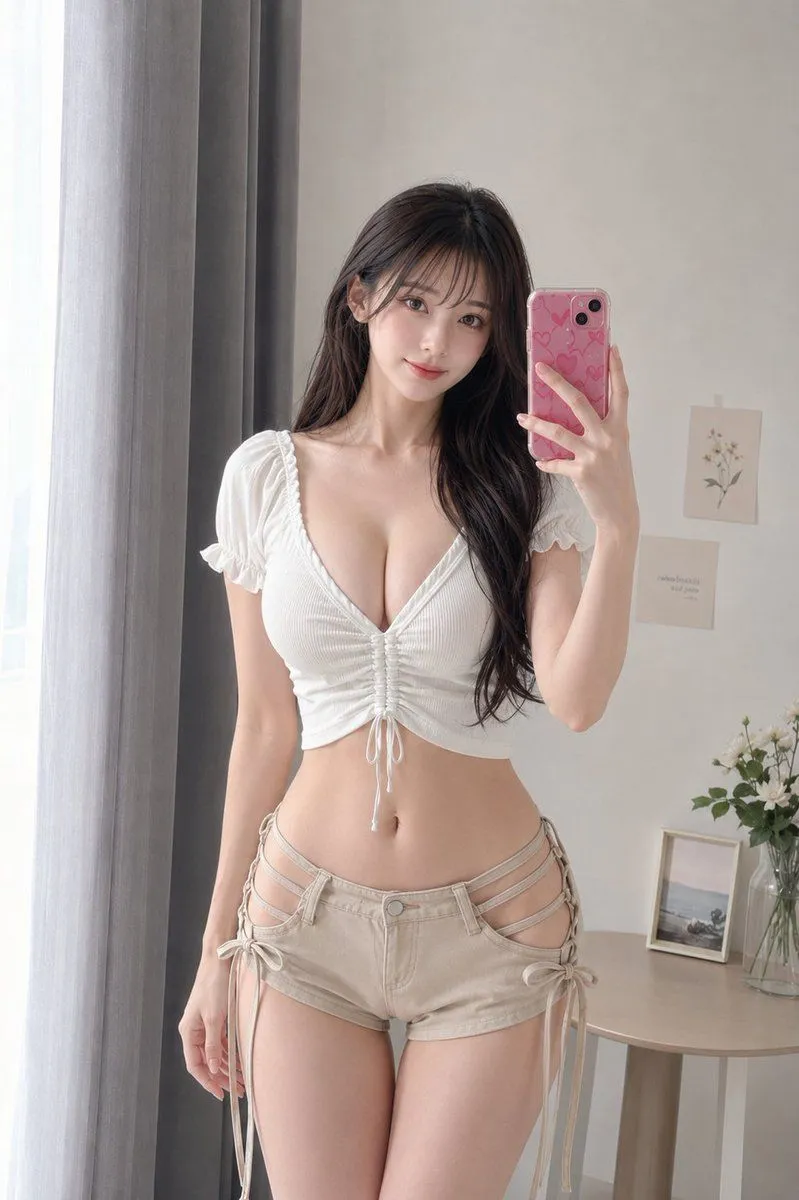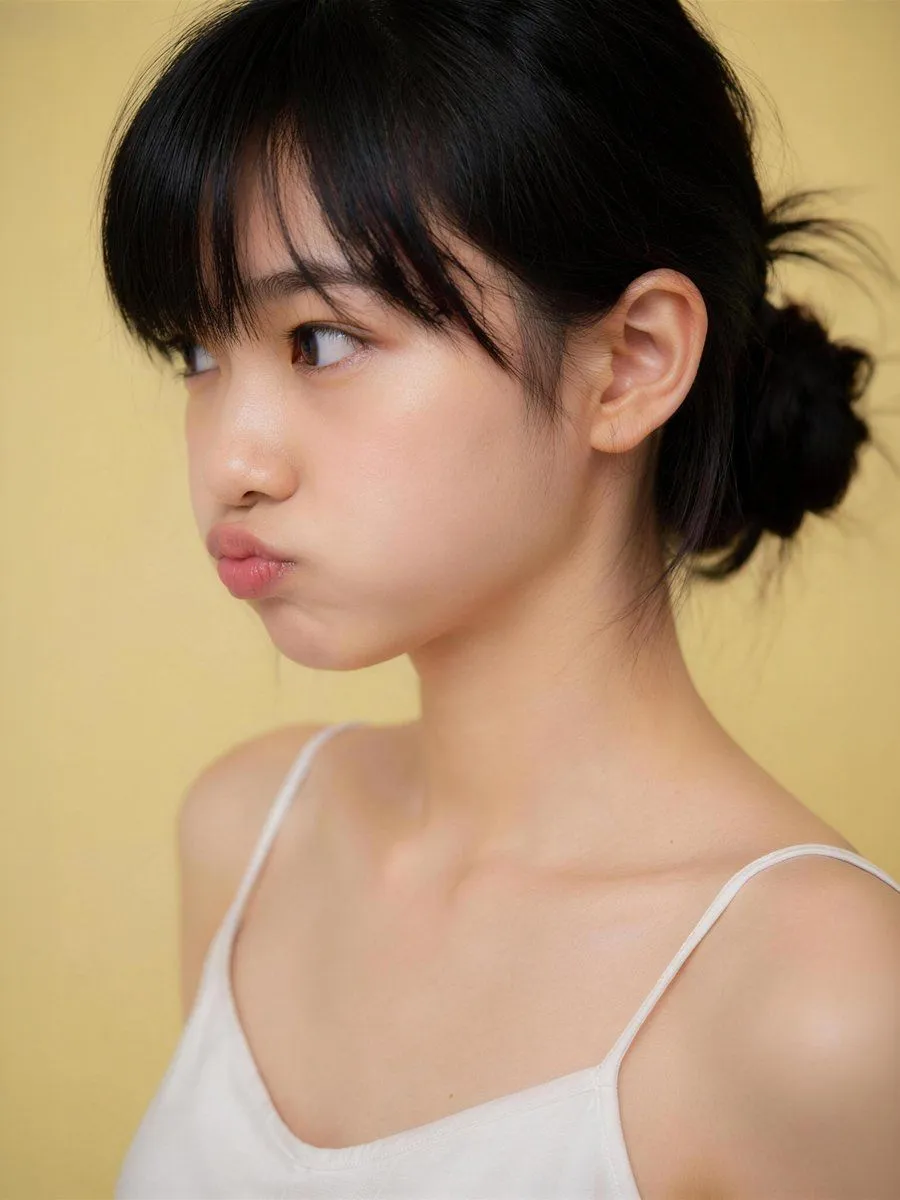
Made with GPT Image 2 in ChatGPT by Library Avatars. Promptclay never generates images.
Censored Studio Portrait
Prompt
3 blanks to fillCreate a realistic studio portrait photograph of a young East Asian woman from the upper chest up, framed vertically in a 3:4 crop. She is turned slightly to the viewer’s left in a three-quarter pose, showing one visible ear and the side of her neck, with her face centered but intentionally covered by a large opaque square privacy block. She has {hair_color} hair styled in a loose low bun at the back, with soft bangs across the forehead area and a few wispy flyaway strands. She wears a simple {top_color} camisole with thin spaghetti straps, bare shoulders, natural skin texture, and soft collarbone highlights. Use a warm matte {background_color} seamless studio background. Lighting should be soft, flattering, and diffused, with gentle shadows, shallow depth of field, and a high-end AI photography look. Add exactly 1 censoring element: a large square block over the face, aligned vertically and horizontally over the central face area, filled with a smooth muted skin-tone vertical gradient from dark brown at the top to peach-beige at the bottom, with sharp edges and no text. Keep the composition clean and minimal, no jewelry, no props, no watermark, no extra text.
Preview of your prompt
Create a realistic studio portrait photograph of a young East Asian woman from the upper chest up, framed vertically in a 3:4 crop. She is turned slightly to the viewer’s left in a three-quarter pose, showing one visible ear and the side of her neck, with her face centered but intentionally covered by a large opaque square privacy block. She has natural black hair styled in a loose low bun at the back, with soft bangs across the forehead area and a few wispy flyaway strands. She wears a simple white camisole with thin spaghetti straps, bare shoulders, natural skin texture, and soft collarbone highlights. Use a warm matte pale yellow seamless studio background. Lighting should be soft, flattering, and diffused, with gentle shadows, shallow depth of field, and a high-end AI photography look. Add exactly 1 censoring element: a large square block over the face, aligned vertically and horizontally over the central face area, filled with a smooth muted skin-tone vertical gradient from dark brown at the top to peach-beige at the bottom, with sharp edges and no text. Keep the composition clean and minimal, no jewelry, no props, no watermark, no extra text.
DetailsVersions, settings and questions
Written for
What's in the prompt
- Subject
- Model
- GPT Image 2
If your face changes
keep my face exactly the sameQuestions
- Does this work in the ChatGPT app?
- Yes. Paste the prompt and attach your photo if it uses one.
- It changed my face. What do I do?
- Add "keep my face exactly the same" to the end and run it again.
- Can I use the images I make?
- Check the terms of the app you use. Promptclay never generates images and claims nothing you make.