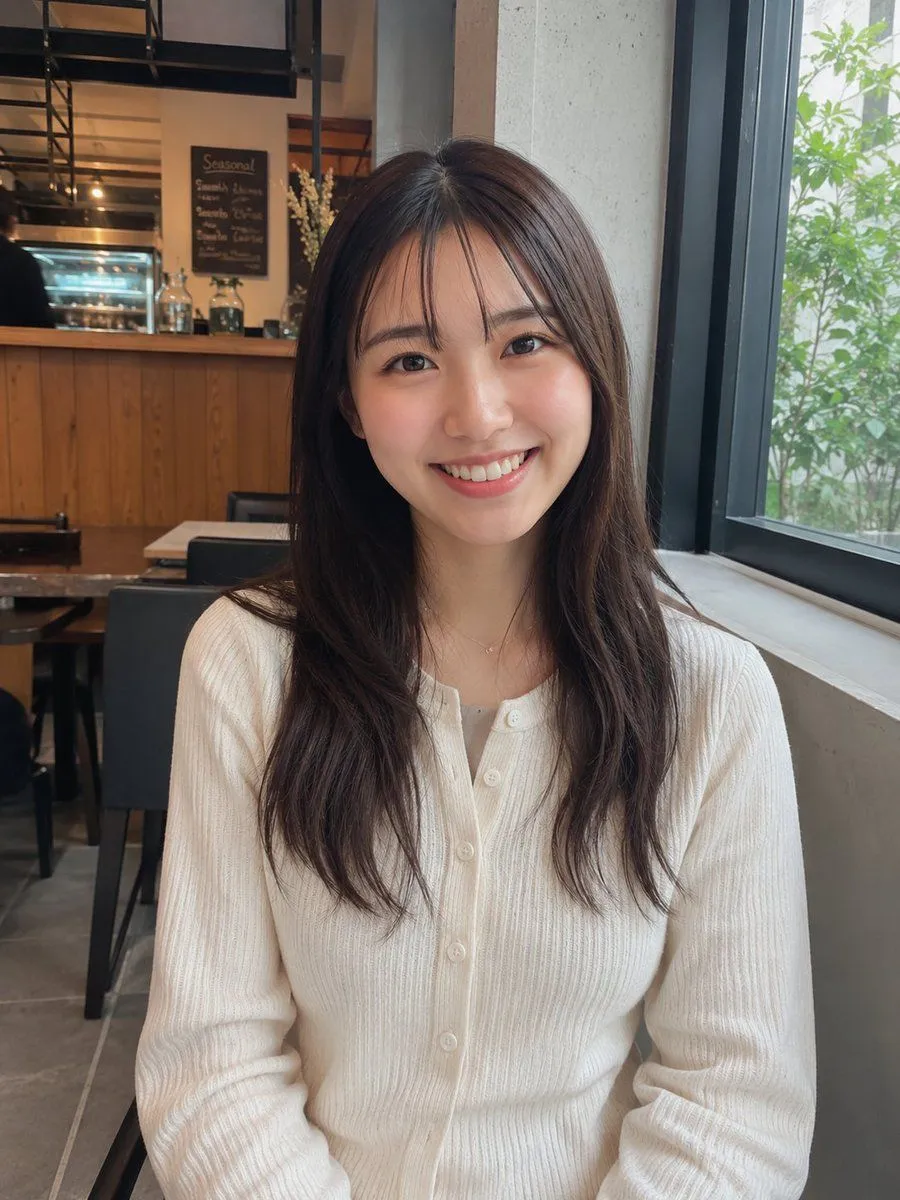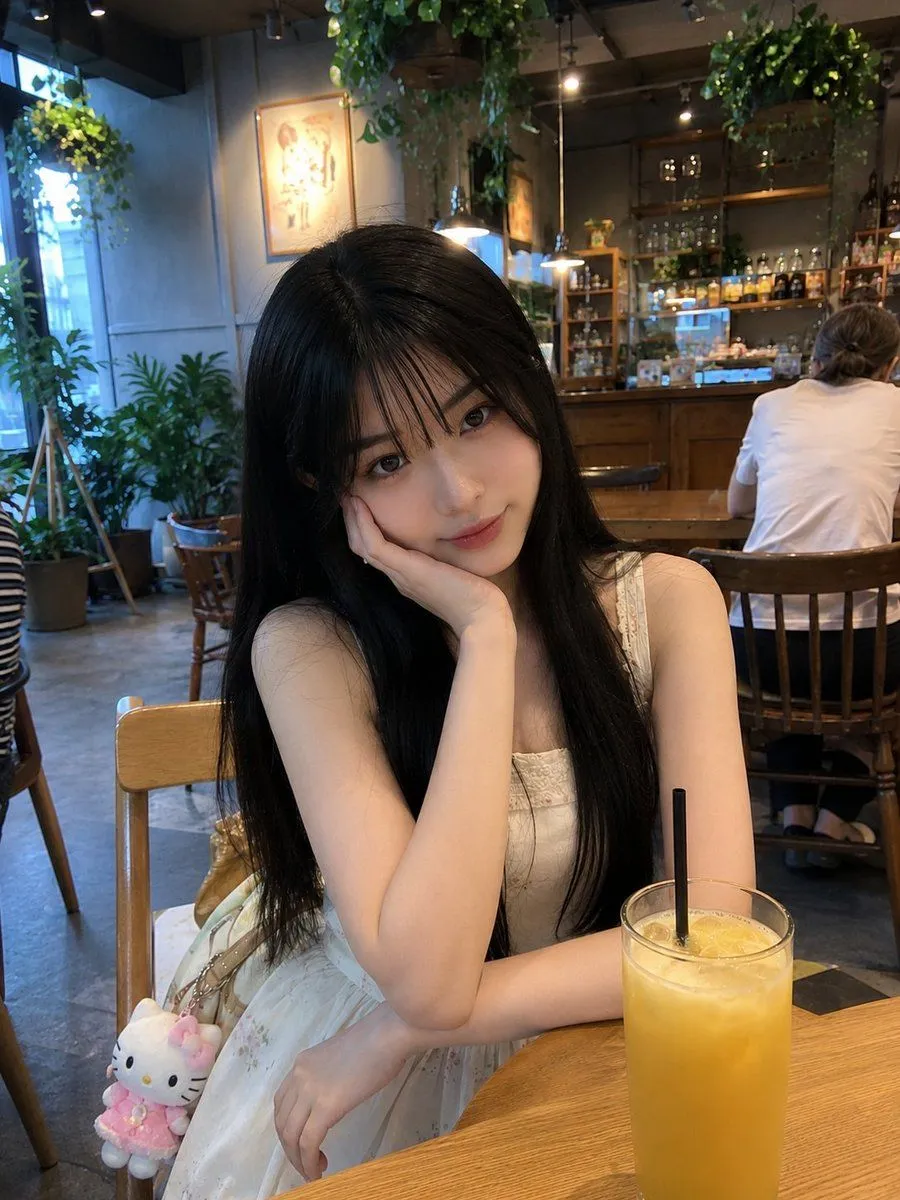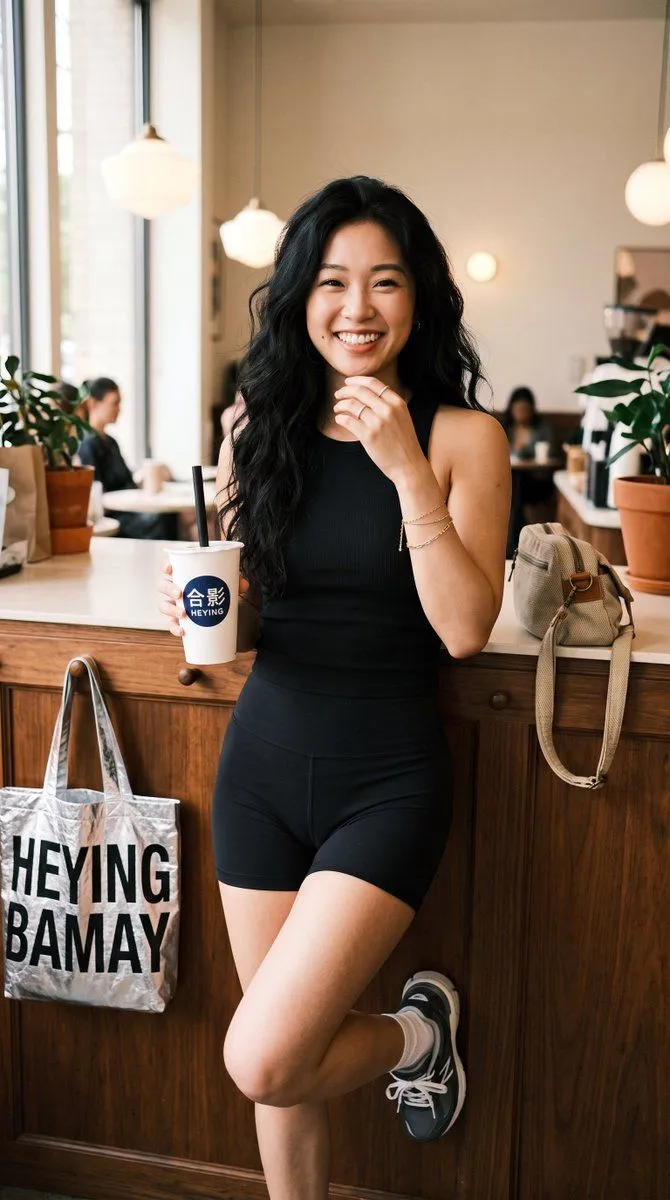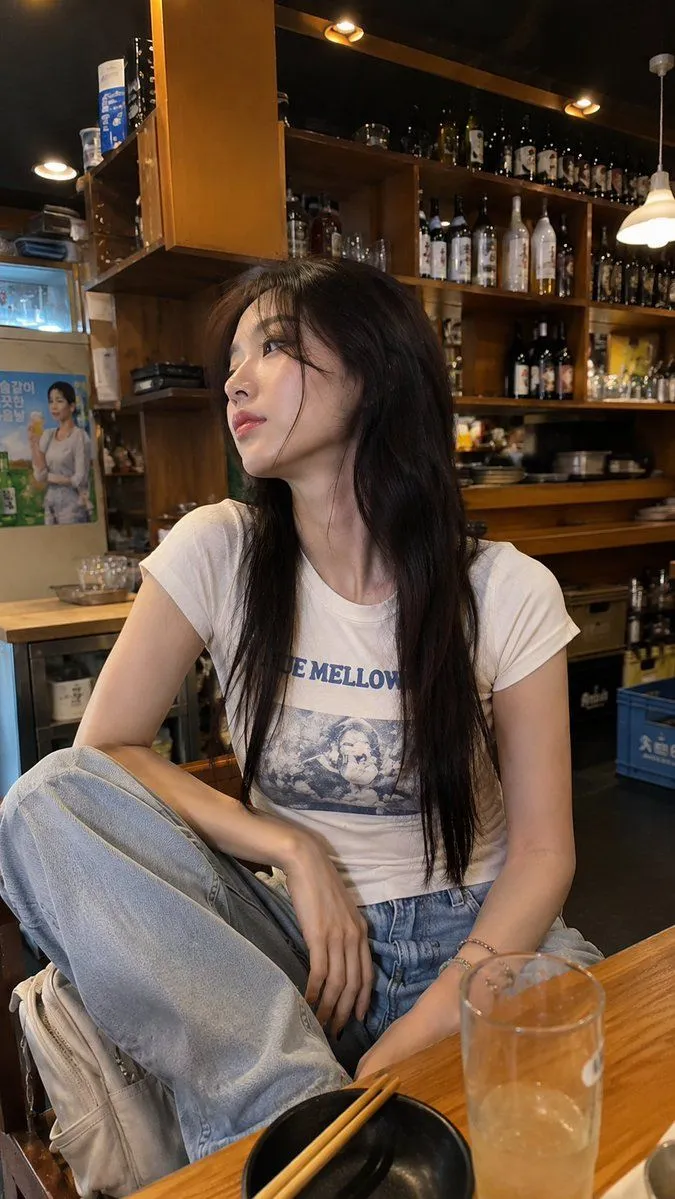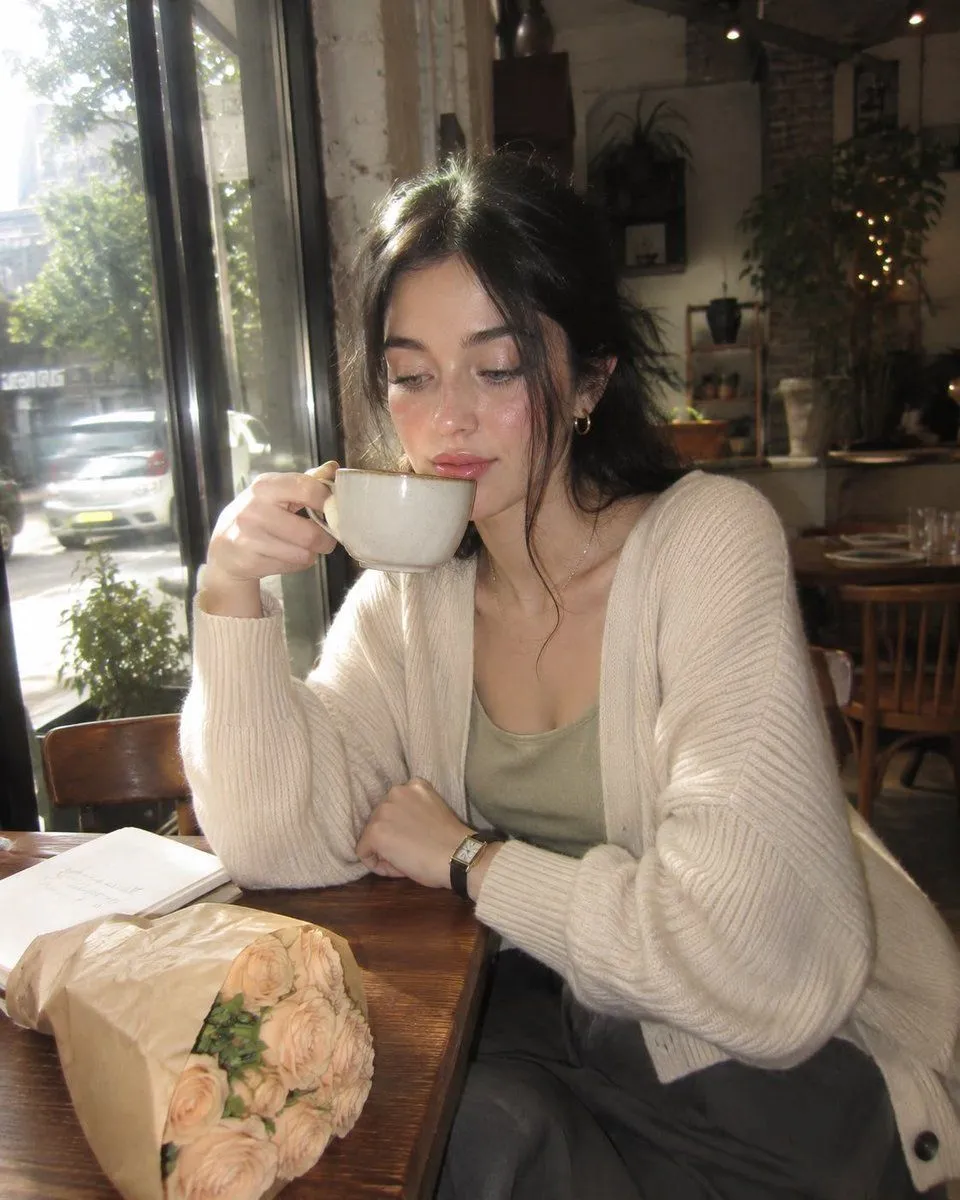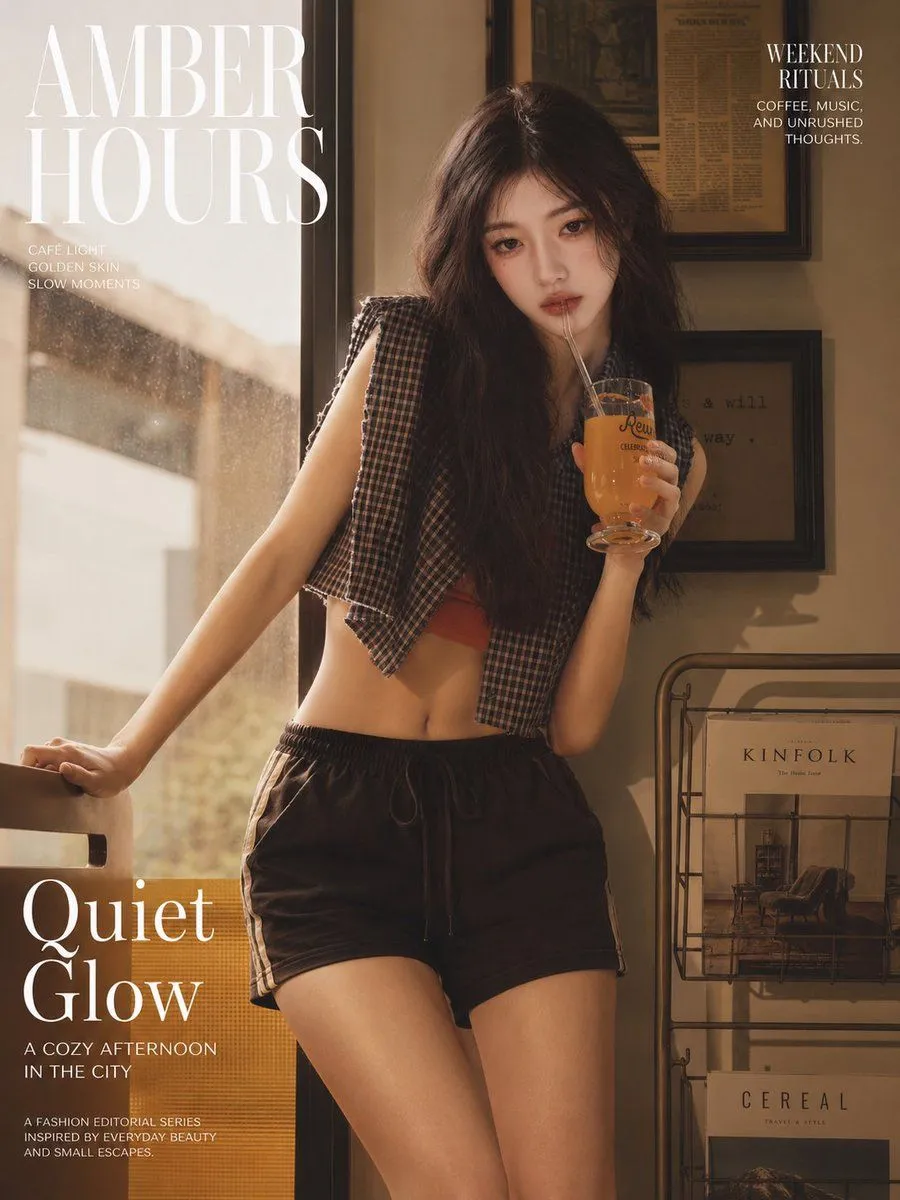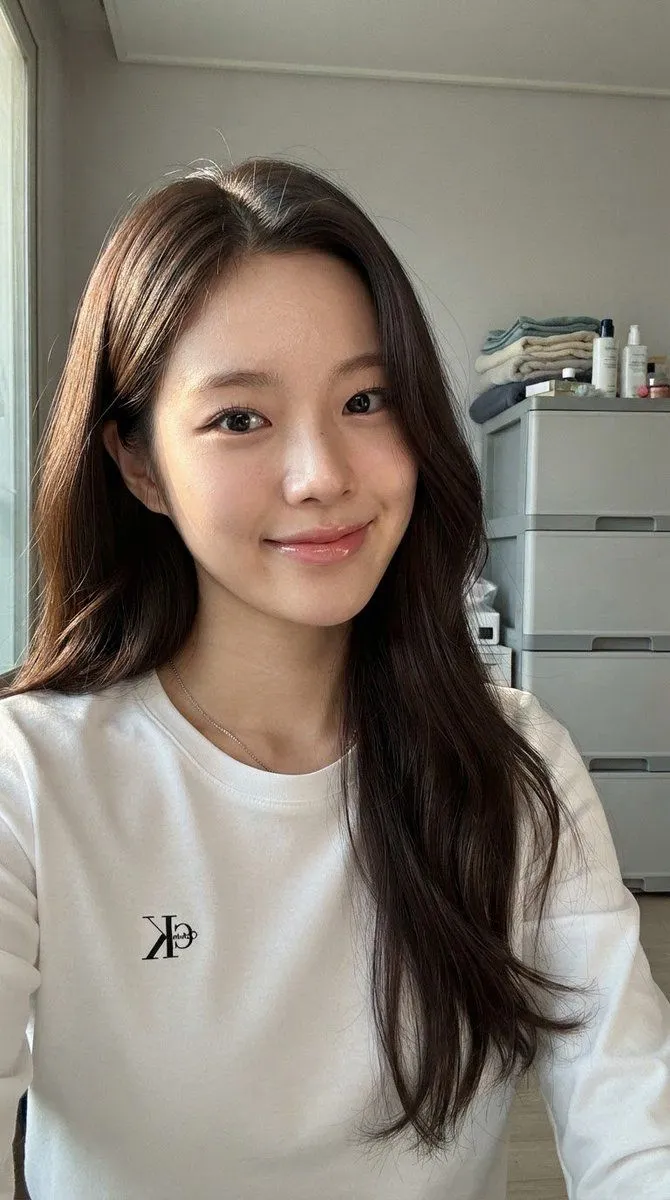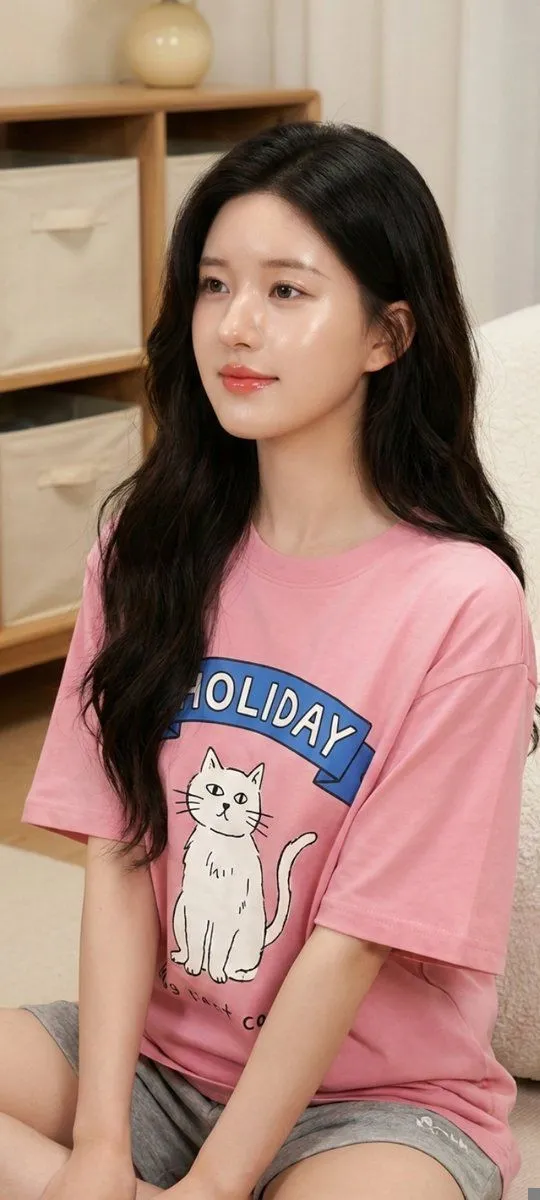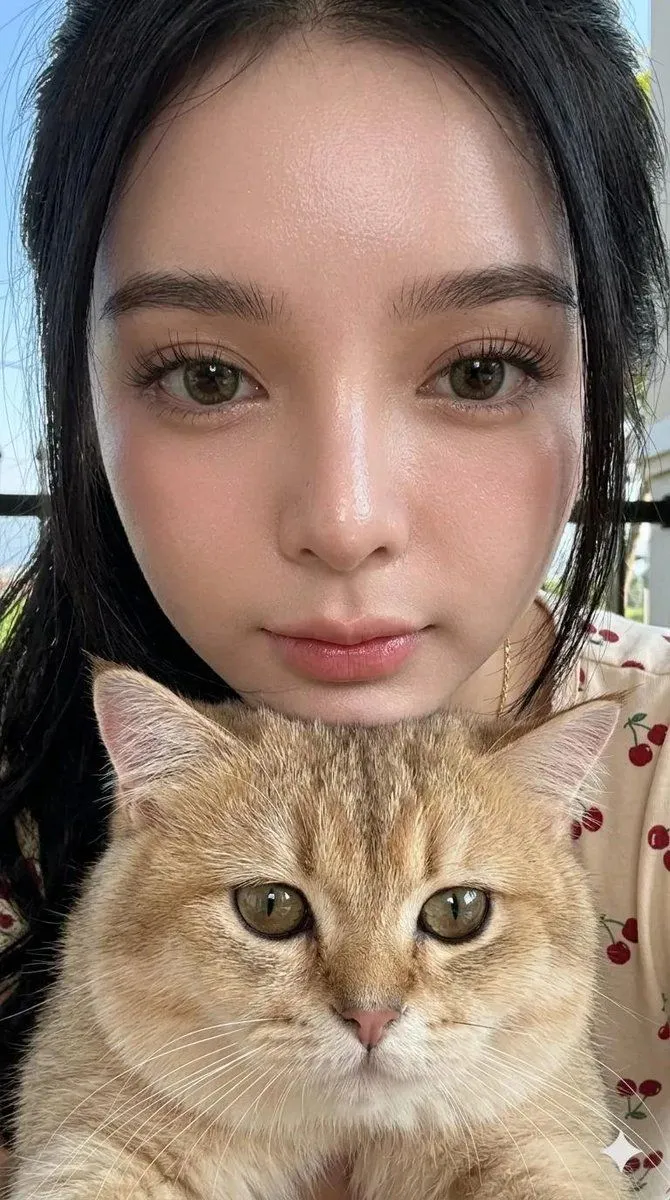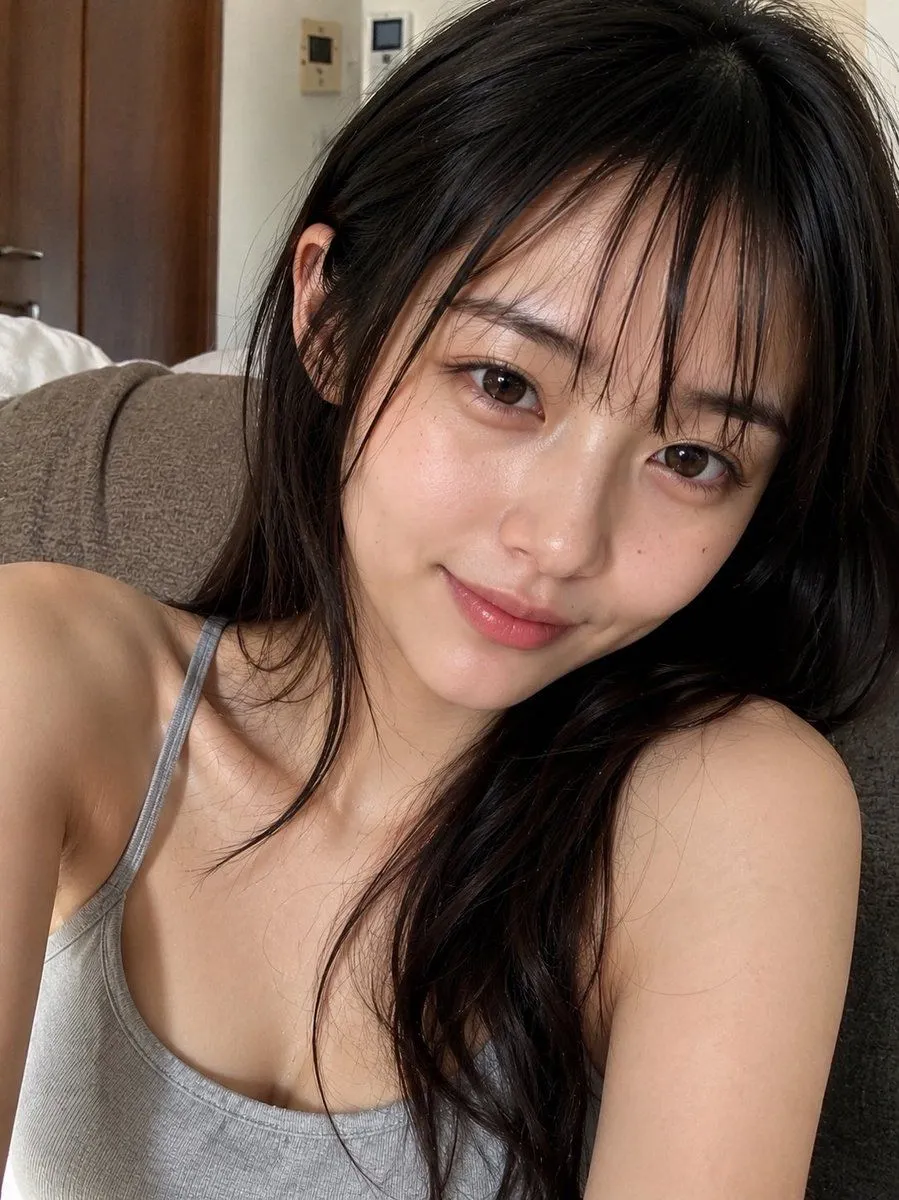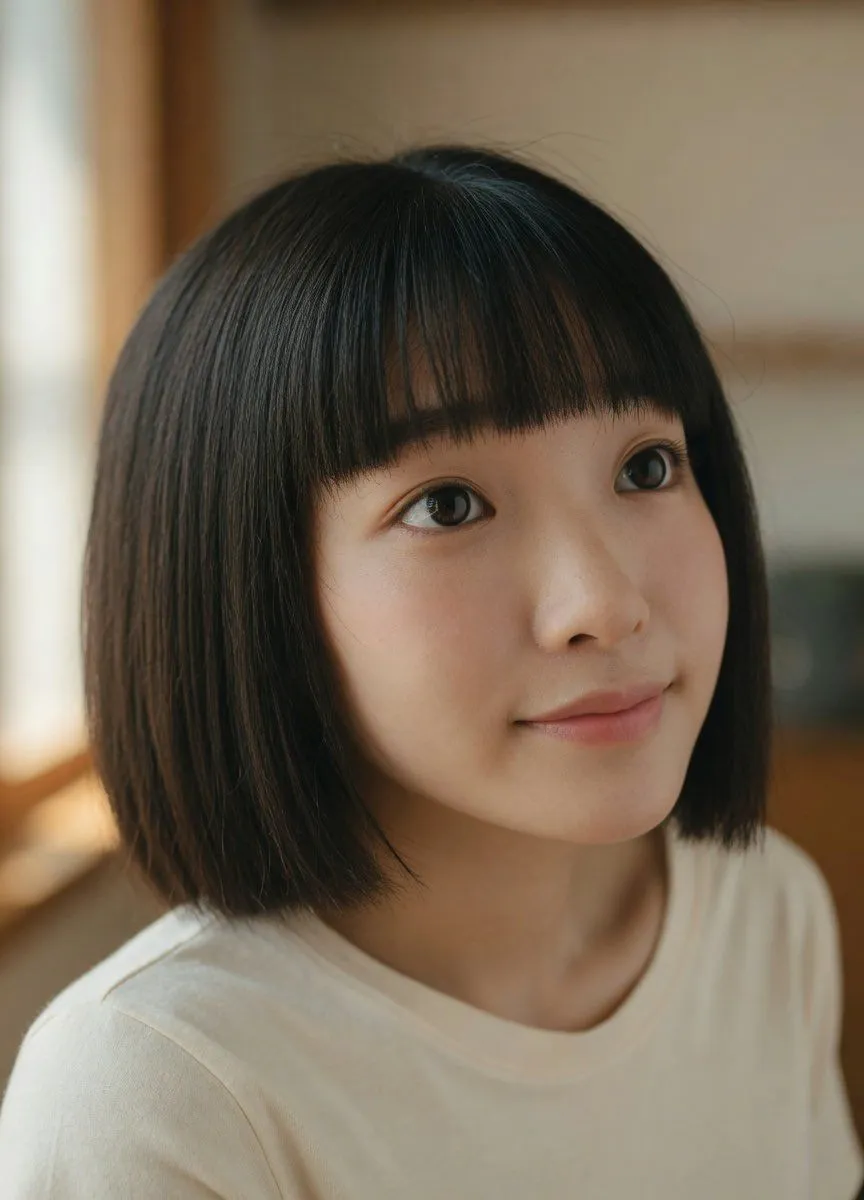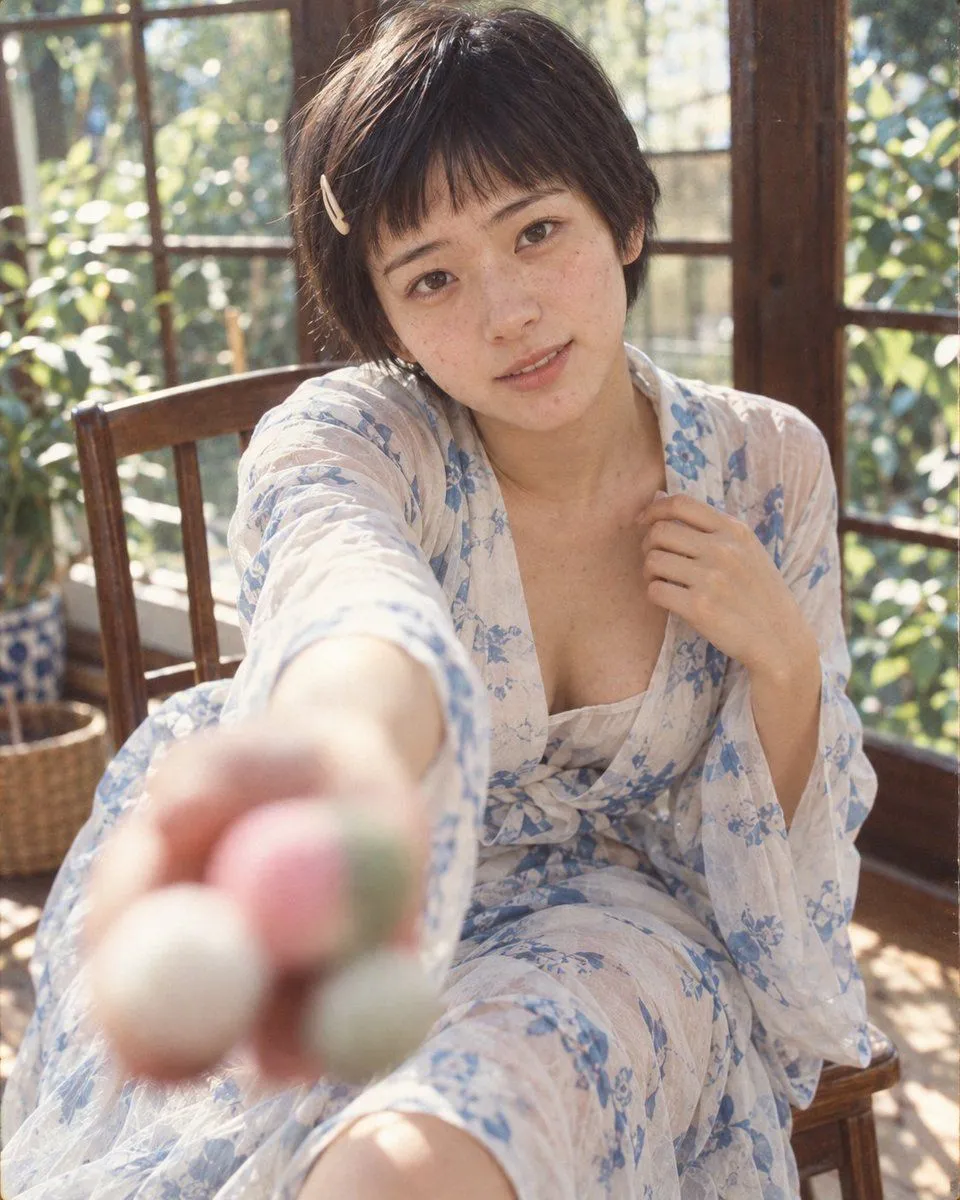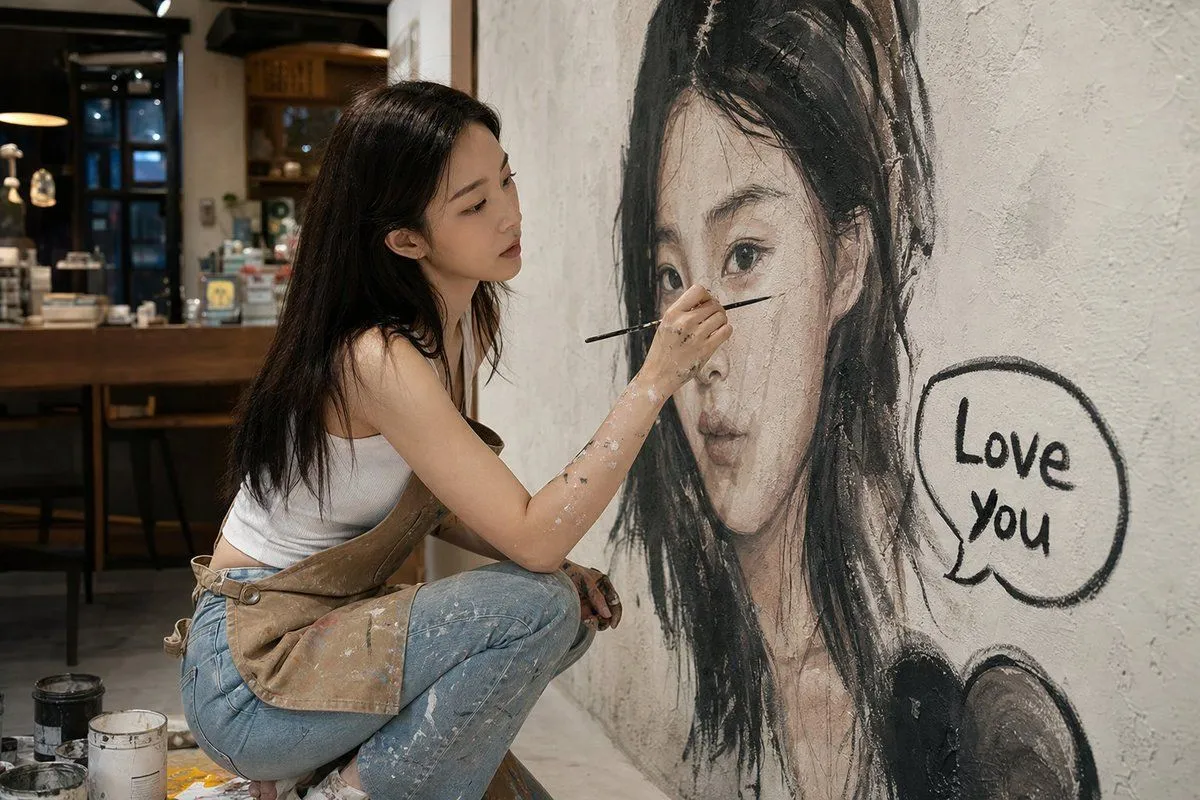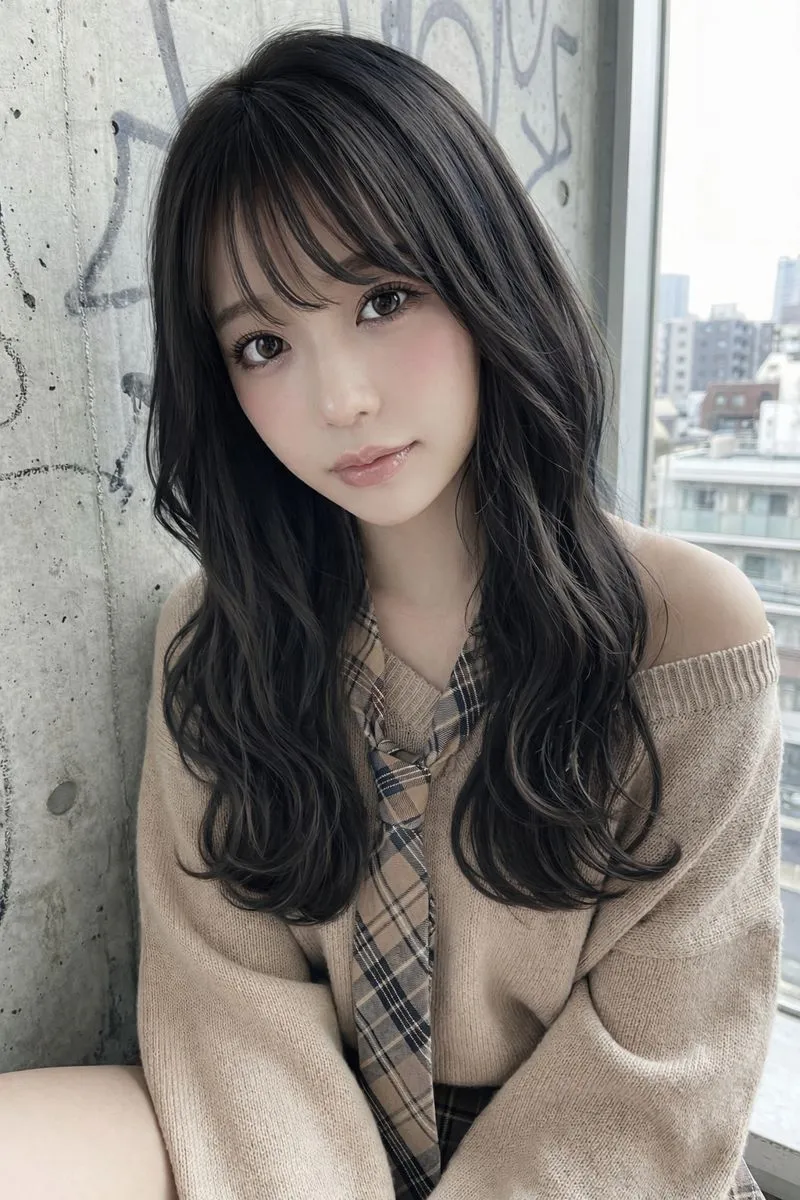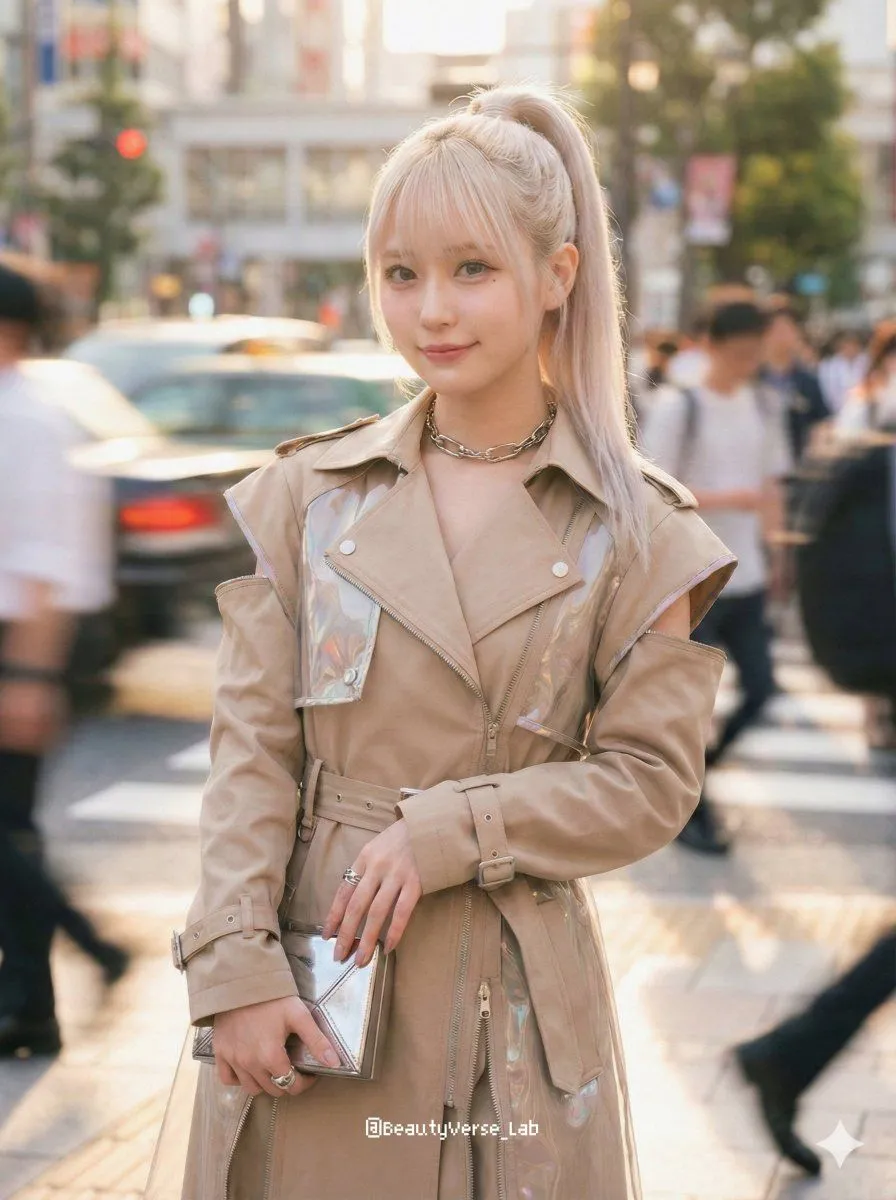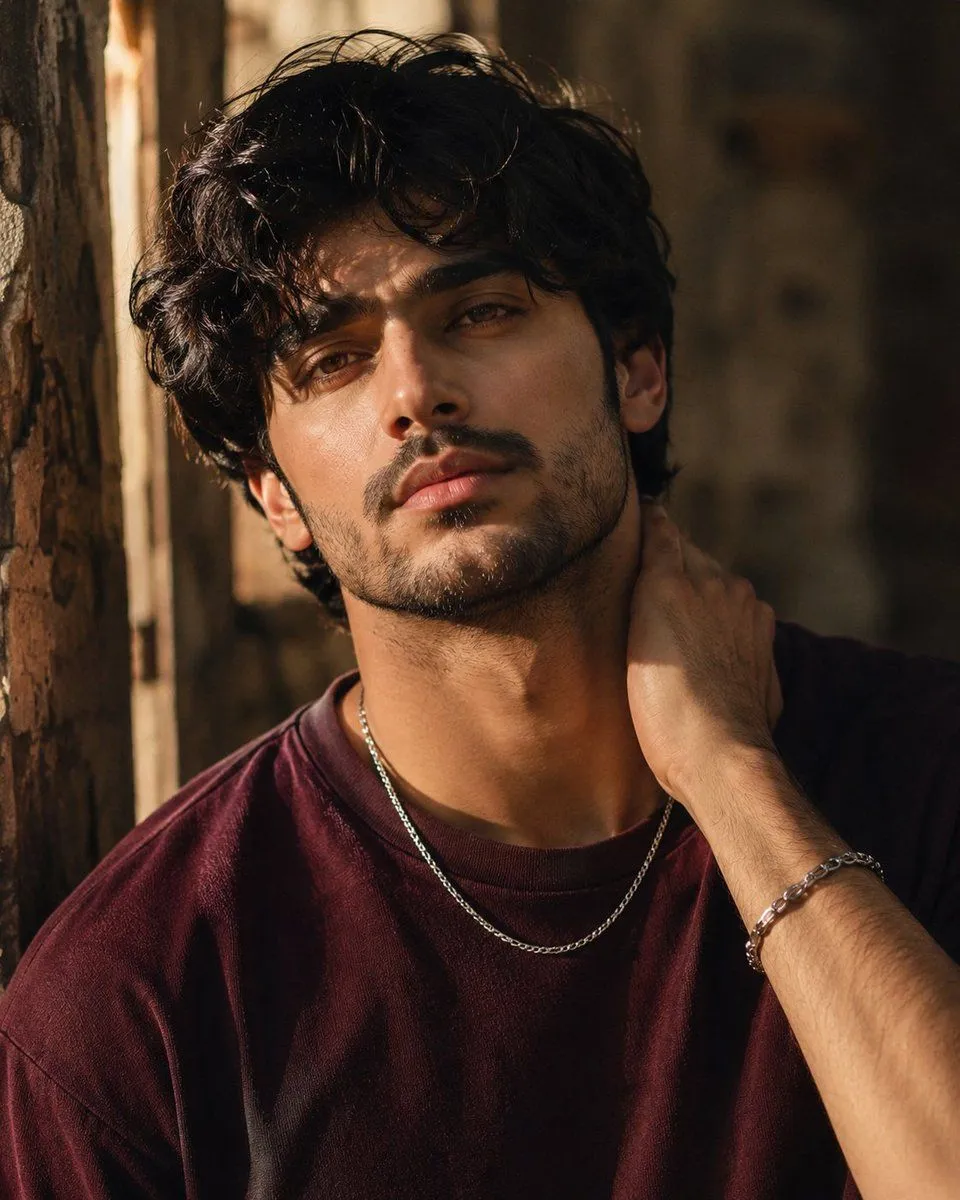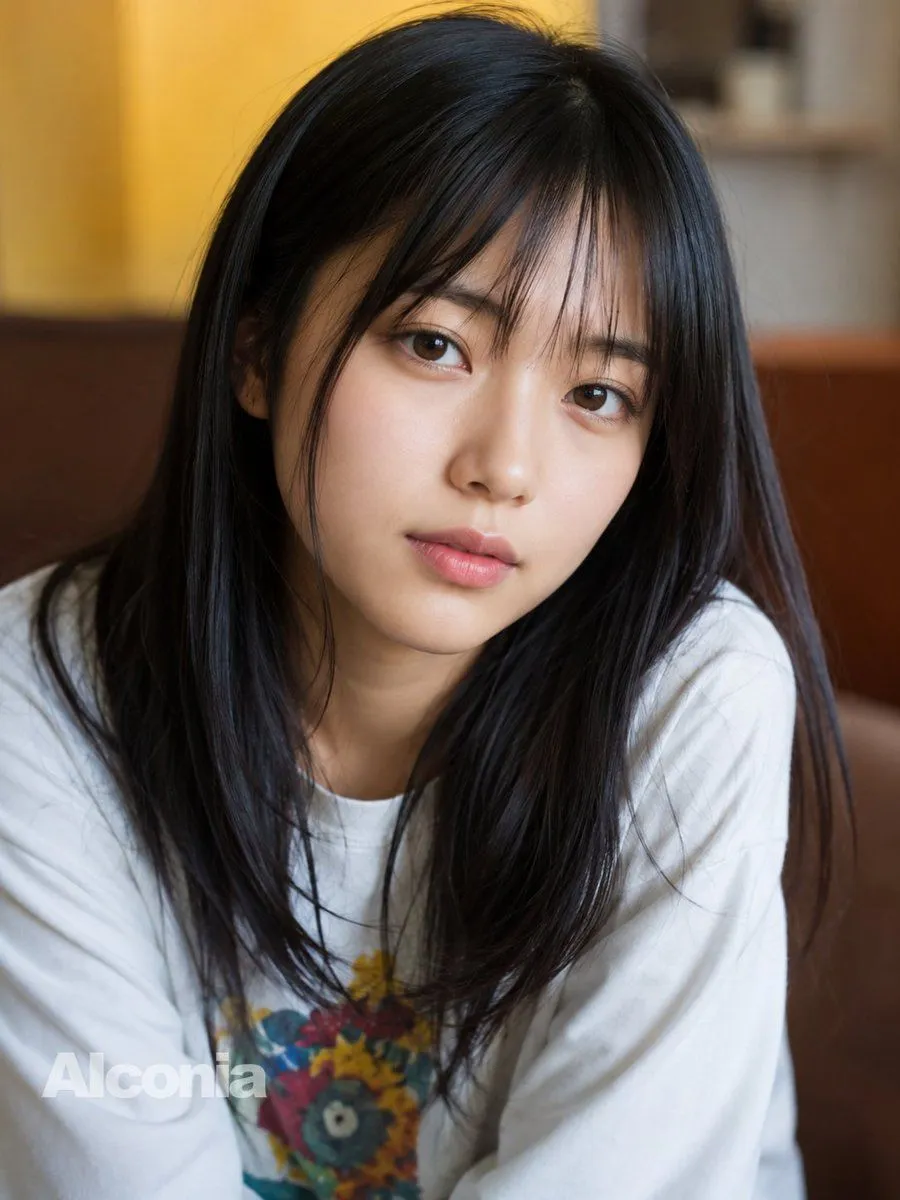
Made with GPT Image 2 in ChatGPT by Library Avatars. Promptclay never generates images.
Did it work?
No reports yet. Tell others if it worked for you.
Censored Cafe Portrait Photo
Prompt
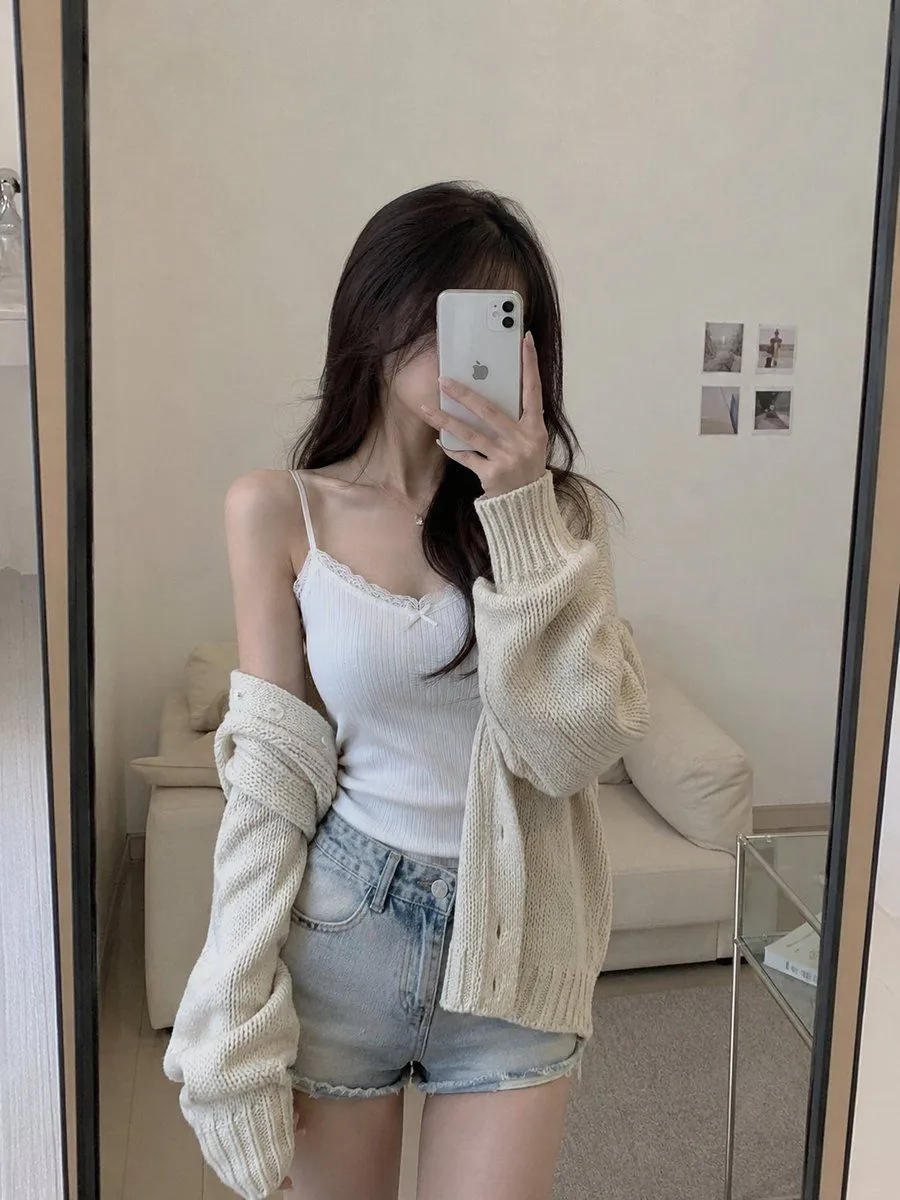
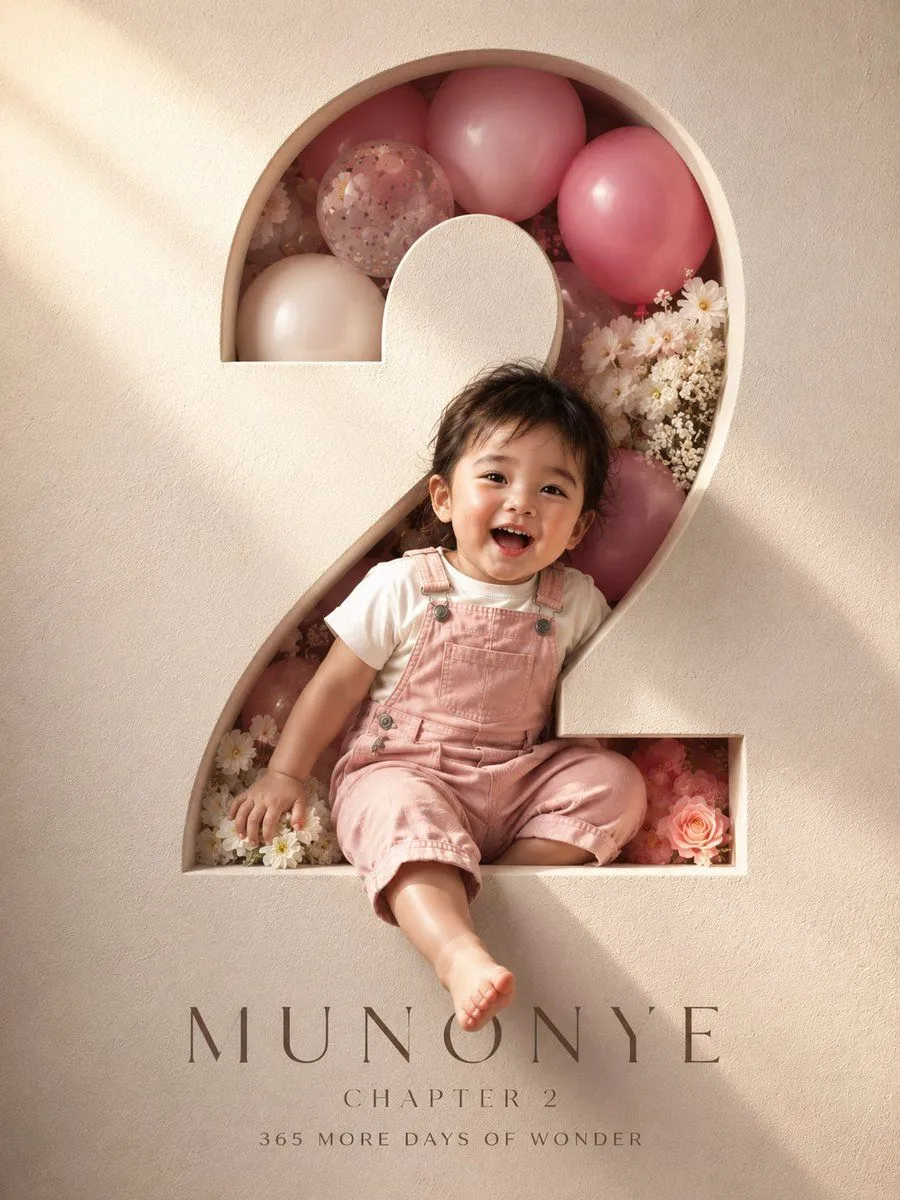
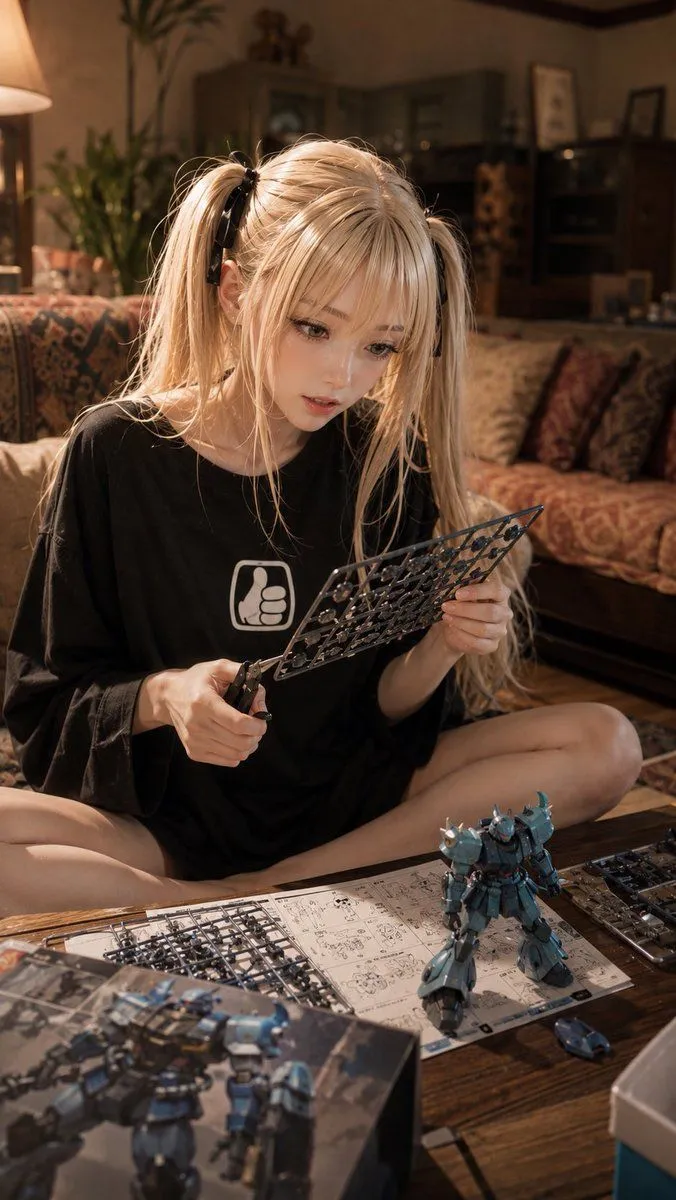
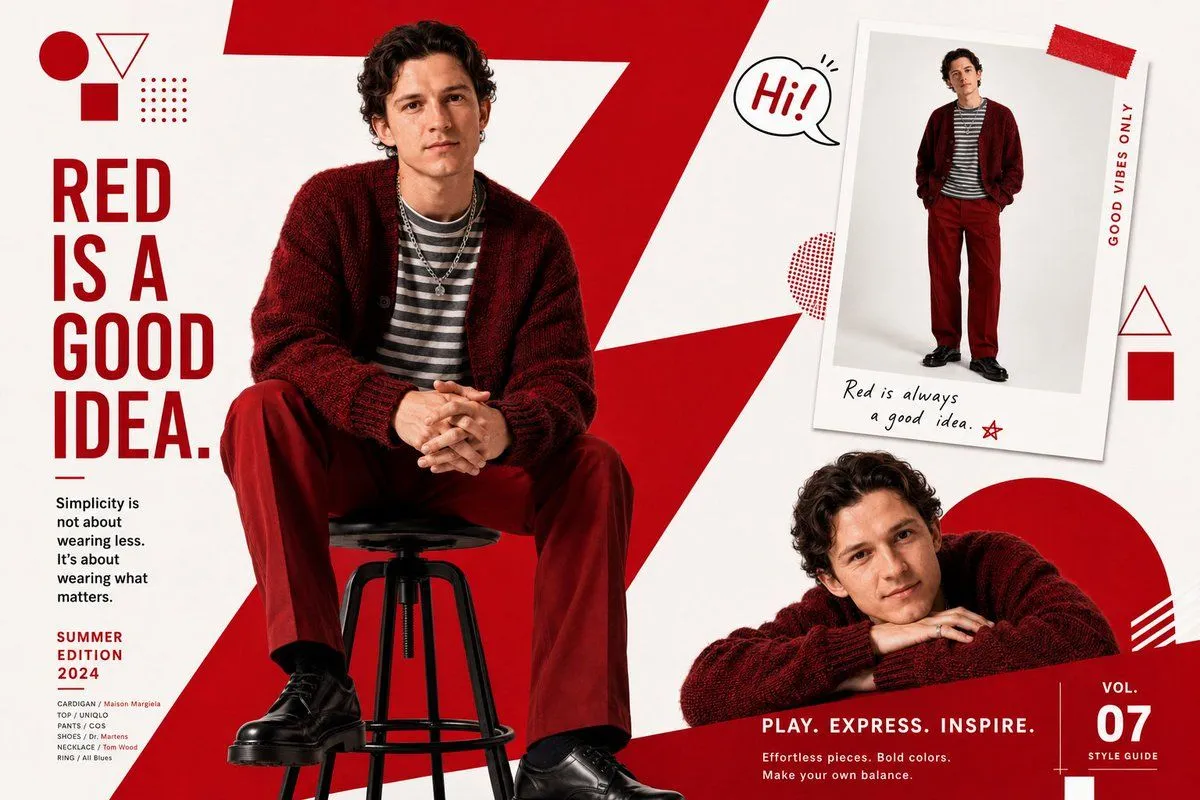
3 blanks to fillCreate a realistic candid portrait photograph of a young East Asian woman seated indoors in a cozy cafe or lounge, framed from chest up in a vertical 3:4 composition. She has {hair_color} with soft natural shine, slightly tousled strands, and hair falling over both shoulders. Her face is intentionally covered by a large centered opaque square privacy mask in a muted brown-to-taupe gradient, obscuring all facial features. She wears a loose {shirt_color} crewneck T-shirt with a colorful floral graphic on the chest. The background is softly blurred with warm ambient lighting, golden yellow wall tones on the left, neutral shelves in the upper right, and a brown leather or vinyl sofa behind her. Use shallow depth of field, natural indoor light, realistic skin and hair texture, DSLR portrait look, soft bokeh, casual intimate mood. Add a semi-transparent white watermark reading {watermark_text} in the bottom-left corner.
Preview of your prompt
Create a realistic candid portrait photograph of a young East Asian woman seated indoors in a cozy cafe or lounge, framed from chest up in a vertical 3:4 composition. She has long straight black hair with soft natural shine, slightly tousled strands, and hair falling over both shoulders. Her face is intentionally covered by a large centered opaque square privacy mask in a muted brown-to-taupe gradient, obscuring all facial features. She wears a loose white crewneck T-shirt with a colorful floral graphic on the chest. The background is softly blurred with warm ambient lighting, golden yellow wall tones on the left, neutral shelves in the upper right, and a brown leather or vinyl sofa behind her. Use shallow depth of field, natural indoor light, realistic skin and hair texture, DSLR portrait look, soft bokeh, casual intimate mood. Add a semi-transparent white watermark reading Alconia in the bottom-left corner.
DetailsVersions, settings and questions
Written for
What's in the prompt
- Subject
- Model
- GPT Image 2
If your face changes
keep my face exactly the sameQuestions
- Does this work in the ChatGPT app?
- Yes. Paste the prompt and attach your photo if it uses one.
- It changed my face. What do I do?
- Add "keep my face exactly the same" to the end and run it again.
- Can I use the images I make?
- Check the terms of the app you use. Promptclay never generates images and claims nothing you make.