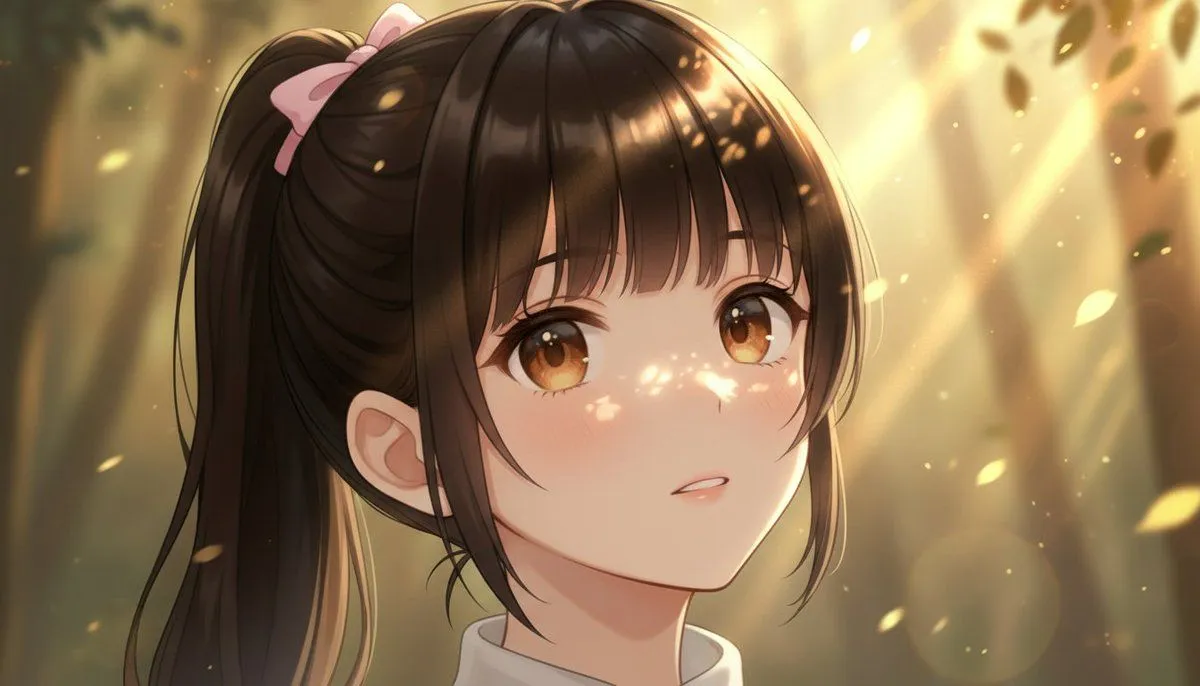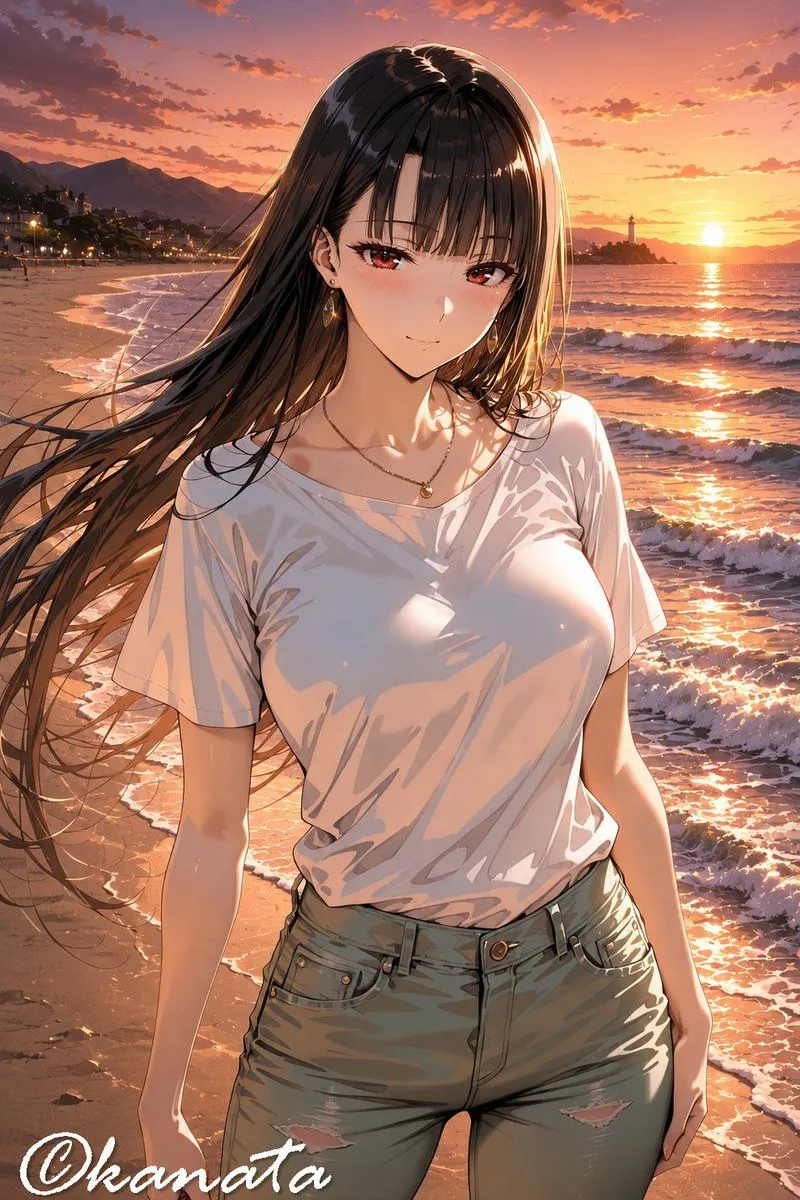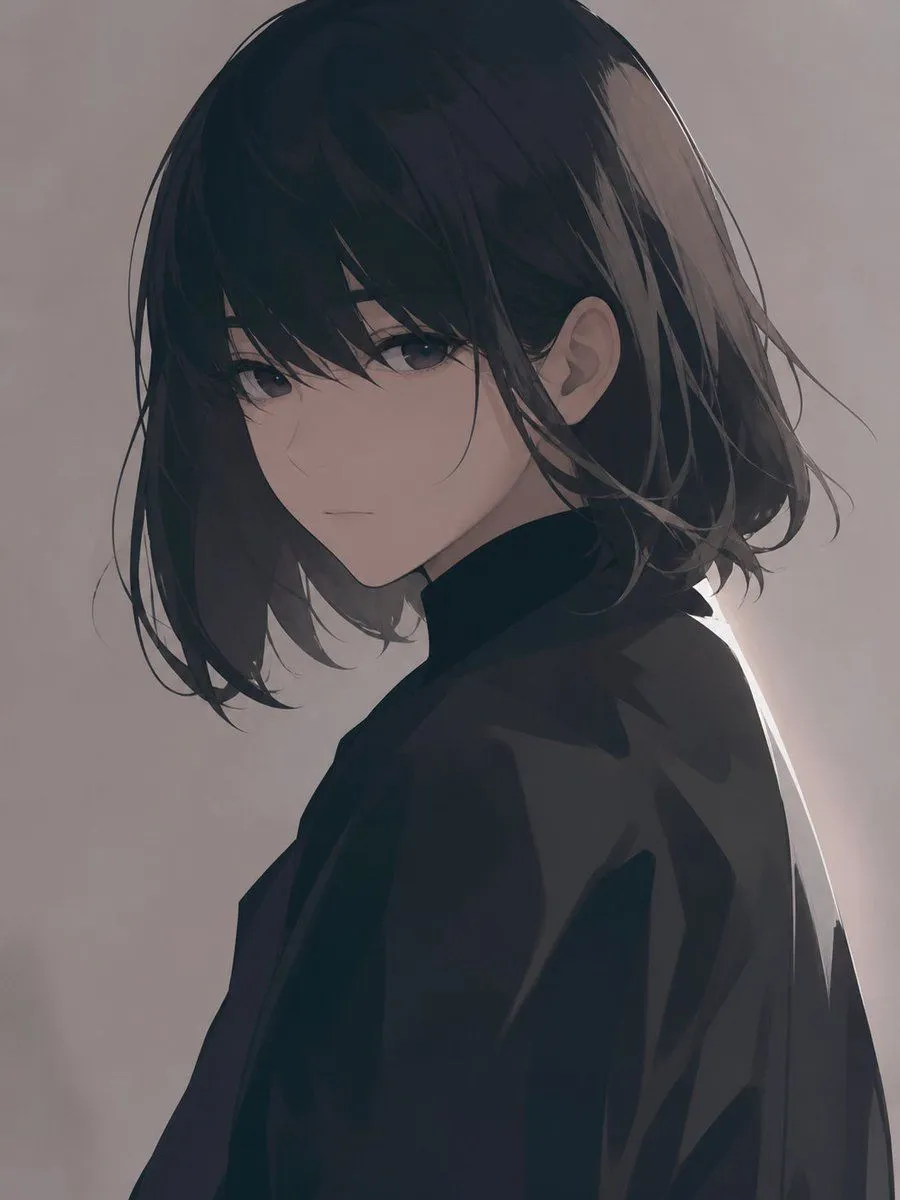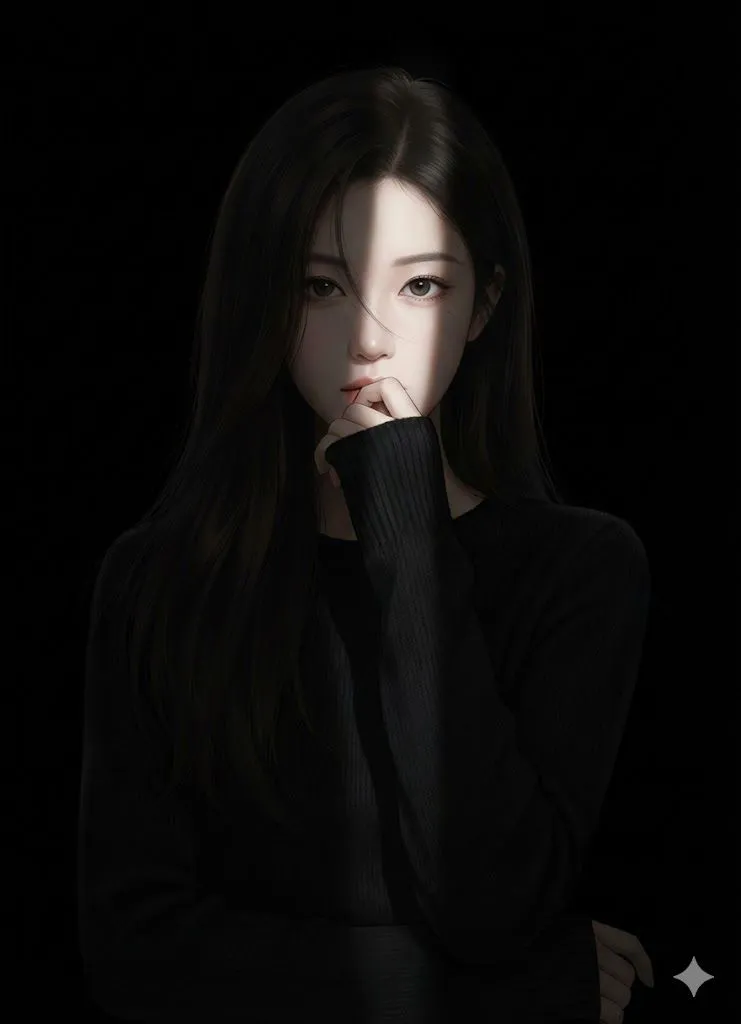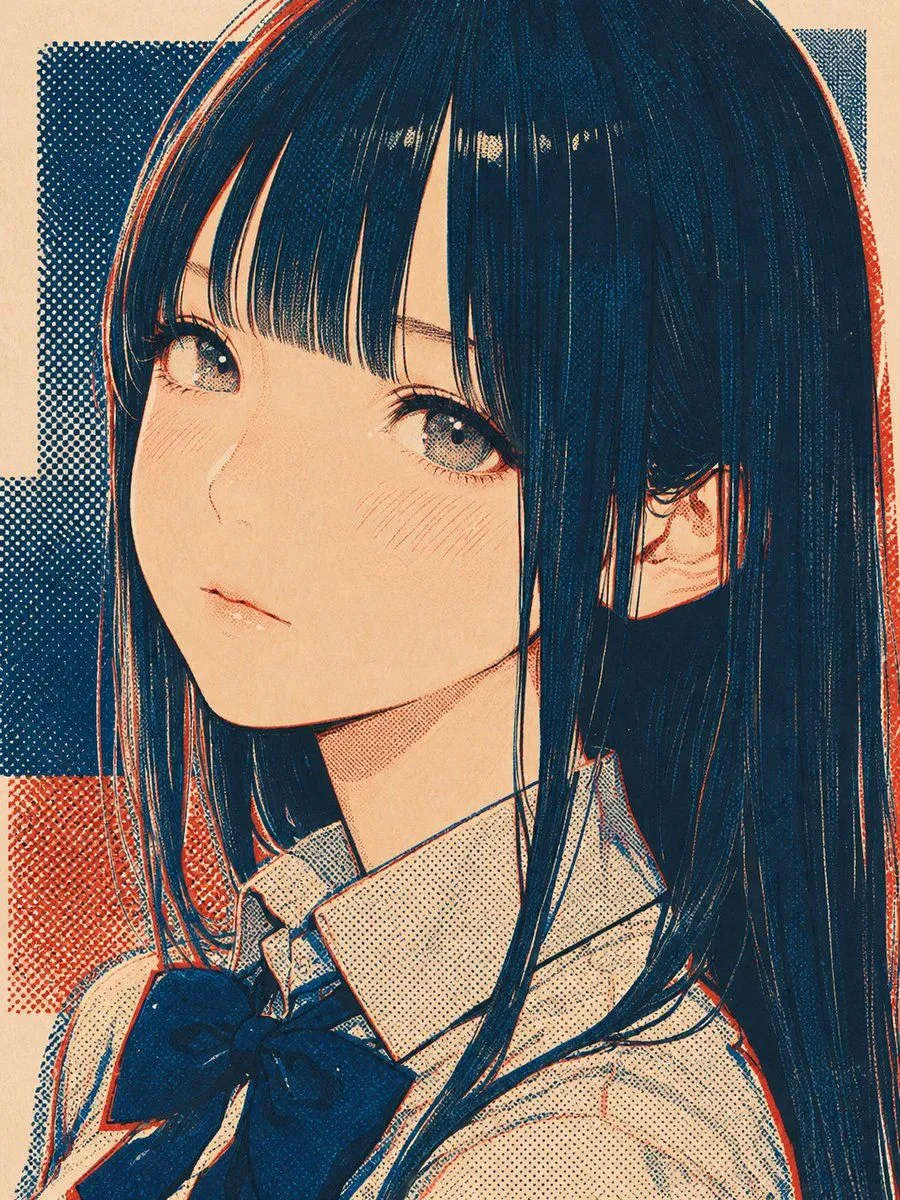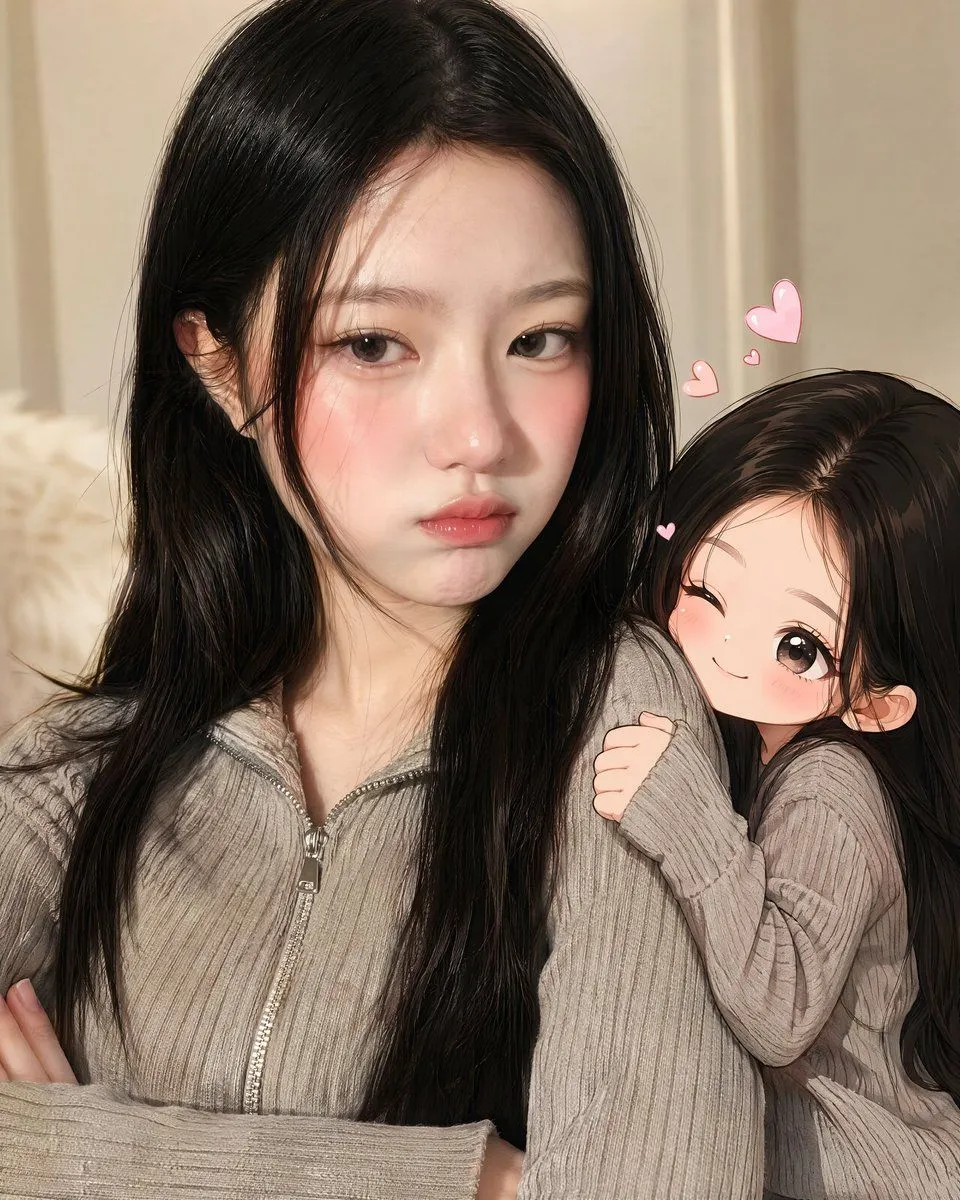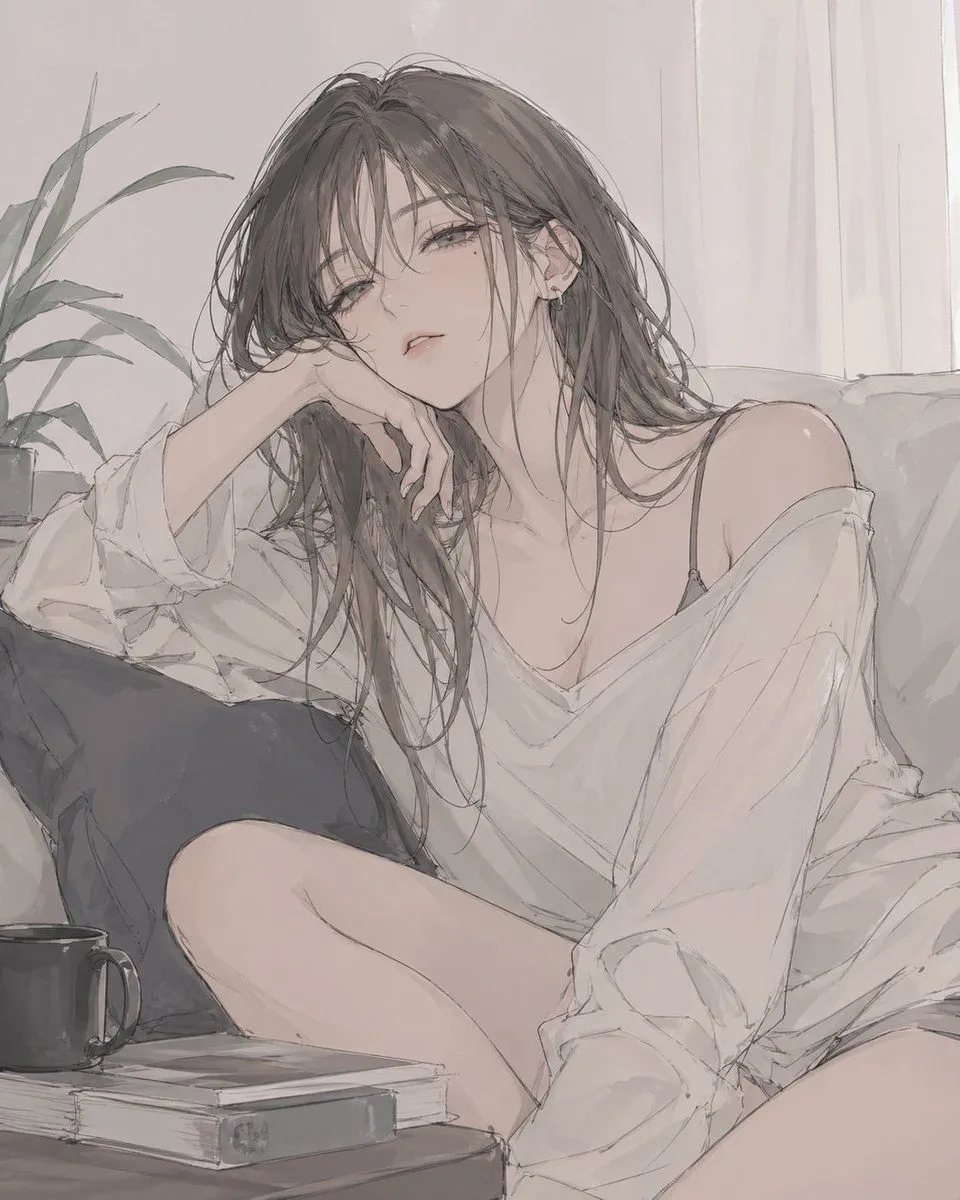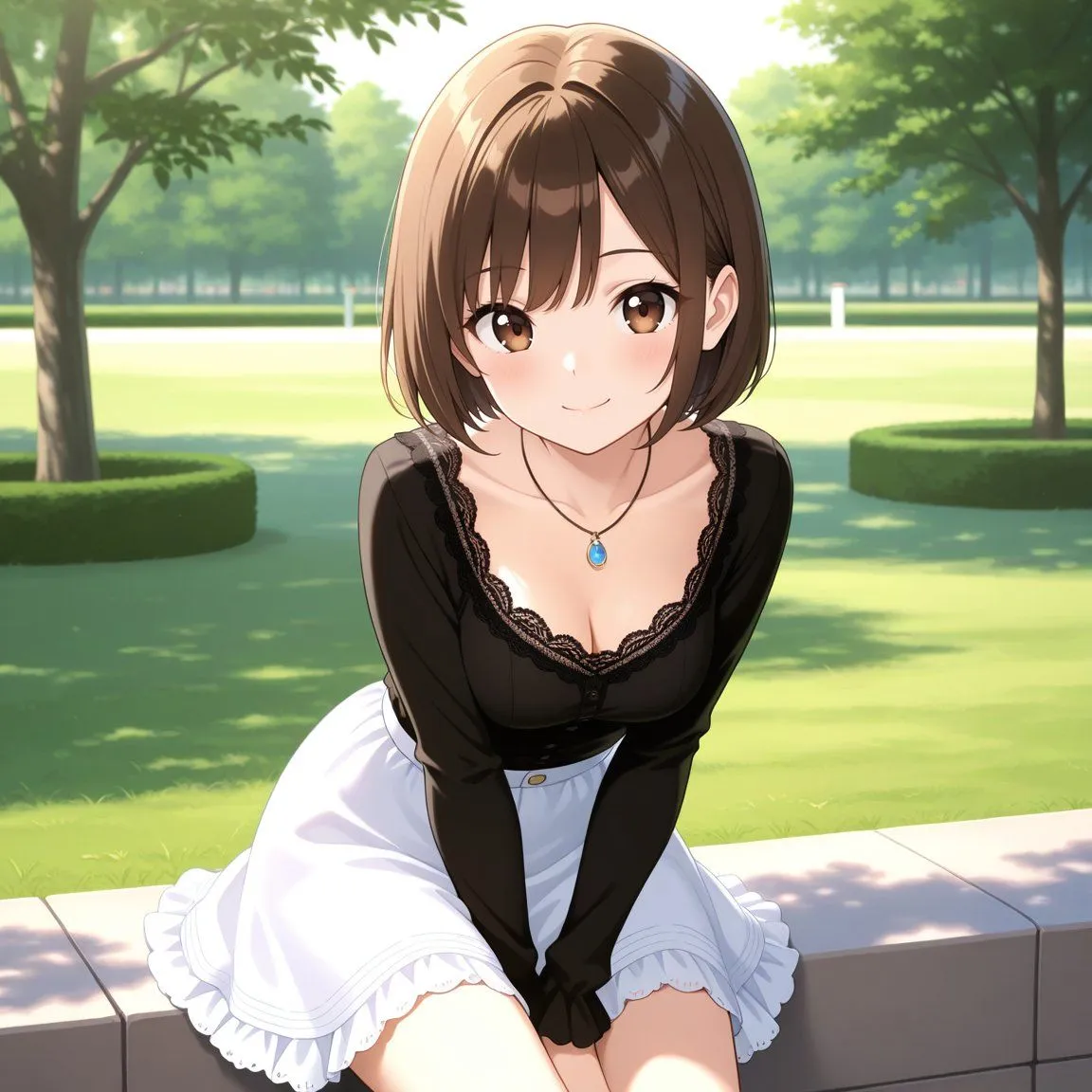
Made with GPT Image 2 in ChatGPT by Library Avatars. Promptclay never generates images.
Censored Anime Blonde Portrait
Prompt
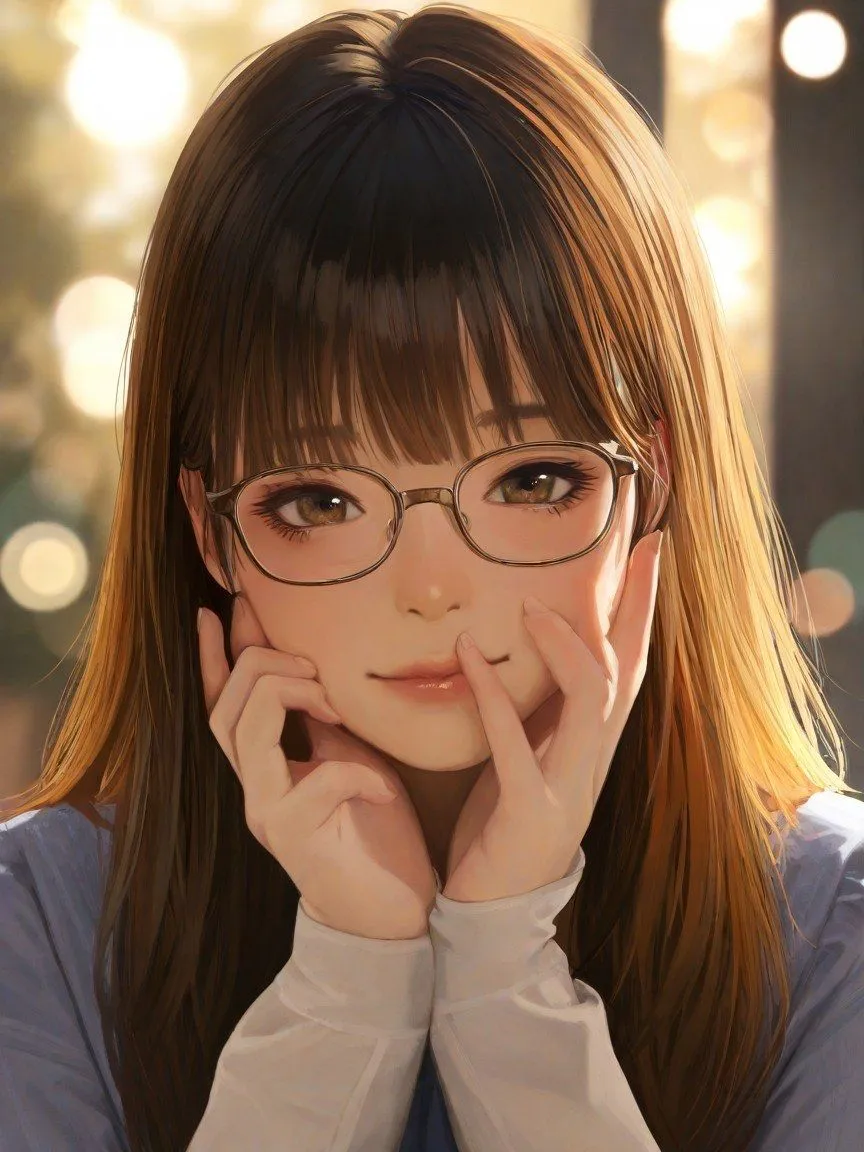
2 blanks to fillCreate a high-quality anime-style close-up portrait of {character_description} outdoors at golden hour. The composition is vertical 3:4, centered tightly on the head, shoulders, and hands. Her face is deliberately hidden by a large opaque square censor block in a warm medium-brown color covering the entire facial area from forehead to chin, while the hair remains visible around it. She holds both hands up against her cheeks under the square, palms inward, creating a shy or cute pose; include exactly two visible hands with long white sleeves extending over the wrists. She wears {outfit}. Use warm sunset backlighting, glossy detailed hair strands, soft skin shading, and a blurred city or park background with large circular bokeh lights. The style should be polished Japanese digital illustration, semi-realistic anime rendering, soft focus, warm amber highlights, cinematic depth of field, no text, no watermark, no extra characters, and no visible facial features outside the censor block.
Preview of your prompt
Create a high-quality anime-style close-up portrait of a beautiful young adult woman with long straight golden-brown blonde hair and soft bangs outdoors at golden hour. The composition is vertical 3:4, centered tightly on the head, shoulders, and hands. Her face is deliberately hidden by a large opaque square censor block in a warm medium-brown color covering the entire facial area from forehead to chin, while the hair remains visible around it. She holds both hands up against her cheeks under the square, palms inward, creating a shy or cute pose; include exactly two visible hands with long white sleeves extending over the wrists. She wears a pale blue top with white long sleeves. Use warm sunset backlighting, glossy detailed hair strands, soft skin shading, and a blurred city or park background with large circular bokeh lights. The style should be polished Japanese digital illustration, semi-realistic anime rendering, soft focus, warm amber highlights, cinematic depth of field, no text, no watermark, no extra characters, and no visible facial features outside the censor block.
DetailsVersions, settings and questions
Written for
What's in the prompt
- Subject
- Model
- GPT Image 2
If your face changes
keep my face exactly the sameQuestions
- Does this work in the ChatGPT app?
- Yes. Paste the prompt and attach your photo if it uses one.
- It changed my face. What do I do?
- Add "keep my face exactly the same" to the end and run it again.
- Can I use the images I make?
- Check the terms of the app you use. Promptclay never generates images and claims nothing you make.