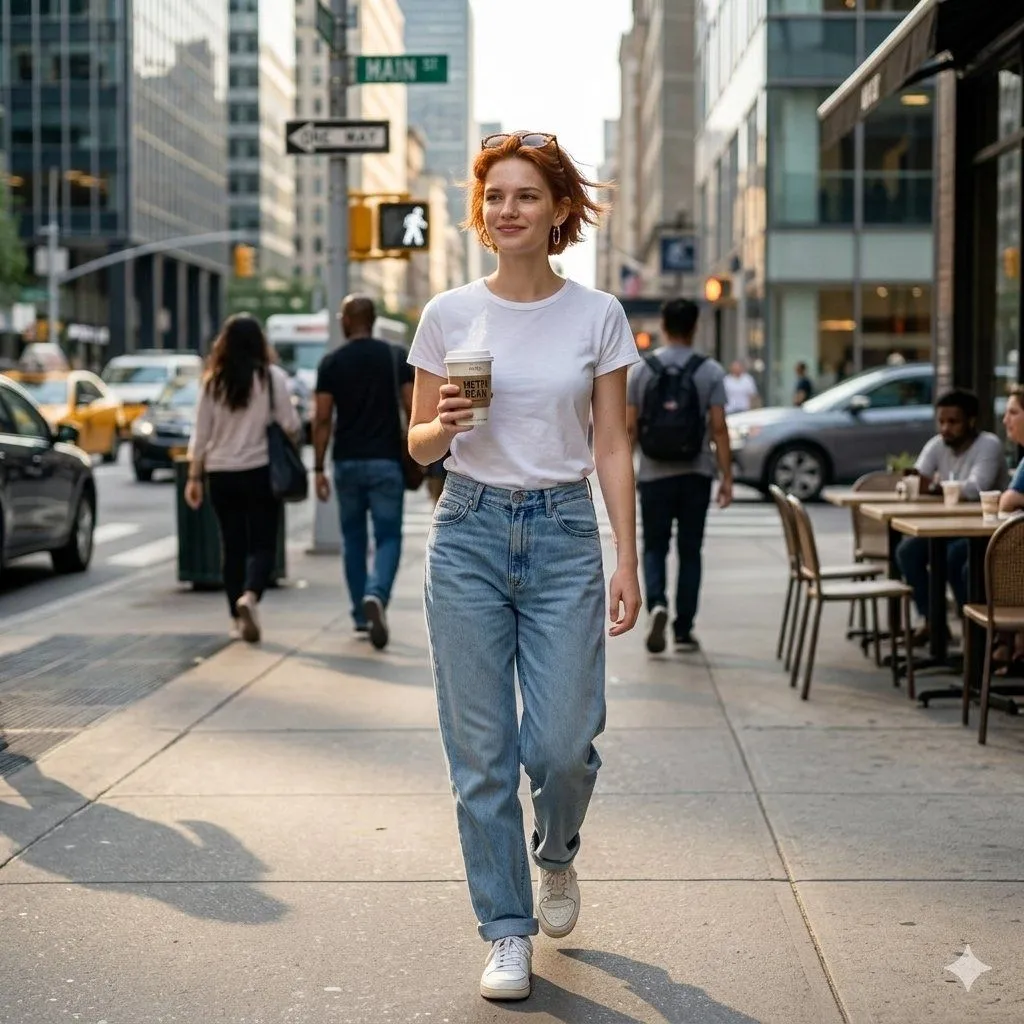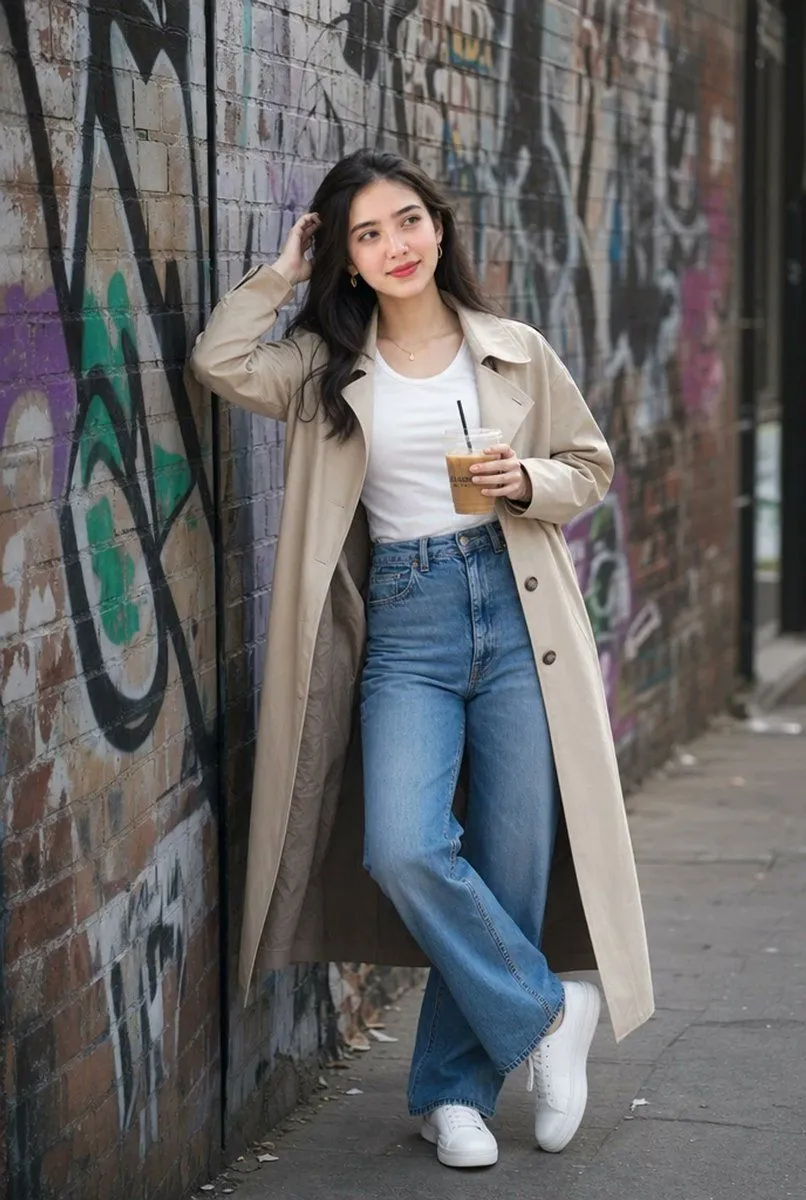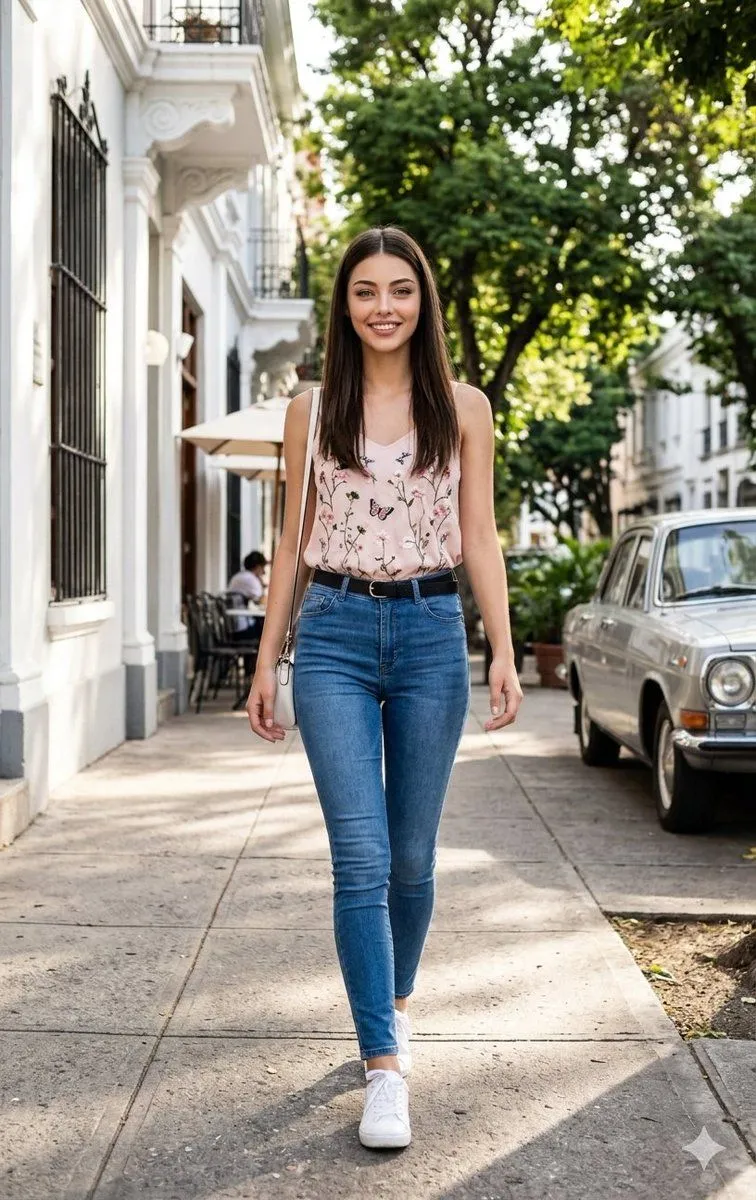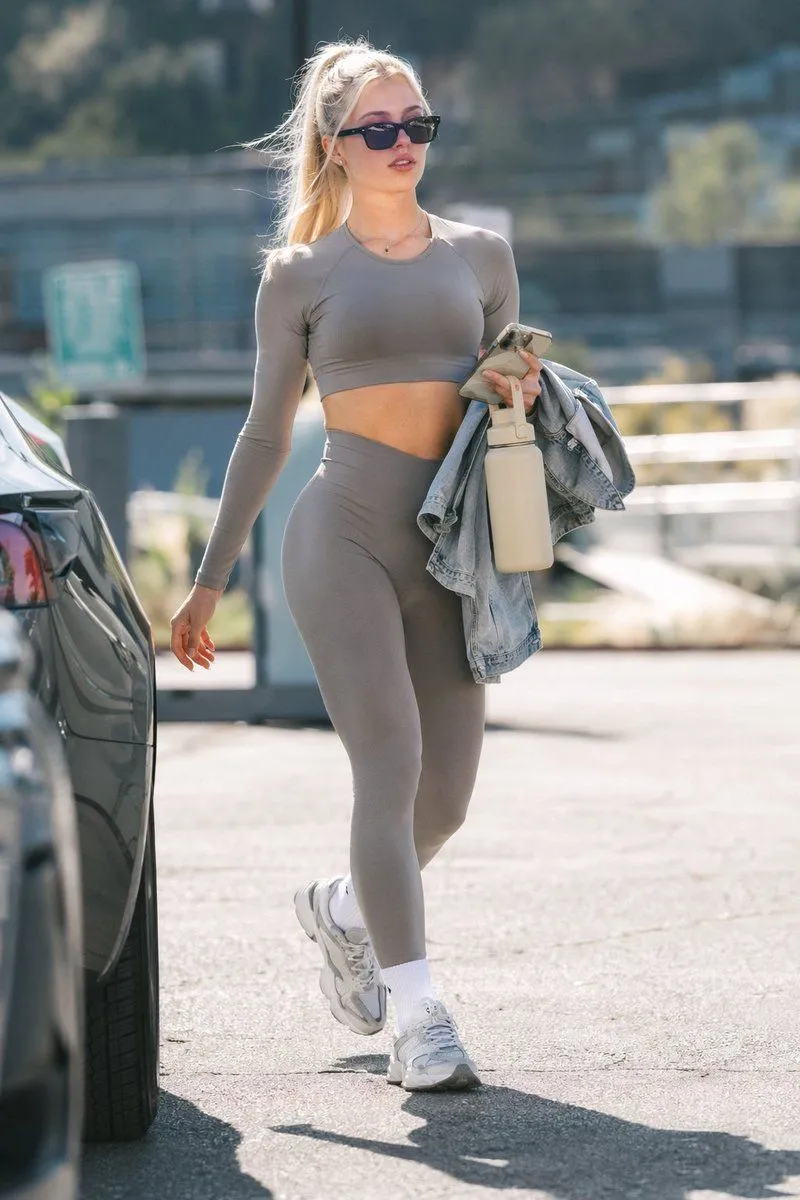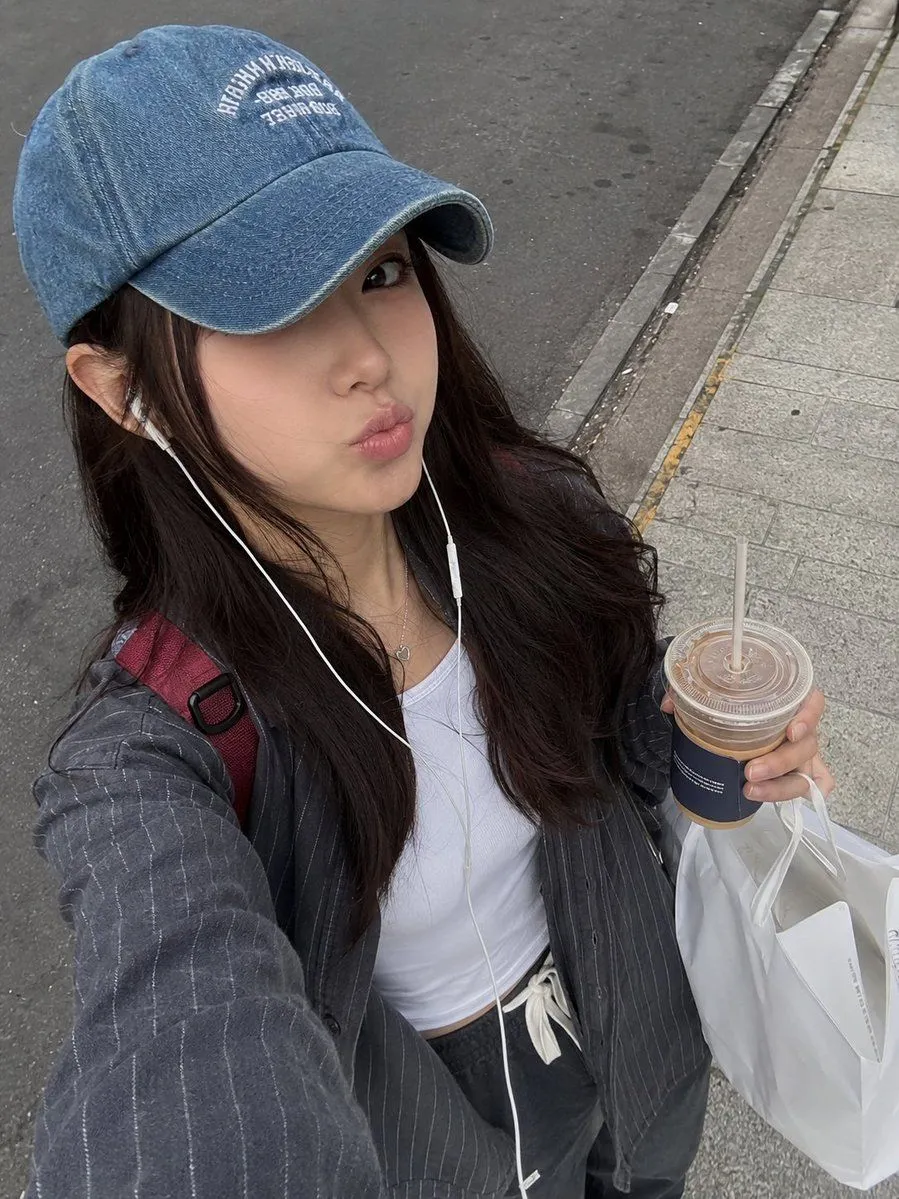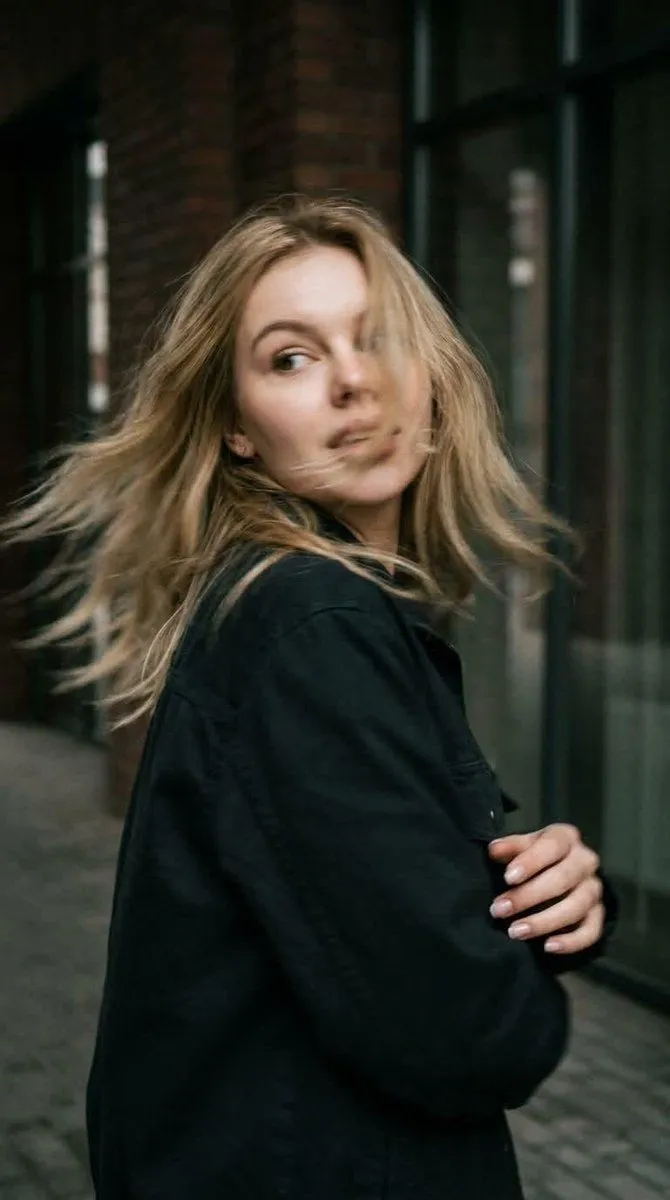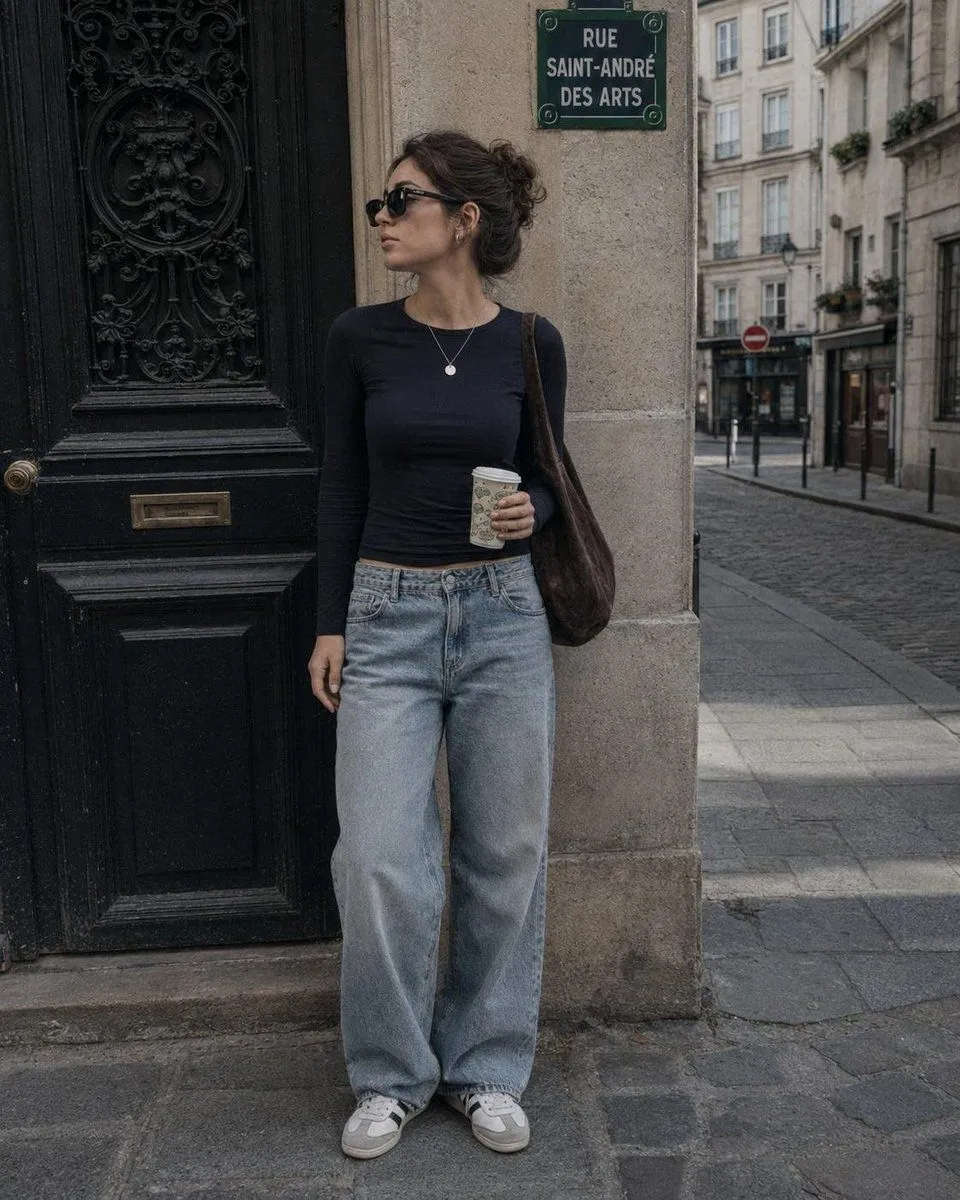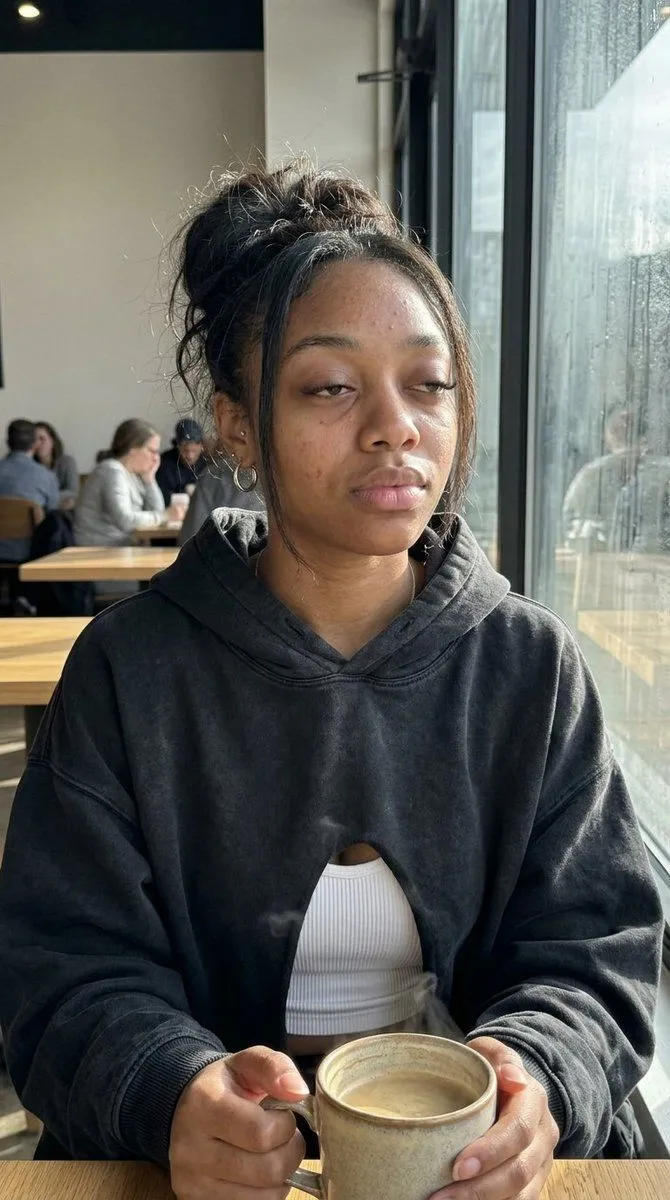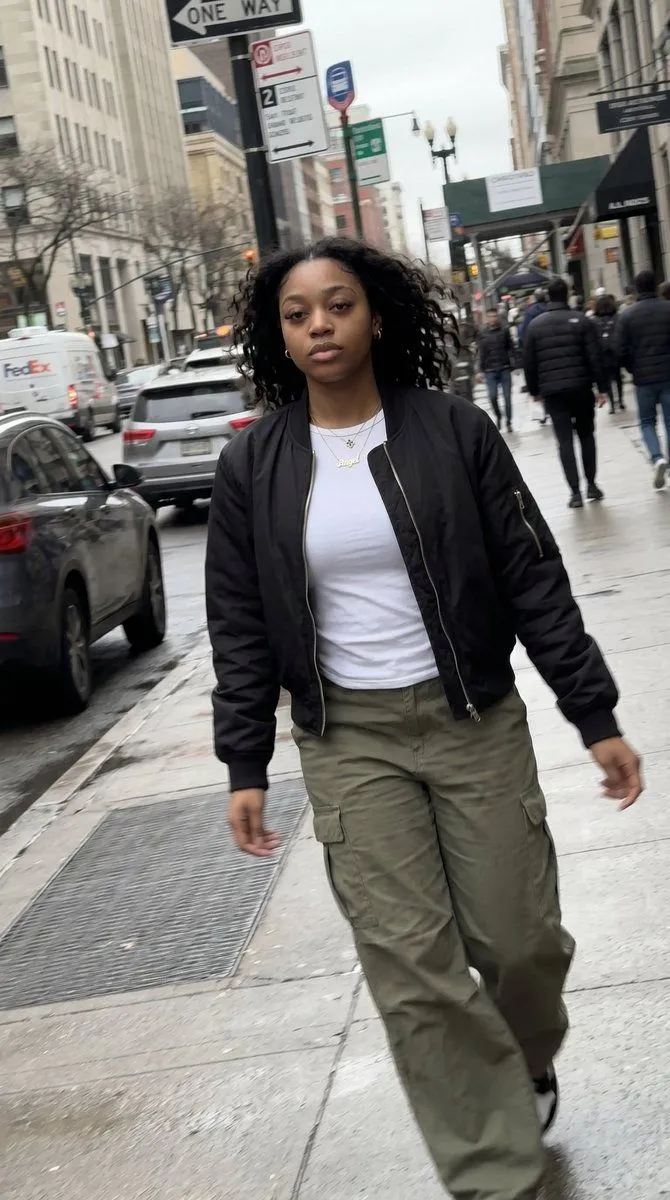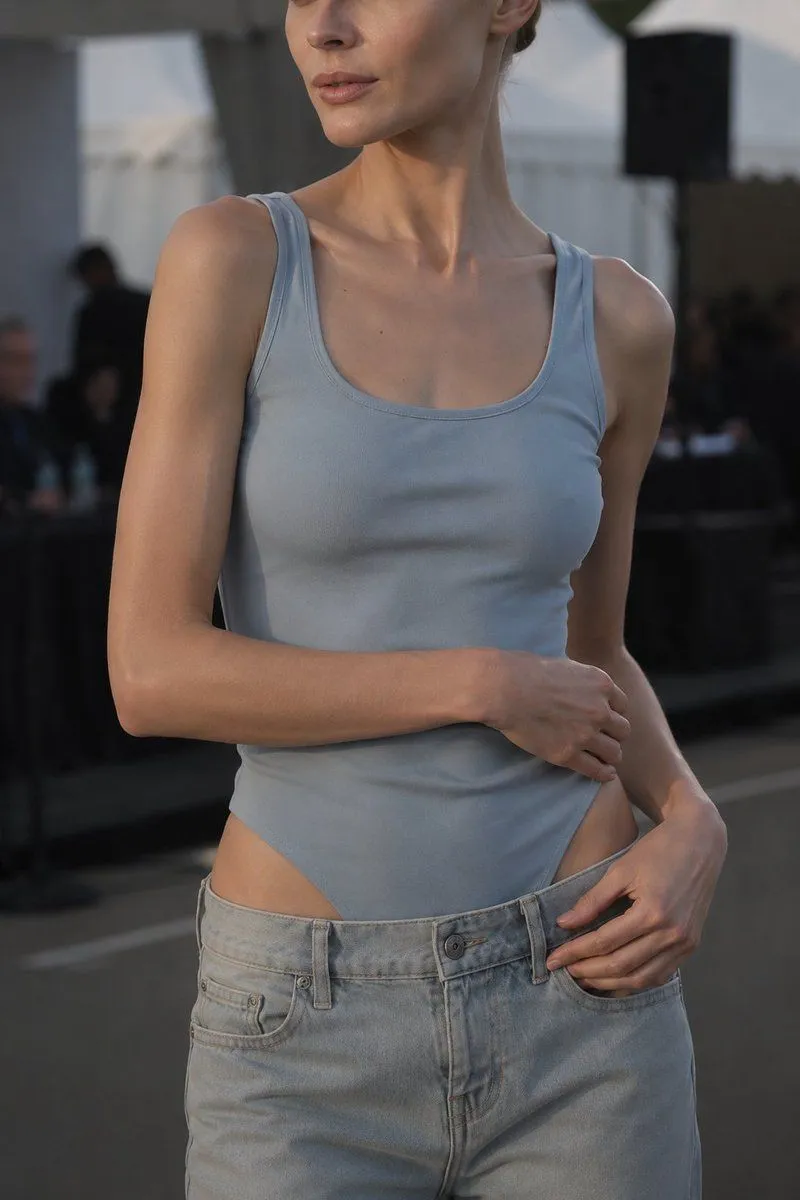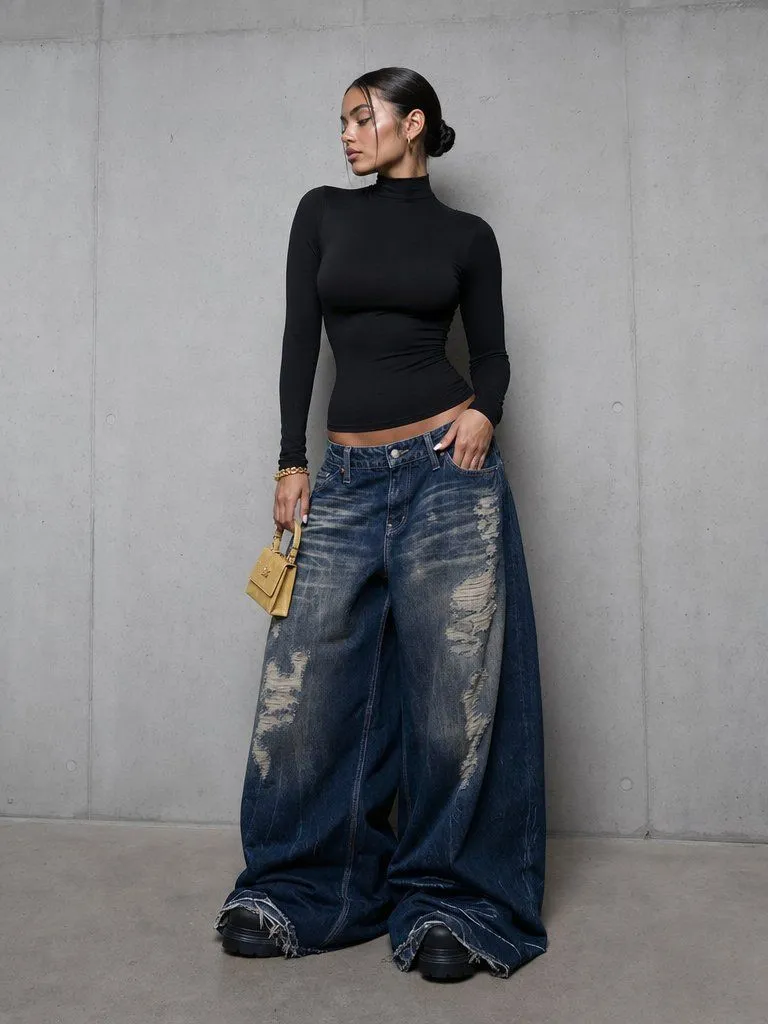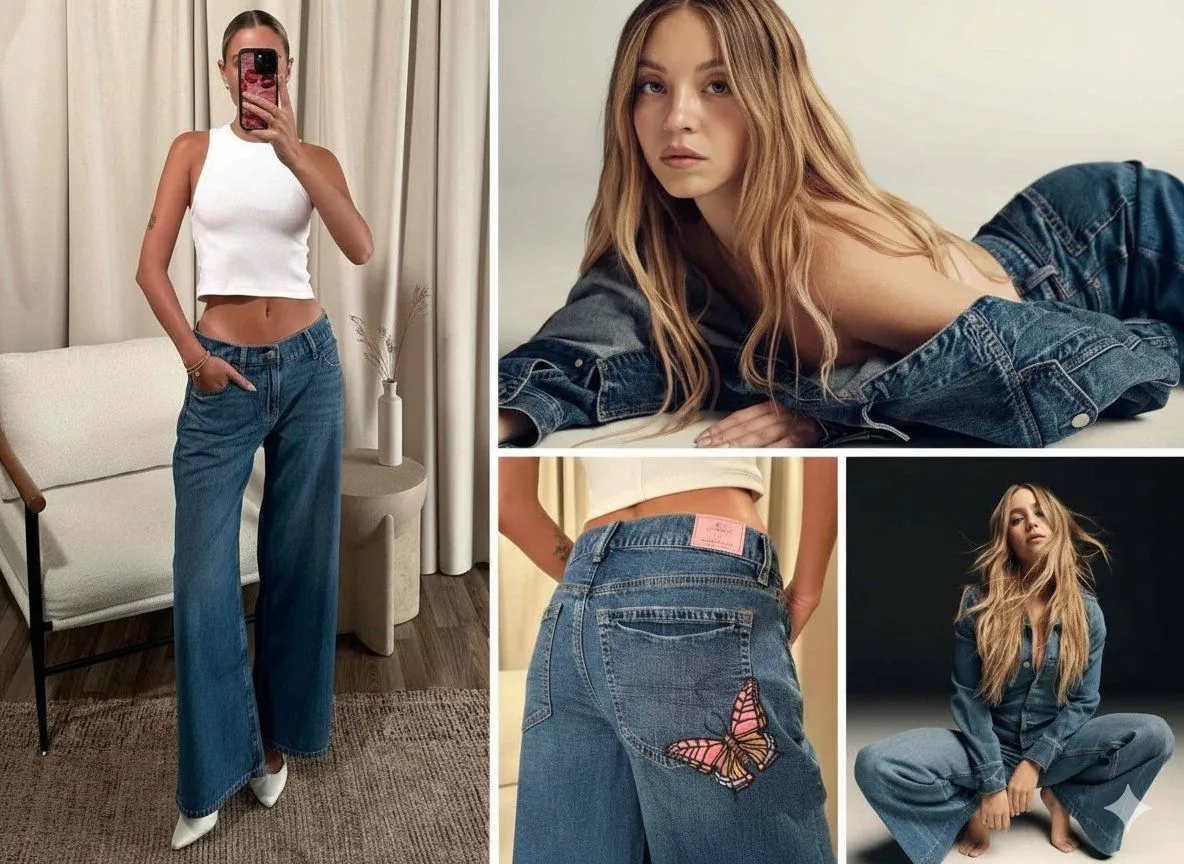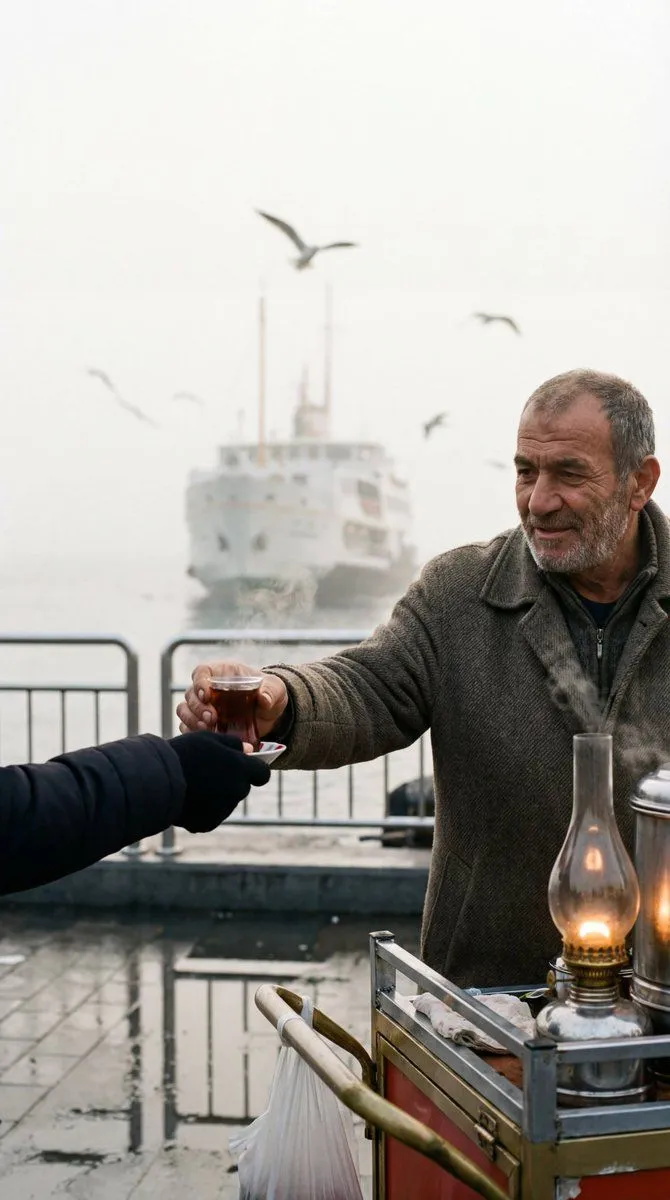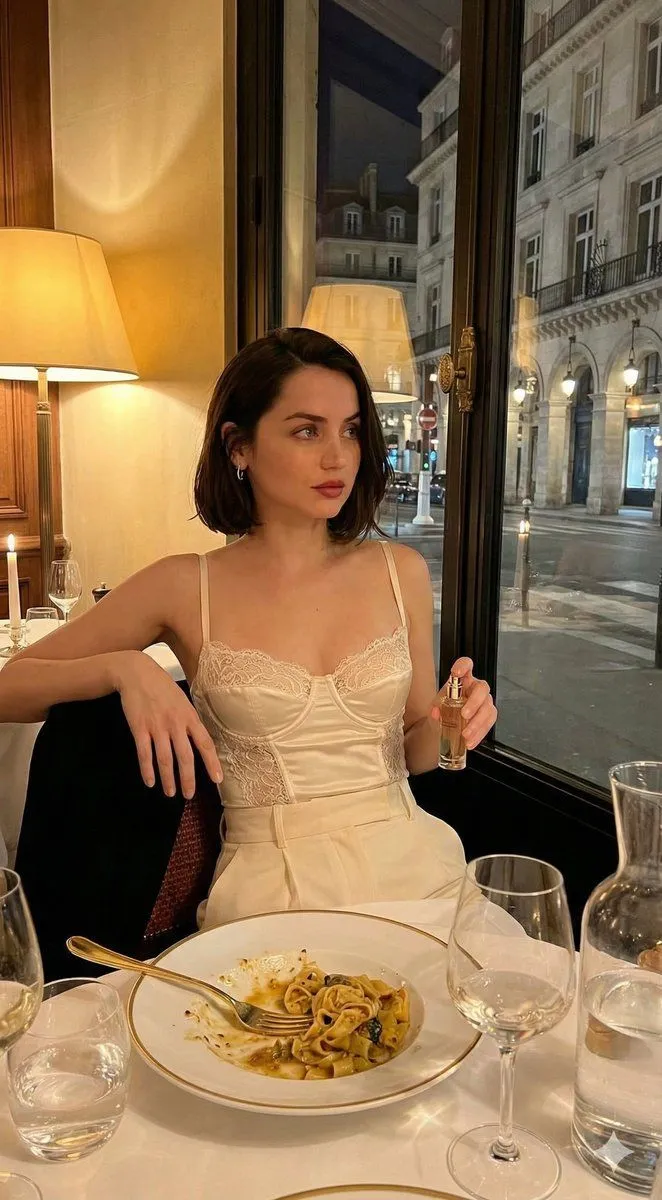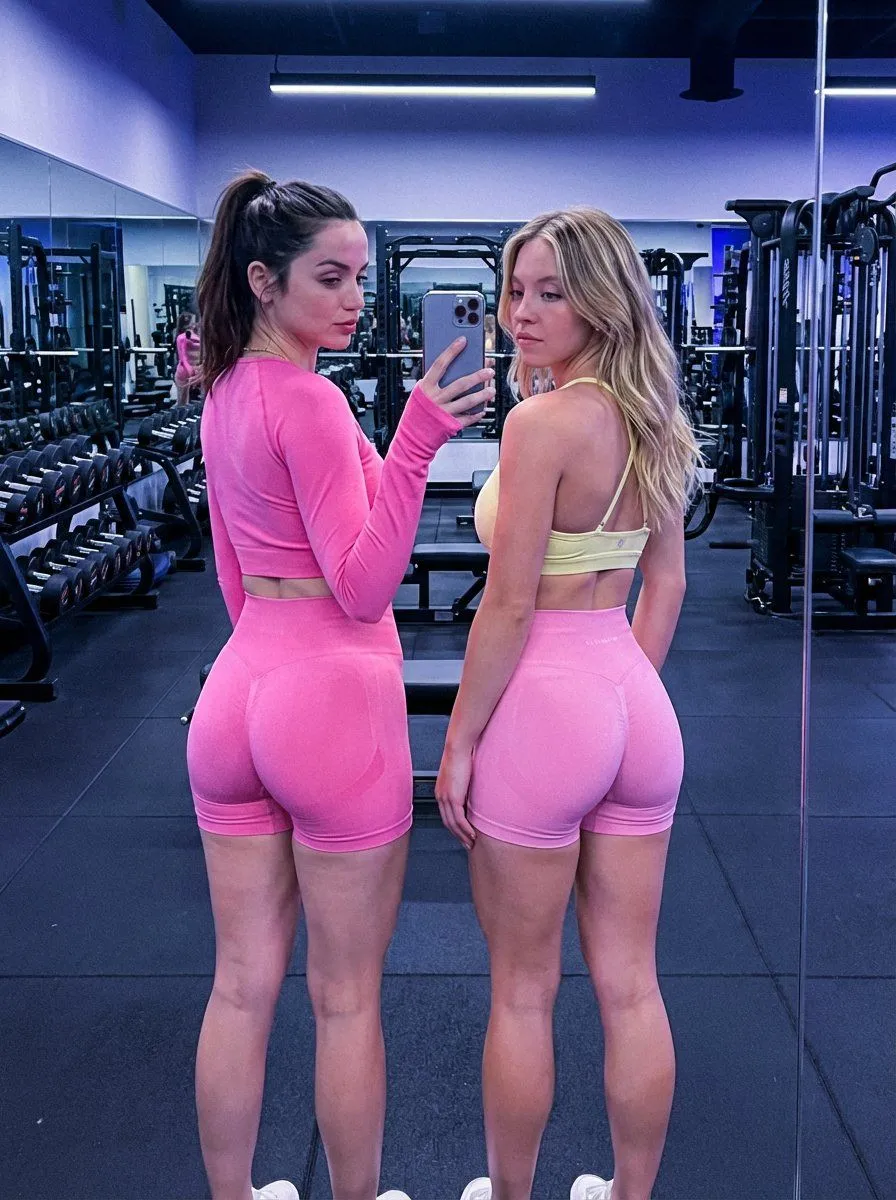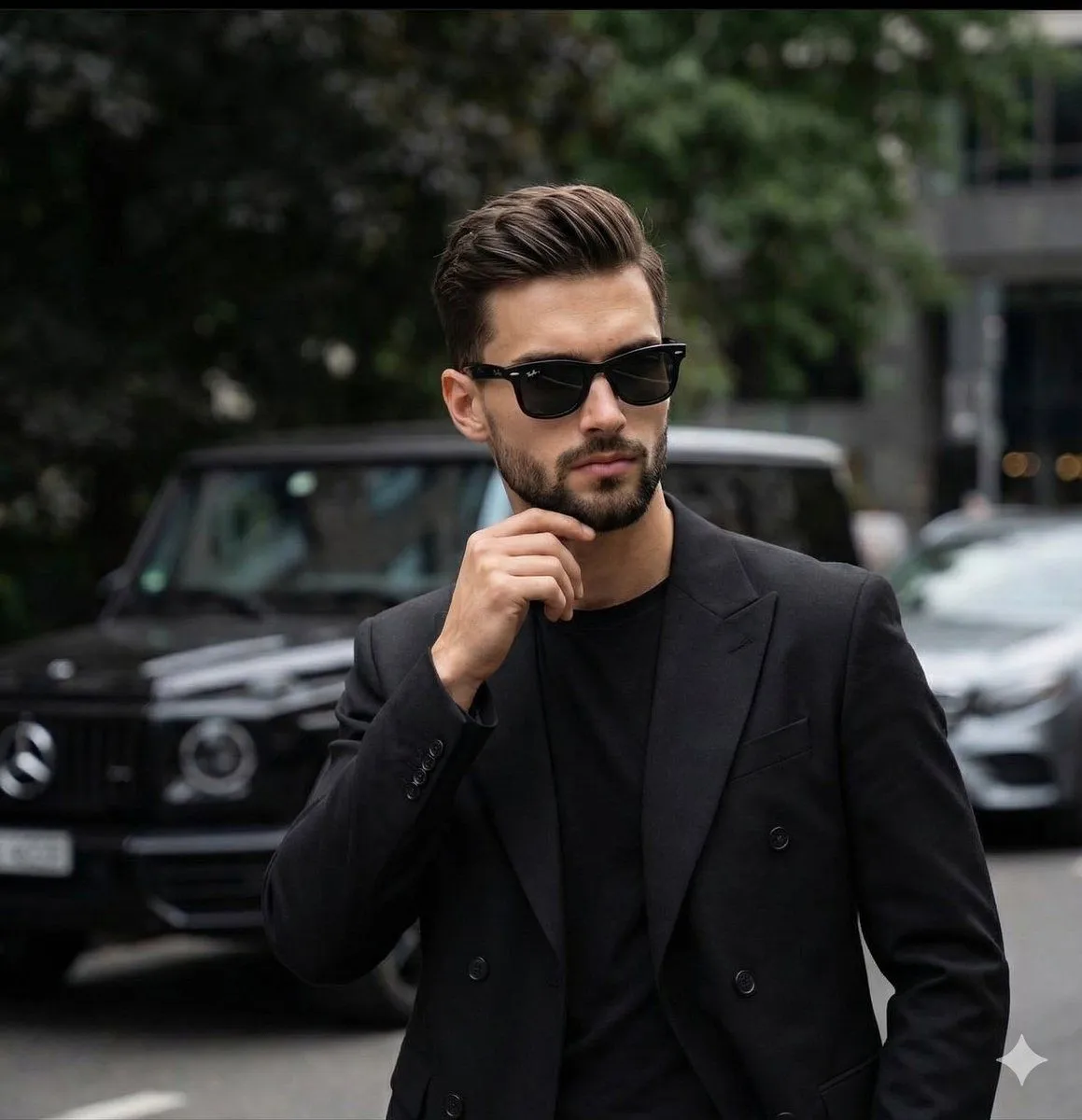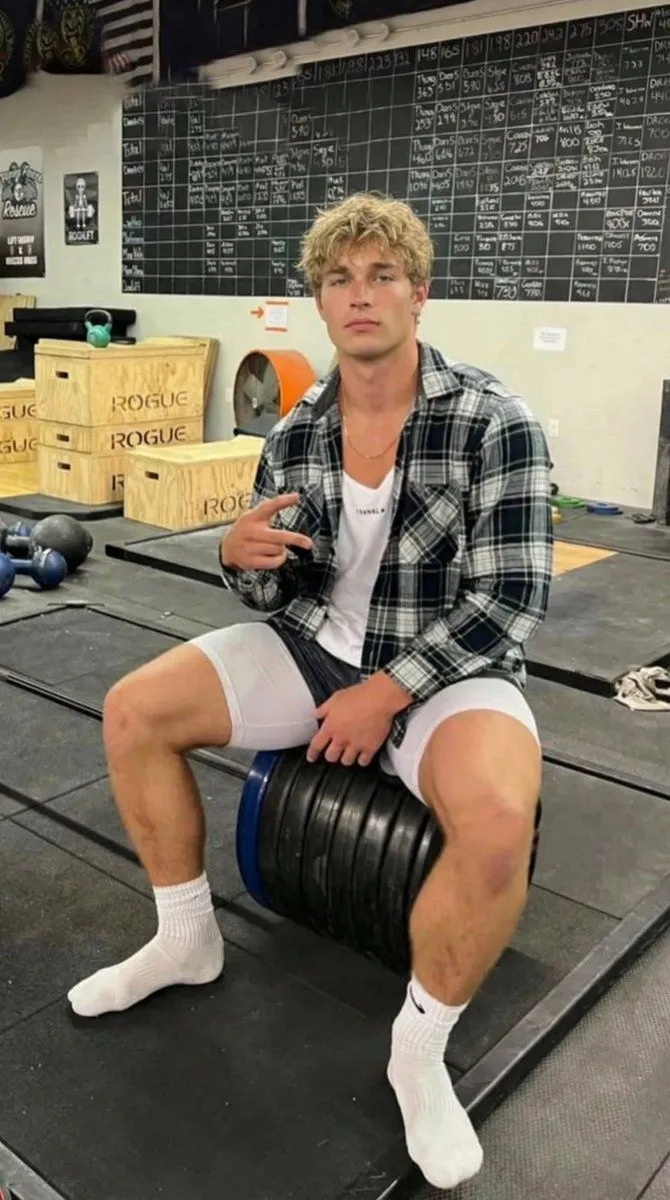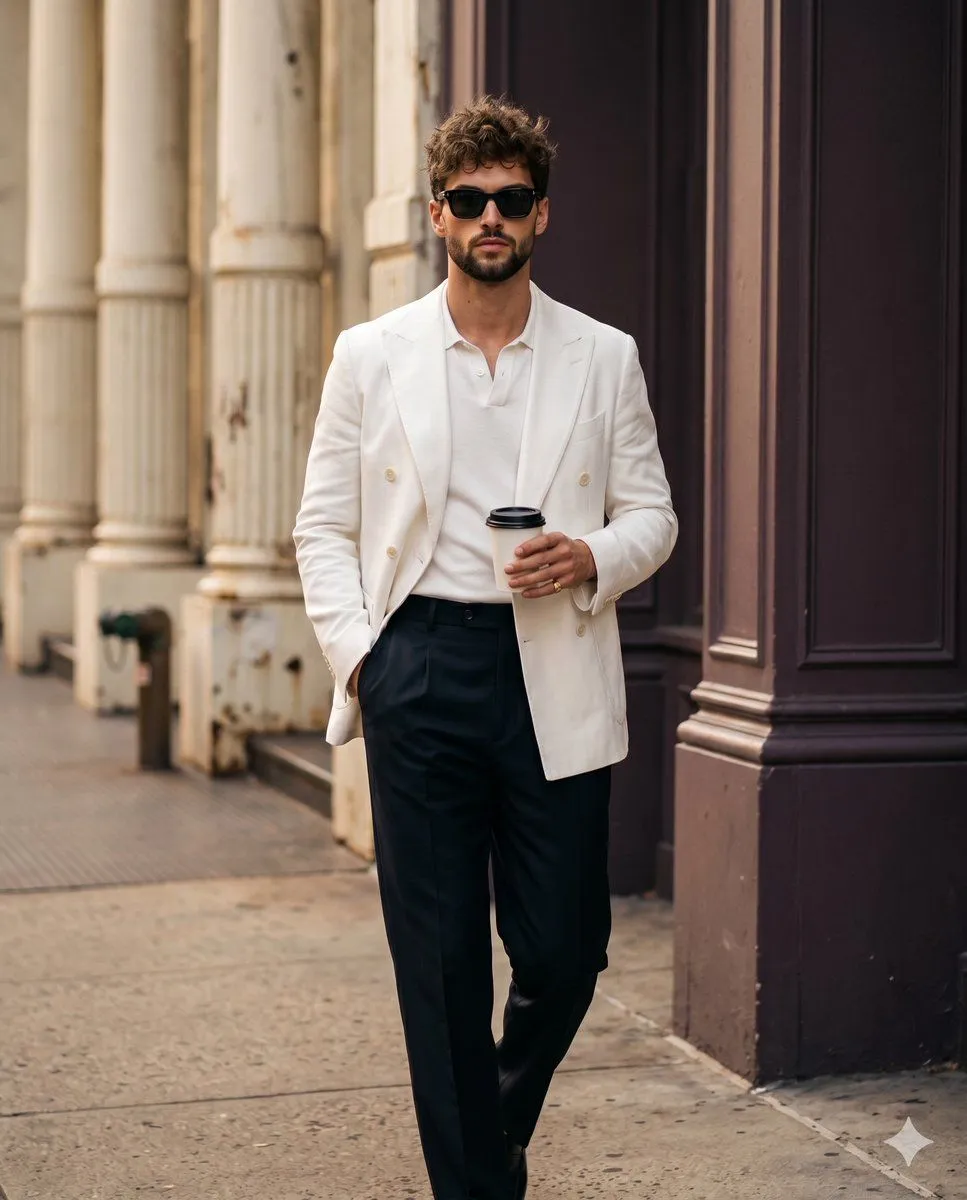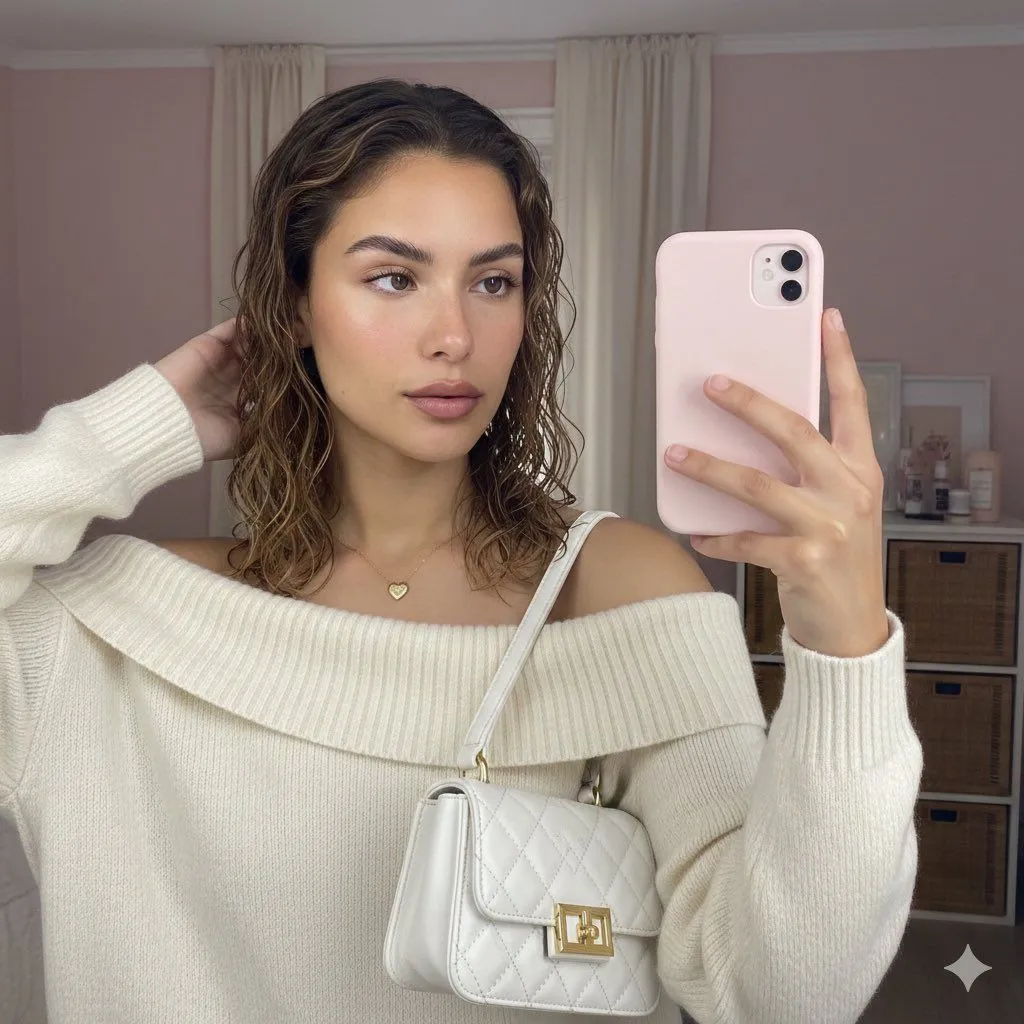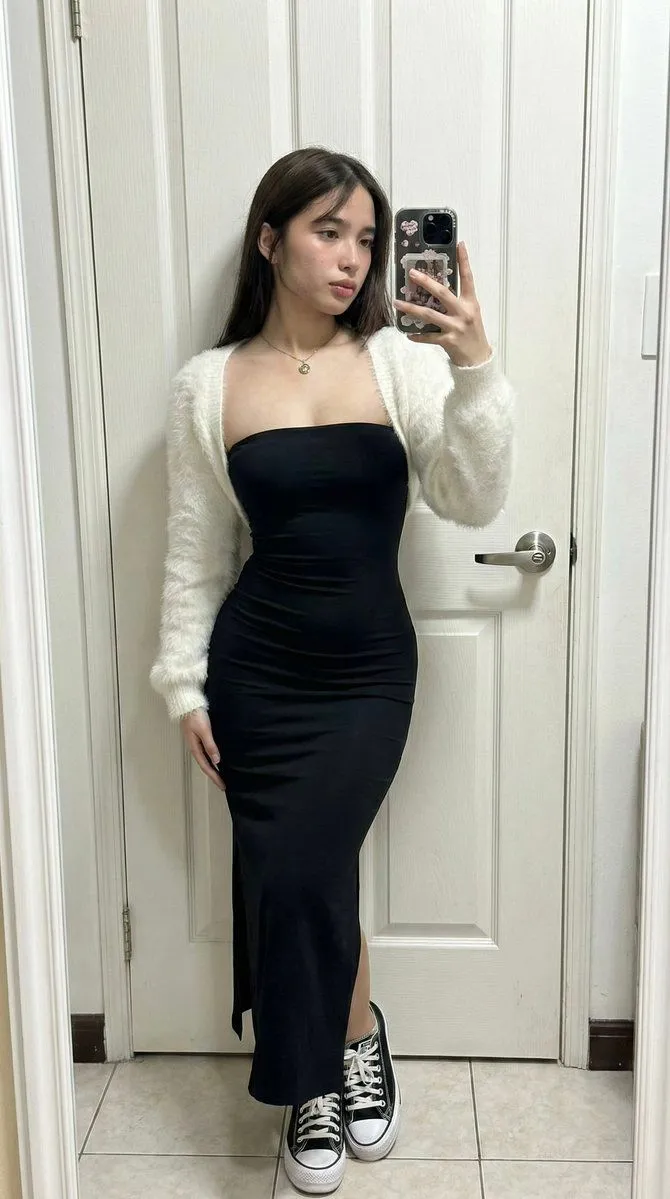
Made with Nano Banana Pro in Gemini by Library Social. Promptclay never generates images.
Did it work?
No reports yet. Tell others if it worked for you.
Candid iPhone Daylight Street Photo Prompt
Prompt
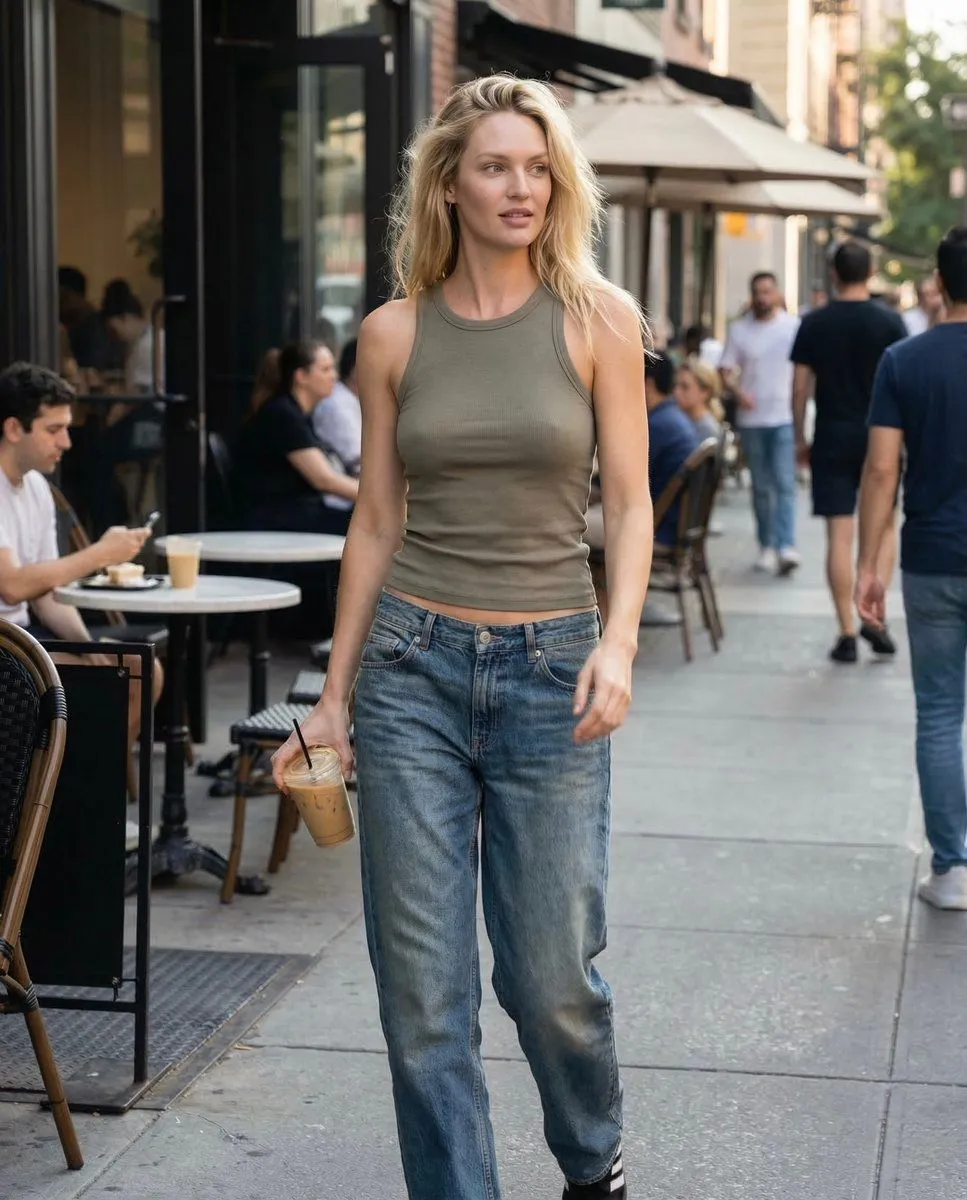
1 blank to fill{ "meta": { "camera": "iPhone 17 Pro", "lens": "35mm", "aspect_ratio": "4:5", "style": "natural iphone daylight, soft HDR, no heavy contrast, realistic skin texture" }, "scene": { "location": "city sidewalk outside {location_type}", "time": "9:12 AM", "atmosphere": "quiet morning, soft sun, casual street life" }, "lighting": { "primary": "natural soft morning sunlight", "effect": "gentle highlights on hair, even skin tones" }, "subject": { "appearance": "tall blonde american model, minimal makeup, effortless beauty", "pose": { "position": "walking out holding iced coffee", "body": "natural stride, shoulders relaxed", "head": "slightly turned mid-step" }, "expression": { "eyes": "half-focused, casual", "mouth": "soft neutral", "energy": "unbothered, naturally attractive" }, "hair": { "style": "loose blonde hair, slightly messy morning texture" }, "outfit": { "top": { "type": "fitted ribbed tank", "color": "muted olive" }, "bottom": { "type": "low-rise relaxed jeans", "color": "washed blue" } } }, "camera": { "angle": "slightly off-center candid", "distance": "mid shot", "imperfection": "tiny motion blur from walking" } }
Preview of your prompt
{ "meta": { "camera": "iPhone 17 Pro", "lens": "35mm", "aspect_ratio": "4:5", "style": "natural iphone daylight, soft HDR, no heavy contrast, realistic skin texture" }, "scene": { "location": "city sidewalk outside coffee shop", "time": "9:12 AM", "atmosphere": "quiet morning, soft sun, casual street life" }, "lighting": { "primary": "natural soft morning sunlight", "effect": "gentle highlights on hair, even skin tones" }, "subject": { "appearance": "tall blonde american model, minimal makeup, effortless beauty", "pose": { "position": "walking out holding iced coffee", "body": "natural stride, shoulders relaxed", "head": "slightly turned mid-step" }, "expression": { "eyes": "half-focused, casual", "mouth": "soft neutral", "energy": "unbothered, naturally attractive" }, "hair": { "style": "loose blonde hair, slightly messy morning texture" }, "outfit": { "top": { "type": "fitted ribbed tank", "color": "muted olive" }, "bottom": { "type": "low-rise relaxed jeans", "color": "washed blue" } } }, "camera": { "angle": "slightly off-center candid", "distance": "mid shot", "imperfection": "tiny motion blur from walking" } }
DetailsVersions, settings and questions
Written for
What's in the prompt
- Subject
- Model
- Nano Banana Pro
If your face changes
keep my face exactly the sameQuestions
- Does this work in the Gemini app?
- Yes. Gemini runs Nano Banana, so paste the prompt and attach your photo if it uses one.
- It changed my face. What do I do?
- Add "keep my face exactly the same" to the end and run it again.
- Can I use the images I make?
- Check the terms of the app you use. Promptclay never generates images and claims nothing you make.