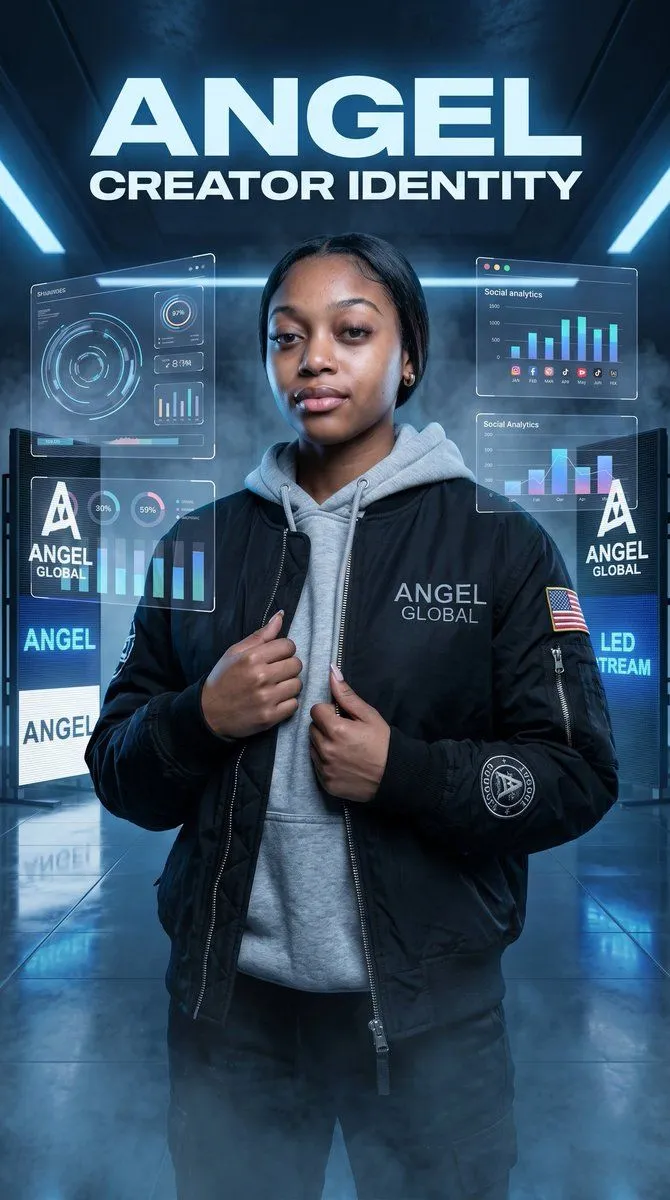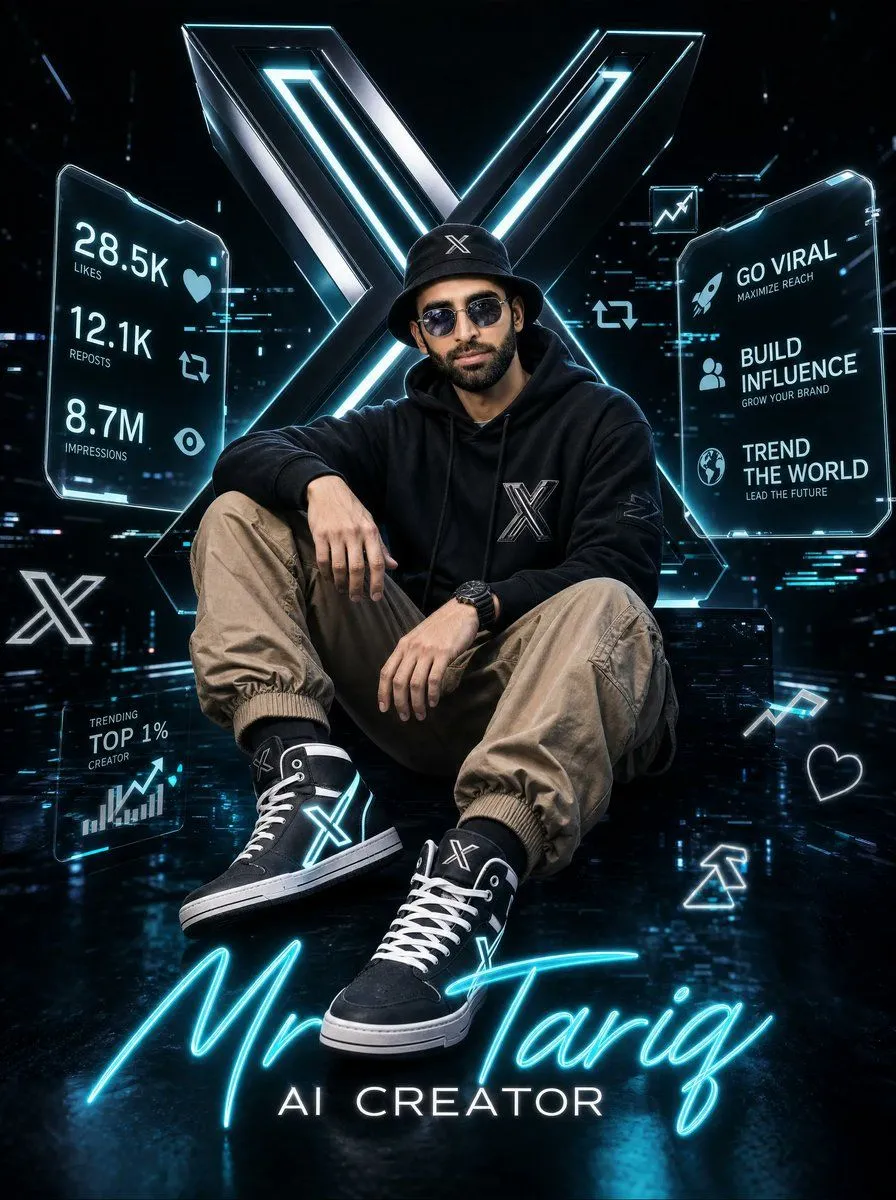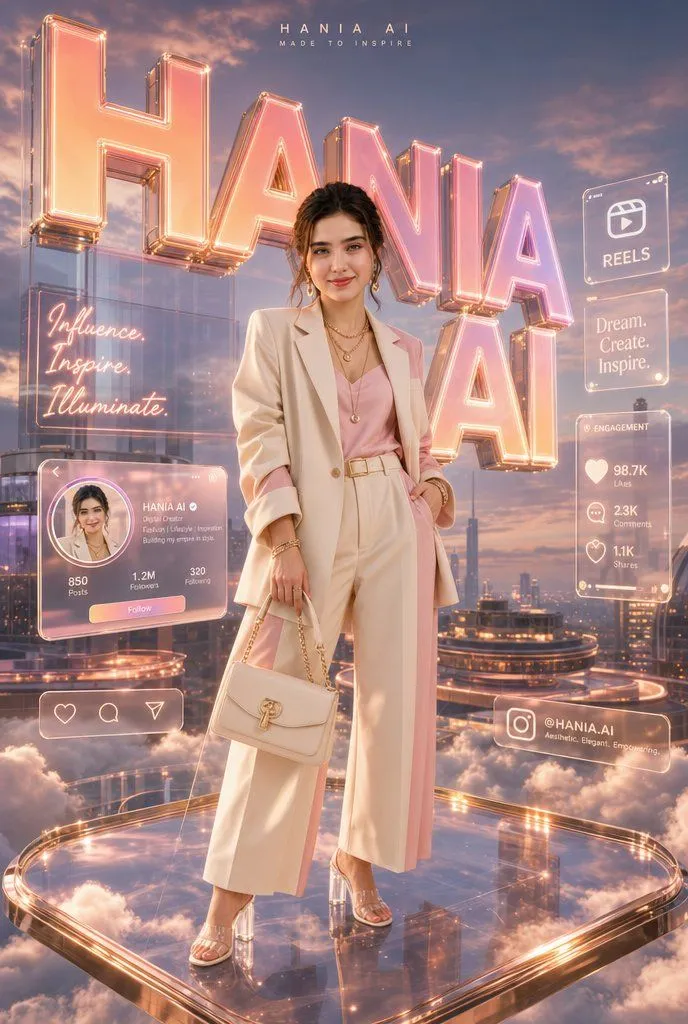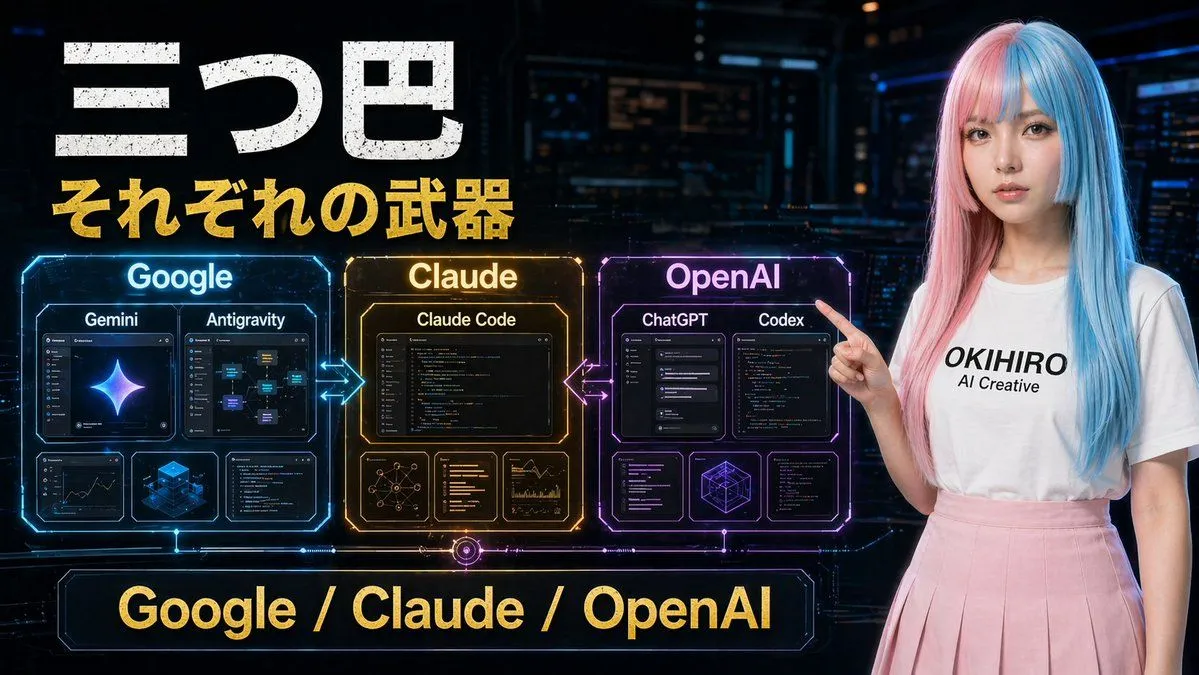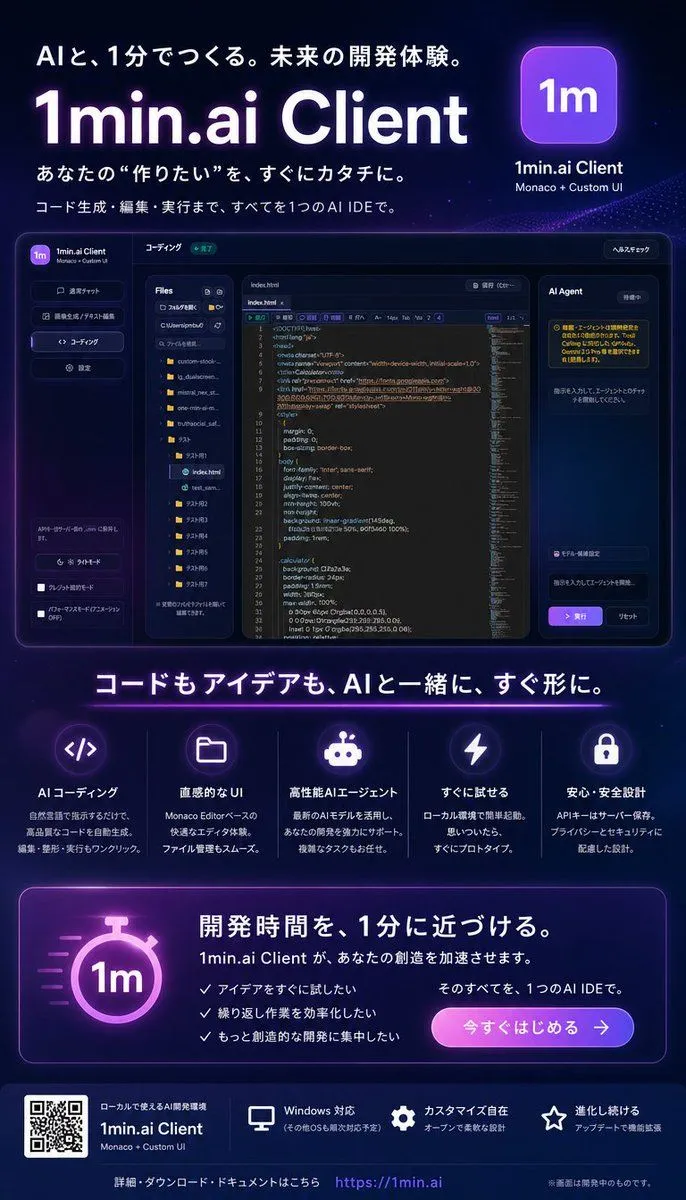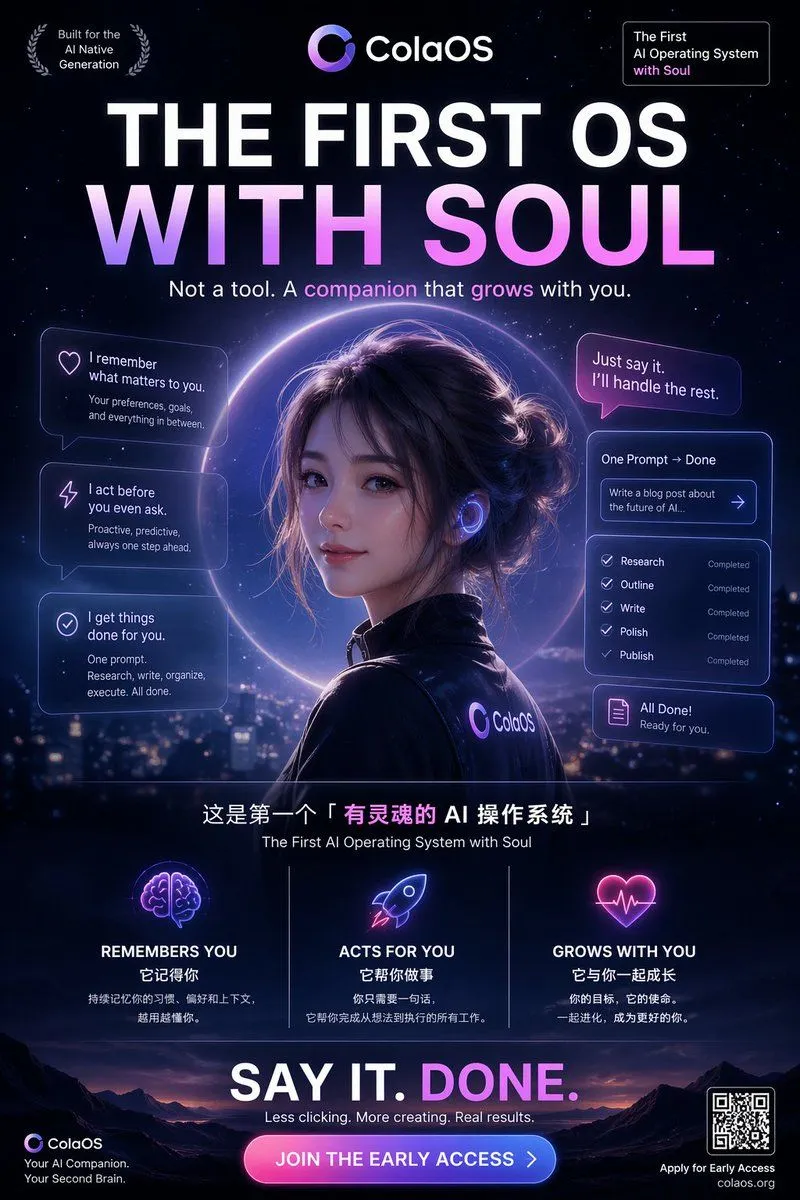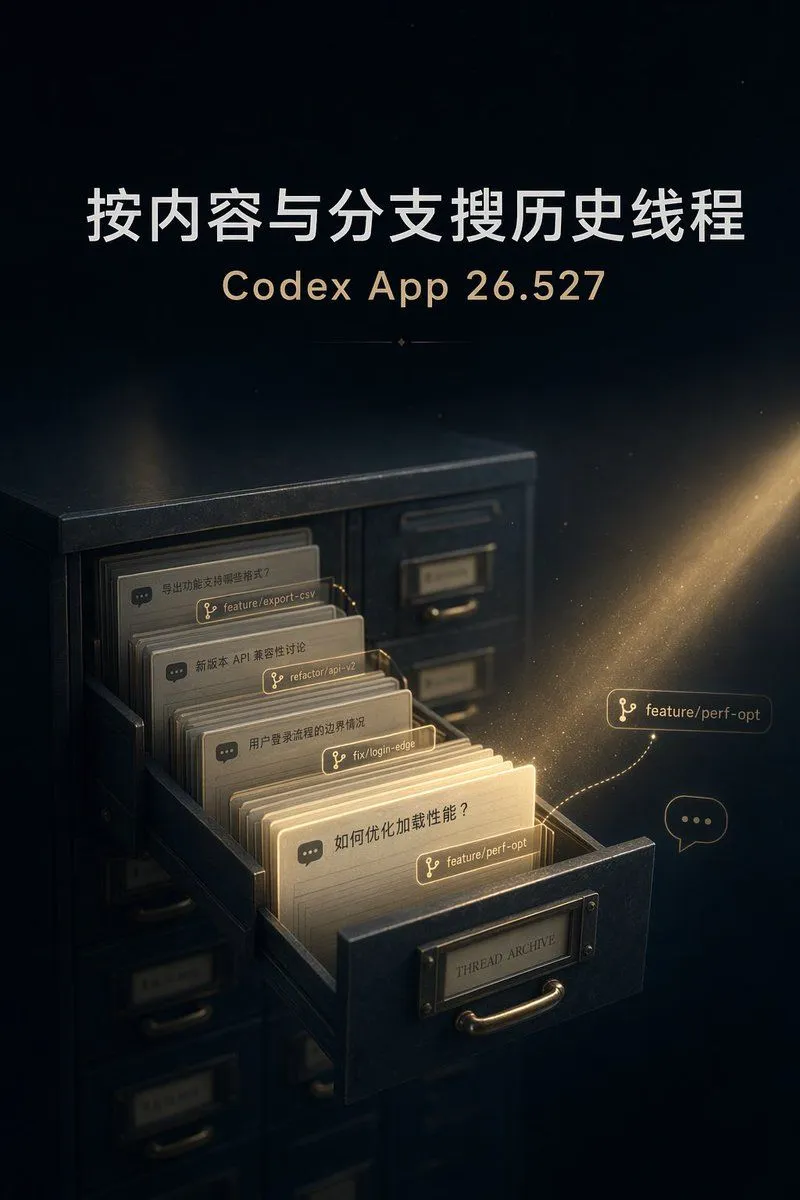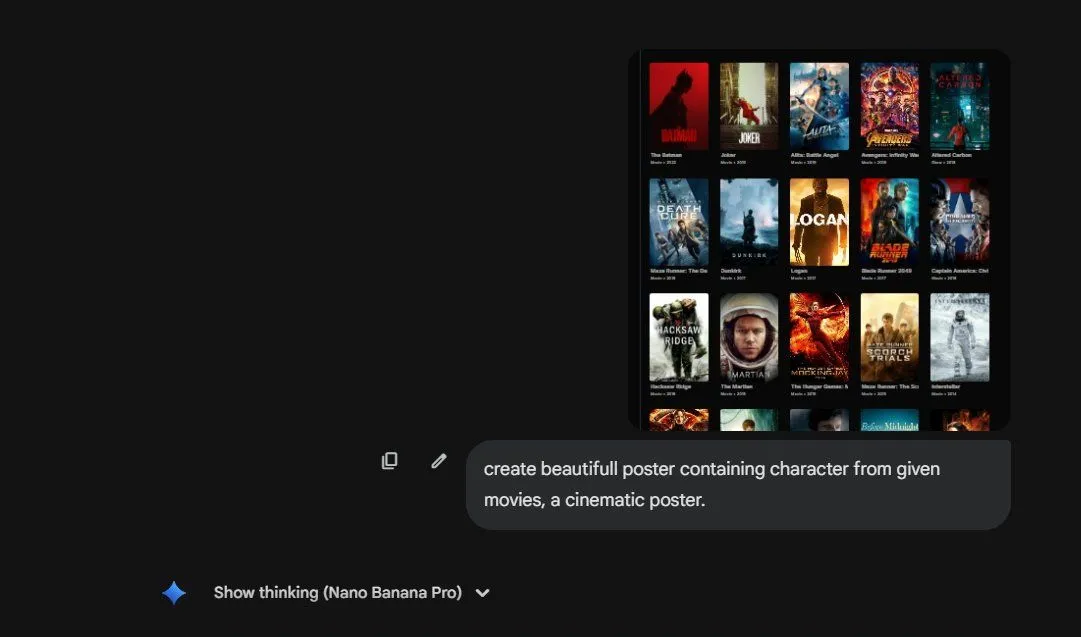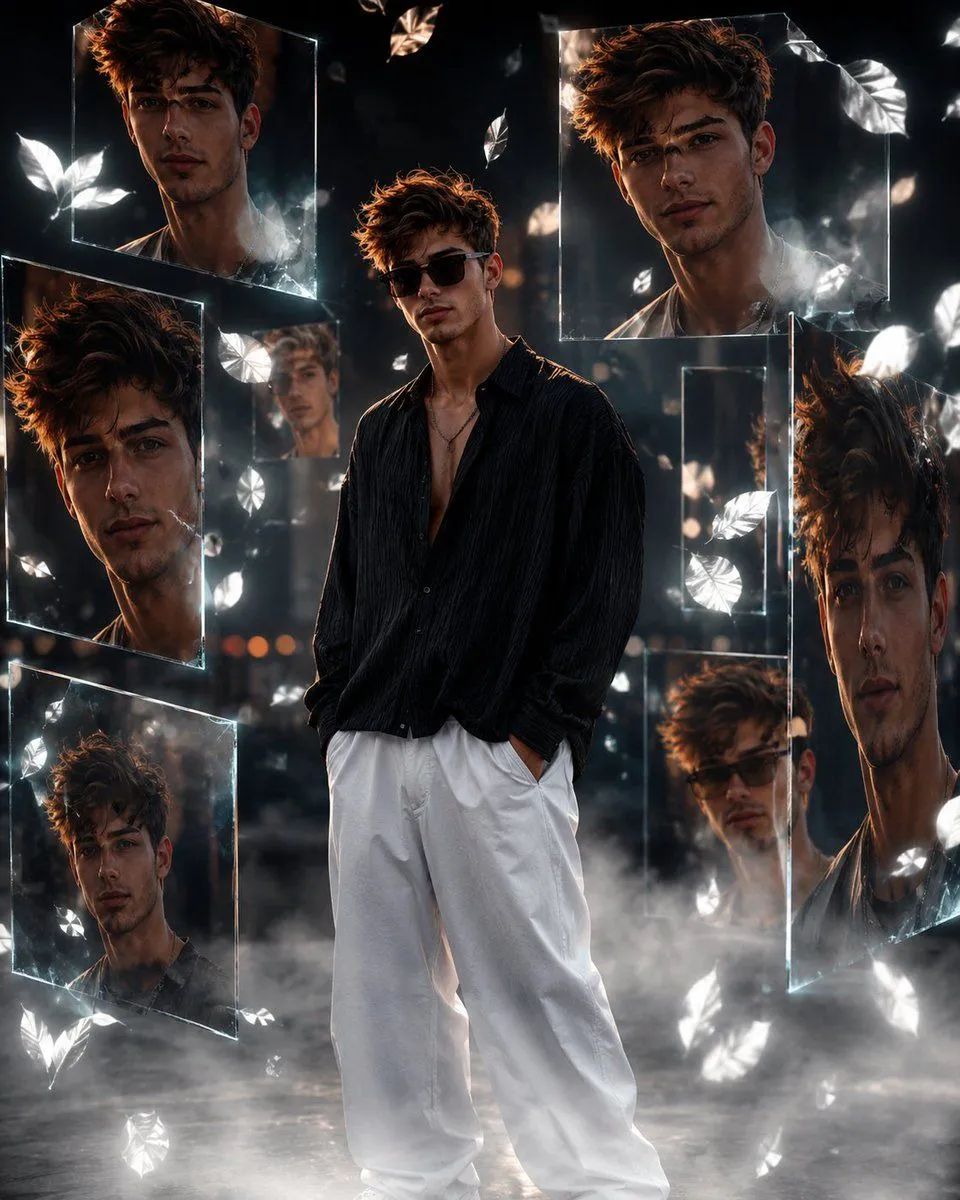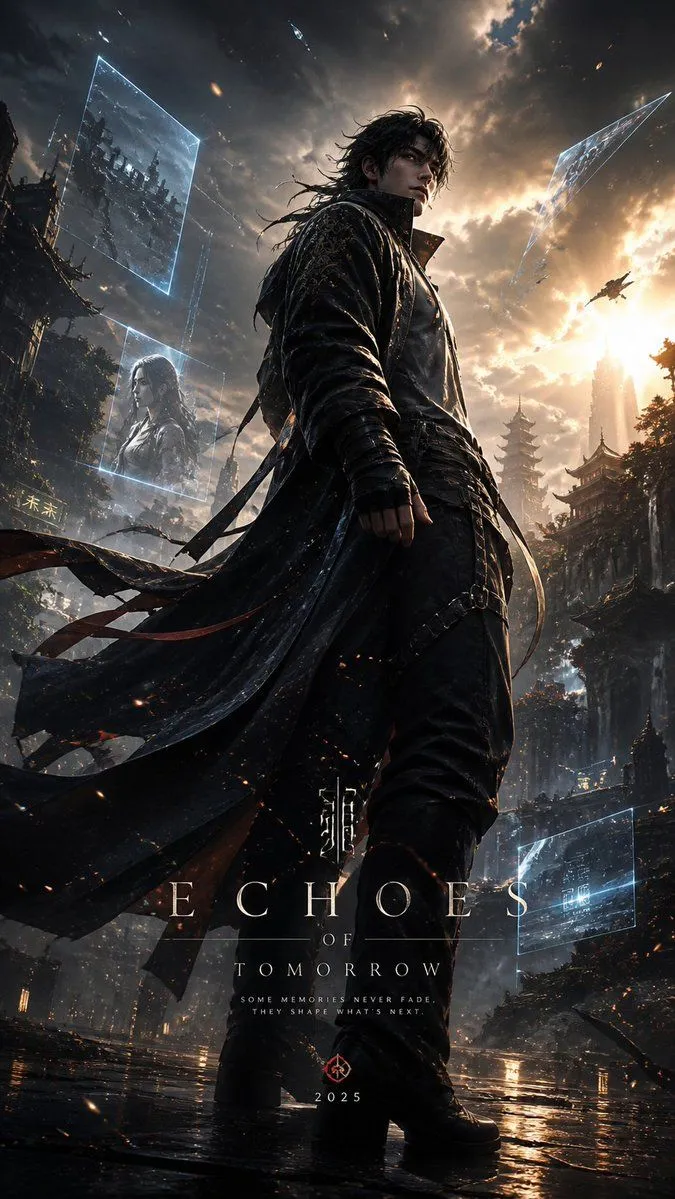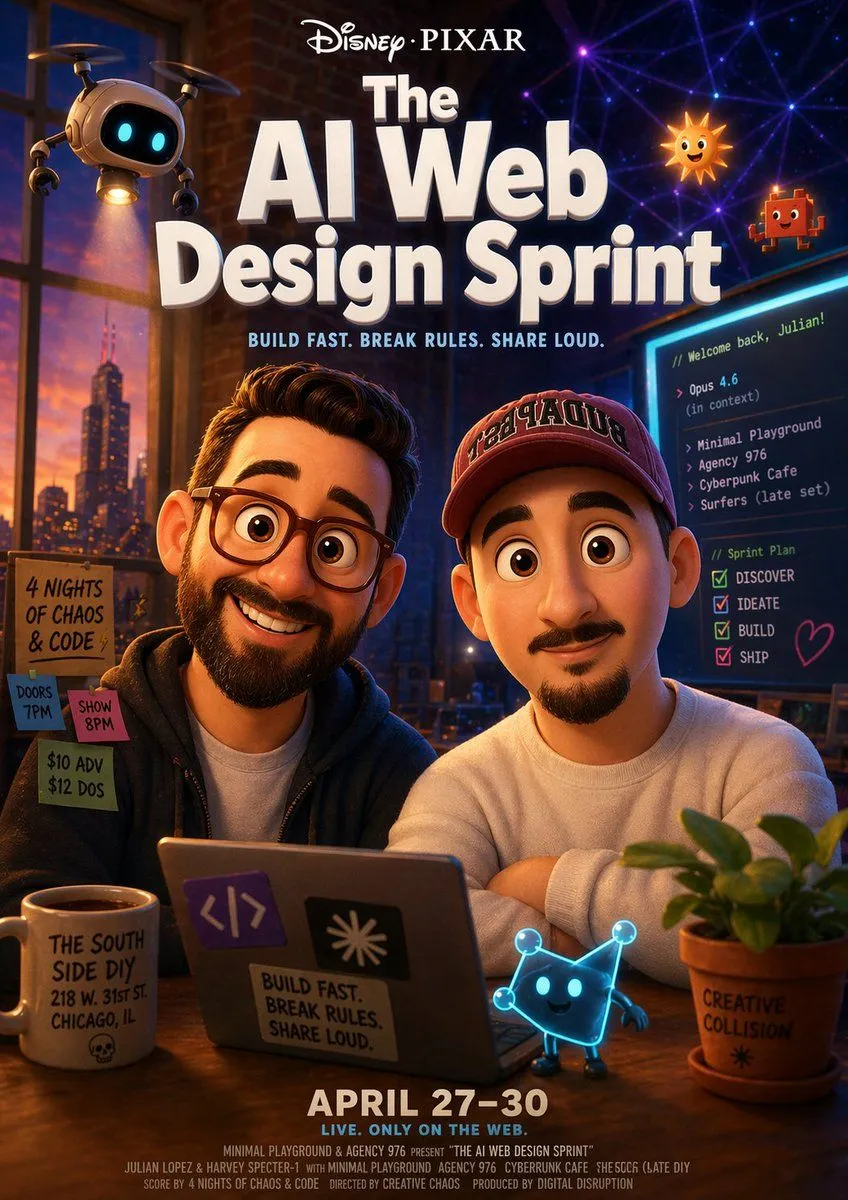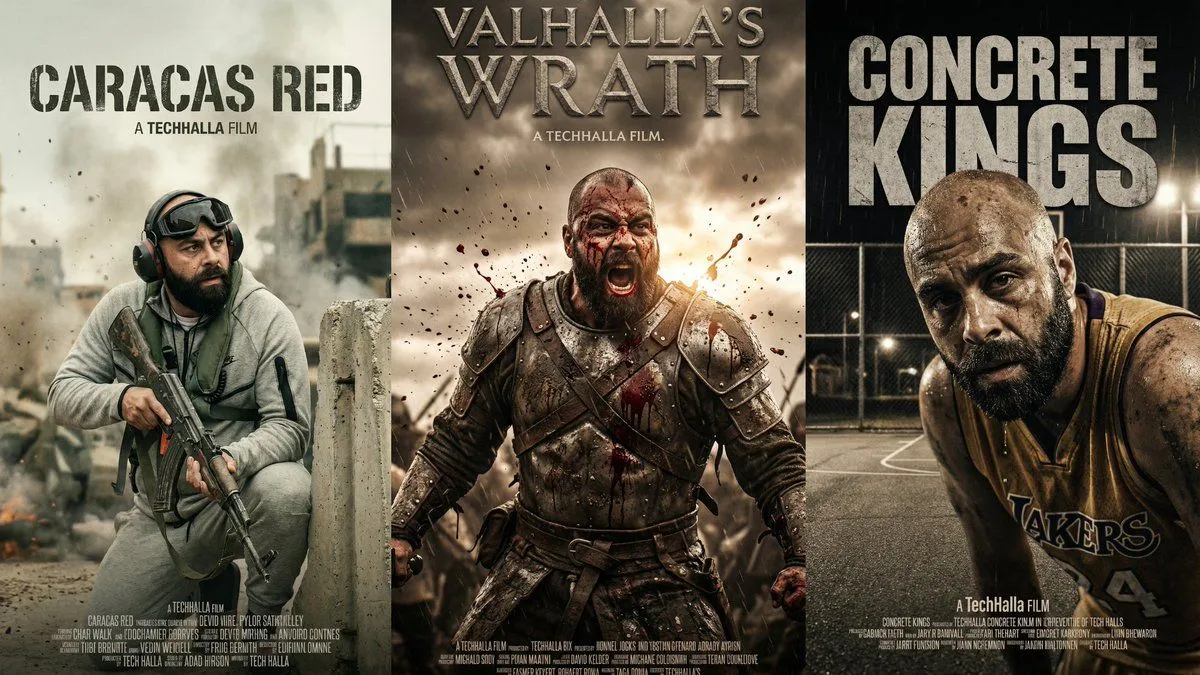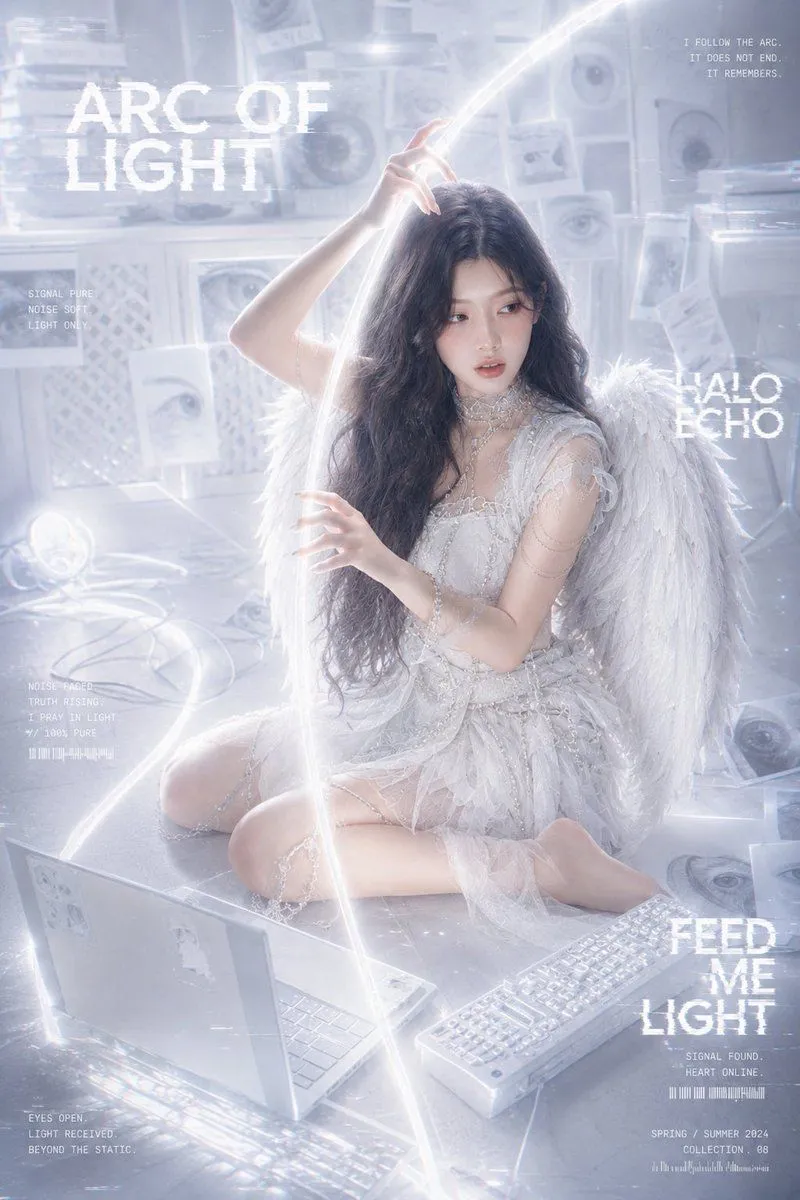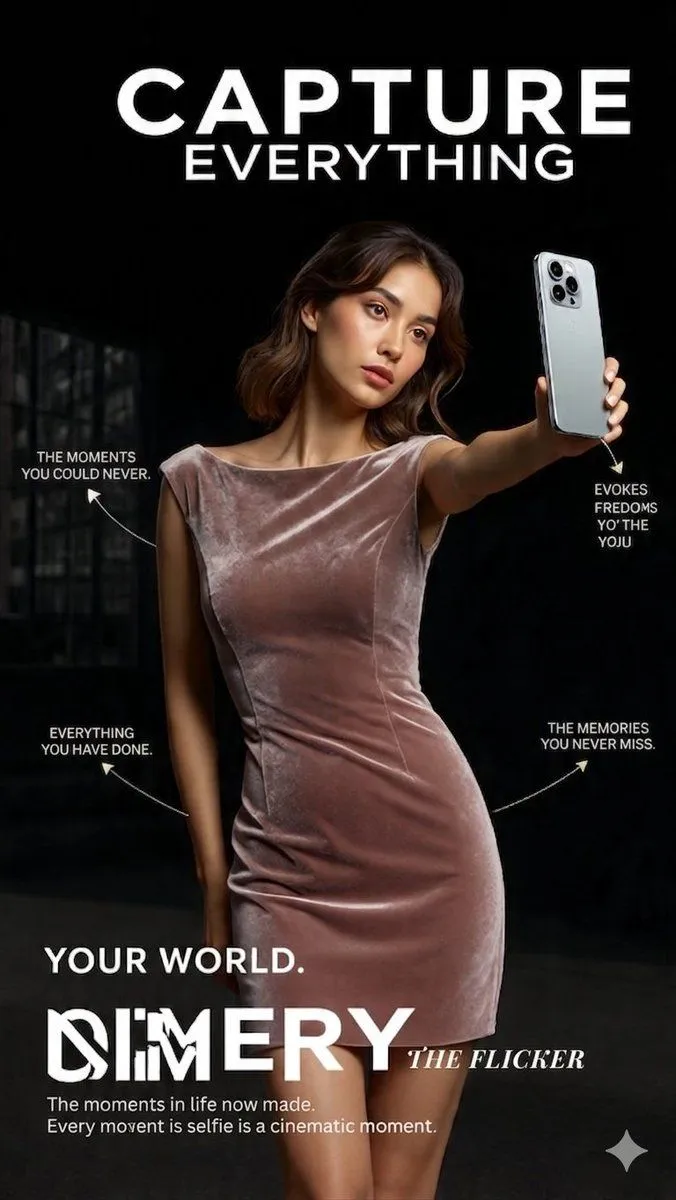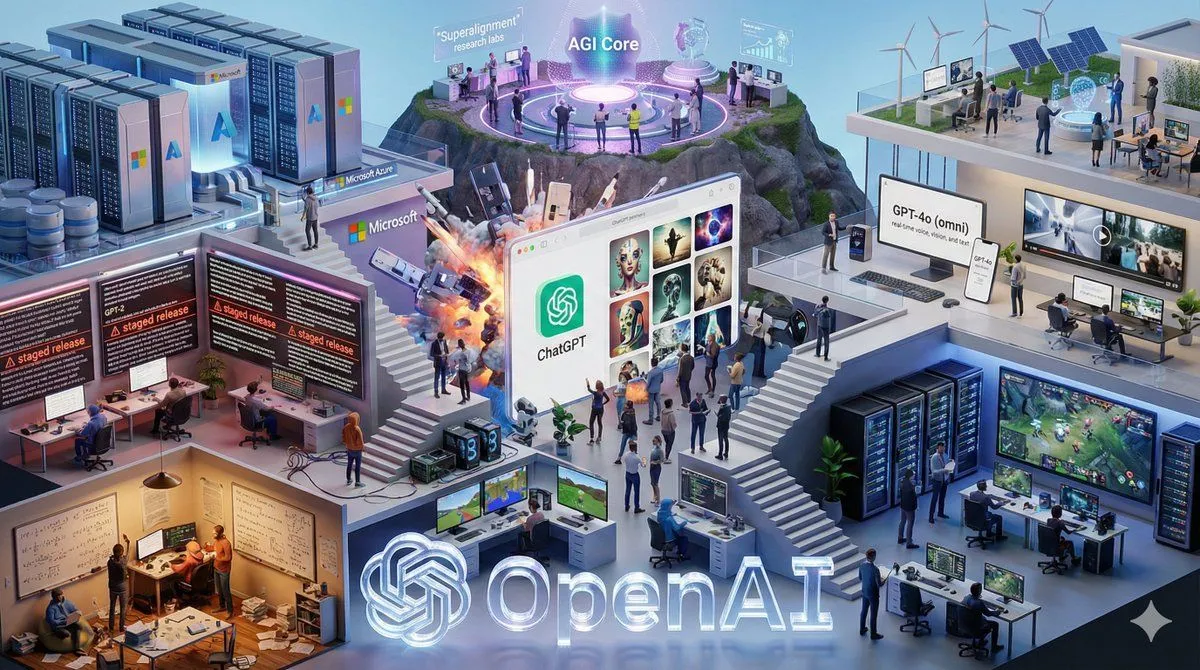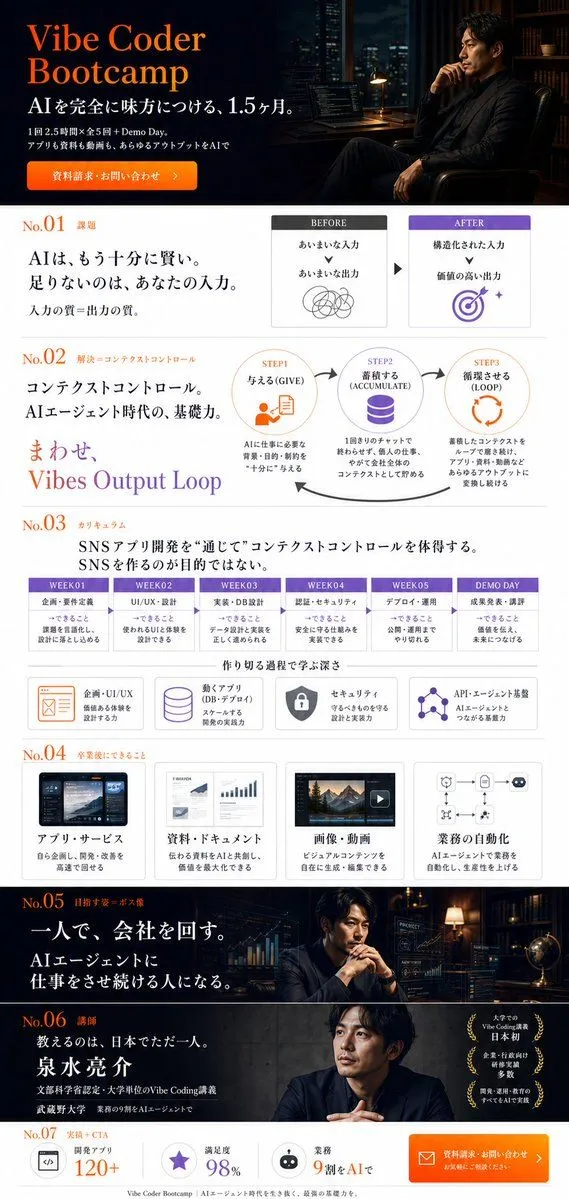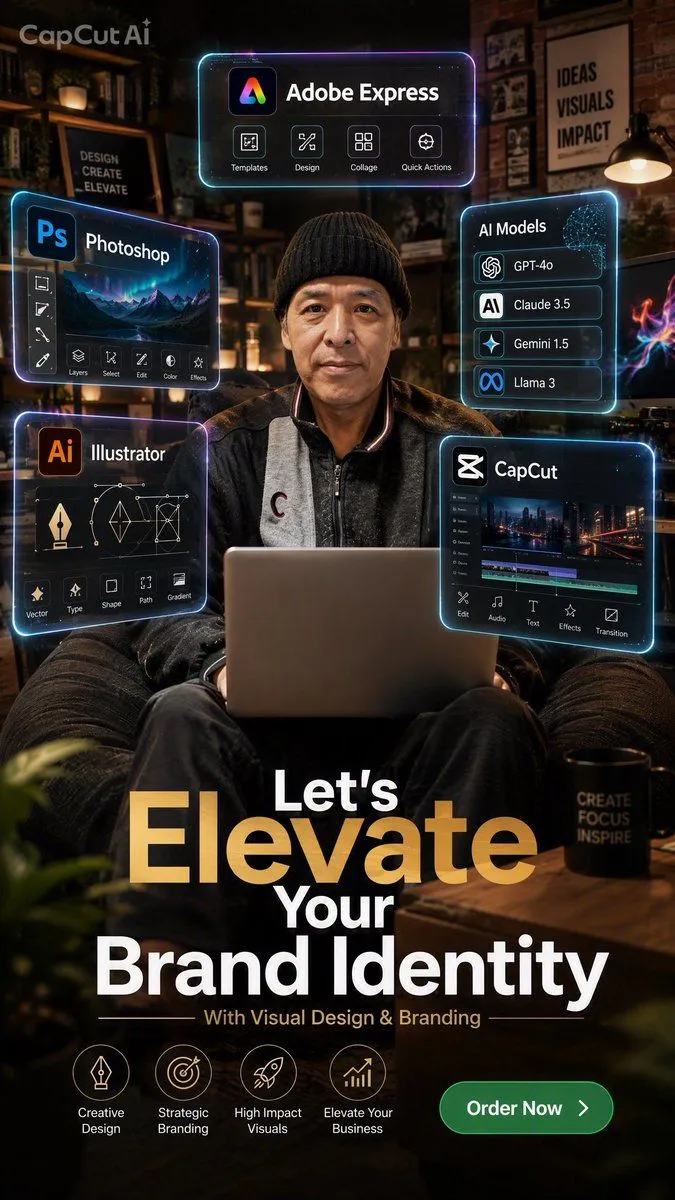
Made with GPT Image 2 in ChatGPT, collected by Library Brand. Promptclay never generates images.
Did it work?
No reports yet. Tell others if it worked for you.
Brand Identity Designer Poster
Prompt
5 blanks to fillGoal: Create a vertical 9:16 cinematic advertising poster for a personal branding and visual design service, centered on a realistic designer working on a laptop, surrounded by glowing AI/design software interface panels. Canvas: 1440x2560 vertical poster, high-resolution 2K look, dark warm studio atmosphere with neon cyan and purple UI glow, shallow depth of field, premium brand campaign aesthetic. Main subject: A middle-aged East Asian man with a calm confident expression sits front-facing in a cozy creative studio lounge, wearing a black knit beanie and dark casual jacket over a gray zip top. He holds or works behind a silver laptop on his lap. Use realistic photography style with cinematic lighting, warm skin tones, and sharp focus on the face. Background: Dimly lit designer studio with shelves, framed posters, books, plants, brick wall texture, desk lamps, and soft bokeh. Include a visible framed wall poster reading “IDEAS VISUALS IMPACT” on the upper right and another sign reading “DESIGN CREATE ELEVATE” on the left. Add a black mug on a wooden table at lower right with the words “CREATE FOCUS INSPIRE.” Keep the setting elegant, creative, and professional. Floating interface panels: Add exactly 5 translucent rounded-rectangle holographic panels with neon cyan outlines and subtle purple highlights, arranged around the subject without covering his face: 1. Top center panel: “Adobe Express” with a colorful app icon and exactly 4 small feature buttons labeled “Templates,” “Design,” “Collage,” and “Quick Actions.” 2. Upper left panel: “Photoshop” with a blue “Ps” icon, a landscape preview, a left vertical toolbar, and exactly 6 bottom buttons labeled “Layers,” “Select,” “Edit,” “Color,” “Effects,” plus one small icon button. 3. Lower left panel: “Illustrator” with an orange “Ai” icon, vector pen and wireframe graphics, and exactly 5 bottom buttons labeled “Vector,” “Type,” “Shape,” “Path,” and “Gradient.” 4. Upper right panel: “AI Models” with a digital brain graphic and exactly 4 stacked model rows labeled “GPT-4o,” “Claude 3.5,” “Gemini 1.5,” and “Llama 3.” 5. Lower right panel: “CapCut” with the CapCut logo, a video editing timeline preview, and exactly 5 bottom buttons labeled “Edit,” “Audio,” “Text,” “Effects,” and “Transition.” Branding and headline text: Add a small watermark-style label “CapCut Ai” in the top left. At the lower half, create a large bold stacked headline reading “Let’s” above a very large gold-gradient “Elevate,” then “Your” and “Brand Identity” in white. Underline the headline area subtly and add the subheading “With Visual Design & Branding.” Use modern bold sans-serif typography, with “Elevate” in metallic gold and the rest in bright white. Bottom icon row: Add exactly 4 circular line icons with labels beneath them, evenly spaced above the call-to-action: “Creative Design,” “Strategic Branding,” “High Impact Visuals,” and “Elevate Your Business.” Call-to-action: Place a green rounded pill button at bottom right with white text “Order Now” and a right arrow icon. Customizable text slots: Main headline should read {headline_text}. Subheading should read {subheading}. Button text should read {call_to_action}. Top featured tool should be {featured_design_app}. The subject should be {main_subject}. Visual style: Photorealistic cinematic marketing poster, high contrast, warm ambient studio lighting, teal and magenta neon edge lights, glossy futuristic UI overlays, premium agency branding, crisp typography, dramatic vignette, depth of field, polished commercial finish. Constraints: Keep all visible text legible, preserve the exact count of 5 interface panels and 4 bottom service icons, do not add extra panels or extra bottom icons, avoid cartoon style, avoid cluttering the face, no misspelled software names.
Preview of your prompt
Goal: Create a vertical 9:16 cinematic advertising poster for a personal branding and visual design service, centered on a realistic designer working on a laptop, surrounded by glowing AI/design software interface panels. Canvas: 1440x2560 vertical poster, high-resolution 2K look, dark warm studio atmosphere with neon cyan and purple UI glow, shallow depth of field, premium brand campaign aesthetic. Main subject: A middle-aged East Asian man with a calm confident expression sits front-facing in a cozy creative studio lounge, wearing a black knit beanie and dark casual jacket over a gray zip top. He holds or works behind a silver laptop on his lap. Use realistic photography style with cinematic lighting, warm skin tones, and sharp focus on the face. Background: Dimly lit designer studio with shelves, framed posters, books, plants, brick wall texture, desk lamps, and soft bokeh. Include a visible framed wall poster reading “IDEAS VISUALS IMPACT” on the upper right and another sign reading “DESIGN CREATE ELEVATE” on the left. Add a black mug on a wooden table at lower right with the words “CREATE FOCUS INSPIRE.” Keep the setting elegant, creative, and professional. Floating interface panels: Add exactly 5 translucent rounded-rectangle holographic panels with neon cyan outlines and subtle purple highlights, arranged around the subject without covering his face: 1. Top center panel: “Adobe Express” with a colorful app icon and exactly 4 small feature buttons labeled “Templates,” “Design,” “Collage,” and “Quick Actions.” 2. Upper left panel: “Photoshop” with a blue “Ps” icon, a landscape preview, a left vertical toolbar, and exactly 6 bottom buttons labeled “Layers,” “Select,” “Edit,” “Color,” “Effects,” plus one small icon button. 3. Lower left panel: “Illustrator” with an orange “Ai” icon, vector pen and wireframe graphics, and exactly 5 bottom buttons labeled “Vector,” “Type,” “Shape,” “Path,” and “Gradient.” 4. Upper right panel: “AI Models” with a digital brain graphic and exactly 4 stacked model rows labeled “GPT-4o,” “Claude 3.5,” “Gemini 1.5,” and “Llama 3.” 5. Lower right panel: “CapCut” with the CapCut logo, a video editing timeline preview, and exactly 5 bottom buttons labeled “Edit,” “Audio,” “Text,” “Effects,” and “Transition.” Branding and headline text: Add a small watermark-style label “CapCut Ai” in the top left. At the lower half, create a large bold stacked headline reading “Let’s” above a very large gold-gradient “Elevate,” then “Your” and “Brand Identity” in white. Underline the headline area subtly and add the subheading “With Visual Design & Branding.” Use modern bold sans-serif typography, with “Elevate” in metallic gold and the rest in bright white. Bottom icon row: Add exactly 4 circular line icons with labels beneath them, evenly spaced above the call-to-action: “Creative Design,” “Strategic Branding,” “High Impact Visuals,” and “Elevate Your Business.” Call-to-action: Place a green rounded pill button at bottom right with white text “Order Now” and a right arrow icon. Customizable text slots: Main headline should read Let’s Elevate Your Brand Identity. Subheading should read With Visual Design & Branding. Button text should read Order Now. Top featured tool should be Adobe Express. The subject should be middle-aged East Asian male designer wearing a black knit beanie. Visual style: Photorealistic cinematic marketing poster, high contrast, warm ambient studio lighting, teal and magenta neon edge lights, glossy futuristic UI overlays, premium agency branding, crisp typography, dramatic vignette, depth of field, polished commercial finish. Constraints: Keep all visible text legible, preserve the exact count of 5 interface panels and 4 bottom service icons, do not add extra panels or extra bottom icons, avoid cartoon style, avoid cluttering the face, no misspelled software names.
DetailsVersions, settings and questions
Written for
What's in the prompt
- Subject
- Model
- GPT Image 2
If your face changes
keep my face exactly the sameQuestions
- Does this work in the ChatGPT app?
- Yes. Paste the prompt and attach your photo if it uses one.
- It changed my face. What do I do?
- Add "keep my face exactly the same" to the end and run it again.
- Can I use the images I make?
- Check the terms of the app you use. Promptclay never generates images and claims nothing you make.