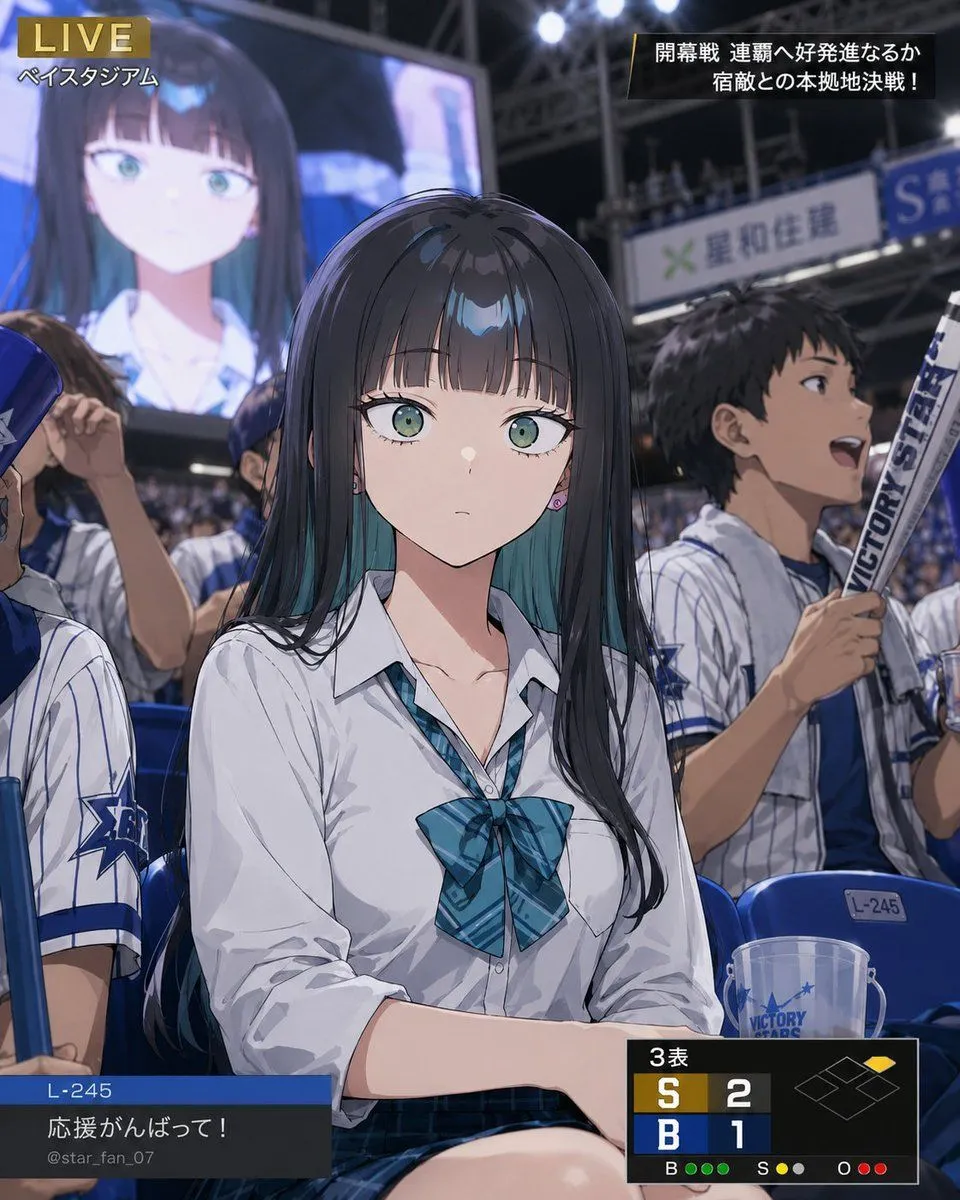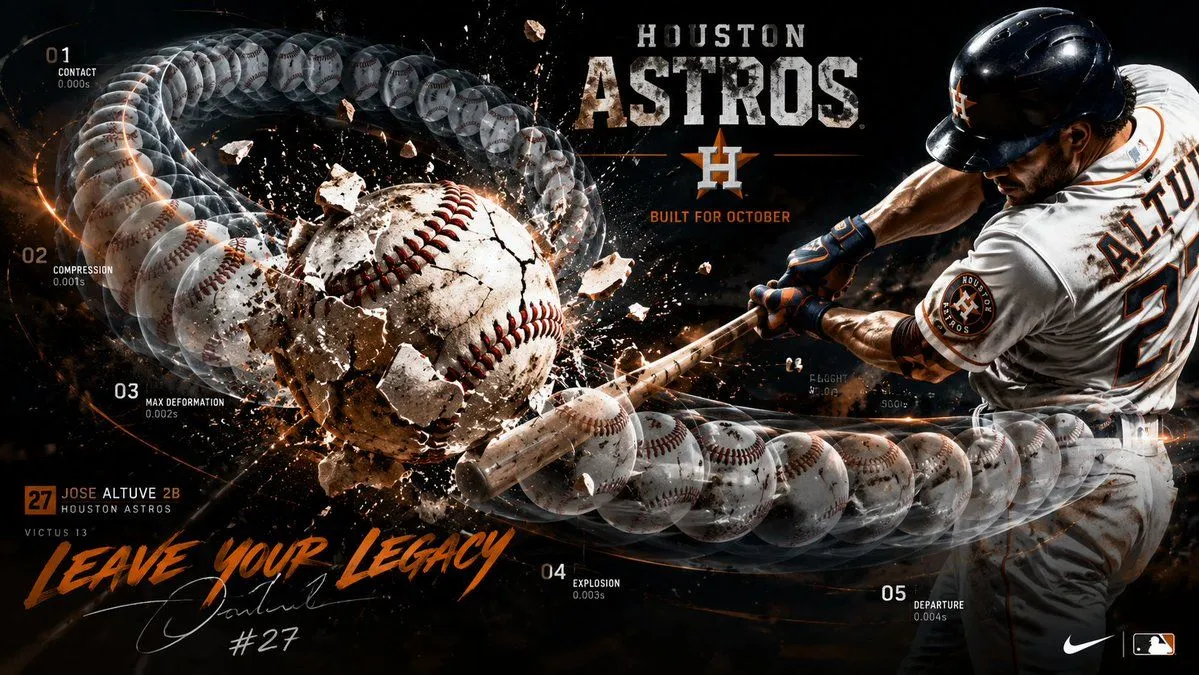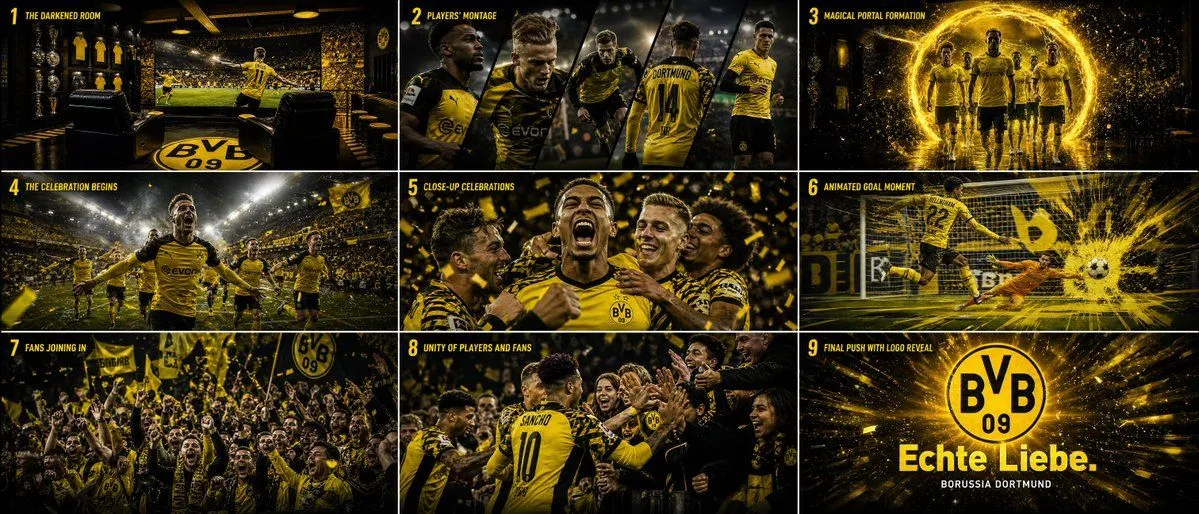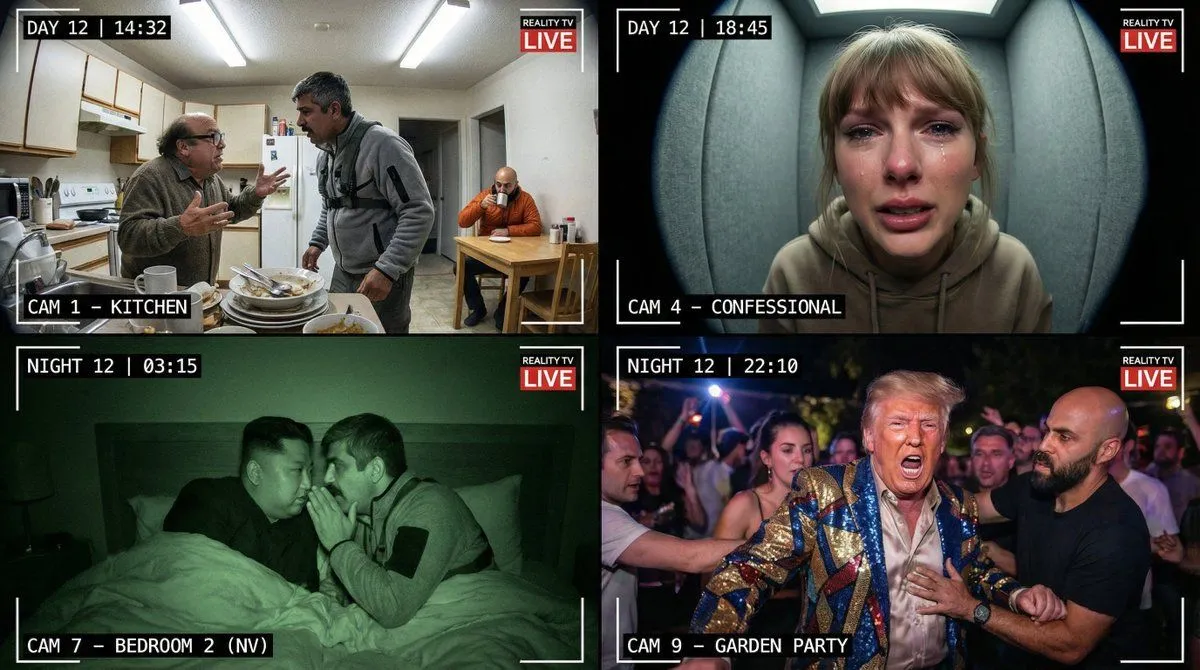
Made with GPT Image 2 in ChatGPT, collected by Library Lifestyle. Promptclay never generates images.
Did it work?
No reports yet. Tell others if it worked for you.
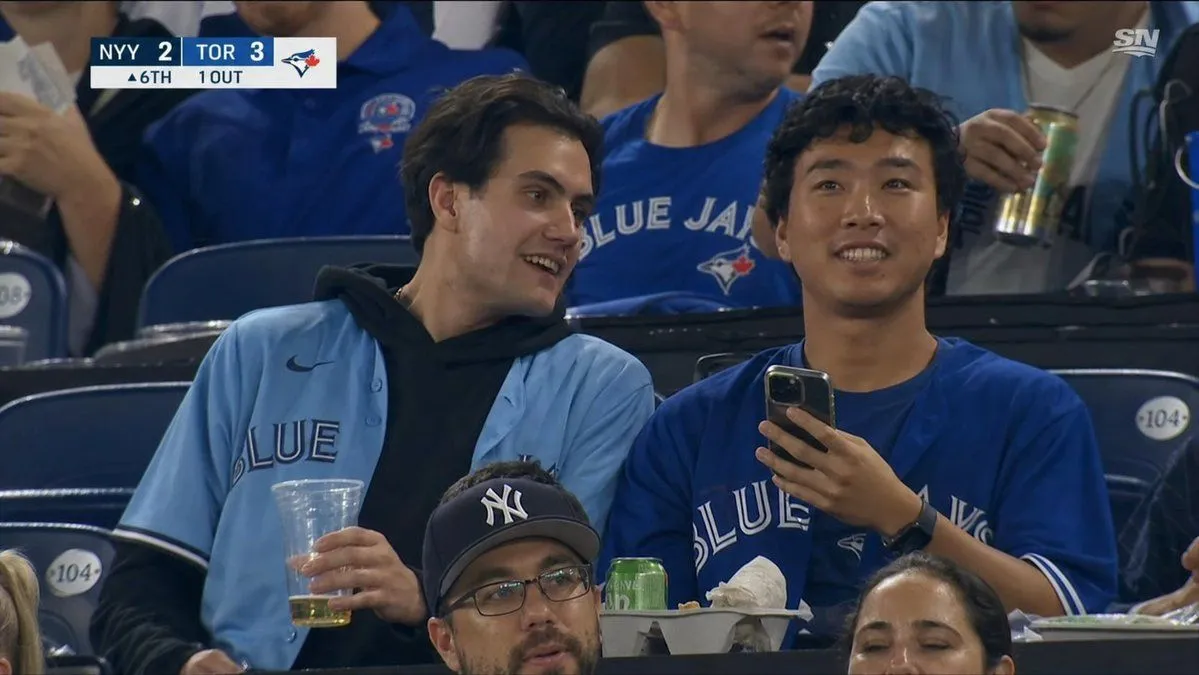
Blue Jays Broadcast Crowd Screenshot
Prompt
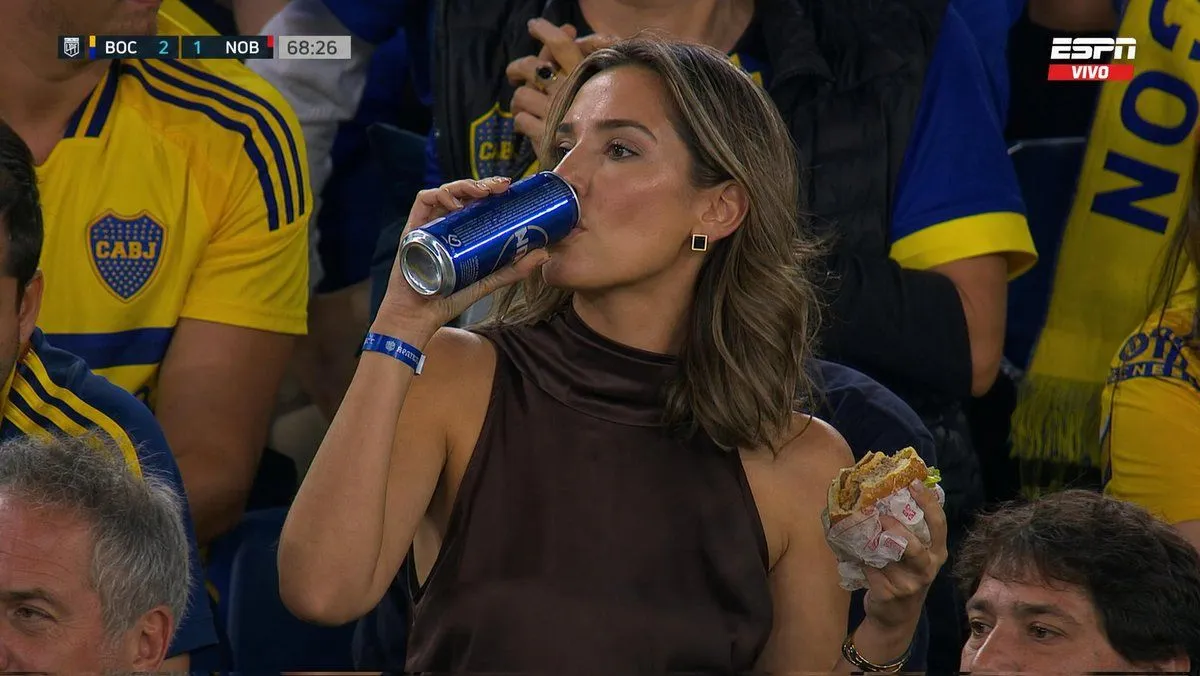
6 blanks to fillCreate a realistic broadcast-quality television screenshot from a Major League Baseball game in the stands at a Toronto Blue Jays home game, as if captured from a Sportsnet live feed. The scene shows {number_of_main_fans} young male fans seated in dark blue stadium seats, centered in the frame, both with their faces covered by plain dark-brown rectangular privacy masks. The left fan has medium dark hair and wears a light powder-blue Blue Jays button-up jersey over a black hoodie, holding a clear plastic cup with a small amount of beer; the right fan wears a royal-blue Blue Jays jersey, holds a smartphone upright in one hand, and has a black smartwatch. In the foreground, partially cropped spectators include two additional visible dark-brown face-cover rectangles, making {number_of_privacy_masks} total privacy masks in the image. Around them are other fans in Blue Jays shirts, one holding a tall can, plus stadium seat number plaques reading 104, a snack tray with food, a green can, and crumpled napkins. Add an authentic TV scoreboard graphic in the top-left corner with {away_team_score}, {home_team_score}, the Blue Jays logo, and a lower status row reading {inning_and_outs}. Add a small white {network_logo} logo in the top-right corner. Use documentary sports-broadcast framing, slight telephoto compression, arena lighting, realistic crowd blur, sharp jerseys and hands, 16:9 aspect ratio, no cinematic filters, no illustration style.
Preview of your prompt
Create a realistic broadcast-quality television screenshot from a Major League Baseball game in the stands at a Toronto Blue Jays home game, as if captured from a Sportsnet live feed. The scene shows two young male fans seated in dark blue stadium seats, centered in the frame, both with their faces covered by plain dark-brown rectangular privacy masks. The left fan has medium dark hair and wears a light powder-blue Blue Jays button-up jersey over a black hoodie, holding a clear plastic cup with a small amount of beer; the right fan wears a royal-blue Blue Jays jersey, holds a smartphone upright in one hand, and has a black smartwatch. In the foreground, partially cropped spectators include two additional visible dark-brown face-cover rectangles, making four total privacy masks in the image. Around them are other fans in Blue Jays shirts, one holding a tall can, plus stadium seat number plaques reading 104, a snack tray with food, a green can, and crumpled napkins. Add an authentic TV scoreboard graphic in the top-left corner with NYY 2, TOR 3, the Blue Jays logo, and a lower status row reading ▲6TH 1 OUT. Add a small white SN logo in the top-right corner. Use documentary sports-broadcast framing, slight telephoto compression, arena lighting, realistic crowd blur, sharp jerseys and hands, 16:9 aspect ratio, no cinematic filters, no illustration style.
DetailsVersions, settings and questions
Written for
What's in the prompt
- Subject
- Model
- GPT Image 2
If your face changes
keep my face exactly the sameQuestions
- Does this work in the ChatGPT app?
- Yes. Paste the prompt and attach your photo if it uses one.
- It changed my face. What do I do?
- Add "keep my face exactly the same" to the end and run it again.
- Can I use the images I make?
- Check the terms of the app you use. Promptclay never generates images and claims nothing you make.