Tell us anything

An idea, a bug, something you love. We read every note.

⌘↵ to send. The page you're on comes along.

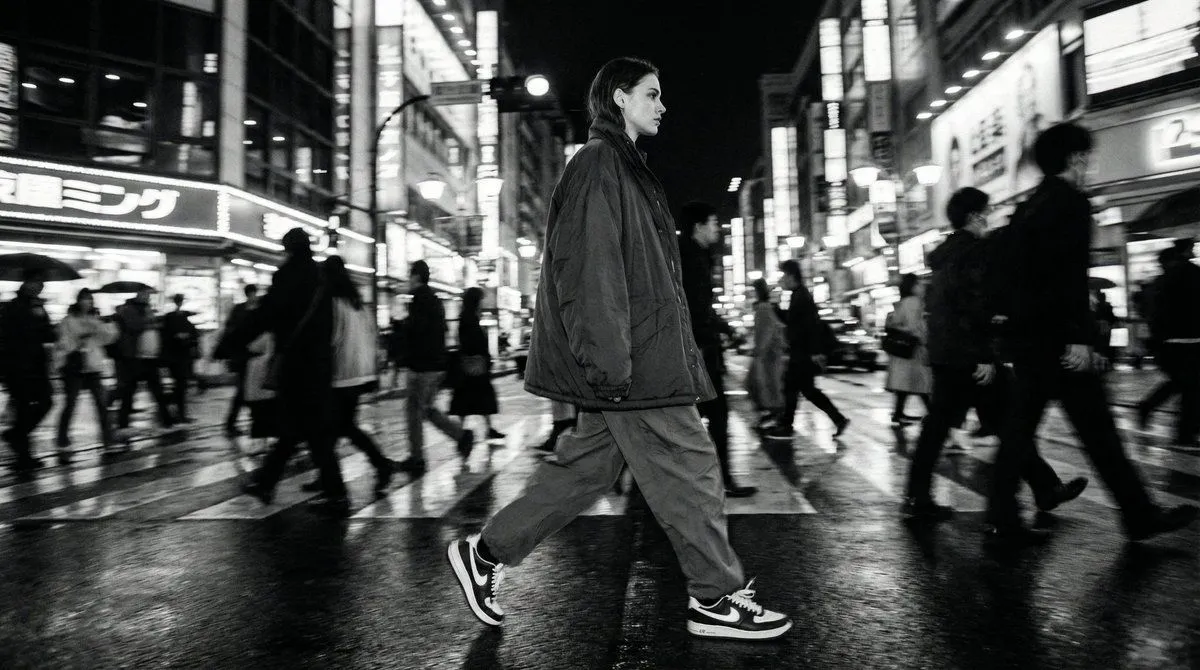
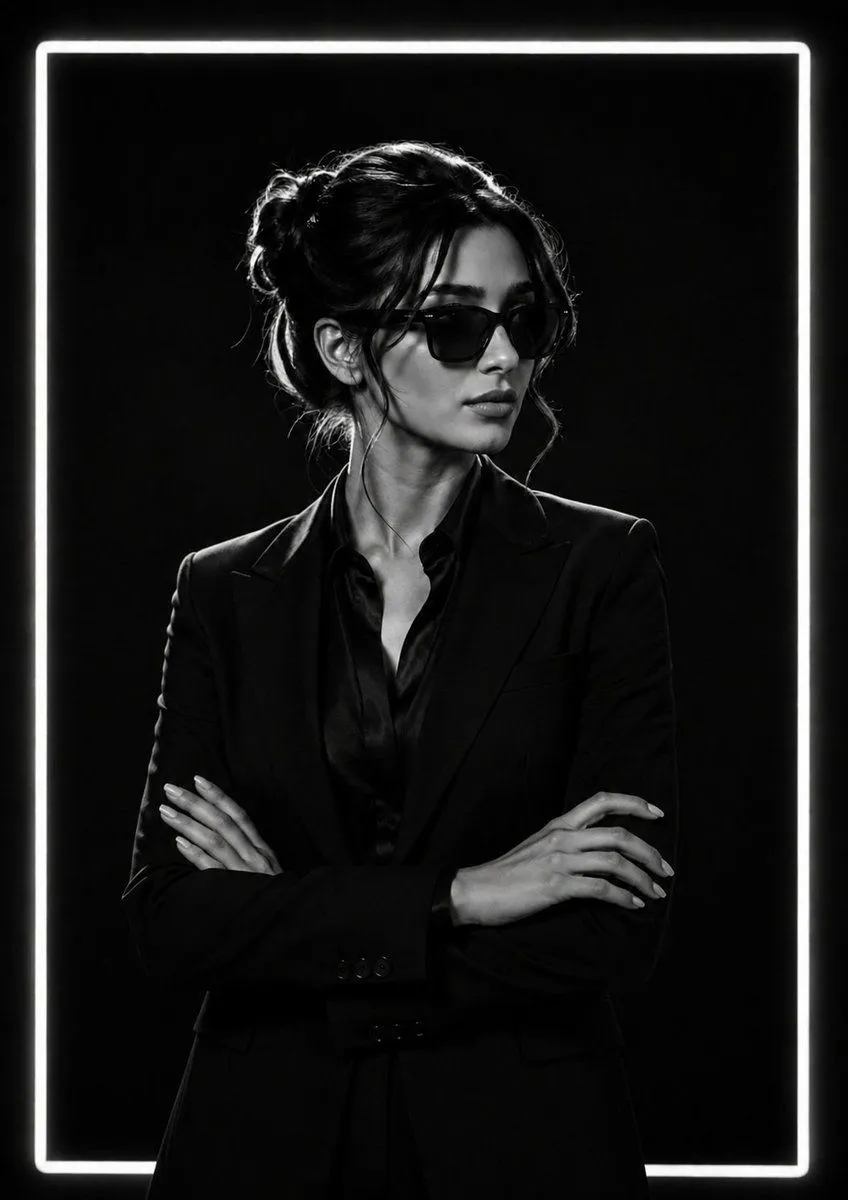
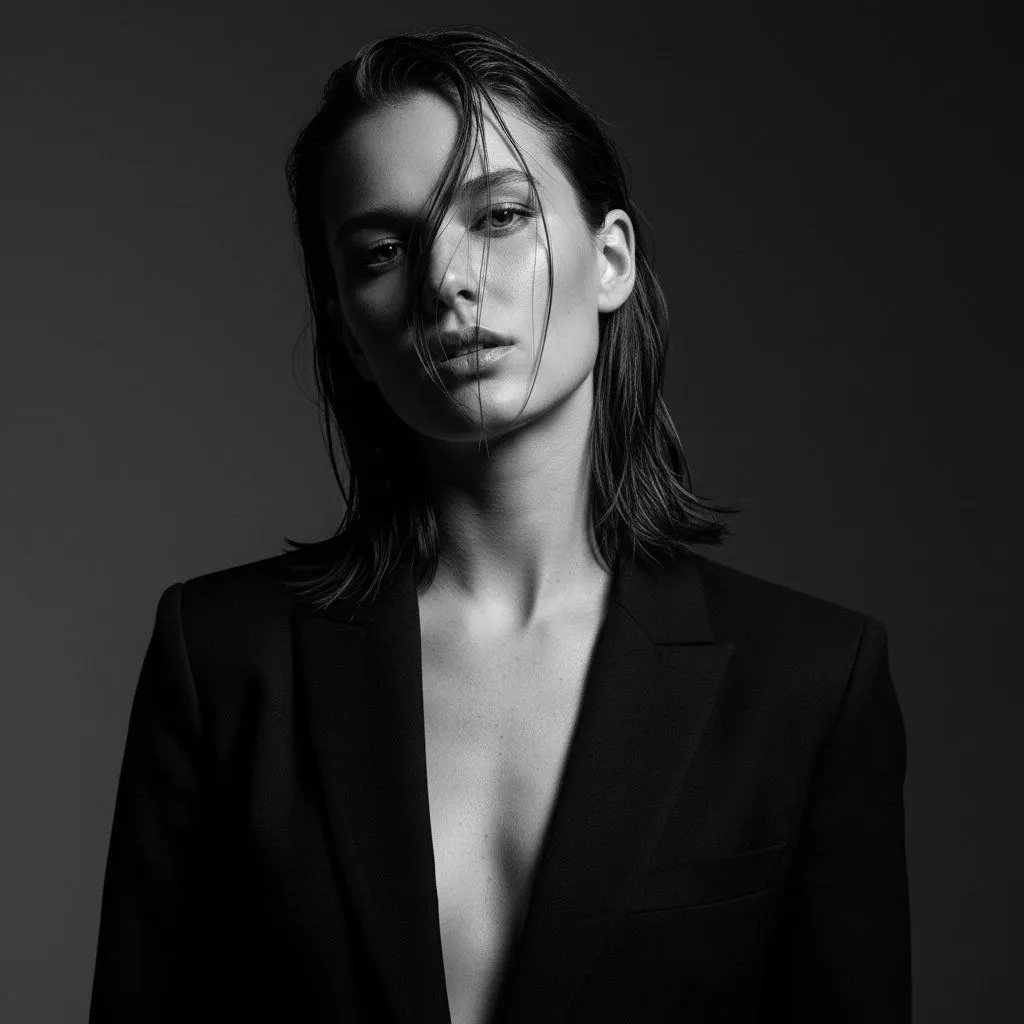
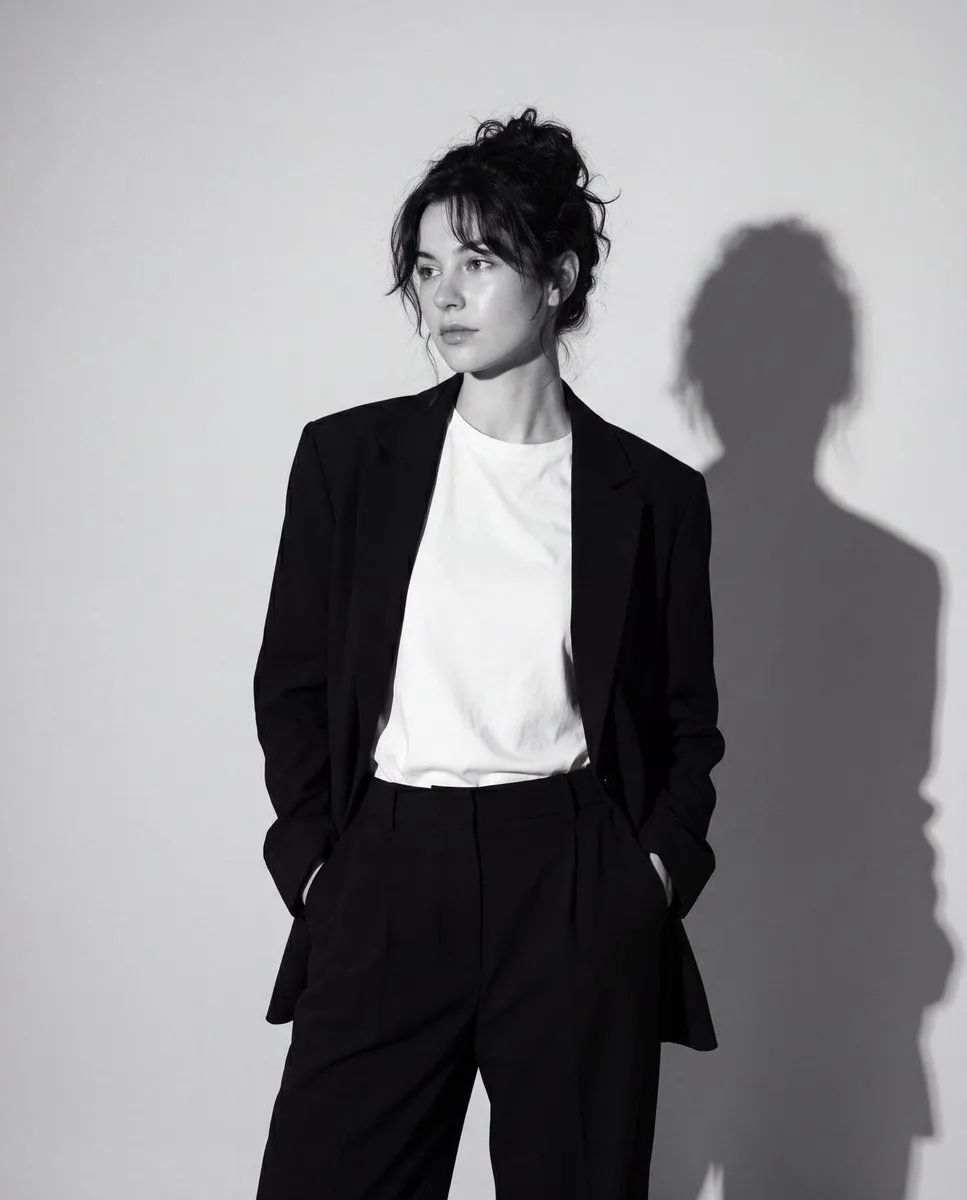
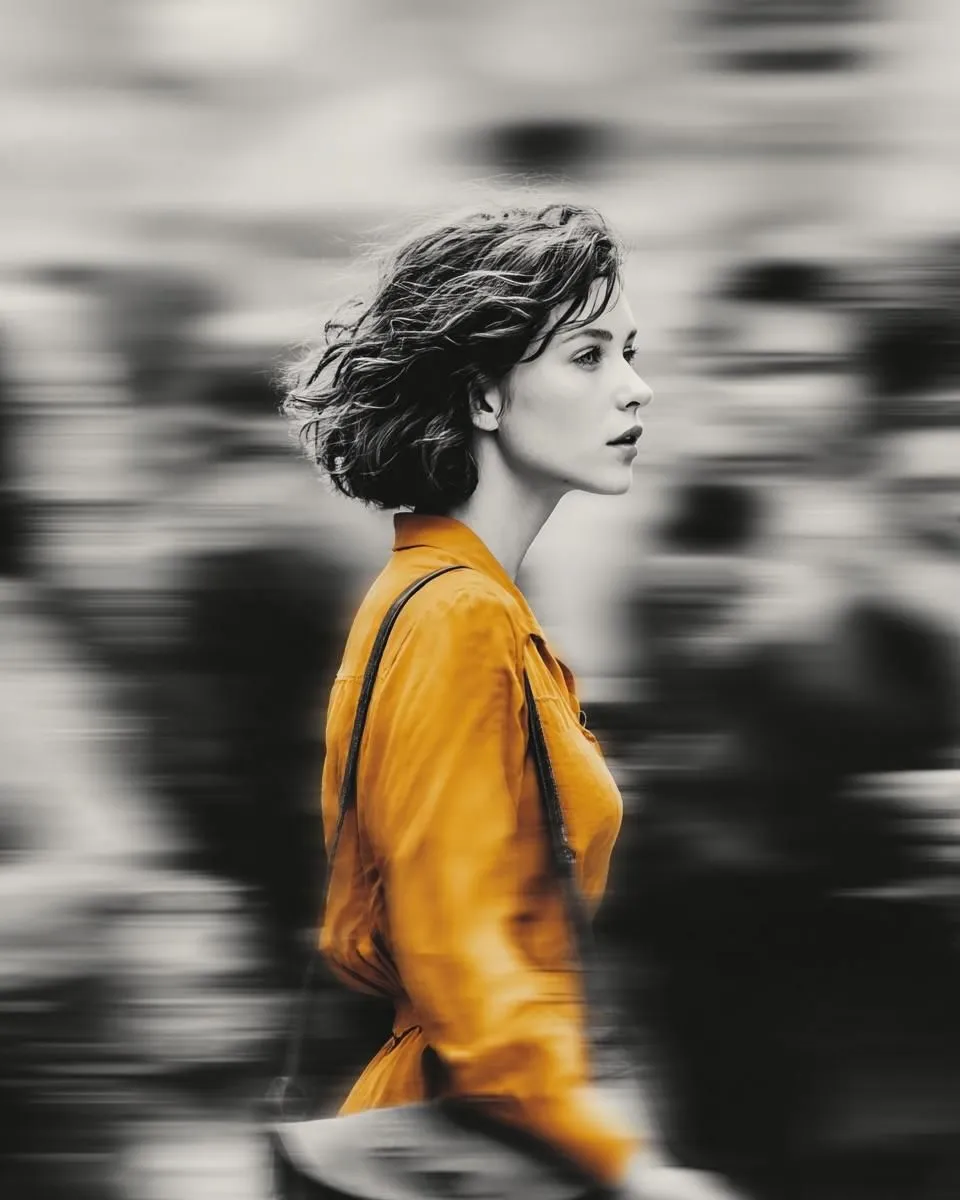
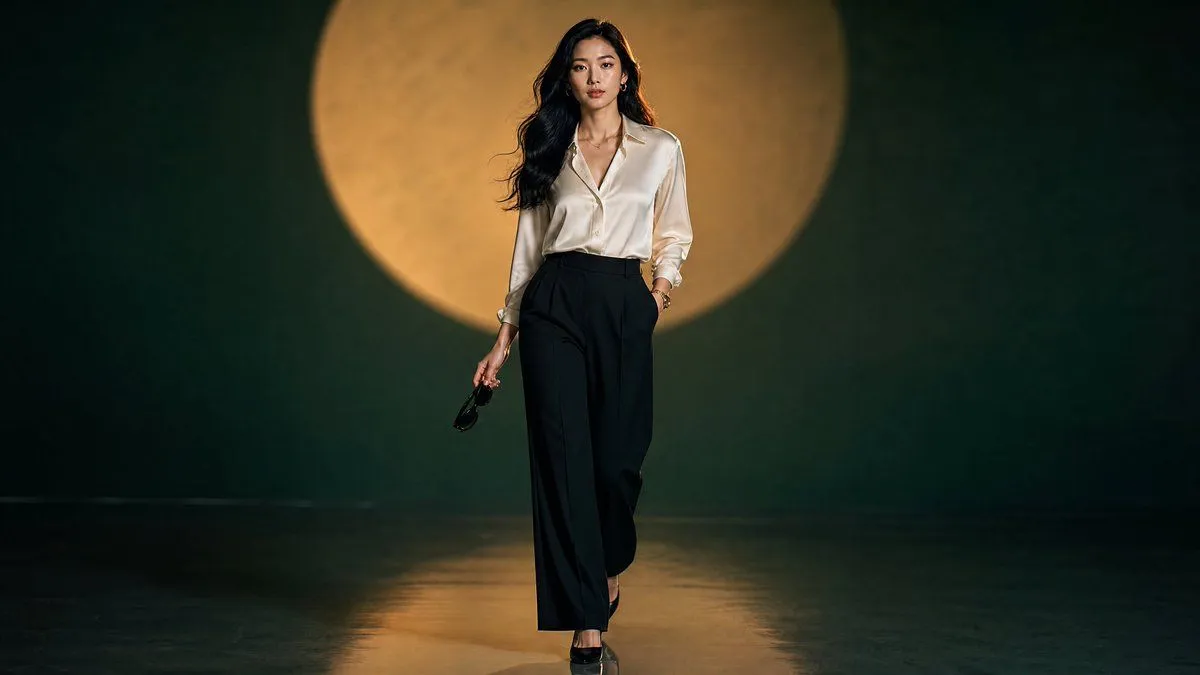
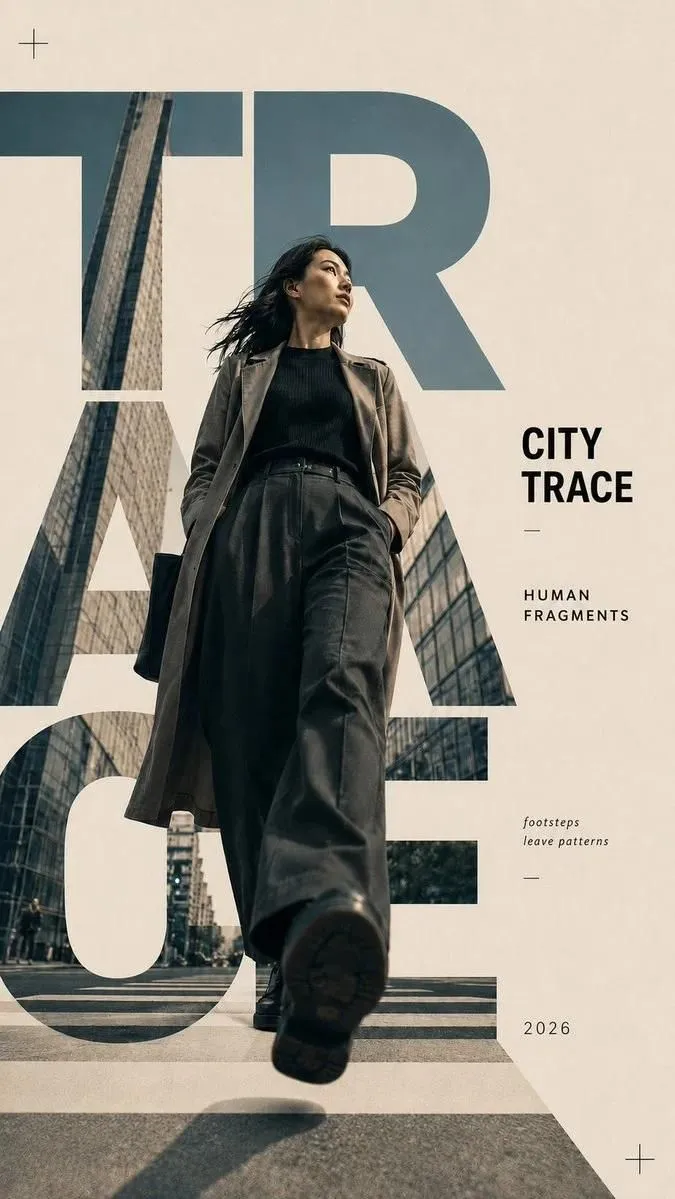
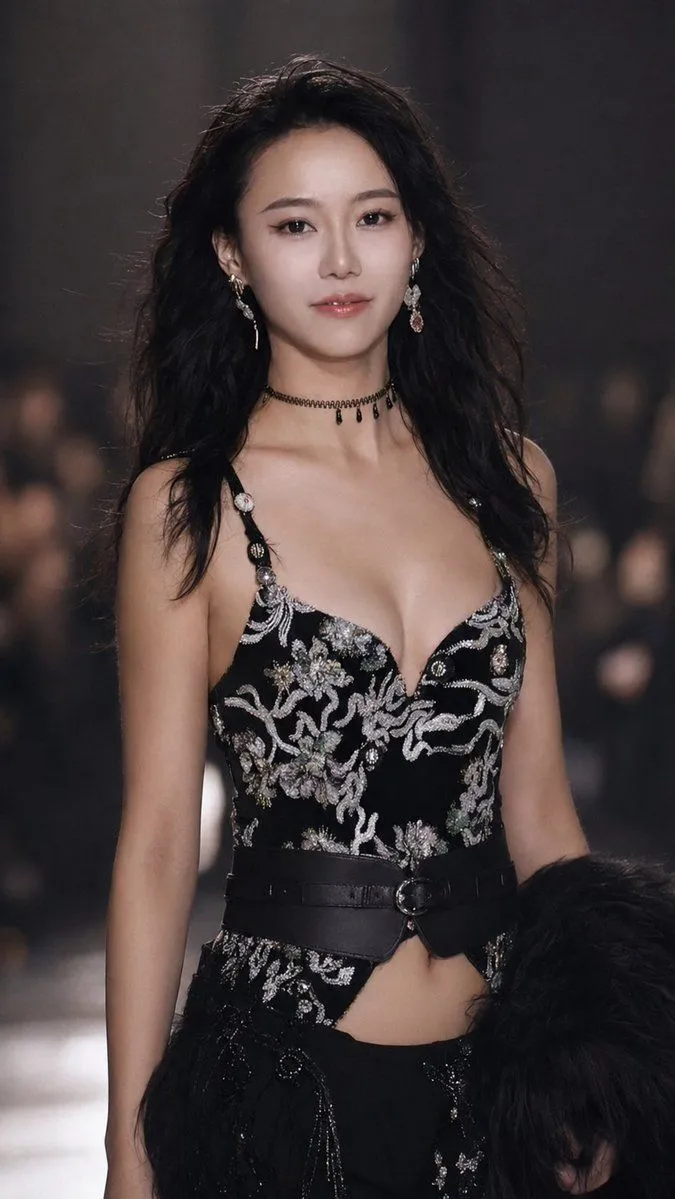
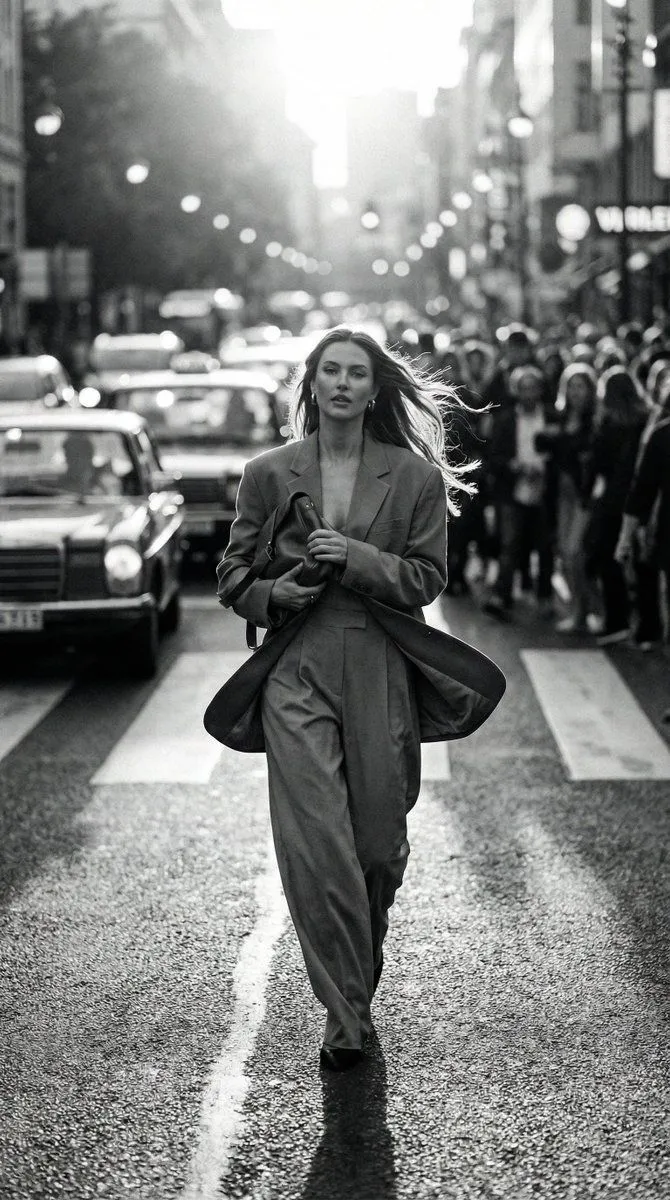
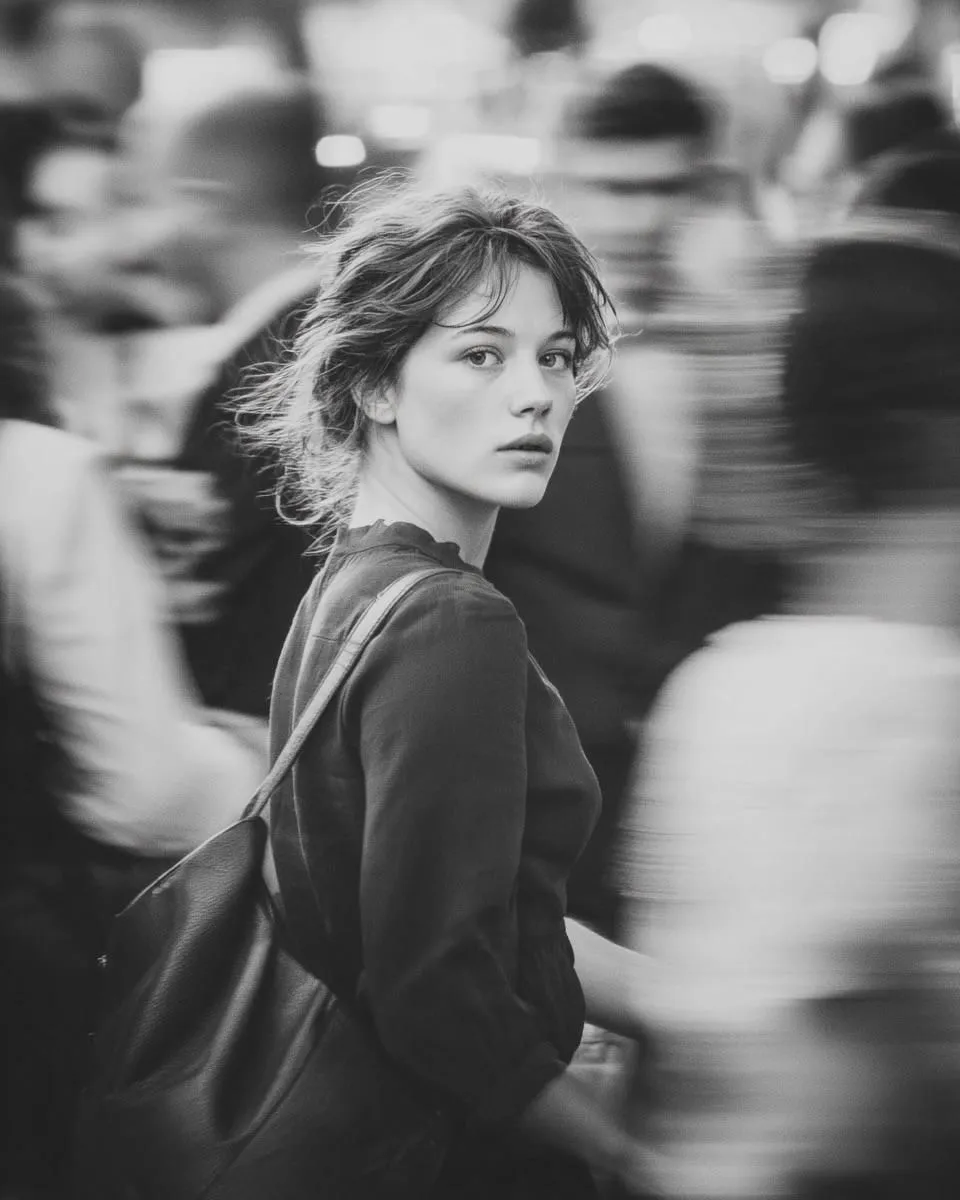
Black and White Dynamic Street Fashion Prompt

Made with Nano Banana Pro in Gemini by Library Social. Promptclay never generates images.

Did it work?

No reports yet. Tell others if it worked for you.

No comments yet. Be the first.

    Black and White Dynamic Street Fashion Prompt

    Nano Banana Pro9:16AI-generated

    Prompt

    { "objective": "Generate a hyper-realistic black and white dynamic street fashion photograph." "image_type": "photography", "prompt": { "subject": "A stylish woman crossing a busy city intersection", "wardrobe": "Oversized blazer and loose trousers, carrying a leather clutch", "action_motion": "Walking briskly towards the camera, hair whipping back, clothes flowing", "scene": "Busy urban crosswalk with blurred crowd and cars", "perspective": "Frontal tracking shot, waist-level", "style": [ "Paparazzi aesthetic", "High-end street style", "Dynamic movement", "Editorial candid" ], "visual_details": [ "Fabric physics", "Bokeh city lights", "Detailed hair movement", "Asphalt texture" ], "mood": [ "Urgent", "Cosmopolitan", "Confident" ] }, "camera_and_composition": { "angle": "Waist-level", "framing": "Subject in center, background elements pushing outwards", "depth_of_field": "Shallow, isolating the subject from the busy street" }, "lighting": { "type": "Natural backlight (Rim lighting)", "contrast": "High contrast with silhouette edges" }, "post_processing": { "color_mode": "Black and white", "effects": [ "Lens flare", "Vintage film stock emulation" ] }, "negative_prompt": [ "Posed studio look", "Empty street", "Static clothes", "Low quality", "Color", "Overexposed" ], "output_quality": { "resolution": "Ultra high resolution", "detail_level": "Maximum realism" } }

    Works in
    Gemini, ChatGPT
    Status
    Free to copy
    0
    DetailsVersions, settings and questions

    Written for

    What's in the prompt

    Subject
    Model
    Nano Banana Pro

    If your face changes

    keep my face exactly the same

    Questions

    Does this work in the Gemini app?
    Yes. Gemini runs Nano Banana, so paste the prompt and attach your photo if it uses one.
    It changed my face. What do I do?
    Add "keep my face exactly the same" to the end and run it again.
    Can I use the images I make?
    Check the terms of the app you use. Promptclay never generates images and claims nothing you make.
    Similar prompts

    See more
    • Black and White Vogue Fashion Shoot
    • Selective Color Urban Portrait
    • Template for Cinematic B&W Street Fashion Editorial
    • Cinematic Monochrome Fashion Portrait
    • Ultra-Realistic Editorial Fashion Portrait Prompt
    • Black and White Editorial Portrait
    • Elegant City Fashion Magazine Cover
    • Urban Golden Hour Fashion Editorial
    • Ultra-Realistic Portrait from Reference Image
    • Cinematic fashion editorial in a windstorm
    • Selective Color Street Motion Portrait
    • Luxury Moonlit Fashion Walk
    • Editorial Typography Poster Design
    • Runway Couture Portrait
    • Double Exposure Fashion Portrait
    • Giant Woman City Walk Video Prompt
    • Realistic Urban Selfie Portrait
    • Cinematic 35mm Analog Film Photo Series
    • Cinematic Urban Night Portrait with Neon Reflections on Watch
    • Smart Prompt for High-End Editorial Fashion Triptych Campaign
    • Alternative Fashion Portrait in Red Dress and Black Harness
    • Hyper-Realistic High-Contrast Mirror Selfie Prompt
    • One Piece Devil Fruit Transformation Template
    • Transformative Style Prompt for Dramatic Cinematic Characters

    Show more

    Run it on your phone

    1. Prompt copiedRead it

      { "objective": "Generate a hyper-realistic black and white dynamic street fashion photograph." "image_type": "photography", "prompt": { "subject": "A stylish woman crossing a busy city intersection", "wardrobe": "Oversized blazer and loose trousers, carrying a leather clutch", "action_motion": "Walking briskly towards the camera, hair whipping back, clothes flowing", "scene": "Busy urban crosswalk with blurred crowd and cars", "perspective": "Frontal tracking shot, waist-level", "style": [ "Paparazzi aesthetic", "High-end street style", "Dynamic movement", "Editorial candid" ], "visual_details": [ "Fabric physics", "Bokeh city lights", "Detailed hair movement", "Asphalt texture" ], "mood": [ "Urgent", "Cosmopolitan", "Confident" ] }, "camera_and_composition": { "angle": "Waist-level", "framing": "Subject in center, background elements pushing outwards", "depth_of_field": "Shallow, isolating the subject from the busy street" }, "lighting": { "type": "Natural backlight (Rim lighting)", "contrast": "High contrast with silhouette edges" }, "post_processing": { "color_mode": "Black and white", "effects": [ "Lens flare", "Vintage film stock emulation" ] }, "negative_prompt": [ "Posed studio look", "Empty street", "Static clothes", "Low quality", "Color", "Overexposed" ], "output_quality": { "resolution": "Ultra high resolution", "detail_level": "Maximum realism" } }

    2. Open your app

    3. Paste and run

      Press and hold the message box, then tap Paste. Add your photo first if the prompt uses one. You may need to sign in.

    Black and White Dynamic Street Fashion Prompt