Tell us anything

An idea, a bug, something you love. We read every note.

⌘↵ to send. The page you're on comes along.

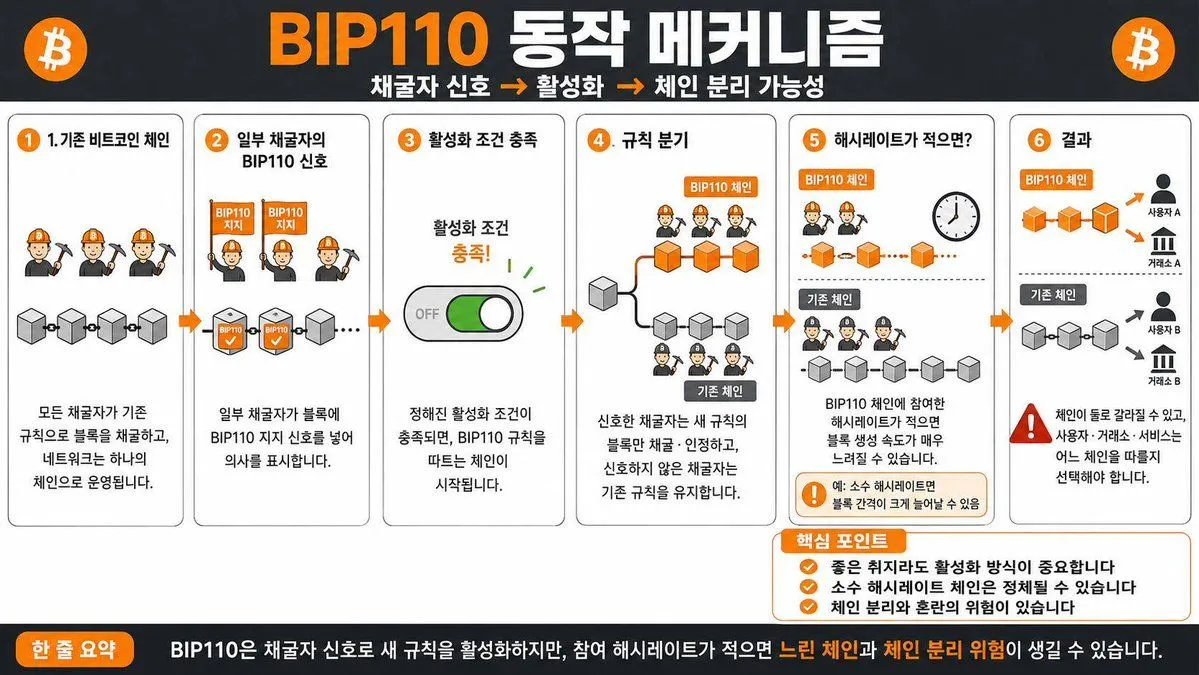
BIP110 Korean Infographic

Made with GPT Image 2 in ChatGPT, collected by Library Explainers. Promptclay never generates images.

Did it work?

No reports yet. Tell others if it worked for you.

No comments yet. Be the first.

    BIP110 Korean Infographic

    GPT Image 216:9AI-generated

    Prompt

    1 blank to fill

    Create a Korean infographic about the {subject}

    Works in
    ChatGPT, Gemini
    Status
    Free to copy
    0
    DetailsVersions, settings and questions

    Written for

    What's in the prompt

    Subject
    Model
    GPT Image 2

    If your face changes

    keep my face exactly the same

    Questions

    Does this work in the ChatGPT app?
    Yes. Paste the prompt and attach your photo if it uses one.
    It changed my face. What do I do?
    Add "keep my face exactly the same" to the end and run it again.
    Can I use the images I make?
    Check the terms of the app you use. Promptclay never generates images and claims nothing you make.
    Similar prompts

    See more
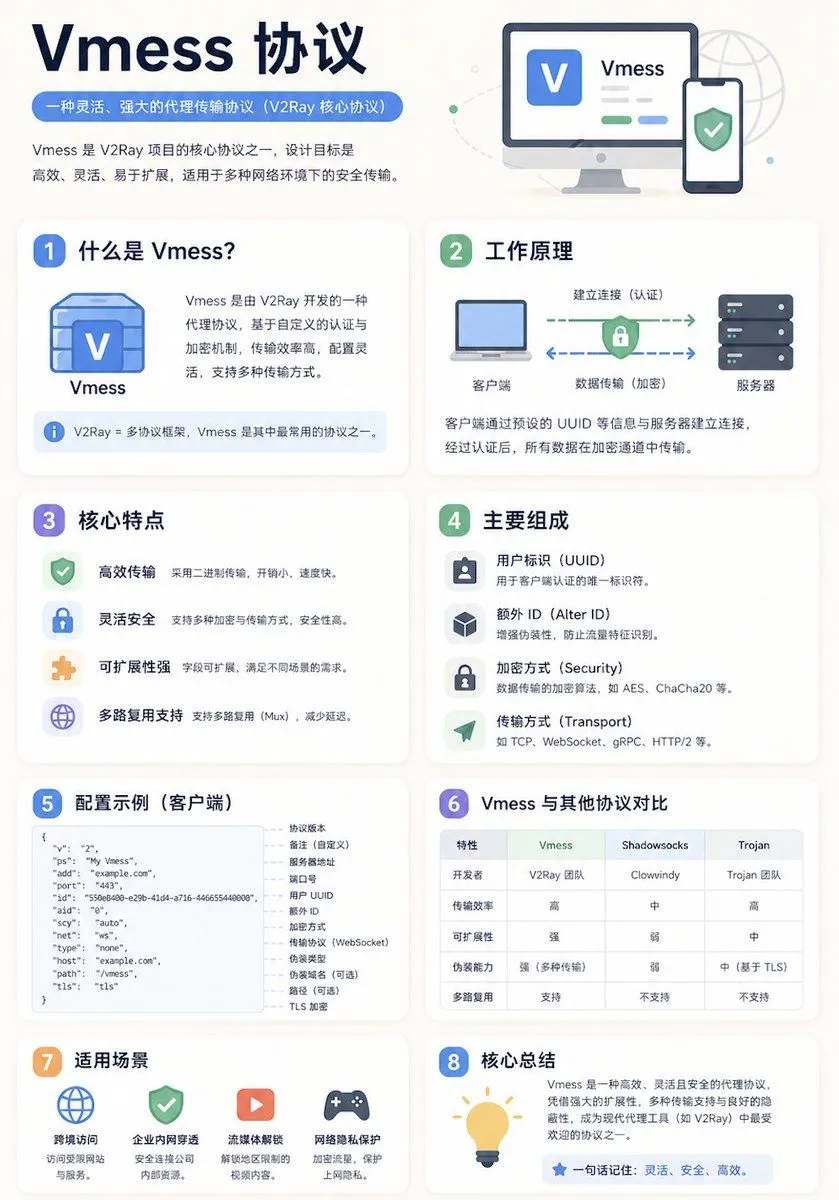
    • Chinese Vmess Protocol Infographic
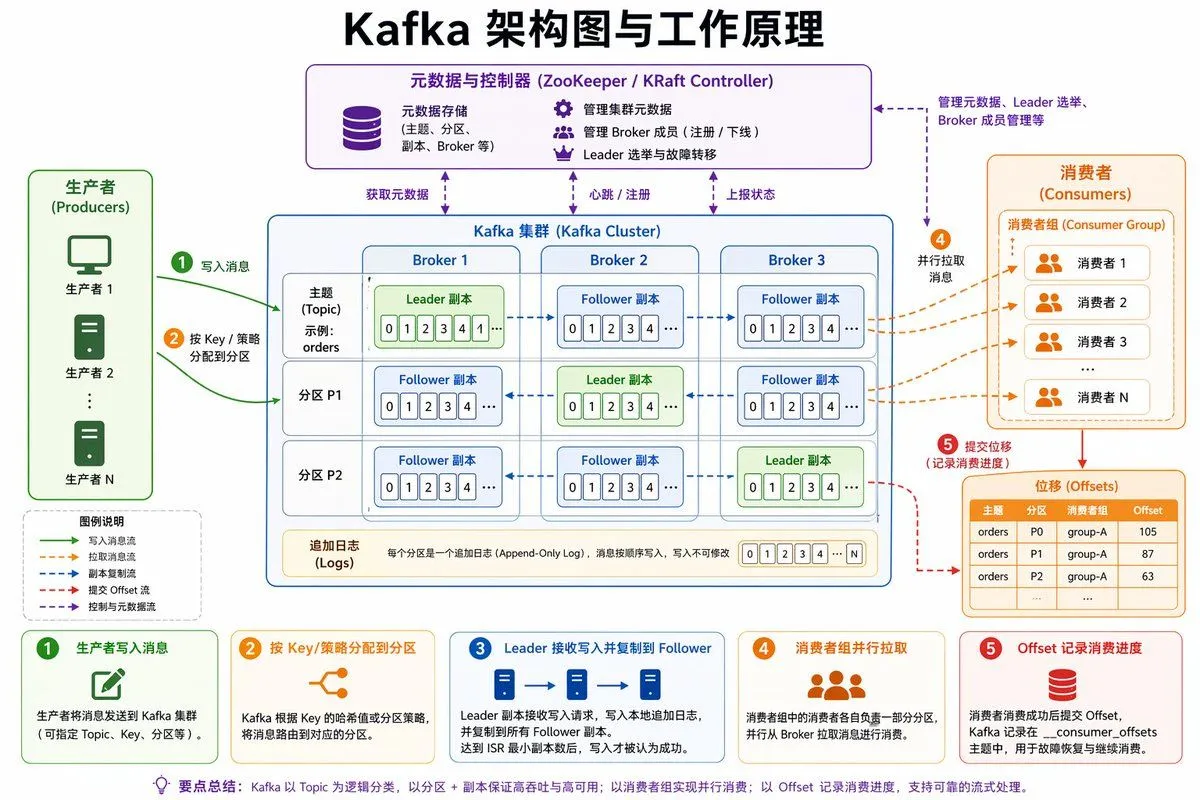
    • Kafka Architecture Diagram
    • Image DM for a project using fetched info
    • Storyboard Grid Generator
    • Structured 5-Slot Generation Template
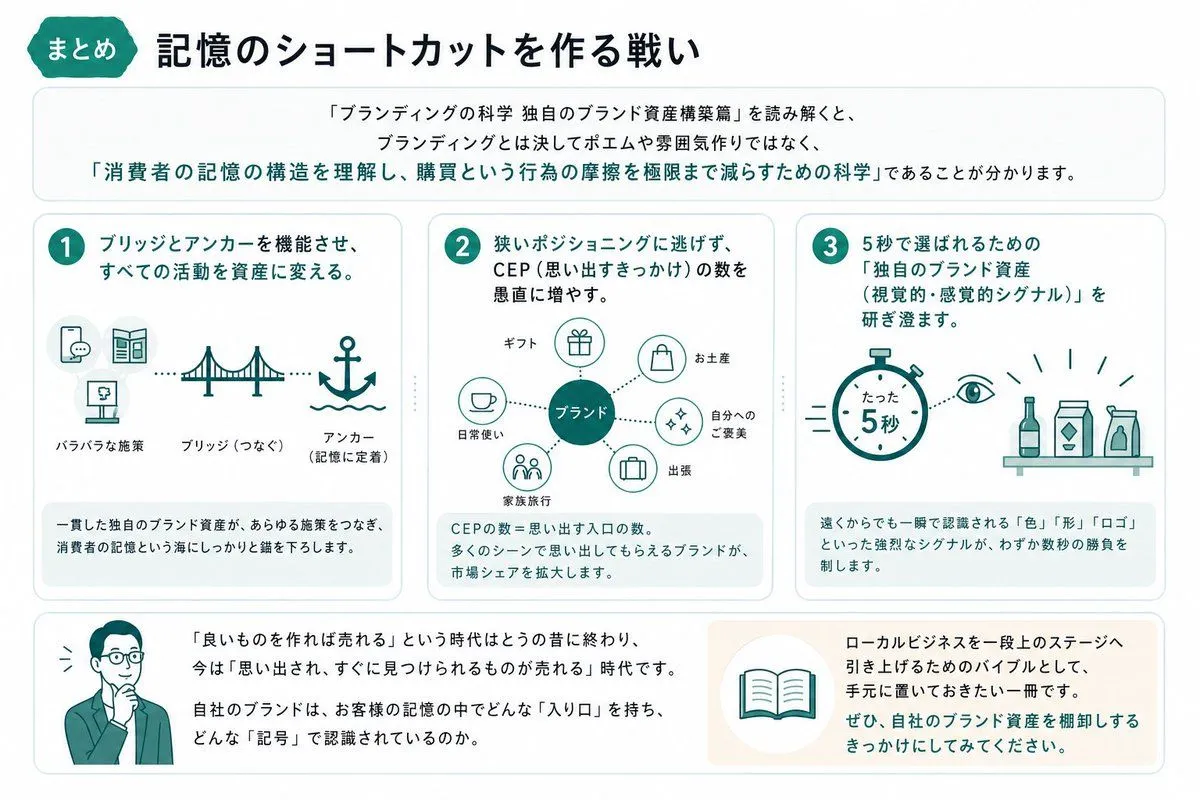
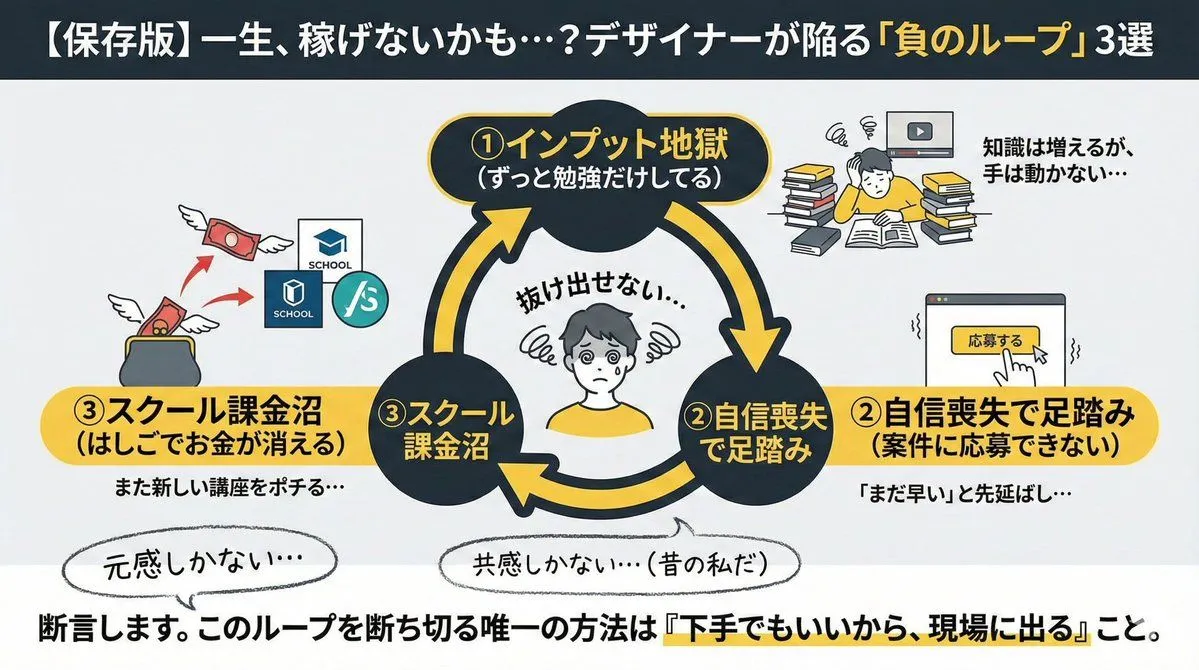
    • Summarize a book into a Japanese poster image
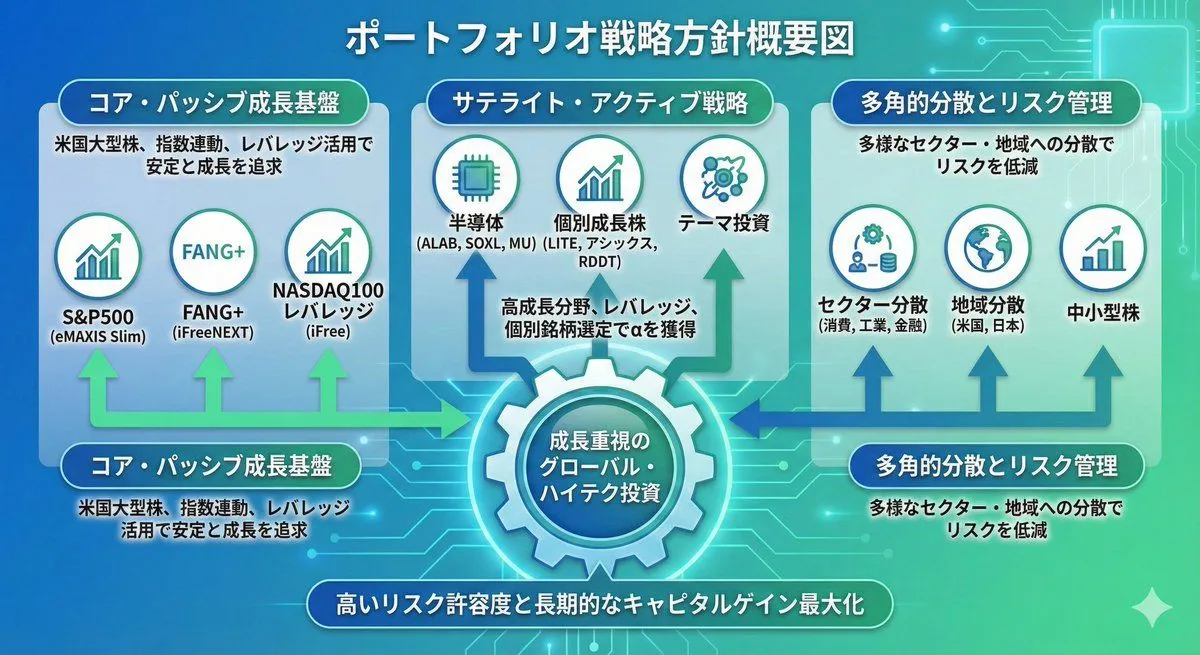
    • Portfolio strategy overview diagram from attachment
    • Japanese Branding Strategy Infographic
    • Diagram Generation from Text
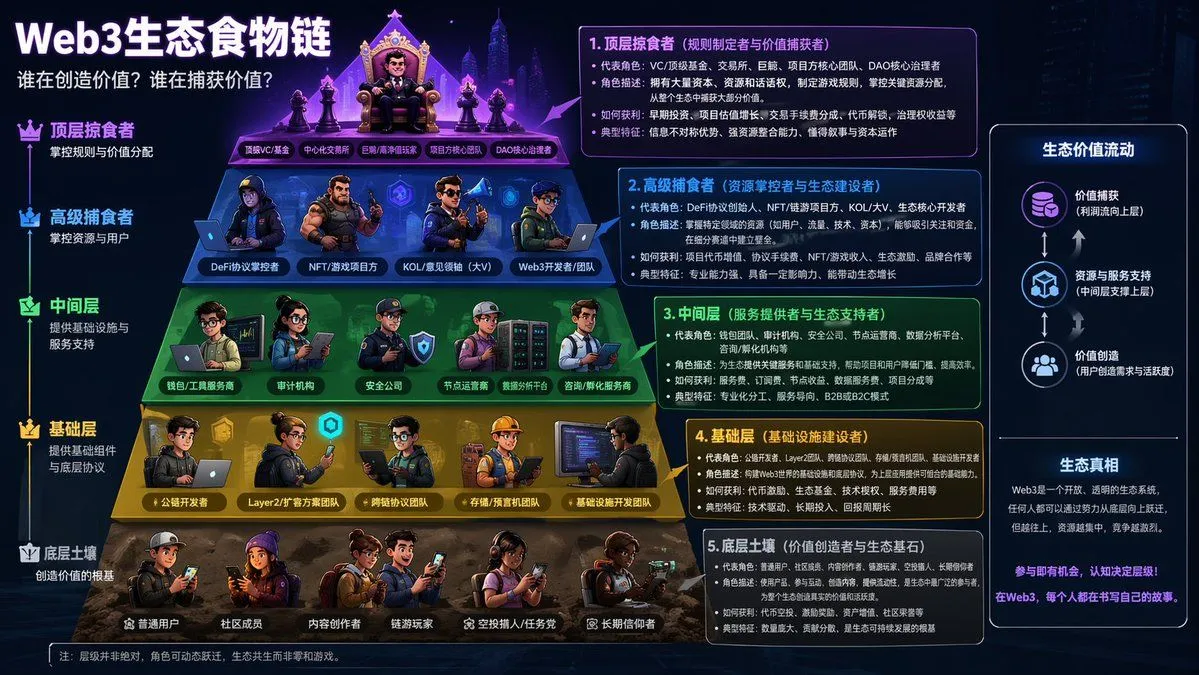
    • Web3 Ecosystem Food Chain
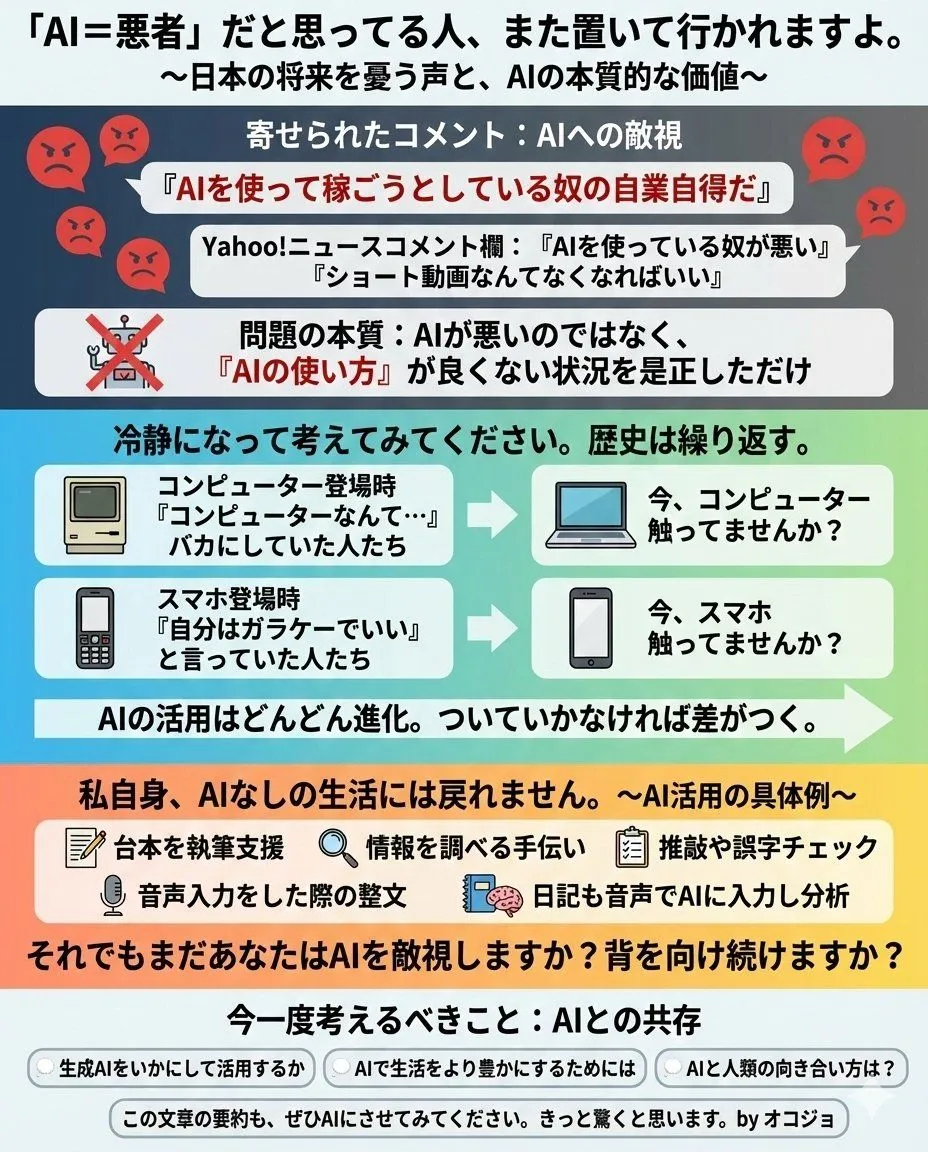
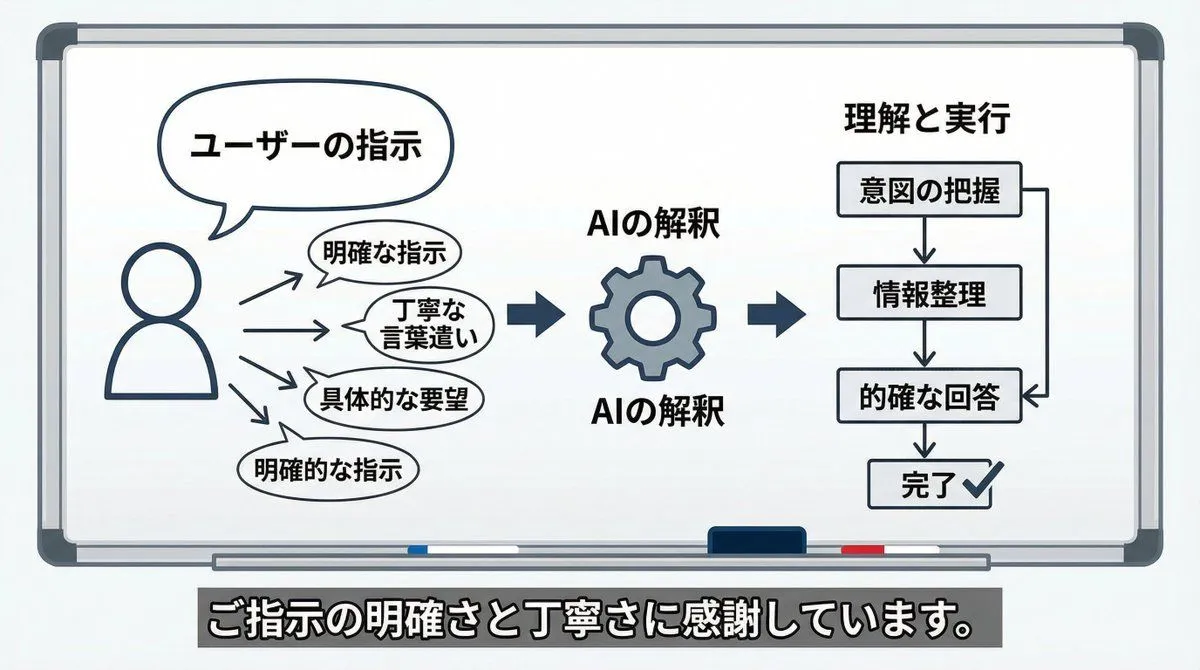
    • AI Perception Visualization (Nano Banana Pro)
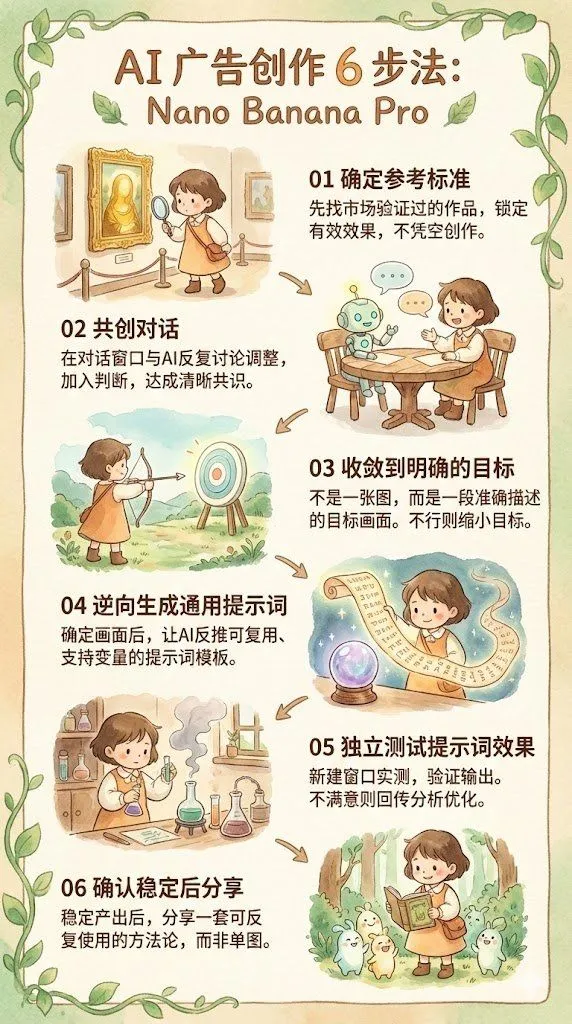
    • Infographic/Diagram Generation Prompt for Nano Banana Pro
    • Reverse-Engineering Reusable Prompt Templates for Advertising
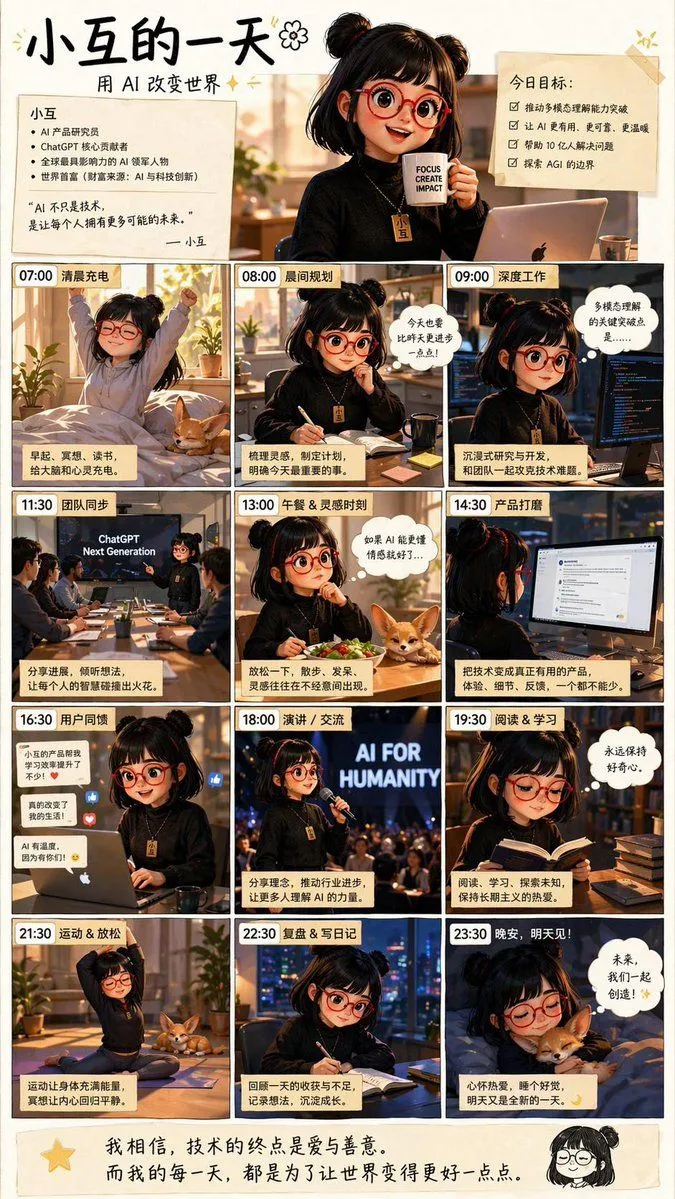
    • AI Girl Daily Routine Poster
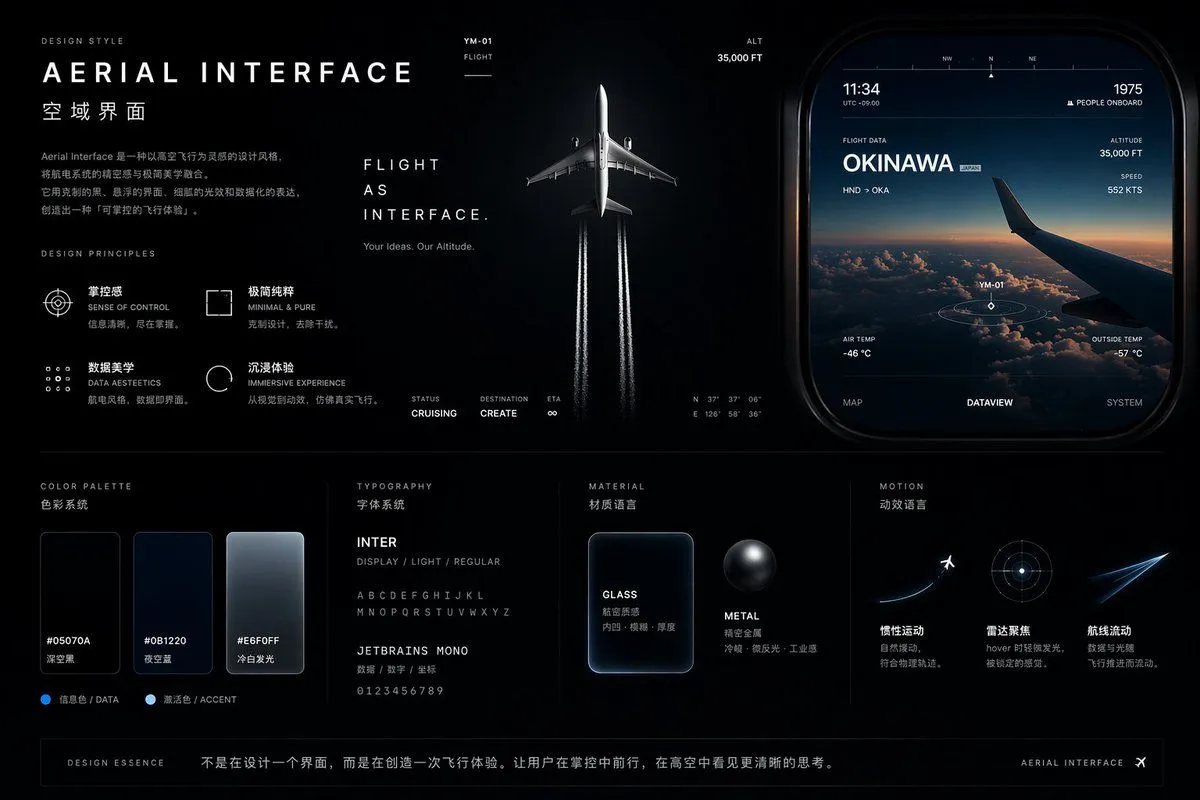
    • Aviation-Themed UI Design System Board
    • Cyberpunk Flash Sale Landing Hero
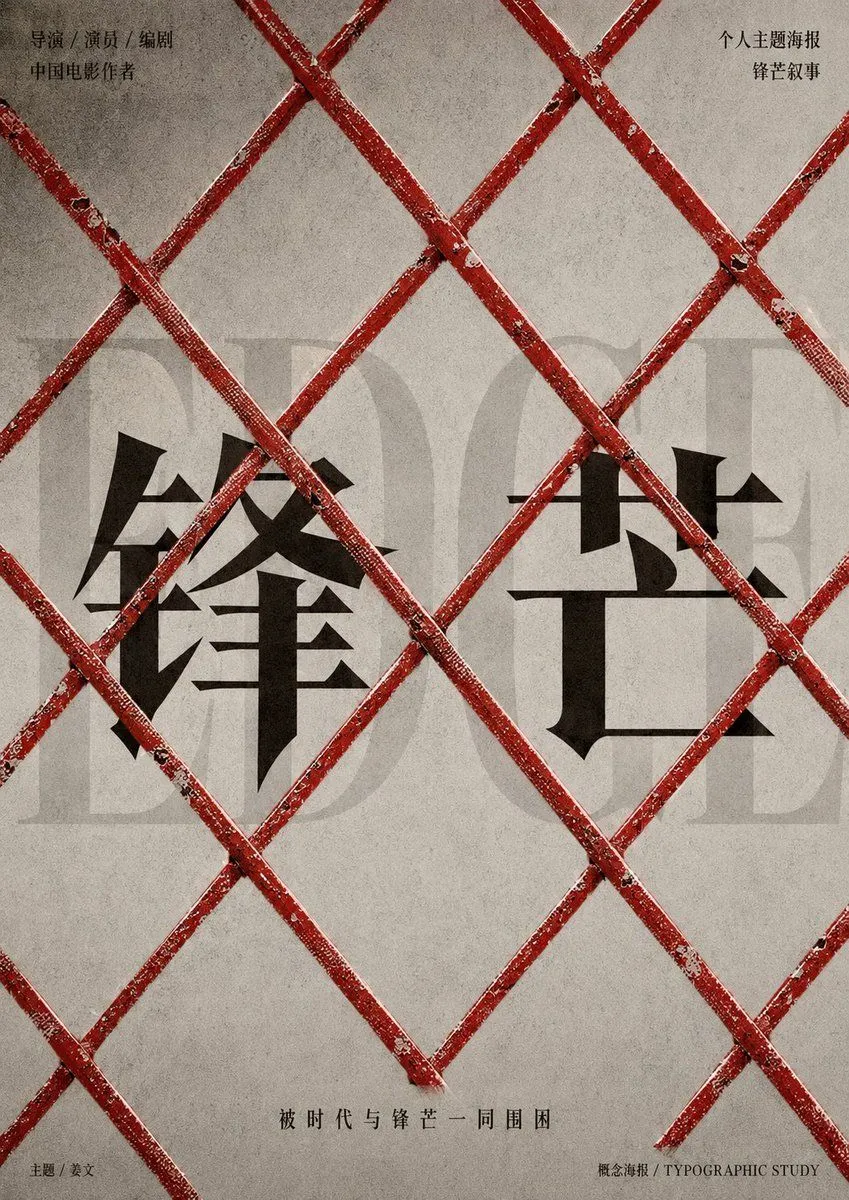
    • Distressed Chinese Typography Poster
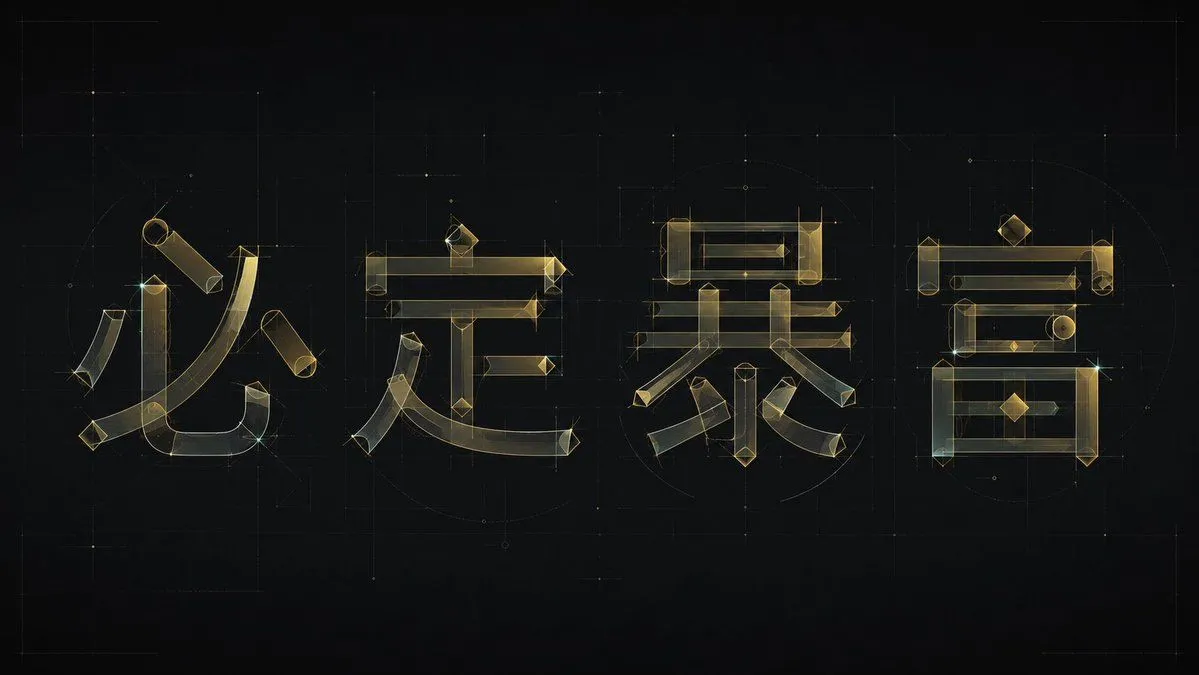
    • Experimental Chinese Typography Design
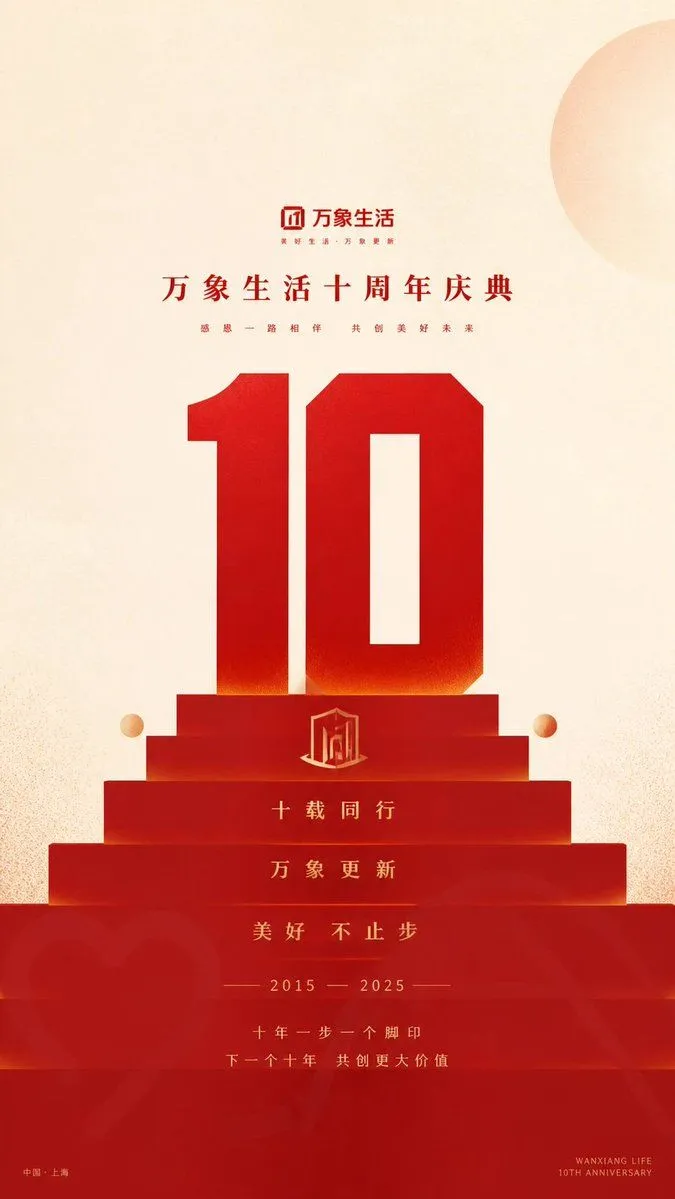
    • Geometric Milestone Celebration Poster
    • Japanese AI Telop Thumbnail
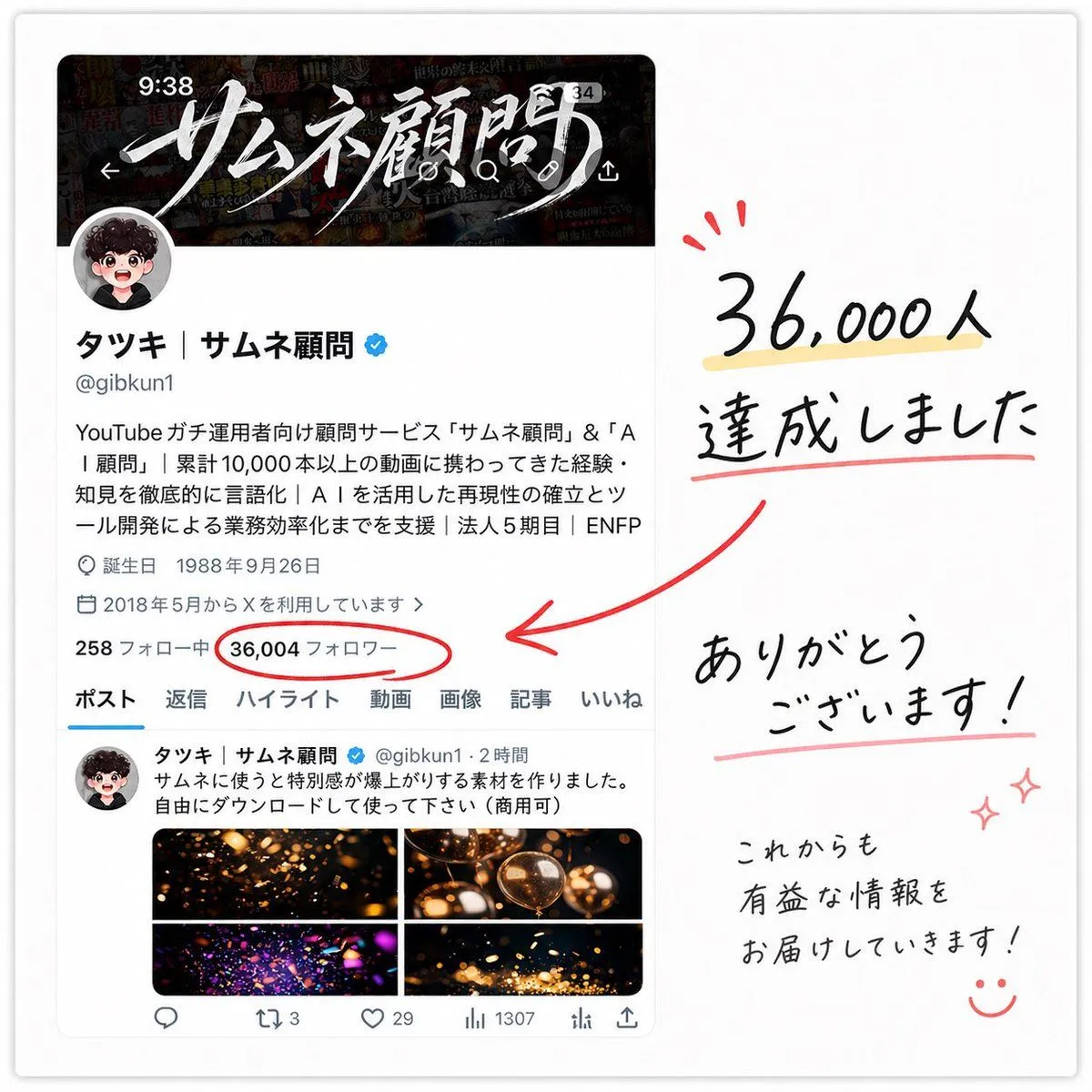
    • Japanese Follower Milestone Thank-You Graphic
    • Minimal GPT Image 2 Logo Lockup
    • Tech Tutorial Thumbnail with UI Mockup
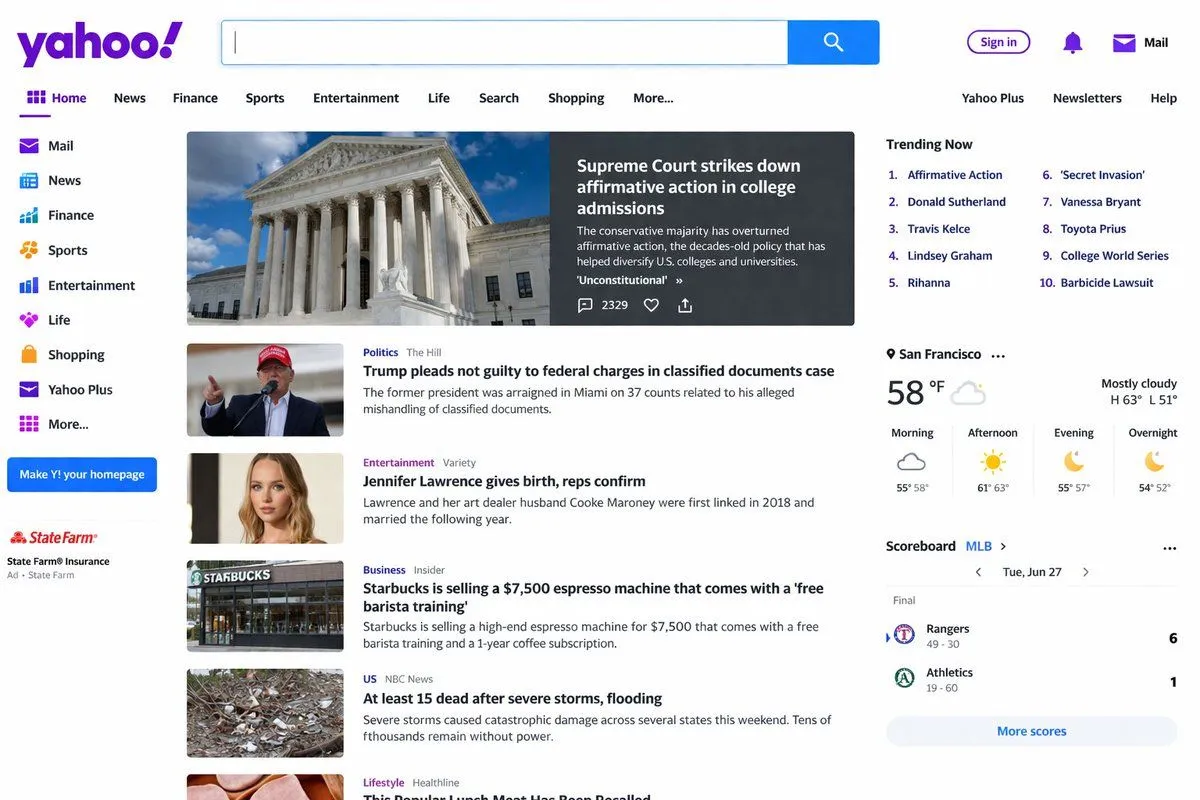
    • Website Homepage Screenshot Generation

    Show more

    Run it on your phone

    1. Prompt copiedRead it

      Create a Korean infographic about the {subject}

    2. Open your app

    3. Paste and run

      Press and hold the message box, then tap Paste. Add your photo first if the prompt uses one. You may need to sign in.

    BIP110 Korean Infographic