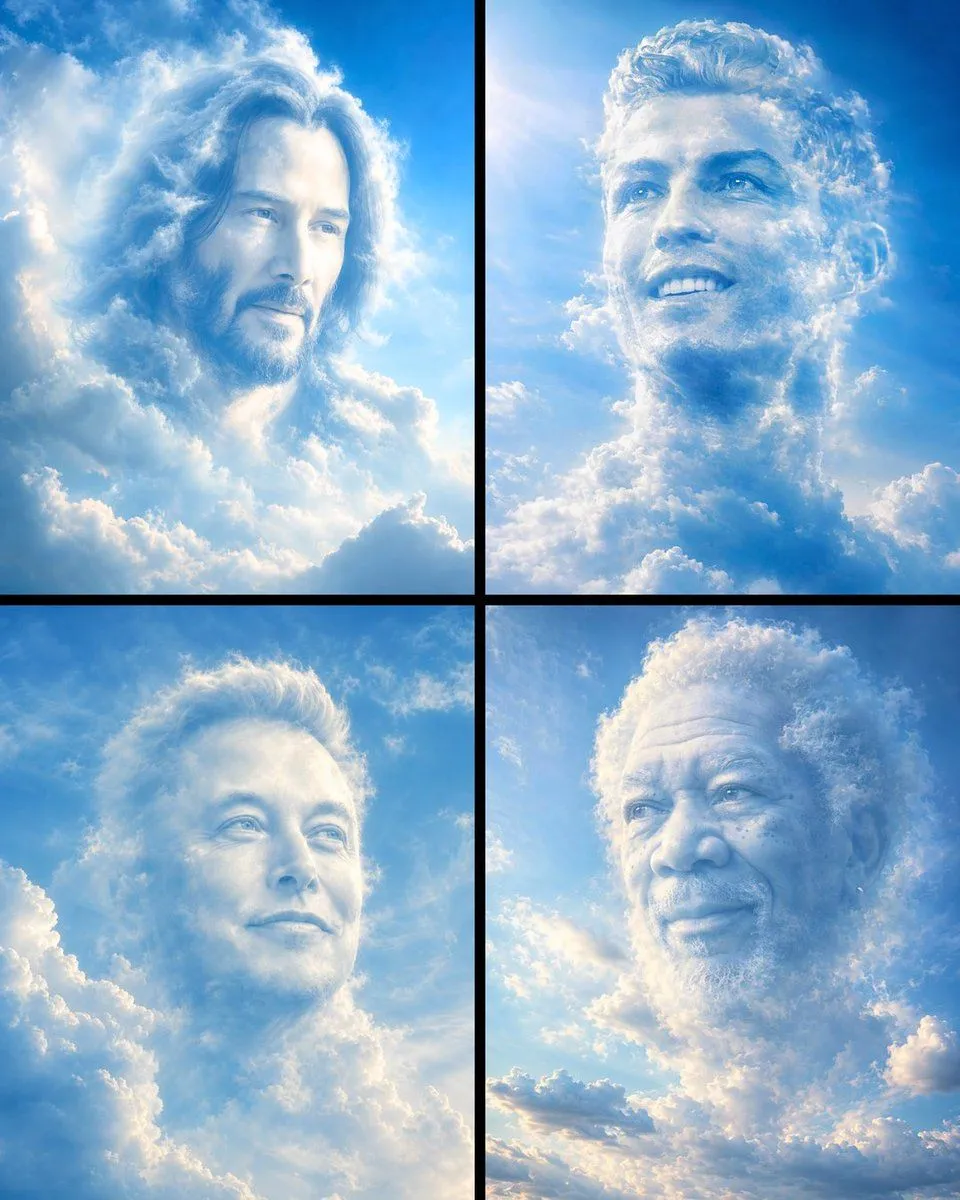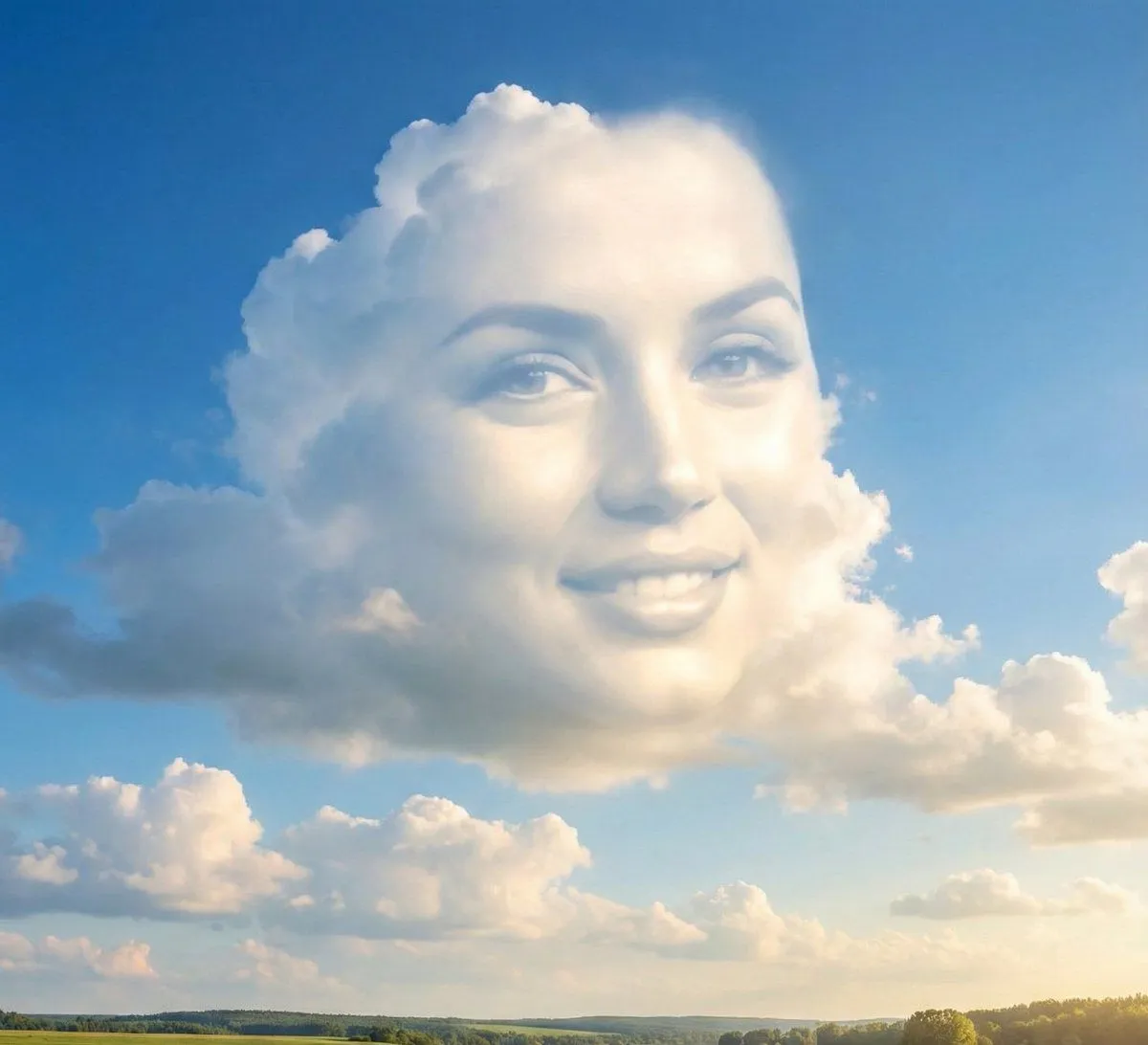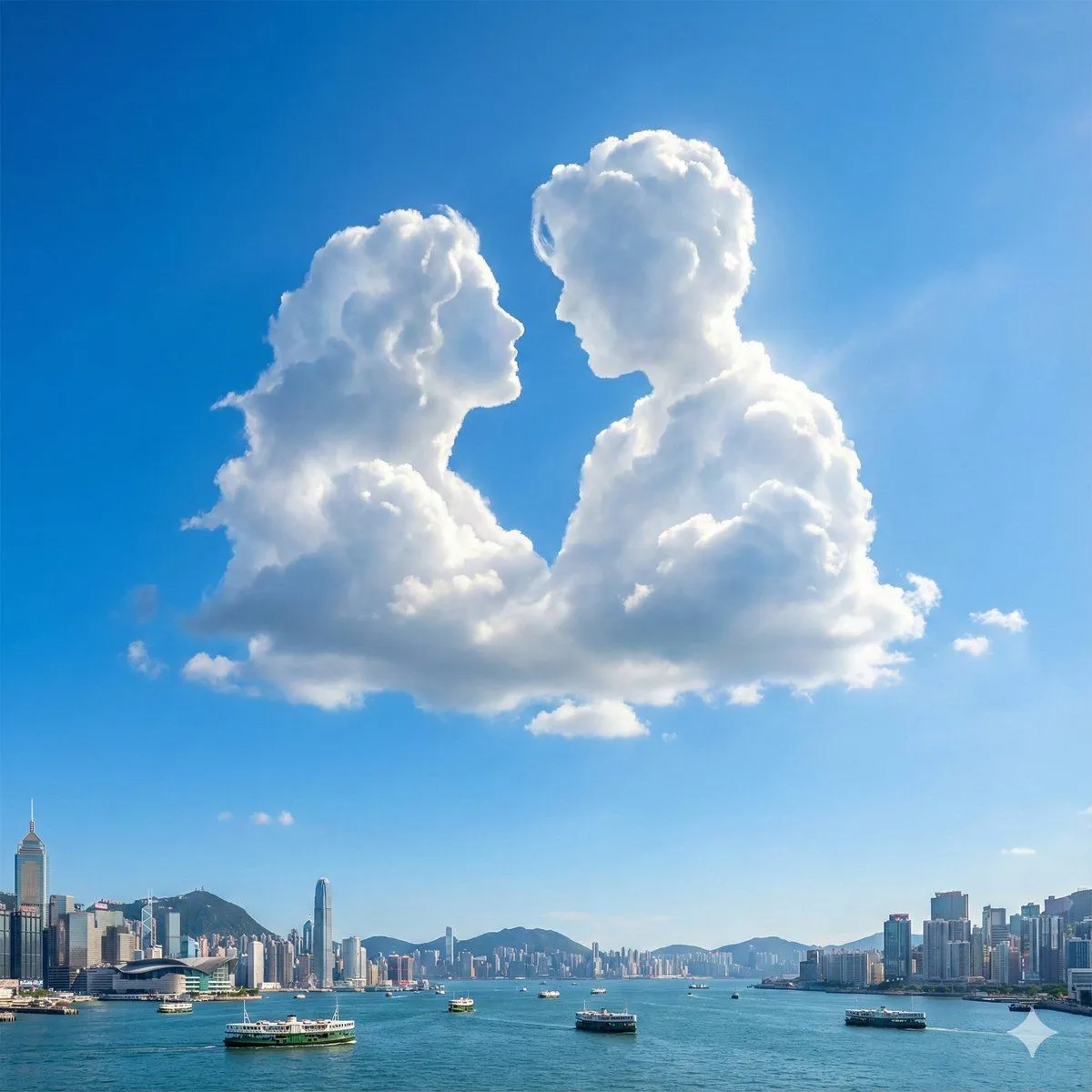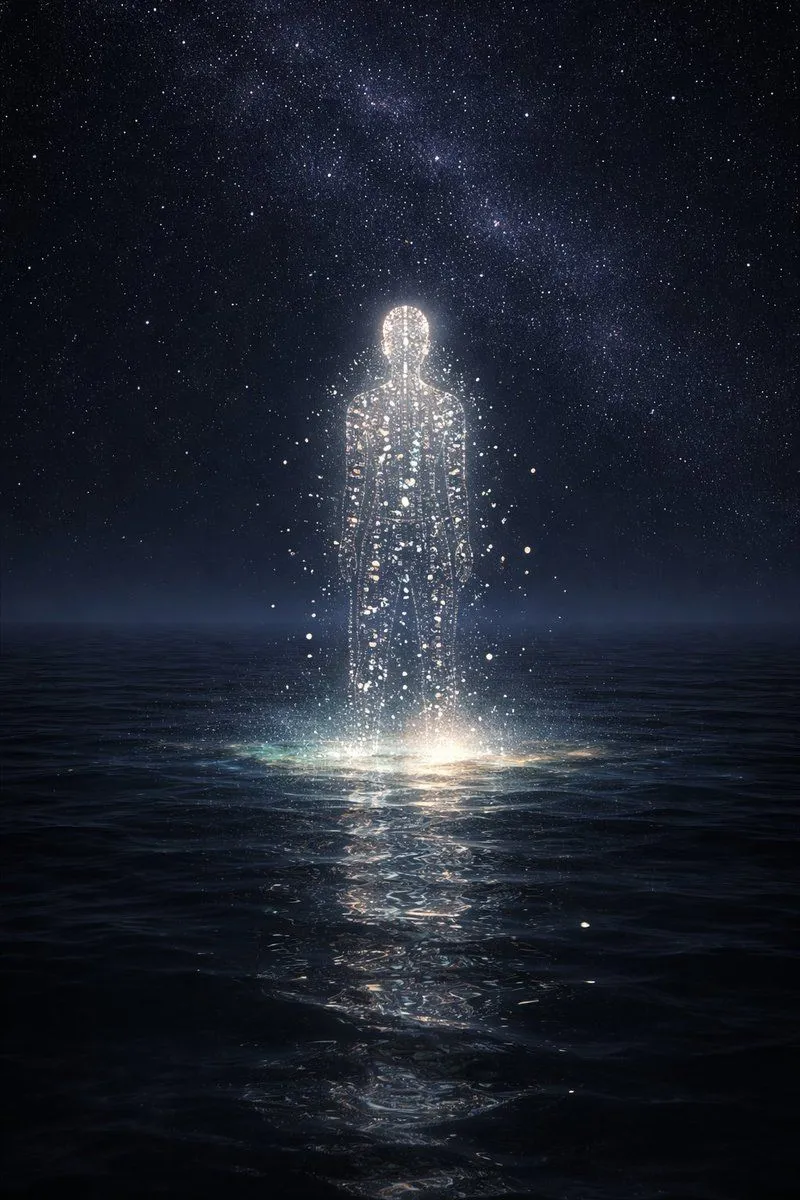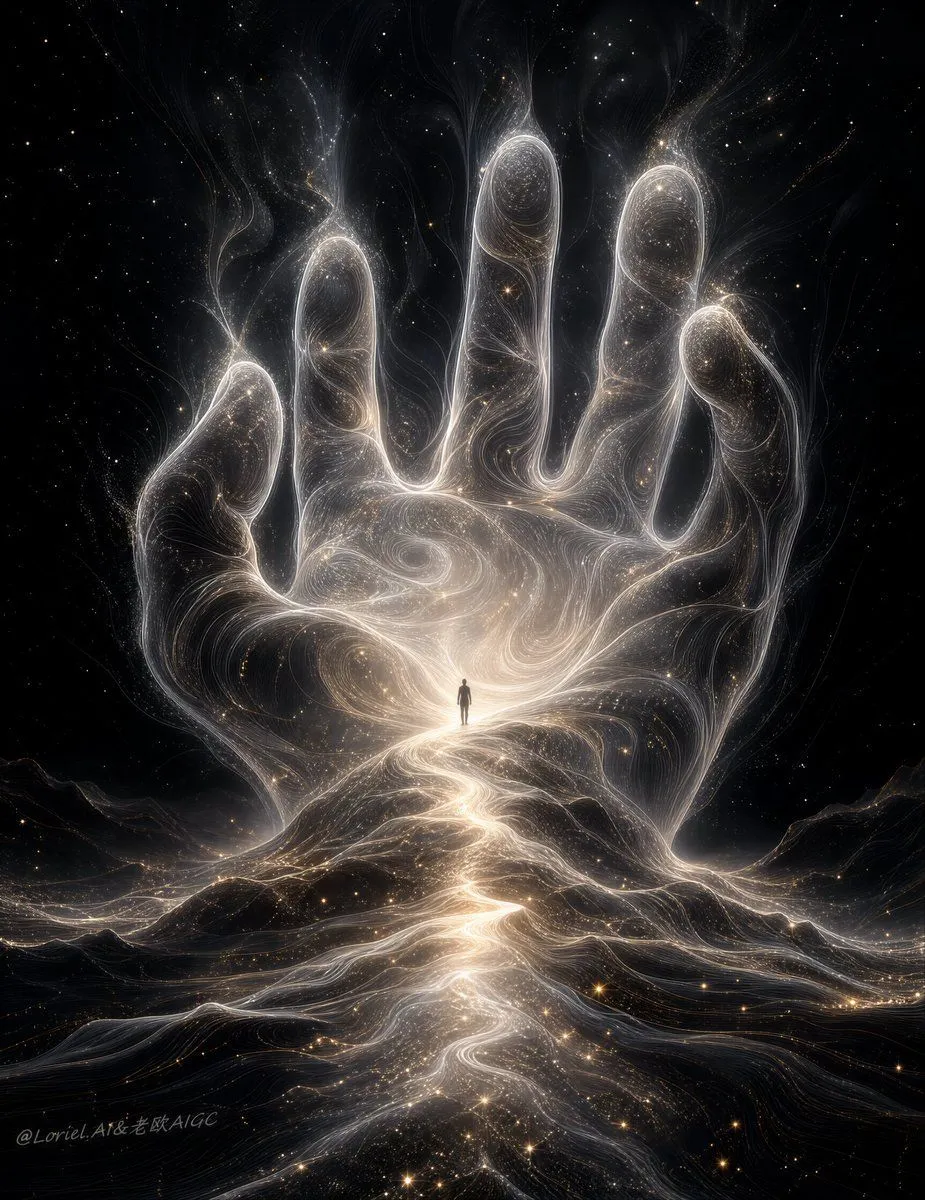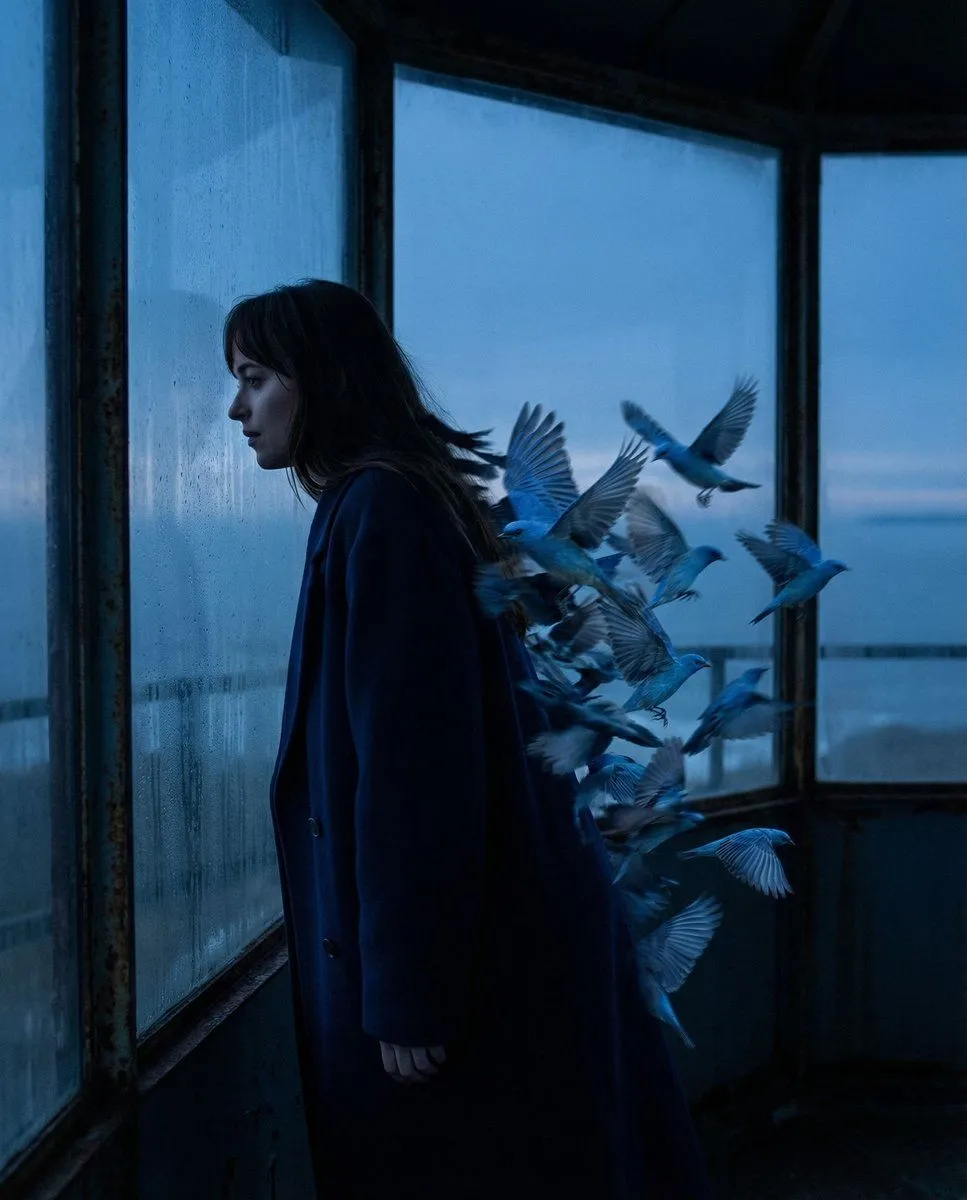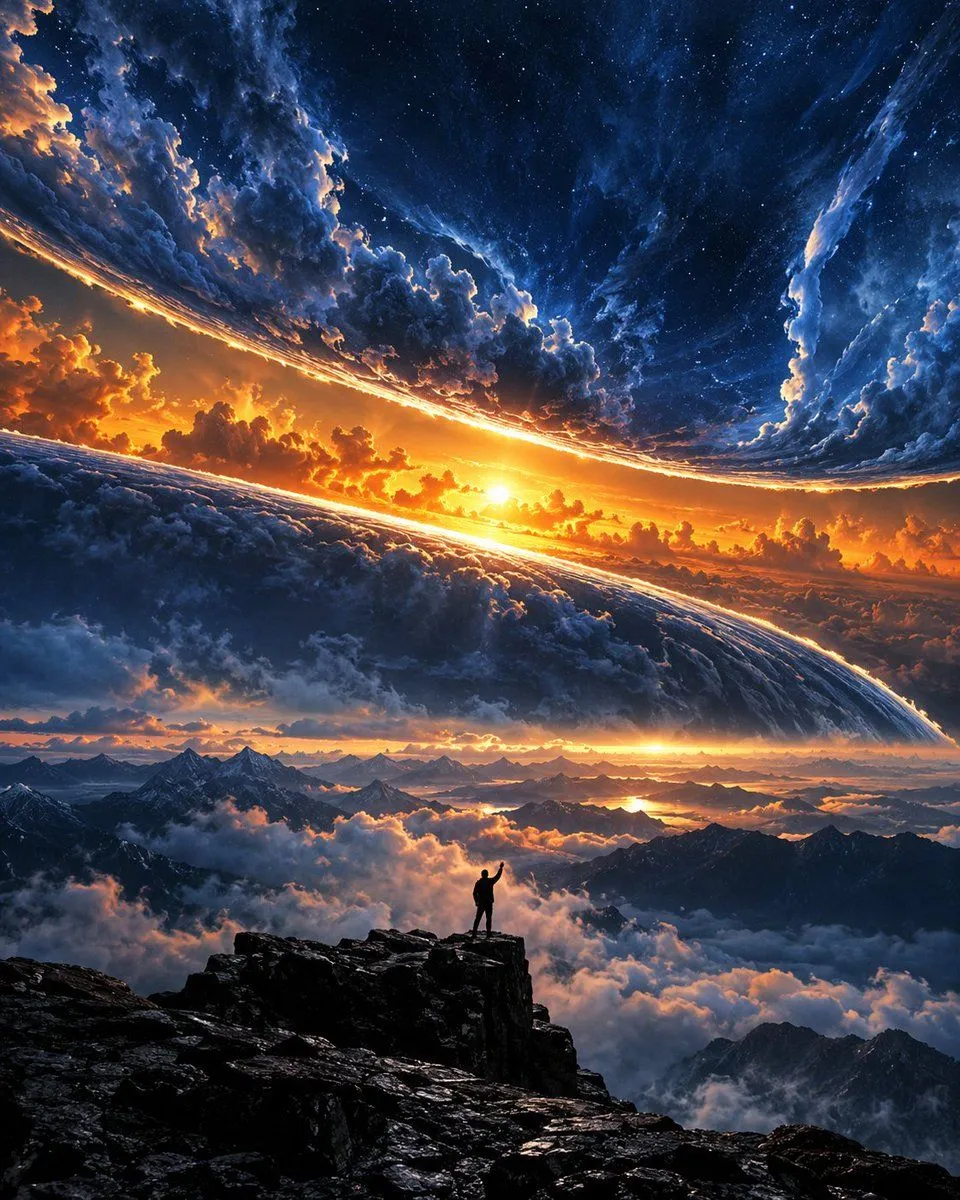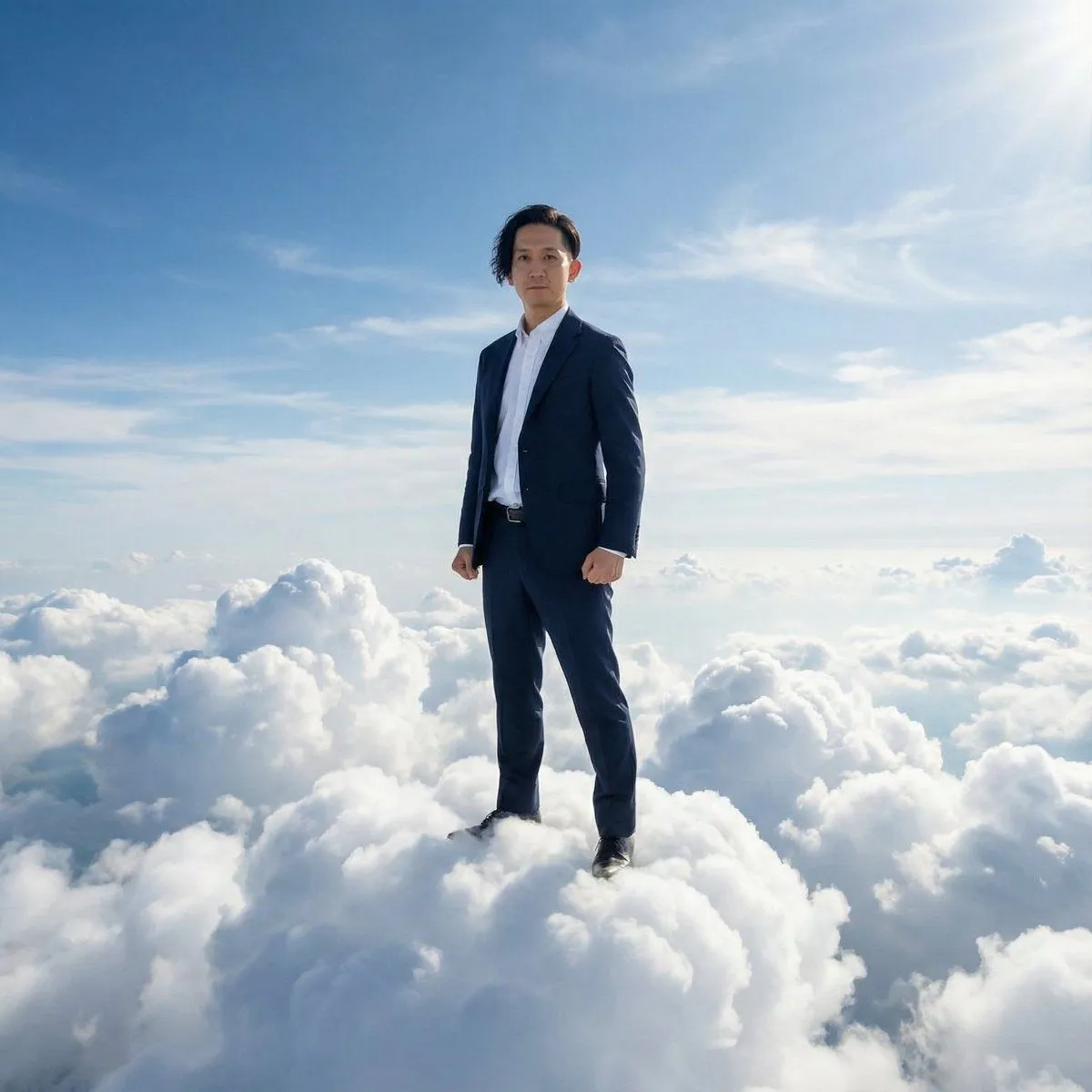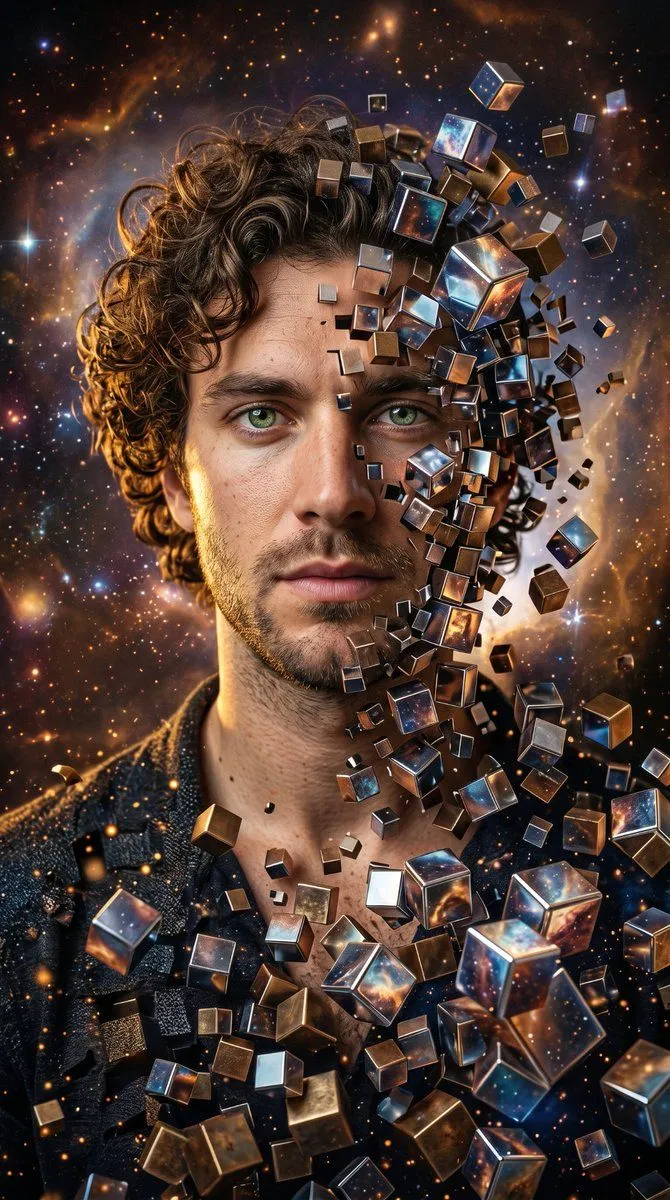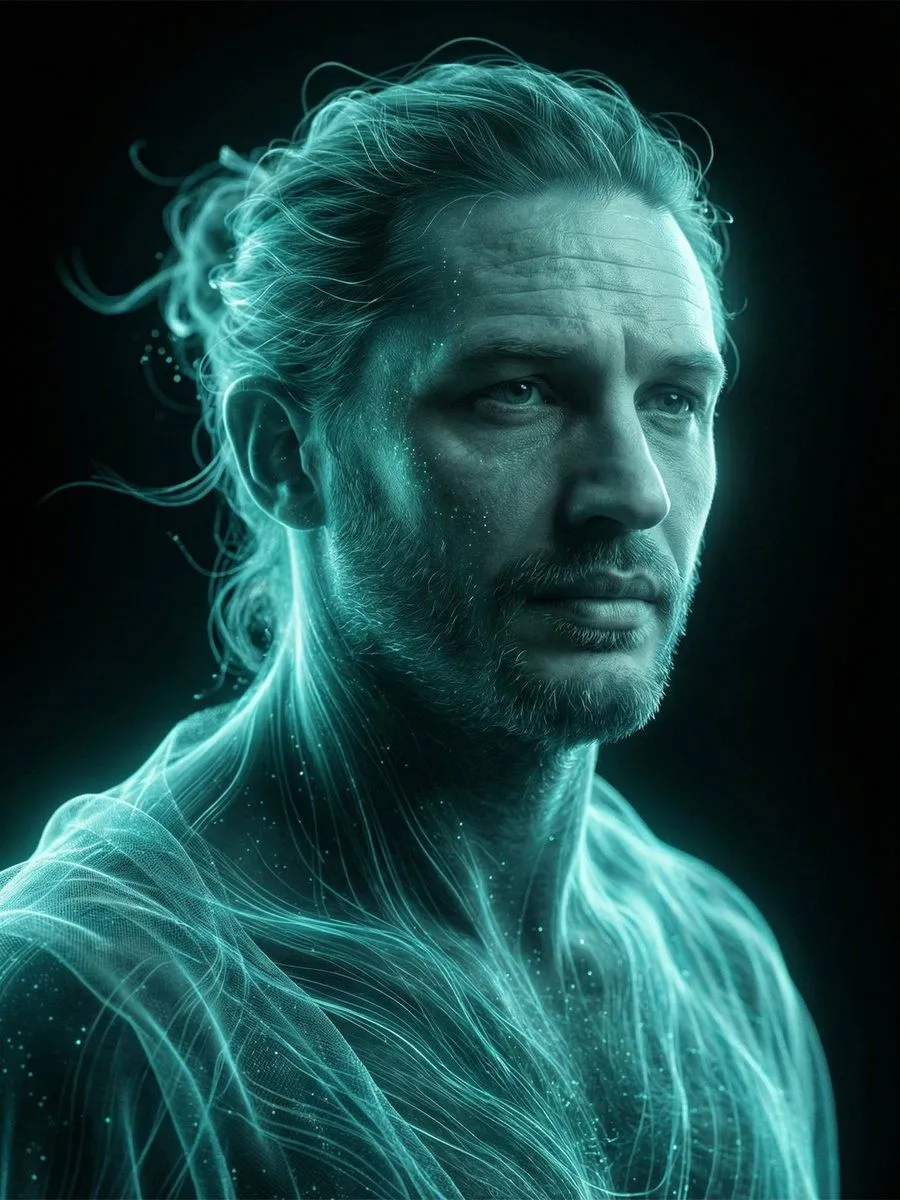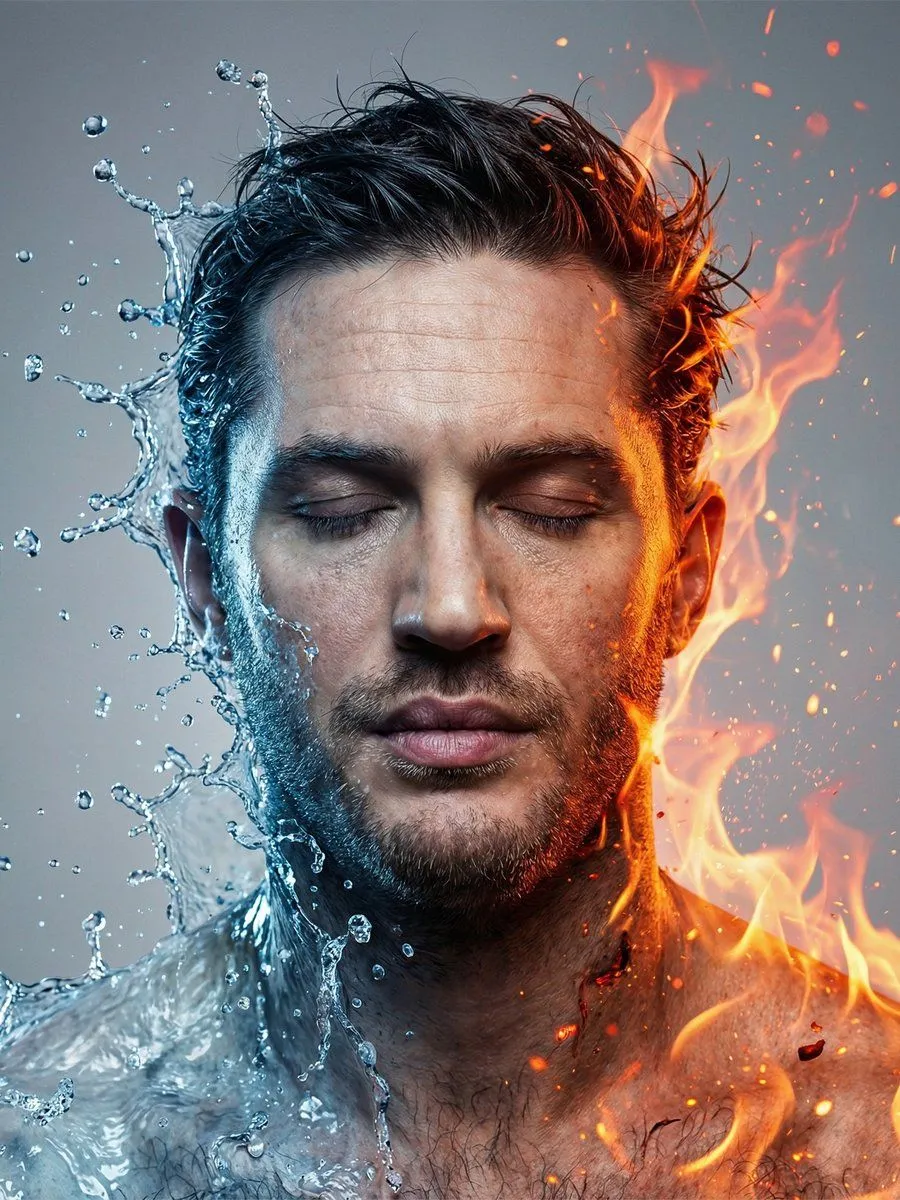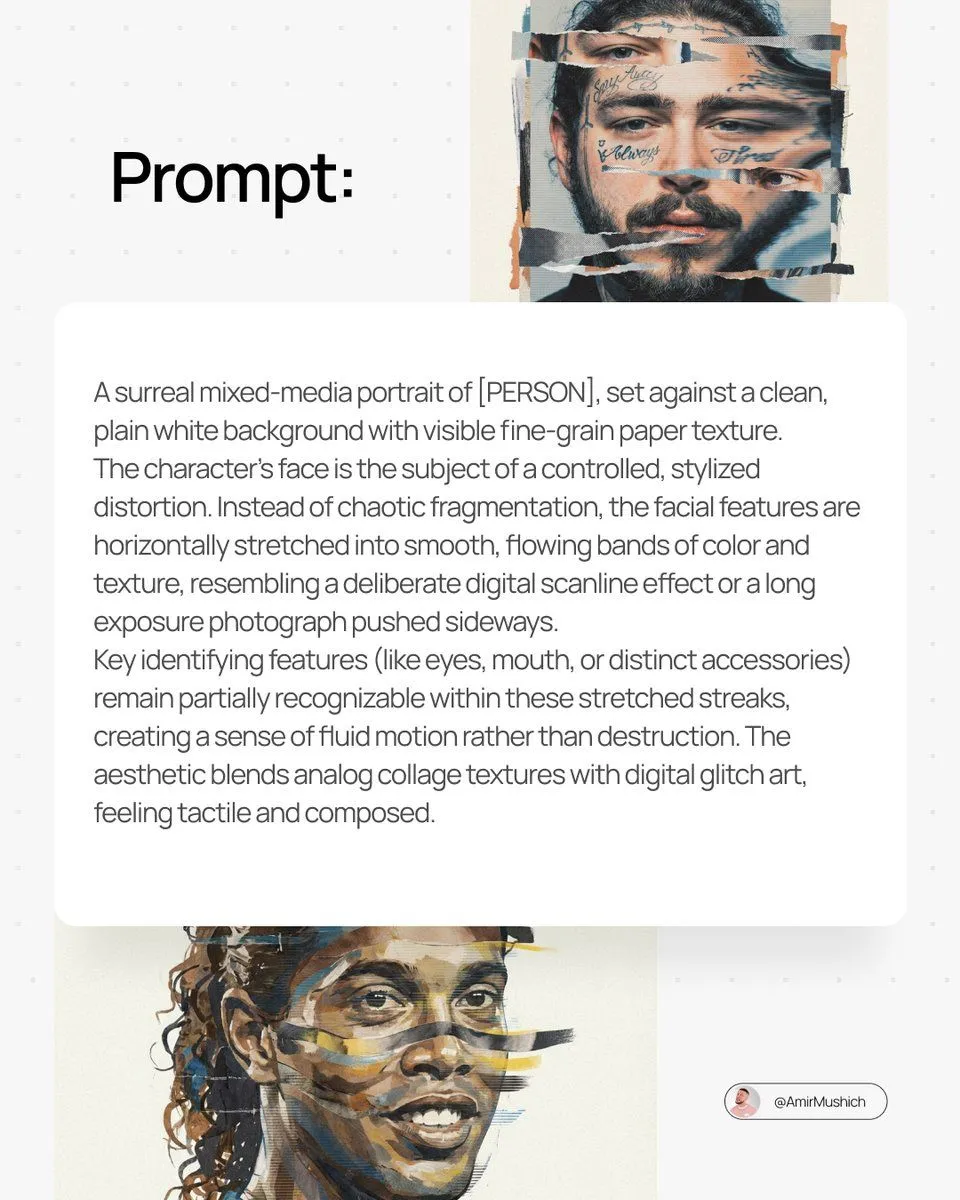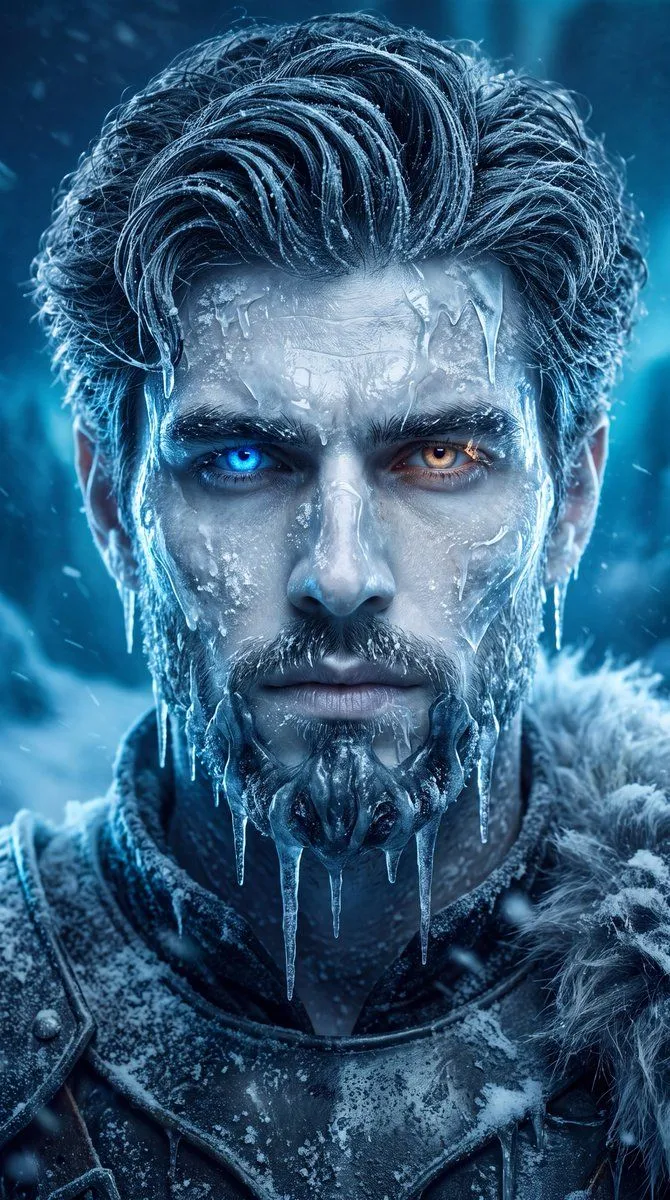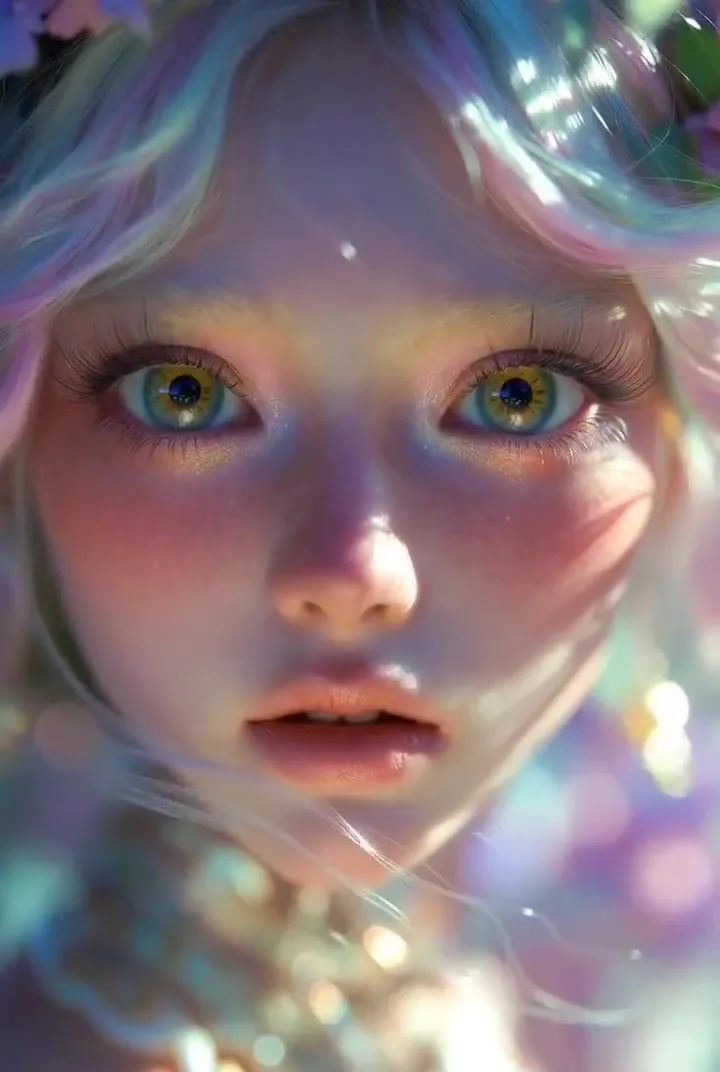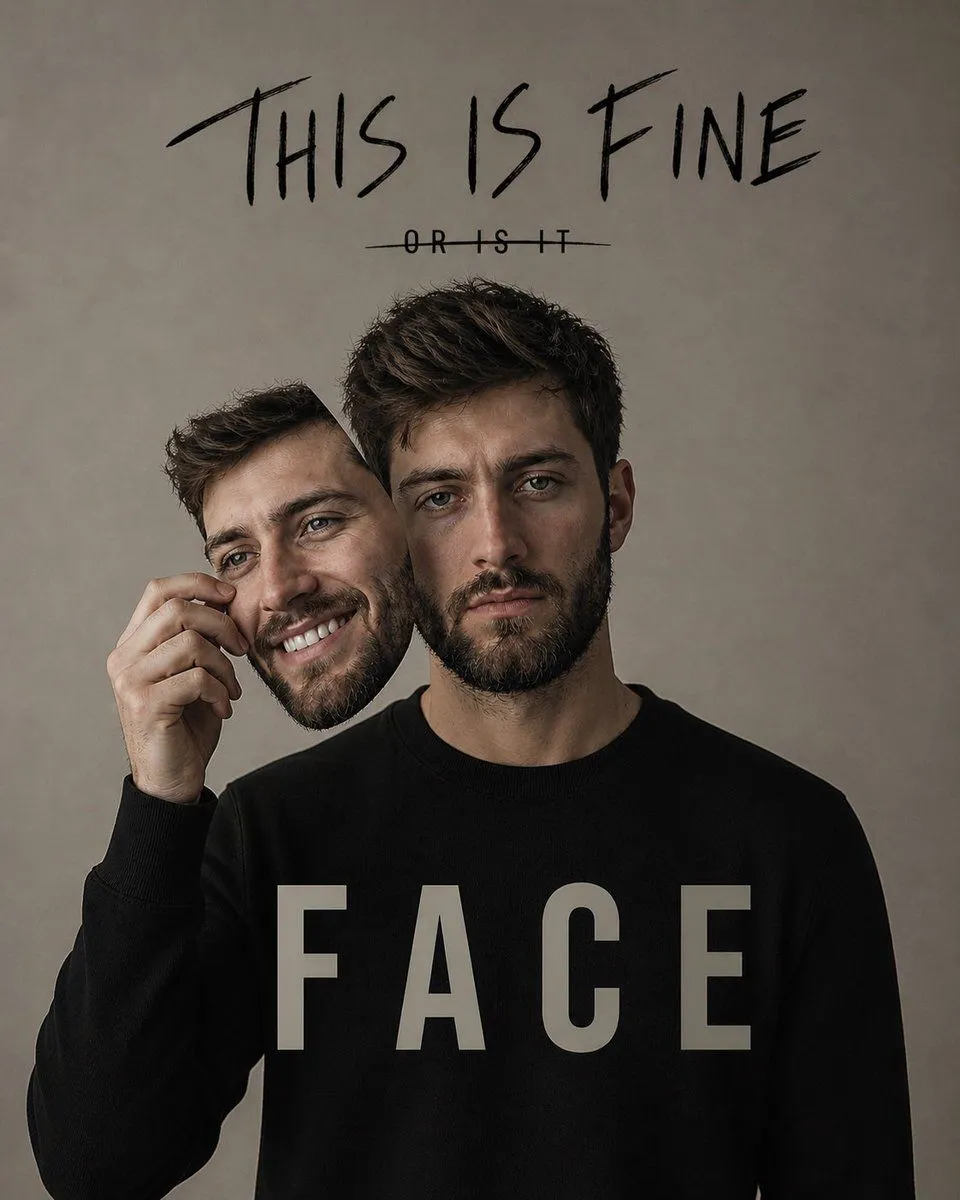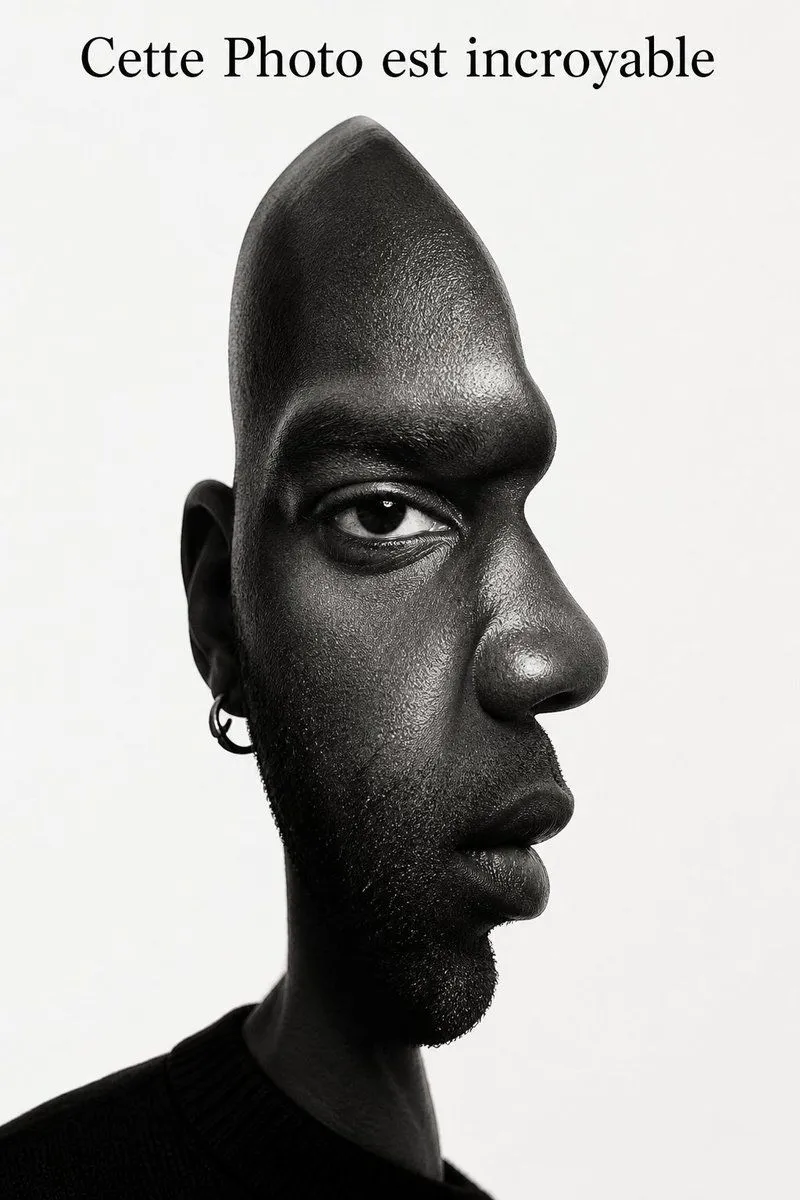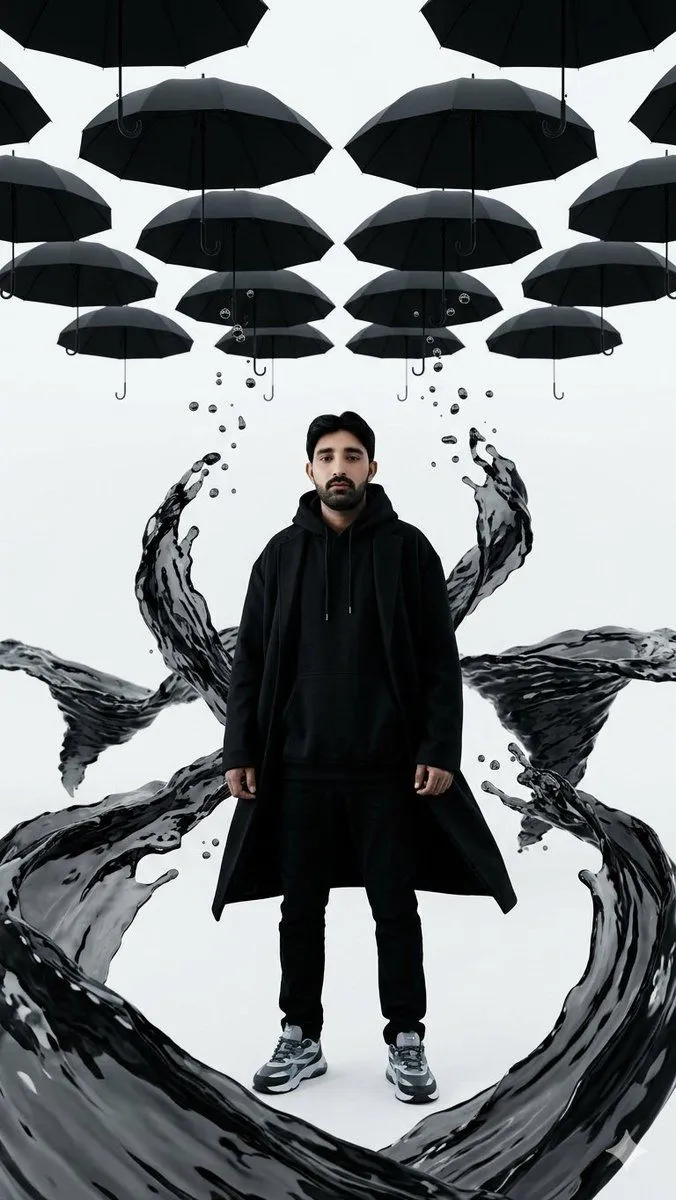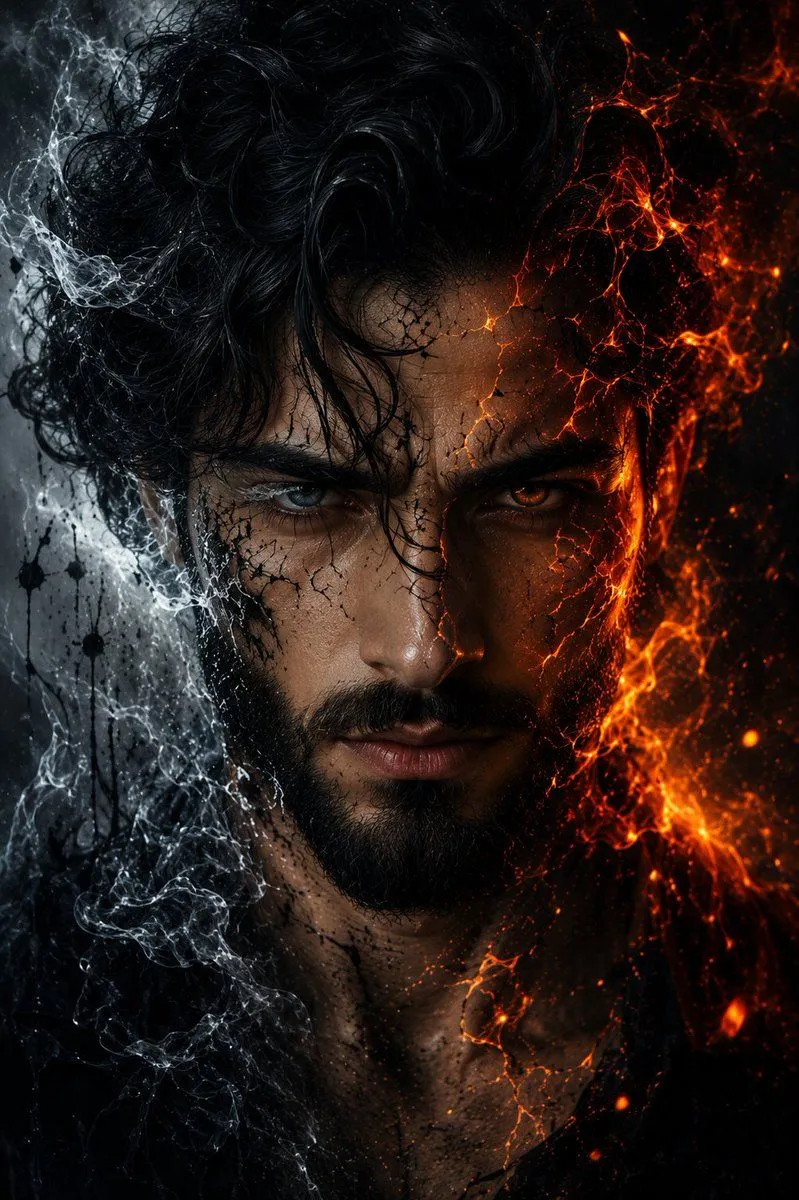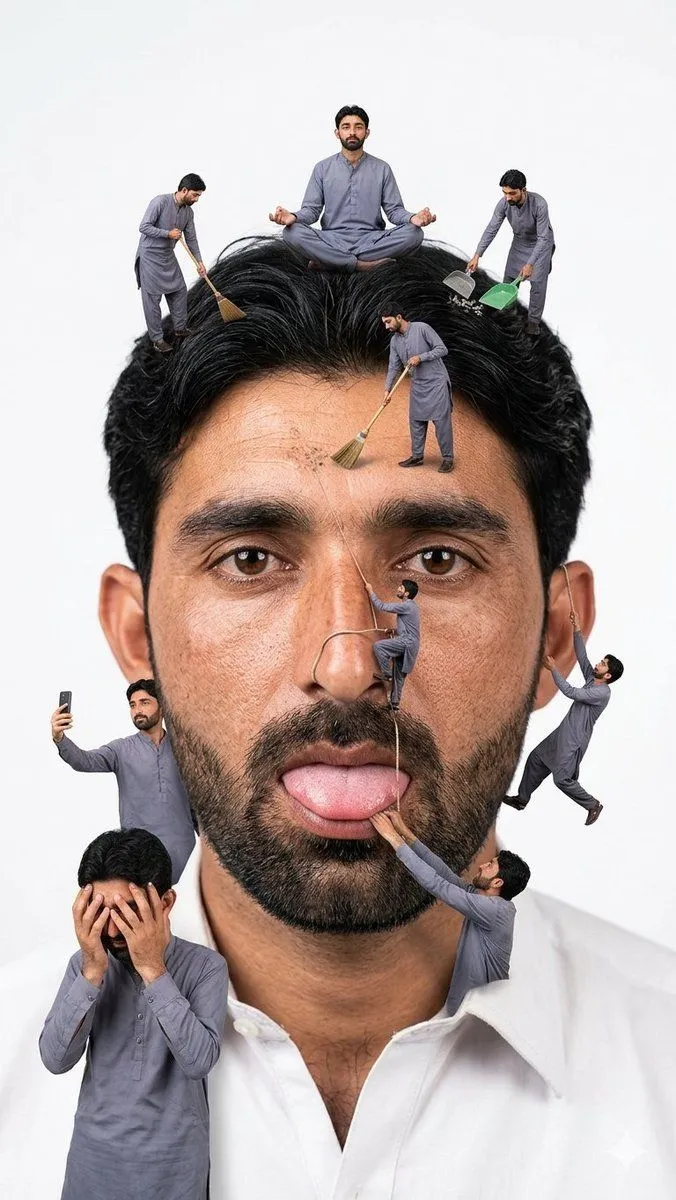
Made with GPT Image 2 in ChatGPT, collected by Library Avatars. Promptclay never generates images.
Did it work?
No reports yet. Tell others if it worked for you.
Atmospheric Cloud Transformation
Prompt
1 blank to fillTransform {subject} into a soft, atmospheric cloud composition while preserving the subject’s recognizable facial features, expression, and identity. The face should appear subtly formed from clouds, blending naturally into a bright blue sky background. Use soft, diffused lighting with gentle highlights and airy shadows to create depth and realism. Ensure the transformation is symbolic rather than literal — avoid hard edges, skin texture, or sharp details. The subject should feel like it is emerging from or dissolving into the clouds. Maintain facial proportions, eyes, smile, and key features clearly visible through the cloud structure. Style: dreamy, ethereal, surreal, cinematic Lighting: natural sunlight, soft glow, volumetric light Color palette: sky blue, white, soft gradients Mood: peaceful, uplifting, inspirational Add subtle cloud layers around and within the face for a seamless blend. Background should be a clean blue sky with soft cloud gradients. High resolution, ultra-realistic cloud texture, smooth blending, no text, no watermark.“
Preview of your prompt
Transform [type here] into a soft, atmospheric cloud composition while preserving the subject’s recognizable facial features, expression, and identity. The face should appear subtly formed from clouds, blending naturally into a bright blue sky background. Use soft, diffused lighting with gentle highlights and airy shadows to create depth and realism. Ensure the transformation is symbolic rather than literal — avoid hard edges, skin texture, or sharp details. The subject should feel like it is emerging from or dissolving into the clouds. Maintain facial proportions, eyes, smile, and key features clearly visible through the cloud structure. Style: dreamy, ethereal, surreal, cinematic Lighting: natural sunlight, soft glow, volumetric light Color palette: sky blue, white, soft gradients Mood: peaceful, uplifting, inspirational Add subtle cloud layers around and within the face for a seamless blend. Background should be a clean blue sky with soft cloud gradients. High resolution, ultra-realistic cloud texture, smooth blending, no text, no watermark.“
DetailsVersions, settings and questions
Written for
What's in the prompt
- Subject
- Model
- GPT Image 2
If your face changes
keep my face exactly the sameQuestions
- Does this work in the ChatGPT app?
- Yes. Paste the prompt and attach your photo if it uses one.
- It changed my face. What do I do?
- Add "keep my face exactly the same" to the end and run it again.
- Can I use the images I make?
- Check the terms of the app you use. Promptclay never generates images and claims nothing you make.