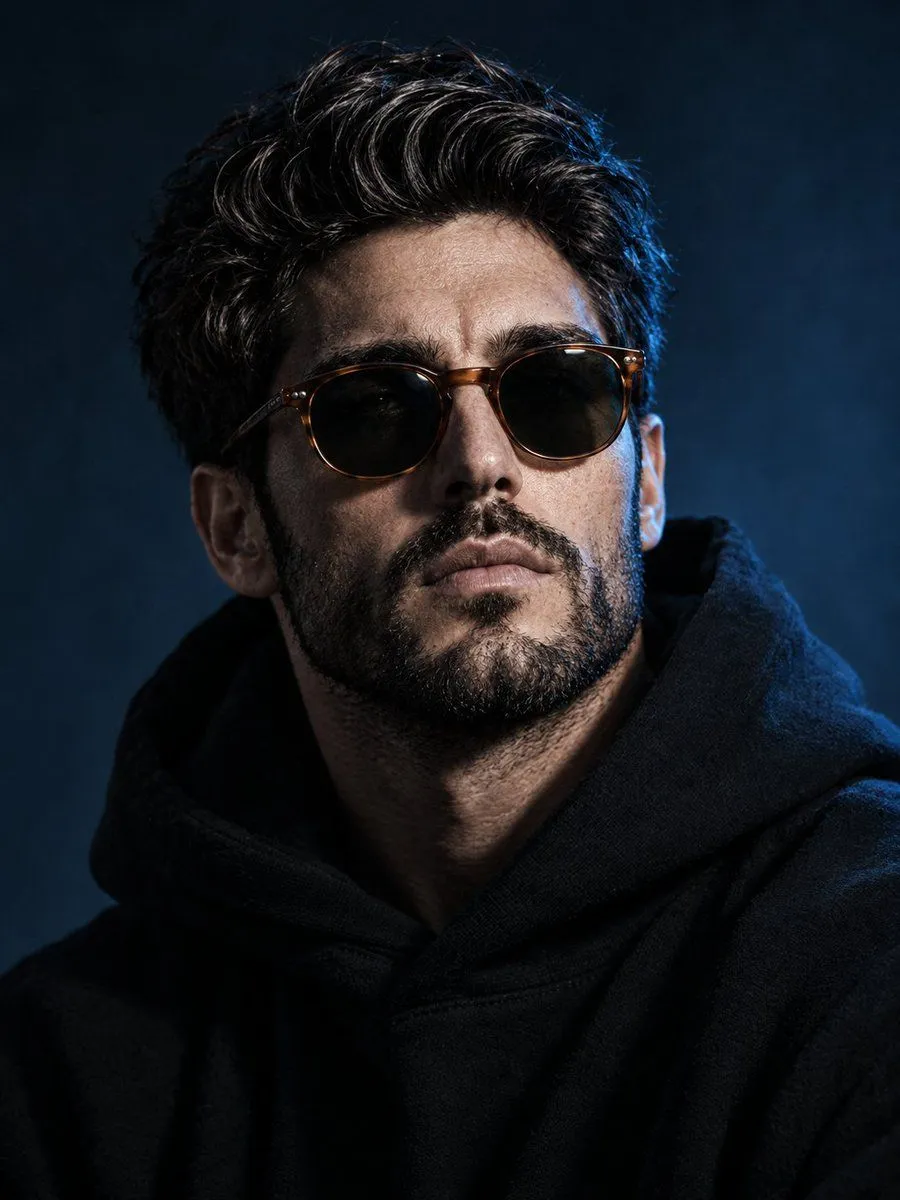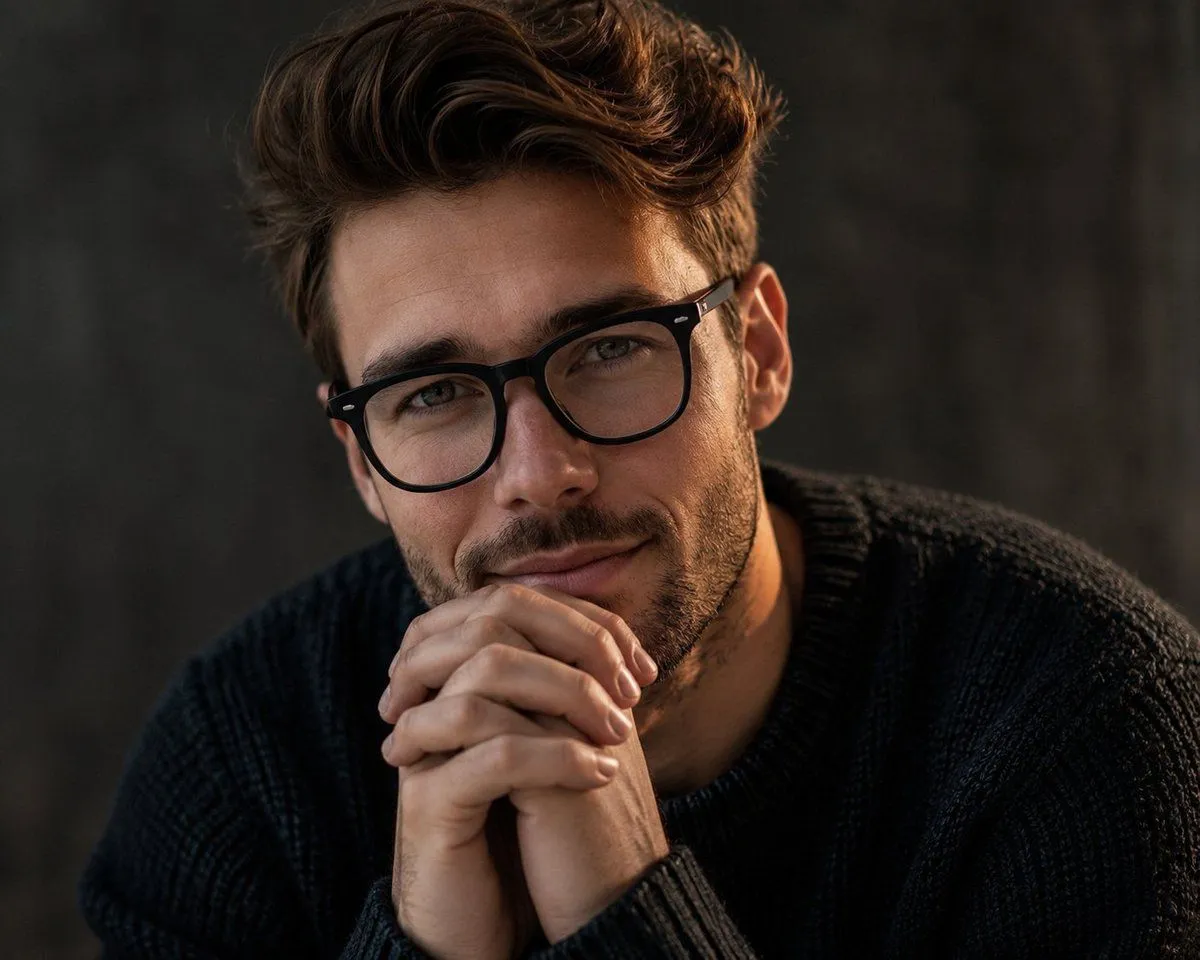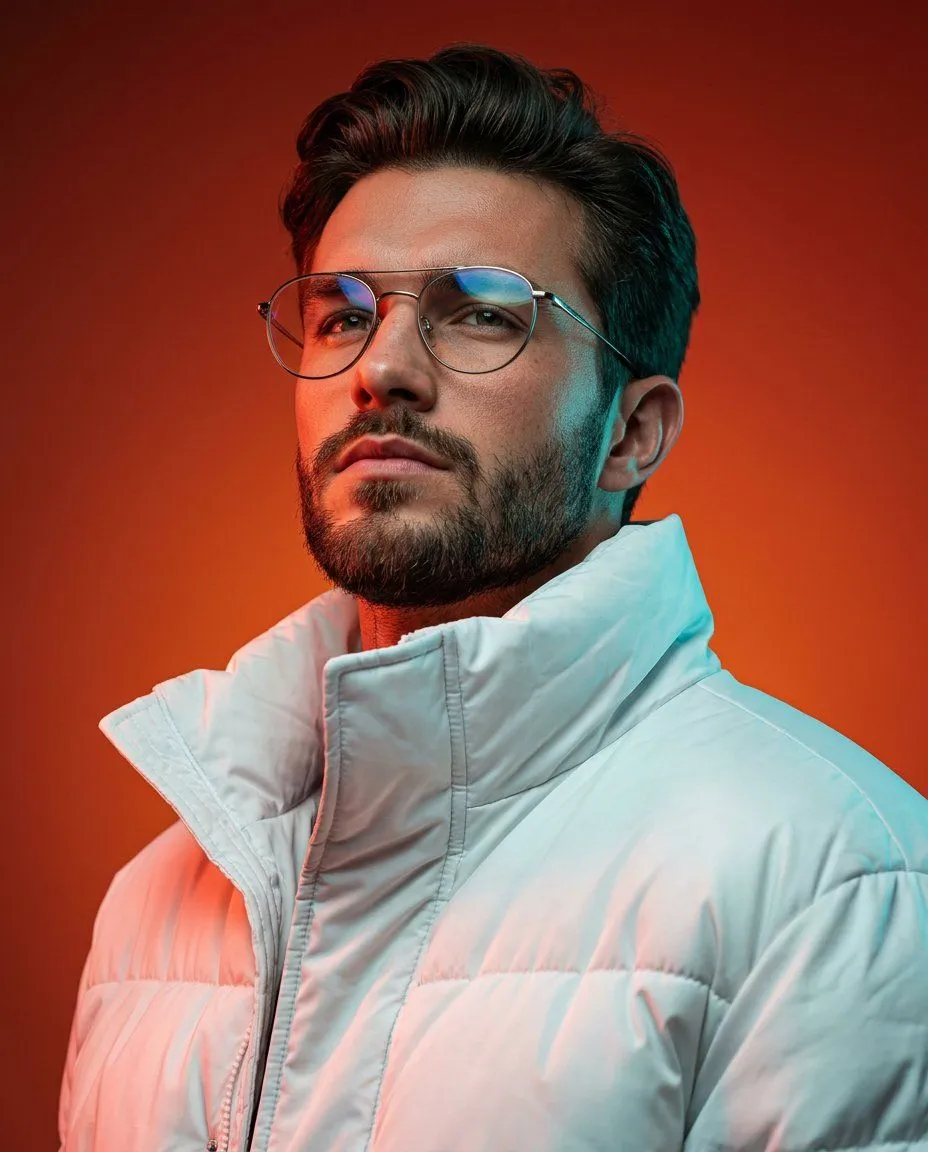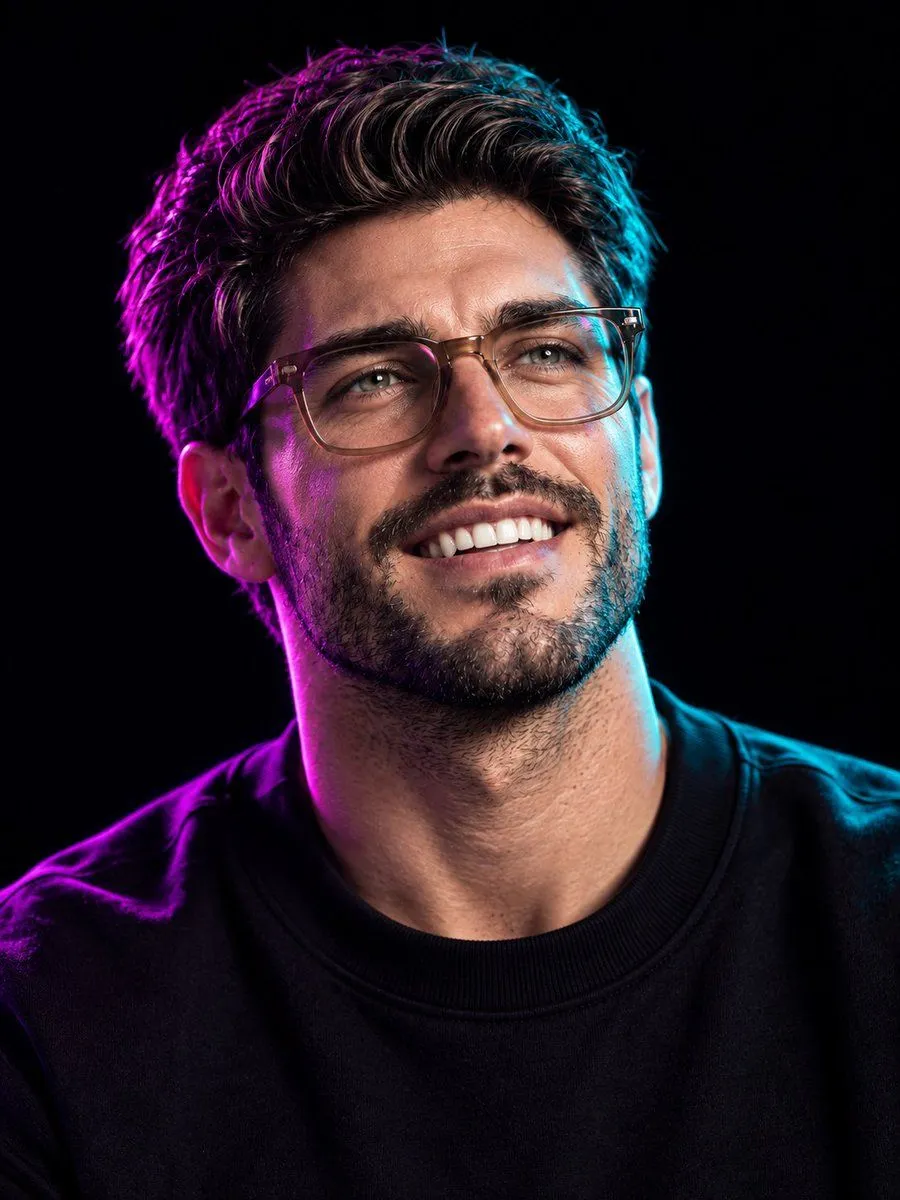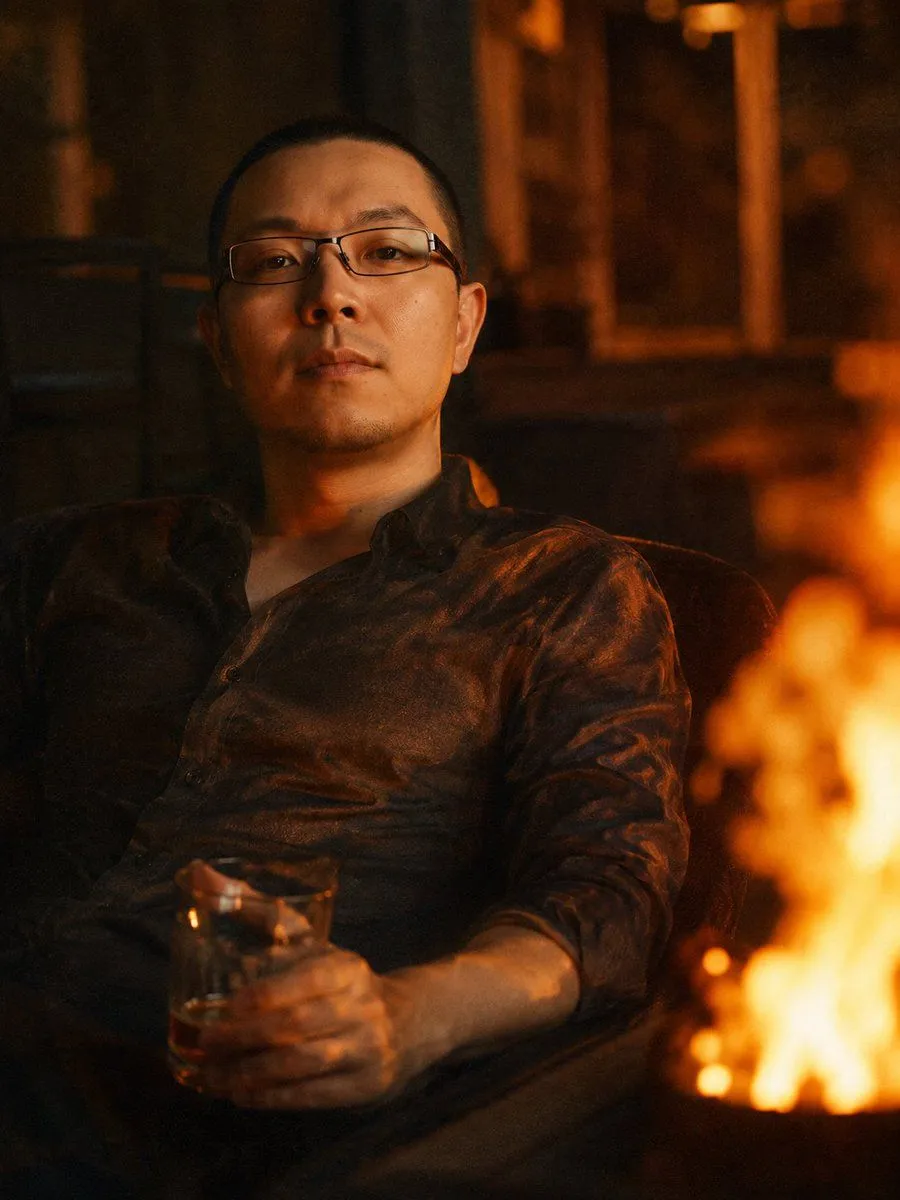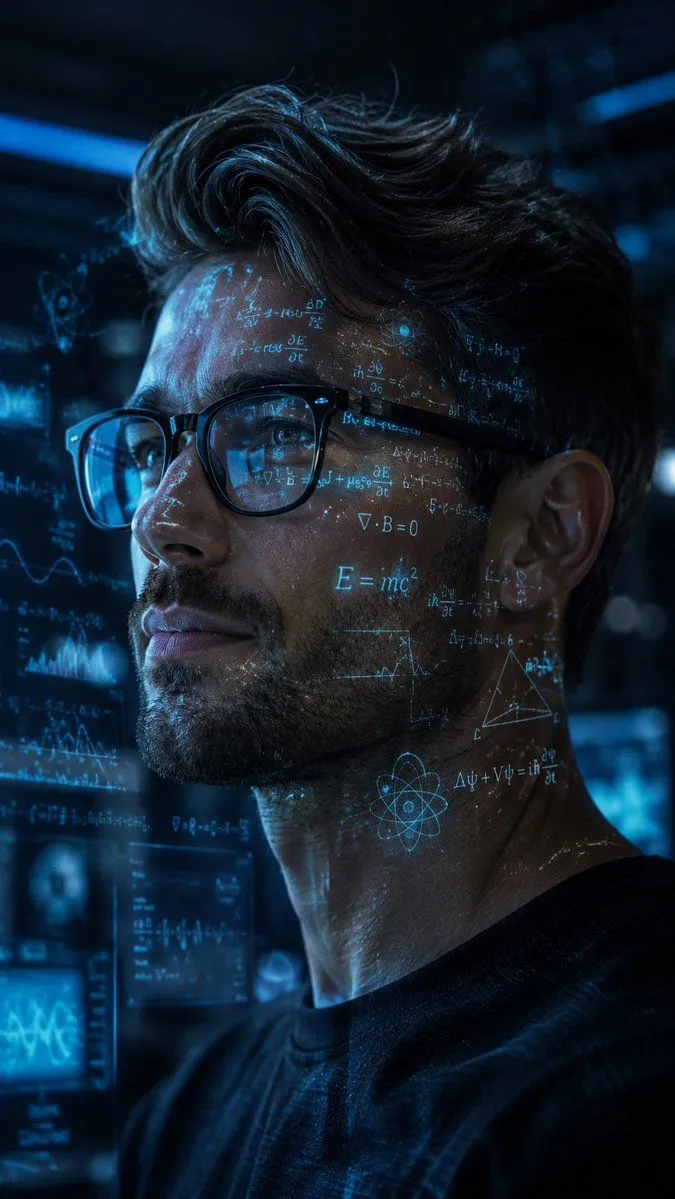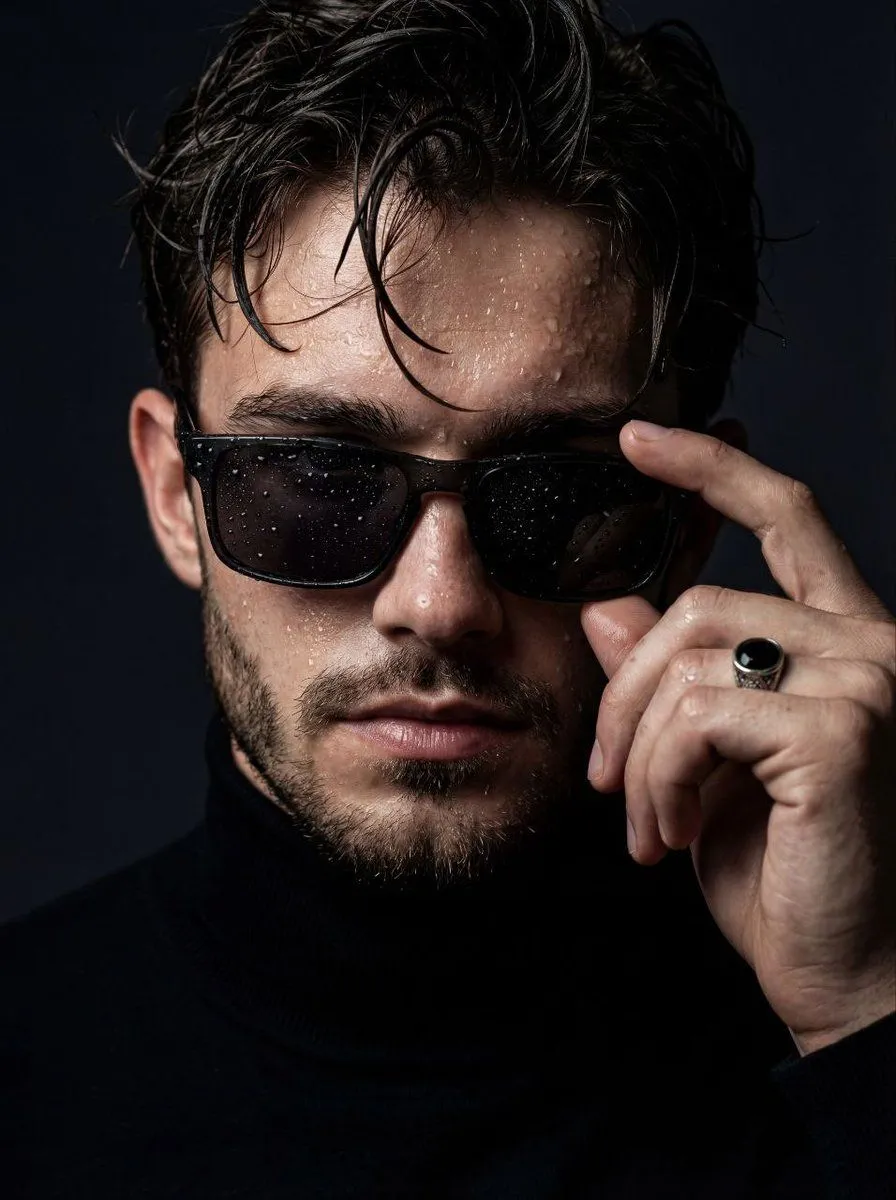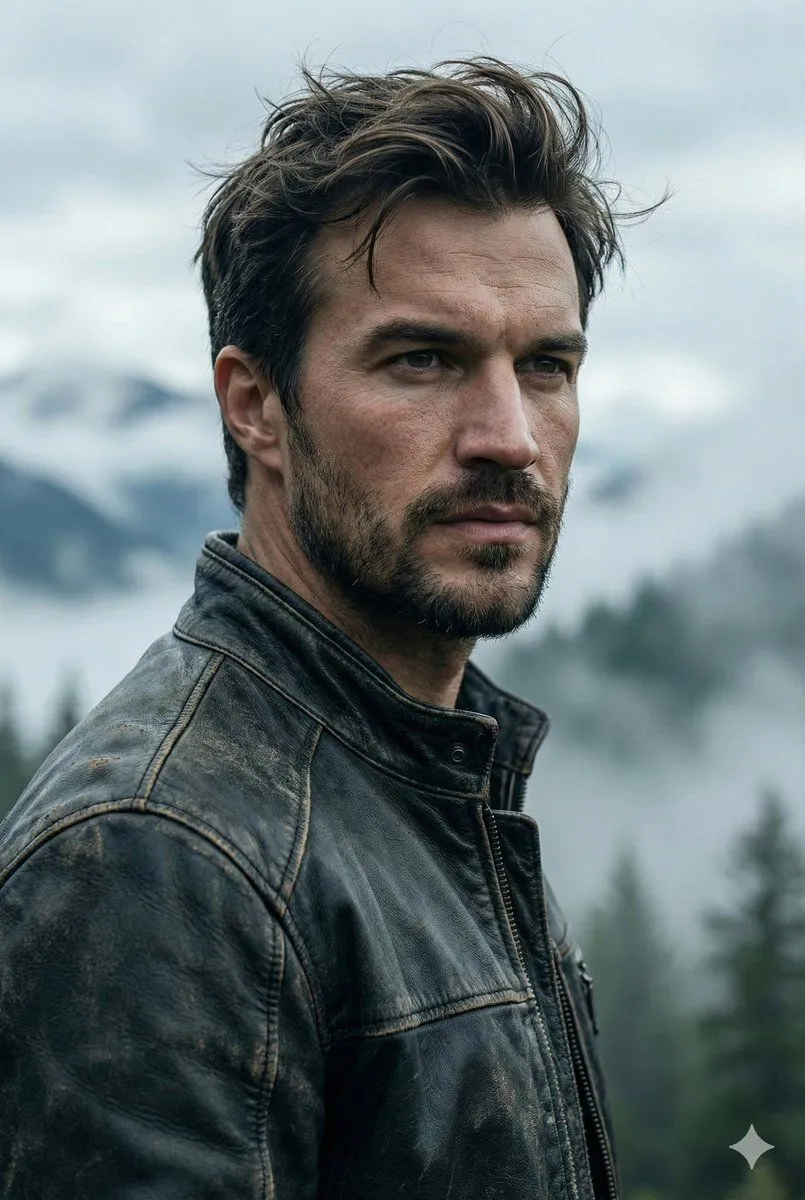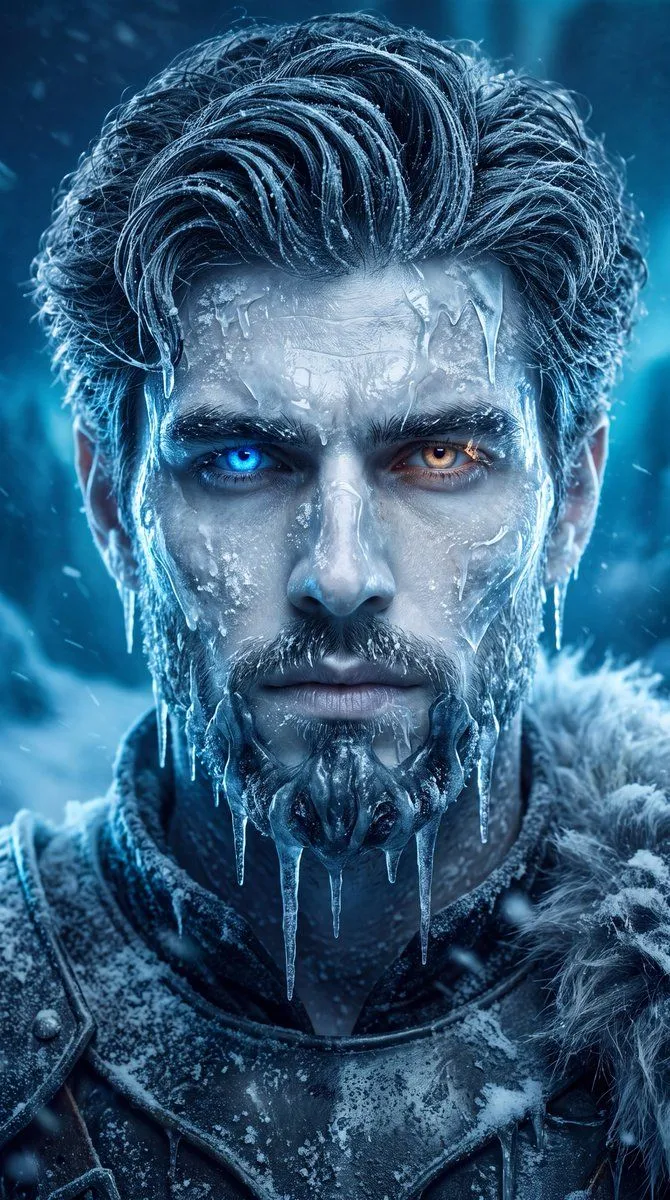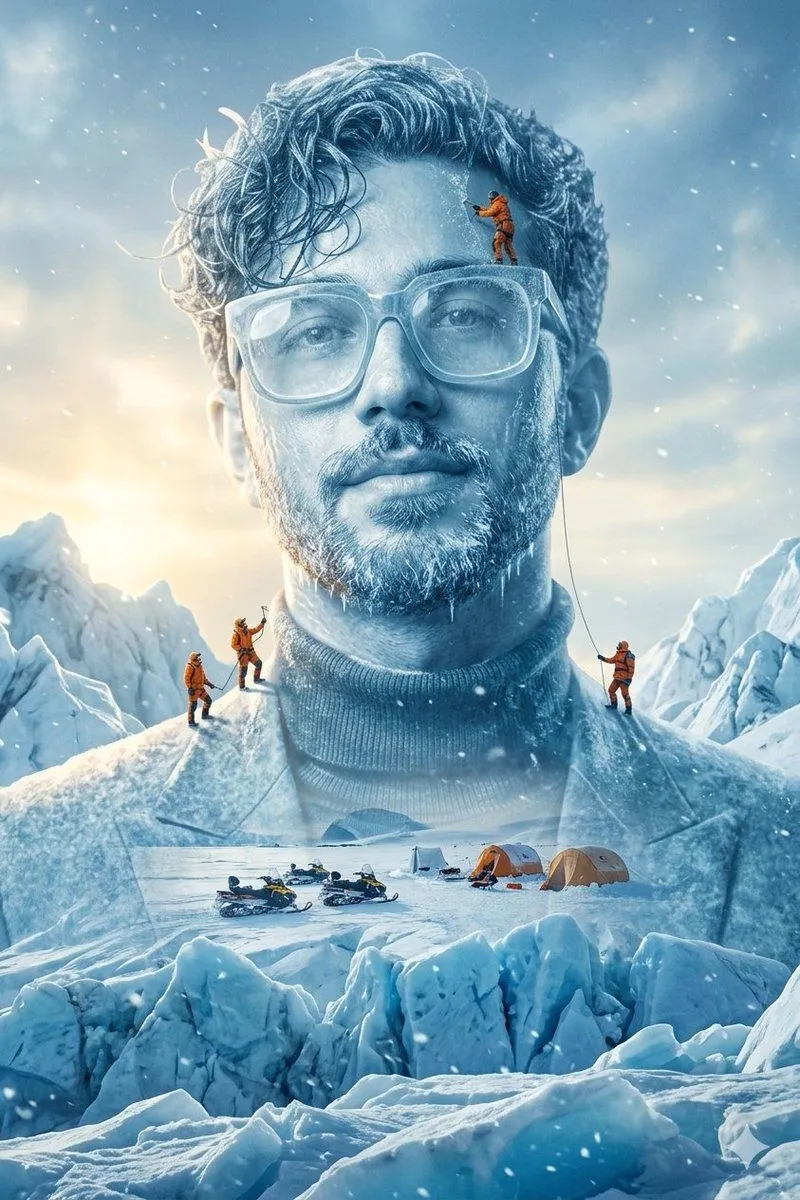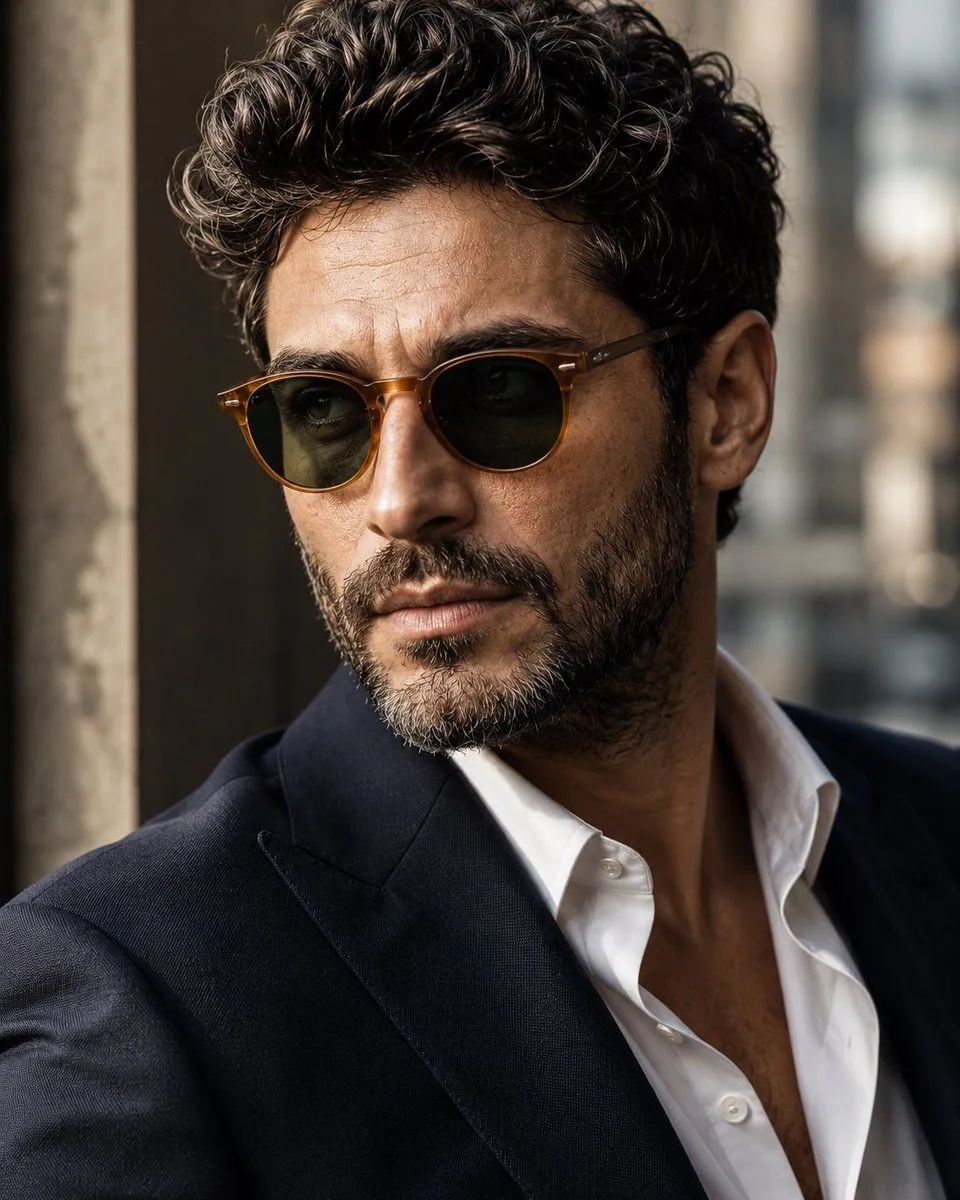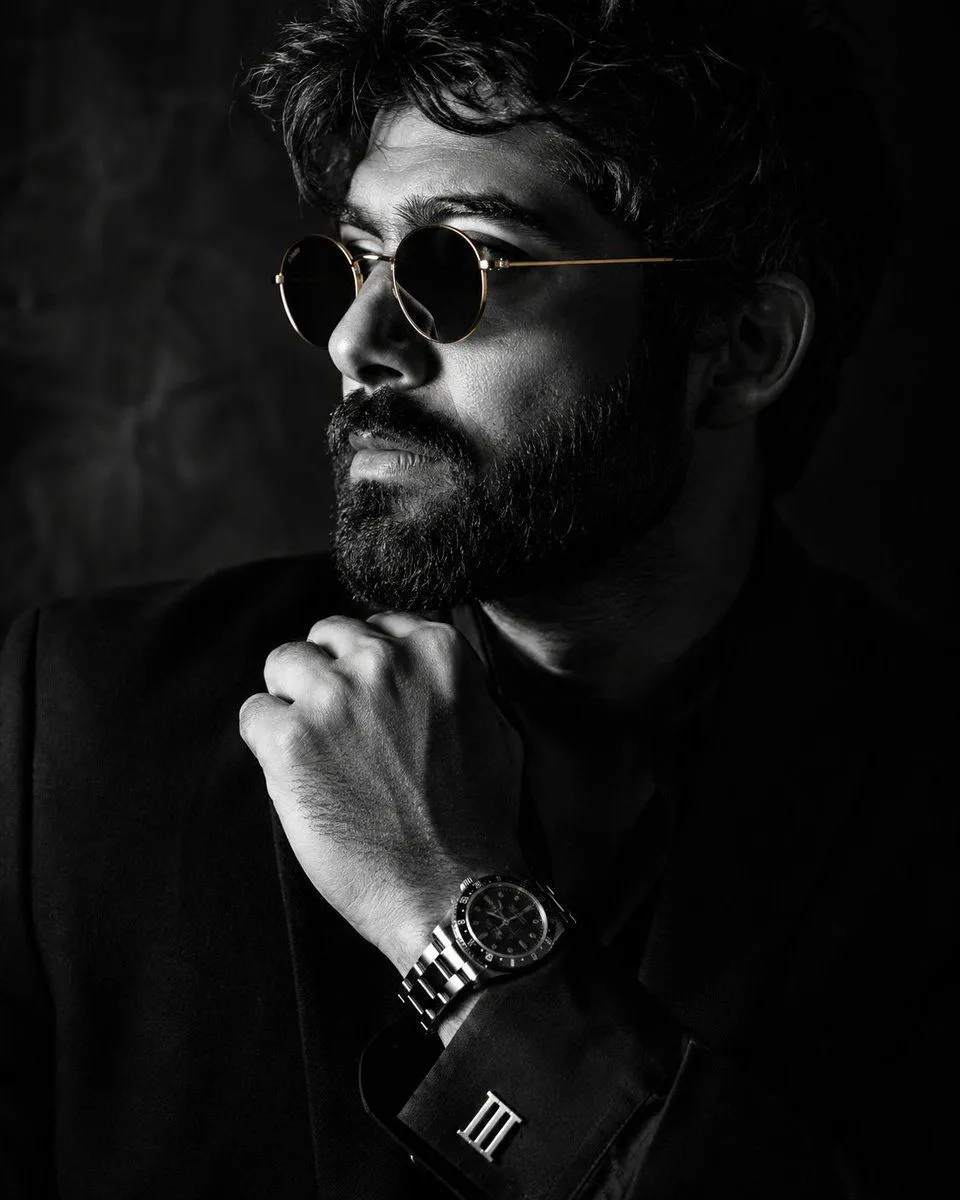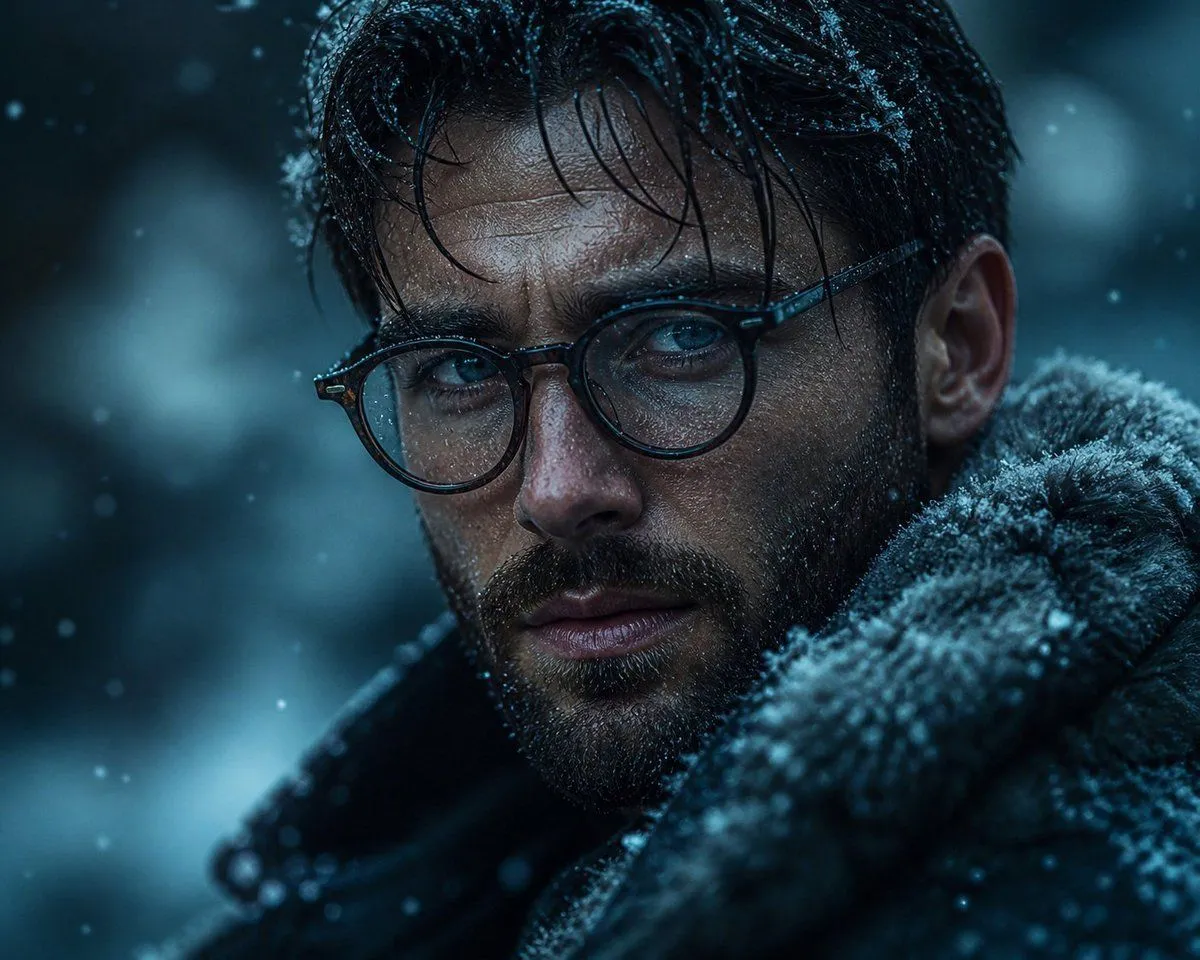
Made with GPT Image 2 in ChatGPT, collected by Library Avatars. Promptclay never generates images.
Anonymous Winter Noir Portrait
Prompt
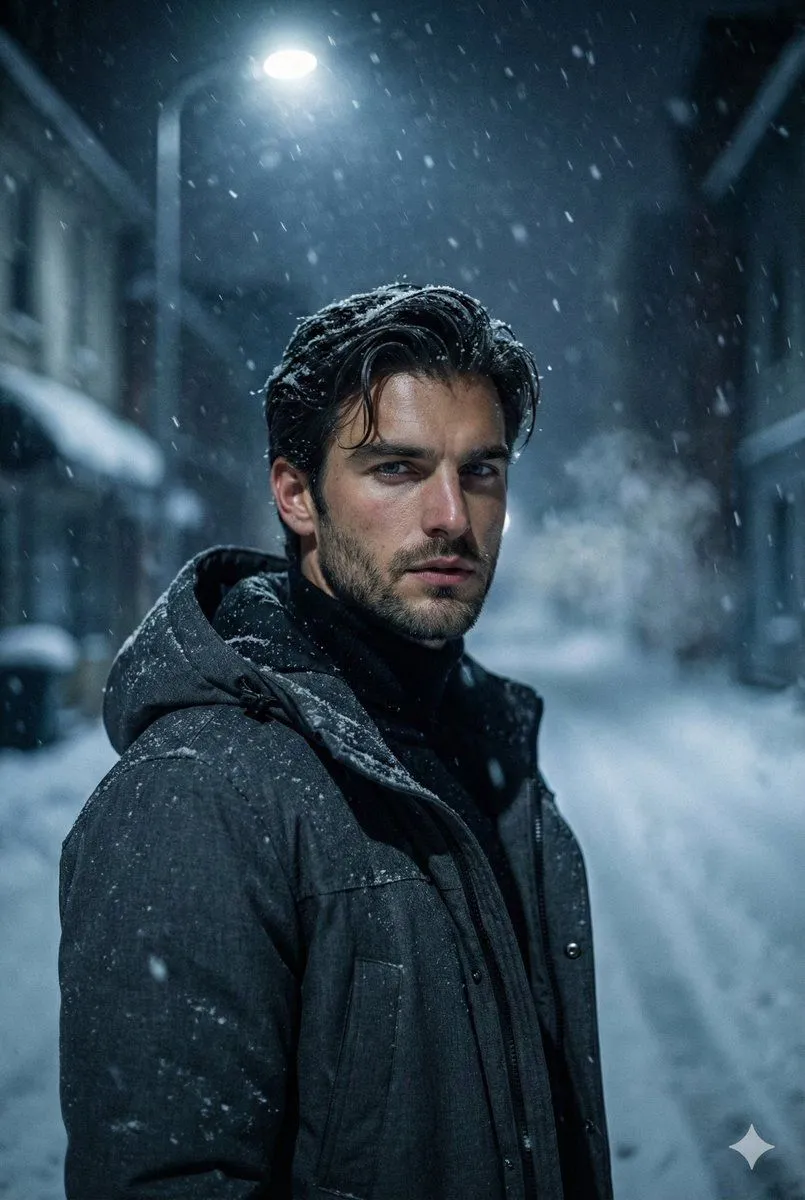
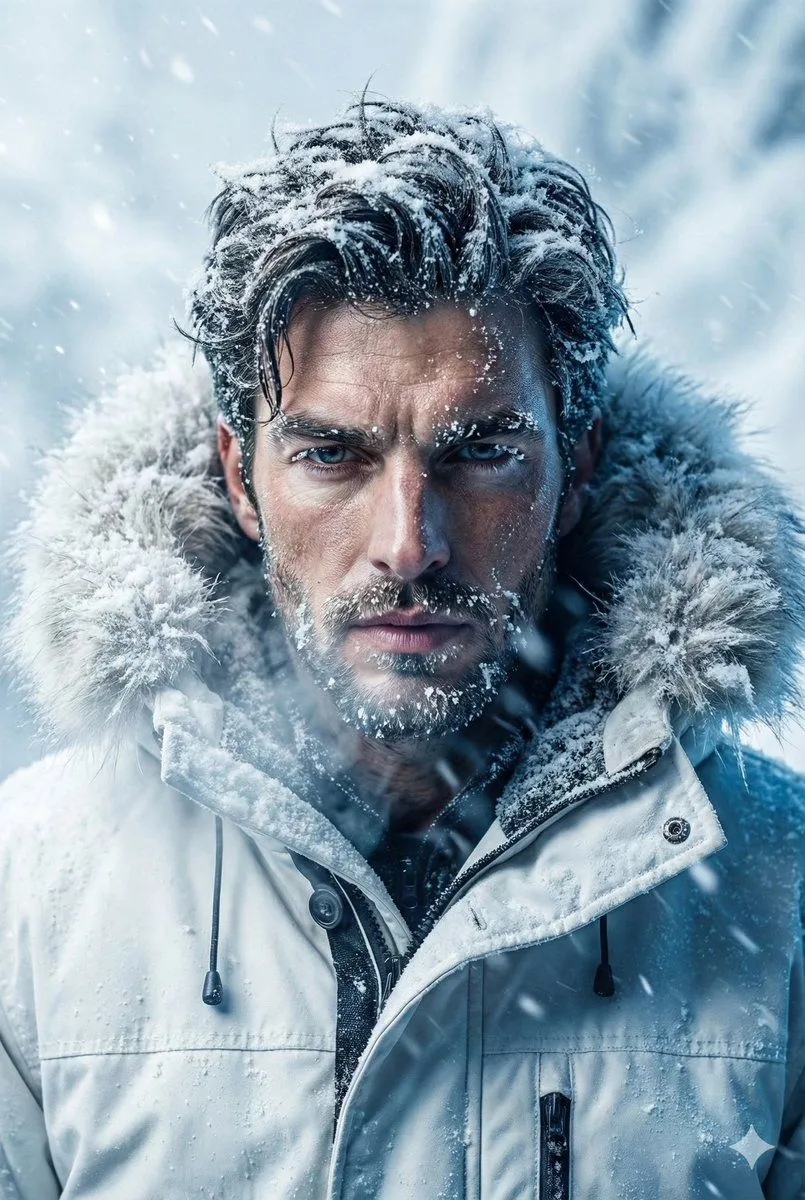
1 blank to fillCreate a cinematic close-up portrait of {subject} in a dark winter setting, framed tightly from the shoulders up. He has wet, dark hair, a visible right ear, and a small glimpse of eyeglasses on the left side, but his face is completely covered by a large centered vertical dark charcoal rectangle, like an intentional anonymous censor block. He wears a heavy dark coat with a thick fur-lined hood or collar covered in frost and snow crystals. The atmosphere is cold, blue-toned, and moody, with falling snow particles, soft bokeh lights in the blurred background, and dramatic low-key lighting that highlights icy textures on the hair and fur. Use a realistic cinematic photography style, shallow depth of field, high detail, cool teal-blue color grading, subtle film grain, and a suspenseful noir mood. The image should be landscape-oriented, with the subject filling most of the frame and the rectangular face-obscuring block occupying the center.
Preview of your prompt
Create a cinematic close-up portrait of a mysterious adult man in a dark winter setting, framed tightly from the shoulders up. He has wet, dark hair, a visible right ear, and a small glimpse of eyeglasses on the left side, but his face is completely covered by a large centered vertical dark charcoal rectangle, like an intentional anonymous censor block. He wears a heavy dark coat with a thick fur-lined hood or collar covered in frost and snow crystals. The atmosphere is cold, blue-toned, and moody, with falling snow particles, soft bokeh lights in the blurred background, and dramatic low-key lighting that highlights icy textures on the hair and fur. Use a realistic cinematic photography style, shallow depth of field, high detail, cool teal-blue color grading, subtle film grain, and a suspenseful noir mood. The image should be landscape-oriented, with the subject filling most of the frame and the rectangular face-obscuring block occupying the center.
DetailsVersions, settings and questions
Written for
What's in the prompt
- Subject
- Model
- GPT Image 2
If your face changes
keep my face exactly the sameQuestions
- Does this work in the ChatGPT app?
- Yes. Paste the prompt and attach your photo if it uses one.
- It changed my face. What do I do?
- Add "keep my face exactly the same" to the end and run it again.
- Can I use the images I make?
- Check the terms of the app you use. Promptclay never generates images and claims nothing you make.