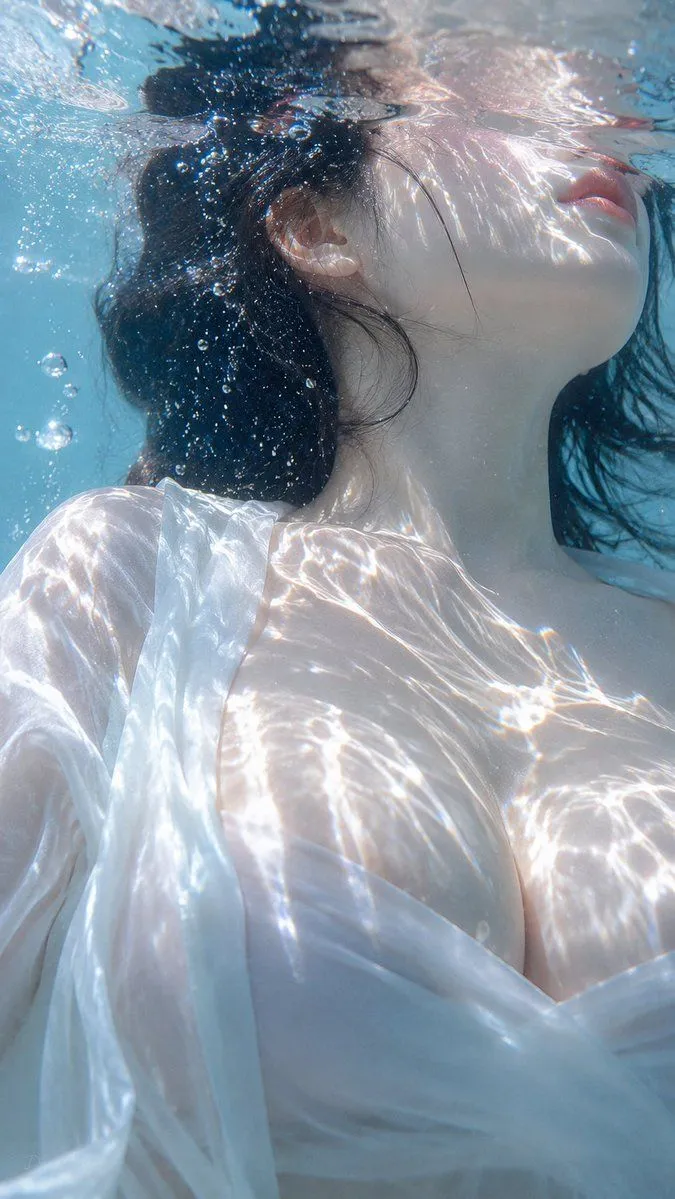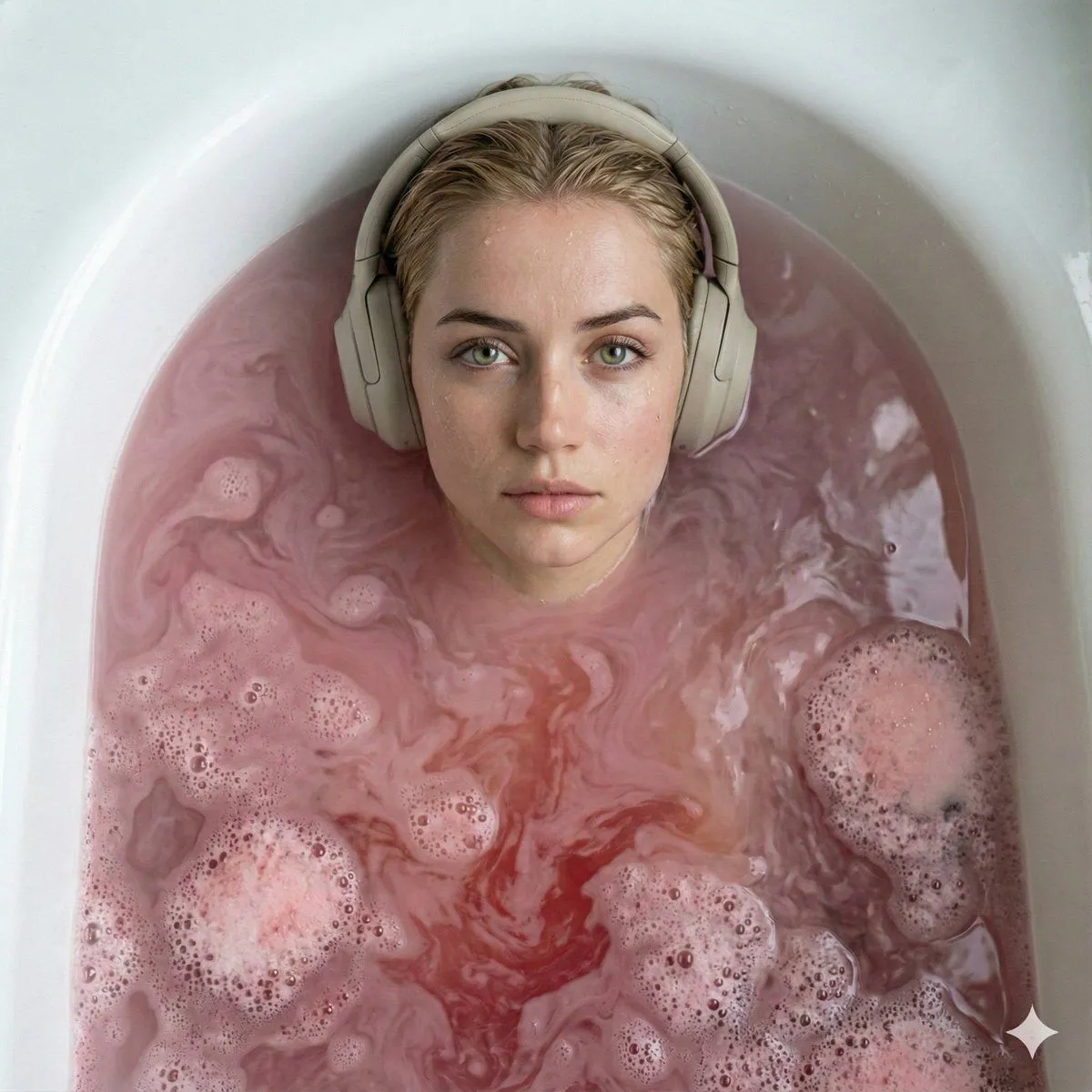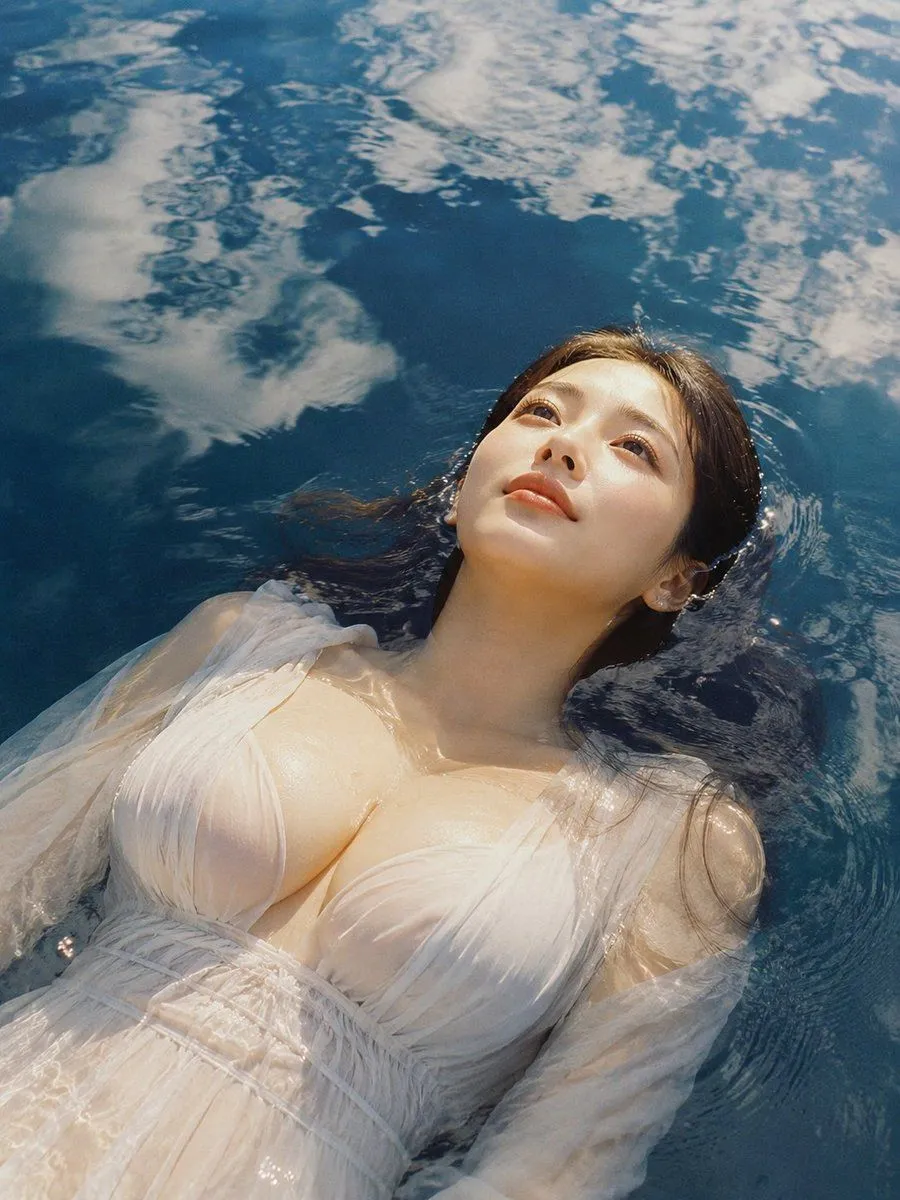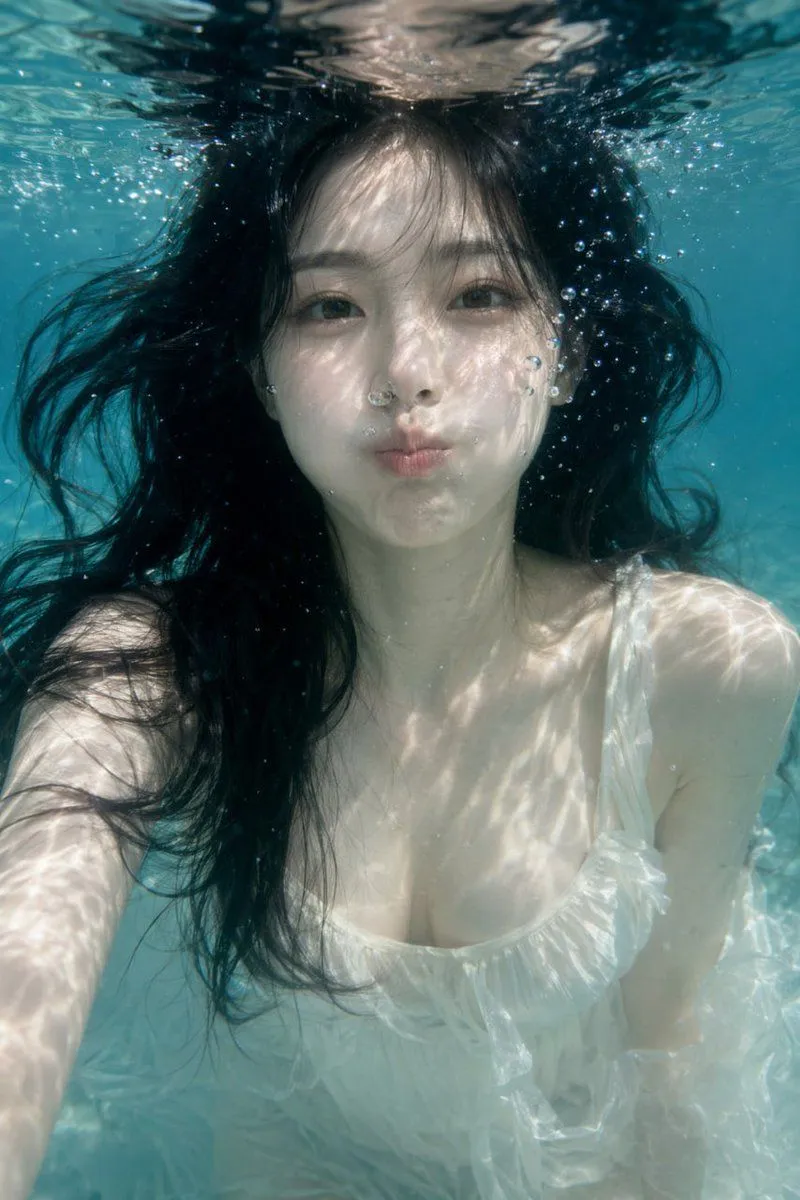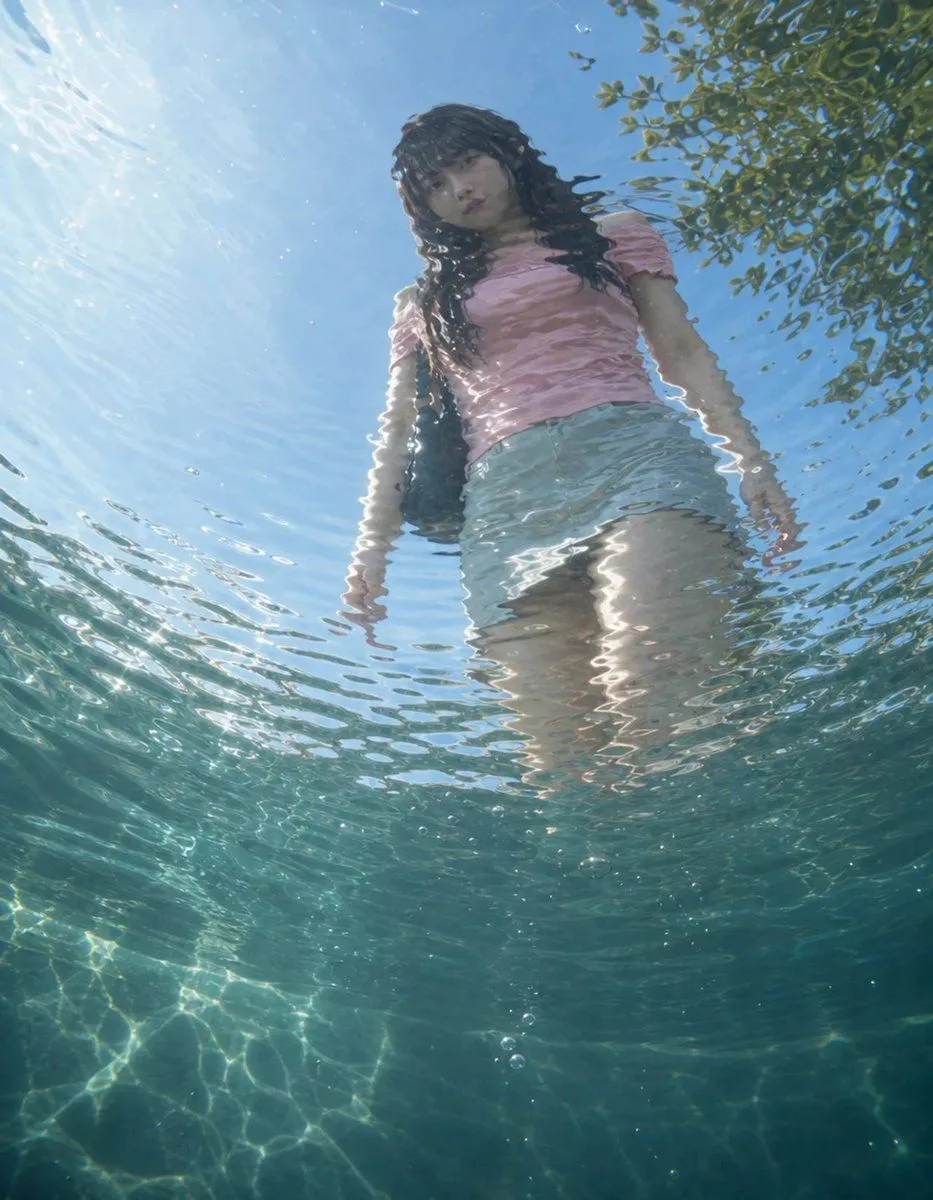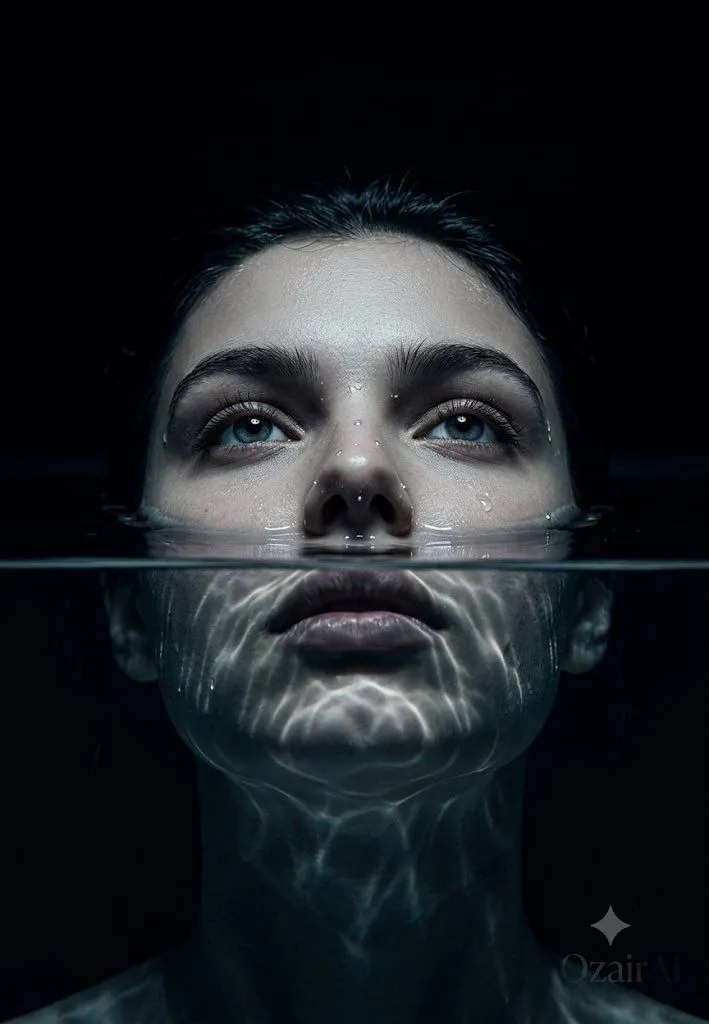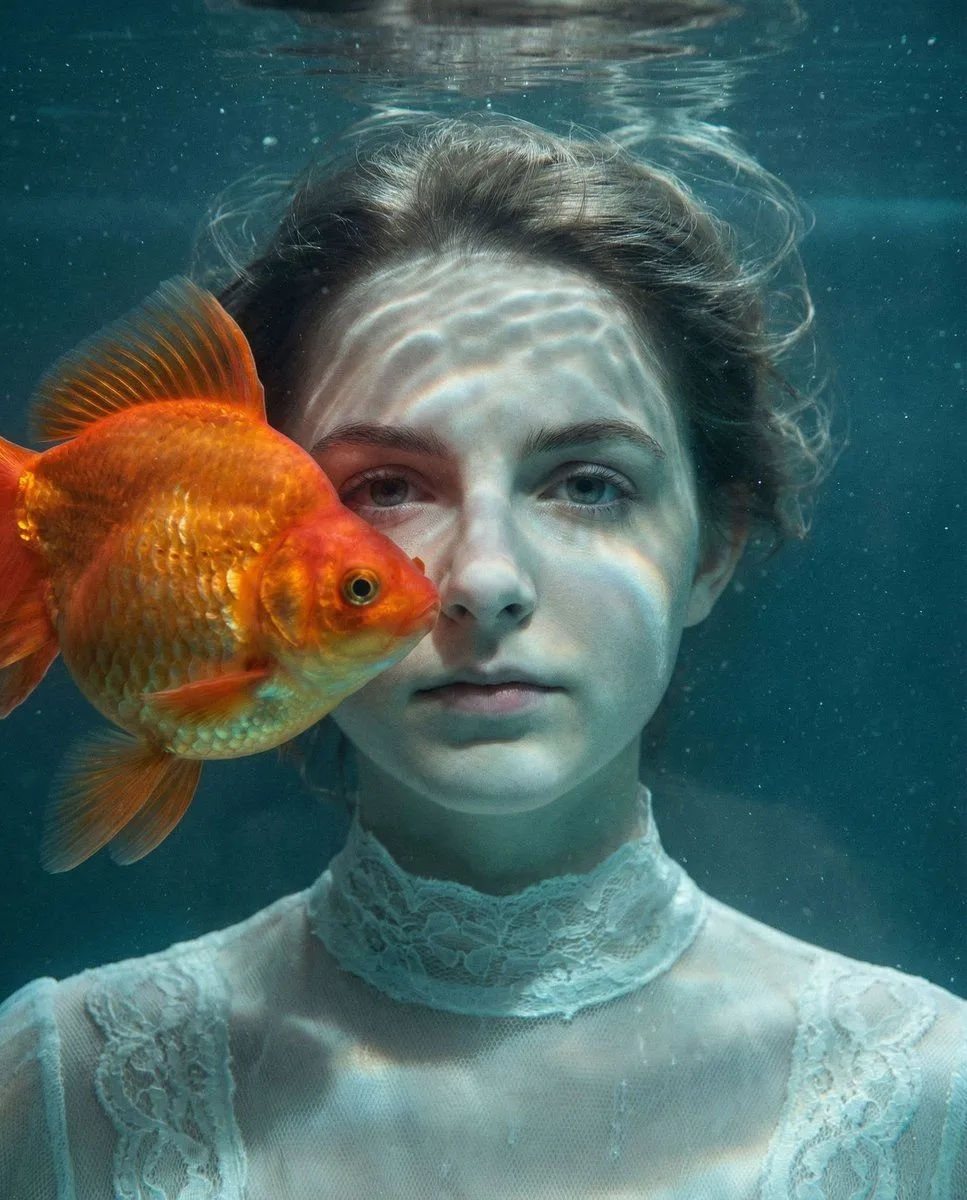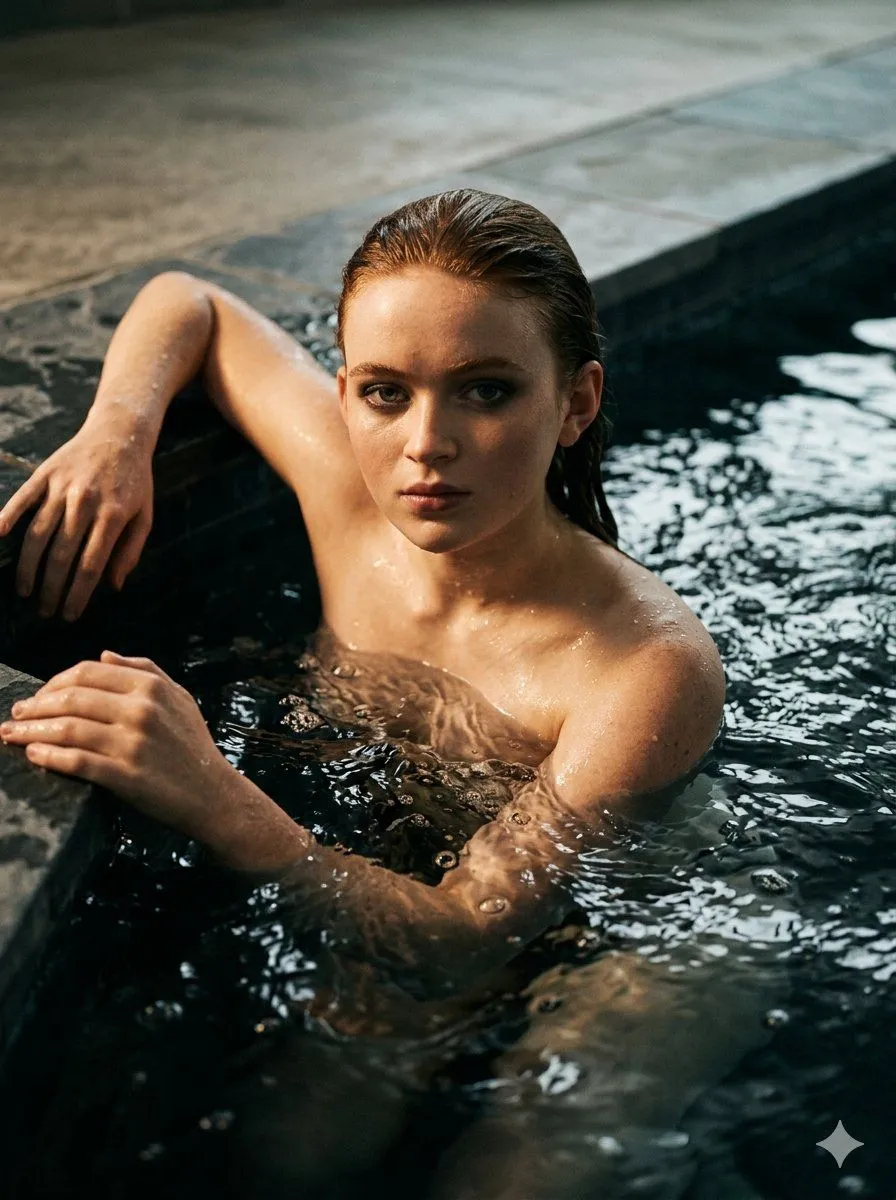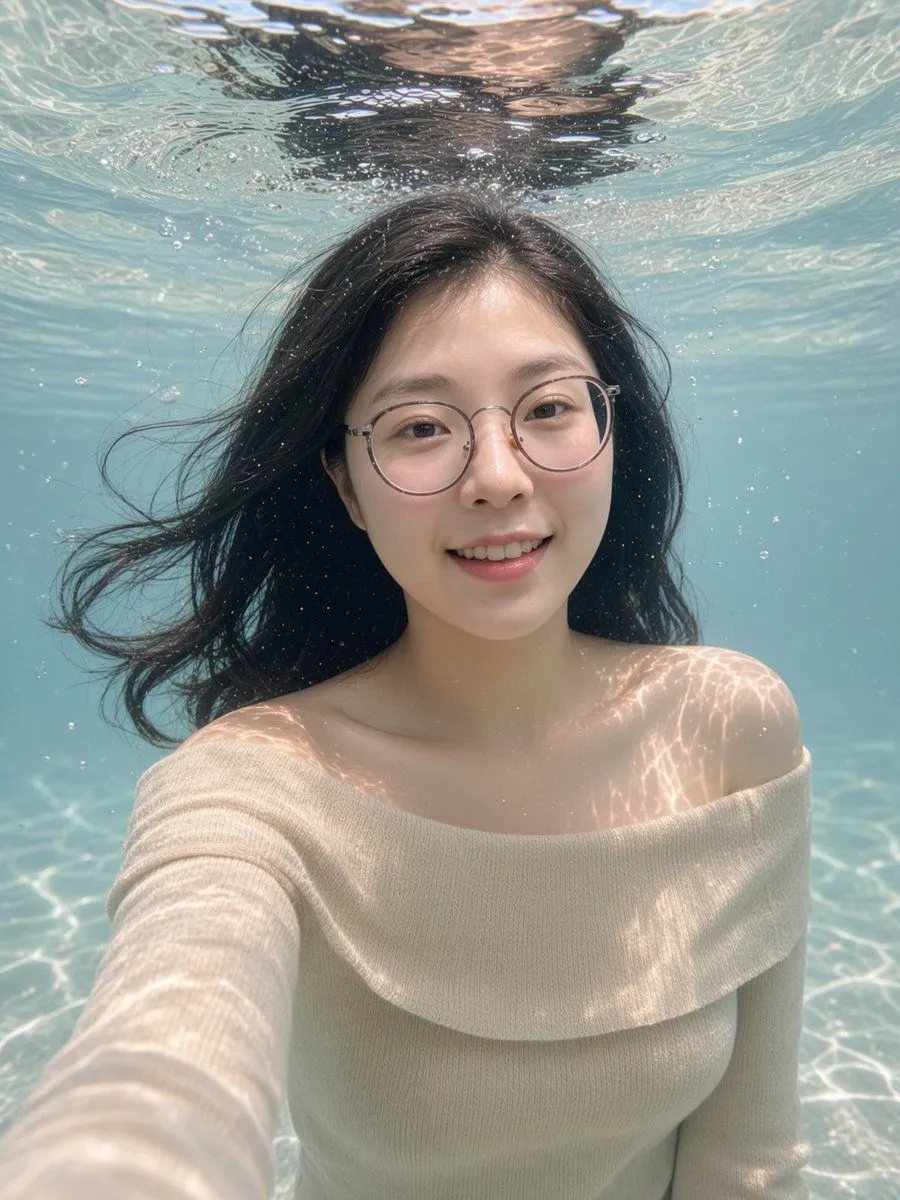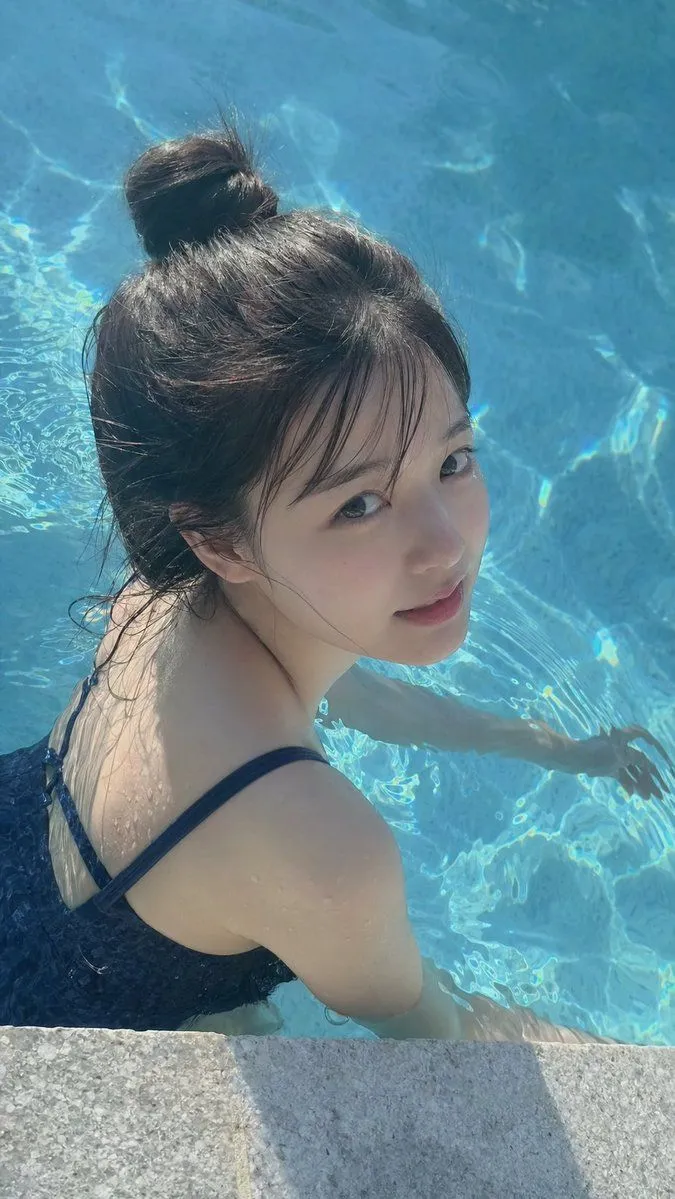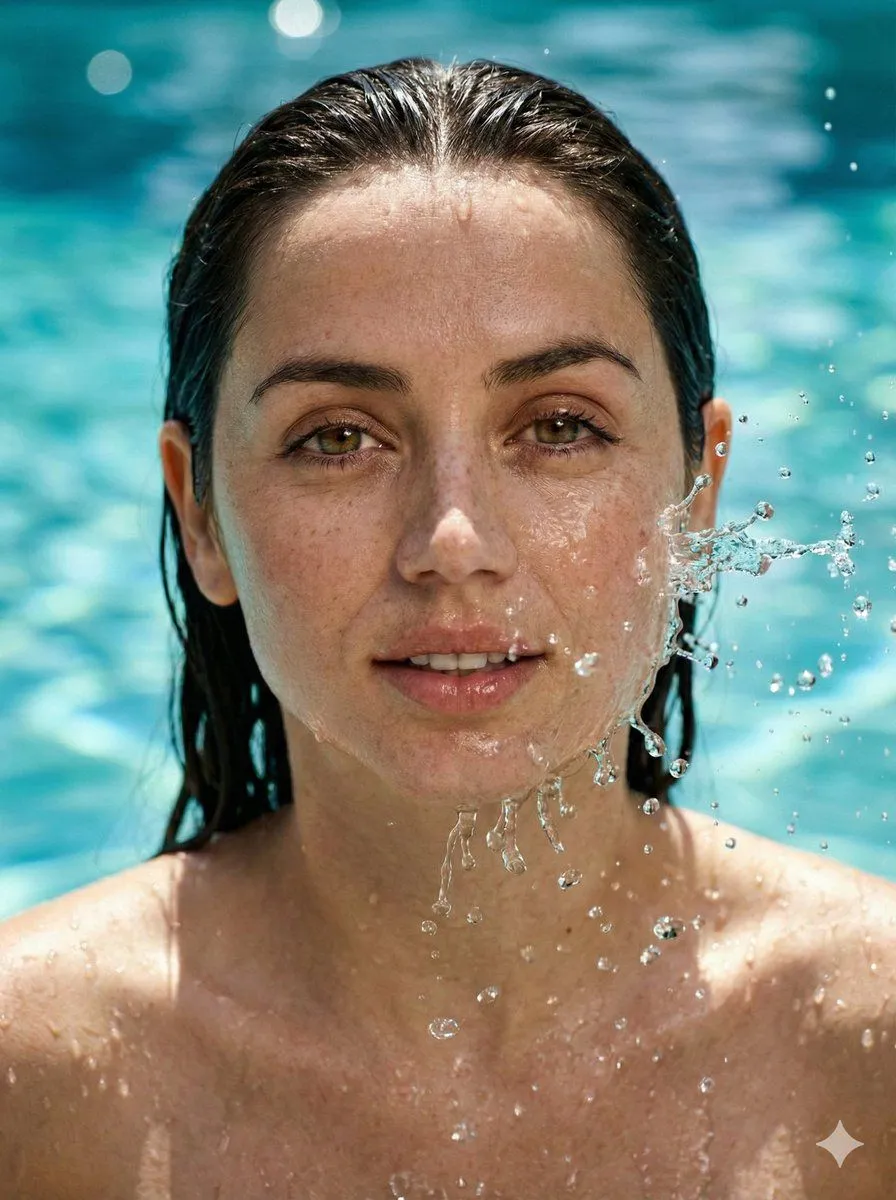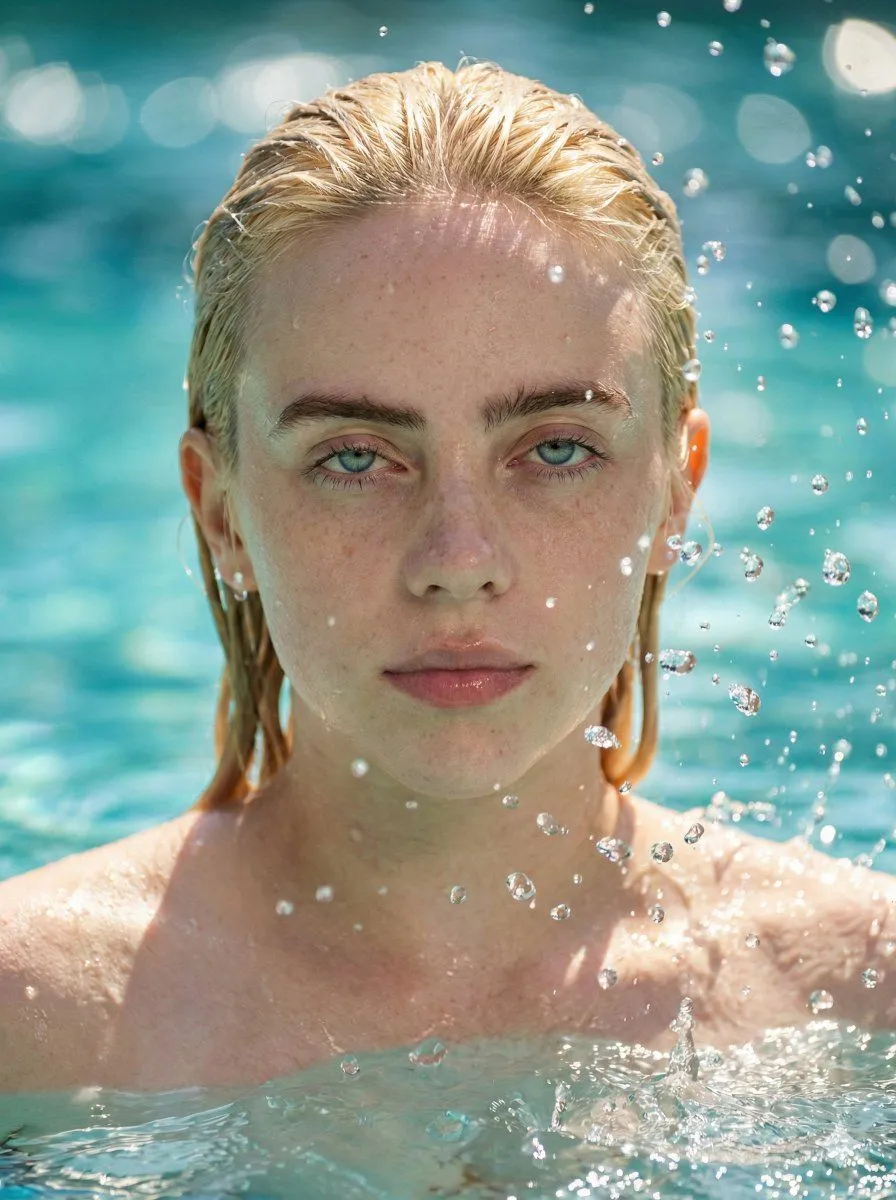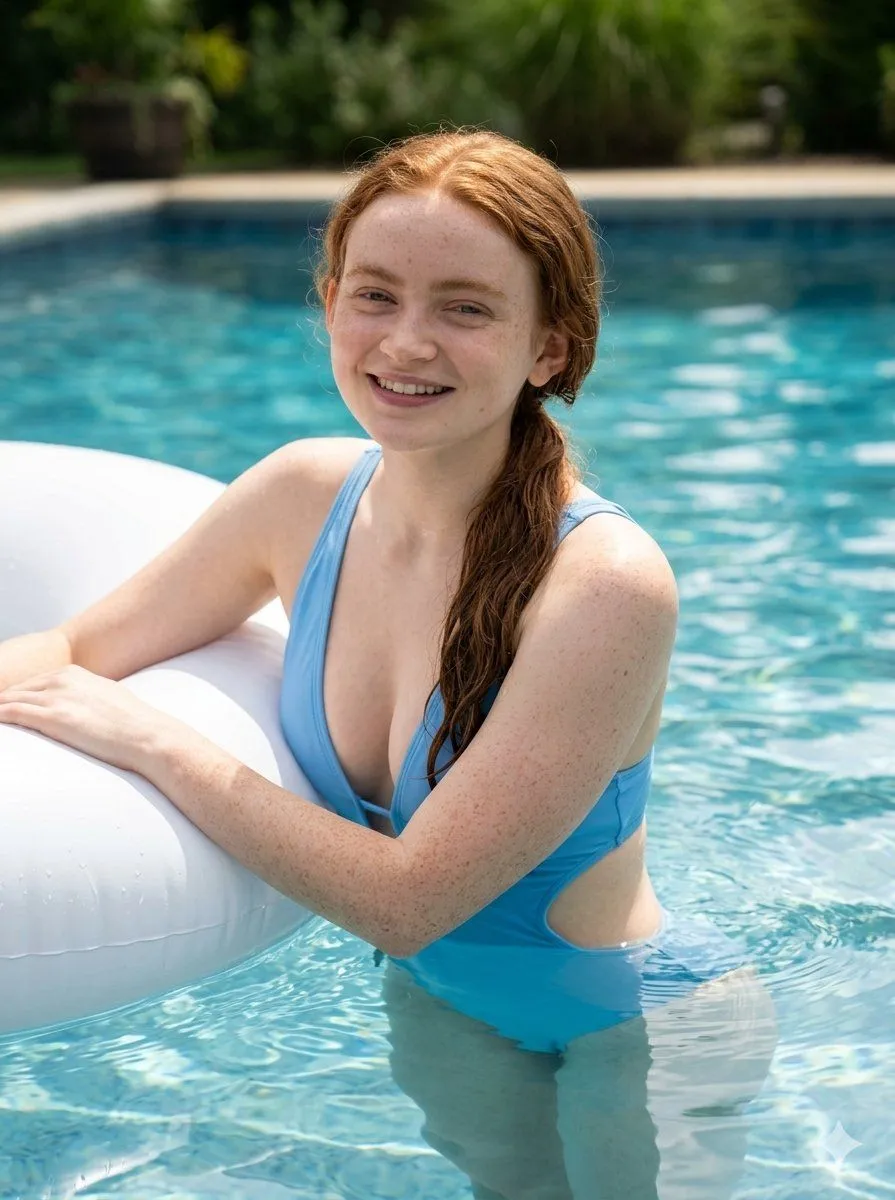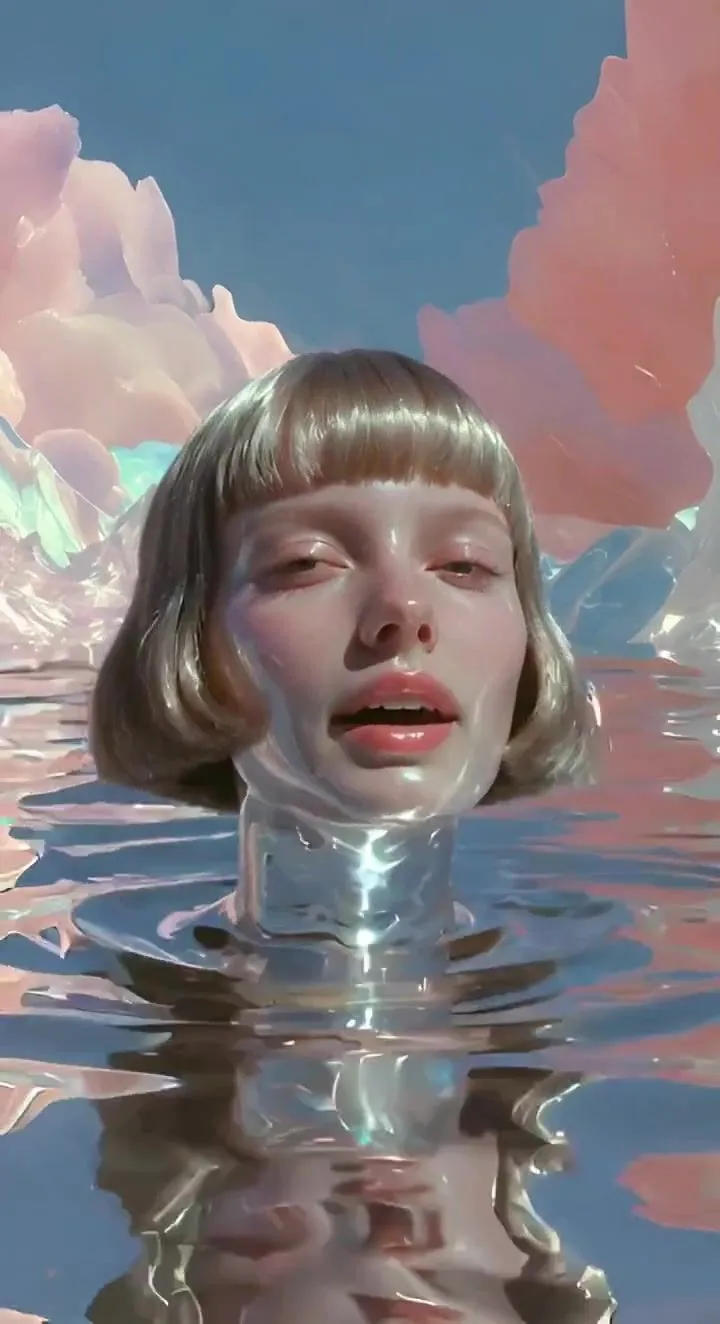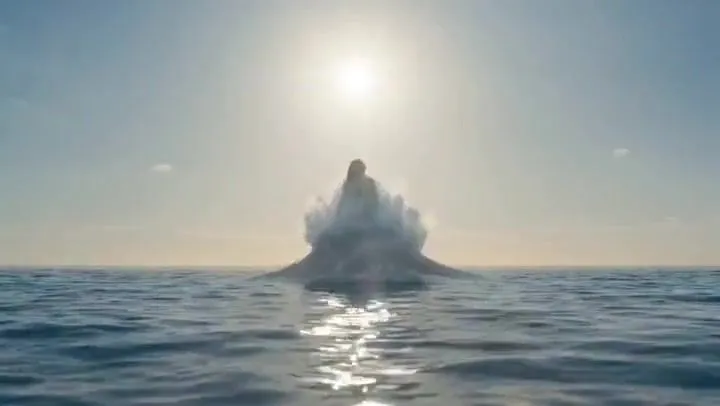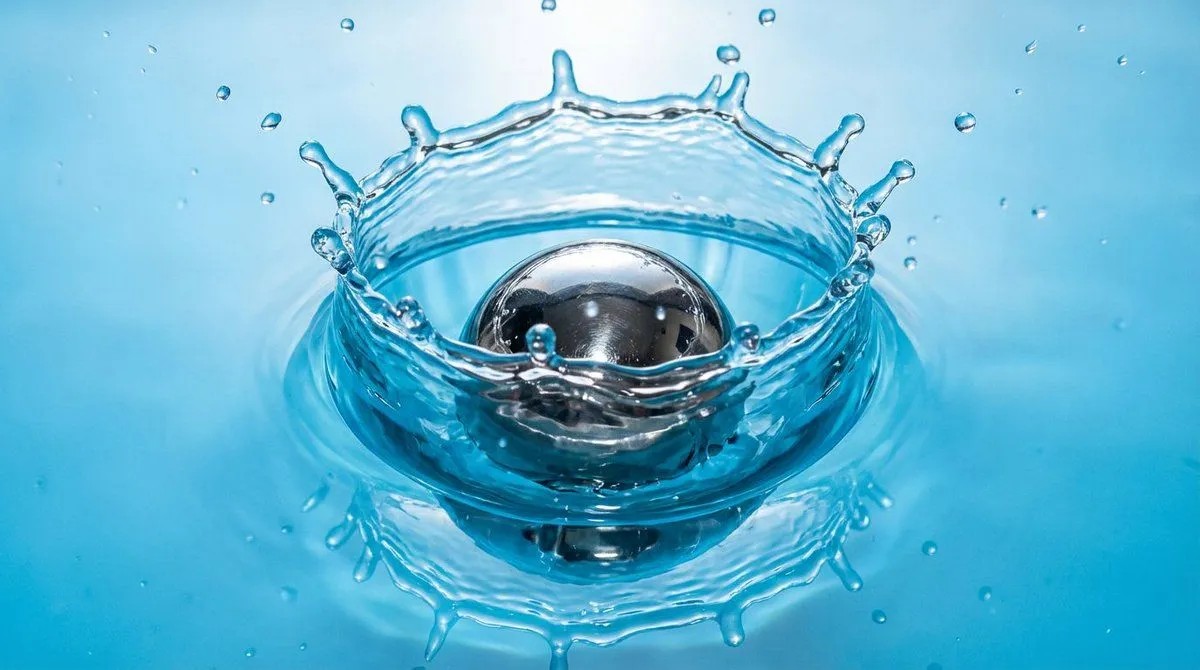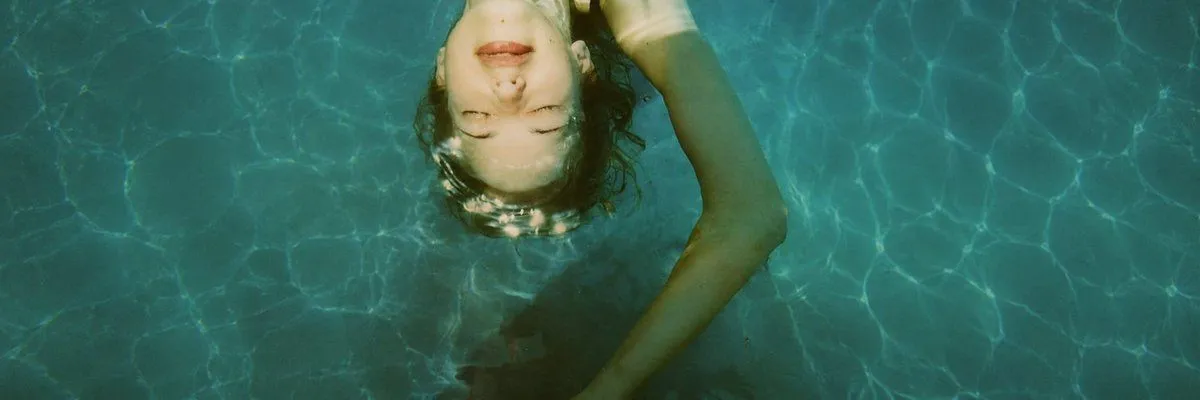
Made with GPT Image 2 in ChatGPT by Library Lifestyle. Promptclay never generates images.
Did it work?
No reports yet. Tell others if it worked for you.
Anonymized Swimmer in Teal Pool
Prompt
3 blanks to fillCreate an ultra-wide 3:1 cinematic photograph shot from directly above a {subject} floating just beneath the surface of a clear swimming pool. The water is deep teal and turquoise with bright sun-caustic ripples covering the entire frame. Place the swimmer slightly left of center near the upper half of the composition, with curly {hair_color} spreading in the water, one long arm arcing upward and across the right side, and the body fading into darker shadow below the surface. The face is obscured by a centered matte {face_cover_color} rectangular square, creating an anonymized editorial look. Use natural midday sunlight, realistic underwater refraction, soft green-blue color grading, subtle film grain, high detail, and a calm isolated mood. Leave large areas of open rippling pool water to the right and left, no text, no borders, no extra people.
Preview of your prompt
Create an ultra-wide 3:1 cinematic photograph shot from directly above a single swimmer floating just beneath the surface of a clear swimming pool. The water is deep teal and turquoise with bright sun-caustic ripples covering the entire frame. Place the swimmer slightly left of center near the upper half of the composition, with curly brown hair spreading in the water, one long arm arcing upward and across the right side, and the body fading into darker shadow below the surface. The face is obscured by a centered matte beige rectangular square, creating an anonymized editorial look. Use natural midday sunlight, realistic underwater refraction, soft green-blue color grading, subtle film grain, high detail, and a calm isolated mood. Leave large areas of open rippling pool water to the right and left, no text, no borders, no extra people.
DetailsVersions, settings and questions
Written for
What's in the prompt
- Subject
- Model
- GPT Image 2
If your face changes
keep my face exactly the sameQuestions
- Does this work in the ChatGPT app?
- Yes. Paste the prompt and attach your photo if it uses one.
- It changed my face. What do I do?
- Add "keep my face exactly the same" to the end and run it again.
- Can I use the images I make?
- Check the terms of the app you use. Promptclay never generates images and claims nothing you make.