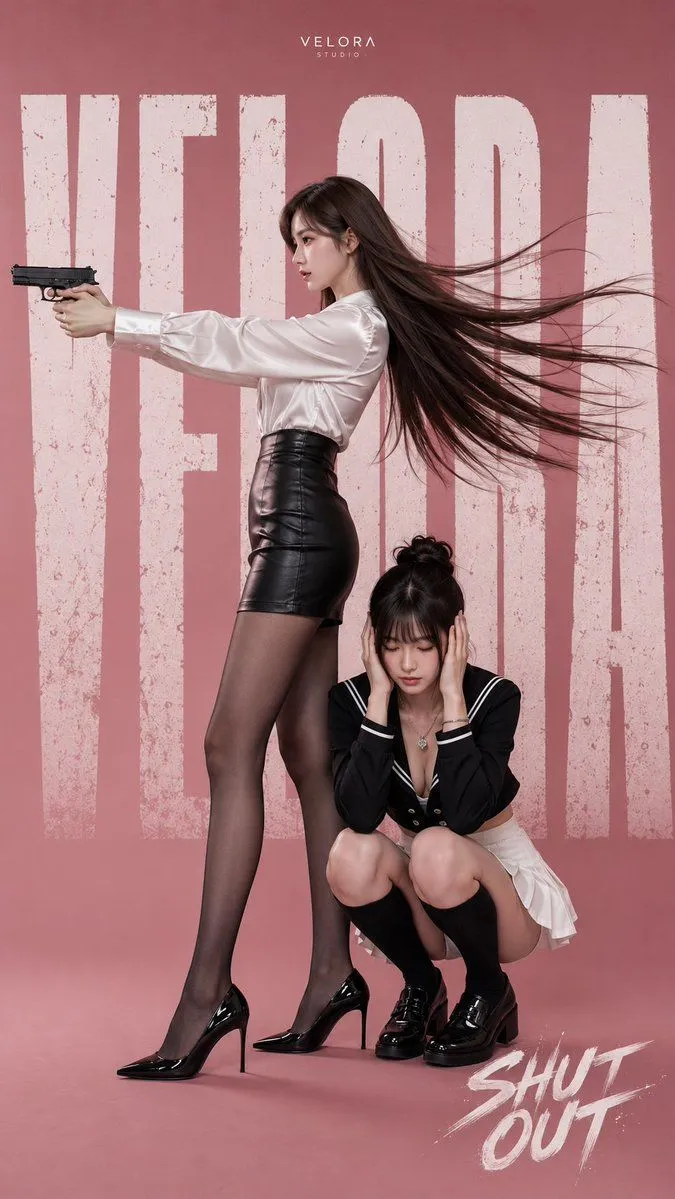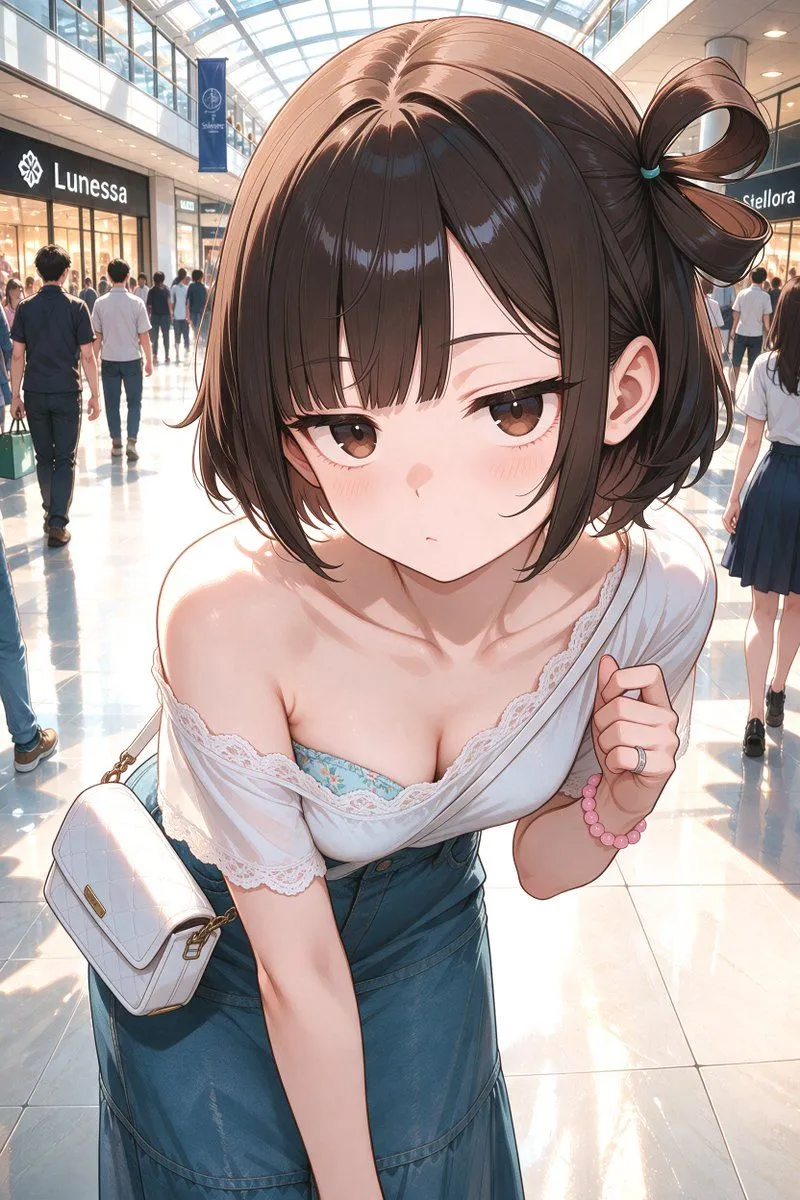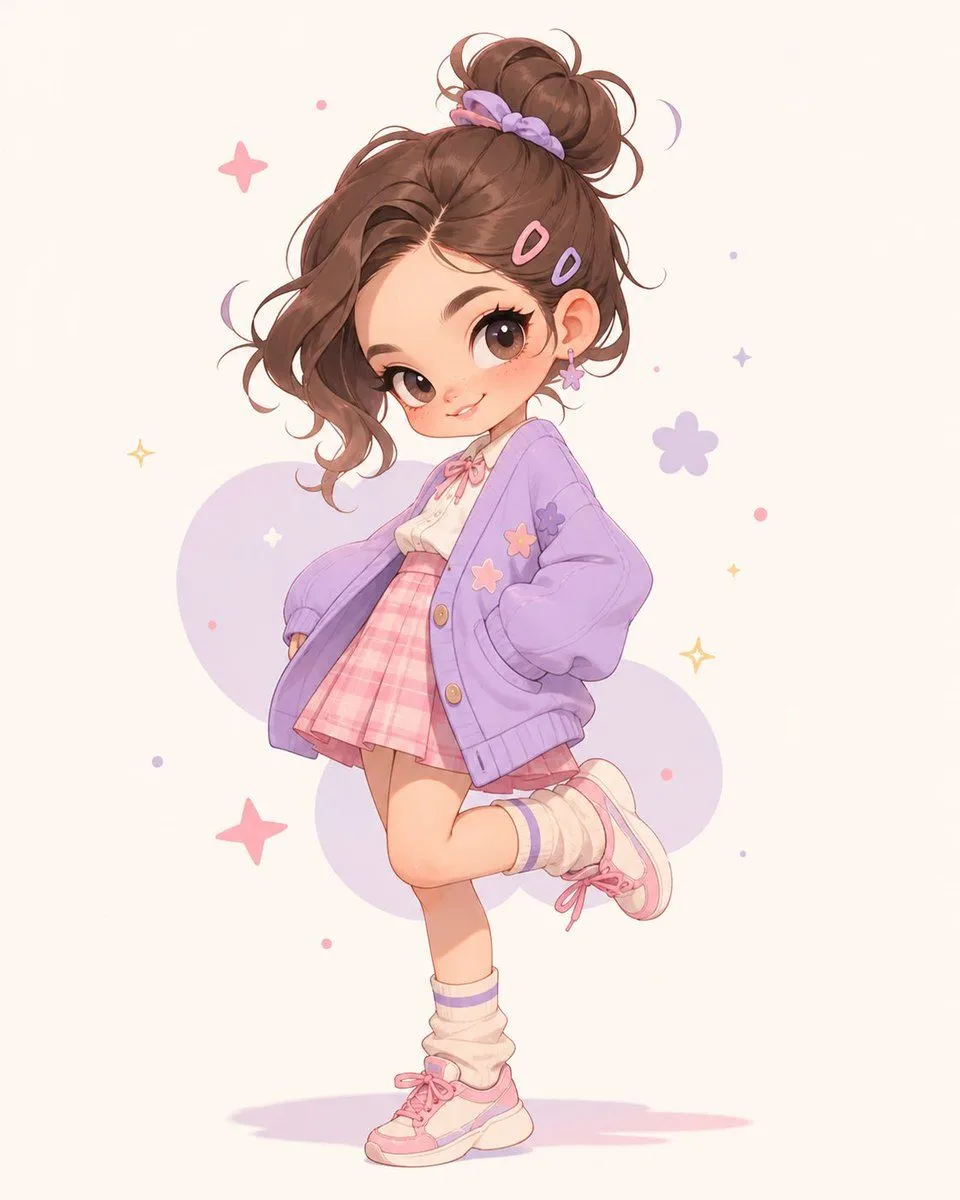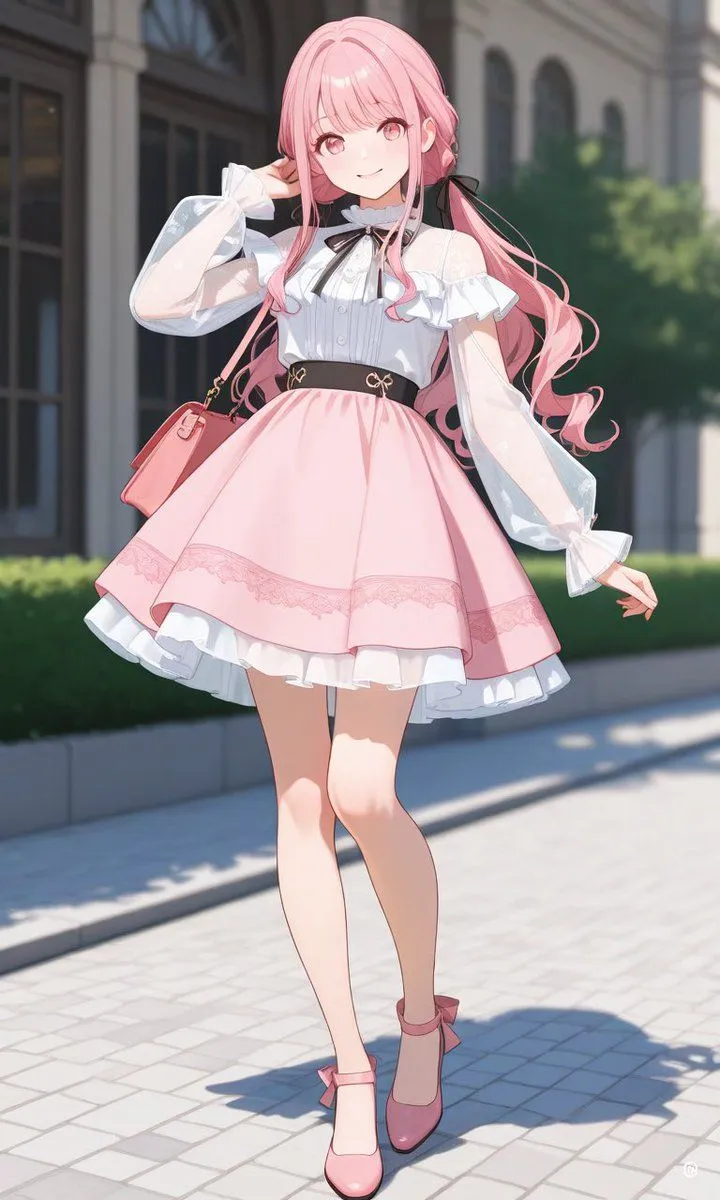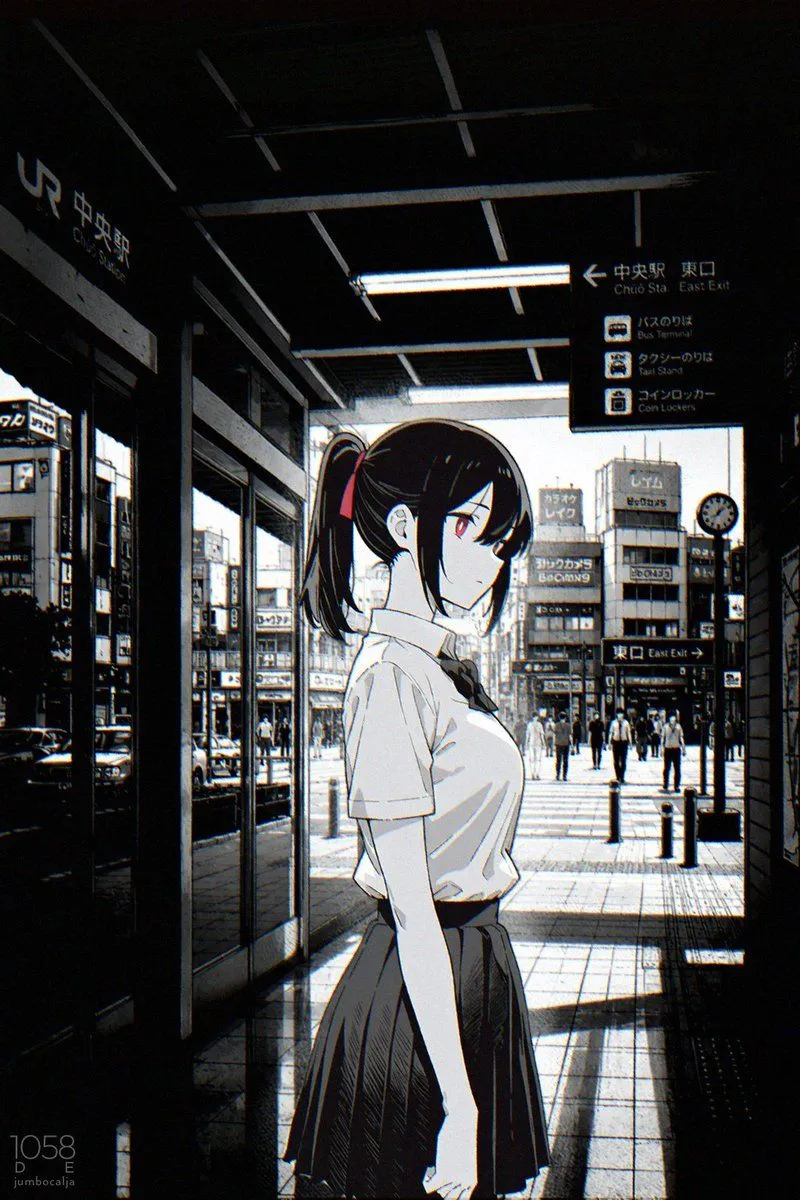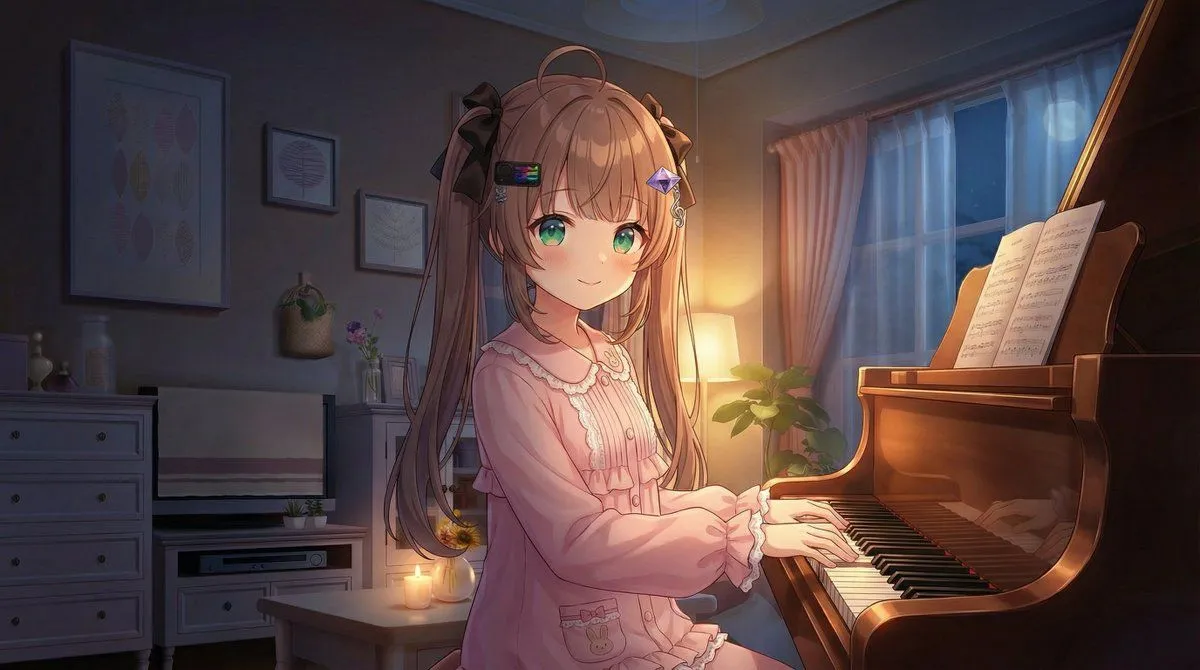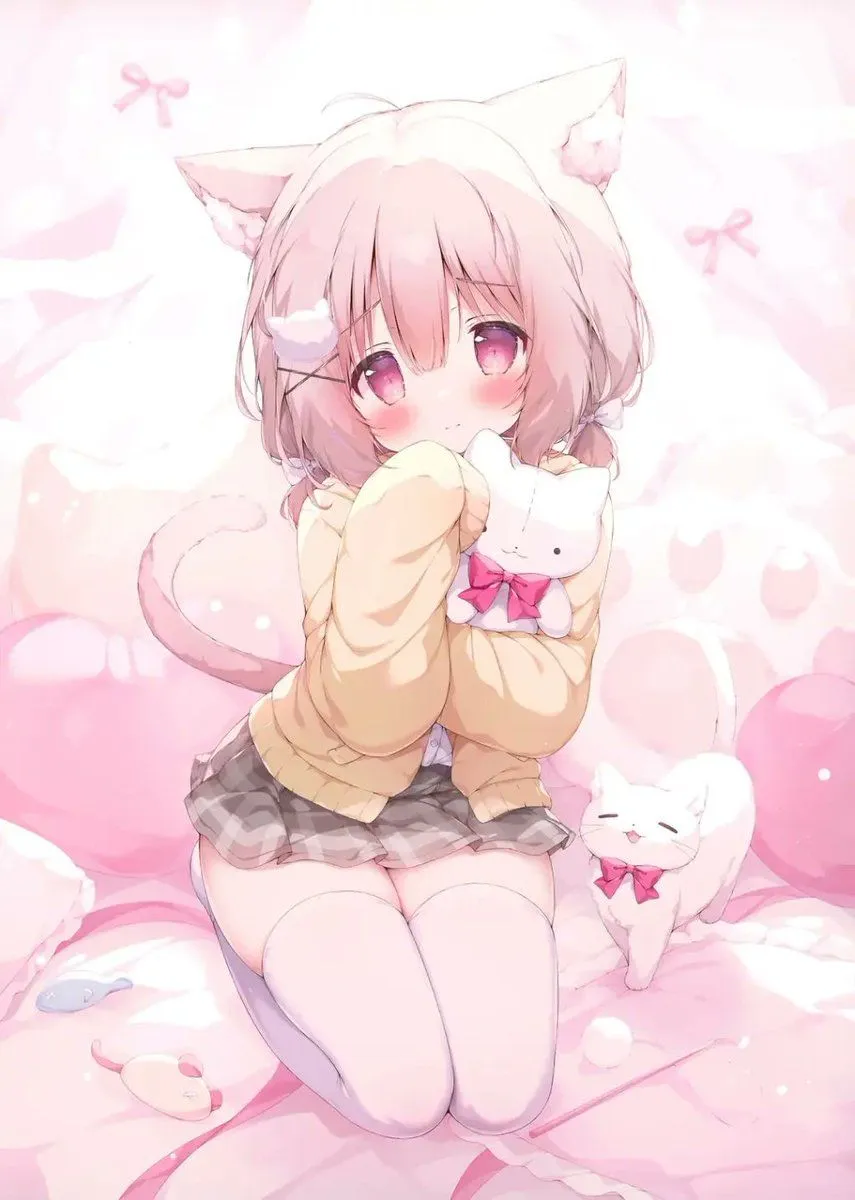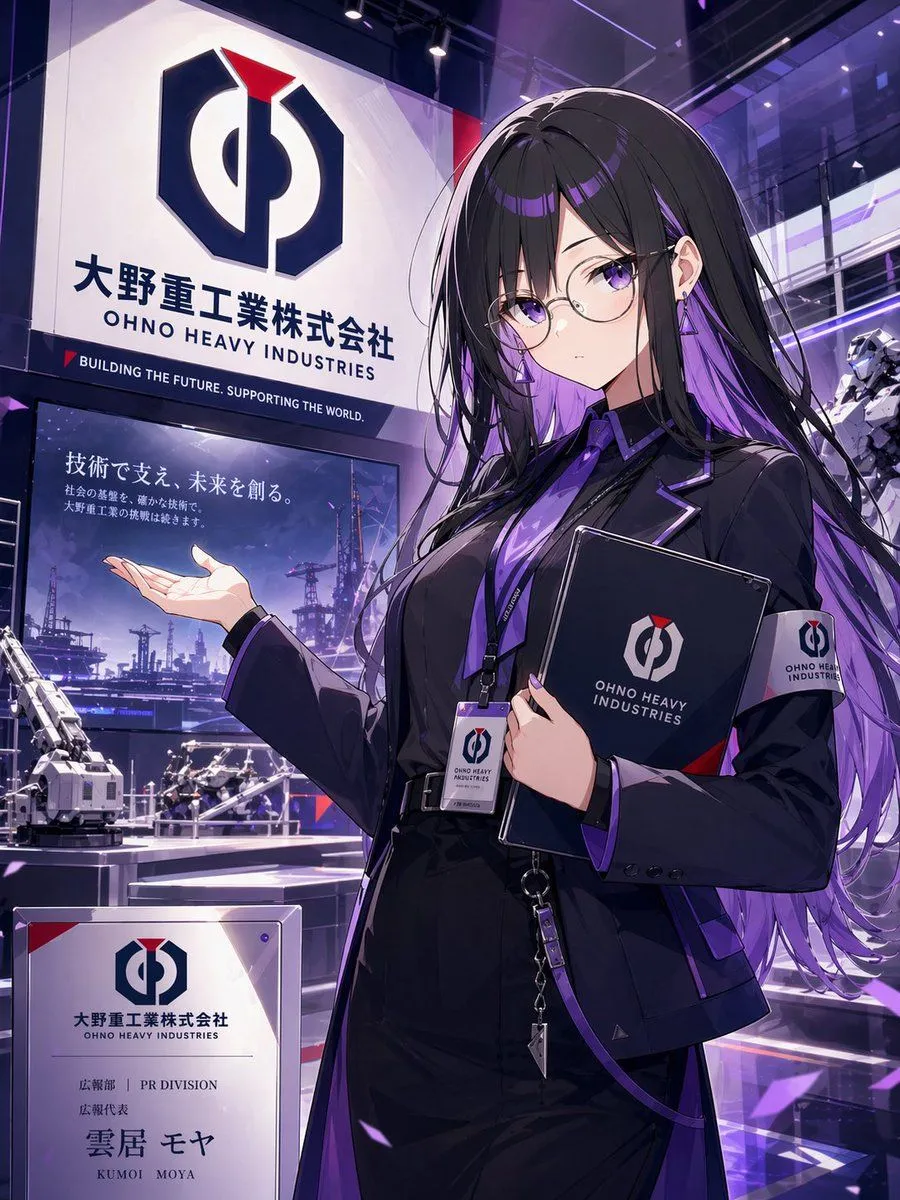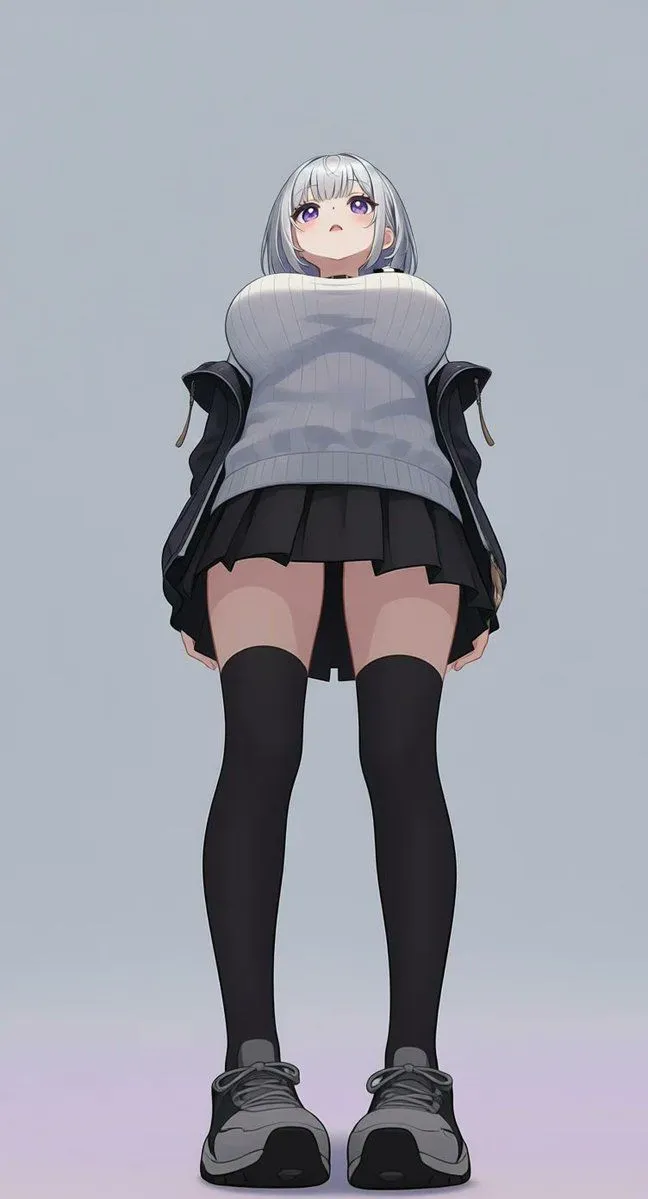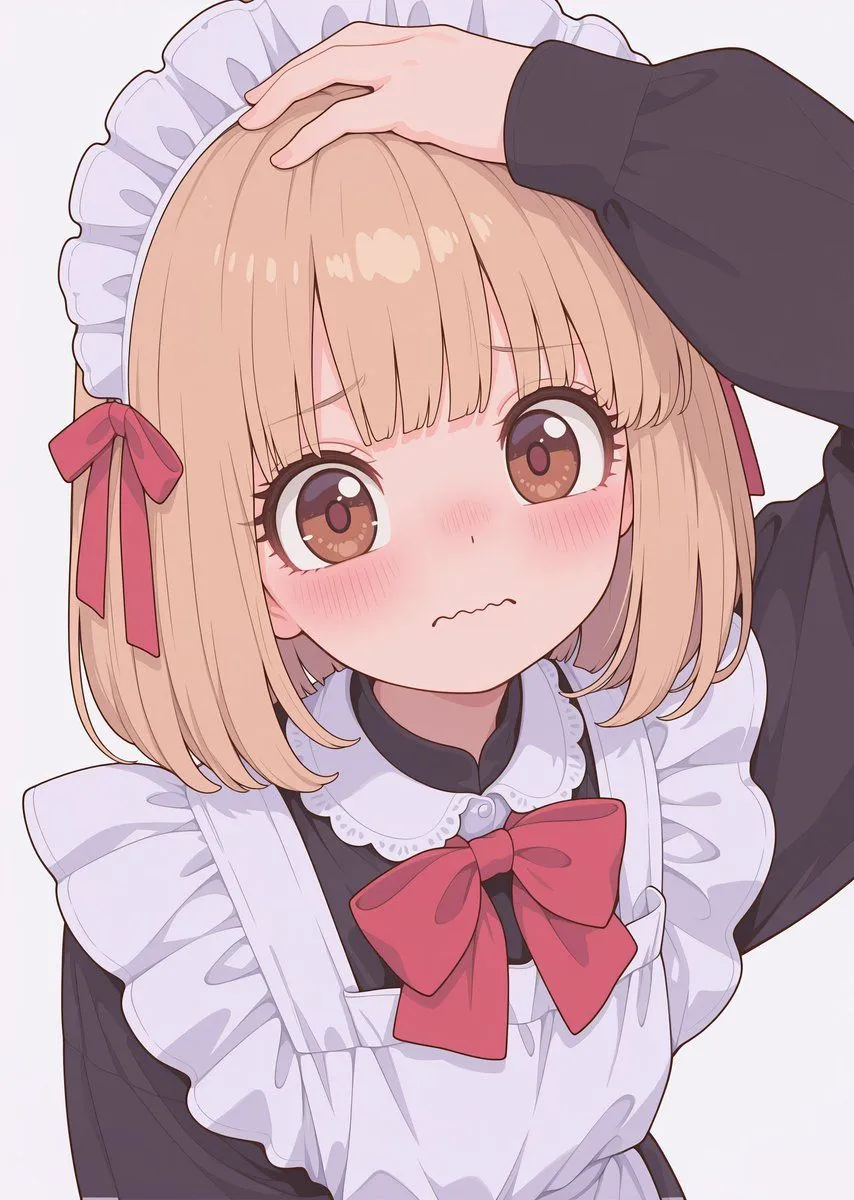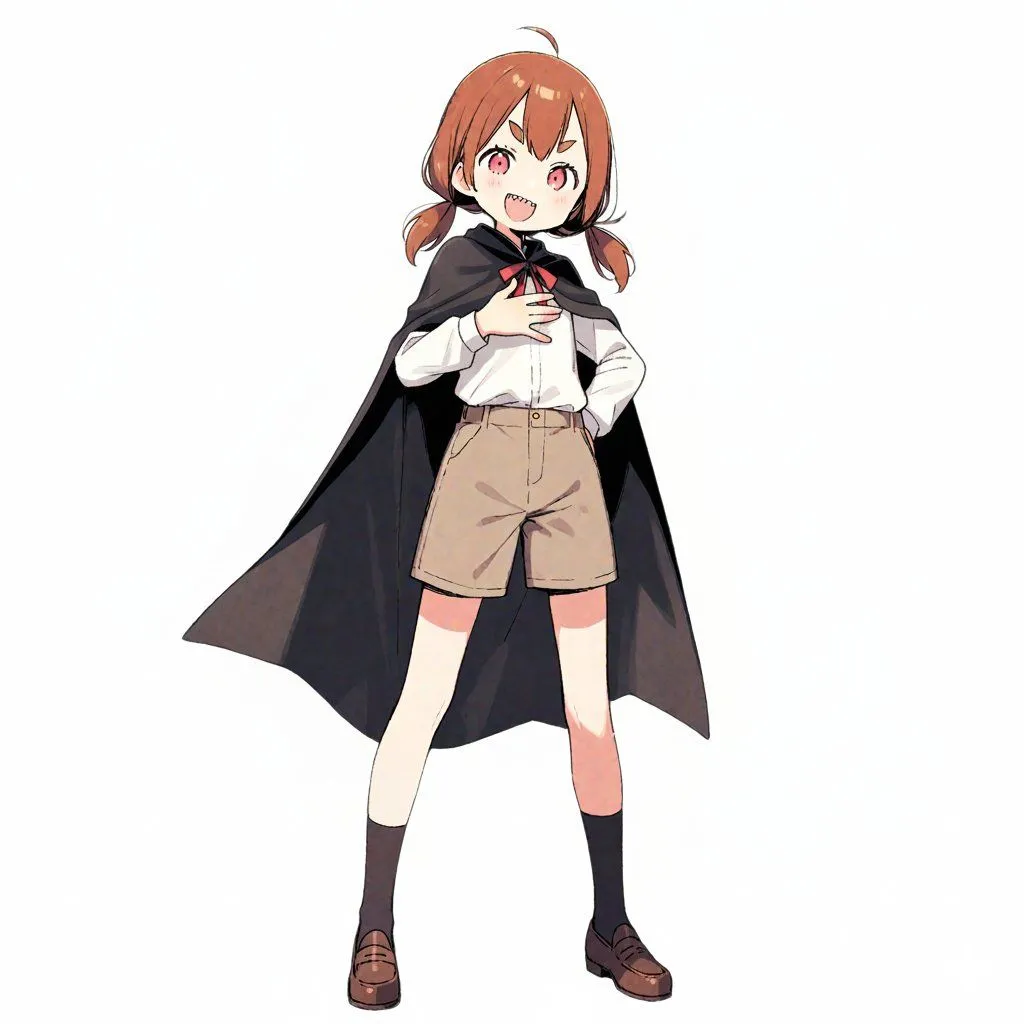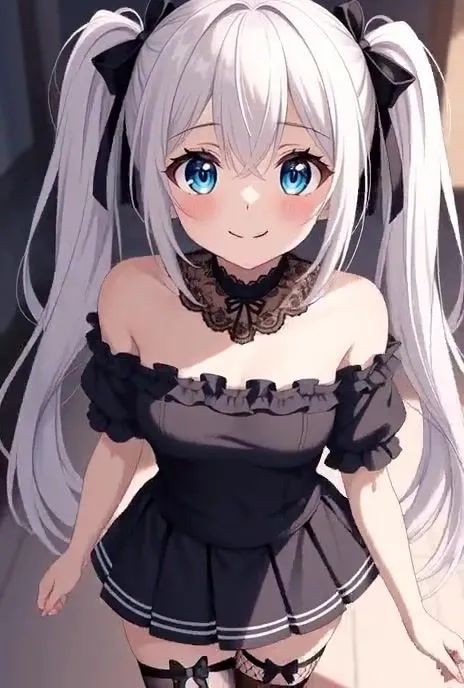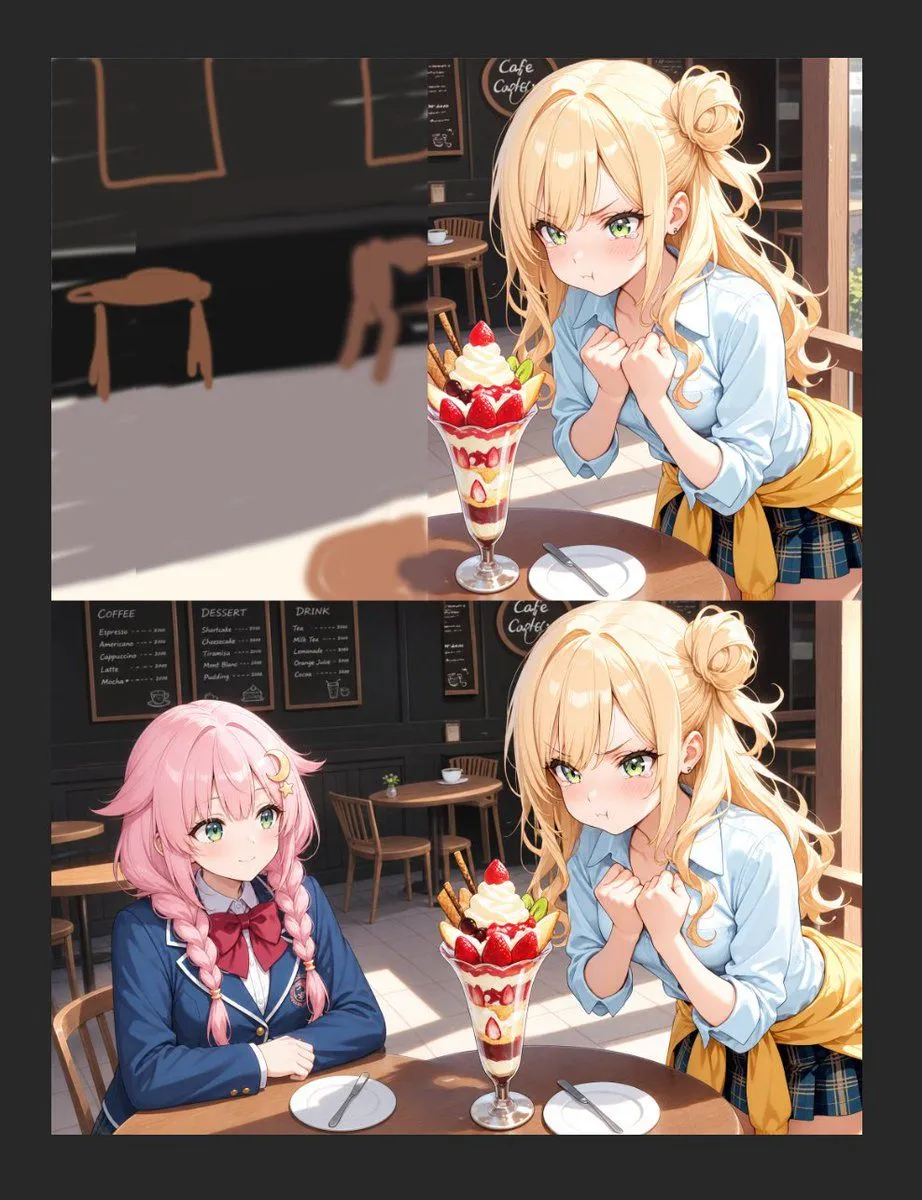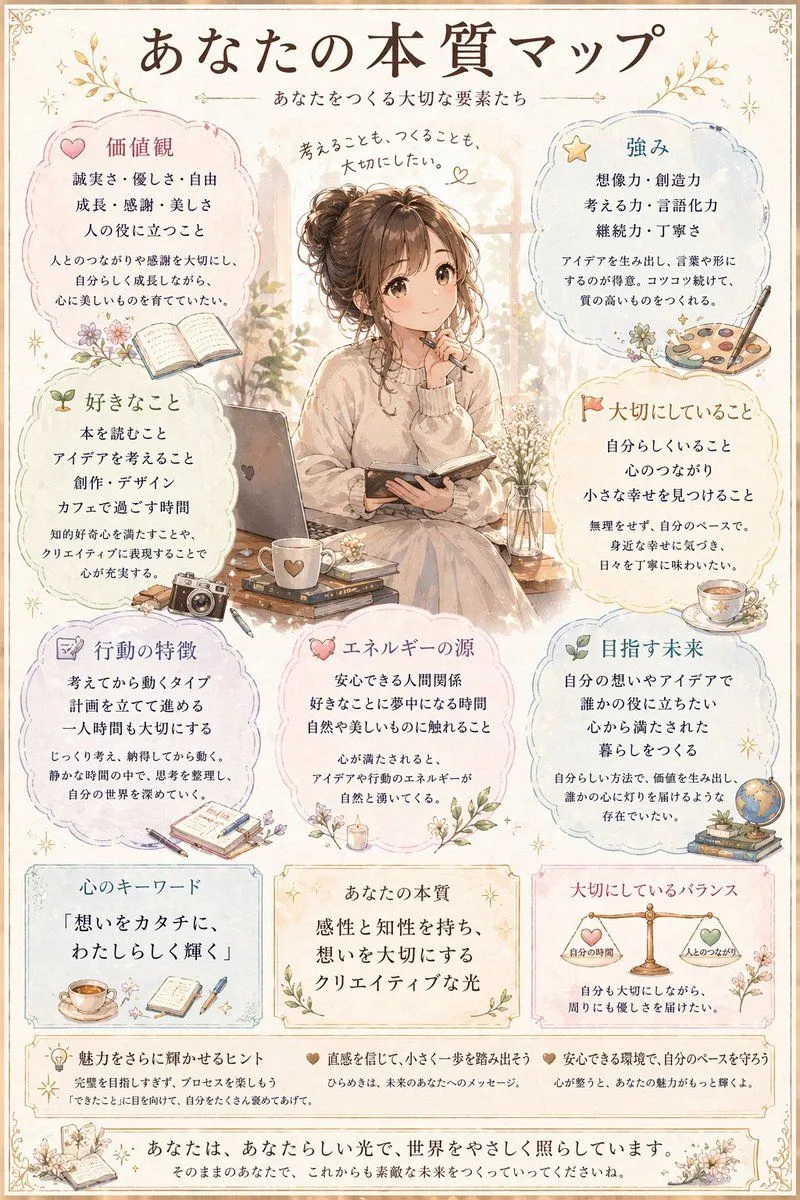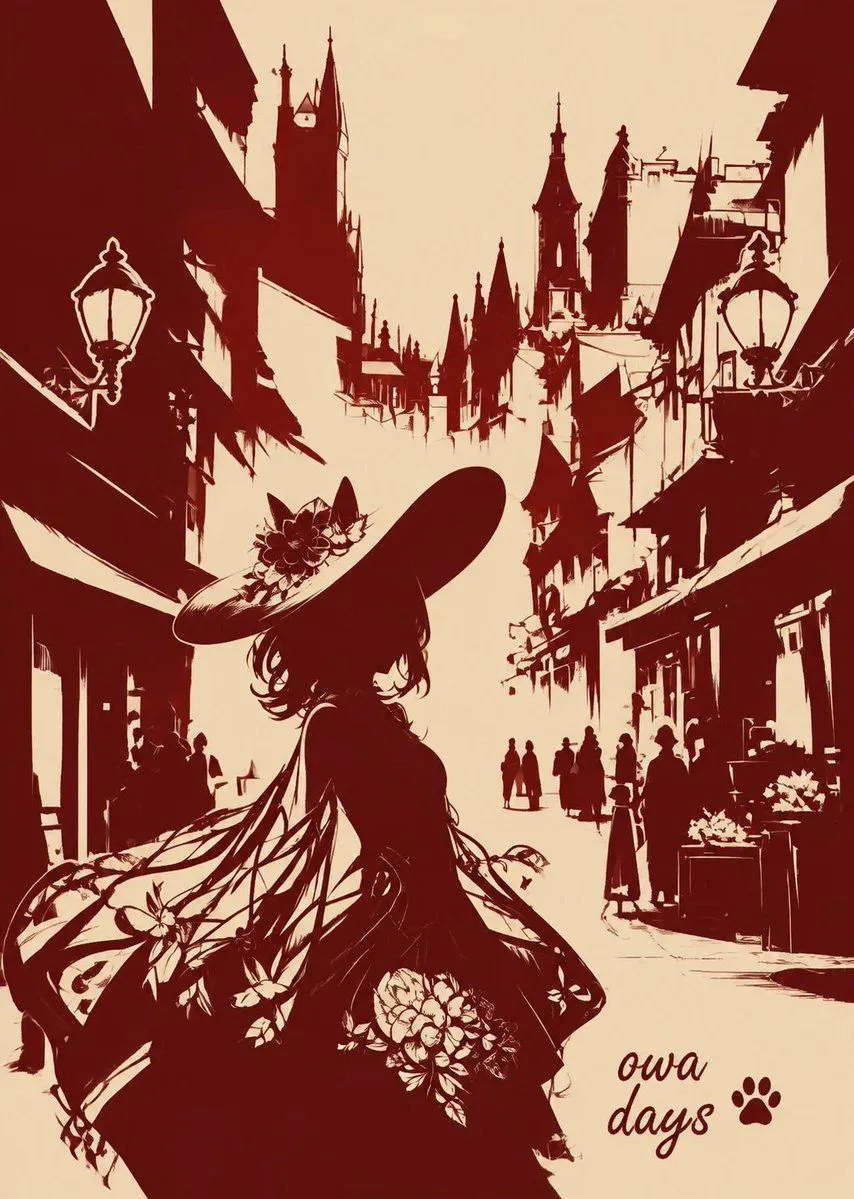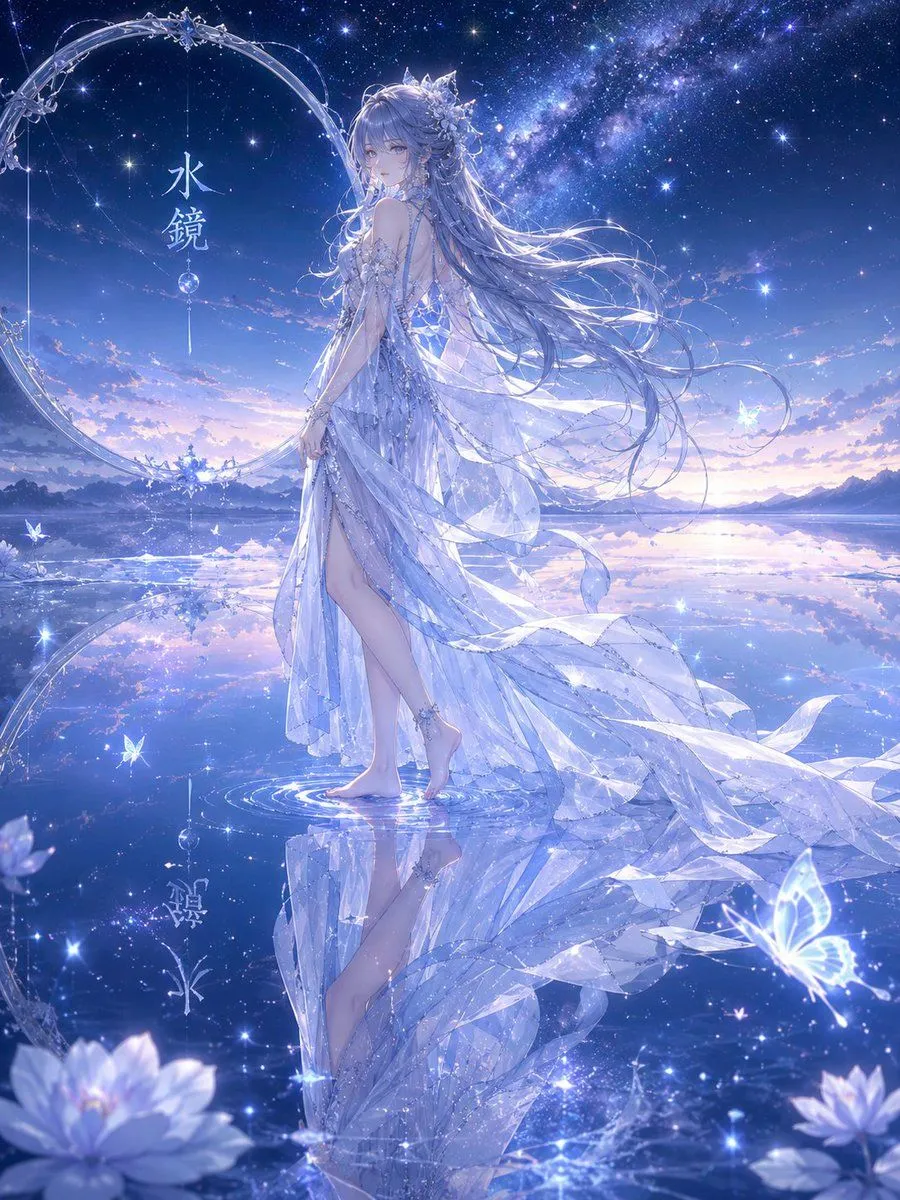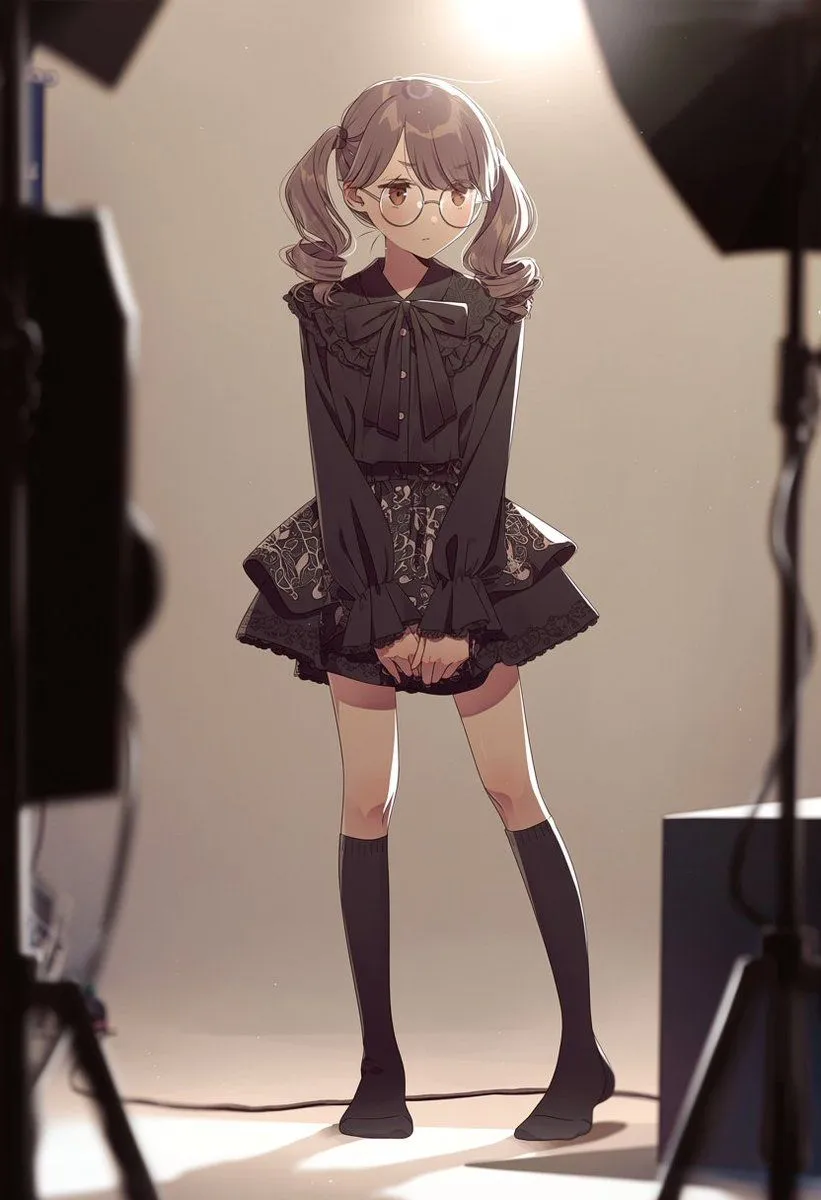
Made with GPT Image 2 in ChatGPT by Library Lifestyle. Promptclay never generates images.
Did it work?
No reports yet. Tell others if it worked for you.
Anime Studio Photoshoot Transformation
Prompt
3 blanks to fillUsing REFERENCE_0 as a loose source for the vertical composition and bright high backlight, transform the scene into a warm anime-style behind-the-scenes fashion studio photoshoot. Remove the stairwell, window, handrail, floor numbering, tactile paving, and wall fixtures. Add exactly 1 full-body anime girl centered in frame, standing shyly with knees slightly inward and hands clasped in front, wearing {outfit_style}. Give her {hair_style} and {accessory}. Add exactly 4 visible studio-production elements around the edges: 1 dark blurred lighting/camera rig on the left foreground, 1 black softbox at the upper right, 1 light stand on the right, and 1 rectangular equipment block at the lower right. Keep the background simple beige, with strong warm overhead spotlight glow, rim light, soft shadows on the floor, shallow depth of field, and cinematic anime illustration rendering.
Preview of your prompt
Using REFERENCE_0 as a loose source for the vertical composition and bright high backlight, transform the scene into a warm anime-style behind-the-scenes fashion studio photoshoot. Remove the stairwell, window, handrail, floor numbering, tactile paving, and wall fixtures. Add exactly 1 full-body anime girl centered in frame, standing shyly with knees slightly inward and hands clasped in front, wearing a black gothic-lolita blouse with a large bow, ruffled collar, ornate short skirt, and knee-high socks. Give her soft twin ponytails and round glasses. Add exactly 4 visible studio-production elements around the edges: 1 dark blurred lighting/camera rig on the left foreground, 1 black softbox at the upper right, 1 light stand on the right, and 1 rectangular equipment block at the lower right. Keep the background simple beige, with strong warm overhead spotlight glow, rim light, soft shadows on the floor, shallow depth of field, and cinematic anime illustration rendering.
DetailsVersions, settings and questions
Written for
What's in the prompt
- Subject
- Model
- GPT Image 2
If your face changes
keep my face exactly the sameQuestions
- Does this work in the ChatGPT app?
- Yes. Paste the prompt and attach your photo if it uses one.
- It changed my face. What do I do?
- Add "keep my face exactly the same" to the end and run it again.
- Can I use the images I make?
- Check the terms of the app you use. Promptclay never generates images and claims nothing you make.