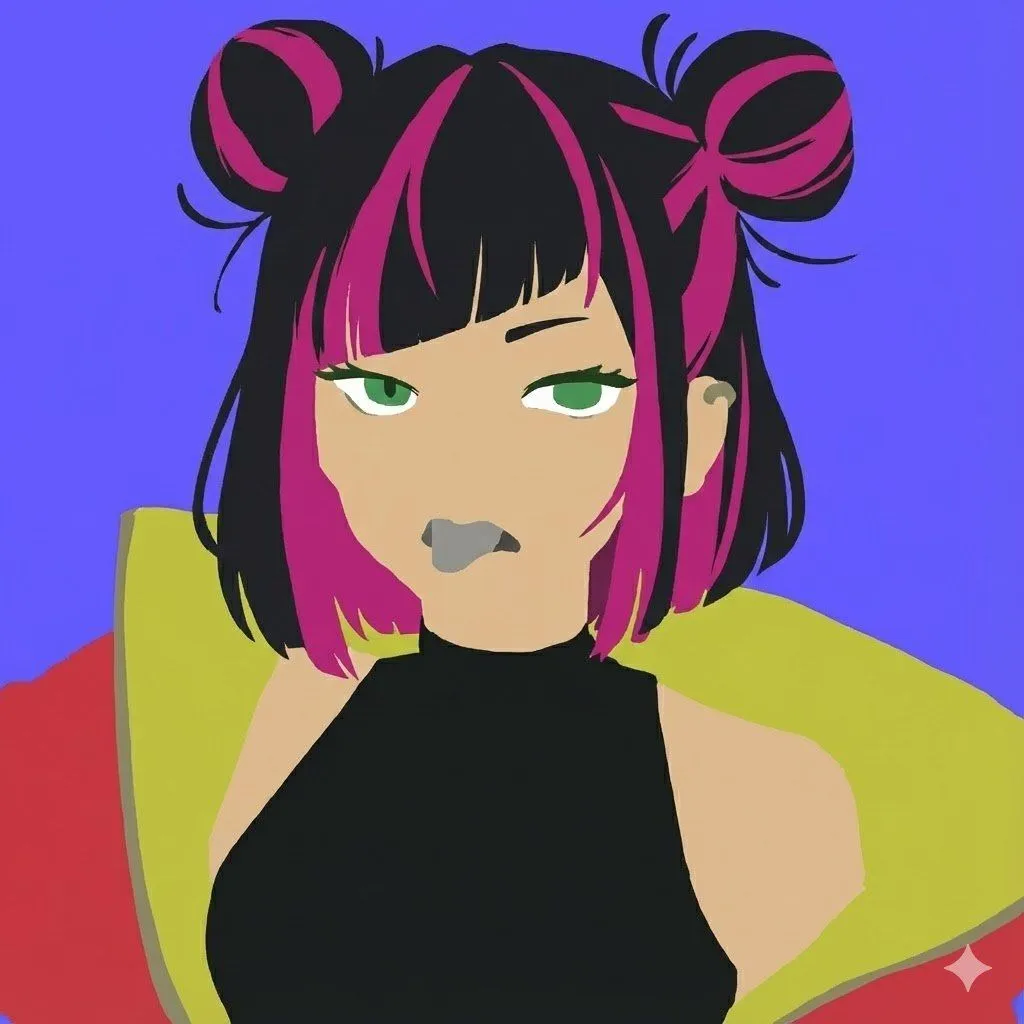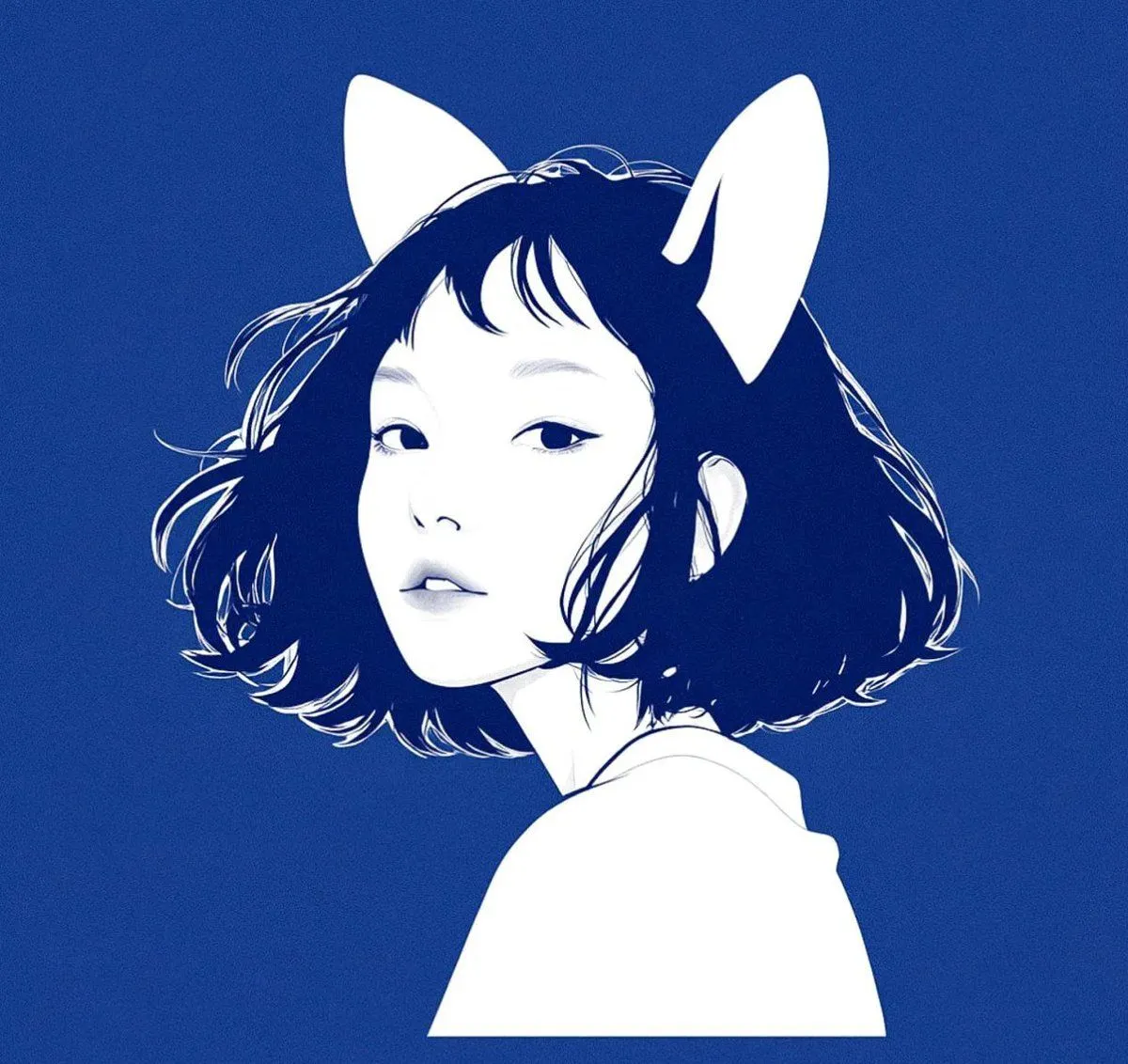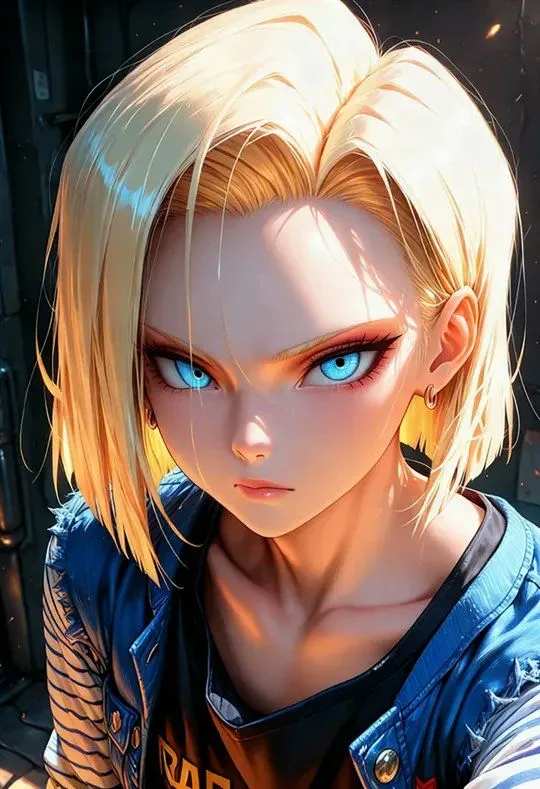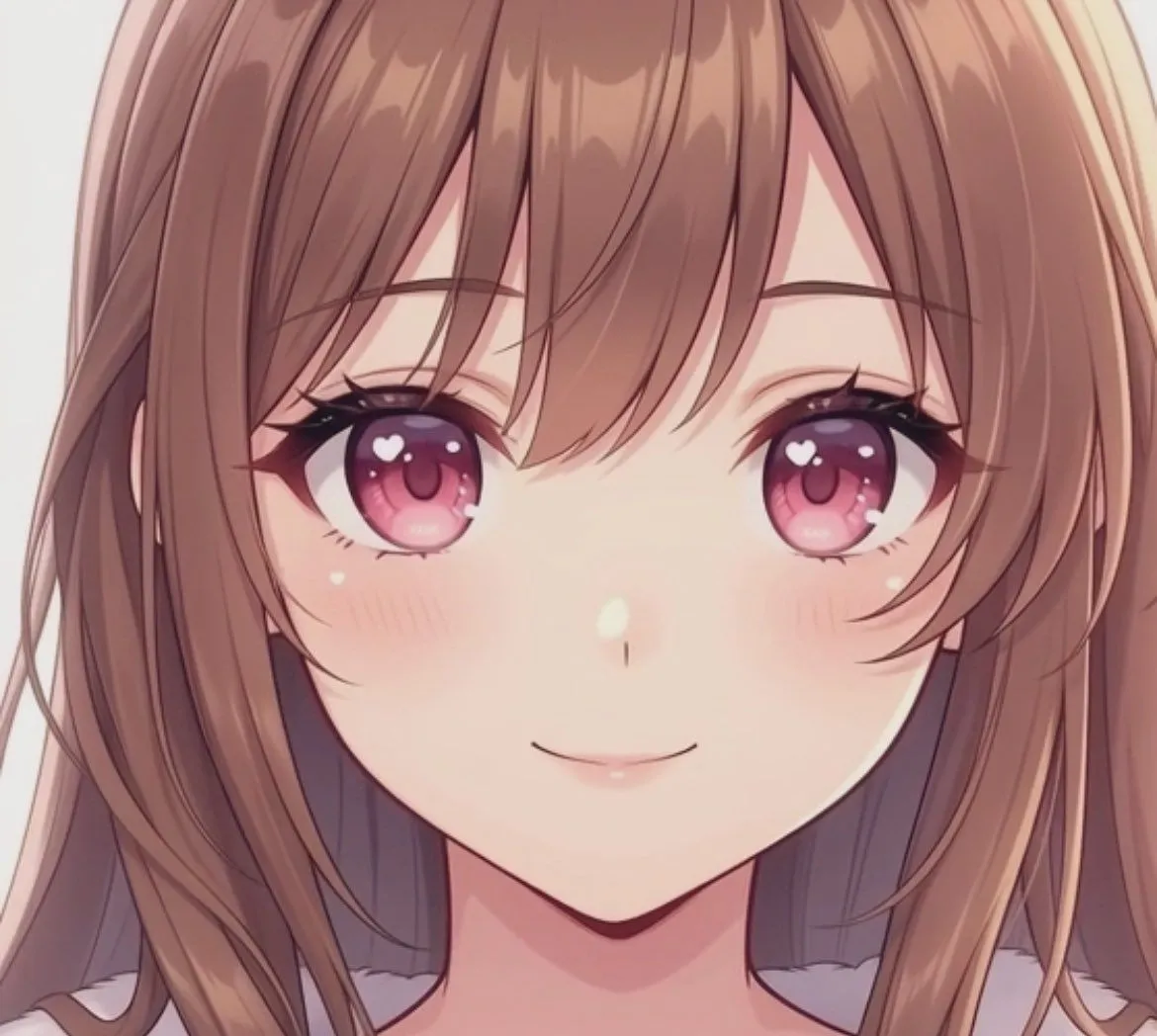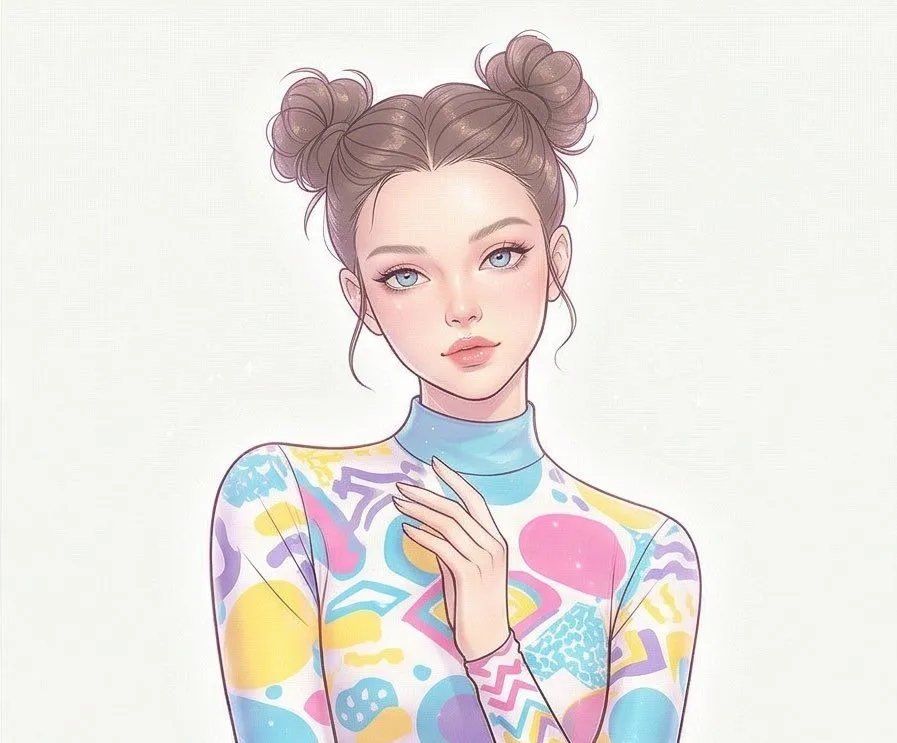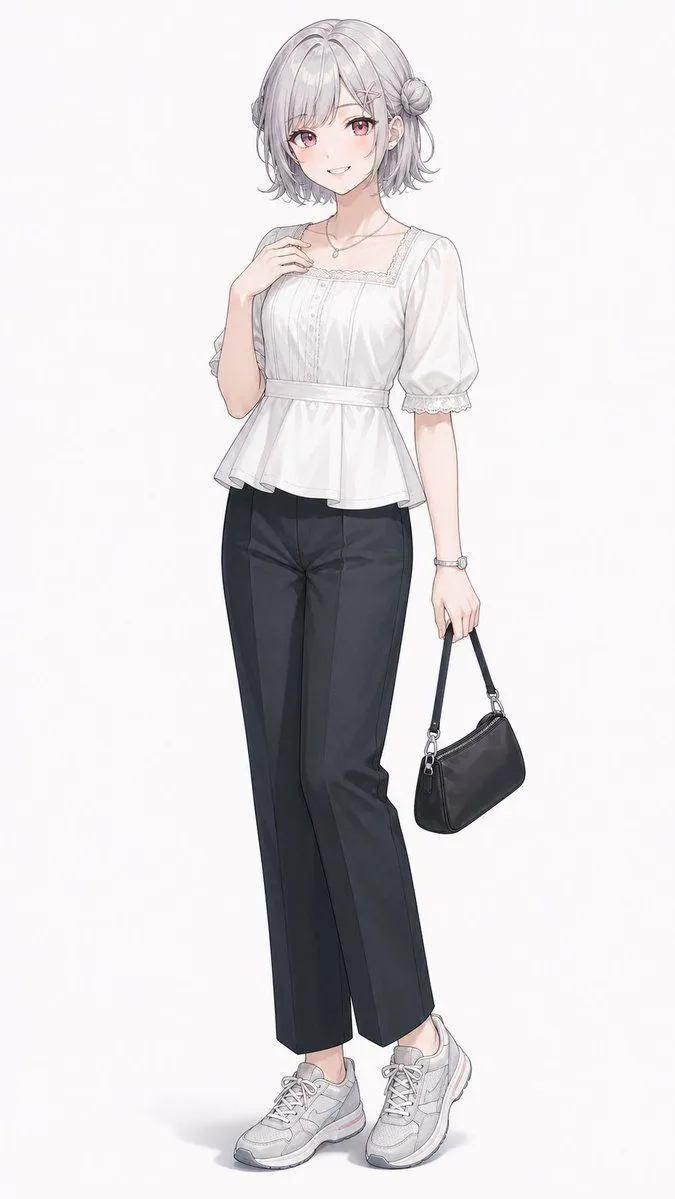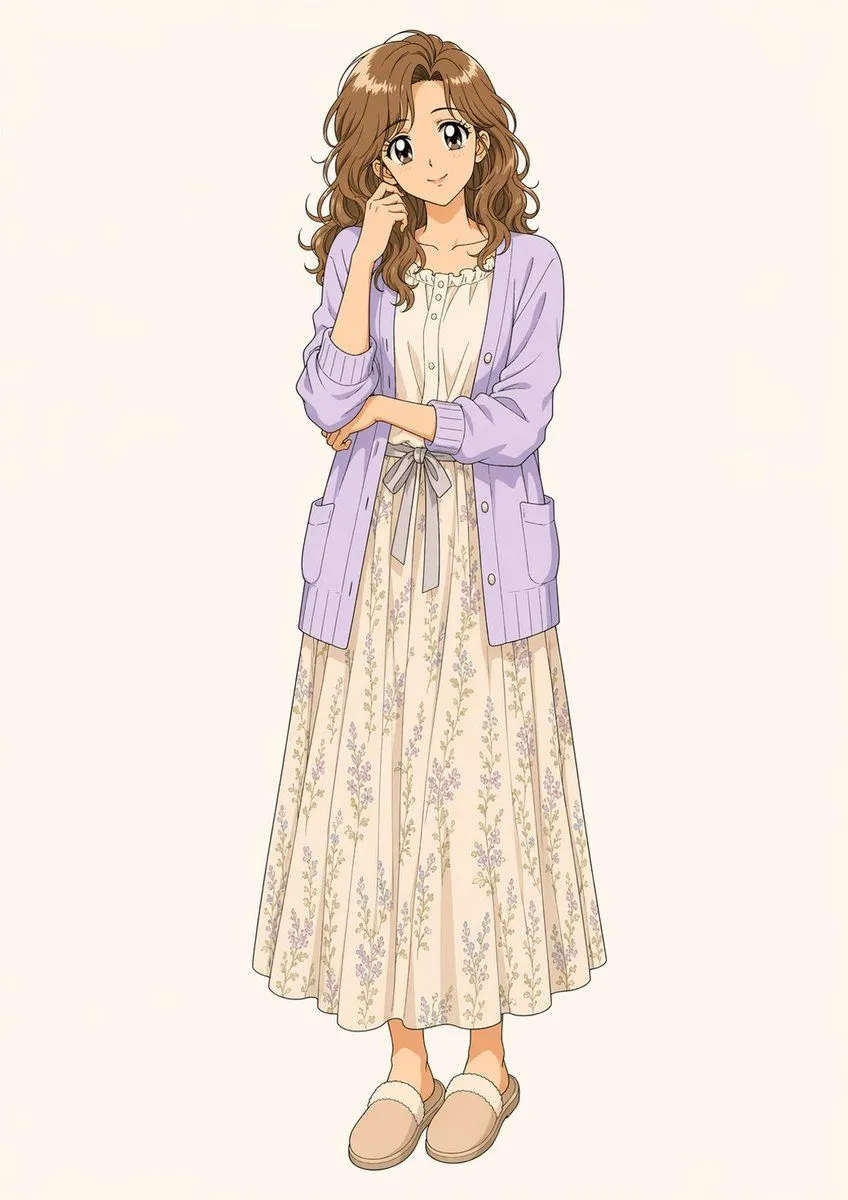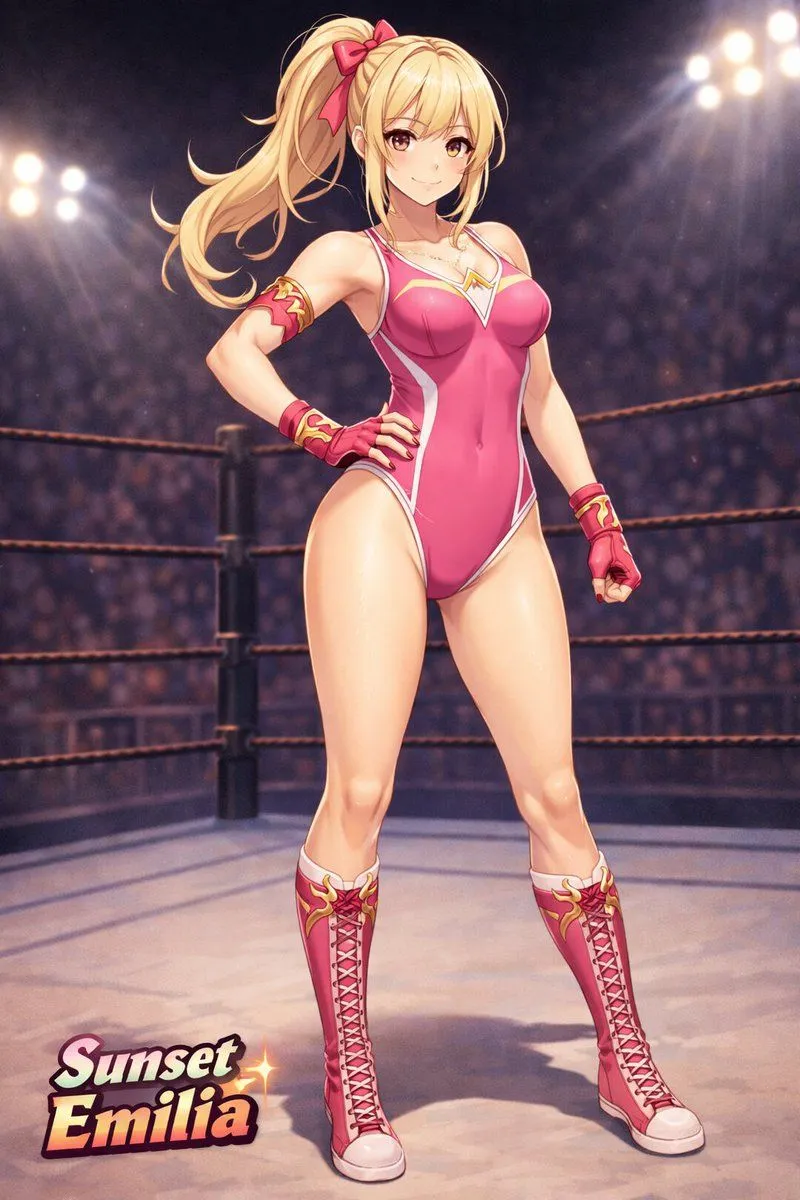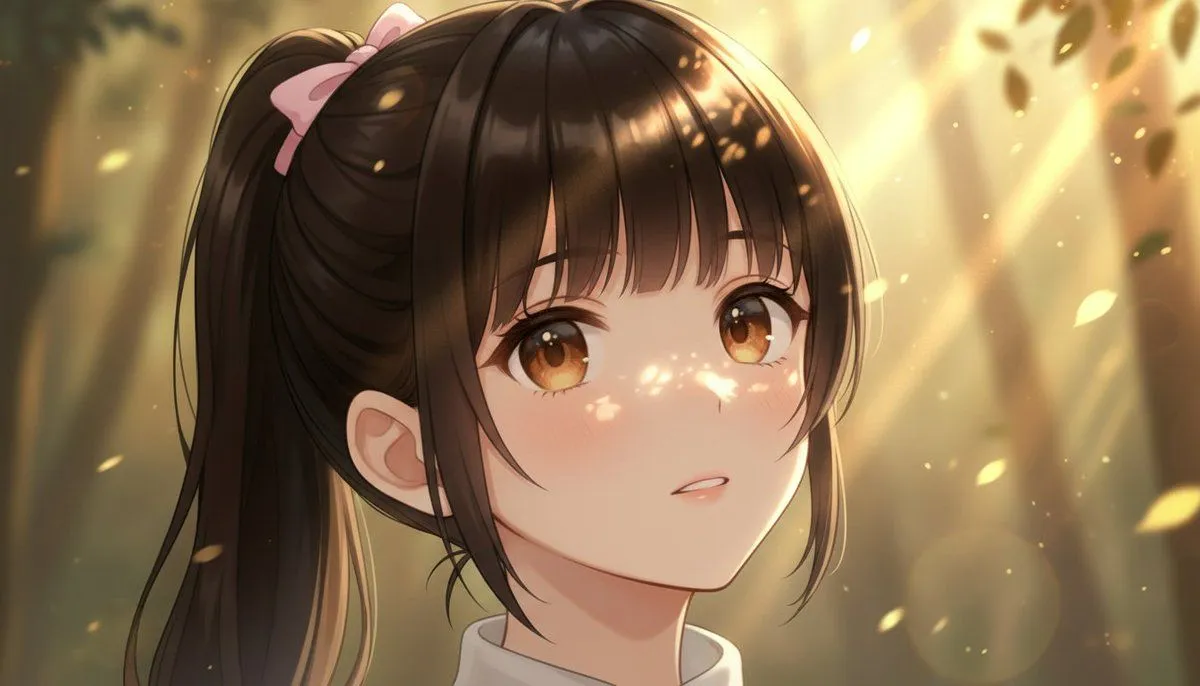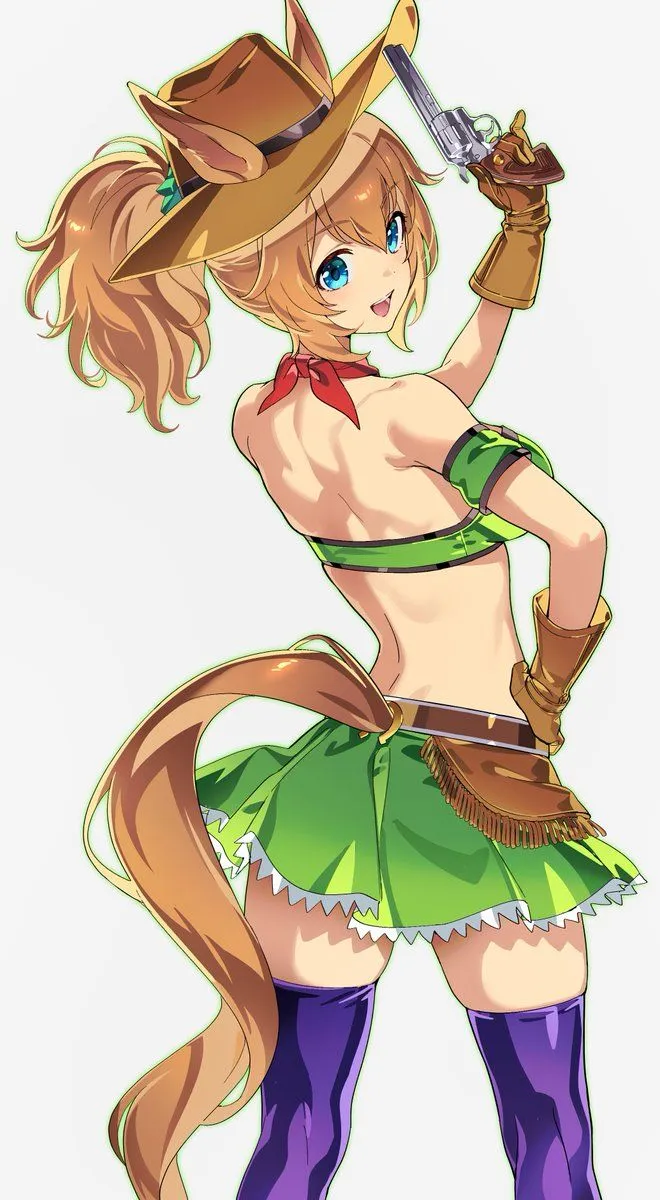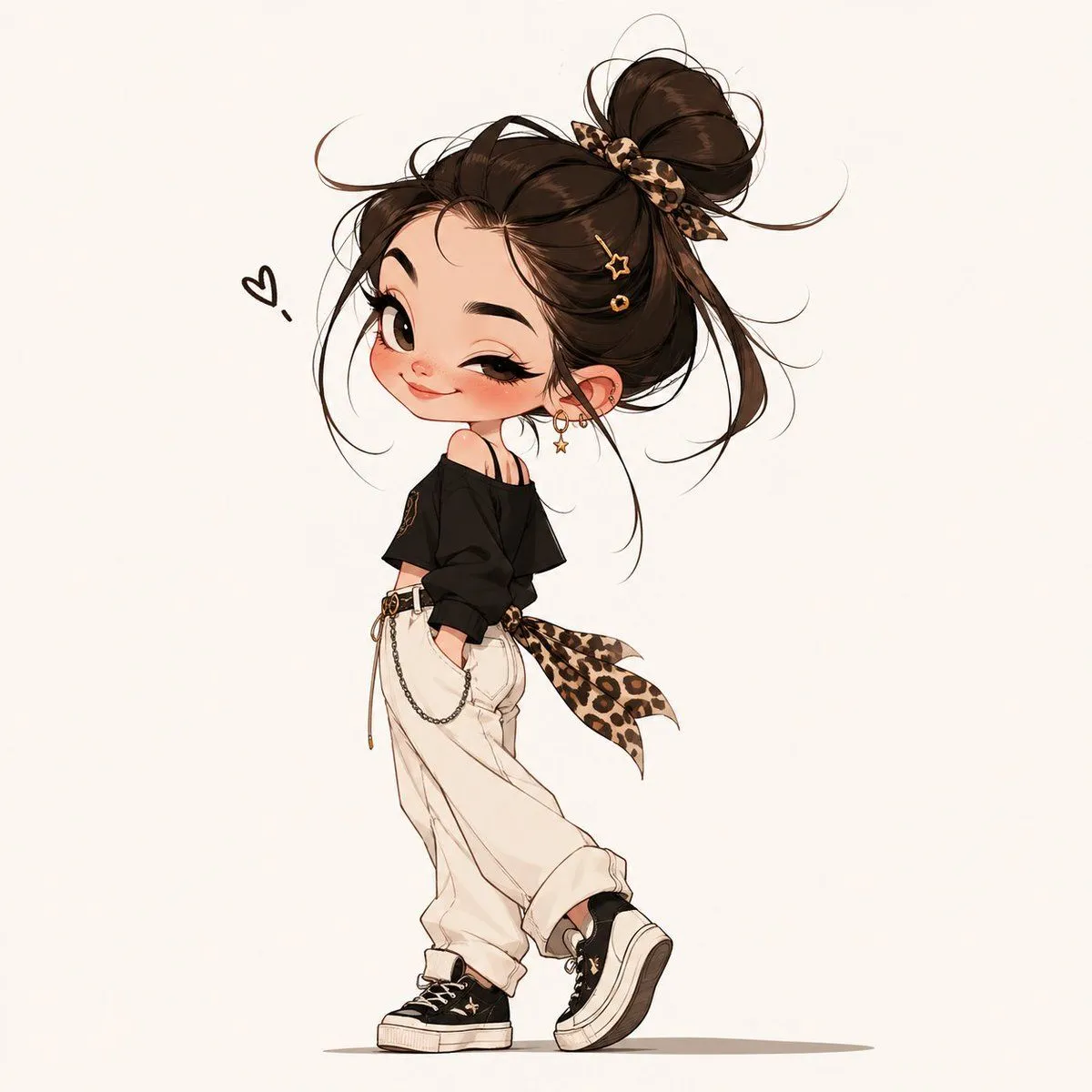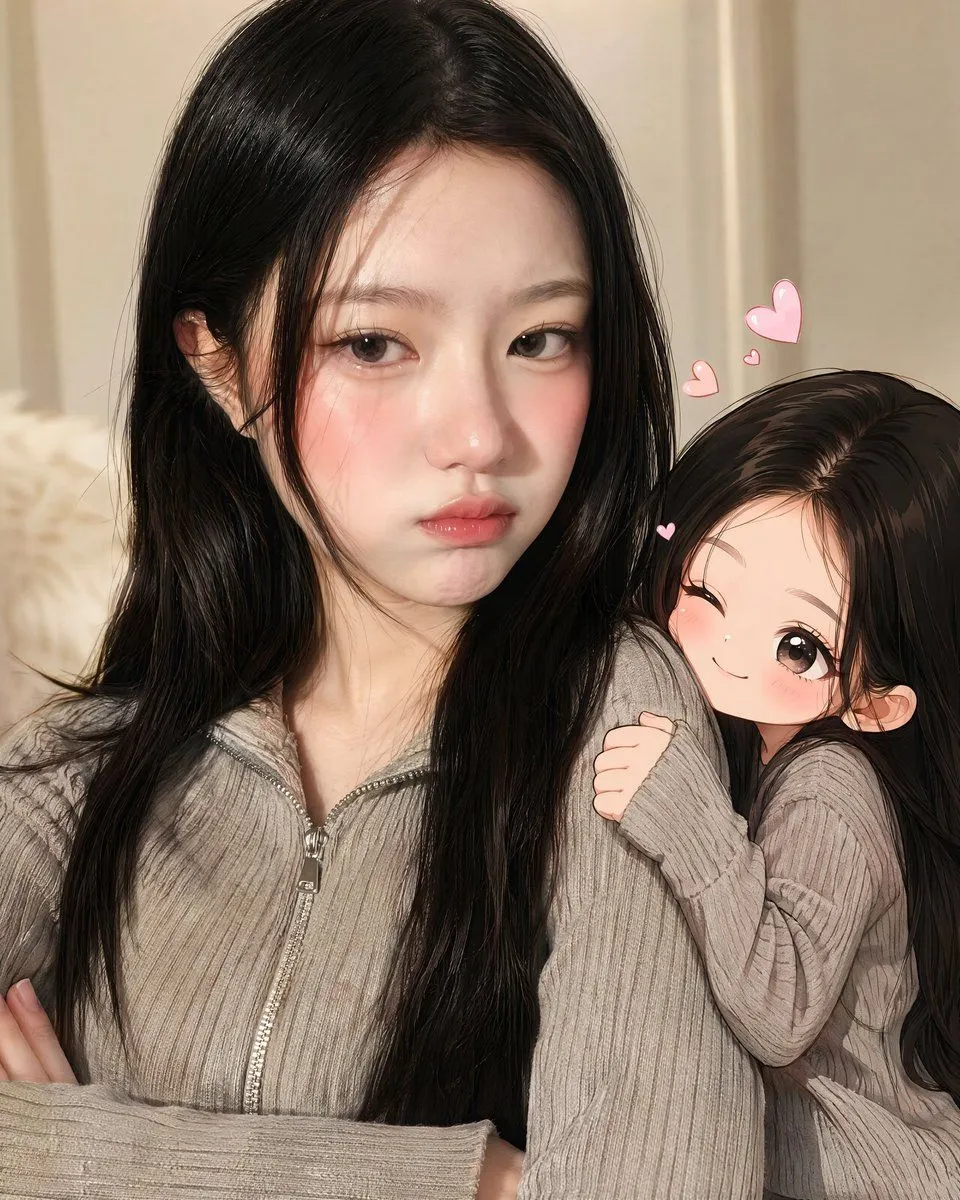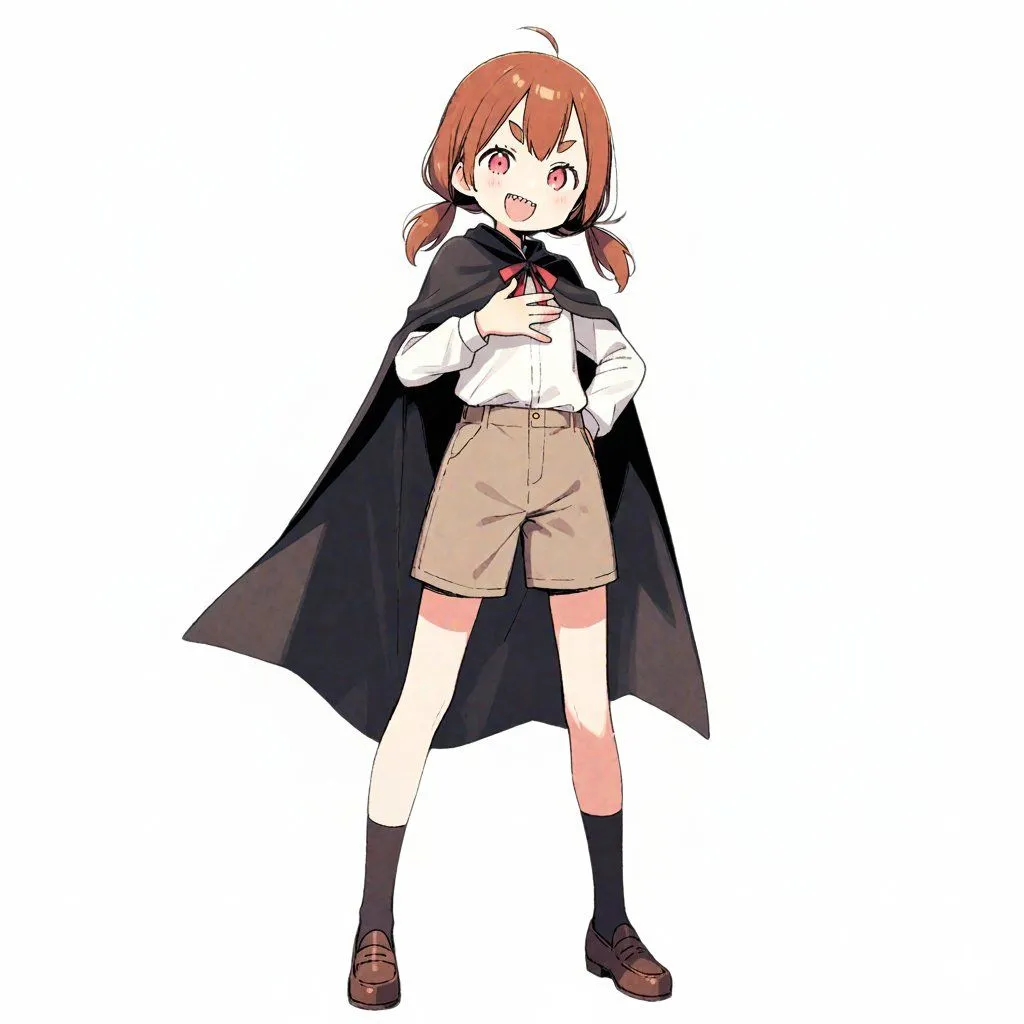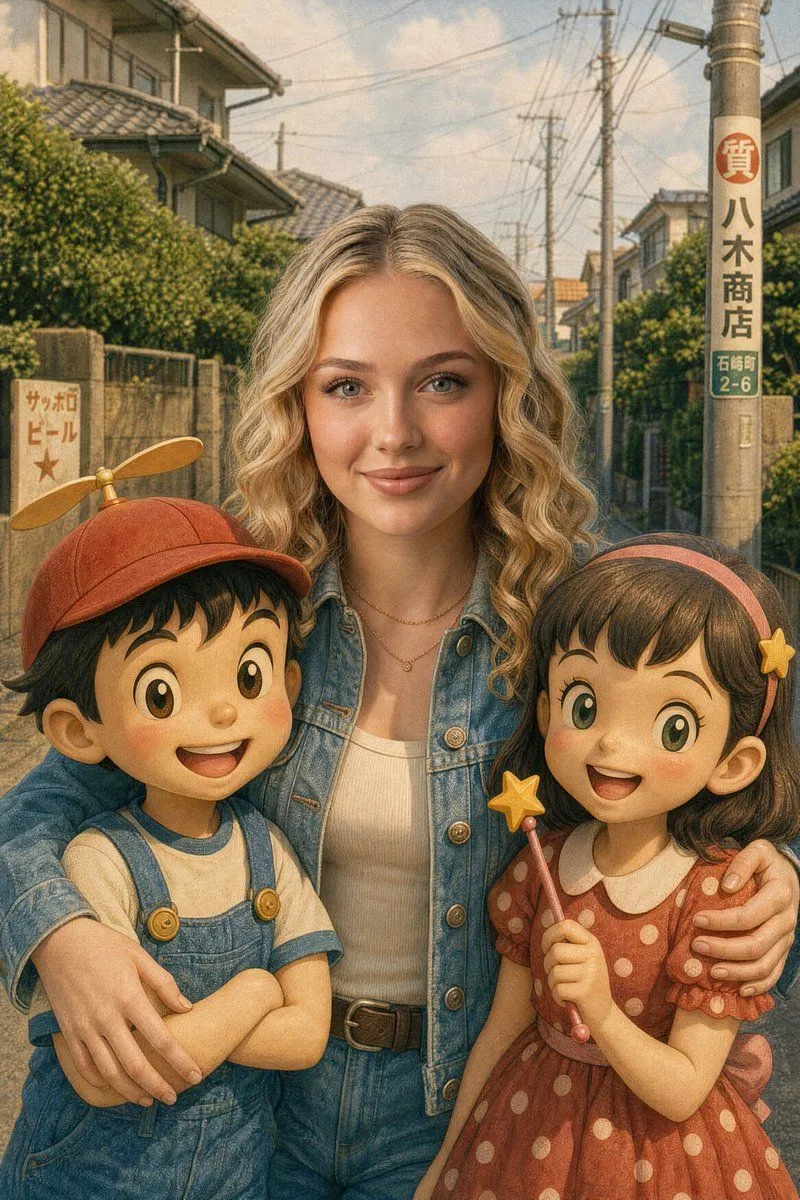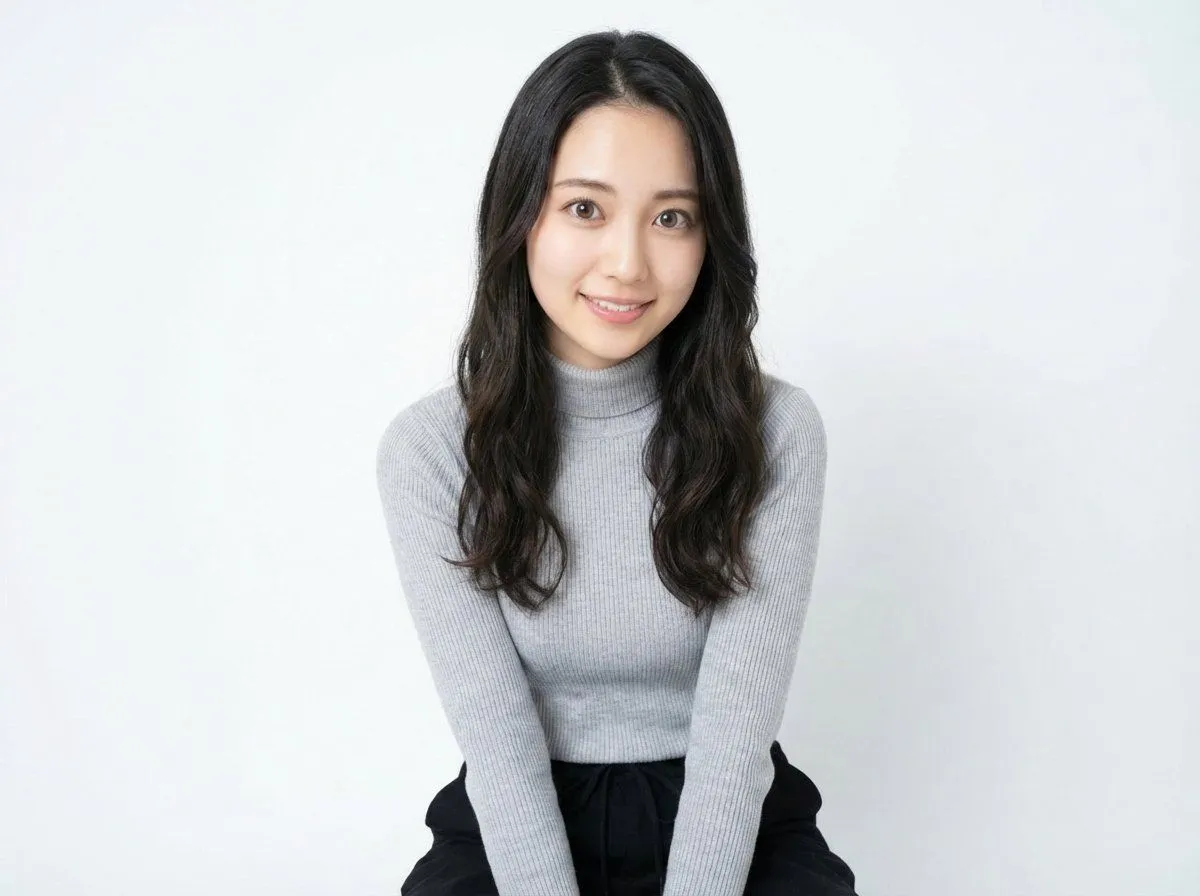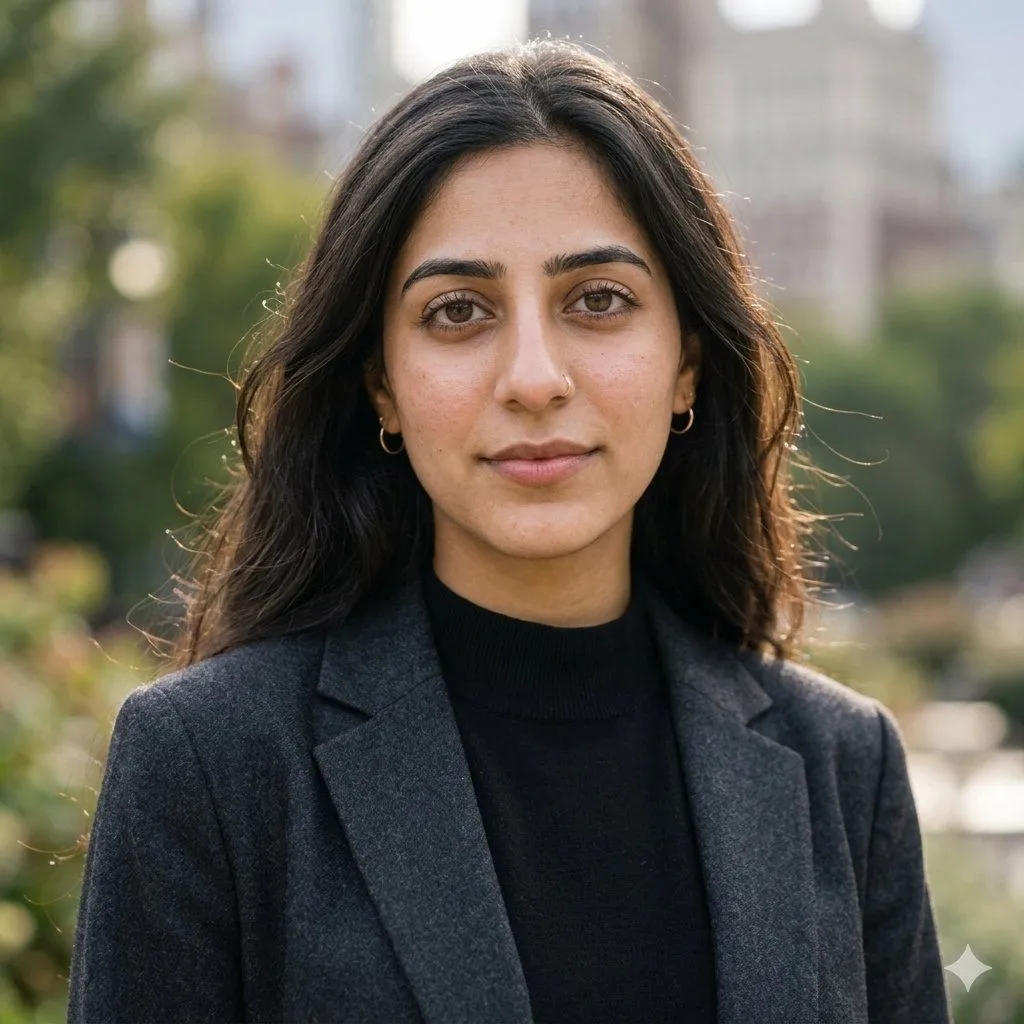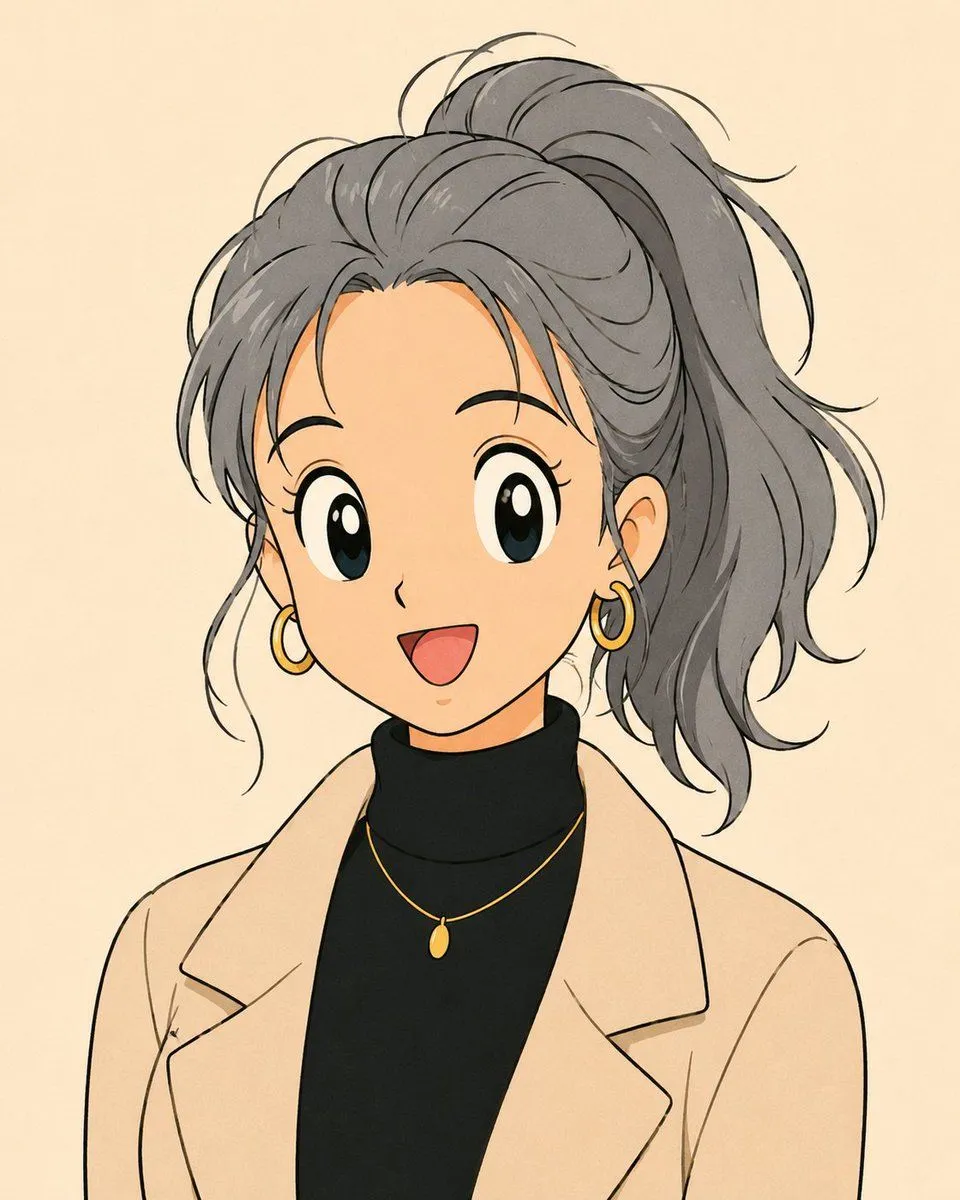
Made with GPT Image 2 in ChatGPT by Library Avatars. Promptclay never generates images.
Anime Portrait with Censored Face
Prompt
1 blank to fillCreate a square 1:1 anime-style bust portrait of a stylish young woman against a soft warm cream background. She has {hair_color} messy layered hair tied in a high ponytail, with loose strands framing the face and expressive sketchy linework. Her face is fully obscured by a centered solid matte tan square censor block, covering from the forehead area down to the mouth and leaving only parts of the ears, hairline, neck, and jaw edges visible. She wears a beige oversized blazer over a fitted black turtleneck, with two visible gold accessories: one small oval pendant necklace on a delicate chain and one gold hoop earring on the visible ear. Use soft cel shading, thin black ink outlines, subtle paper texture, muted warm colors, and an emotional modern anime portrait mood. Keep the composition cropped from upper chest to above the ponytail, shoulders relaxed, no text, no watermark, no extra objects.
Preview of your prompt
Create a square 1:1 anime-style bust portrait of a stylish young woman against a soft warm cream background. She has ash gray messy layered hair tied in a high ponytail, with loose strands framing the face and expressive sketchy linework. Her face is fully obscured by a centered solid matte tan square censor block, covering from the forehead area down to the mouth and leaving only parts of the ears, hairline, neck, and jaw edges visible. She wears a beige oversized blazer over a fitted black turtleneck, with two visible gold accessories: one small oval pendant necklace on a delicate chain and one gold hoop earring on the visible ear. Use soft cel shading, thin black ink outlines, subtle paper texture, muted warm colors, and an emotional modern anime portrait mood. Keep the composition cropped from upper chest to above the ponytail, shoulders relaxed, no text, no watermark, no extra objects.
DetailsVersions, settings and questions
Written for
What's in the prompt
- Subject
- Model
- GPT Image 2
If your face changes
keep my face exactly the sameQuestions
- Does this work in the ChatGPT app?
- Yes. Paste the prompt and attach your photo if it uses one.
- It changed my face. What do I do?
- Add "keep my face exactly the same" to the end and run it again.
- Can I use the images I make?
- Check the terms of the app you use. Promptclay never generates images and claims nothing you make.