Tell us anything

An idea, a bug, something you love. We read every note.

⌘↵ to send. The page you're on comes along.

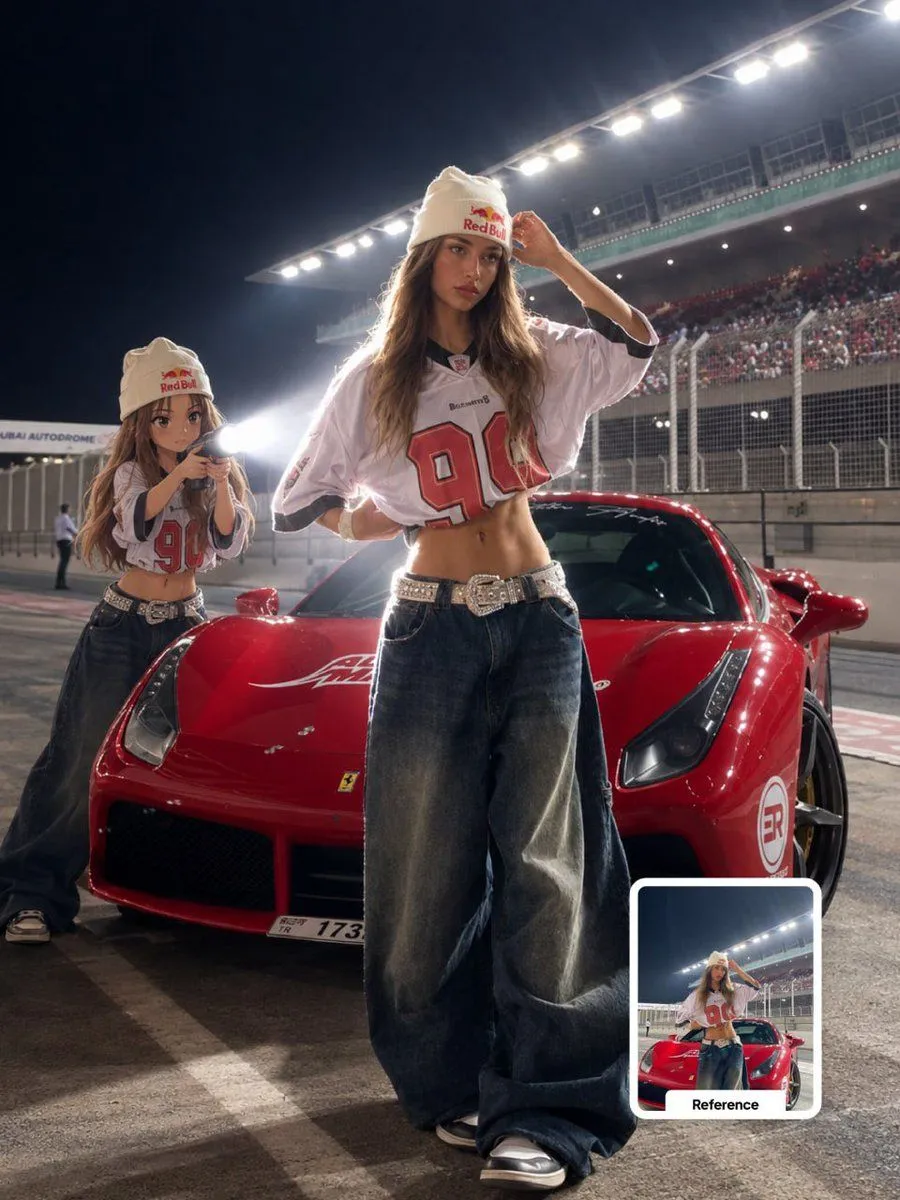
Anime Character Behind Real Subject Prompt

Made with GPT Image 2 in ChatGPT by Library Avatars. Promptclay never generates images.

Did it work?

No reports yet. Tell others if it worked for you.

No comments yet. Be the first.

    Anime Character Behind Real Subject Prompt

    GPT Image 23:4AI-generated

    Prompt

    Transform the main subject into a realistic photographic scene featuring a small full-body anime/cartoon version of the same person positioned directly behind them. SUBJECT PRESERVATION: Keep the real subject completely unchanged. Preserve their exact identity, facial features, hairstyle, clothing, accessories, body proportions, pose, position, framing and recognizable details. Do not modify the original subject. ANIME CHARACTER: Create a small full-body anime/cartoon version of the same subject. Match the original hairstyle, outfit, accessories, colors and recognizable visual details precisely. Use a clean modern anime aesthetic with sharp controlled linework, slightly oversized head, compact body proportions, expressive facial details and subtle cel shading. The character should clearly resemble the original subject while remaining intentionally stylized. POSITION & ACTION: Place the anime character directly behind the real subject, naturally aligned with the original body position. The anime character is holding a flashlight with both hands and aiming it forward toward the subject's back. LIGHTING: Create an intense, realistic white flashlight beam originating from behind the subject. The beam should visibly illuminate the subject from the rear, creating strong natural rim lighting along the silhouette, subtle atmospheric glow and realistic light spill across the surrounding environment. Add controlled volumetric light within the beam, with a soft falloff rather than an artificial solid cone. The illuminated edges should glow naturally without creating excessive bloom. ENVIRONMENT: Slightly dim the existing outdoor ambient light to create stronger cinematic contrast while preserving the original environment, colors, textures and lighting logic. Keep the background realistic and photographic. SHADOWS & DEPTH: Create physically believable shadows based on the flashlight direction. Maintain realistic contact shadows, light falloff and depth between the anime character, real subject and environment. COMPOSITION LOCK: Preserve the original camera angle, perspective, framing, spatial arrangement and overall composition. Do not move, crop, replace, add or remove environmental elements except for the anime character and its flashlight. STYLE: Photorealistic outdoor photography combined with a clean modern anime character integration. The anime character should look intentionally illustrated while the real subject and environment remain fully photographic. Seamless lighting interaction between the stylized character and the real-world scene. QUALITY: Ultra-realistic lighting, cinematic contrast, realistic white light, natural rim glow, subtle volumetric atmosphere, detailed textures, sharp subject separation, high dynamic range, professional photography, 4K. DO NOT: Do not alter the real subject's identity, face, hairstyle, clothing, accessories, pose or proportions. Do not turn the real subject

    Works in
    ChatGPT, Gemini
    Status
    Free to copy
    0
    DetailsVersions, settings and questions

    Written for

    What's in the prompt

    Subject
    Model
    GPT Image 2

    If your face changes

    keep my face exactly the same

    Questions

    Does this work in the ChatGPT app?
    Yes. Paste the prompt and attach your photo if it uses one.
    It changed my face. What do I do?
    Add "keep my face exactly the same" to the end and run it again.
    Can I use the images I make?
    Check the terms of the app you use. Promptclay never generates images and claims nothing you make.
    Similar prompts

    See more
    • Multi-image fusion character transformation
    • F1 VIP fan hyper-realistic selfie edit
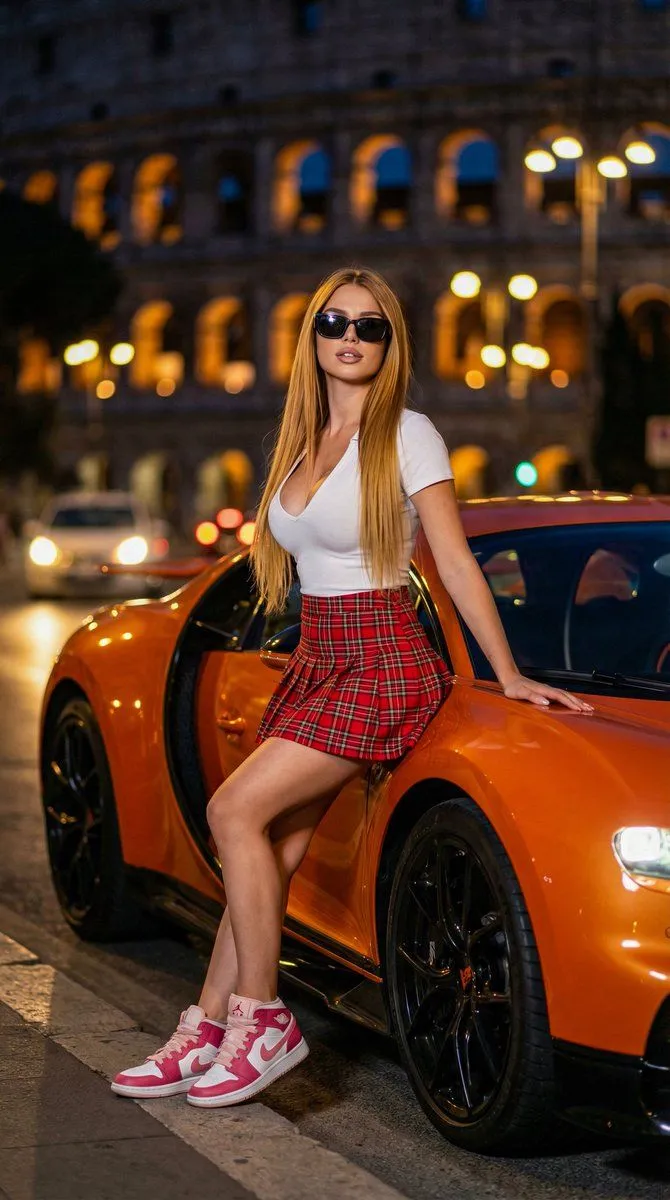
    • Urban Street Fashion Portrait with a Bugatti
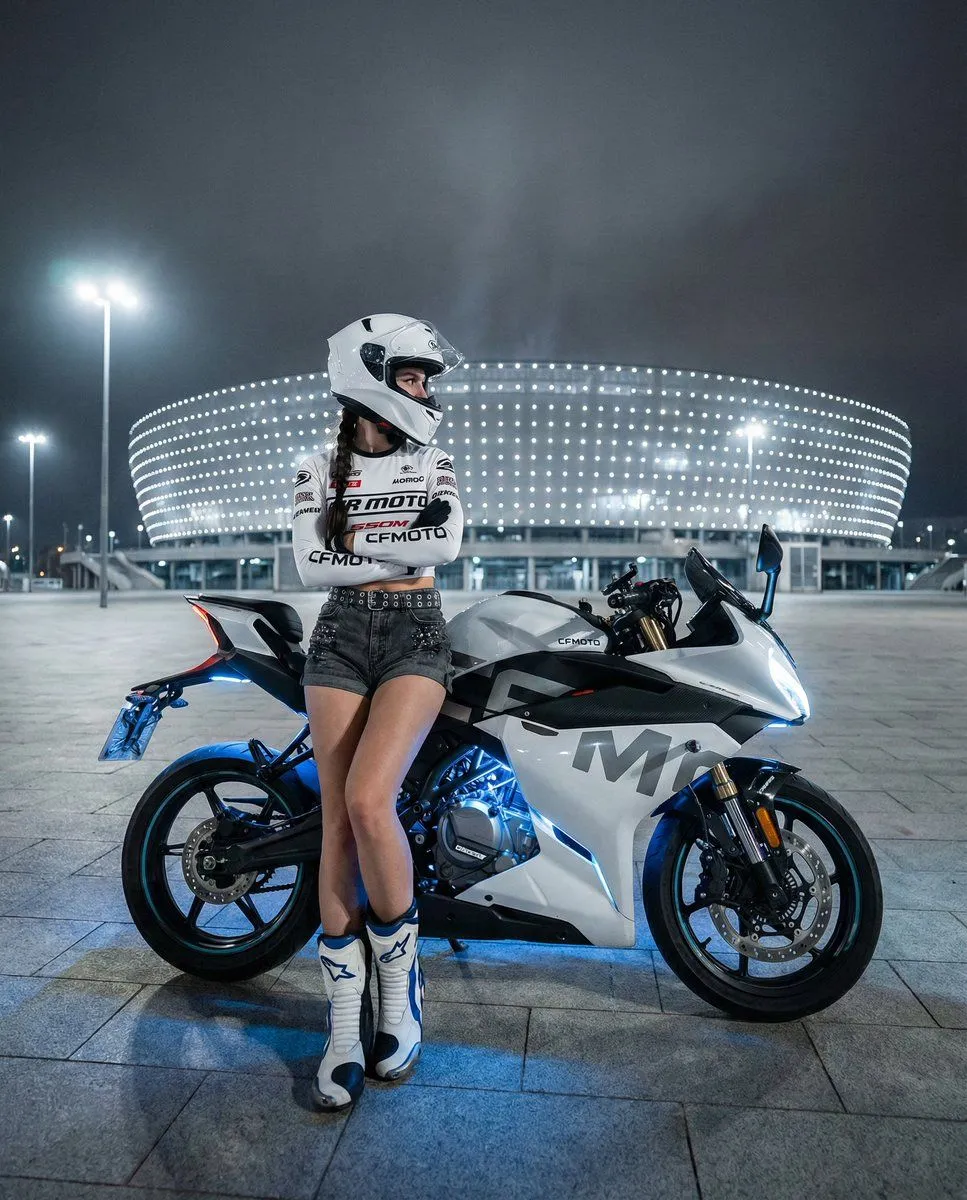
    • Nighttime Sportbike Rider Portrait
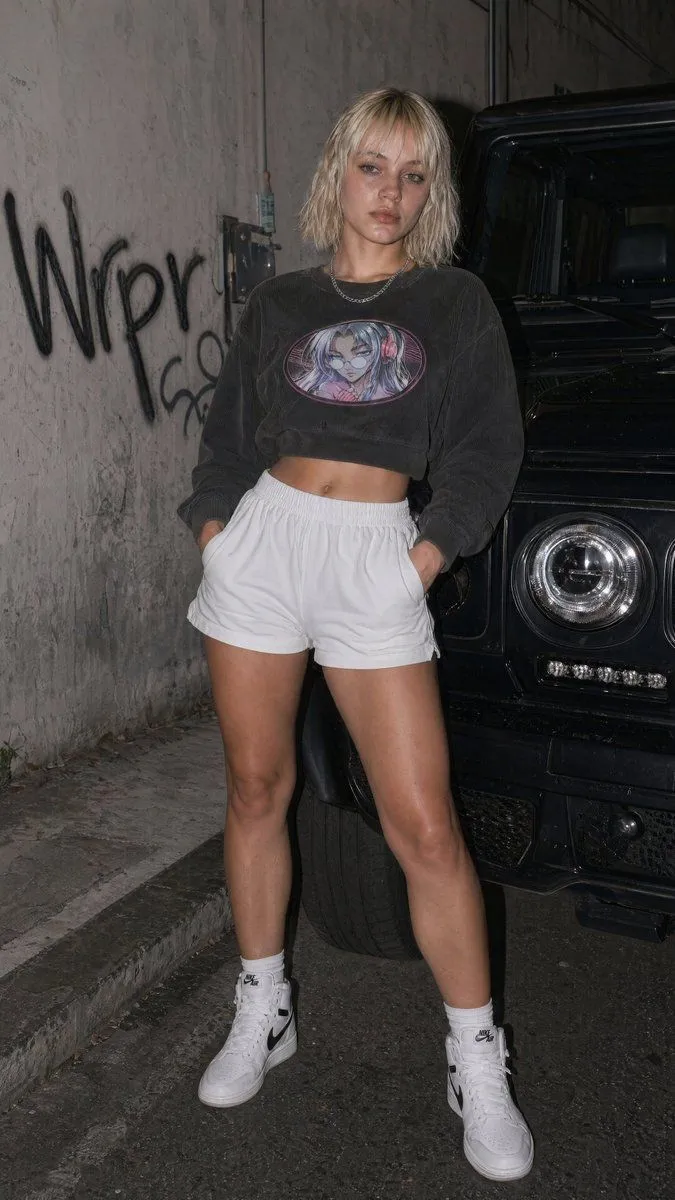
    • Flash Streetwear Portrait by Black SUV
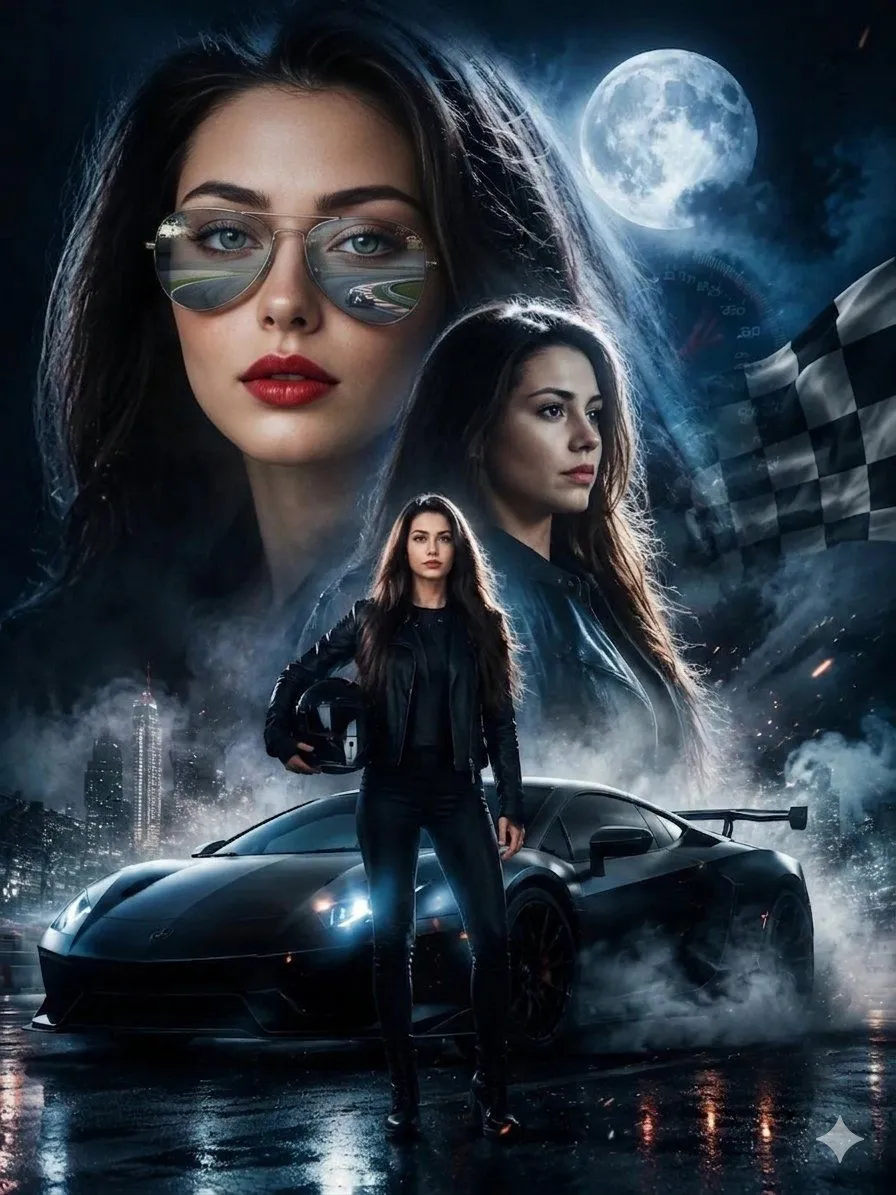
    • Female Street Racer Movie Poster
    • Desert Rally Commercial Movie Poster
    • 3x3 Motorsport Glamour Photo Collage
    • Brazilian Culture Themed Street Portrait
    • Retro Pop Art Anime Fashion Portrait
    • Inpainting with Nano Banana Pro and Drawthings
    • Anime Cafe Street Selfie
    • Urban Streetwear Magazine Editorial
    • Cyberpunk FPV Drone Racer Poster
    • Anime Japan Soccer Power Shot
    • Moonlit Cyber Super Heroine Flight
    • Anime Female Wrestler in Arena
    • Anime Sportswear Girl Illustration
    • Tokyo Drift Fashion Editorial
    • Street Dance Character Design Layout
    • Y2K Style Character Concept Sheet
    • Luxury Arcade with Sunlight Patterns
    • Natural iPhone Photo Challenge
    • Pop Idol Typography Cover Art

    Show more

    Run it on your phone

    1. Prompt copiedRead it

      Transform the main subject into a realistic photographic scene featuring a small full-body anime/cartoon version of the same person positioned directly behind them. SUBJECT PRESERVATION: Keep the real subject completely unchanged. Preserve their exact identity, facial features, hairstyle, clothing, accessories, body proportions, pose, position, framing and recognizable details. Do not modify the original subject. ANIME CHARACTER: Create a small full-body anime/cartoon version of the same subject. Match the original hairstyle, outfit, accessories, colors and recognizable visual details precisely. Use a clean modern anime aesthetic with sharp controlled linework, slightly oversized head, compact body proportions, expressive facial details and subtle cel shading. The character should clearly resemble the original subject while remaining intentionally stylized. POSITION & ACTION: Place the anime character directly behind the real subject, naturally aligned with the original body position. The anime character is holding a flashlight with both hands and aiming it forward toward the subject's back. LIGHTING: Create an intense, realistic white flashlight beam originating from behind the subject. The beam should visibly illuminate the subject from the rear, creating strong natural rim lighting along the silhouette, subtle atmospheric glow and realistic light spill across the surrounding environment. Add controlled volumetric light within the beam, with a soft falloff rather than an artificial solid cone. The illuminated edges should glow naturally without creating excessive bloom. ENVIRONMENT: Slightly dim the existing outdoor ambient light to create stronger cinematic contrast while preserving the original environment, colors, textures and lighting logic. Keep the background realistic and photographic. SHADOWS & DEPTH: Create physically believable shadows based on the flashlight direction. Maintain realistic contact shadows, light falloff and depth between the anime character, real subject and environment. COMPOSITION LOCK: Preserve the original camera angle, perspective, framing, spatial arrangement and overall composition. Do not move, crop, replace, add or remove environmental elements except for the anime character and its flashlight. STYLE: Photorealistic outdoor photography combined with a clean modern anime character integration. The anime character should look intentionally illustrated while the real subject and environment remain fully photographic. Seamless lighting interaction between the stylized character and the real-world scene. QUALITY: Ultra-realistic lighting, cinematic contrast, realistic white light, natural rim glow, subtle volumetric atmosphere, detailed textures, sharp subject separation, high dynamic range, professional photography, 4K. DO NOT: Do not alter the real subject's identity, face, hairstyle, clothing, accessories, pose or proportions. Do not turn the real subject

    2. Open your app

      This prompt is long, so it is copied instead of sent in the link. Paste it in the app.

    3. Paste and run

      Press and hold the message box, then tap Paste. Add your photo first if the prompt uses one. You may need to sign in.

    Anime Character Behind Real Subject Prompt