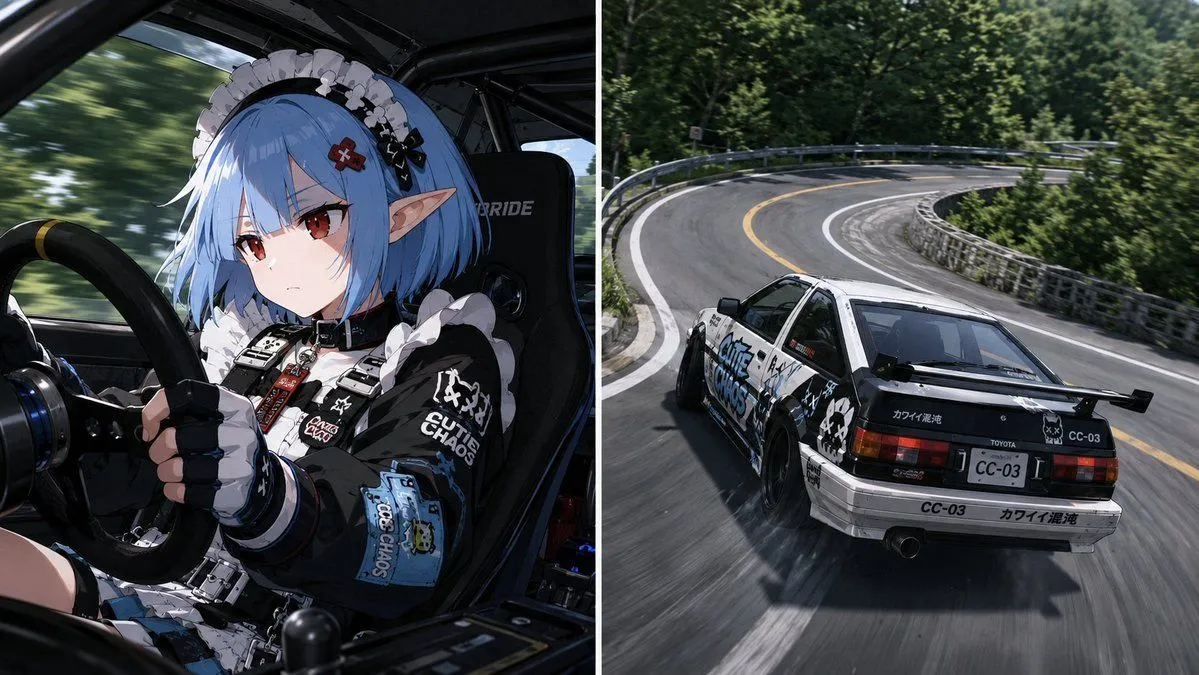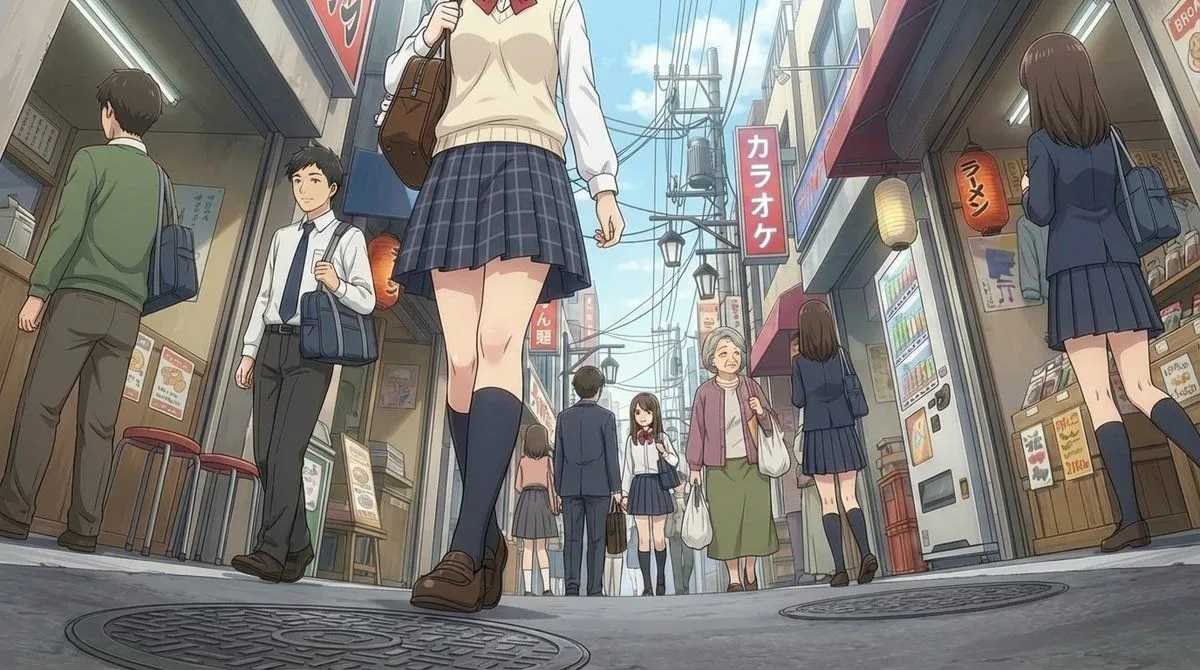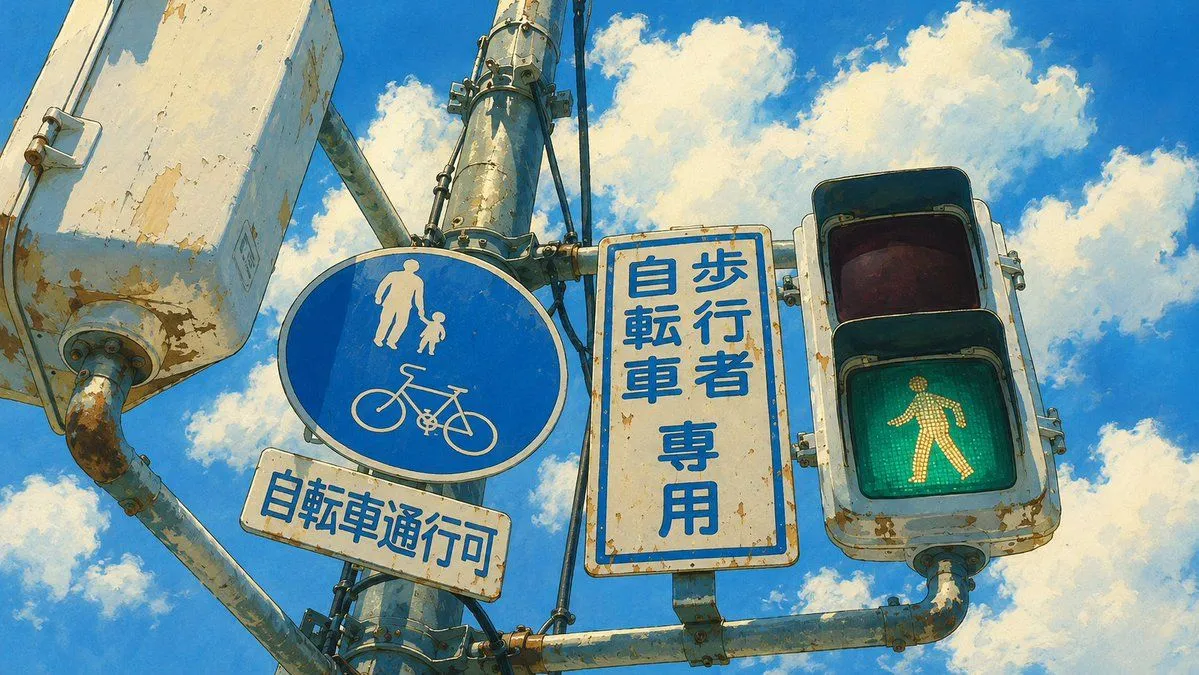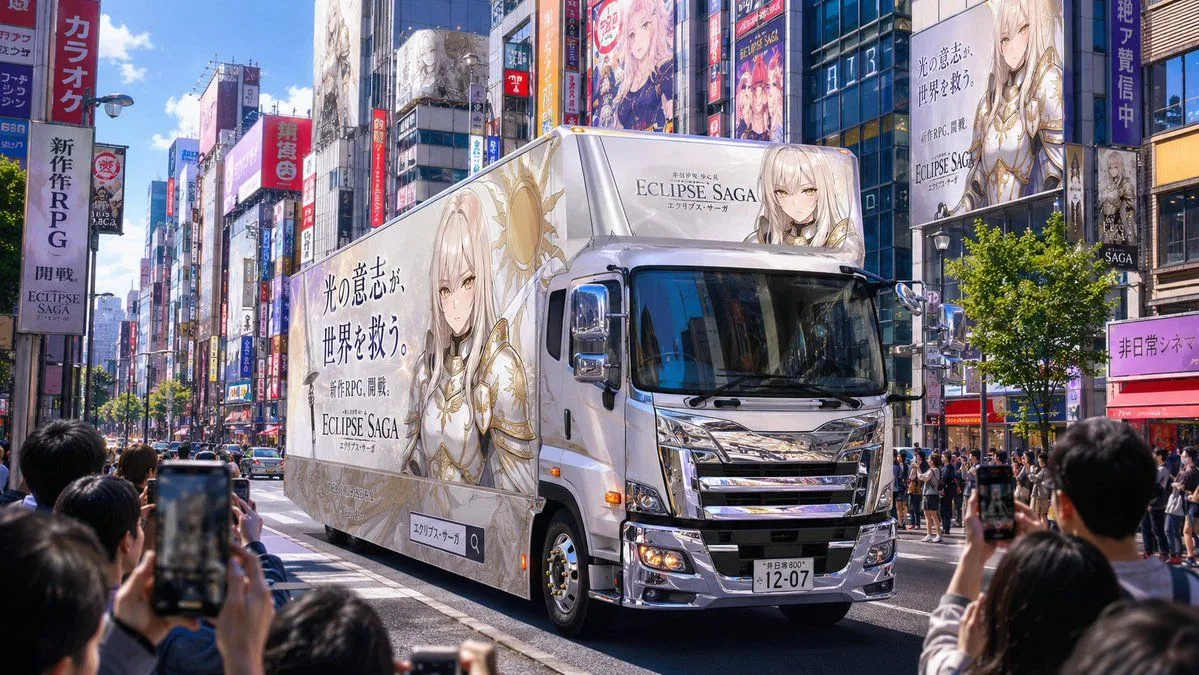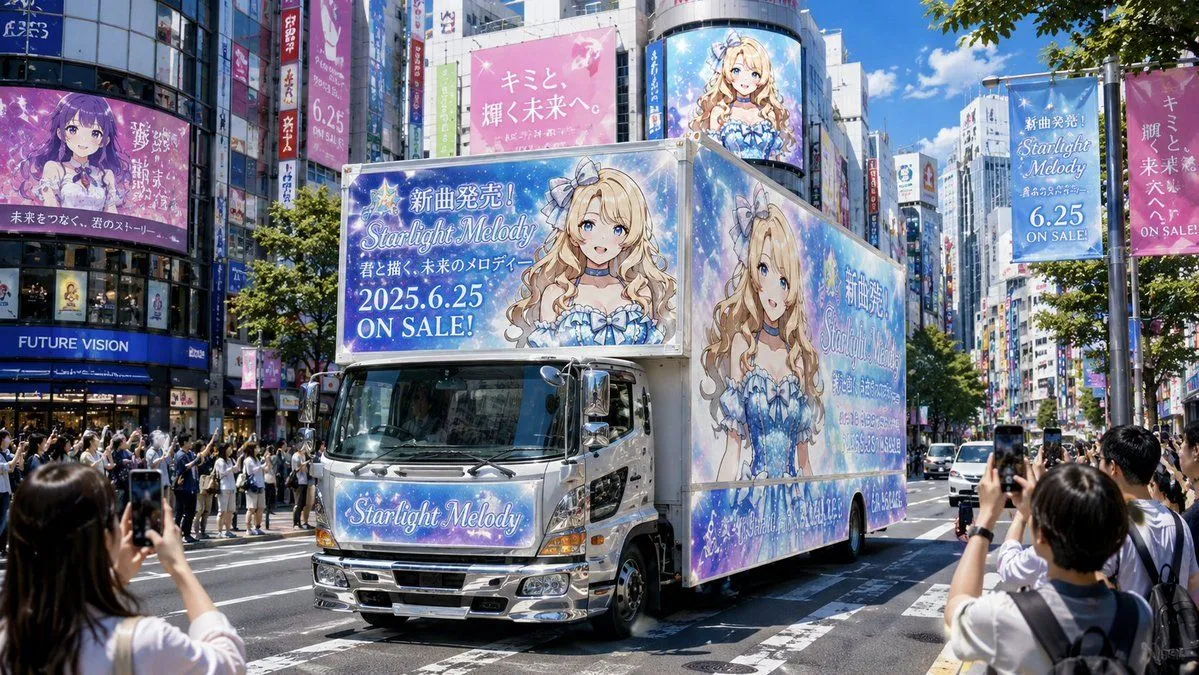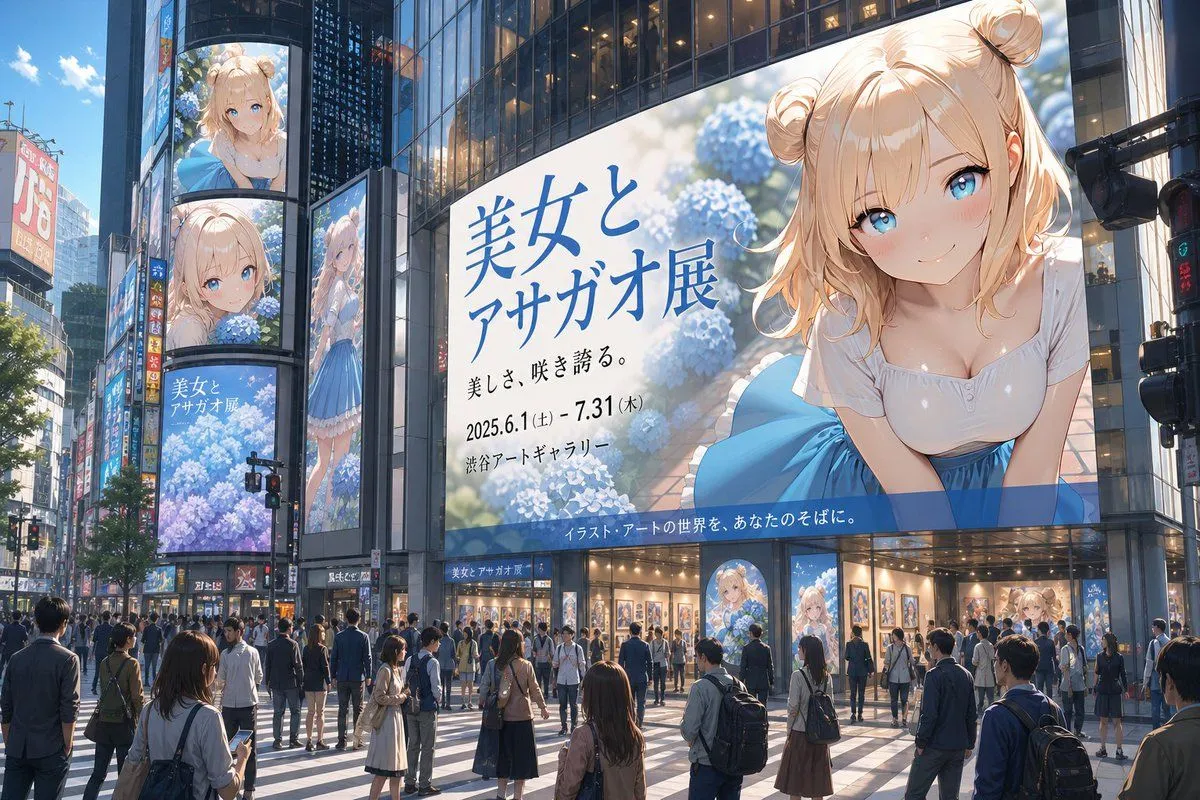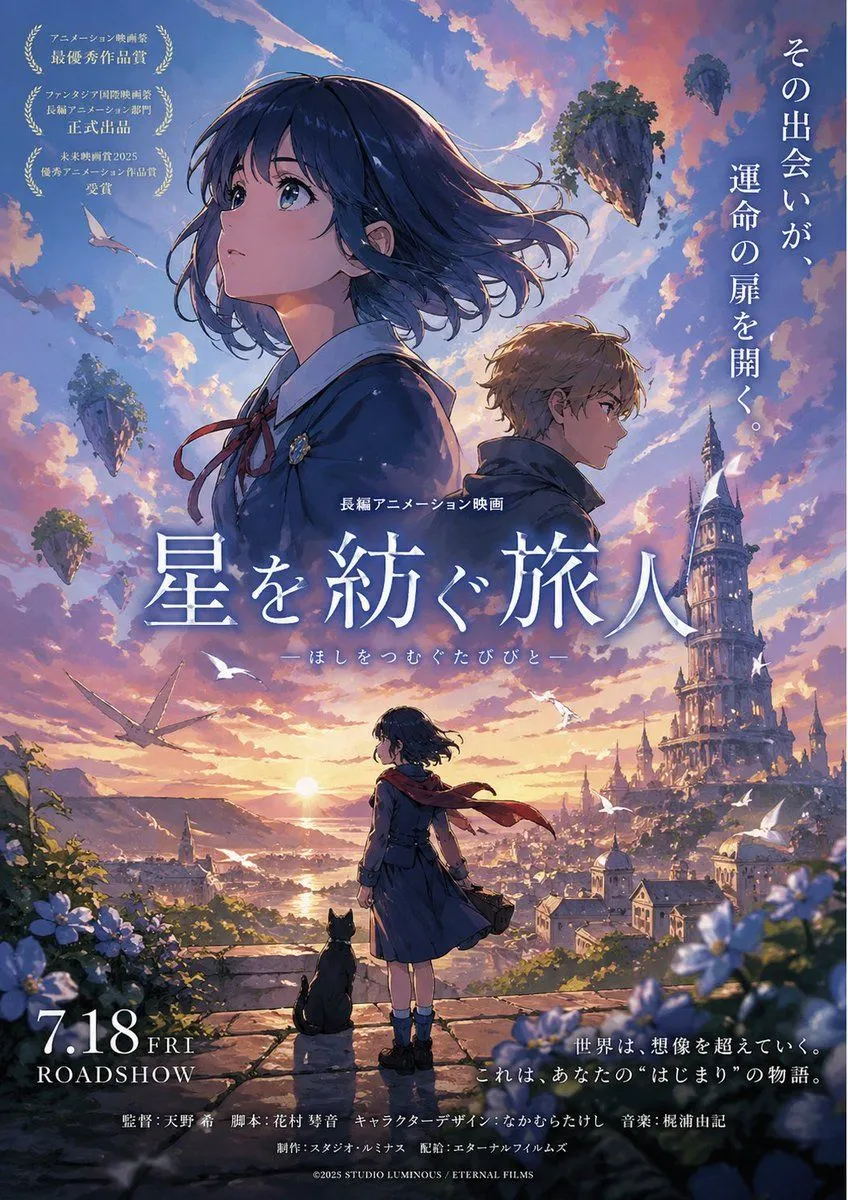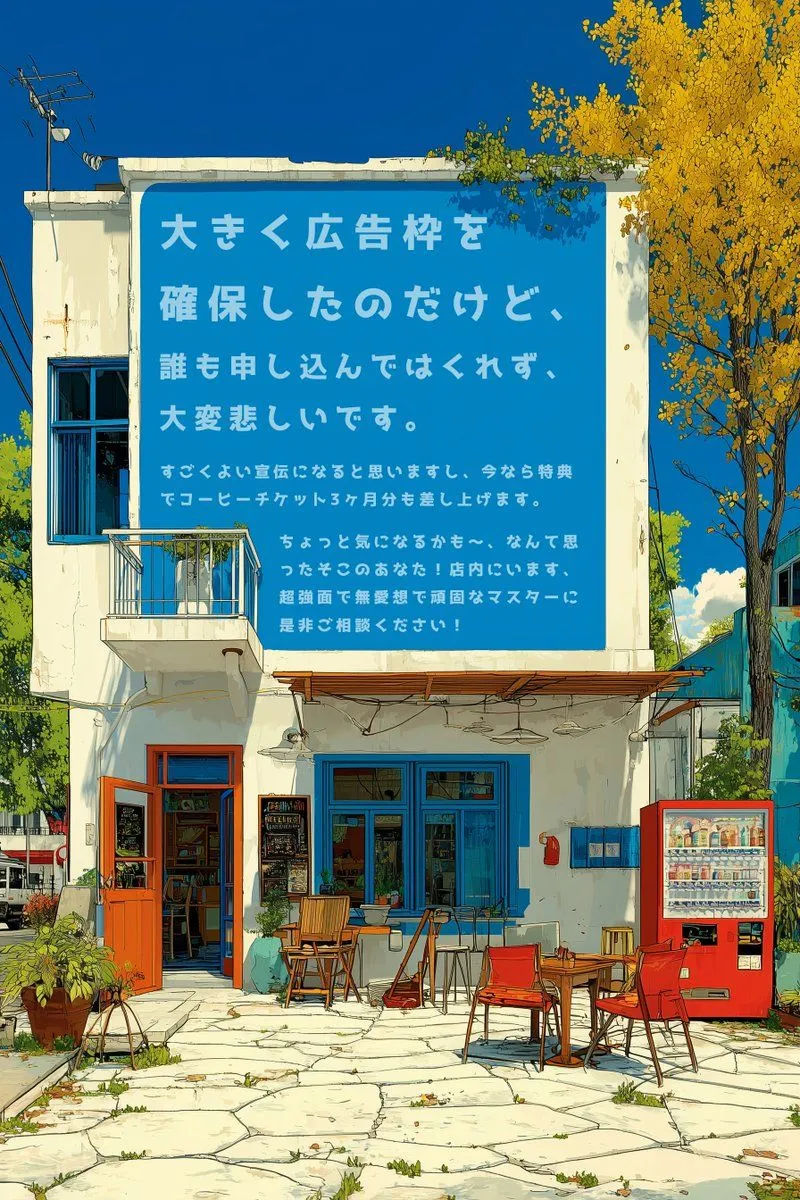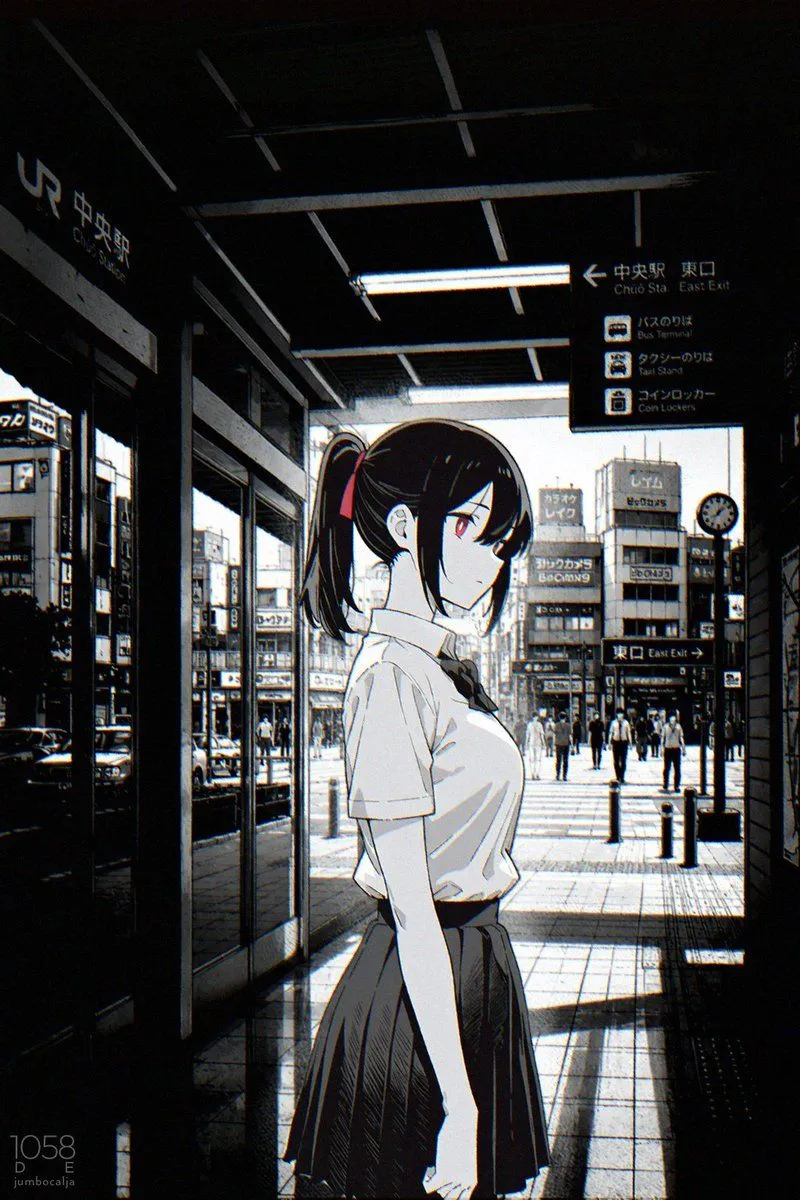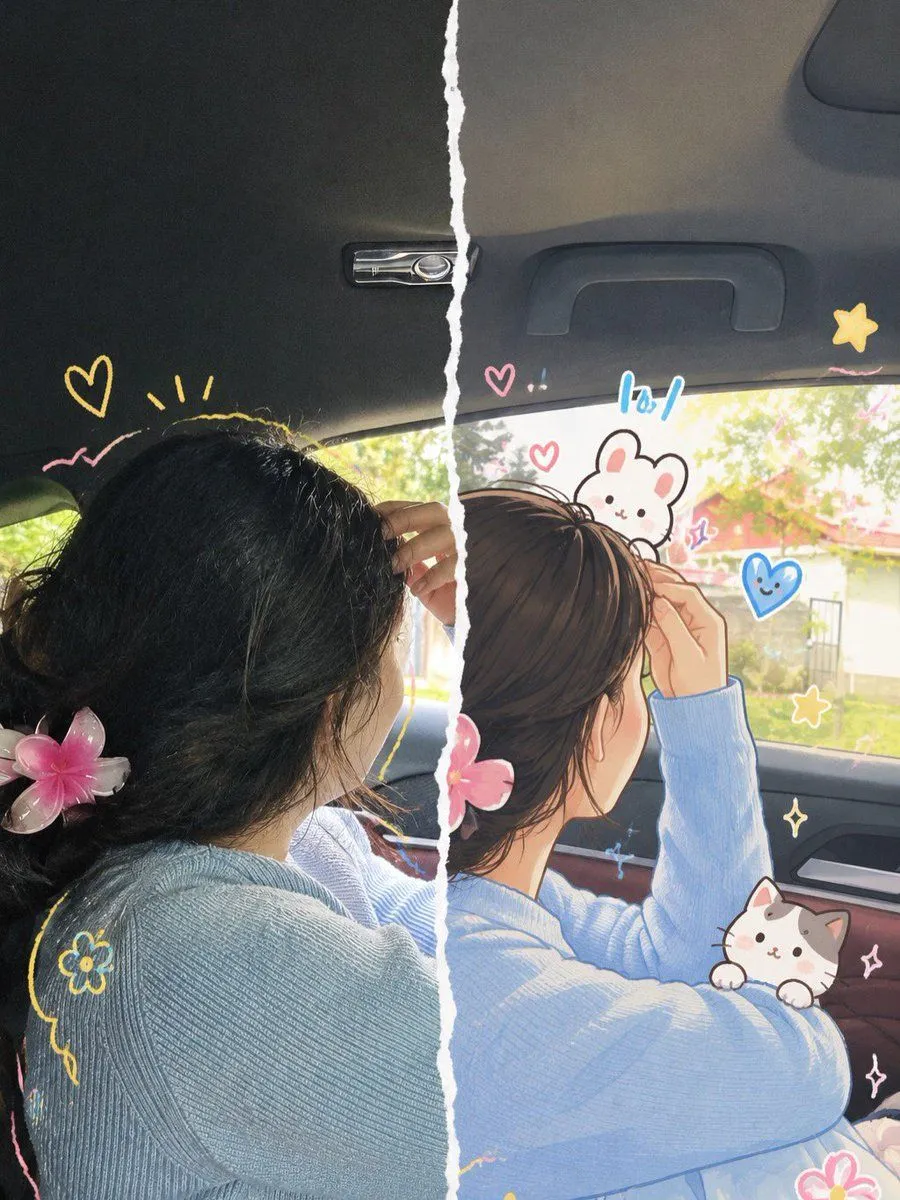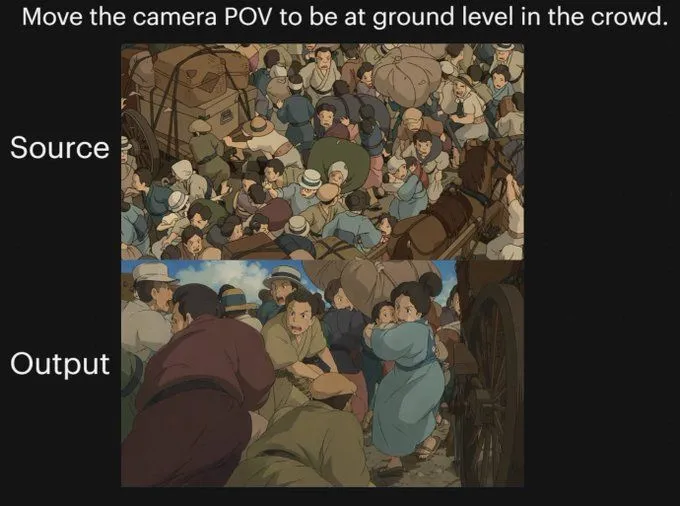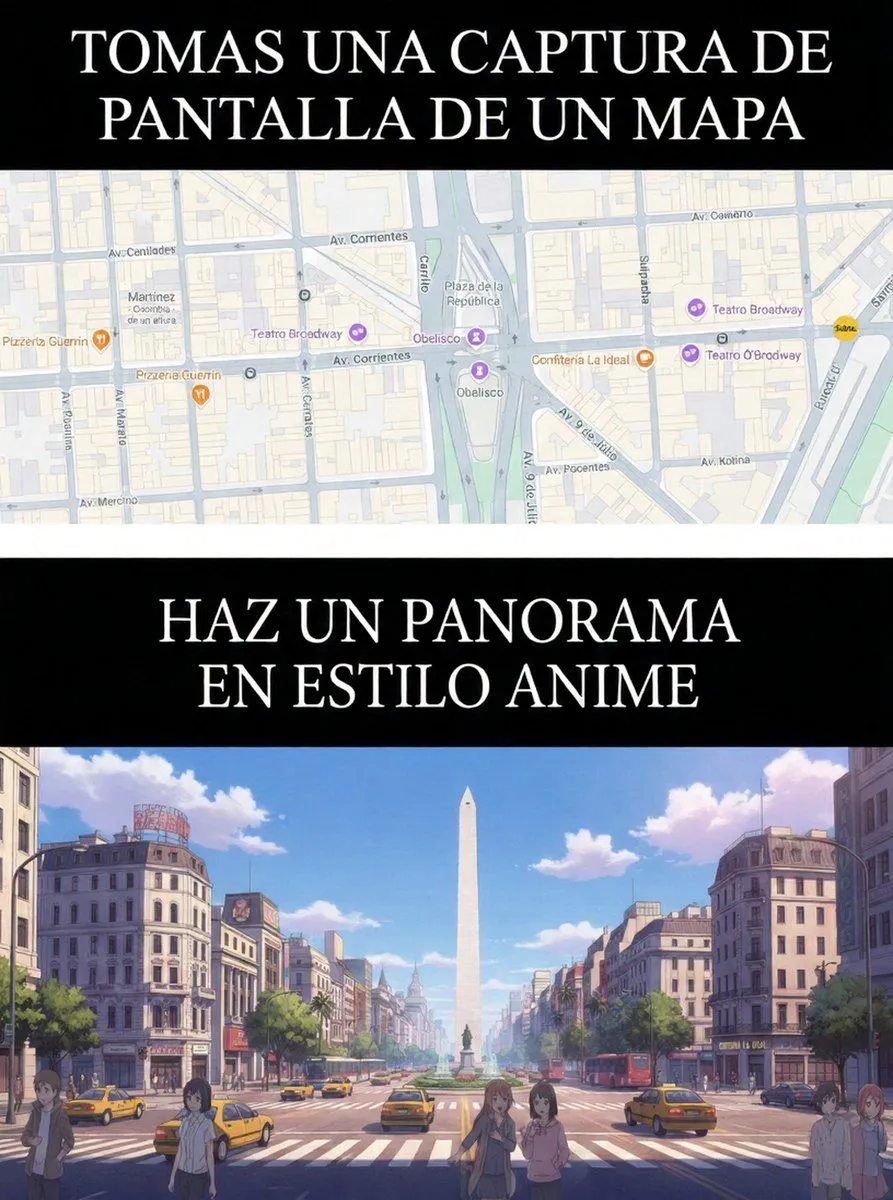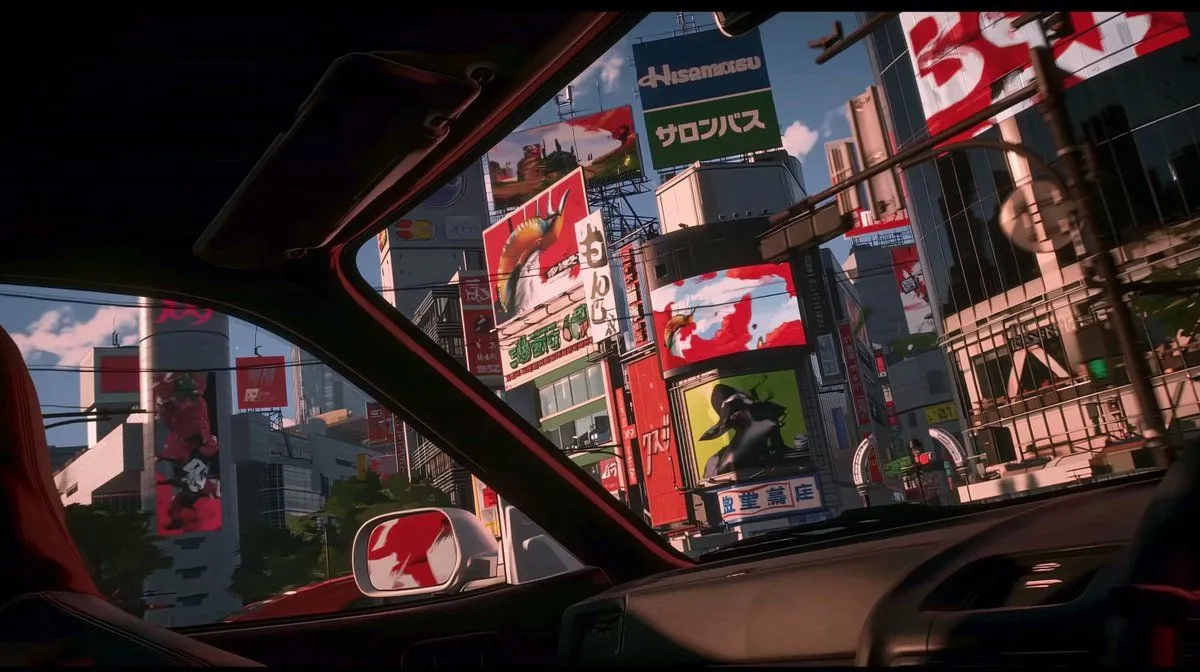
Made with GPT Image 2 in ChatGPT by Library Anime. Promptclay never generates images.
Did it work?
No reports yet. Tell others if it worked for you.
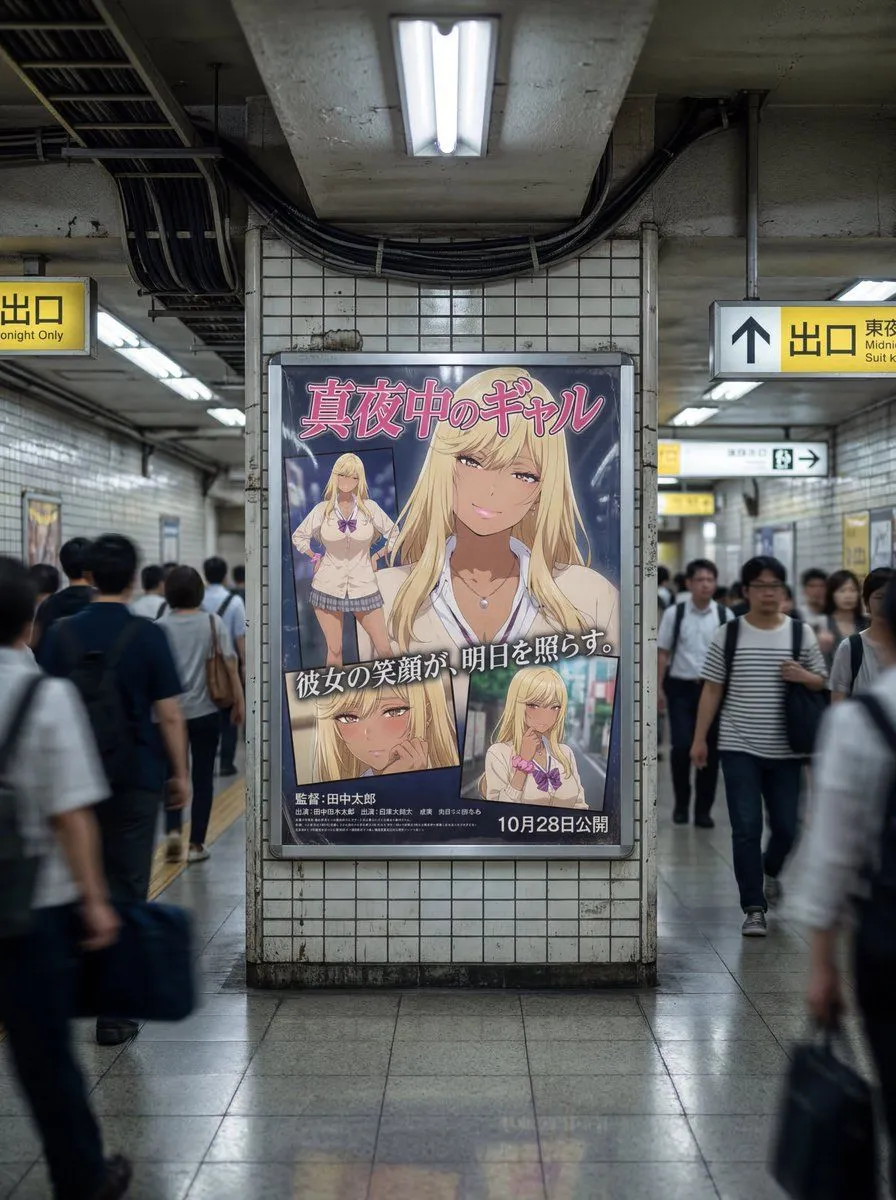
Anime Car View of Tokyo Billboards
Prompt
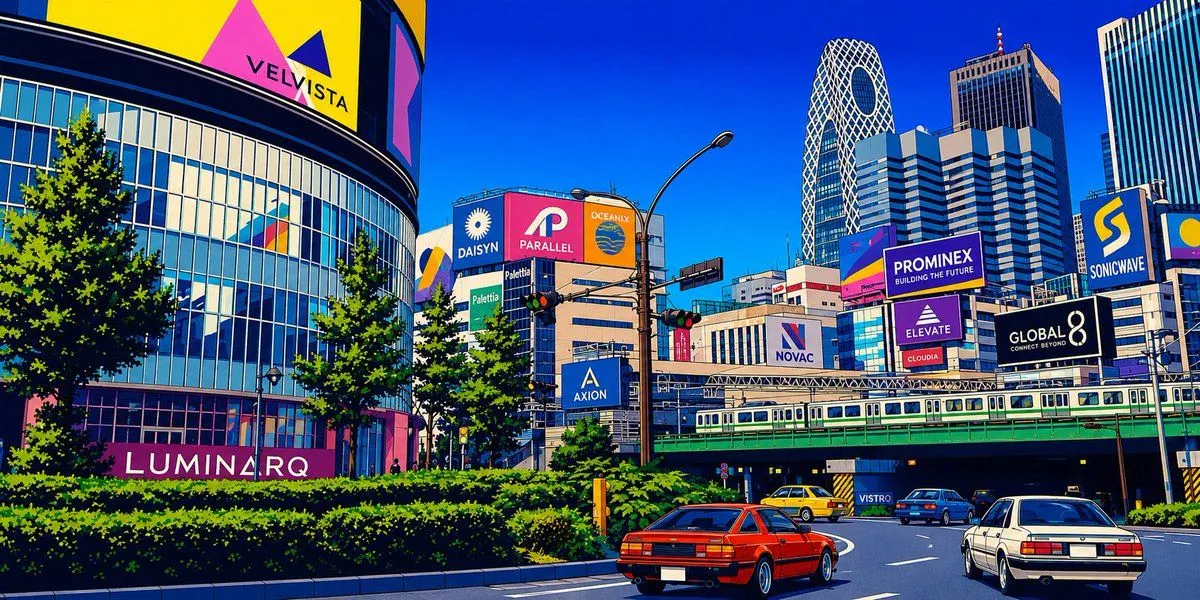
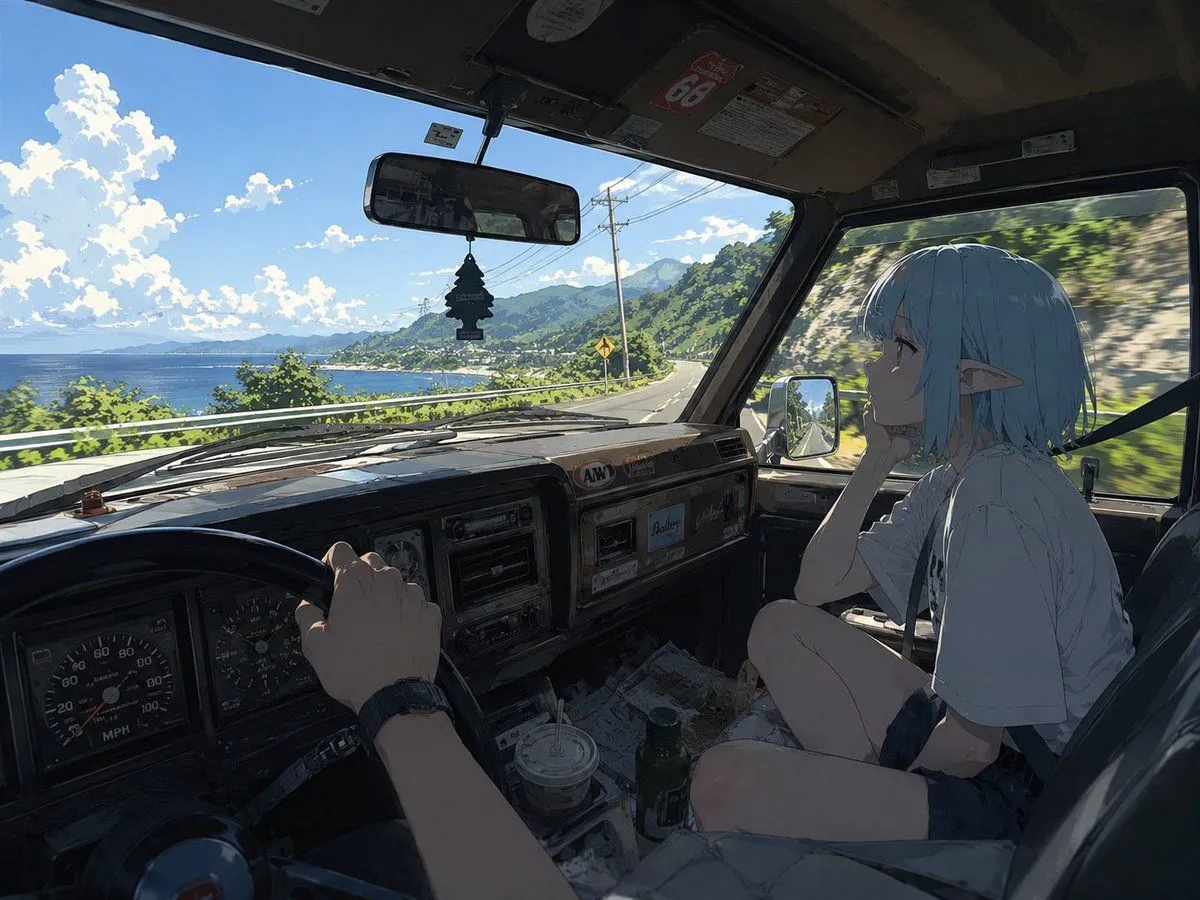
3 blanks to fillUsing REFERENCE_0 as the visual style reference, transform the scene from a trading desk setup into a cinematic anime view from inside {vehicle_type} looking out through the windshield and side window at {city_setting}. Preserve the same widescreen aspect ratio, polished cel-shaded/3D-anime look, dramatic red-and-green color accents, glossy reflections, and high-contrast lighting, but remove the monitors, keyboard, hands, speakers, and trading-chart interface entirely. New composition: place the viewer in the front passenger area of the car, with the dark roof frame, windshield pillars, dashboard, steering wheel edge, side mirror, and a red seat partially visible in the foreground. Outside, show tall urban buildings packed tightly together under {time_of_day}, with strong shadows and reflective glass surfaces. Added signage: include exactly 9 prominent billboard/sign elements across the buildings: 1 large central top sign with Japanese text, 1 red dragon/creature billboard, 1 vertical white Japanese sign, 1 wide red-and-white digital screen, 1 green character billboard, 1 blue-and-white Japanese storefront sign, 1 large red-and-white billboard on the upper right, 1 tall left-side cylindrical screen with a red figure, and 1 smaller distant red rectangular sign. Keep the signage mostly graphic and stylized, with plausible Japanese typography rather than perfectly readable text. Style constraints: make it feel like a clean, upscale AI-video concept frame; sharp perspective, cinematic framing, no people in the foreground, no trading charts, no desktop equipment, no watermark.
Preview of your prompt
Using REFERENCE_0 as the visual style reference, transform the scene from a trading desk setup into a cinematic anime view from inside a car looking out through the windshield and side window at a dense Tokyo commercial district. Preserve the same widescreen aspect ratio, polished cel-shaded/3D-anime look, dramatic red-and-green color accents, glossy reflections, and high-contrast lighting, but remove the monitors, keyboard, hands, speakers, and trading-chart interface entirely. New composition: place the viewer in the front passenger area of the car, with the dark roof frame, windshield pillars, dashboard, steering wheel edge, side mirror, and a red seat partially visible in the foreground. Outside, show tall urban buildings packed tightly together under bright late-afternoon sunlight, with strong shadows and reflective glass surfaces. Added signage: include exactly 9 prominent billboard/sign elements across the buildings: 1 large central top sign with Japanese text, 1 red dragon/creature billboard, 1 vertical white Japanese sign, 1 wide red-and-white digital screen, 1 green character billboard, 1 blue-and-white Japanese storefront sign, 1 large red-and-white billboard on the upper right, 1 tall left-side cylindrical screen with a red figure, and 1 smaller distant red rectangular sign. Keep the signage mostly graphic and stylized, with plausible Japanese typography rather than perfectly readable text. Style constraints: make it feel like a clean, upscale AI-video concept frame; sharp perspective, cinematic framing, no people in the foreground, no trading charts, no desktop equipment, no watermark.
DetailsVersions, settings and questions
Written for
What's in the prompt
- Subject
- Model
- GPT Image 2
If your face changes
keep my face exactly the sameQuestions
- Does this work in the ChatGPT app?
- Yes. Paste the prompt and attach your photo if it uses one.
- It changed my face. What do I do?
- Add "keep my face exactly the same" to the end and run it again.
- Can I use the images I make?
- Check the terms of the app you use. Promptclay never generates images and claims nothing you make.