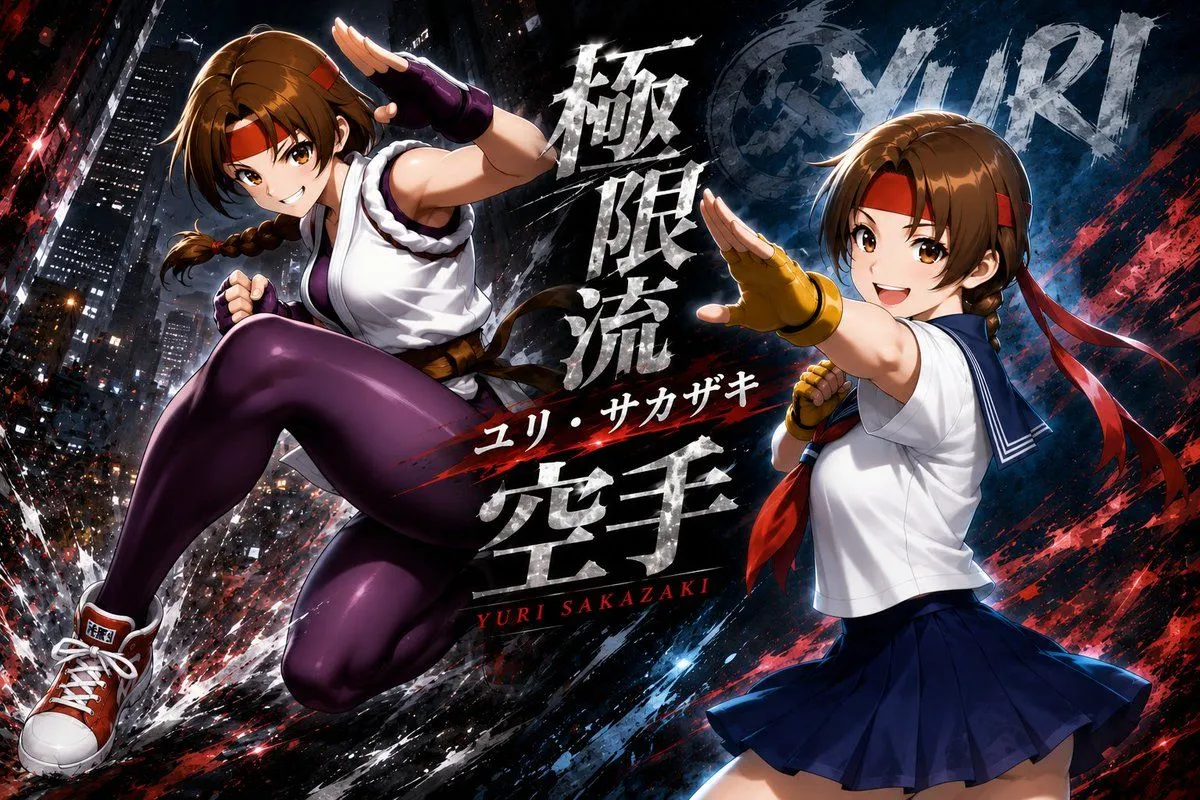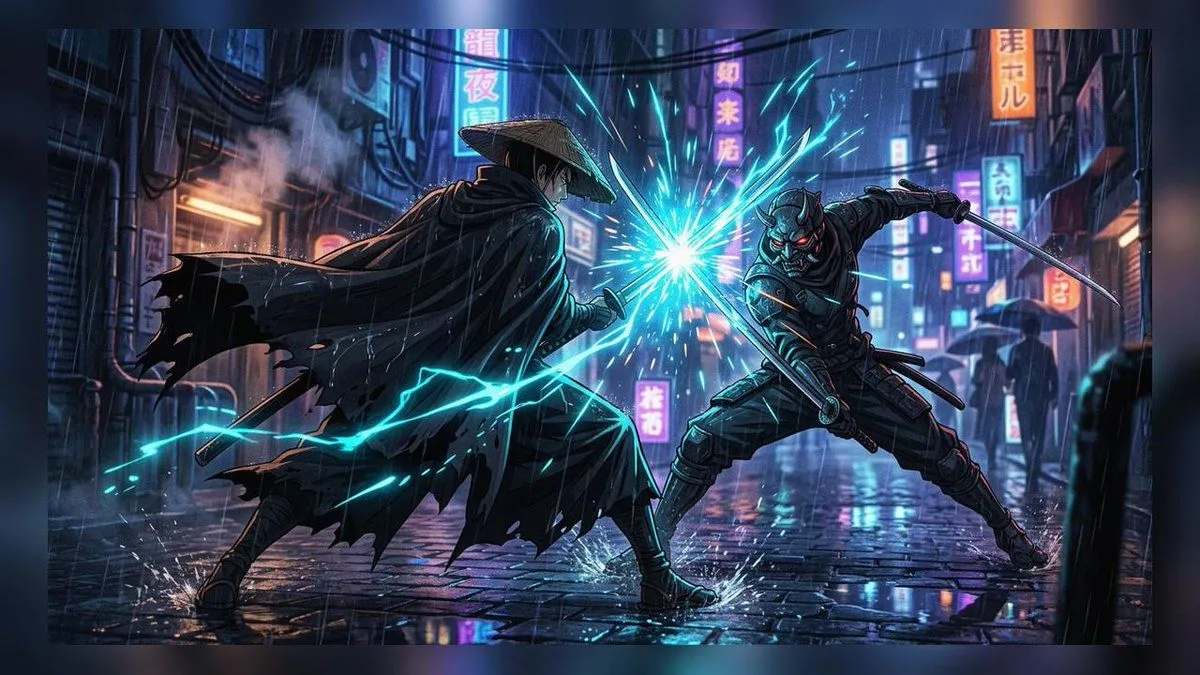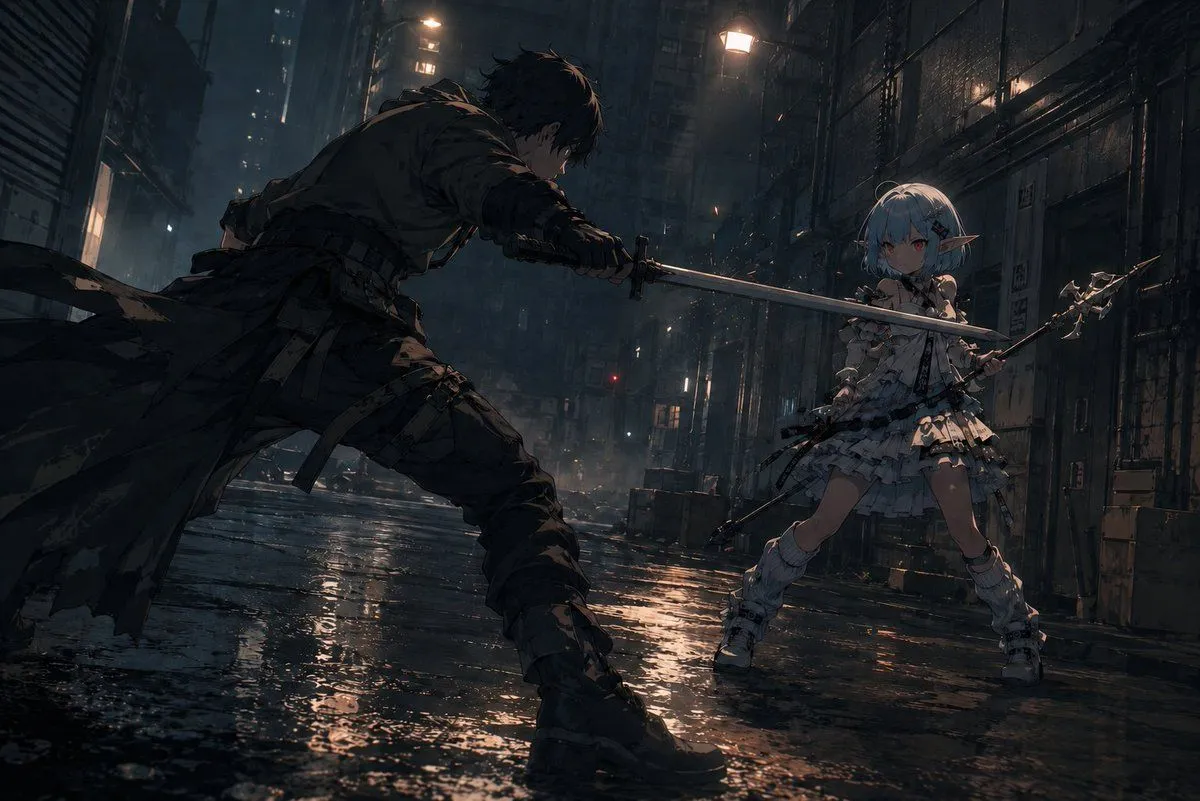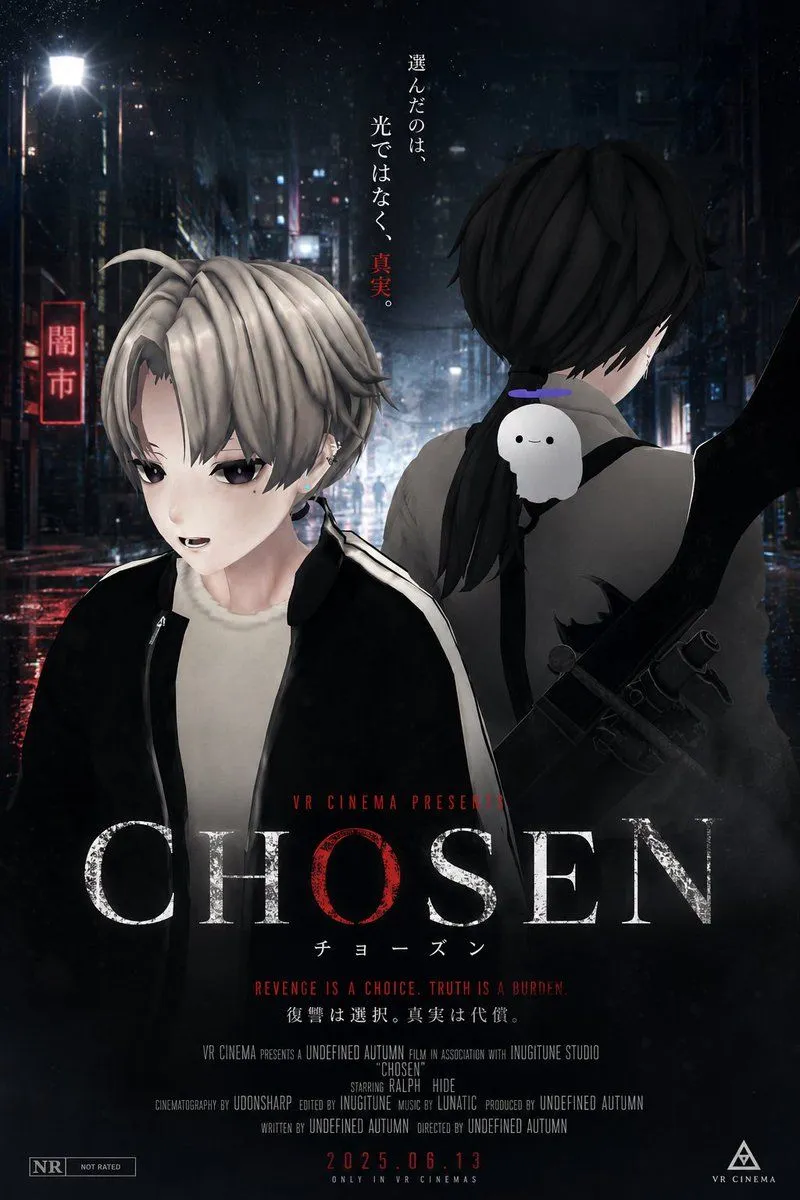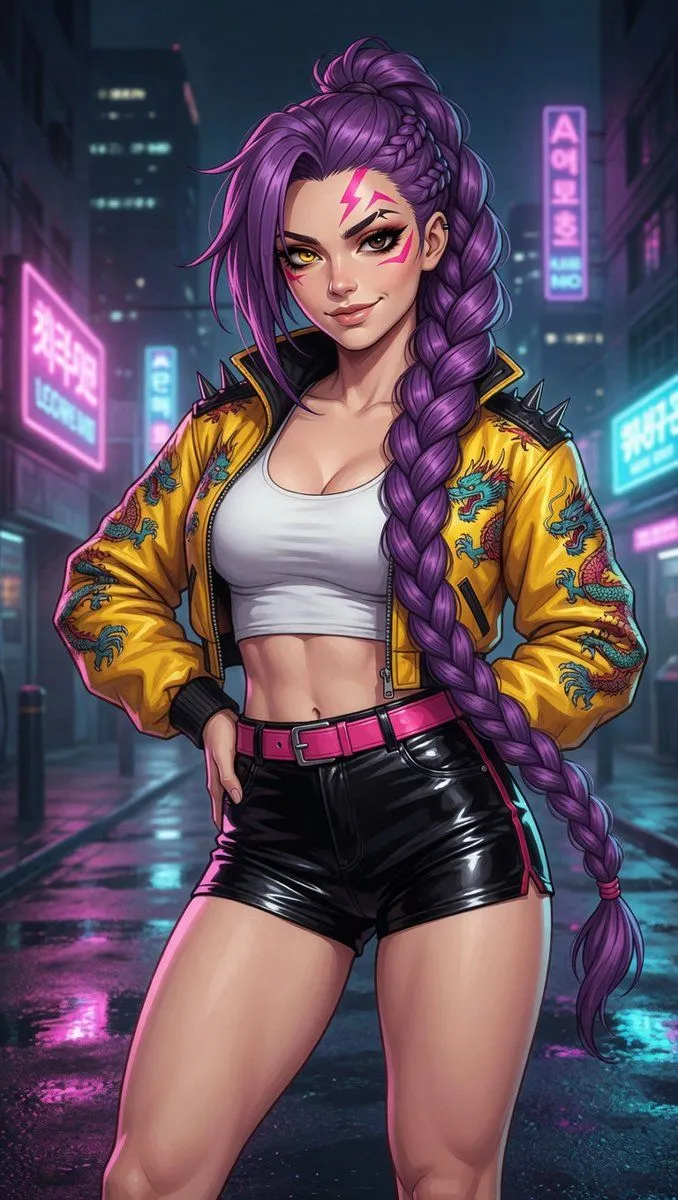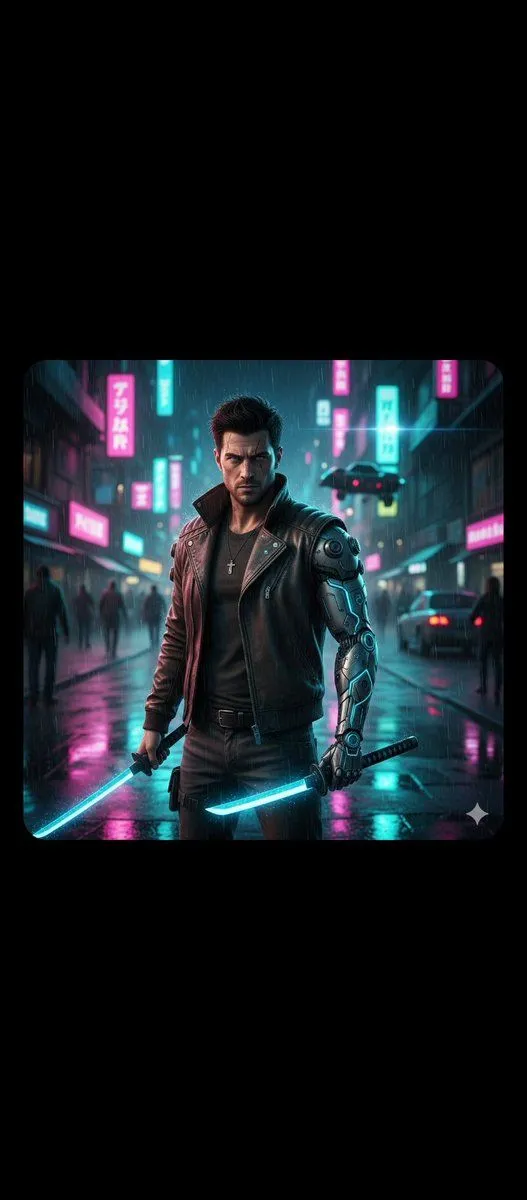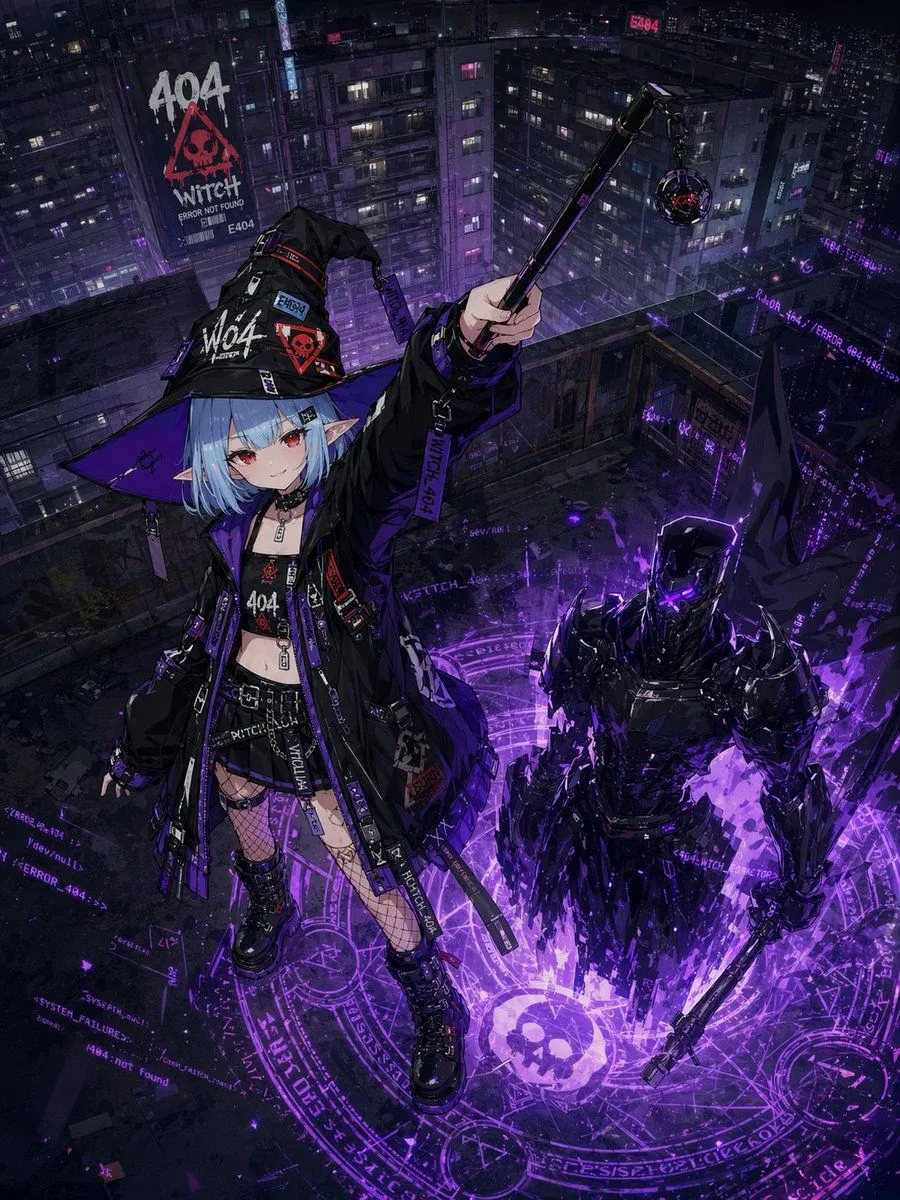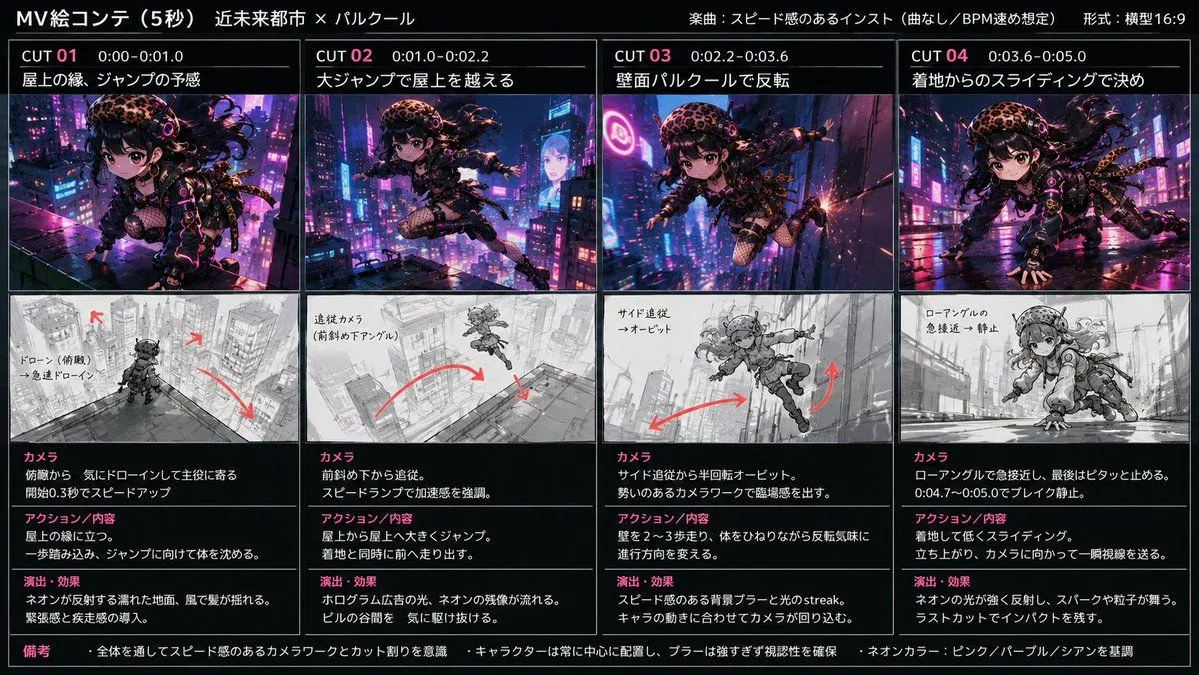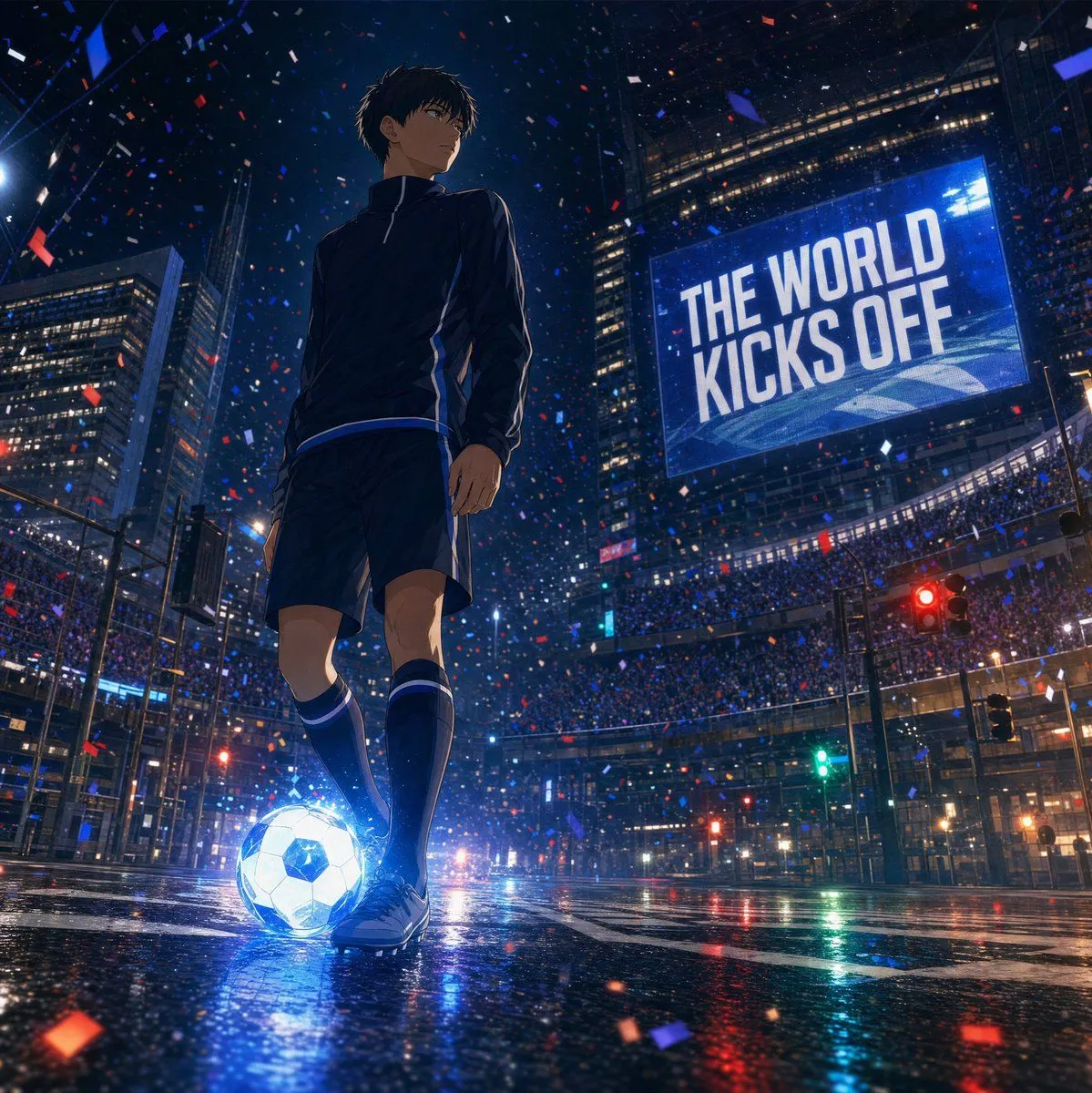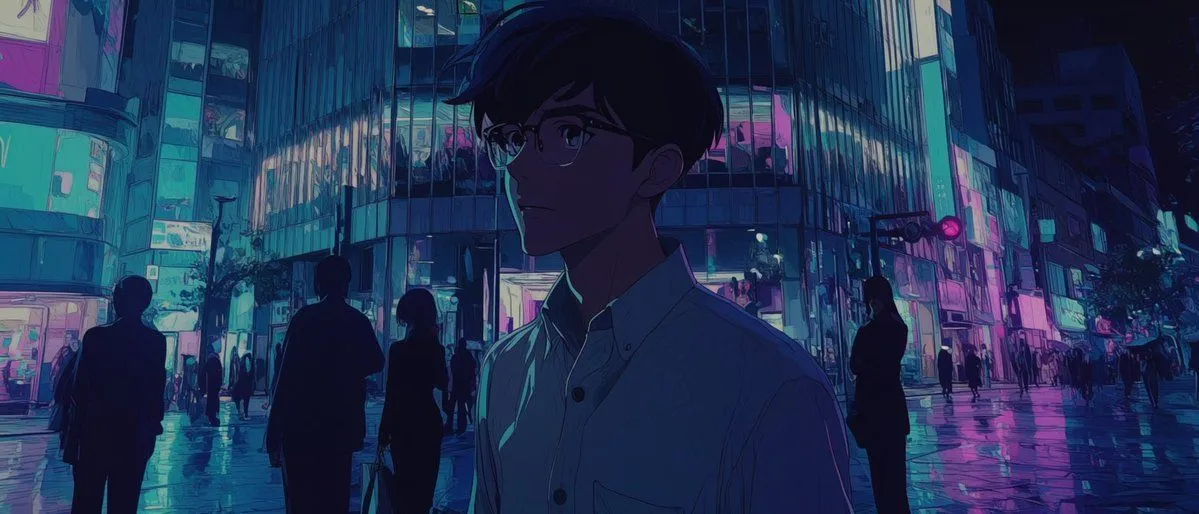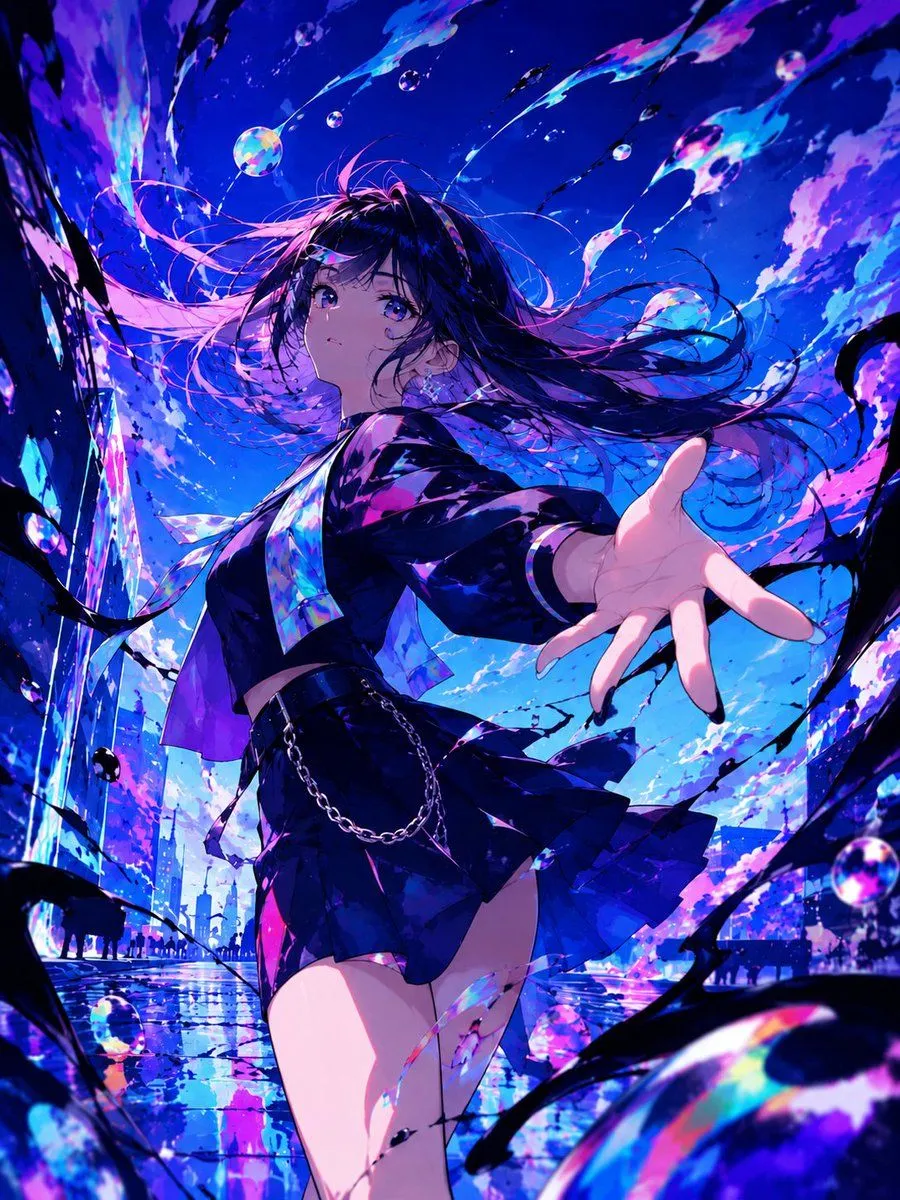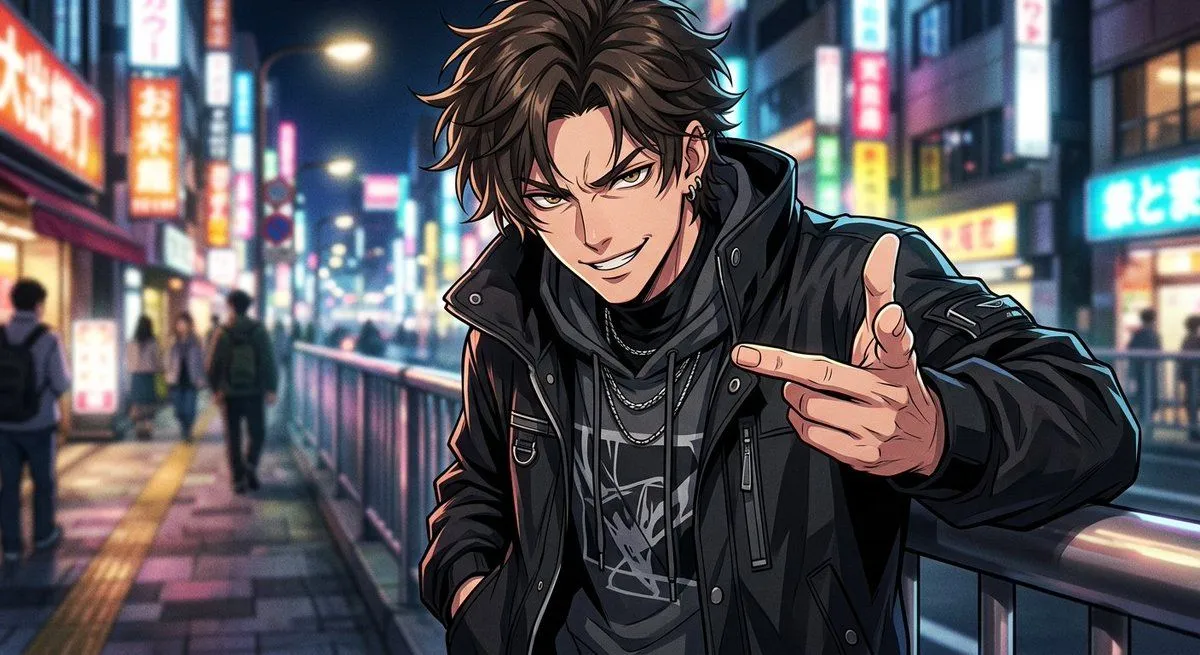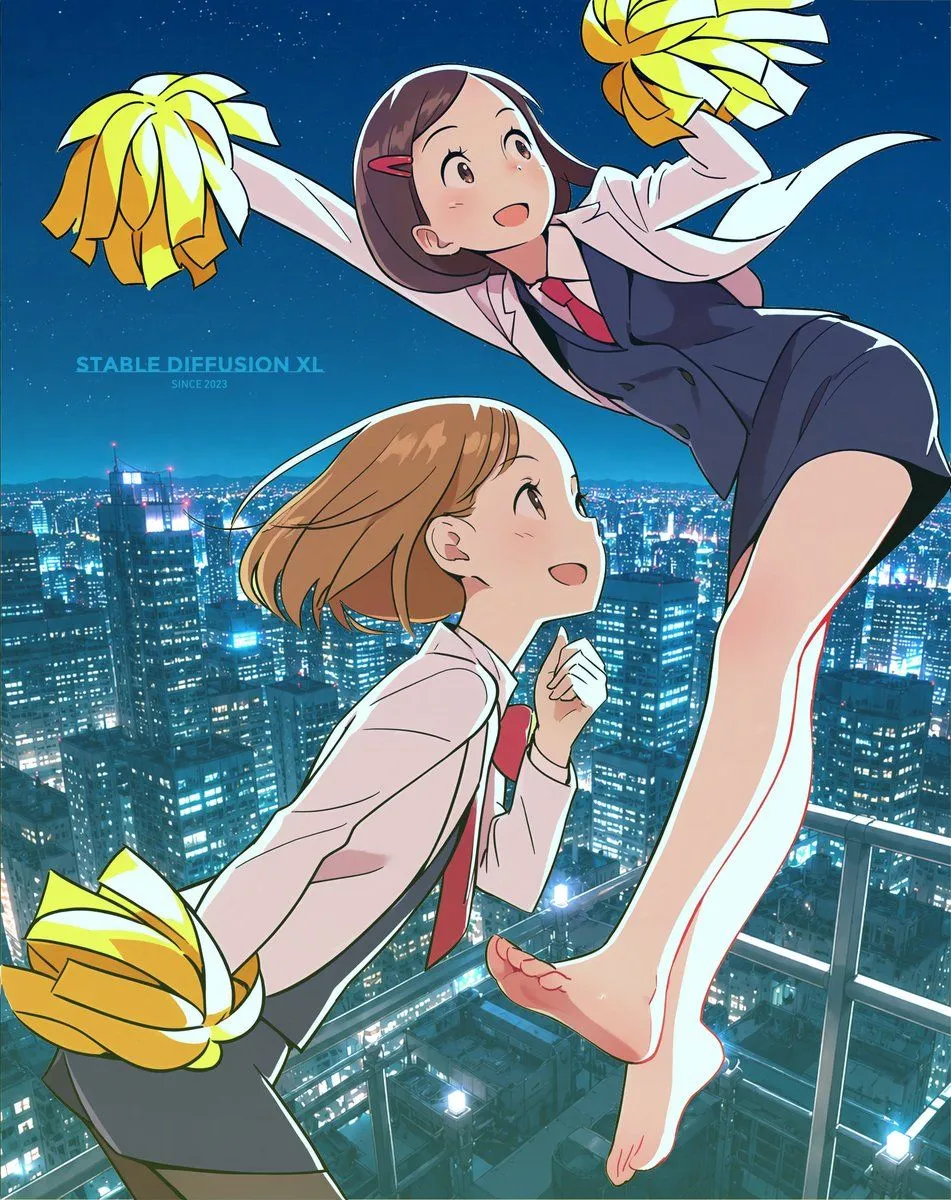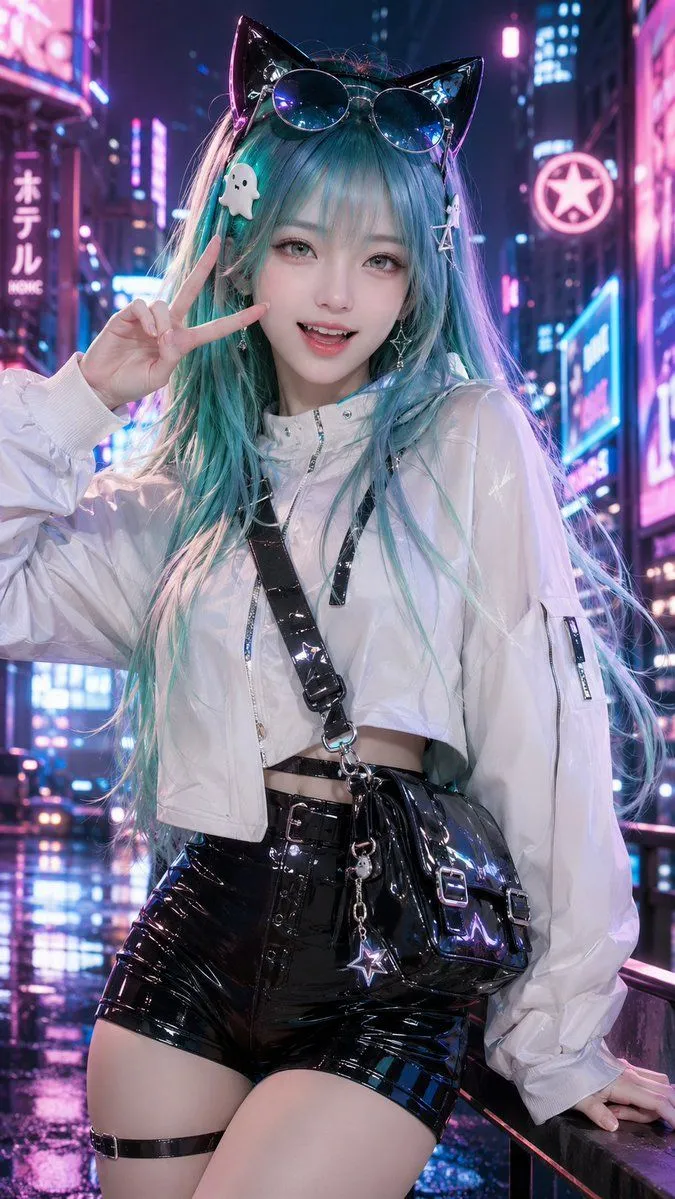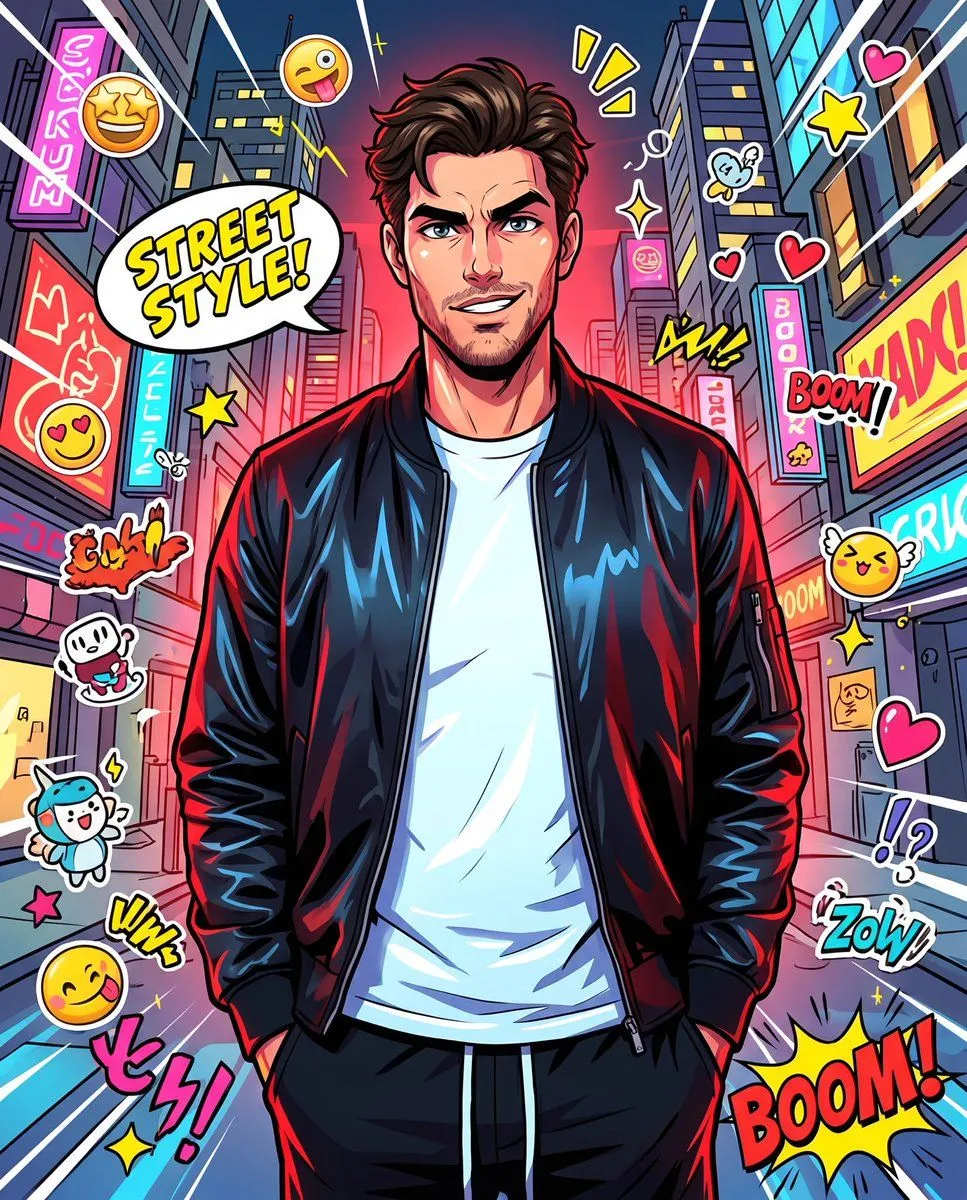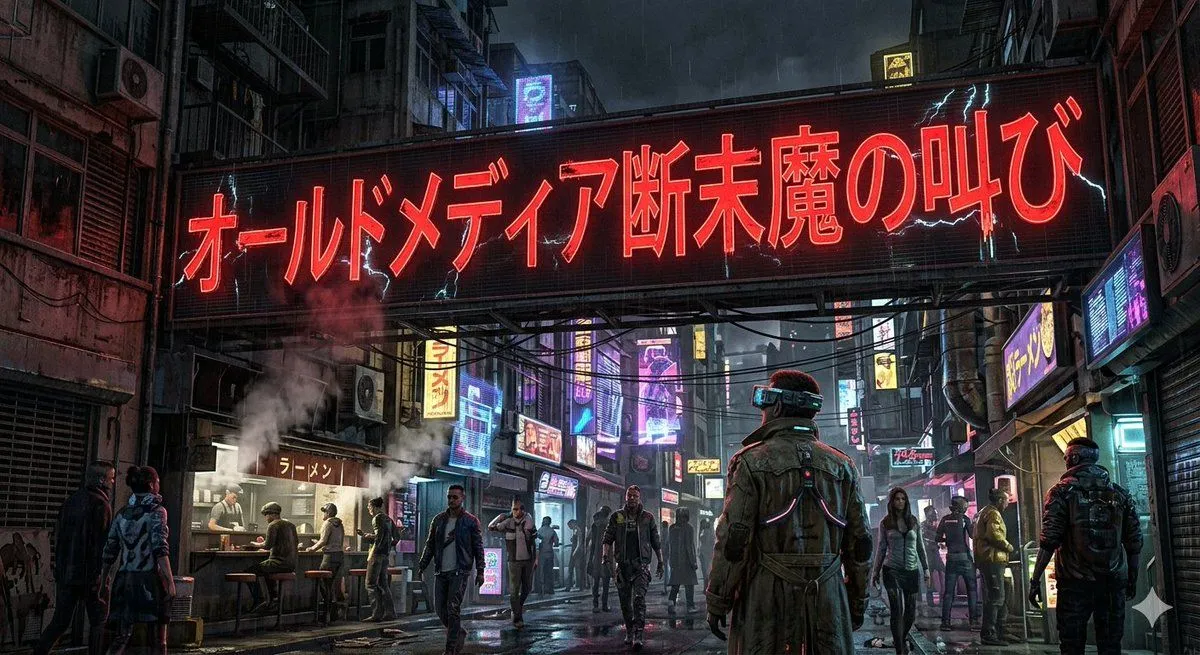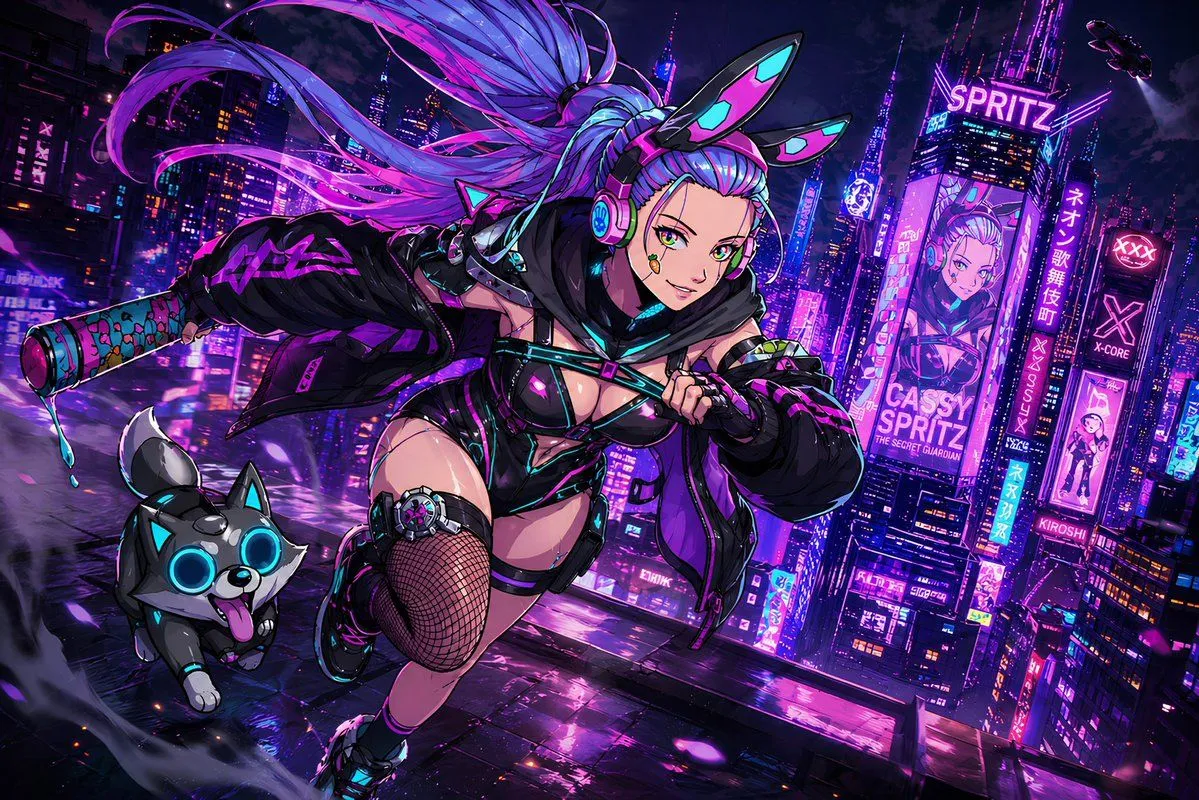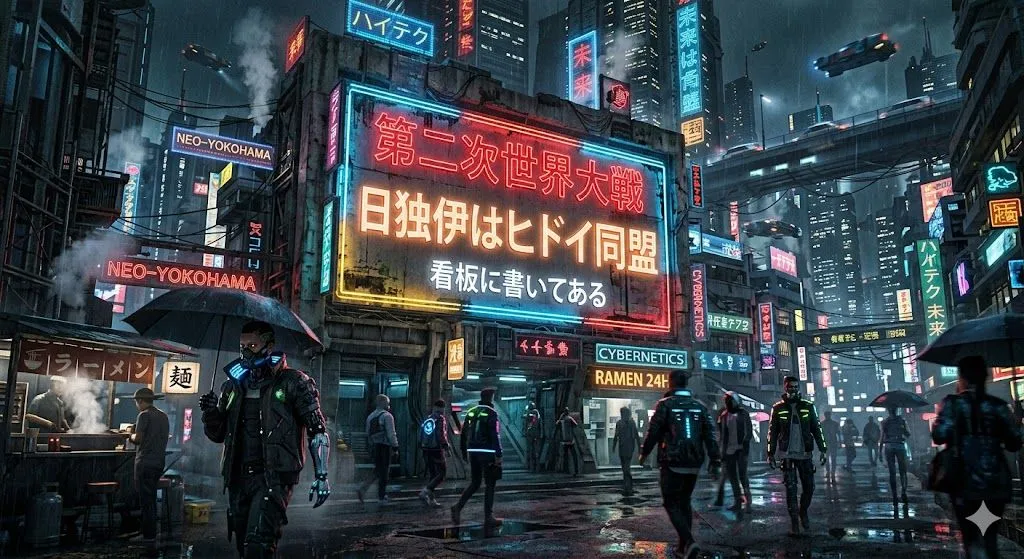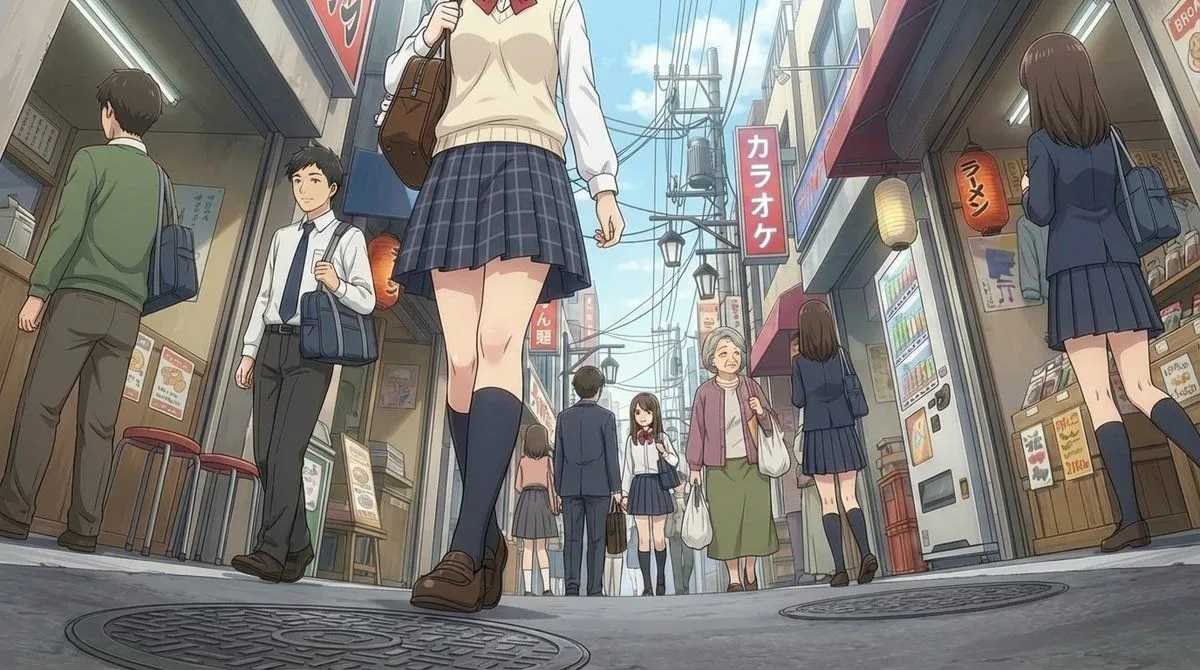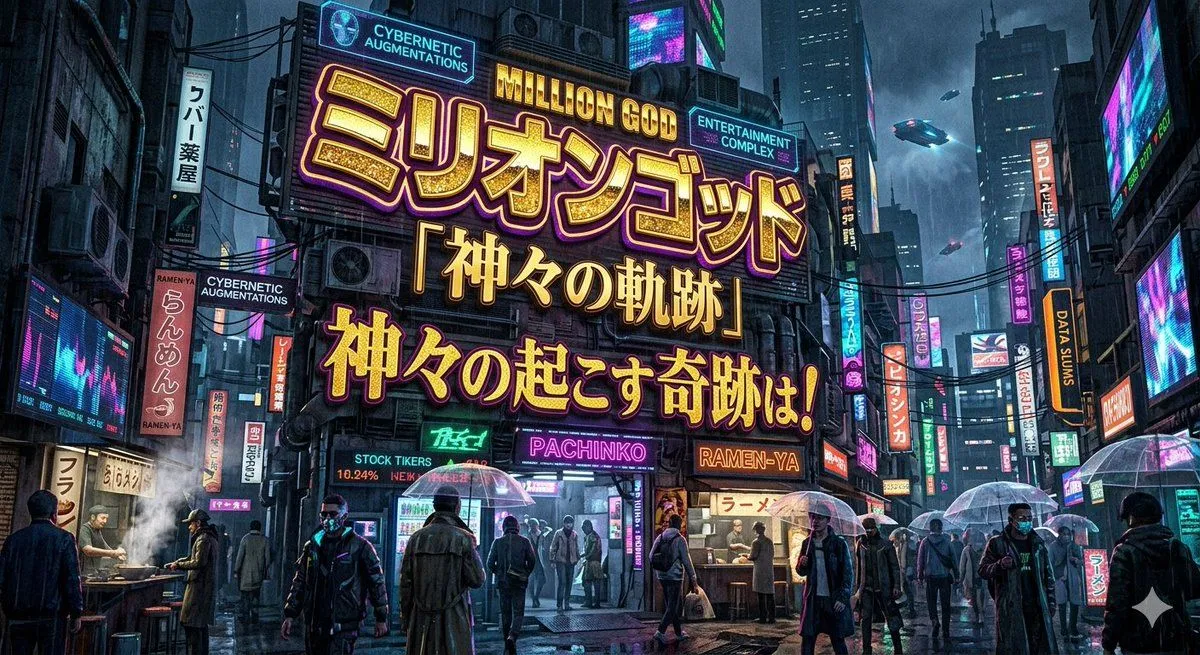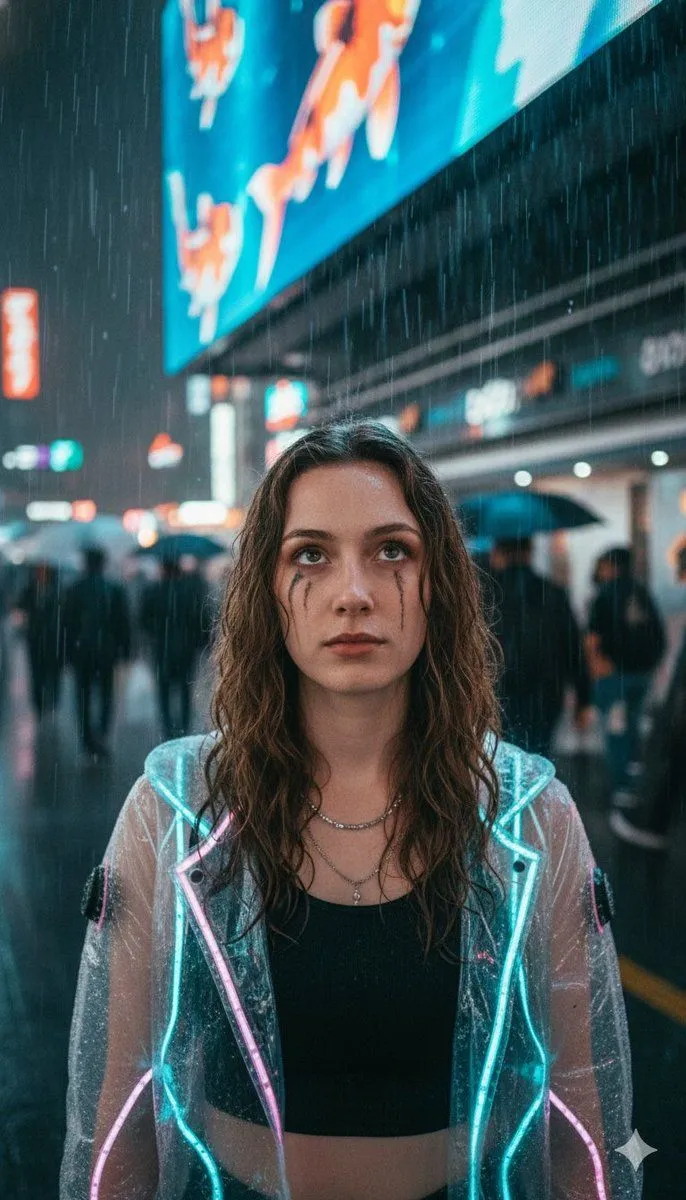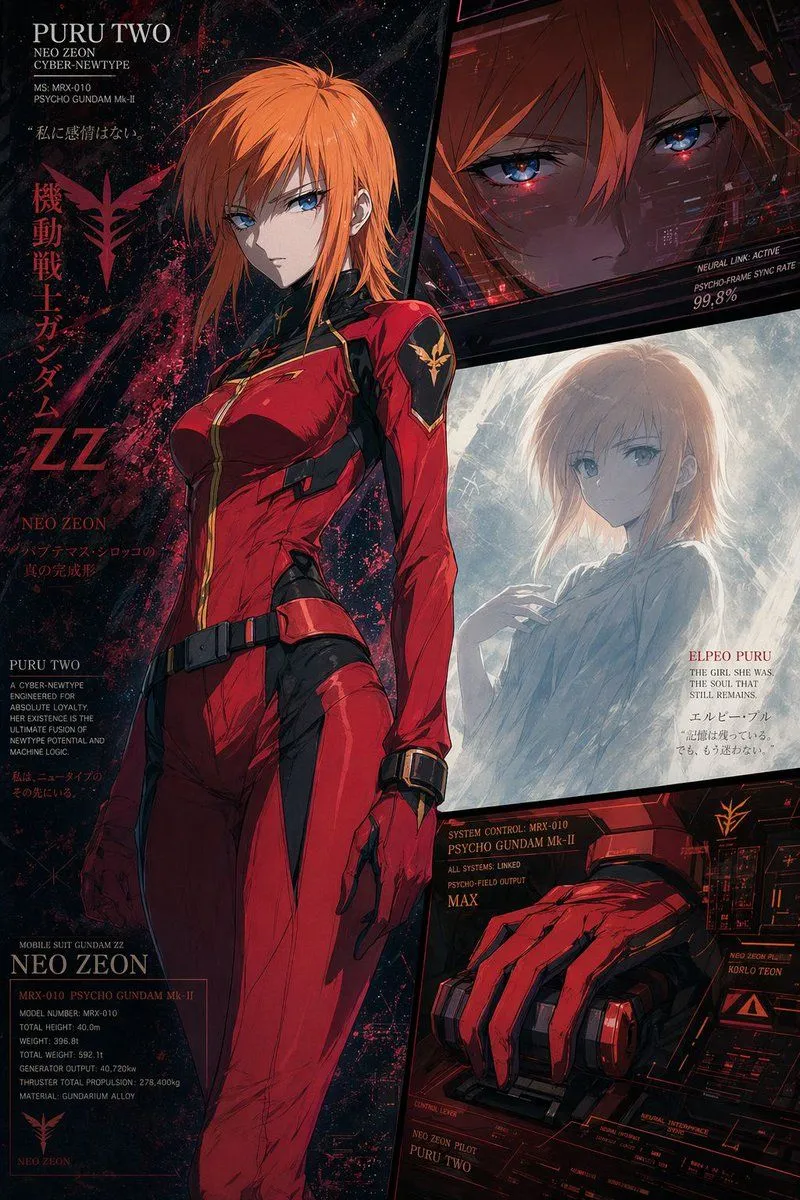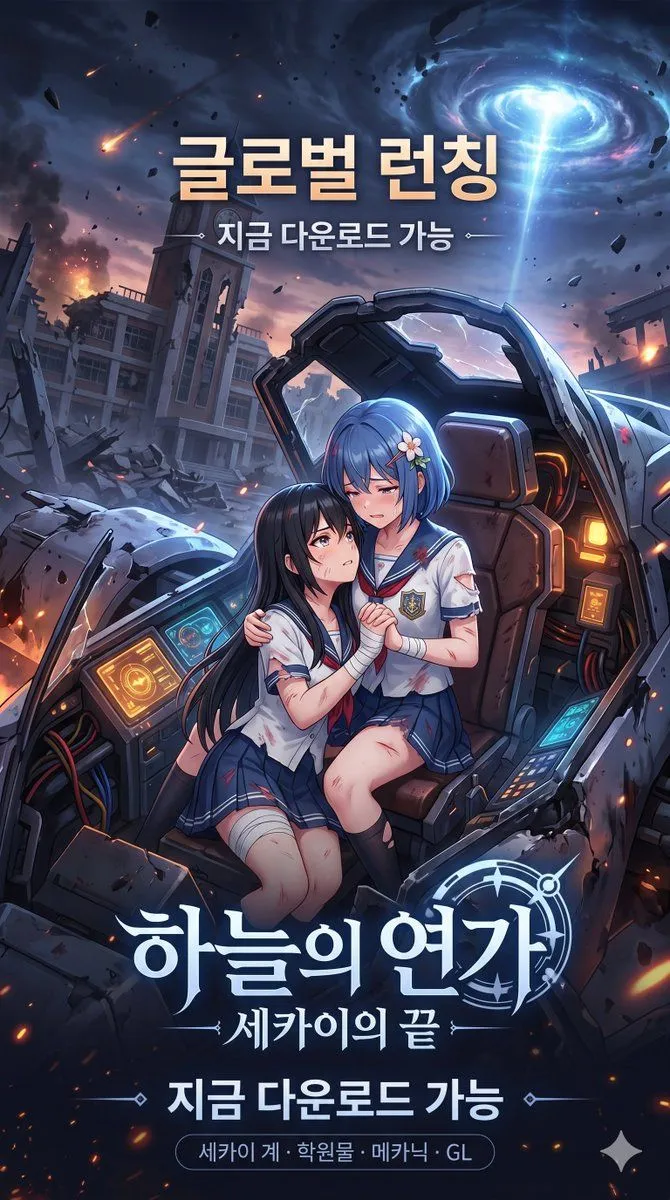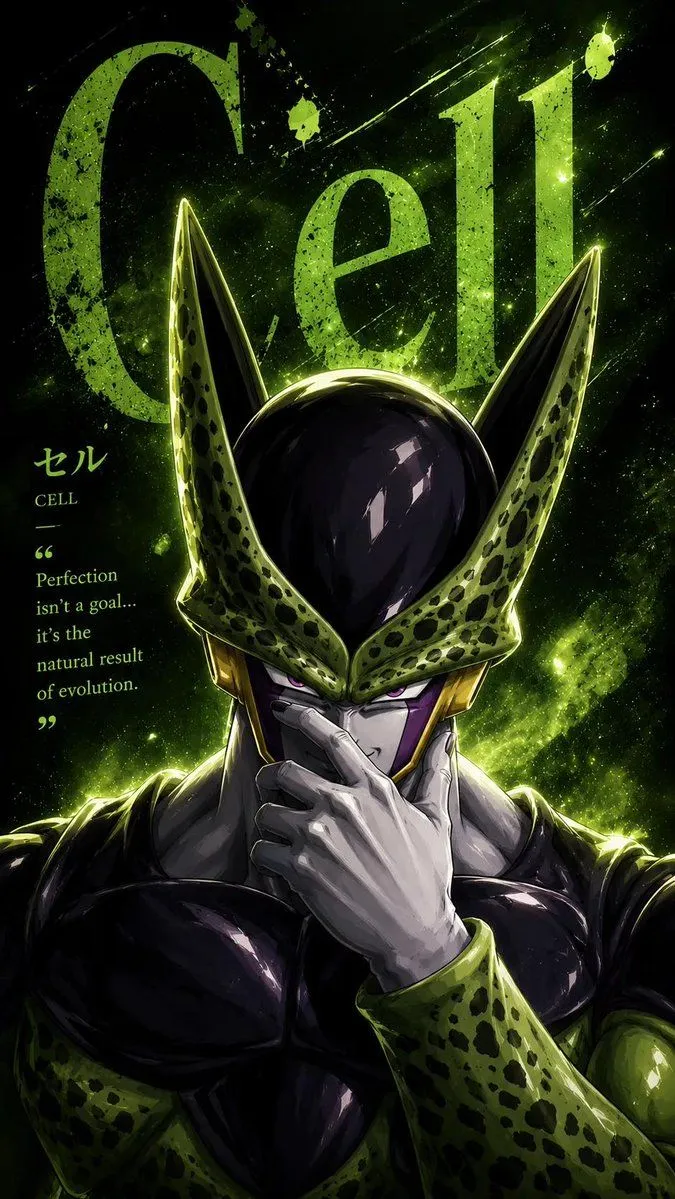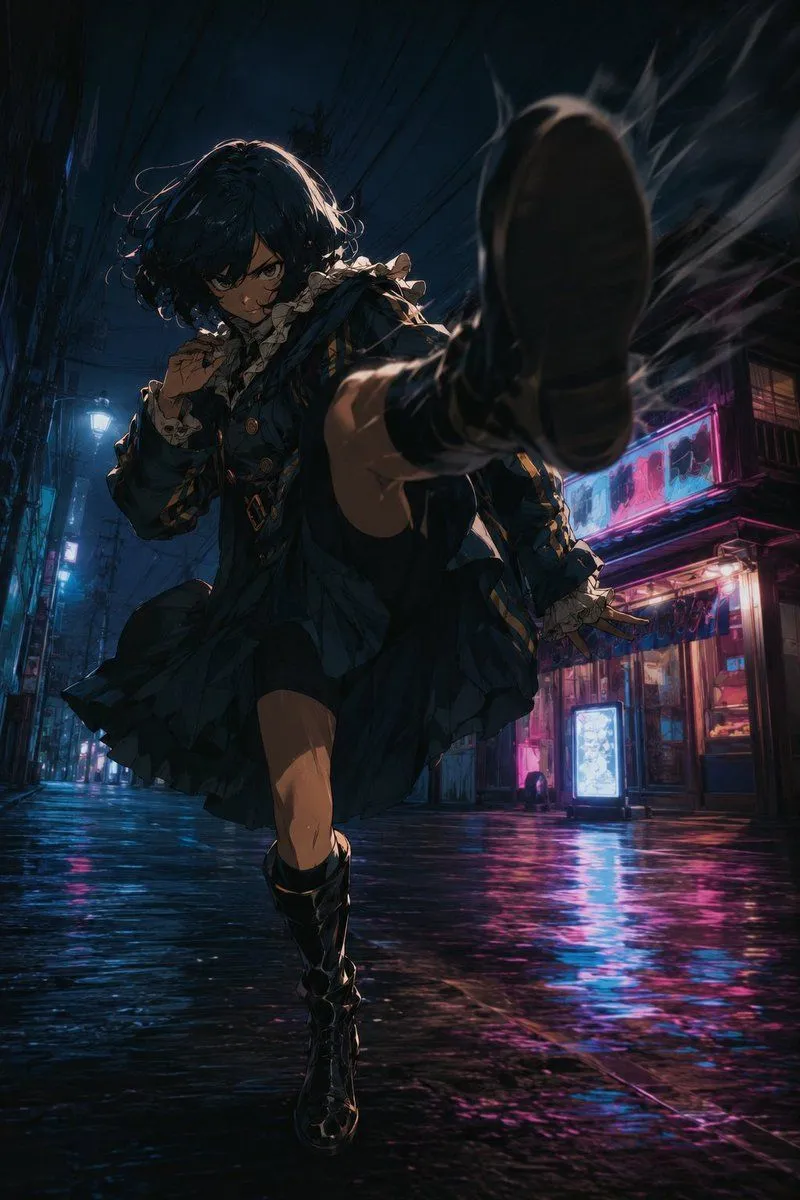
Made with GPT Image 2 in ChatGPT by Library Anime. Promptclay never generates images.
Did it work?
No reports yet. Tell others if it worked for you.
Anime Alley Kick Transformation
Prompt
2 blanks to fillUsing REFERENCE_0 as the pose and camera-composition guide, transform the plain mannequin into a dramatic anime action character while preserving the core motion: a low-angle, close perspective with one booted foot thrust toward the camera, the body twisting forward, one knee lifted, and the arms posed for balance/guard. Replace the mannequin with {character_type} wearing {outfit_style}. Add intense facial expression and dynamic hair motion. Create a cinematic night setting not present in the reference: a narrow rainy urban alley with wet reflective pavement, overhead power lines, storefronts, glowing signs, and neon blue/pink lighting. Emphasize speed and impact with motion blur, smoke or energy streaks around the foreground shoe, strong rim lighting, deep shadows, and dramatic foreshortening. Use a highly detailed modern anime illustration style with filmic contrast, saturated neon reflections, and a vertical poster composition. Avoid a blank studio background, avoid a white mannequin look, and keep the action pose as close as possible to the reference.
Preview of your prompt
Using REFERENCE_0 as the pose and camera-composition guide, transform the plain mannequin into a dramatic anime action character while preserving the core motion: a low-angle, close perspective with one booted foot thrust toward the camera, the body twisting forward, one knee lifted, and the arms posed for balance/guard. Replace the mannequin with a dark-haired anime gothic lolita fighter wearing a frilled dark blue-black dress with lace cuffs, gold accents, and tall black boots. Add intense facial expression and dynamic hair motion. Create a cinematic night setting not present in the reference: a narrow rainy urban alley with wet reflective pavement, overhead power lines, storefronts, glowing signs, and neon blue/pink lighting. Emphasize speed and impact with motion blur, smoke or energy streaks around the foreground shoe, strong rim lighting, deep shadows, and dramatic foreshortening. Use a highly detailed modern anime illustration style with filmic contrast, saturated neon reflections, and a vertical poster composition. Avoid a blank studio background, avoid a white mannequin look, and keep the action pose as close as possible to the reference.
DetailsVersions, settings and questions
Written for
What's in the prompt
- Subject
- Model
- GPT Image 2
If your face changes
keep my face exactly the sameQuestions
- Does this work in the ChatGPT app?
- Yes. Paste the prompt and attach your photo if it uses one.
- It changed my face. What do I do?
- Add "keep my face exactly the same" to the end and run it again.
- Can I use the images I make?
- Check the terms of the app you use. Promptclay never generates images and claims nothing you make.