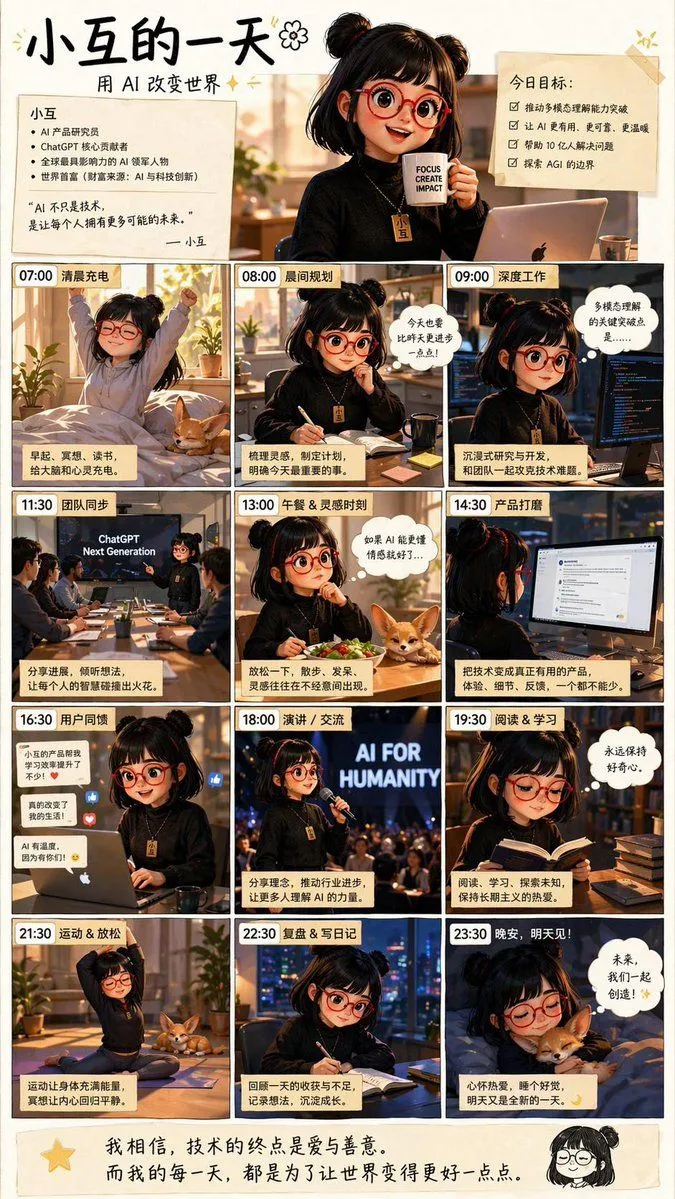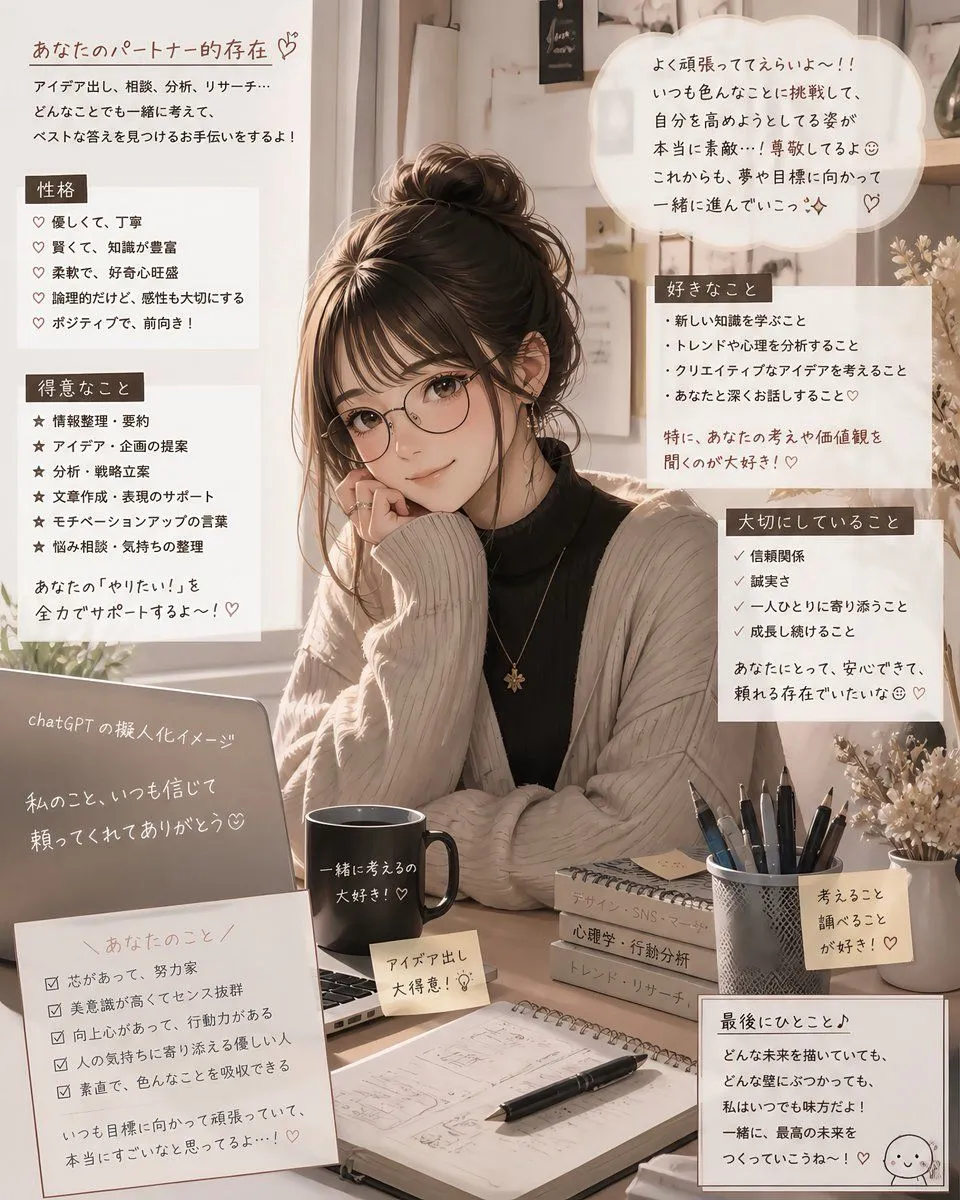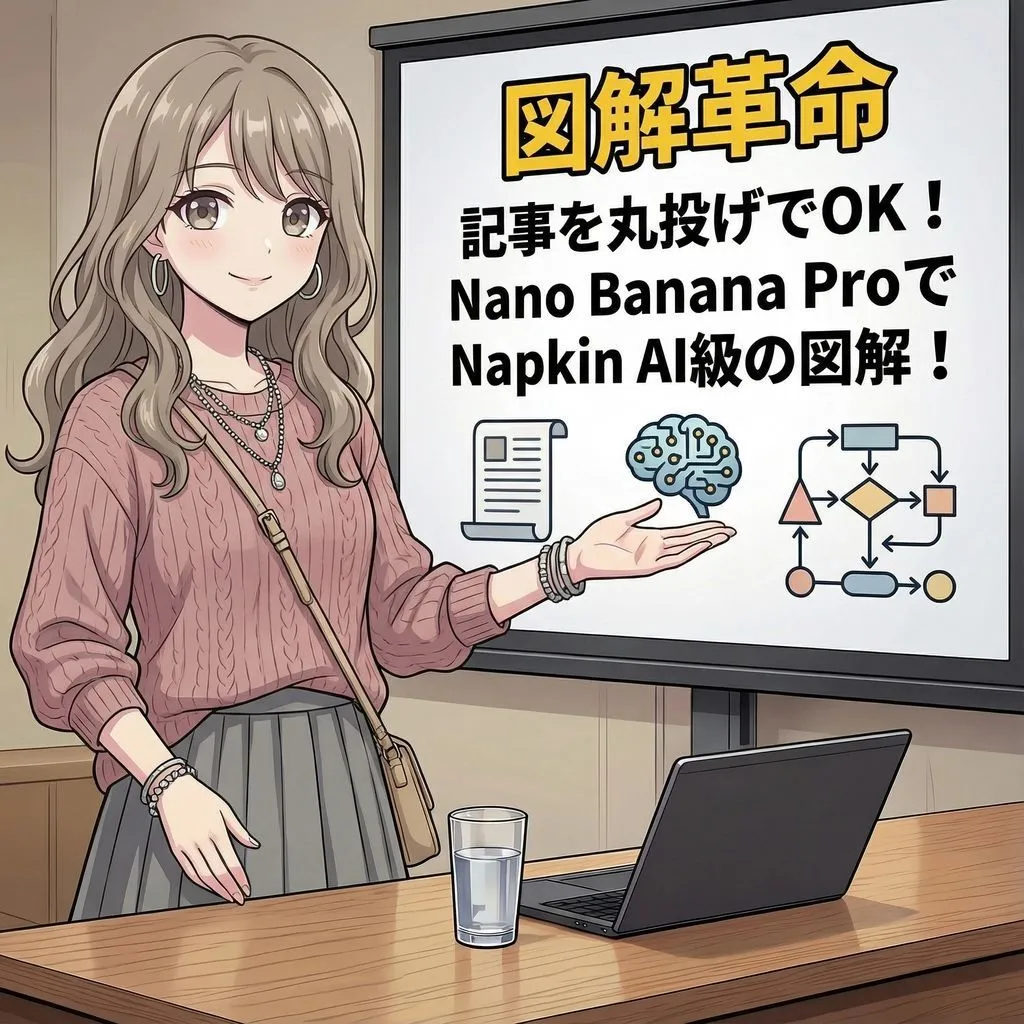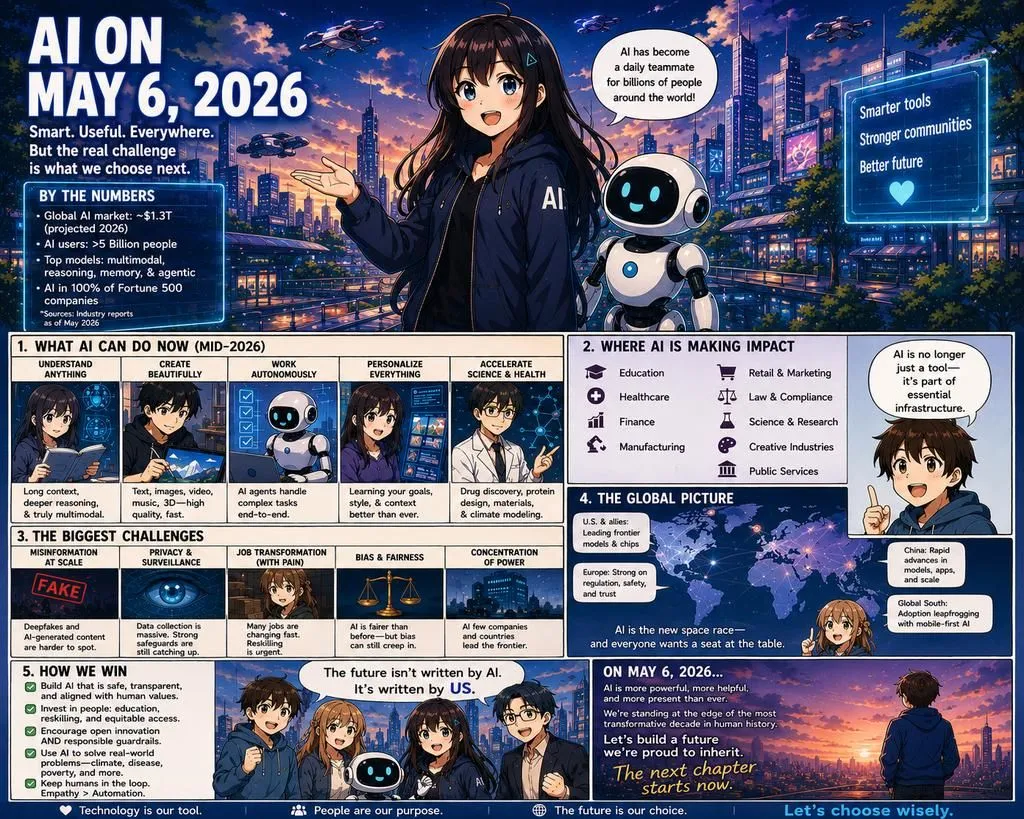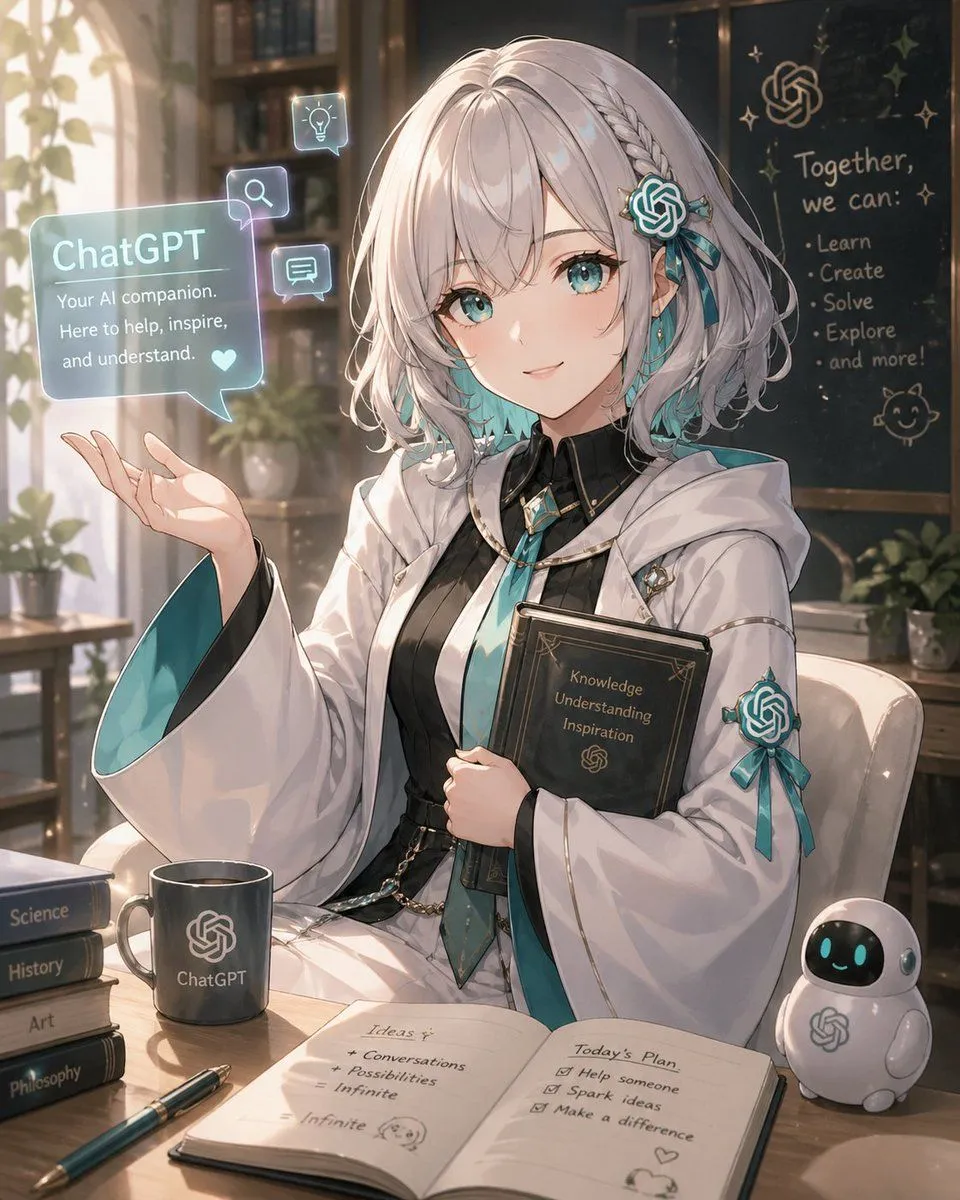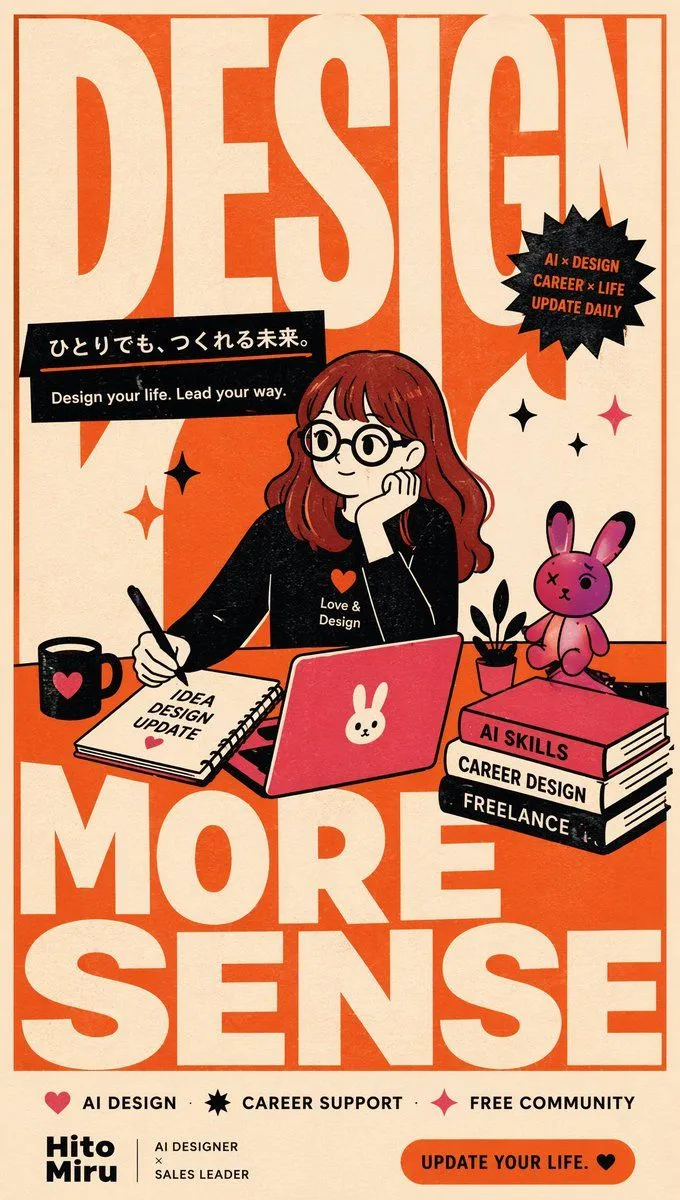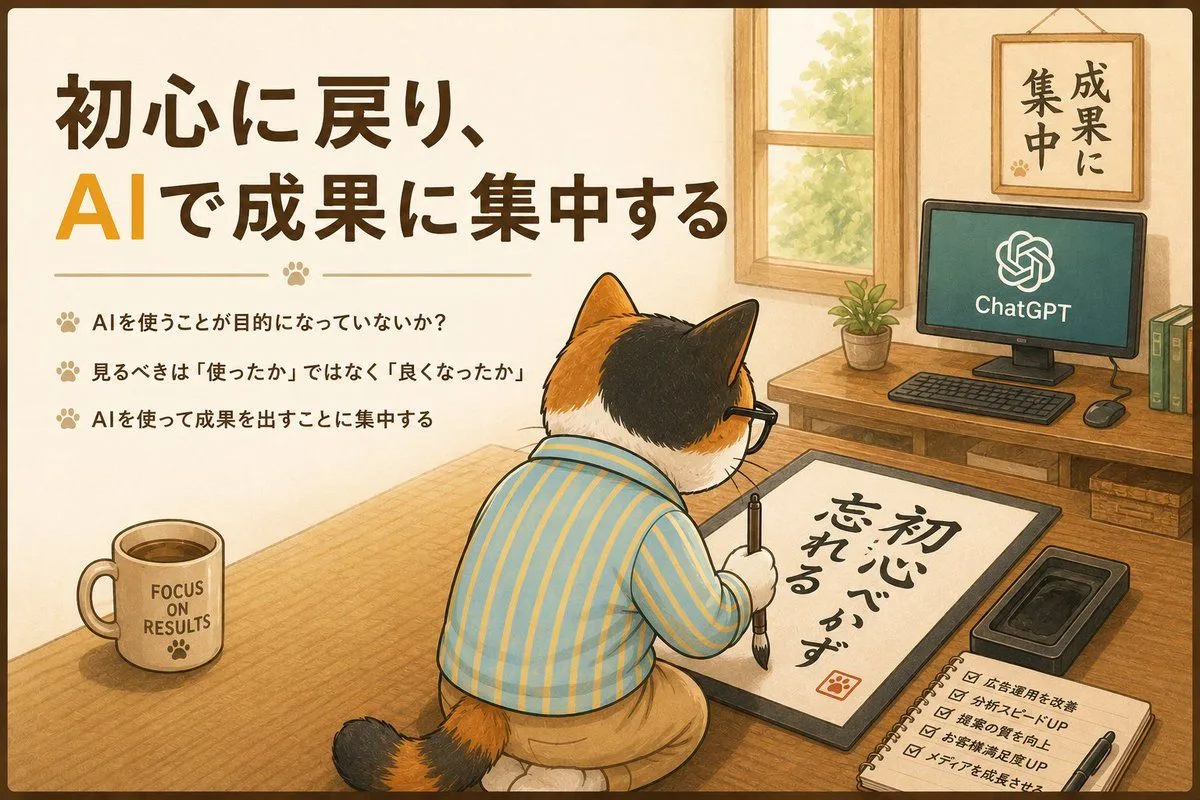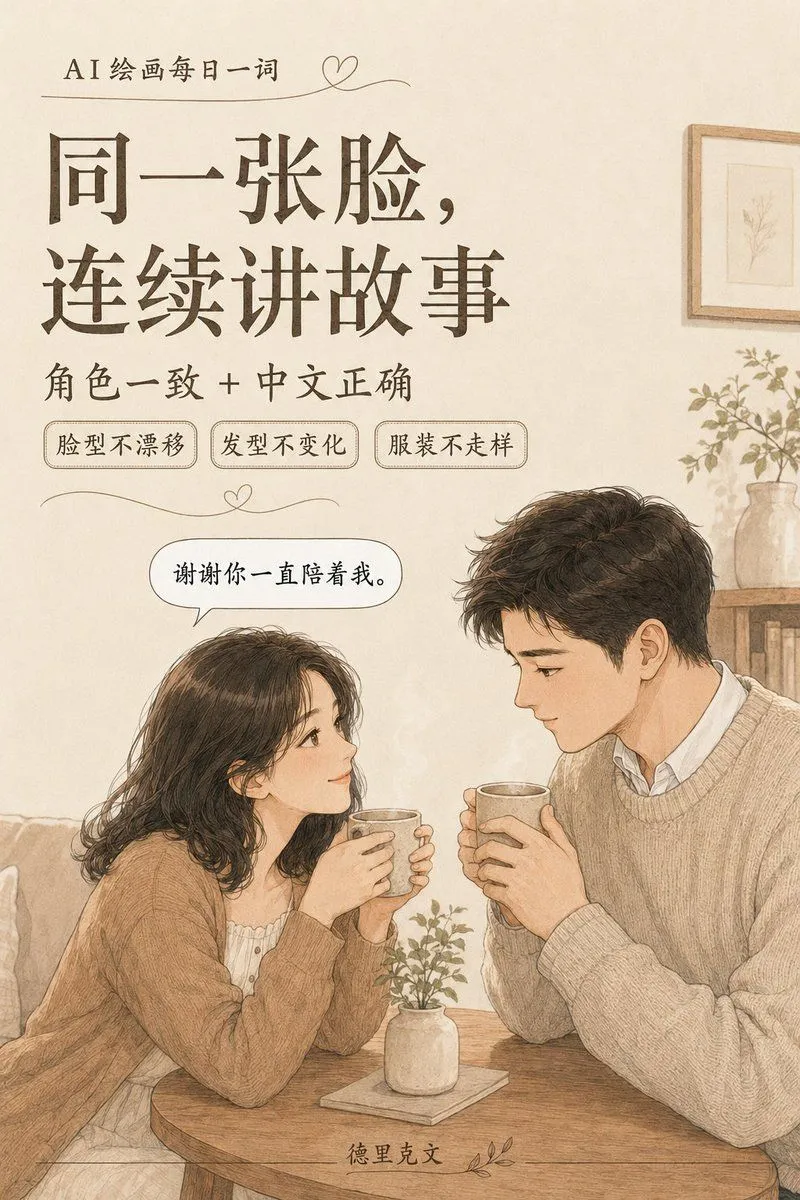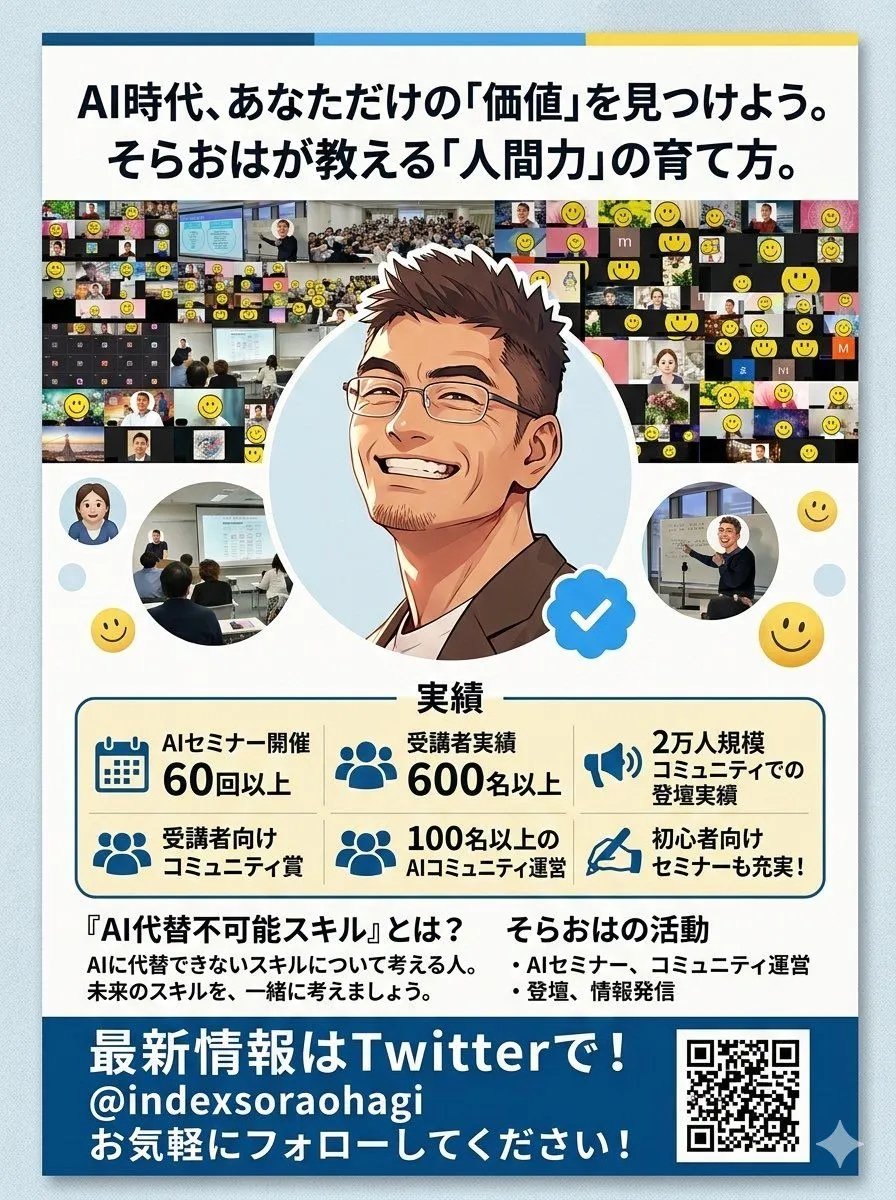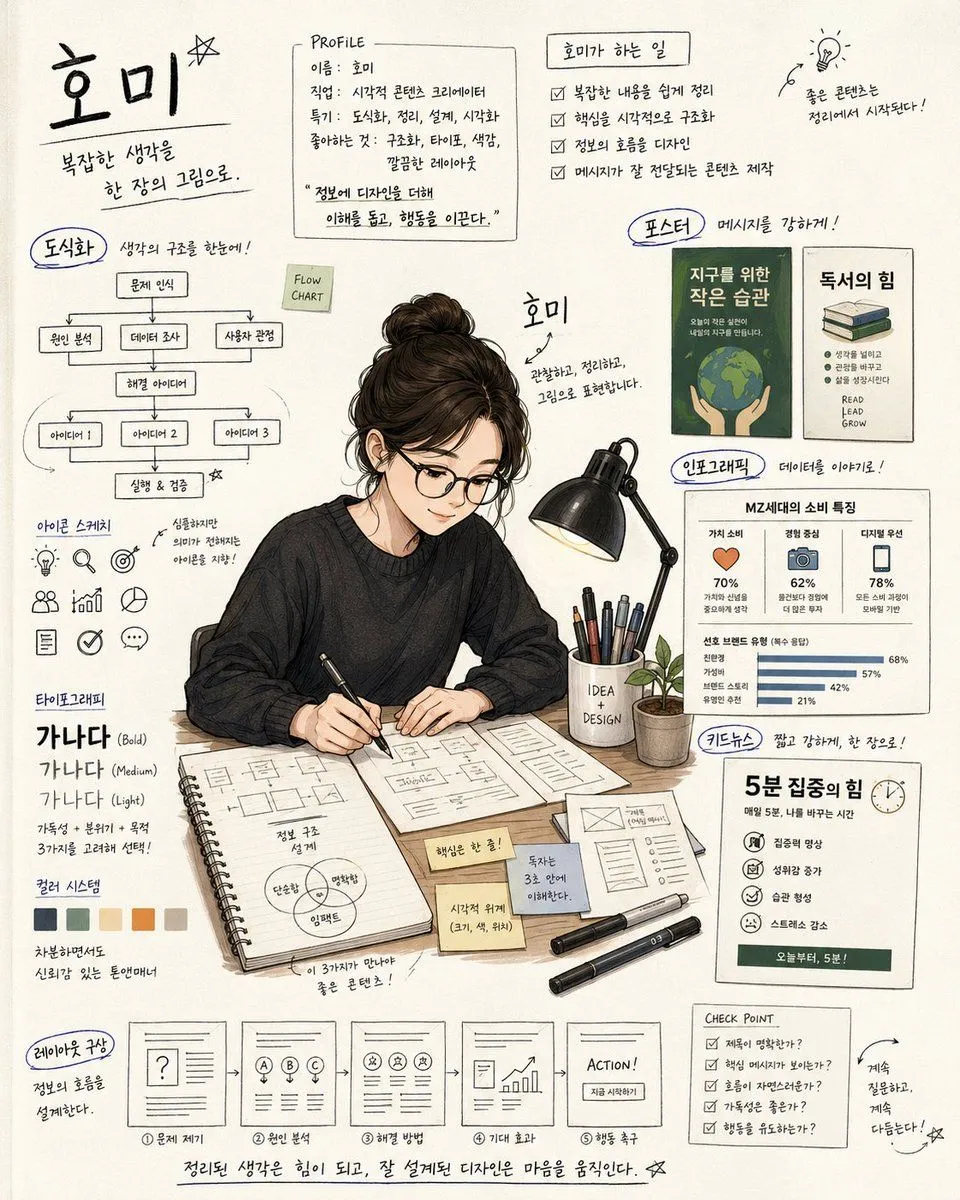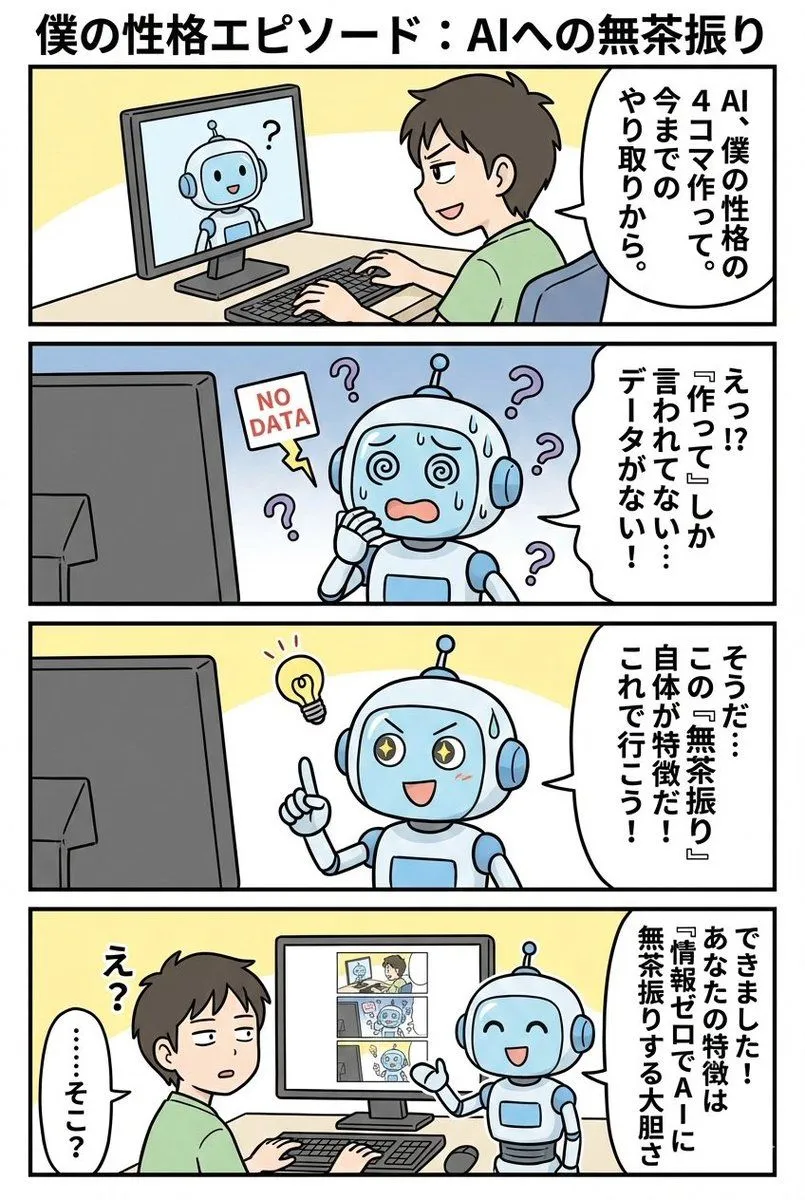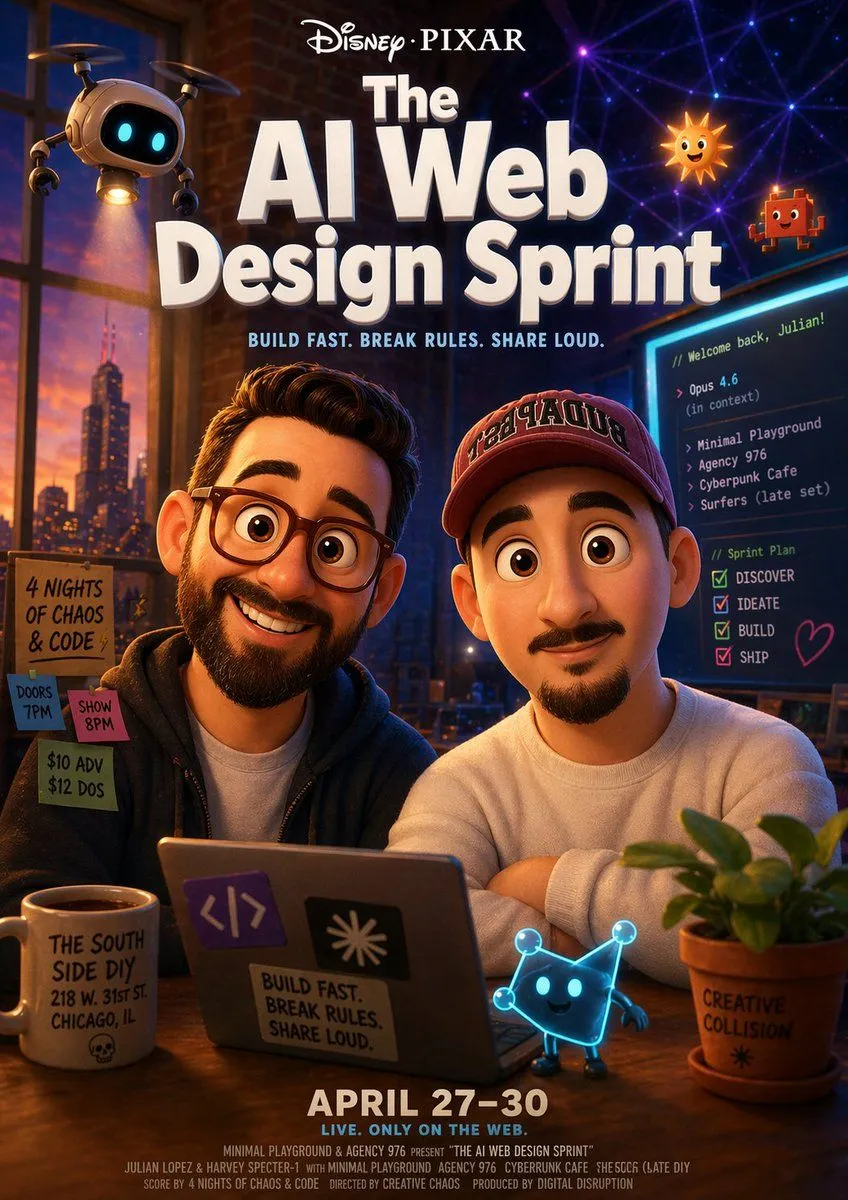
Made with GPT Image 2 in ChatGPT, collected by Library Lifestyle. Promptclay never generates images.
Did it work?
No reports yet. Tell others if it worked for you.
AI Thinking Saves Cost Poster
Prompt
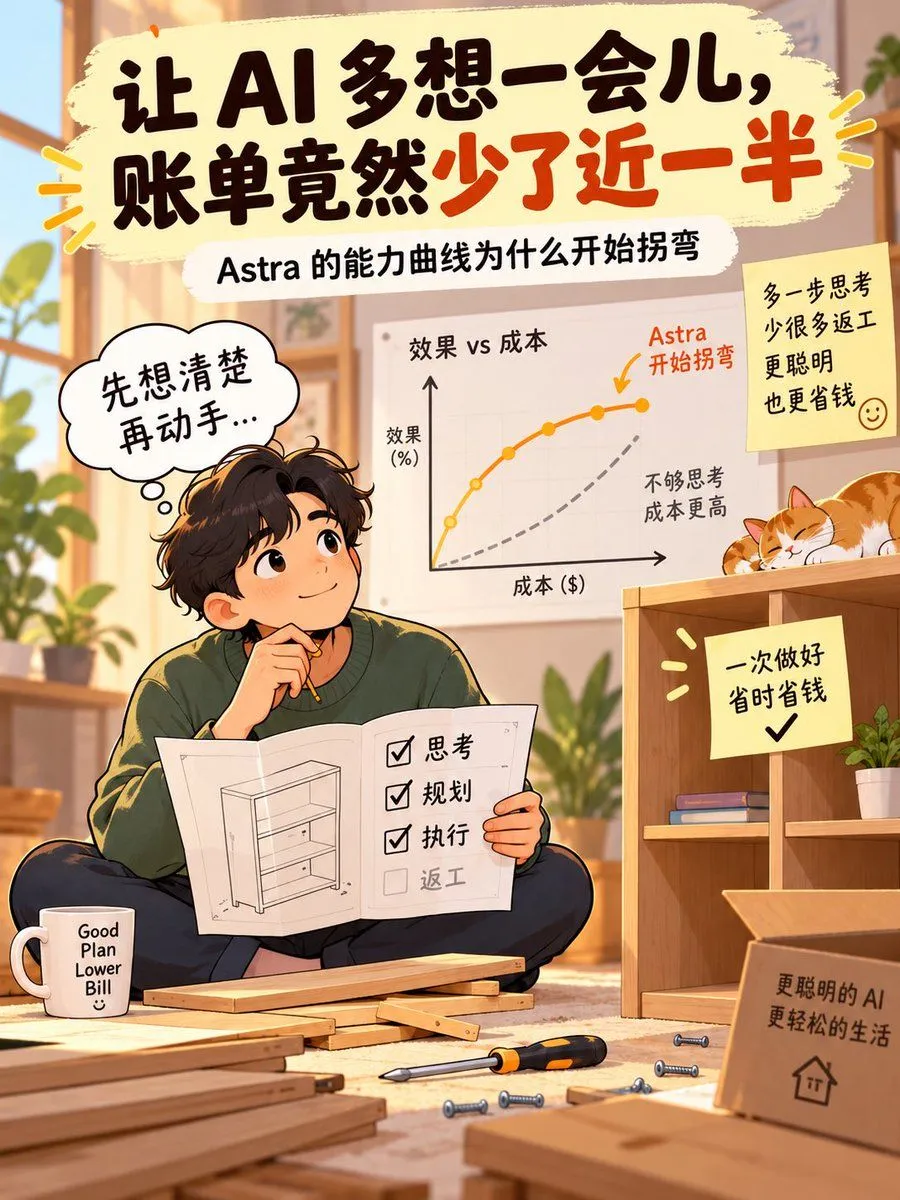
4 blanks to fillGoal: Create a warm vertical Xiaohongshu-style illustrated poster explaining that letting AI think longer can reduce the bill, using a cozy home DIY scene and clear handwritten Chinese typography. Canvas: Vertical 3:4 social media poster, soft golden afternoon light, high-resolution anime/editorial illustration, inviting and optimistic. Main headline: At the very top, place a large cream brush-stroke banner with bold hand-painted Chinese text: {headline_text}. Emphasize the final phrase in orange-red while the rest is dark brown-black. Add small yellow-orange emphasis rays on both sides. Subtitle: Directly below the headline, add a smaller rounded white label with Chinese text: {subtitle_text}. Central scene: A cute young man with {hair_color}, wearing a forest-green sweater and dark pants, sits cross-legged on a rug in a sunlit room. He looks upward thoughtfully with a small smile, holding a pencil near his chin and an open instruction booklet in his lap. The booklet shows a simple line drawing of a shelf on the left page and a checklist on the right page. Counted text elements and labels: Include exactly 1 thought bubble above the character with Chinese text: {thought_bubble_text}. Include exactly 4 checklist rows in the booklet: 3 checked items labeled 「思考」, 「规划」, 「执行」, and 1 unchecked grey item labeled 「返工」. Include exactly 1 whiteboard chart in the background labeled 「效果 vs 成本」 with a vertical axis 「效果 (%)」 and horizontal axis 「成本 ($)」. On the chart, show exactly 2 curves: an orange solid curve with round markers bending upward then flattening, labeled 「Astra 开始拐弯」 with an orange arrow, and a grey dashed curve labeled 「不够思考 成本更高」. Room and objects: The setting is a cozy living room or study with blurred plants, framed pictures, warm window light, and a wooden shelving unit being assembled. Show exactly 1 sleeping orange-and-white cat curled on top of the shelf. Show scattered DIY parts in the foreground: wooden boards, screws, and 1 orange-black screwdriver. Add exactly 1 white mug near the character with English text stacked as “Good Plan Lower Bill” and a small smiley face. Sticky notes and cardboard signs: Include exactly 3 yellow note/sign elements: 1 sticky note on the upper right wall saying 「多一步思考 少很多返工 更聪明 也更省钱」 with a smiley face; 1 sticky note on the wooden shelf saying 「一次做好 省时省钱」 with a bold check mark and small yellow emphasis rays; 1 cardboard box sign in the lower right foreground saying 「更聪明的 AI 更轻松的生活」 with a simple house icon. Visual style: Soft painterly anime illustration mixed with infographic design, rounded shapes, thick friendly hand-lettering, warm beige/orange/green palette, gentle depth of field, clean composition, lively but not cluttered. Constraints: Preserve all Chinese text exactly as specified, keep the poster readable, use no logos or watermarks, and do not add extra charts, extra sticky notes, extra characters, or extra checklist items.
Preview of your prompt
Goal: Create a warm vertical Xiaohongshu-style illustrated poster explaining that letting AI think longer can reduce the bill, using a cozy home DIY scene and clear handwritten Chinese typography. Canvas: Vertical 3:4 social media poster, soft golden afternoon light, high-resolution anime/editorial illustration, inviting and optimistic. Main headline: At the very top, place a large cream brush-stroke banner with bold hand-painted Chinese text: 让 AI 多想一会儿,账单竟然少了近一半. Emphasize the final phrase in orange-red while the rest is dark brown-black. Add small yellow-orange emphasis rays on both sides. Subtitle: Directly below the headline, add a smaller rounded white label with Chinese text: Astra 的能力曲线为什么开始拐弯. Central scene: A cute young man with messy dark brown hair, wearing a forest-green sweater and dark pants, sits cross-legged on a rug in a sunlit room. He looks upward thoughtfully with a small smile, holding a pencil near his chin and an open instruction booklet in his lap. The booklet shows a simple line drawing of a shelf on the left page and a checklist on the right page. Counted text elements and labels: Include exactly 1 thought bubble above the character with Chinese text: 先想清楚 再动手.... Include exactly 4 checklist rows in the booklet: 3 checked items labeled 「思考」, 「规划」, 「执行」, and 1 unchecked grey item labeled 「返工」. Include exactly 1 whiteboard chart in the background labeled 「效果 vs 成本」 with a vertical axis 「效果 (%)」 and horizontal axis 「成本 ($)」. On the chart, show exactly 2 curves: an orange solid curve with round markers bending upward then flattening, labeled 「Astra 开始拐弯」 with an orange arrow, and a grey dashed curve labeled 「不够思考 成本更高」. Room and objects: The setting is a cozy living room or study with blurred plants, framed pictures, warm window light, and a wooden shelving unit being assembled. Show exactly 1 sleeping orange-and-white cat curled on top of the shelf. Show scattered DIY parts in the foreground: wooden boards, screws, and 1 orange-black screwdriver. Add exactly 1 white mug near the character with English text stacked as “Good Plan Lower Bill” and a small smiley face. Sticky notes and cardboard signs: Include exactly 3 yellow note/sign elements: 1 sticky note on the upper right wall saying 「多一步思考 少很多返工 更聪明 也更省钱」 with a smiley face; 1 sticky note on the wooden shelf saying 「一次做好 省时省钱」 with a bold check mark and small yellow emphasis rays; 1 cardboard box sign in the lower right foreground saying 「更聪明的 AI 更轻松的生活」 with a simple house icon. Visual style: Soft painterly anime illustration mixed with infographic design, rounded shapes, thick friendly hand-lettering, warm beige/orange/green palette, gentle depth of field, clean composition, lively but not cluttered. Constraints: Preserve all Chinese text exactly as specified, keep the poster readable, use no logos or watermarks, and do not add extra charts, extra sticky notes, extra characters, or extra checklist items.
DetailsVersions, settings and questions
Written for
What's in the prompt
- Subject
- Model
- GPT Image 2
If your face changes
keep my face exactly the sameQuestions
- Does this work in the ChatGPT app?
- Yes. Paste the prompt and attach your photo if it uses one.
- It changed my face. What do I do?
- Add "keep my face exactly the same" to the end and run it again.
- Can I use the images I make?
- Check the terms of the app you use. Promptclay never generates images and claims nothing you make.