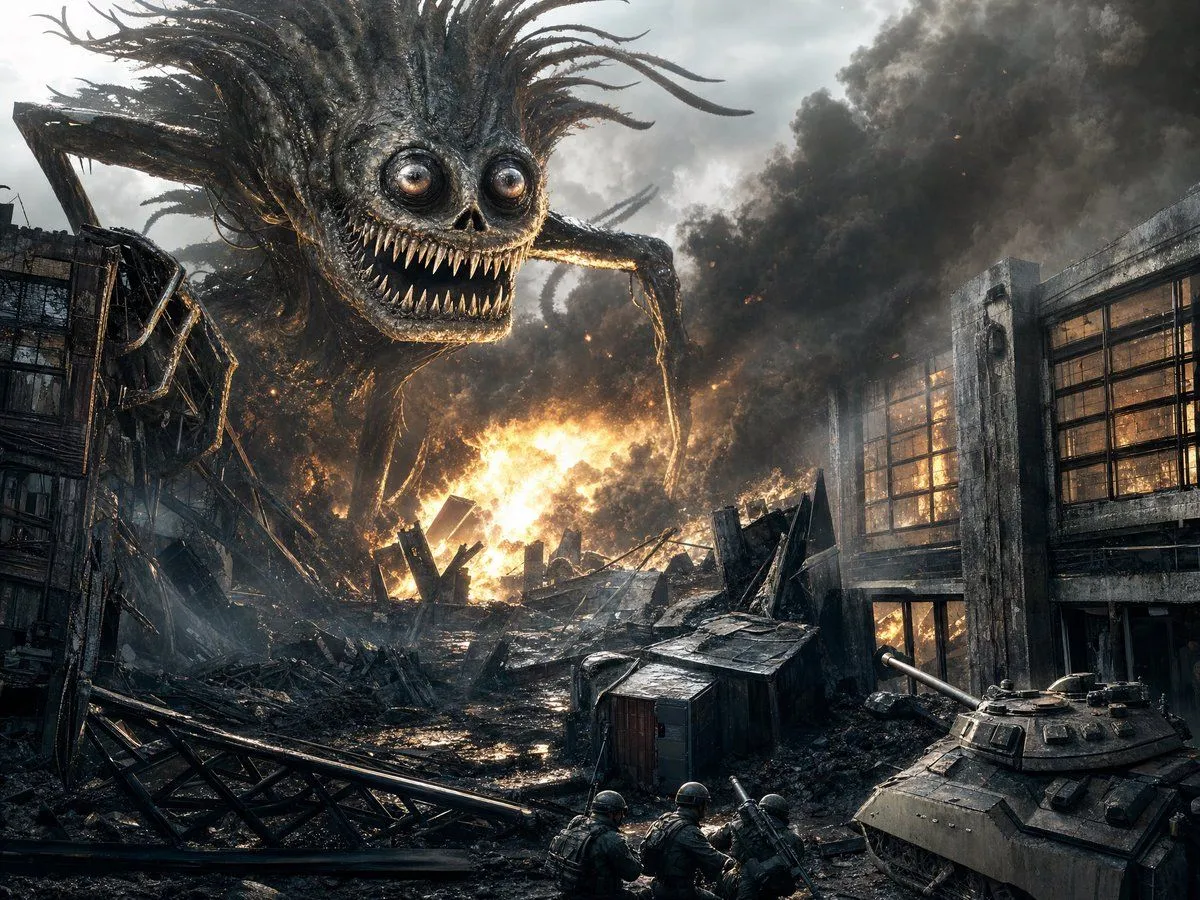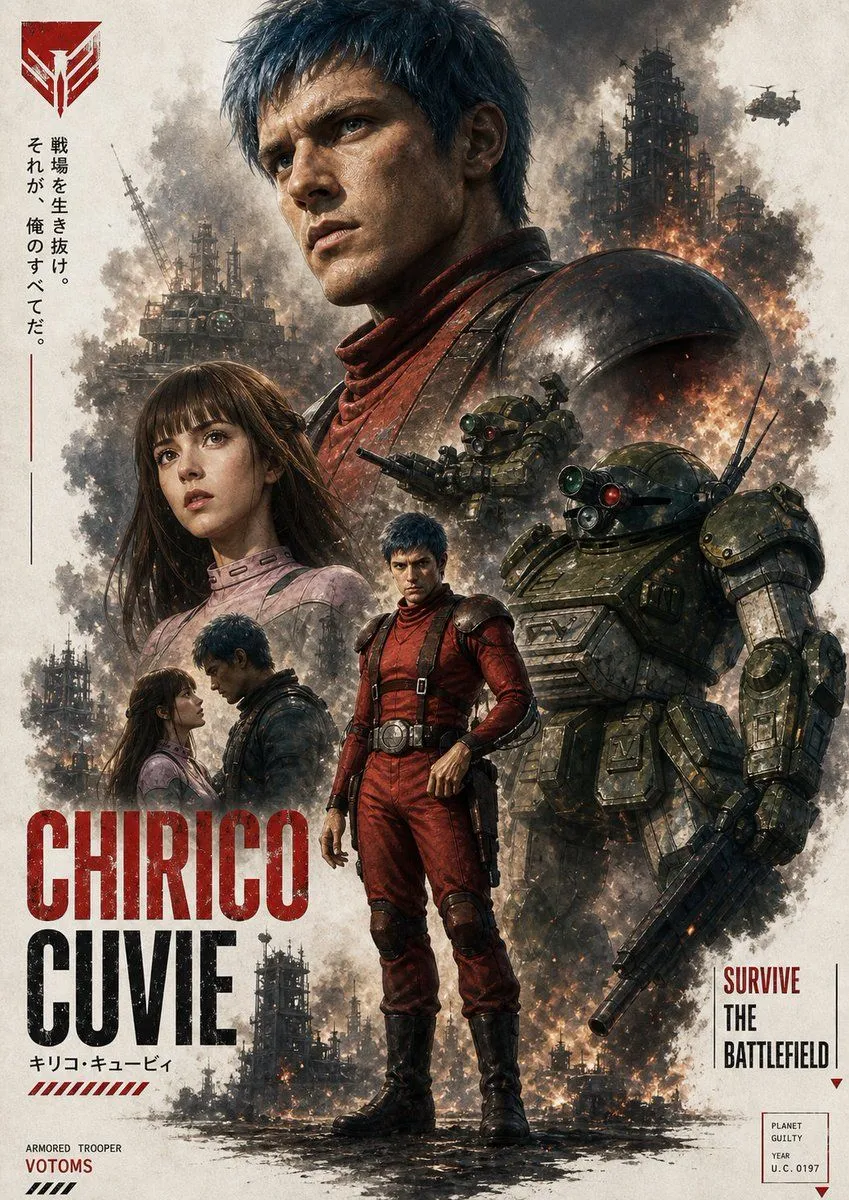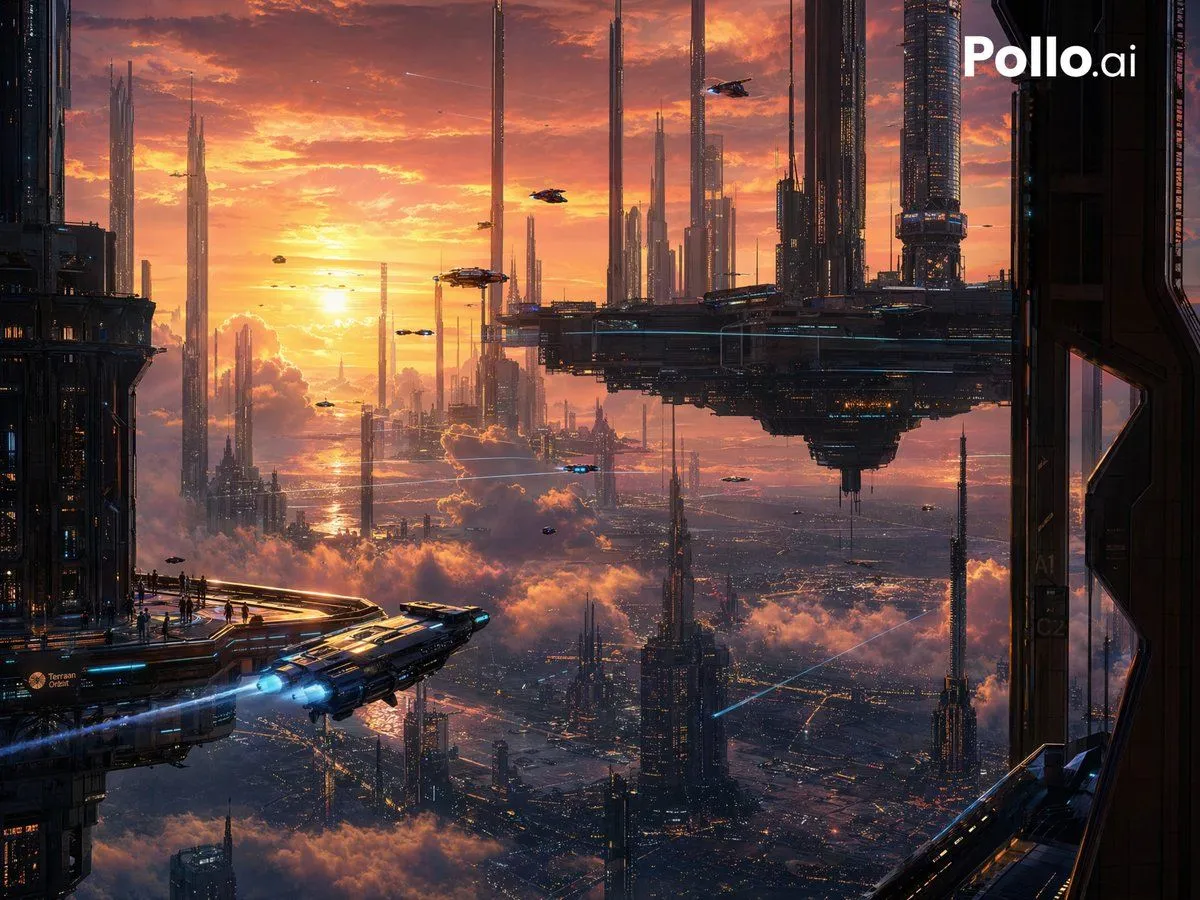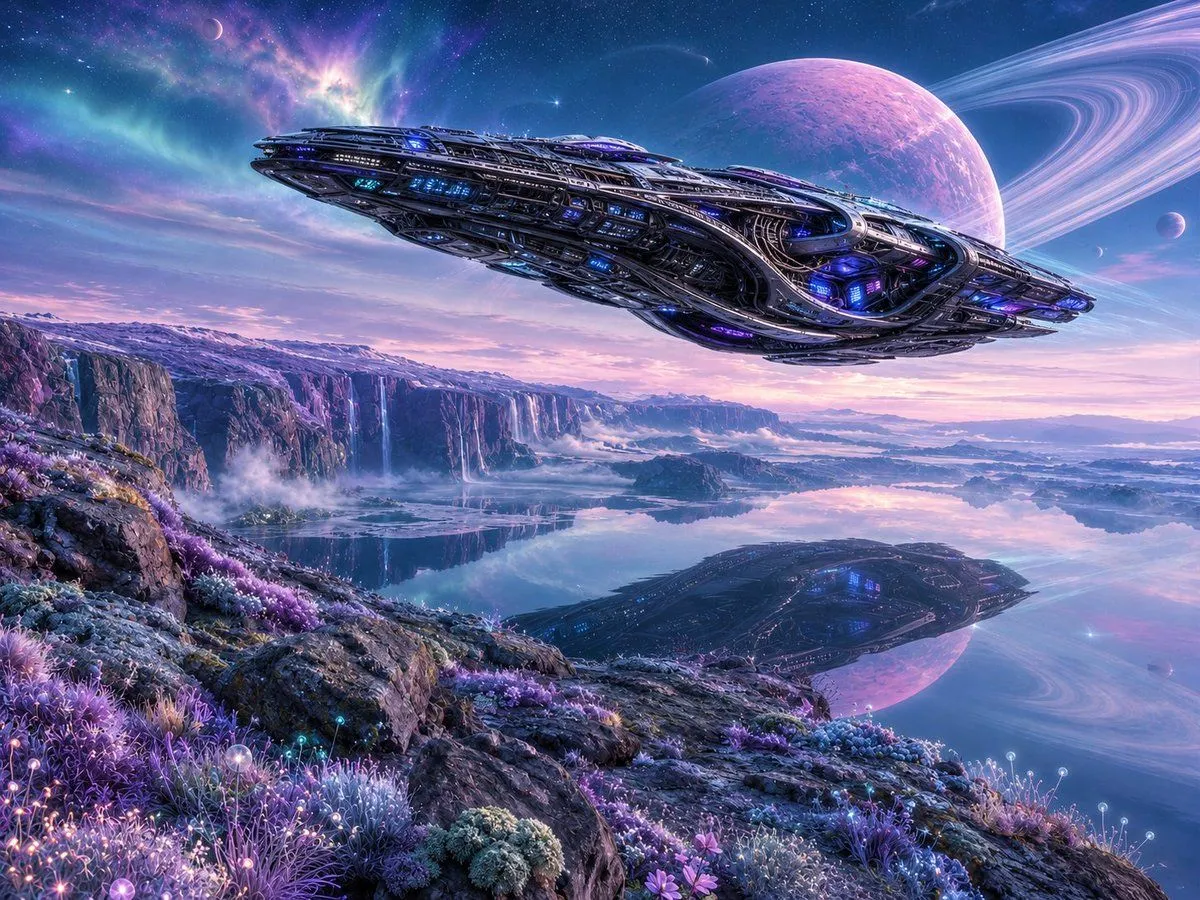
Made with GPT Image 2 in ChatGPT by Library Anime. Promptclay never generates images.
Did it work?
No reports yet. Tell others if it worked for you.
Aerial Sci-Fi Invasion Battlefield
Prompt
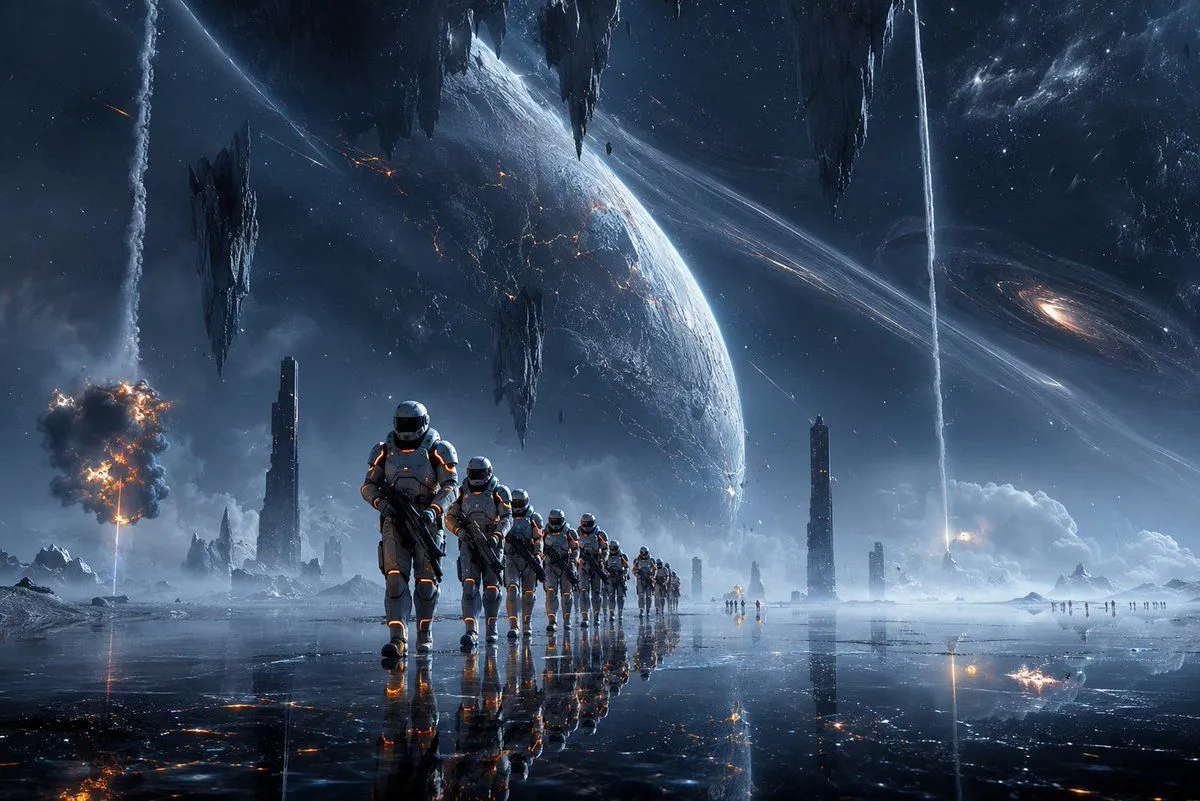
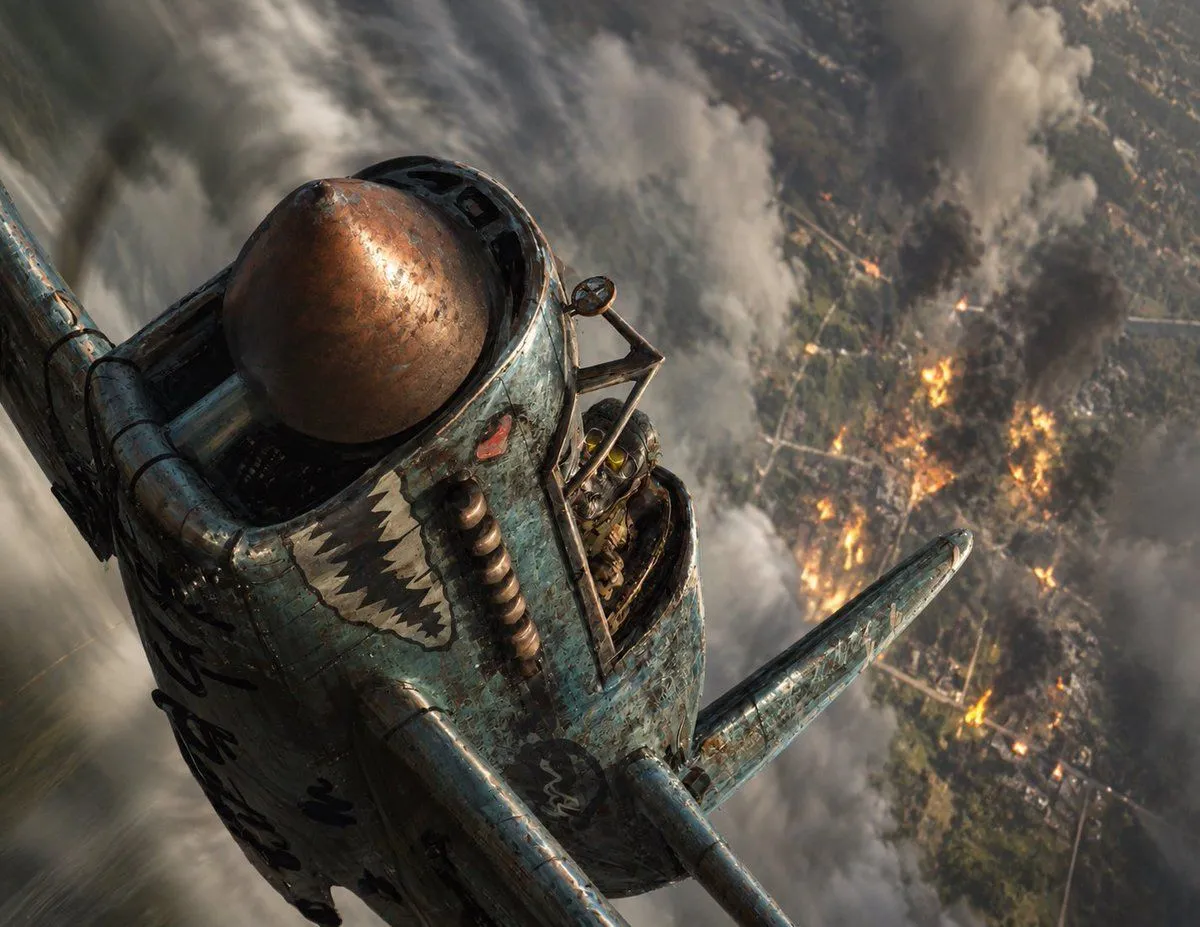
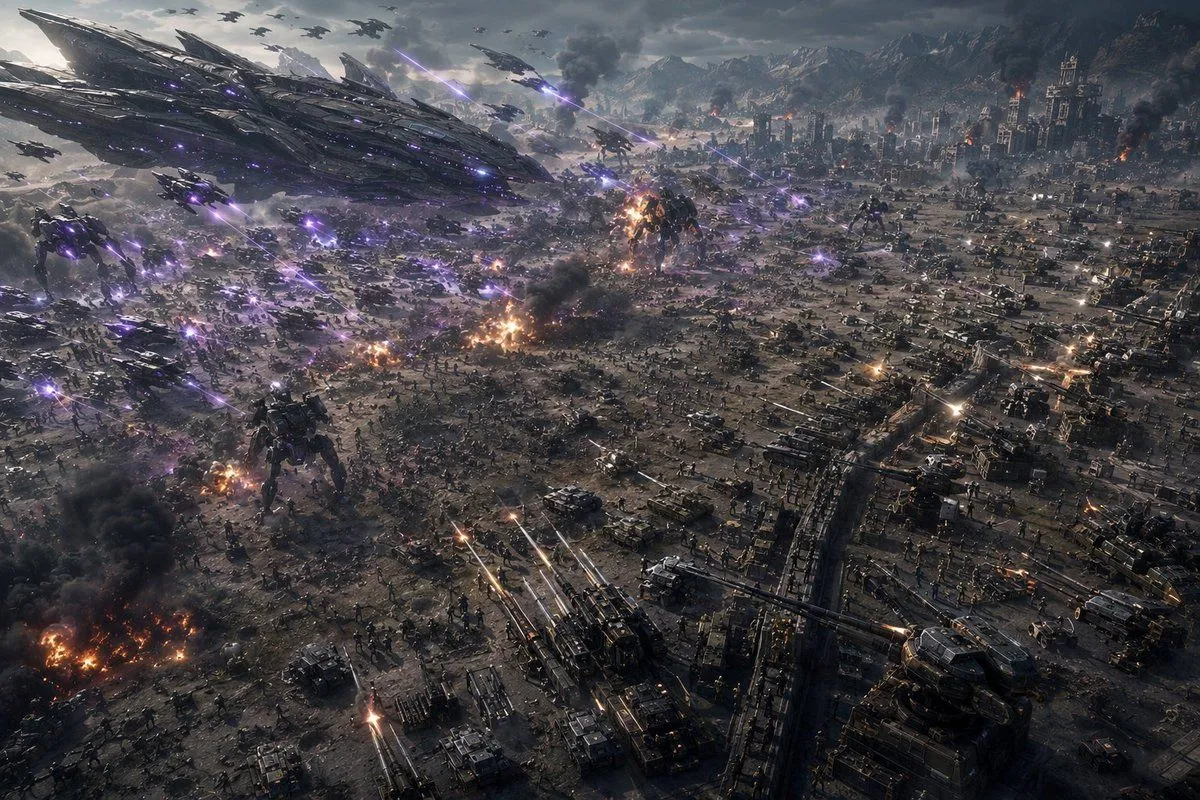
5 blanks to fillCreate an ultra-wide cinematic science-fiction war panorama from a high aerial reconnaissance drone or FPV camera viewpoint, tilted down over a massive battlefield during an apocalyptic invasion. The scene shows a devastated industrial city and military base spread across a valley, with mountains in the far background under a dark stormy sky. On the left side, a colossal alien mothership dominates the sky, its surface made of layered black metallic armor plates, glowing violet lights, and angular blade-like structures; beneath and around it are many smaller alien gunships and drones. Count the main visible combat elements as: 1 enormous alien mothership, 2 towering bipedal alien war mechs on the ground, dozens of small aircraft silhouettes in the sky, hundreds of tiny infantry figures across the battlefield, and rows of tanks, armored vehicles, artillery batteries, trenches, and defensive walls filling the right and lower foreground. Purple energy beams and plasma bolts streak diagonally through the air from the alien craft, while human artillery and tank guns fire bright orange-white tracer rounds upward and across the field. Add multiple explosions, burning wreckage, black smoke columns, sparks, dust, and glowing embers throughout the battlefield, especially in the lower left and center. Make the scale feel overwhelming and chaotic, with dense visual detail, realistic military hardware, cinematic depth, volumetric smoke, dramatic backlighting, cold gray color grading contrasted by violet laser fire and orange flames, sharp photorealistic concept-art detail, IMAX disaster movie composition, no text, no borders, no watermark. Emphasize the feeling of a camera racing through a chaotic warzone alongside fighter craft, with motion implied by diagonal beam lines and layered aircraft depth. Use {battlefield_setting}, {alien_energy_color}, {camera_viewpoint}, {time_and_weather}, and {visual_style}.
Preview of your prompt
Create an ultra-wide cinematic science-fiction war panorama from a high aerial reconnaissance drone or FPV camera viewpoint, tilted down over a massive battlefield during an apocalyptic invasion. The scene shows a devastated industrial city and military base spread across a valley, with mountains in the far background under a dark stormy sky. On the left side, a colossal alien mothership dominates the sky, its surface made of layered black metallic armor plates, glowing violet lights, and angular blade-like structures; beneath and around it are many smaller alien gunships and drones. Count the main visible combat elements as: 1 enormous alien mothership, 2 towering bipedal alien war mechs on the ground, dozens of small aircraft silhouettes in the sky, hundreds of tiny infantry figures across the battlefield, and rows of tanks, armored vehicles, artillery batteries, trenches, and defensive walls filling the right and lower foreground. Purple energy beams and plasma bolts streak diagonally through the air from the alien craft, while human artillery and tank guns fire bright orange-white tracer rounds upward and across the field. Add multiple explosions, burning wreckage, black smoke columns, sparks, dust, and glowing embers throughout the battlefield, especially in the lower left and center. Make the scale feel overwhelming and chaotic, with dense visual detail, realistic military hardware, cinematic depth, volumetric smoke, dramatic backlighting, cold gray color grading contrasted by violet laser fire and orange flames, sharp photorealistic concept-art detail, IMAX disaster movie composition, no text, no borders, no watermark. Emphasize the feeling of a camera racing through a chaotic warzone alongside fighter craft, with motion implied by diagonal beam lines and layered aircraft depth. Use devastated industrial city and military base in a mountain valley, violet purple, high aerial reconnaissance drone FPV viewpoint, stormy late afternoon under dark clouds, and photorealistic cinematic sci-fi concept art.
DetailsVersions, settings and questions
Written for
What's in the prompt
- Subject
- Model
- GPT Image 2
If your face changes
keep my face exactly the sameQuestions
- Does this work in the ChatGPT app?
- Yes. Paste the prompt and attach your photo if it uses one.
- It changed my face. What do I do?
- Add "keep my face exactly the same" to the end and run it again.
- Can I use the images I make?
- Check the terms of the app you use. Promptclay never generates images and claims nothing you make.