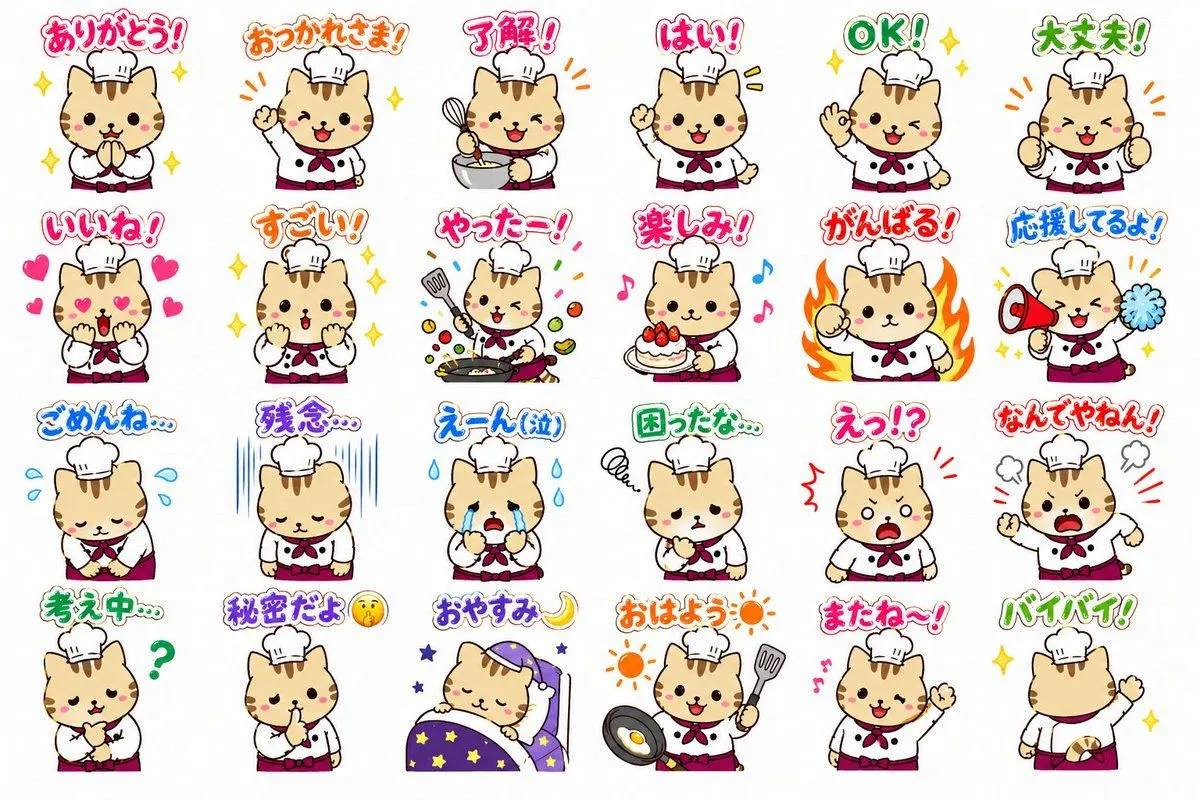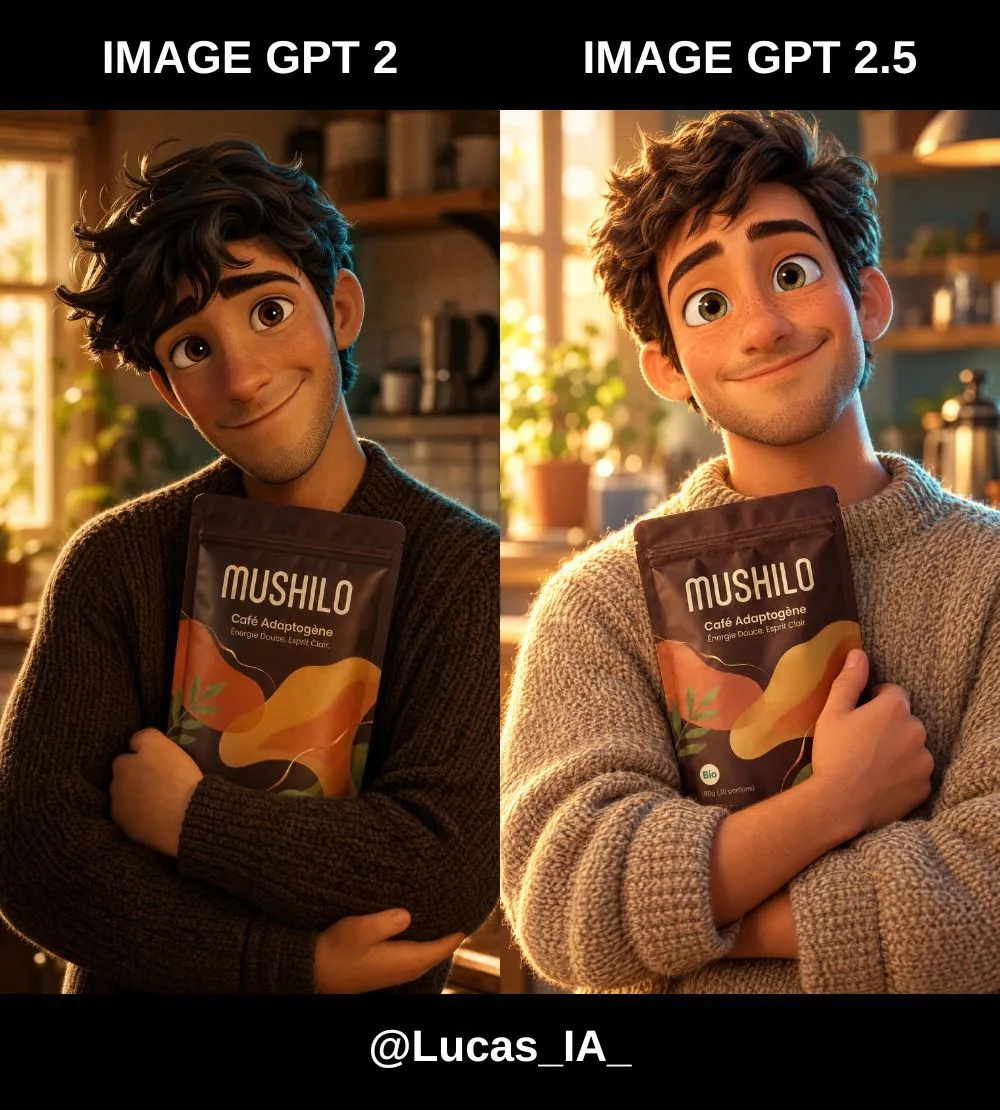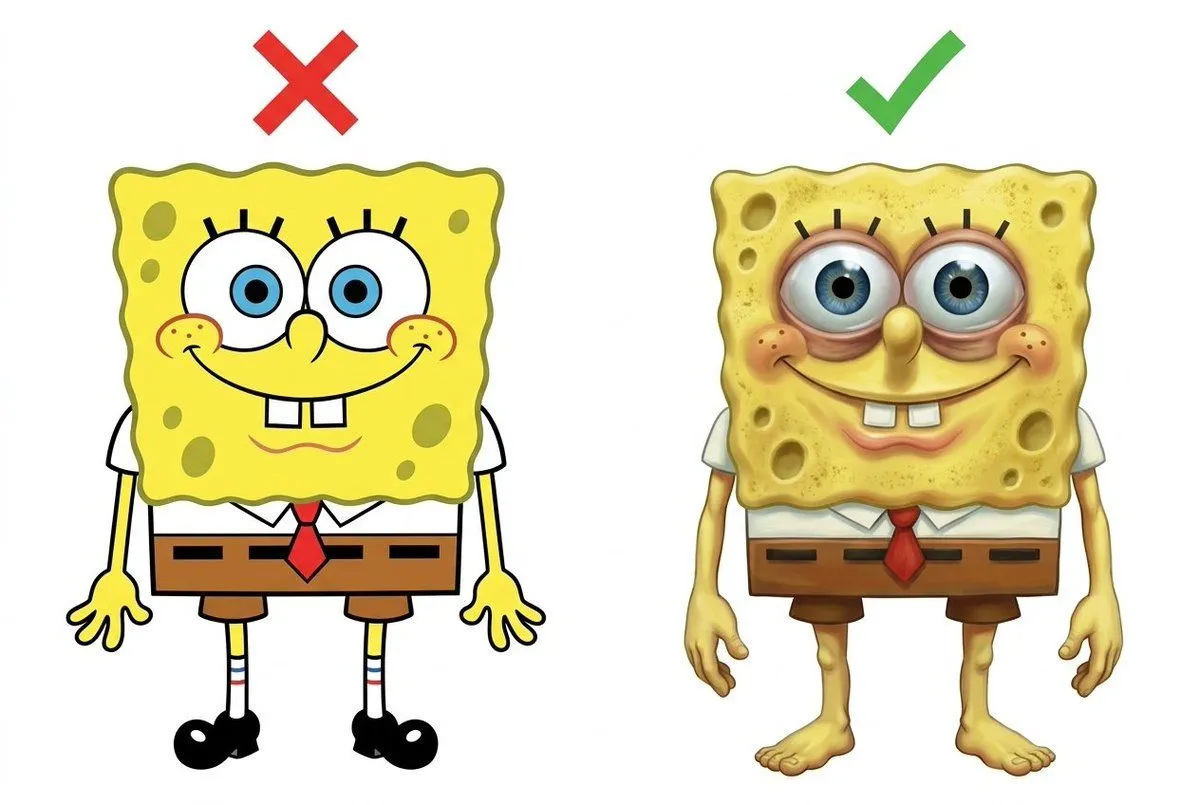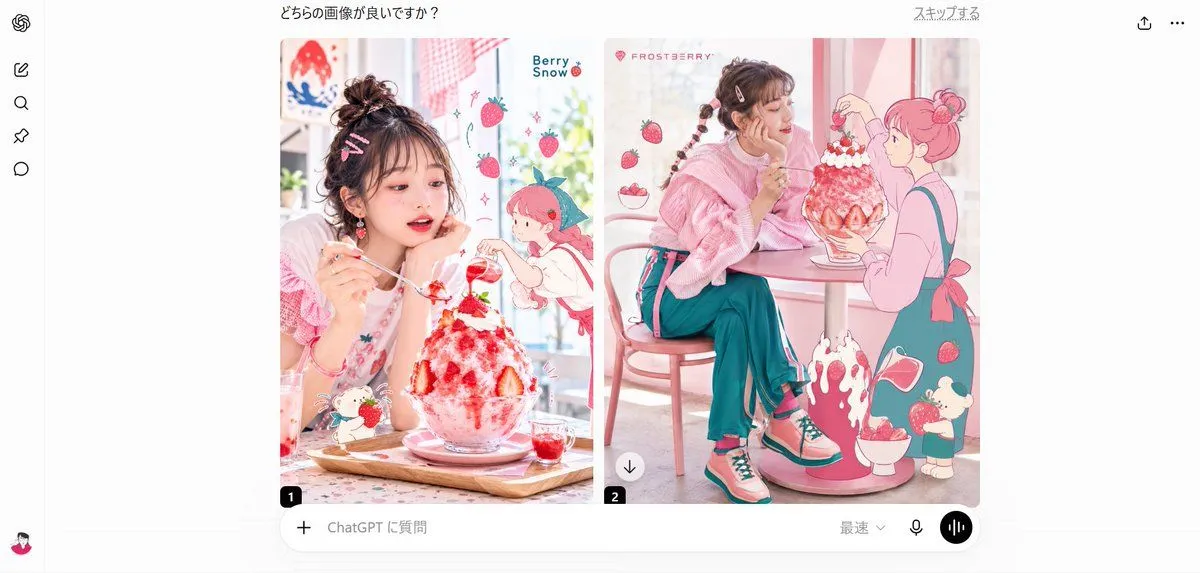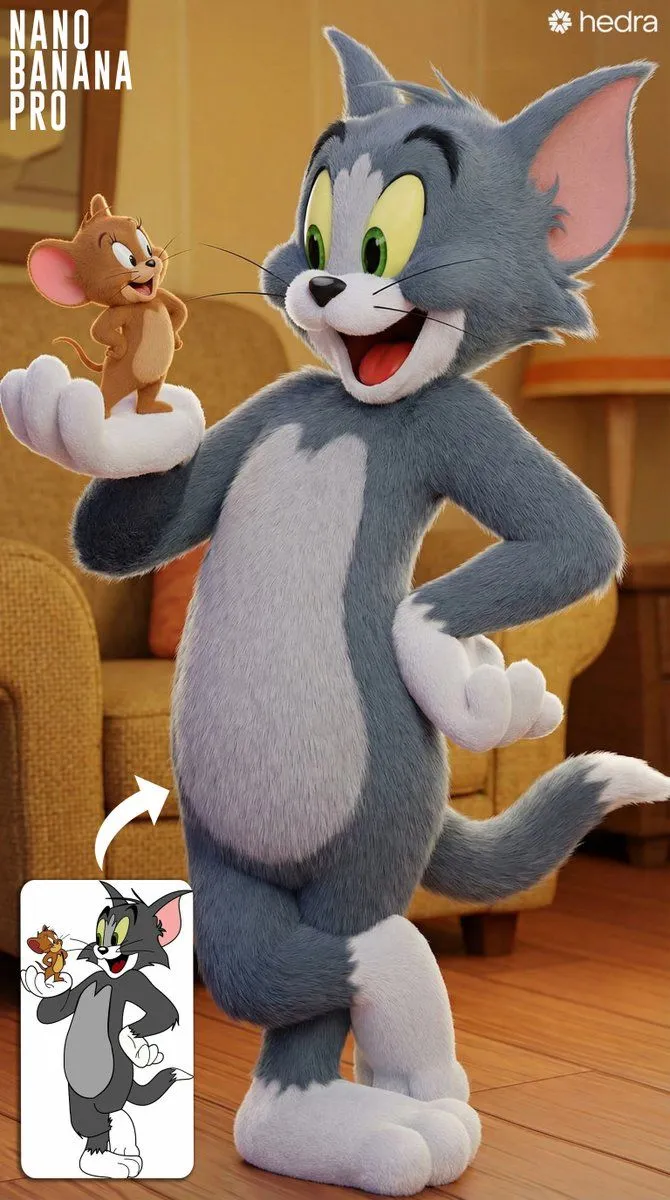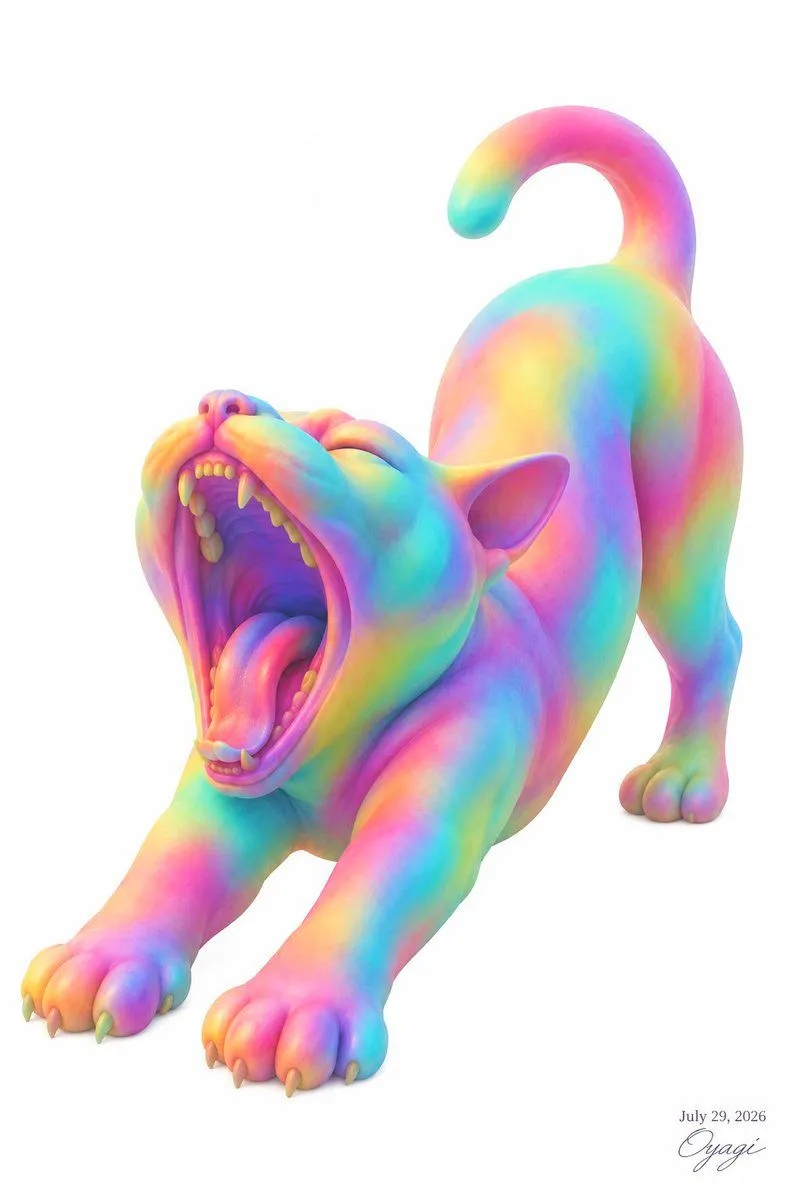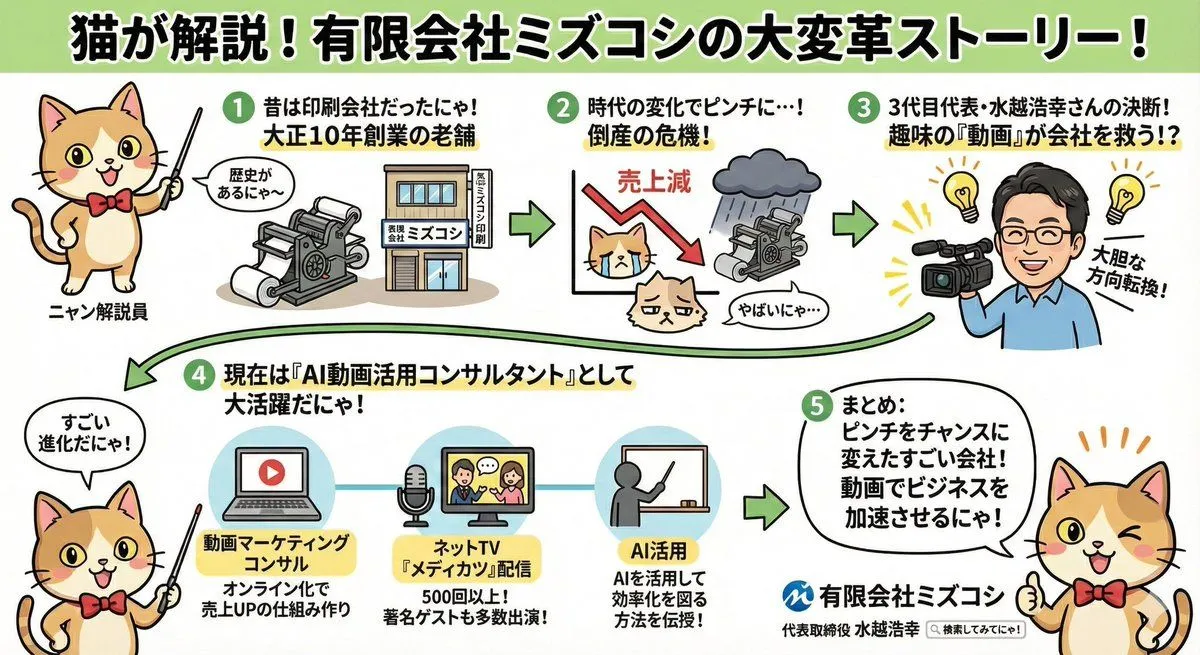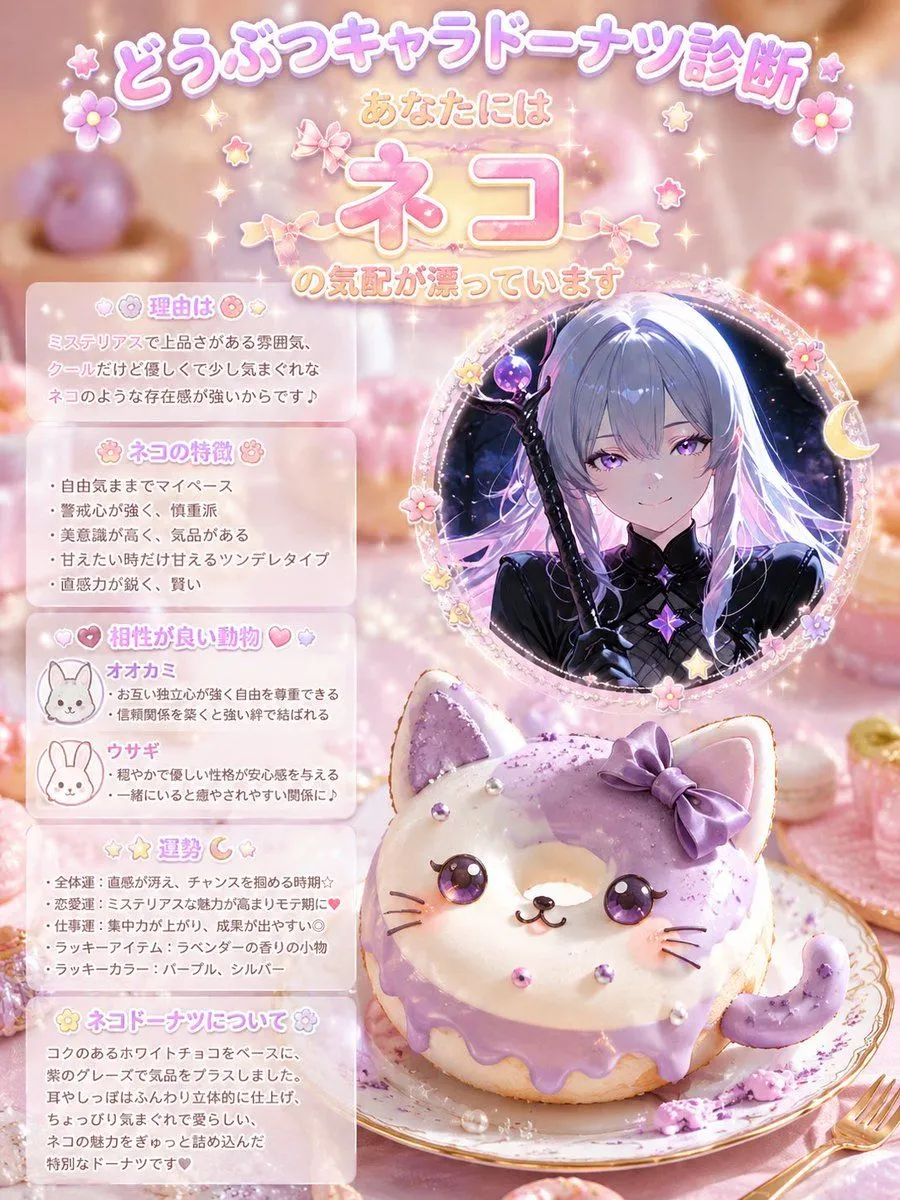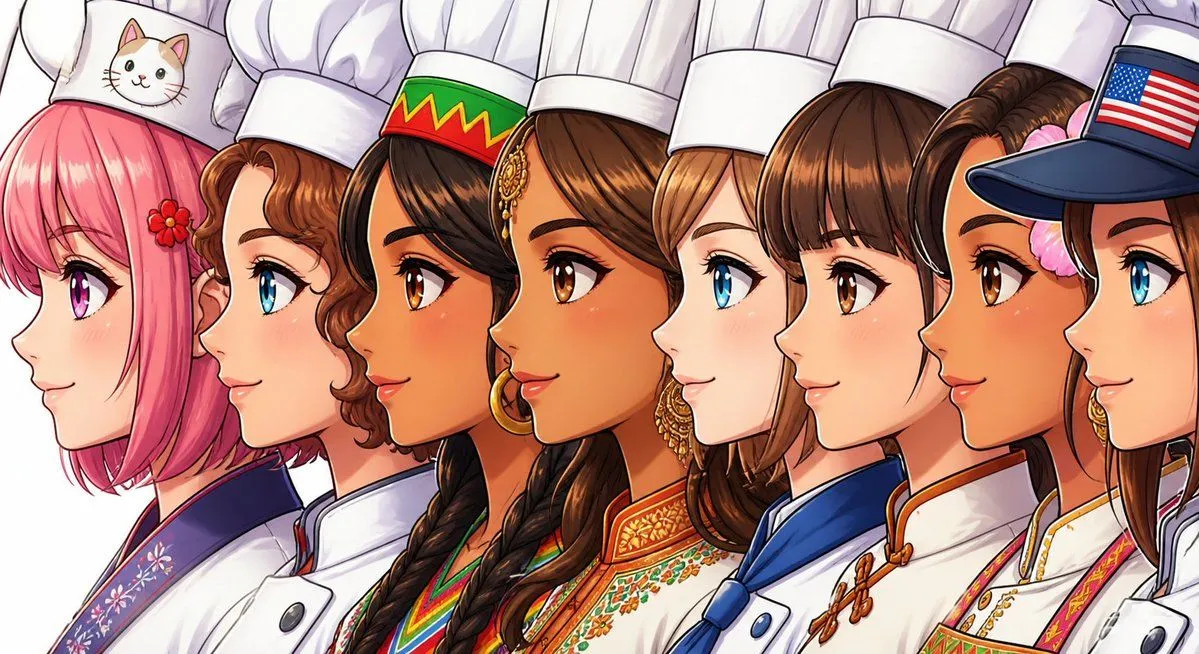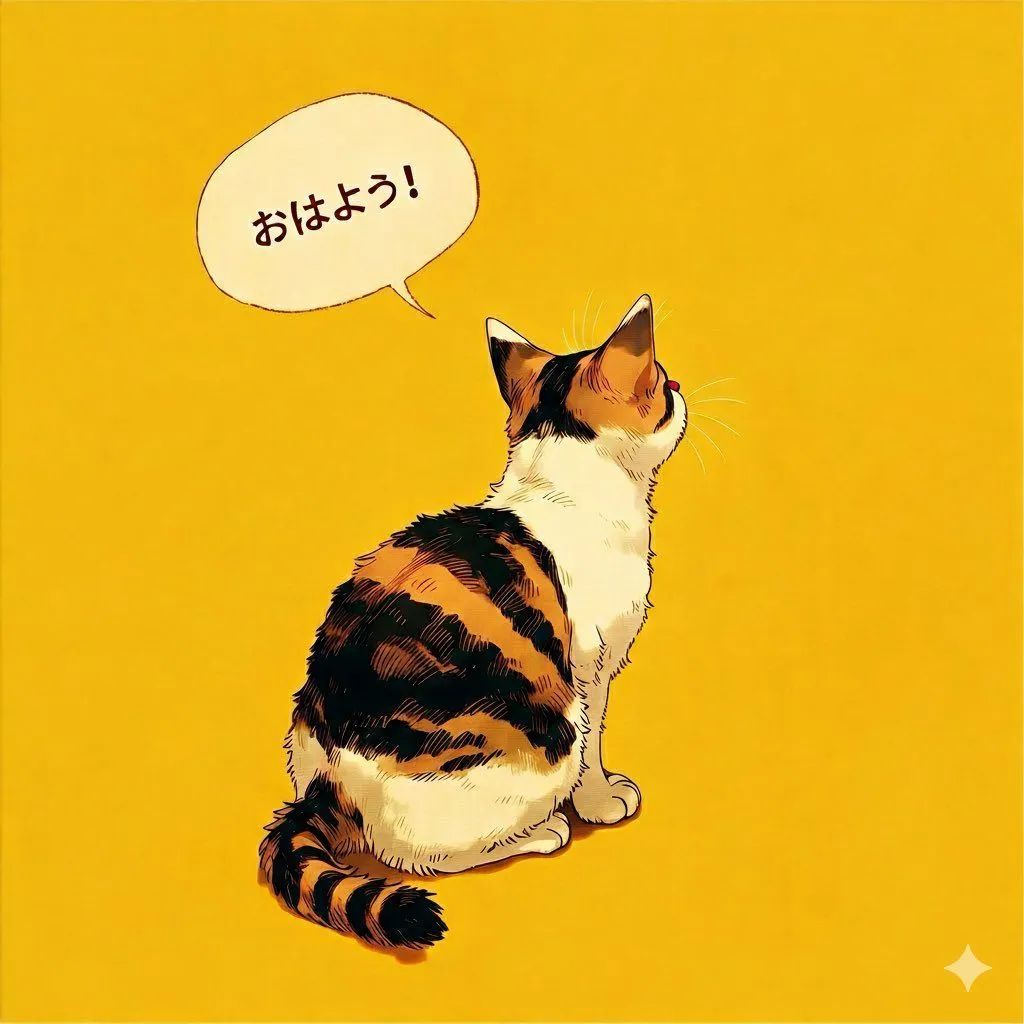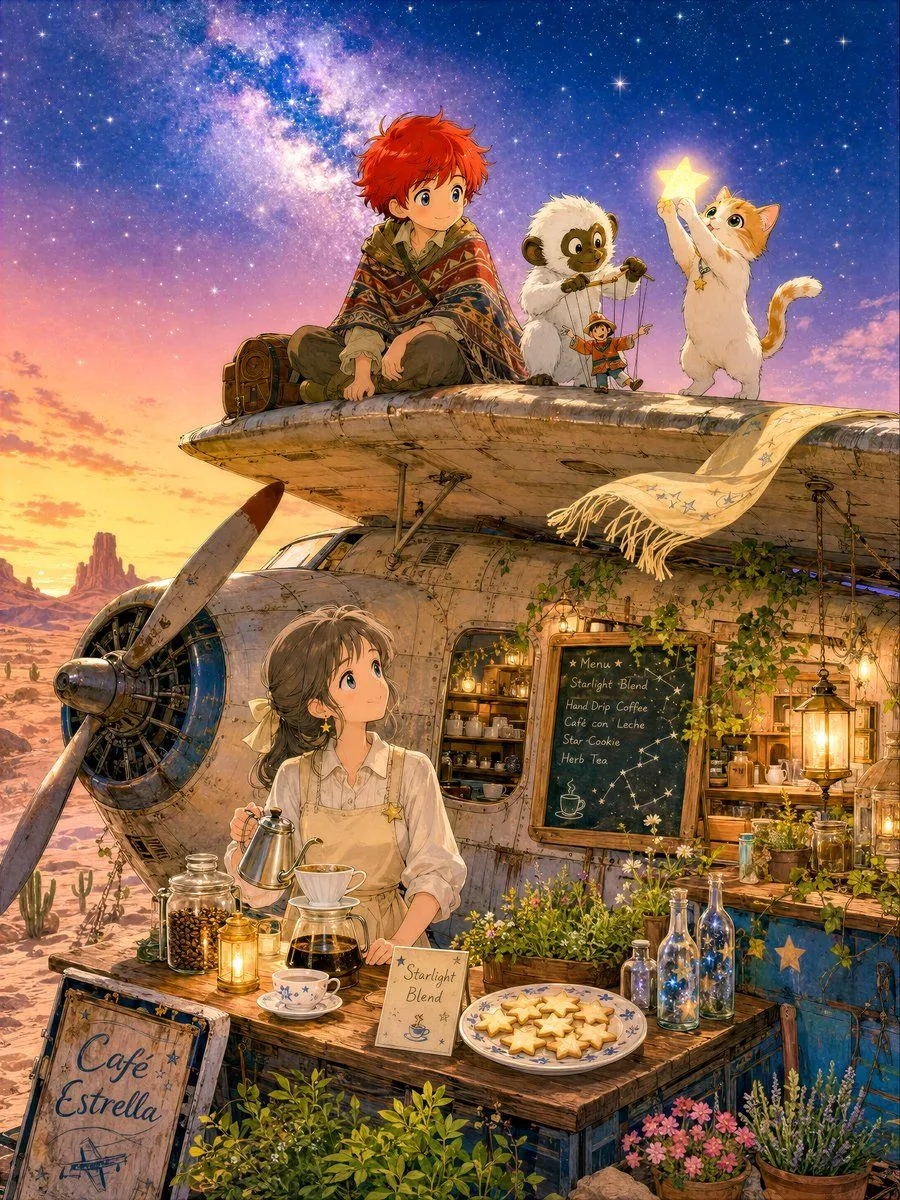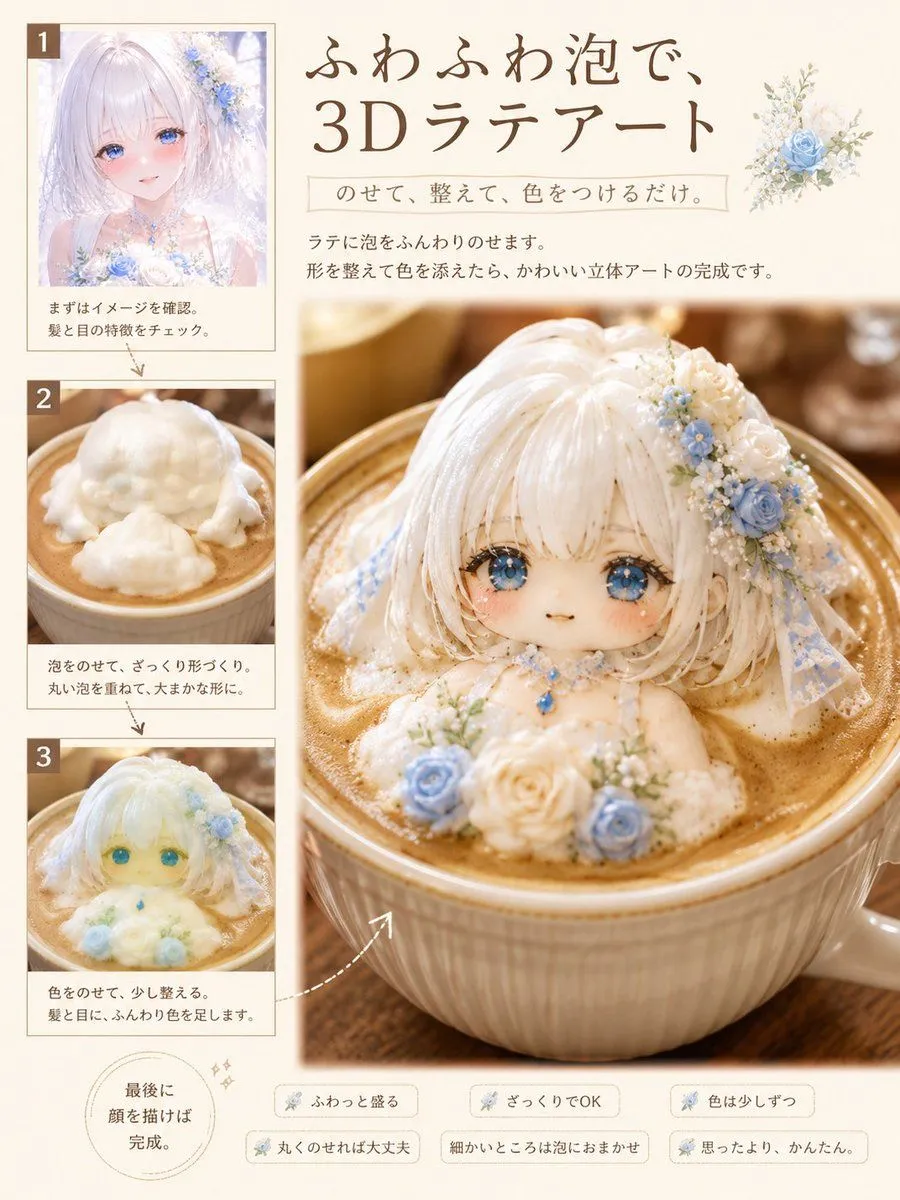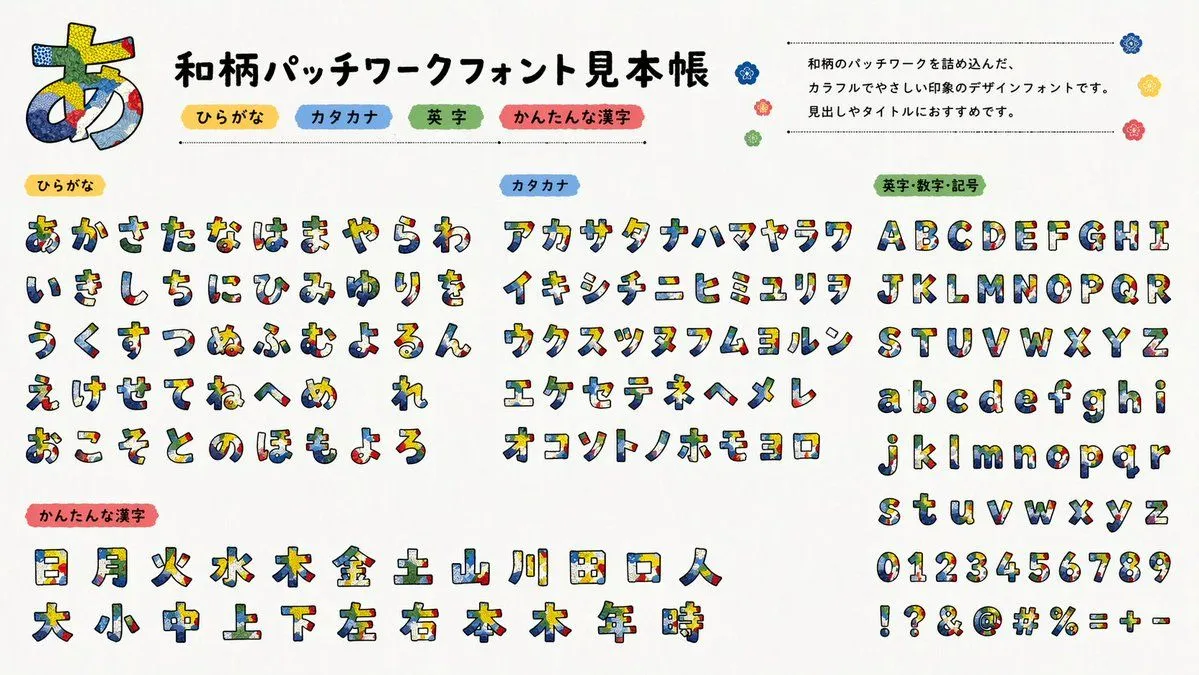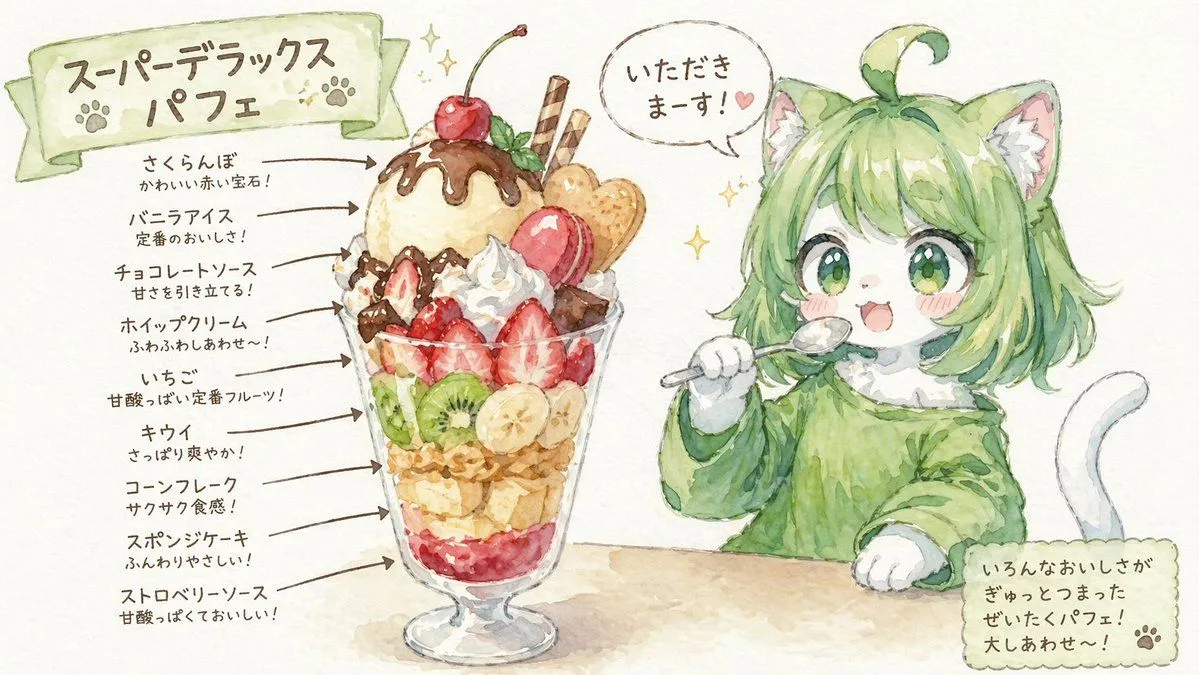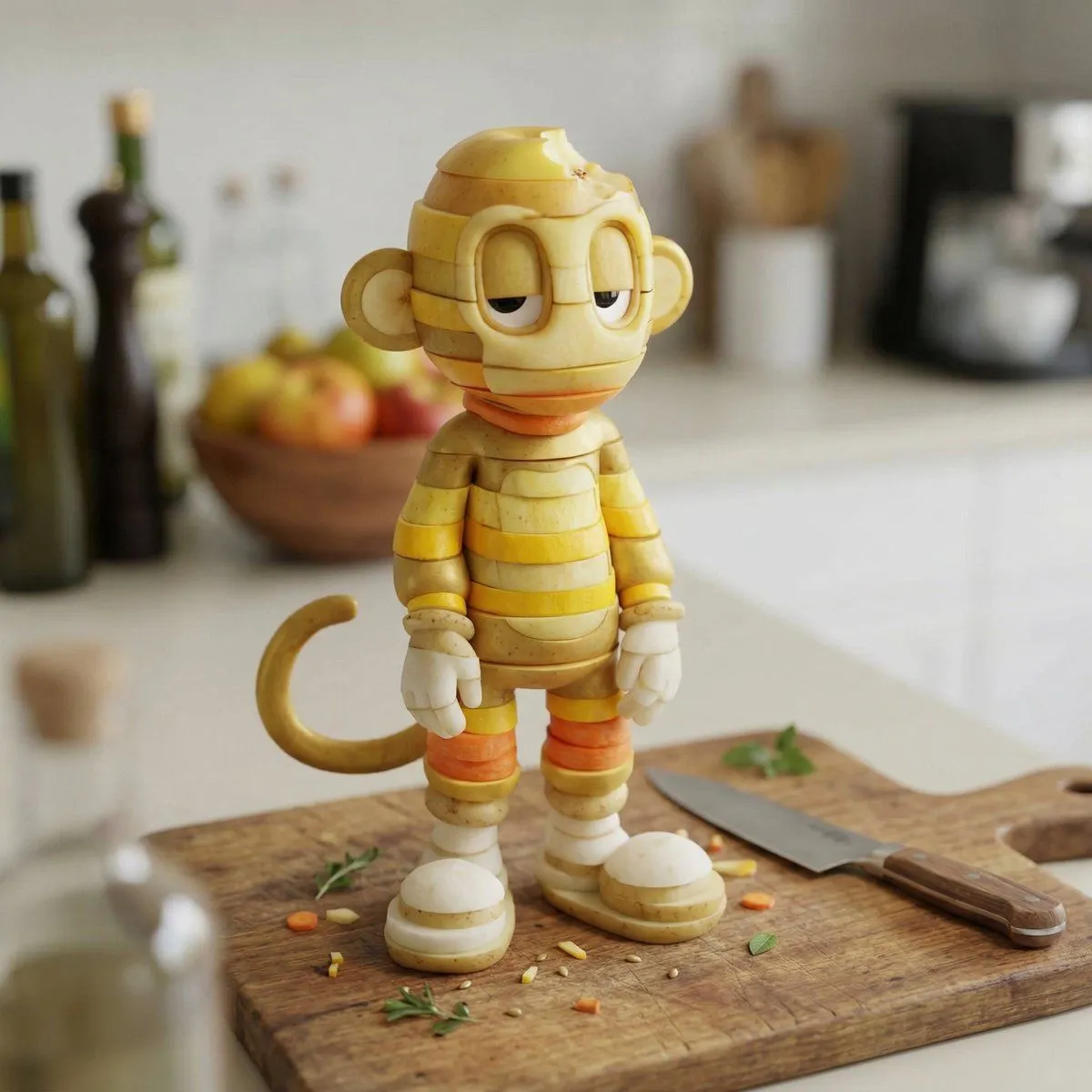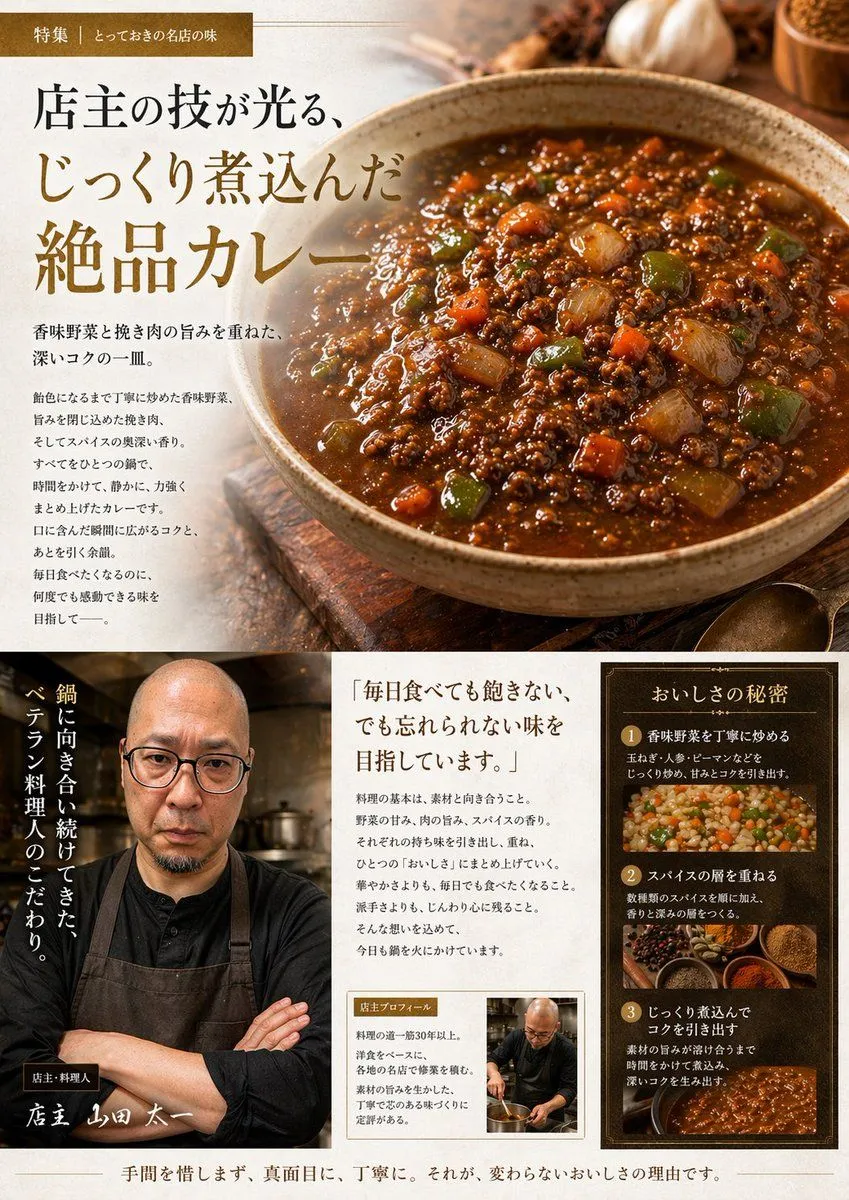
Made with Nano Banana Pro in Gemini by Library Social. Promptclay never generates images.
Did it work?
No reports yet. Tell others if it worked for you.
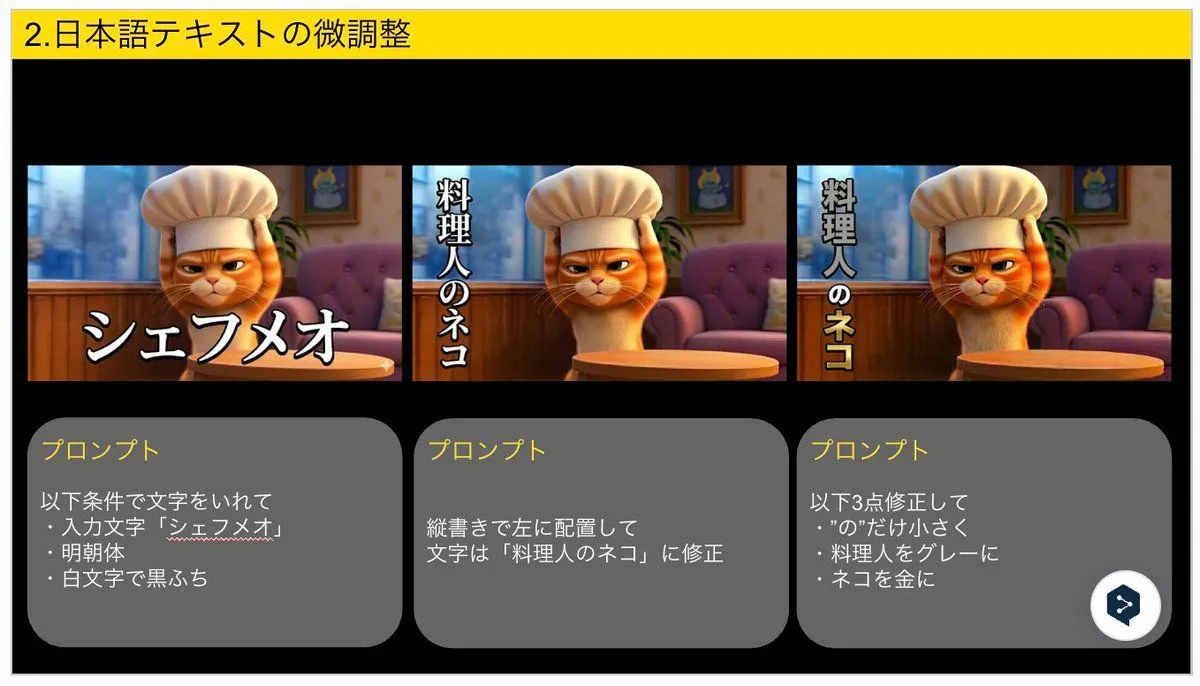
Advanced Japanese Text Adjustment for Nano Banana Pro
Prompt
2 blanks to fillInsert text under the following conditions: ・Input text: "{input_text}" ・Mincho font ・White text with black outline Place vertically on the left Correct the text to: "{corrected_text}" Make the following 3 corrections: ・Make only the character “の” smaller ・Change “料理人” (Chef) to gray ・Change “ネコ” (Cat) to gold
Preview of your prompt
Insert text under the following conditions: ・Input text: "Chef Meow" ・Mincho font ・White text with black outline Place vertically on the left Correct the text to: "The Chef Cat" Make the following 3 corrections: ・Make only the character “の” smaller ・Change “料理人” (Chef) to gray ・Change “ネコ” (Cat) to gold
DetailsVersions, settings and questions
Written for
What's in the prompt
- Subject
- Model
- Nano Banana Pro
If your face changes
keep my face exactly the sameQuestions
- Does this work in the Gemini app?
- Yes. Gemini runs Nano Banana, so paste the prompt and attach your photo if it uses one.
- It changed my face. What do I do?
- Add "keep my face exactly the same" to the end and run it again.
- Can I use the images I make?
- Check the terms of the app you use. Promptclay never generates images and claims nothing you make.