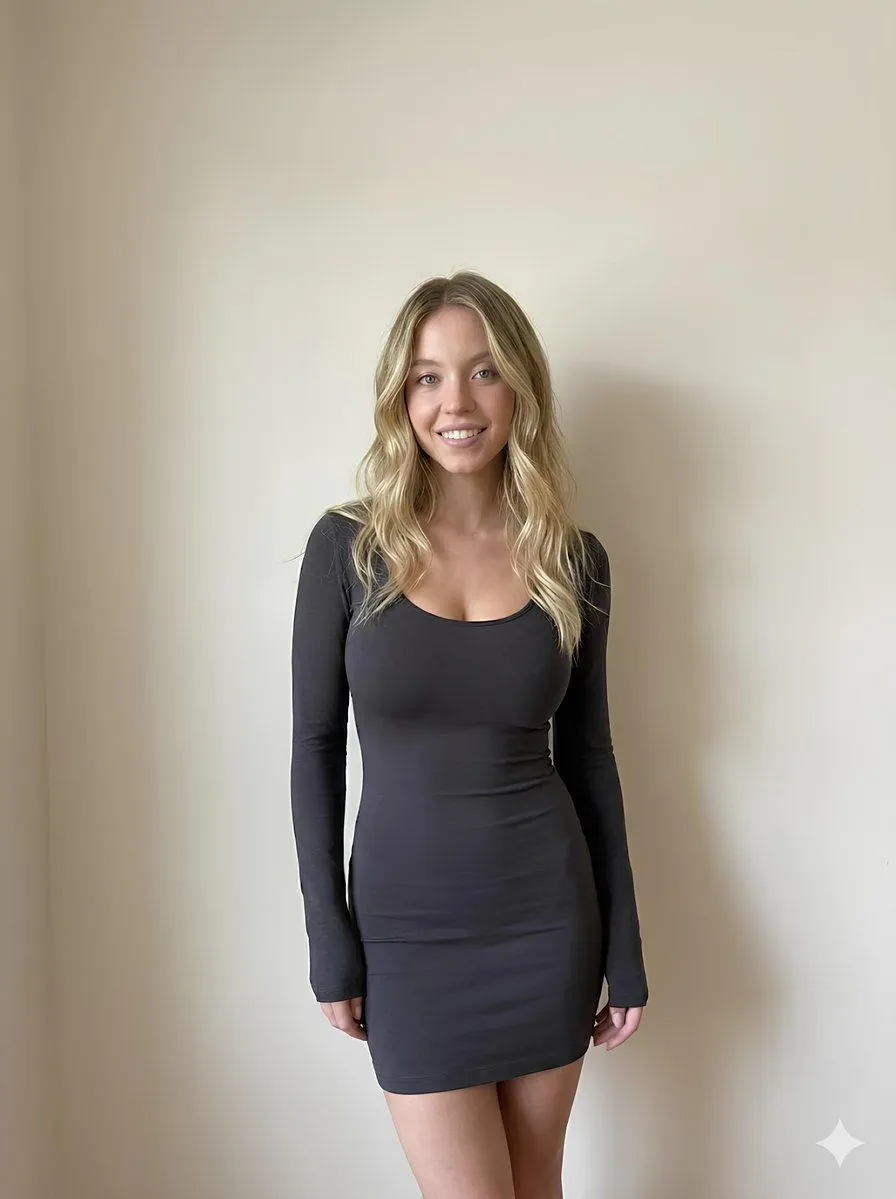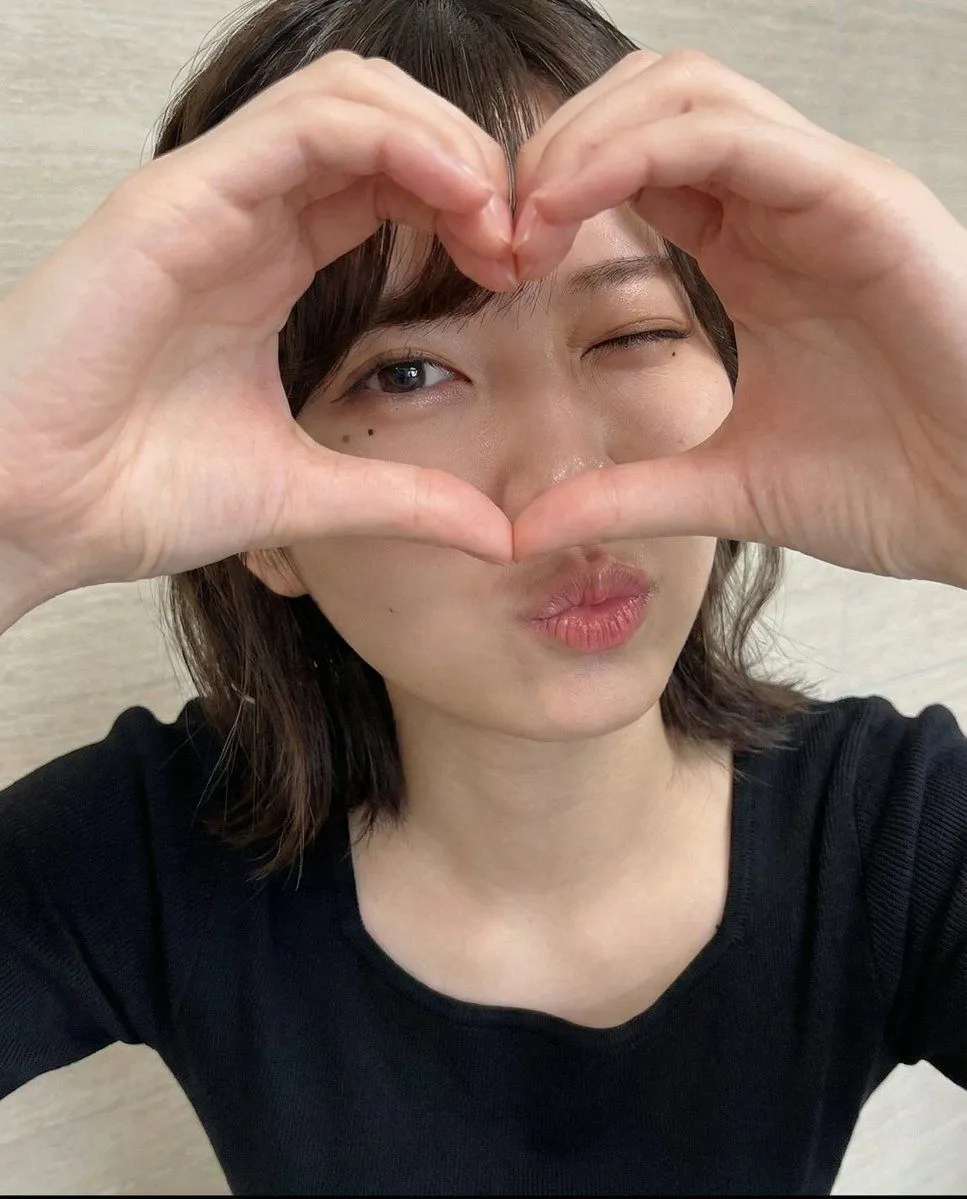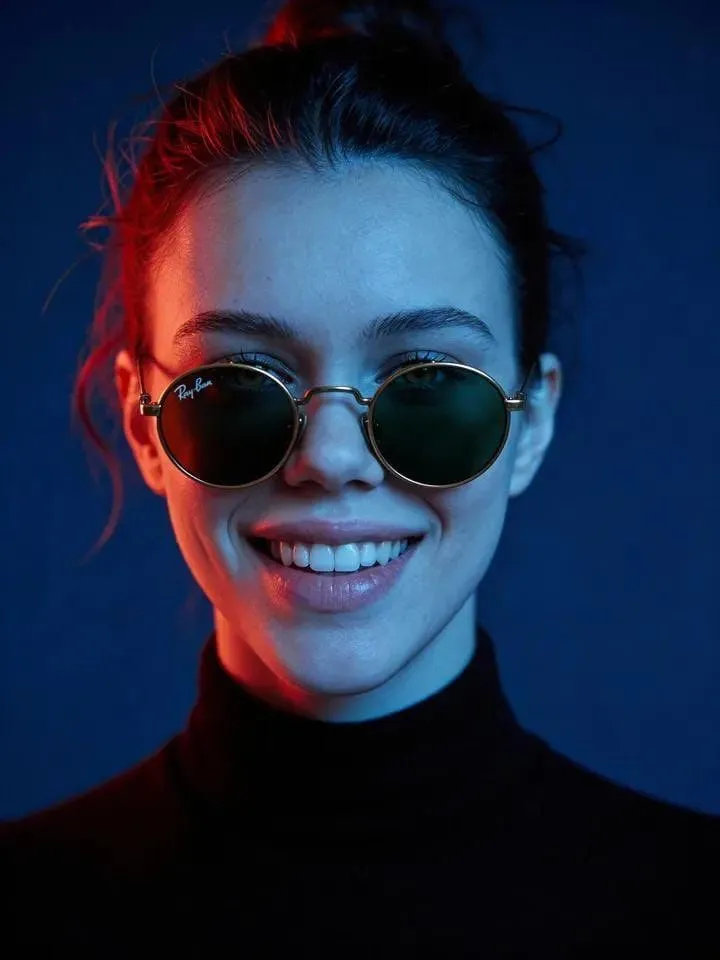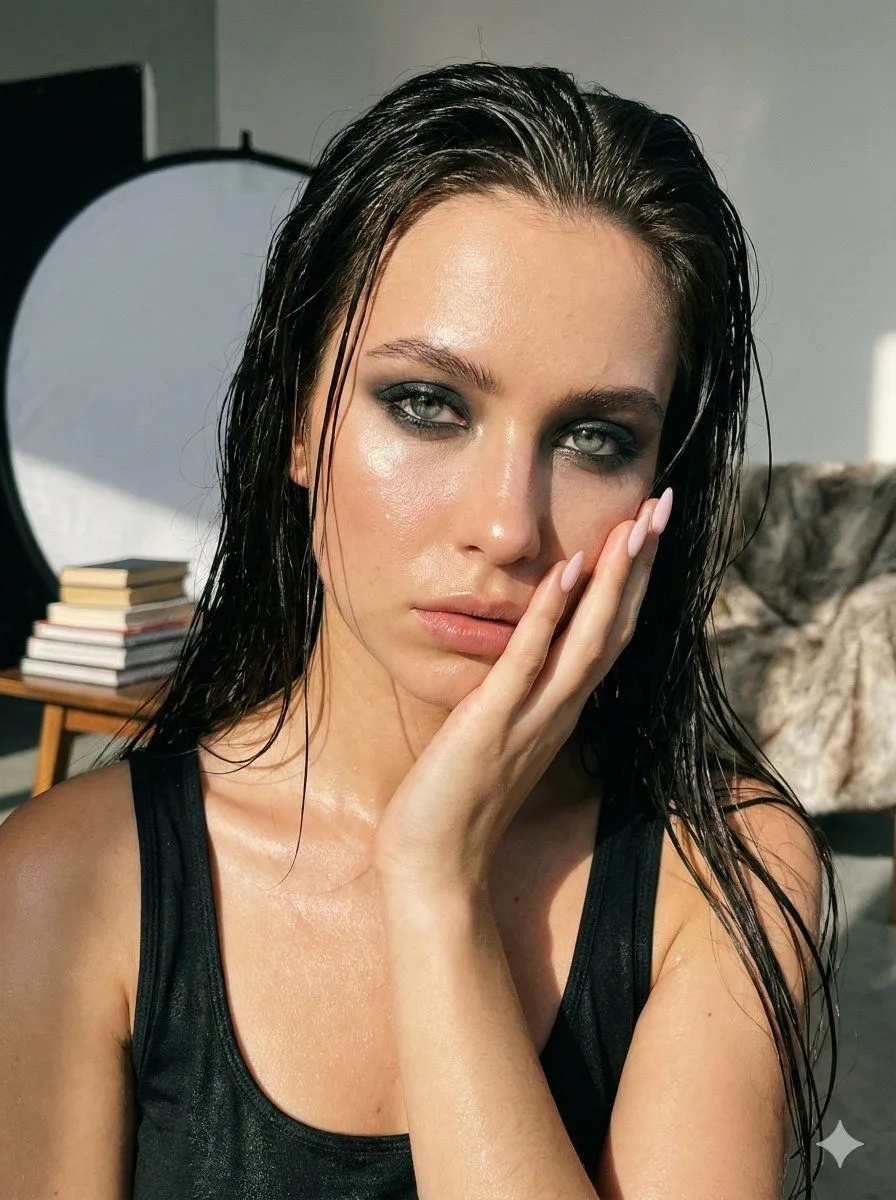
Tell us anything

An idea, a bug, something you love. We read every note.

⌘↵ to send. The page you're on comes along.

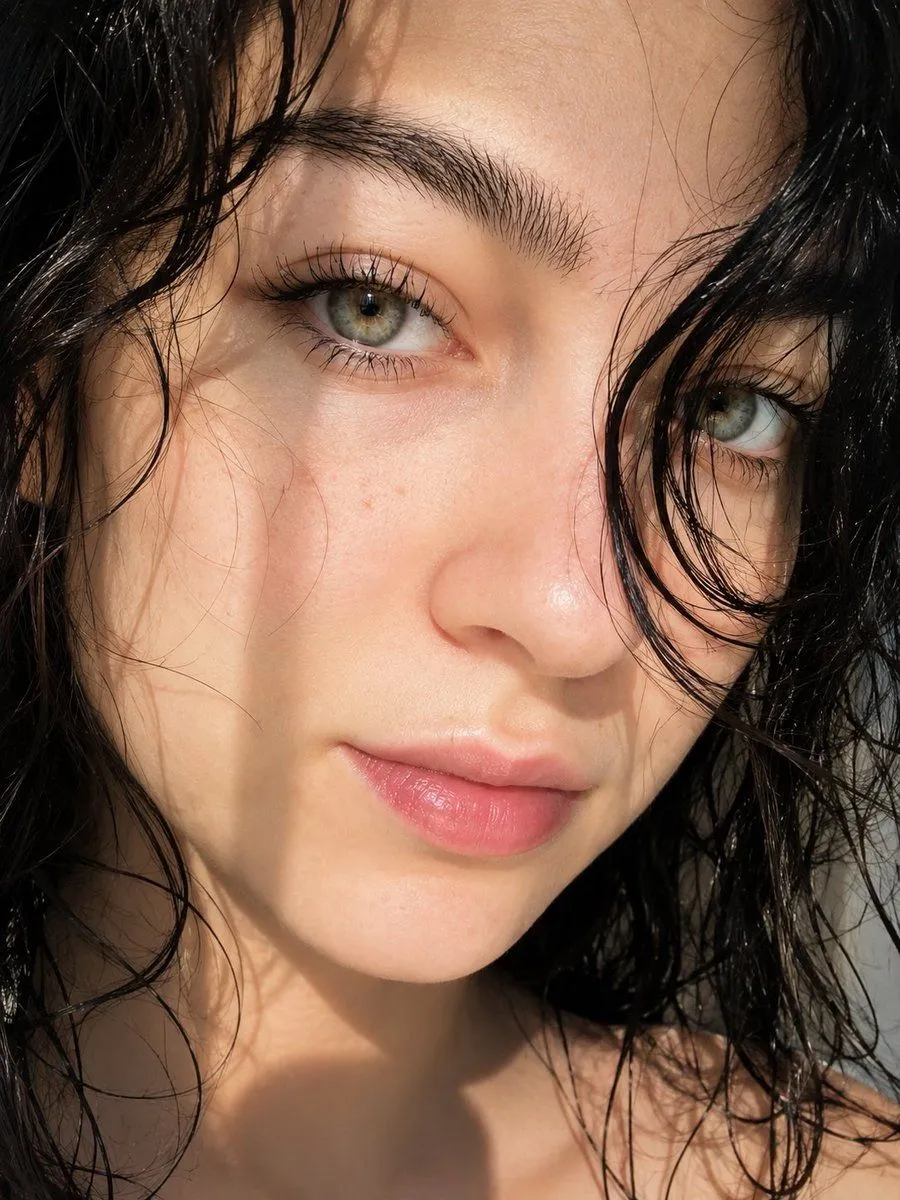
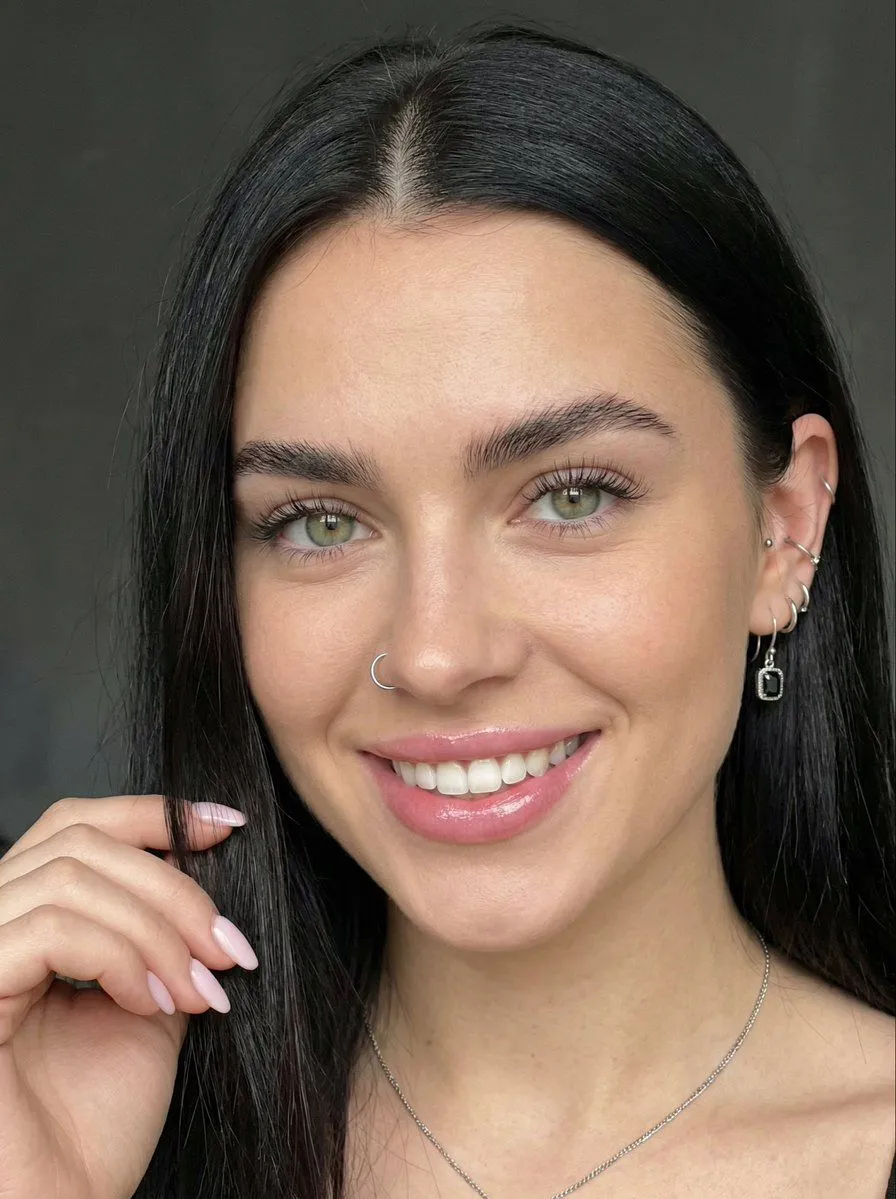
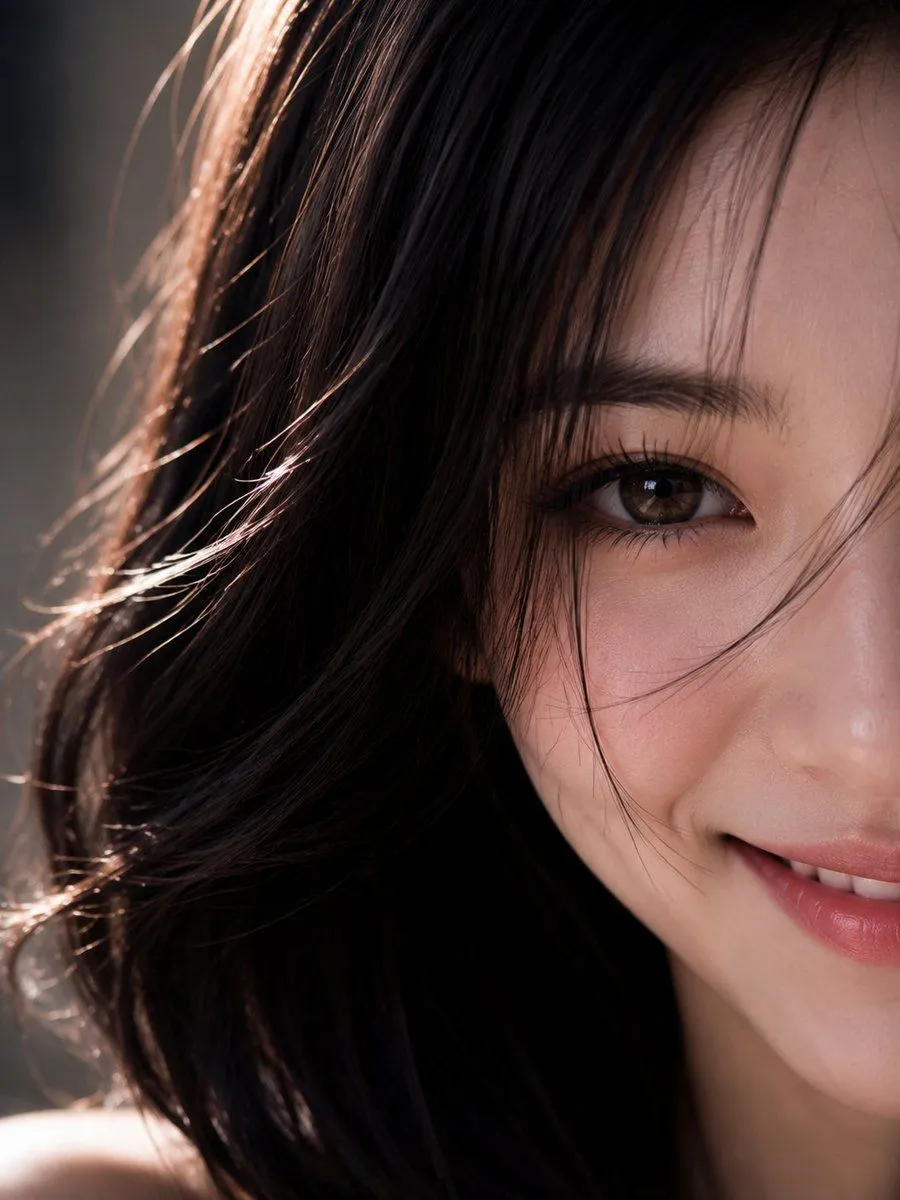
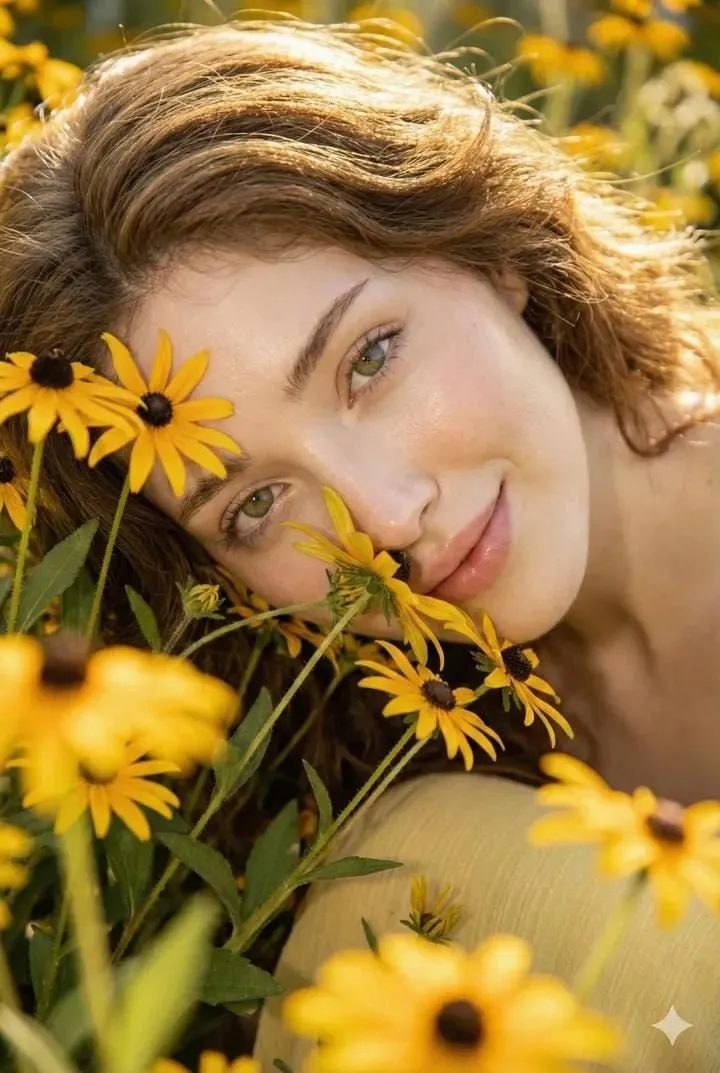
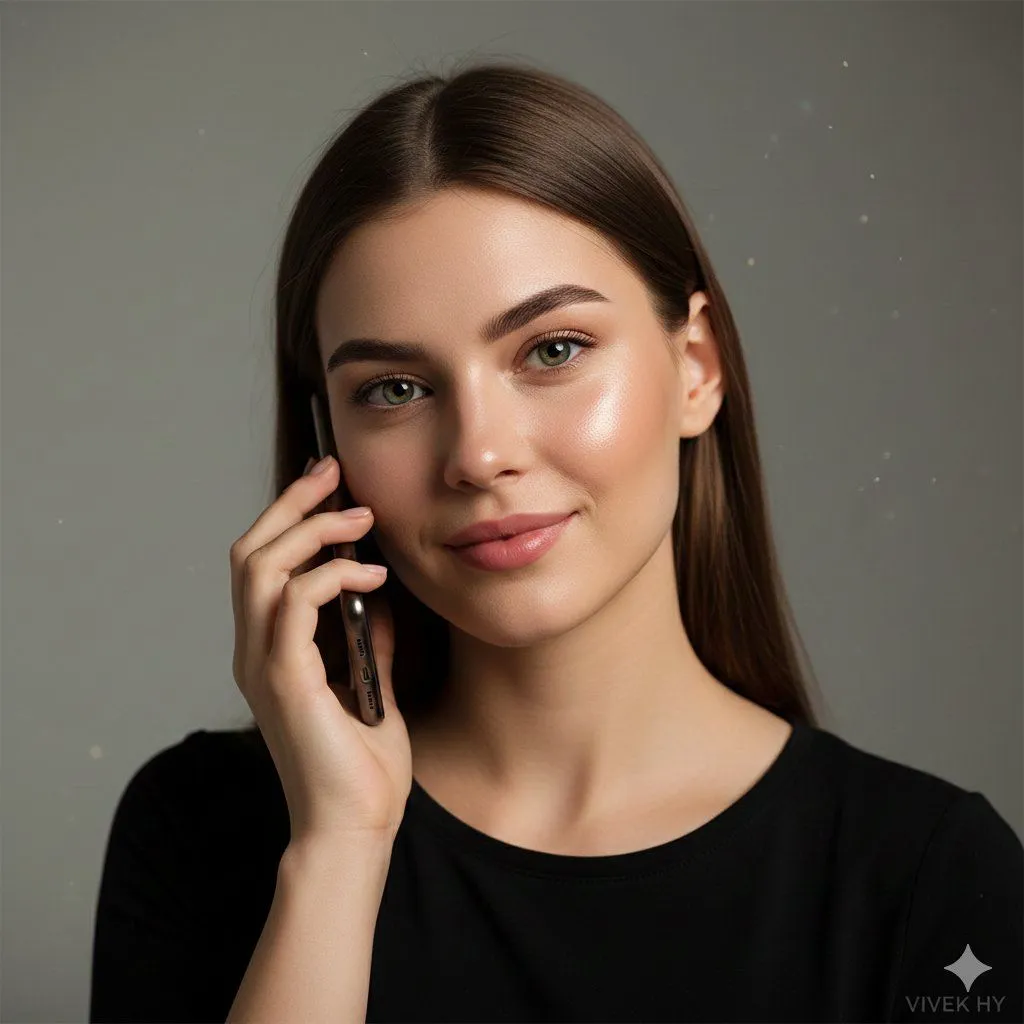
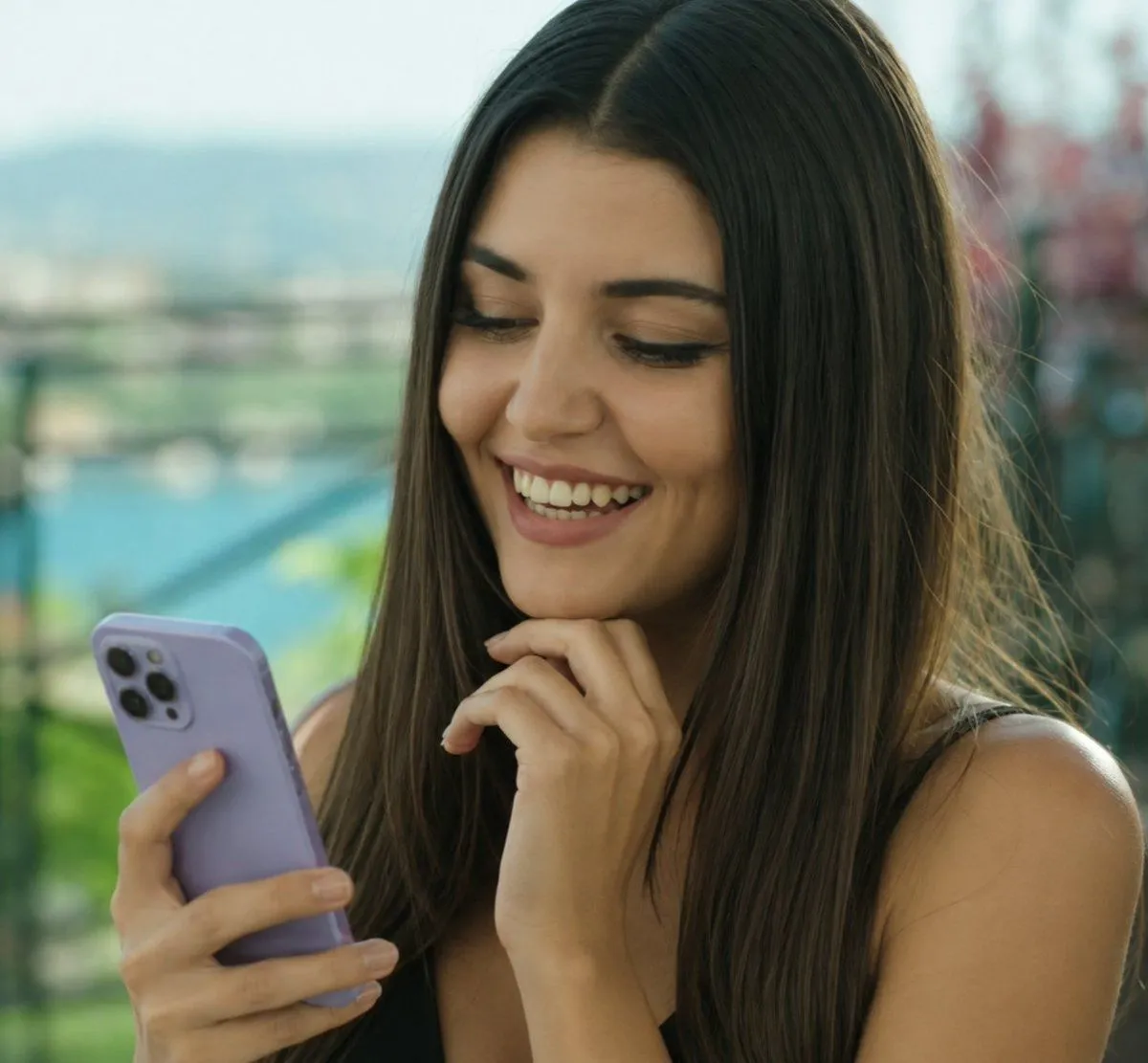
8K Hyper-realistic Portrait on a Phone Call

Made with Nano Banana Pro in Gemini by Library Social. Promptclay never generates images.

Did it work?

No reports yet. Tell others if it worked for you.

No comments yet. Be the first.

    8K Hyper-realistic Portrait on a Phone Call

    Nano Banana Pro1:1AI-generated

    Prompt

    { "quality": "8K hyper-realistic portrait, ultra-fine skin texture, cinematic lighting", "face_preservation": { "match_reference_face": true, "preserve_details": [ "eye color and reflections", "natural skin tone and pores", "eyebrow thickness and shape", "lip texture and natural gloss", "hairline and strand flow" ] }, "scene": "minimal indoor studio setup with soft grey backdrop, gentle ambient falloff, subtle bokeh particles for depth", "subject": { "type": "young woman on a call", "pose": "holding phone with one hand near cheek, soft smile, relaxed jawline, head slightly tilted", "description": "smooth glowing skin, green expressive eyes, defined brows, natural pink lips, straight medium-length brown hair", "clothing": "simple black top with clean neckline and soft fabric texture", "additional_details": "natural blush, realistic light reflections on face, slight shadow under the chin" }, "mood": "calm, intimate, warm realism capturing a candid emotional moment", "camera": { "frame": "close-up portrait", "focus": "sharp on eyes and facial features, smooth background blur", "lens": "85mm portrait lens style, soft cinematic tones" }, "lighting": "soft diffused key light from front-left, mild rim light on hair, natural glossy highlights on skin", "signature": "VIVEK HY" }

    Works in
    Gemini, ChatGPT
    Status
    Free to copy
    0
    DetailsVersions, settings and questions

    Written for

    What's in the prompt

    Subject
    Model
    Nano Banana Pro

    If your face changes

    keep my face exactly the same

    Questions

    Does this work in the Gemini app?
    Yes. Gemini runs Nano Banana, so paste the prompt and attach your photo if it uses one.
    It changed my face. What do I do?
    Add "keep my face exactly the same" to the end and run it again.
    Can I use the images I make?
    Check the terms of the app you use. Promptclay never generates images and claims nothing you make.
    Similar prompts

    See more
    • Realistic Portrait of Woman Outdoors
    • Realistic Bedroom Phone Recording Style
    • Ultra-Realistic Beauty Portrait
    • Close-up Portrait with Reference Prompt
    • Natural Face Realism Modifier
    • Photorealistic Image Prompt for Shraddha Kapoor in White
    • GPT Image 2 Prompt for Glasses Portrait with Blue Ribbon
    • Golden Hour Outdoor Portrait
    • East Asian Woman Cinematic Portrait
    • Minimalist Photorealistic Portrait in Mini Dress
    • Vertical ultra high detail image setup for Nano Banana Pro
    • Cyber-Noir Cinematic Portrait
    • Ultra-Photorealistic Wet-Skin Beauty Portrait Prompt
    • Hyper-Realistic Macro Eye Portrait
    • Cinematic Portrait with Harsh Flash and Floral Background (Duplicate)
    • Fashion Portrait With Face Color Block
    • Surreal Botanical Fashion Editorial
    • Hand-Carved Wooden Miniature Figure
    • Hyper-realistic Cobalt Blue Coconut Still Life
    • Multi-Angle Scene Generation Prompt (Oshi no Ko Style)
    • Nano Banana Pro Thumbnail Generation Example
    • Newspaper Collage Shadow Portrait
    • Sophisticated Oil Portrait Painting
    • The Lighthouse Keeper Storyboard

    Show more

    Run it on your phone

    1. Prompt copiedRead it

      { "quality": "8K hyper-realistic portrait, ultra-fine skin texture, cinematic lighting", "face_preservation": { "match_reference_face": true, "preserve_details": [ "eye color and reflections", "natural skin tone and pores", "eyebrow thickness and shape", "lip texture and natural gloss", "hairline and strand flow" ] }, "scene": "minimal indoor studio setup with soft grey backdrop, gentle ambient falloff, subtle bokeh particles for depth", "subject": { "type": "young woman on a call", "pose": "holding phone with one hand near cheek, soft smile, relaxed jawline, head slightly tilted", "description": "smooth glowing skin, green expressive eyes, defined brows, natural pink lips, straight medium-length brown hair", "clothing": "simple black top with clean neckline and soft fabric texture", "additional_details": "natural blush, realistic light reflections on face, slight shadow under the chin" }, "mood": "calm, intimate, warm realism capturing a candid emotional moment", "camera": { "frame": "close-up portrait", "focus": "sharp on eyes and facial features, smooth background blur", "lens": "85mm portrait lens style, soft cinematic tones" }, "lighting": "soft diffused key light from front-left, mild rim light on hair, natural glossy highlights on skin", "signature": "VIVEK HY" }

    2. Open your app

    3. Paste and run

      Press and hold the message box, then tap Paste. Add your photo first if the prompt uses one. You may need to sign in.

    8K Hyper-realistic Portrait on a Phone Call