Tell us anything

An idea, a bug, something you love. We read every note.

⌘↵ to send. The page you're on comes along.

8K Chiaroscuro Portrait JSON

Made with Nano Banana Pro in Gemini by Library Social. Promptclay never generates images.

Did it work?

No reports yet. Tell others if it worked for you.

No comments yet. Be the first.

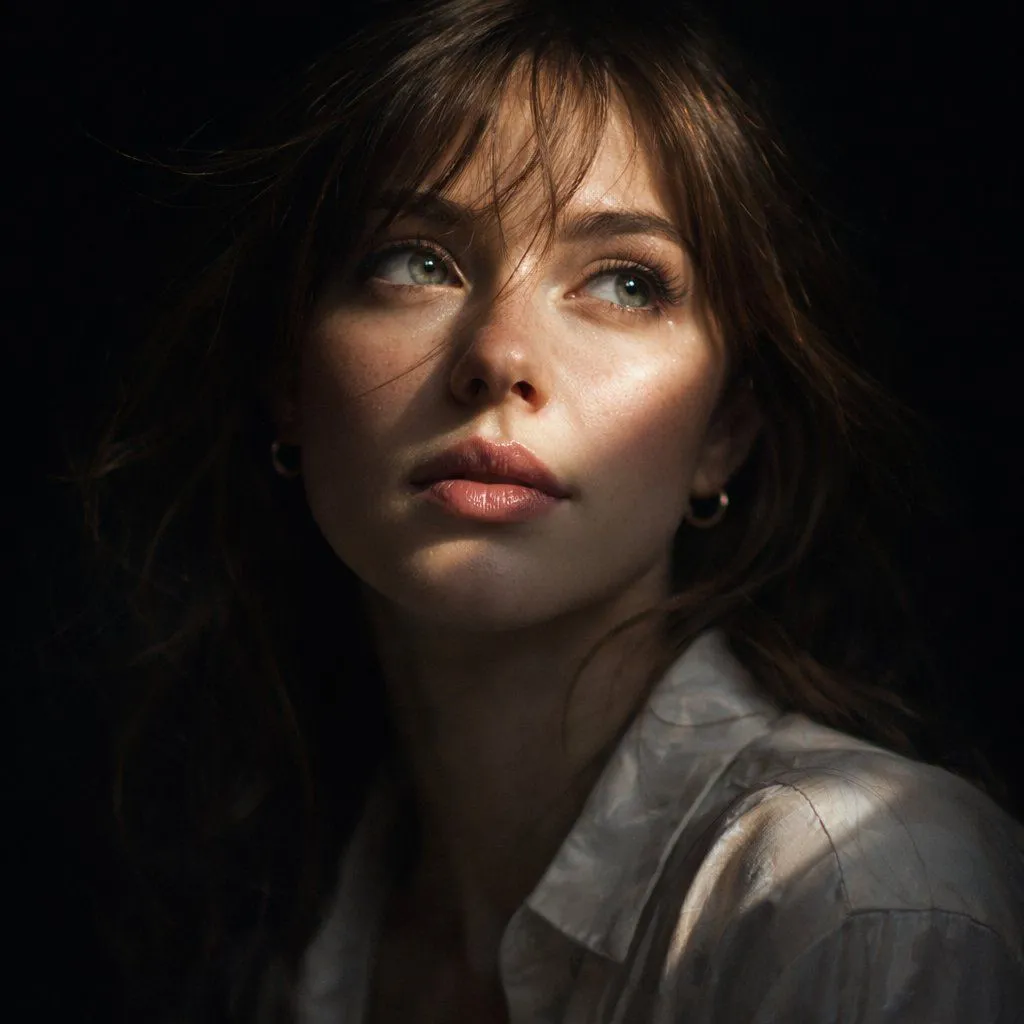
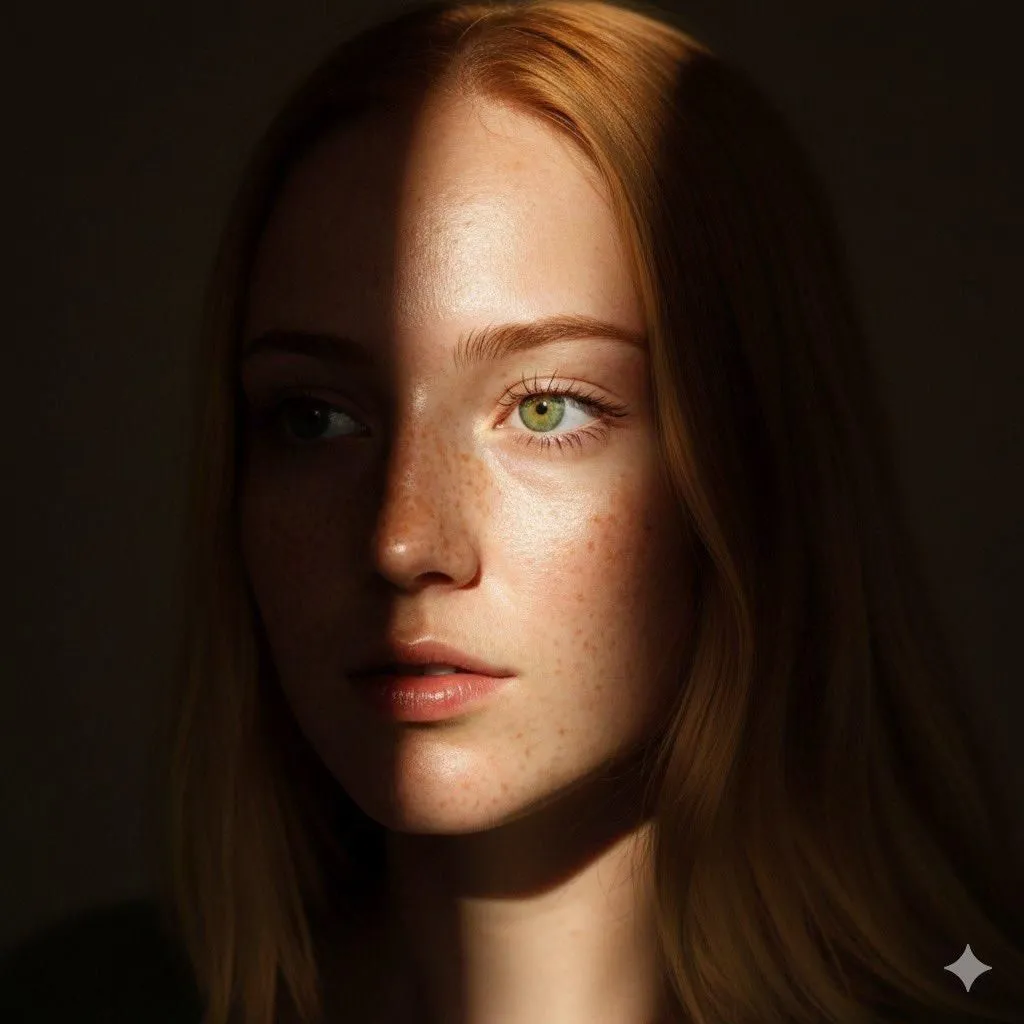
    8K Chiaroscuro Portrait JSON

    Nano Banana Pro1:1AI-generated

    Prompt

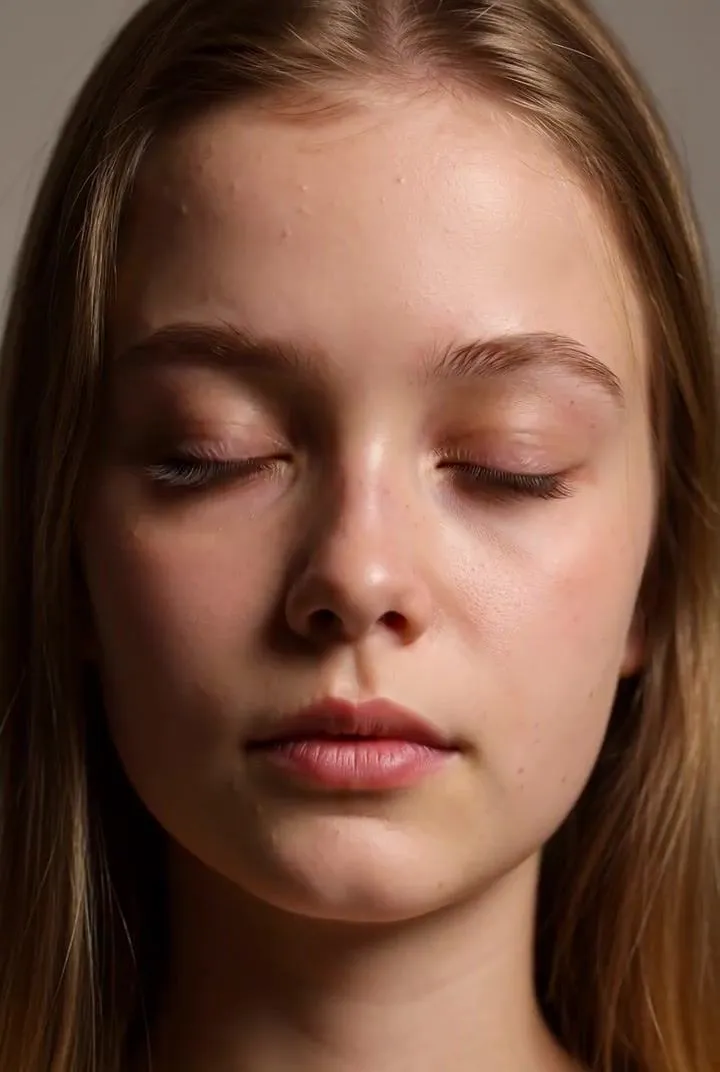
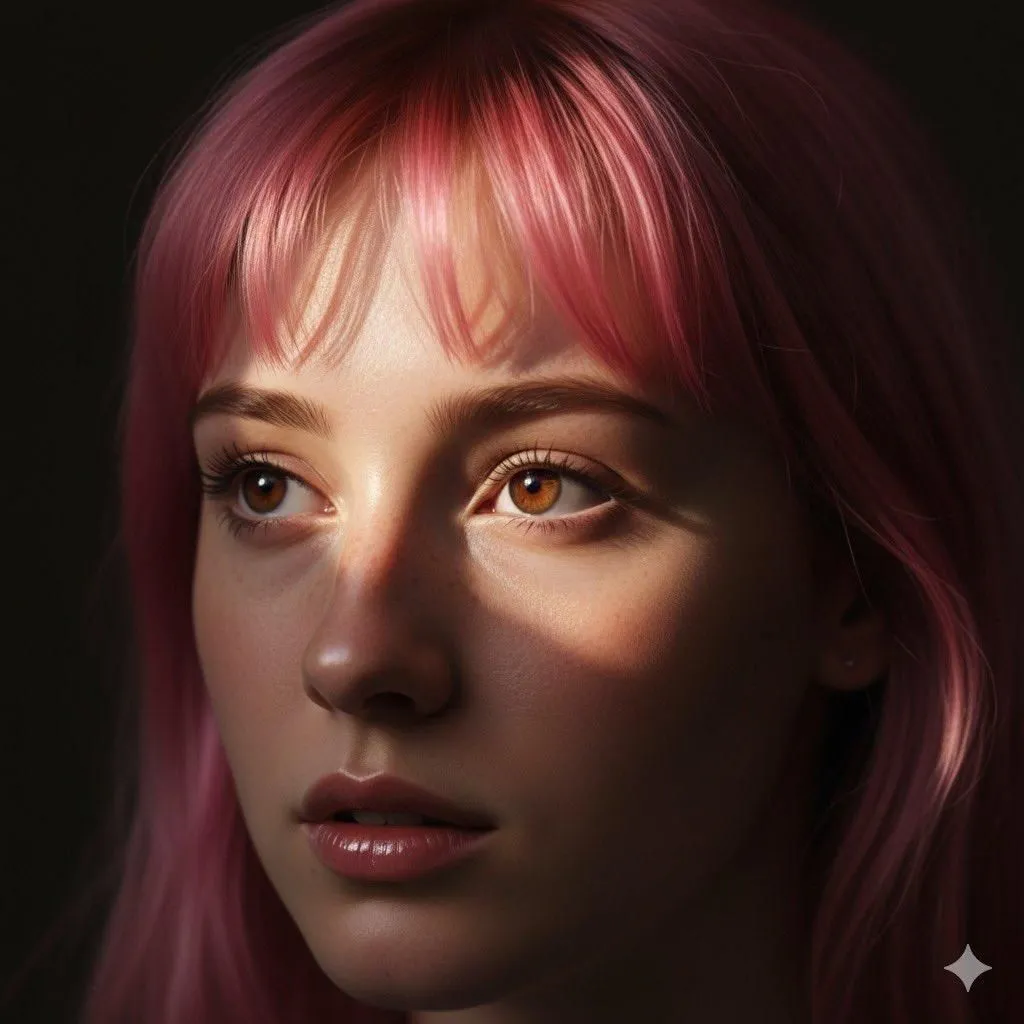
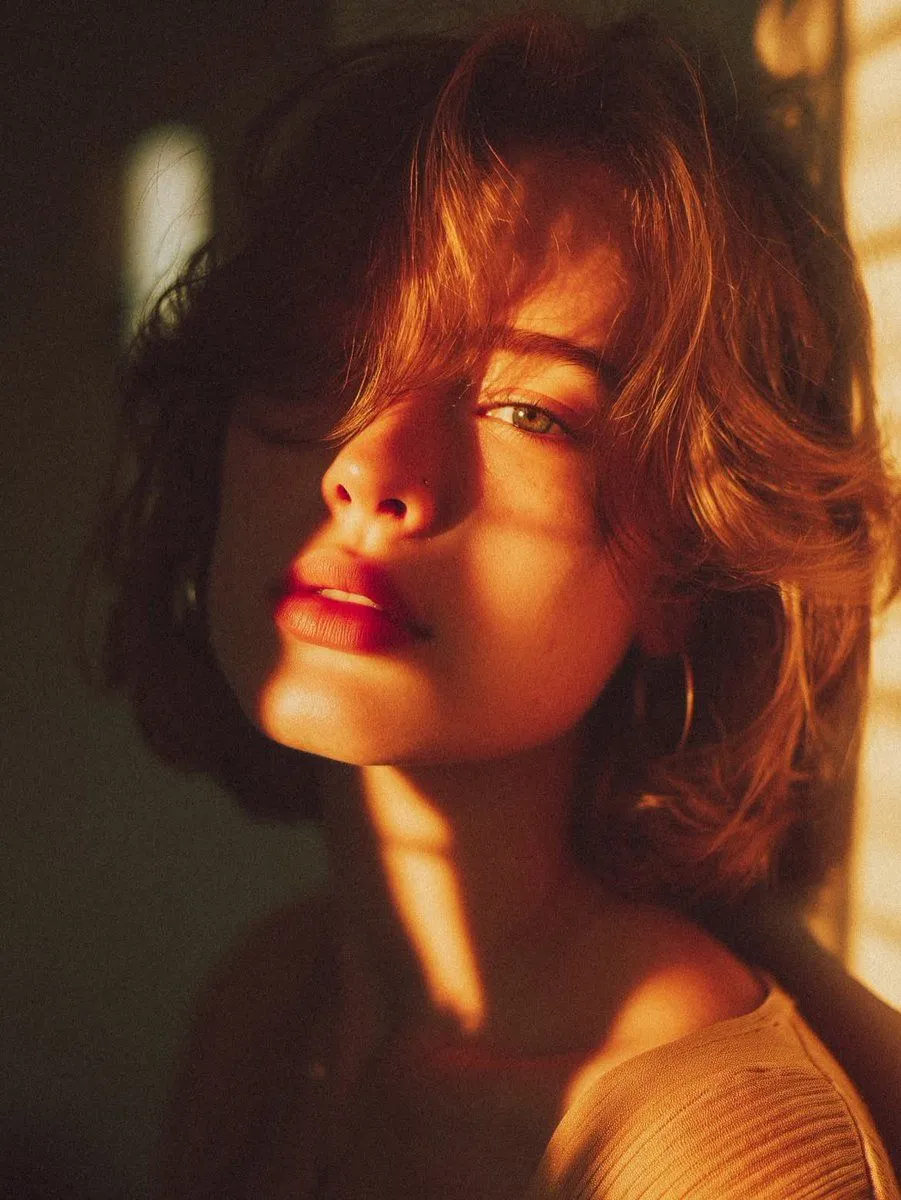
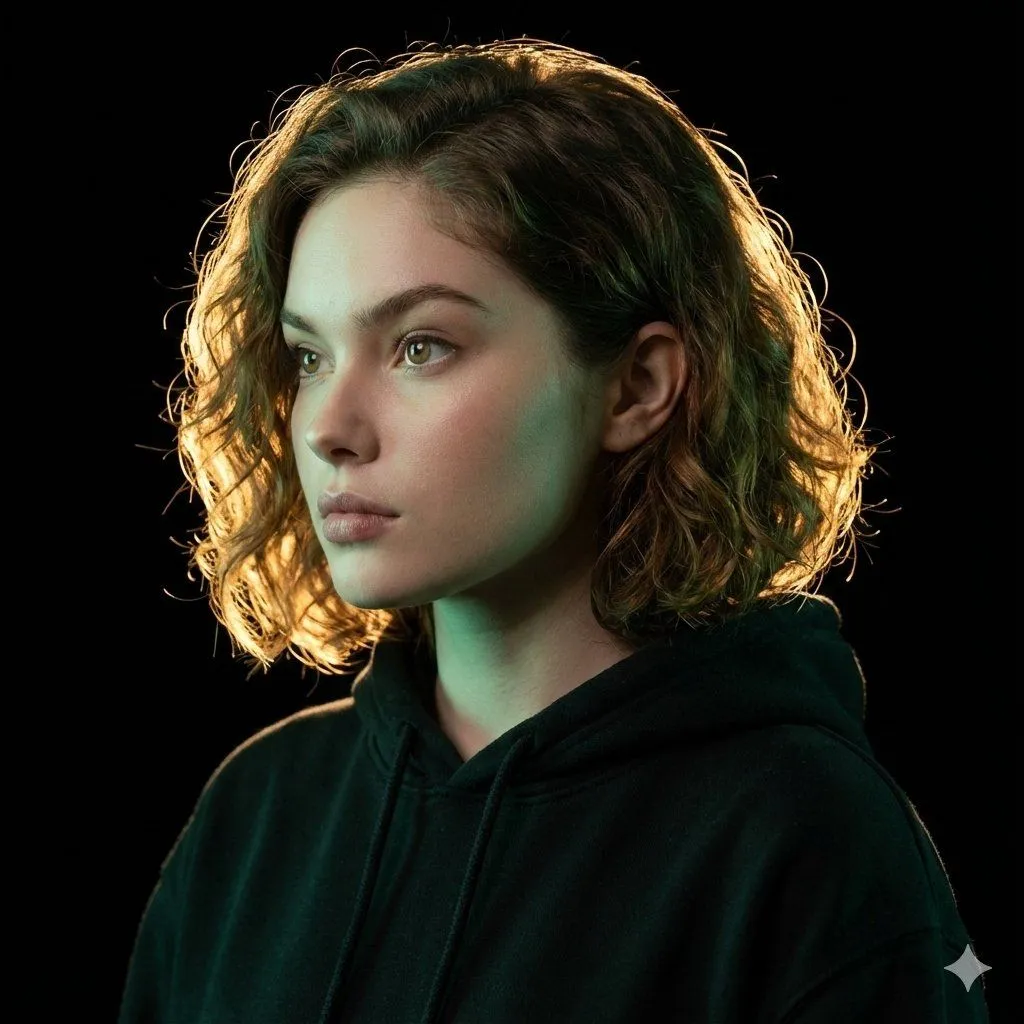
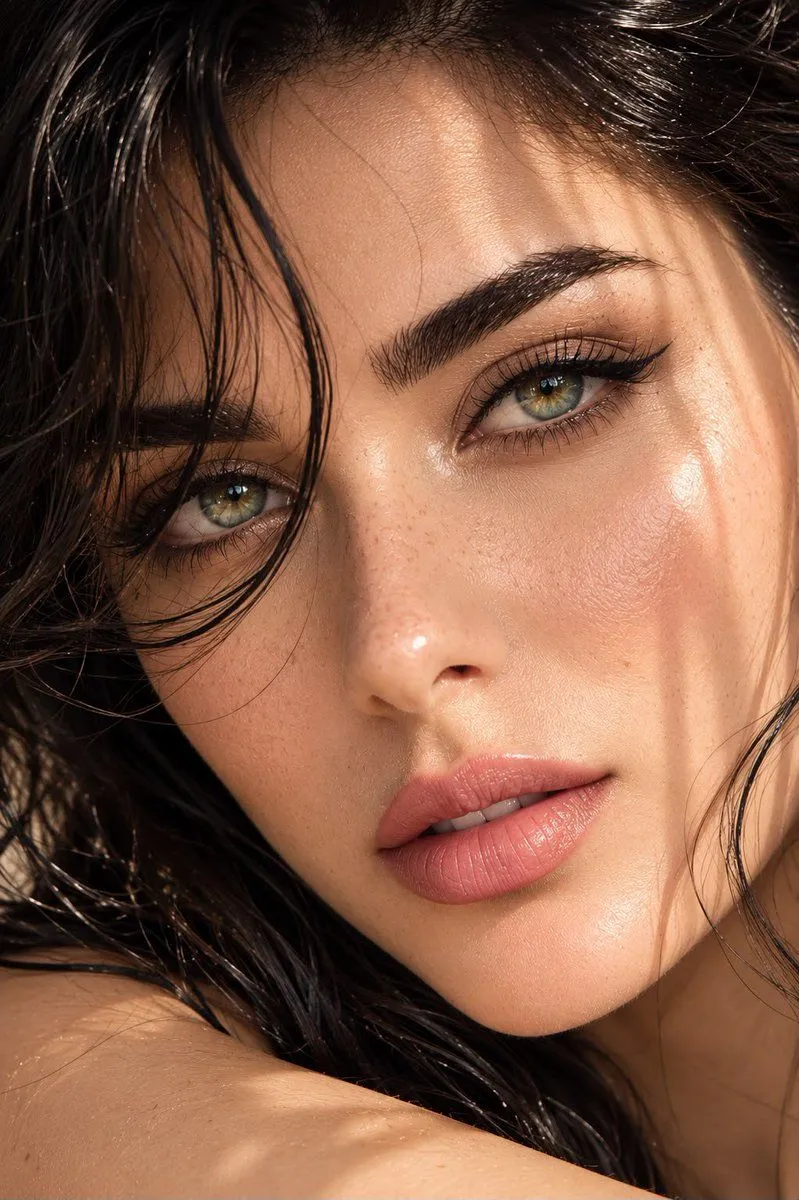
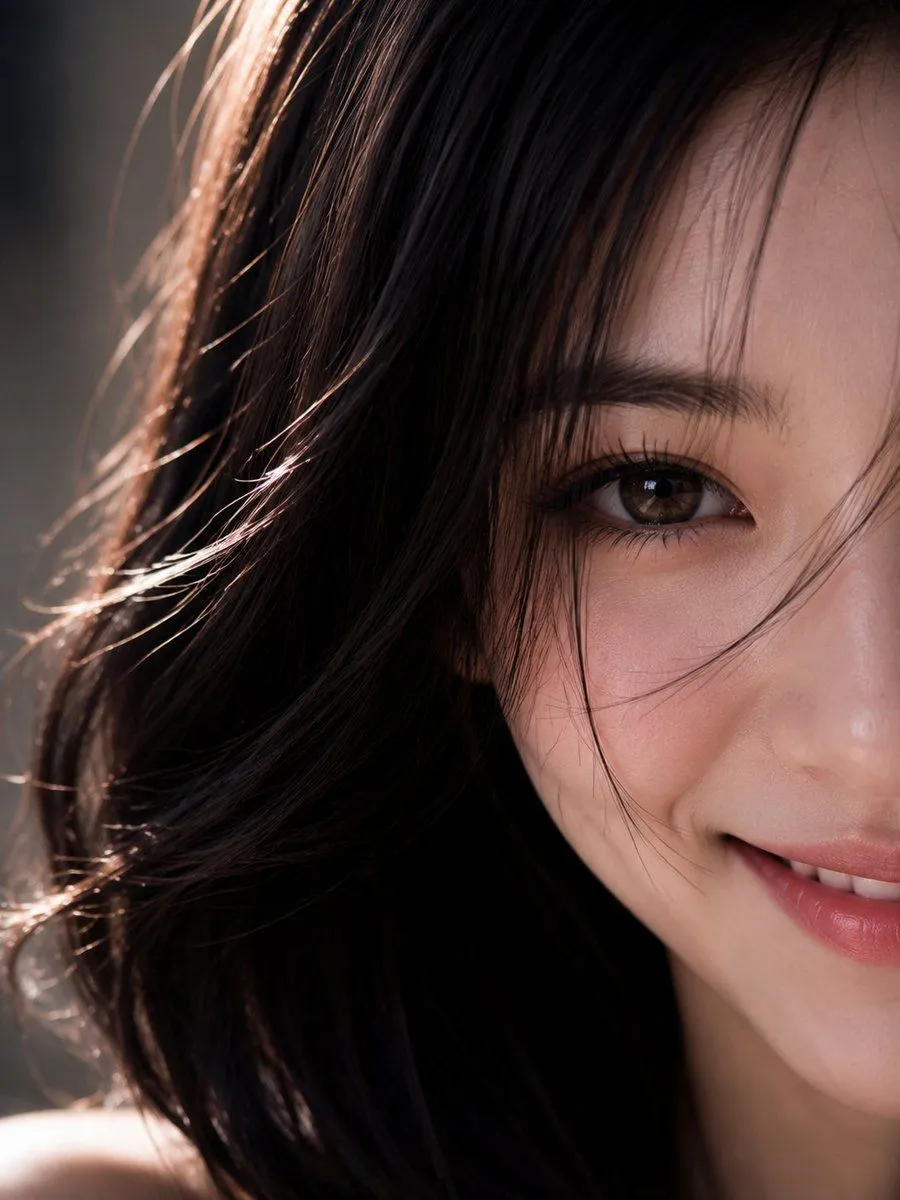
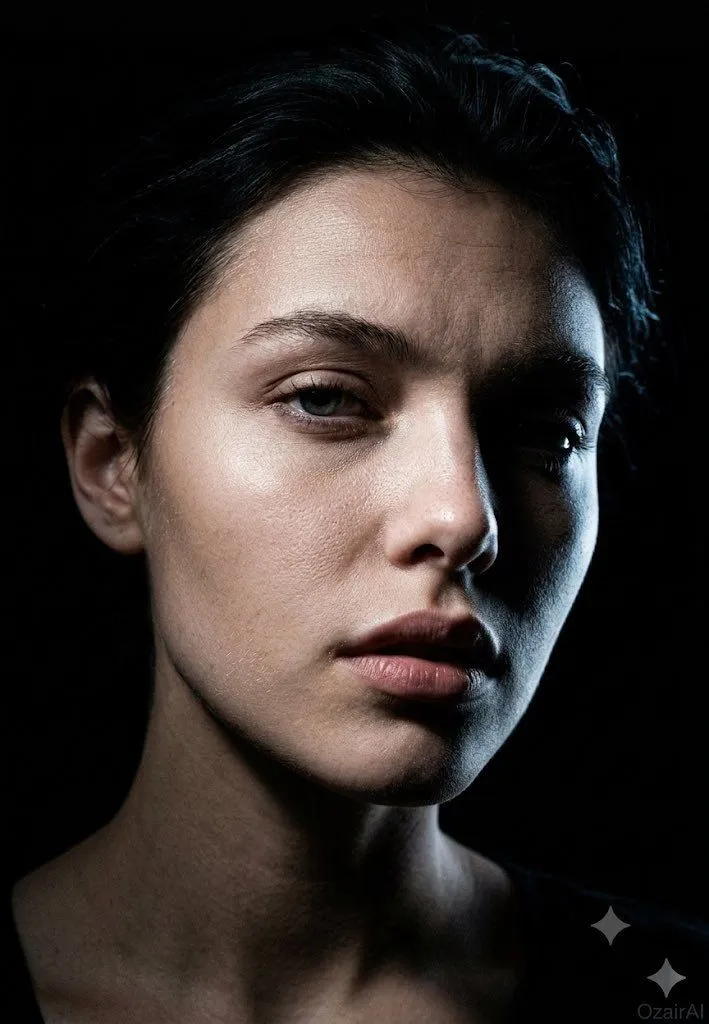
    { "Objective": "Generate a hyper-realistic 8K chiaroscuro-style portrait of a woman based on the provided reference image.", "Identity_Safety": "Maintain facial features, hairstyle, and general appearance consistent with the provided reference image without altering identity.", "Subject": { "Gender": "Female", "Appearance": { "Hair": "Straight hair falling naturally across her forehead", "Pose": "Gazing slightly upward and to the side", "Expression": "Soft, calm, and introspective", "Lips": "Glossy, slightly parted, catching subtle highlights" } }, "Lighting": { "Style": "Chiaroscuro dramatic contrast", "Key_Effects": [ "A thin ray of sunlight illuminating her eyes and upper cheek", "Deep, rich shadows covering the background and lower half of her face", "Strong separation between light and dark regions", "High emotional and visual depth" ] }, "Scene": { "Background": "Minimal, falling into dark shadow", "Atmosphere": "Intimate, dramatic, painterly, cinematic" }, "Visual_Style": { "Resolution": "8K hyper-realistic", "Aesthetic": [ "Ultra-detailed skin texture", "Natural highlights on lips and eyes", "Soft hair detailing", "Fine contrast control typical of chiaroscuro portraiture" ], "Color_Profile": "Warm natural skin tones against deep shadow background" }, "Output_Requirements": { "Format": "Image", "Orientation": "Portrait", "Quality": "High-end cinematic and photographic realism" } }

    Works in
    Gemini, ChatGPT
    Status
    Free to copy
    0
    DetailsVersions, settings and questions

    Written for

    What's in the prompt

    Subject
    Model
    Nano Banana Pro

    If your face changes

    keep my face exactly the same

    Questions

    Does this work in the Gemini app?
    Yes. Gemini runs Nano Banana, so paste the prompt and attach your photo if it uses one.
    It changed my face. What do I do?
    Add "keep my face exactly the same" to the end and run it again.
    Can I use the images I make?
    Check the terms of the app you use. Promptclay never generates images and claims nothing you make.
    Similar prompts

    See more
    • Red-Haired Woman Cinematic Close-Up Portraits
    • Dark Cinematic Skin Detail Portrait
    • Cinematic Chiaroscuro Portrait
    • Realistic Redhead Portrait in Window Light
    • Monochrome Fine Art Portrait with Dramatic Rim Lighting
    • Hyper-Realistic Luxury Fashion Portrait
    • Hyper-Realistic Heterochromia PortraitVideo, 0:10
    • Cinematic Close-up Portrait with Pink Hair
    • Cinematic Golden Hour Portrait
    • Ultrarealistic Artistic Portrait with Contradictory Lighting
    • Editorial Beauty Campaign Portrait
    • Ultra-High Resolution Upscale and Skin Texture Transfer Prompt
    • Ultra-Photorealistic Wet-Skin Beauty Portrait Prompt
    • Hyper-Realistic Macro Eye Portrait
    • Extreme Close-Up Portrait with Realistic Skin Texture
    • Cyberpunk Science Portrait
    • Hand-Carved Wooden Miniature Figure
    • Human Fragments Editorial Poster
    • Hyperrealistic Tattooed Elf Couple
    • Multi-Angle Scene Generation Prompt (Oshi no Ko Style)
    • Nano Banana Pro Thumbnail Generation Example
    • Newspaper Collage Shadow Portrait
    • Stylized Wicker Caricature Figurine
    • The Lighthouse Keeper Storyboard

    Show more

    Run it on your phone

    1. Prompt copiedRead it

      { "Objective": "Generate a hyper-realistic 8K chiaroscuro-style portrait of a woman based on the provided reference image.", "Identity_Safety": "Maintain facial features, hairstyle, and general appearance consistent with the provided reference image without altering identity.", "Subject": { "Gender": "Female", "Appearance": { "Hair": "Straight hair falling naturally across her forehead", "Pose": "Gazing slightly upward and to the side", "Expression": "Soft, calm, and introspective", "Lips": "Glossy, slightly parted, catching subtle highlights" } }, "Lighting": { "Style": "Chiaroscuro dramatic contrast", "Key_Effects": [ "A thin ray of sunlight illuminating her eyes and upper cheek", "Deep, rich shadows covering the background and lower half of her face", "Strong separation between light and dark regions", "High emotional and visual depth" ] }, "Scene": { "Background": "Minimal, falling into dark shadow", "Atmosphere": "Intimate, dramatic, painterly, cinematic" }, "Visual_Style": { "Resolution": "8K hyper-realistic", "Aesthetic": [ "Ultra-detailed skin texture", "Natural highlights on lips and eyes", "Soft hair detailing", "Fine contrast control typical of chiaroscuro portraiture" ], "Color_Profile": "Warm natural skin tones against deep shadow background" }, "Output_Requirements": { "Format": "Image", "Orientation": "Portrait", "Quality": "High-end cinematic and photographic realism" } }

    2. Open your app

    3. Paste and run

      Press and hold the message box, then tap Paste. Add your photo first if the prompt uses one. You may need to sign in.

    8K Chiaroscuro Portrait JSON