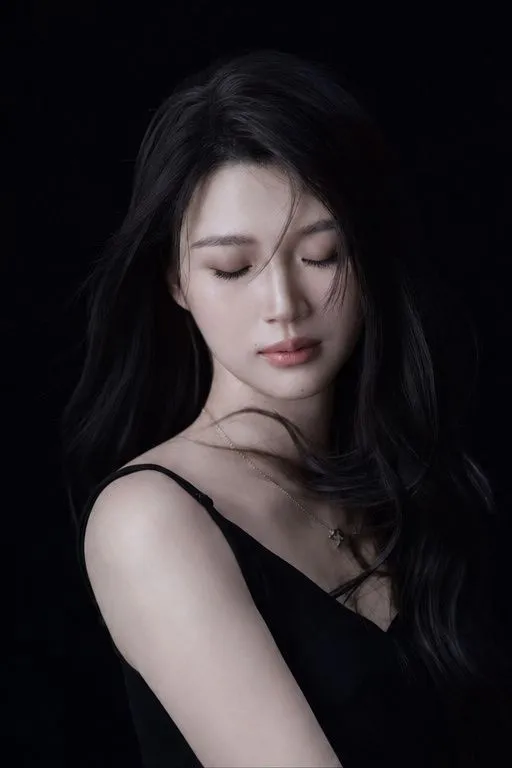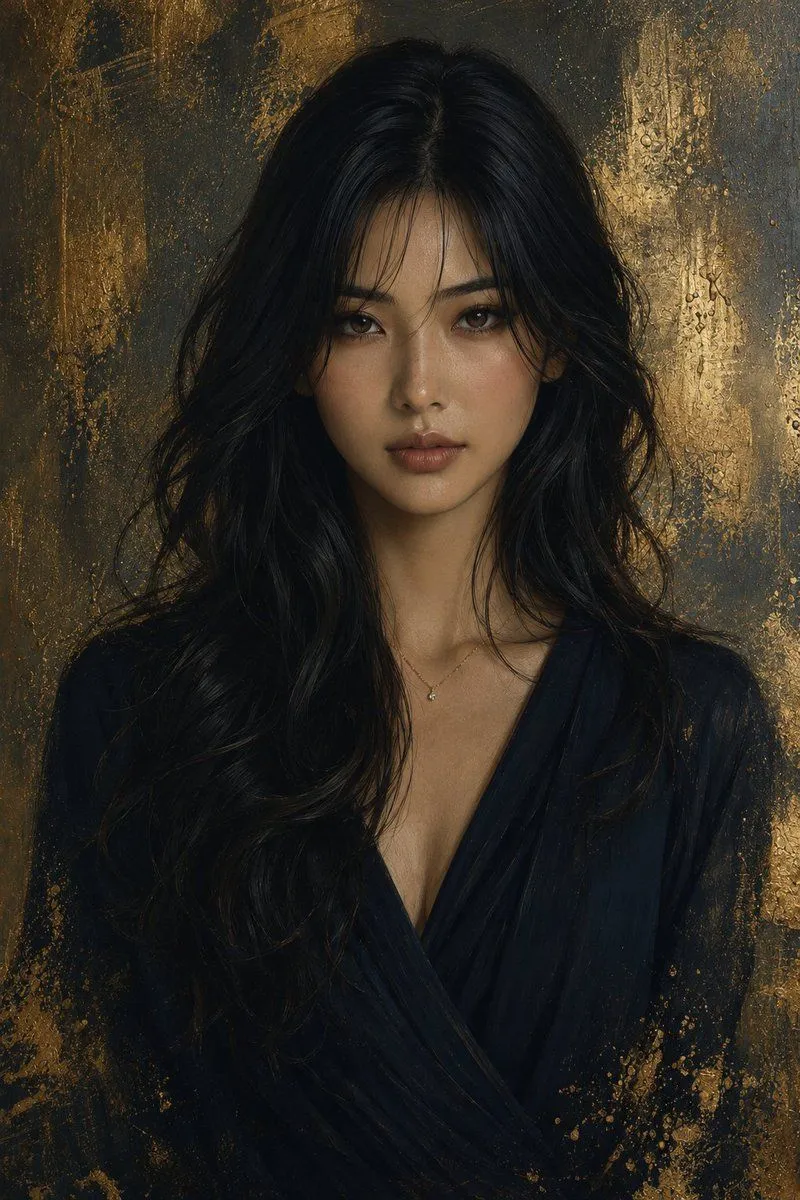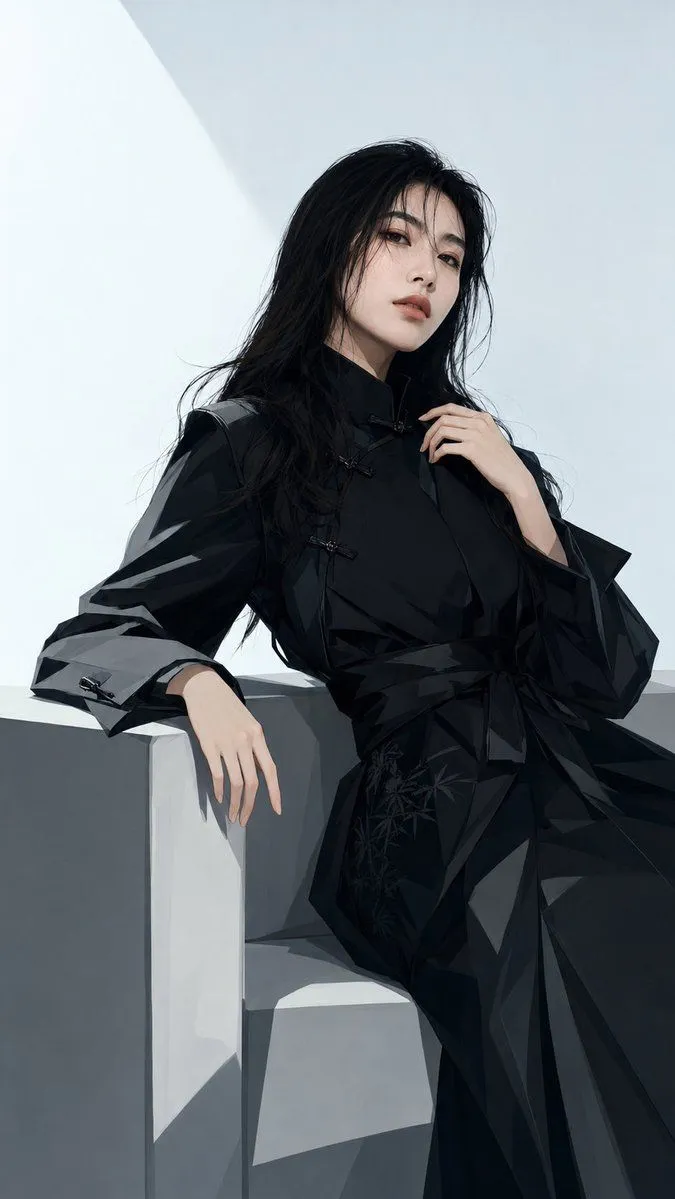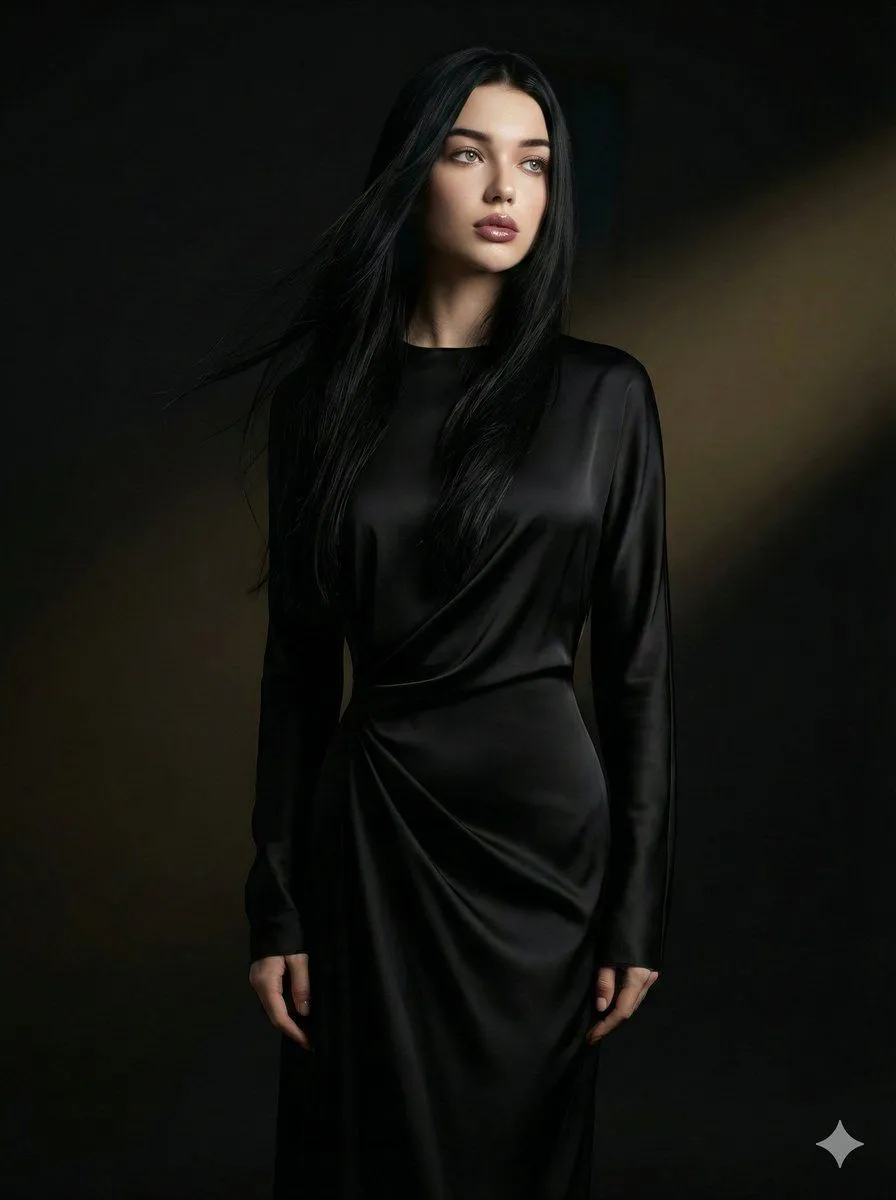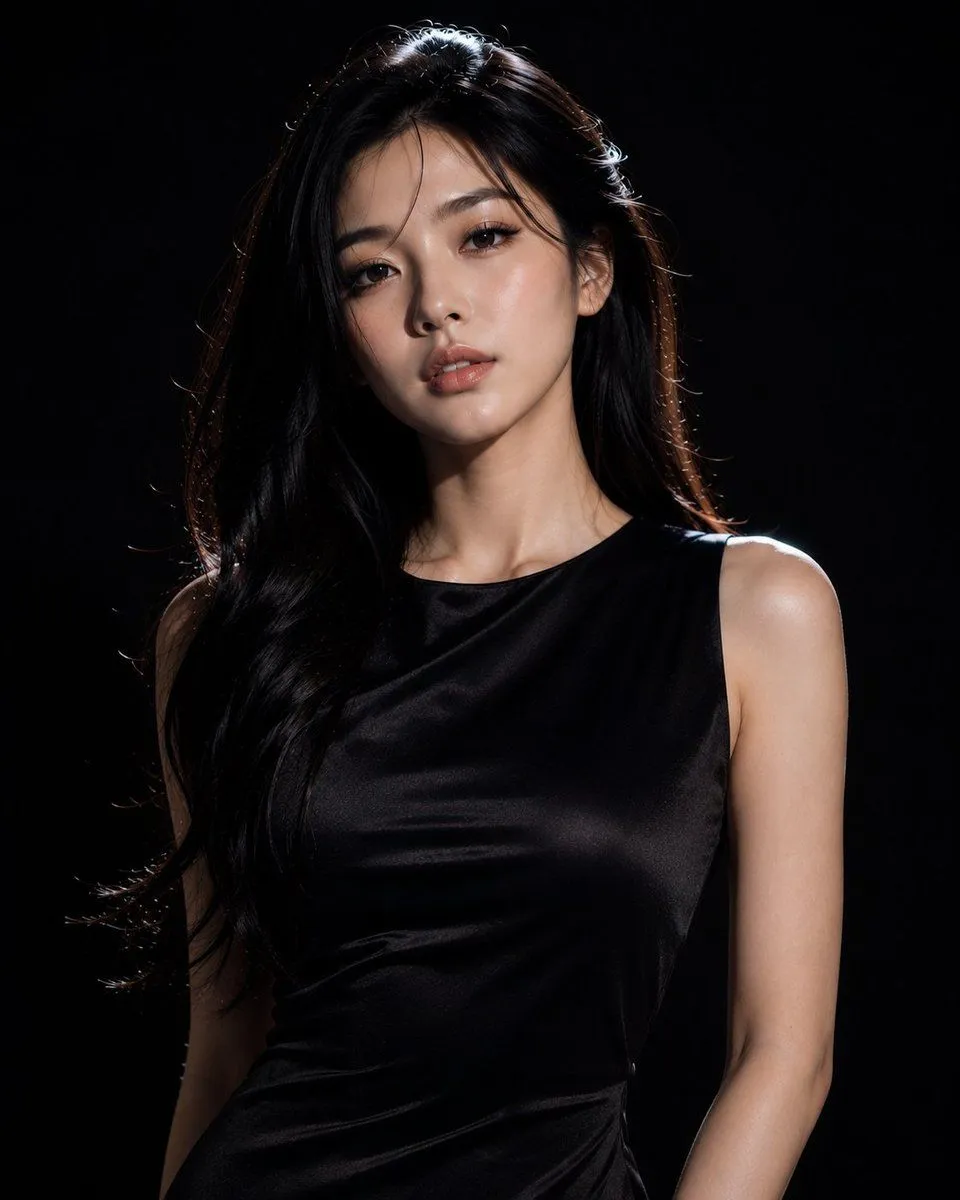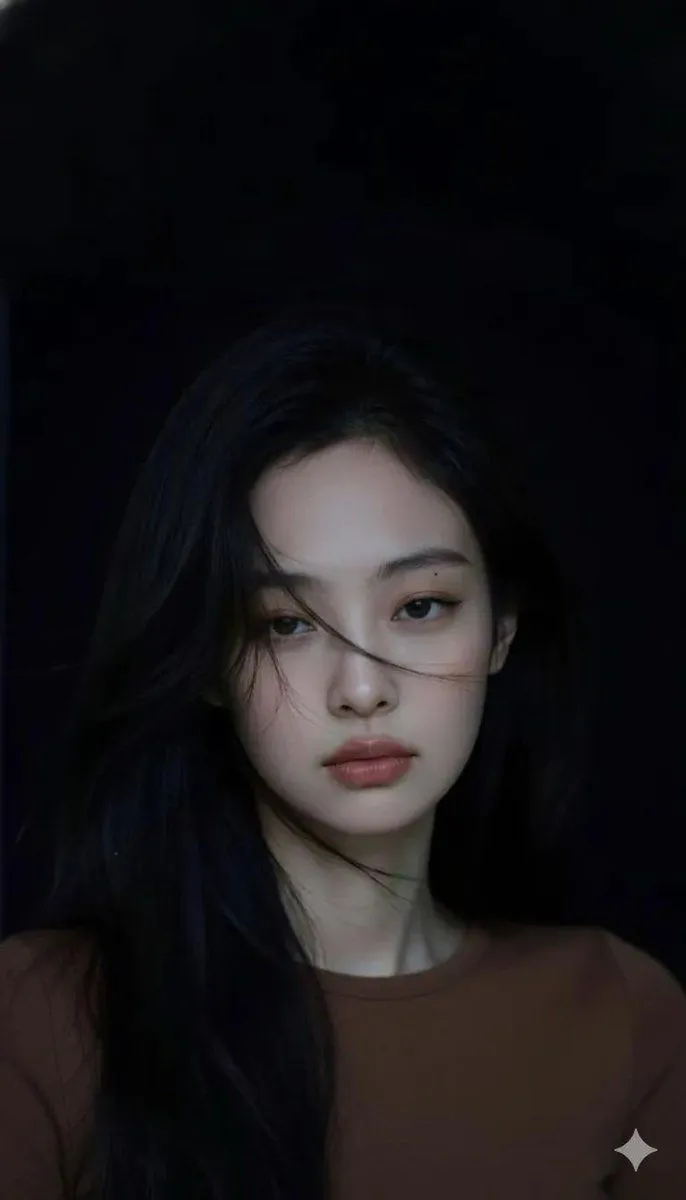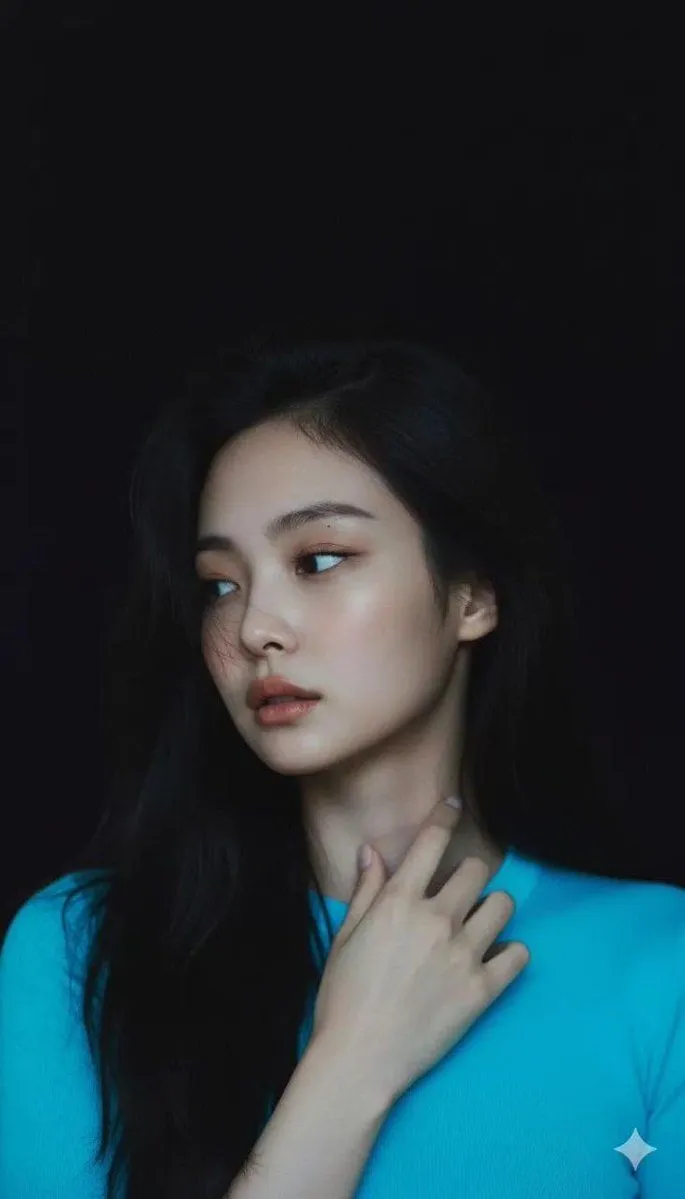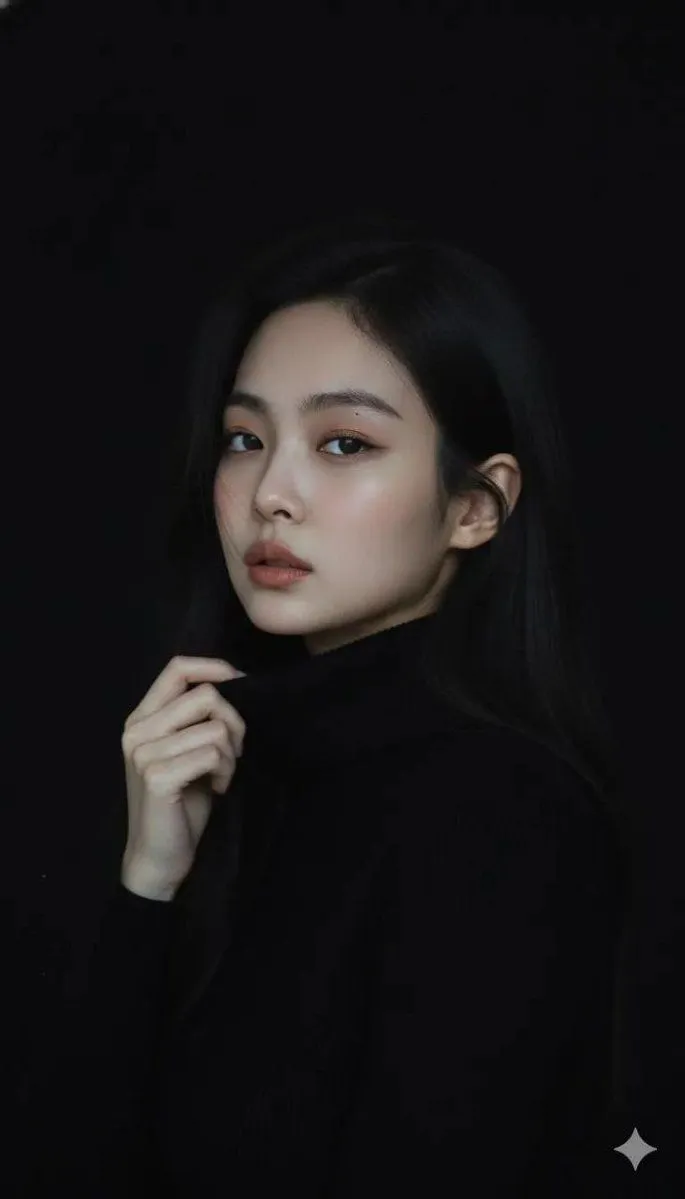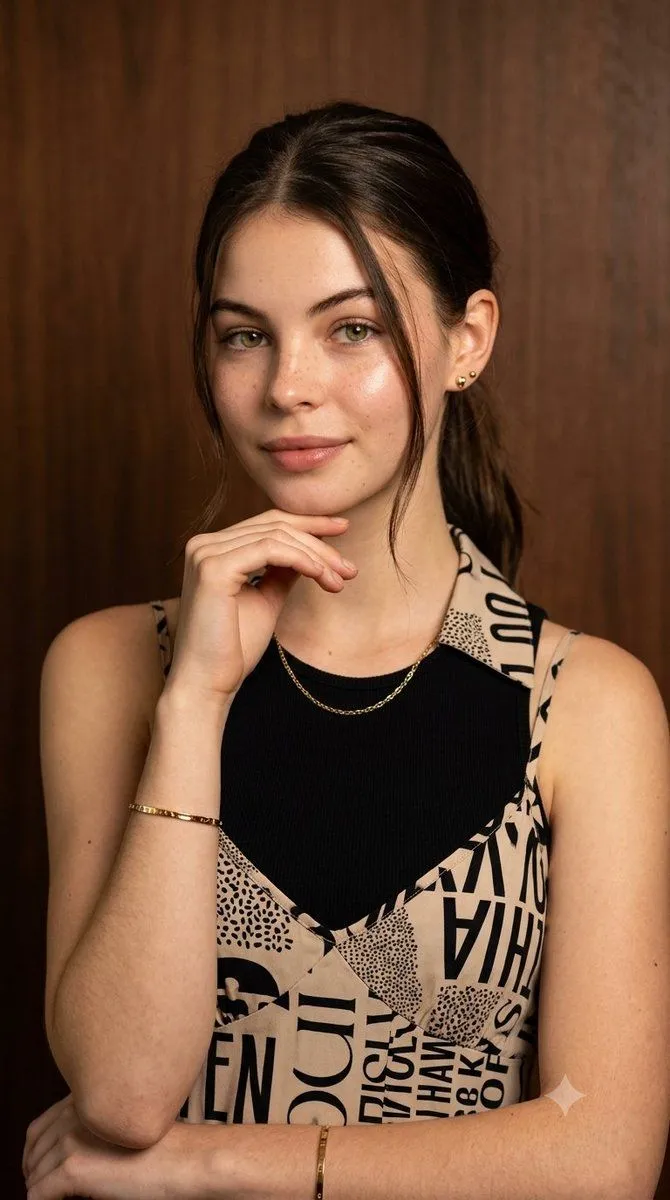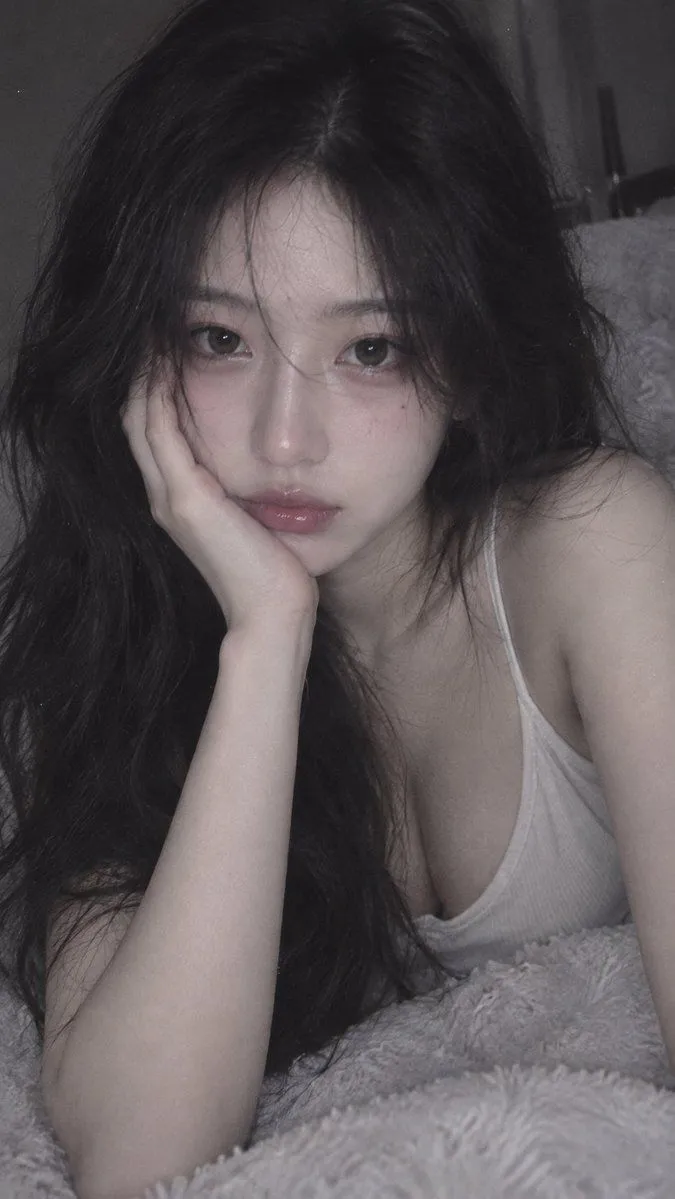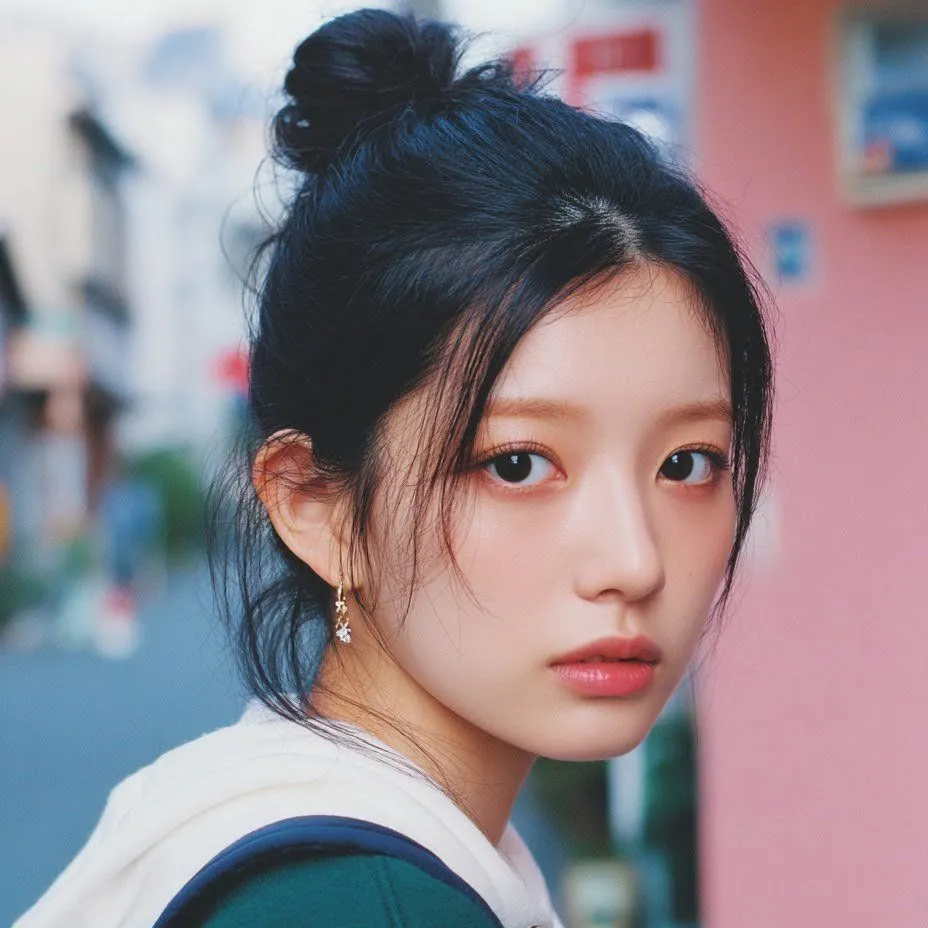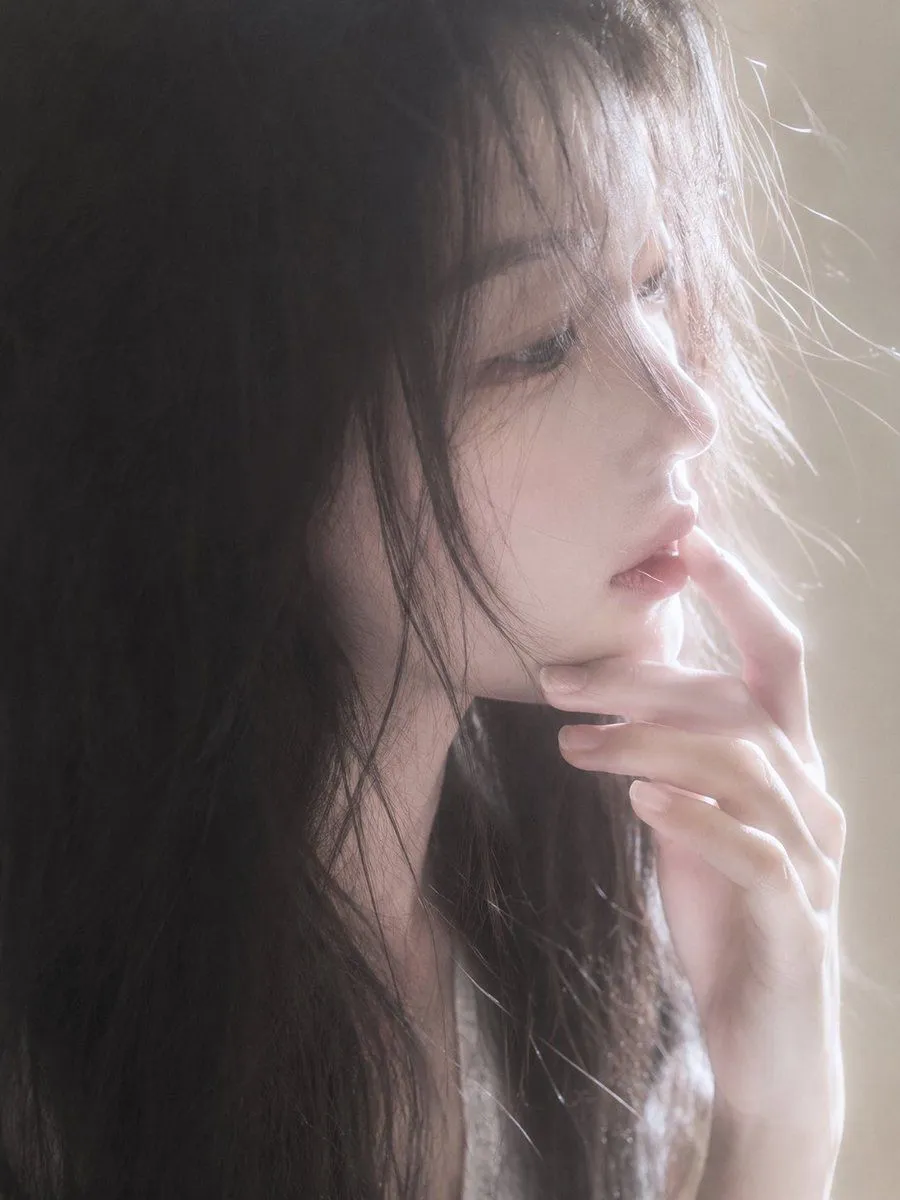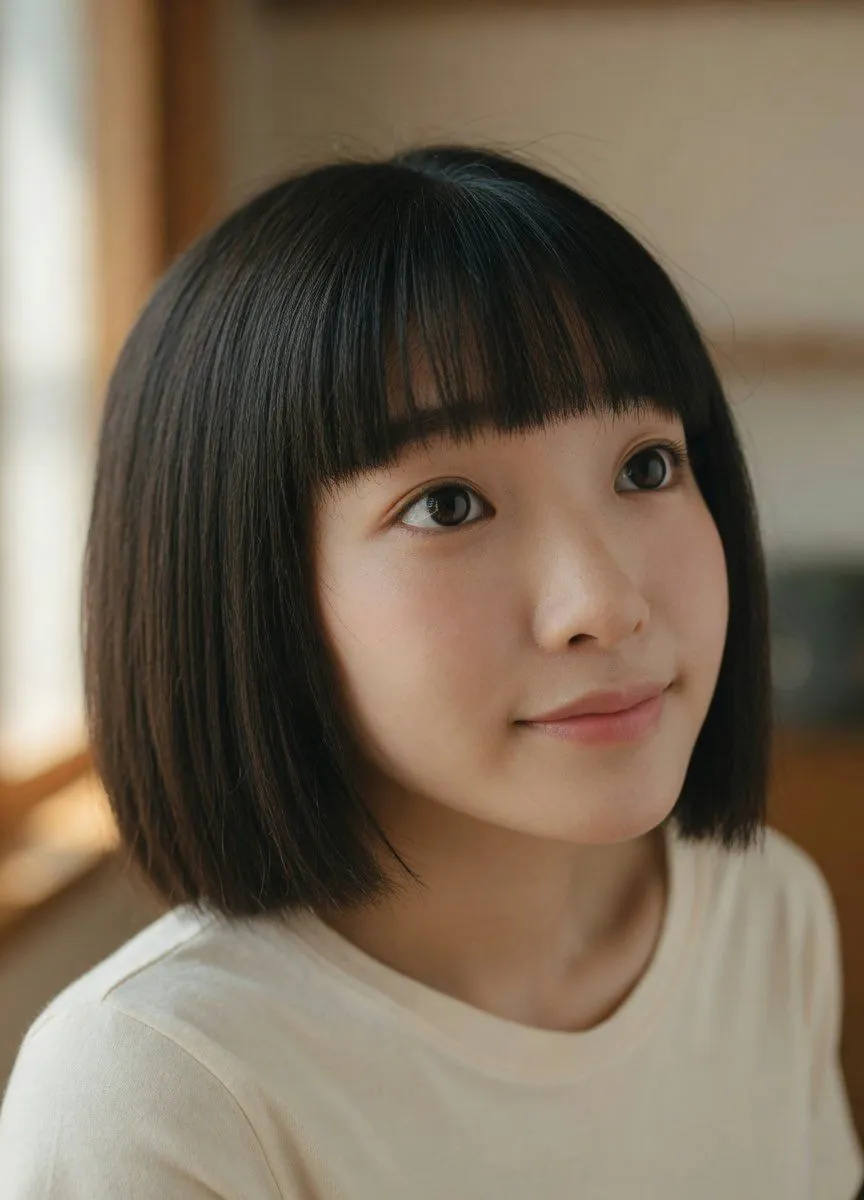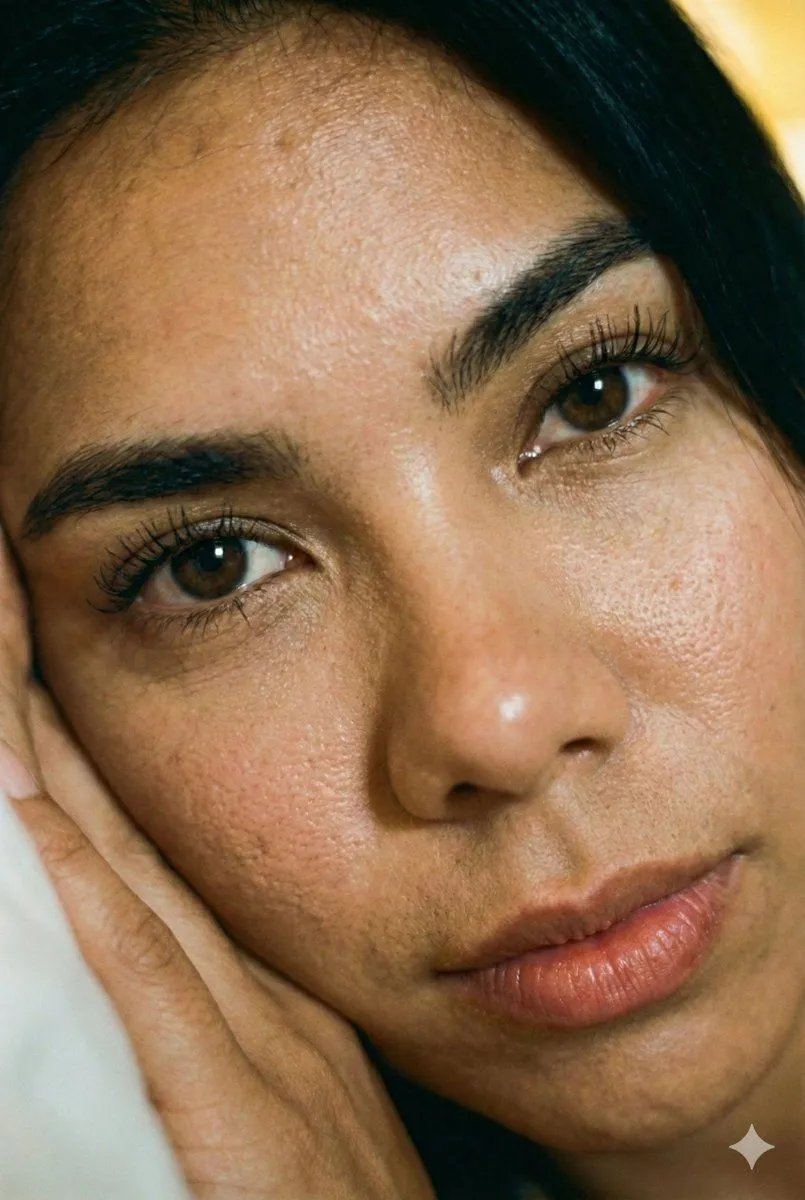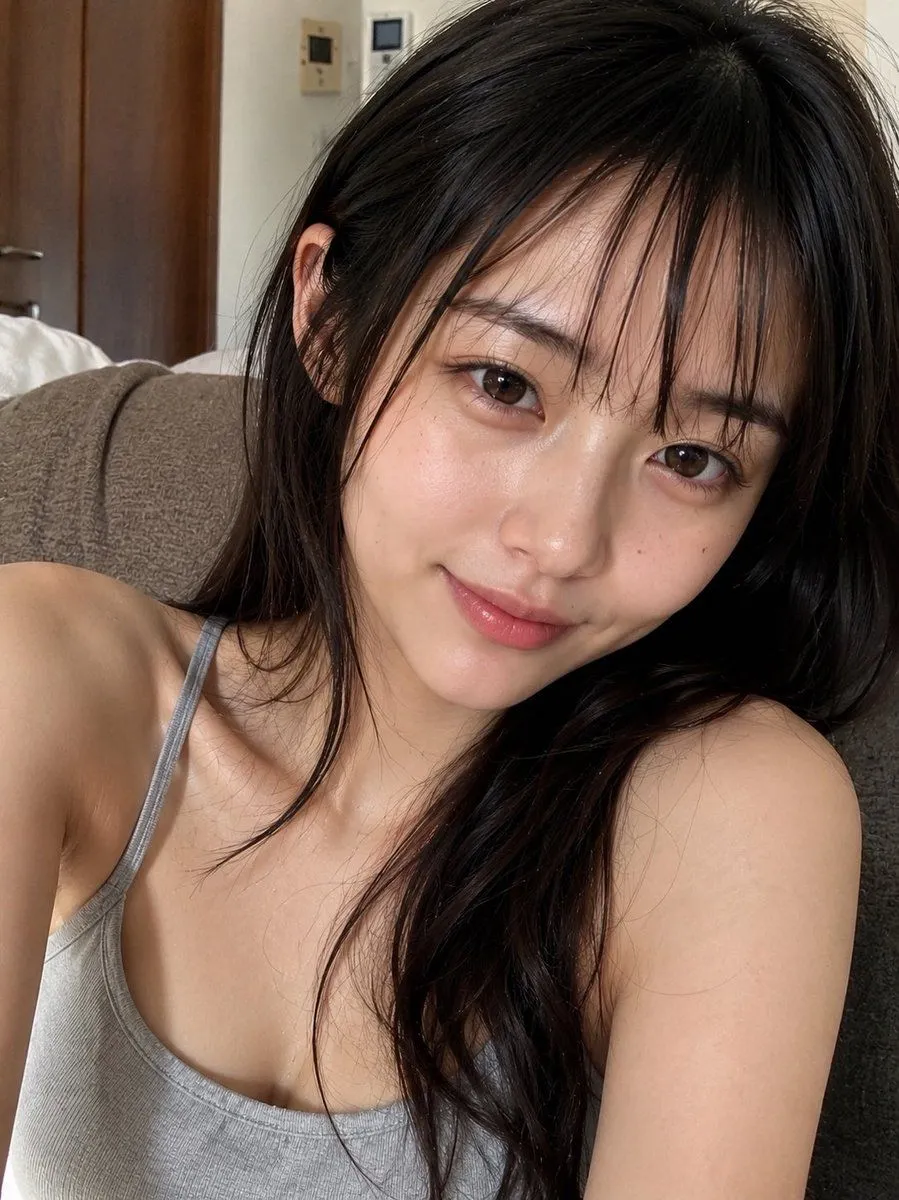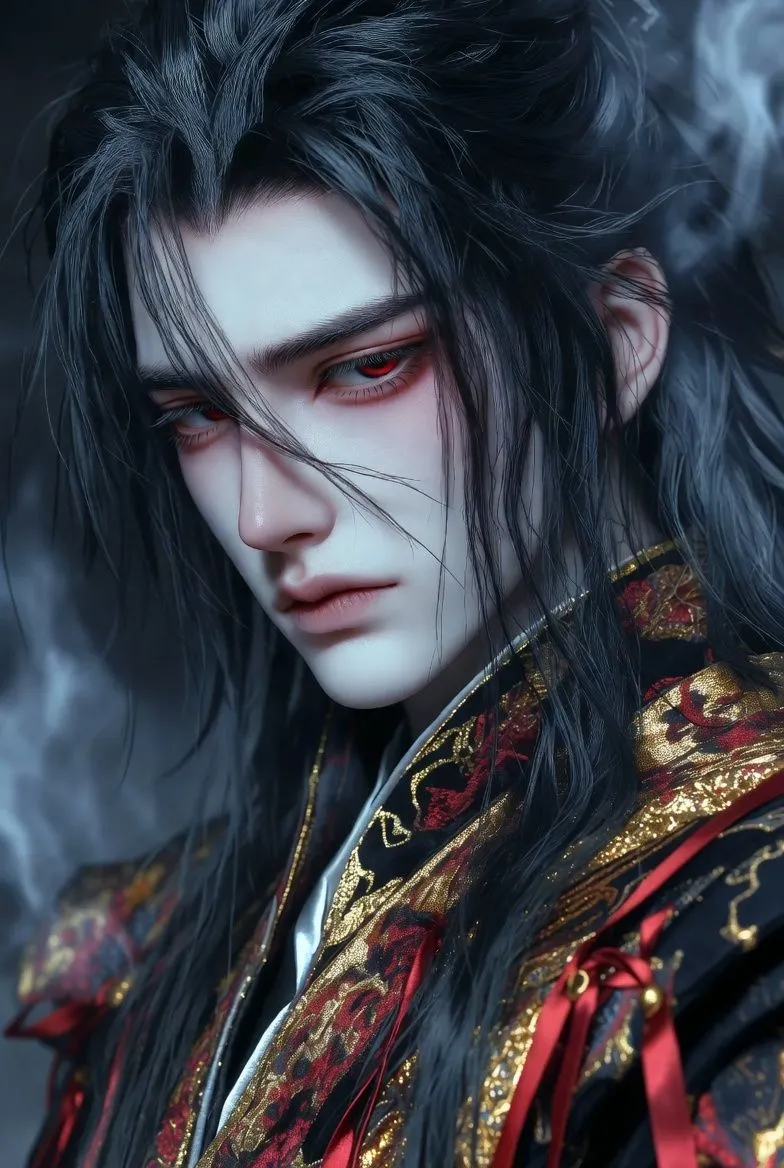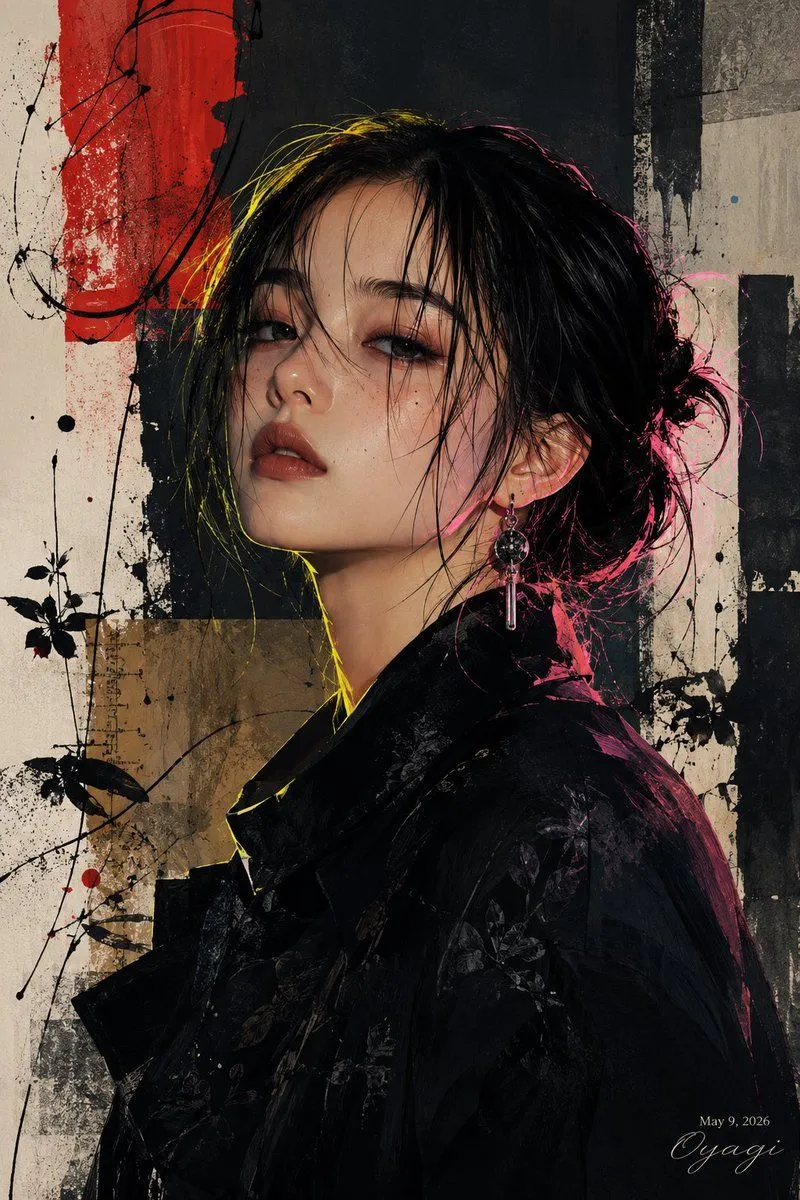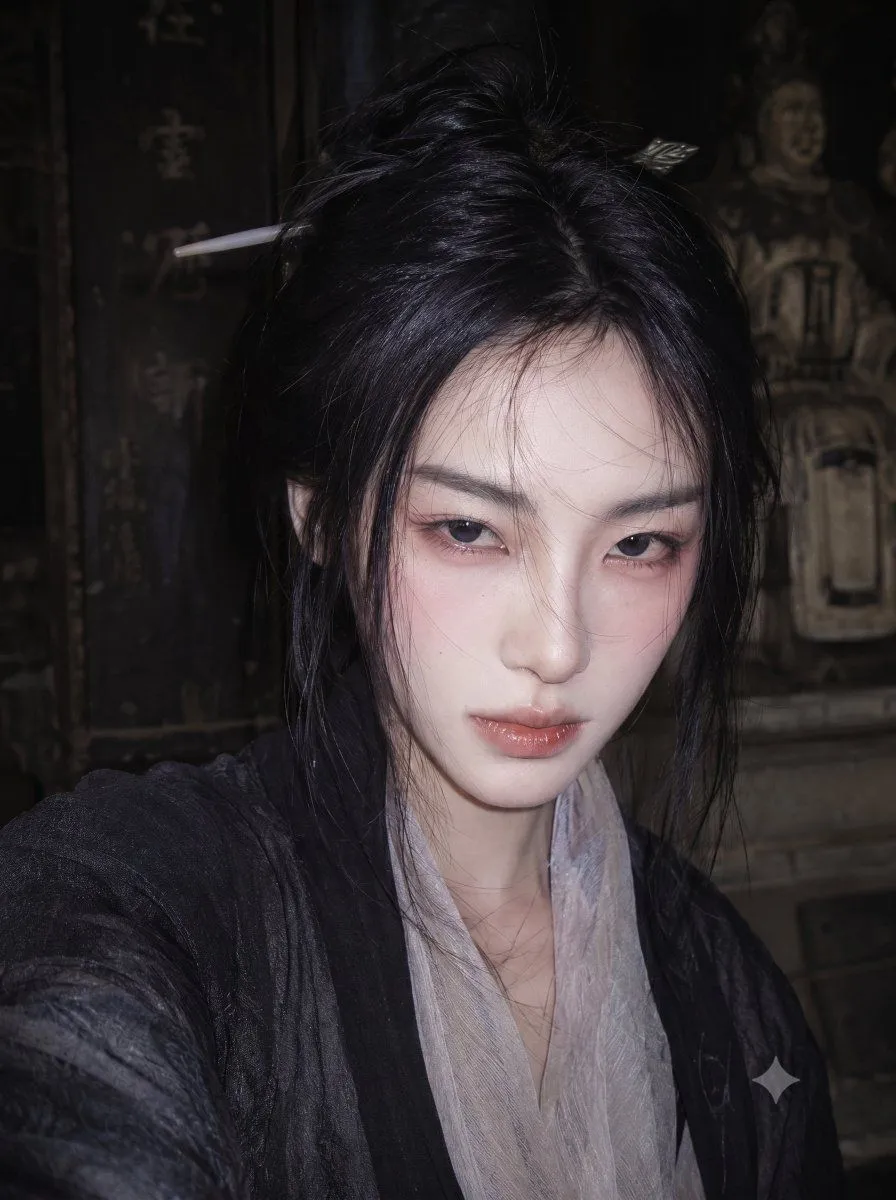
Made with Nano Banana Pro in Gemini by Library Portraits. Promptclay never generates images.
Did it work?
No reports yet. Tell others if it worked for you.
4K Realistic Photo Restoration
Prompt
2 blanks to fillMaintain the original aspect ratio and use professional photo restoration techniques to super-resolve and repair this image to {resolution}. Remove blur, noise, scratches, stains, creases, and compression artifacts. Restore and enhance skin texture, pores, hair strands, fabric textures, and edge sharpness. Restore natural and realistic colors, accurate lighting, and depth to generate a photo quality similar to that of a {camera_style}. Keep all content, composition, and style of the original image completely unchanged, aiming for extreme realism without artistic stylization, making it a crystal-clear high-definition photo while maintaining 100% original composition and authenticity.
Preview of your prompt
Maintain the original aspect ratio and use professional photo restoration techniques to super-resolve and repair this image to 4K Ultra HD (3840x2160). Remove blur, noise, scratches, stains, creases, and compression artifacts. Restore and enhance skin texture, pores, hair strands, fabric textures, and edge sharpness. Restore natural and realistic colors, accurate lighting, and depth to generate a photo quality similar to that of a professional DSLR camera. Keep all content, composition, and style of the original image completely unchanged, aiming for extreme realism without artistic stylization, making it a crystal-clear high-definition photo while maintaining 100% original composition and authenticity.
DetailsVersions, settings and questions
Written for
What's in the prompt
- Subject
- Model
- Nano Banana Pro
If your face changes
keep my face exactly the sameQuestions
- Does this work in the Gemini app?
- Yes. Gemini runs Nano Banana, so paste the prompt and attach your photo if it uses one.
- It changed my face. What do I do?
- Add "keep my face exactly the same" to the end and run it again.
- Can I use the images I make?
- Check the terms of the app you use. Promptclay never generates images and claims nothing you make.