Tell us anything

An idea, a bug, something you love. We read every note.

⌘↵ to send. The page you're on comes along.

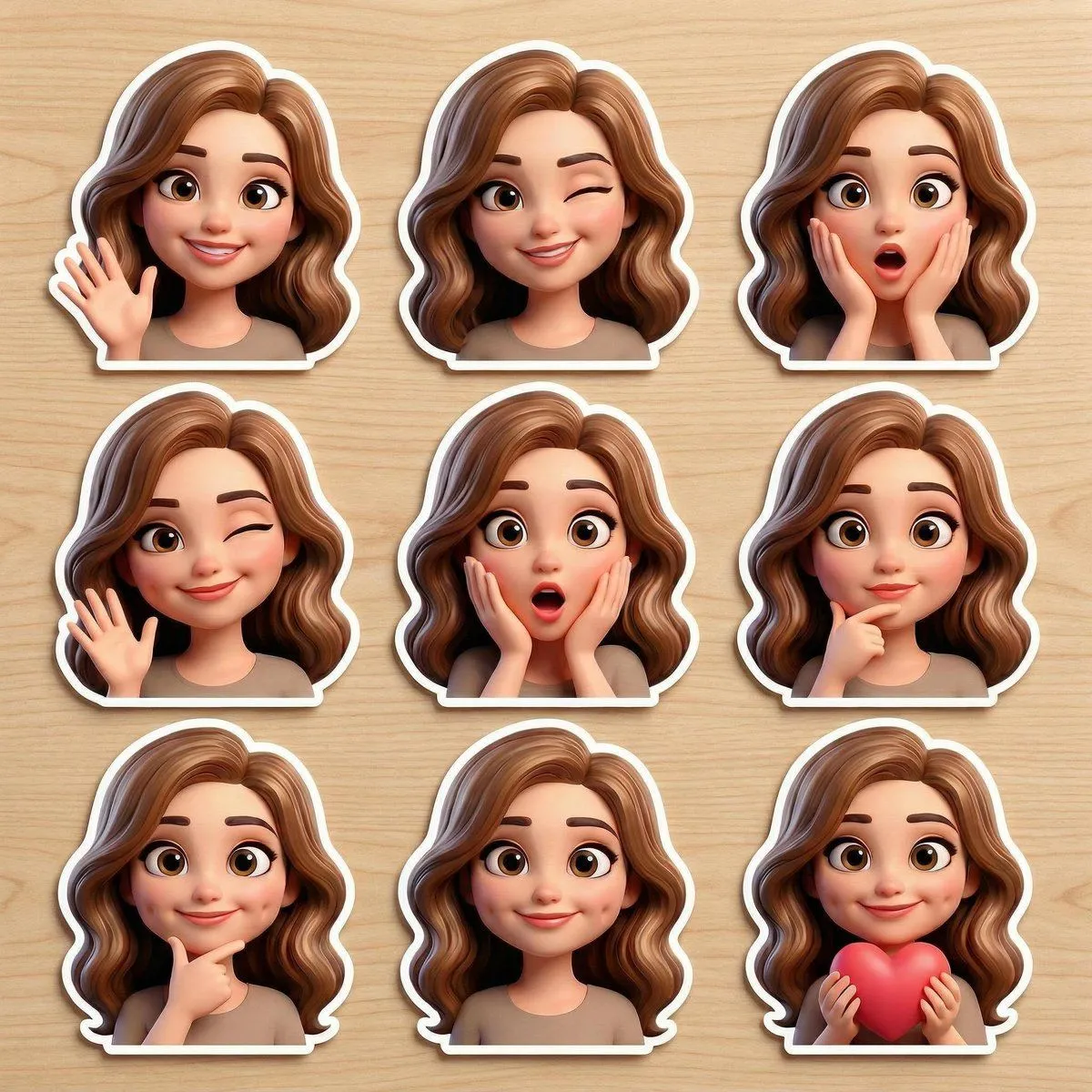
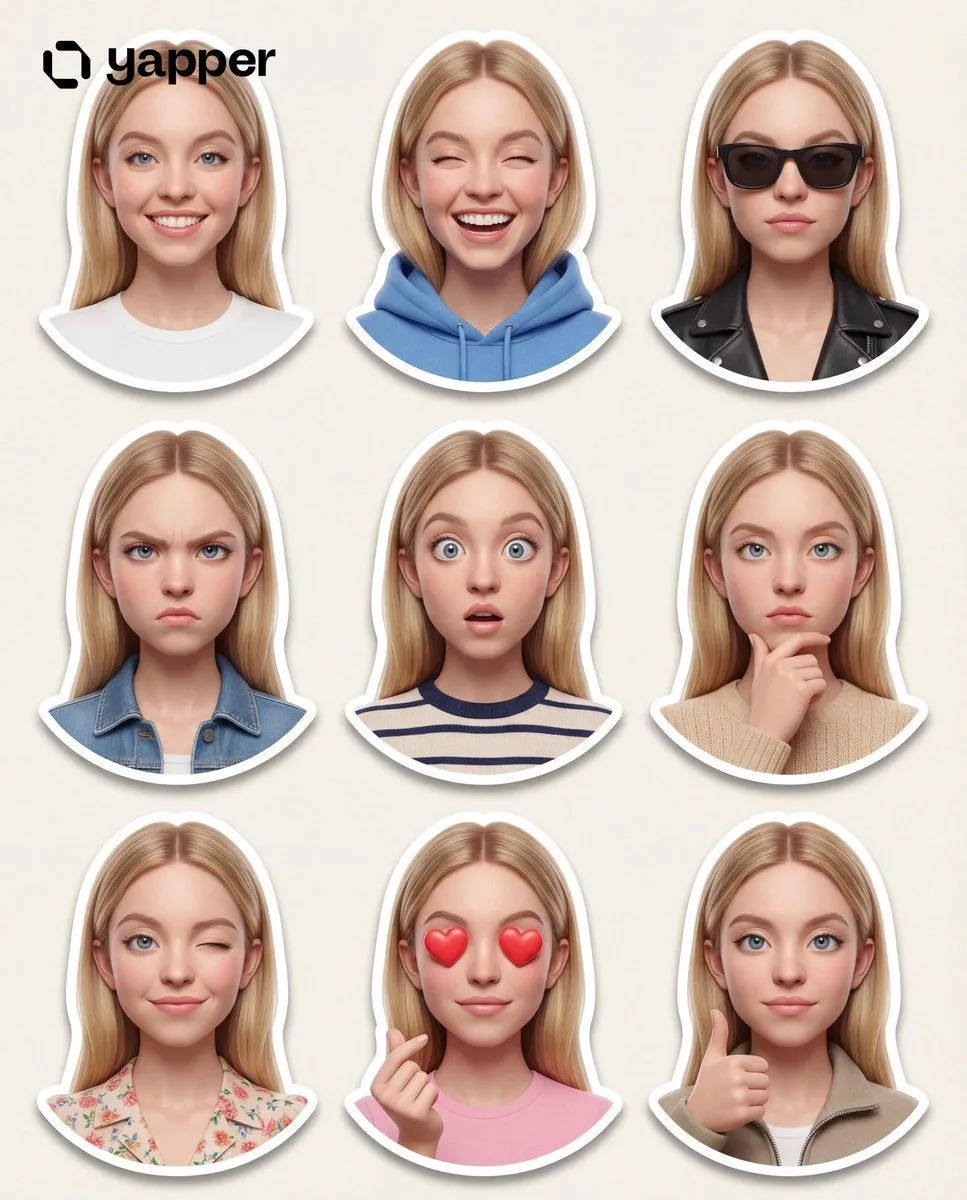
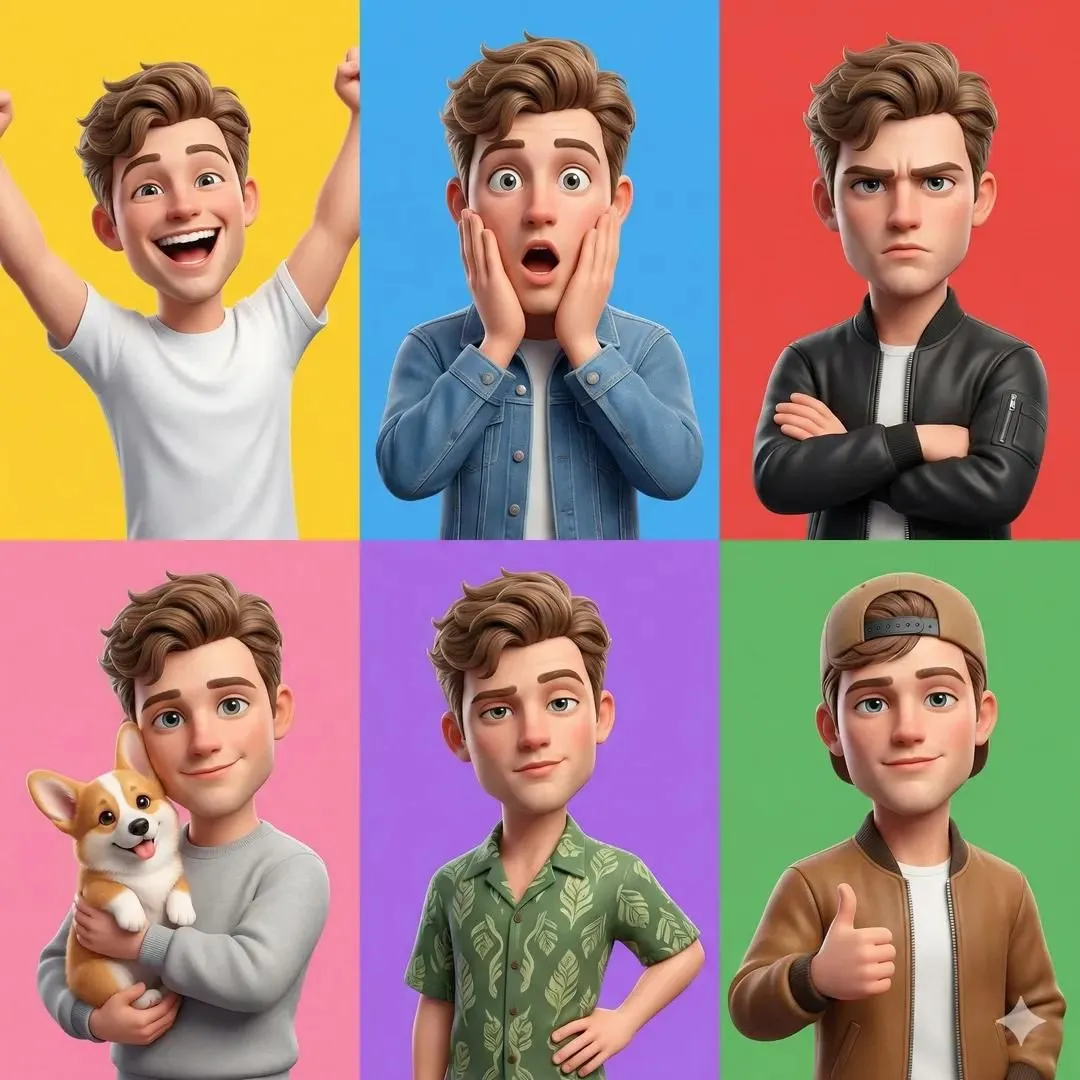
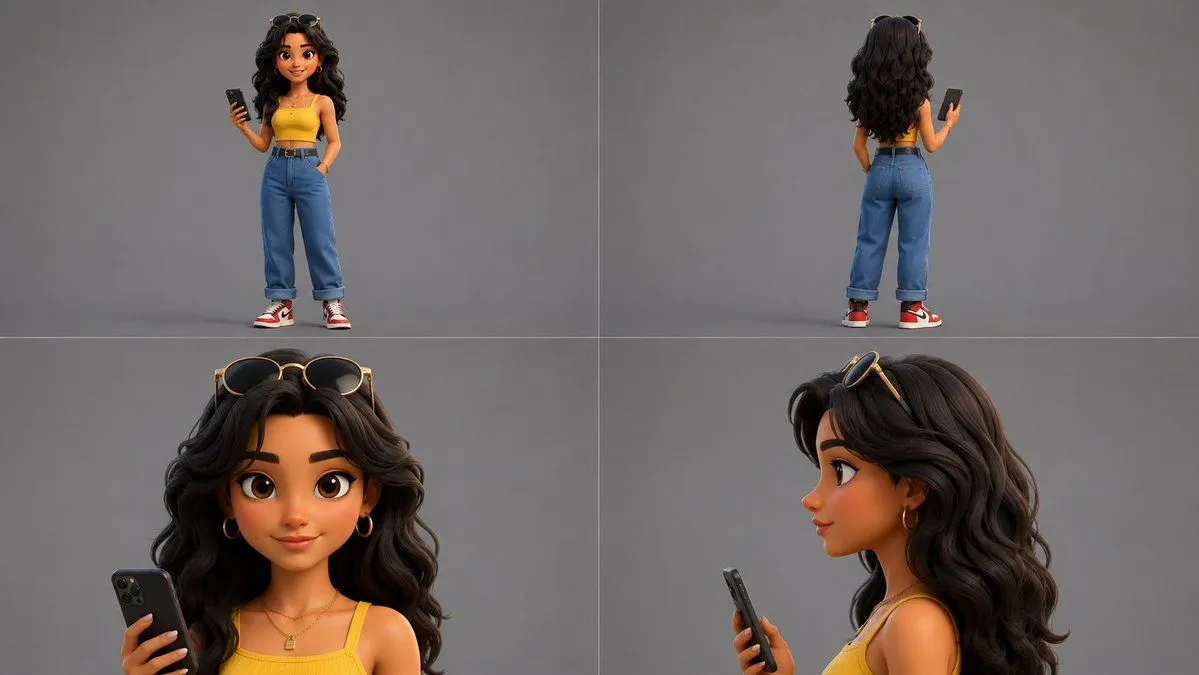
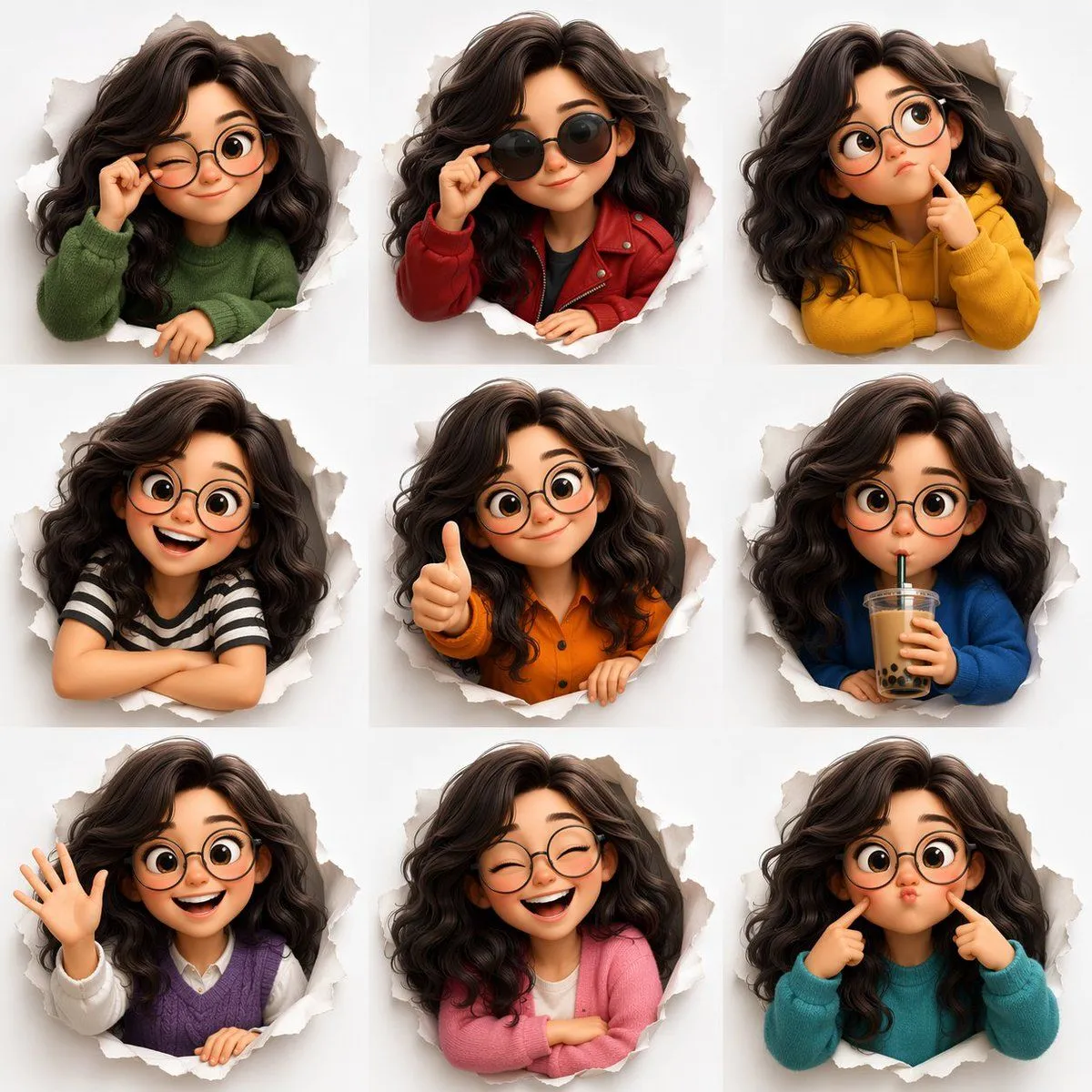
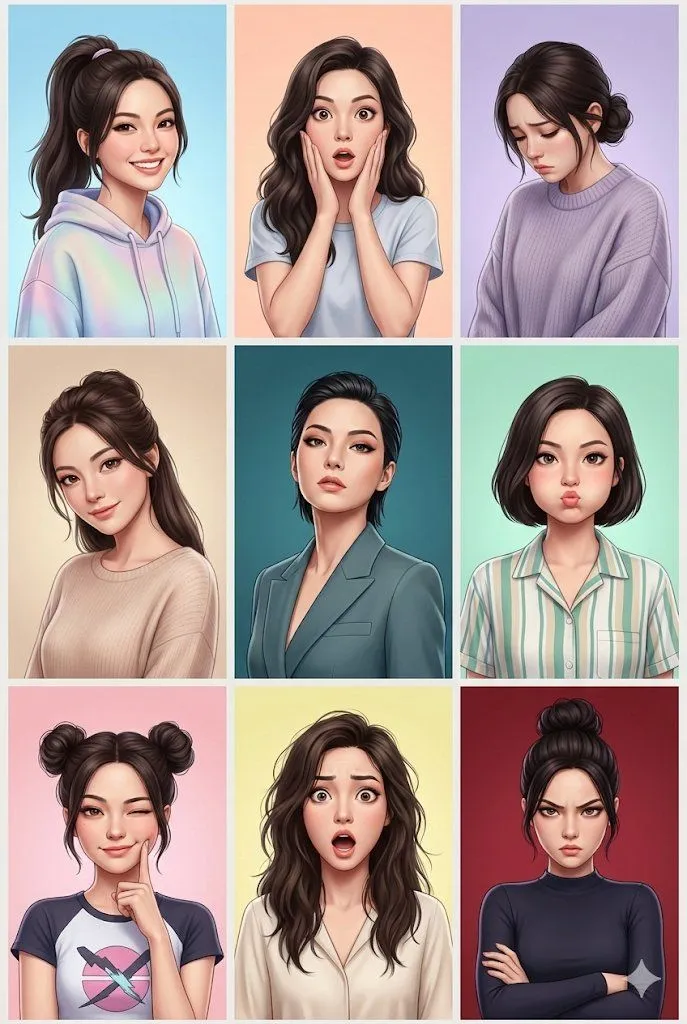
3D Animated Character Expression Grid

Made with GPT Image 2 in ChatGPT by Library Avatars. Promptclay never generates images.

Did it work?

No reports yet. Tell others if it worked for you.

No comments yet. Be the first.

    3D Animated Character Expression Grid

    GPT Image 21:1AI-generated

    Prompt

    { "type": "3x3 character expression grid", "style": "{argument name=\"art style\" default=\"3D animation, Pixar style\"}", "character_base": "{argument name=\"character description\" default=\"young woman with voluminous dark wavy hair and round wire-rimmed glasses\"}", "common_theme": "{argument name=\"framing concept\" default=\"peeking through a torn hole in white paper\"}", "layout": { "rows": 3, "columns": 3, "total_panels": 9, "panels": [ {"position": "top-left", "expression": "winking", "action": "adjusting glasses", "outfit": "green sweater"}, {"position": "top-center", "expression": "smirking", "action": "lowering dark sunglasses", "outfit": "red leather jacket"}, {"position": "top-right", "expression": "thinking", "action": "finger on chin", "outfit": "yellow hoodie"}, {"position": "middle-left", "expression": "big smile", "action": "arms resting on edge", "outfit": "black and white striped shirt"}, {"position": "middle-center", "expression": "smiling", "action": "thumbs up", "outfit": "orange button-up shirt"}, {"position": "middle-right", "expression": "neutral", "action": "drinking boba tea", "outfit": "blue sweater"}, {"position": "bottom-left", "expression": "happy", "action": "waving", "outfit": "purple sweater vest over white shirt"}, {"position": "bottom-center", "expression": "laughing with eyes closed", "action": "arms crossed", "outfit": "pink cardigan"}, {"position": "bottom-right", "expression": "silly", "action": "poking cheeks", "outfit": "teal sweater"} ] } }

    Works in
    ChatGPT, Gemini
    Status
    Free to copy
    0
    DetailsVersions, settings and questions

    Written for

    What's in the prompt

    Subject
    Model
    GPT Image 2

    If your face changes

    keep my face exactly the same

    Questions

    Does this work in the ChatGPT app?
    Yes. Paste the prompt and attach your photo if it uses one.
    It changed my face. What do I do?
    Add "keep my face exactly the same" to the end and run it again.
    Can I use the images I make?
    Check the terms of the app you use. Promptclay never generates images and claims nothing you make.
    Similar prompts

    See more
    • 3D Pixar-Style Character Emotion Grid Prompt
    • 3x3 Grid Collage of Emotions in 3D Cartoon Style
    • Pixar-Style Avatar Stickers with Identity Lock
    • Pixar-Style 3D Character Sticker Set (9 Variations)
    • 3D Pixar-Style Character Grid
    • 3D Animated Character Reference Sheet for a Stylish Woman
    • Colorful 3D Girl Character Sheet
    • 3D Cartoon Character Pose Sheet
    • Pixar Style Curly Haired Girl
    • Pixar-Style 3D Character Portrait
    • Multi-Panel Emotional State Grid
    • Meme Sticker Pack Generator
    • 3D Cartoon Rap Style Woman Prompt
    • Photoreal FACS Expression Grid
    • Heroine Expression Difference Grid Attempt
    • Nine-Panel Grid Interactive AnimationVideo, 0:12
    • Generate chibi stickers with various poses and expressions
    • Kawaii Anime Sticker Sheet
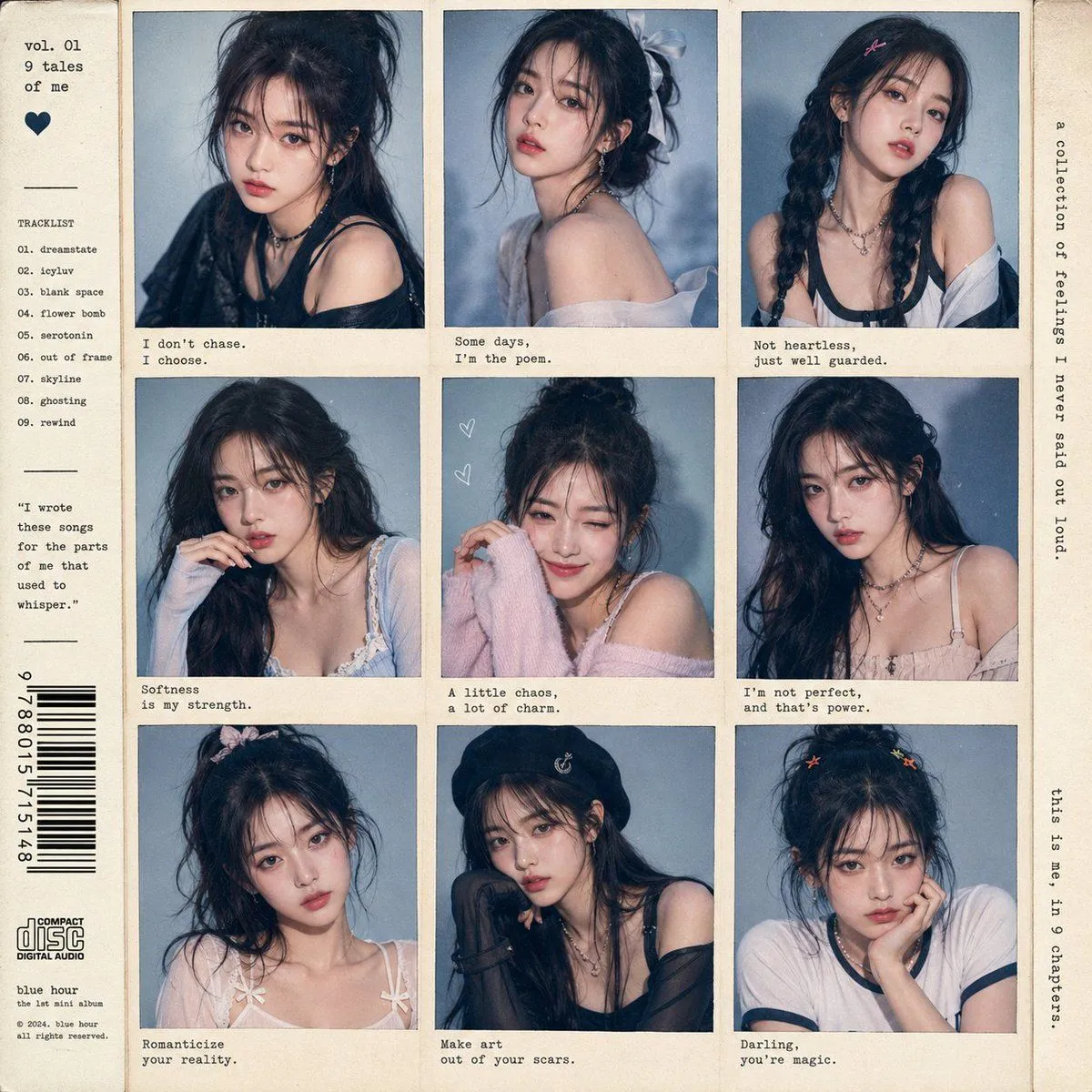
    • K-Pop Idol Style Grid Portrait Collage
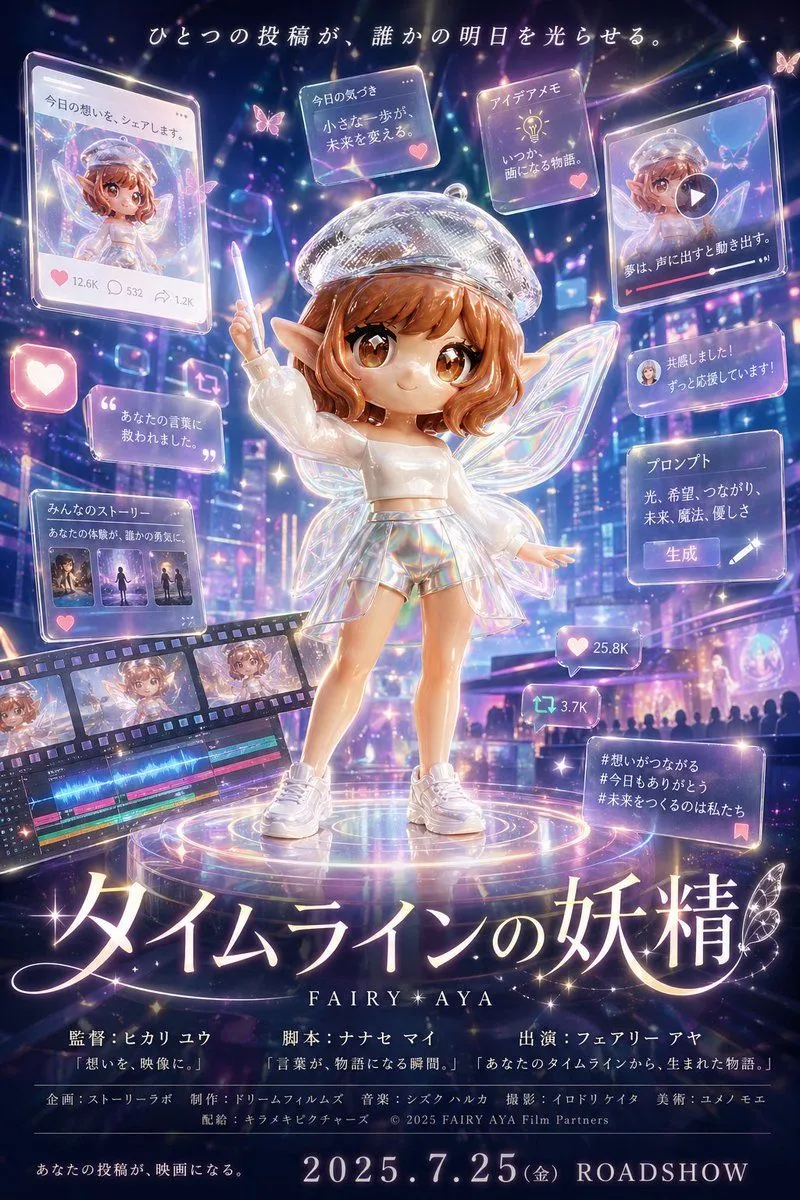
    • Fantasy Social Media Movie Poster
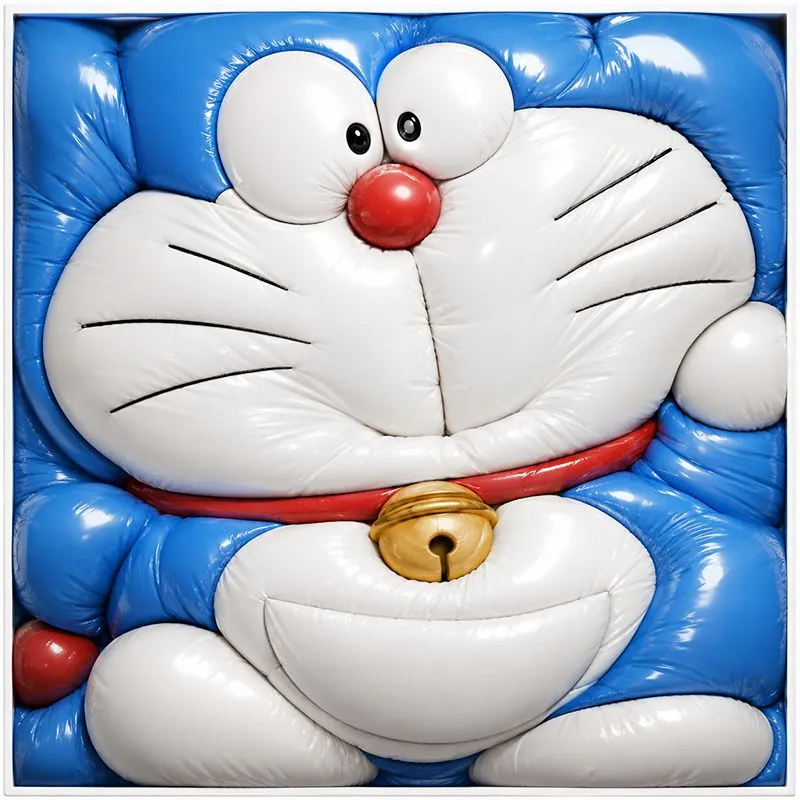
    • Inflated Doraemon Balloon Box
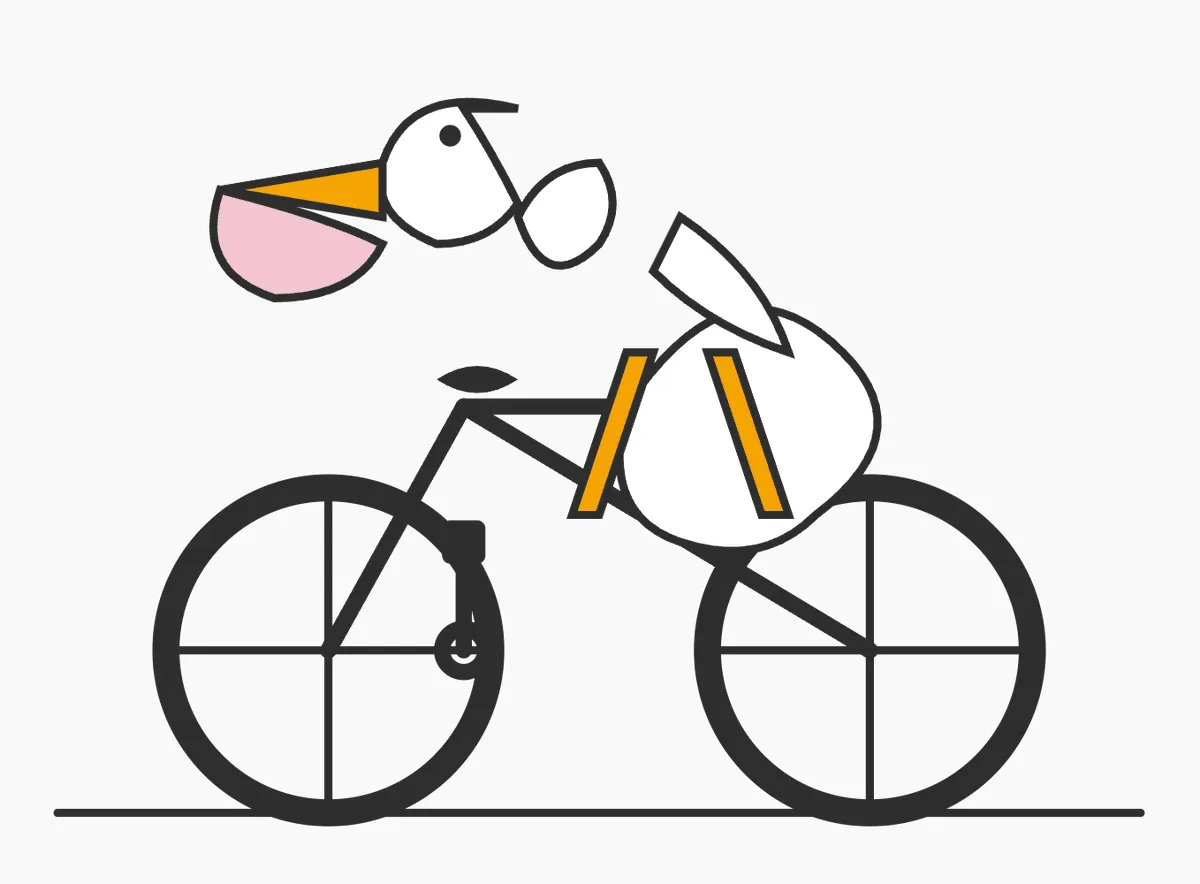
    • Minimal SVG Pelican on Bicycle
    • Pixar Style Reimagined Poster
    • Summon Dash Roblox Fantasy Thumbnail

    Show more

    Run it on your phone

    1. Prompt copiedRead it

      { "type": "3x3 character expression grid", "style": "{argument name=\"art style\" default=\"3D animation, Pixar style\"}", "character_base": "{argument name=\"character description\" default=\"young woman with voluminous dark wavy hair and round wire-rimmed glasses\"}", "common_theme": "{argument name=\"framing concept\" default=\"peeking through a torn hole in white paper\"}", "layout": { "rows": 3, "columns": 3, "total_panels": 9, "panels": [ {"position": "top-left", "expression": "winking", "action": "adjusting glasses", "outfit": "green sweater"}, {"position": "top-center", "expression": "smirking", "action": "lowering dark sunglasses", "outfit": "red leather jacket"}, {"position": "top-right", "expression": "thinking", "action": "finger on chin", "outfit": "yellow hoodie"}, {"position": "middle-left", "expression": "big smile", "action": "arms resting on edge", "outfit": "black and white striped shirt"}, {"position": "middle-center", "expression": "smiling", "action": "thumbs up", "outfit": "orange button-up shirt"}, {"position": "middle-right", "expression": "neutral", "action": "drinking boba tea", "outfit": "blue sweater"}, {"position": "bottom-left", "expression": "happy", "action": "waving", "outfit": "purple sweater vest over white shirt"}, {"position": "bottom-center", "expression": "laughing with eyes closed", "action": "arms crossed", "outfit": "pink cardigan"}, {"position": "bottom-right", "expression": "silly", "action": "poking cheeks", "outfit": "teal sweater"} ] } }

    2. Open your app

    3. Paste and run

      Press and hold the message box, then tap Paste. Add your photo first if the prompt uses one. You may need to sign in.

    3D Animated Character Expression Grid