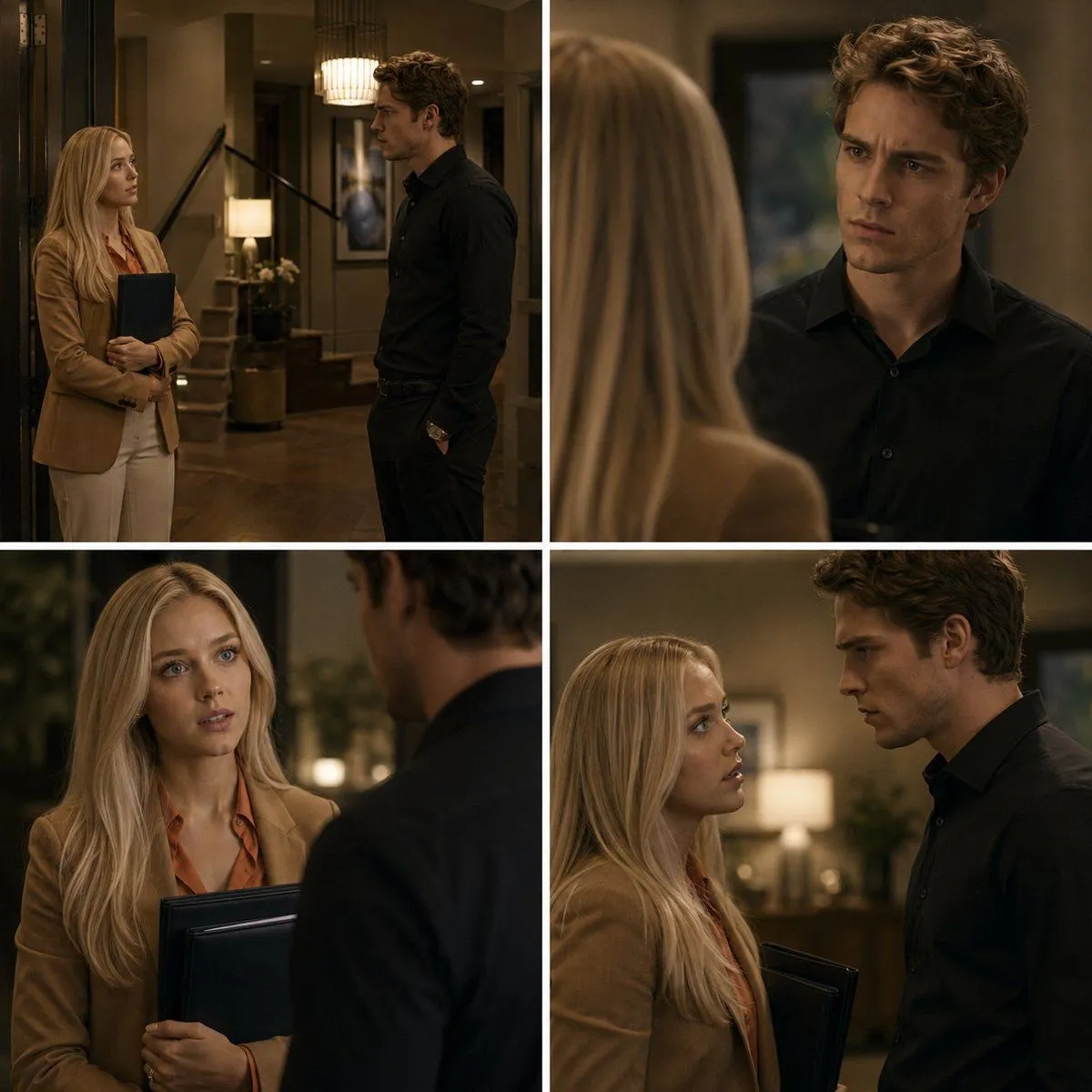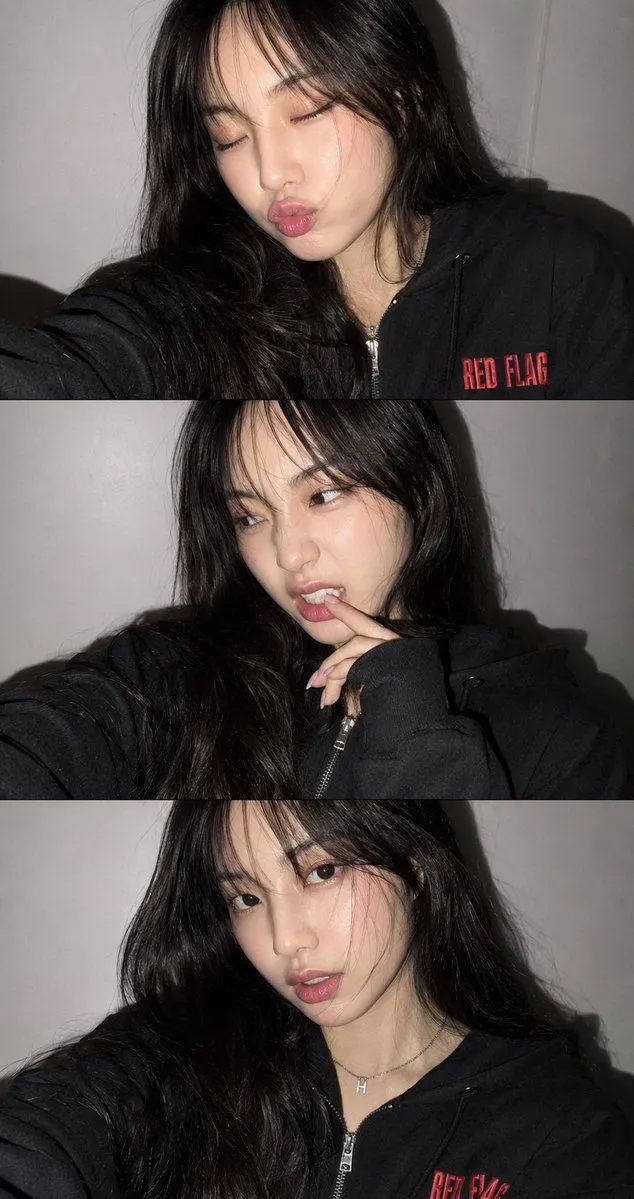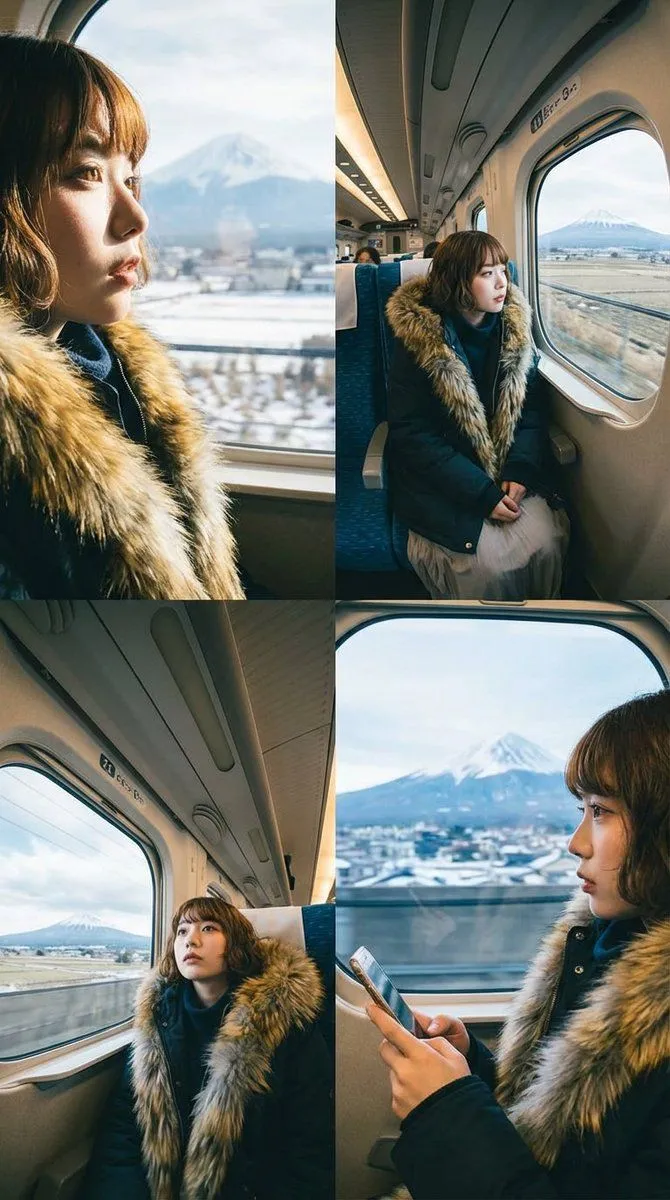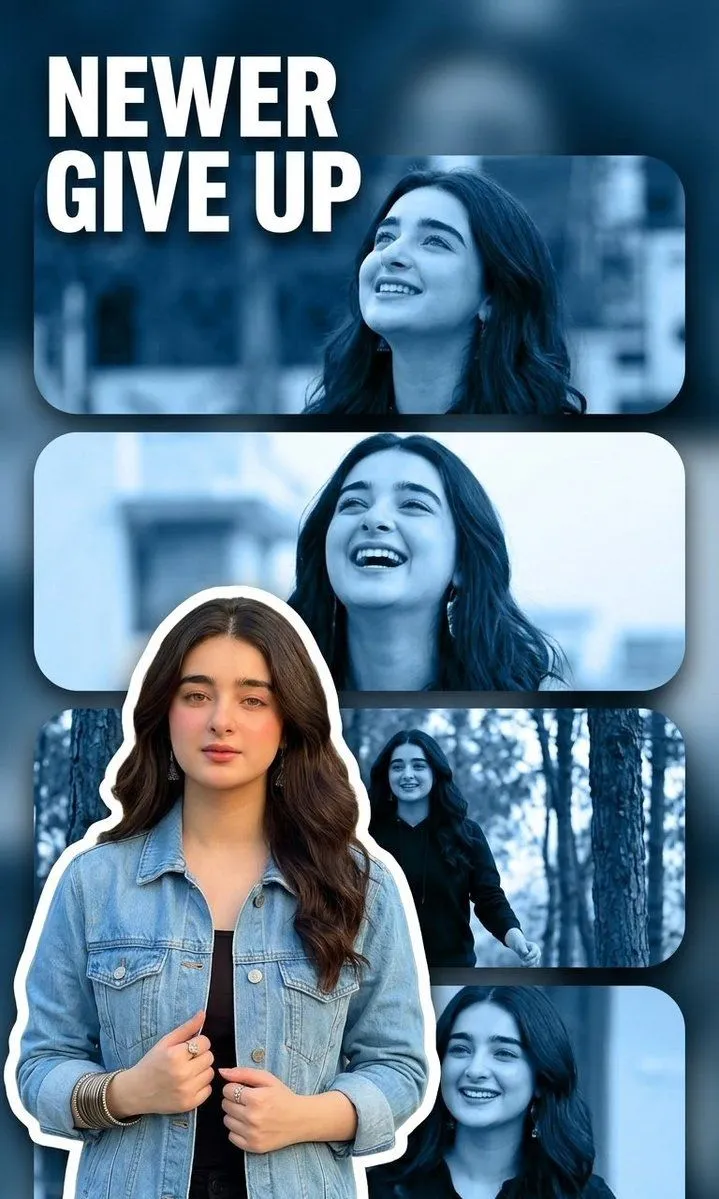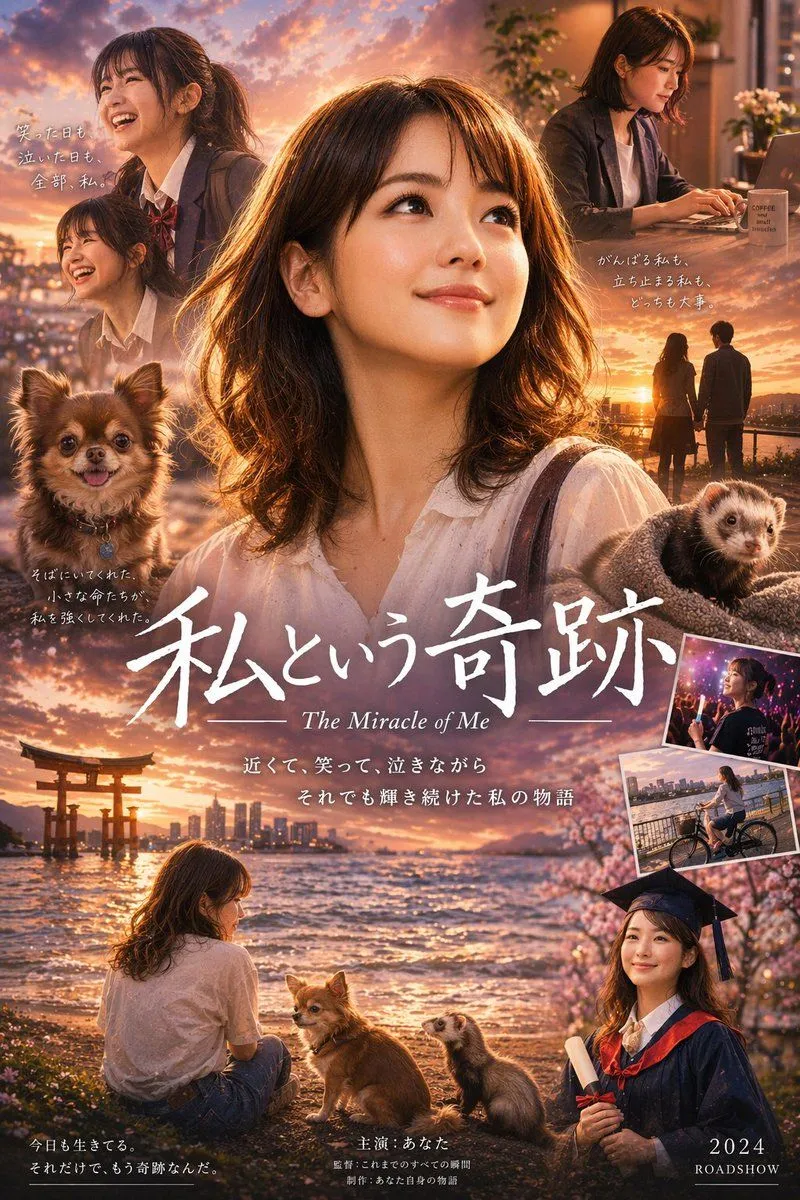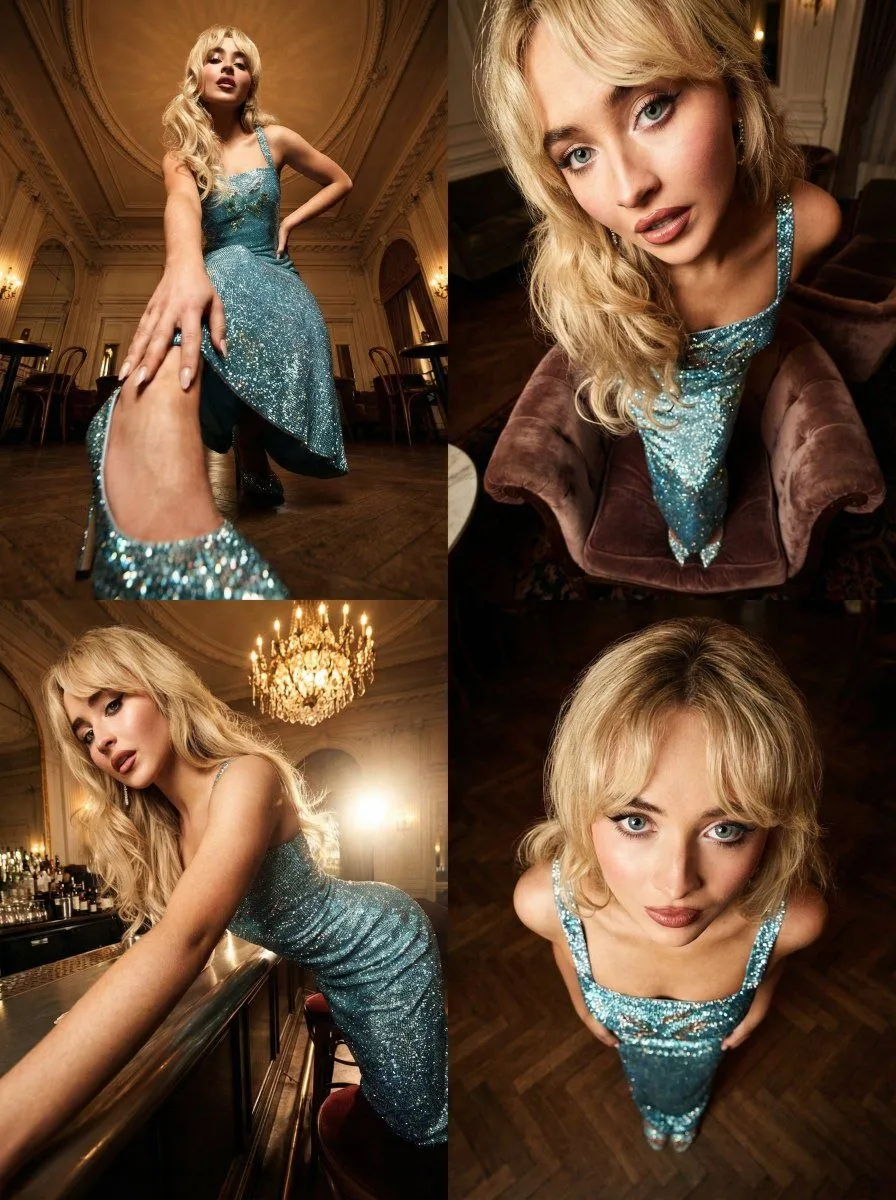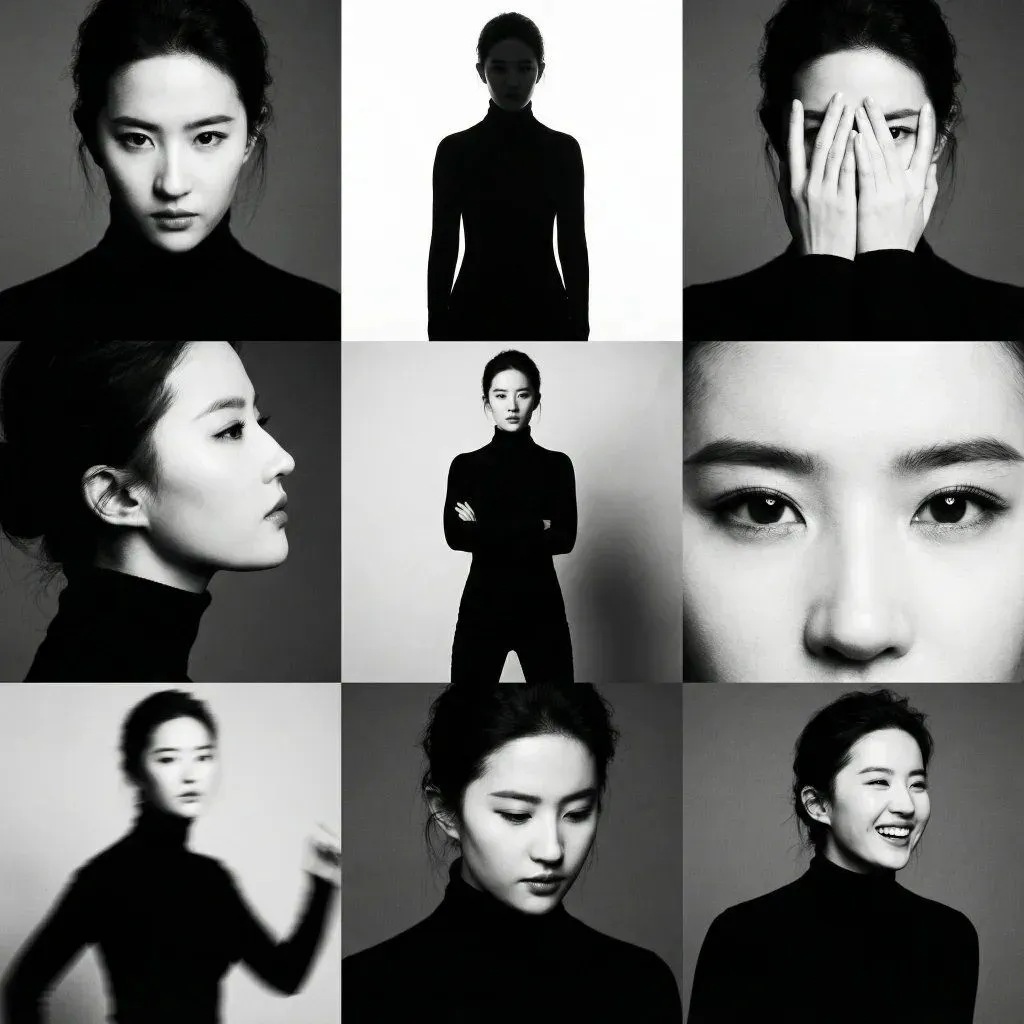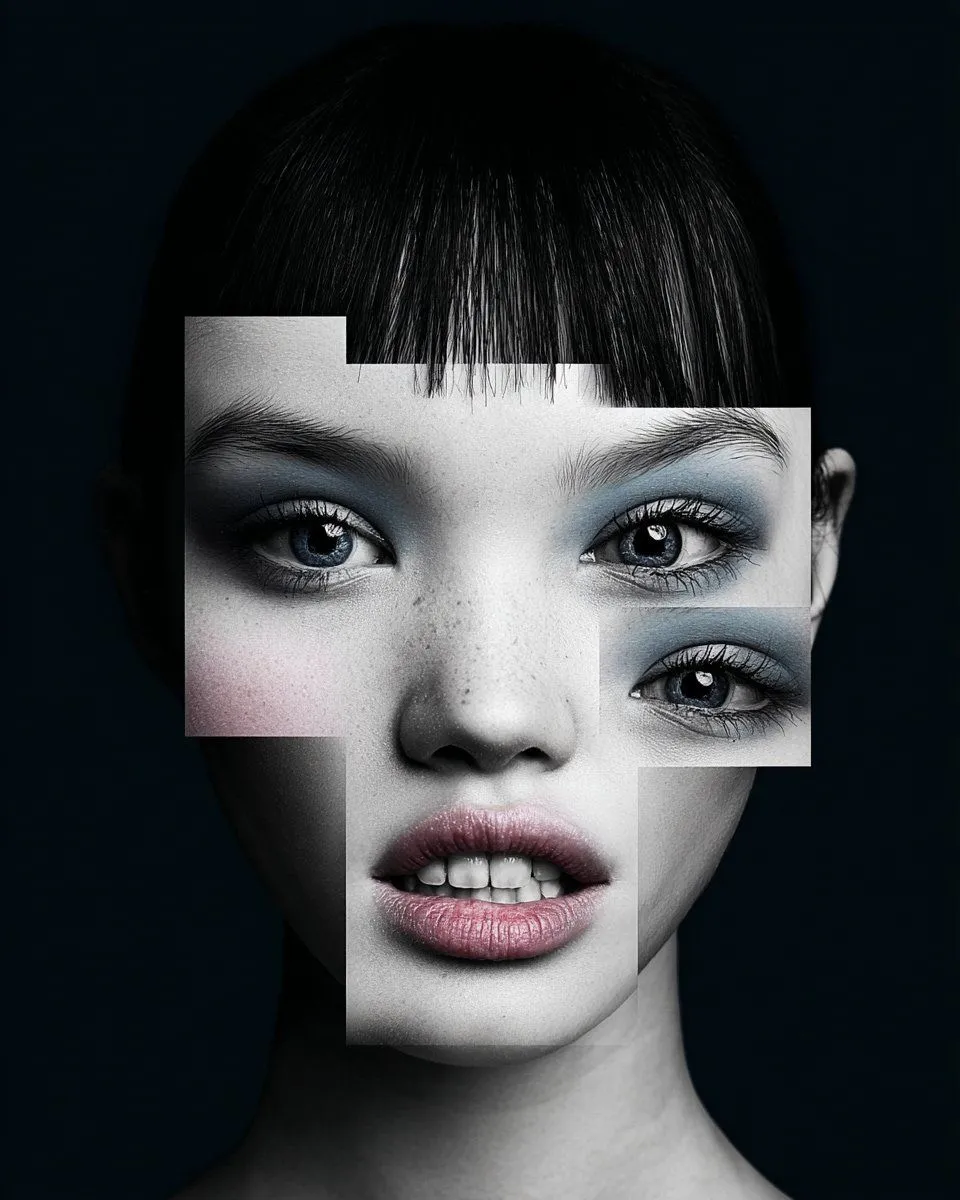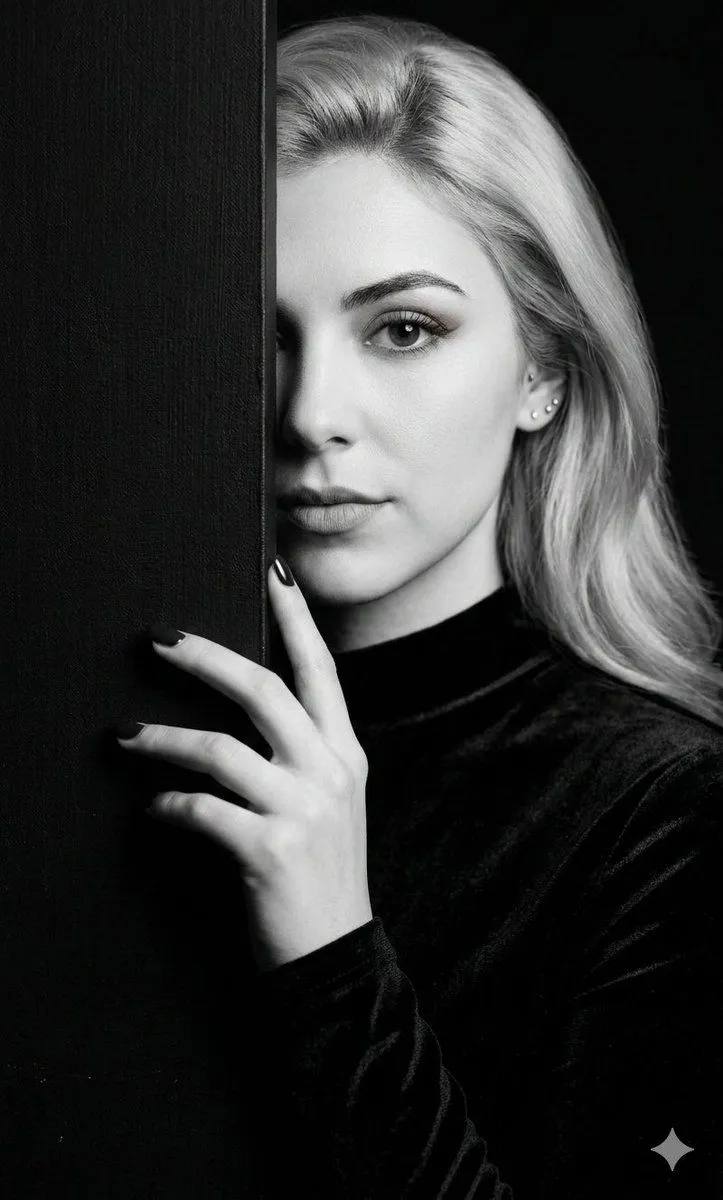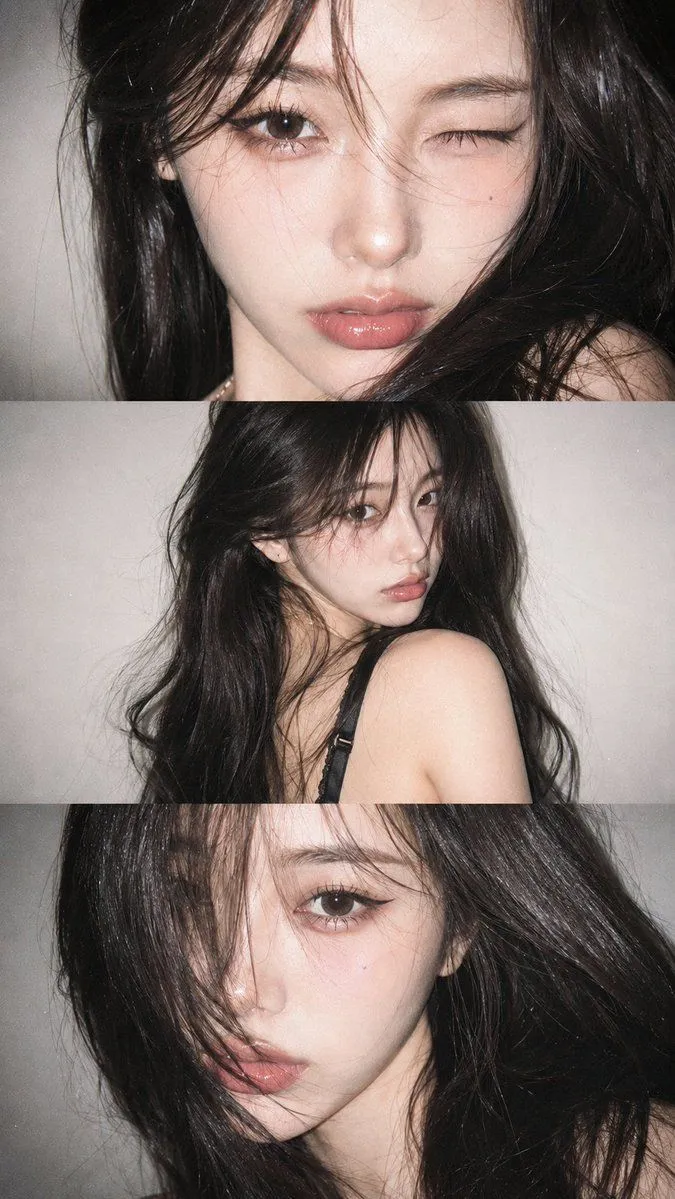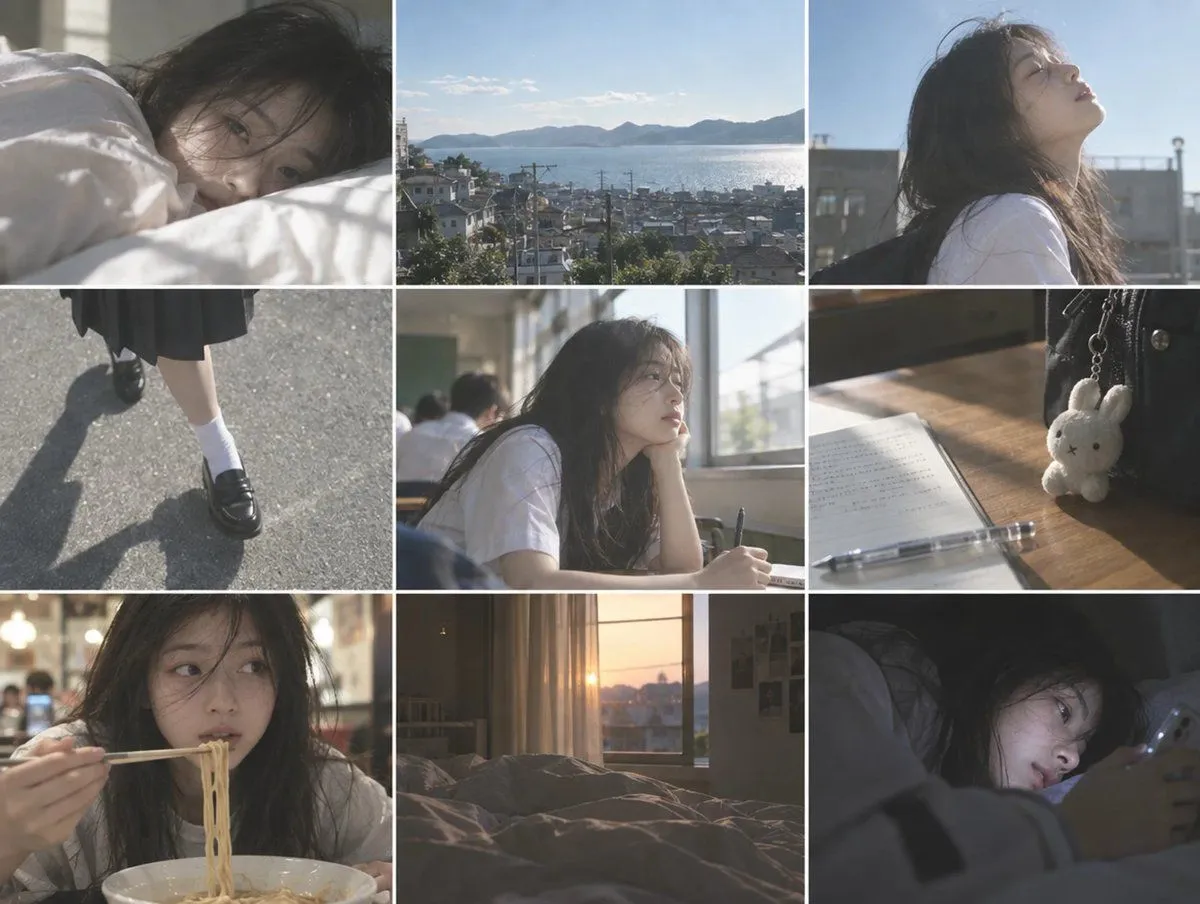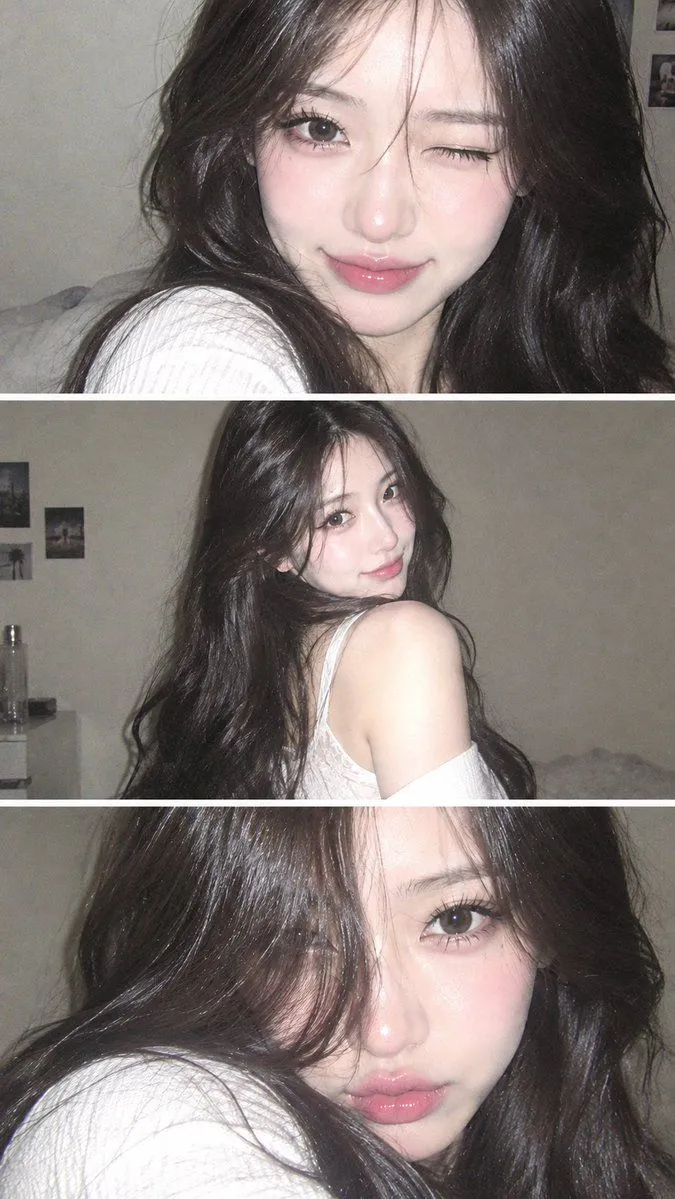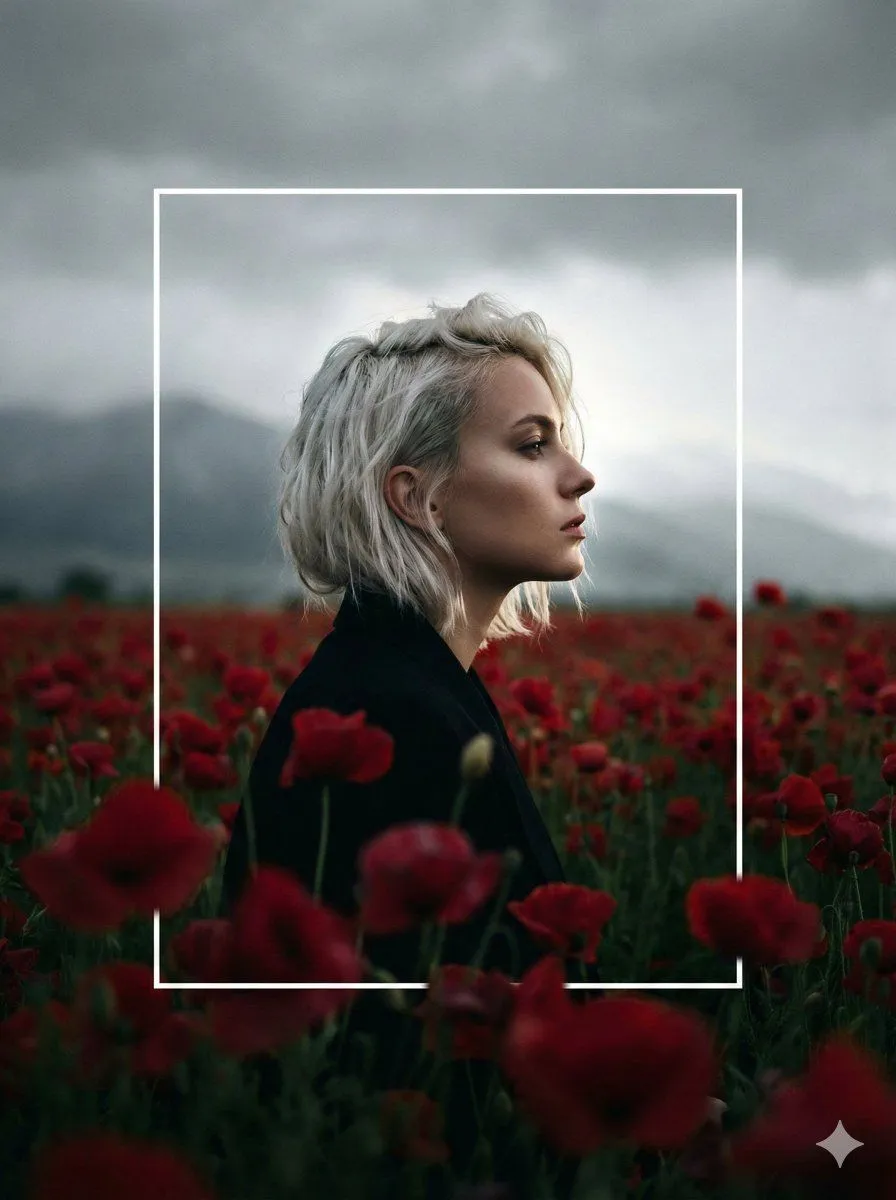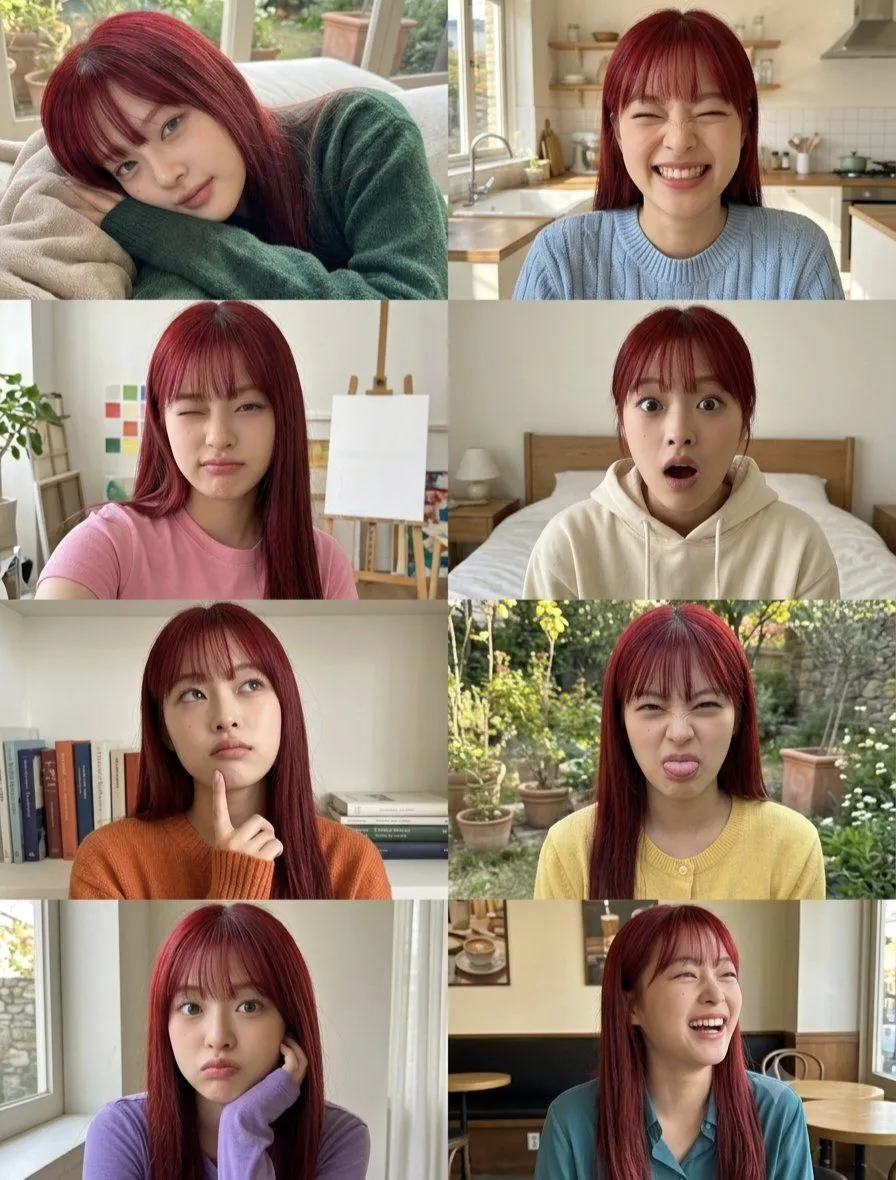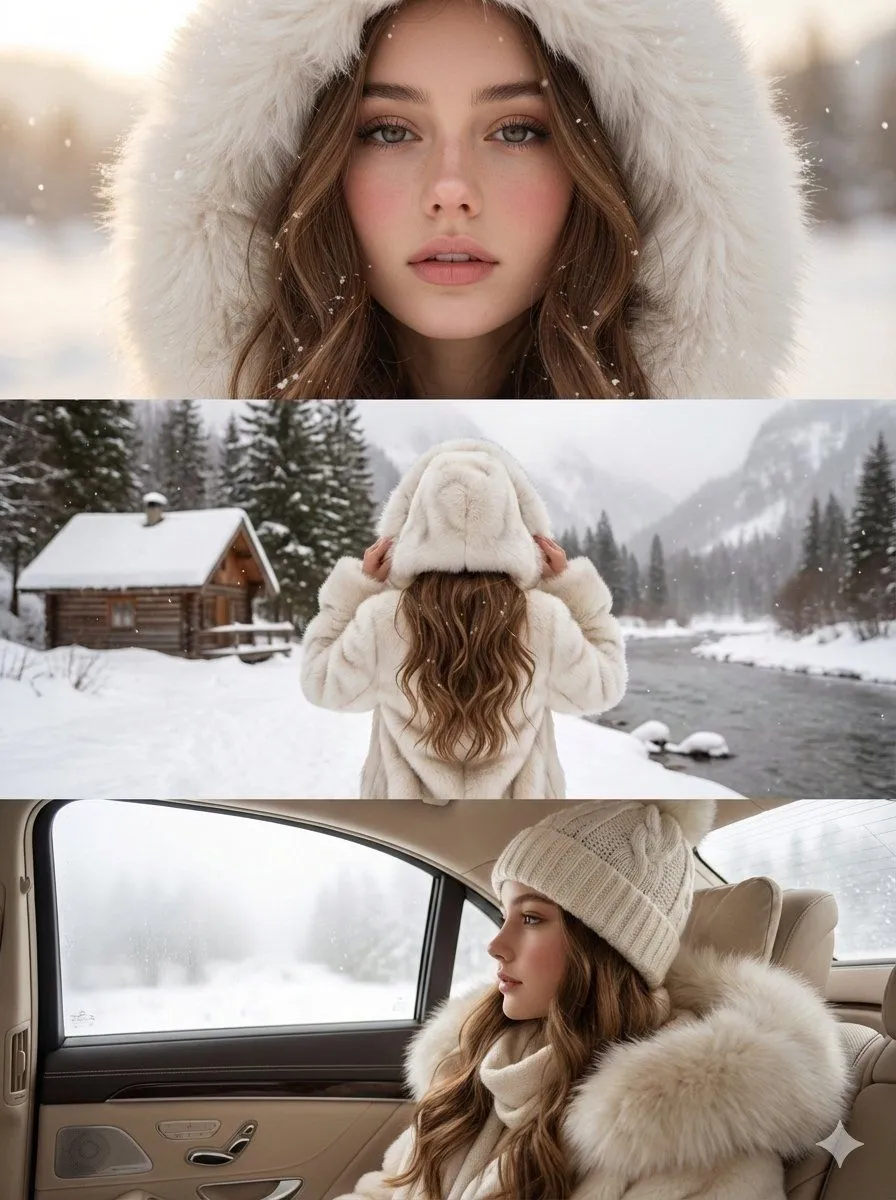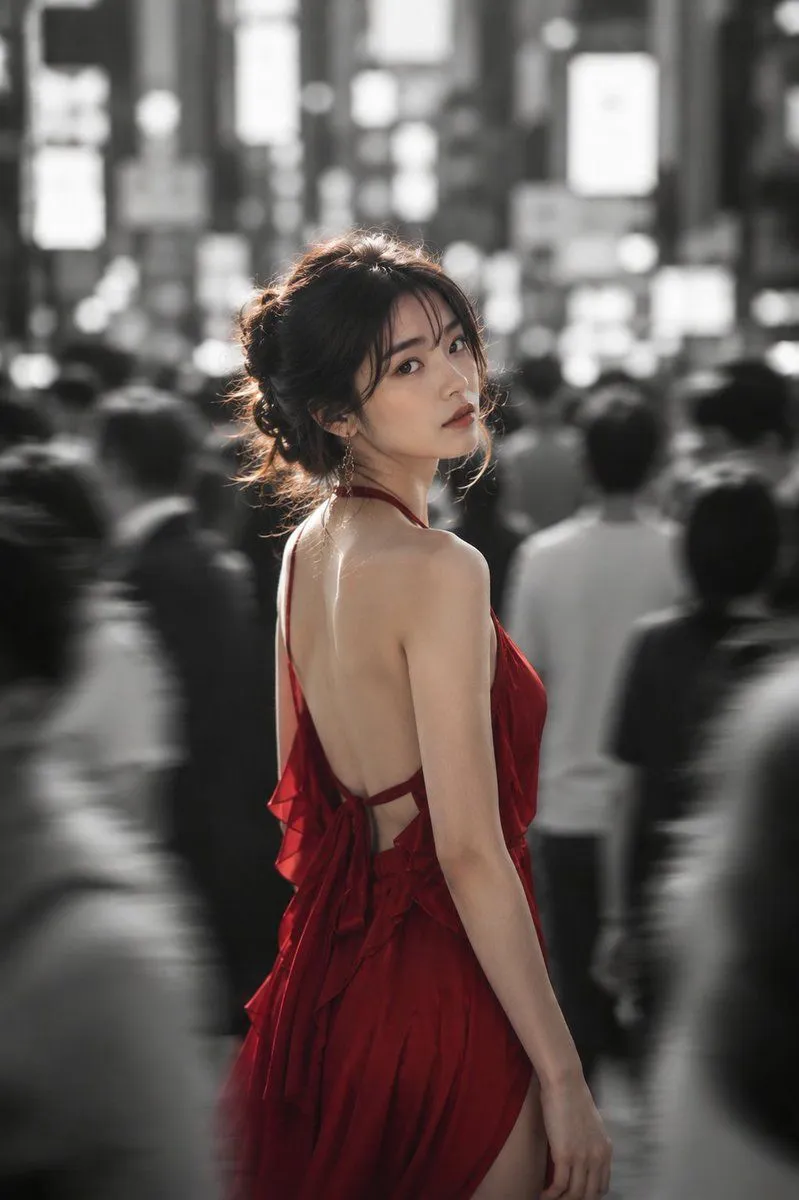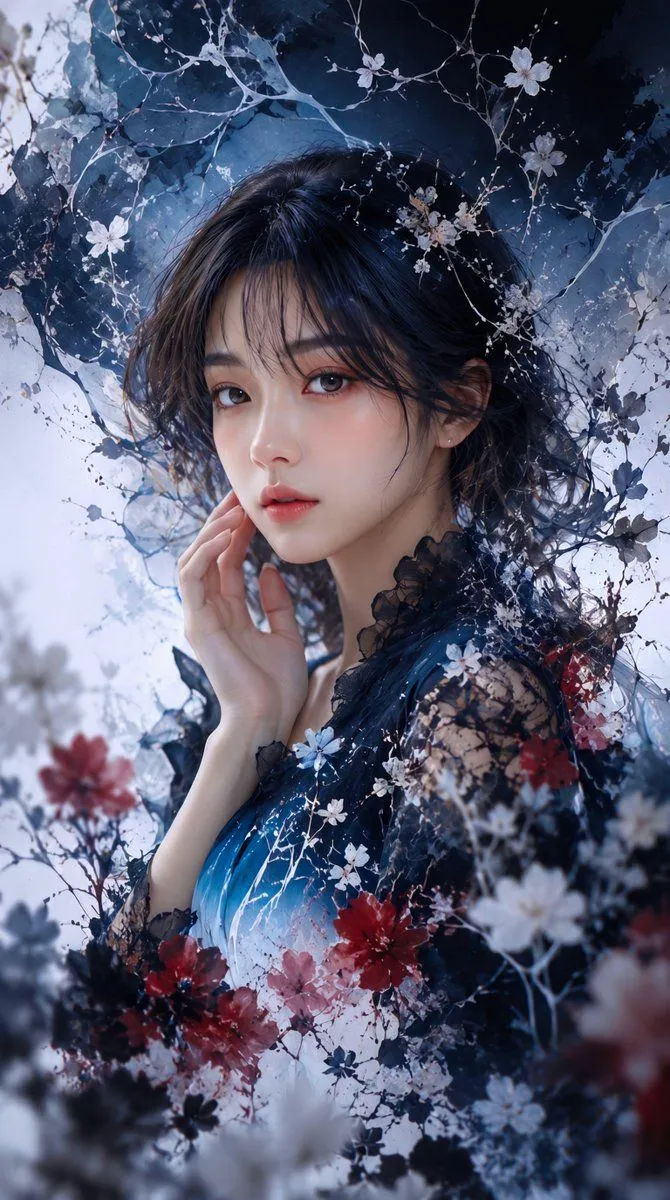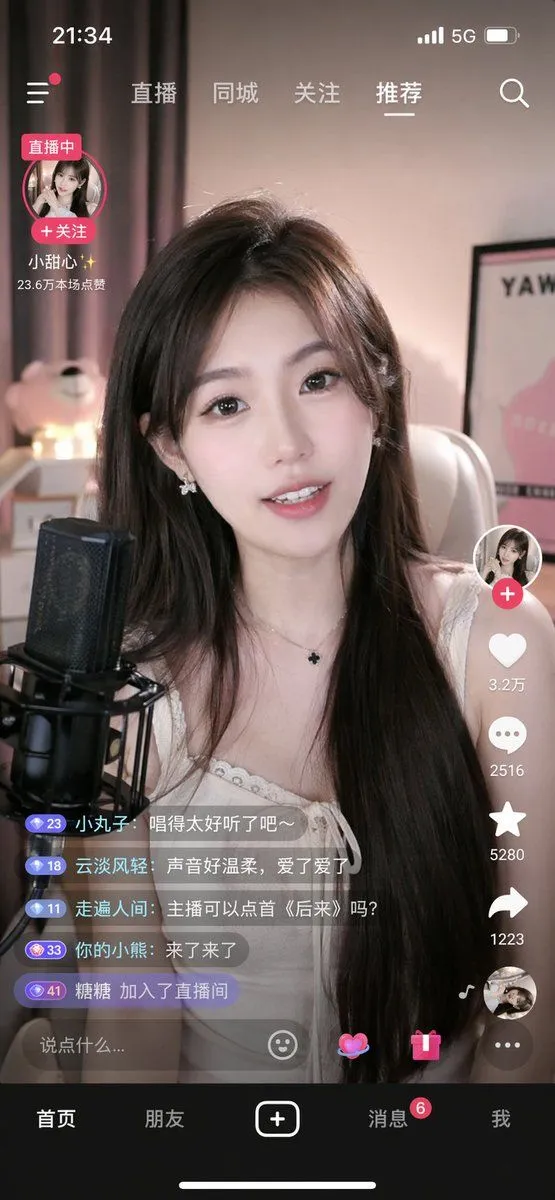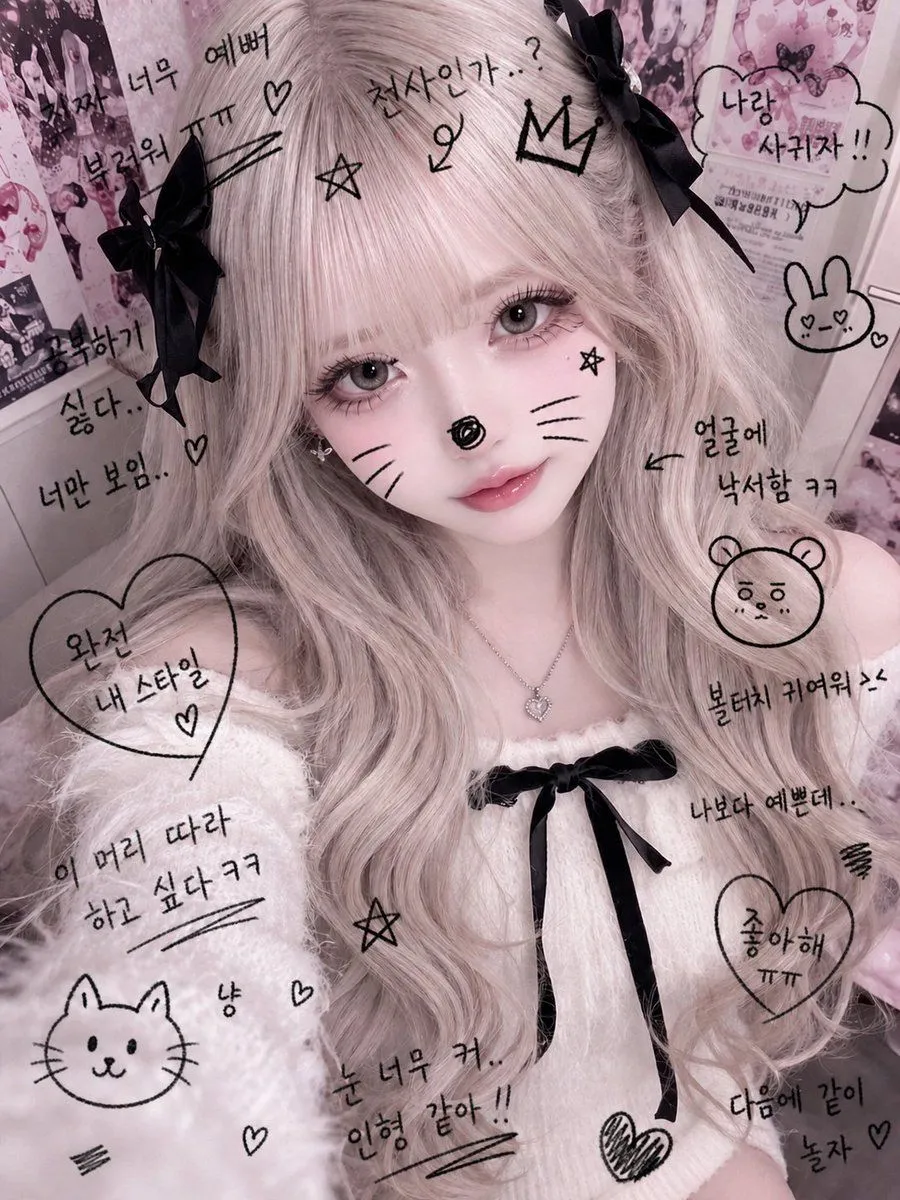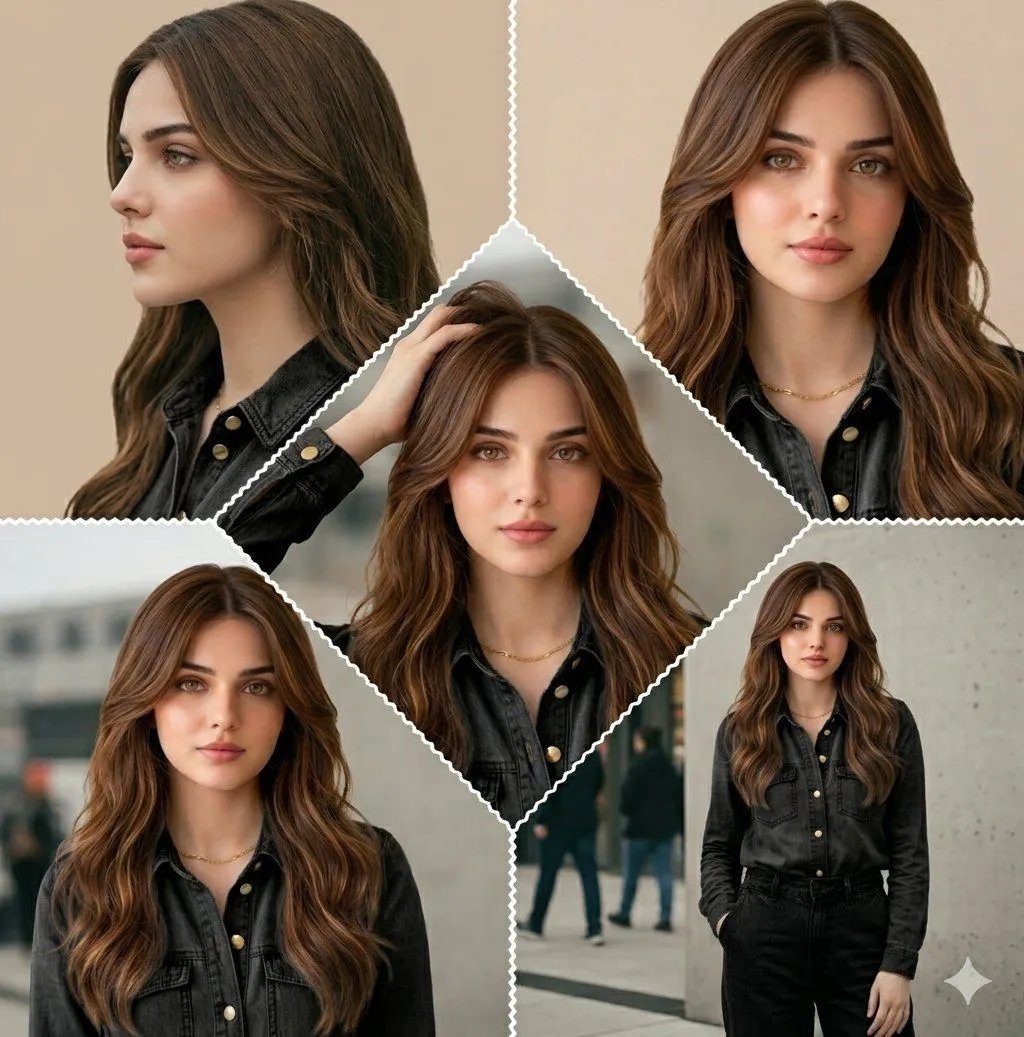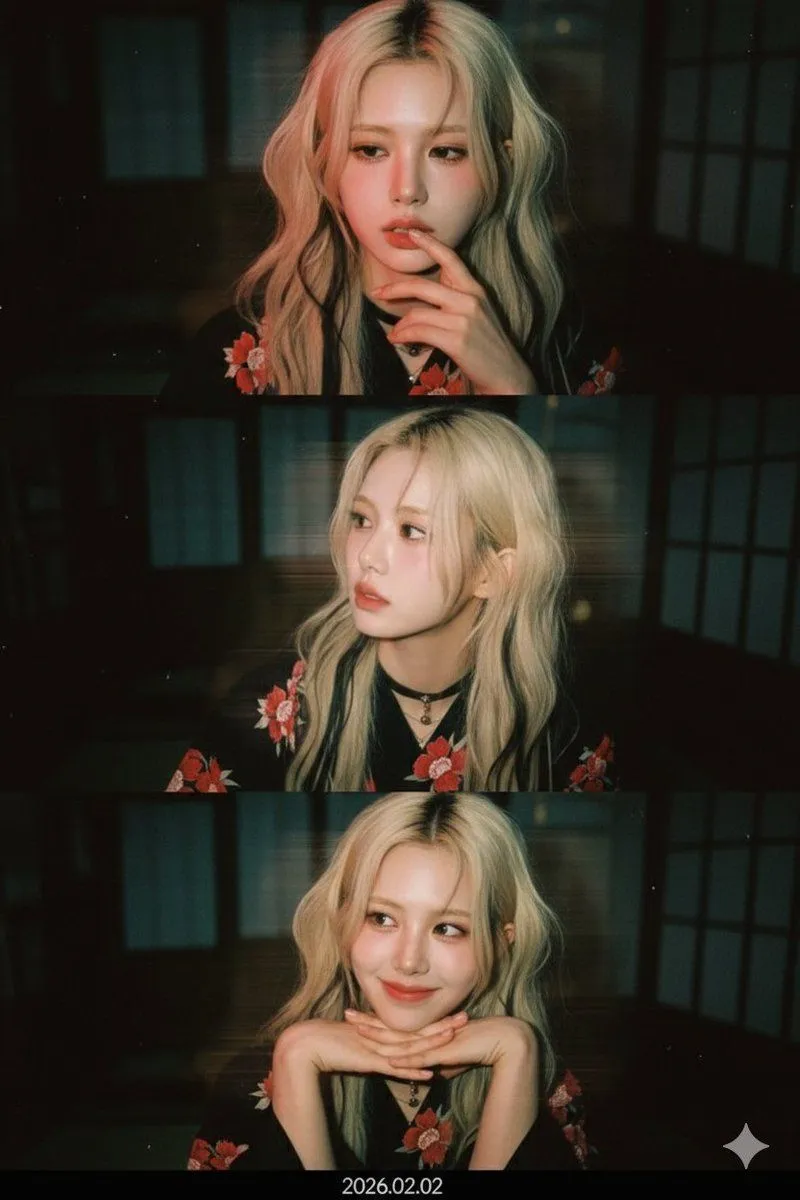
Made with Nano Banana Pro in Gemini by Library Portraits. Promptclay never generates images.
Did it work?
No reports yet. Tell others if it worked for you.
3-Frame Film Collage Prompt (Photographer Version)
Prompt
2 blanks to fillUse the attached face photo as is to create a vertical 3-frame low-res webcam collage. Absolute rules regarding the face: Do not alter the face at all Maintain the exact proportions of features, face shape, eye size, nose, mouth, and jawline Do not make the person look younger or overly cute Do not change the gender of the person in the input photo Do not generate new people (opposite/same sex) Hairstyle: Maintain the original hairstyle Do not change the length, parting, or curl Only render it in a naturally slightly messy, rough state Shooting Tone & Color (Reference Reflection): Express the colors identically to the attached reference photo Background: Japanese wooden Ryokan. Minimize background details Maintain a dark and blurry state Clothing Rules (Based on Input Photo): If the input photo is female → Black {female_attire} with red floral patterns in all frames If the input photo is male → Black silk dress shirt with a {male_attire} in all frames 1st Frame: Sad expression like a protagonist in a sad movie Finger near the mouth 2nd Frame: Head slightly turned to the side Show the beautiful profile Casual selfie feel, no excessive posing 3rd Frame: Warm and beautiful smile Hands clasped together, resting the chin on them Emotion is calm and dreamy atmosphere Important Additional Instructions: Use only the one person in the input photo Do not change gender, face, or atmosphere Style changes should only be applied to lighting, color, noise, and effects Use the same face consistently across all frames Absolute rules regarding effects: Apply the same cinesteel 800T film style and cinematic light effects in all frames. Absolute rules regarding effects: Apply the same red lighting effect on one side and a tasteful motion blur effect from left to right in all frames.
Preview of your prompt
Use the attached face photo as is to create a vertical 3-frame low-res webcam collage. Absolute rules regarding the face: Do not alter the face at all Maintain the exact proportions of features, face shape, eye size, nose, mouth, and jawline Do not make the person look younger or overly cute Do not change the gender of the person in the input photo Do not generate new people (opposite/same sex) Hairstyle: Maintain the original hairstyle Do not change the length, parting, or curl Only render it in a naturally slightly messy, rough state Shooting Tone & Color (Reference Reflection): Express the colors identically to the attached reference photo Background: Japanese wooden Ryokan. Minimize background details Maintain a dark and blurry state Clothing Rules (Based on Input Photo): If the input photo is female → Black Yukata with red floral patterns in all frames If the input photo is male → Black silk dress shirt with a red tie in all frames 1st Frame: Sad expression like a protagonist in a sad movie Finger near the mouth 2nd Frame: Head slightly turned to the side Show the beautiful profile Casual selfie feel, no excessive posing 3rd Frame: Warm and beautiful smile Hands clasped together, resting the chin on them Emotion is calm and dreamy atmosphere Important Additional Instructions: Use only the one person in the input photo Do not change gender, face, or atmosphere Style changes should only be applied to lighting, color, noise, and effects Use the same face consistently across all frames Absolute rules regarding effects: Apply the same cinesteel 800T film style and cinematic light effects in all frames. Absolute rules regarding effects: Apply the same red lighting effect on one side and a tasteful motion blur effect from left to right in all frames.
DetailsVersions, settings and questions
Written for
What's in the prompt
- Subject
- Model
- Nano Banana Pro
If your face changes
keep my face exactly the sameQuestions
- Does this work in the Gemini app?
- Yes. Gemini runs Nano Banana, so paste the prompt and attach your photo if it uses one.
- It changed my face. What do I do?
- Add "keep my face exactly the same" to the end and run it again.
- Can I use the images I make?
- Check the terms of the app you use. Promptclay never generates images and claims nothing you make.