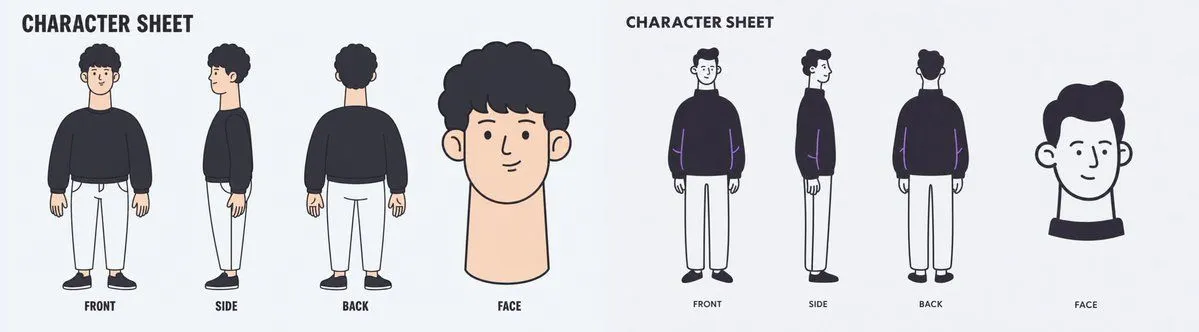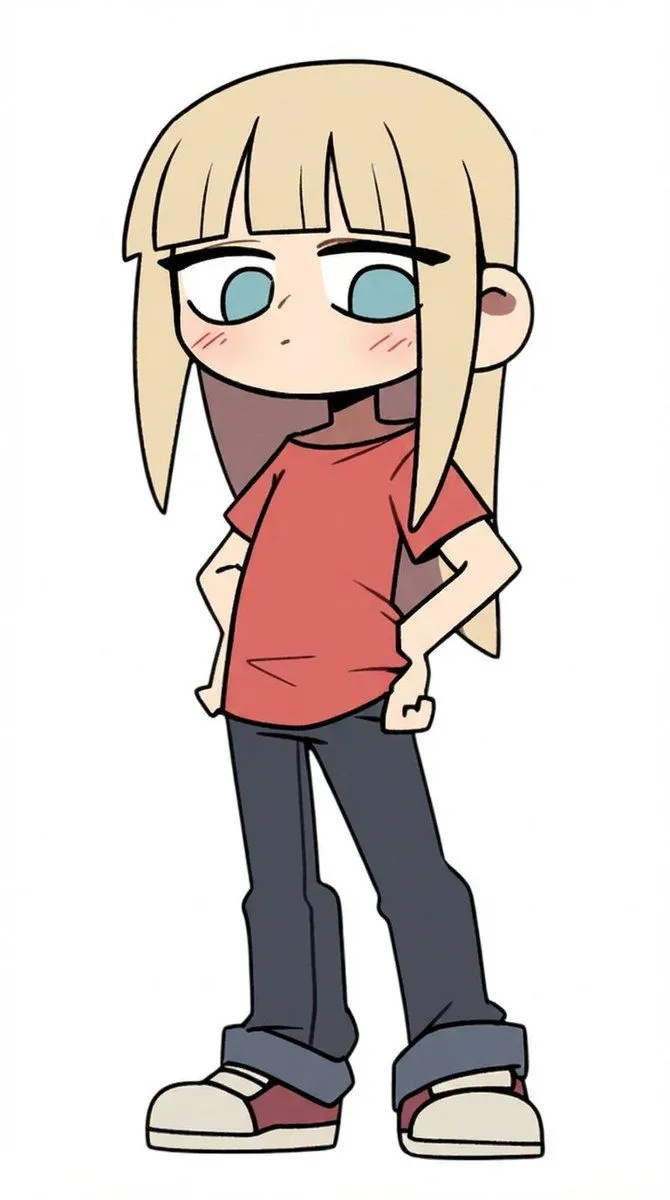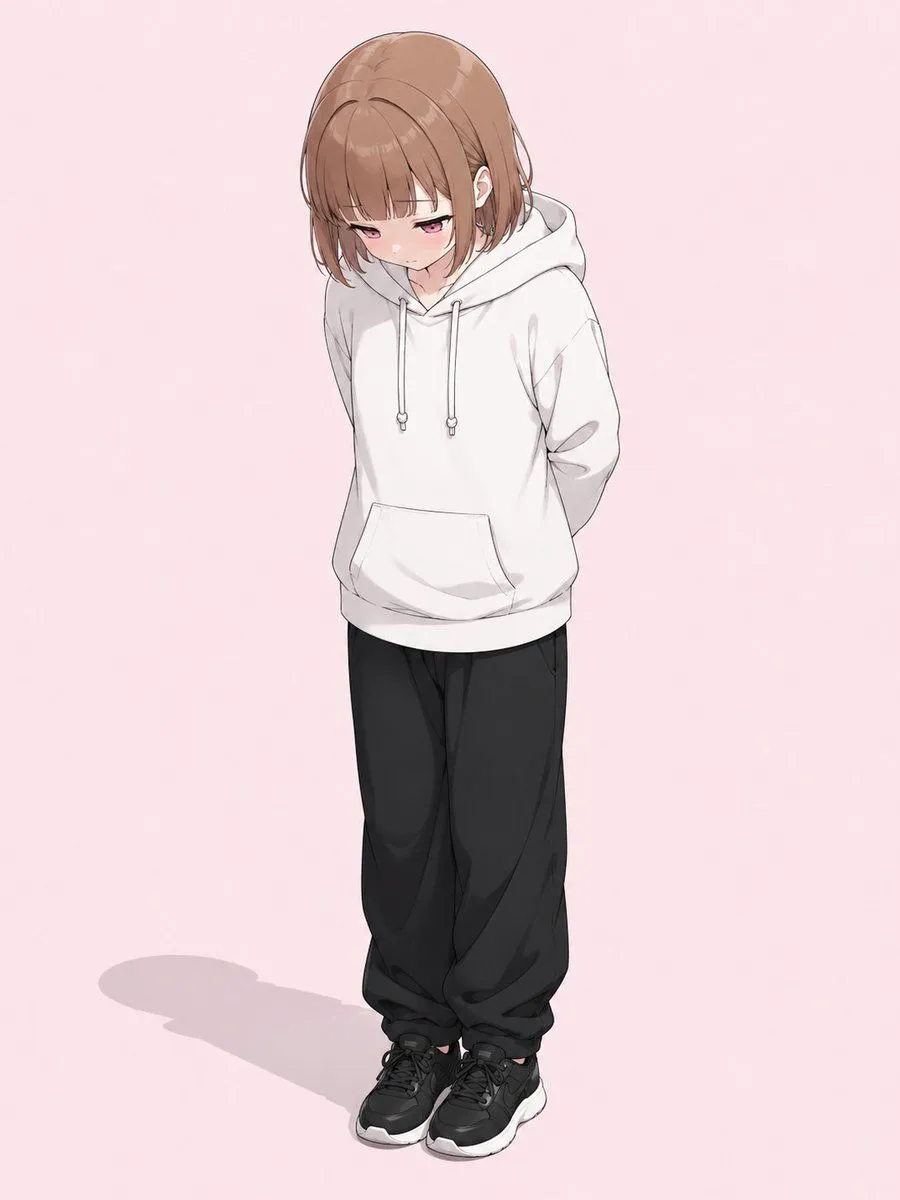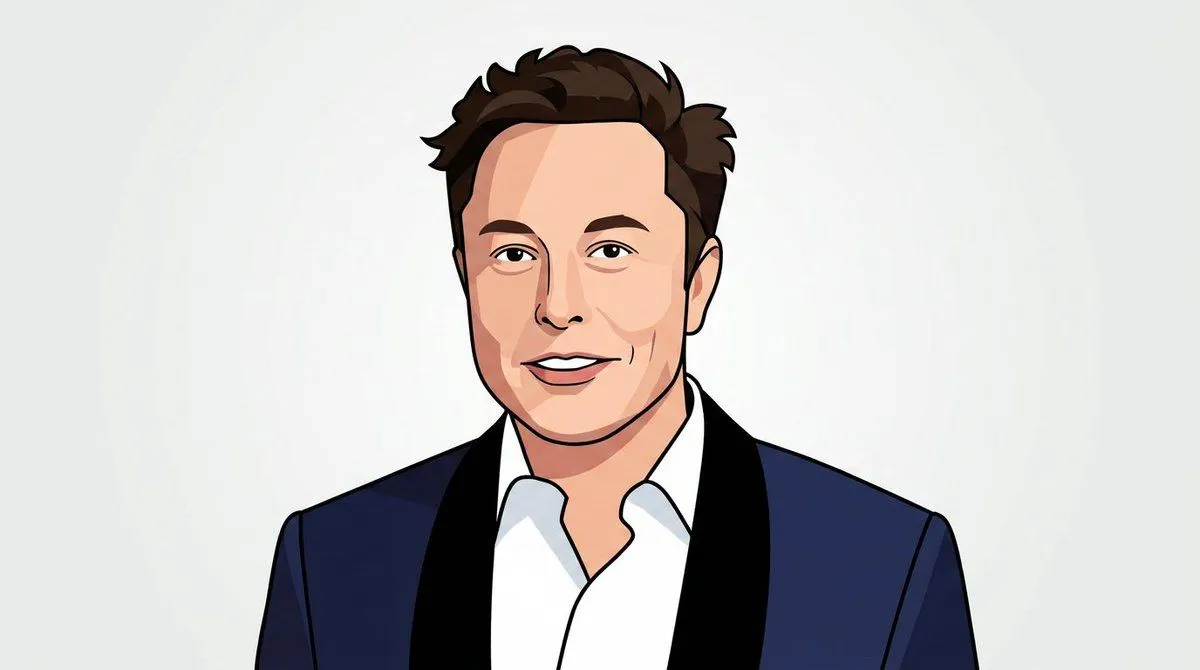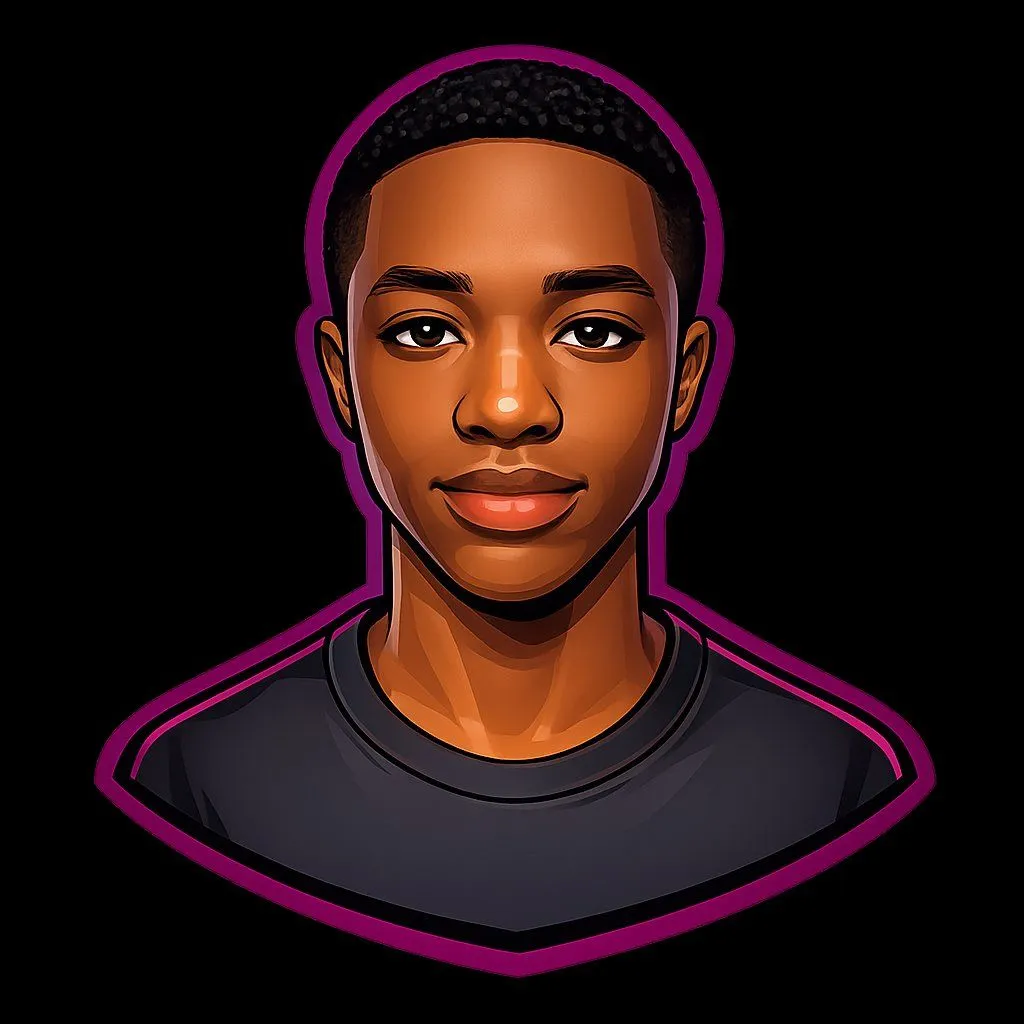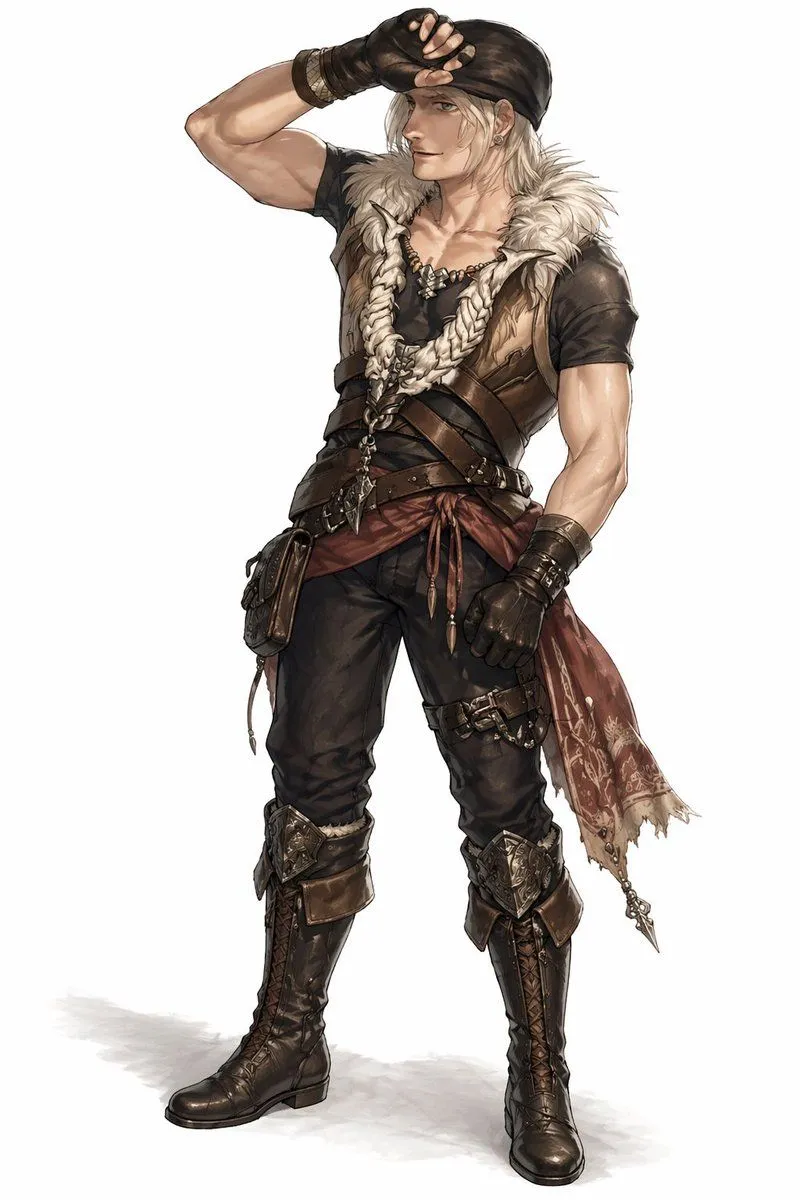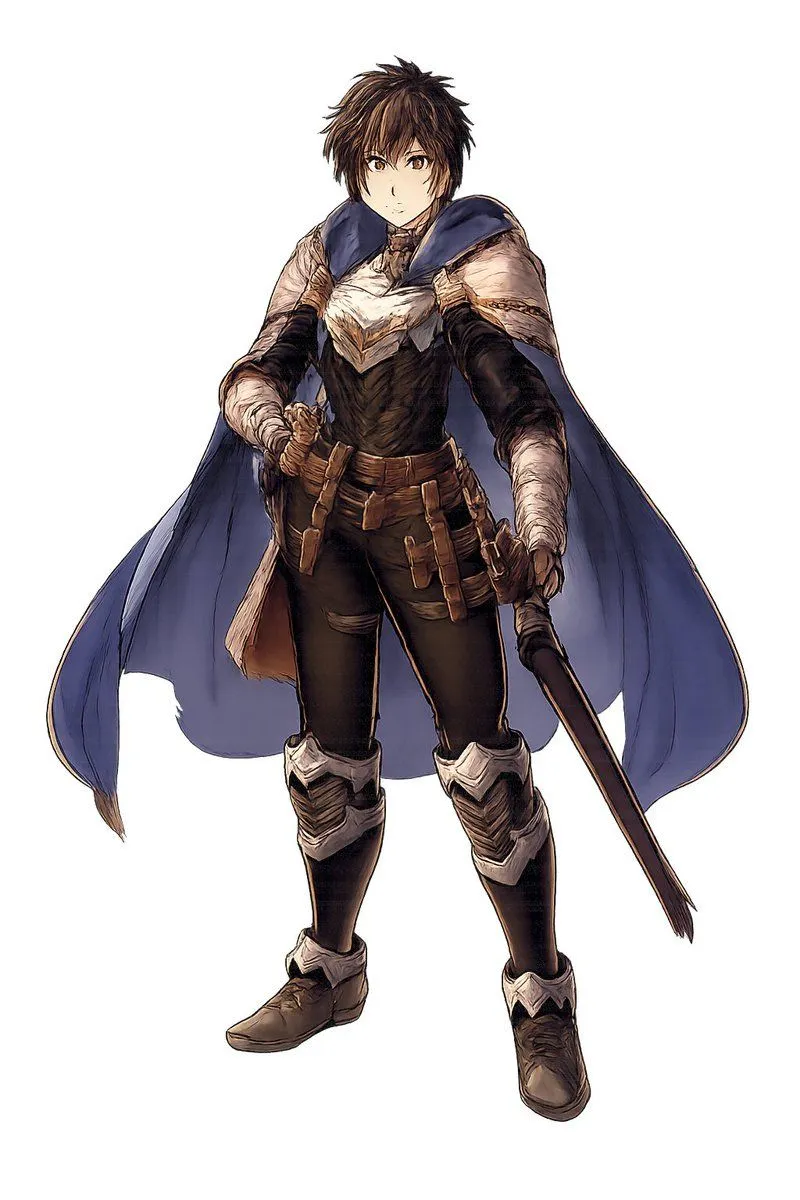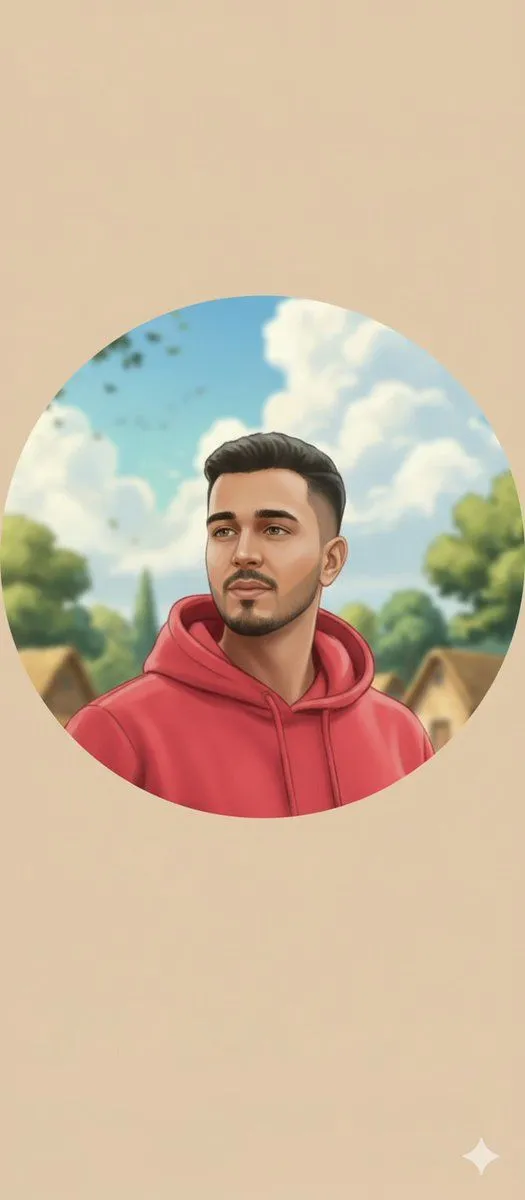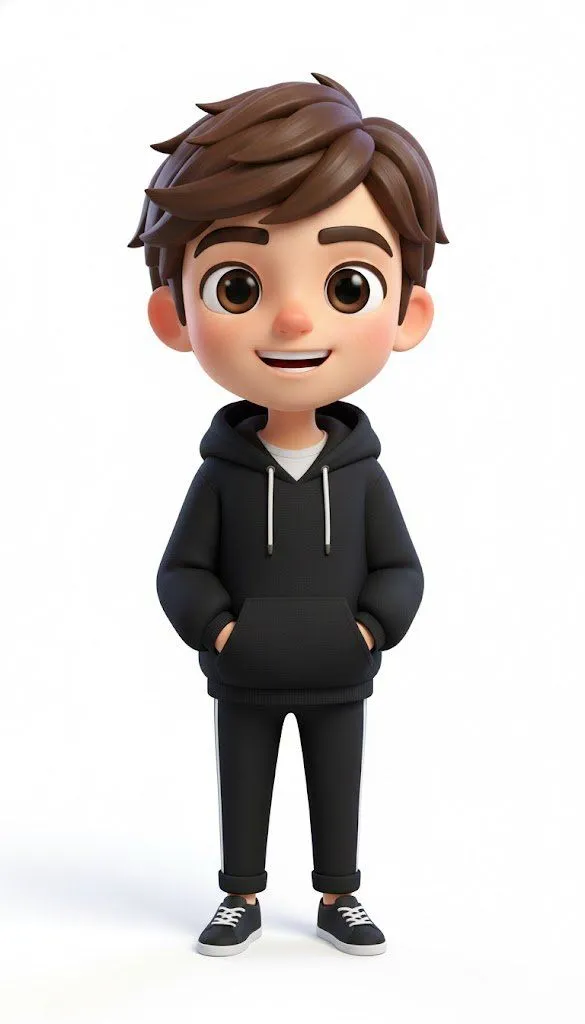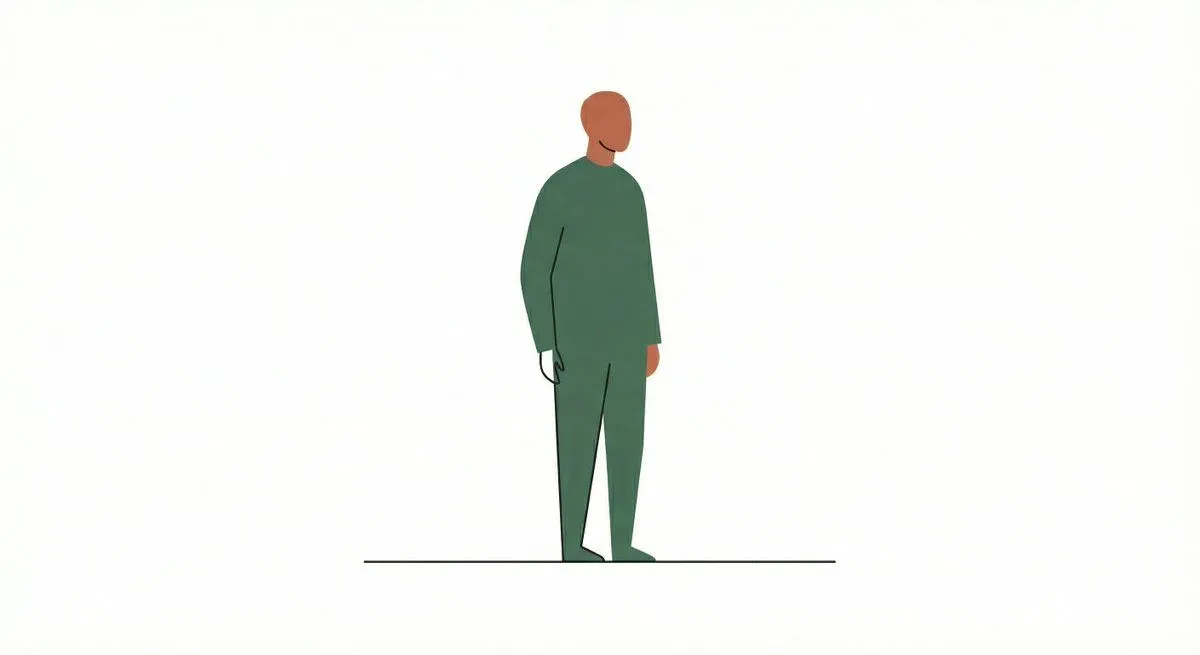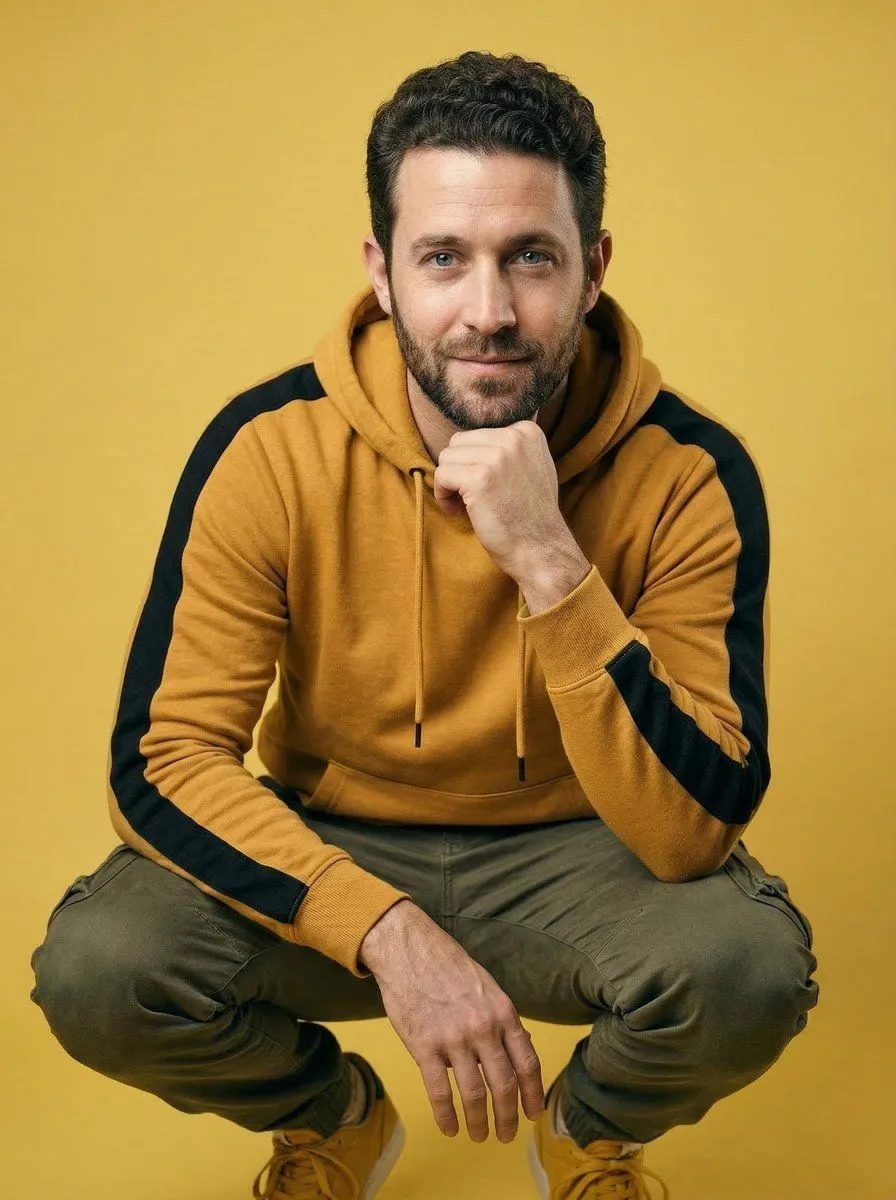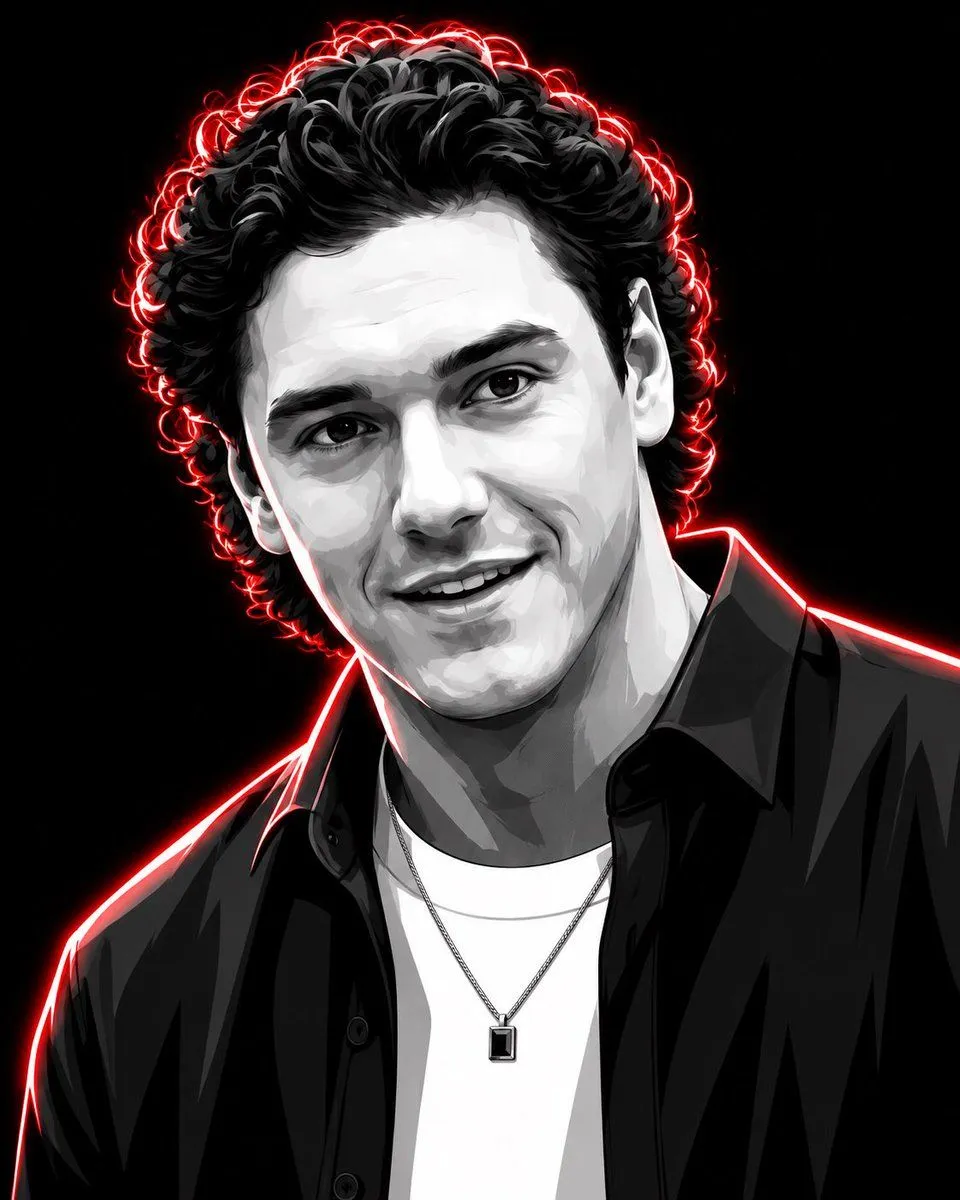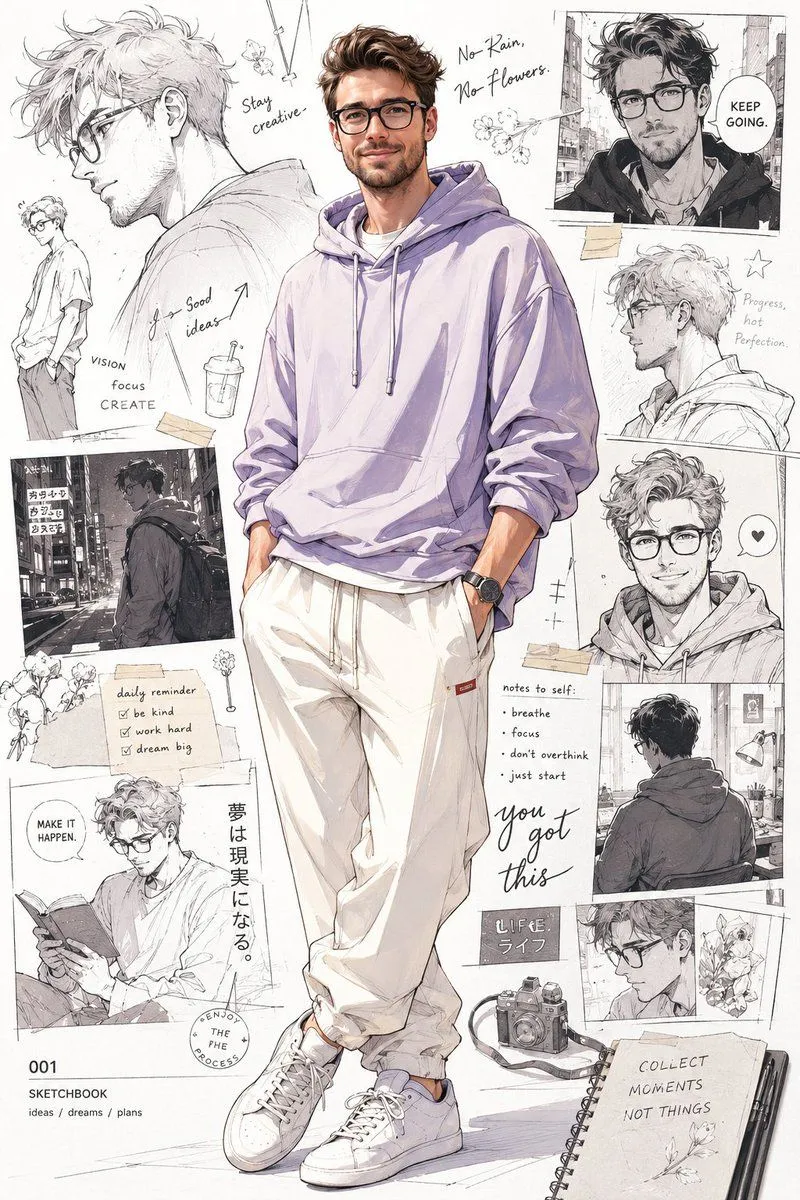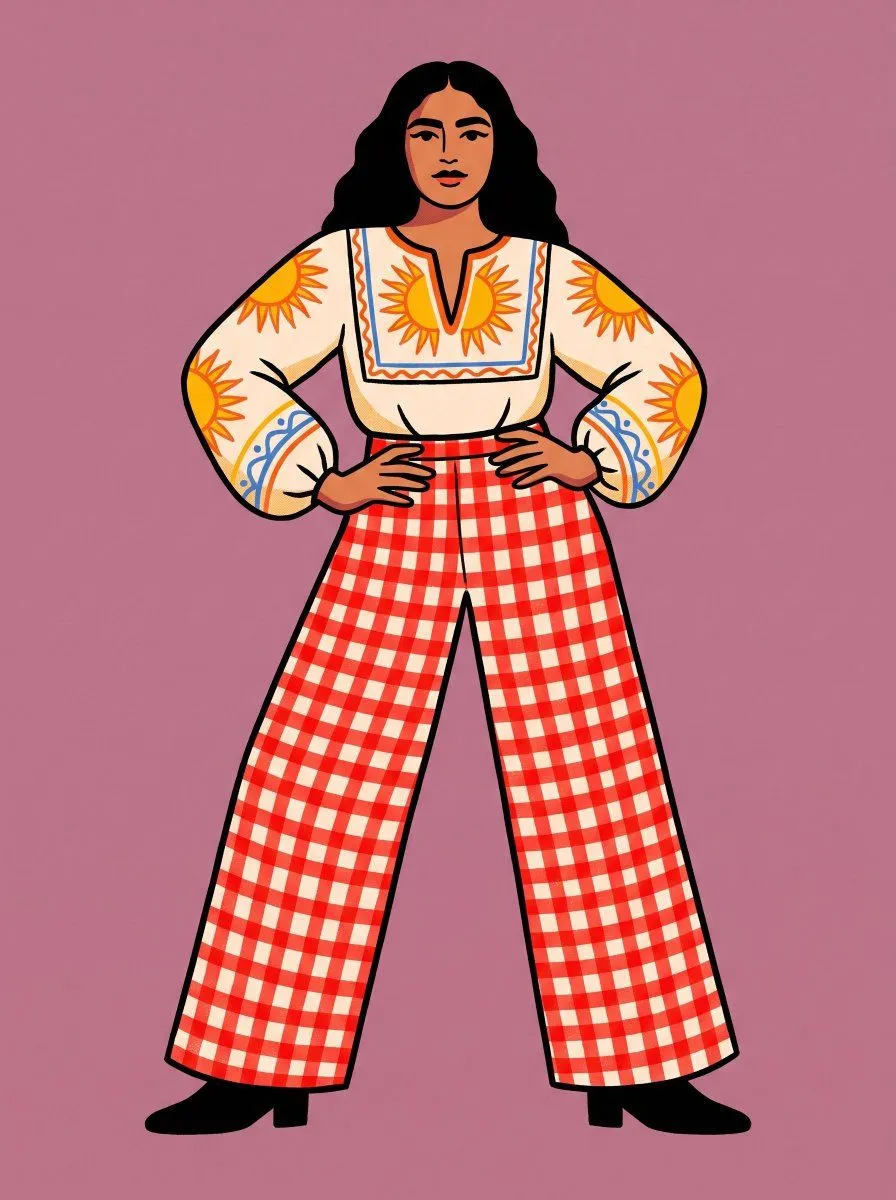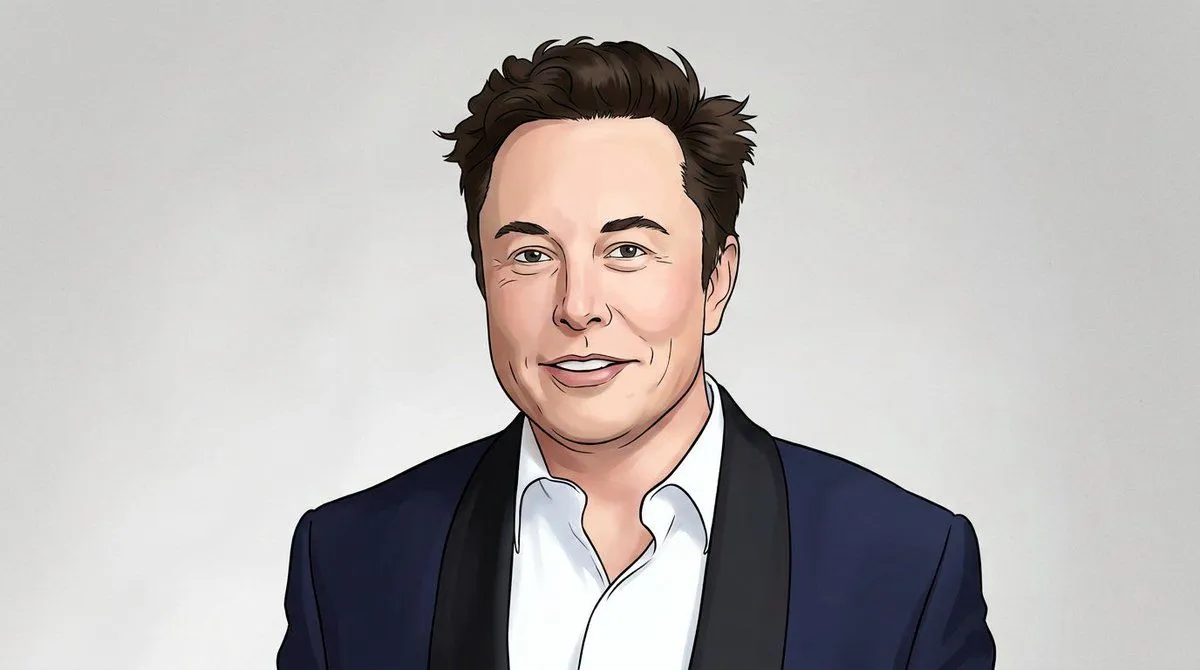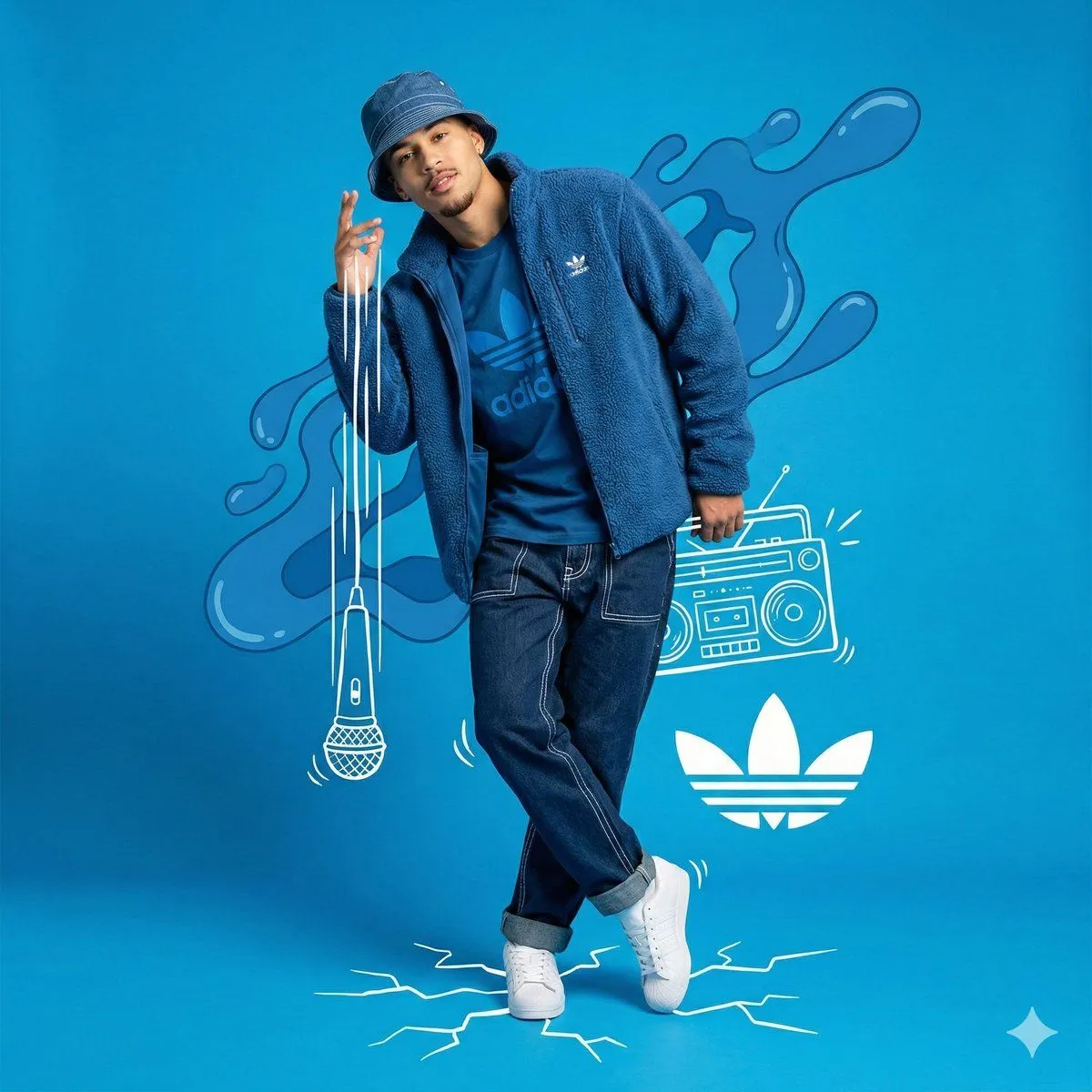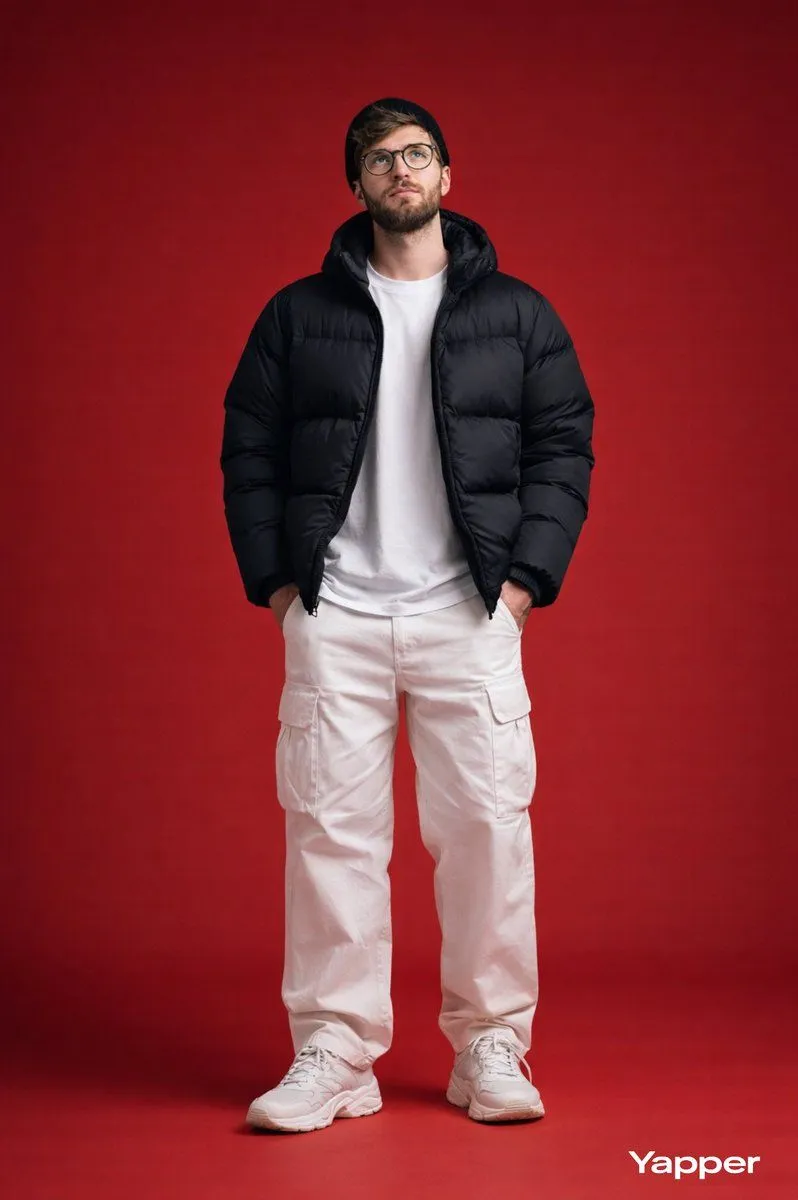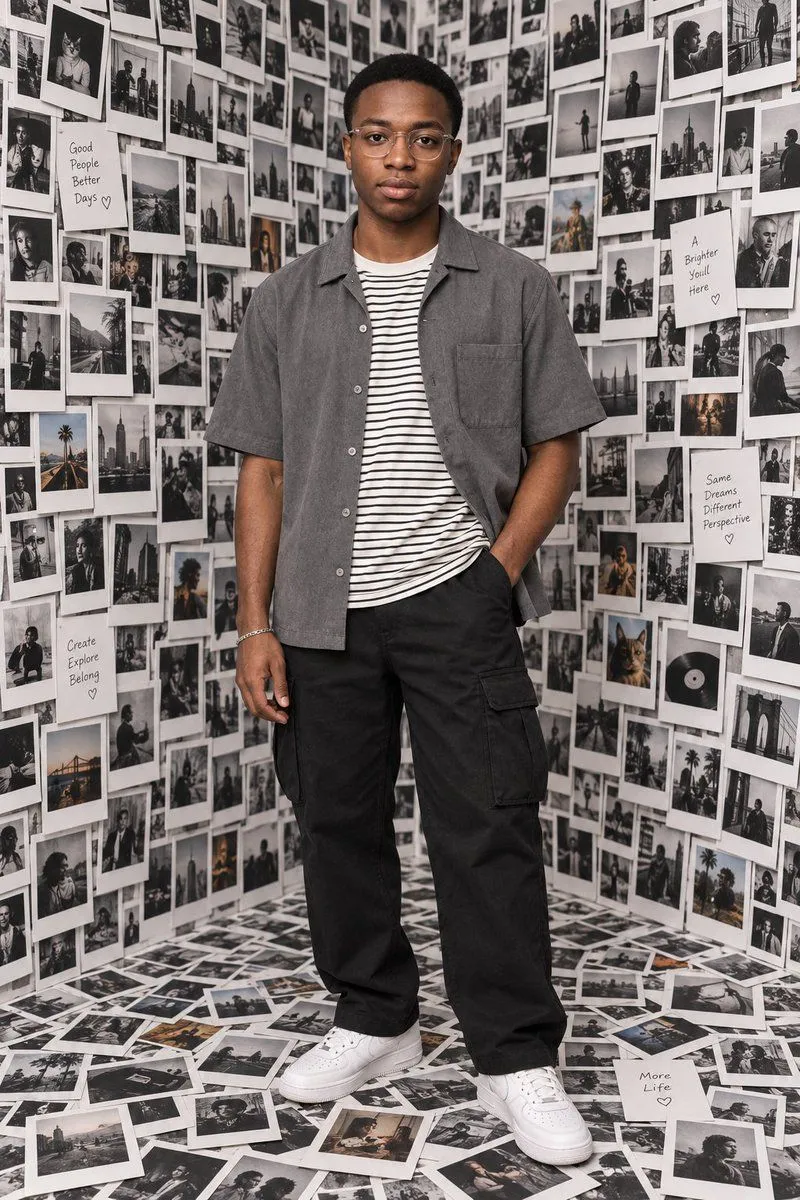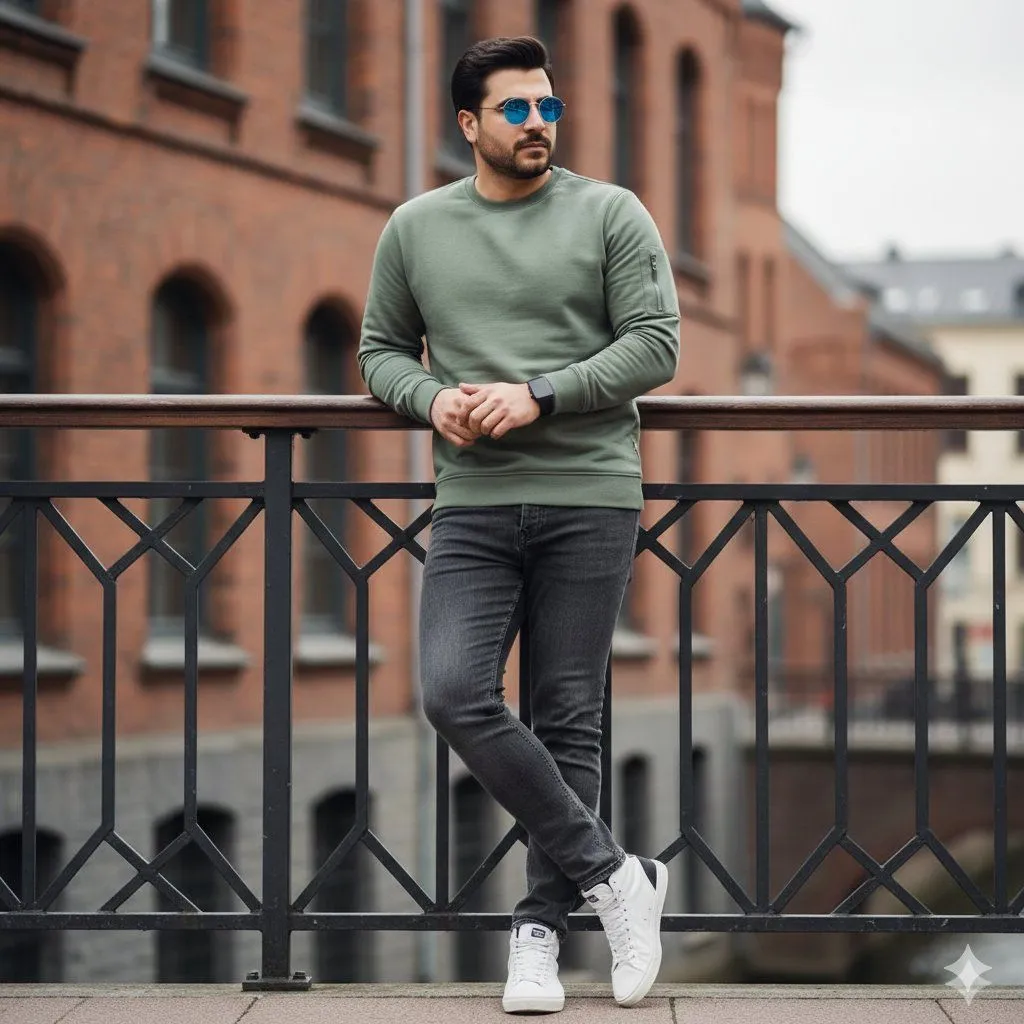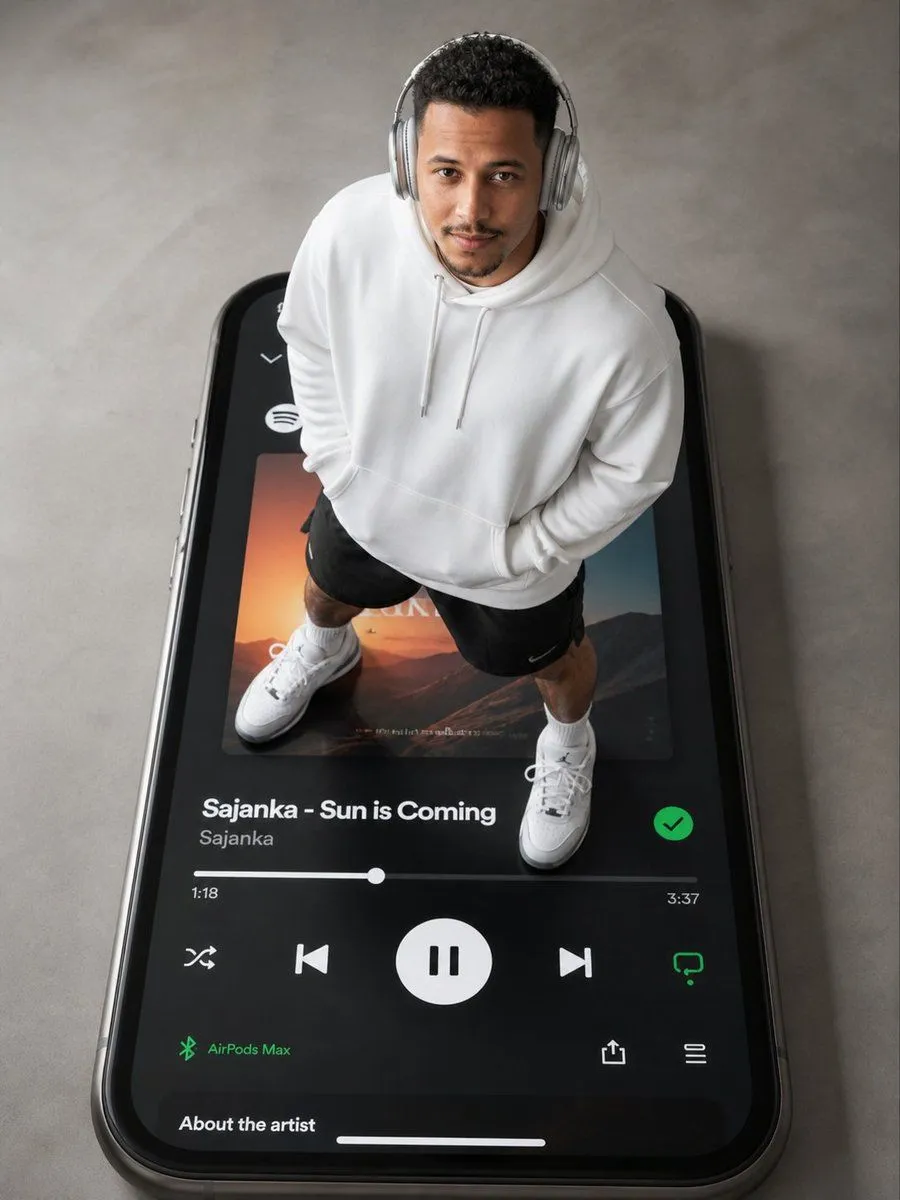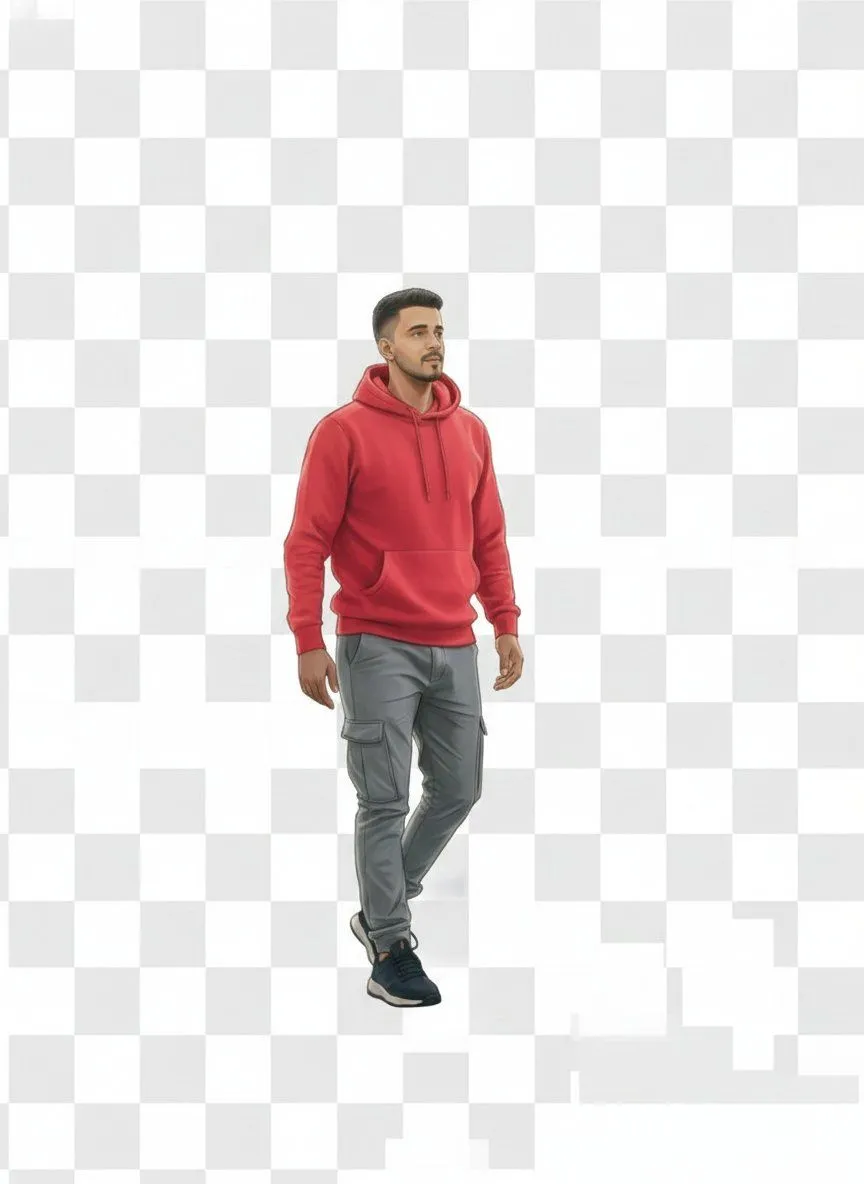
Made with Nano Banana Pro in Gemini, collected by Library Portraits. Promptclay never generates images.
Did it work?
No reports yet. Tell others if it worked for you.
2D Vector Character Illustration from Reference Image
Prompt
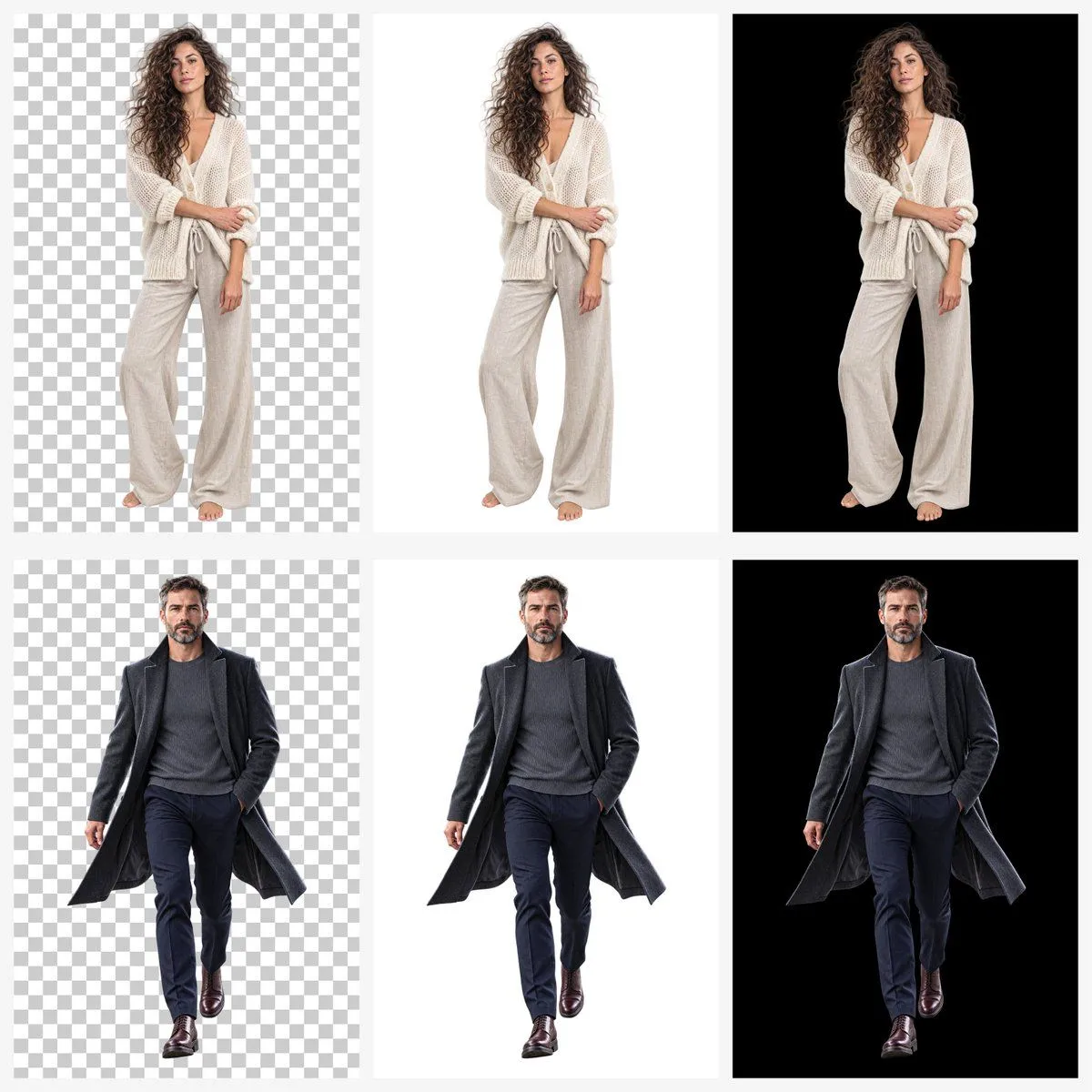
2 blanks to fillCreate a full-body 2D vector-style character illustration with clean lines and smooth flat shading. Accurately study and replicate the original person’s facial structure, body proportions, skin tone, hairstyle, and expression from the uploaded reference image. Match the exact {outfit_details}, keeping the same pose and posture. Style should be {style} with crisp outlines. Output as a high-quality transparent PNG, showing only the character with no background.
Preview of your prompt
Create a full-body 2D vector-style character illustration with clean lines and smooth flat shading. Accurately study and replicate the original person’s facial structure, body proportions, skin tone, hairstyle, and expression from the uploaded reference image. Match the exact outfit, colors, fabric feel, and accessories, keeping the same pose and posture. Style should be modern, minimal, and polished with crisp outlines. Output as a high-quality transparent PNG, showing only the character with no background.
DetailsVersions, settings and questions
Written for
What's in the prompt
- Subject
- Model
- Nano Banana Pro
If your face changes
keep my face exactly the sameQuestions
- Does this work in the Gemini app?
- Yes. Gemini runs Nano Banana, so paste the prompt and attach your photo if it uses one.
- It changed my face. What do I do?
- Add "keep my face exactly the same" to the end and run it again.
- Can I use the images I make?
- Check the terms of the app you use. Promptclay never generates images and claims nothing you make.