Tell us anything

An idea, a bug, something you love. We read every note.

⌘↵ to send. The page you're on comes along.

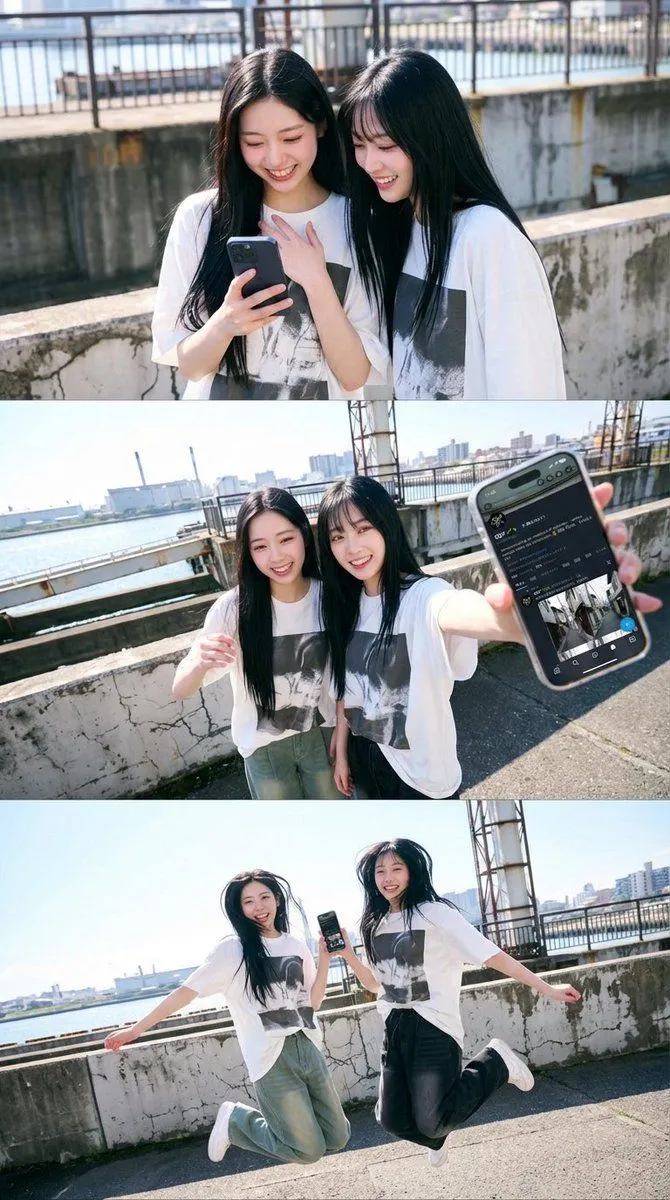
1x3 Grid Phone Motion Edit JSON Prompt

Made with Nano Banana Pro in Gemini by Library Social. Promptclay never generates images.

Did it work?

No reports yet. Tell others if it worked for you.

No comments yet. Be the first.

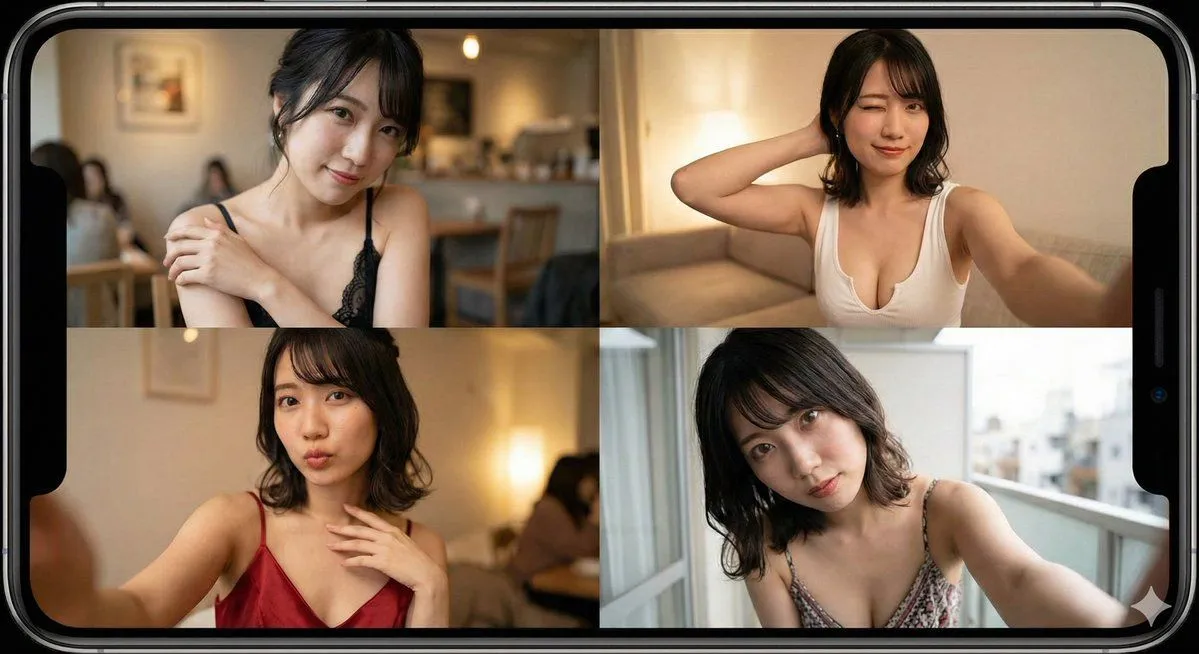
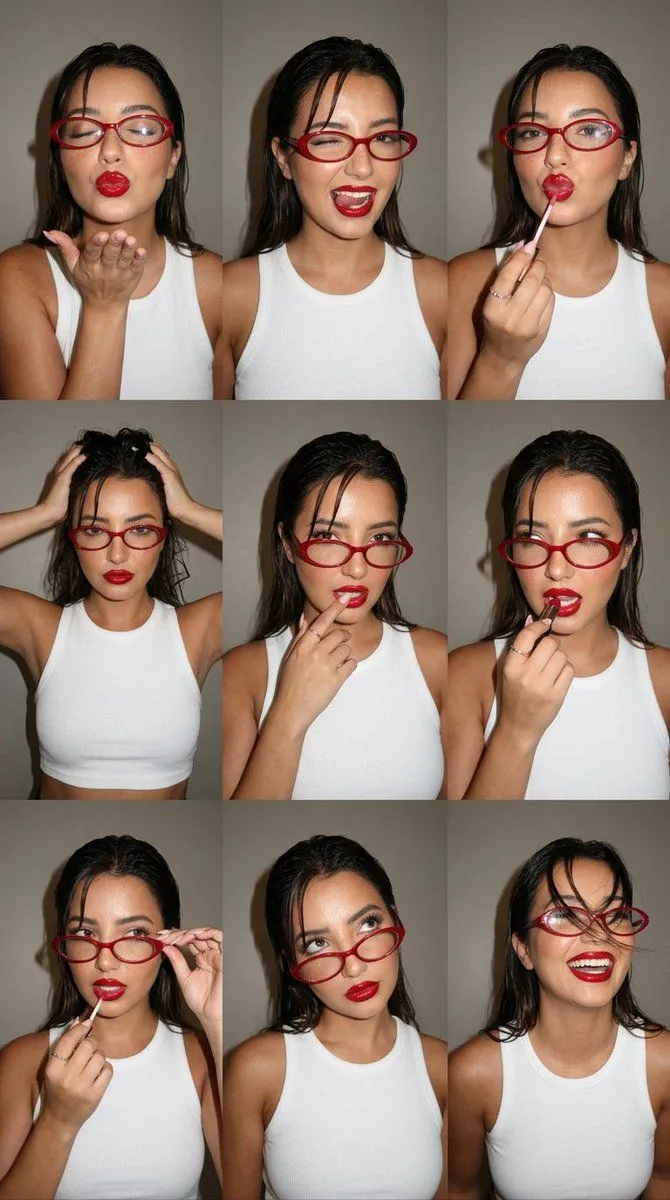
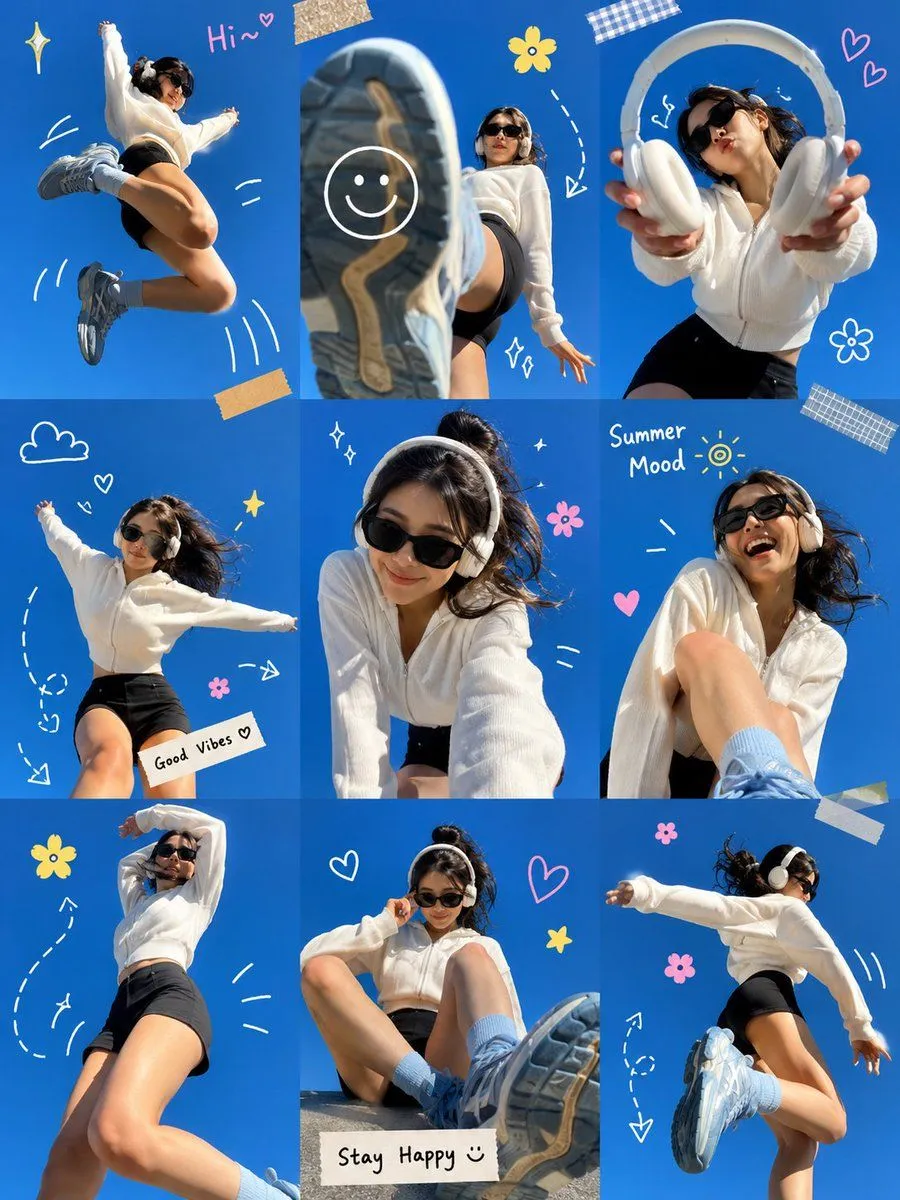
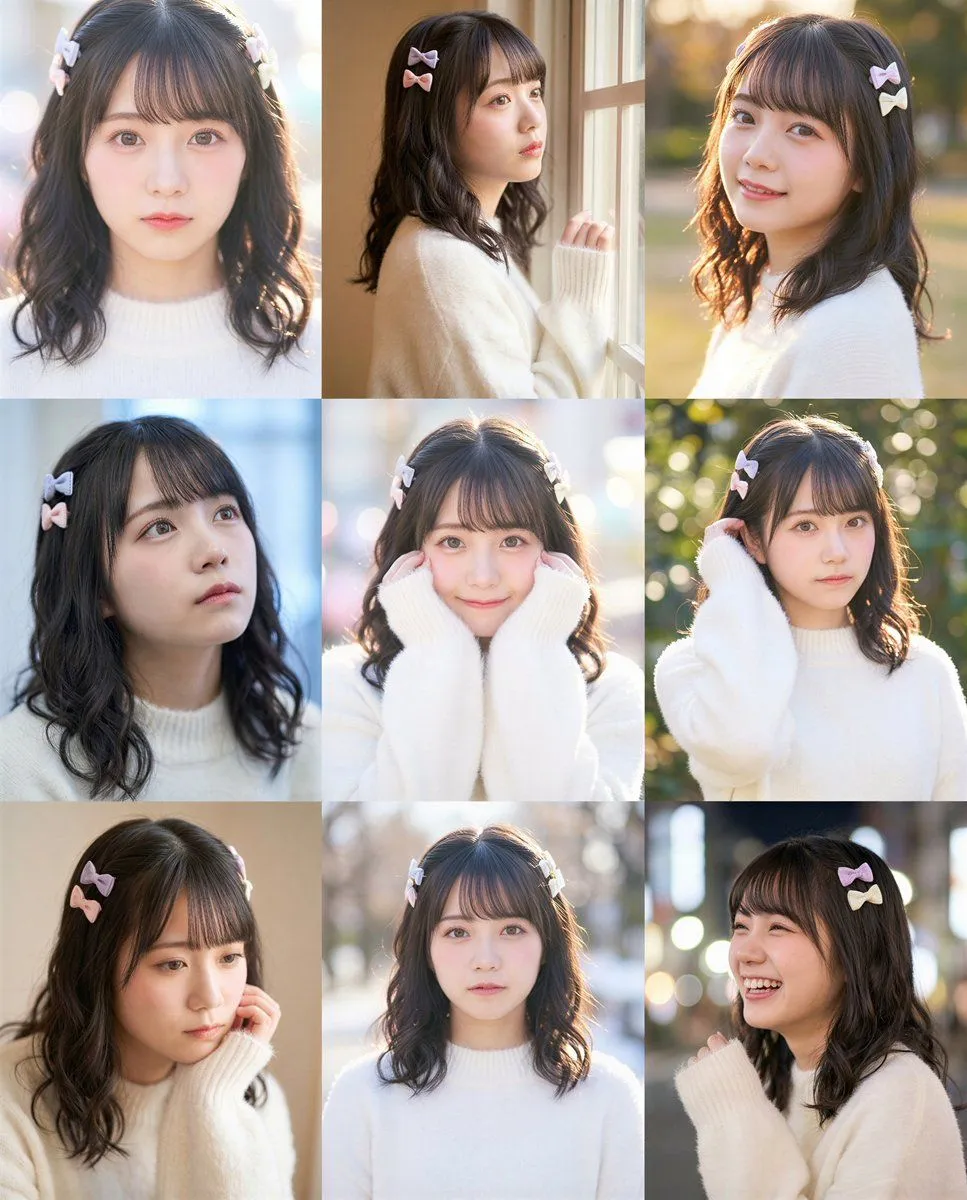
    1x3 Grid Phone Motion Edit JSON Prompt

    Nano Banana Pro9:16AI-generated

    Prompt

    { "layout": { "type": "grid_1x3" }, "global": { "edit_type": "phone_motion_edit", "source": { "mode": "EDIT", "reference_images": { "first": "base_photo_person_and_environment", "second": "screen_content_for_phone" }, "preserve_from_first": { "same_person_or_group": true, "same_faces": true, "same_hairstyles": true, "same_outfits": true, "same_environment_style": true } }, "identity": { "keep_identity_consistent": true, "expression": "bright_natural_smile" }, "phone": { "allowed": true, "holding_styles": [ "one_handed", "two_handed", "near_chest", "near_hip", "tilted", "sideways", "partially_toward_lens" ], "rules": { "each_person_may_hold_one_phone": true, "screen_should_be_naturally_visible": true, "do_not_force_phone_directly_toward_camera": true } }, "screen_replacement": { "use_second_reference_image_as_content": true, "fit_without_distortion": true, "no_ui": true }, "environment": { "preserve_environment_style_from_reference": true, "lighting_consistent_with_reference": true }, "constraints": { "no_new_characters": true, "no_costume_change": true, "no_change_to_reference_location_type": true } }, "panels": [ { "id": "panel_2", "role": "phone_view_soft", "edit": true, "pose": { "pose_can_change": true, "style_tags": ["looking_at_phone", "face_close", "natural_pose"], "focus_on_expressive_hands": true } }, { "id": "panel_3", "role": "phone_forward", "edit": true, "pose": { "pose_can_change": true, "style_tags": ["hand_forward", "phone_front_soft", "arm_extended"], "focus_on_expressive_hands": true }, "camera_effect": { "perspective": "wide_angle", "near_objects_appear_large": true } }, { "id": "panel_4", "role": "jump_cut", "edit": true, "use_preset": "jump_frame" } ], "pose_presets": { "jump_frame": { "pose": { "pose_can_change": true, "style_tags": ["jump", "lively", "mid_air"], "focus_on_expressive_hands": true }, "camera_effect": { "perspective": "wide_angle", "allow_view_from_below": true } } } }

    Works in
    Gemini, ChatGPT
    Status
    Free to copy
    0
    DetailsVersions, settings and questions

    Written for

    What's in the prompt

    Subject
    Model
    Nano Banana Pro

    If your face changes

    keep my face exactly the same

    Questions

    Does this work in the Gemini app?
    Yes. Gemini runs Nano Banana, so paste the prompt and attach your photo if it uses one.
    It changed my face. What do I do?
    Add "keep my face exactly the same" to the end and run it again.
    Can I use the images I make?
    Check the terms of the app you use. Promptclay never generates images and claims nothing you make.
    Similar prompts

    See more
    • Nano Banana Pro 2x2 Grid Phone Screen Replacement JSON Prompt
    • 2x2 Selfie Collage with Playful Poses
    • Prompt for Generating Image Variations from a Base Image
    • Candid Beauty Photo Grid Contact Sheet
    • Gen Z Summer Photo Dump Collage
    • Y2K Korean Girl Collage Editorial
    • 9-grid Instagram portrait variation prompt for Nano Banana Pro
    • Four-Pose Studio Portrait Grid
    • Instagram Profile Grid Aesthetic
    • Virtual Try-On Outfit Transfer
    • CCTV Fashion Street Poster
    • 3x3 Grid Character Consistency Prompt
    • Weekend photo dump grid for Instagram
    • World Cup Children Football Portraits
    • Early 2000s Rom-Com Movie Poster
    • Imagination Coming to Life
    • Man with Zootopia Characters in Alpine Cable Car
    • Multi-Angle Scene Generation Prompt (Oshi no Ko Style)
    • Romantic Rainy City Moment
    • RPG Status Screen Overlay
    • Hand-Carved Wooden Miniature Figure
    • Hyper-Realistic Surreal Horror Portrait
    • Nano Banana Pro Thumbnail Generation Example
    • Stylized Wicker Caricature Figurine

    Show more

    Run it on your phone

    1. Prompt copiedRead it

      { "layout": { "type": "grid_1x3" }, "global": { "edit_type": "phone_motion_edit", "source": { "mode": "EDIT", "reference_images": { "first": "base_photo_person_and_environment", "second": "screen_content_for_phone" }, "preserve_from_first": { "same_person_or_group": true, "same_faces": true, "same_hairstyles": true, "same_outfits": true, "same_environment_style": true } }, "identity": { "keep_identity_consistent": true, "expression": "bright_natural_smile" }, "phone": { "allowed": true, "holding_styles": [ "one_handed", "two_handed", "near_chest", "near_hip", "tilted", "sideways", "partially_toward_lens" ], "rules": { "each_person_may_hold_one_phone": true, "screen_should_be_naturally_visible": true, "do_not_force_phone_directly_toward_camera": true } }, "screen_replacement": { "use_second_reference_image_as_content": true, "fit_without_distortion": true, "no_ui": true }, "environment": { "preserve_environment_style_from_reference": true, "lighting_consistent_with_reference": true }, "constraints": { "no_new_characters": true, "no_costume_change": true, "no_change_to_reference_location_type": true } }, "panels": [ { "id": "panel_2", "role": "phone_view_soft", "edit": true, "pose": { "pose_can_change": true, "style_tags": ["looking_at_phone", "face_close", "natural_pose"], "focus_on_expressive_hands": true } }, { "id": "panel_3", "role": "phone_forward", "edit": true, "pose": { "pose_can_change": true, "style_tags": ["hand_forward", "phone_front_soft", "arm_extended"], "focus_on_expressive_hands": true }, "camera_effect": { "perspective": "wide_angle", "near_objects_appear_large": true } }, { "id": "panel_4", "role": "jump_cut", "edit": true, "use_preset": "jump_frame" } ], "pose_presets": { "jump_frame": { "pose": { "pose_can_change": true, "style_tags": ["jump", "lively", "mid_air"], "focus_on_expressive_hands": true }, "camera_effect": { "perspective": "wide_angle", "allow_view_from_below": true } } } }

    2. Open your app

    3. Paste and run

      Press and hold the message box, then tap Paste. Add your photo first if the prompt uses one. You may need to sign in.

    1x3 Grid Phone Motion Edit JSON Prompt