Tell us anything

An idea, a bug, something you love. We read every note.

⌘↵ to send. The page you're on comes along.

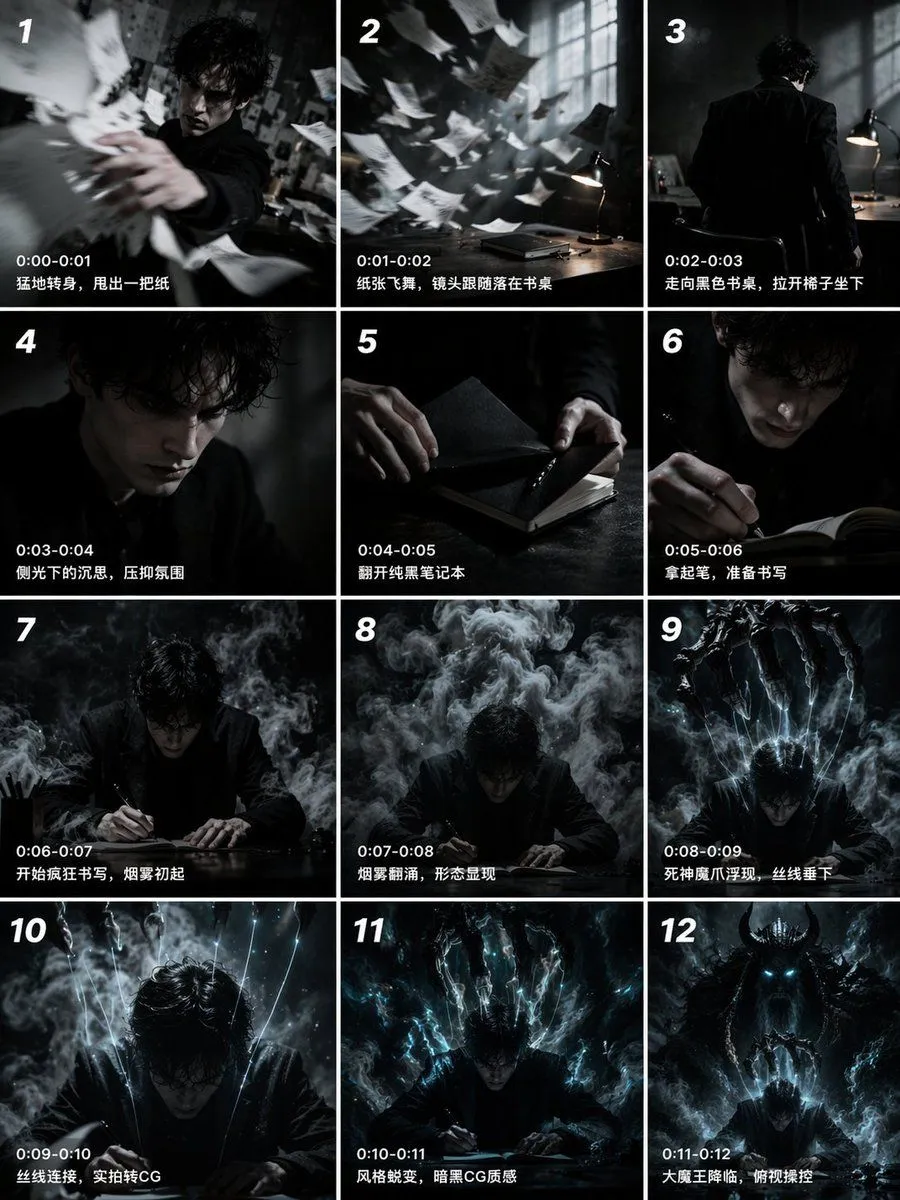
12-Panel Cinematic Storyboard Grid

Made with GPT Image 2 in ChatGPT by Library Anime. Promptclay never generates images.

Did it work?

No reports yet. Tell others if it worked for you.

No comments yet. Be the first.

    12-Panel Cinematic Storyboard Grid

    GPT Image 23:4AI-generated

    Prompt

    { "type": "12-panel cinematic storyboard grid", "style": "{argument name=\"visual style\" default=\"dark cinematic transitioning to dark fantasy CG\"}", "character": "{argument name=\"main character\" default=\"pale young man with messy black hair in a dark suit\"}", "layout": { "columns": 3, "rows": 4, "panel_count": 12 }, "panels": [ { "id": "1", "timestamp": "0:00-0:01", "caption": "猛地转身,甩出一把纸", "visual": "character throwing papers at camera" }, { "id": "2", "timestamp": "0:01-0:02", "caption": "纸张飞舞,镜头跟随落在书桌", "visual": "papers flying in dark room with desk lamp" }, { "id": "3", "timestamp": "0:02-0:03", "caption": "走向黑色书桌,拉开椅子坐下", "visual": "character walking away towards desk" }, { "id": "4", "timestamp": "0:03-0:04", "caption": "侧光下的沉思,压抑氛围", "visual": "close-up of character's face in shadow" }, { "id": "5", "timestamp": "0:04-0:05", "caption": "翻开纯黑笔记本", "visual": "close-up of hands opening a black notebook" }, { "id": "6", "timestamp": "0:05-0:06", "caption": "拿起笔,准备书写", "visual": "close-up of character holding pen over notebook" }, { "id": "7", "timestamp": "0:06-0:07", "caption": "开始疯狂书写,烟雾初起", "visual": "character writing frantically, smoke rising" }, { "id": "8", "timestamp": "0:07-0:08", "caption": "烟雾翻涌,形态显现", "visual": "thick smoke surging around character" }, { "id": "9", "timestamp": "0:08-0:09", "caption": "死神魔爪浮现,丝线垂下", "visual": "skeletal hands emerging above, glowing threads hanging down" }, { "id": "10", "timestamp": "0:09-0:10", "caption": "丝线连接,实拍转CG", "visual": "glowing threads attaching to character's head" }, { "id": "11", "timestamp": "0:10-0:11", "caption": "风格蜕变,暗黑CG质感", "visual": "magical energy, heavy CG fantasy style shift" }, { "id": "12", "timestamp": "0:11-0:12", "caption": "大魔王降临,俯视操控", "visual": "{argument name=\"final entity\" default=\"giant horned demon figure\"} looming behind, controlling character like a puppet" } ] }

    Works in
    ChatGPT, Gemini
    Status
    Free to copy
    0
    DetailsVersions, settings and questions

    Written for

    What's in the prompt

    Subject
    Model
    GPT Image 2

    If your face changes

    keep my face exactly the same

    Questions

    Does this work in the ChatGPT app?
    Yes. Paste the prompt and attach your photo if it uses one.
    It changed my face. What do I do?
    Add "keep my face exactly the same" to the end and run it again.
    Can I use the images I make?
    Check the terms of the app you use. Promptclay never generates images and claims nothing you make.
    Similar prompts

    See more
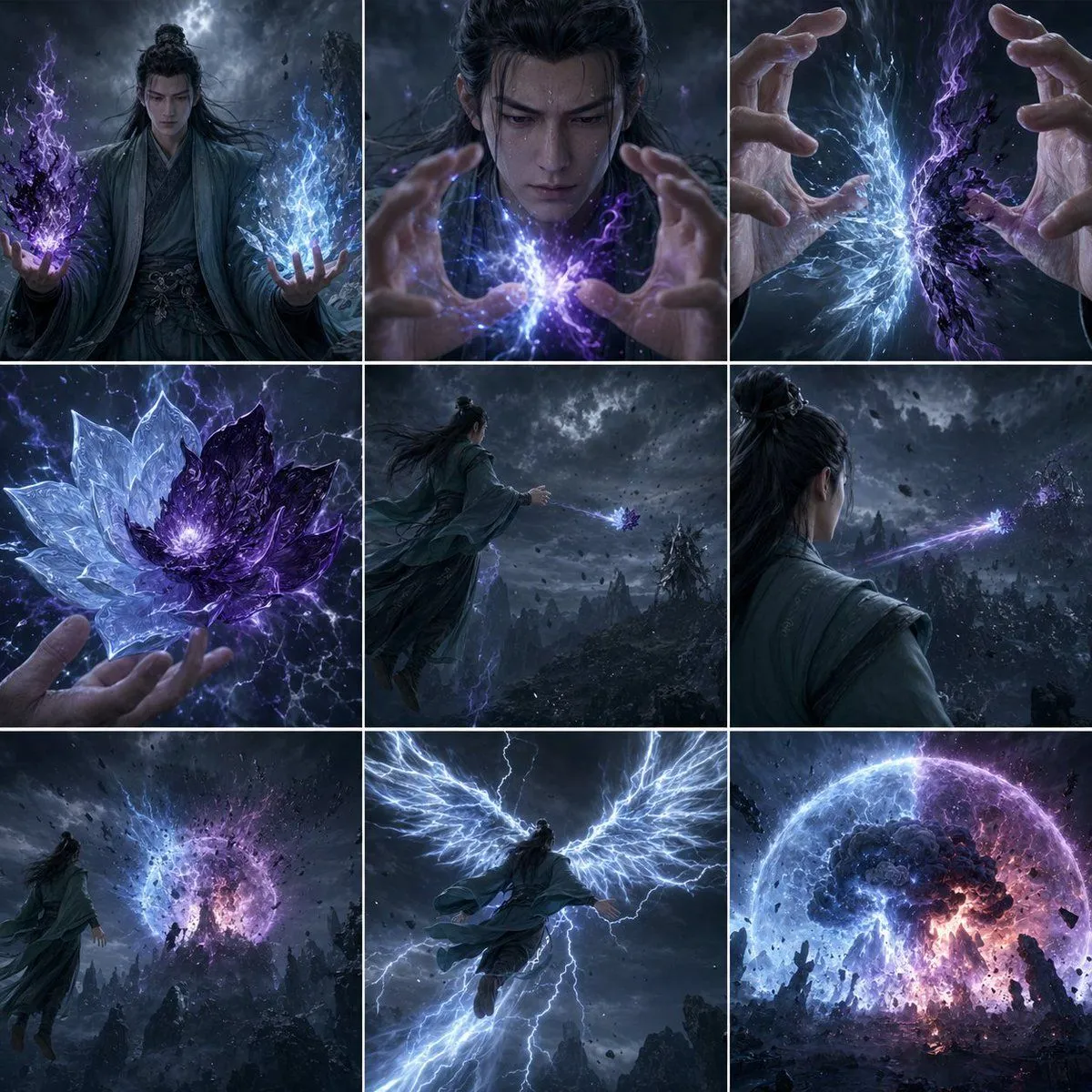
    • Storm Mage Ultimate Attack Storyboard
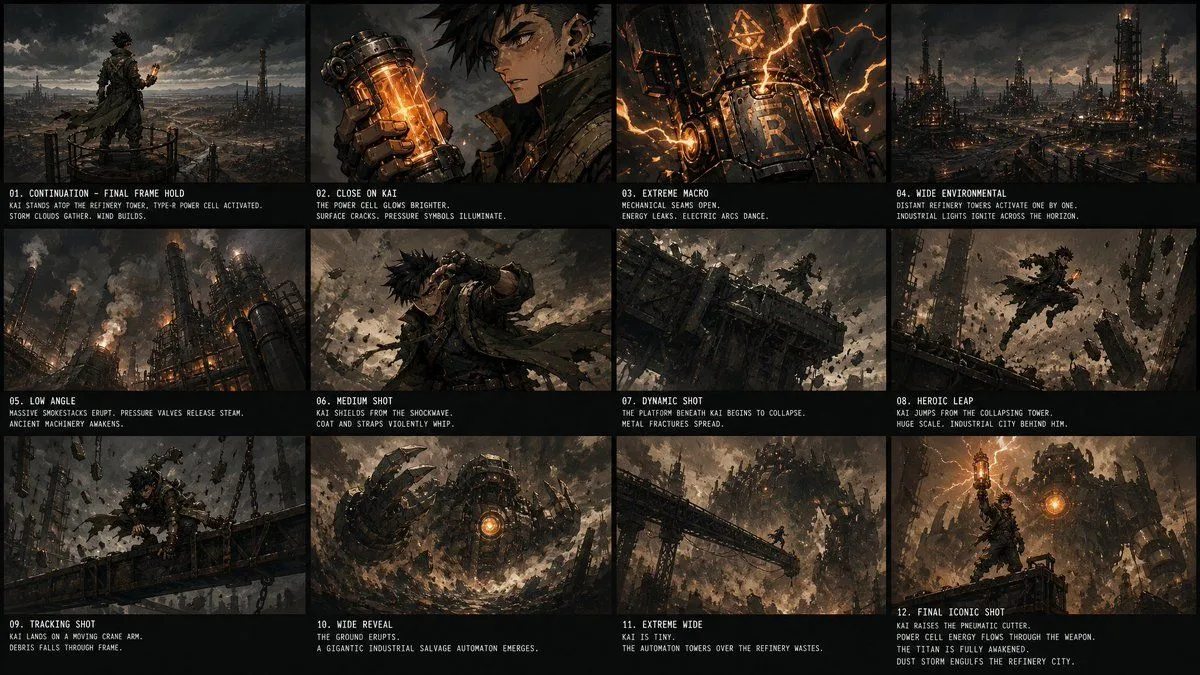
    • Kai Industrial Titan Storyboard
    • Whispers in the Ruin Storyboard
    • Dark Fantasy Worldbuilding Board
    • AI Anime Music Video Storyboard Prompt
    • Six-Panel Cinematic Storyboard Sketch
    • Nano Banana Pro Prompt: Harry Potter Style Slander
    • Nano Banana Pro Prompt: Magical Ministry and Viking
    • Cinematic 12-Panel Timeline of a Subject's Epic Day
    • Spy Thriller Comedy Storyboard Prompt
    • Six-Panel Cinematic Character Variations
    • Cinematic poster with movie characters
    • Japanese Winter Mystery Poster Grid
    • Cinematic 2x2 Grid Portrait with Consistent Identity
    • Snowy Japanese Film Poster Grid
    • Chinese Calligraphy Dark Fantasy Poster
    • Dark LINE AI Assistant Chat Screenshot
    • Anonymous Blue Tech Thumbnail
    • Melancholic Storm Editorial Fashion
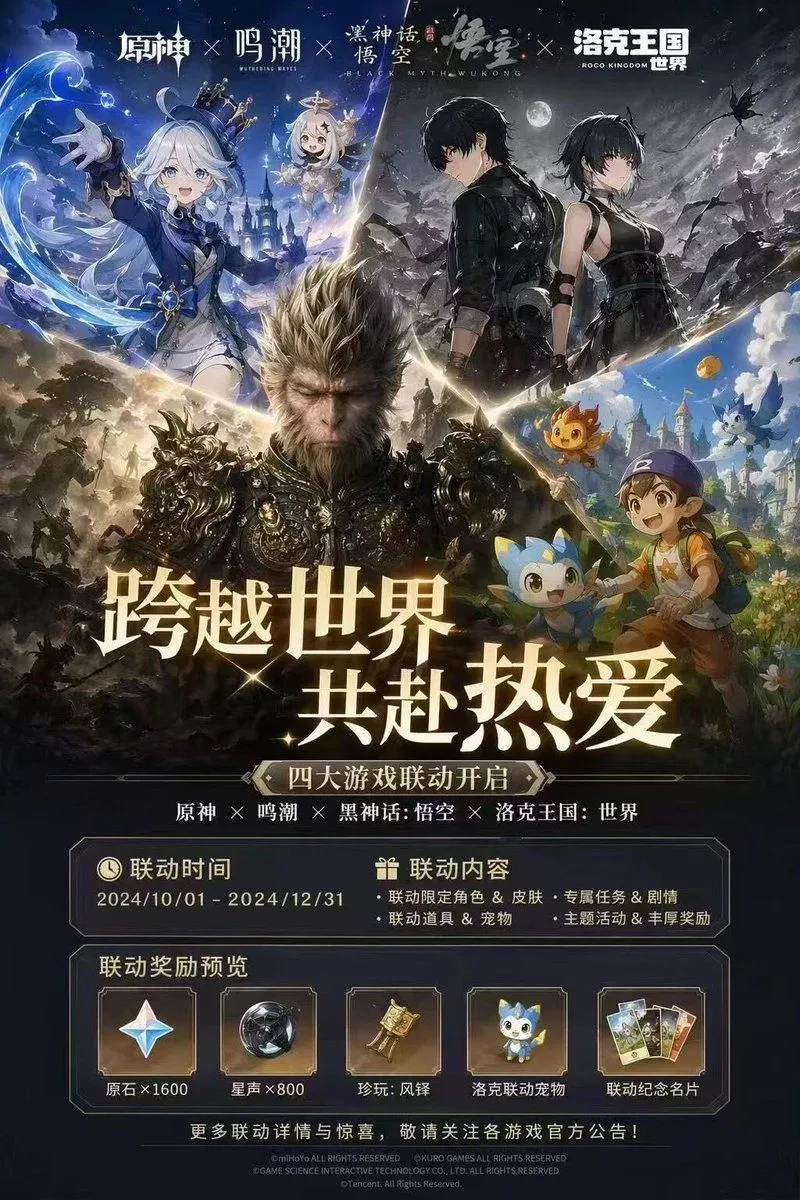
    • Four-Game Crossover Event Promo Poster
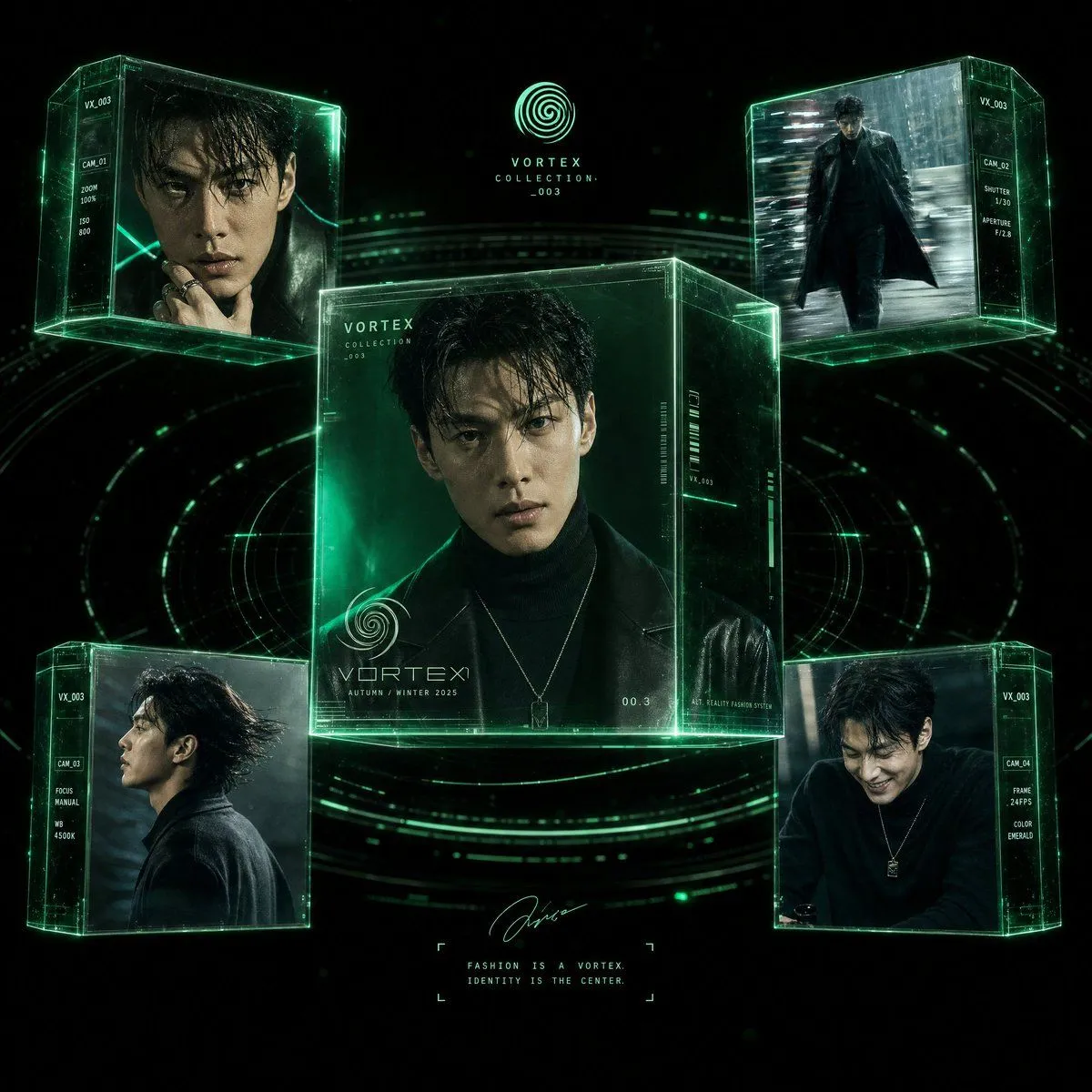
    • Futuristic Fashion Editorial Poster
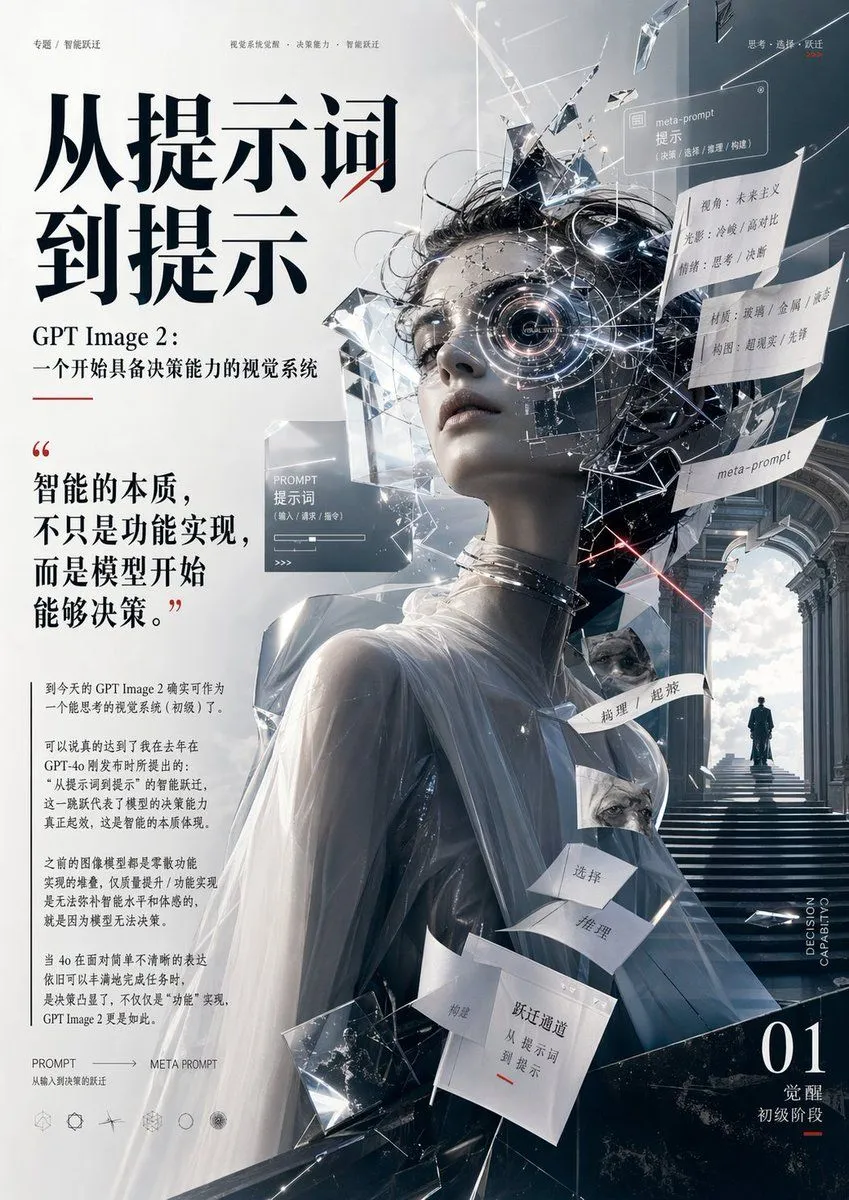
    • Futuristic AI Editorial Poster
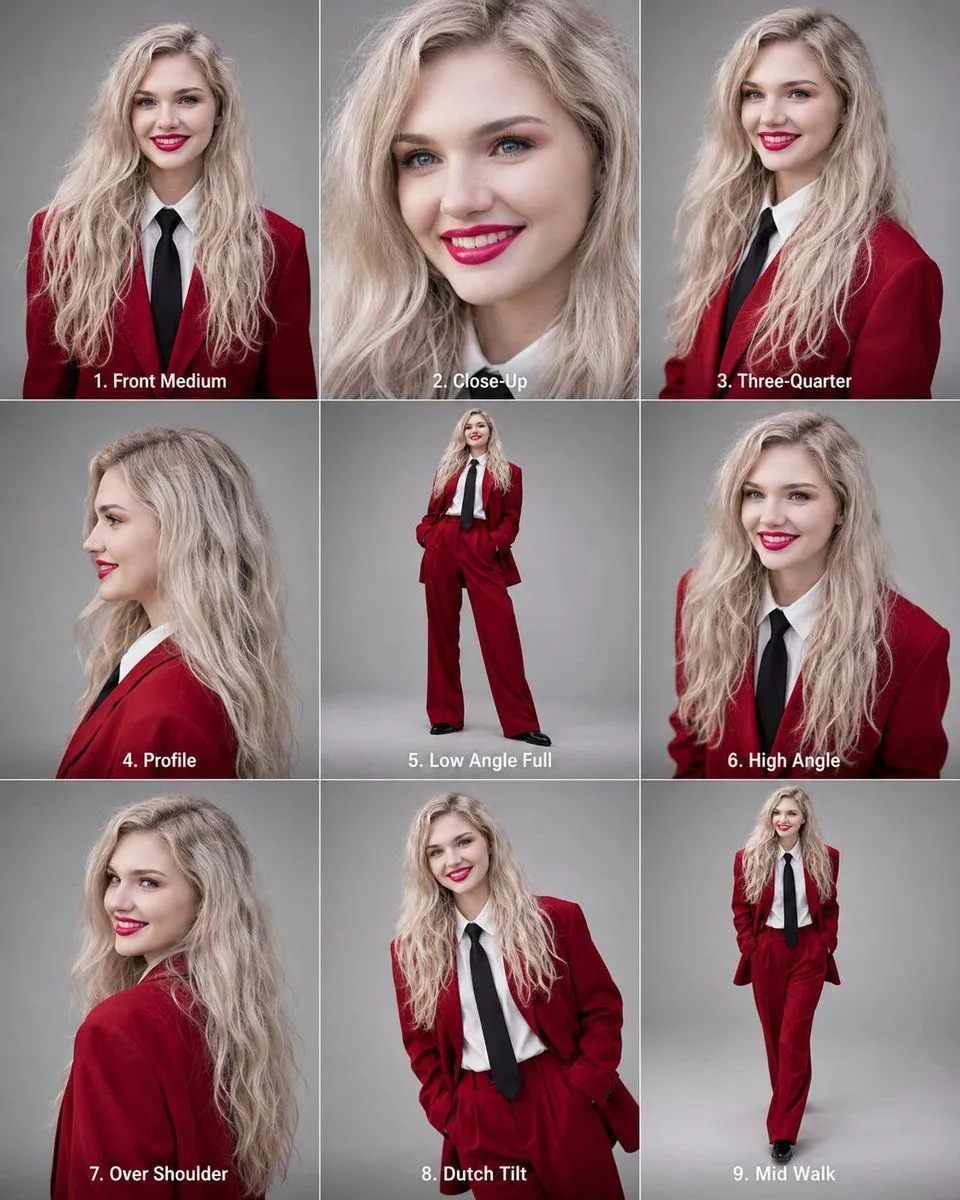
    • Editorial 3x3 Angle Reference Sheet
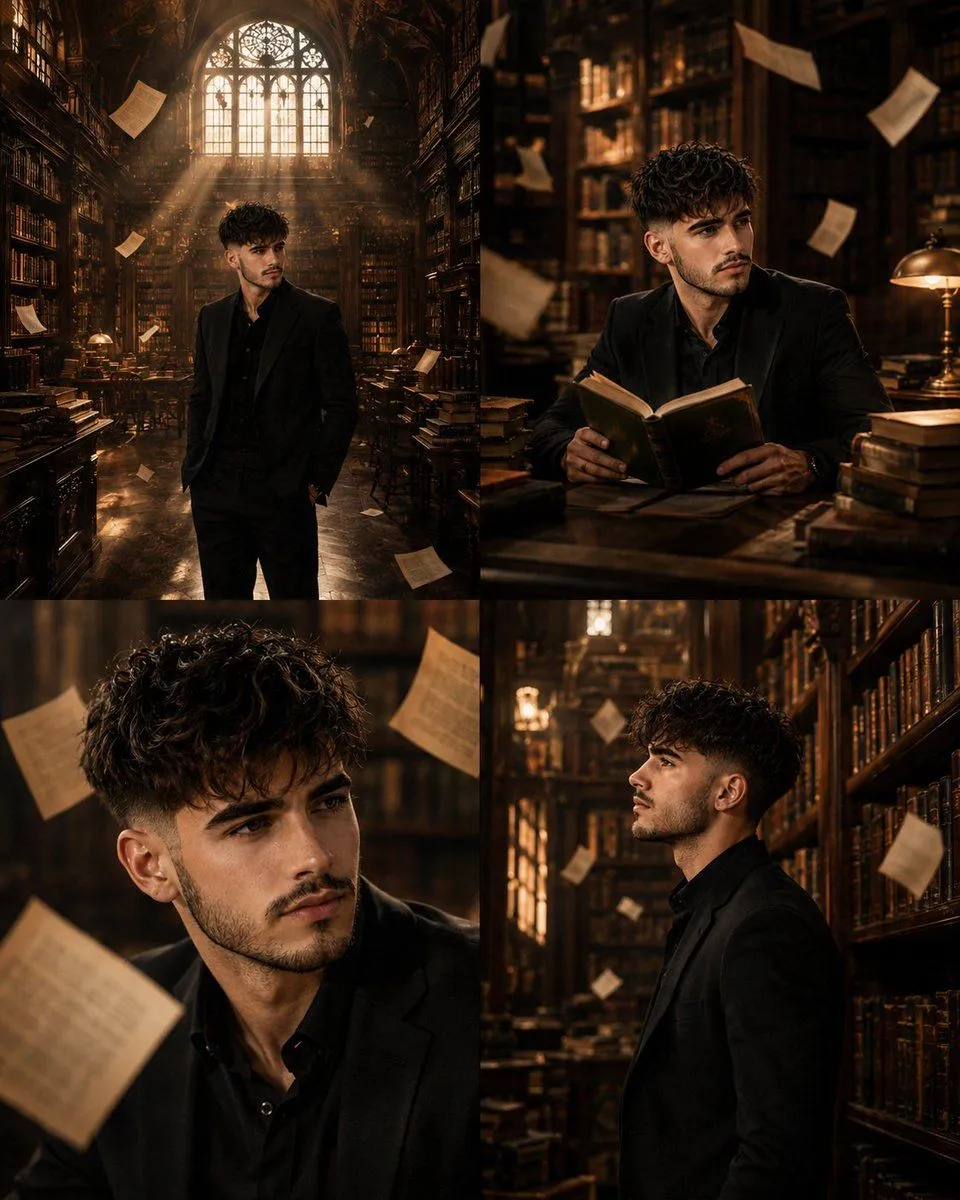
    • Surreal Library Multi-Angle Portrait

    Show more

    Run it on your phone

    1. Prompt copiedRead it

      { "type": "12-panel cinematic storyboard grid", "style": "{argument name=\"visual style\" default=\"dark cinematic transitioning to dark fantasy CG\"}", "character": "{argument name=\"main character\" default=\"pale young man with messy black hair in a dark suit\"}", "layout": { "columns": 3, "rows": 4, "panel_count": 12 }, "panels": [ { "id": "1", "timestamp": "0:00-0:01", "caption": "猛地转身,甩出一把纸", "visual": "character throwing papers at camera" }, { "id": "2", "timestamp": "0:01-0:02", "caption": "纸张飞舞,镜头跟随落在书桌", "visual": "papers flying in dark room with desk lamp" }, { "id": "3", "timestamp": "0:02-0:03", "caption": "走向黑色书桌,拉开椅子坐下", "visual": "character walking away towards desk" }, { "id": "4", "timestamp": "0:03-0:04", "caption": "侧光下的沉思,压抑氛围", "visual": "close-up of character's face in shadow" }, { "id": "5", "timestamp": "0:04-0:05", "caption": "翻开纯黑笔记本", "visual": "close-up of hands opening a black notebook" }, { "id": "6", "timestamp": "0:05-0:06", "caption": "拿起笔,准备书写", "visual": "close-up of character holding pen over notebook" }, { "id": "7", "timestamp": "0:06-0:07", "caption": "开始疯狂书写,烟雾初起", "visual": "character writing frantically, smoke rising" }, { "id": "8", "timestamp": "0:07-0:08", "caption": "烟雾翻涌,形态显现", "visual": "thick smoke surging around character" }, { "id": "9", "timestamp": "0:08-0:09", "caption": "死神魔爪浮现,丝线垂下", "visual": "skeletal hands emerging above, glowing threads hanging down" }, { "id": "10", "timestamp": "0:09-0:10", "caption": "丝线连接,实拍转CG", "visual": "glowing threads attaching to character's head" }, { "id": "11", "timestamp": "0:10-0:11", "caption": "风格蜕变,暗黑CG质感", "visual": "magical energy, heavy CG fantasy style shift" }, { "id": "12", "timestamp": "0:11-0:12", "caption": "大魔王降临,俯视操控", "visual": "{argument name=\"final entity\" default=\"giant horned demon figure\"} looming behind, controlling character like a puppet" } ] }

    2. Open your app

      This prompt is long, so it is copied instead of sent in the link. Paste it in the app.

    3. Paste and run

      Press and hold the message box, then tap Paste. Add your photo first if the prompt uses one. You may need to sign in.

    12-Panel Cinematic Storyboard Grid